
User Manual
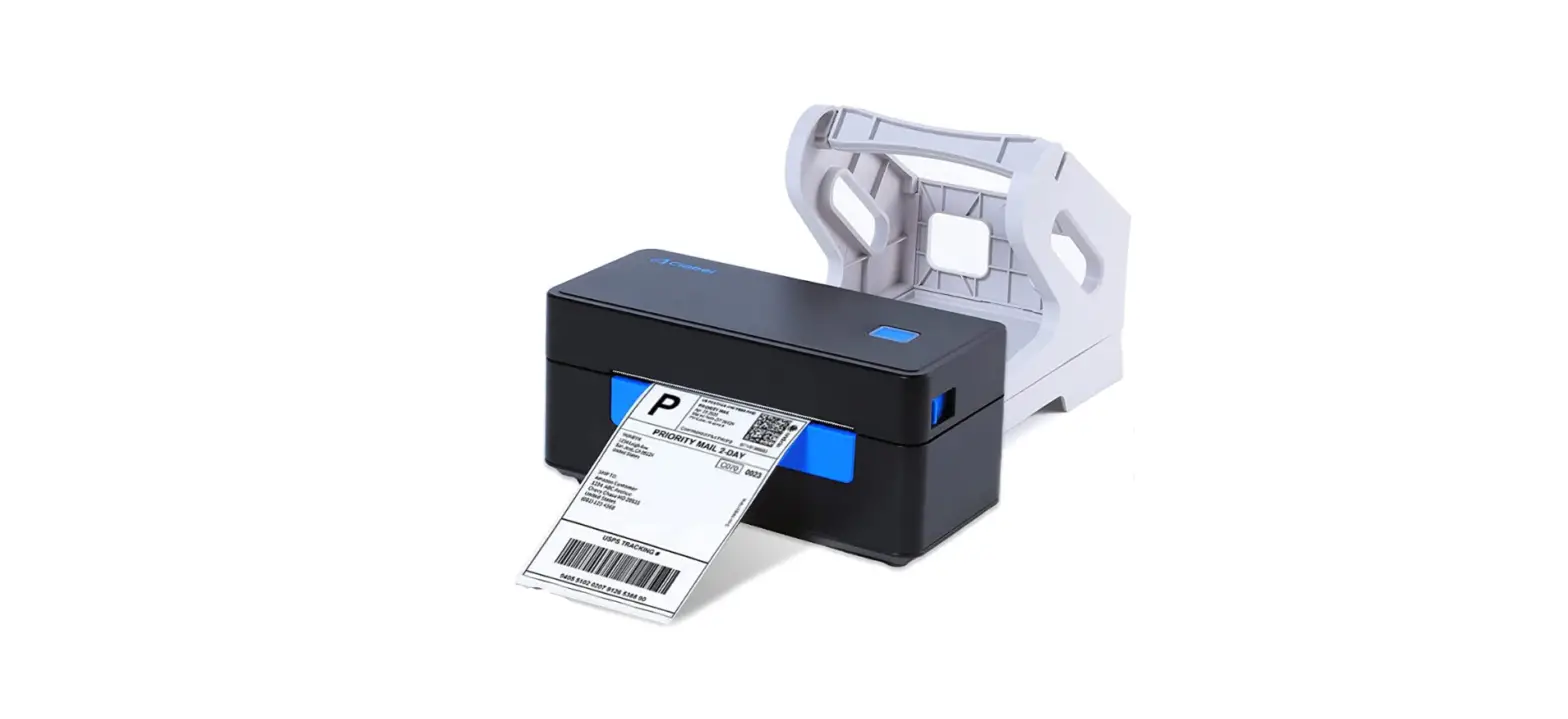
CT230B
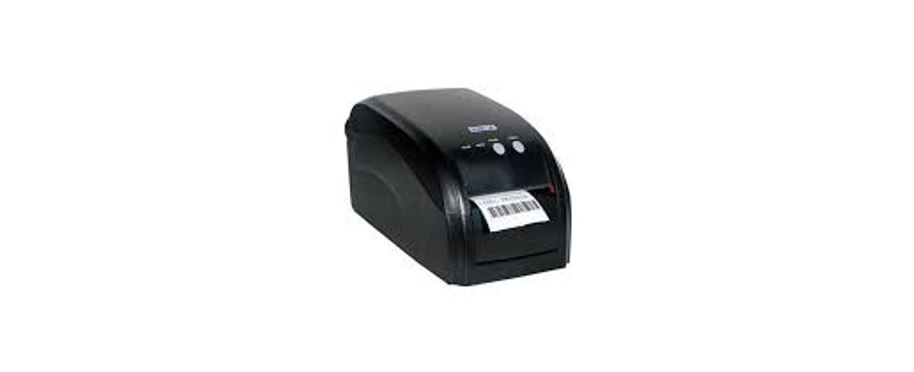
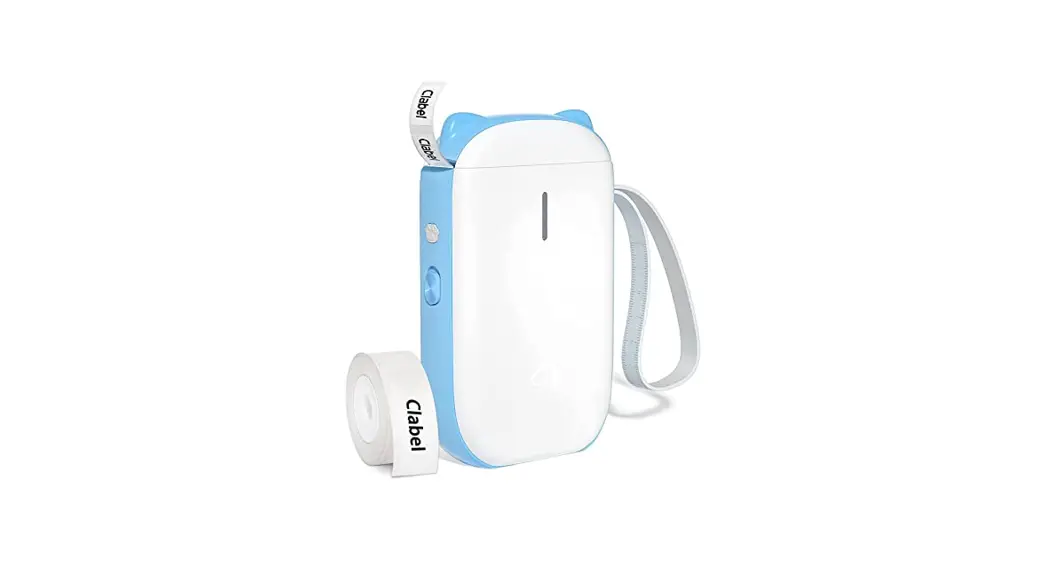
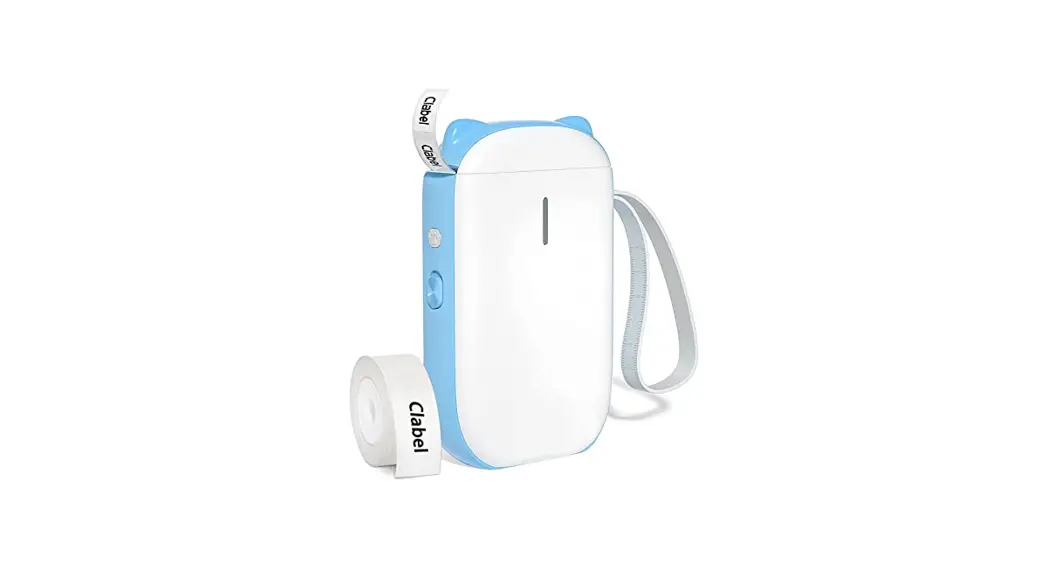
Lable Printer
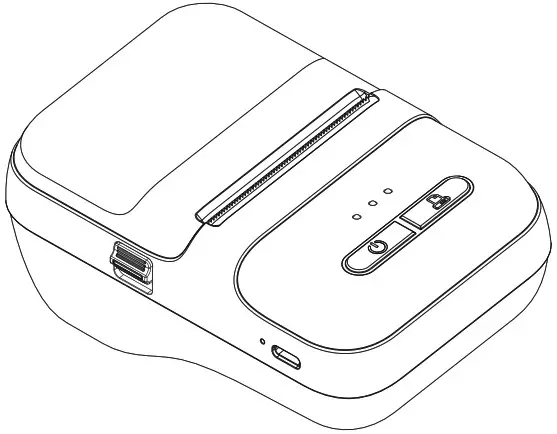
Please read this user manual guide carefully
before operating the product.
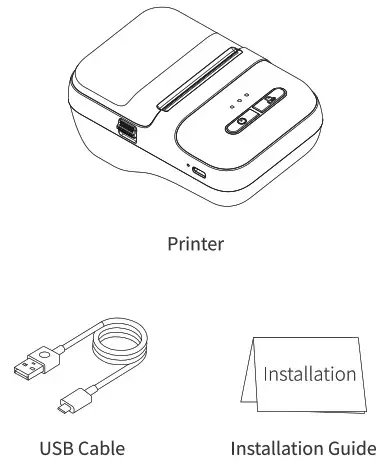
Packing List
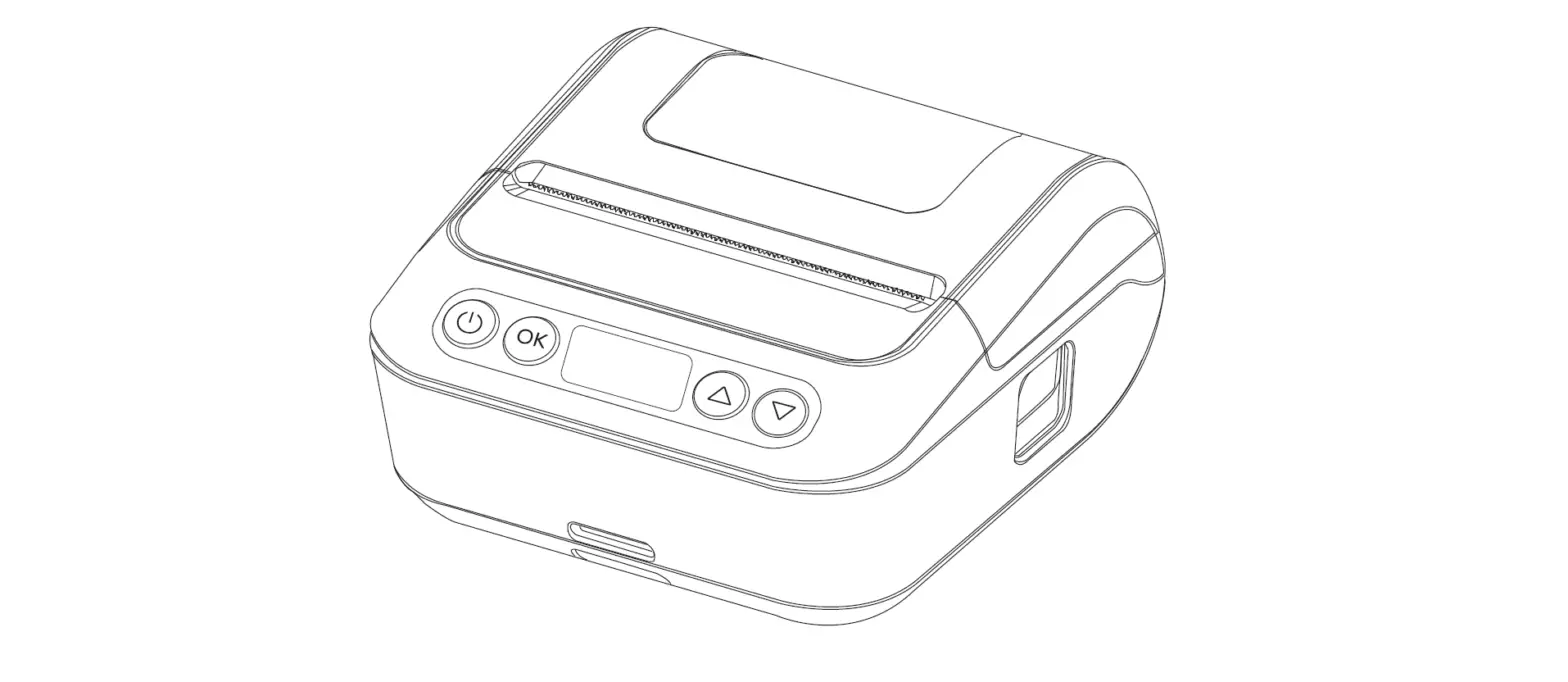
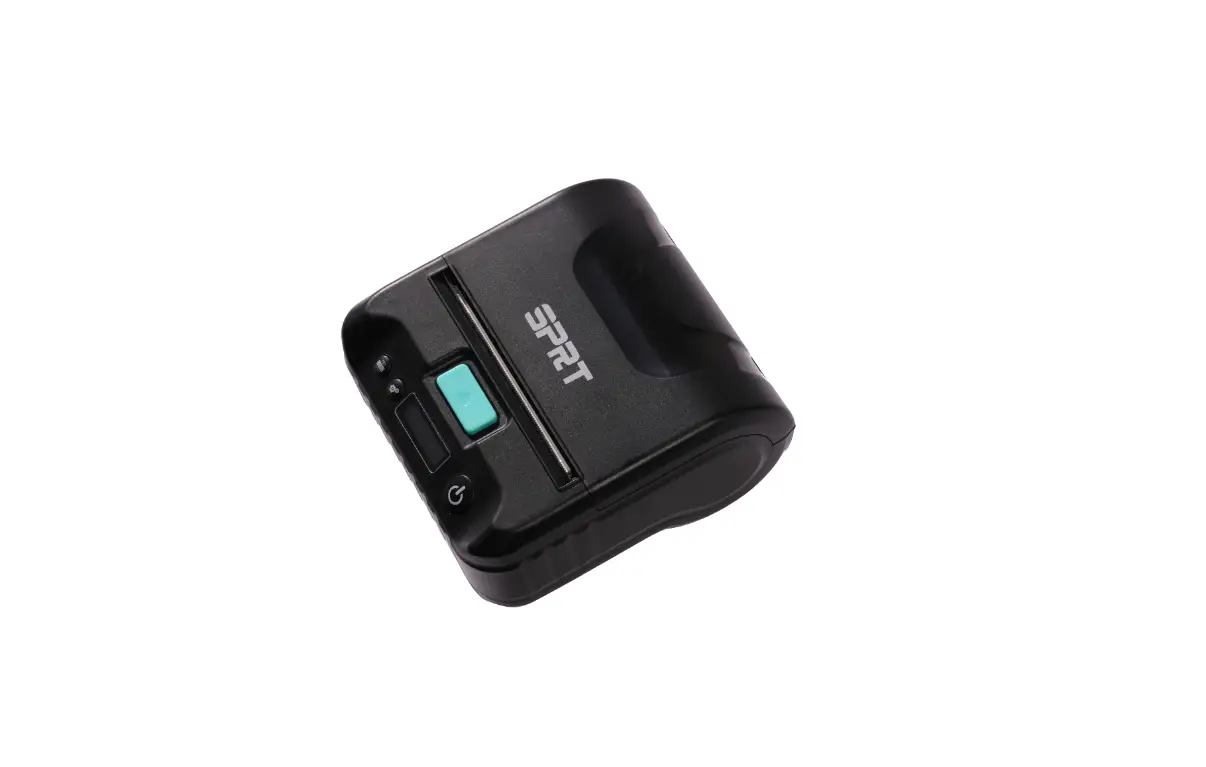
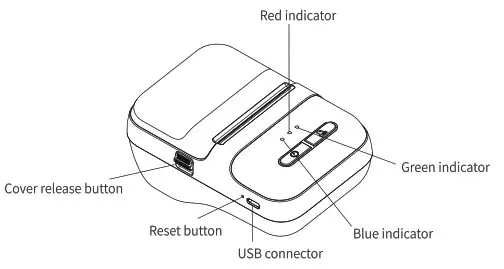
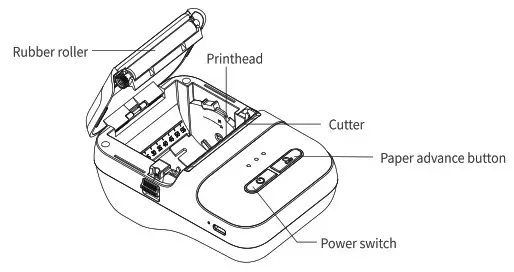
Appearance Component
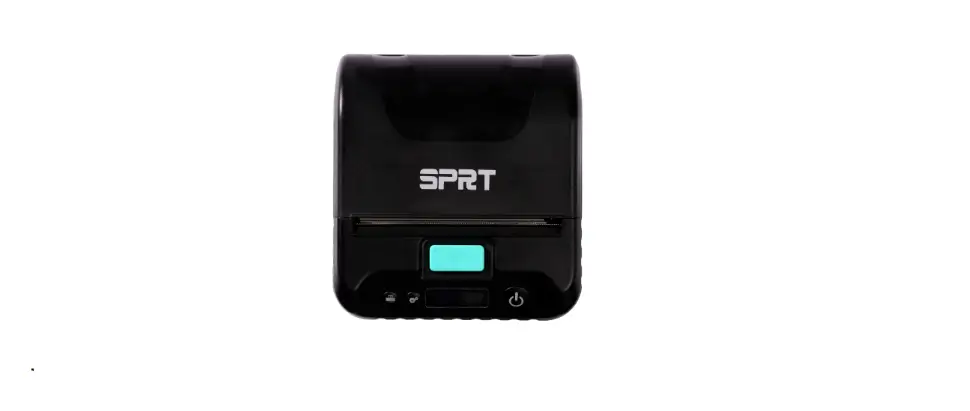
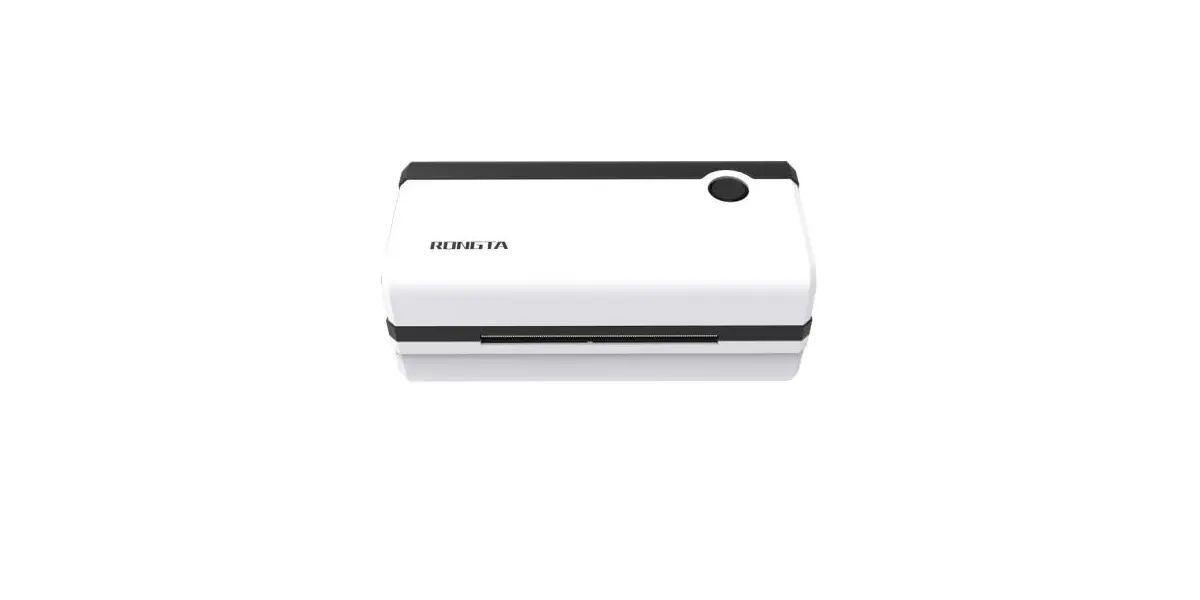
Front view
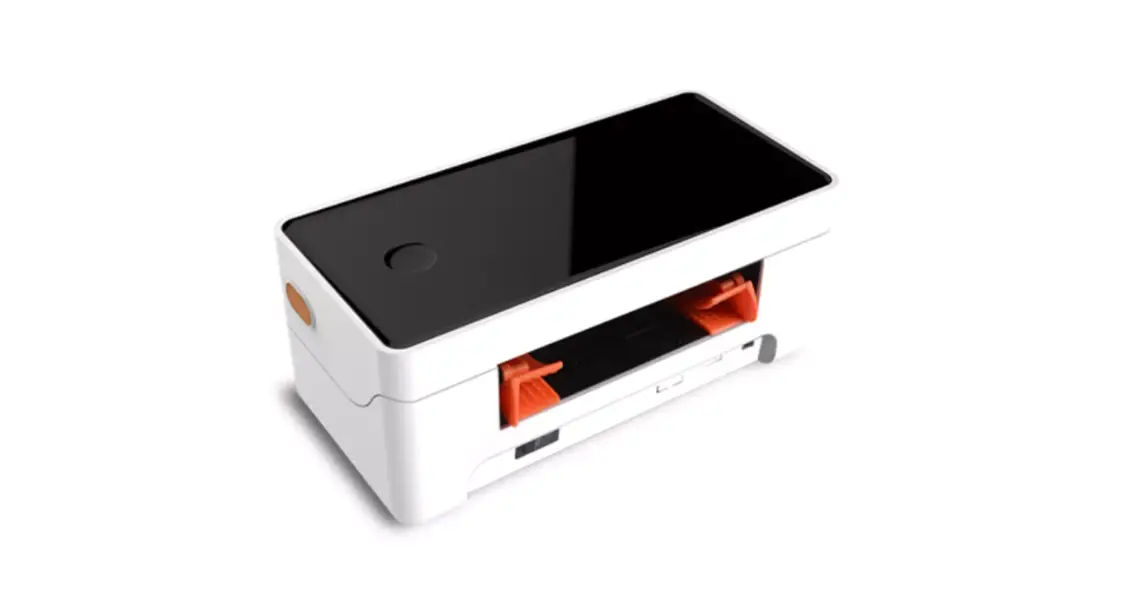
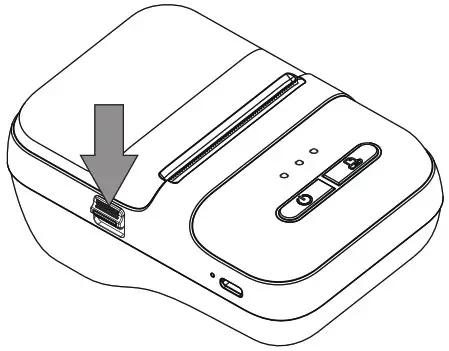
Open the top cover
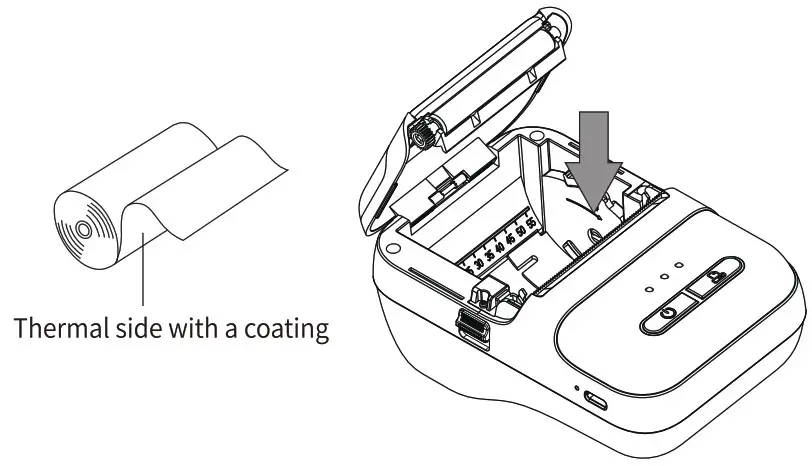
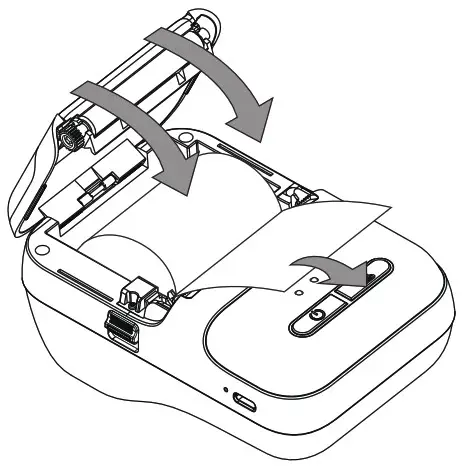
Paper Roll Loading
- Open the top cover by pressing the cover release button.

- Load the paper roll as shown in the figure below.

- Pull the paper forward, and close the top cover.
Make sure both sides of the cover are closed properly.
Function Description
Label mode
| Power switch | Paper advance button | Function description |
| Press and hold for 2 seconds | X | Power ON/Off |
| Double-click | X | Print self-test page |
| X | click | Advance a piece of paper |
| X | click | Pause/continue printing |
| X | Press and hold | Test (printing self-test pages for positioning accuracy) |
| click | click | Switch to Label mode/Receipt mode 2 |
Bill mode
| Power switch | Paper advance button | Function description |
| Press and hold for 2 seconds | X | Power ON/Off |
| Double-click | X | Print self-test page |
| X | click | Advance paper by 10 mm |
| X | Double-click | Advance paper until release |
| click | click | Switch to Label mode/Receipt mode |
Description Of Indicator Lights
| Blue | Red | green | Indication status |
| Slow flash | X | X | Bluetooth unconnected |
| Normally ON | X | X | Bluetooth connected |
| Flashing | X | X | Overheat/Low battery |
| X | Normally ON | X | Charging |
| X.. | X | Normally ON | Fully charged. |
Mobile Phone Printing Instruction
Download and install the “Clabel trade” APP.
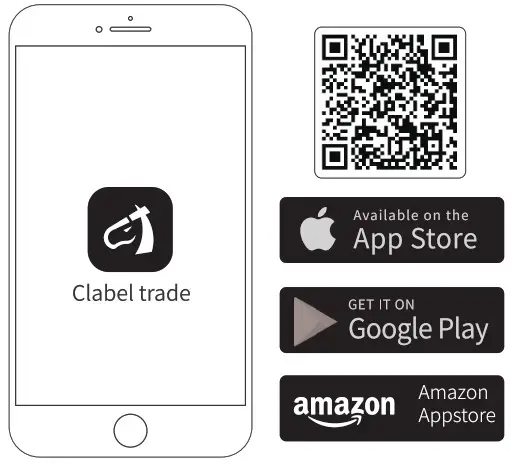
https://ga.ctaiot.com/app/downcode.html
Computer Printing Instruction
- Computer login:
https://ga.ctaiot.com/pc - Follow the prompts to complete the installation
Common Problem
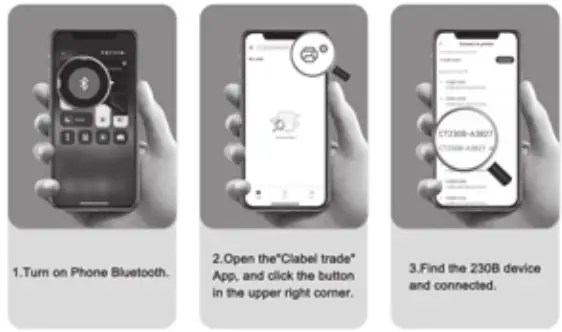
- How to Connect to “Clabel trade”APP?

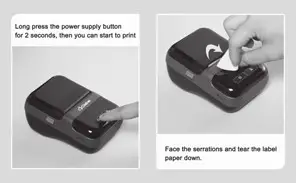
- Where to turn on the machine? And how to tear off the printing paper?

Precautions
Usage precautions
- Install the printer on a stable surface. Do not place the printer in areas exposed to vibration or impact.
- Do not use or store the printer in areas exposed to high temperatures, high humidity, or excessive dust.
- No water or conductive substance (i.e., metal) is allowed into the printer. In case of such condition, turn off the power immediately.
- Do not allow the printer to start printing when there is no recording paper installed, otherwise the printhead and rubber roller will be damaged.
- Users shall not disassemble the printer for maintenance or modification.
- Use only the power adapter certified in accordance with national standards.
- To ensure print quality and normal lifetime, use recommended or good quality paper.
- Shut down the printer when connecting or disconnecting interface connectors.
- This product is intended to be used at altitudes not exceeding 5,000 m in tropical climates.
Printer cleaning
The printhead should be cleaned promptly if:
- The print is not clear;
- The vertical column of print is not clear;
- Hear a grinding noise while feeding the paper.
Cleaning Steps: - Switch the printer power off, open the cover and remove any paper;
- Allow the printhead to cool if you had just finished printing;
- Using a soft cotton cloth dipped in absolute ethyl alcohol, gently wipe the dust and particles off the thermal printhead surface;
- Only use the printer for printing until the cleaning alcohol evaporates completely and the cover is closed.
Note
- Make sure to turn off the printer before any maintenance.
- Do not touch the printhead surface with the fingers or metallic objects.
- Do not abrade the printhead, rubber roller, and sensor surface with tweezers or other tools. Abrasion could damage the printhead.
- Do not use gasoline, acetone, or any other organic solvents for cleaning.
- Only use the printer for printing until the cleaning alcohol evaporates completely.
Specification
| Print technology | Thermal printing |
| Print resolution | 300dpi |
| Print speed | 50mm/s (max.) |
| Media type | Continuous paper, gap paper |
| Label width | 20-58mm |
| Communication type | USB , Bluetooth |
| Printer language | TSPL, ESC/POS |
| Power input | Output, DC 5V=2A |
| Supported operating system | Android 6, i0S10, Windows XP, and Above |
| Storage temperature | -40~60°C (-40~ 140ºF) |
| Operating temperature | 0-40 °C (41 ~ 104 °F) |
Shenzhen Dudian Technology Co., Ltd
1101, Building 3, COFCO Chuangzhi Factory, No. 67
District, Xingdong, Xin’an, Bao’an, Shenzhen,
Guangdong, China
Made in China
FCC Warning
This device complies with Part 15 of the FCC Rules. Operation is sub」ect to the following two conditions: (1) This device may not cause harmful interference, and (2) this device must accept any interference received, including interference that may cause undesired operation.
NOTE 1: This equipment has been tested and found to comply with the limits for a Class B digital device, pursuant to part 15 of the FCC Rules. These limits are designed to provide reasonable protection against harmful interference in a residential installation. This equipment generates, uses and can radiate radio frequency energy and, if not installed and used in accordance with the instructions, may cause harmful interference to radio communications However, there is no guarantee that interference will not occur in a particular installation. If this equipment does cause harmful interference to radio or television reception, which can be determined by turning the equipment off and on, the user is encouraged to try to correct the interference by one or more of the following measures:
- Reorient or relocate the receiving antenna
- Increase the separation between the equipment and receiver.
- Connect the equipment into an outlet on a circuit different from that to which the receiver is connected
- Consult the dealer or an experienced radio/TV technician for help.
NOTE 2: Any changes or modifications to this unit not expressly approved by the party responsible for compliance could void the user’s authority to operate the equipment.
The device has been evaluated to meet general RF exposure requirement. The device type is portable.
Keep a distance of at least 5mm when using this product