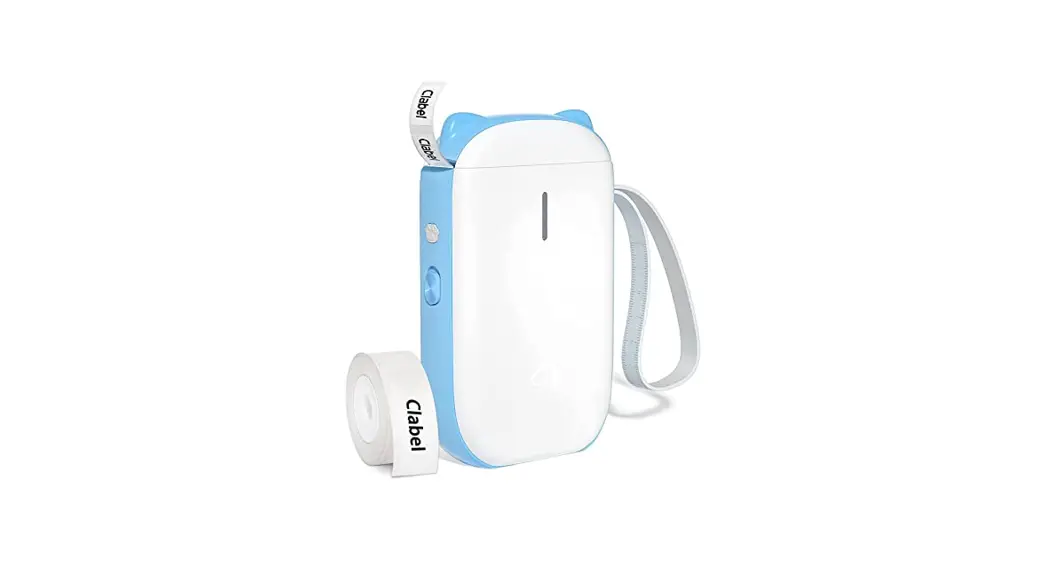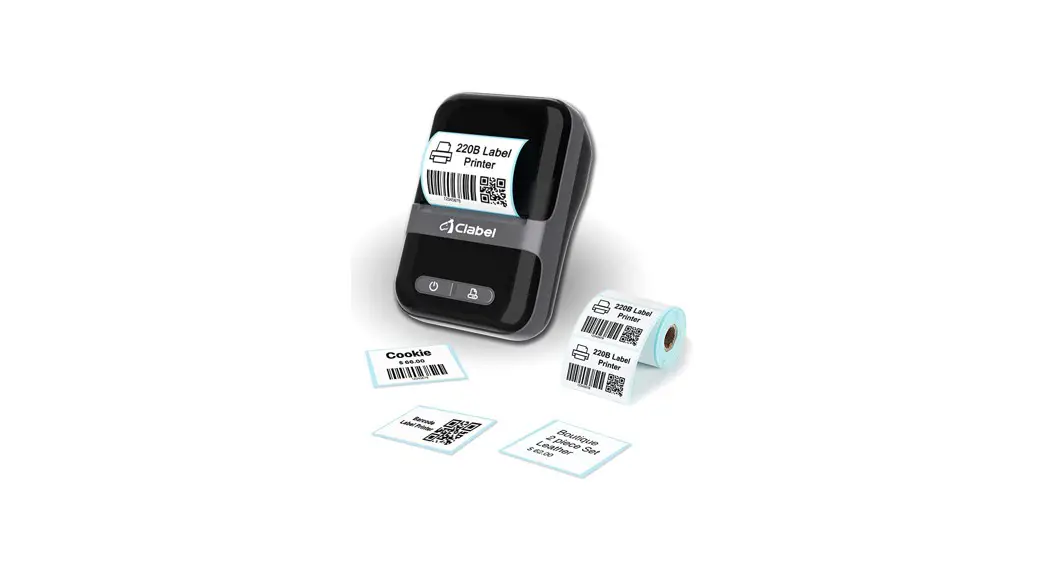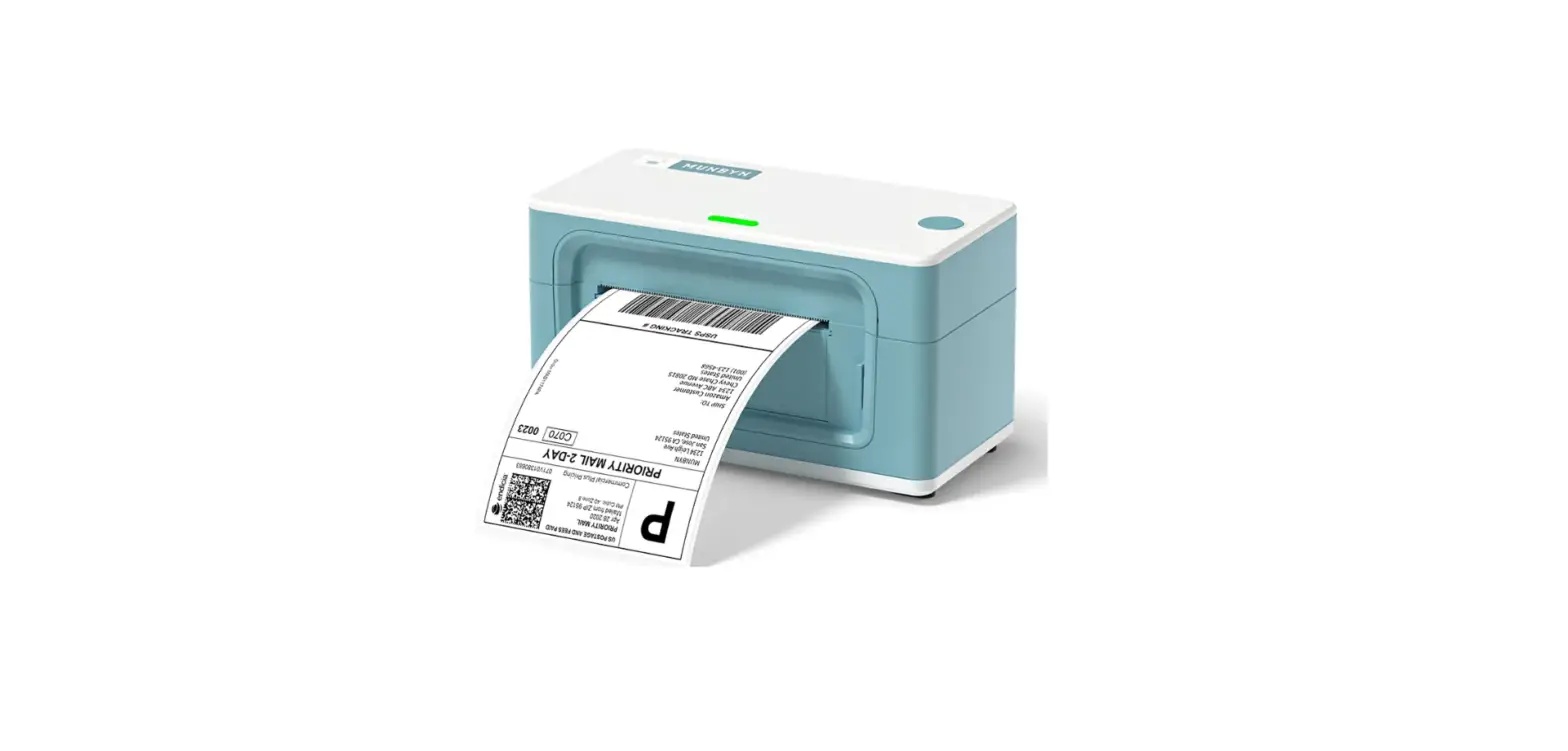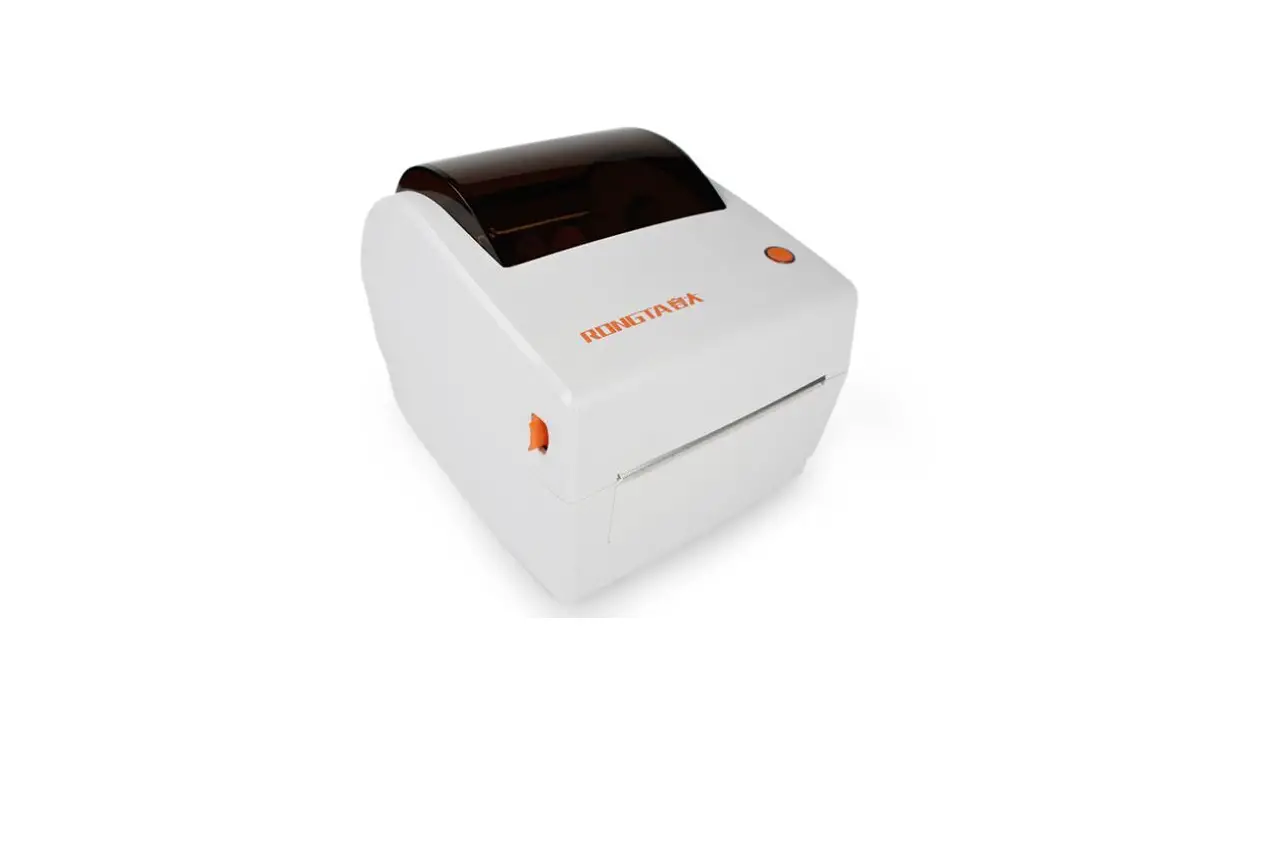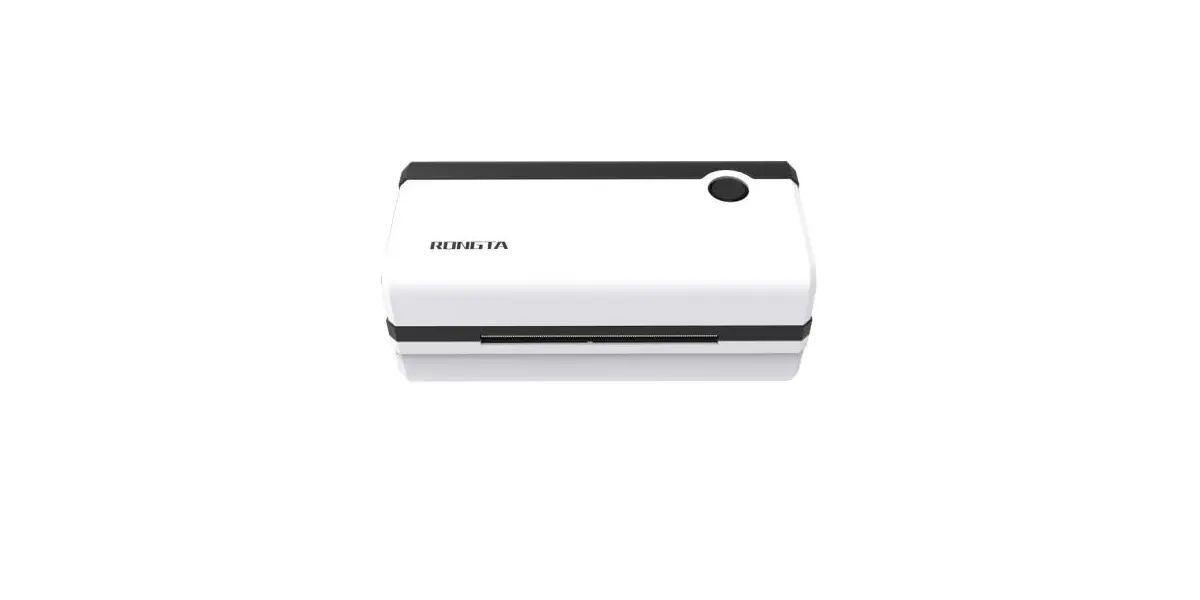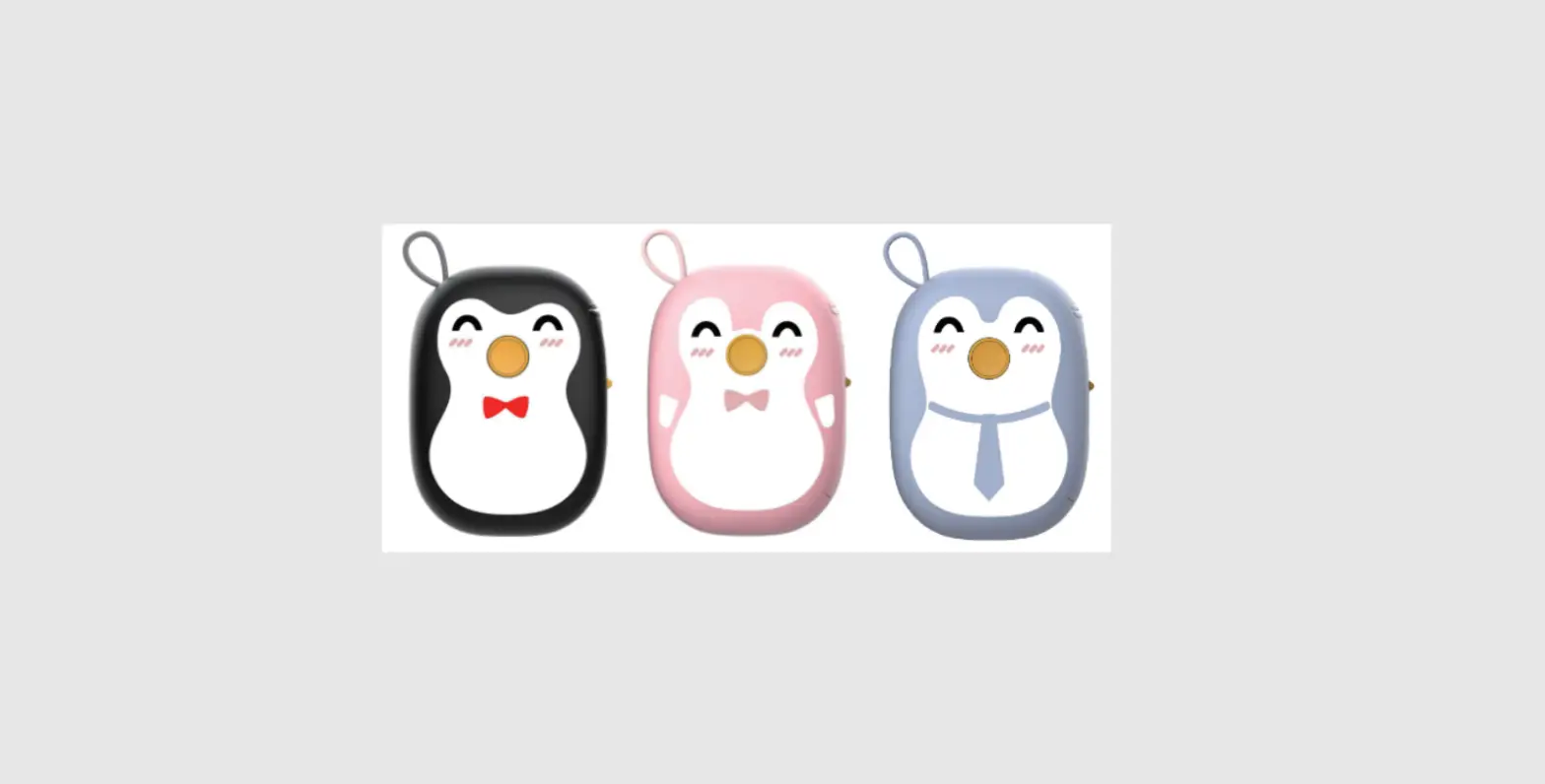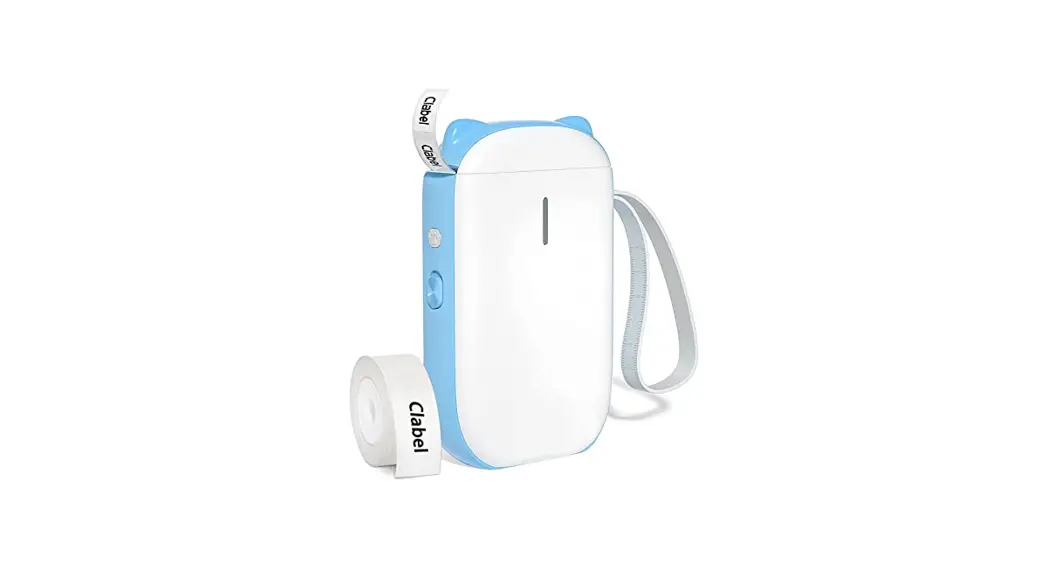

520B Portable Label Printer Maker Machine
Instruction Manual
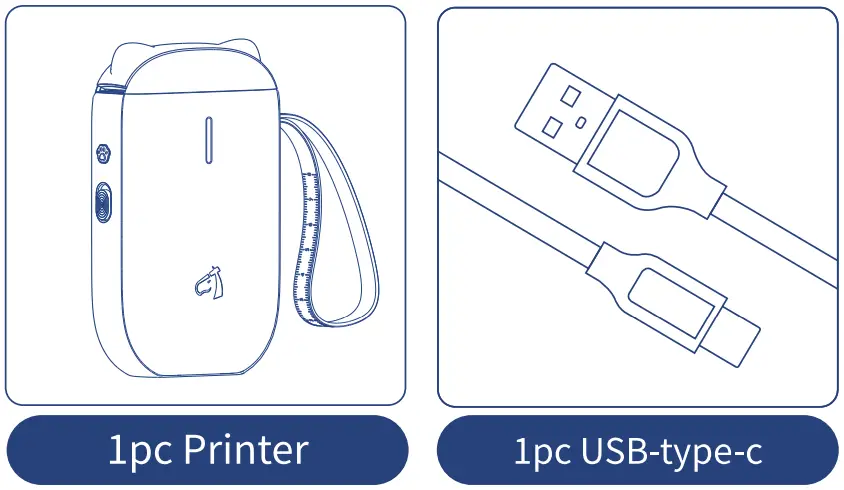
PACKING LIST
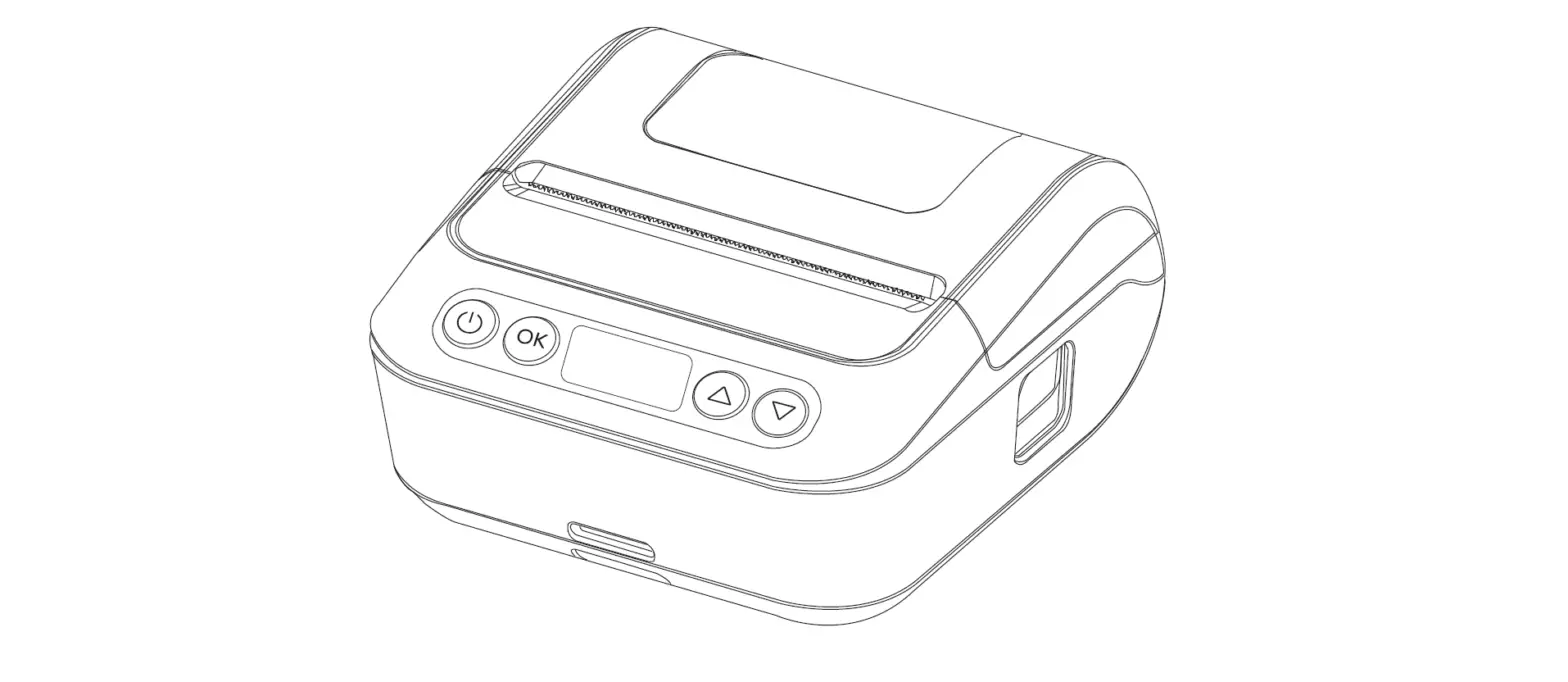
PRODUCT OVERVIEW
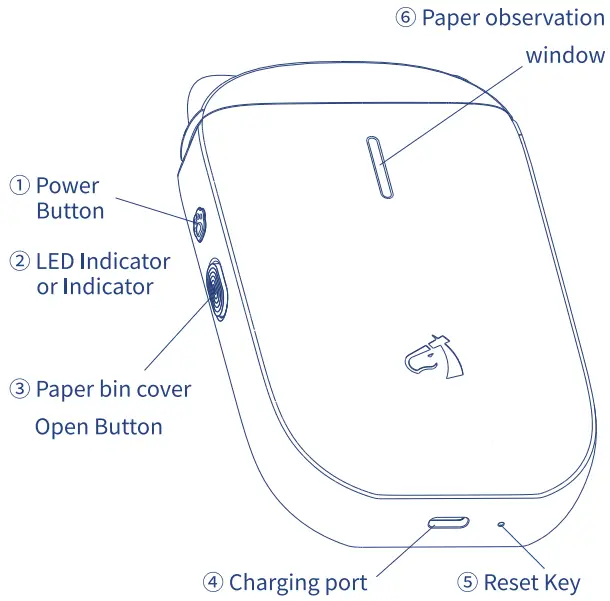
- Power Button
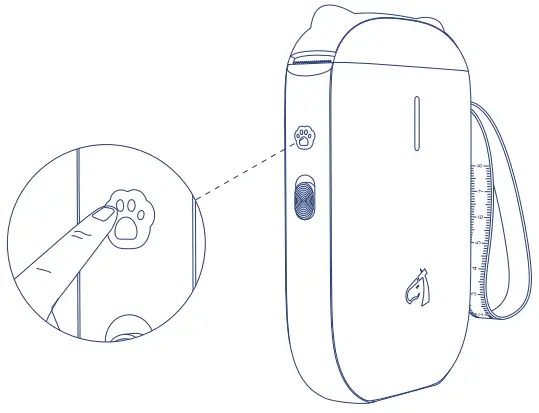
• Press and hold for 2 seconds to turn on the printer.
• Press one time, the printer will print the last label.
• Press two times, the printer prints the device information. - LED Indicator or Indicator
• Blue light flashing: Bluetooth is not connected.
• Blue light on: Bluetooth is connected.
• Red light flashing: low battery.
• Red light on: charging (Light will turn off when fully charged). - Paper bin cover Open Button
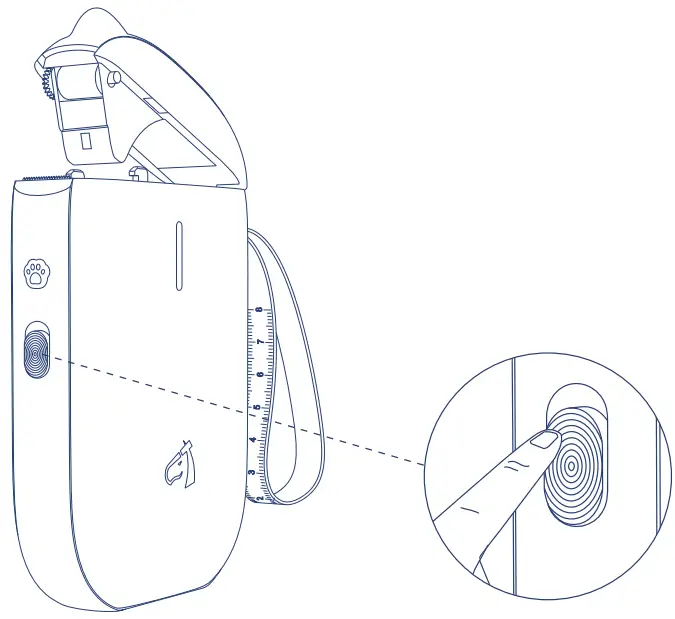
• Push the button up to open the paper bin cover.
PREPARATION BEFORE PRINTING
- Press and hold the power button for 2 seconds to turn on the printer.

- Push the button up to open the paper bin cover.

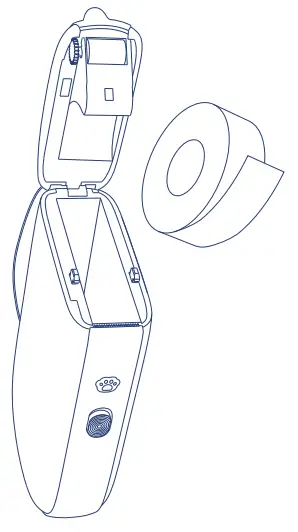
- Put the label paper up-side down into the paper bin.

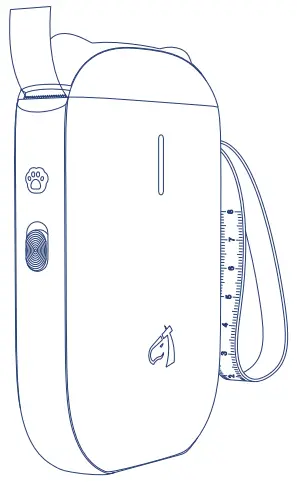
- Close the paper bin cover.

Mobile phone Printing Instruction
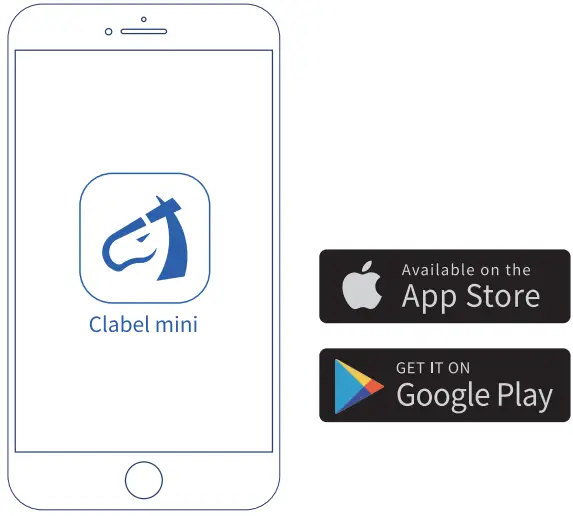
- Download and install the”Clabel mini” APP.
 Design & Print App easy to download and use
 - Enter the phone system settings and turn on Bluetooth.

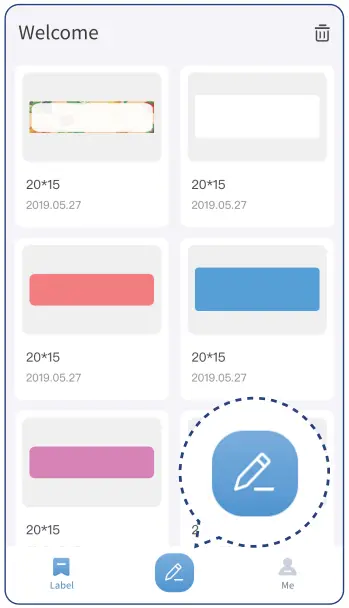
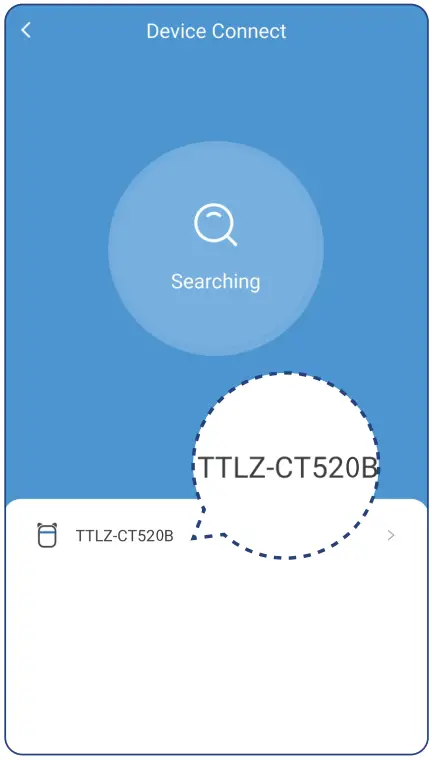
- And click the “Edit” button.

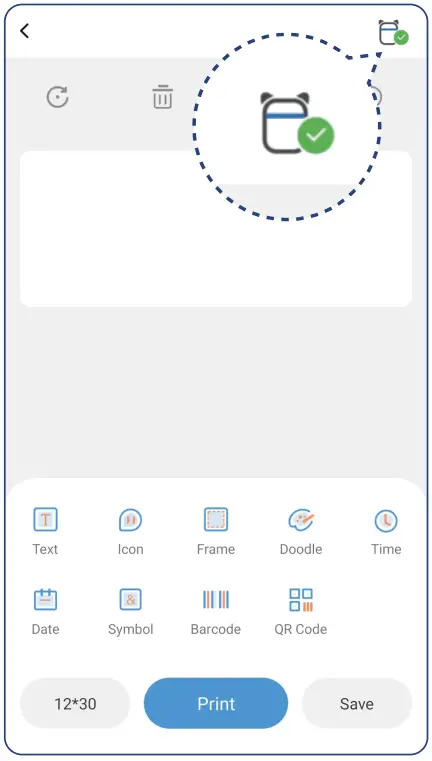
- Click the icon in the upper right comer.

- Click the Bluetooth name of the printer to connect. The bluetooth name can be get from the device information by pressing the power button two times.

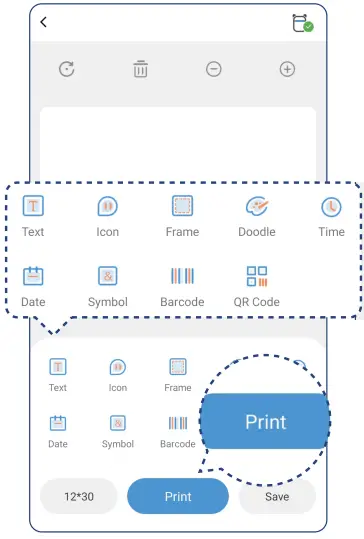
- Add the content that needs to be printed and click the “Print” button to print.

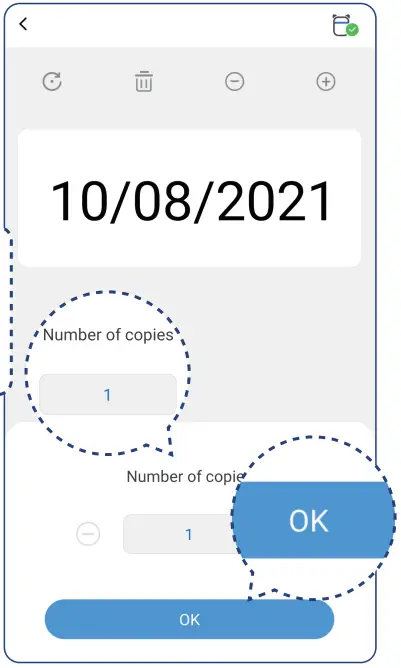
- And click the “OK” button to wait for printing to be completed.

 Design & Print App easy to download and use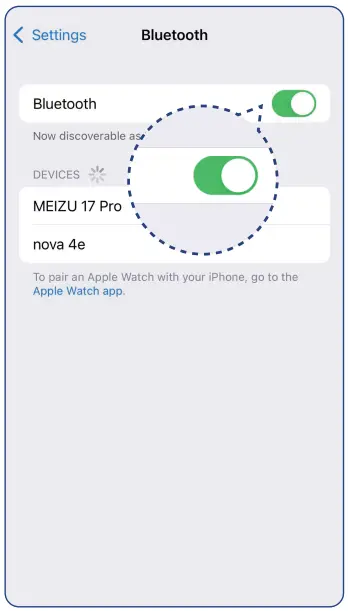
Common Problem
Q: Why is there no content in printing?
– A: Please put the label paper up-side down into the paper bin.
Q: Why will the last content be printed out when press the power button one time?
– A: If you don’t want to use this function, please go to “My”> “My Device”, and turn off the “Memory Print” function in the Clabel mini APP with the printer connected.
Q: What should do if all the buttons of the printer are invalid?
– A: There is a small hole beside the type-c interface at the bottom of the printer, you can force it to power off by pressing it lightly with a needle.
Parameters
| Model | CT5208 |
| Printing Technology | Thermal |
| Resolution | 2030P1 |
| Printing Speed | 50mm/s |
| Label Width | 15mm |
| Effective Printing Width | 12mm |
| Label Warehouse Diameter | 45mm |
| Connectivity Technology | Bluetooth |
| Battery Capacity | 1500mAh |
| Charging Interface | Type-c |
| Size | 134*80°28mm |
| Weight | 255 g, |
Shenzhen Dudian Technology Co., Ltd.
Add.: Fanshen Industrial Building, District 71,
Baoan District, Shenzhen
Made in China