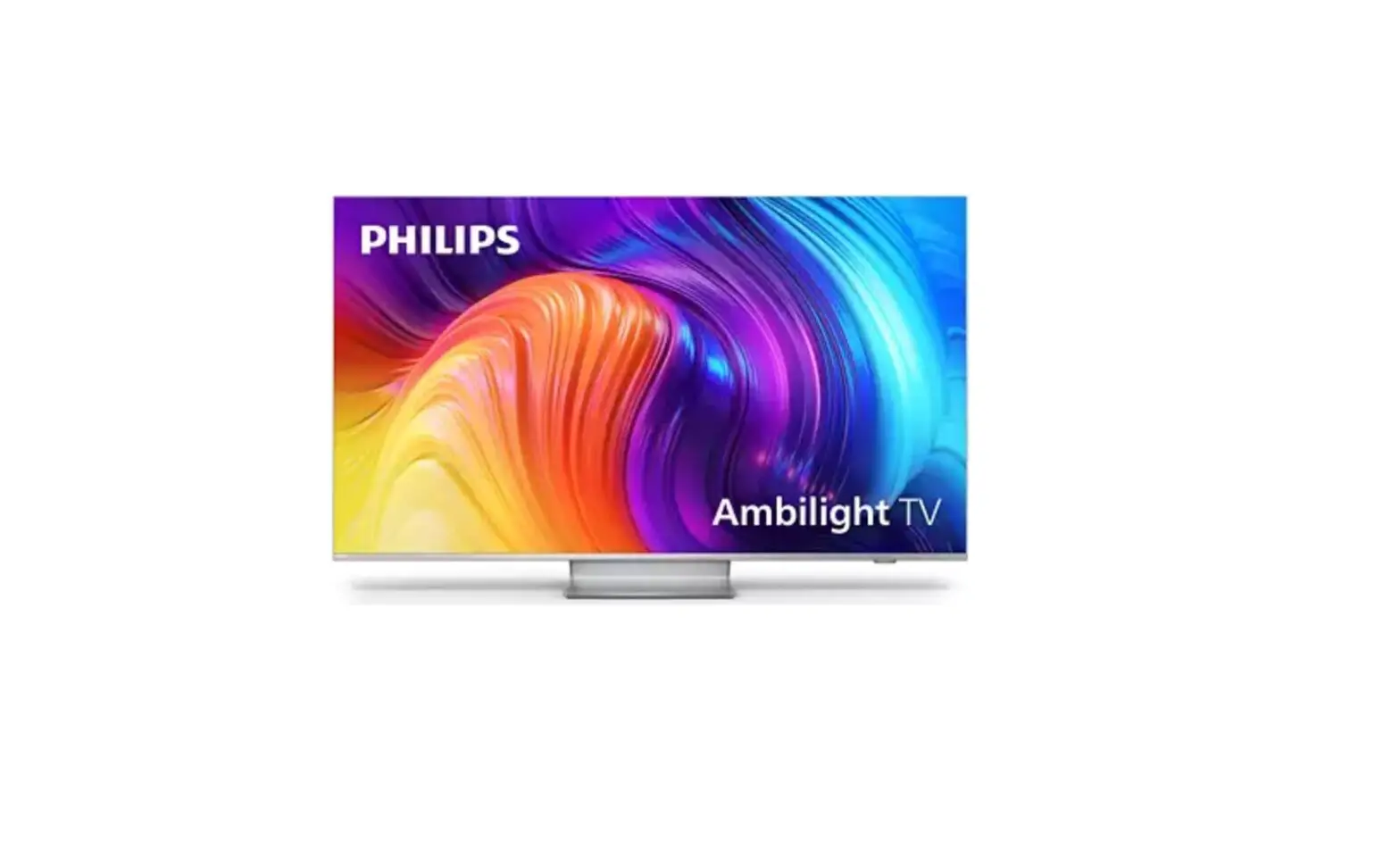
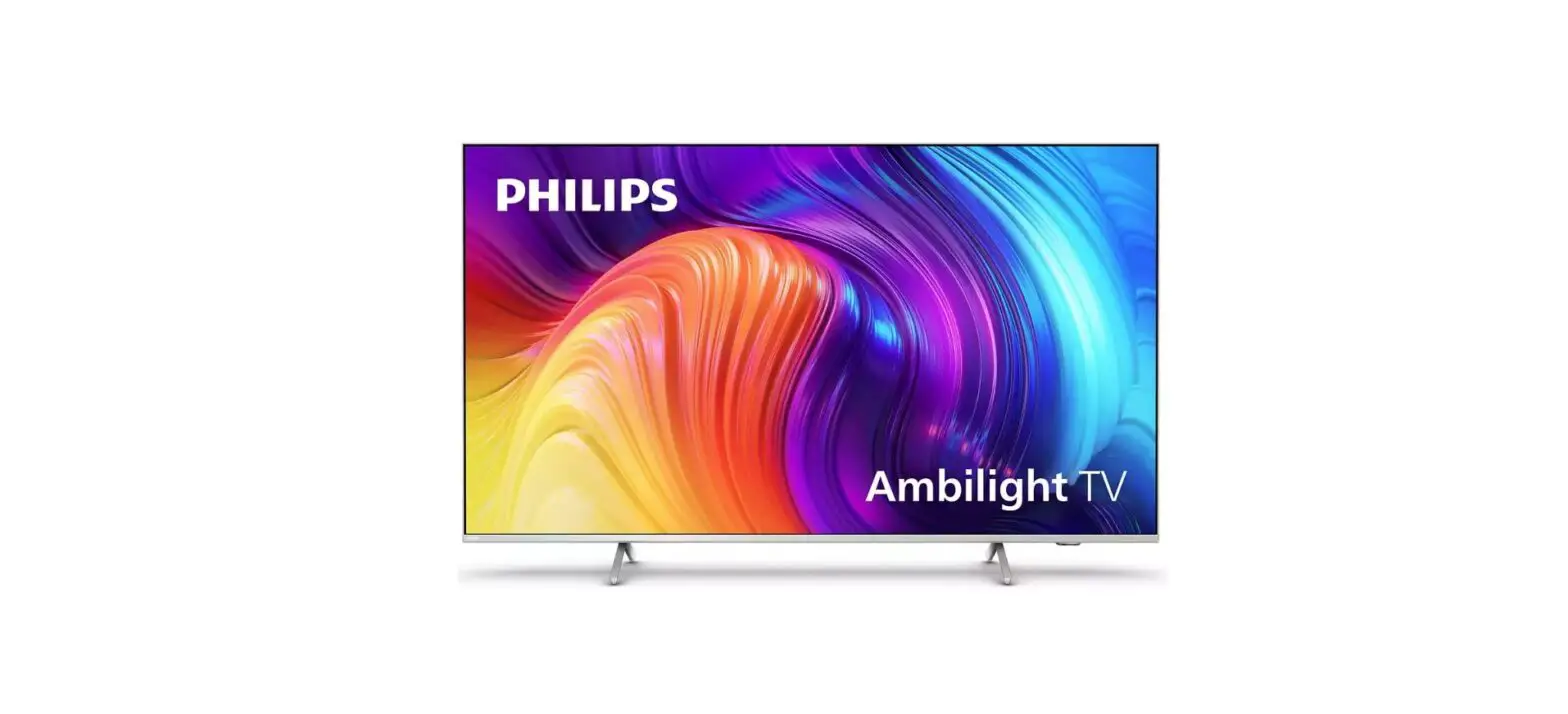
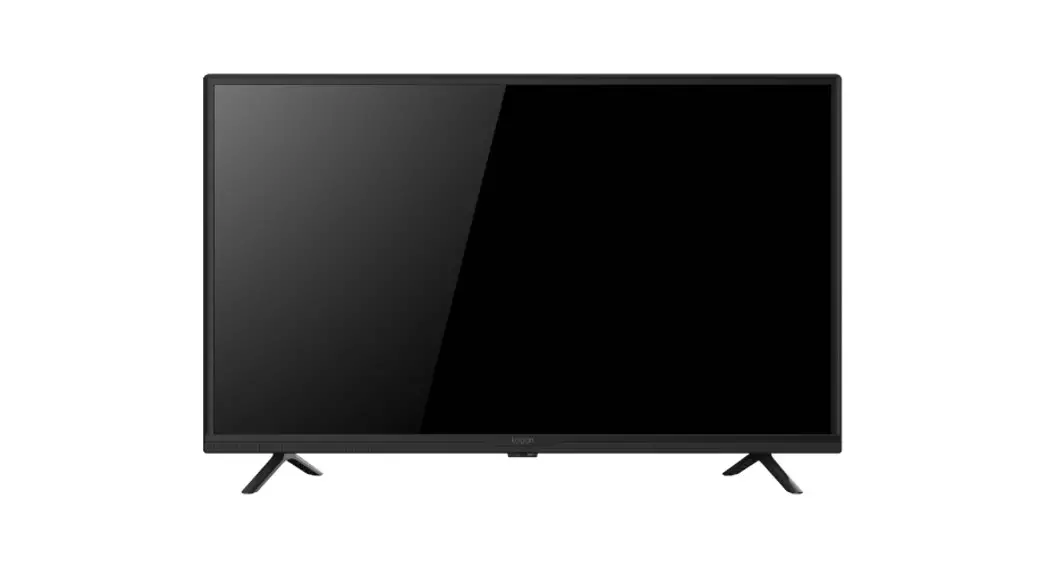
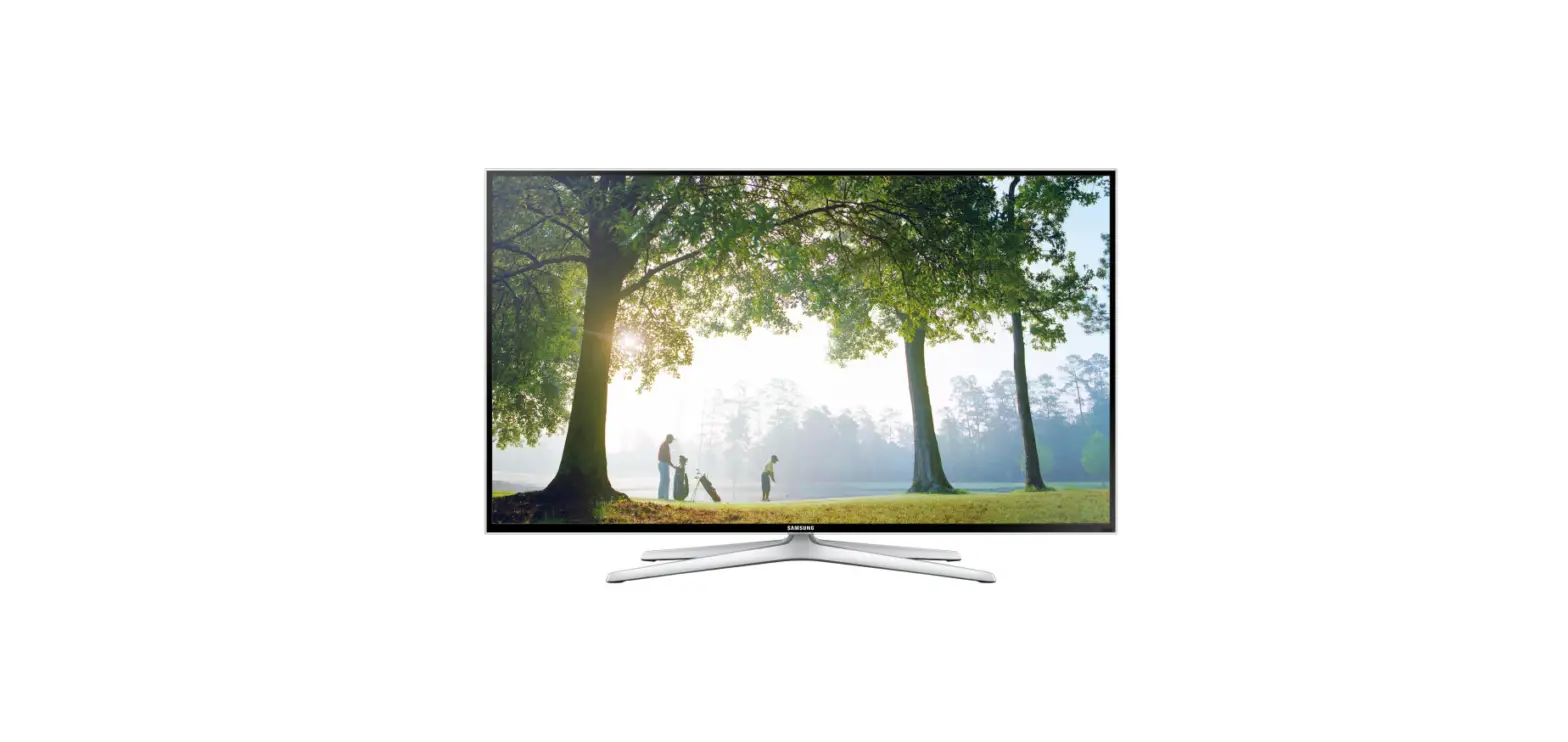
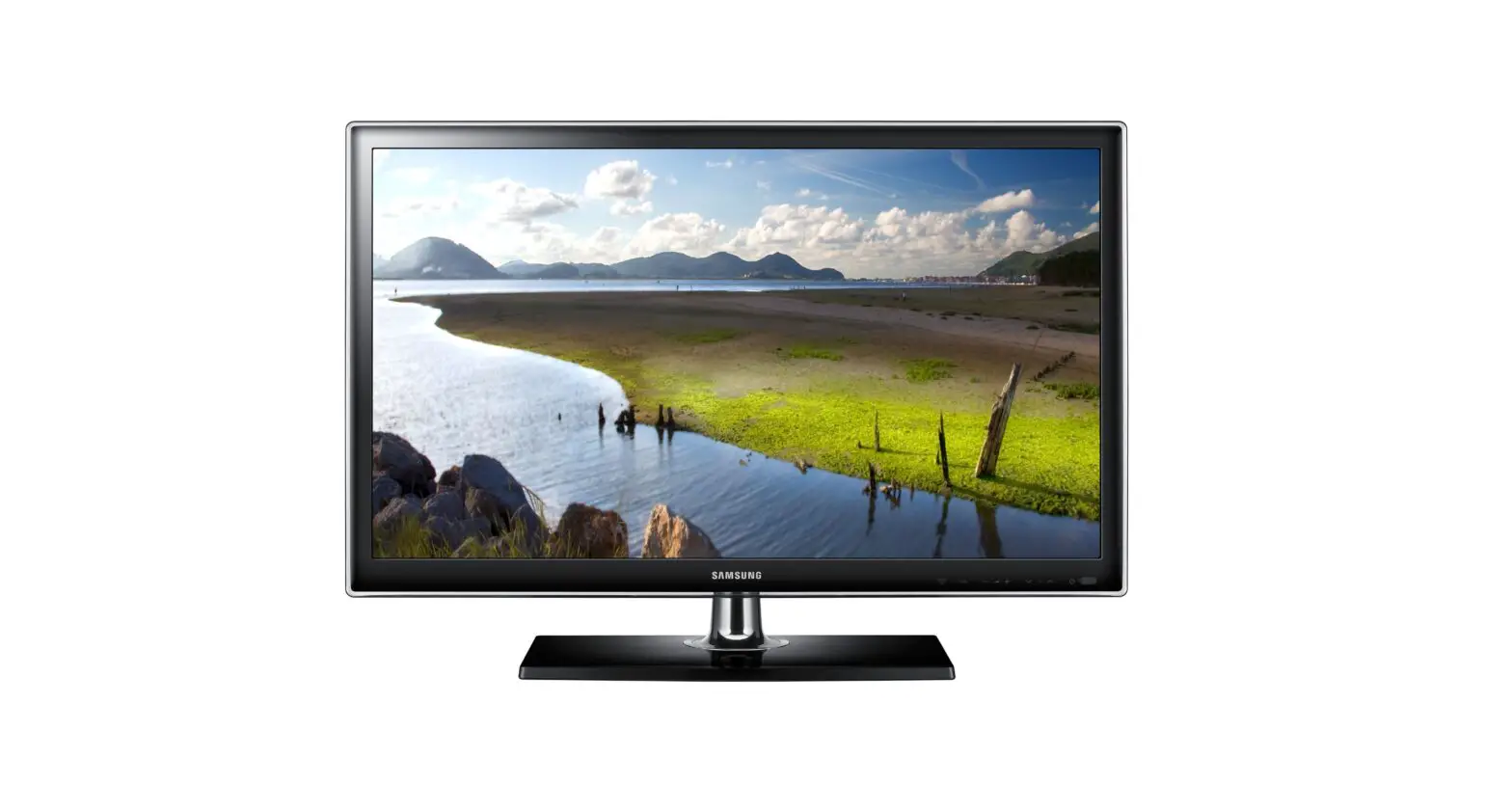
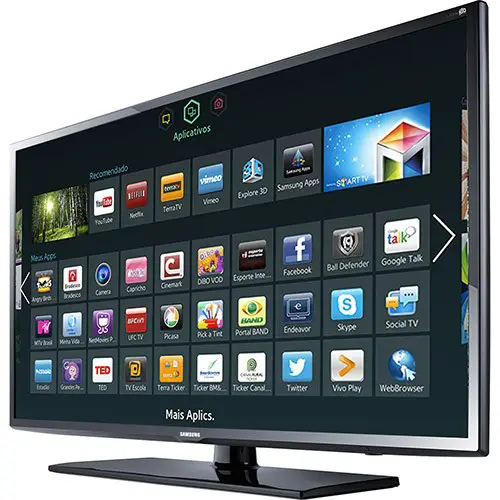
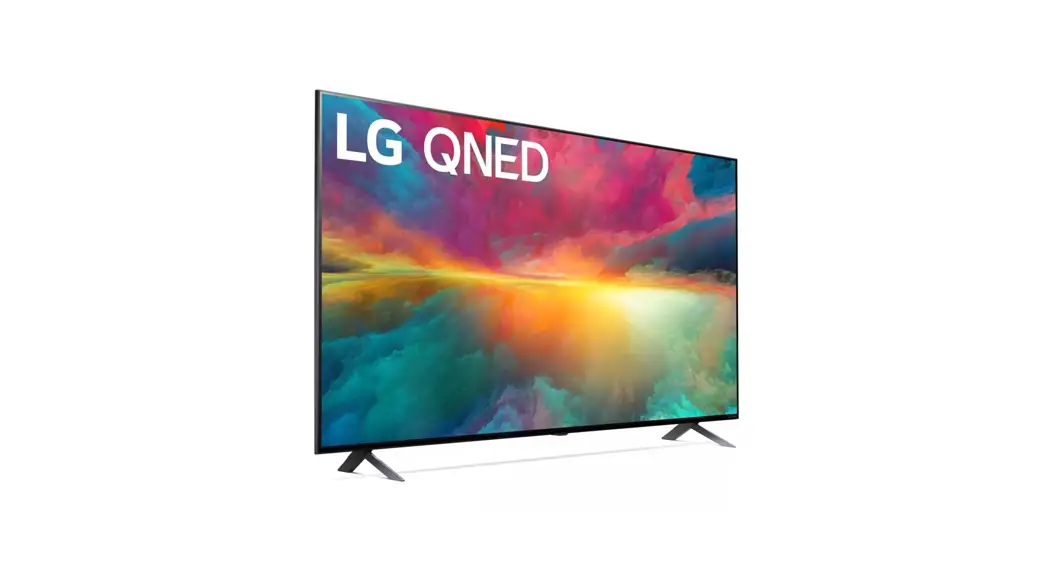
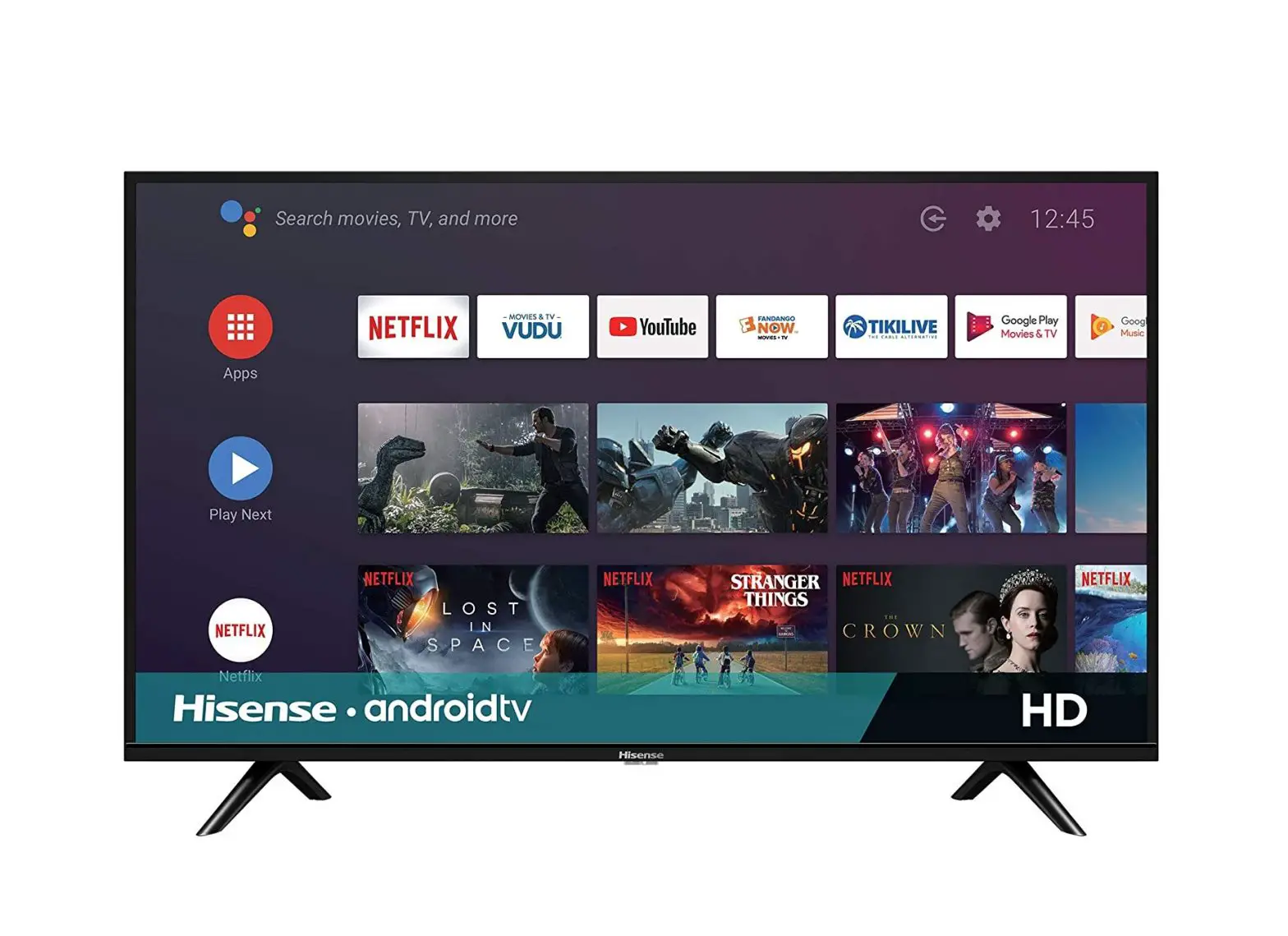
RMV2108 43 Inch Full HD LED Smart Android TV
Product Information
The realme TV 43 RMV2108(1.08m) is a television with a screen
size of 43 inches. It comes with various features and accessories
to enhance your viewing experience. Please read the user manual
carefully before operating the TV.
Warnings and Precautions
Important Safety Instructions:
- If the apparatus have the symbol in its rating label and the
power cord has two pins, it means that the equipment is a Class II
or double insulated electrical appliance. It has been designed in
such a way that it does not require a safety connection to
electrical earth. (Only for Class II appliance) - CAUTION: RISK OF ELECTRIC SHOCK DO NOT OPEN
- To reduce the risk of electric shock, do not remove cover (or
back). No user serviceable parts inside. Refer to qualified service
personnel. - The following information is recommended to be included as far
as applicable:- Refer to alternating current (AC). Refer to direct current
(DC). - Refer to stand-by or power on. Refer to power on.
- Refer to Class II equipment.
- Refer to dangerous voltage.
- Refer to alternating current (AC). Refer to direct current
Disposal and Recycling Information
The symbol on the device, batteries (included), and/or the
packaging indicates that the device and its electrical accessories
(e.g., headset, adapter, or cable) and batteries should not be
disposed of as household garbage. Please follow proper recycling
procedures to dispose of these items responsibly.
Positioning the TV
Install the display on a solid horizontal surface such as a
table or desk. Leave a space of at least 10cm free all around the
set for ventilation. Avoid placing any objects on top of the set to
prevent faults and unsafe situations. This apparatus can be used in
tropical and/or moderate climates. In some countries, it is
possible to fix the rear of the enclosure to a wall.
Product Usage Instructions
Preparation – Unpacking and Installation
Note: The pictures are only for reference.
- Open the package.
- Take out the TV.
- Install the TV stands.
- Connect the power cord.
Standard Accessories
Note: The pictures are only for reference.
- Batteries (2)
- Remote Control
- Base Stands (2)
- Screws (4)
- Wall-mount Installation Instruction
- Base Installation Manual
realme TV 43″ RMV2108(1.08m)
USER MANUAL
Please read this manual carefully before operation.
Content
Content ……………………………………………………………………………………………………….. 1 Preparation …………………………………………………………………………………………………. 2 Warnings and Precautions …………………………………………………………………………. 3 Terminal Connections …………………………………………………………………………………. 8 Remote Control …………………………………………………………………………………………… 9 Voice Function …………………………………………………………………………………………… 10 Basic Operations ……………………………………………………………………………………….. 11 Trouble Shooting ………………………………………………………………………………………. 12 Specifications ………………………………………………………………………………………….. 13 Licenses ……………………………………………………………………………………………………. 14 Product Warranty Card ……………………………………………………………………………. 15
Note:
1. Figures and pictures in this manual are only for references. 2. Design and specifications are subject to change without notice. 3. In dry environment due to static electricity, the product may restart and return to the
main OSD interface, USB player interface or the previous source mode. It is normal and please continue to operate the TV as you will. 4. Occasionally, a few non-active pixels may appear on the screen as a fixed point of blue, green or red. Please note that this doesn’t affect the performance of your product. 5. Displaying a still image for a prolonged period of time may cause image sticking. Avoid displaying a fixed image on the TV screen for a long period of time.
– 1 –
Preparation
UnpackingandInstallation
Note: The pictures are only for reference.
12 34
Power
1. Open the package. 2. Take out the TV. 3. Install the TV stands. 4. Connect the power cord.
Standard Accessories
Note: The pictures are only for reference.
Batteries/2
Remote Control
Base Stands/2
Screws/4
Wall-mount Installation Instruction
Base Installation Manual
realme TV RMV2108 (1.08m) USER MANUAL
Please read this manual carefully before operation.
User Manual
– 2 –
Warnings and Precautions
Important Safety Instructions
Read these instructions All the safety and operating instructions should be read before this product is operated. Keep these instructions The safety and operating instructions should be retained for future reference. Heed all warnings All warnings on the appliance and in the operating instructions should be adhered to. Follow all instructions All operating and use instructions should be followed. Do not use this apparatus near water The appliance should not be used near water or moisture for example, in a wet basement or near a swimming pool, and the like. Clean only with dry cloth. Do not block any ventilation openings. Install in accordance with the manufacturer’s instructions. Do not install near any heat sources such as direct sunlight, radiators, heat registers, stoves, or other apparatus (including amplifiers) that produce heat. Do not defeat the safety purpose of the polarized or grounding plug. A polarized plug has two blades with one wider than the other. A grounding plug has two blades and a third grounding prong. The wide blade or the third prong is provided for your safety. If the provided plug does not fit into your outlet, consult an electrician for replacement of the obsolete outlet. Protect the power cord from being walked on or pinched particularly at the plugs, convenience receptacles, and at the point where they exit from the apparatus. Only use attachments/accessories specified by the manufacturer.
Use only with the cart, stand, tripod, bracket, or table specified by the manufacturer, or sold with the apparatus. When a cart or rack is used, use caution when moving the cart/apparatus combination to avoid injury from tip-over. Unplug the apparatus during lightning storms or when unused for long periods of time. Refer all servicing to qualified personnel. Servicing is required when the apparatus has been damaged in any way, such as power supply cord or plug is damaged, liquid has been spilled or objects have fallen into the apparatus, the apparatus has been exposed to rain or moisture, does not operate normally, or has been dropped. CAUTION: These servicing instructions are for use by qualified service personnel only. To reduce the risk of electric shock, do not perform any servicing other than that contained in the operating instructions unless you are qualified to do so. Do not install this equipment in a confined or building-in space such as a book case or similar unit, and remain a well ventilation conditions at open site. The ventilation should not be impeded by covering the ventilation openings with items such as newspaper, table-cloths, curtains etc. Please refer the information on rear enclosure for electrical and safety information before installing or operating the apparatus. To reduce the risk of fire or electric shock, do not expose this apparatus to rain or moisture. The apparatus shall not be exposed to dripping or splashing and that no objects filled with liquids, such as vases, shall be placed on the apparatus. Do not use the set near dust place. The product is in standby mode under the network function, and it takes 30 minutes to enter the stable state. It is recommended not to use the product in places where there is oil smoke or steam that may damage the material of this product.
– 3 –
For the terminals marked with symbol of ” ” may be of sufficient magnitude to constitute a risk of electric shock. The external wiring connected to the terminals requires installation by an instructed person or the use of ready-made leads or cords. To prevent injury, use the stand/wall-mount bracket to securely install this apparatus on the table/wall in accordance with the installation instructions. Danger of explosion if battery is incorrectly replaced. Replace only with the same or equivalent type. The battery (battery or batteries or battery pack) shall not be exposed to excessive heat such as sunshine, fire or the like. Excessive sound pressure from earphones and headphones can cause hearing loss. Listening to music at high volume levels and for extended durations can damage one’s hearing. In order to reduce the risk of damage to hearing, one should lower the volume to a safe, comfortable level, and reduce the amount of time listening at high levels. The appliance coupler is used as disconnect device, the disconnect device shall remain readily operable. When not in use and during movement, please take care of the power cord set, e.g. tie up the power cord set with cable tie or something like that. It shall be free from sharp edges and the like that can cause abrasion of the power cord set. When put into use again, please make sure the power cord set being not damaged, If any damages found, please look for the service person to replace the power cord set specified by the manufacturer or have the same characteristics as the original one. Attention should be drawn to environmental aspects of battery disposal. No naked flame sources, such as lighted candles, should be placed on the apparatus. To prevent the spread of fire, keep candles or other open flames away from the apparatus at all times.
If the apparatus have the symbol
in its rating label and the power cord has two pins, it means
that the equipment is a Class II or double insulated electrical appliance. It has been designed in such
a way that it does not require a safety connection to electrical earth.(Only for Class II appliance)
Warning for Apparatus containing COIN / BUTTON CELL BATTERIES (Below instruction only used for the apparatus containing a user-replaceable coin/button cell battery) WARNING: Do not ingest the battery, Chemical Burn Hazard (The remote control supplied with) this product contains a coin/button cell battery. If the coin/button cell battery is swallowed, it can cause severe internal burns in just 2 hours and can lead to death. Keep new and used batteries away from children. If the battery compartment does not close securely, stop using the product and keep it away from children. If you think batteries might have been swallowed or placed inside any part of the body, seek immediate medical attention.
CAUTION
RISK OF ELECTRIC SHOCK DO NOT OPEN
ATTENTION:RISQUE DE CHOC ELECTRIQUE-NE PAS OUVRIR.
This lightning flash with arrowhead symbol within an equilateral triangle is intended to alert the user to the presence of non-insulated “dangerous voltage” within the product’s enclosure that may be of sufficient magnitude to constitute a risk of electric shock.
To reduce the risk of electric shock. Do not remove cover (or back). No user serviceable parts inside. Refer to qualified service personnel.
The exclamation point within an equilateral triangle is intended to alert the user to the presence of important operating and maintenance instructions in the literature accompanying the appliance.
The following information are recommended to be included as far as applicable where applicable:
~ Refer to alternating current(AC). Refer to direct current(DC).
Refer to stand-by or power on. Refer to power on.
Refer to ClassII equipment.
Refer to dangerous voltage.
– 4 –
Disposal and Recycling Information
This symbol (with or without a solid bar) on the device, batteries (included), and / or the packaging, indicates that the device and its electrical accessories (for example, a headset, adapter or cable) and batteries should not be disposed of as household garbage.
Recycling Initiative (India)
At realme we understand that our responsibility doesn’t end at selling you our products. realme has been working in the area of safe disposal of electronic waste. Since mobiles, tablets and other electronic items are made of hazardous constituents. Under the Guidelines of Ministry of Environment, Forest and Climate Change, Government of India, E-waste (Management) Rule, 2016 and Amendment E-waste Rule 2018. realme will seek shared responsibility and cooperation from customers in reducing the environmental impact of their products. realme will comply with all the applicable laws related to E-waste management. For more information on safe disposal, recycling and you may log on to https://www.realme.com/in/legal/e-waste-management or write an email to [email protected] or contact our Toll Free No. 1800-102-2777
Regulatory Information
This equipment generates, uses and can radiate radio frequency energy and, if not installed and used in accordance with the instructions, may cause harmful interference to radio communications. However, there is no guarantee that interference will not occur in a particular installation. If this equipment does cause harmful interference to radio or television reception, which can be determined by turning the equipment off and on, the user is encouraged to try to correct the interference by one or more of the following measures: – Reorient or relocate the receiving antenna. – Increase the separation between the equipment and receiver. – Connect the equipment into an outlet on a circuit different from that to which the receiver
is connected. – Consult the dealer or an experienced radio/TV technician for help.
Positioning the TV
Install Display on solid horizontal surface such as a table or desk. For ventilation, leave a space of at least 10cm free all around the set. To prevent any fault and unsafe situations, please do not place any objects on top of the set. This apparatus can be used in tropical and/or moderate climates. Fix the rear of enclosure to wall(only for some countries)
10CM
10CM
Note: The picture is only for reference.
10CM 10CM
– 5 –
Warning: Stability Hazard
A television set may fall, causing serious personal injury or death. Many injuries, particularly to
children, can be avoided by taking simple precautions such as:
– ALWAYS use cabinets or stands or mounting methods recommended by the manufacturer of the
television set.
– ALWAYS use furniture that can safely support the television set.
– –
ALWAYS ALWAYS
ensure the television set educate children about
is not overhanging the edge of the supporting furniture. the dangers of climbing on furniture to reach the television
set
or
its controls.
– ALWAYS route cords and cables connected to your television so they cannot be tripped over, pulled
or grabbed.
– NEVER place a television set in an unstable location.
– NEVER place the television set on tall furniture (for example, cupboards or bookcases) without
anchoring both the furniture and the television set to a suitable support.
– NEVER place the television set on cloth or other materials that may be located between the
television set and supporting furniture.
– NEVER place items that might tempt children to climb, such as toys and remote controls, on the top
of the television or furniture on which the television is placed.
If the existing television set is being retained and relocated, the same considerations as above should
be applied.
Mounting on a Wall
An optional wall mount can be used with your television. Consult with your local dealer to purchase the recommended wall mount bracket. Carefully attach the wall mount bracket at the rear of the TV. Install the wall mount bracket on a solid wall perpendicular to the floor. If you are attaching the TV to other building materials, please contact qualified personnel to install the wall mount. Detailed instructions will be included with the wall mount. Please use a wall mount bracket where the device is adequately secured to the wall with enough space to allow connectivity to external devices.
Note: The picture is only for reference.
Disconnect the power before moving or installing the TV. Otherwise electric shock may occur. Remove the stand before installing the TV on a wall mount by performing the stand attachment in reverse. If you install the TV on a ceiling or slanted wall, it may fall and result in severe injury. Use an authorized wall mount and contact the local dealer or qualified personnel. Otherwise it is not covered by the warranty. Do not over tighten the screws as this may cause damage to the TV and void your warranty. To prevent injury, this apparatus must be securely attached to the wall in accordance with the installation instructions. Use the screws and wall mounts that meet the following specifications. Any damages or injuries by misuse or using an improper accessory are not covered by the warranty.
A B
Model Size:43″
Diameter(mm) “E”
Screw
Depth(mm)
Max
“D”
Min
Quantity
A*B*C
Top
Down
M6
M6
200*200*200
Note: 1. The pictures are only for reference. 2. For the TV sets with terminals towards the wall, in order to leave enough space to use the terminals, a plastic spacer is needed together with each screw to fix the wall mount. It is a small hollow pillar, the height of which is 30mm.
– 6 –
Precautions For Using Remote Control
Use the remote control by pointing it towards the remote sensor. The items between the remote control and the remote sensor will interfere the normal operation. Do not make remote control vibrate violently. Also, do not splash liquid on the remote control, also do not put the remote control in high humidity place. Do not place remote control under direct sunlight which will cause deformation of the unit by heat. When the remote sensor is under direct sunlight or strong lighting, the remote control will not work. If so please change the lighting or TV’s position, or operate the remote control closer to the remote sensor. Before Bluetooth searching, please make sure you have turned external Bluetooth devices in the pairing mode. For the Bluetooth remote control supplied with the TV (may not be available), you can press OK and HOME buttons together to open its pairing mode. For other Bluetooth devices, please read their own instruction manuals for opening the pairing mode.
Notes on Using Batteries
Improper using of the batteries will cause leakage and/or explosion. So please do as the following methods and use carefully. 1. Always ensure that batteries are inserted with the polarity terminals in the correct direction as polarity
markings shown in the battery compartment. 2. When the battery’s voltage is insufficient which affect the use range, you should replace with
new batteries. Replace batteries only with the same or equivalent type. It may result in explosion if batteries are replaced incorrectly. 3. Different types of batteries have different characteristics. Do not use different types of batteries (for example, Manganese and Alkaline batteries) together. 4. Do not mix old and new batteries. Mixing old and new batteries will shorten battery life and/or cause chemical leakage. 5. Chemicals which leak from batteries may cause skin irritation. If any chemical matter seeps out of the batteries, wipe it up immediately with a dry cloth. 6. Remove the batteries whenever the remote control will not be used for a long time. 7. Do not put the battery into fire, and charge or decompose the battery. 8. Please dispose of batteries in compliance with relevant environmental protection regulations. 9. WARNING: The batteries (battery pack or batteries installed) shall not be exposed to excessi ve heat such as sunshine, fire or the like.
Install Remote Control Batteries
Place two AAA size of batteries in the remote control’s battery compartment, making sure to match the polarity markings inside the compartment.
Note: The picture is only for reference.
Intended Use of the Product
This is a consumer electronics device. It is used to receive TV via an antenna or cable TV network, and to play back multimedia files from the internet and USB storage devices. It may only be used for private purposes and not for industrial or commercial applications. It is not intended for medical, life-saving or life-preserving applications. Only use connecting cables and external devices which are compatible with the product in terms of safety, electromagnetic compatibility and shielding. Only use accessories recommended by the manufacturer. Do not use this device for purposes other than those indicated and do not modify it in any way. Always comply with the regulations and laws of the country in which you are operating the device.
– 7 –
Terminal Connections
Note: 1). The pictures are only for references. 2). Terminal quantities and names may vary depending on the region or model. 3). External equipments and cables shown herein are not supplied with the TV.
(5V 500mA)
DIGITAL AUDIO USB2.0
OUT
VIDEO
AV
R AUDIO L
ANT
HDMI1(ARC)
LAN
Connect the TV to the wired network.
LAN
HDMI
Receive digital audio and video signals from
HDMI
an external HDMI device.
USB
Connect a USB storage device.
USB
ANTENNA
Connect a coaxial cable to receive signals from the antenna or cable.
ANTENNA
AV IN
Receive analog audio and video signals
AV IN
from an external AV device.
Router
Camcorder
Recorder / DVD
USB Disk Antenna or cable TV
DVD
Camcorder STB
DIGITAL AUDIO
Connect an audio cable to output your TV’s digital audio signal to a compatible digital audio receiver.
– 8 –
DIGITAL AUDIO
Digital Audio Device
Remote Control
Note: 1). The picture is only for reference. 2). The image, buttons and functions of remote control may vary depending on the region or model.
1
2
1. POWER ( )
Turn the TV on or to standby mode.
2. MUTE ( )
3
Mute or restore the TV sound.
4
3. OK
Confirm, enter or execute the selected item,
or show the list of Quick Button.
4. Navigation Buttons (UP/DOWN/LEFT/RIGHT)
5
164
Navigate the menu to select the content you need.
5. BACK ( )
173
Return to upper-level content, or exit
the current screen.
59
6. MENU ( )
184
Access the menu of quick settings.
7. HOME ( )
151
140
Access the home page.
8. SOURCE ( )
162
Select the input source.
9. Application Buttons
Access specific applications
directly and quickly.
10 & 11. Volume Up/Down ( / )
Adjust the sound volume.
12. MIC ( )
Start using the near field voice function.
– 9 –
Voice Function
– 10 –
TV Control Button
Basic Operations
Note: The picture is only for reference.
Eye-protection Function
Note: 1) Please don’t watch TV for long time, and please take a break every half an hour. looking into the distance will help your eyes have a good rest. 2) Please take eye exercise regularly, which can improve blood circulation, relieve asthenopia and prevent myopia. 3) The eye-protection function may not be available depending on the region or model.
– 11 –
Trouble Shooting
Before calling a service technician, please check the following for a possible cause of the symptom and some solutions.
General Problem / Solution
Remote control does not work Change the batteries. Check if batteries are installed correctly. Check if main power is connected. Check if there are some items between remote sensor and remote control. Poor Signal This is usually caused by interference from electronic equipments or radio interference sources.
Picture & Sound / Solution
No picture, no sound Check the signal source. Plug another electrical device into the outlet to check if it is working or turned on. Check if power plug is in good contact with the outlet. No sound, picture OK If no sound, unmute the sound or increase the volume. Open the sound menu and adjust `Balance’. Abnormal picture For no color or bad picture quality, you may: 1. Adjust the color option in menu settings. 2. Keep the TV at a su cient distance from other electronic products. 3. Try another channel. Bad TV signal (Display mosaic or snowflakes) 1. Check the signal cable and adjust the antenna. 2. Fine tune the channel. 3. Try anther channel.
Multimedia Player / Solution
`This file is invalid’ /`Unsupported audio’ appears , or audio is normal but video is abnormal, or video is normal but audio is abnormal The media file maybe damaged, check if the file can be played on the PC. Check if video and audio codec is supported.
Network / Solution
Network failure Check if the router works well. Make sure the TV has connected to the router successfully.
Browser / Solution
Web page can not be displayed completely Some third-party extensions of the current web page may not be supported, and please close the current web page. Browser is forced to be shut down The current web page may include too many contents which cause there isn’t su cient memory and the browser is closed.
– 12 –
Model:
Specifications
RMV2108
Working voltage: Rated power consumption: Dimensions without stand (L X W X H): Dimensions with stand (L X W X H): Net weight without stand: Net weight with stand: RF aerial input: Language of OSD: System: Channel coverage:
Environment (only for Tropical climates zone):
Environment (only for Moderate climates zone):
100-240V~50/60 Hz 70 W 96.3 cm X 8.1 cm X 56.1 cm
96.3 cm X 18 cm X 61 cm
6.7 kg 6.8 kg 75 ohm unbalanced Multiple options DTV: DVB – T/T2/C ATV: PAL BG/I/DK DVB-T/T2: 177.5 MHz ~ 226.5 MHz,
474 MHz ~ 858 MHz DVB-C: 113 MHz ~ 858 MHz ATV: 46 MHz ~ 862 MHz Working temperature: 5oC~40oC Working humidity: 20%~80% Storage temperature: -15oC~50oC Storage humidity: 10%~90% Working temperature: 5oC~40oC Working humidity: 20%~80% Storage temperature: -15oC~45oC Storage humidity: 10%~90%
– 13 –
Licenses
Google, Android TV, Google Play, Chromecast built-in, YouTube and other related marks and logos are trademarks of Google LLC.
– 14 –
Product Warranty Card
Thank you for using realme TV. We will provide our product with comprehensive warranty services in accordance with applicable national laws and regulations. In case of any conflict between the following policies and the National Policies, or Commissions, the national policies shall prevail.
Warranty Terms and Instructions
1. realme TV warranty policy
Product TV TV
TV
Category Product
Parts
Panel
Warranty Coverage TV/Remote
Main Board, Remote Control Board, T-CON Board, Cable, Speaker Extended Warranty for Panel
Period 1 year
1 year
1+1 year
* Warranty applicable from customer purchase date. * The warranty is only redeemable within the original region of purchase. * Please keep the warranty card and invoice properly, both of which serve as the user’s
warranty certificate. Warranty card will not be re-issued if lost. 2. The warranty is not valid and we provide chargeable service in the following cases: 2.1. Warranty is expired. 2.2. Without warranty card or purchase invoice, any alter on the warranty card or purchase
Invoice. 2.3. Defect or damage caused by improper testing, operation, demonstration, maintenance,
installation, adjustment, alteration or modification of any kind without following product guidelines. 2.4. Defect due to physical damage, liquid damage or connection with equipment not approved by realme. 2.5. Defect or damage caused by any non-preinstalled software. 2.6. Defect or damage caused by accident, floods, fire, winds, earthquakes, lightning, or other natural disasters or voltage instability or other force majeure. 2.7. The Panel is damaged, deformed or scratched due to unauthorized installation or transportation. 2.8. Repair conducted by unauthorized repair centers. 2.9. Products not purchased from realme authorized sellers (we recommend that you contact the point of sale for support).
Service Contact: E-mail: [email protected] Website: www.realme.com Toll Free: 18001022777 Address: 3rd floor, tower-b, building No-8, DLF cyber city, Gurugram, Haryana-122002, India
– 15 –
Name E-mail Address
Product Model Product Colour
Date of Purchase Sales Company
Name Sales Company
Address
Maintenance Company Name
Mobile No. Address Date of
Maintenance Maintenance
times
User Information
Mobile No.
Product Information
Product SN Invoice No. Date of Installation Sales Company Telephone
Maintenance Records
Fault Description Cause of Fault Result of Maintenance Signature of Engineer Date of Completion
– 16 –
Maintenance Company Name
Mobile No.
Address Date of Maintenance Maintenance
times
Fault Description
Cause of Fault Result of
Maintenance Signature of
Engineer Date of Completion
– 17 –
N080108-000728-002
 realme (Global) - Dare to Leap