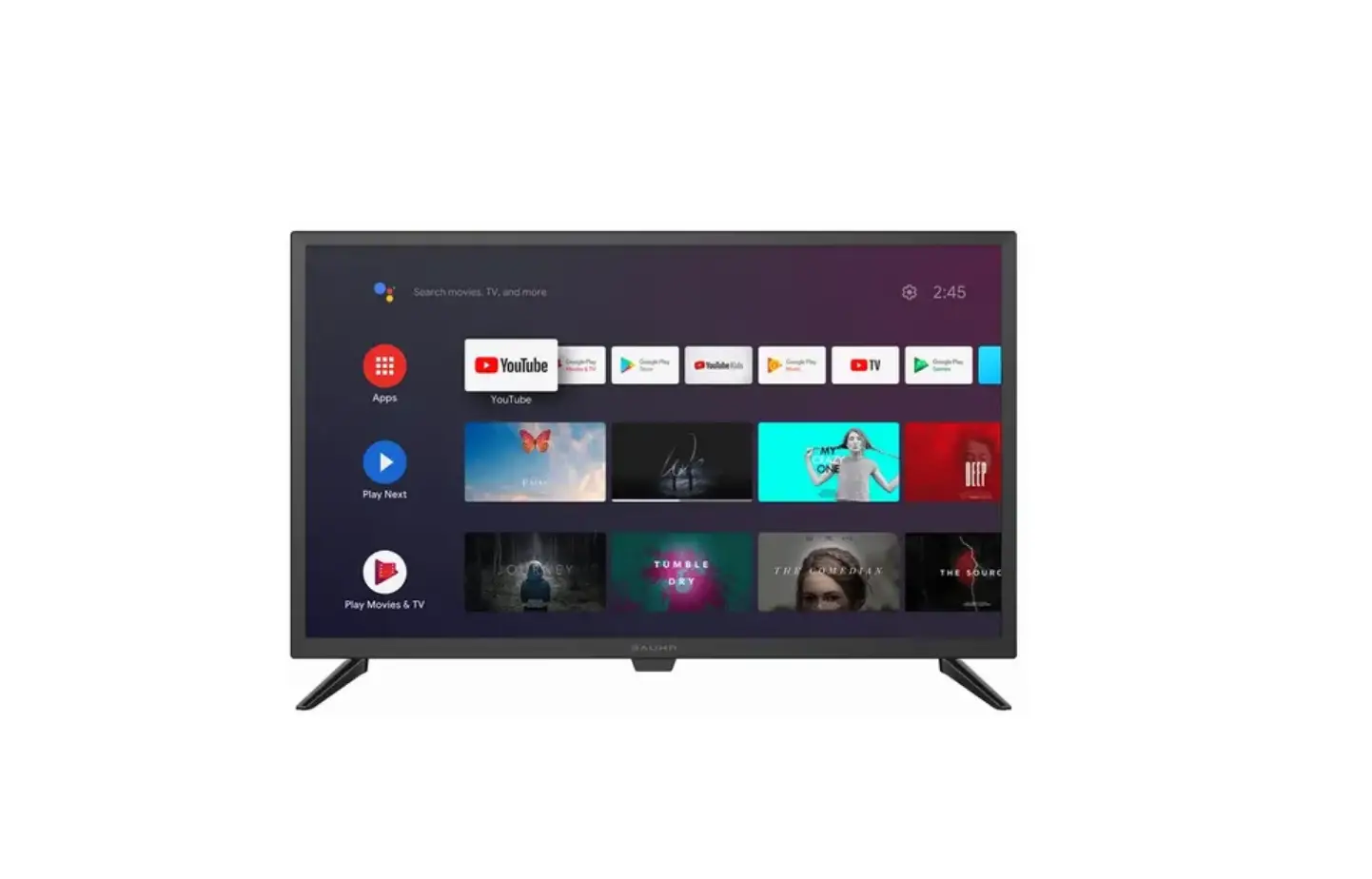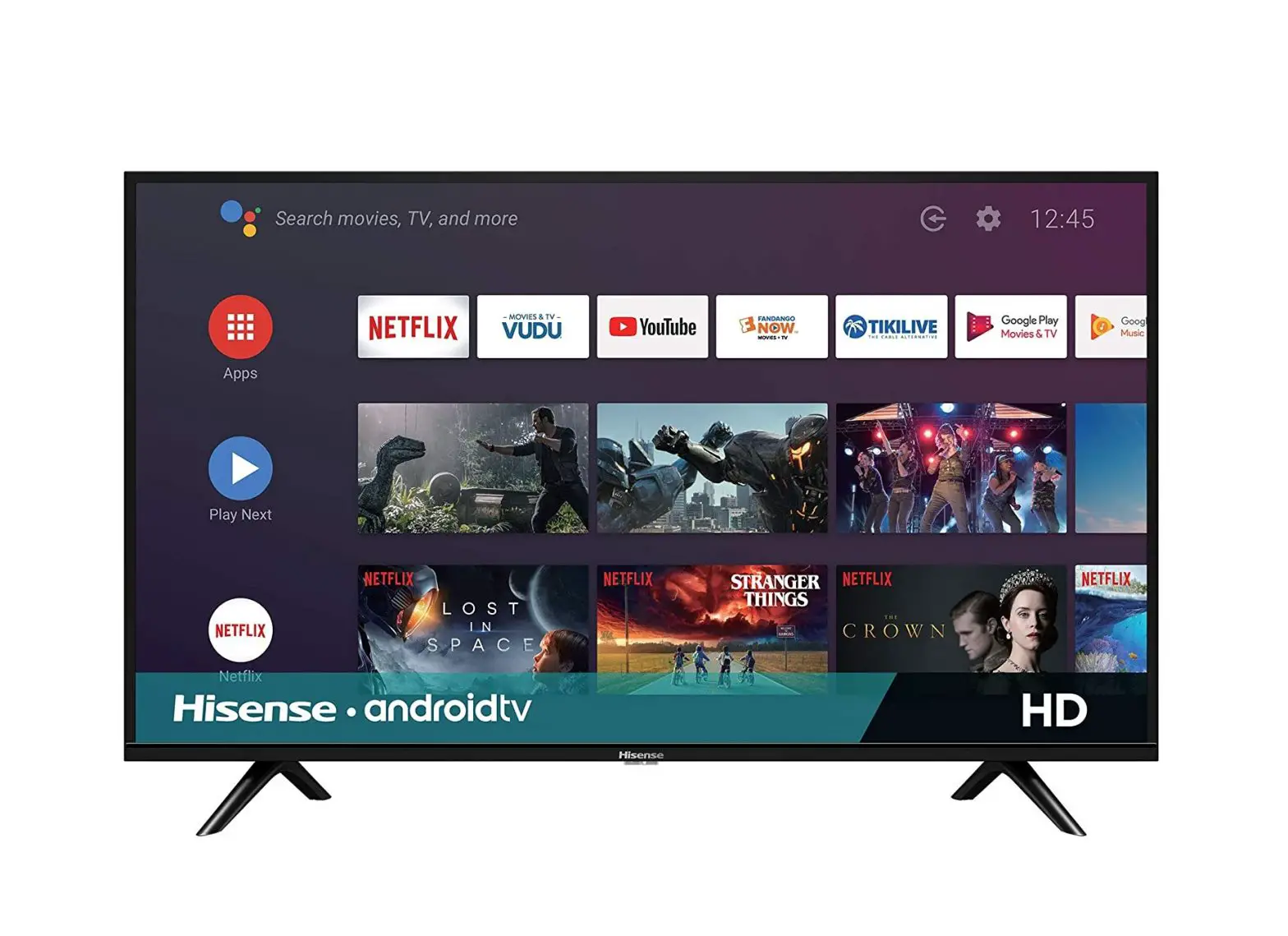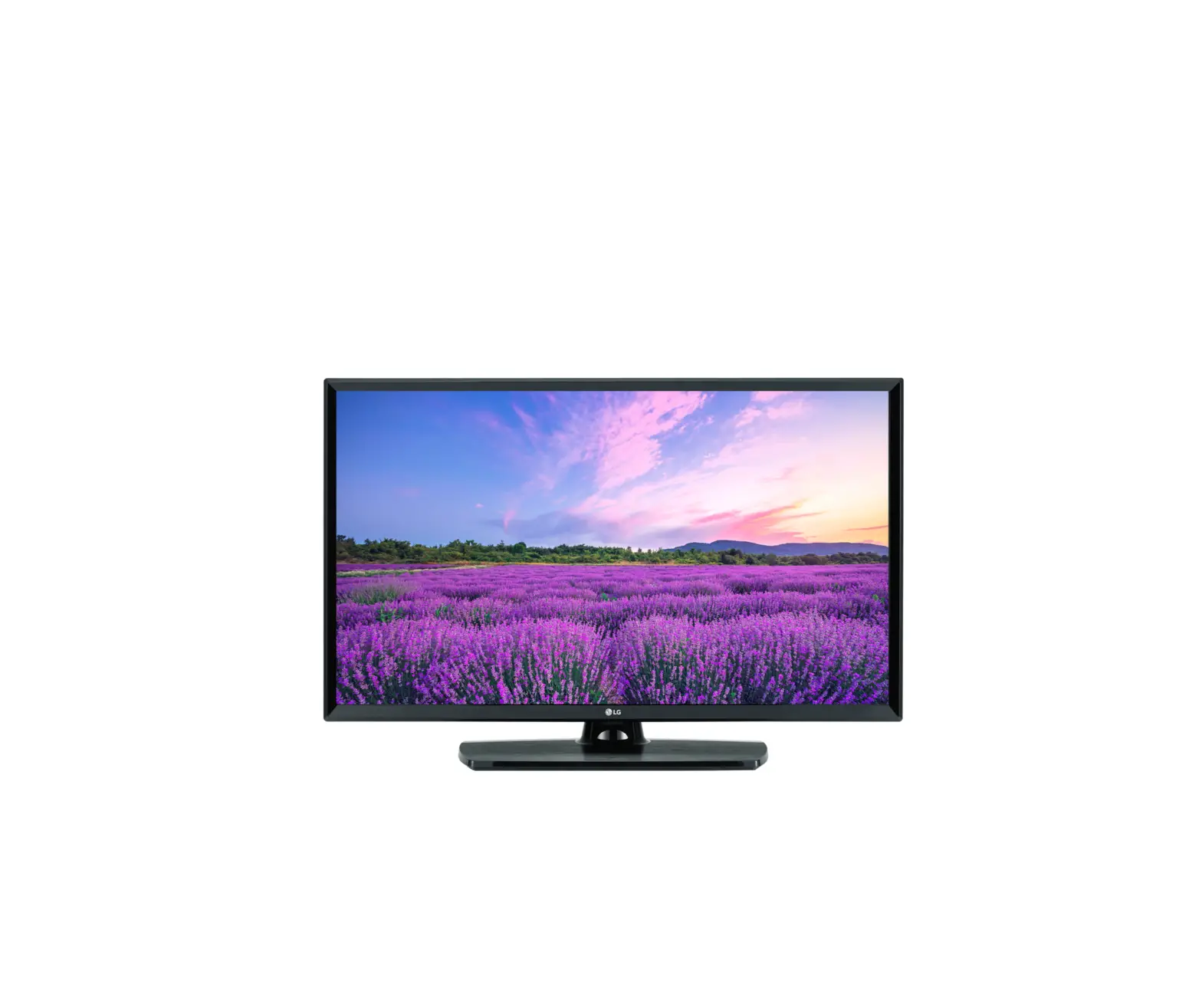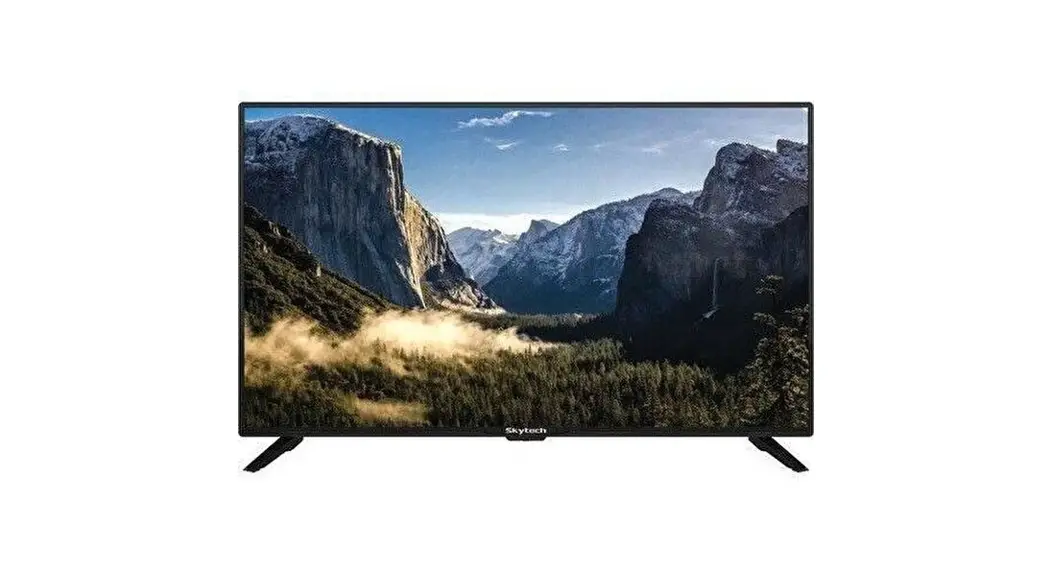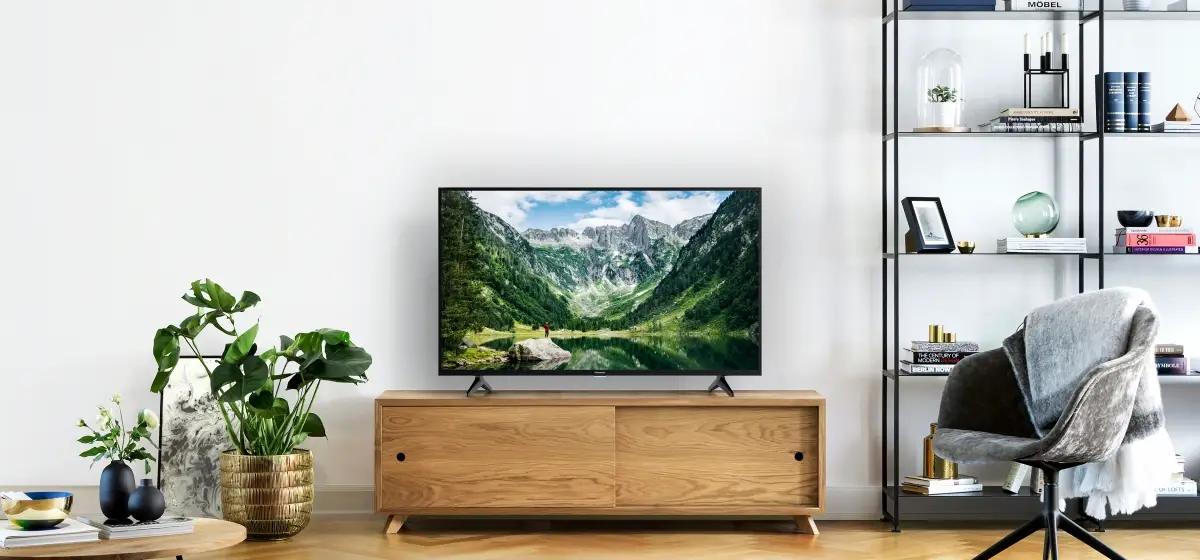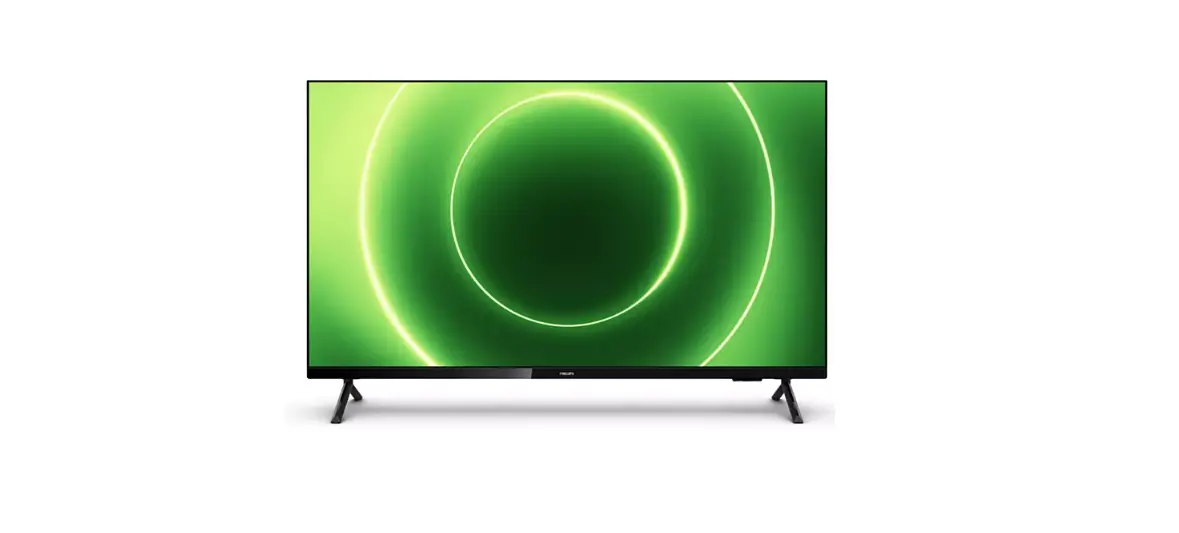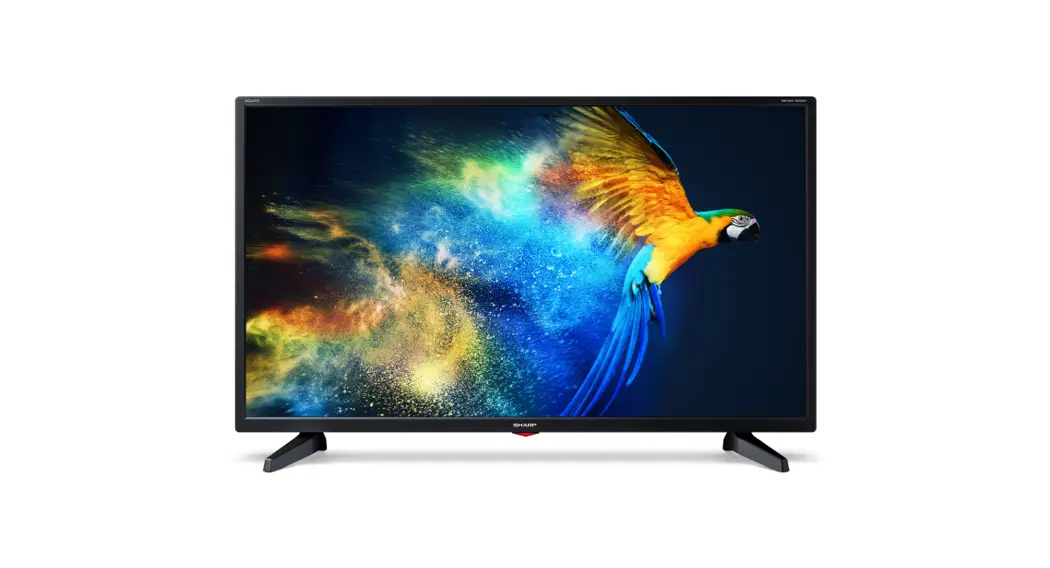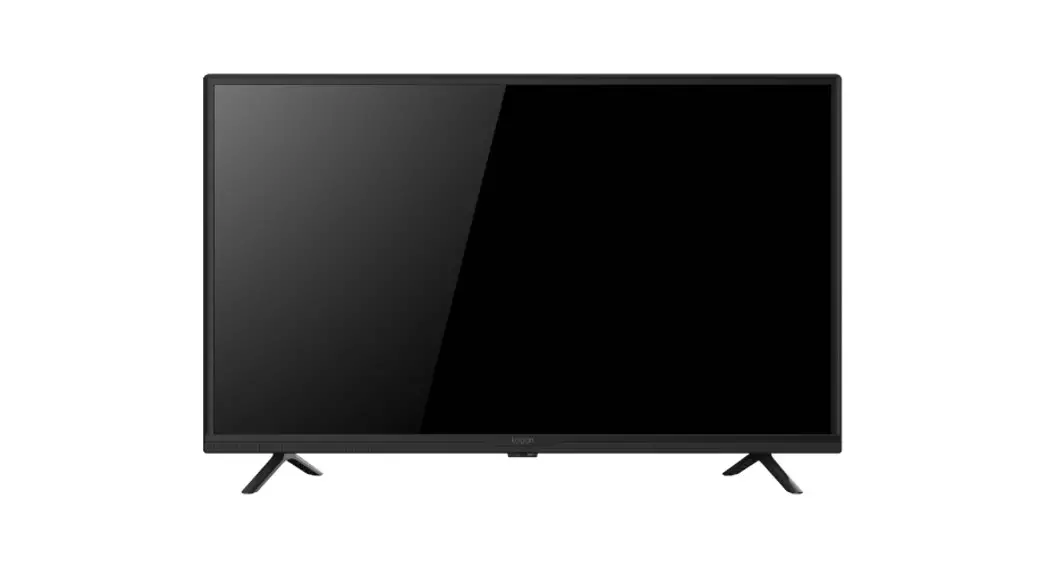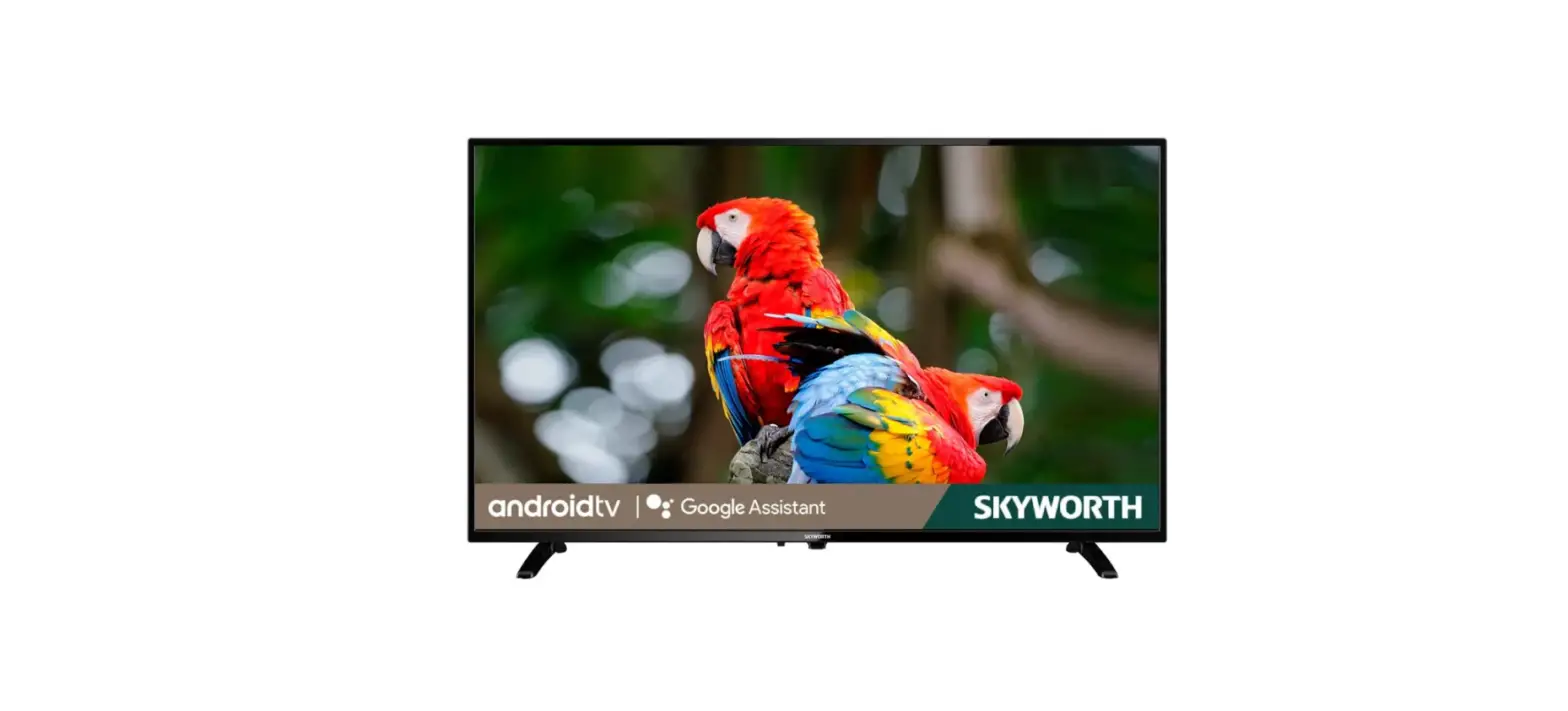

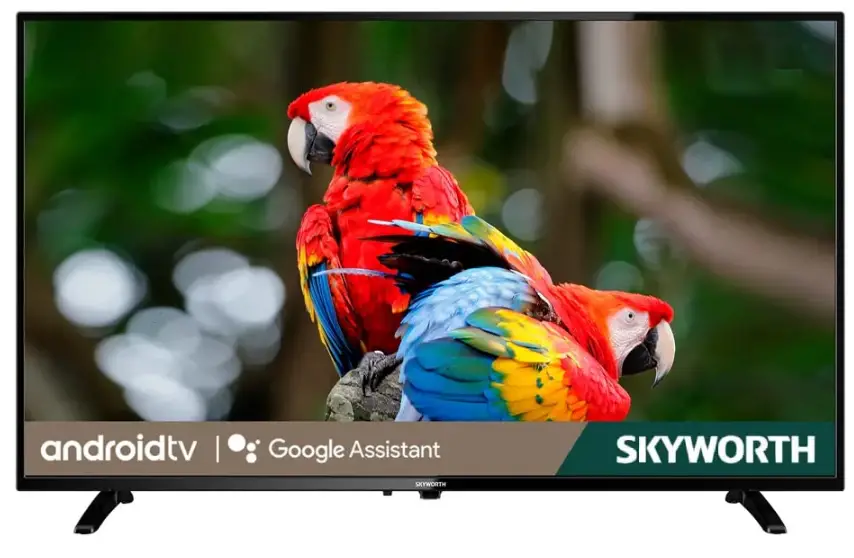
Skyworth 32S3G 32-inch LED Smart Android TV
Unpacking and Installation
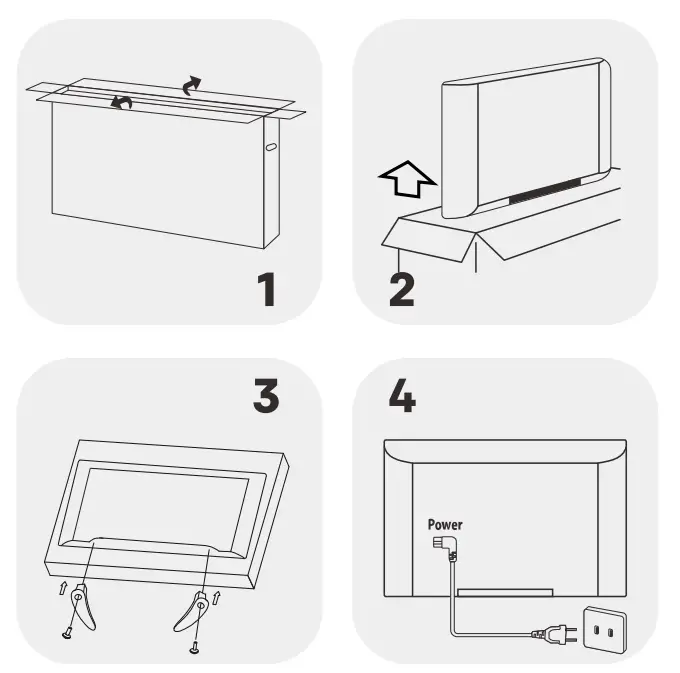
Note: The pictures are only for reference.
- Open the package.
- Take out the TV.
- Install the TV stands.
- Connect the power cord.
Accessories
Note: The pictures are only for reference.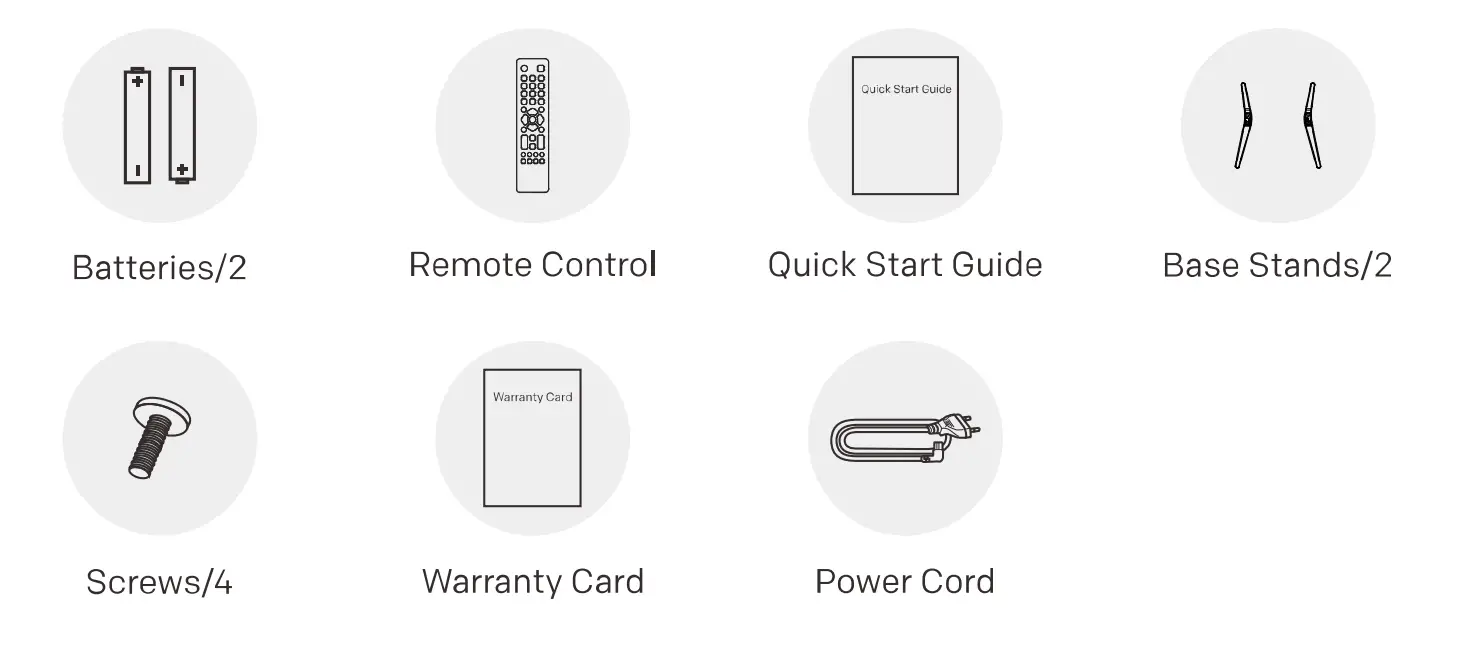
Note:
- The information in this document is subject to change without notice. The manufacturer accepts no liability for damage resulting directly or indirectly from faults, incompleteness or discrepancies between the user manual and the product described.
- In dry environment due to static electricity, the product may restart and return to the main OSO interface, USB player interface or the previous source mode. ft is normal and please continue to operate the TV as you will.
Important Safety Instructions
WARNING AND PRECAUTION
Read all of the instructions before operating the sot. Keep these instructions well for later use.
- Read these instructions – All the safety and operating instructions should be read before this product s operated
- Keep these instructions – The safety and operating instructions should be retained for future reference.
- Heed all Warnings All warnings on the appliance and in the operating instructions should be adhered to0.
- Follow all instructions – All operating and use instructions should be followed.
- Do not use this apparatus near water- The appliance should not be used near water or moisture- for example, ina wet Basement or near a swimming pool, and tne iKe.
- Clean only with dry cloth.
- Do not block any ventilation openings. Install in accordance with the manufacturer’s instructions.
- Do not install near any heat sources such as direct sunlight, radiators, heat registers, stoves, or other apparatus Unciuaing amplifiers) tnat produce neat.
- Do not defeat the safety purpose of the polarized or grounding plug. A polarized plug has two blades other. A group t the provided plug does not tit into you u consult an electrician for replacement of the obsolete outlet.
- Protect the power cord from being walked on or pinched particularly at the plugs, convenience receptacles, and at the point where they exit from the apparatus.
- Only use attachments/accessories specified by the manufacturer.
- Use only with the cart, stand, tripod, bracket, or table specified by the manufacturer, or sold with the apparatus. when a cart or rack IS Used, Use caution when moving the cart/apparatus combination to avoid injury from tip-over.
- Unplug the apparatus during lightning storms or when unused for long periods of time. er, ng ae prisoner objects have fallen into the apparatus, the apparatus has been exposed to rain or moisture, does not operate normally, or has been dropped.
- CAUTION: These servicing instructions are for use by qualified service personnel only. To reduce the risk of electric shock, do not perform any servicing other than that contained in the operating instructions unless you are qualified to do S0.
- Do not install this equipment in a confined or building-in space such as a bookcase or similar unit, and remain a good ventilation condition8 at an open Site. In ventilation, should not be impeded by covering the ventilation openings with items such as newspaper, tablecloths, curtains etc.
- Please refer to the information on rear enclosure for electrical and safety information before installing or operating the apparatus.
- To reduce the risk of fire or electric shock, do not expose this apparatus to rain or moisture.
- The apparatus shall not be exposed to dripping or splashing and that no objects filled with liquids, such as vases, shall be placed on the apparatus. Do not use the set near the dust place.
- The terminals marked with the symbol of” may be of sufficient magnitude to constitute a risk of electric shock. The external wiring connected to the terminals requires installation by an instructed person or the use of ready-made kids or cords.
- To prevent injury, use the stand/wall-mount bracket to secure by installing this apparatus on the table/wall in accordance with the installation instructions.
- The danger of explosion if the battery is incorrectly replaced. Replace on k with the same or equivalent type.
- The battery (battery or batteries or battery pack) shall not be exposed to excessive heat such as sunshine, fire or the like.
- Excessive sound pressure from earphones and headphones can cause hearing loss. Listening to music at high volume levels and for extended durations can damage one’s hearing. In order to reduce the risk of damage to hearing, one should lower the volume to a safe, comfortable level and reduce the amount of time stoning at high levels.
- The appliance coupler is used as the disconnect device, the disconnect device shall remain readily operable.
- When not in use and during movement, please take care of the power cord set, eg. tie up the power cords with a cable tie or something lke that. It shall be free from sharp edges and the lke that can cause abrasion of the power cord set. When put into use again please make sure the power cords is not damaged, If any damages are found, please look for the service person to replace the power cord set specified by the manufacturer or have the same characteristics as the original one.
- Attention should be drawn to the environmental aspects of battery disposal.
- No naked flame sources, such as lighted candles, should be placed on the apparatus. To prevent the spread of fire, keep candles or other open flames away from the apparatus at all times.
- If the apparatus has the symbol in its rating label and the power cord has two pins, it means that the equipment is a Class I or double-insulated electrical appliance. It has been designed in such a way that it does not require a safety connection to the electrical earth.
- Waning for Apparatus containing COIN/BUTTON CELL BATTERIES (Below instructions only used for the apparatus containing a user-replaceable coin/button cell battery)
WARNING Do not ingest the battery, ChemicalBurn Hazard (The remote control supplied with) this product contains a coin/button cell battery. If the coin/button cell battery is swallowed, it can cause severe internal burns in just 2 hours and can lead to death. Keep new and used batteries away from children. If the battery compartment does not close securely. stop using the product and keep it away from children. If you think batteries might have been swallowed or placed inside any part of the body, seek immediate medical attention. - This lightning flash with an arrowhead symbol within an equilateral triangle is intended to alert the user to the presence of non-insulsted voltage within the product’s enclosure that may be of sufficient magnitude to constitute a risk of electric shock. To reduce the risk of electric shock Do not remove the cover (or back) No user-serviceable parts inside Refer to qualified service personal The exclamation point within an equilateral triangle is intended to alert the user to the presence of important operating and maintenance instructions in the literature accompanying the appliance.The following information is recommended to be included as far as accurate where applicable:
| Refer to alternating current(AC). | \!.> Refer to stand-by. |
| Refer to direct current(DC). | Refer to power ON. |
| [g] Refer to Classll equipment. | 7 Refer to dangerous voltage. |
WEEE Directive
Correct Disposal of this product. This marking indicates that this product should not be disposed of with other household wastes throughout the Eu. To prevent possible harm to the environment or human health from uncontrolled waste disposal, recycle it responsibly to promote the sustainable reuse of material resources. To return your used device. Please use the return and collection systems or contact the retailer where the product was purchased. They can take this product for environmentally safe recycling.
Positioning the TV
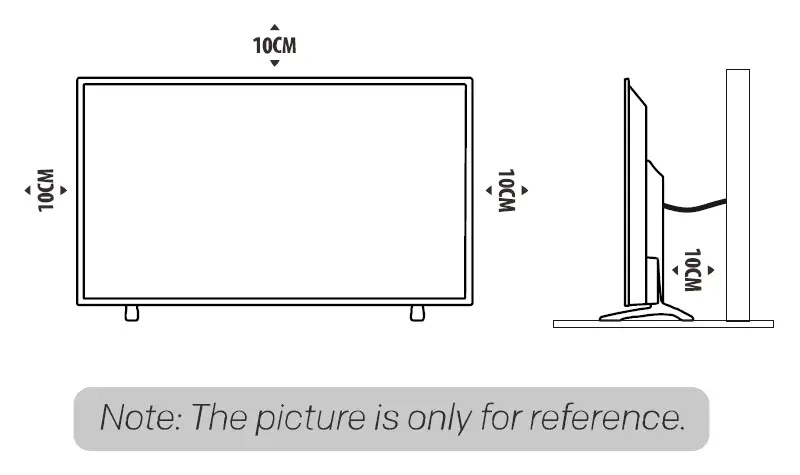
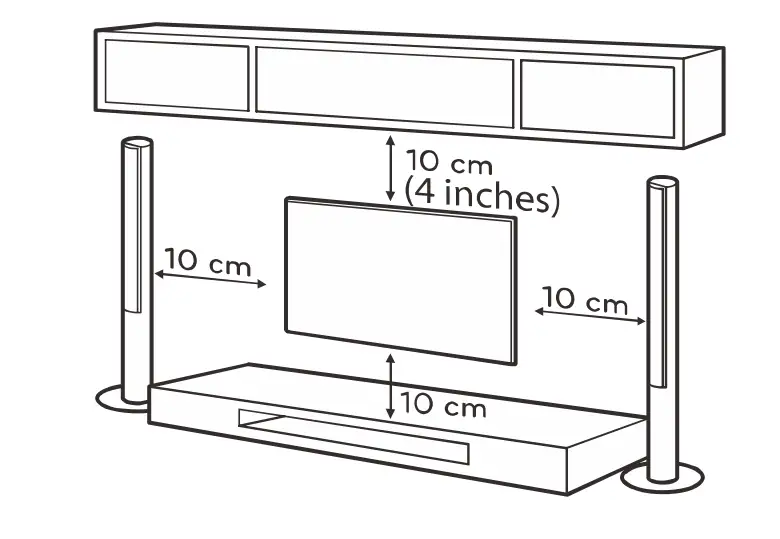
- Install Display on a solid horizontal surface such as a tatle or desk For ventilation, leave a space of at least 10cm free all around the set. To prevent any fault and unsafe situation, phase do not place any objects on top of the set. This apparatus can be used in tropical and/or moderate climates Fix the rear of the enclosure to well only for some countries)
- Fix the rear of the enclosure to wll only for some countries) ata: 7ne picture s o0y ar tolerance
Warning: Never place a television set in an unstable location. A television set may fall, causing serious personal injury or death. Many injuries, particularly to children, can be avoided by taking simple precautions such as:- using cabinets or stands recommended by the manufacturer of the television. Only using furniture that can safely support the television.
- ensuring the television is not overhanging the edge of the supporting furniture.
- Not placing the television on tall furniture (for example, cupboards or bookcases) without anchoring both the furniture and the television set to a suitable support
- Not placing the television set on cloth or other materials that may be located between the decision set and supporting furniture Educating children about the dangers of climbing on furniture to reach the television or its controls.
- If your existing television set is being retained and relocated, the same considerations as above should be applied. (Only for the TV with a mass exceeding 7 kg)
Mounting on a Wall
- An optional wall mount can be used with your television Consult with your local dealer to purchase the recommended wall mount bracket. Carefully attach the wall mount bracket at the rear of the TV Install the wall mount bracket on a solid wall perpendicular to the floor you are attaching the TV to other building materials, please contact qualified personnel to install the wall mount. Detailed instructions will be included with the wall mount. Please use a wall mount bracket where the device is adequately secured to the wall with enough pace to allow connectivity to external devices.
- Disconnect the power before moving or installing the TV. Otherwise, electric shock may occur
- Remove the stand before installing the TV on a wall mount by performing the stand attachment in reverse .
- if you install the TV on a ceiling or slanted wall. it may fall and result in severe injury Use an authorized wall mount and contact the local dealer or qualified personnel Otherwise it is not covered by the warranty
- Do not over-tighten the screws as this may cause damage to the TV and void your warranty.
- To prevent injury. this apparatus must be securely attached to the floor/wall in accordance with the installation instructions.
- Use the scraws and wall mounts that meet the following specifications. Any damages or injuries by misuse or using an improper accessory are not covered by the warranty

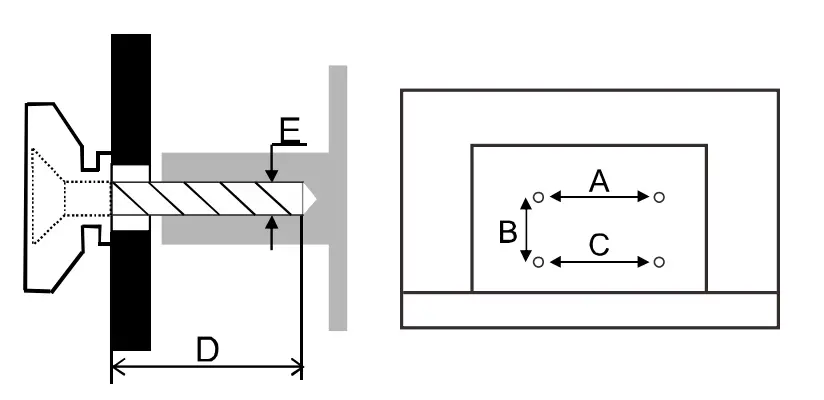
Note:
- The pictures are only for reference.
- For the TV sets with terminals towards the wal, in order to leave enough space to use the terminals, a rubber cushion is needed together with each screw to fix the wail mount. It is a small hollow pillar whose internal diameter is Bmm, external diameter is 18mm and height is z30mm.
Precautions For Using Remote Control
- Use the remote control by pointing it towards the remote sensor. The items between the remote control and the remote sensor will interfere the normal operation.
- Do not make remote control vibrate violently. Also, do not splash liquid on the remote control, also do not put the remote control in high humidity place.
- Do not place remote control under direct sunlight which will cause deformation of the unit by heat.
- When the remote sensor is under direct sunlight or strong lighting, the remote control will not work. If so please change the lighting or TV’s position, or operate the remote control closer to the remote sensor.
Precautions For Using Battery
Improper using of the battery will cause leakage. So please do as the following methods and use carefully.
- Please note the batteries’ polarity, to avoid short circuit.
- When the battery’s voltage is insufficient which affect the use range, you should replace new battery. Remove the batteries from the remote control unit if you do not intend to use it for a long time.
- Do not use different types of batteries (for example, Manganese and Alkaline batteries) together.
- Do not put the battery into fire, and charge or decompose the battery.
- Please dispose batteries abide by relevant environmental protection regulation.
- WARNING: The batteries (battery pack or batteries installed) shall not be exposed to excessive heat such as sunshine, fire or the like.
- Before Bluetooth searching, please make sure you have turned external Bluetooth devices in the pairing mode. For the remote control, you can press ◄ and HOME buttons together to open its pairing mode. For other Bluetooth devices, please read their own instruction manuals for opening the pairing mode.
BASIC OPERATION
E·Manual
E-Manual is built into your TV and can be displayed on the screen. To learn more about your TV features, access your E-Manual by referring to the following.
- Press HOME button to access the home page.
- Press
 and OK button to select “E-Manual” in “Apps”.
Note: The pictures are only for reference. - Remote Control: To check the detailed functions of remote control, please select and enter “0”.
- How to use E•Manual: Please select and enter ” 8 “, which can tell you how to check the E-Manual, and the meanings of specific icons or contents shown in the E-Manual, and so on.
 and OK button to select “E-Manual” in “Apps”.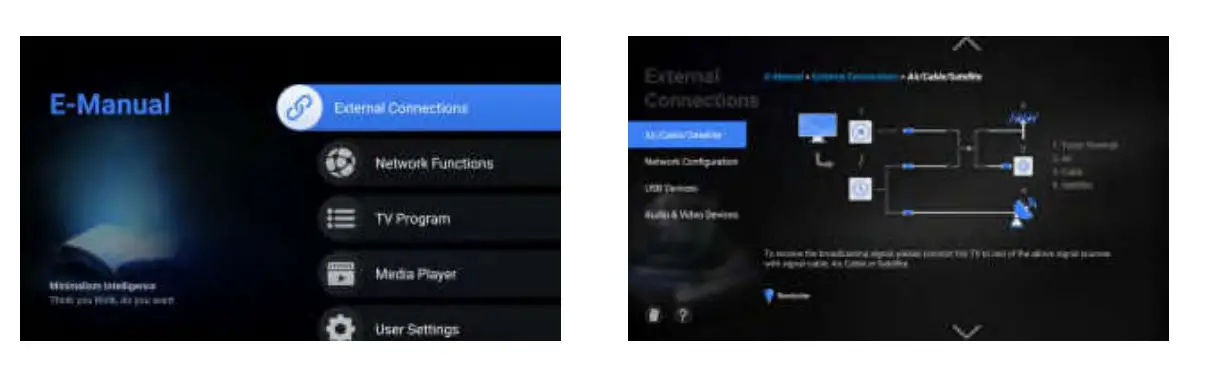
Install Remote Control Batteries
Place two AAA size batteries in the remote control’s battery compartment, making sure to match the polarity markings inside the compartment.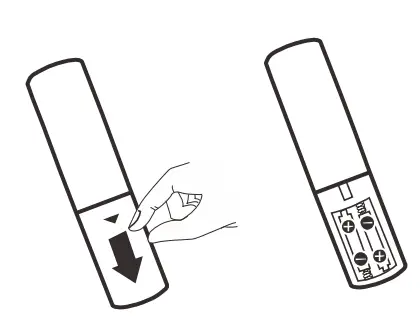
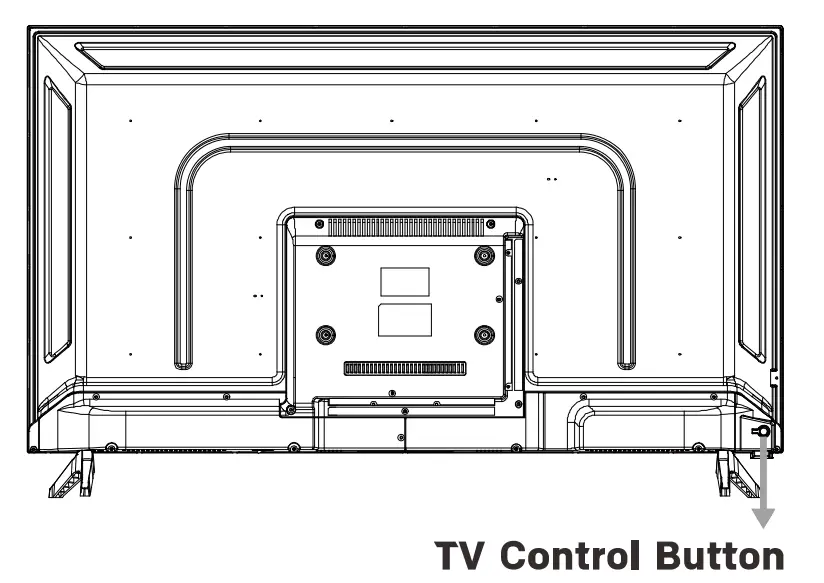
TV Control Button
- In standby mode, press it to turn on the TV.
- In working status, press it to turn the TV to standby mode.

TROUBLESHOOTING
Before calling a service technician, please check the following table for a possible cause of the symptom and some solutions.
General Problem / Solution
- Remote control does not work
Check the remote sensor on the remote control.
Change the batteries.
Batteries are not installed correctly.
Main power is not connected. - Poor Signal
This is usually caused by interference from cell phones, walkie-talkies, automotive ignition systems; neon, electric drill or other electronic equipment or radio interference sources.
Picture & Sound / Solution
- No picture, no sound
Check the signal source.
Plug another electrical device into the outlet to make sure it is working or turned on. The power Plug is bad contact with the outlet.
Check the signal. - No sound, picture OK
If no sound, do not mute or increase the sound volume.
Open the sound menu and adjust ‘Balance’.
Check if a headphone has been inserted in, if so, pull out the headphone. - Abnormal picture
For no color or bad picture quality, you may:- Adjust the color option in menu settings.
- Keep the TV at a sufficient distance from other electronic products.
- Try another channel, maybe exit broadcasting signal problem.
Bad TV signal (Display mosaic or snowflakes) - Check the signal cable and adjust the antenna.
- Fine tune the channel.
- Try anther channel.
Multimedia Player/ Solution
- This file is invalid’ appears or audio is normal but video is abnormal The media file maybe damaged, check if the file can be played on the PC. Check if video and audio codec is supported.
- Unsupported audio’ appears or video is normal but audio is abnormal The media file maybe damaged, check if the file can be played on the PC. Check if video and audio codec is supported.
Network / Solution (May not be available)
- Network failure
Check if the router works well.
For models needing USB dongle to connect to internet, check if the USB dongle is inserted well. Make sure the TV has connected to the router successfully.
Browser/ Solution (May not be available)
- Web page can not be displayed completely
Flash is not supported. - Browser is forced to be shut down
Web page includes too many large pictures, thus leads to insufficient memory and close the browser.
SPECIFICATION
- Working voltage: 100-240V~50/60 Hz
- Dimensions without stand (WXHXD): 37.52 X 21.50 X 3.39 in. 953 X 546 X 86 mm
- Net weight without stand: 12.35 lbs 5.6 Kg
- RF aerial input:75 ohm unbalanced
- Language of OSD:Multiple options
- System:
- DTV: ATSC
- ATV: NTSC
- Channel coverage:DTV: 57MHz~861MHz ATV: 55MHz~860MHz
- Environment (only for Tropical climates zone):
- Working temperature: 5’C~40’C (41’F~104’F)
- Working humidity: 20%~80%
- Storage temperature: -15’C~50’C ( 5’F~122’F)
- Storage humidity: 10%~90%
- Environment (only for Moderate climates zone):
- Working temperature: 5’C~40’C (41’F~104’F)
- Working humidity: 20%~80%
- Storage temperature: -15’C~45’C (5’F~113’F)
- Storage humidity: 10%~90%
Note:
Some specifications mav differ bv different regions or models, and please take your actual TV set as the standard.
androidtv
Android TV, Google Play, Chromecast and Youtube are trademarks of Google LLC.
The terms HOM! and HOM! High-Definition Multimedia Interface, and the HDMI Logo are trademarks or registered trademarks of HDMI Licensing Administrator, Inc. in the United States and other countries.
Manufactured under license from Dolby Laboratories. Dolby, Dolby Audio and the double-□ symbol are trademarks of Dolby Laboratories.
FCC Caution:
This equipment has been tested and found to comply with the limits for a Class B digital device, pursuant to Part 15 of the FCC Rules. These limits are designed to provide reasonable protection against harmful interference in a residential installation. This equipment generates, uses and can radiate radio frequency energy and, if not installed and used in accordance with the instructions, may cause harmful interference to radio communications. However, there is no guarantee that interference will not occur in a particular installation. If this equipment does cause harmful interference to radio or television reception, which can be determined by turning the equipment off and on, the user is encouraged to try to correct the interference by one or more of the following measures:
- Reorient or relocate the receiving antenna.
- Increase the separation between the equipment and receiver.
- Connect the equipment into an outlet on a circuit different from that to which the receiver is connected.
- Consult the dealer or an experienced radio/TV technician for help.
Changes or modifications to this unit not expressly approved by the party responsible for compliance could void the user’s authority to operate the equipment. This equipment complies with part 15 of the FCC Rules. Operation is subject to the following two conditions:
- this device may not cause harmful interference, and
- this device must accept any interference received, including interference that may cause undesired operation.
FCC Statement :
This equipment complies with FCC radiation exposure limits set forth for an uncontrolled environment. This equipment should be installed and operated with minimum distance 20cm between the radiator and your body. This device and its antenna(s) must not be co-located or operating with any other
antenna or transmitter.
IC Related Information (Only for Canada)
IC Caution:
This equipment complies with Industry Canada’s license-exempt RSS standard(s). Operation is subject to the following two conditions:
- this device may not cause interference, and
- this device must accept any interference, including interference that may cause undesired operation of this equipment.
IC Statement :
This equipment complies with IC radiation exposure limits set forth for an uncontrolled environment. This equipment should be installed and operated with minimum distance 20cm between the radiator and your body. This device and its antenna(s) must not be co-located or operating with any other antenna or transmitter.
The manufacturer is not responsible for any radio or TV interference caused by unauthorized modifications to this equipment. Such modifications could void the user’s authority to operate the equipment.
- The worst-case tilt angle(s) necessary to remain compliant with the e.i.r.p. elevation mask requirement set forth in Section 6.2.2(3) shall be clearly indicated.
FAQS
We provide 2-year warranty. If there is any problem with Skyworth products, please feel free to contact us.
It depends on your environment. If you live where it gets extremely hot or cold I don’t think it would hold up. I wouldn’t use it inside let alone outside. Mine was cheaply made garbage.
Usually on the back right corner of TV and remote.
Use to colorful button in the middle of the remote and press it just once and INPUT should come up
Yes
The TV in the picture are terrific. The only problem may be in tying the remote from the cable company to the TV. We need to keep two remotes which might become confusing.
It does not have a light-up remote the TV does have a sleep time.
Skyworth customer, thanks for your interest in the Skyworth S3G smart android TV.
Yes, you can connect spectrum cable through a coaxial cable to this TV.If there is any other problem, please feel free to contact us.
The command does not set the specified sentence, all pronunciation standards can be recognized in English, and it can search for a movie name, weather, volume, etc.
Don’t know after 3 months picture going bad on my tv
you can use it as a monitor when you connect them by HDMI cable.
The command does not set the specified sentence, all pronunciation standards can be recognized in English. And the previous channel button on the remote is a long button with CH logo in the middle of remote.
our TV support the VESA Wall Mount which size is 200*200 mm.
No, I don’t. I have a 43-inch Samsung tv.
VIDEO