
Smartwares Dvr720c Security Camera User Guide

Smartwares Dvr720c Security Camera User Guide

smartwares-DVR720C-Security-Camera-logo

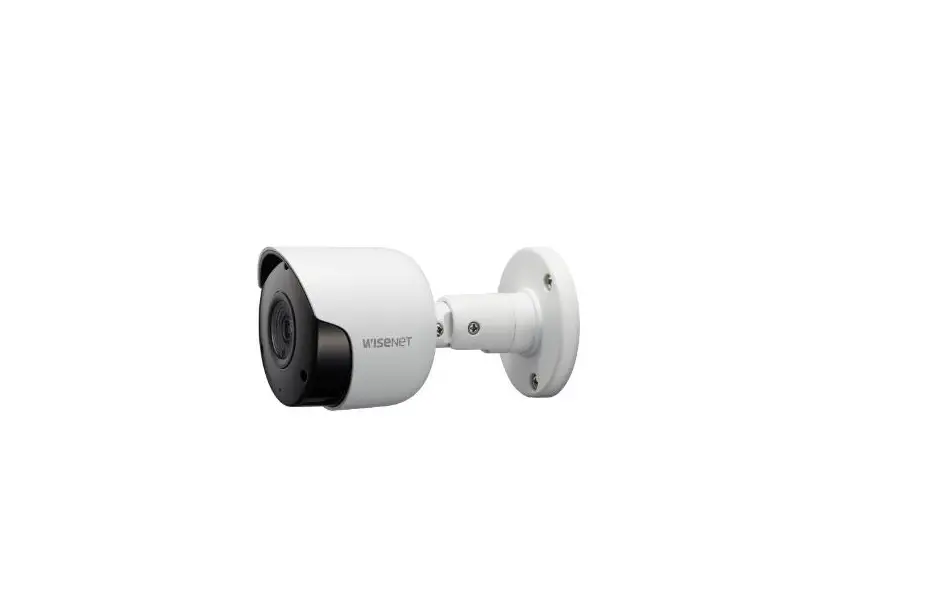
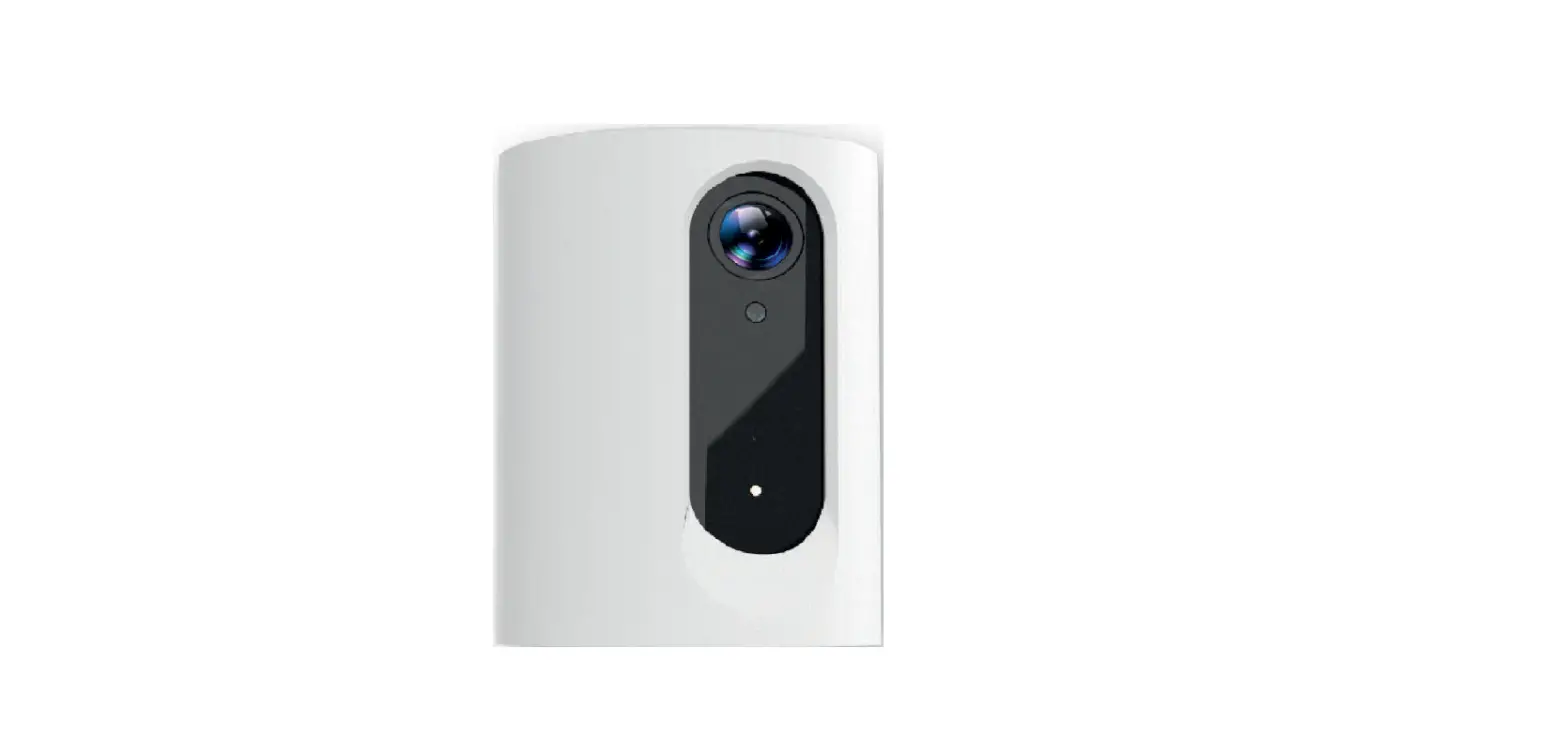
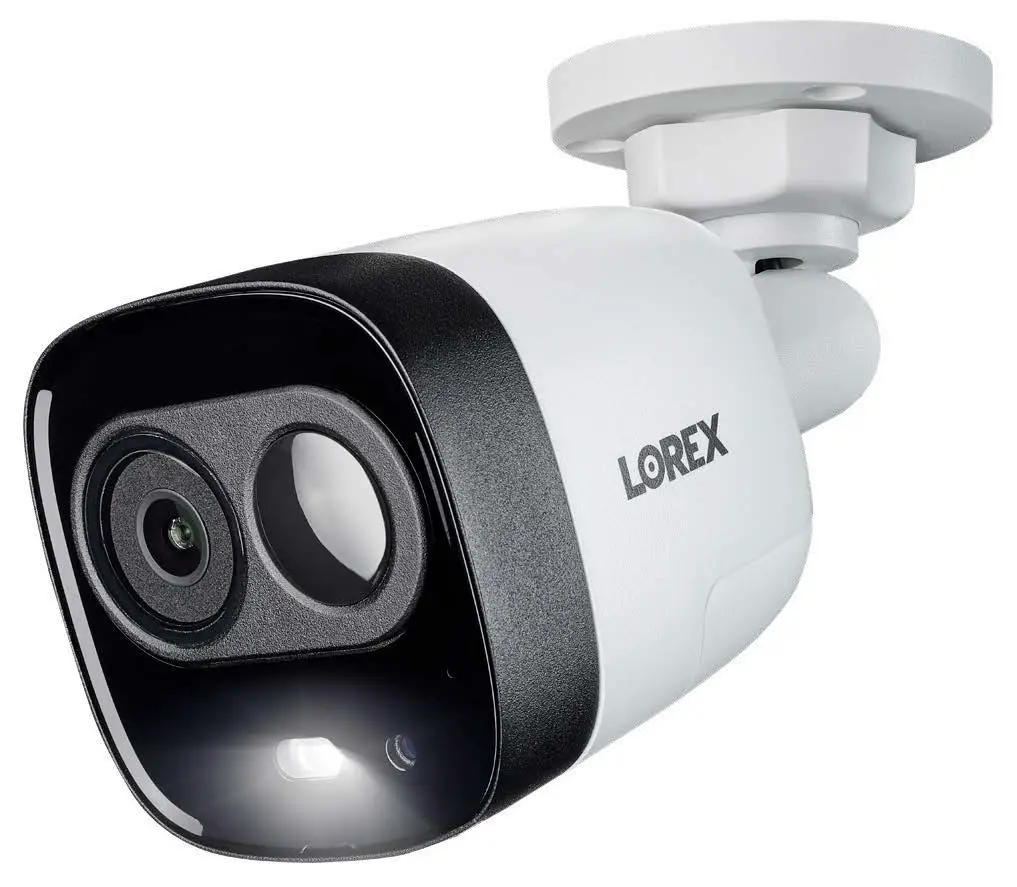
smartwares DVR720C Security Camera
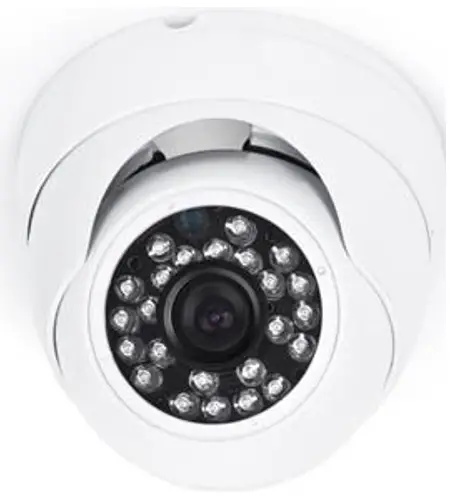
smartwares-DVR720C-Security-Camera-product

INSTALLATION INSTRUCTIONS

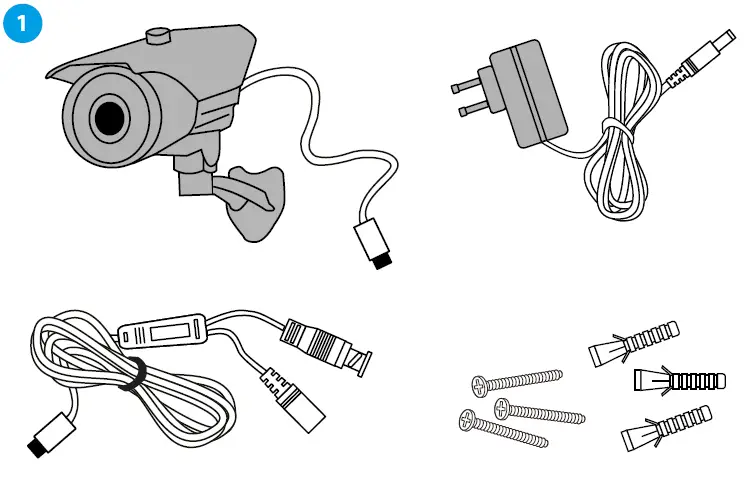
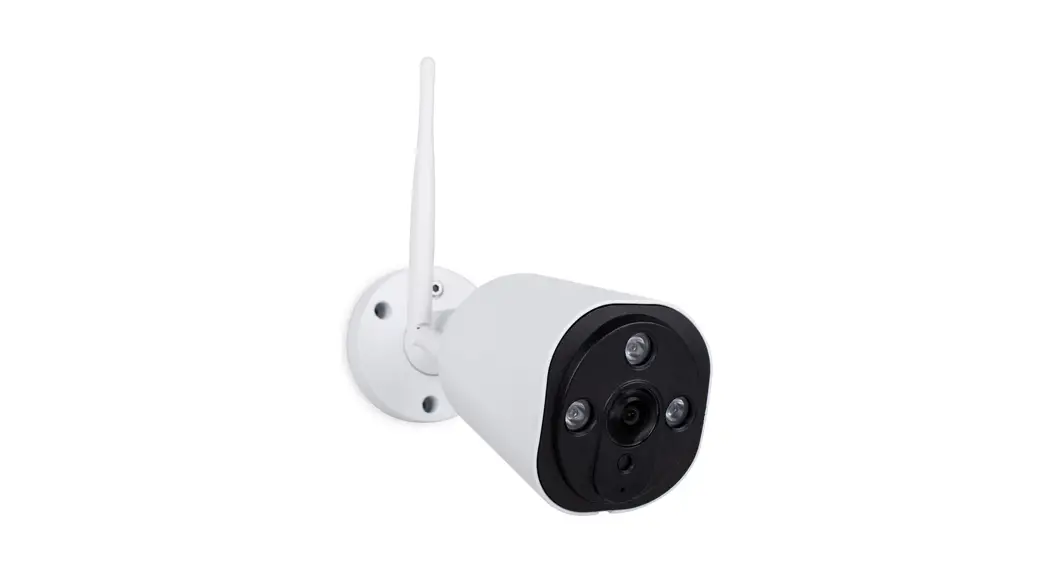
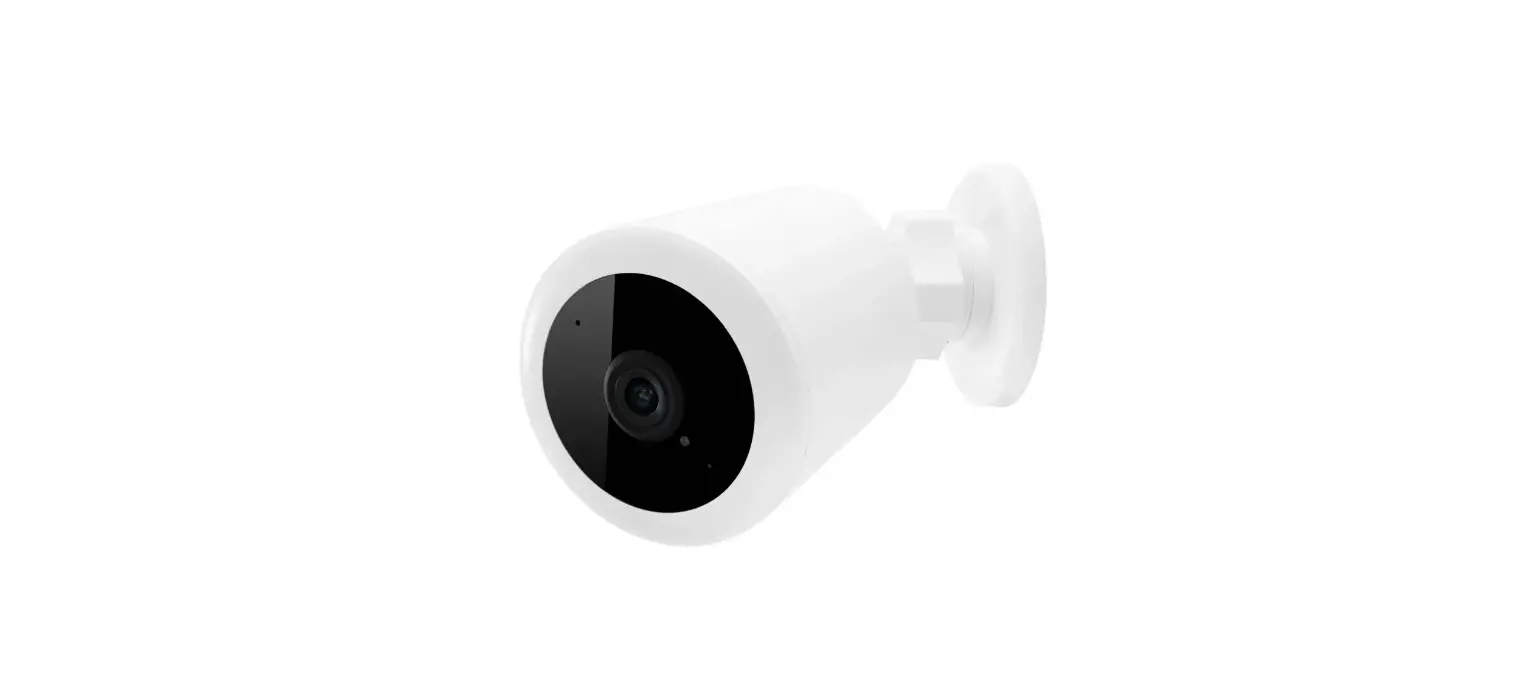
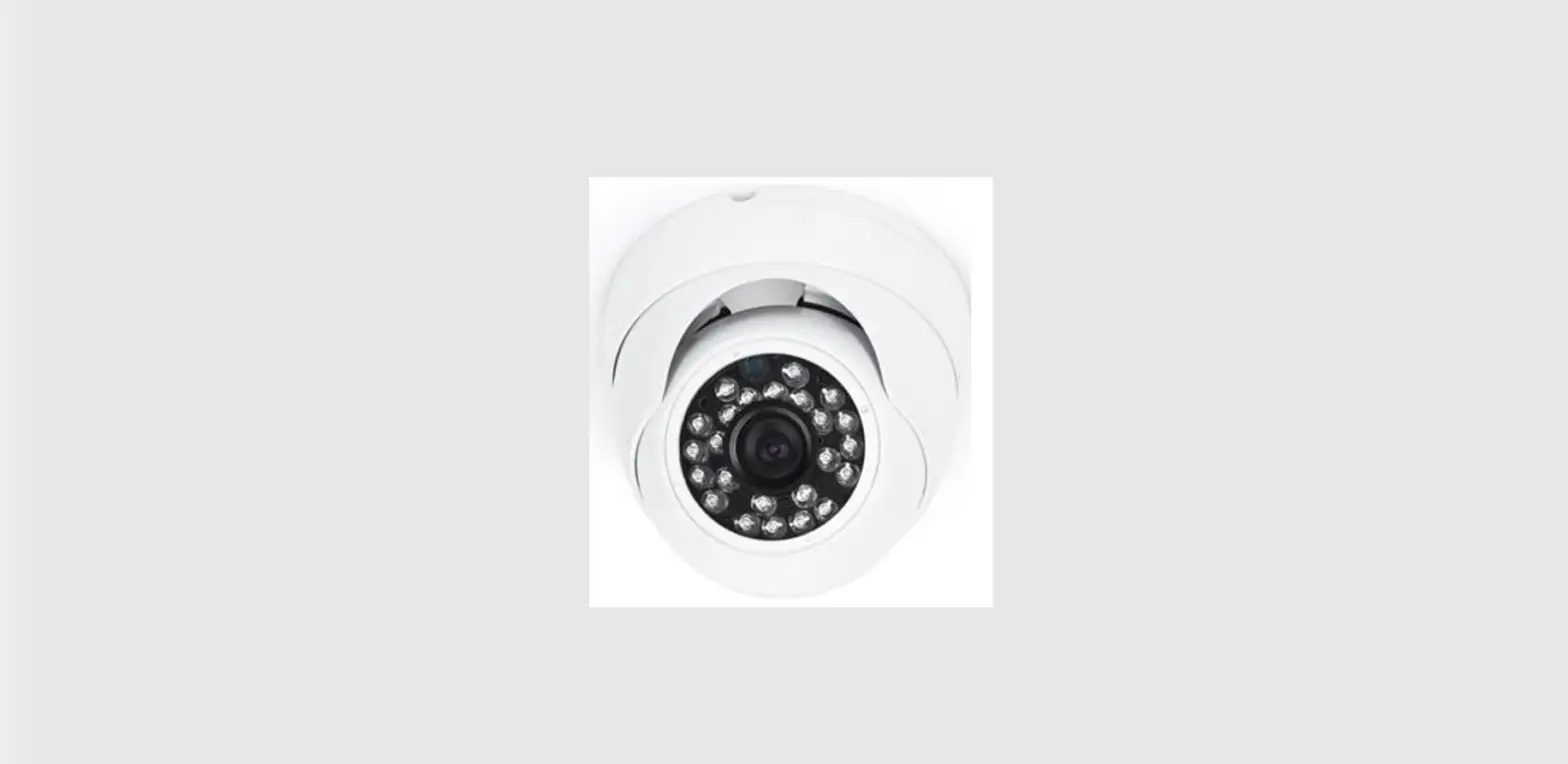
  1. Camera
    1. Camera bracket
    2. 18,3 meter cable
    3. Adapter
    4. 3x screws
    5. 3x plugssmartwares-DVR720C-Security-Camera-1
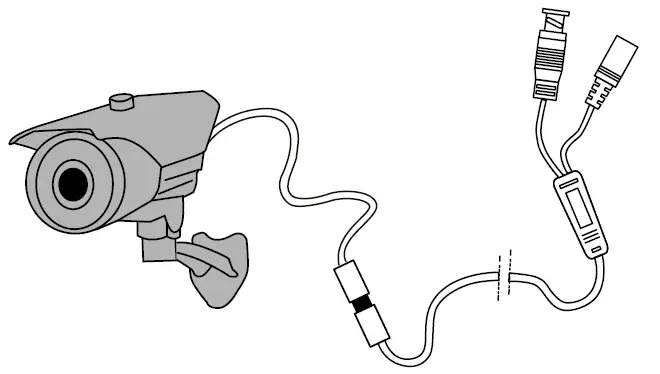
  2. Connect the mini-din of the camera to the mini-din plug of the 18,3 m cable.smartwares-DVR720C-Security-Camera-2
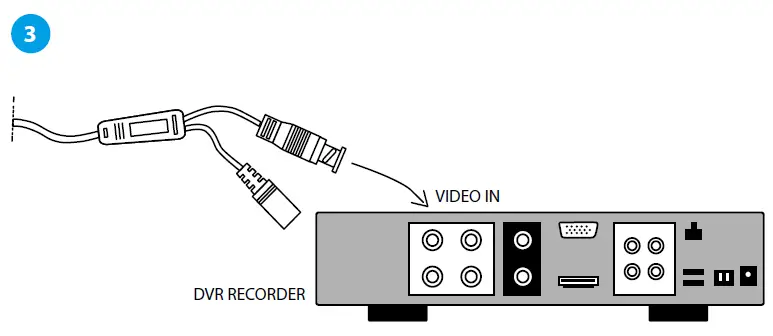
  3. Connect the BNC plug of the cable to the video in connection of the recording device (DVR).smartwares-DVR720C-Security-Camera-3
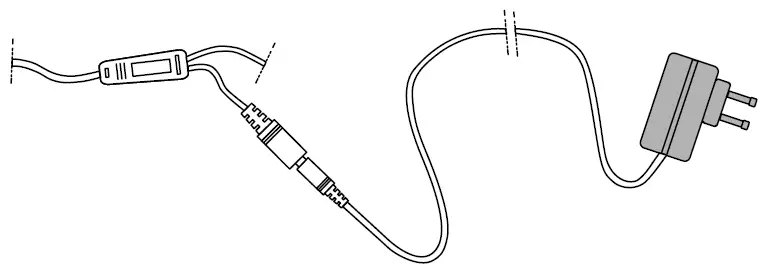
  4. Connect the power plug of the 18,3 m cable to the power adapter and plug the adapter into the 230V socket.smartwares-DVR720C-Security-Camera-4
  5. Use your manual of the recording device (DVR) to set your camera/camera channel to your needs.smartwares-DVR720C-Security-Camera-5

Documents / Resouces

Download manual
Here you can download full pdf version of manual, it may contain additional safety instructions, warranty information, FCC rules, etc.


Related Manuals