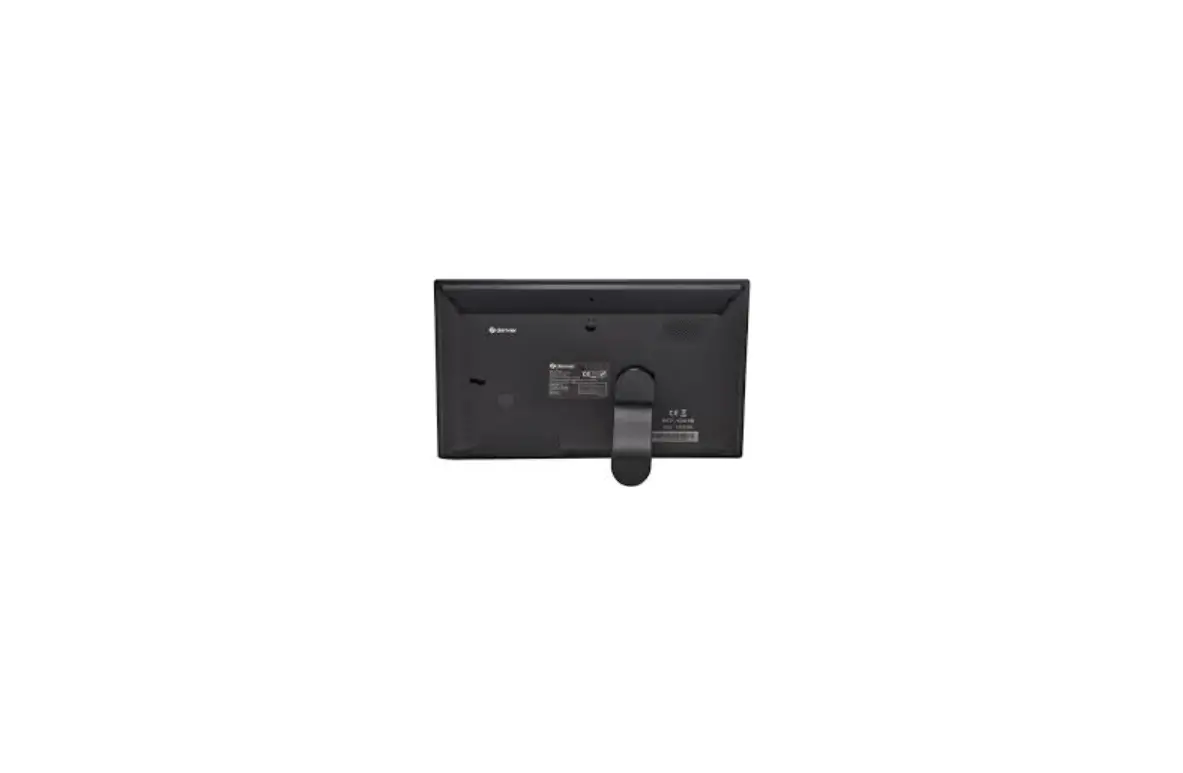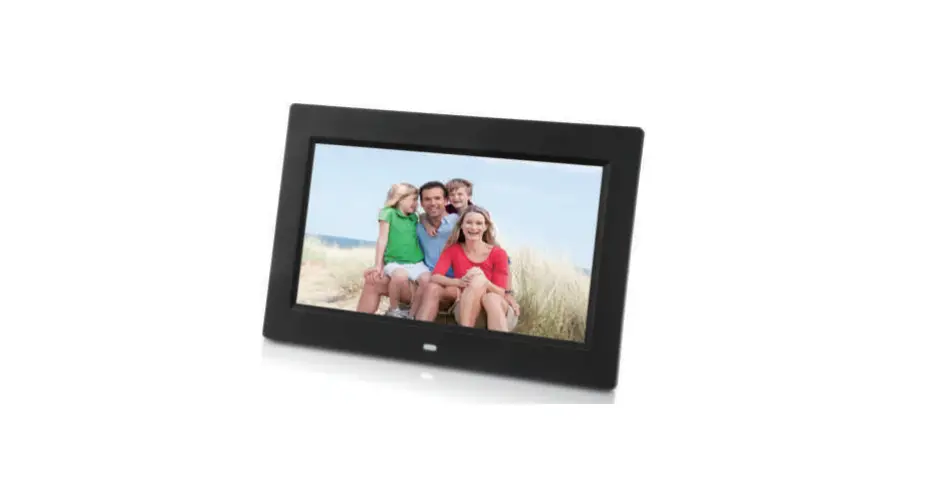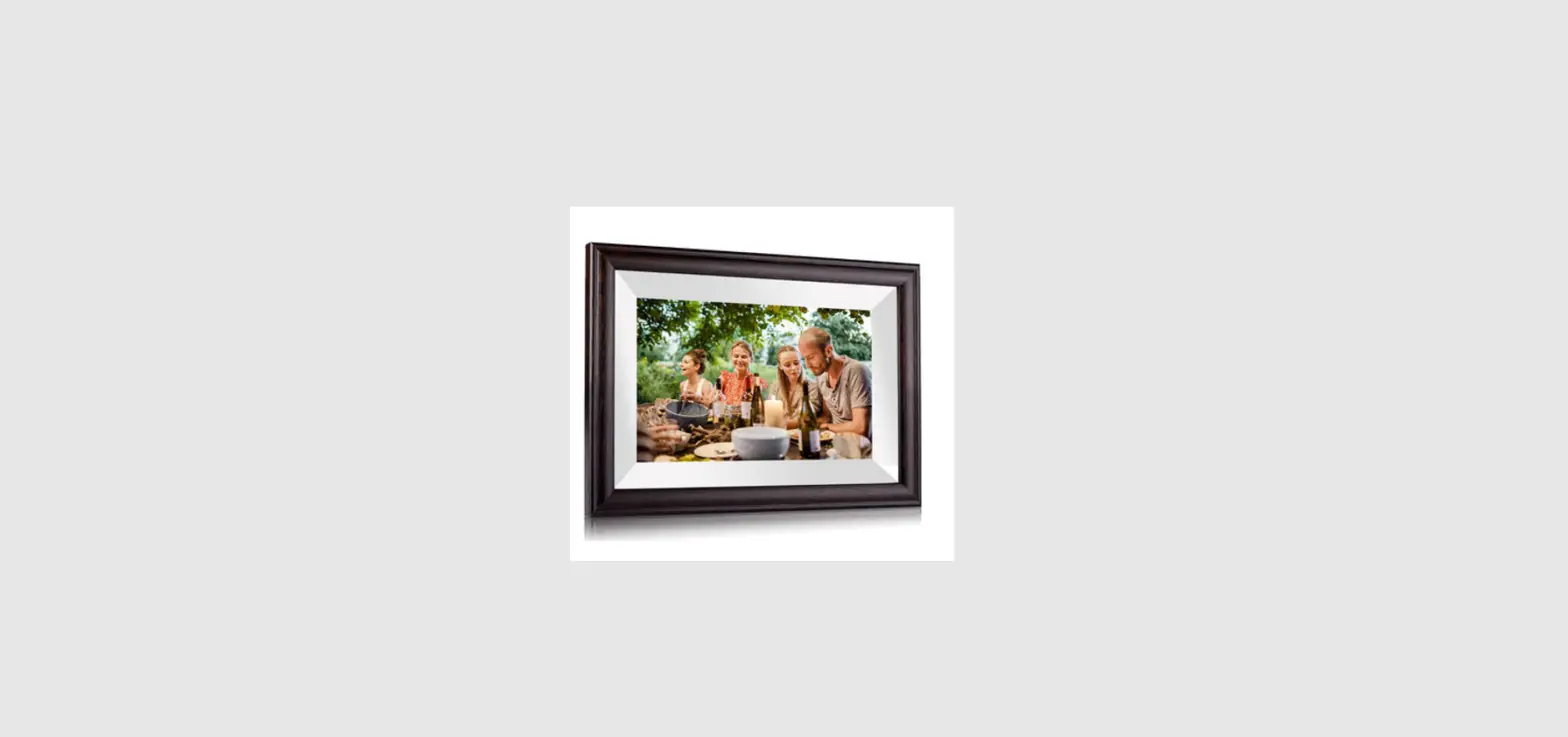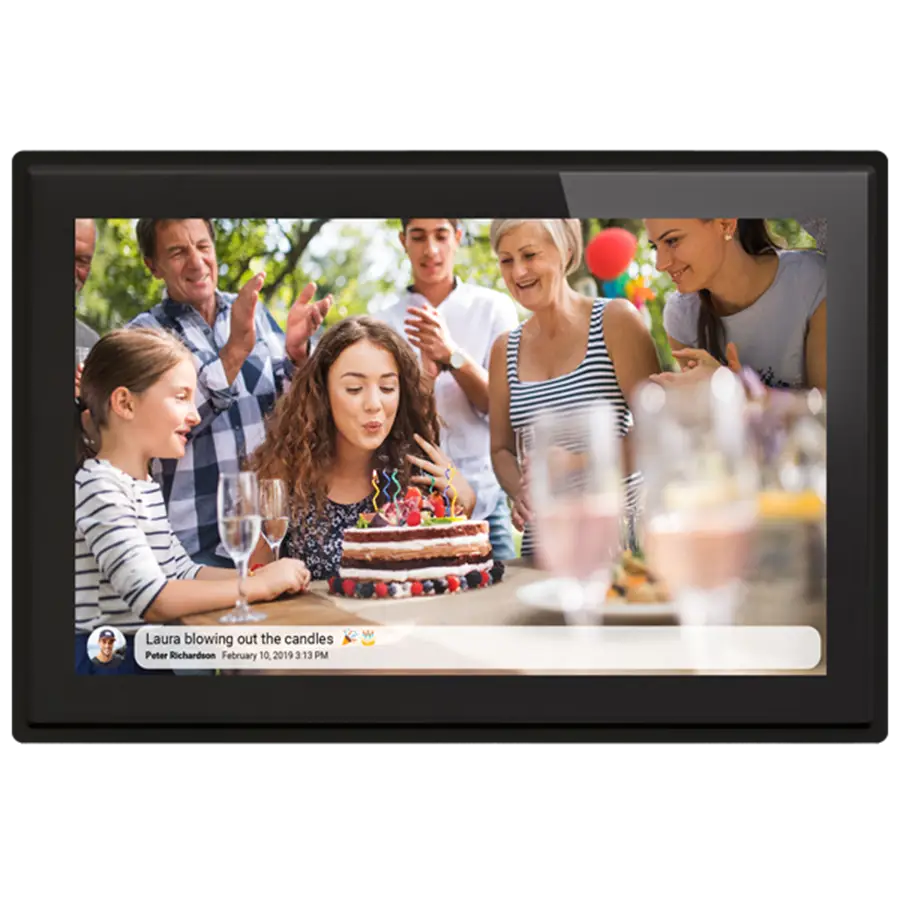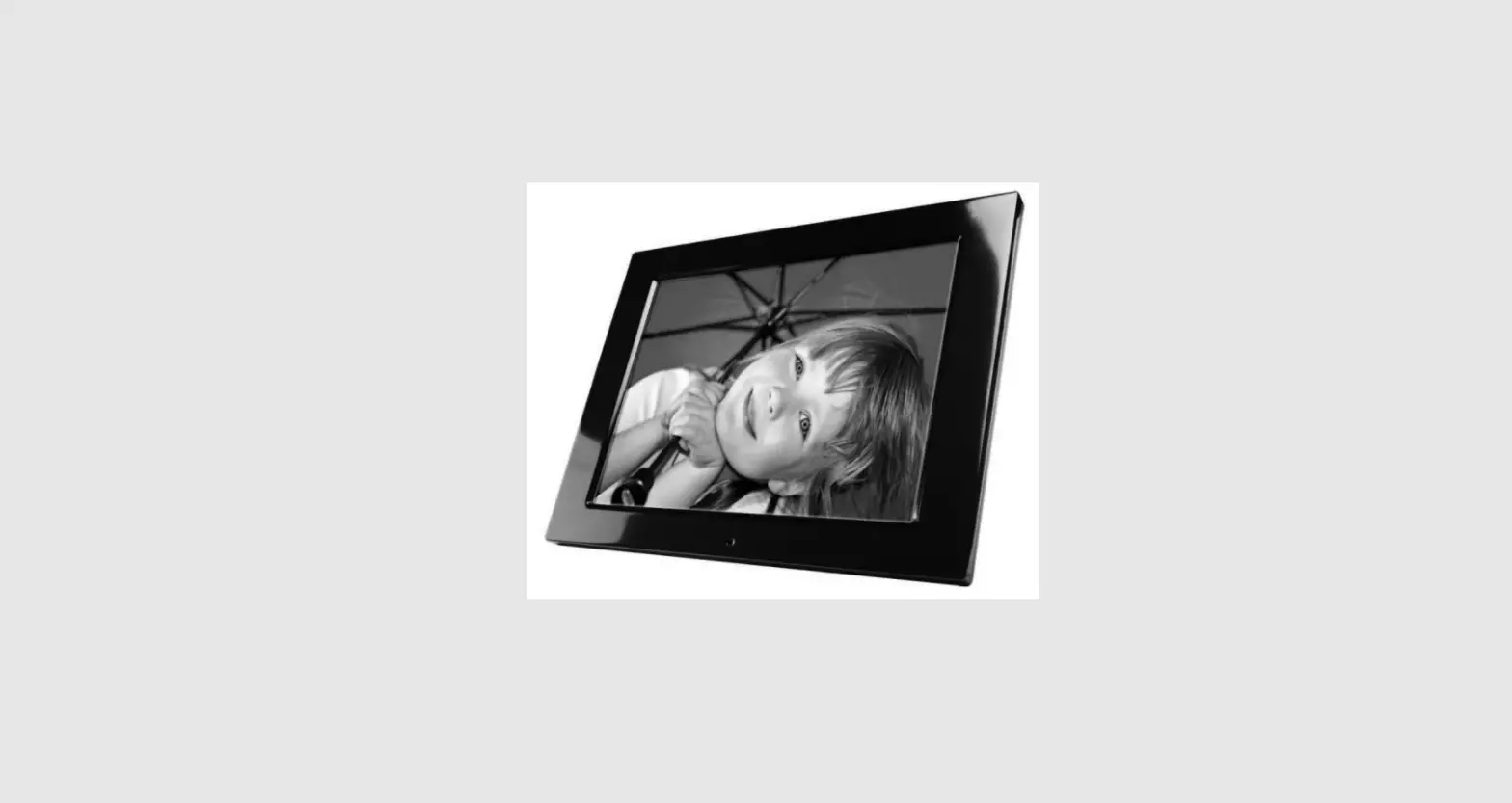

HYUNDAI LF 1217 MULTI Digital Photo Frame
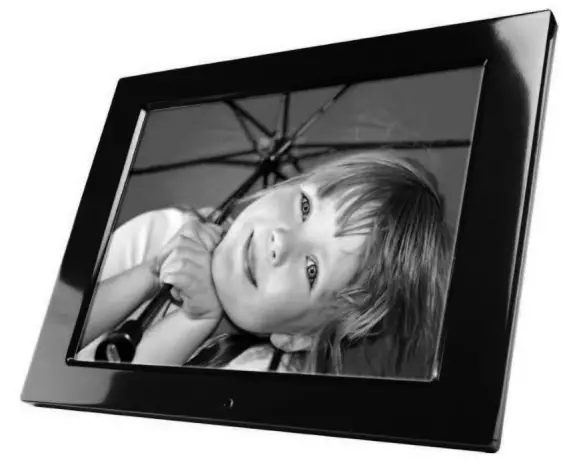
SAFETY INFORMATION
- Keep away from water, moisture and dusty areas.
- Working temperature 0-40°C. Never store in a hot or very cold place.
- Be careful not to drop or knock the photo frame.
- Never try to open the case yourself, always seek technical support.
- Connect the AC adaptor to both the DC IN jack and to the power outlet. (mains socket)
- Only use attachments / accessories approved by the manufacturer.
- When left unused for a long period of time, the unit should be unplugged from the household AC outlet
Warning: To reduce the risk of fire or electric shock, do not expose to rain, moisture, dripping or splashing.
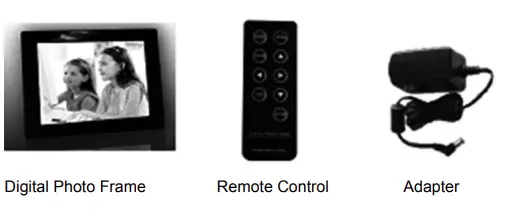
PACKAGE CONTENTS
SPEC SUMMARY
MAIN FEATURES:
- Plays digital photos as single mode, slide show, and split screen
- Play Music and videos
- Display calendar and clock with alarm
- Rotate and zoom photos
- Brightness, contrast and saturation adjustable
- Easy to use on-screen menus & button controls
MEMORY CARD SLOTS
- Secure Digital (SD)
- Multi-Media Card (MMC)
- Memory Stick (MS), MS Pro, MS Duo, MS Pro Duo (MS Duo adapter required)
- Secure Digital High Capacity (SDHC)
SPECIFICATIONS
- Pictures: JPEG up to 16-megapixel resolution
- Vedio:MPEG-1\2\4, Motion JPEG
- Audio: MP3
- USB ports
AC adapter
- Input AC 100V-240V. 50-60Hz
- Output DC 12V
DPF INTRODUCTION 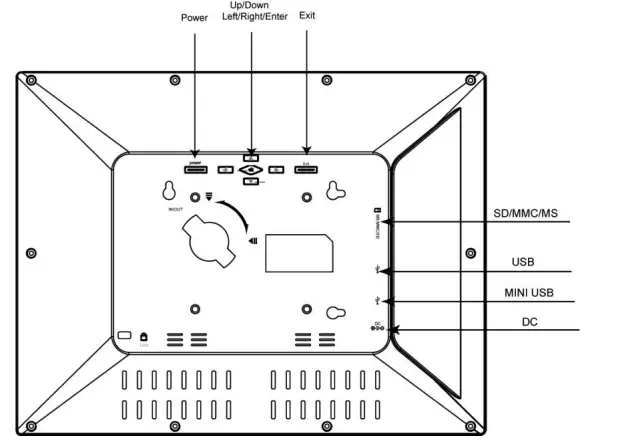
REMOTE CONTROL OVERVIEW
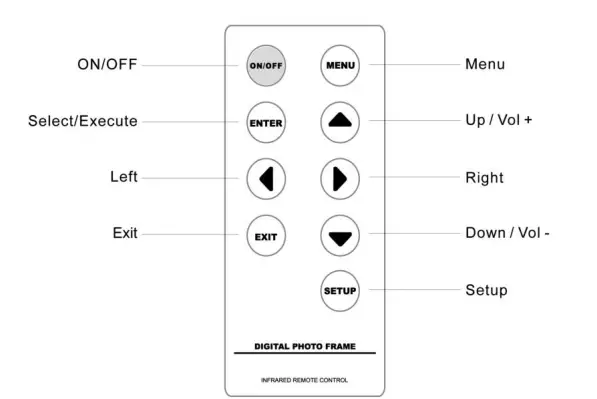
Note
- To edit or adjust, press MENU on the remote control.
- To go back a step or go to the main menu, press EXIT on the remote control;
QUICK START
Insert the jack of the DC adaptor into the digital photo frame, and then plug the DC adaptor into a standard power outlet.
OPERATION GUIDE
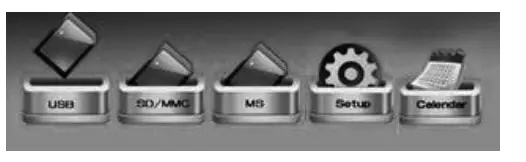
MAIN MENU
- Card select: Show which card you insert into frame
- Setup: adjust frame settings
- Calendar: display a calendar with time and alarm settings

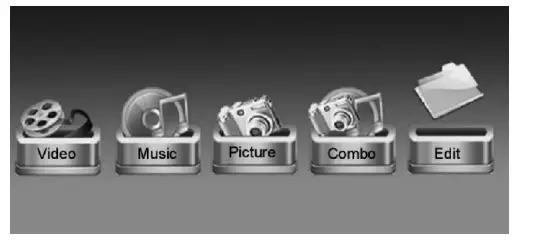
FUNCTION SELECT
- Movie: Select to play movie files
- Music: Select to play music files
- Picture: Select to play photo as a slideshow
- Combo: Slideshow pictures with music background
- Edit: Select to copy or delete files

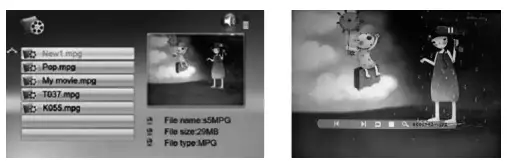
MOVIE DISPLAY
- Choose movie icon, all the movie files will list on the screen
- Press [▲][▼] to choose movie and press ENTER to play
- Press [MENU] during movie playback, the info bar appears on the screen or you can instead press button [Exit] on the frame for 3 seconds.
- Press [◄][►] and ENTER to make selection on the info bar.
- Note: Press [▲][▼] to increase or decrease volume.

MUSIC DISPLAY
- Choose music icon, all the music files will list on the screen
- Press [▲][▼] to choose music and press [ENTER] to play

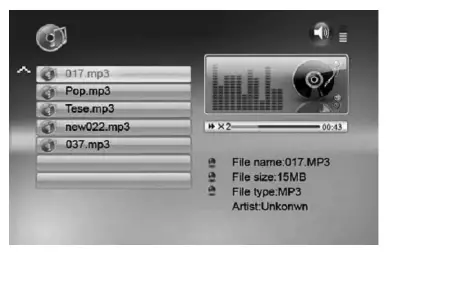
Note: Press [▲][▼] to increase or decrease volume
PICTURE DISPLAY
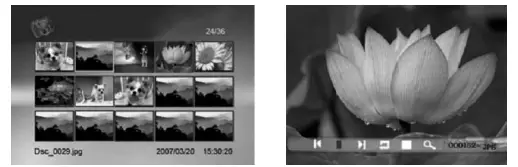
- Choose picture icon, all the pictures will list on the screen
- Press[▲][▼][◄][►] to choose picture and press[ENTER] to play
- Press [MENU] during display pictures, the info bar appears on the screen or you can instead press button [Exit] on the frame for 3 seconds.
- Press [◄]/[►] and [ENTER] to make selection on the info bar

COMBO DISPLAY
● Choose combo icon, all the combo files will list on the screen
● Press [▲][▼] to choose music or picture and press [ENTER] to play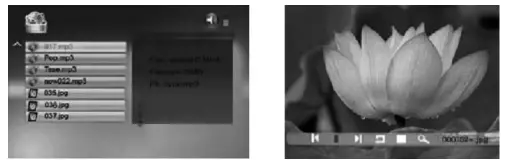
Note: Press [▲][▼] on remote control to increase or decrease volume
EDIT
SELECT EDIT ICON
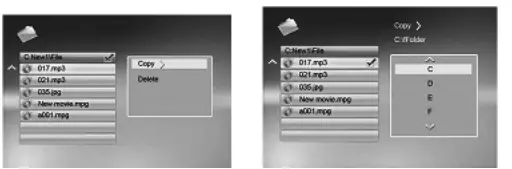
- All the files and folders will be listed on the screen
- Press [▲][▼] to choose different files
- Press to select one file, a √ will be marked beside the file
- To deselect the file by pressing again
COPY
- After file selected, press [MENU] and select “copy”
- Press [▲][▼] and to select the copy destination
- Press ENTER, copy finished.

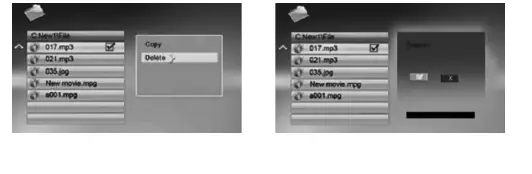
DELETE
- After file is selected, press [MENU] and select “ delete”
- Press [ENTER] to select “delete”
- Select √ then press [ENTER] to delete the selected file.

COMPUTER CONNECTING
- Connecting the frame to a computer by using a USB cable
- Edit files in the computer

SET UP
Select the setup icon from the main menu to setup your frame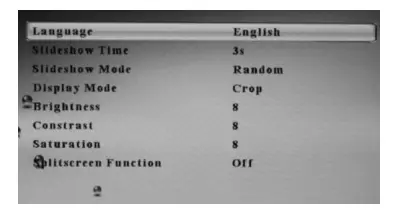
Operation method:
- [▲][▼] button: Shift items or choose parameters
- ][◄][►] button: change the parameters
- [ENTER] button: confirm the setup result
- [EXIT] button: back to item list
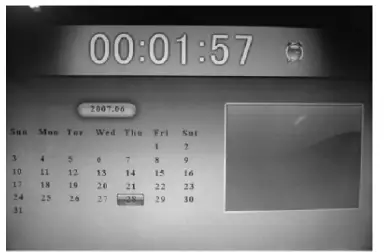
CALENDAR / CLOCK / ALARM
- press [▲][▼]to move to the previous or next year,
- Press [◄]/[►] to change to the previous or next month
- Date Setting is in “set up” menu.

OSD FUNCTION
| OSD Menu | SUB-Menu & Function Description |
| Function Menu | |
| Photo Music Movie Combo Edit Calendar | Picture Slideshow MP3 display Movie display Combo display Copy/ Delete Calendar/ Clock / Alarm |
| Memory Menu | |
| SD/MMC MS Min/USB | Different memory device |
Settings
| Language | Multi language |
| Slideshow Time | 3/5/15 seconds, 1/15min, 1 hour |
| Slideshow Mode | 14 mode |
| Music Repeat Mode | Repeat all/ one/ off |
| Movie Repeat Mode | Repeat all/ one/ off |
| Display Mode | Original – preserves dimension ratios of original picture Stretch – stretches picture to fit screen Crop – full screen picture, preserves dimension ratios, but crops picture to do so. |
| Time | Set time ( Year/ month/day/hour/minute) |
| Alarm | Set alarm |
| Brightness | Brightness adjust |
| Contrast | Contrast adjust |
| Saturation | Saturation adjust |
| Auto Power on Time | Set time to power on automatically |
| Auto Power off Time | Set time to power off automatically |
| Splitscreen Function | Several photos display on screen the same time |
| Auto Play | Picture/music/movie/calendar/main menu |
| Default | Restore to the factory settings. |
SPECIFICATIONS
| LED Screen | Panel size and aspect ratio | 12.1“ 4:3 |
| Resolution | 800 x 600 pixels | |
| Supported format | Jpeg, Motion Jpeg, Mpeg1/2/4, MP3 | |
| Memory Medium | Memory Card | SD/SDHC/MMC/MS (MAX. 32GB) |
| File‘s format | FAT, FAT32 | |
| Electrical specifications | Power input | DC 12V/1500mA |
| Power consumption | ≤18W | |
| Power adaptor | Input: AC 100-240V ~ 50/60Hz | |
| Output: DC 12V/1500mA | ||
| Dimensions | Dimensions | 316x244x31.5mm |
| Weight | 1300g | |
| Environmental Requirements | Operation temperature | 0°C~40°C |
| Storage temperature | -10°C~60°C | |
WARNING: Do not use this product near water, in wet areas to avoid fire or injury of electric current. Always turn off the product when you don’t use it or before a revision. There aren’t any parts in this appliance that are reparable by consumers. Always appeal to a qualified authorized service. The product is under a dangerous tention.
Disposal
Old electrical appliances, used batteries, and accumulators disposal
This symbol appears on the product, on the product accessories or on the product packing means that the product must not be disposed of as household waste. When the product/ battery durability is over, please, deliver the product or battery (if it is enclosed) to the respective collection point, where the electrical appliances or batteries will be recycled. The places, where the used electrical appliances are collected, exist in the European Union and in other European countries as well. By proper disposal of the product, you can prevent possible negative impacts on the environment and human health, which might otherwise occur as a consequence of improper manipulation with the product or battery/ accumulator. Recycling of materials contributes to the protection of natural resources. Therefore, please, do not throw the old electrical appliances and batteries/ accumulators in the household waste. Information, about where it is possible to leave the old electrical appliances for free, is provided at your local authority, at the store where you have bought the product. Information, on where you can leave the batteries and accumulators for free, is provided to you at the store, at your local authority. We reserve the right to change technical specifications.
 odkaz.cz
 ASEKOL
 Serwis Digison
 Úvod - ECOBAT
 Hyundai Electronics– Hyundai CZ
 OZV SEWA | elektroodpad | batérie | obaly | zákon o odpadoch