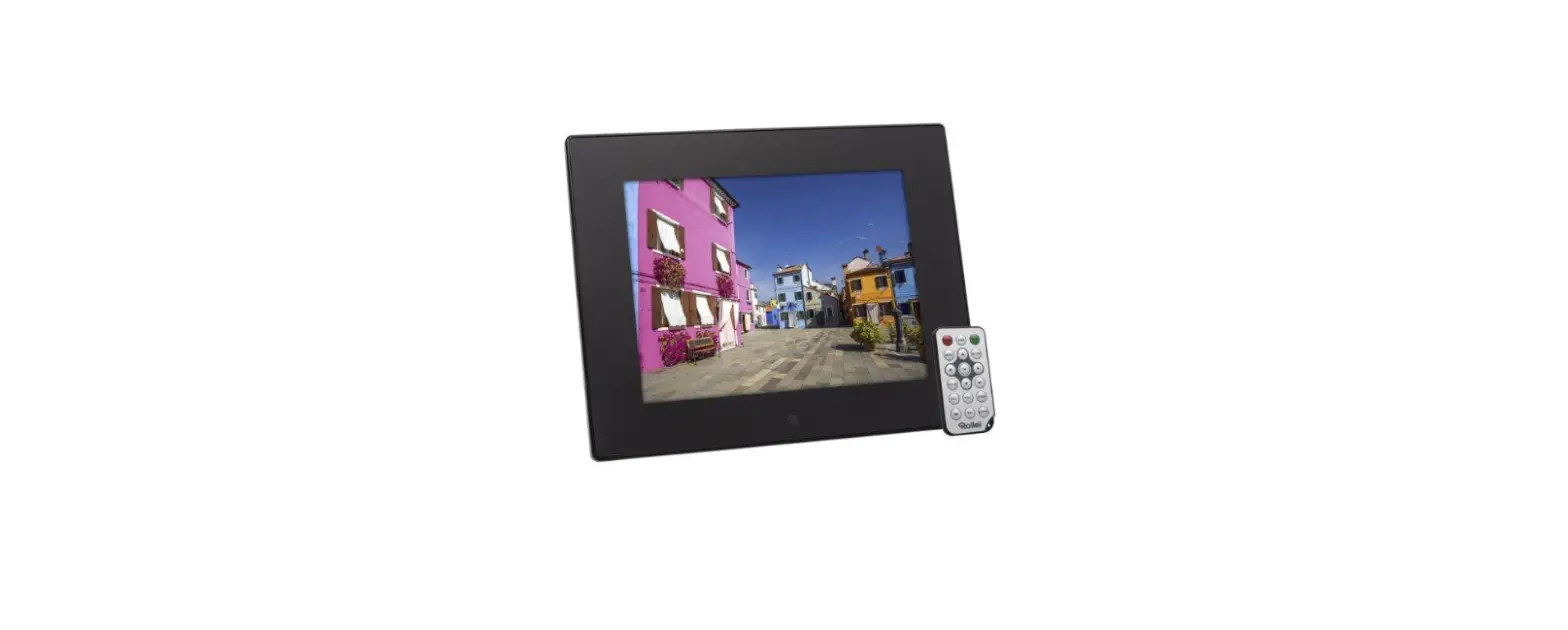
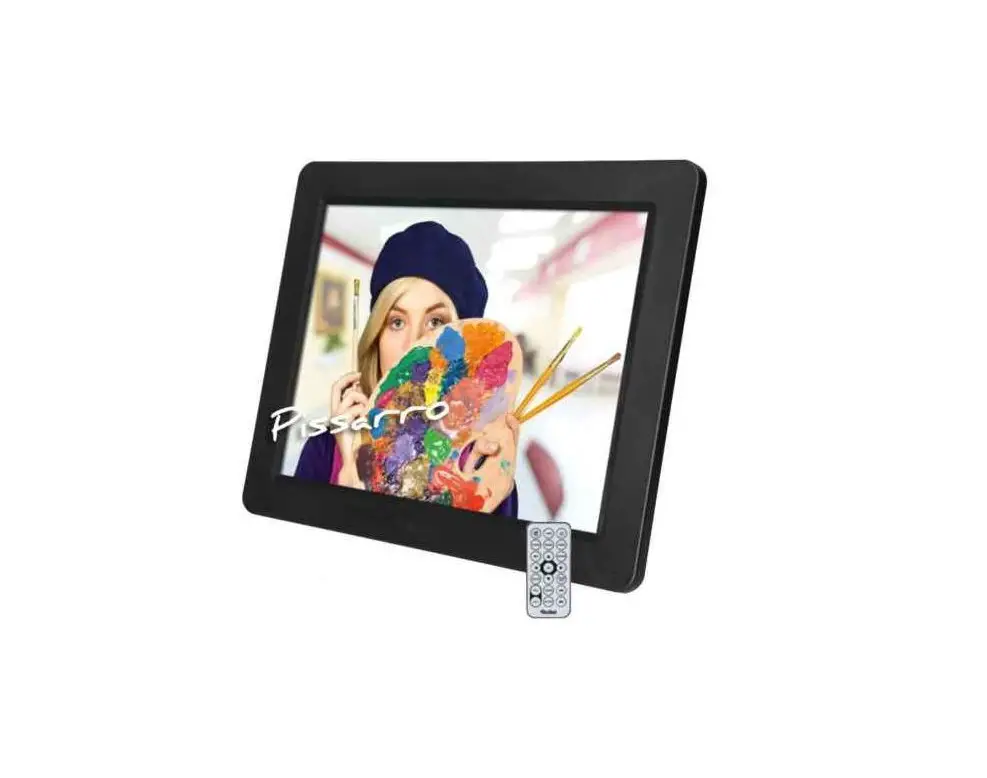
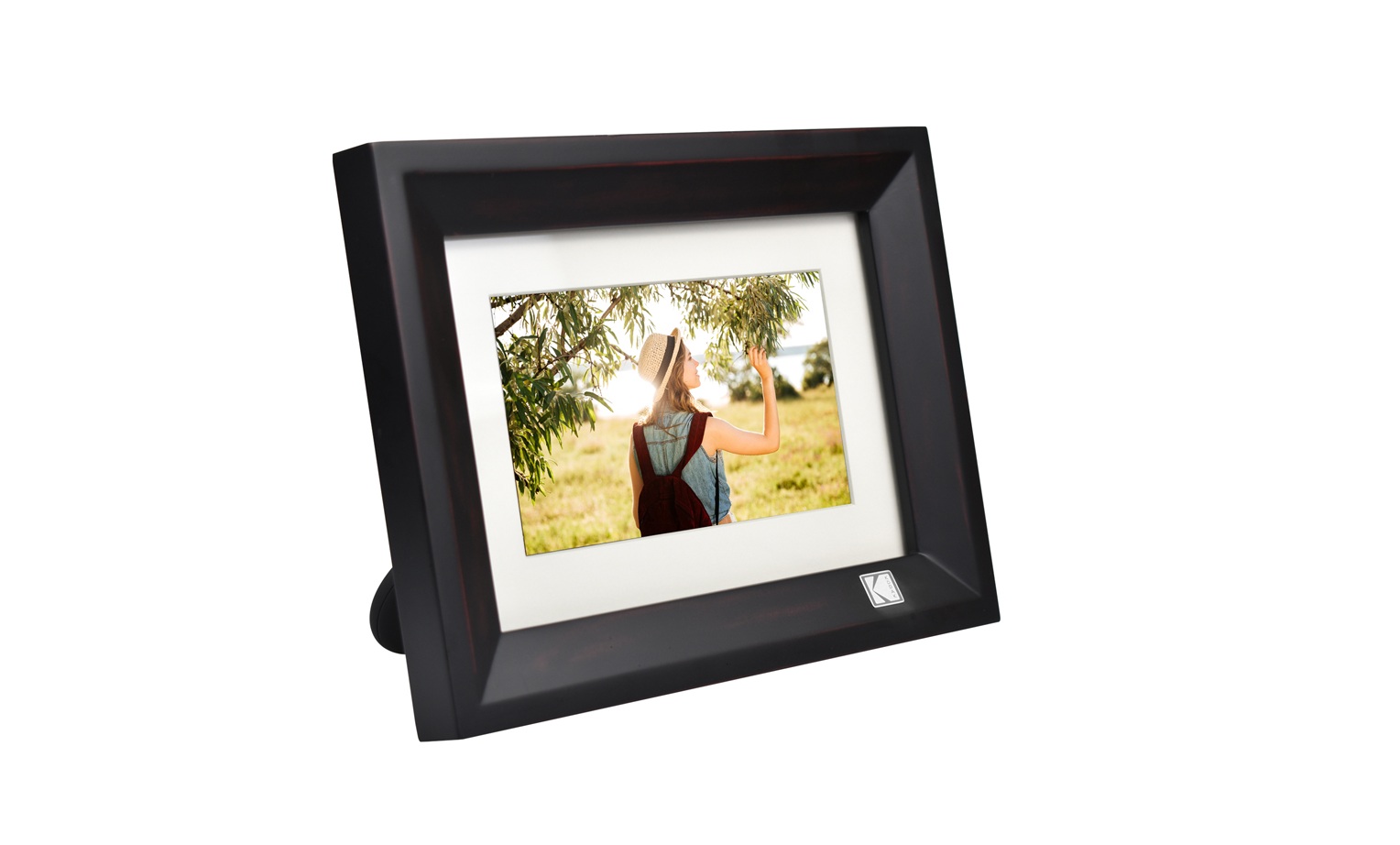
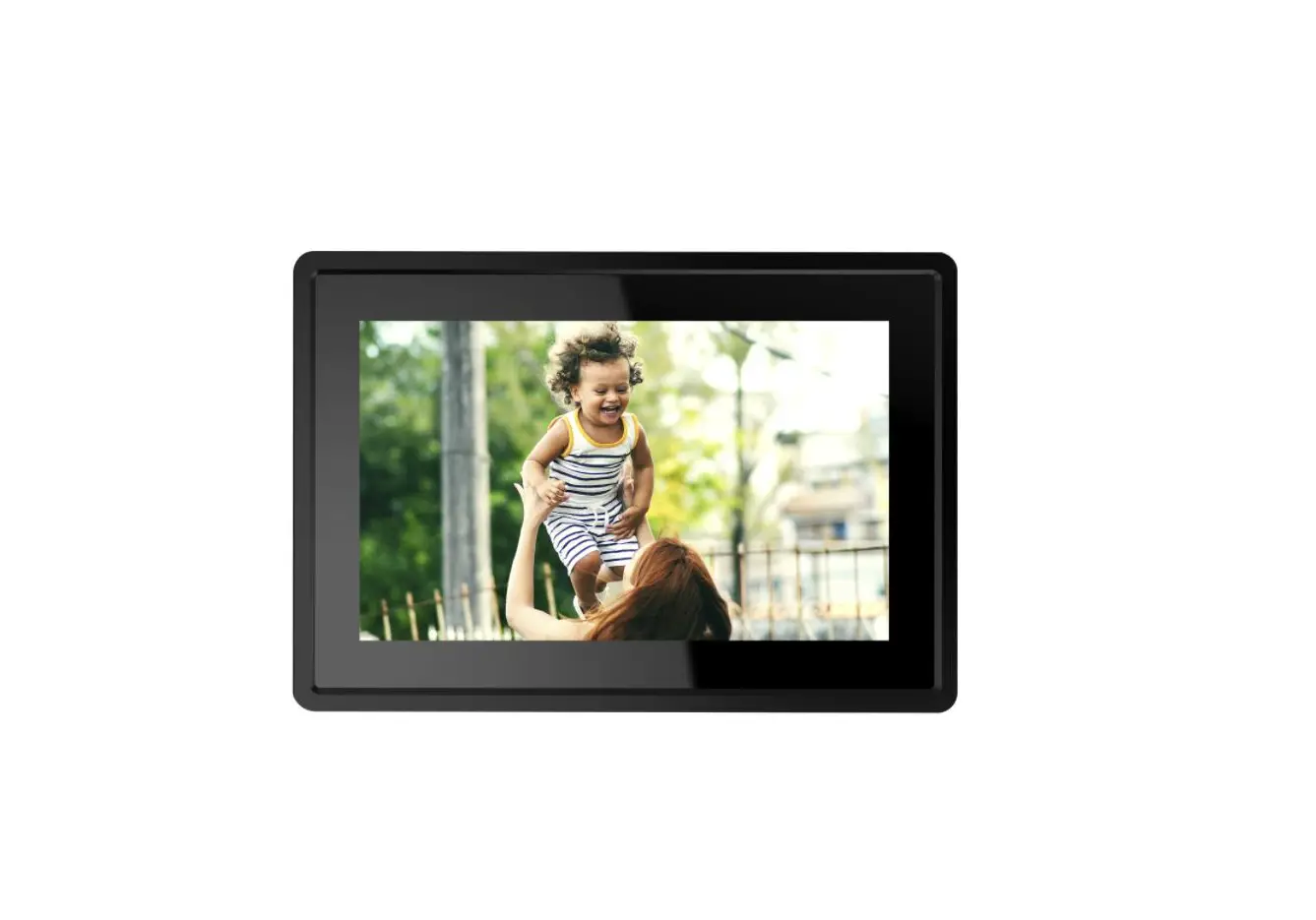
DPF-880 Digital Photo Frame
Product Information
Product Name: Pissarro DPF-880 Digital Photo
Frame
Manufacturer: Rollei GmbH & Co. KG
Model Number: DPF-880
Display Type: TFT LED display
Display Size: 8.0 inches / 20.3 cm
Display Resolution: 800 x 1280 pixels
Display Format: 16:9
Internal Memory: 64 MB
External Memory: Supports external SD/MMC
memory cards of memory class 10 with up to 32 GB or external memory
with USB-A / mini-USB connection
Supported File Formats: JPEG, BMP, GIF, MP3,
WMA, WAV, AVI, MP4, FLV, MKV, RM, RMVB
Speaker: 2 speakers with 2.0 W output each
Power Supply: Input DC 5.0 V / 2.0 A
Product Usage Instructions
- Before the First Use:
- Read the operating instructions and safety instructions
carefully. - Keep the operating instructions for future reference.
- If other persons use this device, make the user manual
available to them. - If selling the device, provide the manual with it.
- Read the operating instructions and safety instructions
- Product Setup:
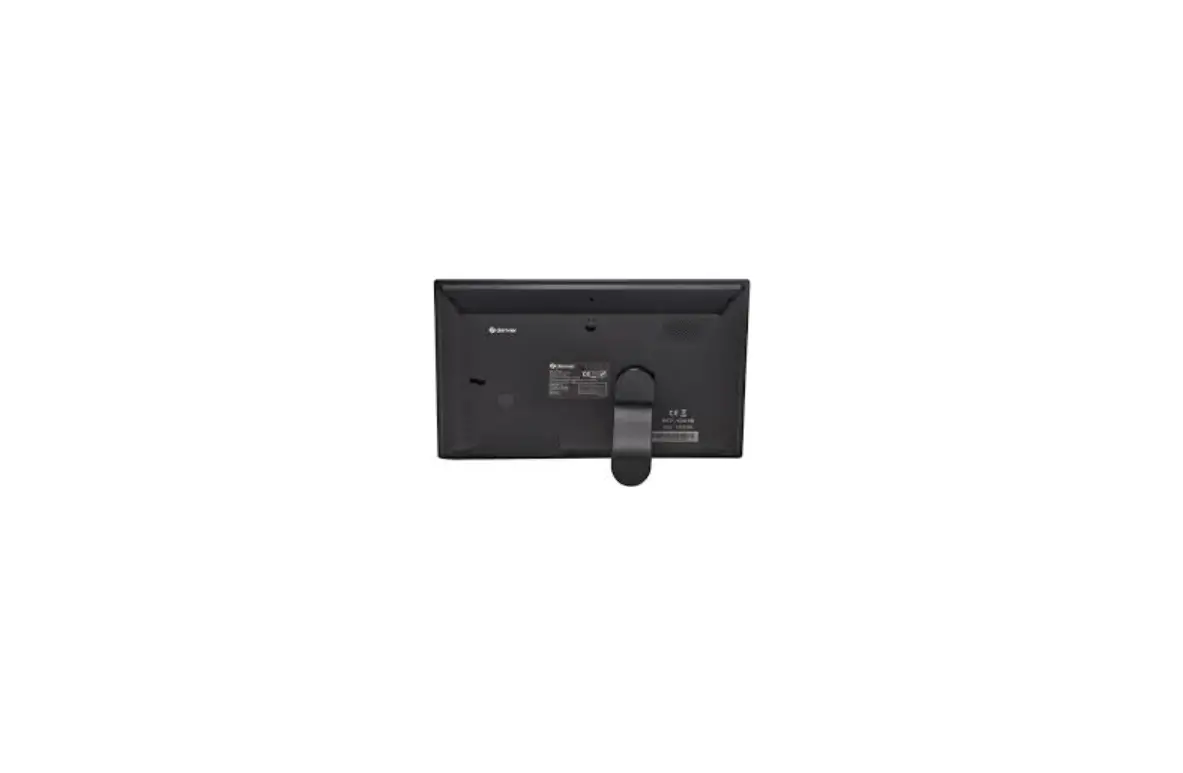
- Mount the digital photo frame using the holder stand
connection. - Connect the power supply to the power connection.
- Insert an external SD/MMC memory card or connect an external
memory device using the USB-A / mini-USB connection.
- Mount the digital photo frame using the holder stand
- Power On/Off:
- Press the power on/off button to turn on or off the
device.
- Press the power on/off button to turn on or off the
- Main Menu:
- Use the arrow buttons and the select button on the back of the
digital photo frame or on the remote control to navigate through
the main menu. - Select options like Music Setting or System Setting.
- Use the arrow buttons and the select button on the back of the
For more detailed technical information, refer to the product
manual available at www.rollei.de.
Pissarro DPF-880
Digitaler Bilderrahmen Digital Photo Frame
ANLEITUNG AUF DEUTSCH MANUAL IN ENGLISH www.rollei.de
2
Inhalt
Vor dem ersten Gebrauch . . . . . . . . . . . . . . . . . . . . . . . . . . . . . . . . . . . . .4 Zeichenerklärung . . . . . . . . . . . . . . . . . . . . . . . . . . . . . . . . . . . . . . . . . . . .4 Sicherheitshinweise. . . . . . . . . . . . . . . . . . . . . . . . . . . . . . . . . . . . . . . . . . .5 Lieferumfang. . . . . . . . . . . . . . . . . . . . . . . . . . . . . . . . . . . . . . . . . . . . . . . .6 Produktübersicht. . . . . . . . . . . . . . . . . . . . . . . . . . . . . . . . . . . . . . . . . . . . .7 Montage . . . . . . . . . . . . . . . . . . . . . . . . . . . . . . . . . . . . . . . . . . . . . . . . . . .8 Einrichtung . . . . . . . . . . . . . . . . . . . . . . . . . . . . . . . . . . . . . . . . . . . . . . . . .8 Hauptmenü . . . . . . . . . . . . . . . . . . . . . . . . . . . . . . . . . . . . . . . . . . . . . . . .8 Ein- und Ausschaltung . . . . . . . . . . . . . . . . . . . . . . . . . . . . . . . . . . . . . . . .9 Technische Daten . . . . . . . . . . . . . . . . . . . . . . . . . . . . . . . . . . . . . . . . . . .10 Entsorgung . . . . . . . . . . . . . . . . . . . . . . . . . . . . . . . . . . . . . . . . . . . . . . . .12 Konformität. . . . . . . . . . . . . . . . . . . . . . . . . . . . . . . . . . . . . . . . . . . . . . . .13
INHALT | CONTENT
3
Content
Before First Use . . . . . . . . . . . . . . . . . . . . . . . . . . . . . . . . . . . . . . . . . . . .14 Explanation of Symbols. . . . . . . . . . . . . . . . . . . . . . . . . . . . . . . . . . . . . . .14 Safety Instructions . . . . . . . . . . . . . . . . . . . . . . . . . . . . . . . . . . . . . . . . . .15 What’s in the Box . . . . . . . . . . . . . . . . . . . . . . . . . . . . . . . . . . . . . . . . . . .16 Product Overview . . . . . . . . . . . . . . . . . . . . . . . . . . . . . . . . . . . . . . . . . . .17 Mounting . . . . . . . . . . . . . . . . . . . . . . . . . . . . . . . . . . . . . . . . . . . . . . . . .18 Setup. . . . . . . . . . . . . . . . . . . . . . . . . . . . . . . . . . . . . . . . . . . . . . . . . . . . .18 Main Menu . . . . . . . . . . . . . . . . . . . . . . . . . . . . . . . . . . . . . . . . . . . . . . .18 Power On/Off . . . . . . . . . . . . . . . . . . . . . . . . . . . . . . . . . . . . . . . . . . . . . .19 Technical Data. . . . . . . . . . . . . . . . . . . . . . . . . . . . . . . . . . . . . . . . . . . . . .20 Disposal . . . . . . . . . . . . . . . . . . . . . . . . . . . . . . . . . . . . . . . . . . . . . . . . . .22 Conformity . . . . . . . . . . . . . . . . . . . . . . . . . . . . . . . . . . . . . . . . . . . . . . . .23
4 Vor dem ersten Gebrauch
Bitte lesen Sie vor dem ersten Gebrauch die Bedienungsanleitung und die Sicherheitshinweise aufmerksam durch. Bewahren Sie die Bedienungsanleitung zusammen mit dem Gerät für den späteren Gebrauch auf. Sollten andere Personen dieses Gerät nutzen, so stellen Sie ihnen diese Anleitung zur Verfügung. Wenn Sie das Gerät verkaufen, gehört diese Anleitung zum Gerät und muss mitgeliefert werden.
Zeichenerklärung
Die folgenden Symbole werden in dieser Bedienungsanleitung, auf dem Rollei Pissarro DPF-880 oder auf der Verpackung verwendet.
Mit diesem Symbol gekennzeichnete Produkte erfüllen alle maßgeblichen Gemeinschaftsvorschriften des Europäischen Wirtschaftsraums.
Mit diesem Zeichen gekennzeichnete Produkte werden mit Gleichstrom betrieben.
Mit diesem Zeichen gekennzeichnete Produkte werden mit Wechselstrom betrieben.
Geräte mit diesem Zeichen haben eine zusätzliche oder verstärkte Isolierung und entsprechen der Schutzklasse II.
Nur für innen. Geräte mit diesem Zeichen dürfen nur im Haus betrieben werden (trockene Umgebung).
Mit diesem Symbol gekennzeichnete Produkte haben eine positive Polarität. Sie dürfen nur mit Produkten verbunden werden, die ebenfalls eine positive Polarität haben.
DEUTSCH
Sicherheitshinweise
5
Schließen Sie das Produkt nur dann an, wenn die Netzspannung des Eingangs oder Netzteils mit den Angaben auf dem Typenschild auf der Rückseite des Produkts übereinstimmt.
Verwenden Sie das Produkt nicht, wenn es sichtbar beschädigt ist oder wenn das Stromkabel defekt ist.
Benutzen Sie nur das mitgelieferte Stromkabel. Wenn das Produkt oder das Zubehör beschädigt ist, muss es durch den Hersteller,
dessen Kundendienst oder eine ähnlich qualifizierte Person ausgetauscht bzw. repariert werden, um Gefährdungen zu vermeiden. Das Gehäuse darf nicht geöffnet und Reparaturen dürfen ausschließlich von einem Fachmann ausgeführt werden. Wenden Sie sich hierzu an eine Fachwerkstatt. Bei Reparaturen durch den Benutzer, unsachgemäßem Anschluss oder Fehlbedienung werden jegliche Haftung und alle Gewährleistungsansprüche ausgeschlossen. Stecken Sie keine Gegenstände in das Produkt. Das Produkt während des Betriebs nicht unbeaufsichtigt lassen. Schützen Sie das Produkt vor Feuchtigkeit. Berühren Sie es nicht mit nassen / feuchten Händen und tauchen Sie es nicht unter Wasser. Dieses Produkt ist nicht wasserdicht! Benutzen Sie dieses Produkt nicht im Regen oder in nassen Umgebungen. Nutzen oder lagern Sie das Produkt nicht bei hohen Temperaturen oder in geschlossenen Räumen mit direkter Sonneneinstrahlung. Bei Umgebungstemperaturen von mehr als 40° C sollte das Produkt nicht mehr genutzt werden. Sorgen Sie für ausreichende Belüftung während des Betriebs. Das Produkt niemals abdecken. Wird das Produkt in zu kalten oder zu heißen Umgebungstemperaturen genutzt, schaltet sich das Produkt automatisch ab. Nutzen Sie das Produkt nicht in der Nähe von brennbaren Gasen oder Flüssigkeiten, da dies zu Explosionen führen kann. Das Produkt ist kein Spielzeug. Halten Sie das Produkt, Zubehörteile und die Verpackungsmaterialien von Kindern und Haustieren fern, um Unfällen und Erstickung vorzubeugen.
6 Sicherheitshinweise
Bitte lassen Sie das Produkt von einem autorisierten Kundendienst überprüfen, falls ein Problem auftritt. Es ist Ihnen nicht gestattet, das Produkt bei Fehlfunktionen zu demontieren. Andernfalls erlischt Ihre Garantie.
Schalten Sie das Produkt aus, bevor Sie eine Speicherkarte oder ein USB-Speichermedium anschließen oder abtrennen. Nichtbeachtung kann zu Schäden an der Speicherkarte, dem USB-Speichermedium und dem Produkt führen.
Der Bildschirm besteht aus Glas und ist daher zerbrechlich und kann zerkratzt werden.
Behandeln Sie den Bildschirm vorsichtig. Fingerabdrücke und Staub auf dem Bildschirm können Sie mit einem weichen Reini-
gungstuch entfernen. Wenn Sie das Produkt an eine andere Person veräußern, geben Sie auch diese Be-
dienungsanleitung an diese Person weiter.
Hinweis: Das Gerät ist nur für die private und nicht zur gewerblichen Nutzung bestimmt.
Lieferumfang
Rollei Pissarro DPF-880 Fernbedienung Batterie Typ CR2025 Netzadapter mit Stromkabel Standfuß Bedienungsanleitung
DEUTSCH
Produktübersicht
1 Bildschirm
2 Lautsprecher
3 Ein- / Ausschalt-Taste
4 SD-/MMC-Speicherkarten-Slot
5 Klinken-Anschluss
6 USB-A-Anschluss
7 Mini-USB-Anschluss
8 Strom-Anschluss
9 Pfeil-Tasten
10 Menü-Taste
11 Auswahl-Taste
1
12 Standfuß-Anschluss
3
2
4 95 6 7 8
9 10 11 9
9
9
7 12
8 Montage
Um den digitalen Bilderrahmen auf einen flachen Untergrund zu stellen, schrauben Sie den Standfuß in die Standfuß-Halterung.
Einrichtung
Schließen Sie eine SD-/MMC-Speicherkarte oder ein USB-Speichermedium mit USBA- oder Mini-USB-Anschluss an den digitalen Bilderrahmen an.
Schließen Sie das Stromkabel an den Strom-Anschluss des digitalen Bilderrahmens und an eine geeignete Steckdose an. Der digitale Bilderrahmen schaltet sich daraufhin automatisch ein.
Auswahl des Speichermediums Um das gewünschte Speichermedium aus Speicher, SD-/MMC-Speicherkarte und
USB-Speichermedium auszuwählen, drücken Sie die Pfeiltasten und die AuswahlTaste an der Rückseite des digitalen Bilderrahmens oder auf der Fernbedienung.
Hauptmenü
Um die verschiedenen Optionen im Hauptmenü auszuwählen, drücken Sie die Pfeiltasten und die Auswahl-Taste an der Rückseite des digitalen Bilderrahmens oder auf der Fernbedienung.
Sie können zwischen ,,Foto”, ,,Musik”, ,,Video”, ,,Kalender”, ,,Browser” oder ,,Einstellung” auswählen.
DEUTSCH
Hauptmenü
9
,,Foto” Hier haben Sie eine Galerieübersicht über die anzeigbaren Fotos.
,,Musik” Hier haben Sie eine Übersicht über die abspielbaren Musiktitel.
,,Video” Hier haben Sie eine Übersicht über die abspielbaren Videos.
,,Kalender” Hier haben Sie eine Übersicht über den aktuellen Kalender.
,,Browser” Hier haben Sie eine Übersicht über alle verfügbaren Dateien.
,,Einstellung” Um Einstellungen des digitalen Bilderrahmens vorzunehmen, drücken Sie die
Pfeiltasten und die Auswahl-Taste an der Rückseite des digitalen Bilderrahmens oder auf der Fernbedienung. Sie können zwischen ,,Foto-Einstellung”, ,,Kalender-Einstellung”, ,,Video-Einstellung”, ,,Musik-Einstellung” oder ,,System-Einstellung” auswählen.
Ein- und Ausschaltung
Um den digitalen Bilderrahmen ein- oder auszuschalten, drücken Sie die Ein- / Ausschalt-Taste an der Rückseite des digitalen Bilderrahmens oder auf der Fernbedienung.
10 Technische Daten
Prozessor Betriebssystem Stromverbrauch in Standard Dynamic Range (SDR) EU-Energieeffizienzklasse (EU 2017/1369) EU-EnergieeffizienzklasseSpektrum (EU 2017/1369) Bildschirm-Typ Bildschirm-Panel-Typ Bildschirmgröße Bildschirmauflösung Bildschirmformat Bildschirmhelligkeit Betrachtungswinkel Lautsprecher Lautstärke Dateiformat
Interner Speicher Externer Speicher
Stromversorgung
Action ATJ229R2 UCOS 4,0 W
B
A G
TFT-LED-Bildschirm IPS-Panel 8,0″ / 20,3 cm 800 x 1280p 16:9 140 160 cd/m2, einstellbar von 0 100 % 0 180 ° 1 | 2,0 W pro Lautsprecher 96 ± 3 dB pro Lautsprecher JPEG, BMP, GIF, MP3, WMA, WAV, AVI, MP4, FLV, MKV, RM, RMVB 64 MB Externe SD-/MMC-Speicherkarte der Speicherklasse 10 mit bis zu 32 GB oder externer Speicher mit USBA-/Mini-USB-Anschluss Pissarro DPF-880: Eingang DC 5,0 V / 2,0 A Netzadapter für Pissarro DPF-880: Eingang 100 240 V / 50 60 Hz / 0,3 A, Ausgang AC 5,0 V / 2,0 A / 10,0 W
DEUTSCH
Technische Daten
11
Anschluss
Betriebstemperatur Montage Maße Gewicht Lieferumfang
Strom-Anschluss, USB-A-Anschluss, Mini-USBAnschluss, SD-/MMC-Speicherkarten-Slot, KlinkenAnschluss, Standfuß-Anschluss 0 40 °C Horizontal mit Standfuß 20,3 x 13,8 x 2,4 cm 252 g Digitaler Bilderrahmen, Fernbedienung, Batterie Typ CR2025, Netzadapter mit Stromkabel, Standfuß, Bedienungsanleitung
Änderungen von Design und technischen Daten bleiben vorbehalten und bedürfen keiner Ankündigung.
12 Entsorgung
Entsorgen Sie die Verpackung sortenrein. Nutzen Sie dafür die örtlichen Möglichkeiten zum Sammeln von Papier, Pappe und leichten Verpackungen (anwendbar in der Europäischen Union und anderen europäischen Staaten mit Systemen zur getrennten Sammlung von Wertstoffen). Geräte, die mit diesem Symbol gekennzeichnet sind, dürfen nicht mit dem Hausmüll entsorgt werden! Sie sind gesetzlich dazu verpflichtet, Altgeräte getrennt vom Hausmüll zu entsorgen. Informationen zu Sammelstellen, die Altgeräte kostenlos entgegennehmen, erhalten Sie bei Ihrer Gemeindeoder Stadtverwaltung. Batterien und Akkus dürfen nicht in den Hausmüll! Als Verbraucher sind Sie gesetzlich verpflichtet, alle Batterien und Akkus, unabhängig davon, ob sie Schadstoffe* enthalten oder nicht, einer umweltgerechten Entsorgung zuzuführen. Akkus und Batterien sind deshalb mit dem nebenstehenden Zeichen versehen. Informieren Sie sich hierzu bei Ihrem Händler, oder wenden Sie sich an Rückgabe- und Sammelstellen in Ihrer Gemeinde. *gekennzeichnet mit: Cd = Cadmium, Hg = Quecksilber, Pb = Blei
DEUTSCH
Konformität
13
Hiermit erklärt die Rollei GmbH & Co. KG, dass der Funkanlagentyp ,,Rollei Pissarro DPF-880″ den folgenden Richtlinien entspricht:
2014/30/EU EMV-Richtlinie 2014/35/EU Niederspannungsrichtlinie 2009/125/EG ERP-Richtlinie 2011/65/EU RoHs-Richtlinie
Der vollständige Text der EU-Konformitätserklärung ist unter der folgenden Internetadresse verfügbar: www.rollei.de/egk/pissarrodpf-880
Rollei GmbH & Co. KG In de Tarpen 42 D-22848 Norderstedt Deutschland
14 Before the First Use
Please read the operating instructions and safety instructions carefully before using the device for the first time. Keep the operating instructions together with the device for later use. If other persons use this device, make this user manual available to them. If you sell the device, this manual belongs to the device and must be supplied with it.
Explanation of Symbols
The following symbols are used in these operating instructions, on the Rollei Pissarro DPF-880 or on the packaging.
Products marked with this symbol comply with all relevant community regulations of the European Economic Area. Products marked with this symbol are operated with direct current. Products marked with this symbol are operated with alternating current. Products with this symbol have additional or reinforced insulation and comply with protection class II. For indoor use only. Devices with this symbol may only be operated indoors (dry environment). Products marked with this symbol have a positive polarity. They may only be connected to products that also have a positive polarity.
ENGLISH
Safety Instructions
15
Only connect the product if the mains voltage of the input or power supply matches the specifications on the type plate on the back of the product.
Do not use the product if it is visibly damaged or if the power cable is defective. Use only the supplied power cable. If the product or the accessories are damaged, they must be replaced or repaired
by the manufacturer, its customer service, or a similarly qualified person in order to prevent hazards. The housing must not be opened and repairs must only be carried out by a specialist. Contact a specialist workshop for this purpose. All liability and warranty claims are excluded in the event of repairs by the user, improper connection or incorrect operation. Do not insert any objects into the product. Do not leave the product unattended during operation. Protect the product from moisture. Do not touch it with wet / damp hands and do not immerse it in water. This product is not waterproof! Do not use this product in the rain or in wet environments. Do not use or store the product in high temperatures or in enclosed spaces with direct sunlight. Do not use the product at ambient temperatures above 40° C. Ensure adequate ventilation during operation. Never cover the product. If the product is used in ambient temperatures that are too cold or too hot, the product will switch off automatically. Do not use the product in the vicinity of flammable gases or liquids, as this can lead to explosions. The product is not a toy. Keep the product, accessories and packaging materials away from children and pets to prevent accidents and suffocation.
16 Safety Instructions
Please have the product inspected by an authorized service center if a problem occurs. You are not allowed to disassemble the product in case of malfunction. Doing so will void your warranty.
Turn off the power before connecting or disconnecting a memory card or USB storage device. Failure to do so may result in damage to the memory card, USB storage device and the device.
The display is made of glass and is therefore fragile and can be scratched. Handle the display with care. You can remove fingerprints and dust on the display with a soft cleaning cloth. If you sell the product to another person, also pass on these operating instructions
to that person.
Note: The product is intended for private use only and not for commercial use.
What’s in the Box
Rollei Pissarro DPF-880 Remote control Battery Type CR2025 Power adapter with power cable Holder stand User manual
ENGLISH
Product Overview
1 Display
2 Speaker
3 Power on / off button
4 SD/MMC memory card slot
5 Jack connection
6 USB-A connection
7 Mini-USB connection
8 Power connection
9 Arrow buttons
10 Menu button
11 Selection button
1
12 Holder stand connection
3
2
4 95 6 7 8
9 10 11 9
9
9
17 12
18 Mounting
To place the digital photo frame on a flat surface, screw the holder stand into the holder stand connection.
Setup
Connect an SD/MMC memory card or USB storage device with USB-A or mini-USB connection to the digital photo frame.
Connect the power cable to the power connection of the digital photo frame and to a suitable power source. The digital photo frame will then turn on automatically.
Selecting the Storage Medium To select the desired storage medium from memory, SD/MMC memory card, and
USB storage medium, press the arrow buttons and the select button on the back of the digital photo frame or on the remote control.
Main Menu
To select the various options in the main menu, press the arrow buttons and the select button on the back of the digital photo frame or on the remote control.
You can choose from “Photo”, “Music”, “Video”, “Calendar”, “Browser” or “Setting”.
ENGLISH
Main Menu
19
“Photo” Here you have a gallery overview of the displayable photos.
“Music” Here you have an overview of the playable music tracks.
“Video” Here you have an overview of the playable videos.
“Calendar” Here you have an overview of the current calendar.
“Browser” Here you have an overview of all available files.
“Setting” To make settings of the digital photo frame, press the arrow buttons and the
select button on the back of the digital photo frame or on the remote control. You can choose between “Photo Setting”, “Calendar Setting”, “Video Setting”,
“Music Setting” or “System Setting”.
Power On/Off
To turn the digital photo frame on or off, press the power button on the back of the digital photo frame or on the remote control.
20 Technical Data
Processor
Action ATJ229R2
Operation system
UCOS
Power demand in standard 4.0 W
dynamic range (SDR) EU energy efficiency class B
(EU 2017/1369) EU energy efficiency class A G
spectrum (EU 2017/1369)
Display type
TFT LED display
Display panel type
IPS panel
Display size
8.0″ / 20.3 cm
Display resolution
800 x 1280p
Display format
16:9
Display brightness
140 160 cd/m2, adjustable from 0 100 %
Viewing angle
0 180 °
Speaker
1 | 2.0 W per speaker
Volume
96 ± 3 dB per speaker
File format
JPEG, BMP, GIF, MP3, WMA, WAV, AVI, MP4, FLV,
Internal memory
MKV, RM, RMVB 64 MB
External memory
External SD/MMC memory card of memory class 10
with up to 32 GB or external memory with USB-A /
Power supply
mini-USB connection Pissarro DPF-880: Input DC 5.0 V / 2.0 A
Power supply for Pissarro DPF-880:
Input 100 240 V / 50 60 Hz / 0.3 A,
output AC 5.0 V / 2.0 A / 10.0 W
ENGLISH
Technical Data
21
Connection
Operating temperature Mounting Dimensions Weight What’s in the box
Power connection, USB-A connection, mini-USB connection, SD/MMC memory card slot, jack connection, stand connection 0 40 °C Horizontally with holder stand 20.3 x 13.8 x 2.4 cm 252 g Digital photo frame, remote control, battery type CR2025, power adapter with power cable, stand, user manual
Technical data are subject to change without notice.
22 Disposal
Dispose of the packaging according to its type. Use the local possibilities for collecting paper, cardboard and other materials (applicable in the European Union and other European countries with systems for the separate collection of recyclable materials). Devices that are marked with this symbol must not be disposed of with household waste! You are legally obliged to dispose of old devices separately from to dispose of household waste. Information on collection points that accept old appliances free of charge can be obtained from your local authority or town council. Batteries and rechargeable accumulators must not be disposed of in household waste! As a consumer you are legally obliged to dispose of all batteries and accumulators, whether they contain harmful substances* or not, to be disposed of in an environmentally sound manner. Accumulators and batteries are therefore marked with the symbol shown opposite. For more information, contact your dealer or contact return and collection points in your community. *marked with: Cd = Cadmium, Hg = Mercury, Pb = Lead.
ENGLISH
Conformity
23
Rollei GmbH & Co. KG herewith declares that the radio system type “Rollei Pissarro DPF-880” complies with the following directives:
2014/30/EU EMC Directive 2014/35/EU LVD Directive 2009/125/EG EuP Directive 2011/65/EC RoHs-Directive
The full text of the EU declaration of conformity is available at the following Internet address: www.rollei.com/egk/pissarrodpf-880
Rollei GmbH & Co. KG In de Tarpen 42 D-22848 Norderstedt Germany
Rollei GmbH & Co. KG In de Tarpen 42 D-22848 Norderstedt Service Hotline: +49 40 270750277
/rollei.foto.de @ rollei_de
Item No.: 30281 www.rollei.com
 cewe - best in print
 Rollei 📸 Online shop for camera, video and photo equipment
 Rollei: Der Online-Shop für Kamera- Video- und Foto-Equipment