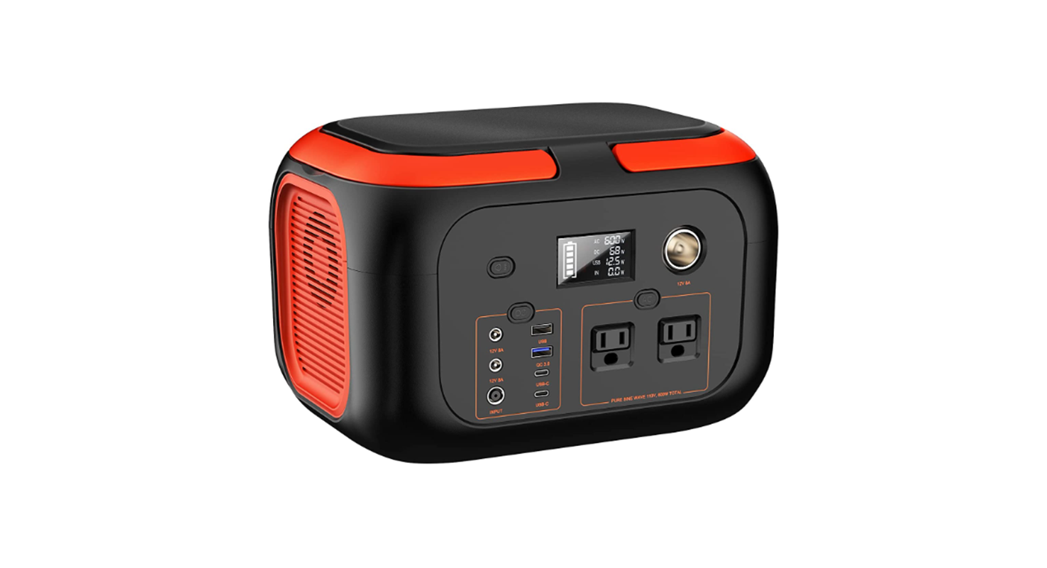
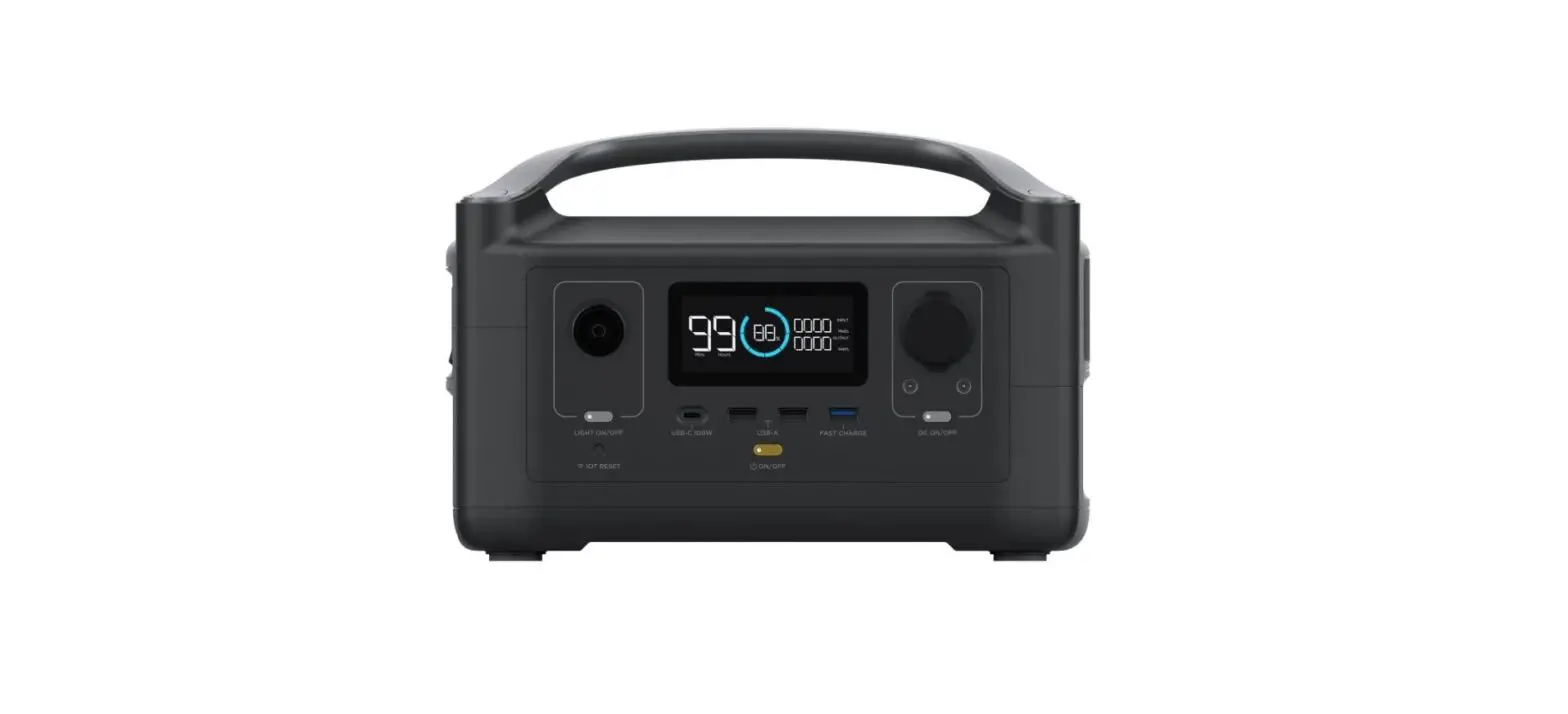
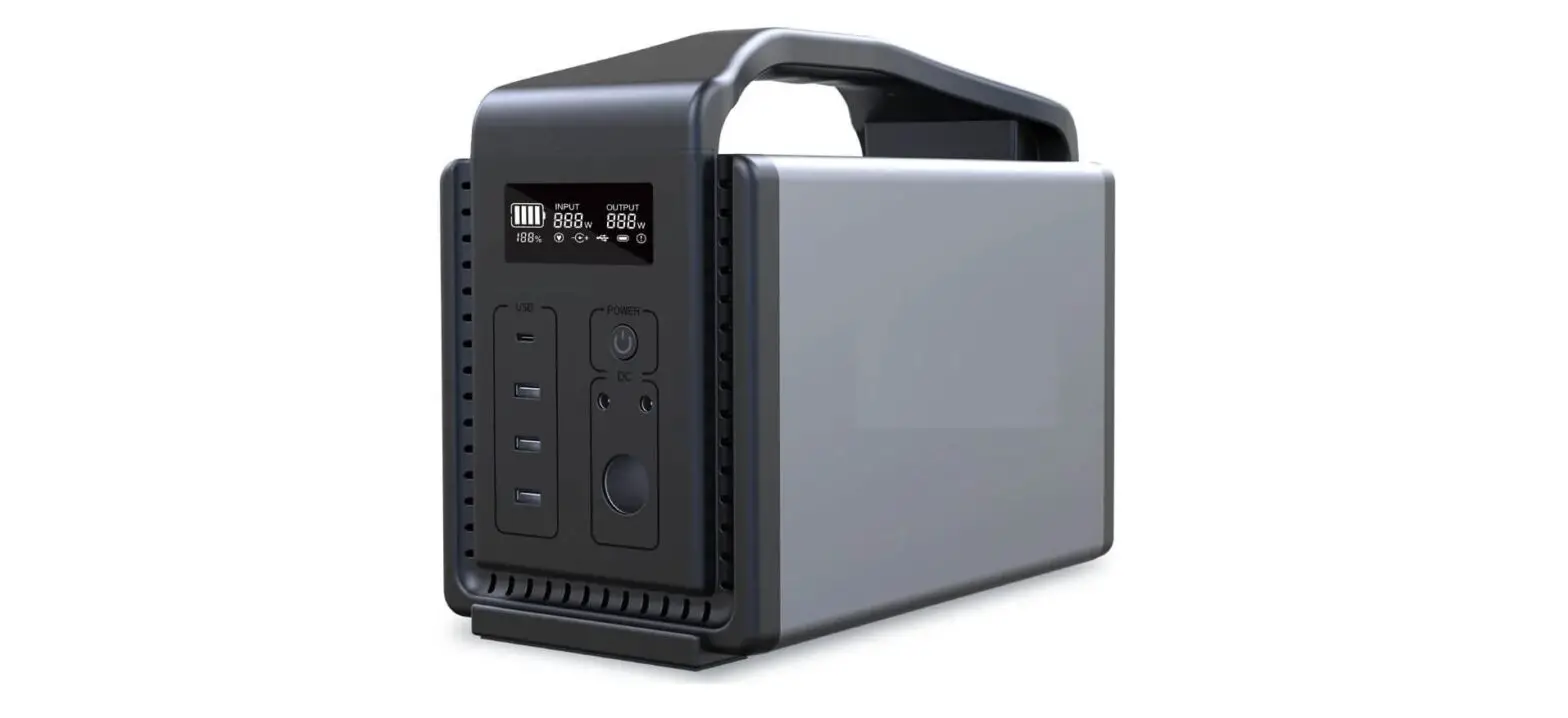
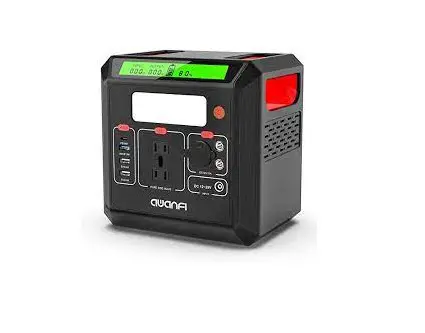
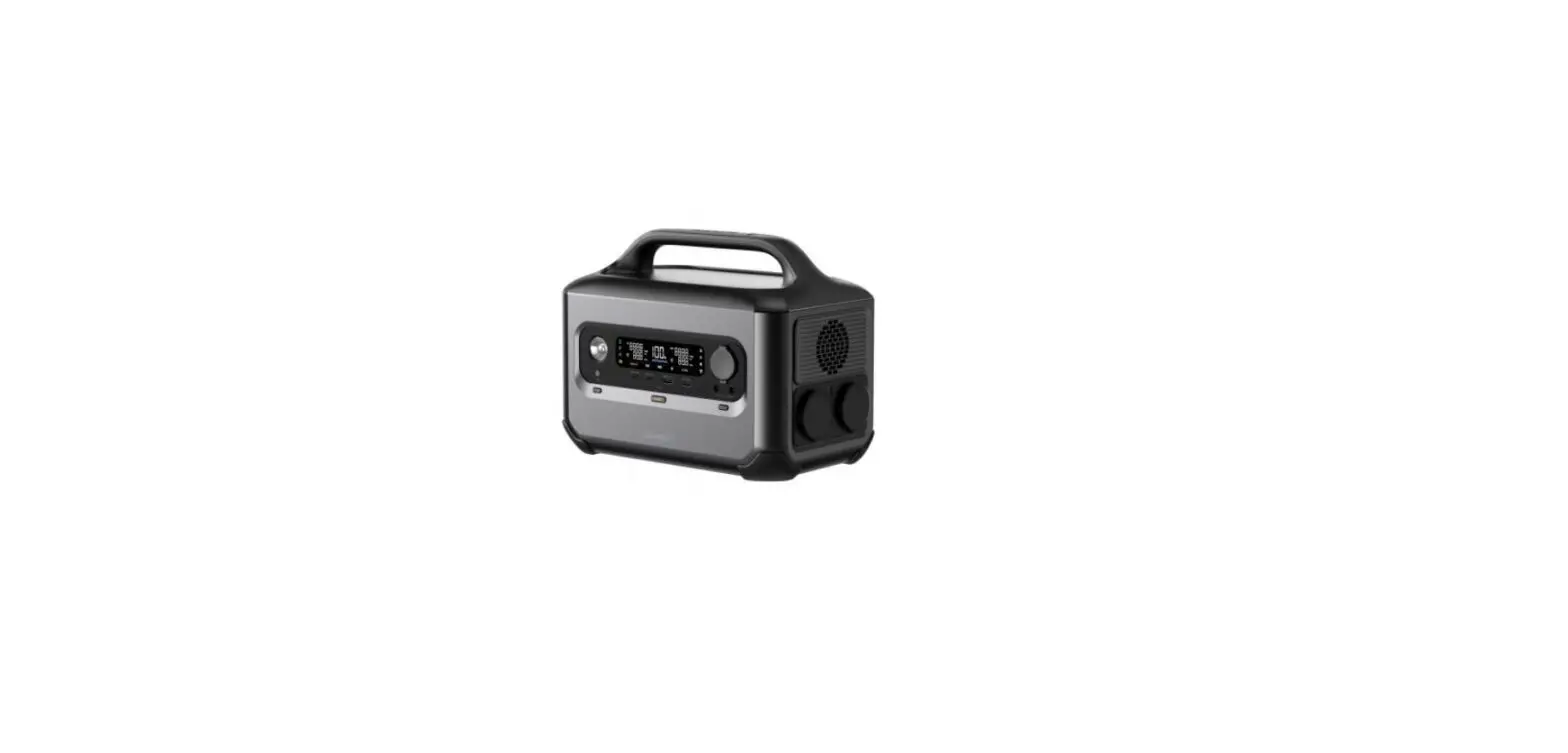
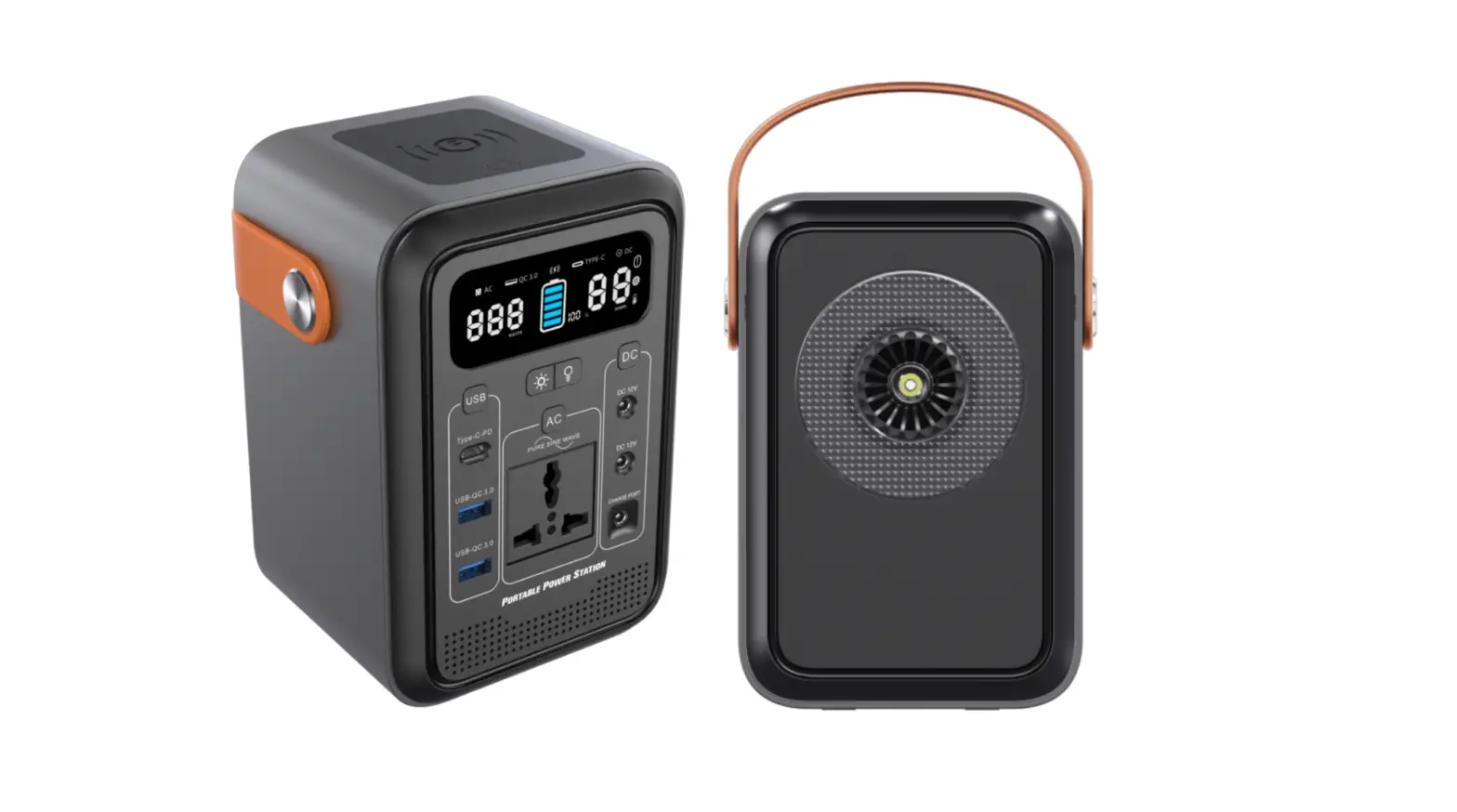
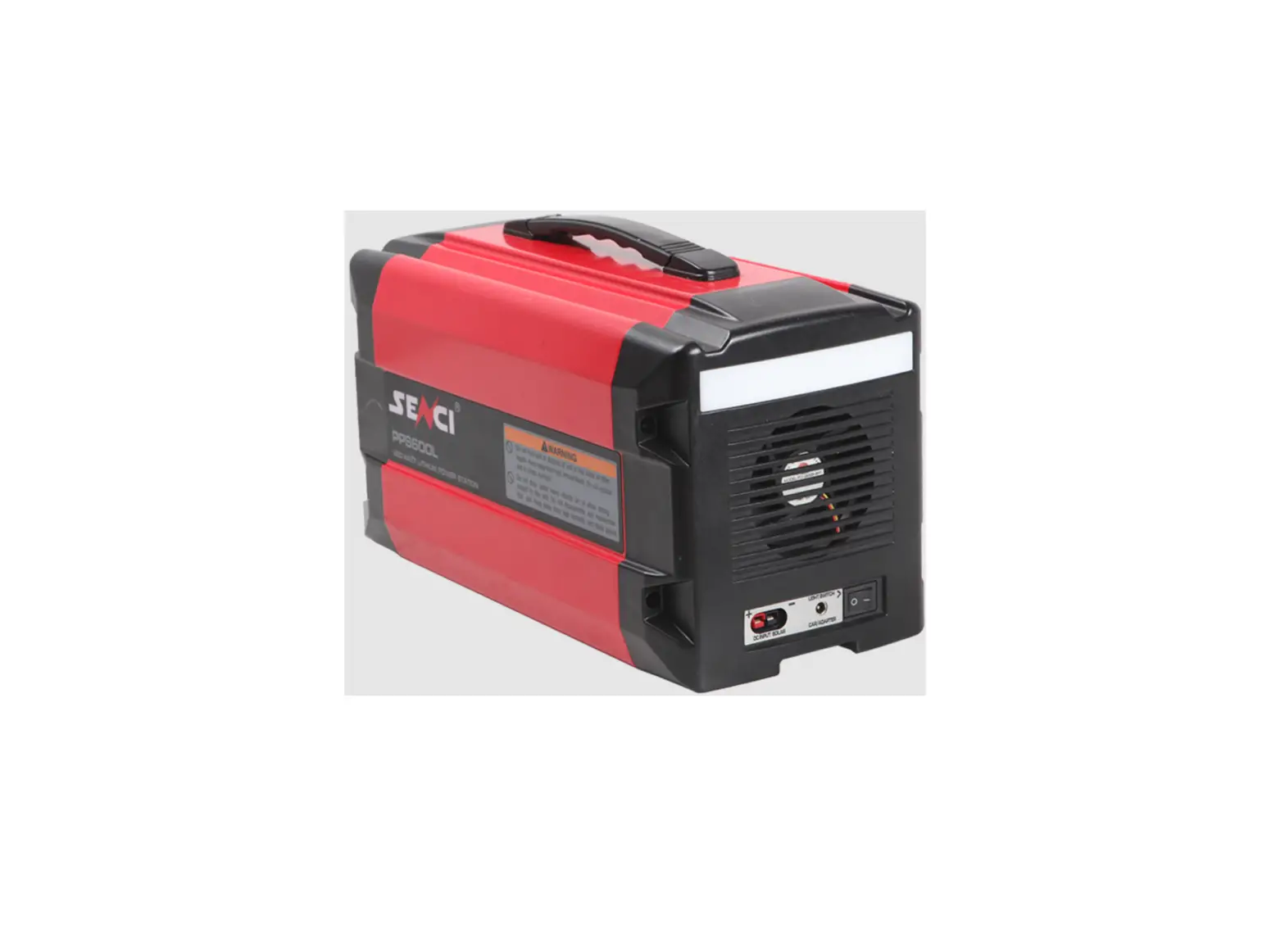
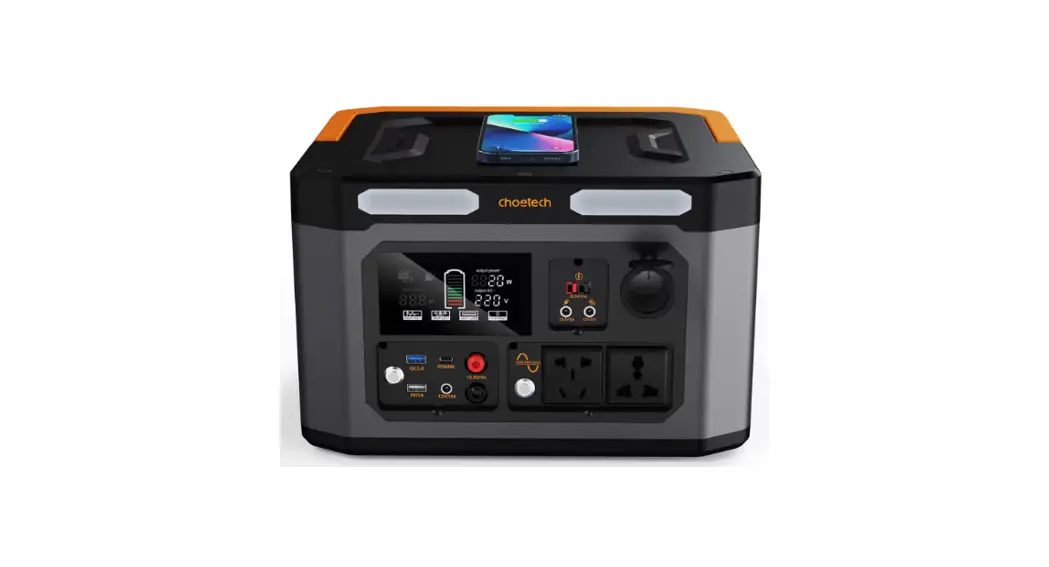
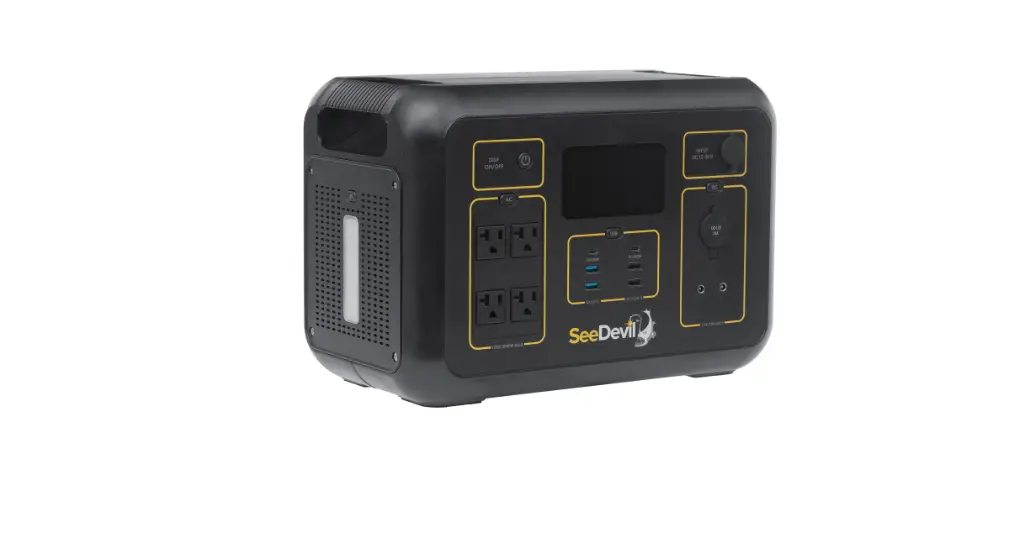
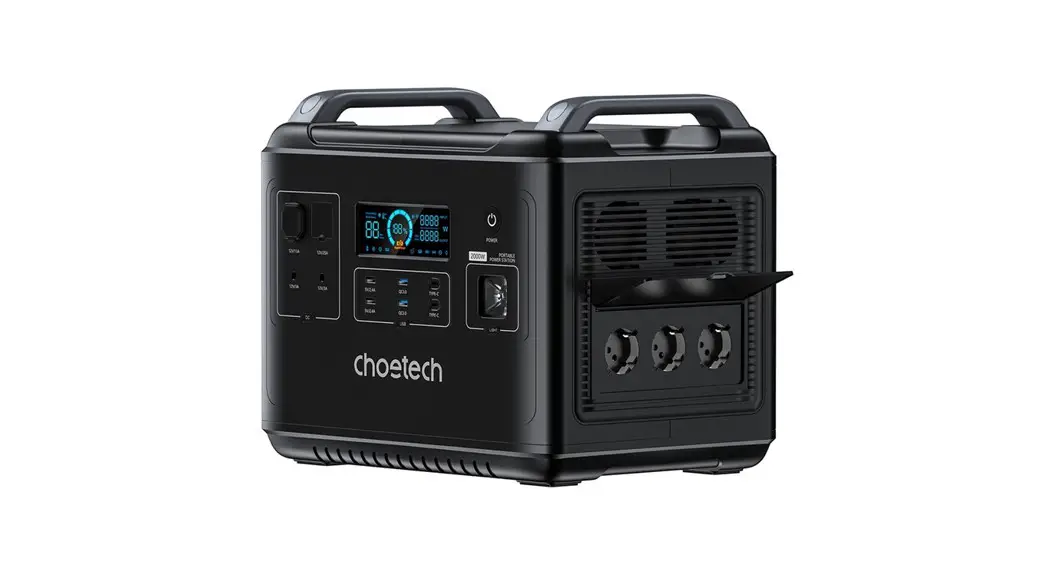
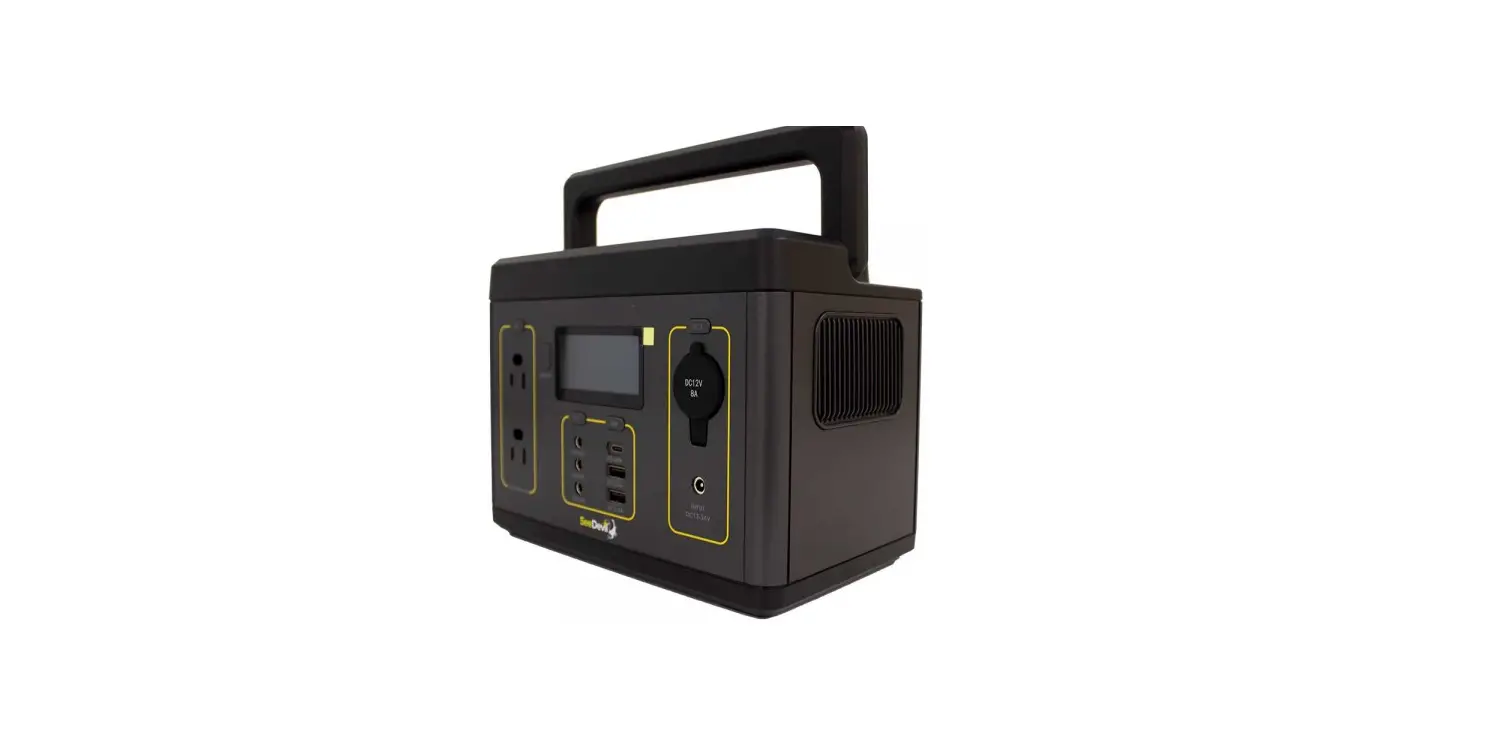
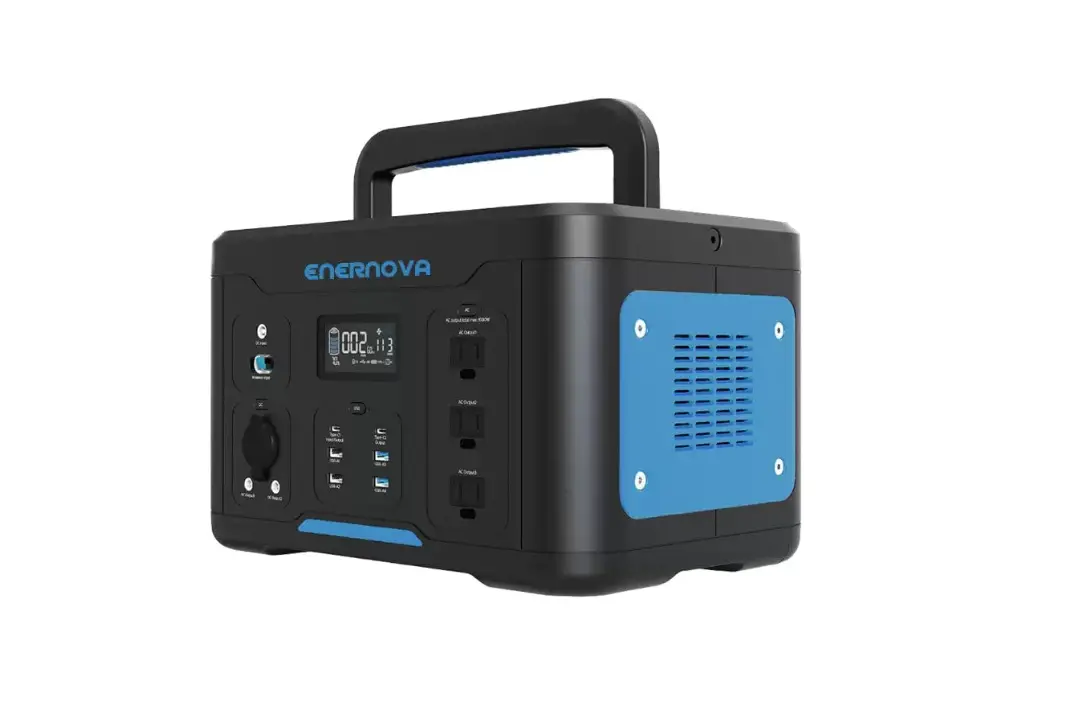
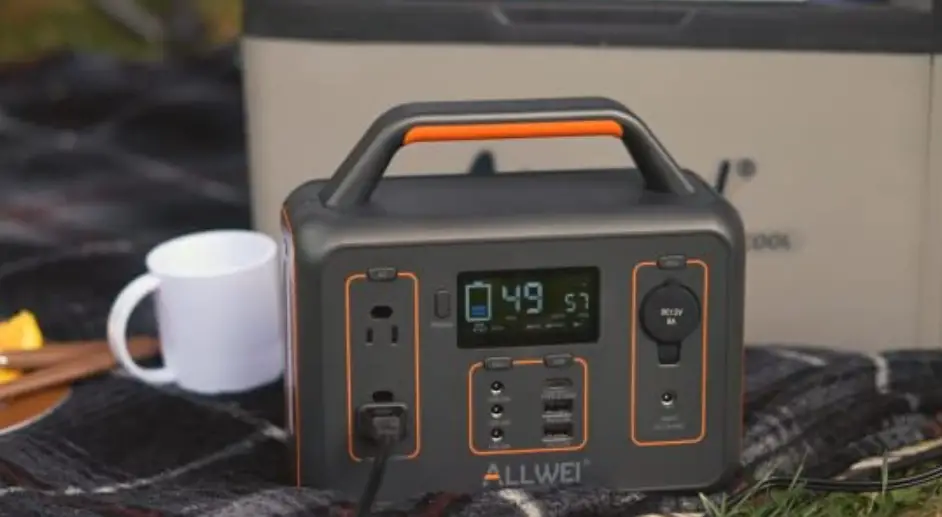
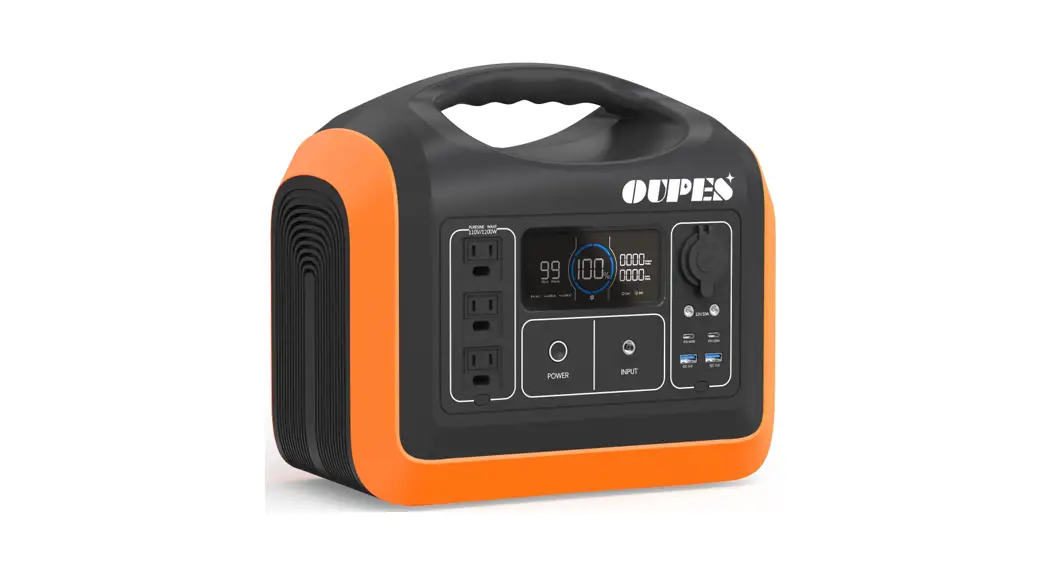
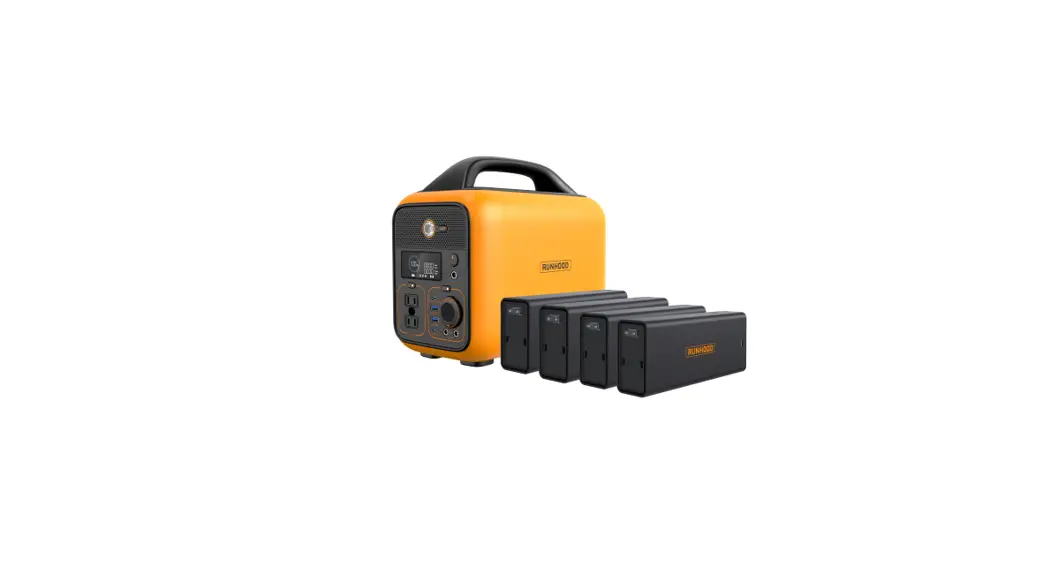
SR03KWL-SG1-US Portable Power Station
Product Information
SR KWL-SG -US Parameters
- Net weight: 3 kg
- Dimension: * mm
- Capacity: Wh, . V
- Wi-Fi supported
Output
AC output x :
- Maximum load
- USB-A (x )
- USB-A quick charge x2
- USB-C (x )
- Car charger DC5521 output x2
- Car charge and DC share power
AC output (x ): – V~ ( / Hz), A – W
AC output (x ): – V~ ( / Hz), A – W
AC output (bypass mode): – V~ ( / Hz) A – W
W, bypass mode W
V . A (constant voltage), W Max./output V A V A V . A (constant
voltage), W Max./output 5/9/12/ V A V A (constant voltage), W
Max./output
. V A, W Max.
.V A W Max.
Input
AC input power: W Max., A – V~ Hz/ Hz
AC input voltage: – V~ Hz/ Hz
PV charge: V/ V battery supported, A by default
Battery
- Cell Type: lithium iron phosphate battery (LiFePO)
- Life cycle: remaining capacity still over % after , cycles
- Protection type: over temperature protection, low temperature
protection, over discharge protection, over charge protection, over
load protection, short circuit protection, over current
protection - Operating temperature: ~
- Optimal operating temperature: ~
- Discharge ambient temperature: -~
- Charge ambient temperature: ~
- Storage ambient temperature: – ~ ( ~ preferred)
- *Whether the product can be charged or discharged is subject to
the actual battery pack temperature.
Others
Battery Expansion: Wh, support expansion battery packs at most,
separate selling.
Product Usage Instructions
Safety Guidelines
2.1 Utilisation
2.2 Jeter
Guideline for Users – Product Overview
The product includes the following components:
- LCD screen
- AC charging
- PV charging
- Car charging
- Battery expansion
- APP
- UPS function
Guideline for Users – LCD Screen
The LCD screen displays various information such as battery pack
status, remaining charge/discharge time, fan status, quick
charge/car charge status, and error codes.
Use
To turn on the device, press the main power switch. The screen
will light up and the main power indicator will enter the breathing
light mode.
To turn off the device, long press the main power switch.
Note: For more detailed information and error messages, refer to
clause in the user manual.
SR KWL-SG -US
User Manual
Content
. SR KWL-SG -US parameters
1
. Safety guidelines
. Use
2
. Discard
2
. Guideline for users
. Product overview . LCD screen . Use . AC charging . PV charging . Car charging . Battery expansion . APP . UPS function
. FAQs (Frequently Asked Questions)
. Error messages & solutions
. What’s in the box
. Maintenance
. SR KWL-SG -US parameters
General
Net weight Dimension Capacity Wi-Fi
3 kg * * mm Wh, . V
supported
Output
AC output x
Maximum load USB-A (x )
USB-A quick chargex2
USB-C (x ) Car charger DC5521 outputx2 * Car charge and DC
share power,
AC output (x ): – V~ ( / Hz), A
W
AC output (x ): – V~ ( / Hz), A
W
AC output (bypass mode): – V~ ( / Hz) A
W
W, bypass mode W
V . A (constant voltage), W Max./output V A V A V . A (constant voltage),
W Max./output 5/9/12/ V A V A (constant voltage),
W Max./output
. V A, W Max.
.V A
W Max.
Input
AC input power AC input voltage PV charge Car charging input
W Max., A – V~ Hz/ Hz – V A, W Max. V/ V battery supported, A by default
Battery
Cell Type Life cycle
Protection type
lithium iron phosphate battery (LiFePO ) remaining capacity still over % after ,
cycles
over temperature protection, low temperature protection, over discharge protection, over charge protection, over load protection, short circuit protection, over current protection
Operating temperature
Optimal operating temperature
~
Discharge ambient temperature
-~
Charge ambient temperature
~
Storage ambient temperature
– ~ ( ~ preferred)
*Whether the product can be charged or discharged is subject to the actual battery pack temperature.
Others
Battery Expansion
Wh, support expansion battery packs at most, separate selling.
1
. Safety guidelines
2.1 Utilisation
1. Ne laissez pas un SR KWL-SG -US fonctionnel être proche de la source de chaleur, comme le feu ou le chauffage. 2. N’entrez pas en contact SR KWL-SG -US avec un liquide. 3. N’utilisez pas SR KWL-SG -US dans un environnement électrostatique ou à fort champ magnétique. 4. Ne démontez pas le SR KWL-SG -US de quelque manière que ce soit et ne le percez pas avec un objet tranchant. 5. Ne court-circuitez pas le SR KWL-SG -US avec un fil ou d’autres objets métalliques. 6. N’utilisez pas de pièces ou d’accessoires d’origine. Pour le remplacement de pièces ou d’accessoires, veuillez visiter le canal de vente officiel pour obtenir des informations sur l’achat. 7. Lorsque vous utilisez SR KWL-SG -US , veuillez suivre strictement la température de fonctionnement définie dans ce manuel d’utilisation. Si la température est trop élevée, la batterie peut prendre feu ou même exploser. Si la température est trop basse, les performances du SR KWL-SG -US seront sérieusement compromises, même une utilisation normale sera affectée.
8. N’empilez pas d’objets lourds sur SR KWL-SG -US . 9. N’arrêtez pas le ventilateur de force et n’exposez pas le SR KWL-SG -US dans un environnement non ventilé ou poussiéreux lorsqu’il fonctionne.
. Veuillez éviter les collisions, les chutes et les vibrations violentes. En cas d’impact grave, coupez immédiatement l’alimentation. Veuillez fixer fermement le SR KWL-SG -US pendant le transport pour éviter les vibrations et les chocs.
.Si le SR KWL-SG -US tombe accidentellement dans l’eau, placez-le dans un endroit sûr et large et éloignez-vous jusqu’à ce qu’il soit sec. Le produit séché ne doit pas être réutilisé. Éliminez-le correctement conformément au chapitre . du présent manuel d’utilisation. Si le SR KWL-SG -US est en feu, veuillez utiliser l’équipement d’extinction d’incendie dans l’ordre recommandé : eau ou brouillard d’eau, sable, couverture anti-feu, poudre sèche, extincteur au dioxyde de carbone.
.S’il y a de la saleté, utilisez un chiffon sec pour l’essuyer.
. Placez le SR KWL-SG -US avec précaution pour éviter tout dommage. Si le SR KWL-SG -US est renversé et gravement endommagé, éteignez immédiatement le SR KWL-SG -US et placez la batterie dans un endroit spacieux et gardez-la à l’écart des matériaux et des personnes inflammables, et mettez-la au rebut conformément aux exigences des lois et réglementations locales.
. Gardez SR KWL-SG -US hors de la portée des enfants et des animaux domestiques. . Conservez le SR KWL-SG -US dans un endroit sec et ventilé. . En milieu humide (bord de mer, eau, etc.), il est recommandé d’équiper le SR KWL-SG -US d’un sac résistant à l’humidité. Si de l’eau est trouvée à l’intérieur du produit, ne pas l’utiliser/recommencer. Veuillez prendre des contre-mesures pour éviter les chocs électriques avant de toucher SR KWL-SG -US . Placez-le dans un espace ouvert sûr et étanche et contactez immédiatement le service client.
.Il n’est pas recommandé d’utiliser SR KWL-SG -US pour alimenter l’équipement médical d’urgence lié à la sécurité, y compris, mais sans s’y limiter, l’appareil respiratoire de qualité médicale (version hospitalière CPAP: Continuous Positive Airway Pressure), le poumon artificiel (ECMO, Extracorporeal Membrane Oxygenation). Il peut être utilisé pour alimenter la version domestique CPAP à domicile et ne nécessite pas de surveillance professionnelle continue. Veuillez suivre les conseils de votre médecin et consulter le fabricant pour toute restriction sur l’utilisation de l’appareil. Pour l’équipement médical général, veuillez faire attention à l’état de puissance pour vous assurer que le courant ne s’épuise pas.
. Les alimentations génèrent inévitablement des champs électromagnétiques lors de son utilisation, ce qui pourrait affecter le dispositif médical implantable ou le fonctionnement normal du dispositif médical personnel, tels que les stimulateurs cardiaques, les implants cochléaires, Les appareils auditifs, les défibrillateurs, etc. Si l’un de ces dispositifs médicaux est utilisé, veuillez consulter le fabricant pour connaître les restrictions d’utilisation afin de vous assurer que le SR KWL-SG -US est utilisé à une distance sécuritaire des dispositifs médicaux implantés tels que les stimulateurs cardiaques, les implants cochléaires, le sida auditif, les défibrillateurs, etc.
. Lorsque la centrale électrique est connectée à un réfrigérateur, elle peut s’arrêter automatiquement en raison de la propriété de fluctuation de puissance du réfrigérateur. Lors de la connexion de l’alimentation à un réfrigérateur qui stocke des médicaments, des vaccins ou d’autres objets de valeur, il est recommandé de régler la sortie AC sur « Jamais éteint » dans l’APP, afin d’assurer une alimentation continue. Les utilisateurs doivent faire attention à la consommation d’énergie.
2.2 Jeter
.Si les conditions le permettent, assurez-vous de décharger complètement la batterie, puis placez le SR KWL-SG -US dans le bac de recyclage de la batterie spécifié. SR KWL-SG -US contient des batteries, qui sont dangereuses. Il est strictement interdit de les jeter dans les poubelles ordinaires. Pour plus de détails, suivez les lois et réglementations locales sur le recyclage et l’élimination des piles.
.Si la batterie ne peut pas être complètement déchargée en raison d’une défaillance du produit, ne jetez pas la batterie directement dans le bac de recyclage de la batterie. Contactez une entreprise professionnelle de recyclage de piles pour une élimination plus poussée.
.La batterie ne démarre pas après une décharge excessive. Veuillez vous en débarrasser tel qu’il a été jeté.
2
. Guideline for users
. Product overview
LCD LCD button USB-C output port x 2 AC output button
AC input socket Quick charge / slow charge switch
Power in for battery expansion
3
Ventilation opening
ON/OFF button USB-A quick charge output x USB-A output port x
A AC output socket A AC output socket x 3
. Guideline for users
. Product overview
Anderson connector Cigarette lighter DC plug x
DC output ON/OFF
Ventilation opening Overload protection switch Solar / car charge input x
Portable telescopic handle
Wheel
4
. Guideline for users
. LCD screen
Battery pack connected
PV charge
Slow charge
Fan status
Battery pack failure
Quick charge
Car charge
Remaining battery percentage Remaining charge /
discharge time Over temperature
warning
Overload Input power Bluetooth Output power
Error code
Low temperature
USB-A output
AC output
warning DC output
USB-C output Wi-Fi connection status
Battery capacity: When SR KWL-SG -US is being charged, SOC icon will flicker. Wi-Fi connection status: The flickering icon indicates that SR KWL-SG -US is ready for pairing. The icon will keep flickering if a mobile phone and SR KWL-SG -US are connected by hotspot. After network connection succeeds, the icon will always be on. If connection fails, the icon will be off. * Please refer to clause for more details regarding error message.
. Use
Short press to turn on Long press to turn off
On and off
Y Press the main power switch to turn on the device, then the screen will be lit and the main power indicator will enter the breathing light mode.
Y If no operation is performed to SR KWL-SG -US for minutes, SR KWL-SG -US will enter hibernation state and the LCD will automatically turn off. When there is load change or operation to SR KWL-SG -US, the LCD screen will be automatically lit. Press the main power switch to turn on or turn off the LCD.
Y Press and hold the main power switch will turn off SR KWL-SG -US. Y The default standby time is hours. If other output power switches are not turned on and not any loads are
connected, SR KWL-SG -US will automatically shut down after hours. Standby time can be set on the APP.
5
. Guideline for users
. Use
USB output ·USB output is enabled by default after the
main power switch is turned on.
V DC output · After the main power switch is turned on, press the V
DC output power switch to enable the DC output port. ·Press the V DC output power switch again to turn it off. · When the V DC output power switch is turned on,
SR KWL-SG -US does not shut down automatically. Short press V DC output power switch
AC output · After the main power is on, press the AC output power
switch to enable the AC output port. Press the AC output power switch again to turn it off. ·The default standby time of the AC output is hour. After
hour without any loads, the AC output power switch will be automatically off. ·When the AC output is not in use, turn it off to save power consumption.
Short press AC output power switch
6
. Guideline for users
. AC charging
Quick charging technology is designed for AC charging. You can control the charging power via the AC charging speed switch. The slow charge mode is on by default when SR KWL-SG -US is turned on, and can be switched to quick charge mode by the button. Quick and slow charging mode switching can also be set by APP. If the current is continuously higher than A, the charging input port will start the self-protection function, and the charging overload protection switch will automatically trip. Press the charge overload protection switch to restore charging after confirming no fault.
AC wire
Fully charged in less than hours
Quick charge and slow charge can be switched by the button. Quick charge enabled
. Guideline for users
. PV charging
Users can use solar panels to charge SR KWL-SG -US as shown in the picture. Dual solar panels supported.
*Solar charging cable (DC ) · Please follow the user manual to connect the solar panels. · Before connecting the solar panel, check whether its output voltage is within SR KWL-SG -US
specifications to avoid damage to SR KWL-SG -US.
. Car charging
SR KWL-SG -US can be charged by a car charging port. It should be charged after the car starts, so as to avoid the car battery loss and failure to start. At the same time, ensure good connection between the car charging port and cigarette lighter. We take no responsibilities for any loss caused by improper operation.
The charging power range can be adjusted by APP.
Please use the standard AC charging Cable for fast charging. AC Charging Cable should directly plug into A (or above) wall-mounted socket. We take no responsibilities for any damage caused by using unofficial AC charging cable, and other failures to follow instructions.
7
8
. Guideline for users
. Battery expansion
SR KWL-SG -US supports connection with expansion battery packs at the same time for larger capacity. Please refer to the user manual of battery pack for details. Notes
. Before connecting the battery pack, please make sure both SR KWL-SG -US and battery pack are off. . After the battery pack is connected, check if battery icon is shown in the displays of both SR KWL-SG -US and battery pack. . While in charging, please do not connect or remove the battery pack. If connection or need to connect or remove it, turn off SR KWL-SG -US prior to operation. . Please do not touch the metal terminals. If there is foreign matter on the metal terminals, clean it with a dry cloth gently and carefully.
Scenarios of battery pack connection
Scenario
1 Turn off the power station and expansion battery pack. 2 Plug one end of the cable to expansion port of power station, the other end to Power Output of
battery pack.
3 After parallelization, press power button of power station to enable the power station and
battery pack to show current capacity. The power station shows the paralleled quantity, and capacity is expanded.
4 After parallelization, connect ports of the power station for charging or discharging (refer to
clause . , . , . and . ).
Expansion battery pack
+
–
Portable power station
+
—
+
Power Input
Power Output
Remark: There are + and symbols on battery packs and cables in case of reverse polarities.
9
. Guideline for users
Scenario
1 Turn off the power station and expansion battery packs.
2 Plug one end of cable # to expansion port of power station, the other end to Power Output of
battery pack # . Plug one end of cable # to Power Input of battery pack # , the other end to Power Output of battery pack # . Plug one end of cable # to Power Input of battery pack # , the other end to Power Output of battery pack # . battery packs can be parallelized at most.
3 After parallelization, press power button of the power station to enable the power station
and battery packs to show current capacity. The power station shows the paralleled quantity, and capacity is expanded.
4 After parallelization, connect ports of the power station for charging or discharging (refer to
clause . , . , . and . ).
Expansion battery pack #
Expansion battery pack #
Expansion battery pack #
+
–
Portable power station
+
—
+
Power Input
Power Output
Remark: There are + and symbols on battery packs and cables in case of reverse polarities.
10
. Guideline for users
. APP
You can control and view information and data about this product by App.
3.9 UPS function
This product supports the UPS function. When you connect the electrical appliance with SR KWL-SG -US by AC cable, the output enables the appliance to work. In such case, power is from grid instead of battery. When power grid is off, the power station can switch to battery-supplying mode within mS. Such function is unprofessional UPS, which does not support switch in mS, so do not connect it to equipment with strict UPS requirement, such as data server and workstation or please confirm compatibility after tests, and suggest only use one device instead of multiple devices at the same time so as not to cause overload to the power station. We shall not be liable for abnormal work or data loss arising from operation not following this user manual.
socket
electrical appliance
4. FAQs (Frequently Asked Questions)
1. What kind of battery is used? Lithium iron phosphate battery (LiFePO4).
2. What equipment can be connected to the AC output ports? The AC output has high rating power and maximum power, which enables it to supply power to most household appliances. Suggest check the equipment power prior to connecting and make sure power of all equipment lower than rated power.
3. How to know the supply time? Time shows in the LCD, which can be referred to for estimation for equipment with stable power consumption.
4. How to know it is charging? When in charge, the LCD shows remaining charging time. The SOC flickers, and input power is shown.
5. How to clean the unit? Clean the unit with a dry, soft and clean cloth or tissue.
6. How to store the unit? Turn it off, and keep it in a dry and ventilated place. Do not expose it close to water. For long-term storage, suggest discharge to 0% and charge to 100% every 3 months to extend the service life.
7. Can it be taken on board? No.
11
12
. Error messages & solutions
Icon Error code always on
Fault Description Serious battery fault
Solution
Turn on and off, contact after sales if still not fixed.
Error code always on Error code always on
V too big BMS voltage fault
Auto shutdown, fault will be cleared after reboot.
High temperature icon flickers
Battery OTP (over
Error code always on
temperature protection) fault
Low temperature icon flickers
Battery UTP (under
Error code always on
temperature protection) fault
Error code always on
OCP (over current protection) fault
Auto shutdown, temperature recovery enables starting up.
Auto shutdown, fault will be cleared after reboot.
High temperature icon flickers Error code always on
Error code always on
OTP fault Pre-charge fault
Auto shutdown, delayed start.
Auto shutdown, fault will be cleared after reboot.
Error code always on Error code always on
Battery under voltage fault Abnormal parallelization
Auto shutdown and charge, contact after sales if still not fixed after multiple charging failures.
Check the connection cable. Contact after sales if still not fixed. Single power station function is not affected.
Error code always on
Abnormal INV battery voltage
Auto recover after fault is cleared.
Error code always on
Grid voltage or frequency fault
The fault is cleared when the grid returns to normal.
Error code always on Error code always on
Abnormal INV BUS voltage Abnormal INV output
Auto recover after fault is cleared.
Overload icon always on Error code always on
Overload icon always on Error code always on
Error code always on
INV discharge overload Charge overload INV Tz
Remove over-power device. Auto recover after fault is cleared.
Auto recover after fault is cleared.
Error code always on Error code always on
Battery short INV output short
Fault will be cleared after reboot.
High temperature icon flickers Error code always on
MOSFET OTP fault
Auto recover after product is cooled down.
If there is a warning occurs during the use of this product, and the warning icon still does not disappear after restarting the device, please stop using it immediately (do not try to charge or discharge).
13
. Error messages & solutions
Icon Error code always on
Fault Description Fan stop
Solution
Turn on and off, contact after sales if still not fixed.
Error code always on Error code always on
Discharge soft start fault Charge soft start fault
Auto recover after fault is cleared.
Low temperature icon flickers Error code always on
MOSFET UTP fault
Error code always on
Anderson hardware OCP fault
Turn on and off, contact after sales if still not fixed.
Remove PV charge, auto recover after connecting PV and turn on.
Error code always on
Anderson software OCP fault
Turn off output, manual recover after fault is cleared.
Error code always on Error code always on Error code always on
PV hardware OCP fault PV software OCP fault PV software OCP fault
Remove PV charge, auto recover after connecting PV and turn on.
Stop PV charging, auto recover after connecting PV and turn on.
Stop PV charging, auto recover after connecting PV and turn on.
Error code always on Error code always on
Car charge output OCP fault
Turn off output, manual recover after fault is cleared.
PV output OVP
Stop PV. Auto recover after fault is cleared.
(over voltage protection) fault
Error code always on
PV input OVP fault
Stop PV . Auto recover after fault is cleared.
Error code always on
PV input OVP fault
Stop PV . Auto recover after fault is cleared.
High temperature icon flickers Error code always on
High temperature icon flickers Error code always on
Anderson OTP fault PV OTP fault
Turn off output, manual recover after fault is cleared.
Stop PV . Auto recover after fault is cleared.
High temperature icon flickers Error code always on
PV OTP fault
Stop PV . Auto recover after fault is cleared.
High temperature icon flickers Error code always on
Car charge output OTP fault
Turn off output, manual recover after fault is cleared.
Error code always on
Turn on and off, or change operation environment.
Abnormal communication
Contact after sales if still not fixed.
USB icon flickers Error code always on
Abnormal USB
Auto recover after removing abnormal USB.
Type C icon flickers Error code always on
Abnormal type C
Auto recover after removing abnormal type C.
If none of the above information can solve problem you encounter, please contact the customer service for consultation.
14
. What’s in the box
SR KWL-SG -US
AC cable
Car charge cable
Car battery jumper cable
User manual
7. Entretien
Il est recommandé d’utiliser ou de stocker SR KWL-SG -US à une température ambiante de à °C. Gardez-le loin de l’eau, du chauffage et des pièces métalliques. Pour le stockage à long terme, charger et décharger tous les mois, i.e. décharge à % puis charge à %. Pour des raisons de sécurité, ne stockez pas SR KWL-SG -US à une température supérieure à °C ou inférieure à – °C. Si la capacité est inférieure à %, veuillez facturer à %. Le stockage à long terme avec une grave pénurie d’électricité causera des dommages irréversibles à la cellule et raccourcira la durée de vie du produit. Si la capacité est sérieusement insuffisante et que le temps d’inactivité est trop long, le produit passe en mode veille prolongée et ne peut être utilisé qu’après avoir été chargé.
15
Disclaimer
Before using the power station SR KWL-SG -US, please read this user manual to ensure understanding and proper use. After reading the user manual, please keep it well for future reference. Improper operation may cause serious injury to yourself or others, or result in product damage and property loss. Once using SR KWL-SG -US, you are deemed to have understood and accepted all terms and contents herein. Users promise to be responsible for their actions and all consequences arising therefrom. We shall not be liable for any loss arising from user’s not following this user manual.
In compliance with laws and regulations, the company reserves the right of final interpretation of this document and all related documents of this product. Subject to update, revision or termination without prior notice, please visit the official website for the latest product information.
ISED St at ement
This device cont ains licence-exempt t ransmit t er(s)/ receiver(s) t hat comply w it h Innovat ion , Science and Economic Development Canada’ s licence-exempt RSS(s). Operat ion is subject t o t he f ollow ing t w o condit ions: 1.This device may not cause int erf erence. 2 .This device must accept any int erf erence, including int erf erence t hat may cause undesired operat ion of t he device. The device has been evaluat ed t o meet general RF exposure requirement . The devicecan be used in port able exposure condit ion w it hout rest rict ion. Le présent appareil est conf orme aux CNR d’Indust rie Canada applicables auxappareils radio exempt s de licence. L’ exploit at ion est aut orisée aux deux condit ions suivant es : (1)l’ appareil ne doit pas produire de brouillage, et (2 ) l’ut ilisat eur de l’appareil doit accept er t out brouillage radioélect rique subi, même si le brouillage est suscept ible d’en compromet t re lef onct ionnement . L’appareil a ét é évalué pour répondre aux exigences générales d’exposit ion aux RF. L’ appareil peut êt re ut ilisé dans des condit ions d’exposit ion port able sans rest rict ion.
FCC St at ement
This device complies w it h Part 15 of t he FCC Rules. Operat ion is subject t o t he f ollow ing t w o condit ions: (1)This device may not cause harmf ul int erf erence. (2 )This device must accept any int erf erence received, including int erf erence t hat may cause undesired operat ion. 2 . Changes or modif icat ions not expressly approved by t he part y responsible f or compliance could void t he user’ s aut horit y t o operat e t he equipment . Not e:This equipment has been t est ed and f ound t o comply w it h t he limit s f or a class B digit al device, pursuant t o Part 15 of t he FCC Rules. These limit s are designed t o provide reasonable prot ect ion against harmf ul int erf erence in a resident ial inst allat ion.
This equipment generat es uses and can radiat e radio f requence energy and,if not inst alled and used in accordance w it h t he inst ruct ions,may cause harmf ul int erf erence t o radio communicat ions.How ever, t here is no guarant ee t hat int erf erence w ill not occur in a part icular inst allat ion.if t his equipmemt does cause harmf ul int erf erence t o radio or t elevision recept ion,w hich can be det ermined by t urning t he equipment of f and on,t he user is encouraged t o t ry t o correct t he int erf erence by one or more of t he f ollow ing measures: · Reorient or relocat e t he receiving ant enna. · Increase t he separat ion bet w een t he equipment and receiver. · Connect t he equipment int o an aut let on a circuit dif f erent f rom t hat t o w hich t he receiver is conne
ct ed. · Consult t he dealer or an experienced radio/ TV t echnician f or help. The device has been evaluat ed t o meet general RF exposure requirement . The devicecan be used in port able exposure condit ion w it hout rest rict ion. This equipment should be inst alled and operat ed w it h a minumum dist ance of 2 0 cm bet w een t he radiat or and your body.