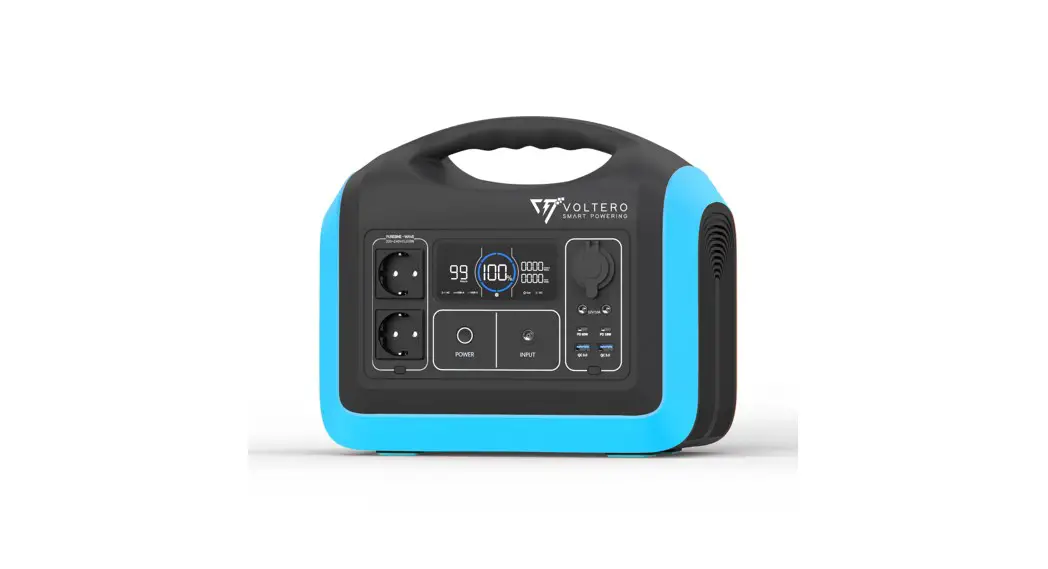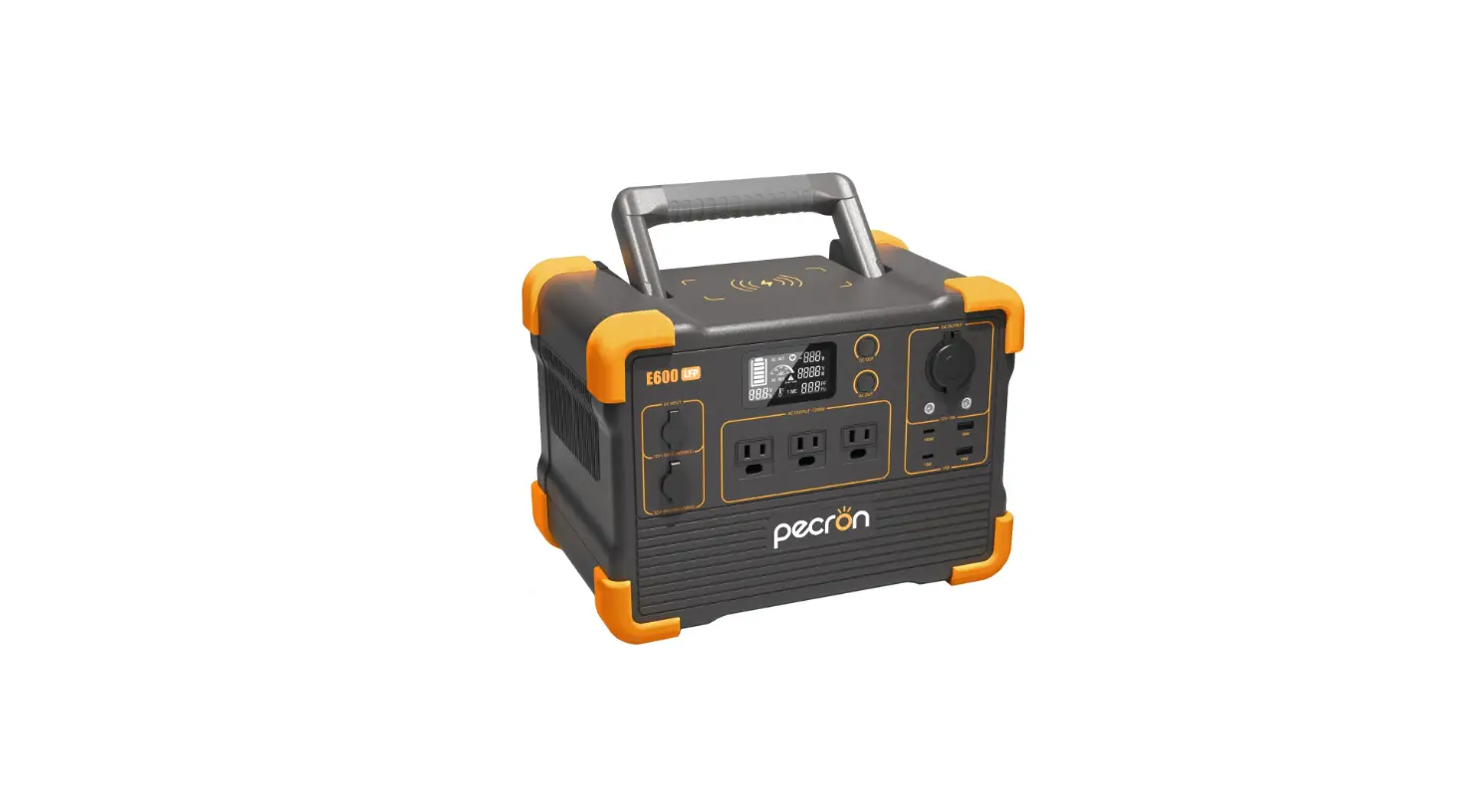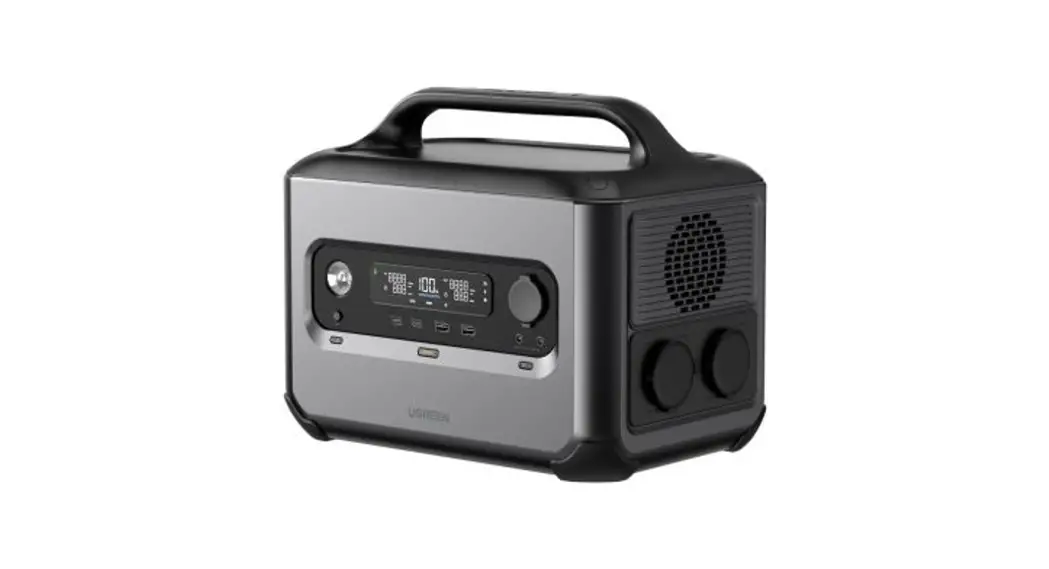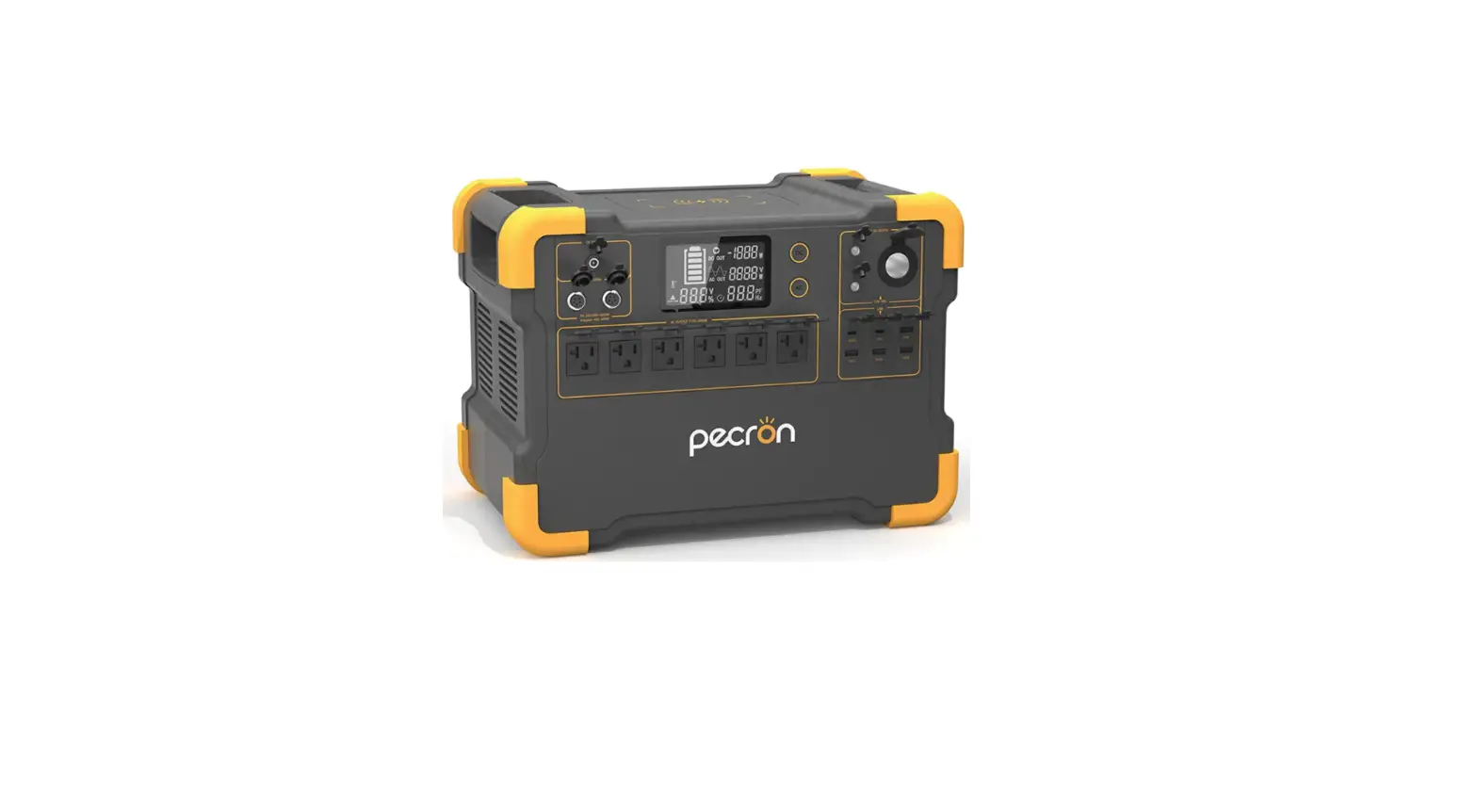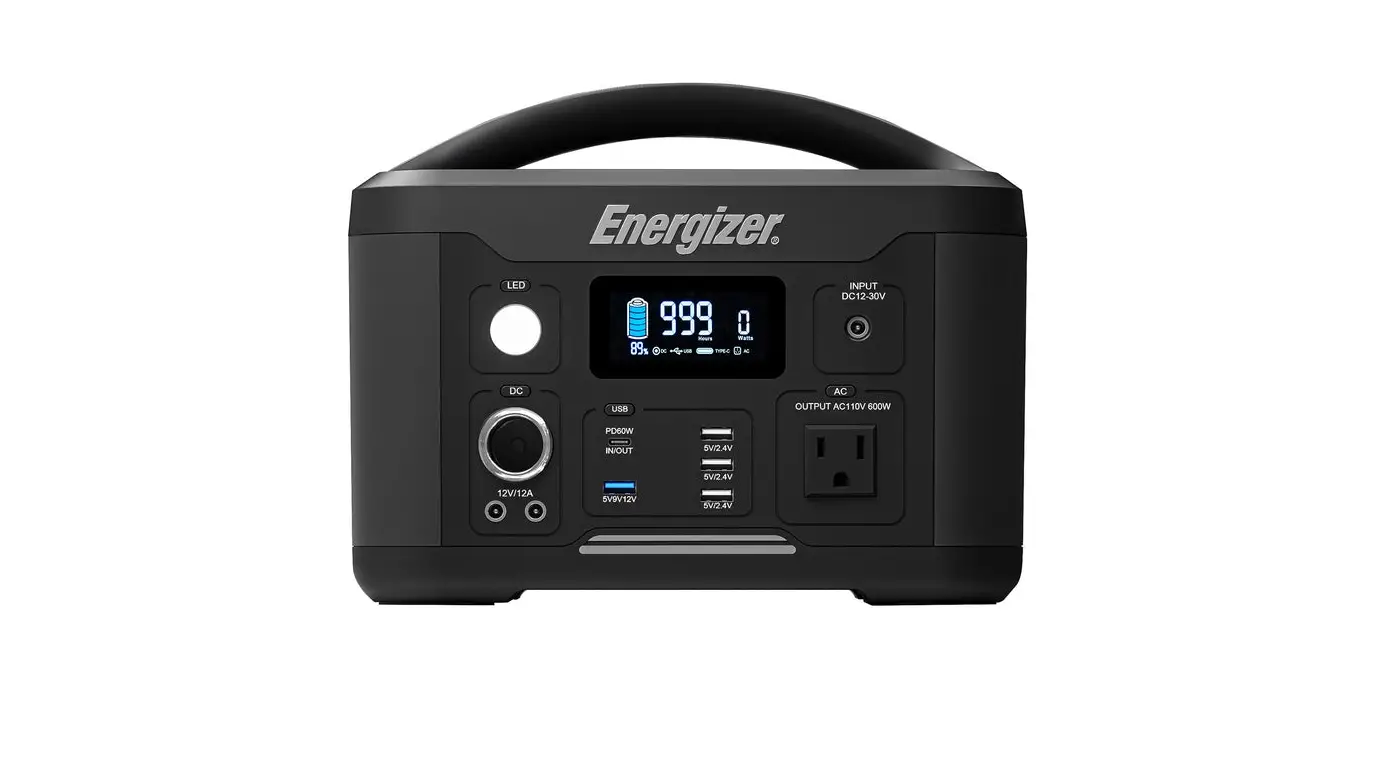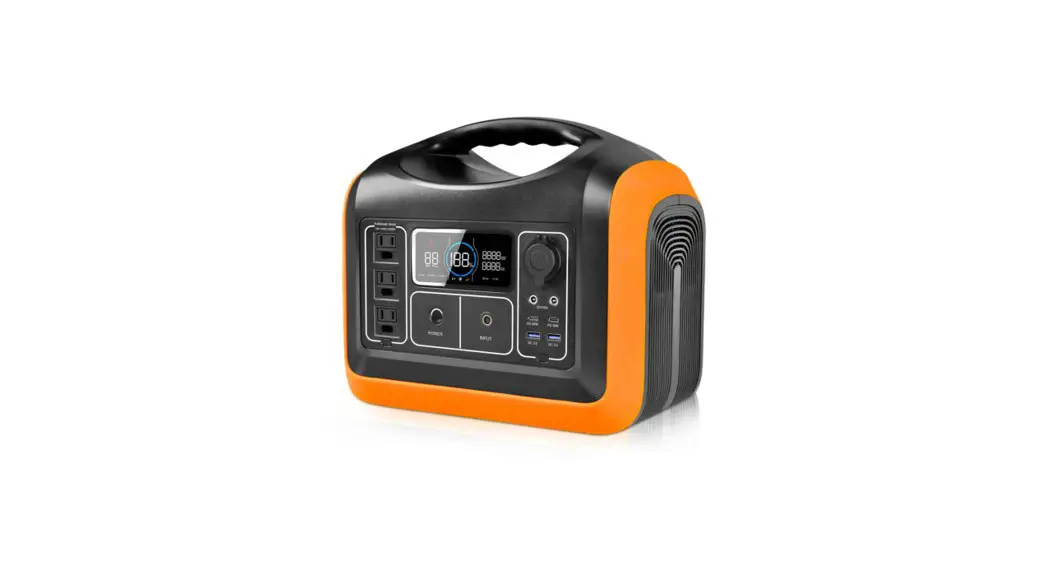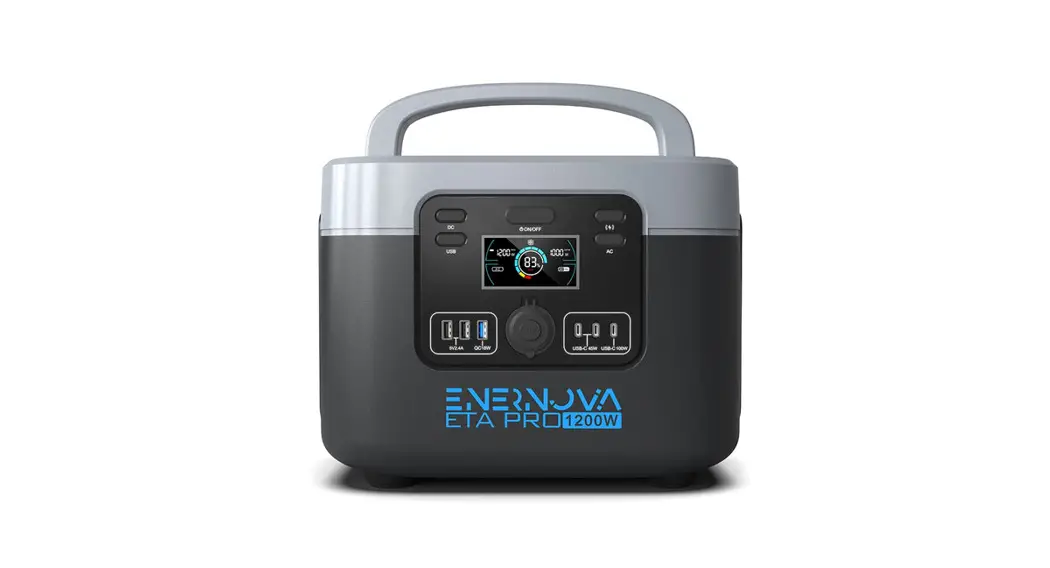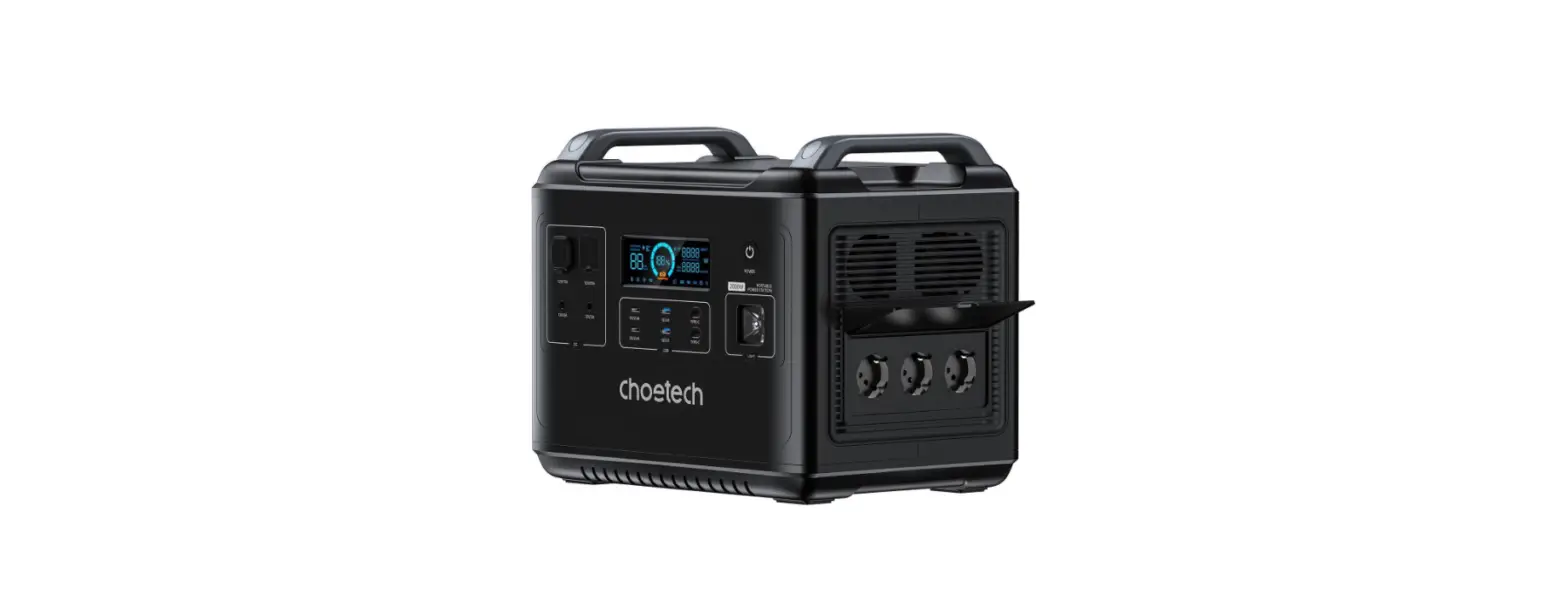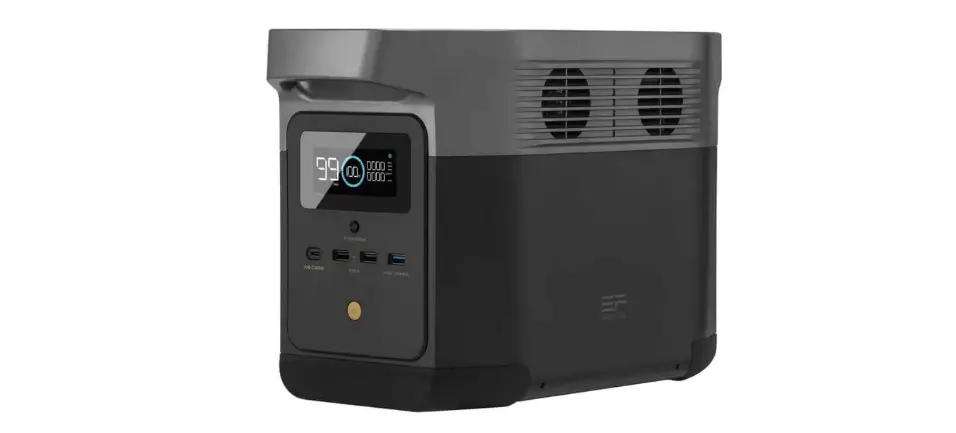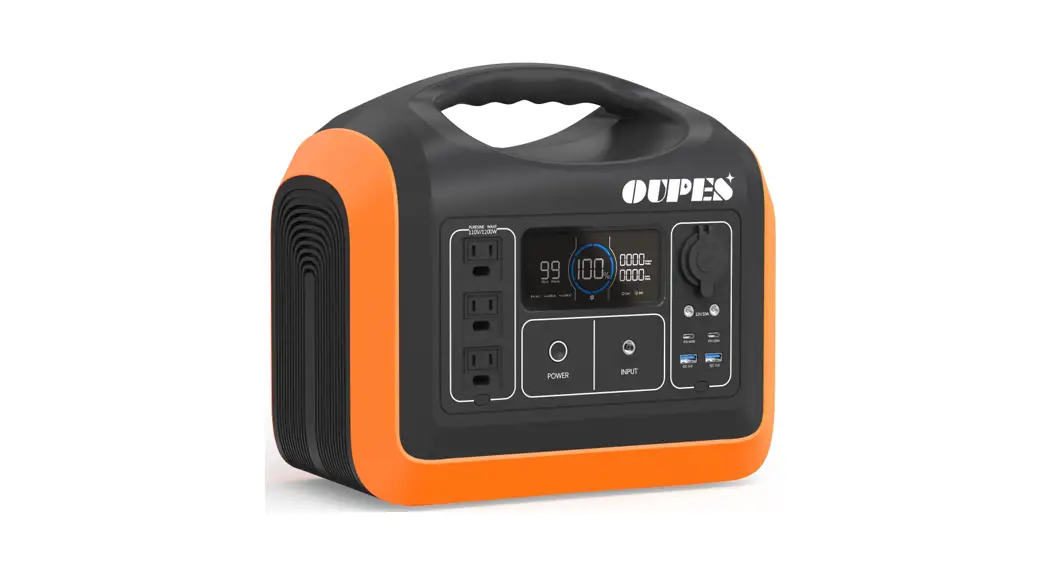
 1200W Portable Power Station
User Manual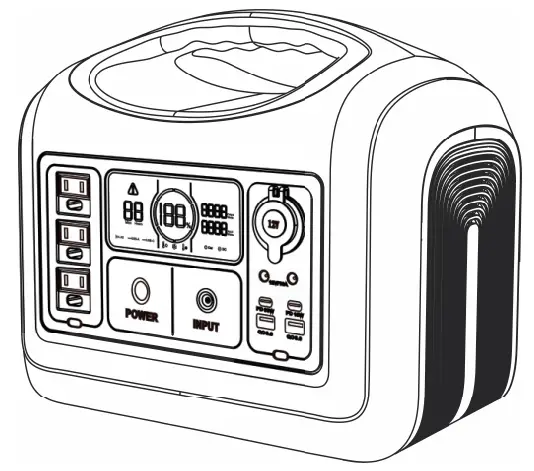
1200W Portable Power Station
Portable Power Station
Ideal portable emergency power for outdoor camping and home use
Disclaimer
- The Company is not responsible for any damage caused by force majeure (e.g. fire, typhoon, flood, earthquake or customer’s negligence, abuse or use in other unusual circumstances).
- The Company is not responsible for the loss caused by the use of non-standard connectors.
- The Company is not responsible for any damage caused by the wrong operation which didn’t follow the instructions of user manual.
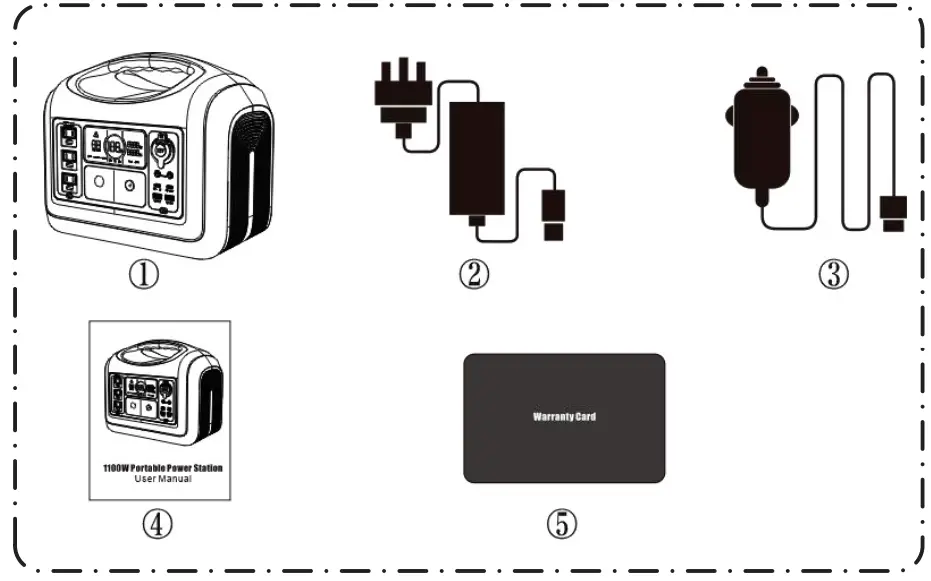
Products List
| No. | Items | Qty. |
| 1 | Portable Power Station | 1 |
| 2 | AC Adapter | 1 |
| 3 | 7909 connected wire for Vehicle’s 12V Output | 1 |
| 4 | User Manual | 1 |
| 5 | Warranty Card | 1 |
Function Instructions
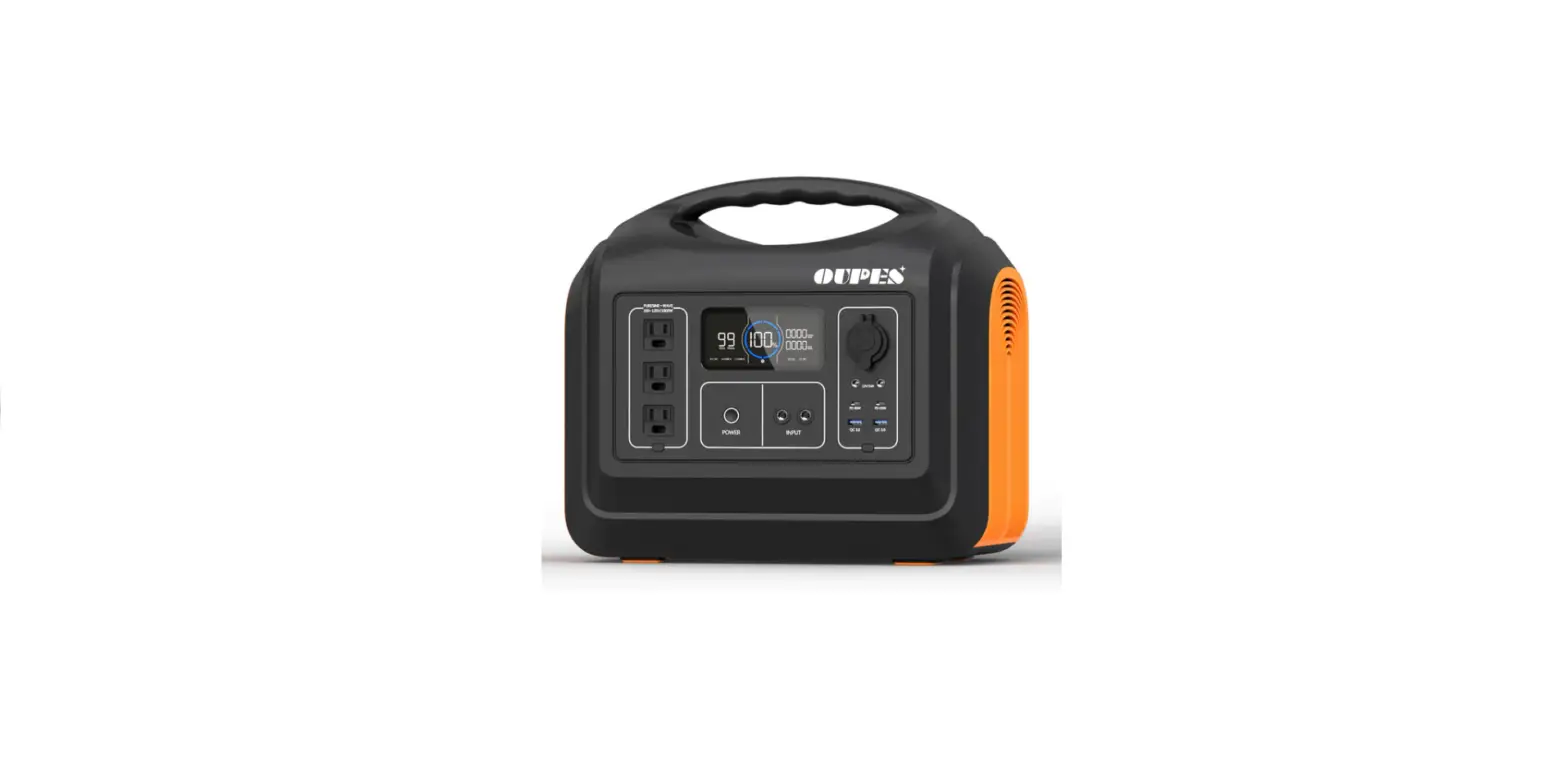
3.1 Function Description 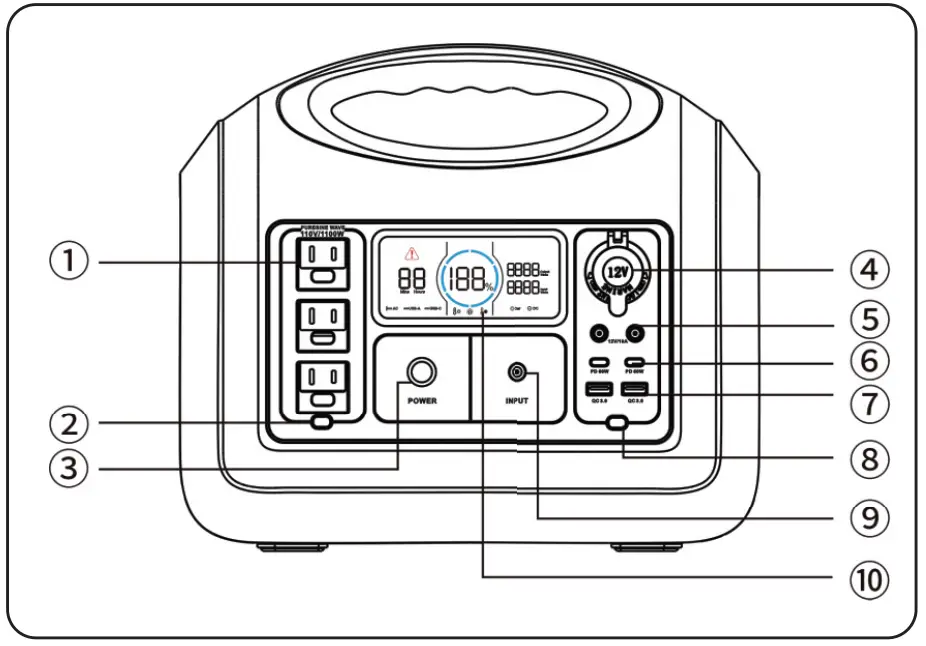
- AC Output Port
- AC Output Power On/Off Switch I
- Main Power On/Off Switch
- 12V Car Charger Output Port I
- 12V DC5521 Output Port
- USB-C Output Port*2
- USB-A Output Porn
- DC Output Power On/Off Switch I
- 7909 Recharging Input Port I
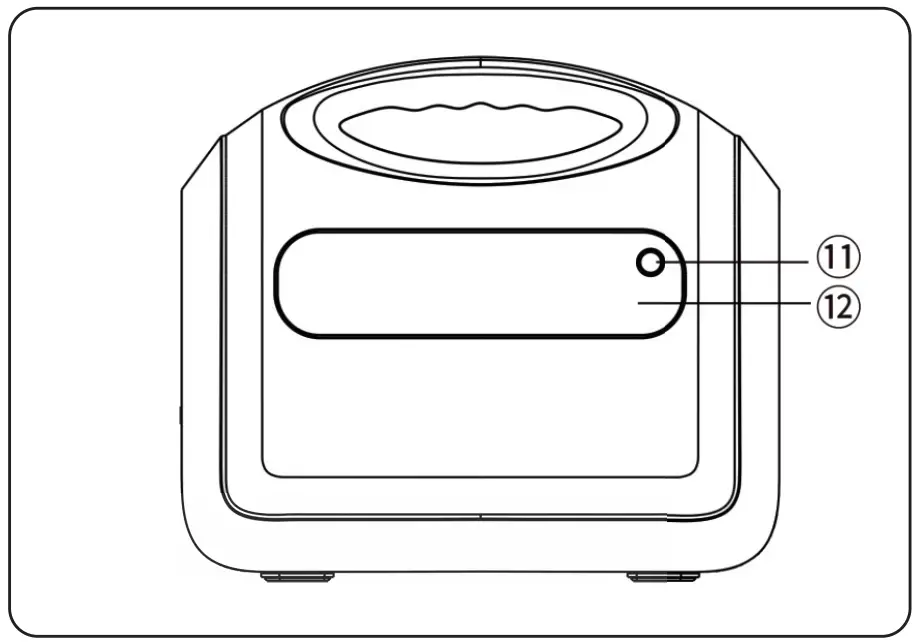
- LCD Screen
- LED Light Power On/Off Switch
- LED Light
3.2 LCD Screen Description 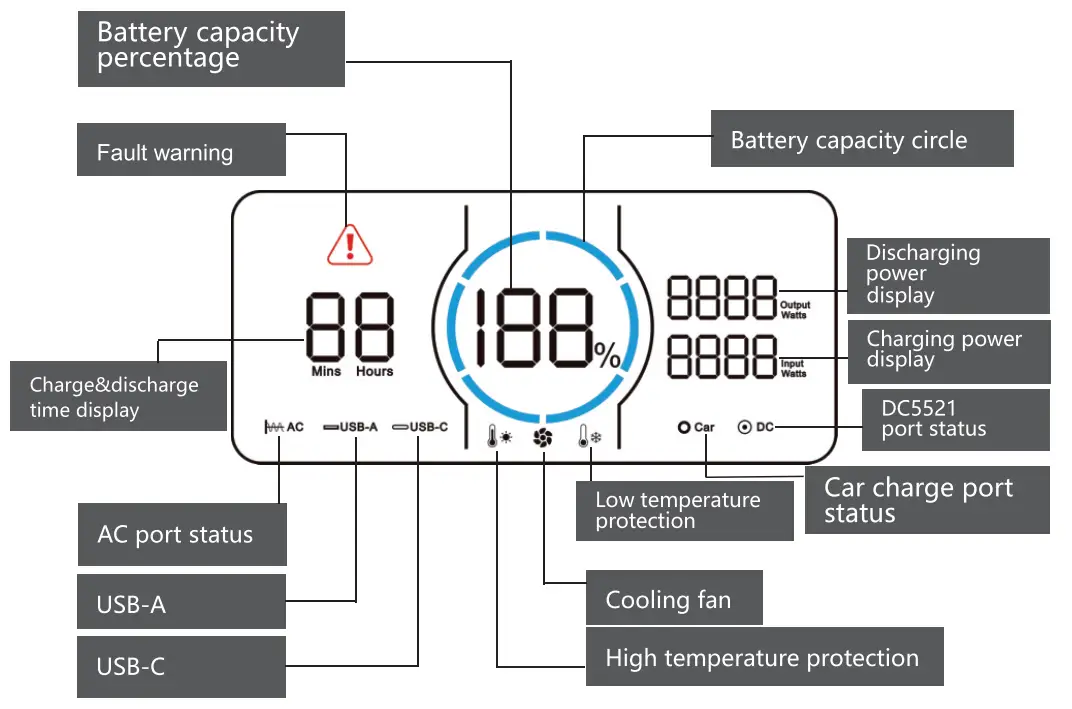
Direction of Use
The LCD Battery Capacity Ring indicates the left capacity. The ring has been divided into 6 equal segments, accounting for about 17%-35%-51%-68%-85%-100%. When discharging, the blue segments of the ring will disappear according to the real-time left capacity. When recharging,the blue ring will be
flashed clockwise along the trajectory, and the digital number will show you the real-time input charging power. After full charge, the whole blue ring will light up and remain stable. After charging, please unplug the adapter.
CAUTION
- There will be efficiency loss of the input power which displays on the LCD screen.
- Please charge the Product at the ambient temperature of 0-4ot. ;
- Must make sure that the connection is in good contact , and adapter work normally, otherwise, it may cause potential : safety hazards.
- In order to reduce the power consumption and prolong the battery lifetime of the Product,please turn off all the switches ! ! when it is not in use.
4.1 3 Different Recharging Ways
4.1.1 Standard AC Adapter
Please connect the 7909 input charge port of the Product and wall outlet with our standard 200W AC Adapter , it will take about 7.5 hours to full change.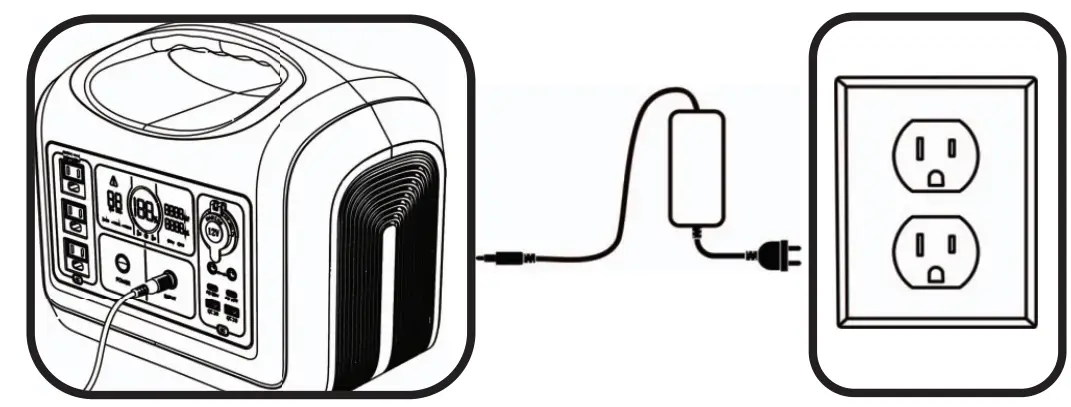
CAUTION
Please use our standard solar panels and adapters to ! charge the device, otherwise the device may not charge ! normally. In severe cases, the lifespan will be reduced, and • the device may be damaged due to a short circuit.
4.1.2 Car Charger
Please connect the input 7909 charging port and the vehicle’s 12V cigarette output port with our standard 7909 transfer cables. It will take at least 8 hours to full charge.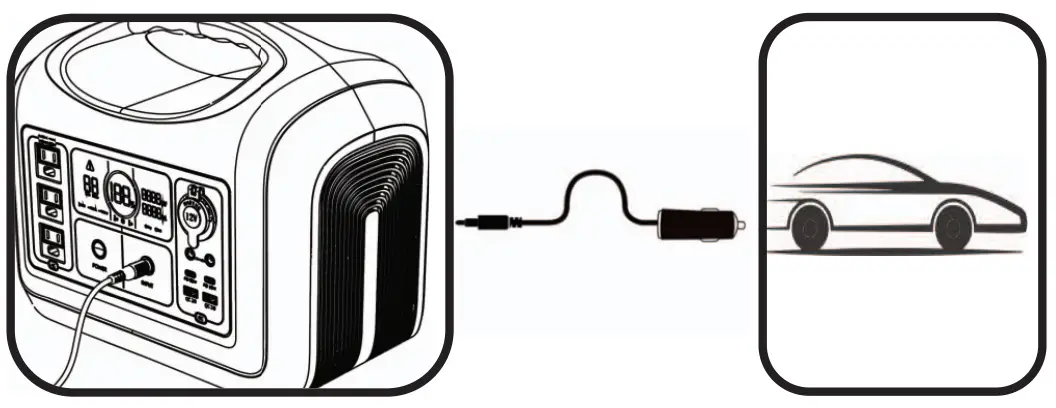 4.1.3 Solar Panels
Please connect the output cable of 2100W solar panels and the 7909 input charging port.lt will take at least 8 hours to full charge, depending on the light of the sun.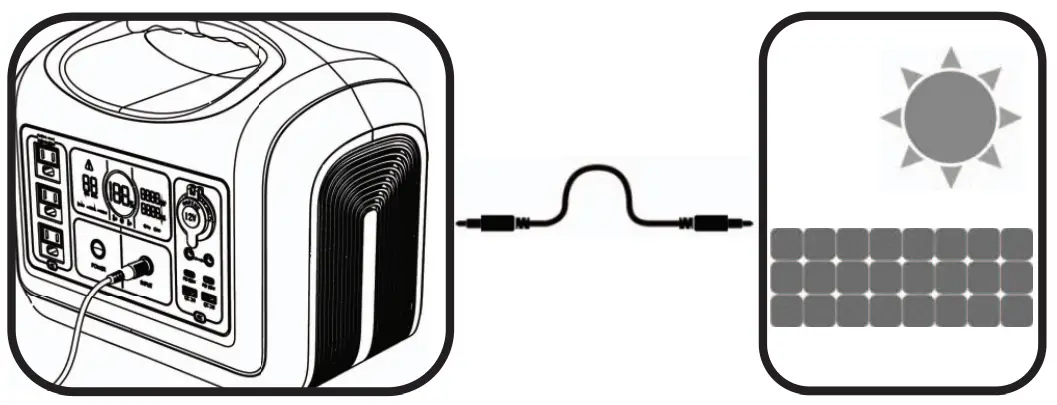 CAUTION
Please use our standard solar panels and adapters to charge the device, otherwise the device may not charge normally. In severe cases, the lifespan will be reduced, and ; the device may be damaged due to a short circuit.
4.2 AC Output Instructions
Main Power Switch
POWER ON: Long press the main power button for 2 seconds, the background light around the button will lit up , and the LCD screen will light up too, the blue battery ring and battery percentage will display.
POWER OFF: Long press the main power button for 2 seconds, the background light and LCD screen will be off at the same time.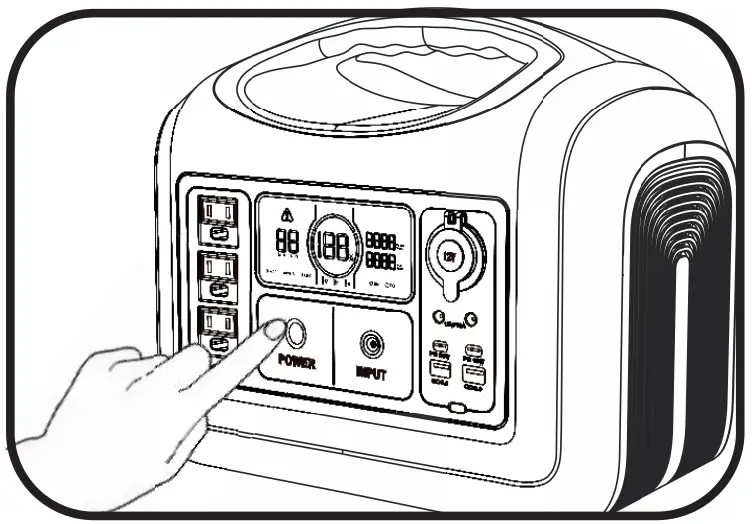 4.2.1 AC Output Instructions
When the main power button is turned on, gently press the AC Output button (,the icon  in the LCD screen will lit up. It means the function of this area can be used normally. Press this button again, the icon will disappear, and the function of this area will stop working.
4.2.2 DC Output Instructions
When the main power button is on, press the power button DC , all the function in the DC output zone will be activated, and the corresponding icons  and
and on the LCD screen will lit up, the car charge and DC ports in the area can work normally; Press the power button again, the corresponding icons and on the LCD screen will go out, and the functions in
the area stop working.
4.3 LED Light Instructions
In the main power on state. The poweron/off button is on the other side. Pressonce, 50% brightness, press again, 100% brightness.then press again, it will change to SOS flashing mode, and press once more to power off.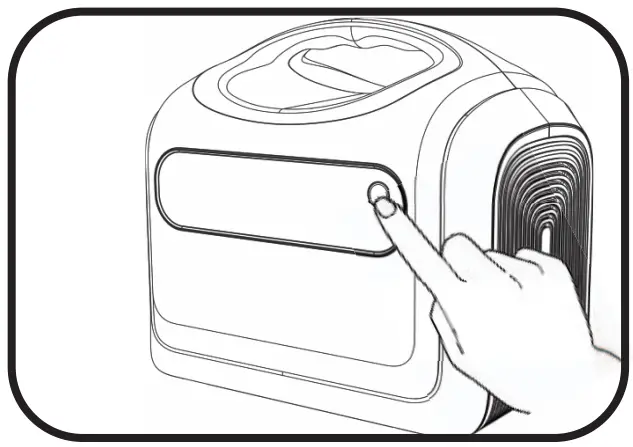
Appliances Run Time Instructions
| Icons | Appliances | Run time |
 | 3110mAh phone | 65 times |
 | 30Wh Tablet PC | 29 times |
 | 60Wh Laptop | 15 times |
 | 10W Light | 87 hours |
 | 16Wh Camera | 55 times |
 | 60Wh Drone | 15 times |
 | 50W Mini Cooler | 17.5 hours |
 | 30W Fanner | 29 hours |
 | 30Wh Electric Tool | 29 times |
 | 10W WIFI | 87 hours |
 | 110W TV | 7.9 hours |
 | 40W Ventilator | 21.8 hours |
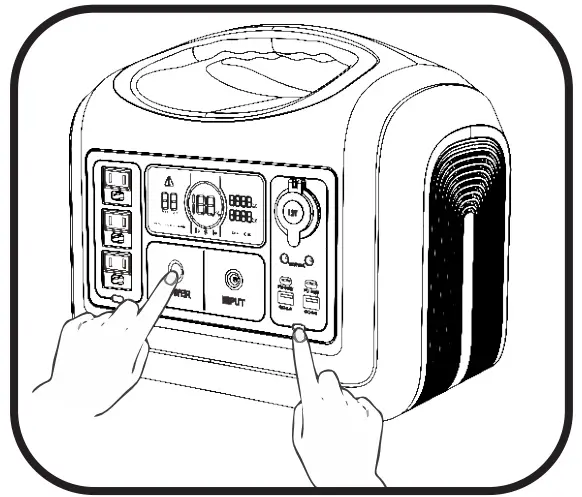
Frequency switching operation
- In the power-on state, turn off the AC output, and press the main power button & the DC button(USB output) at the same time to enter the switching frequency menu;
- Press the AC outuput button to switch the frequency, the setting the frequency will be flashing;
- Long press the main power button to set the frequency, SUC will be displayed if the setting is successful, and then long press the main power button to exit the setting menu.
Storage and Maintenance
- When the device is not in use, please turn off all switches to reduce product power consumption and prolong the product battery lifetime;
- Please keep the surface of the product clean, ensure that the product does not contact gasoline, volatile oil, thinner, kerosene, etc.,to avoid corrosion of the product shell;
- Please store the product in a dry, ventilated and dustless environment. Storage temperature range in 0-40°C, avoid direct sunlight;
- Please fully charged the battery before storage, and charge it at least once every 6 months, to avoid dormancy of the battery, which will affect normal use;
- If the product needs to be transported long distance, please keep the battery power between 40%-60%, otherwise there will be potential safety risks.
Main Technical Specification
Output Technical Parameters
| AC Output | Rated Voltage | 100-120Vac | 220-240Vac |
| Frequency | 60Hz | 50Hz | |
| Rated Power | 1200W | ||
| Peak Power | 3600W | ||
| DC 12V & Car lighter Output | Rated Voltage | 12V | |
| Rated Power | 10A | ||
| USB-A Output | 5V/3A; 9V/2A; 12V/1.5A (18W Max) | ||
| USB-C Output | 5V/3A; 9V/3A; 12V/3A; 15V/3A; 20V/3A [PD6OW ( left ) /PD18W ( right ) | ||
| LED Light | Press once, 50% brightness, press again, 100% brightness, then press again, it will change to SOS flashing mode, and press once more to power off. | ||
Input
| Input Voltage | 12V∼ 30V |
| AC7909 Input Power | 200W Max |
Battery
| Rated Capacity | 992 Wh | 310000mAh |
| Rated Voltage | 31Ah; 32Vdc | 3. 2V |
| Battery Type | Li FePO4 | |
Common Information
| IP Grade | IP21 |
| Working Temperature | 0-40°C |
| Dimensions | 12.99 x 8.66 x 11.37in (330*220*289mm) |
| Net Weight | 24.21b (11.0kg) |
Fault Code and Trouble Shooting
| Code | Description | Performance | Trouble Shooting |
| E000 | AC Short Circuit Protection |  flashing, no output | Press the AC Output Power on/off button for recovery. |
| E001 | Over Load Production |  flashing, no output | Flashing icons indicates which circuit overload. Press corresponding button for recovery. |
| E002 | Battery Low Voltage Protection | Related function icons flashing Corresponding terminals no output | Press corresponding button Corresponding for recovery. |
| E003 | AC&DC Output run simultaneously, system overload | flashing, AC no output | AC&DC Output run at the same time, the total load power is over 1200w. Shut down the AC output, or lower down the load of AC output,priority support the DC output. |
| E004 | Inverter fault | flashing, no output | Inverter output voltage too high/low; Inverter over temperature; DC main line voltage too high/low; Loaded current abnormal. |
| E005 | BMS fault |  flashing, other function icons Can’t lit up, no output flashing, other function icons Can’t lit up, no output | Charge over voltage protection; Discharge under voltage protection; High Temperature Protection; Low Temperature Protection; Short Circuit Protection. |
| E006 | Input voltage is too high&low |  flashing, no input flashing, no input | Please ensure that the input voltage is within the 12-30V. |