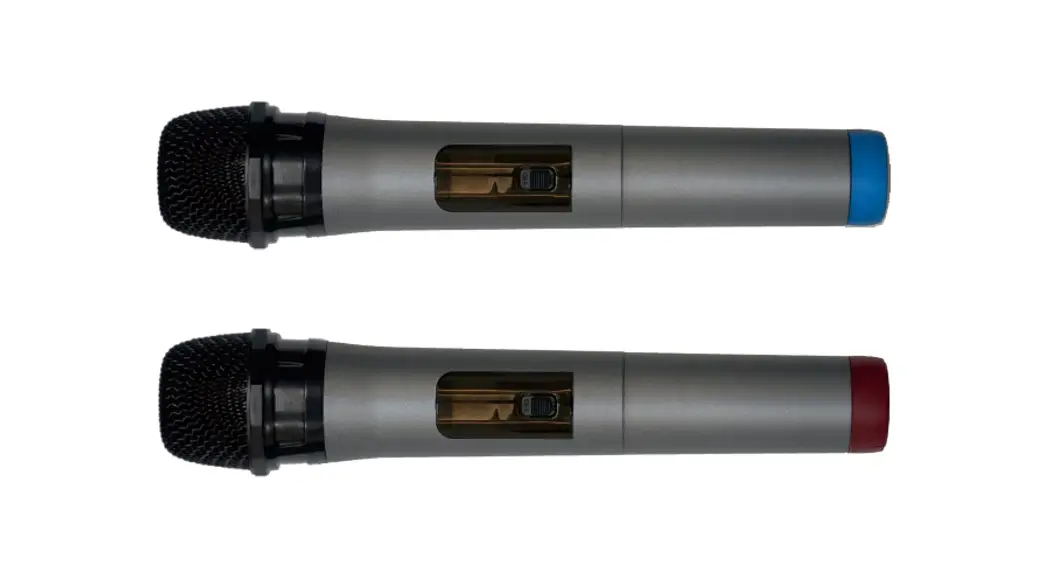
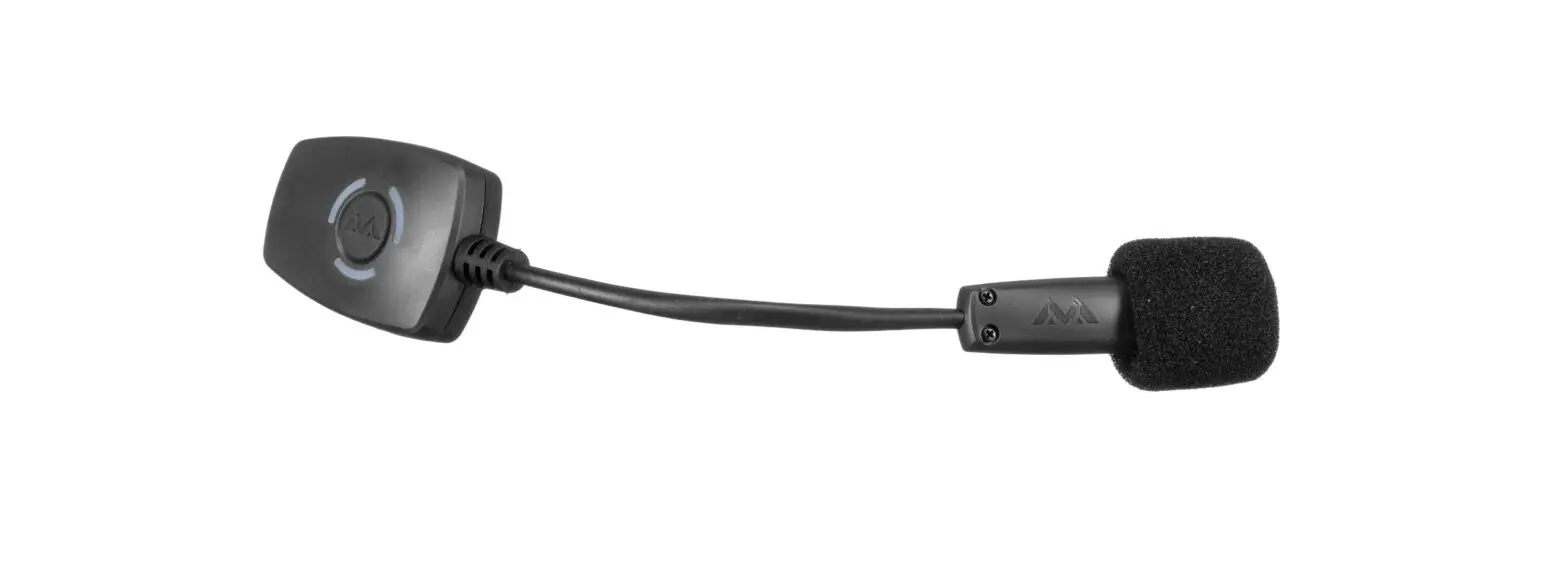
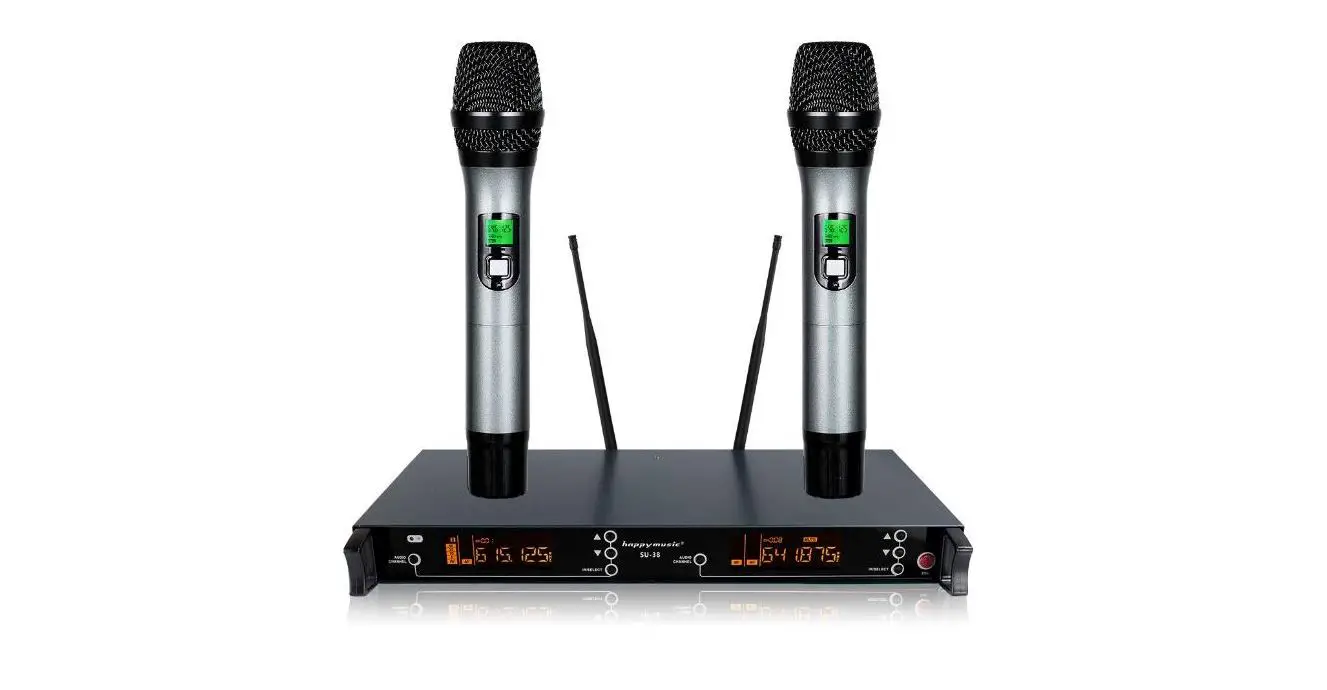
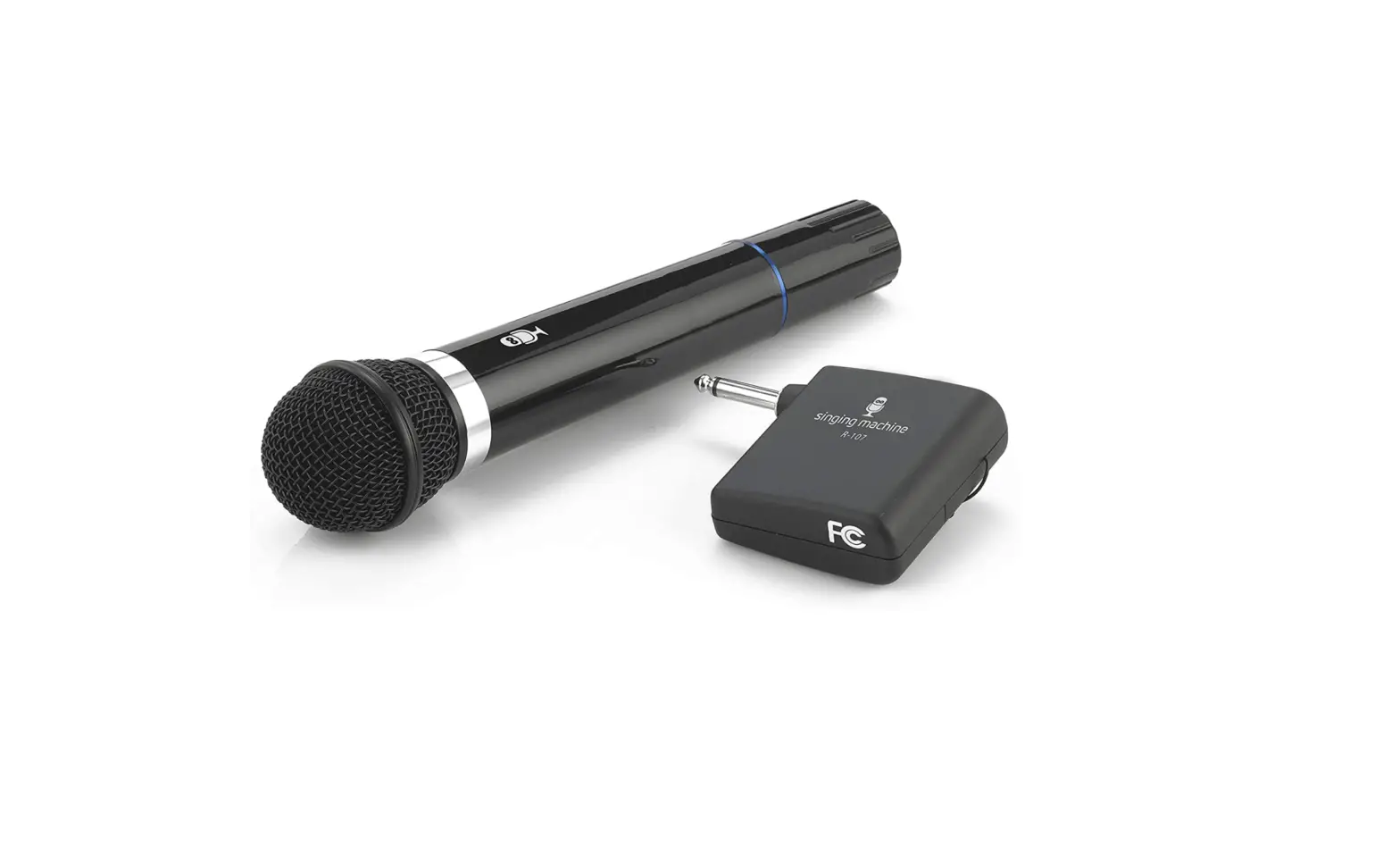
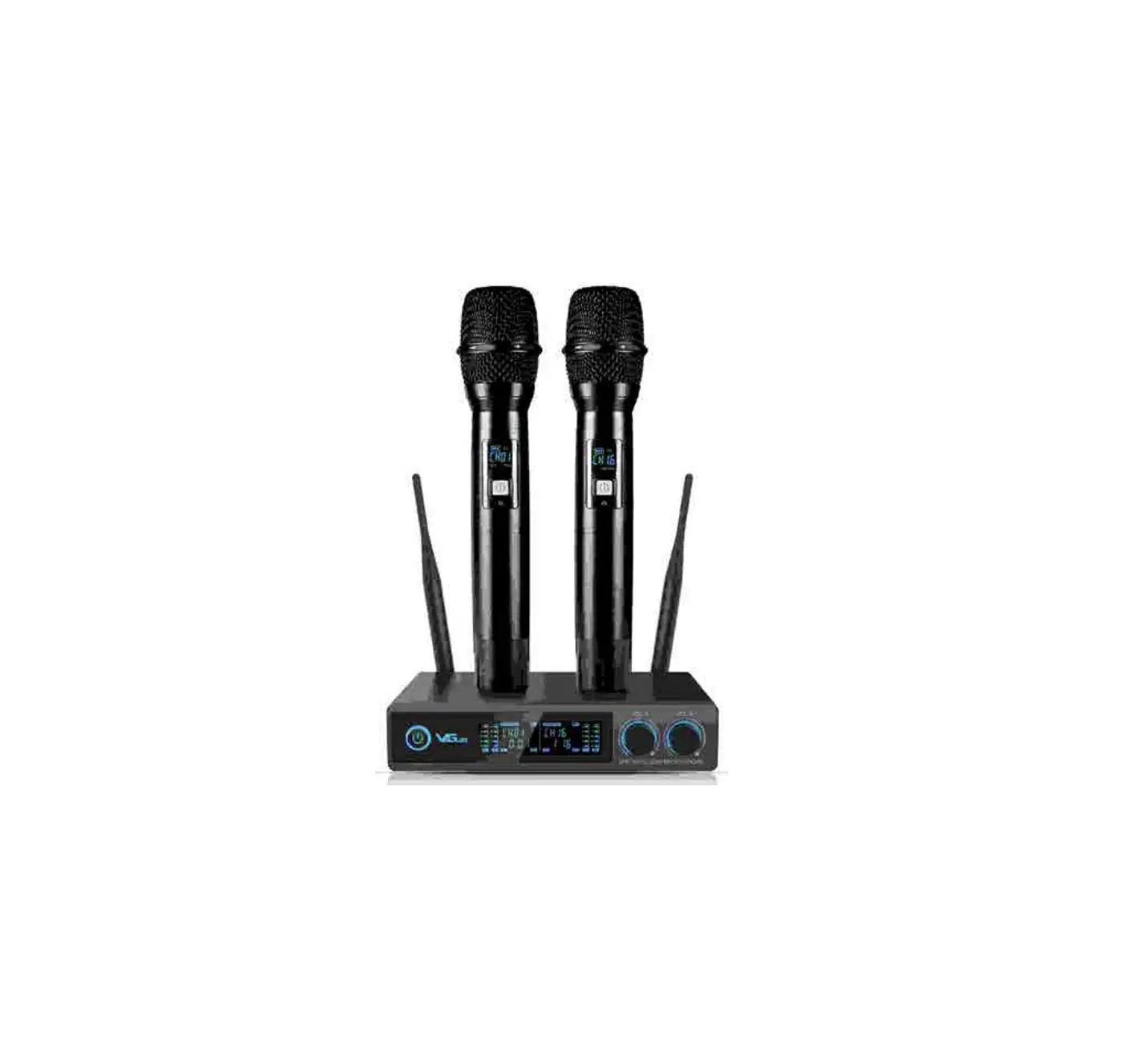
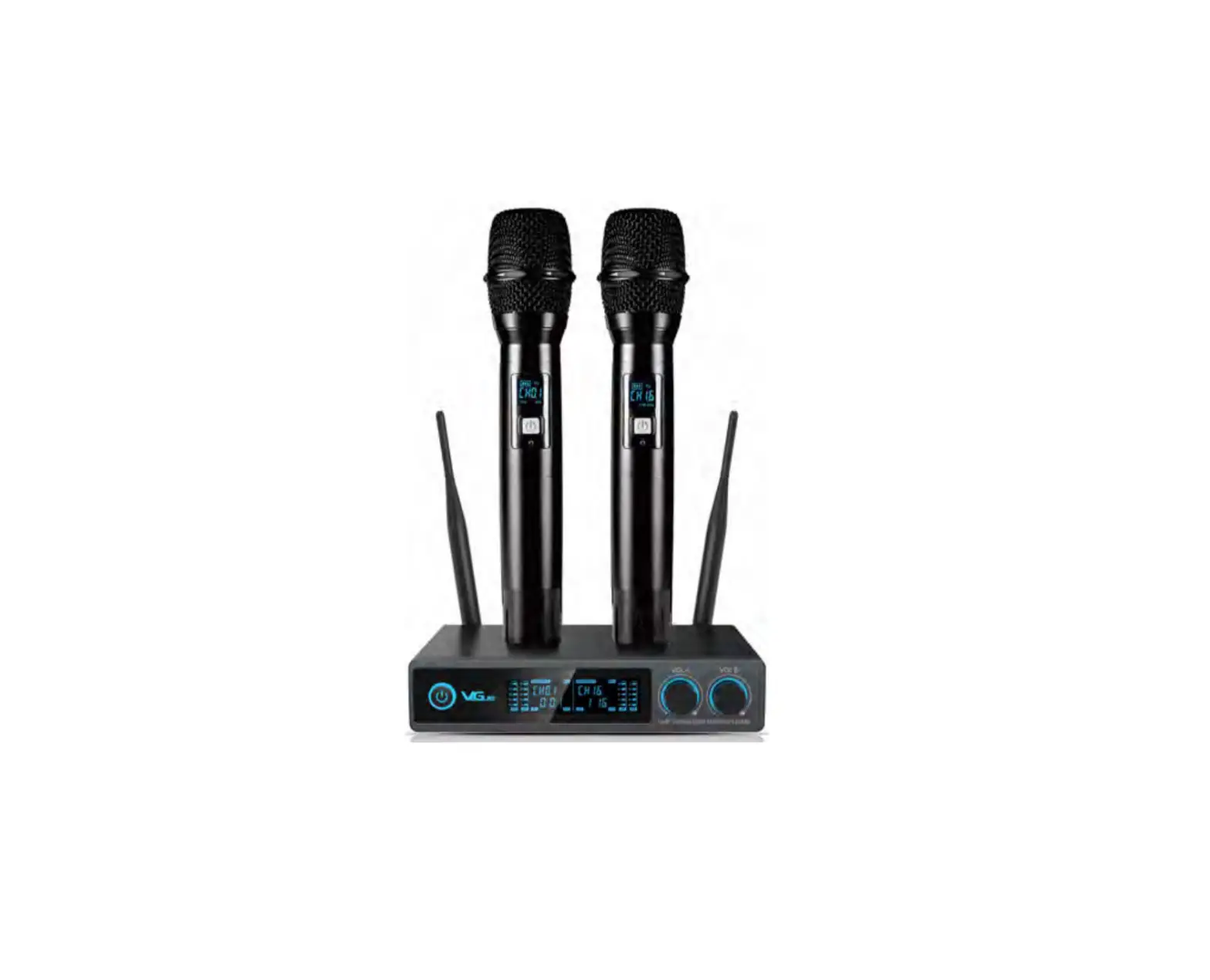
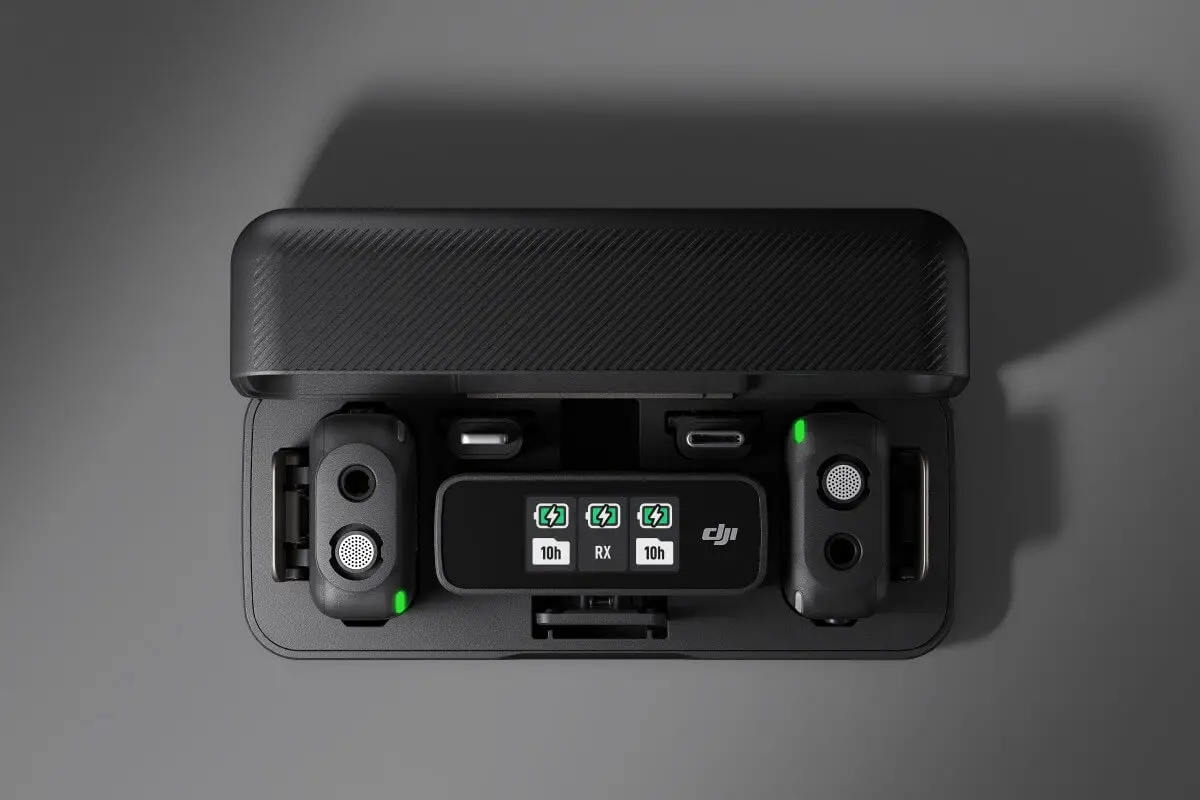
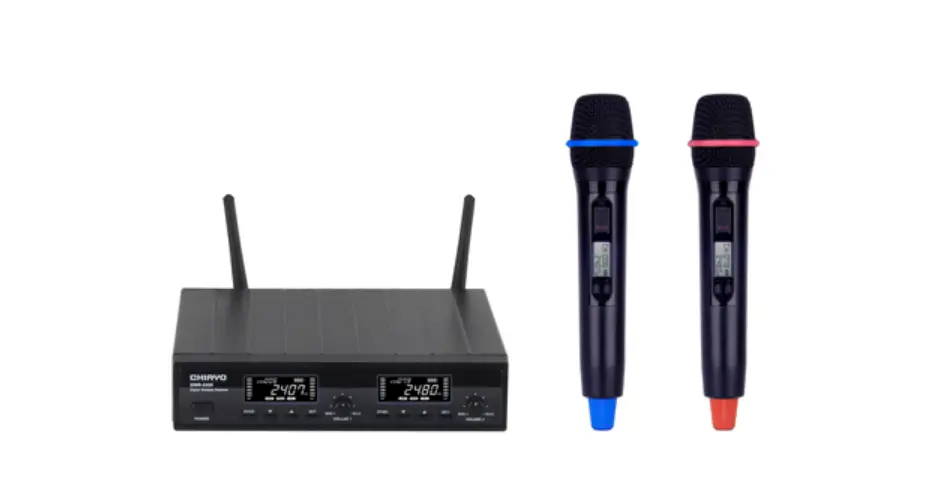
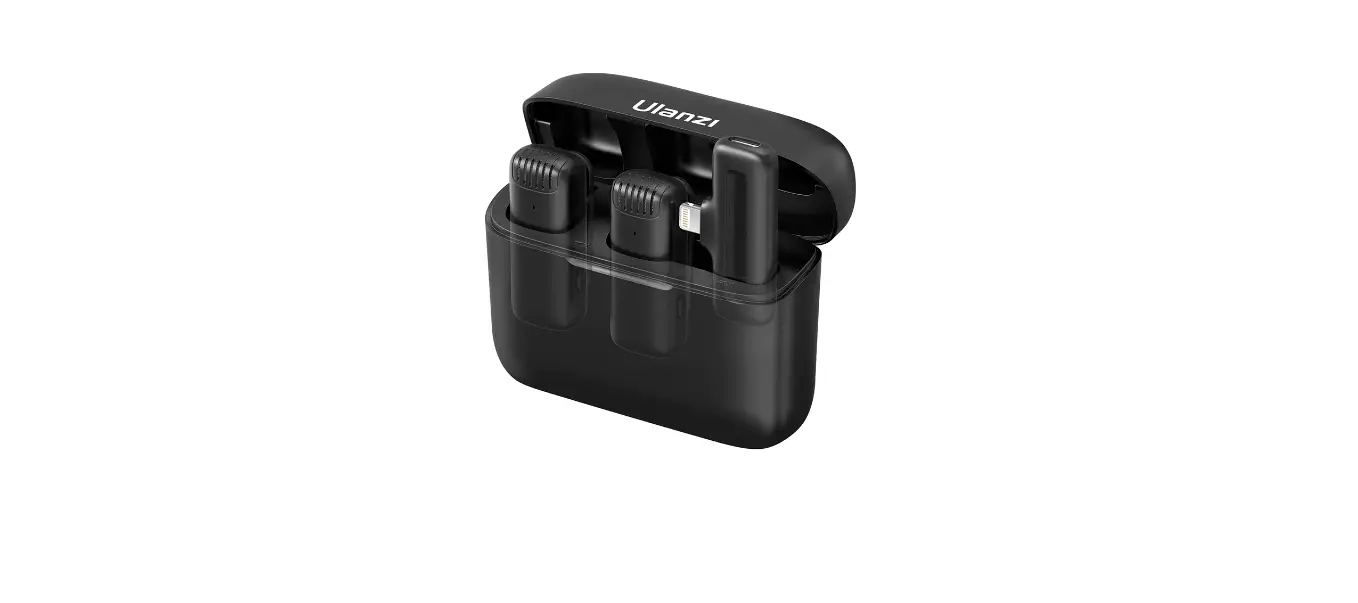
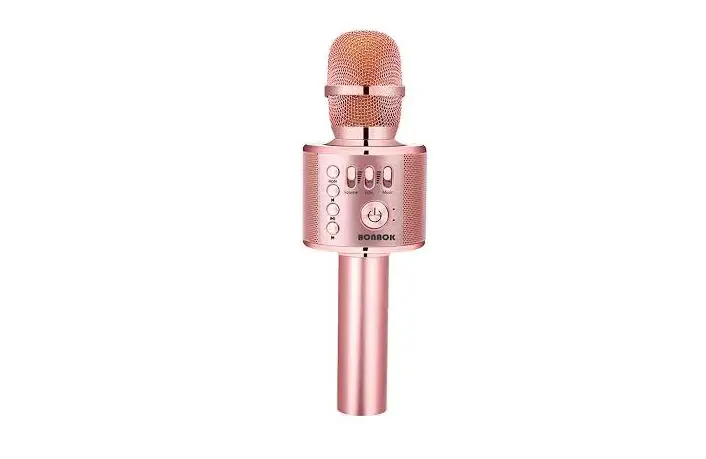
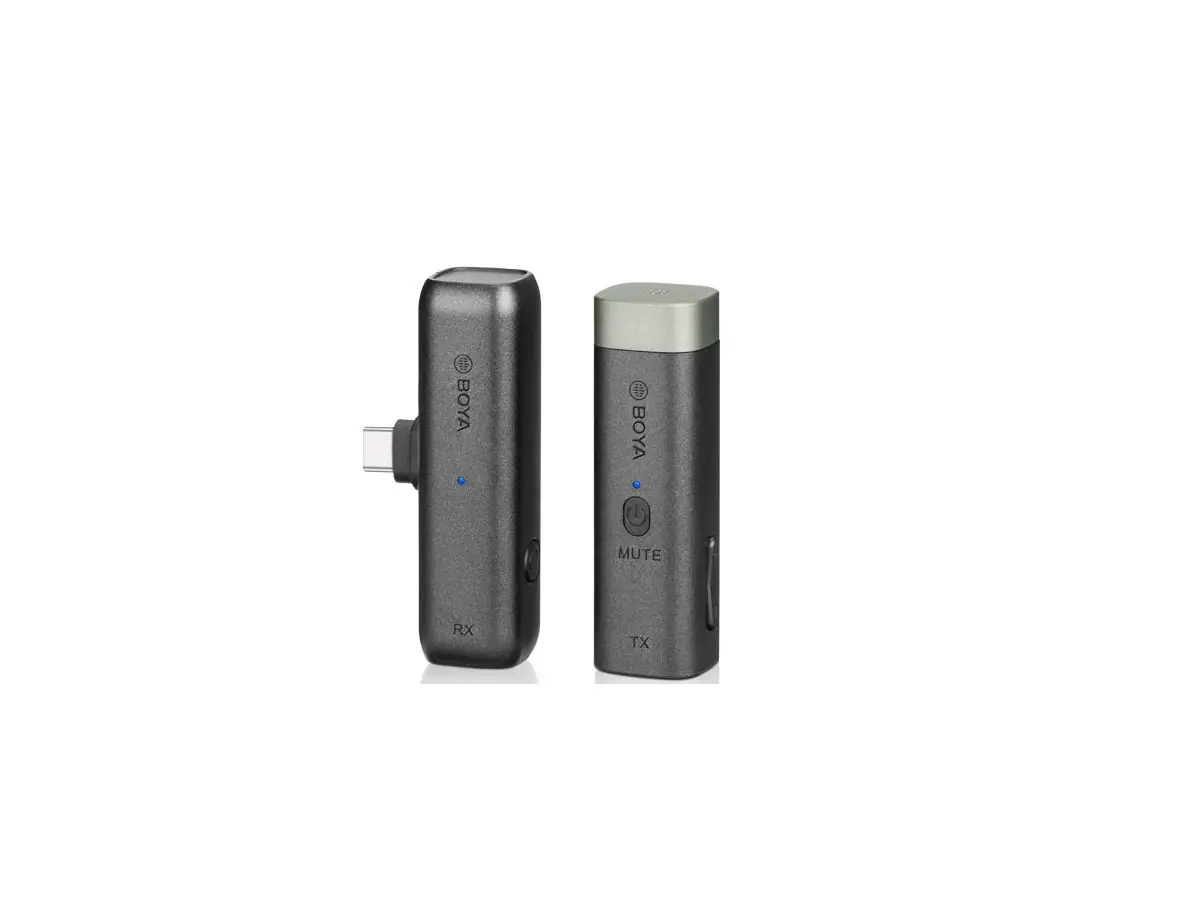
PWMAZ-Q1 Puremic Wireless Microphone
Product Information
Product Name: EUT (Equipment Under Test)
Report No.: AGC13550220802AP02
Page Count: 4
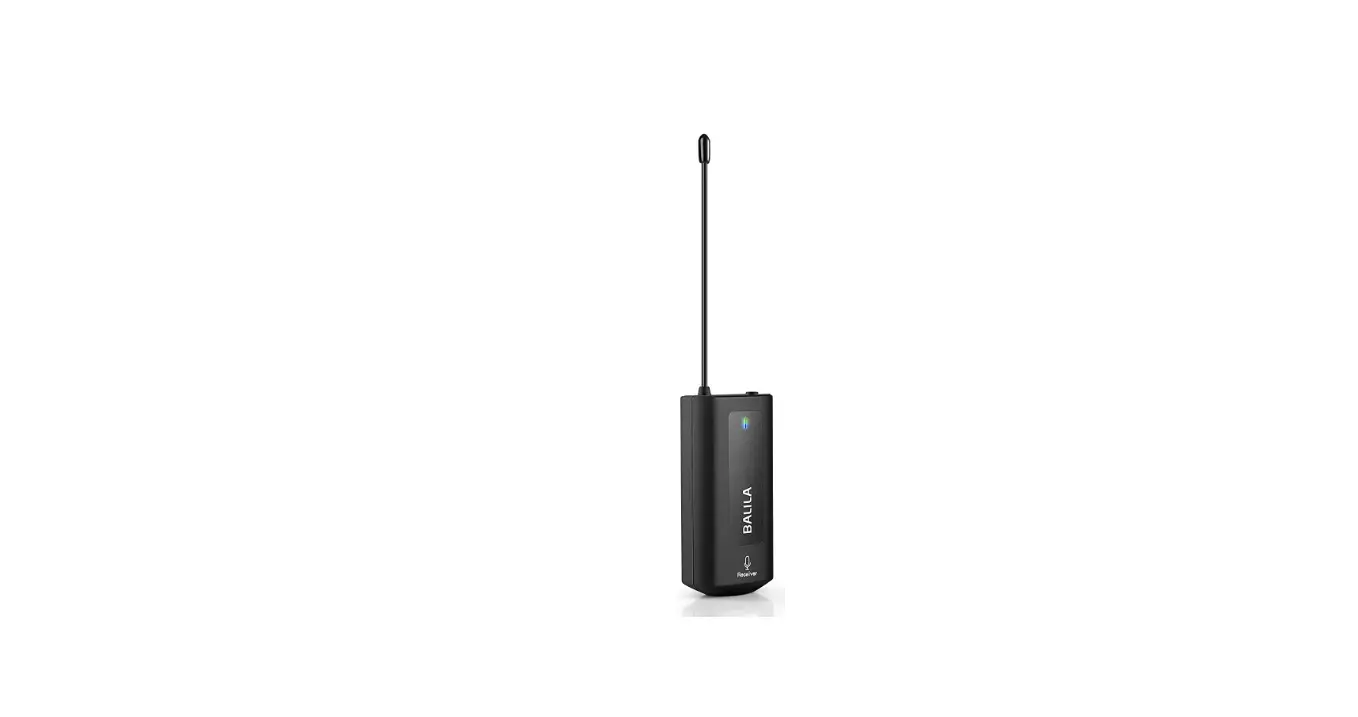
Antenna Close-up Photo: 
Antenna: The product includes an antenna for wireless
connectivity.
Product Usage Instructions
- Ensure you have all the components mentioned in the user
manual. - Open the EUT to access its internal components.
- Refer to the provided figures in the user manual for internal
views of the EUT. - Pay attention to the battery view of the EUT, as it may contain
important information regarding battery installation or
replacement. - Follow the instructions provided in the user manual for proper
installation and configuration of the EUT. - Take note of any specific guidelines or warnings mentioned in
the manual related to the EUT’s internal components. - If required, use the antenna provided with the product for
wireless connectivity. Refer to the antenna close-up photo for
reference. - Once the EUT is properly configured, refer to other sections of
the user manual for usage instructions, troubleshooting, and
maintenance guidelines.
Report No.: AGC13550220802AP02 Page 1 of 4
INTERNAL PHOTOS
OPEN VIEW OF EUT
BATTERY VIEW OF EUT
Report No.: AGC13550220802AP02 Page 2 of 4
INTERNAL VIEW OF EUT (FIGURE 1)
INTERNAL VIEW OF EUT (FIGURE 2)
Report No.: AGC13550220802AP02 Page 3 of 4
INTERNAL VIEW OF EUT (FIGURE 3)
INTERNAL VIEW OF EUT (FIGURE 4)
Report No.: AGC13550220802AP02 Page 4 of 4
INTERNAL VIEW OF EUT (FIGURE 5)
ANTENNA CLOSE-UP PHOTO-1
Antenna
****************************************End of Report****************************************