crest CVLDESK Tablet Light Kit
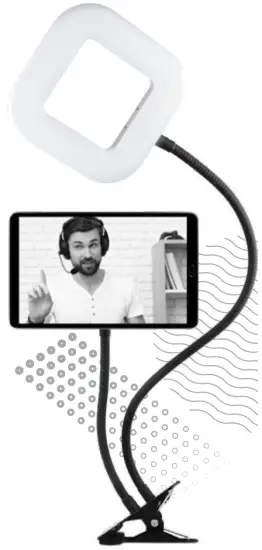
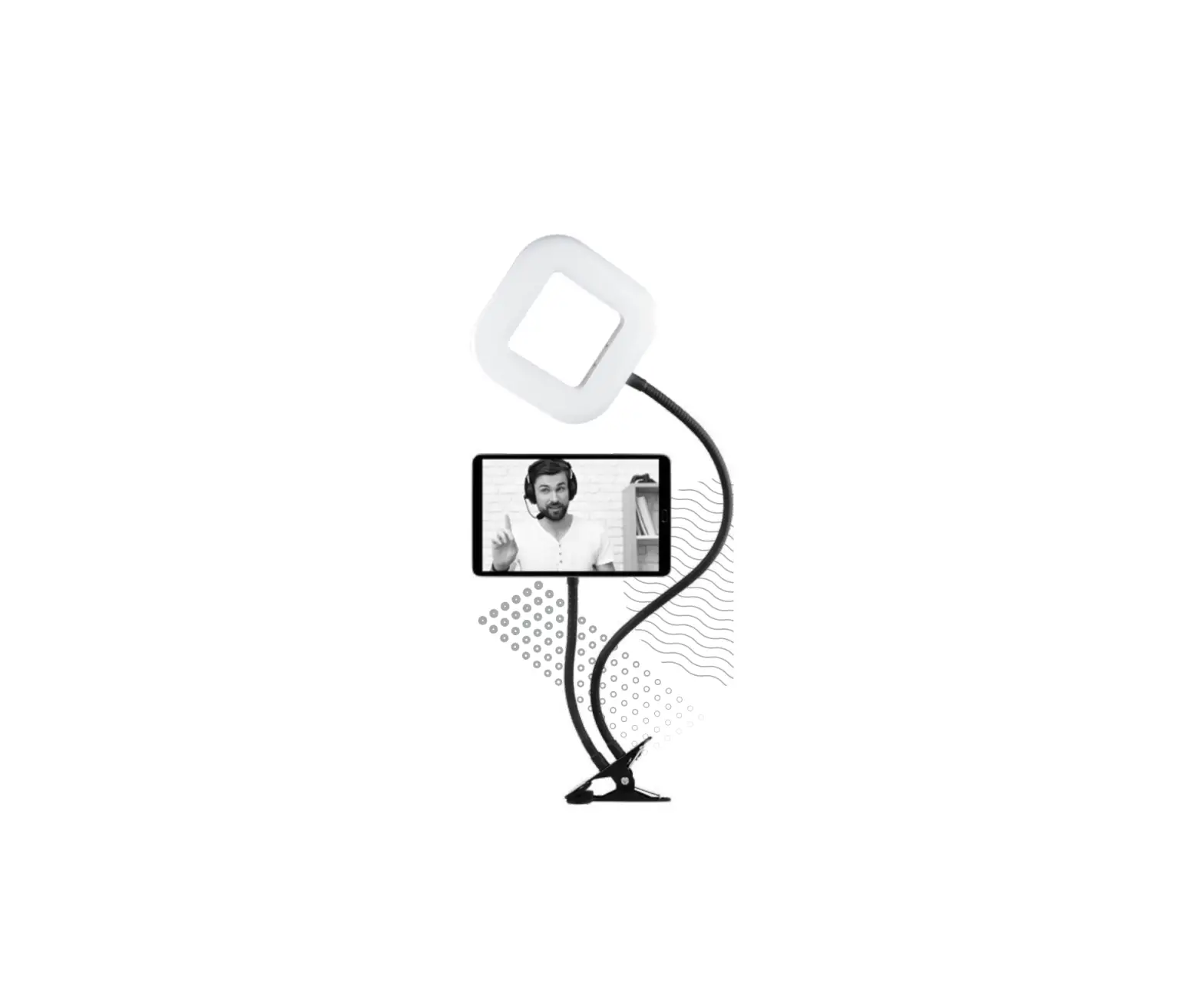
Welcome to the Crest Tablet Light Kit. Here are the instructions on how to set-up your kit so you can get on with creating content.
INCLUDED
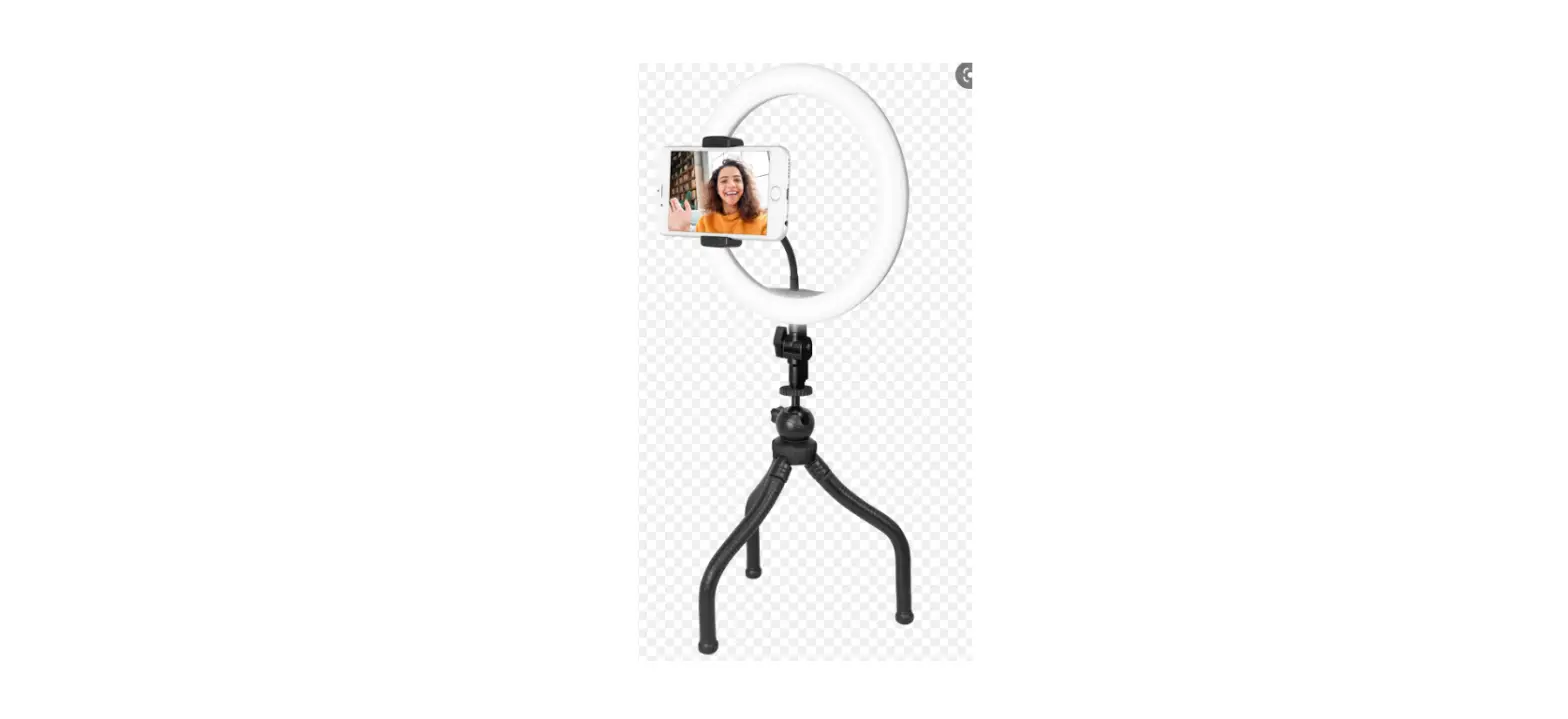
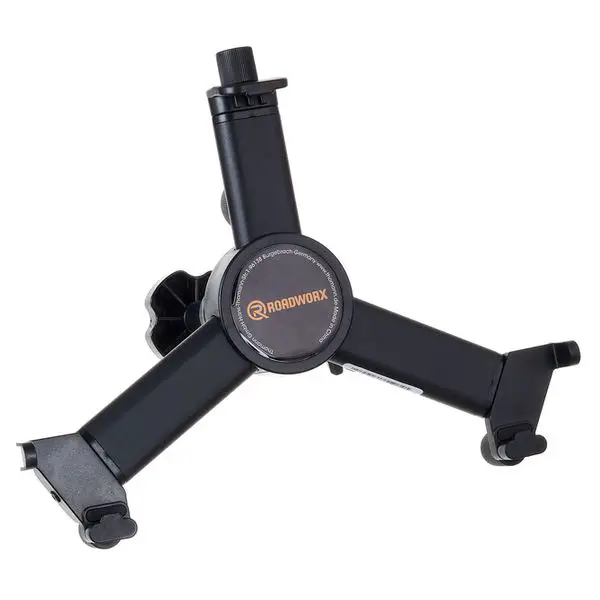
- Tablet mount
- 7″ Selfie light
SPECIFICATIONS
- 72 LEDs
- 3 Colour modes: Warm White, Cool White and Mixed
- Powered via USB 5V D.C. , 2.1A.
Connect to an appropiate USB outlet. (USB power adaptor not included) - Max Output 15W
- Cable length 1.8m
FEATURES
- Clamp mount can be attached to table, desk or bed
- Rotatable tablet mount allows for hands free viewing at any angle
- 13 levels of brightness
- Universal tablet holder compatible with tablets up to 6″ wide
PRODUCT OVERVIEW
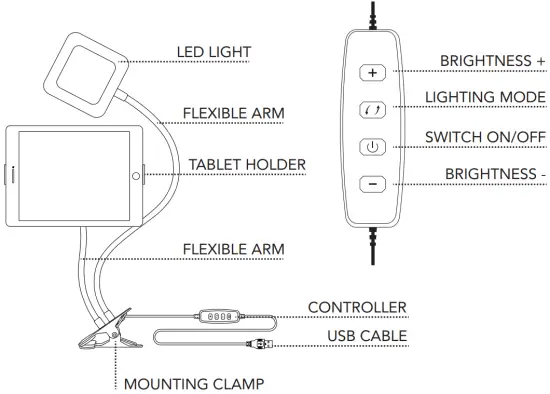
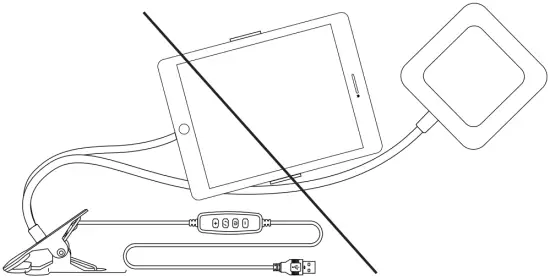
WARNING: DO NOT OVER-EXTEND
TABLET MOUNT INSTRUCTIONS
- Pull the spring loaded side so that it widens.
- Insert tablet into mount.
- Release spring loaded side.
PO Box 5658 Brendale QLD Australia 4500 Customer Support
1800 812 261
www.crest.com.au

 The Crest Company - Enhancing Digital Lifestyle