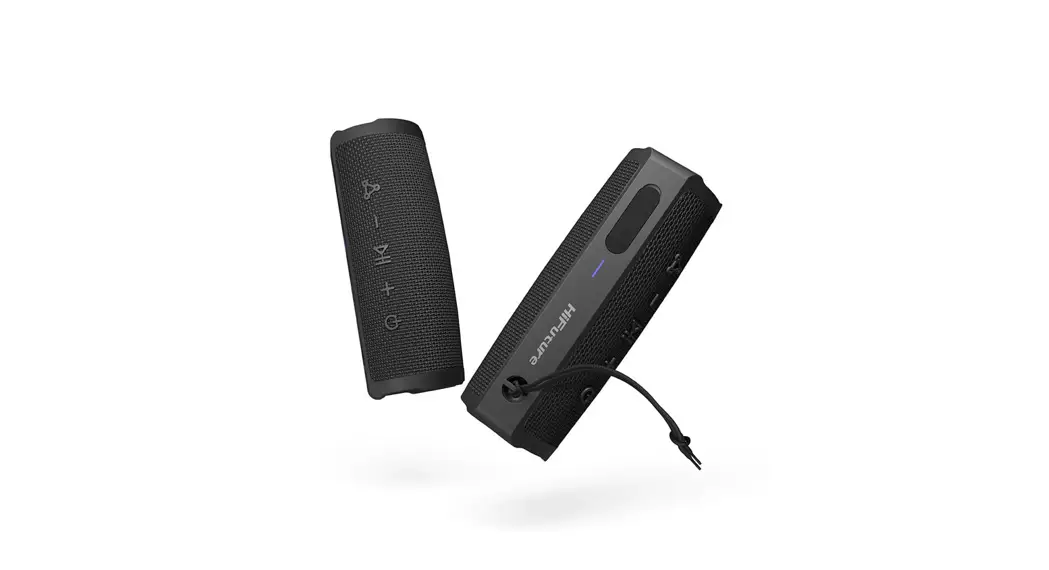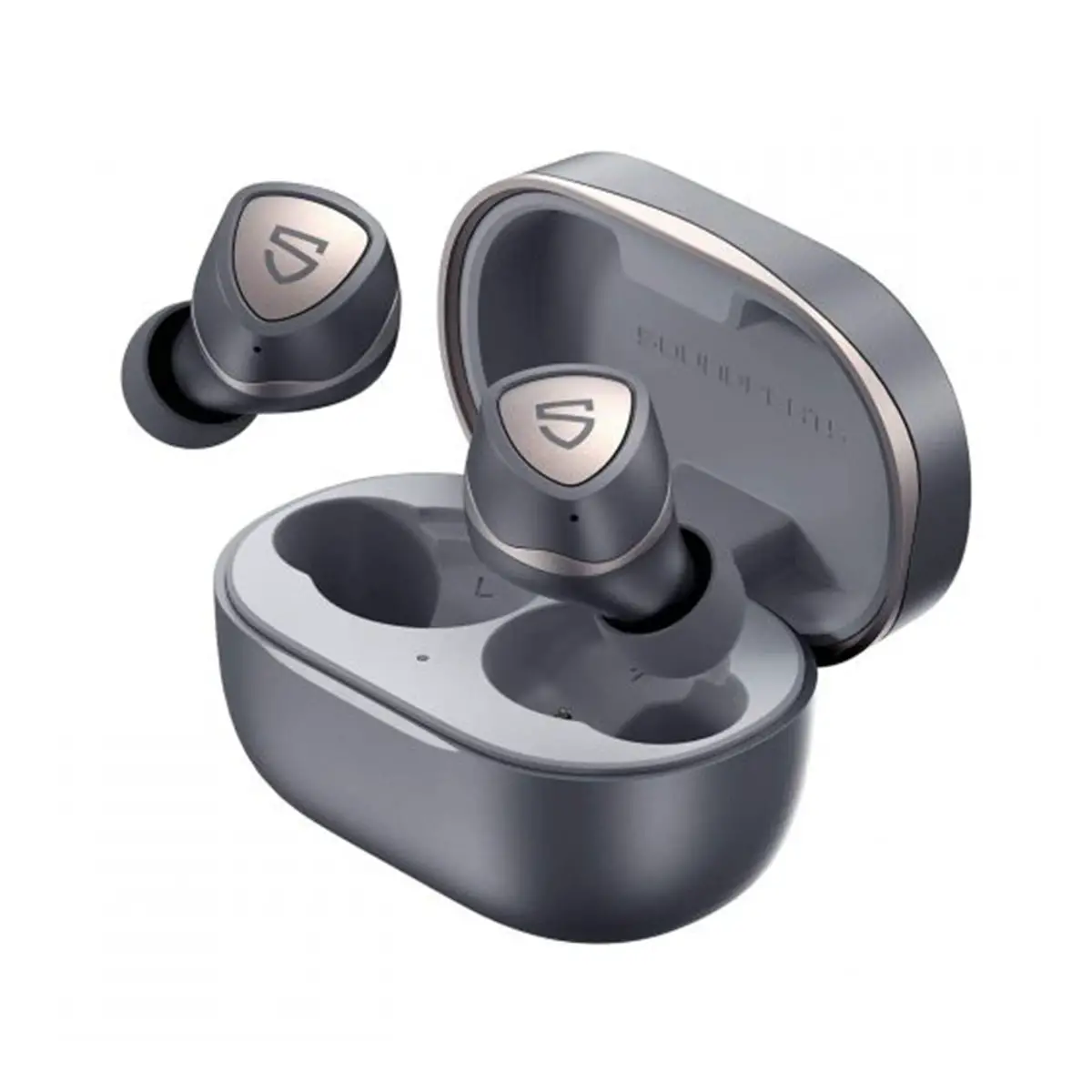

SOUNDPEATS DD027 Bluetooth Speaker
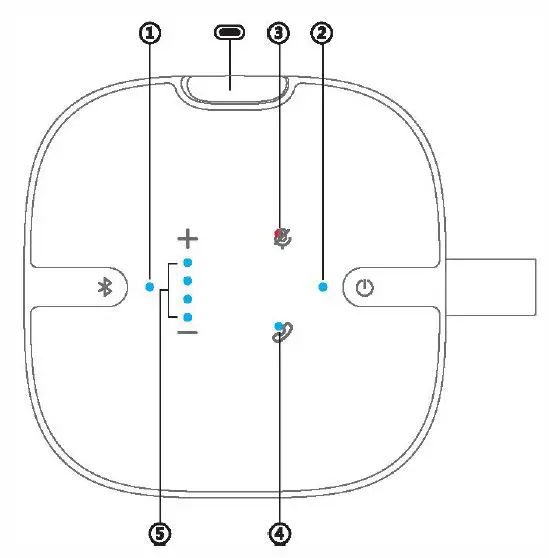
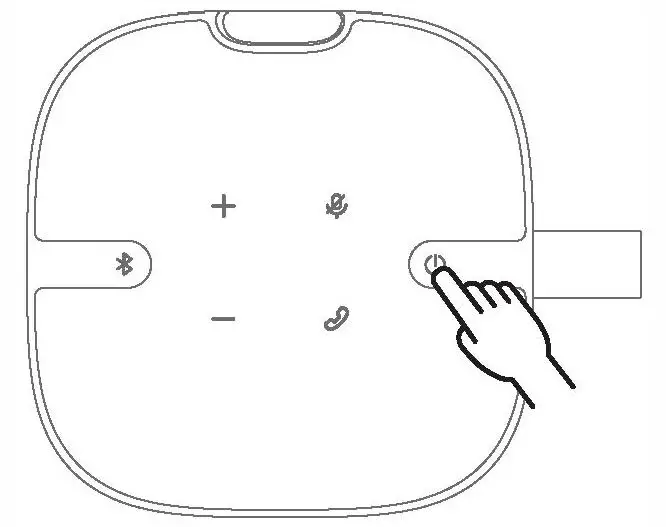
Product Diagram
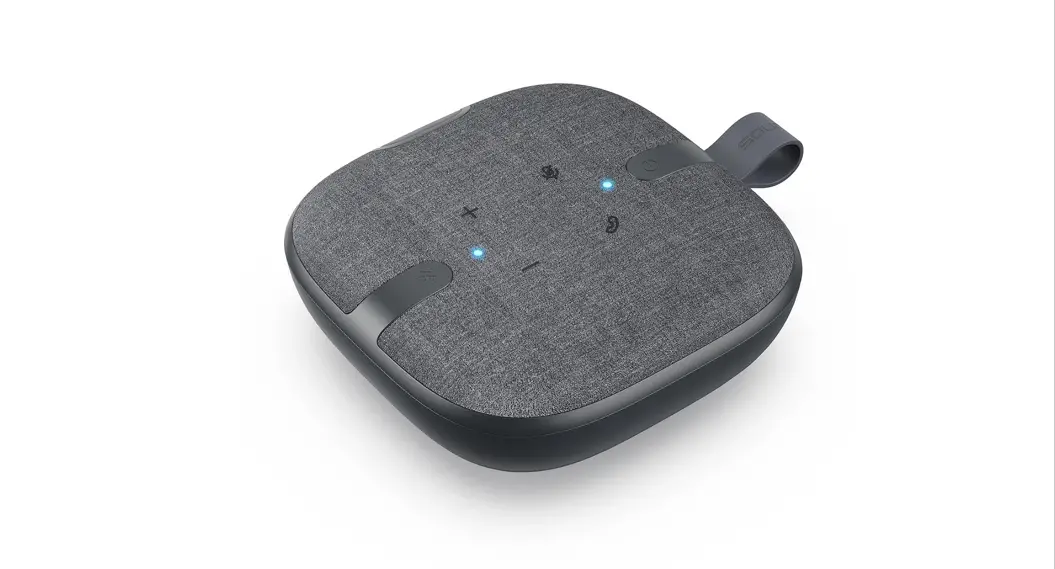
Button Control:
- Bluetooth Button
- Power Button
Touch control:
- Mute Button
- Call Button
- + Volume+
- – Volume-
Charging Port:
- Type-C Charging Port
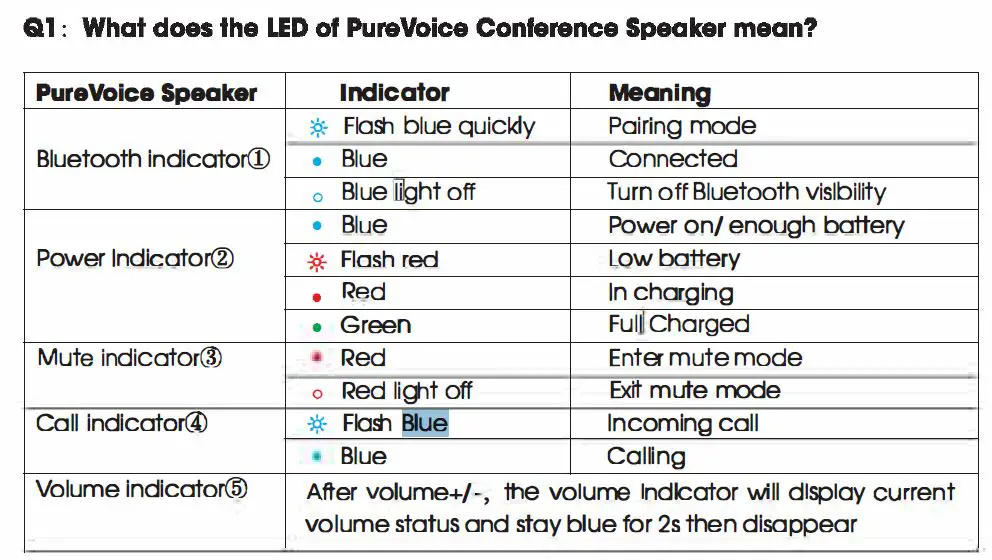
LED indicator:
- Bluetooth indicator
- Powar Indicator
- Mute Indicator
- Call Indicator
- Volume Indicator
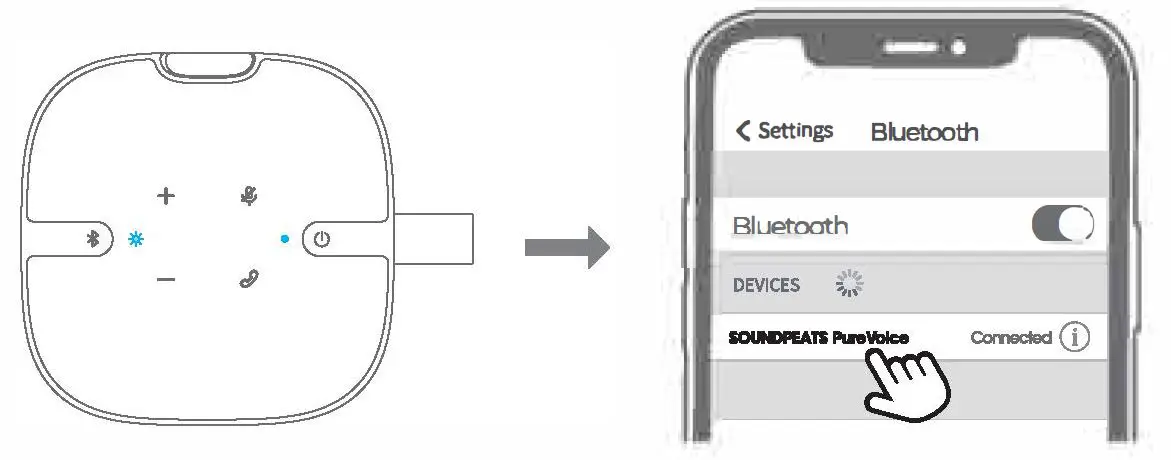
Connection
Wireless connection-Bluetooth Pairing
- Long press the power button for 3s to turn on, the power Indicator stays blue, than Short press Bluetooth button till the Bluetooth Indicator noshes blue. the PureVoice conference speaker enters pairing mode.
- Activate Bluetooth on the dev1oe, and choose “SOUNDPEATS PureVoice” on Bluetooth list to pair.
Wired Connection
- Long press power button for 3 seconds to turn on. 1he power Indicator stays blue.
- Connect the Type-A and of tne cable to the device.
- Then connect the Type-C at the other end to the PureVoice conference speaker.
Control
| Power on Power off | Long press power bullon ror 3s Auto, 1) Automoticolly powEN’ off what’s not oonnf3oct8<:l with the device- within 10 mir.ut&s 2) Aul’omatlcally po\1181′ off ‘when In low battery. Melancholy: Lor,g Press power button for 3’ |
| Volume- | Short 1(1′.) volume- button |
| Keep Volume down | Long pl’8S:S volume- button |
| Volume+ | Short tGJ) volume+ Button |
| Keep Volume up Enter/Exit Mute Mode Bluetooth Pairing | Long press volume+ Button Short press Mute button Short press Bluetooth button till the Bluetooth indicator flash& blue |
| Turn on Bluetooth “1slblllty | Short press Bluetooth button |
| Turn off Bluetooth vi$ibility | Long p/’99S Bluetooth button for 3s |
| Answer/ Hong up phone coll | Short 1(1′.) 0011 button |
| Reject phone call | Long press coll button for 1.5s |
Reset
Long press power button for 8 seconds when lt1e Purevoice Conference Speaker is in power on/off status. then wait for 3 seconds. the PureVOice will be reboot1ng with voice prompt Power on-, Its power Indicator stays blue, r&et compete.
Q&A