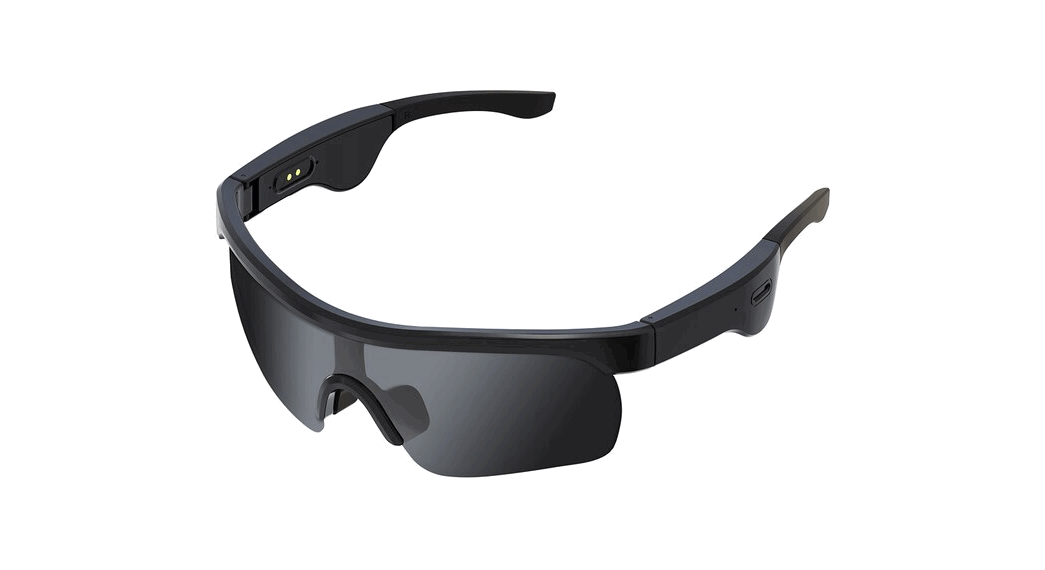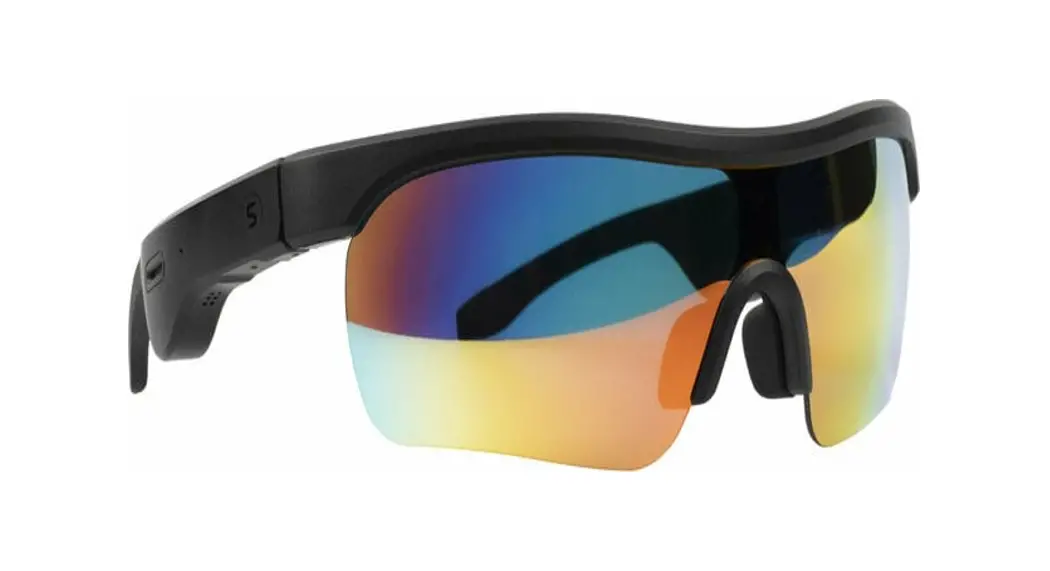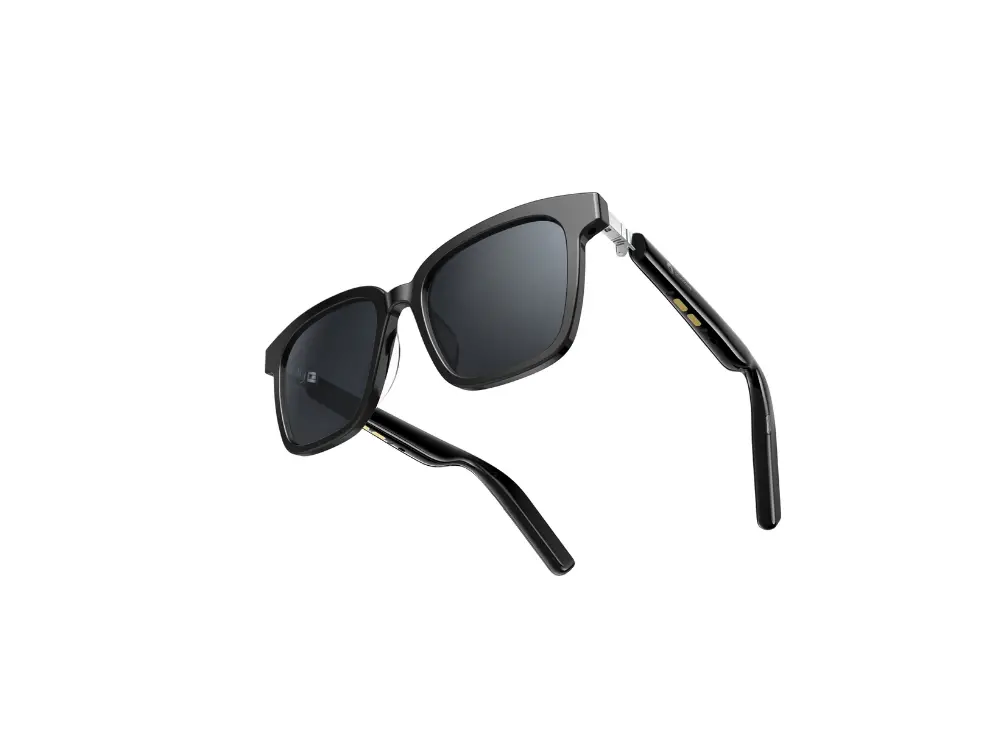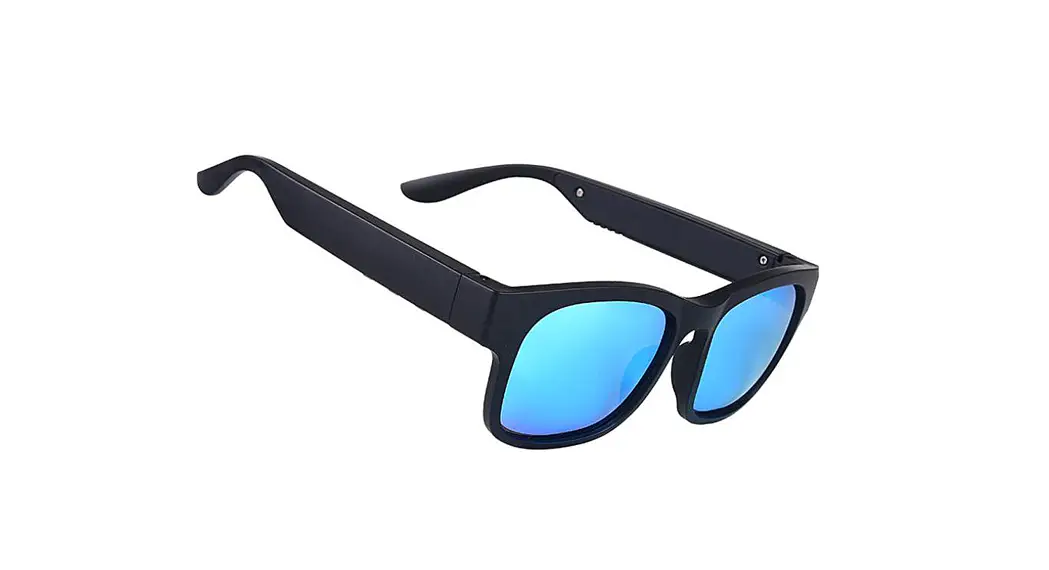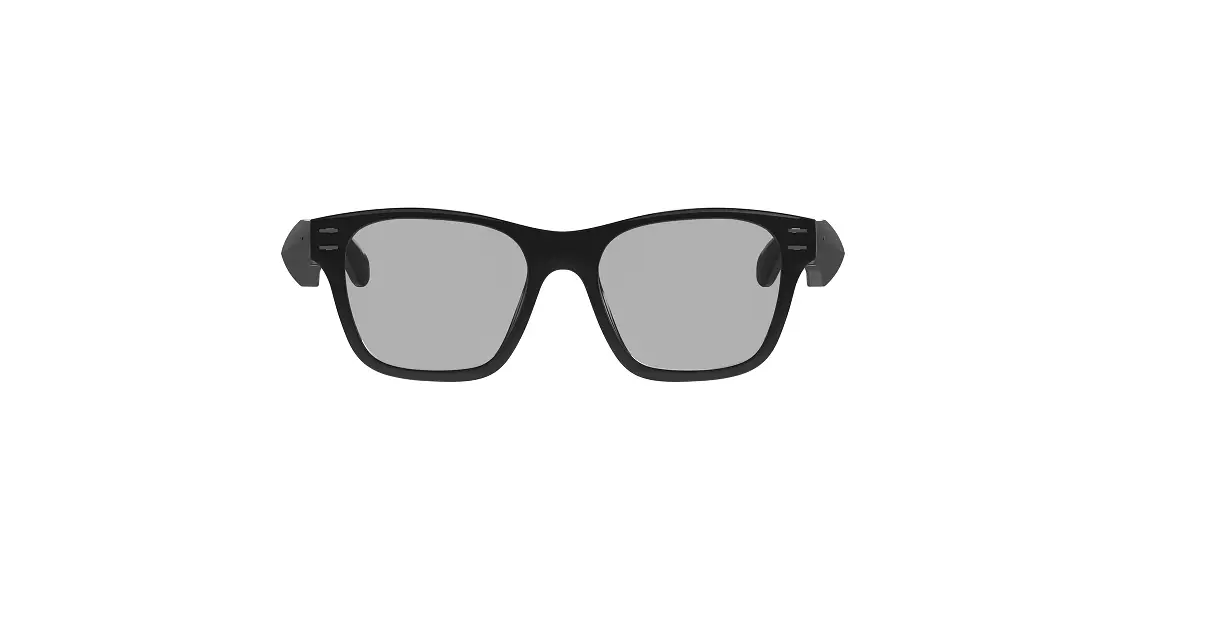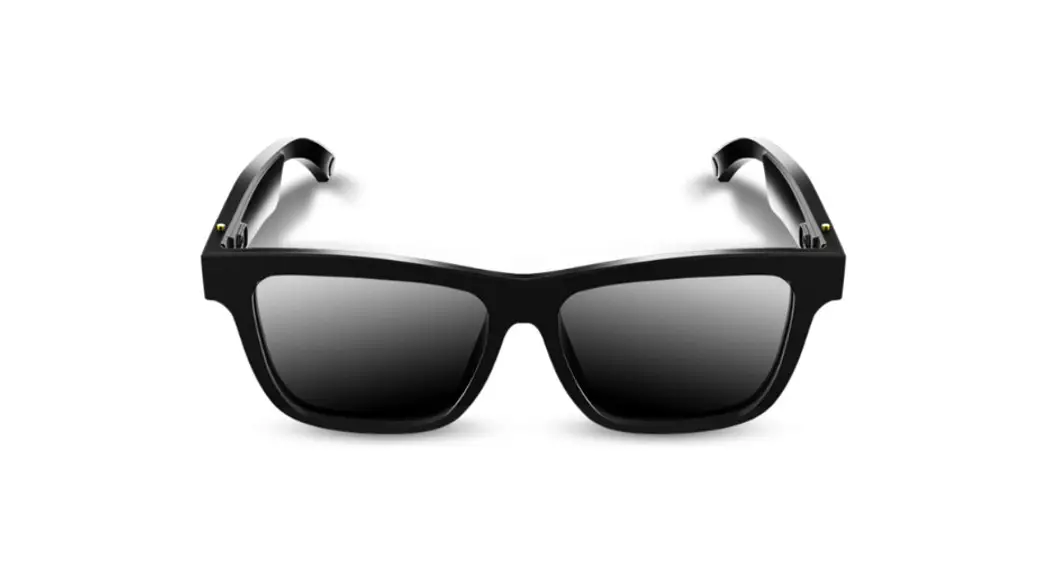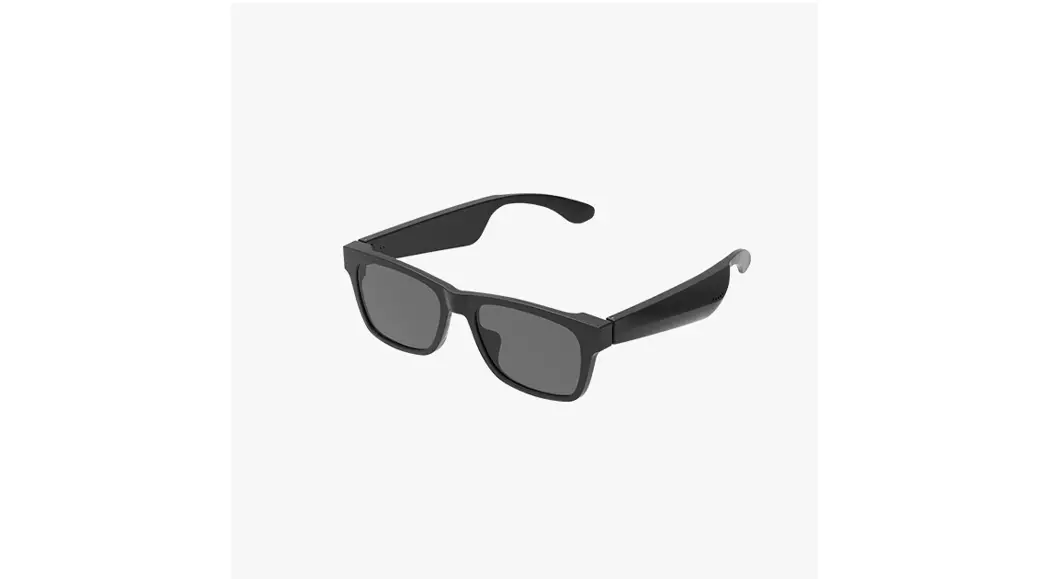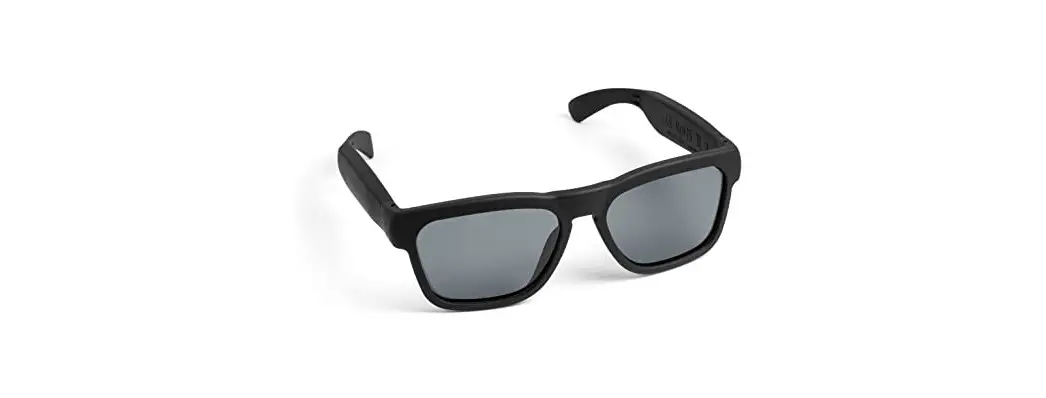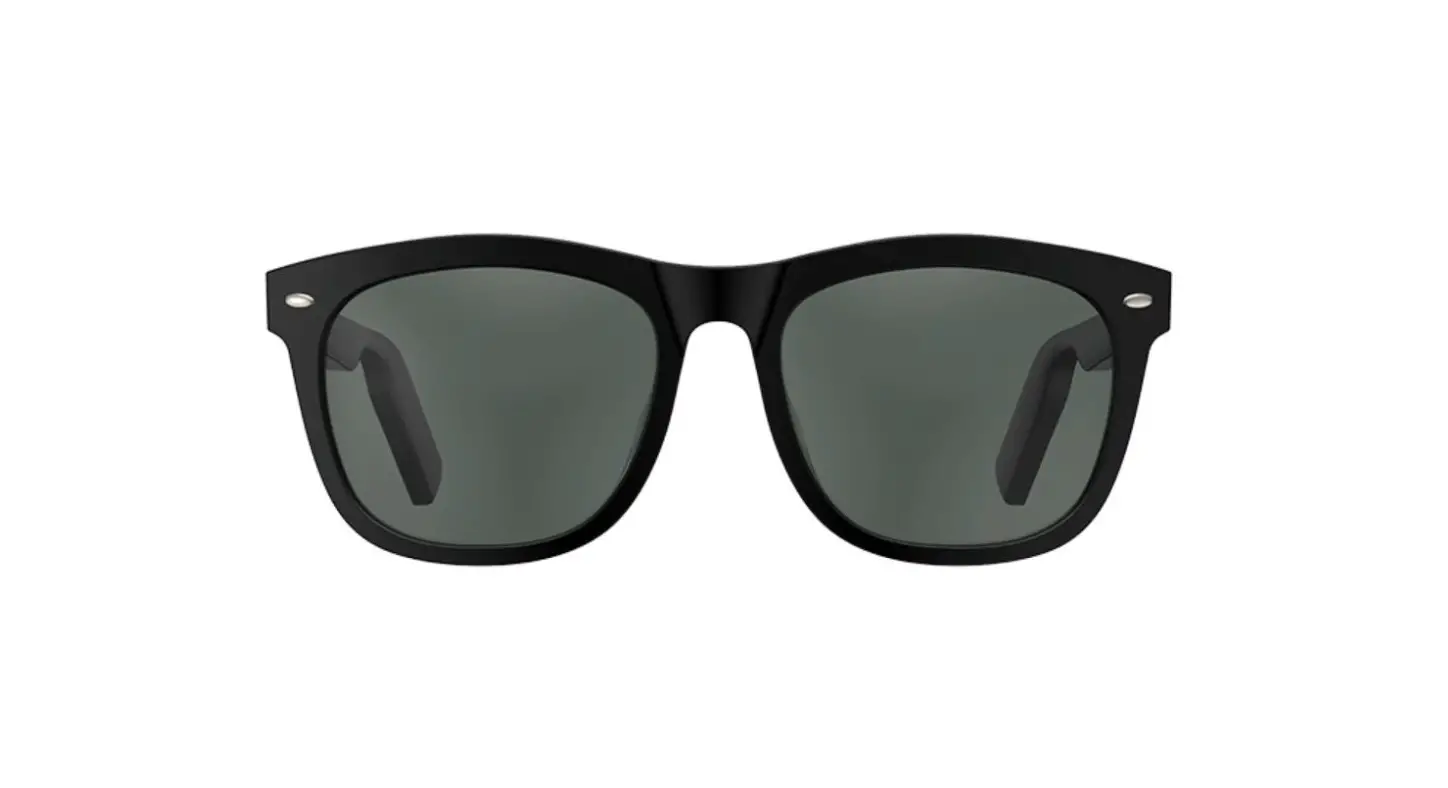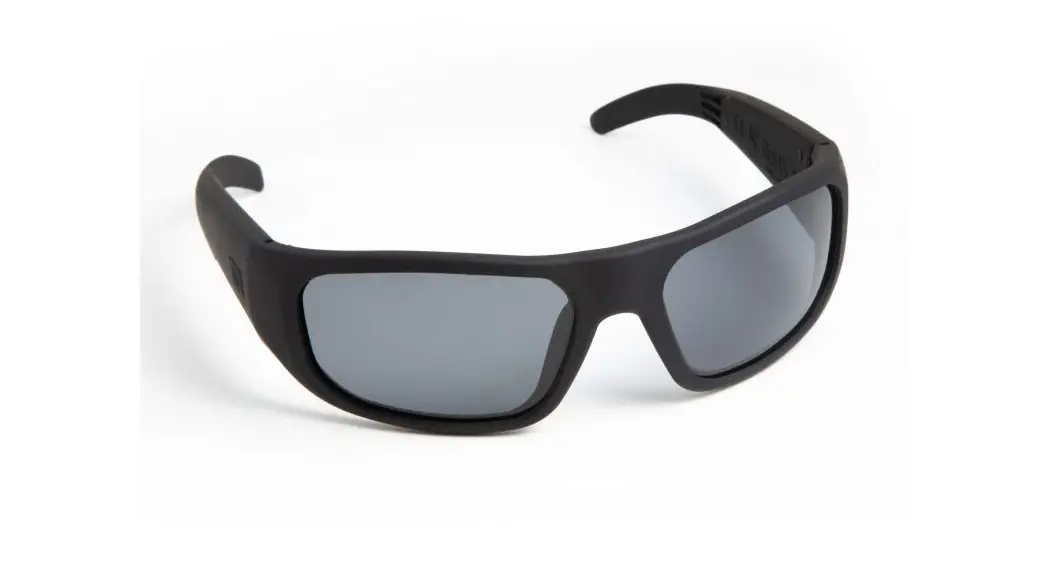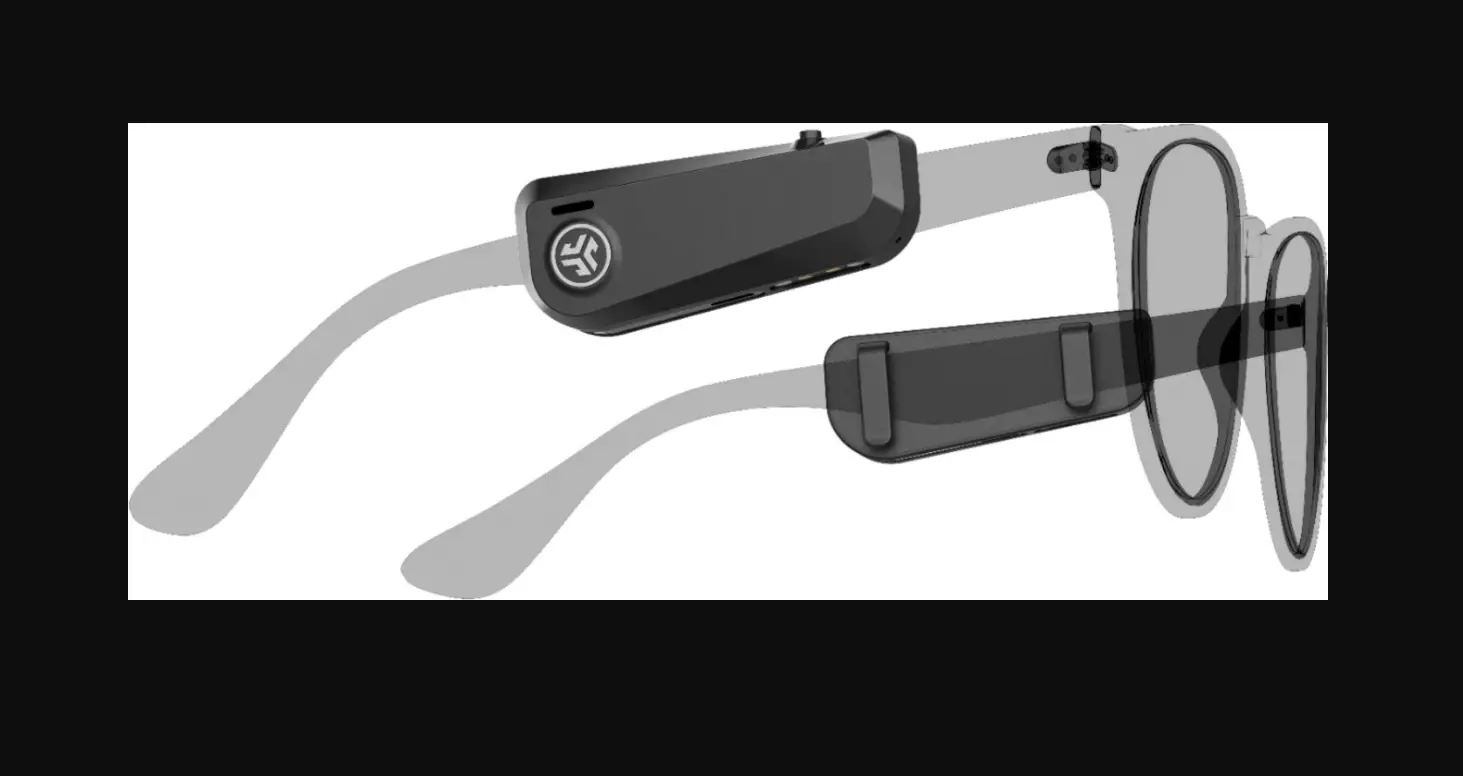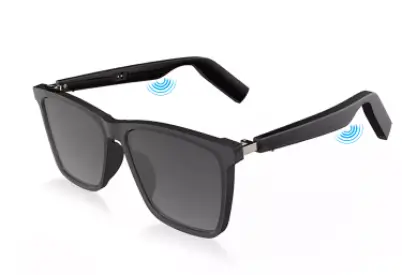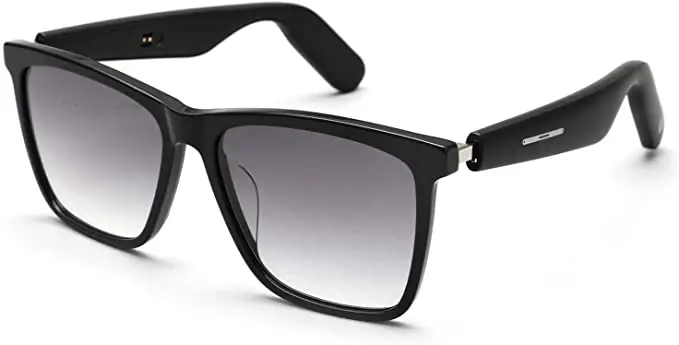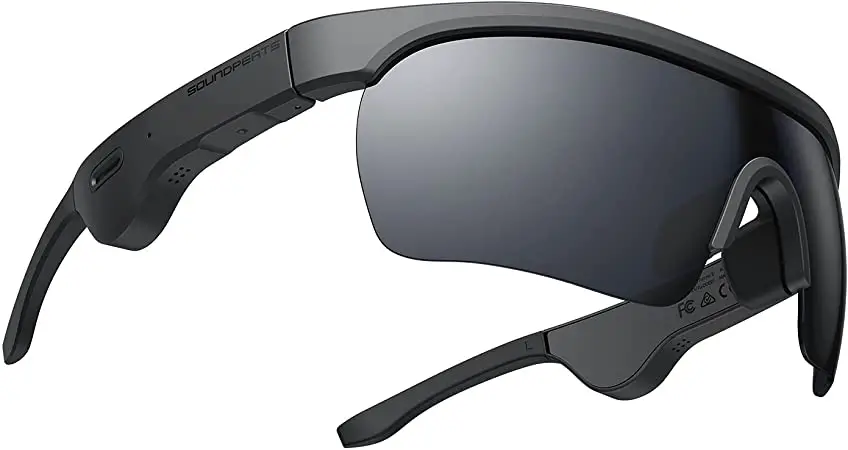

SOUNDPEATS DD021 Frame S Bluetooth Glasses
Pairing 
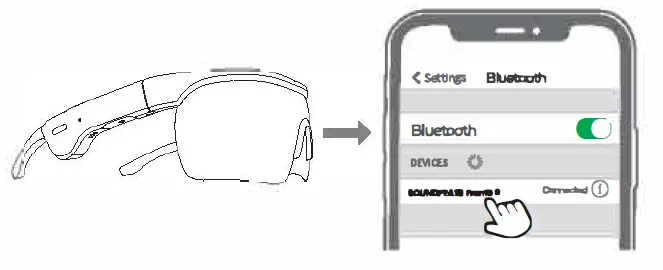
- Unfold the glasses, Bluetooth glasses will power on and enter into pairing mode;then the lad indicator flashes in red and blue altemately.
- Activate the Bluetooth in your device and hit’SOUNDPEATS Frame S”on the Bluetoolt1 list to connect
RESET
- Unable the glt’ISS8S to power on your SOUNDPEATS Frame S.
- , Press and hold tho, a multifunction button for 10 seconds until the LED indicator flashes red and blue for 2. seconds at the same time, it indicates reset successfully.
Huwtocannac:t with Twa Dnk:n:
A.Connect SOUNDPEo’.TS Frames with phones A and B.
B.Connect with phone firstly. Unfold the glasses to power on SOUND
PEAlS Frame S, activate the Bluetooth on phone A and choas@ “SOUNDPEATS Frame 5” to connect. Turn off the Bluetooth on phone A “fter successfully connect&d, then SOUNDPEATS Frame Swill enter into pairing mode again.
Follow the same pairing steps of pt,one A, to pair phone B with SOUNDPEATS Frame 5, aft&r successfully connecl<ld, actival<ltha Blua!O<Jl:h on phone A and click SOUNDPEATS Frame s to connect
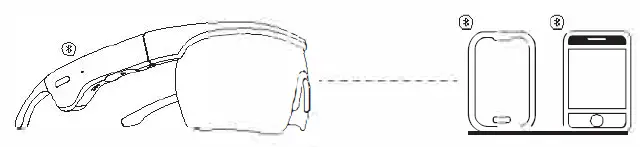
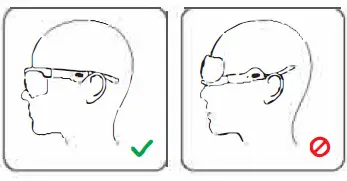
wearing
PACKAGE CONTENT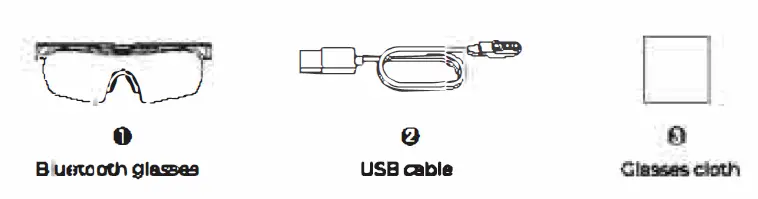
Product diagram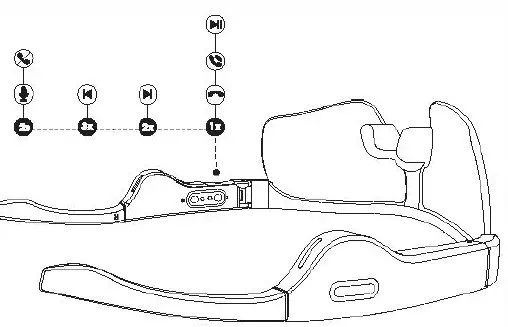
CORRECT AND WRONG WEARING PICTURES
 CONTROL
 CONTROL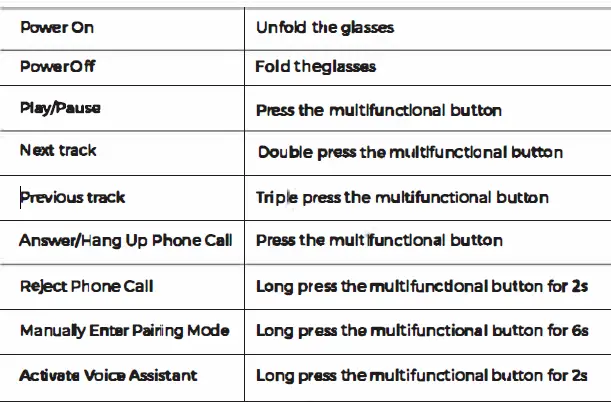
Q AND A
Ql, Whal does th& led Ind-mean when charging “1E[ the B1…-h91uoes?
The LEO indicator light,, up in red indie&ling thirl 1110 .. .,. .tart lo charGing, g<Jell out when it’s Fully charged.
Q 2 how to charge the Bluetooth glasses?
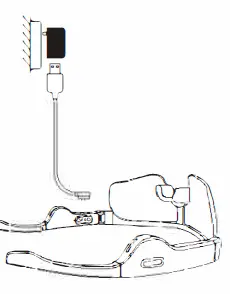
- Use an adapter 10 charge lt(current not cover IA)the LED indicot<lr light,; up in red indicating that.e glasses is in charging status.
- Please charge the glasses at least once per 3 months when not in use for bringing time.
Q 3. why cant press the button?
The Bluetooth glasses adopt a pressure chip it needs to perceive your strength to judge whether you press it or not, please try to press it harder.