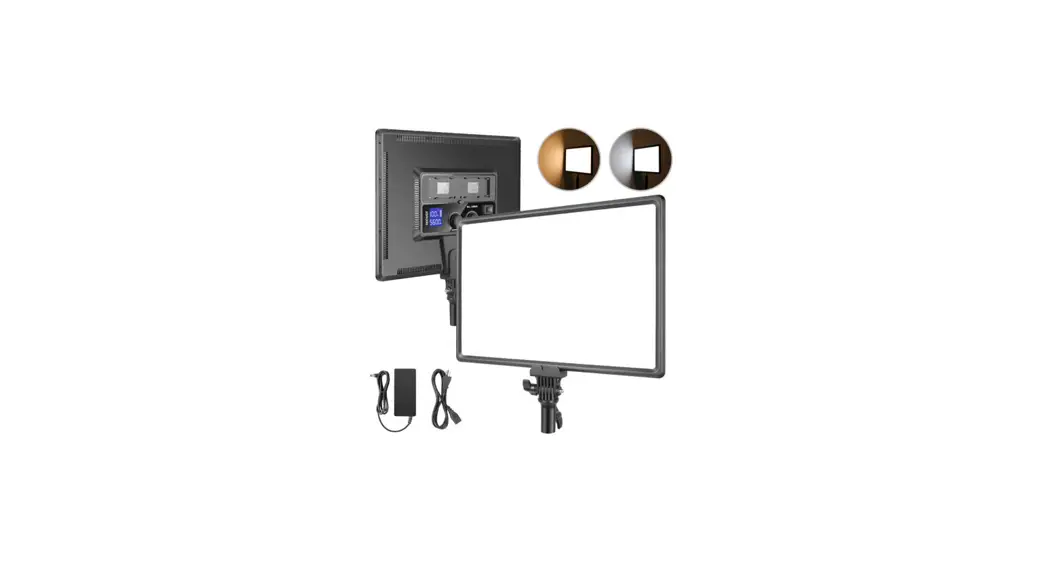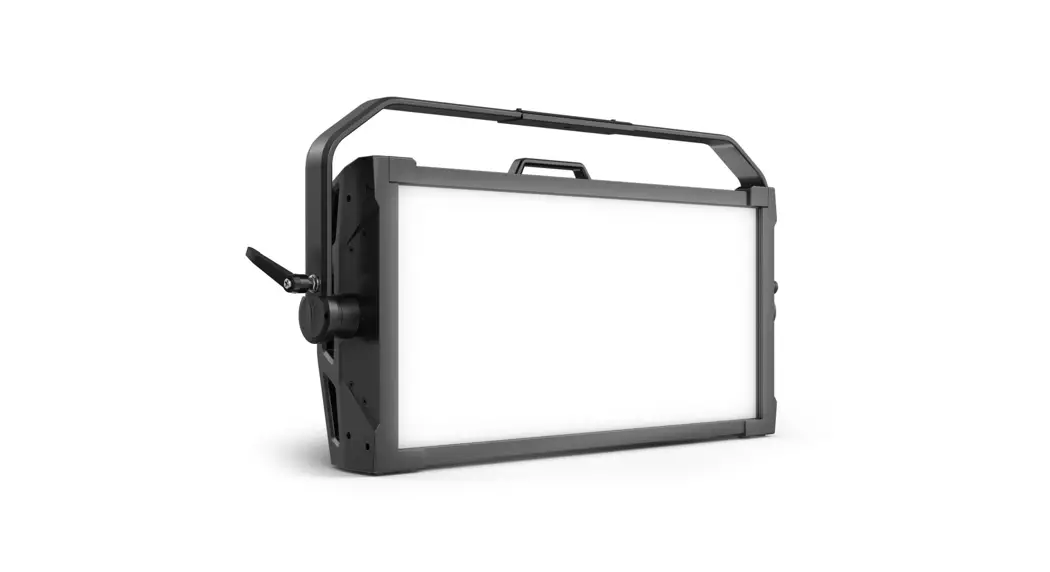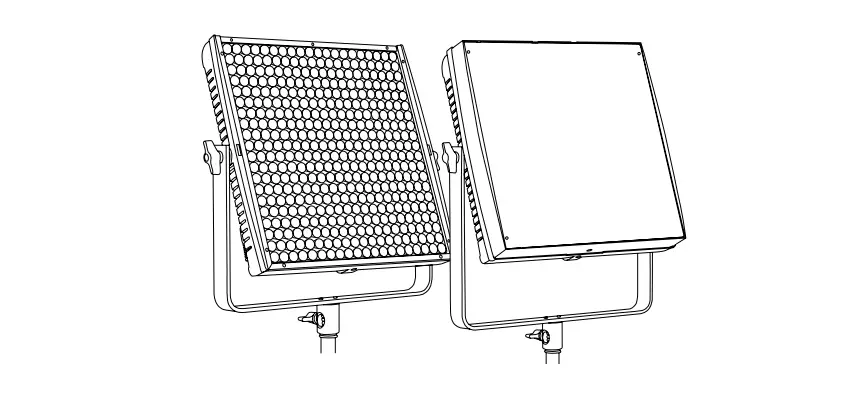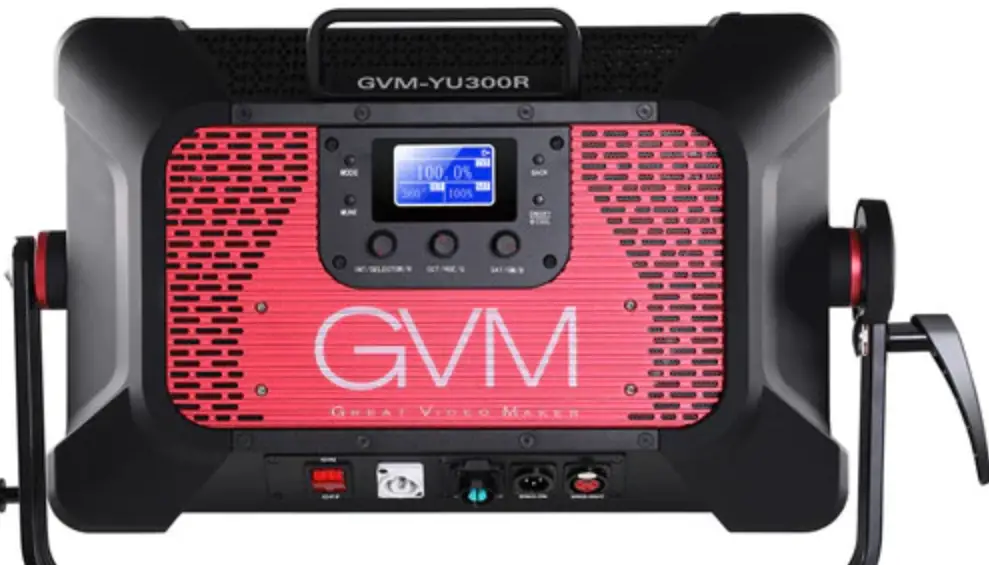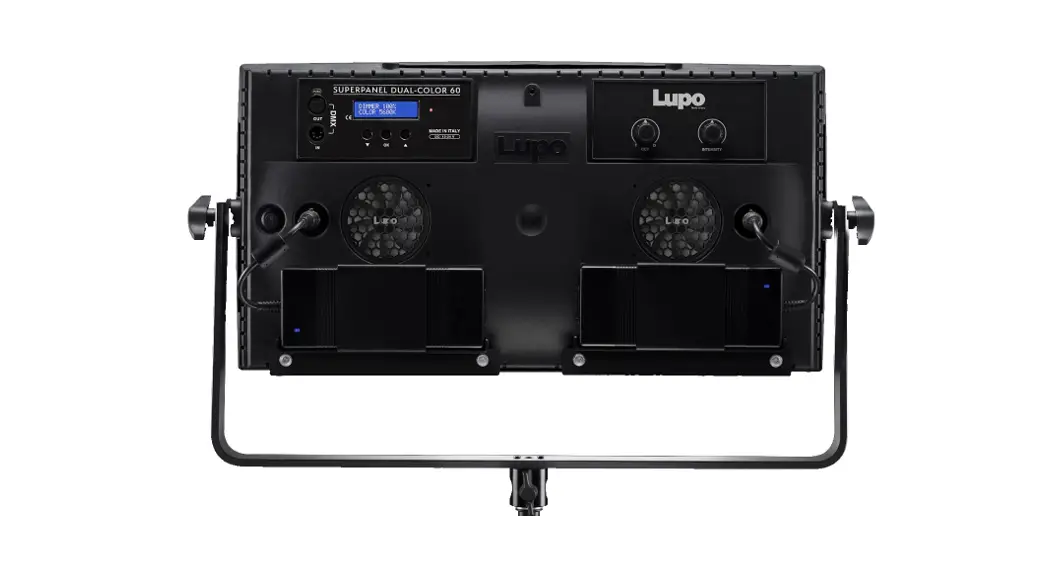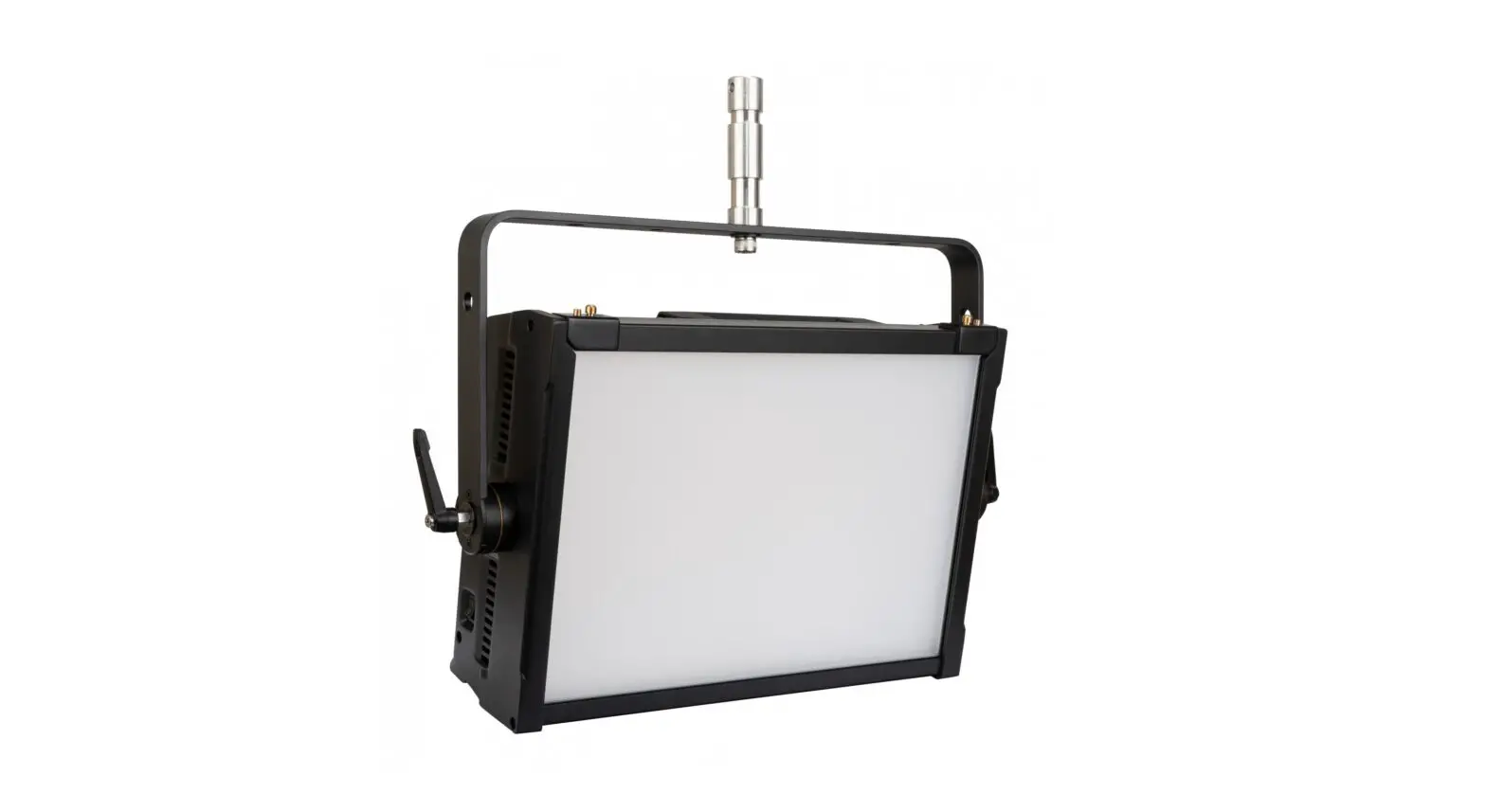
S300TW SOFTPANEL
 S300TW SOFTPANEL
User Manual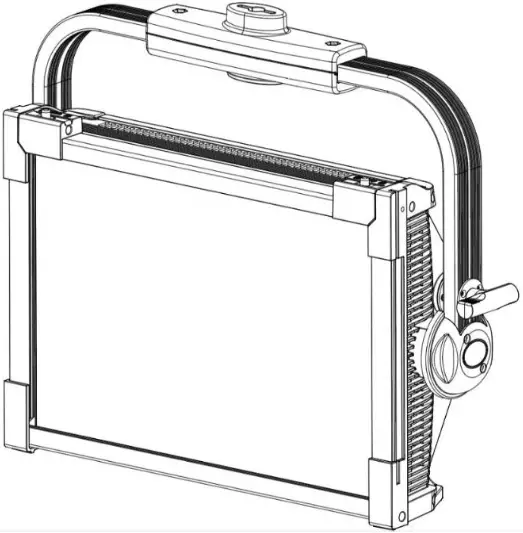
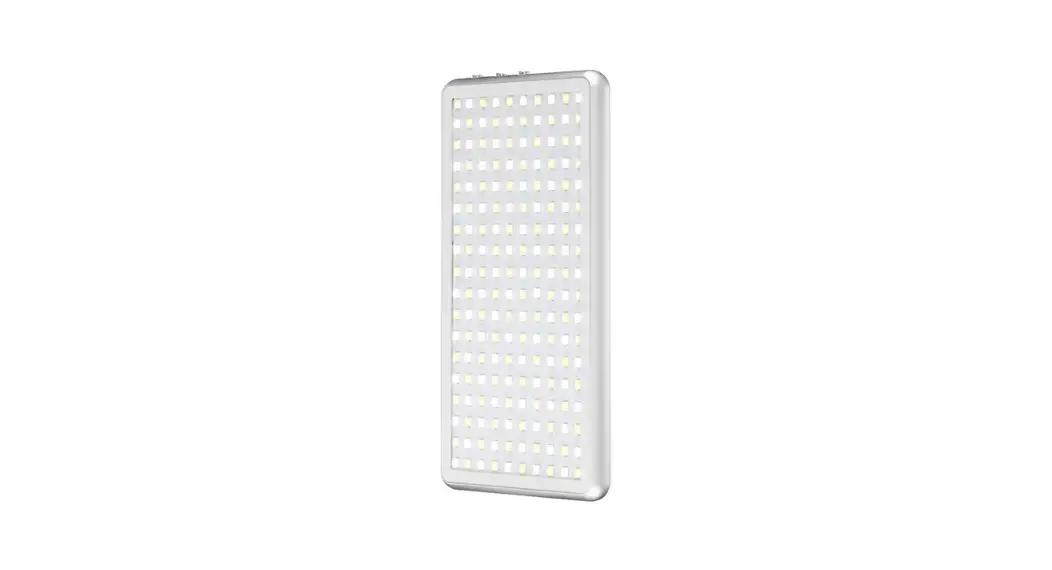
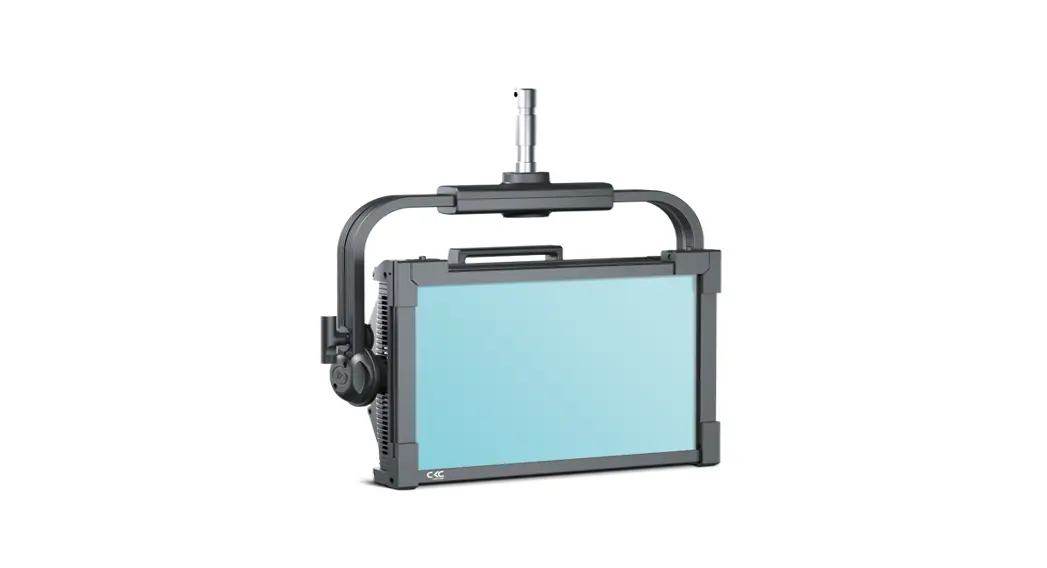
Thanks for choosing the S300TW SOFTPANEL. This is an innovative LED application for professional lighting.
This unit is used an aluminum alloy structure, compact and fashionable design, elegant, and easy to install. With 6 Colors LED SOURCE. The reasonable LED layout, made the lighting more even, with pure mixing color and large area color rendering. It can create the most brilliant lighting effect. Except for DMX control, it still has powerful RDM control technology. Also with the manual color temperature selection.
 IMPORTANT NOTICE!
THERE ARE NO USER-SERVICEABLE PARTS INSIDE THIS UNIT.
DO NOT ATTEMPT ANY REPAIRS YOURSELF; DOING SO WILL VOID YOUR MANUFACTURER’S WARRANTY. DAMAGES RESULTING FROM MODIFICATIONS TO THIS FIXTURE AND/OR THE DISREGARD OF SAFETY INSTRUCTIONS AND GUIDELINES IN THIS MANUAL VOID THE MANUFACTURER’S WARRANTY AND ARE NOT SUBJECT TO ANY WARRANTY CLAIMS AND/OR REPAIRS.
Technical Specifications:
Optic
- 6 colors LED
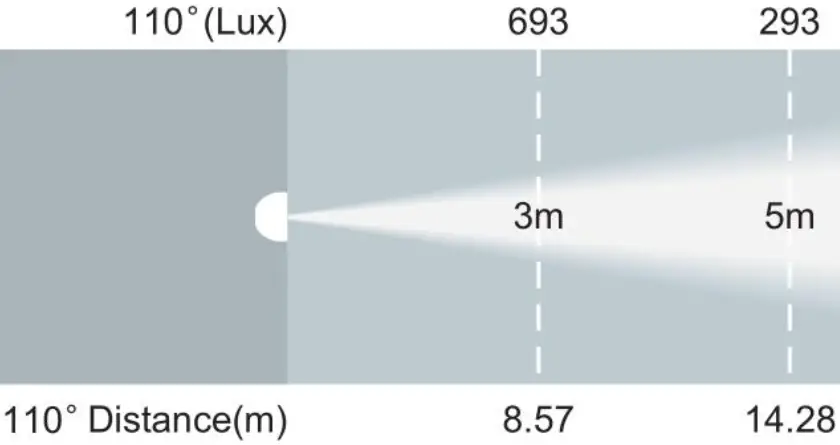
- Beam angle: 110°
- Average lifetime: ≥50000 H
Color
- Color calibration system, color temperature adjustable (1800k-10000k)
- Can create unlimited movement feeling and infinite color changes
- CRI≥90
Effect
- 3 built-in program effects for option
- Fast electric strobe 1 ~ 25 Hz
- Dimmer modes: 2
- Dimmer curves: 4
Control and Program
- DMX Channel mode: 3 channel mode
- Protocol: DMX512, RDM
- Data connector:3PIN XLR DMX input/output
- Display: OLED display
Software
- Software updated: via USB signal to update software, more convenient and faster- Silent fan, intelligence adjust the speed
- Auto temperature control when overheating, make the sure LED lifetime longer
Power consumption
- Voltage: AC 100V~240V 50/60Hz
- Max power consumption:260W
Size and weight
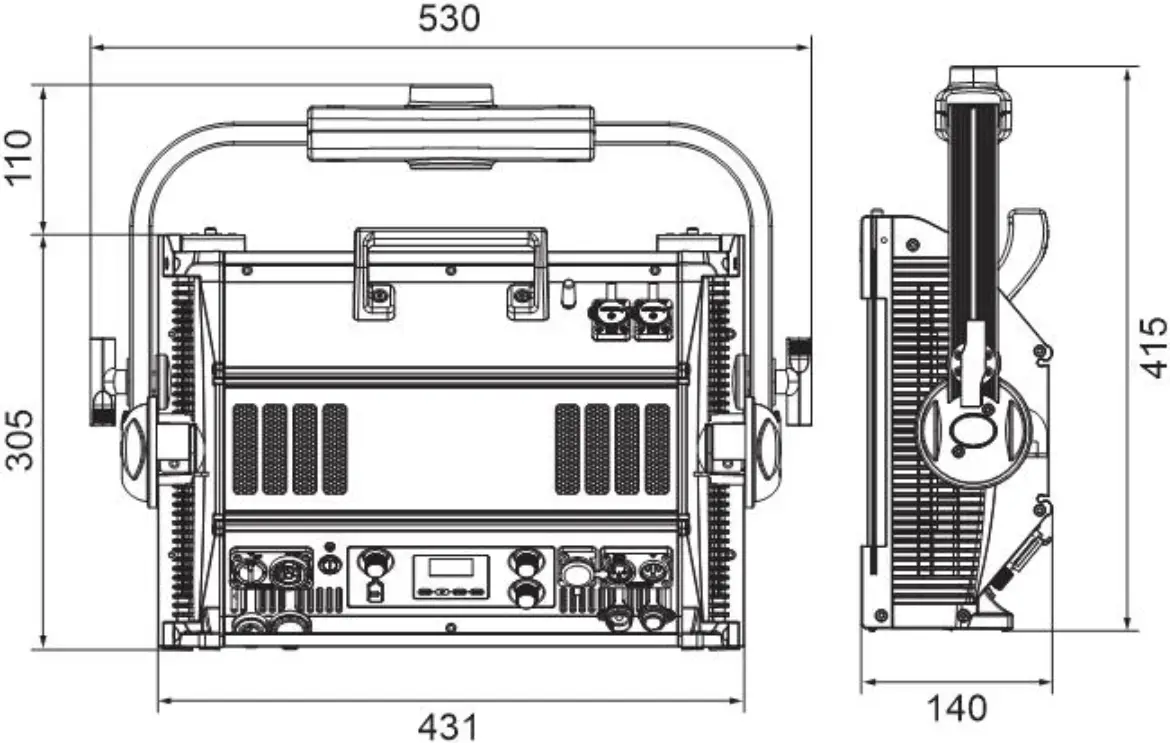
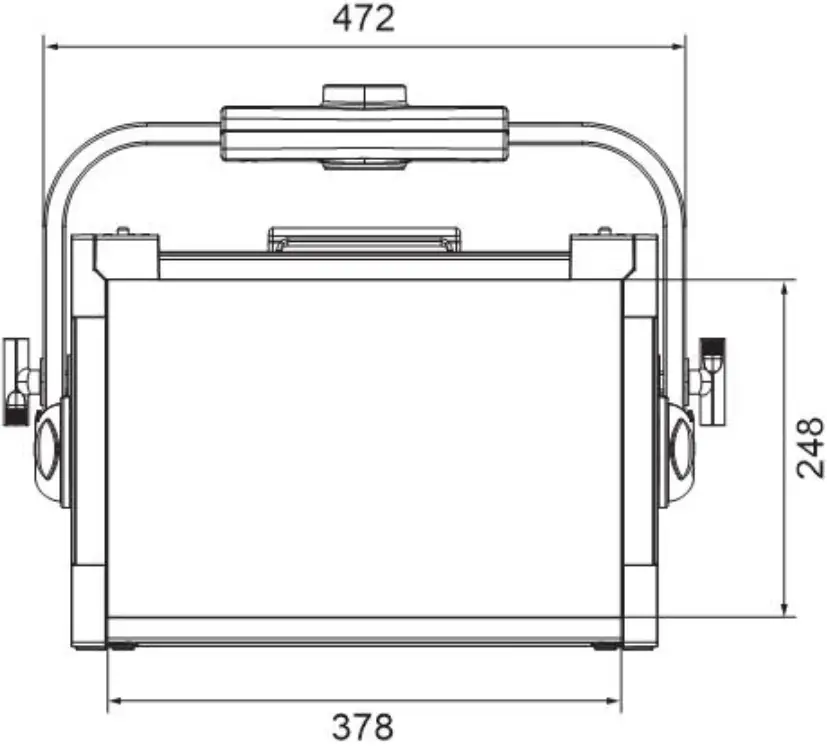
- Size: 530*140*415mm
Other
- IP rating: IP 30
- Work environment: -5℃~45℃
- NW:16kg
DIMENSIONAL DRAWINGS
| RDM Template | |
| Label: | S300 Soft Panel |
| Model: | S300 Soft Panel |
| Manufacturer: | CKC |
| Manufacturer ID: | 0x062B |
| Device ID: | 1213 xxxx(the latter 4 digitals are set manually) |
| DMX Start Address | 001 |
| DMX Personality: 001: | 03CH |
| 002: | 06CH |
| 003: | 13CH |
| Software Version | V1.01 |
| Default setting | the default setting which is highlighted in gray color. |
| Boot display | Update Wait… S300 Soft Panel Ethernet… |
| Interface show | ADDR:001 | |||||
| MENU Address | Set ADDR 001 | 001-xxx | ||||
| MENU Mode | 3CH、6CH、13CH | |||||
| MENU Function | NO DMX | Hold/Black/ Program | ||||
| LCD.Set | Display Key Lock Flash Inverse | ON/OFF ON/0N1/OFF ON/OFF OFF/ON | 30S screen saver setting Display menu button lock function No dmx it will flash. Screen 180°flip | |||
| Temp. C/F | C F | Temp. Unit:℃/℉ | ||||
| Dim Mode | Standard Stage TV Architec Theatre Stage2 | |||||
| Disp.Set | ADDR Disp.CH | Dimmer Fine Strobe … | ||||
| Fan | Auto High/Low | |||||
| Power | Standard Battery | |||||
| Dim Curve | LINEAR SQUARE INV.SQ S-CURV | |||||
| Frequent | 900HZ,1000HZ,1100HZ,1200HZ,1300HZ,1400HZ, 1500 HZ, 2500HZ,4000HZ,5000HZ,10kHZ,15kHZ,20kHZ,25k HZ | |||||
| Network | Universe IP Subnet Protocol | 0-255 00.000.000.000 000.000.000.000 ArtNet/KlingNet | ||||
| Net | ON/OFF | ||||
| Unlink | Yes/No | ||||
| FLY-Switch | ON/OFF | ||||
| USB | ON/OFF | ||||
| masterSW | ON/OFF | ||||
| Defaults | Reset? / Cancel | ||||
| Program | Speed | 01~99 | |||
| Dimmer | 000~255 | ||||
| Color | STATIC | STR | 000-255 | ||
| Red/Green/Blue/White/Lemon/Cya n/RG/RB/ | |||||
| CHANG 15 | STR | 000-255 | |||
| CHANG 30 | STR | 000-255 | |||
| FADE | STR | 000-255 | |||
| Macros | 00~63 | ||||
| CCT | 2500K-10000K | 4300K | |||
| HSI | |||||
| Slave | Off/Slave | ||||
| Info | TimeInfo | Current Total Last Password Clear | Current fixture running time (H) Fixture total running time(H) Clear last fixture running time(H) Clear 0 Password=050 ON/OFF | ||
| TempInfo | LED Temp | ||||
| Err. Info | None | ||||
| ModelInf | Soft Panel | ||||
| Software | V1.0.1 | ||||
| Manual | Strobe Dimmer… | ||||
| Calibrat | -Password- Red, Green, Blue, White…… | Calibration password=050 | |||
DMX channel mode:
HSI | 8Bit | 16Bit | Function | Values | ||
| 1 | 1 | Red | 000-255 | 0%-100% |
| 2 | 2 | Green | 000-255 | 0%-100% | |||
| 3 | 3 | Blue | 000-255 | 0%-100% | |||
| 4 | 4 | Warm White | 000-255 | 0%-100% | |||
| 5 | 5 | Lime | 000-255 | 0%-100% | |||
| 6 | 6 | Cyan | 000-255 | 0%-100% | |||
| 7 | 7 | Strobe | Shutter, Strobe: | STROBE | |||
| 0-31 | LED OFF | ||||||
| 32-63 | LED ON | ||||||
| 64-95 | Strobe slow to fast | ||||||
| 96-127 | LED ON | ||||||
| 128-159 | Pulse strobe slow to fast | ||||||
| 160-191 | LED ON | ||||||
| 192-223 | Random strobe slow to fast | ||||||
| 224-255 | LED ON | ||||||
| 8 | 8 | Dimmer | 000-255 | 0-100% | |||
| 9 | Dim Fine | 000-255 | 0-100% | ||||
| 10 | CCT | 000 001-255 | idle CCT from 2500K-10000K | ||||
| 11 | GReenPoint | 0 | Idle | ||||
| 1-127 | Full Minus Green to Neutral | ||||||
| 128 | Neutral White | ||||||
| 129-255 | Neutral to Full Plus Green | ||||||
| 12 | Dim Mode | 0 – 20 | Standard (default) | Dim mode | |||
| 21 – 40 | Stage | ||||||
| 41 – 60 | TV | ||||||
| 61- 80 | Architectural | ||||||
| 81- 100 | Theatre | ||||||
| 101- 255 | From Menu Default | ||||||
| 13 | Contral | 0 -100 | idle | ||||
| Change Refresh Rate (Hz) | |||||||
| 101 – 105 | 900 | ||||||
| 106 – 110 | 1000 | ||||||
| 111 – 115 | 1100 | ||||||
| 116 – 120 | 1200 (default) | ||||||
| 121 – 125 | 1300 | ||||||
| 126 – 130 | 1400 | ||||||
| 131 – 135 | 1500 | ||||||
| 136 – 140 | 2500 | ||||||
| 141 – 145 | 4000 | ||||||
| 146 – 150 | 5000 | ||||||
| 151 – 160 | 10000 | ||||||
| 161 – 165 | 15000 | Control channel | |||||
| 166 – 170 | 20000 | ||||||
| 171 – 175 | 25000 | ||||||
| 175-200 | idle | ||||||
| Dimmer Curves | |||||||
| 201-210 | Dimmer Curve Linear (default) | ||||||
| 211-220 | Dimmer Curve Square | ||||||
| 221-230 | Dimmer Curve Inverse Square | ||||||
| 231-240 | Dimmer Curve S-Curve | ||||||
| 241-255 | idle | ||||||
| 1 | Hue | 0-100% | |||||
| 2 | Saturation | 0-100% | |||||
| 3 | Intensity | 0-100% | |||||
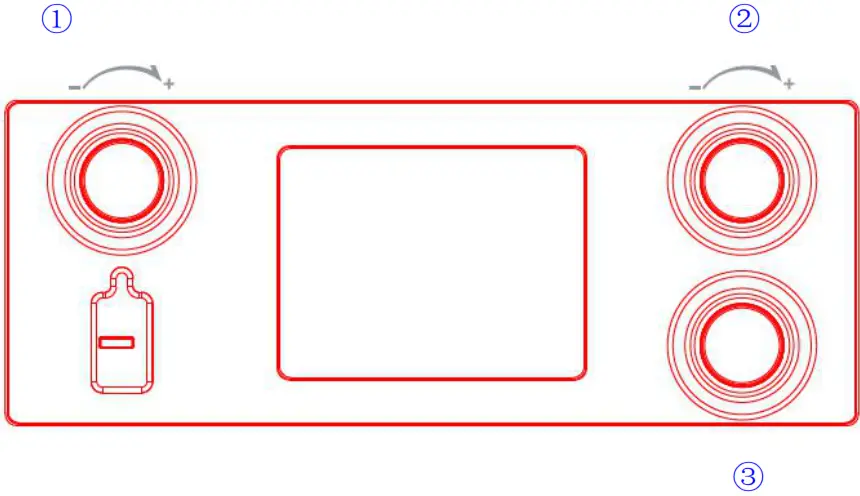
The potentiometer function adjustment explanation:
- When the Program is set to CCT mode, knob 1 is for brightness adjustment, knob 2 is for color temperature adjustment, and knob 3 is for GreenPoint adjustment.
- When the Program is set to HSI mode, knob 1 is for brightness adjustment, knob 2 is for color adjustment, and knob 3 is for saturation adjustment.
- (1). When the Program is set to STATIC function on the Color mode, knob 1 is for brightness adjustment, knob 2 is for static adjustment, and knob 3 is for strobe adjustment.
(2). When the Program is set to CHANG15/30/FADE function on the Color mode, knob 1 is for brightness adjustment, knob 2 is for speed adjustment, and knob 3 is for strobe adjustment. - When the Program is set to Macro mode, knob 1 is for brightness adjustment, knob 2 is for macros adjustment, and knob 3 is for strobe adjustment.