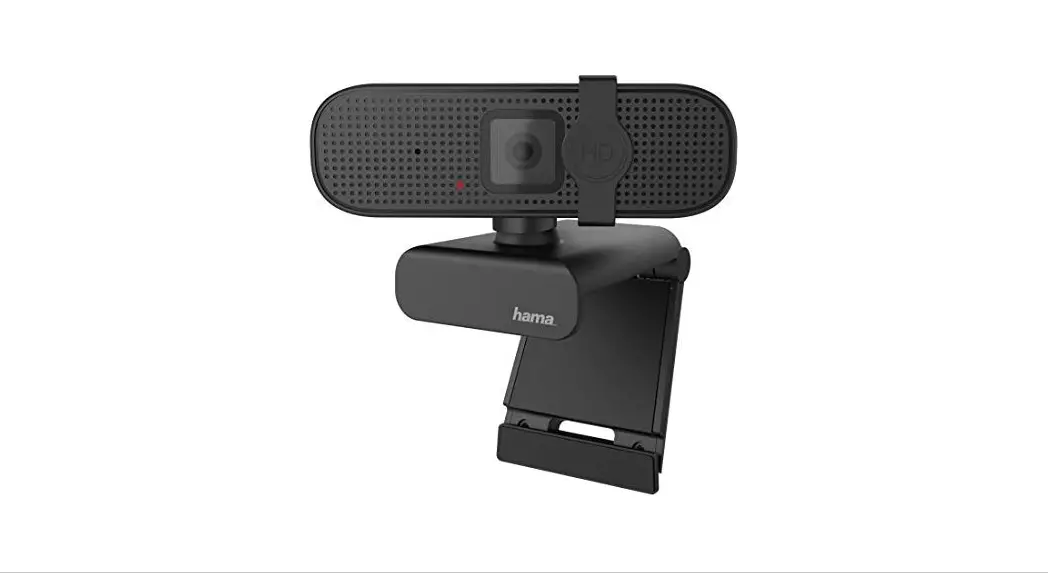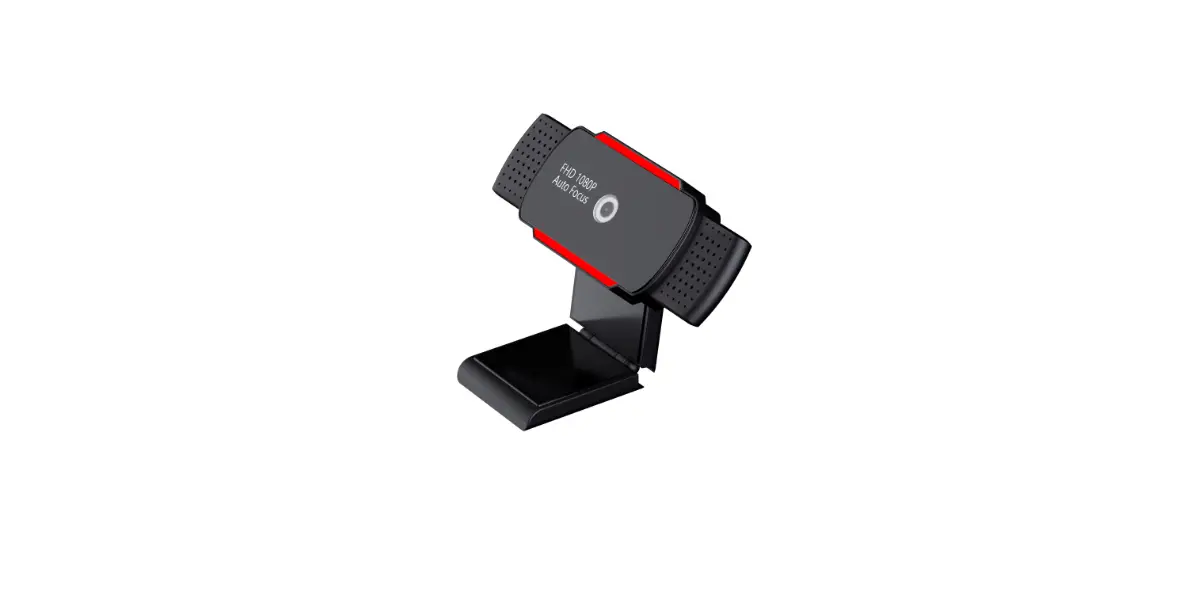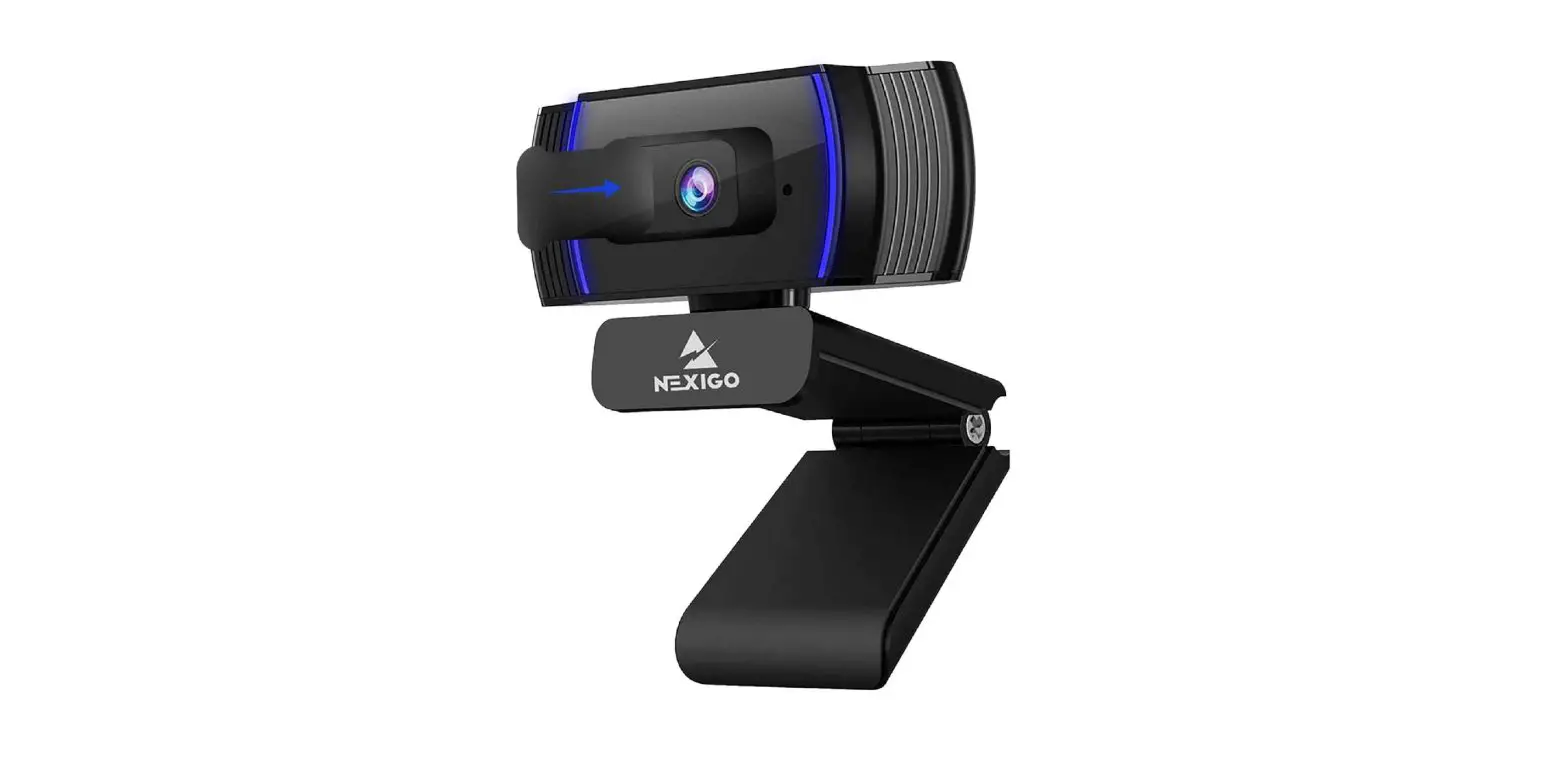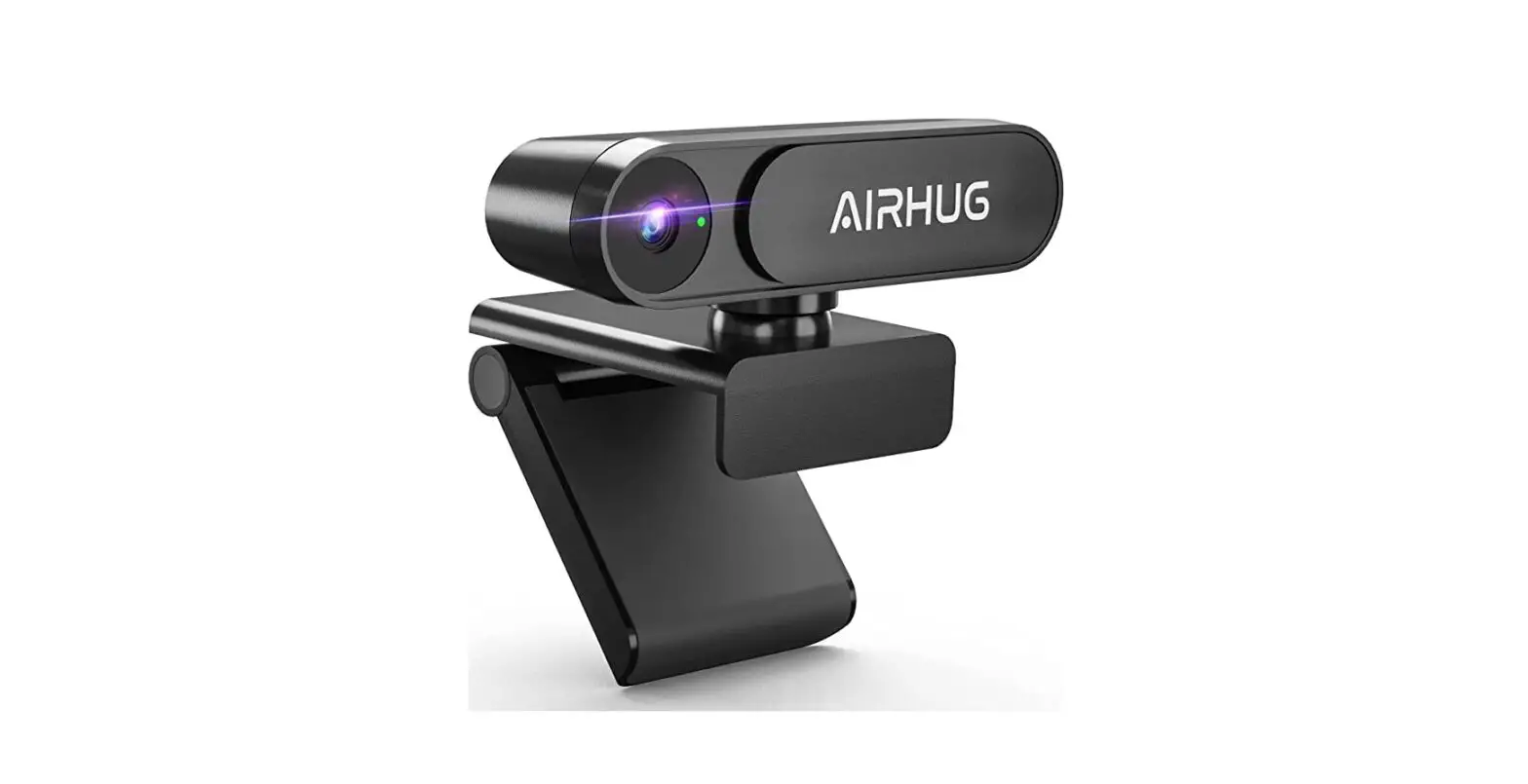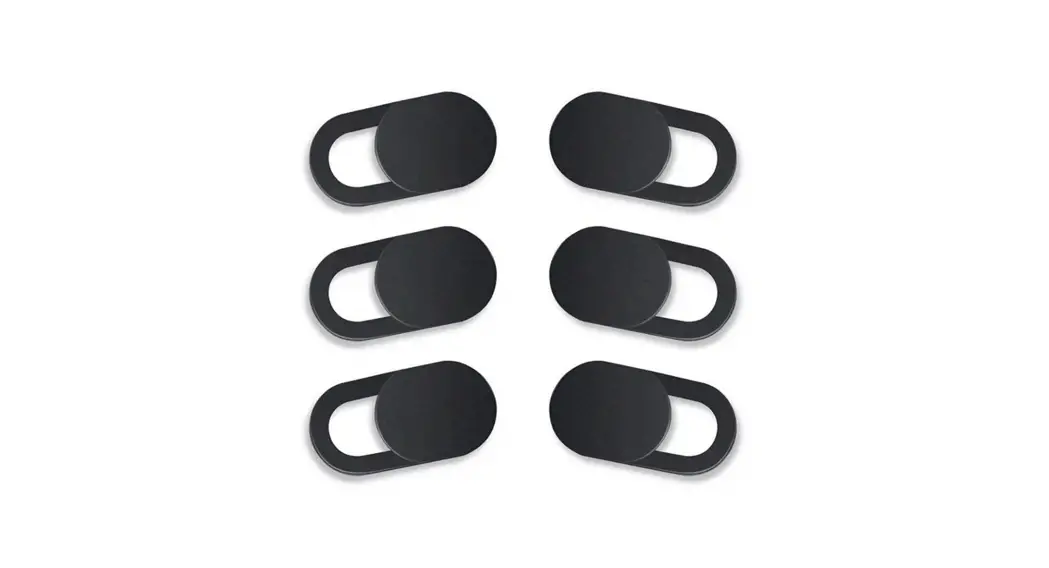
MOGOI
Product Parameter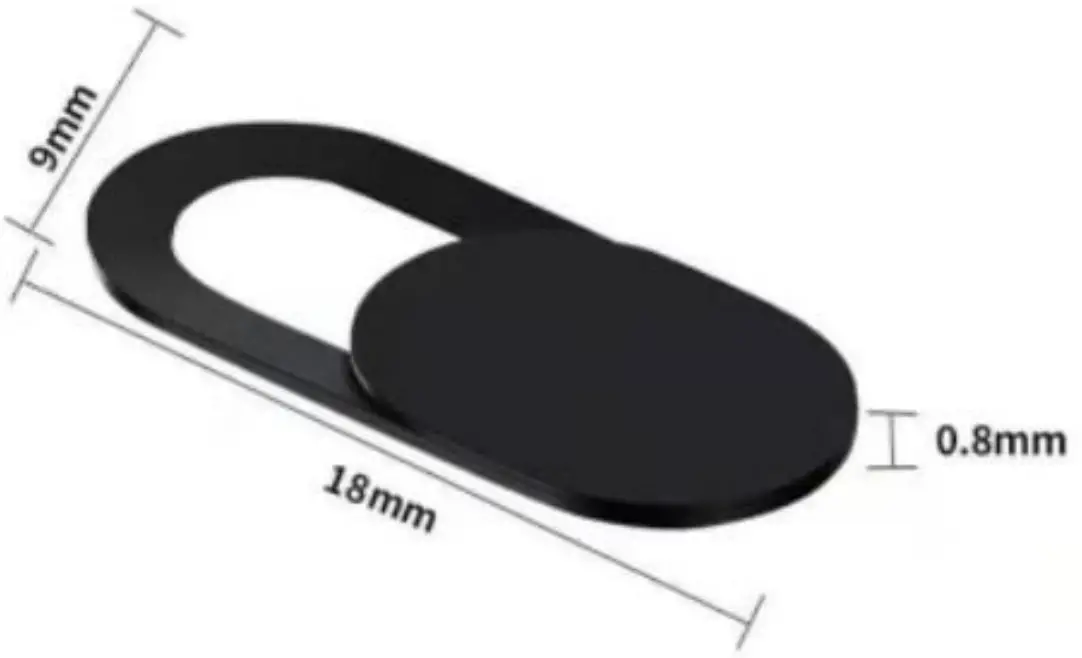
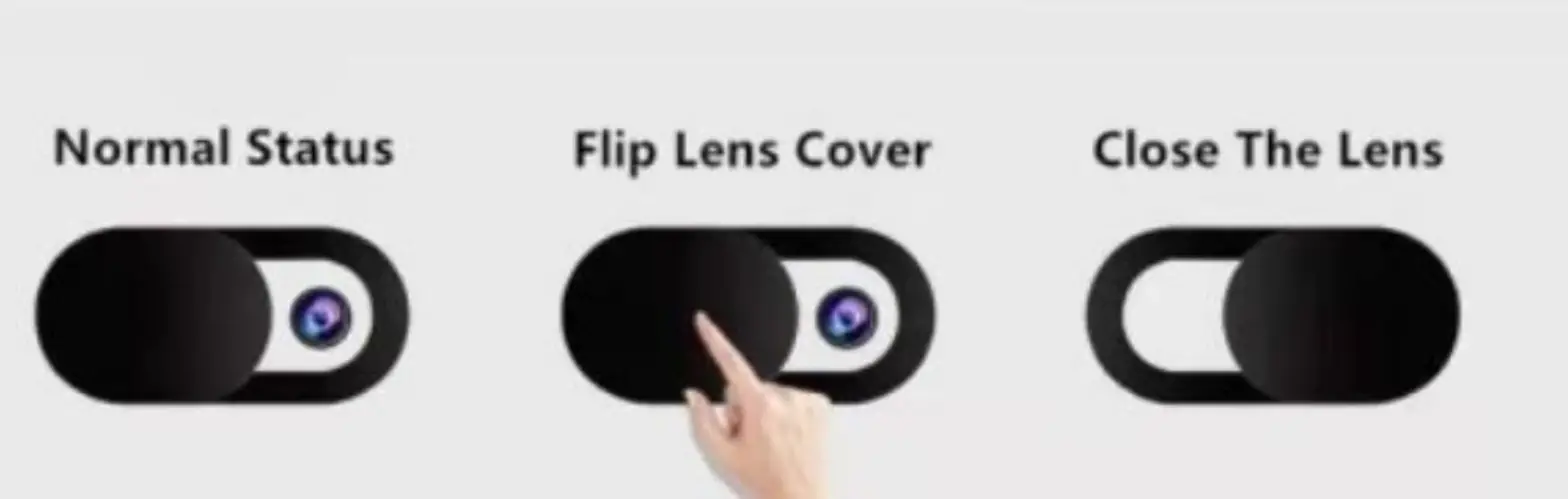
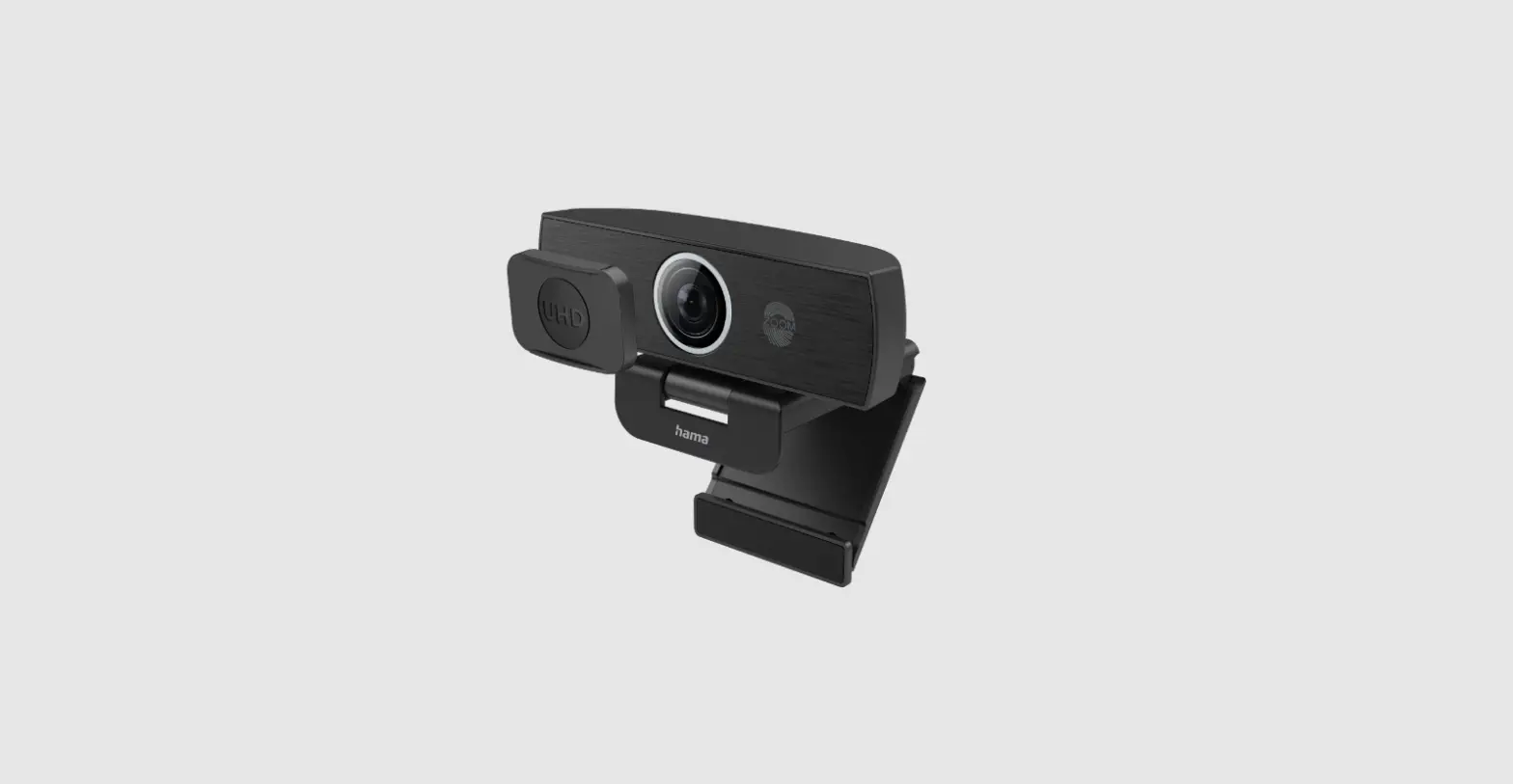
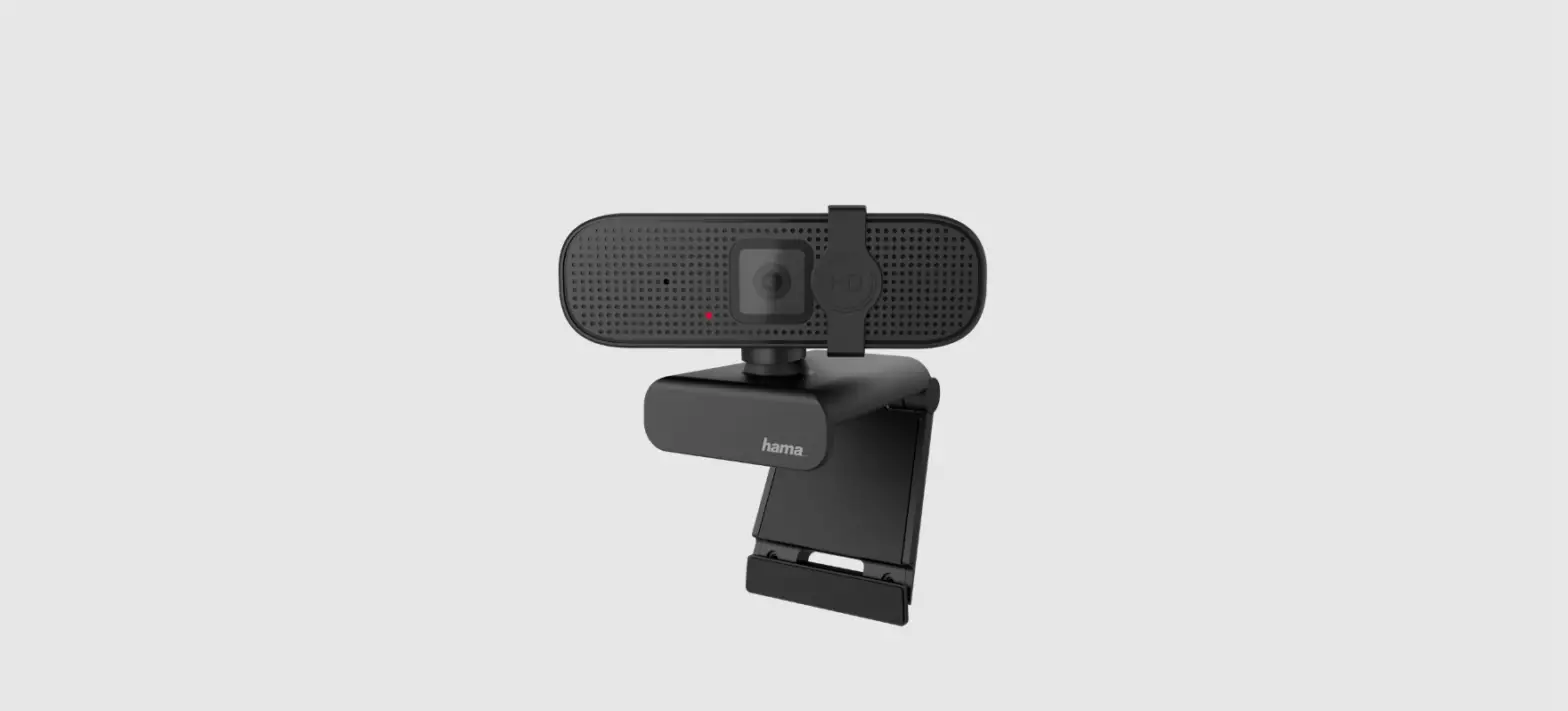
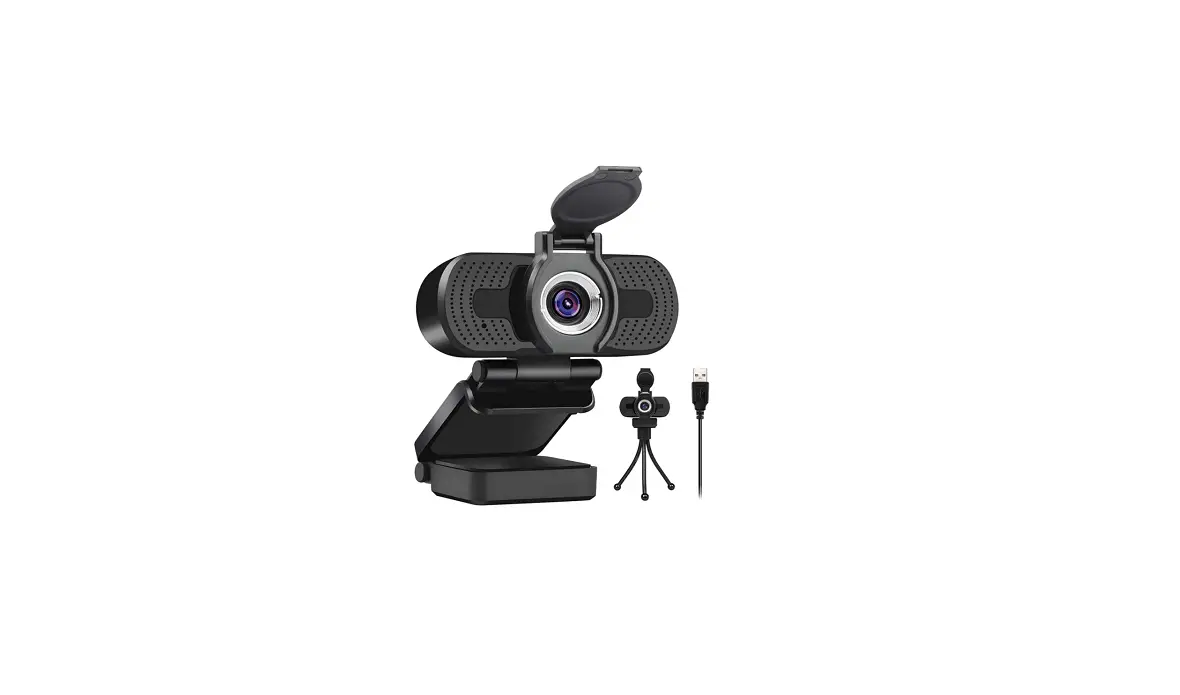
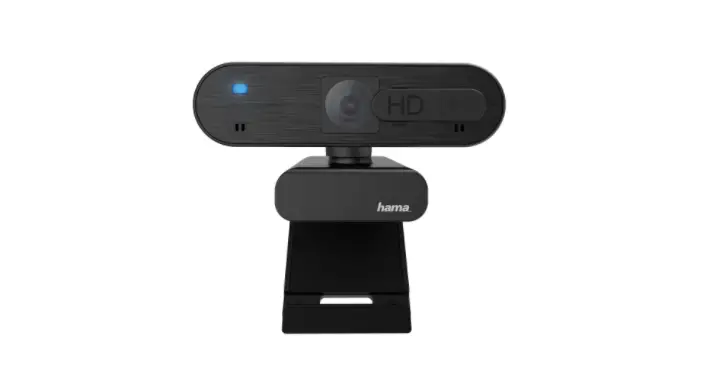
Why do you need a webcam cover?
What Is a webcam cover?
Webcam covers help protect you by keeping your webcam covered when not in use
Why do you need a webcam cover?
Is your private life safe anymore? The answer is no. We have heard enough about the spying stories We need much care about our privacy protection. Cover the camera when not in use and keep the hackers away from our lives Simply slid* to open-end close the camera
EASY INSTALLATION
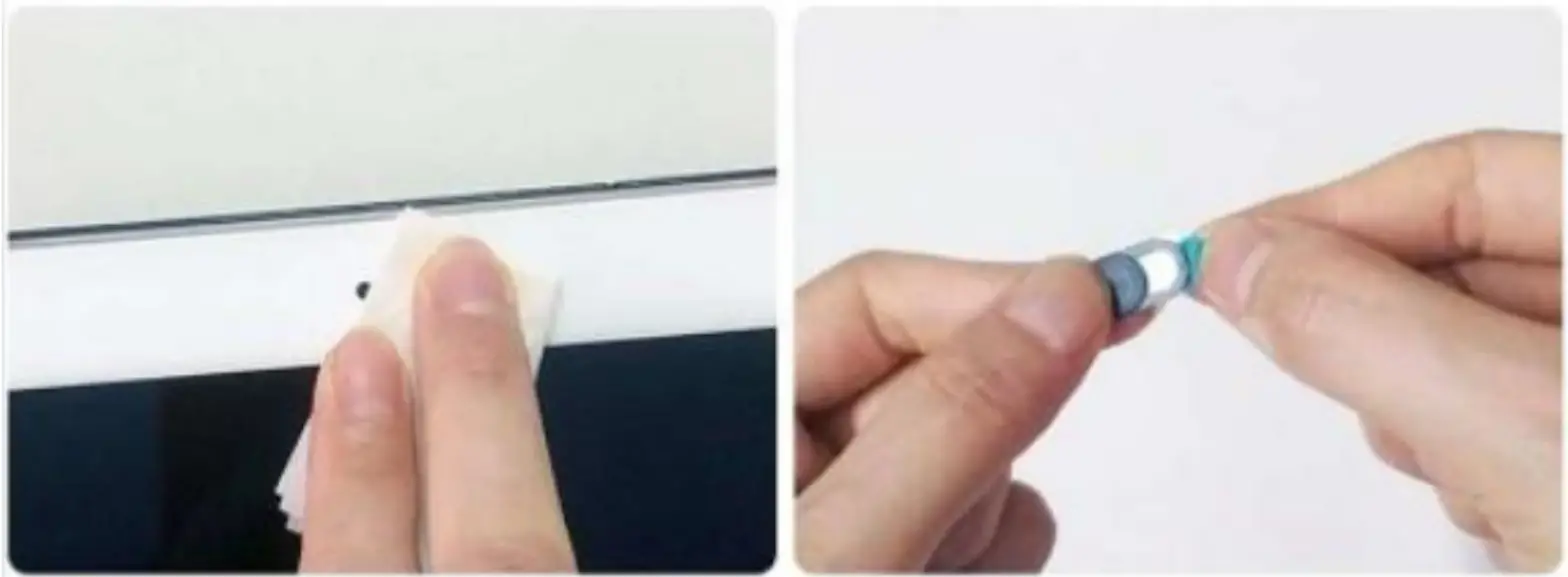 | |
| 1 Clean the surface of your devices | 2.Remove the back blue tape |
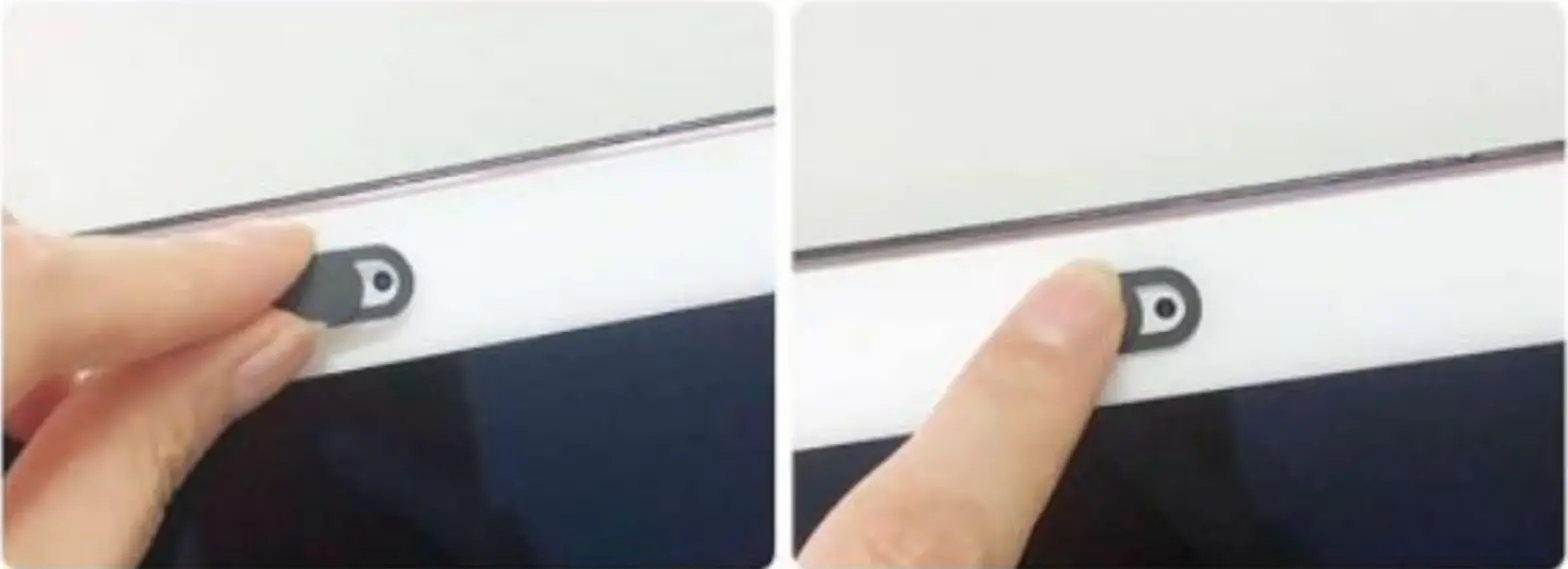 | |
| 3 Align hole on the cover over the camera | 4 GSlide the cover to open and close lens and press the camera |