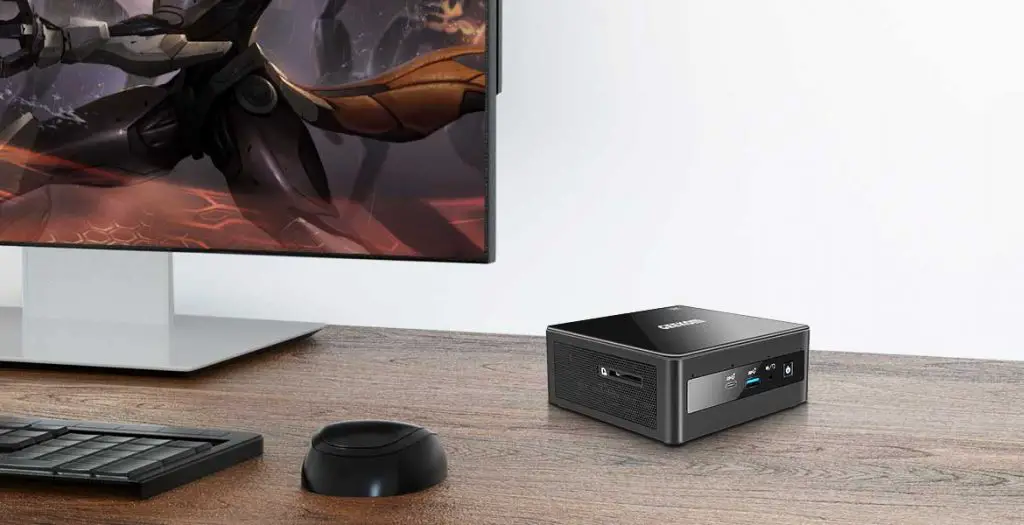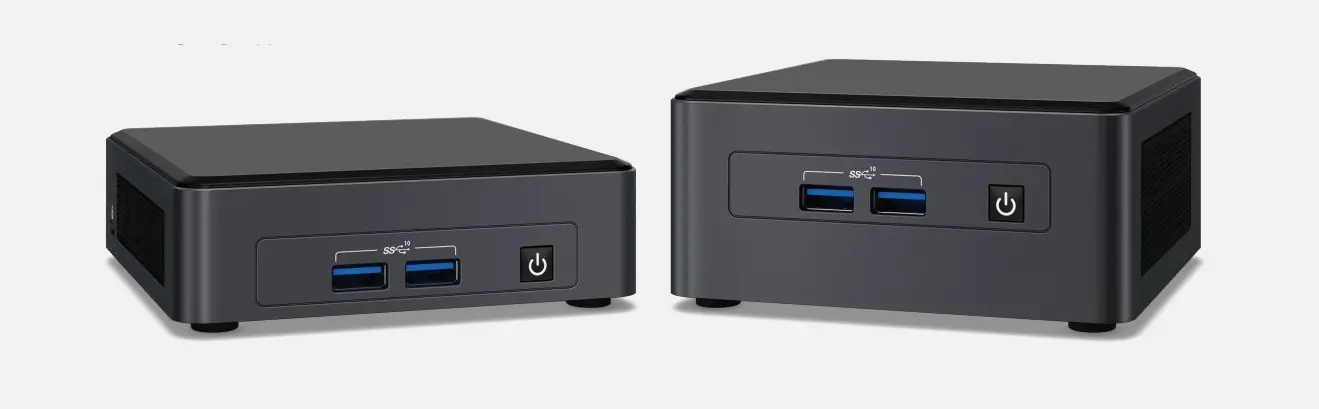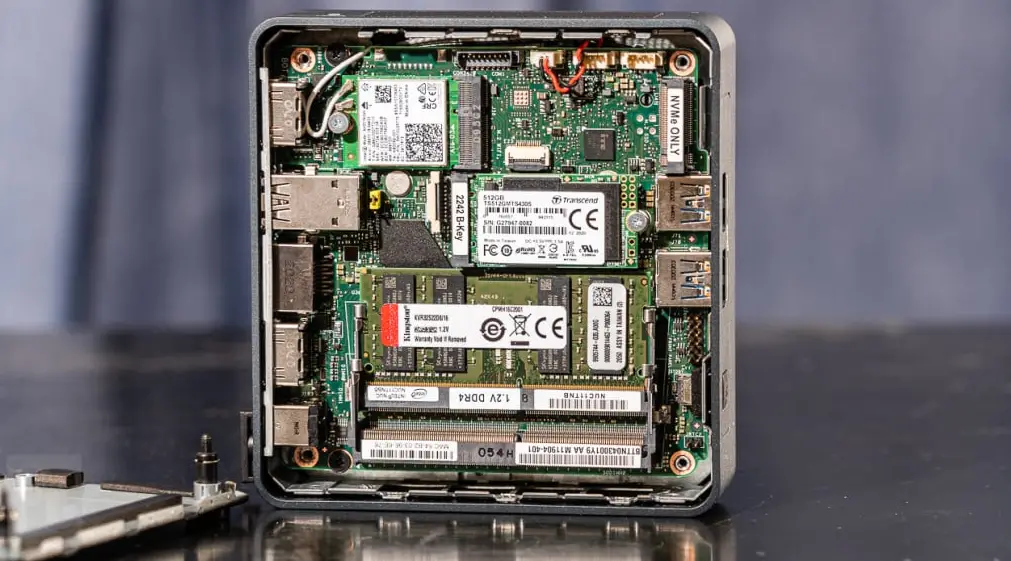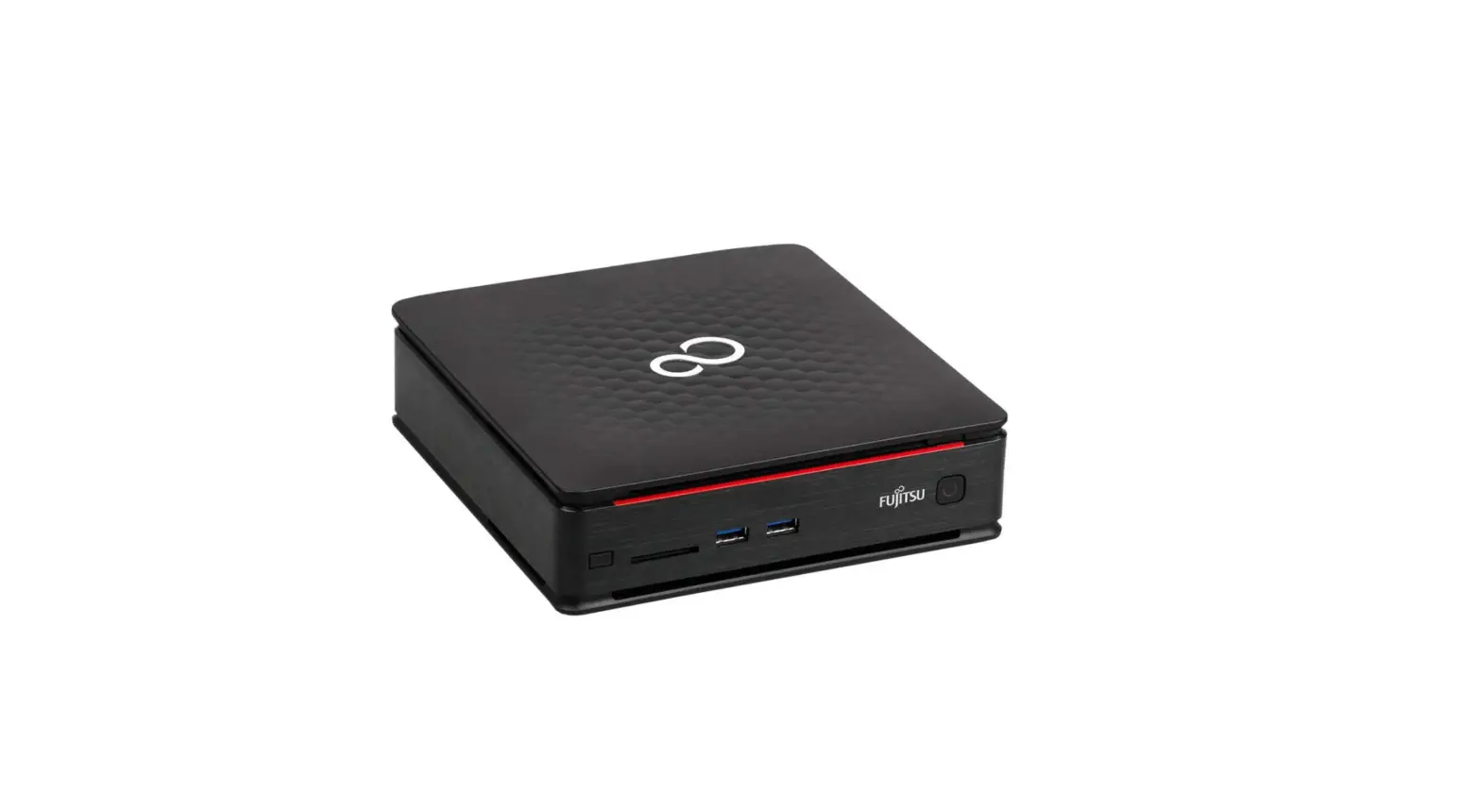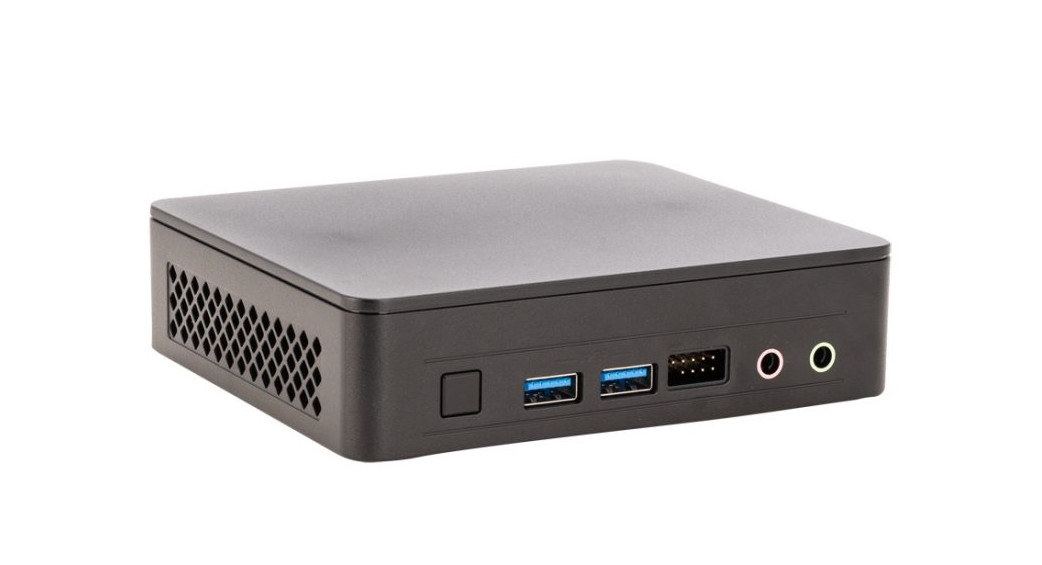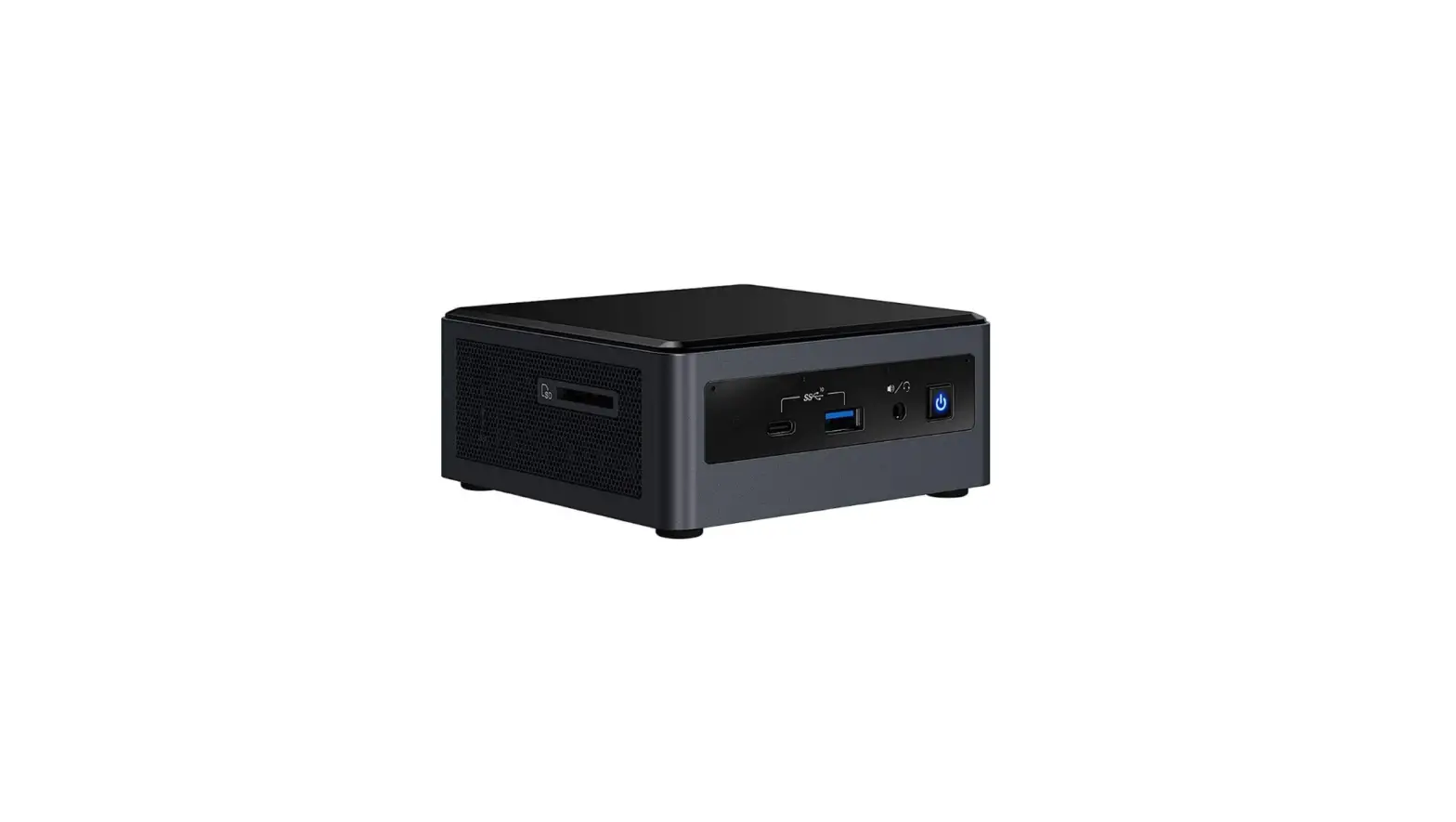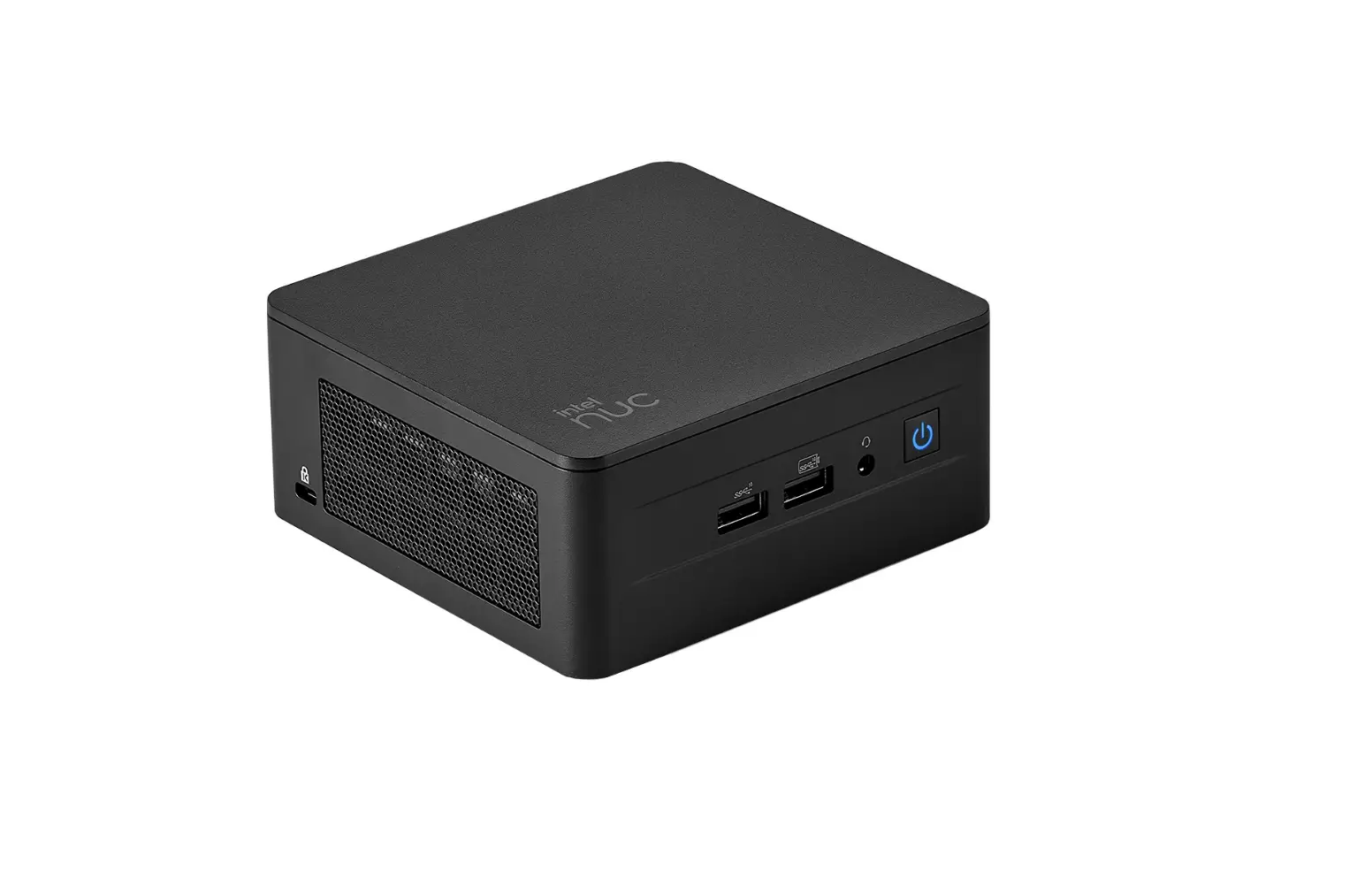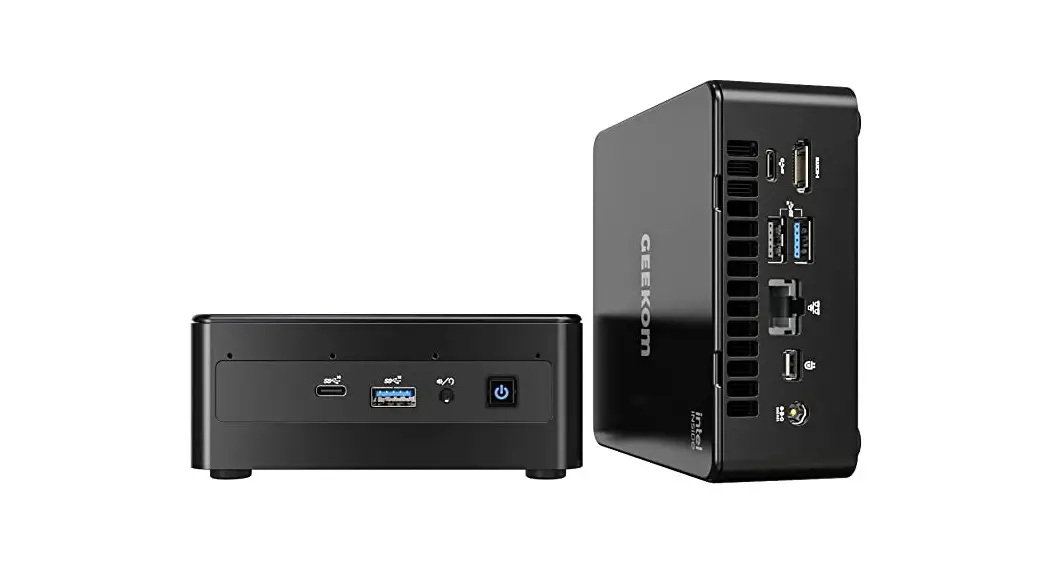

MINI IT11
GM11i3T
GM11i3s
GM11i5T
GM11i5s
GM11i7T
GM11i7s
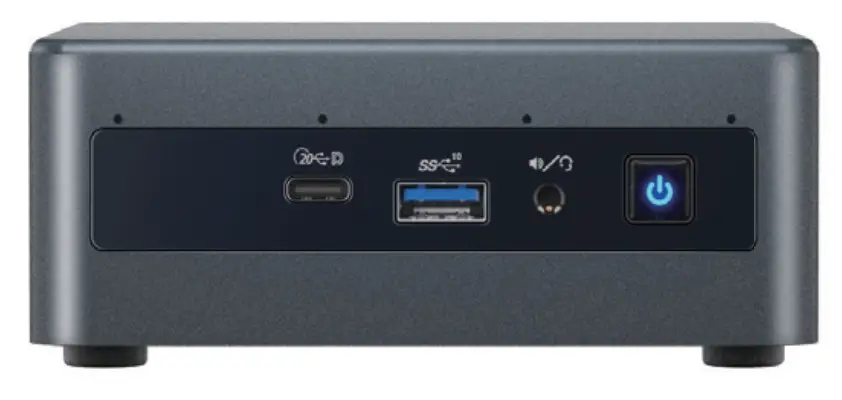
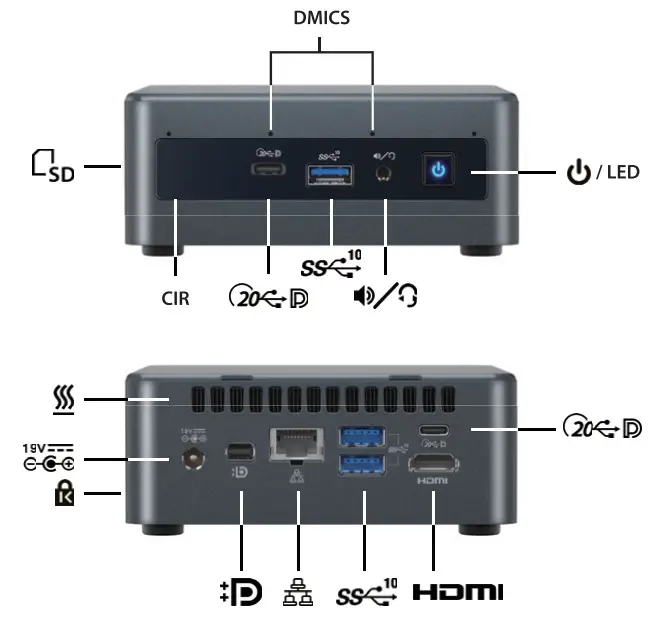
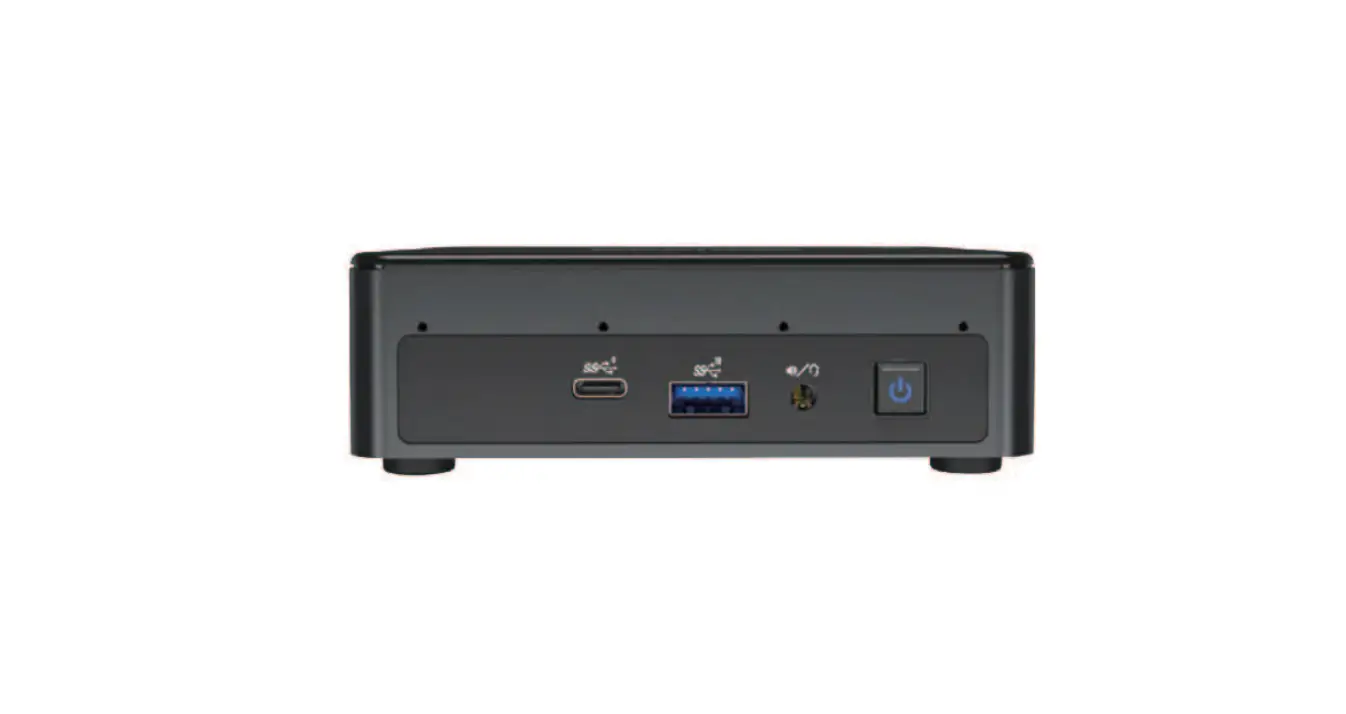
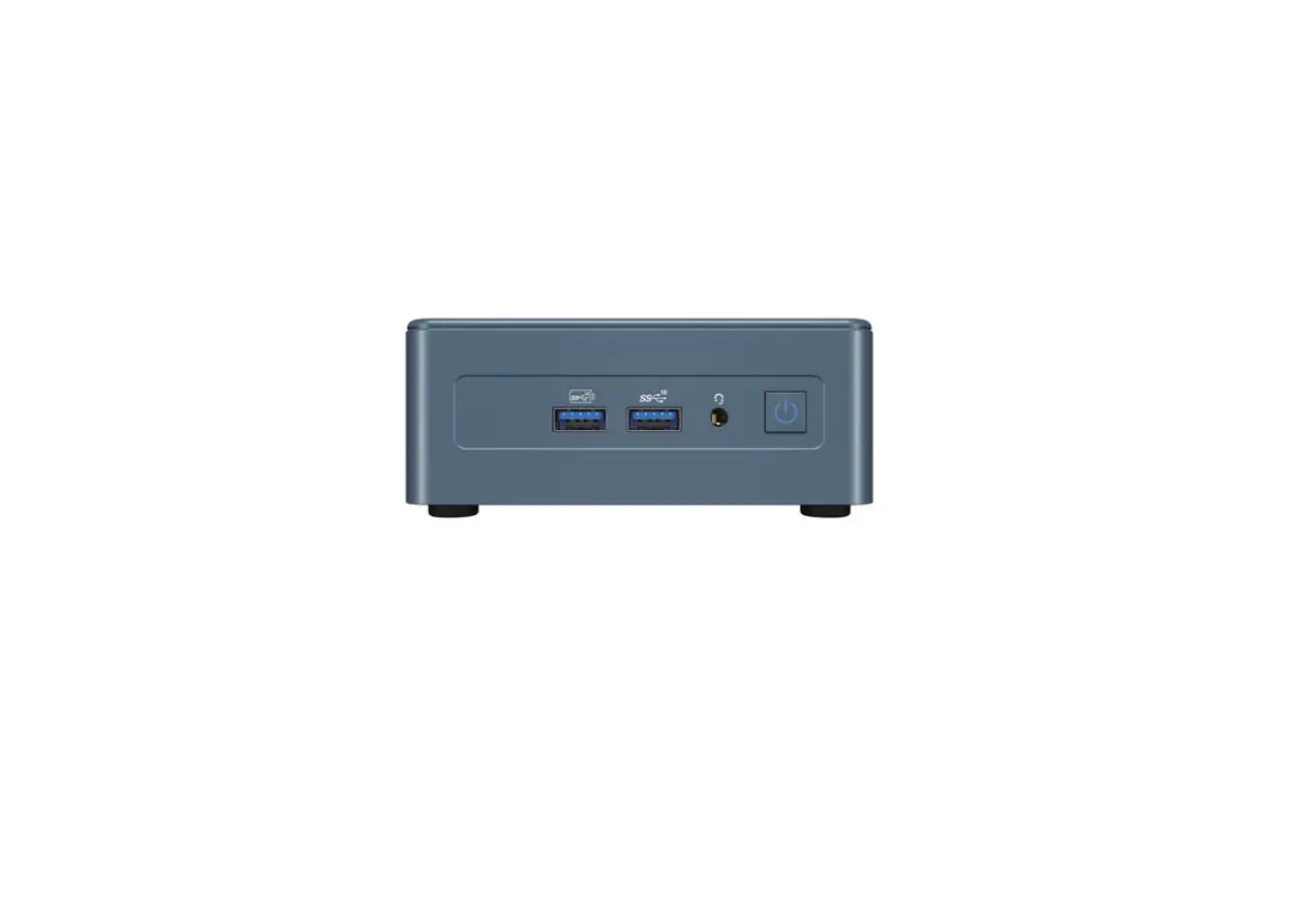
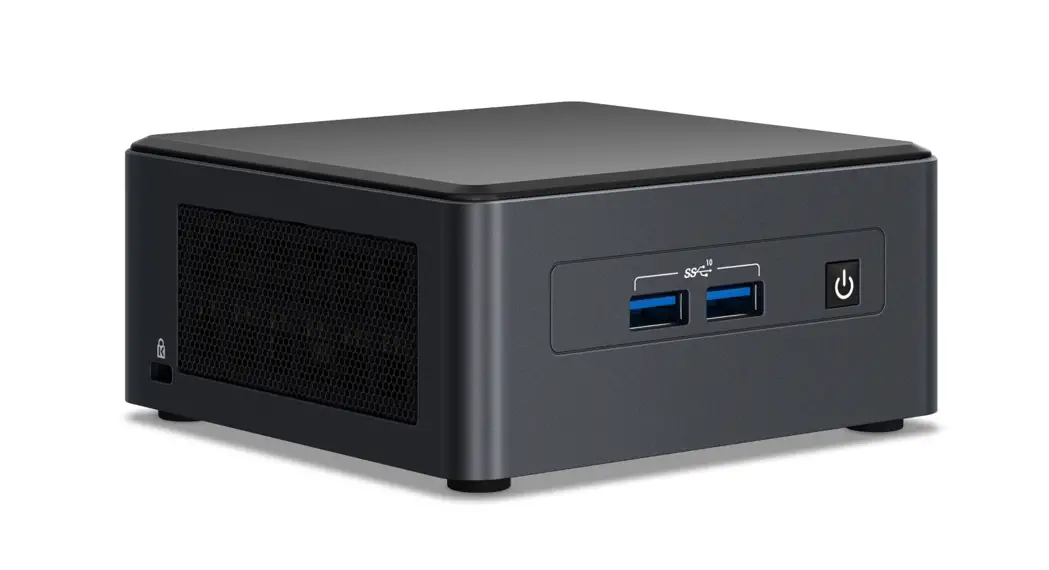
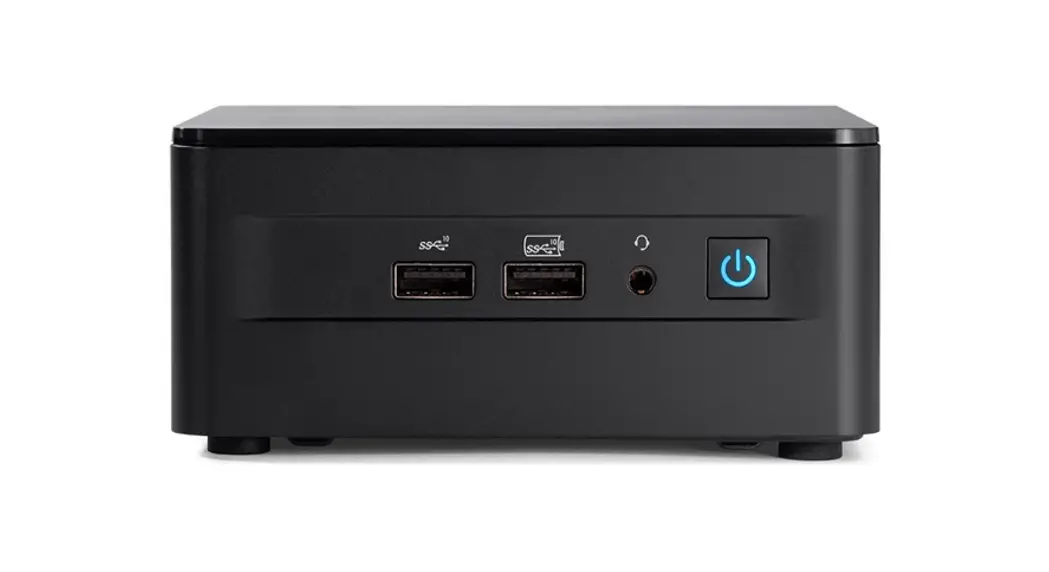
| DMICS |  |  |  |  | CIR |
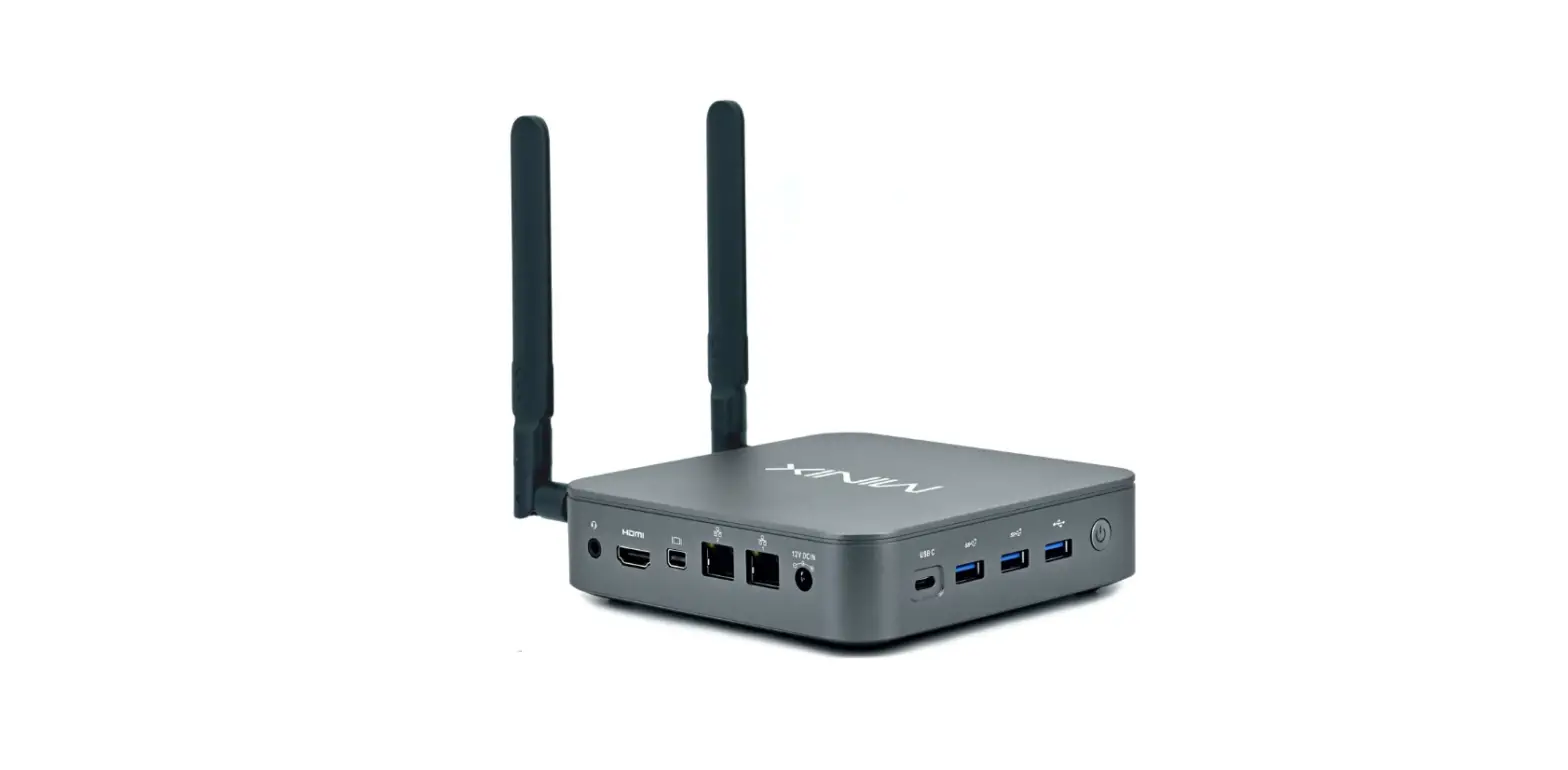
| Digital Microphone Digitales Mikrofon Digital Mikrofon Digitale Microfoon MicrOfono Digital Microphone umerique Microfono Digitale | Speaker/Headset Lautsprecher/Headset Hagtalare/Headset Luidspreker/Headset Altavoces / Auriculares Haut-parleurs/Casque-micro Altoparlante/Cuffia | Power Button/LED Netztaste/LED Stramknapp/LED Aan/uitknop/LED Boton / LED de Encendido Bouton d’Alimentation/LED Pulsante di Alimentazione/LED | USB 3.2 Gen2 Port USB 3.2 Gen2-Port USB 3.2 Gen2-port USB 3.2 Gen2-poort Puerto USB 3.2 Gen2 Port USB 3.2 Gen2 Porta USB 3.2 Gen2 | USB4+DP Port USB4+DP-Port USB4+DP-Port USB4+DP-poort Puerto USB4+DP Port USB4+DP Porta USB4+DP | Consumer Infrared(CIR) Consumer Infrared(CIR) CIR(Consumer Infrared) Consumer Infrared(CIR) Radiaci6n Infrarroja de Consumo Infrarouge(CIR) Consumer Infrared(CIR) |
 |  |  |  |  | |
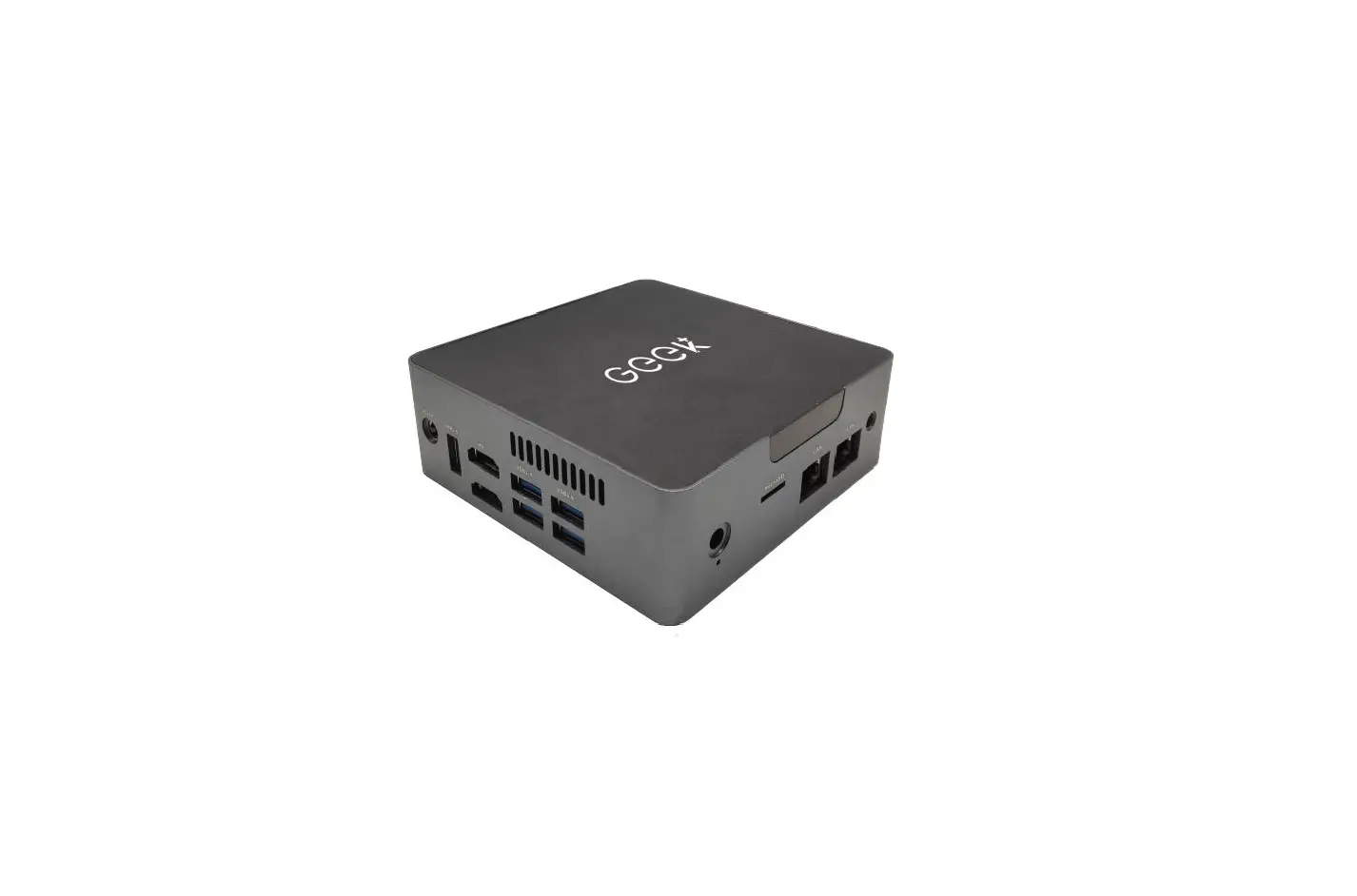
| SD Reader SD-Lesegerat SD-lasare SD-lezer Lector SD Lecteur de Carte SD Lettore SD | Ethernet Port Ethernet-Port Ethernet Port Ethernet-poort Puerto Ethernet Port Ethernet Porta Ethernet | Electric Power Inlet Stromeingang Elektriskt anslutning in Voedingsaansluiting Entrada de Alimentacion Electrica Entrée d’Alimentation Vlectrique Ingresso di Alimentazione | HDMI Port HDMI-Port HDMI-Port HDMI-poort Puerto HDMIPort HDMI Porta HDMI | Mini DisplayPort Connector Mini-DisplayPort-Anschluss Mini DisplayPort-anslutning Mini DisplayPort connector Conector Mini DisplayPort Connecteur Mini DisplayPort Connettore Mini DisplayPort | Anti-Theft Key Lock Hole Diebstahlsicherung erriegelungsoffnung Anti-Stald nyckel lashal Opening voor anti-diefstal slot Orificio de Bloqueo de Llave Antirrobo Orifice pour Verrou Antivol Foro per Chiave/Lucchetto Antifurto |
 |  |  | |
 |  | ||
 |  | ||
Safety and Caution Information
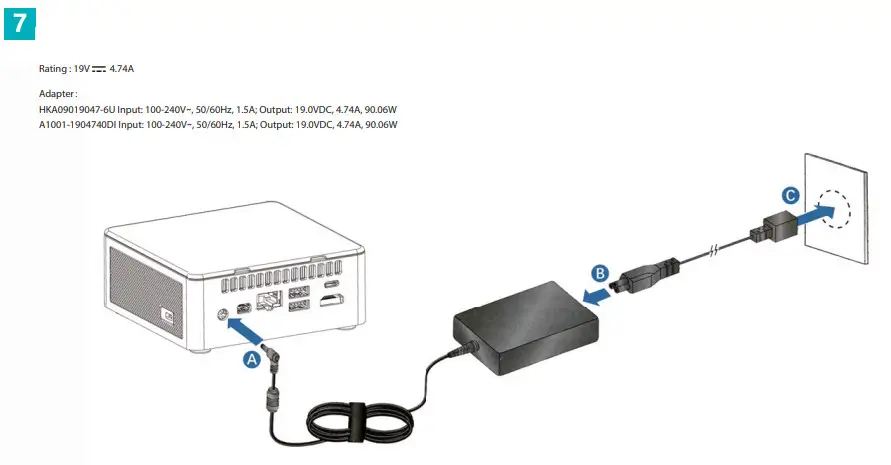
 AC Power Adapter. Risk of electric shock, fire, or burn if using an AC adapter other than the one provided with this device. Indoor use only and in dry locations. The device must only be repaired by a professional. Do not open the enclosure. The adapter is rated for use between 0 ‘C and 35 °C (32 °F and 95 °F). Connect only to a properly wired and grounded outlet.
Risk of explosion if the battery is replaced with an incorrect type. Batteries should be recycled where possible. Disposal of used batteries must be in accordance with local environmental regulations.
Failure to use the included power adapter shall violate regulatory compliance requirements and may expose the user to safety hazards.
Temperature: This device is intended for use in ambient temperatures between 0°C and 35°C (32°F and 95. F). Avoid using or storing next to heat sources, in direct sunlight, or outside the intended temperature ranges.
Medical: This device may interfere with the operation of some pacemakers, hearing aids, or other medical devices. To reduce the risk, maintain a separation distance of 20 cm (8 inches) between the device and the medical device. Refer to the medical device for additional information.
Modify: Modification of the wireless solution, thermal solution, device components, or enclosure shall violate regulatory compliance requirements and may induce safety hazards.
FCC Caution:
Any changes or modifications not expressly approved by the party responsible for compliance could void the user’s authority to operate the equipment.
This device complies with part 15 of the FCC Rules. Operation is subject to the following two conditions: (1) This device may not cause harmful interference, and (2) this device must accept any interference received, including interference that may cause undesired operation.
NOTE: This equipment has been tested and found to comply with the limits for a Class B digital device, pursuant to part 15 of the FCC Rules. These limits are designed to provide reasonable protection against harmful interference in a residential installation. This equipment generates, uses, and can radiate radio frequency energy and, if not installed and used in accordance with the instructions, may cause harmful interference to radio communications. However, there is no guarantee that interference will not occur in a particular installation. If this equipment does cause harmful interference to radio or television reception, which can be determined by turning the equipment off and on, the user is encouraged to try to correct the interference by one or more of the following measures:
- Reorient or relocate the receiving antenna.
- Increase the separation between the equipment and receiver.
- Connect the equipment into an outlet on a circuit different from that to which the receiver is connected.
- Consult the dealer or an experienced radio/TV technician for help.
FCC Radiation Exposure Statement:
This equipment complies with FCC radiation exposure limits set forth for an uncontrolled environment. This equipment should be installed and operated with a minimum distance of 20cm between the radiator& your body.
Connect to a Network:
- Click the network icon in the notification area in Windows. A list of available wireless networks will be shown.
- Select the desired network, and input the information (if needed).
Note: when connecting to a secured wireless network, enter your Wi-Fi password when prompted.
Customer Support:
[email protected]
www.geekompc.com