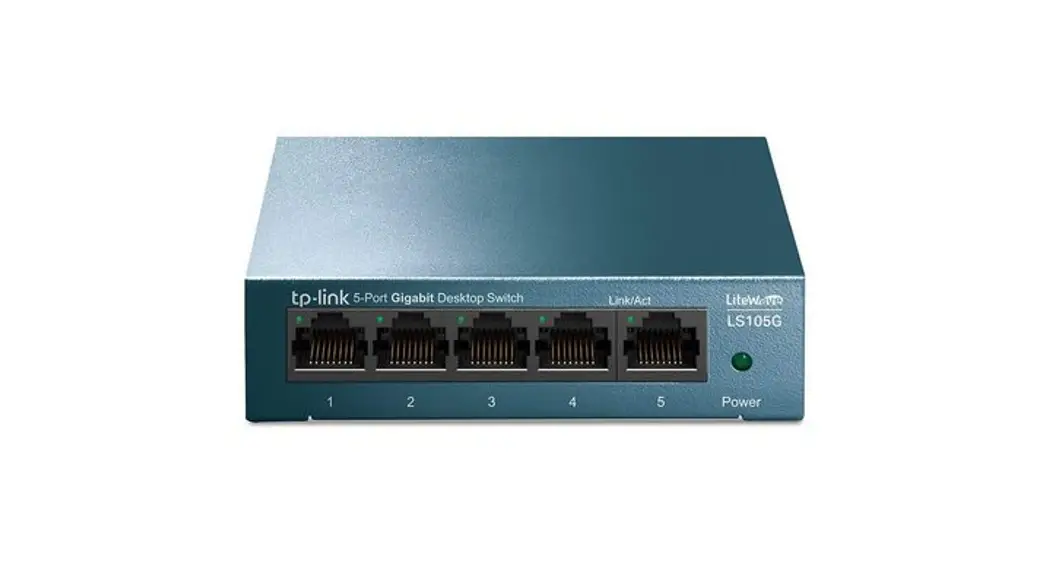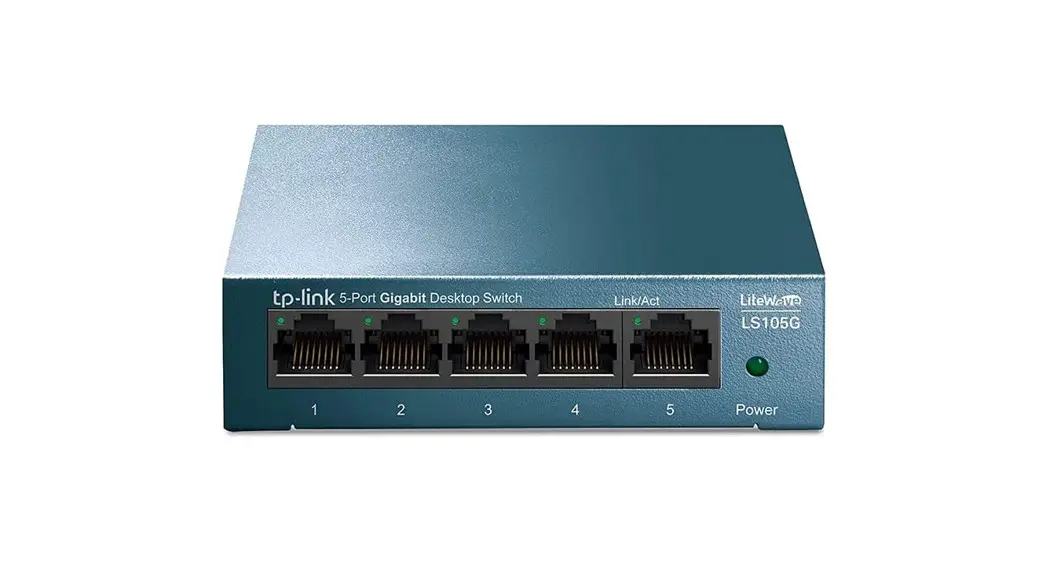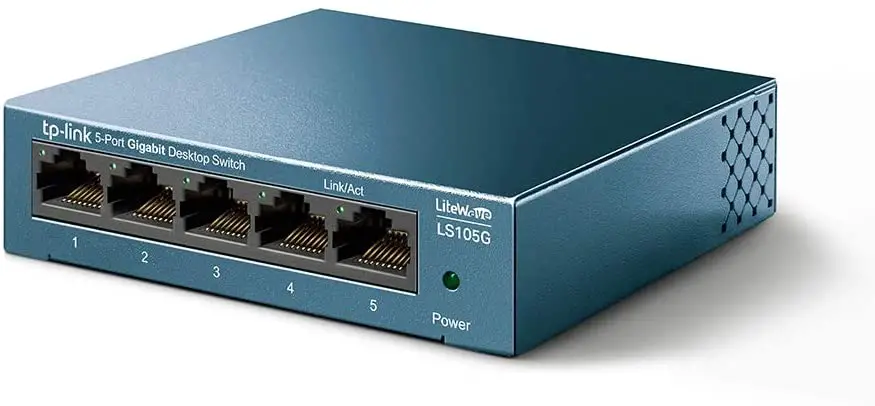
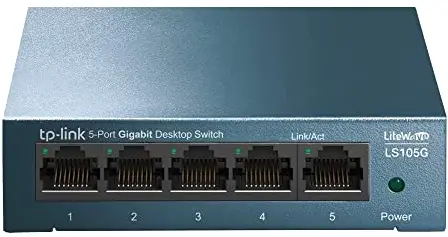
tp-link LS105G Wall Mountable Switches
Wall Mounting Preparation
Before mounting the switch, you need to prepare the tools below:
- A screw driver.
- Two screws which complies to the corresponding standard. For details, see Wall Mounting Specification.
Wall Mounting Procedure
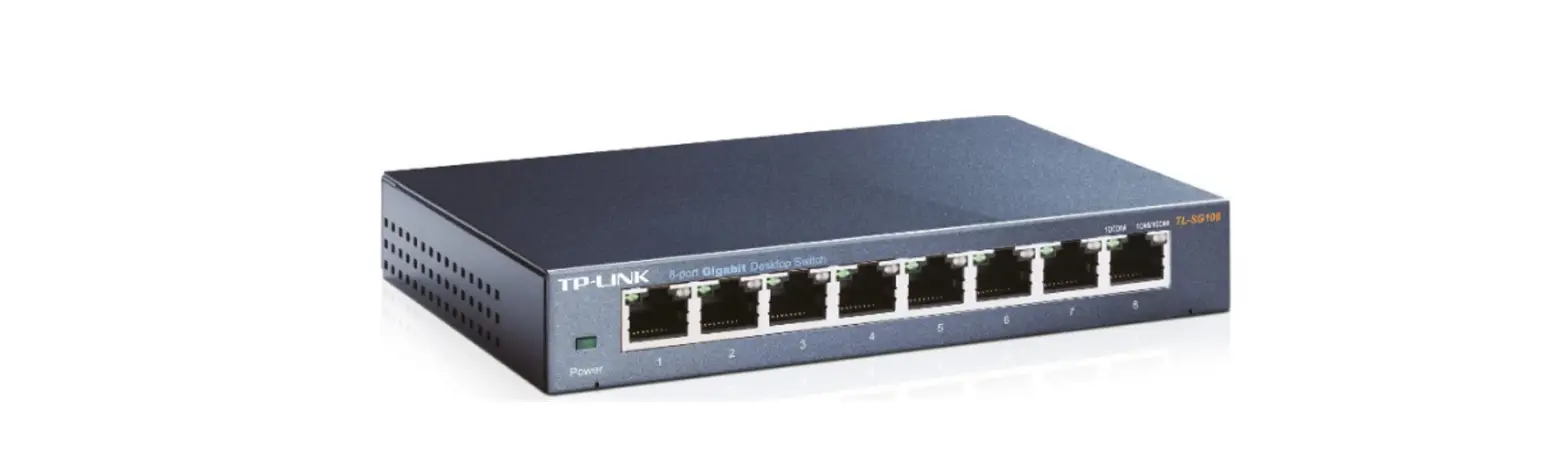
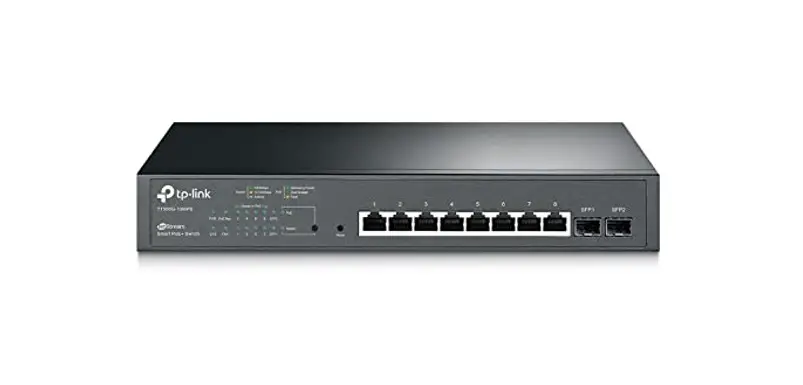
On the bottom of the panel, there are two mounting holes. You need to drive two screws into the wall, then mount the switch on the wall. Note that the switch should be mounted on the wall upright rather than sideways. For TL-SF1008P/TL-SF1008LP/TL-SF1009P/TL-SG1008P, the switch should be mounted with the ports facing downward and the LEDs facing upward.
- Determine the location on the wall where you want to mount the switch.
- Mark the wall where the two mounting holes are. The distance between the two marks must be the same as that between the two mounting holes of the switch. For the wall-mounting-holes distance, see Wall Mounting Specification.
- Drive the screws into the wall at the marks using the screw driver. For the Screw-Head-to-Wall Minimum Distance, see Wall Mounting Specification.
- Mount the switch on the wall.
Wall Mounting Specification
| Model | Screw Standard of ANSI B1.1 | Minimum Length of Screw | Screw-Head-to-Wall Minimum Distance | Wall-Mounting-Holes Distance |
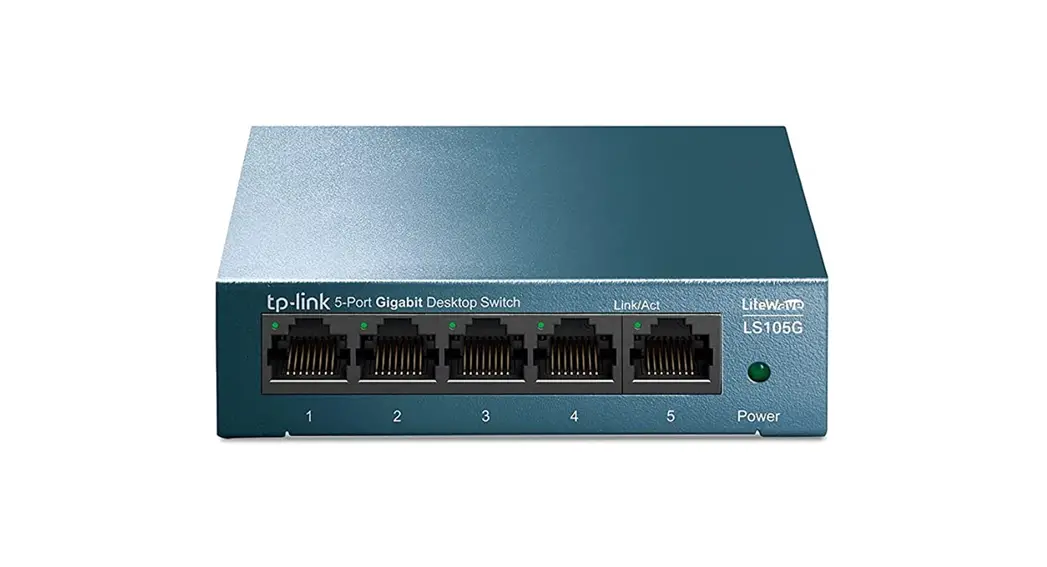
| LS105G | 4#, (5#), 6# | 7mm | 1.5mm | 76mm |
| LS108G | 4#, (5#), 6# | 7mm | 1.5mm | 65mm |
| LS1005G | 4#, (5#), 6# | 7mm | 1.5mm | 38mm |
| LS1008G | 4#, (5#), 6# | 7mm | 1.5mm | 48mm |
| TL-SF1005LP | 4#, (5#), 6#, 8# | 8.5mm | 1.5mm | 39mm |
| TL-SF1005P | 4#, (5#), 6#, 8# | 8.5mm | 1.5mm | 39mm |
| TL-SF1006P | 4#, (5#), 6#, 8# | 8.5mm | 1.5mm | 94mm |
| TL-SF1008LP | 4#, (5#), 6#, 8# | 8.5mm | 1.5mm | 105mm |
| TL-SF1008P | 4#, (5#), 6#, 8# | 8.5mm | 1.5mm | 105mm |
| TL-SF1009P | 4#, (5#), 6#, 8# | 8.5mm | 1.5mm | 105mm |
| TL-SF1016D | 4#, (5#), 6# | 8.5mm | 1.5mm | 157.2mm |
| TL-SG1005LP | 4#, (5#), 6#, 8# | 8.5mm | 1.5mm | 39mm |
| Model | Screw Standard of ANSI B1.1 | Minimum Length of Screw | Screw-Head-to-Wall Minimum Distance | Wall-Mounting-Holes Distance |
| TL-SG1005P | 4#, (5#), 6#, 8# | 8.5mm | 1.5mm | 39mm |
| TL-SG1008D | 4# | 8mm | 2mm | 100mm |
| TL-SG1008P | 4#, (5#), 6#, 8# | 8.5mm | 1.5mm | 105mm |
| TL-SG105 | 4#, (5#), 6# | 7mm | 1.5mm | 39mm |
| TL-SG105E | 4#, (5#), 6# | 7mm | 1.5mm | 52mm |
| TL-SG105-M2 | 4#, (5#), 6# | 7mm | 1.5mm | 150mm |
| TL-SG105PE | 4#, (5#), 6# | 7mm | 1.5mm | 39mm |
| TL-SG105S | 4#, (5#), 6# | 7mm | 1.5mm | 39mm |
| TL-SG108 | 4#, (5#), 6#, 8# | 8.5mm | 1.5mm | 94mm |
| TL-SG108E | 4#, (5#), 6# | 7mm | 1.5mm | 110mm |
| TL-SG108-M2 | 4#, (5#), 6# | 7mm | 1.5mm | 150mm |
| TL-SG108PE | 4#, (5#), 6#, 8# | 8.5mm | 1.5mm | 94mm |
| TL-SG108S | 4#, (5#), 6# | 7mm | 1.5mm | 94mm |
| TL-SG116 | 4#, 6# | 8.5mm | 1.5mm | 200mm |
| TL-SG116E | 4#, 6# | 8.5mm | 1.5mm | 200mm |
| TL-SG1210MP | 4#, (5#), 6#, 8# | 8.5mm | 1.5mm | 150mm |
| TL-SG1210MPE | 4#, (5#), 6#, 8# | 8.5mm | 1.5mm | 150mm |
| TL-SG1210P | 4#, (5#), 6#, 8# | 7mm | 1.5mm | 150mm |
| TL-SG2008 | 4#, (5#), 6# | 7mm | 1.5mm | 150mm |
| TL-SG2008P | 4#, (5#), 6# | 7mm | 1.5mm | 150mm |
| TL-SG2210P | 4#, (5#), 6# | 7mm | 1.5mm | 150mm |
| TL-SL1210MP | 4#, (5#), 6#, 8# | 7mm | 1.5mm | 150mm |
| TL-SL1311MP | 4#, (5#), 6#, 8# | 8.5mm | 1.5mm | 150mm |
| TL-SX105 | 4#, (5#), 6# | 7mm | 1.5mm | 150mm |