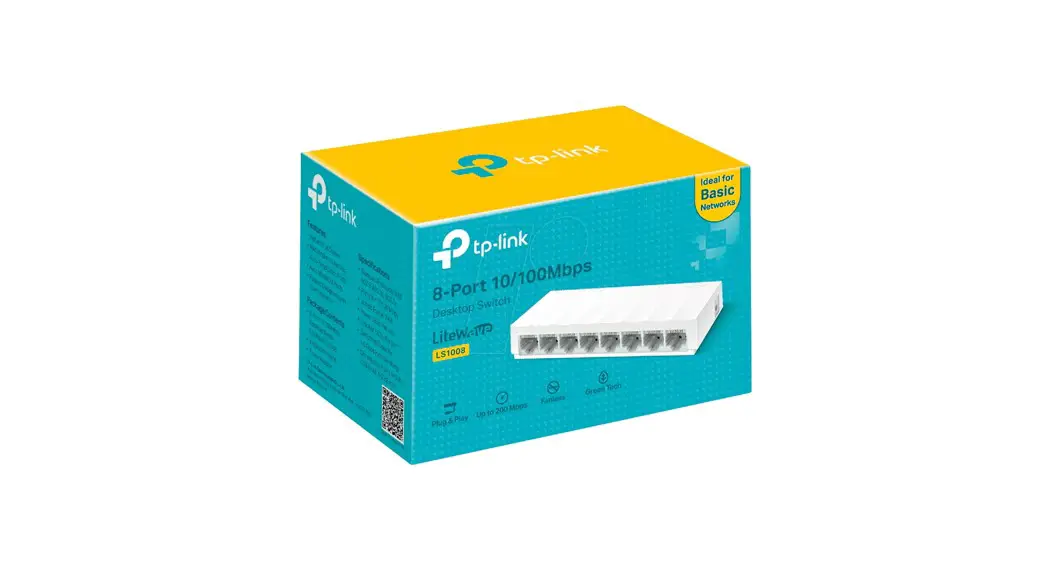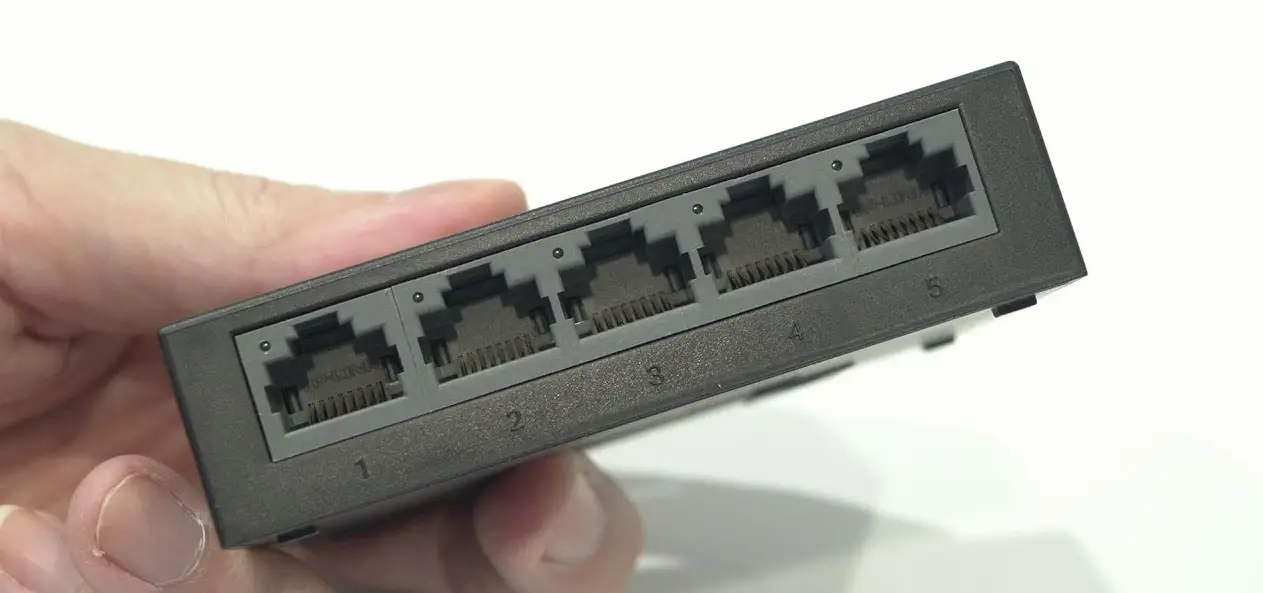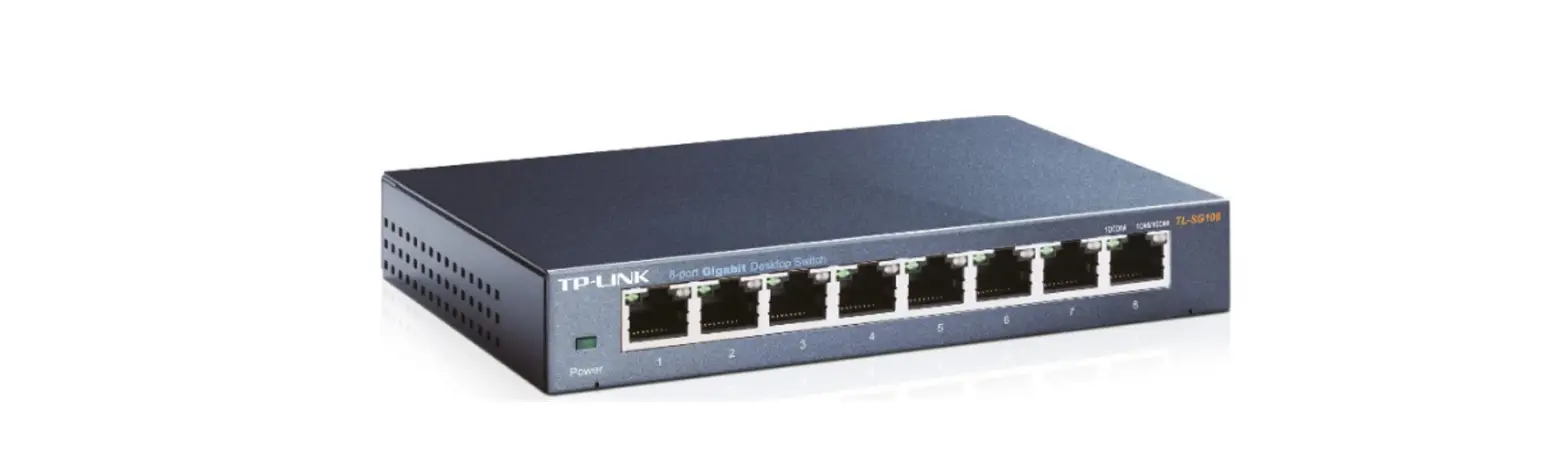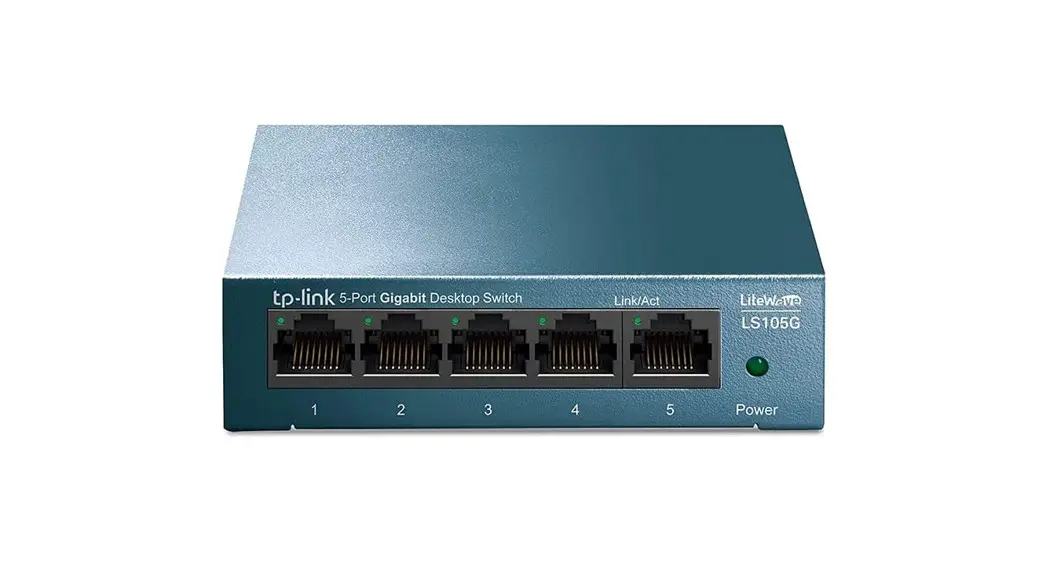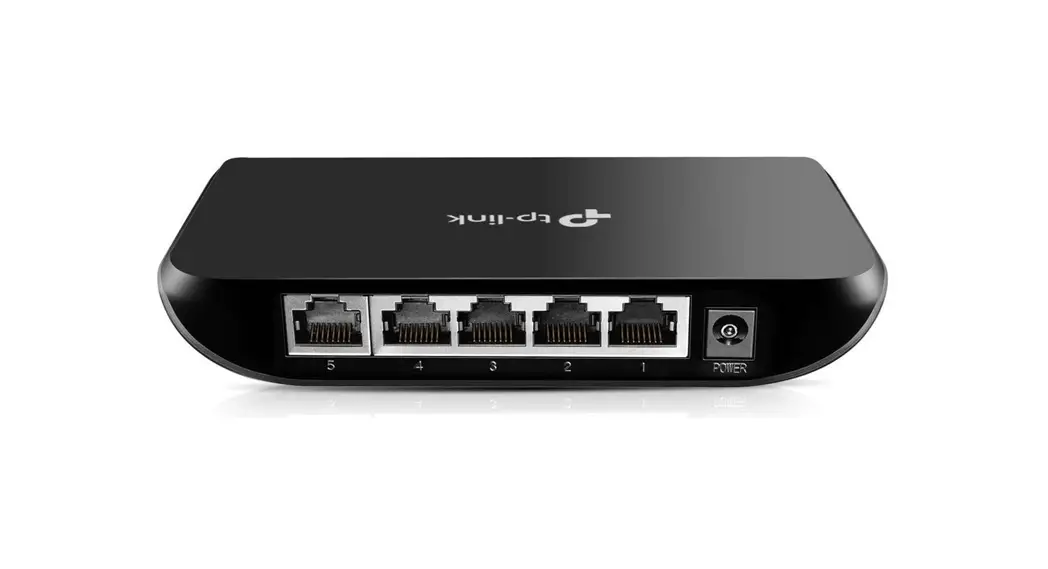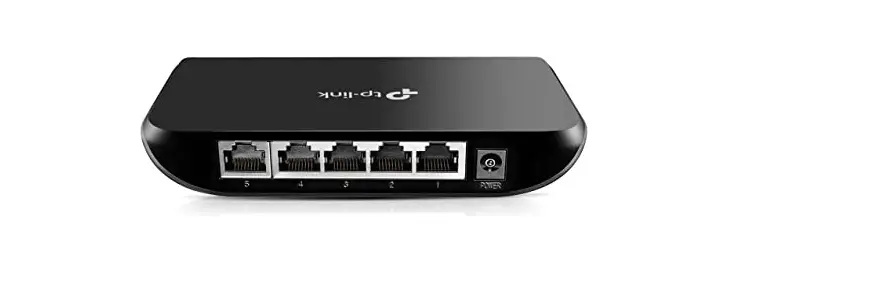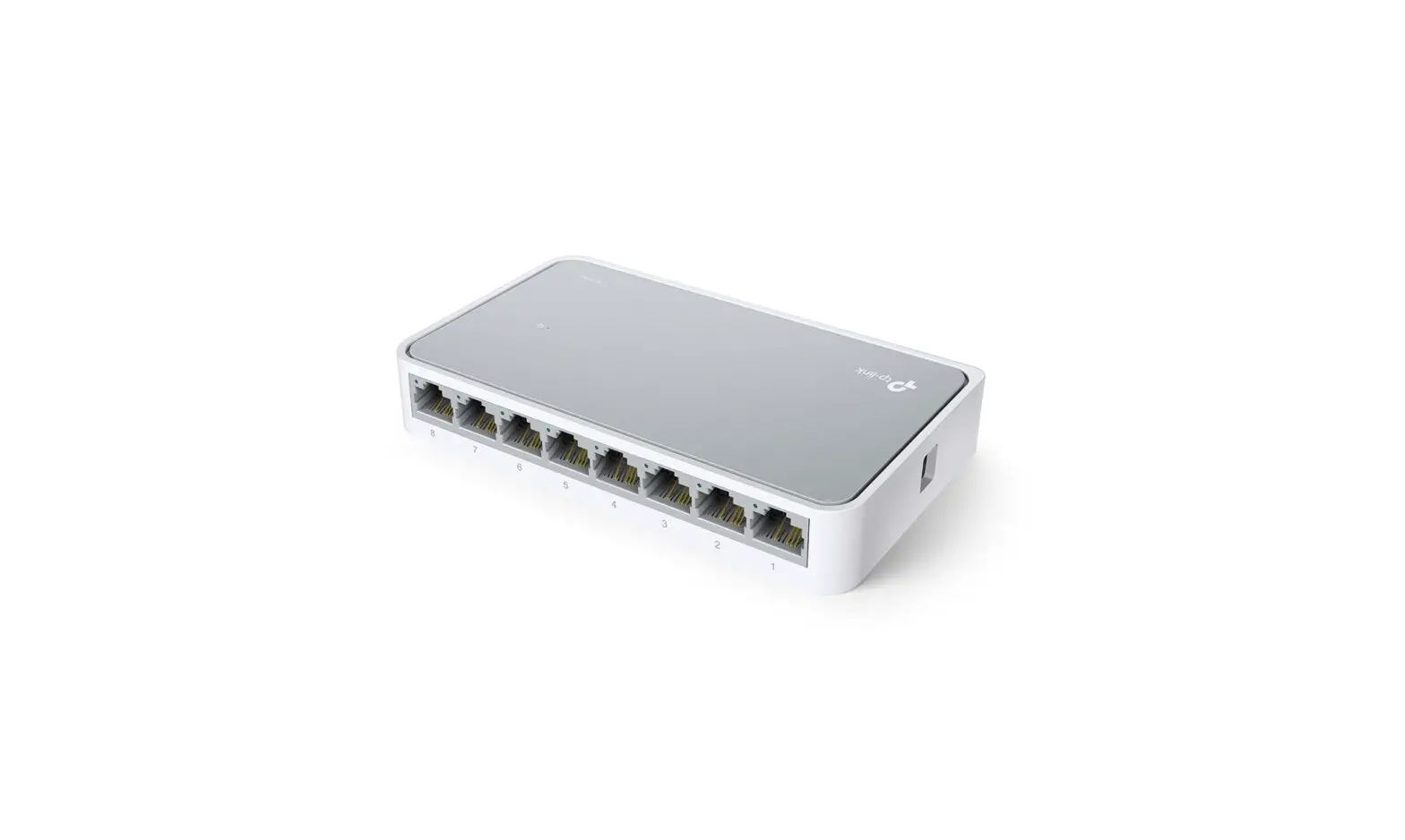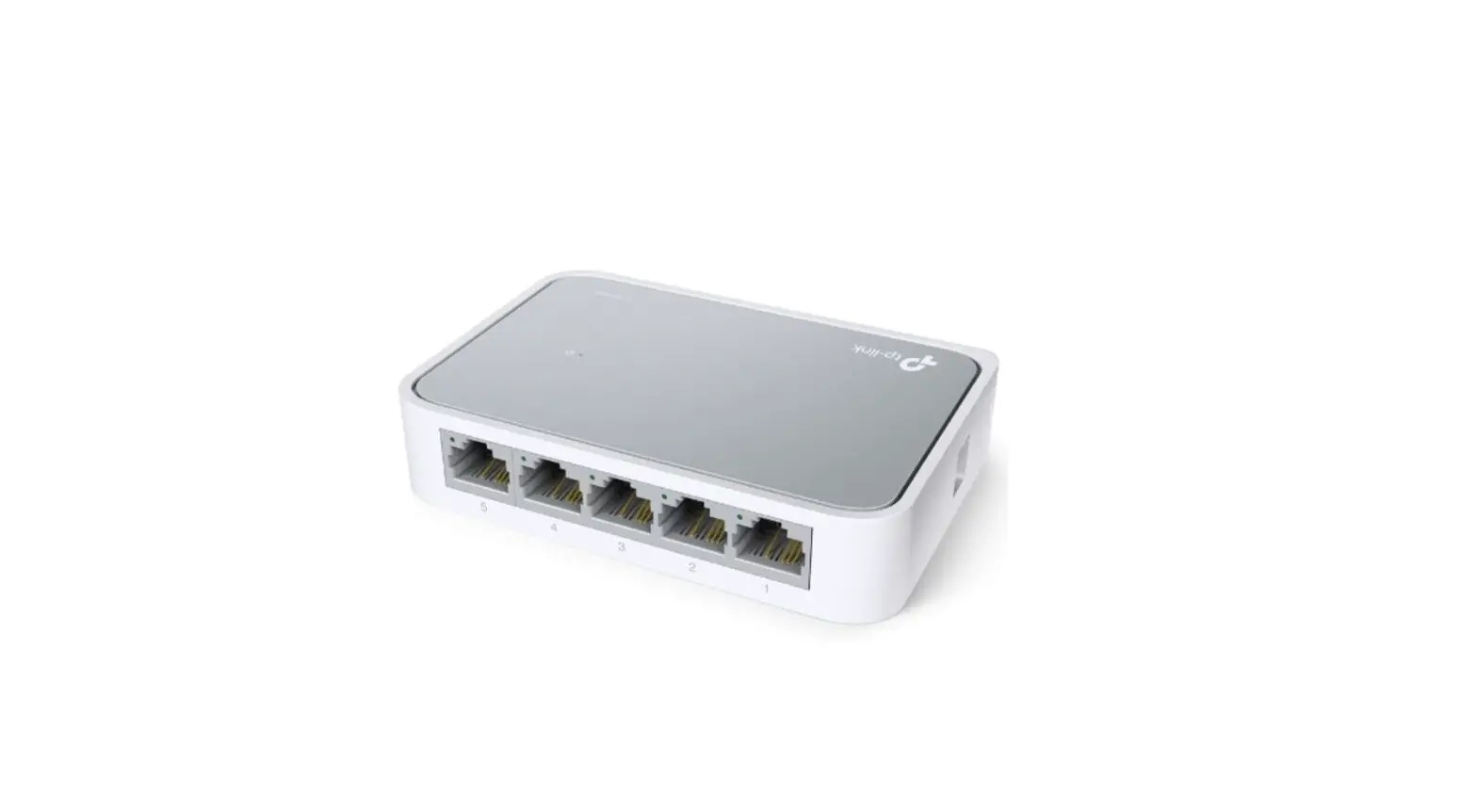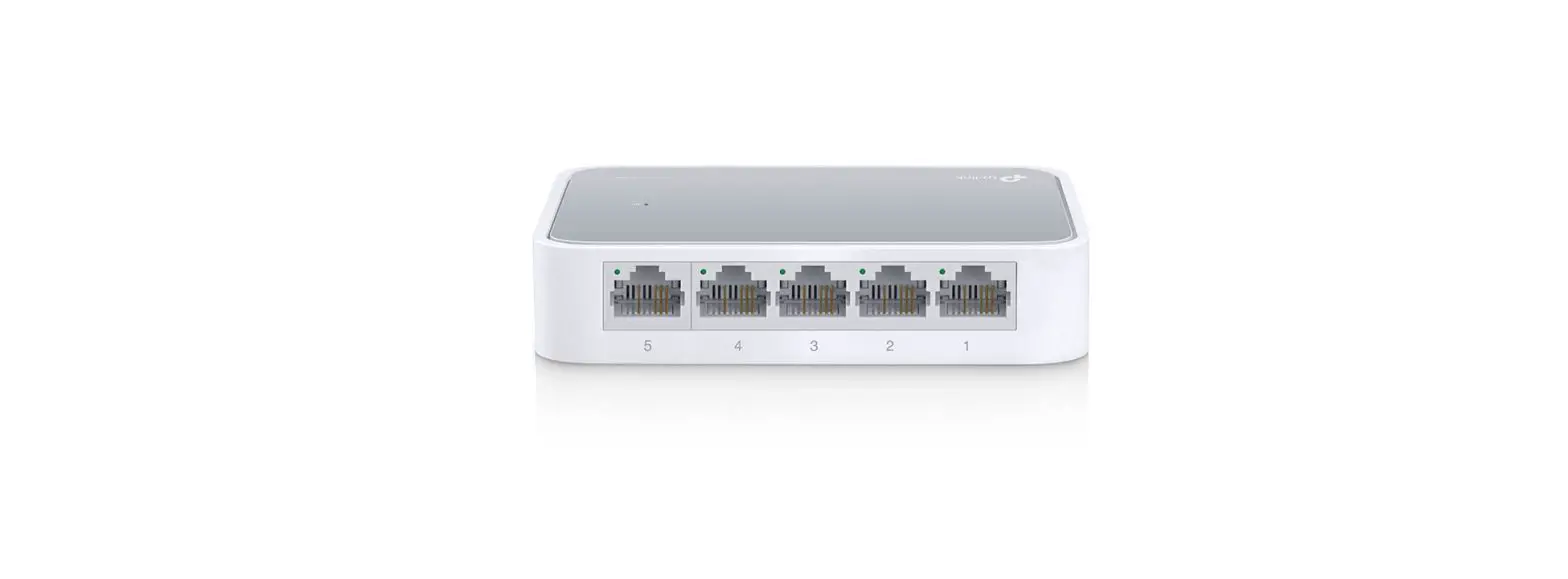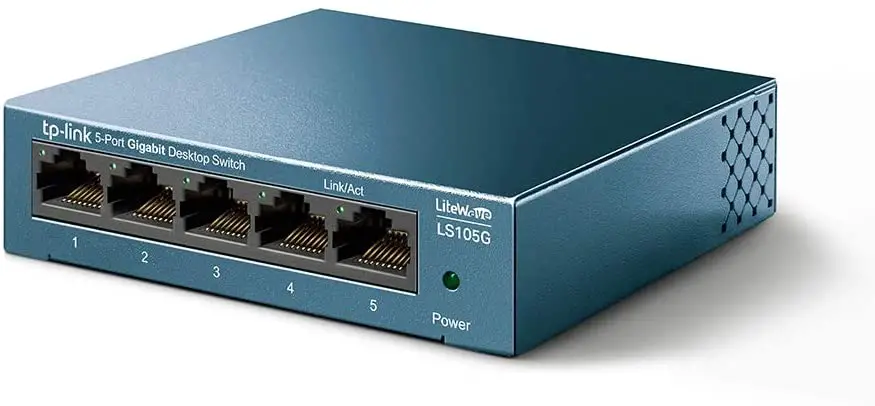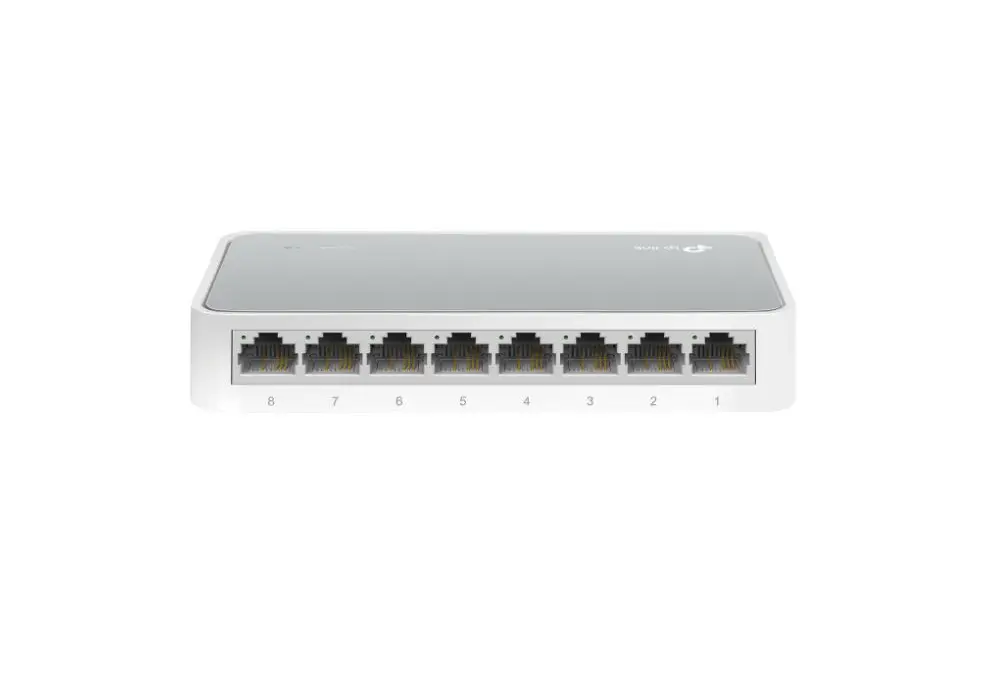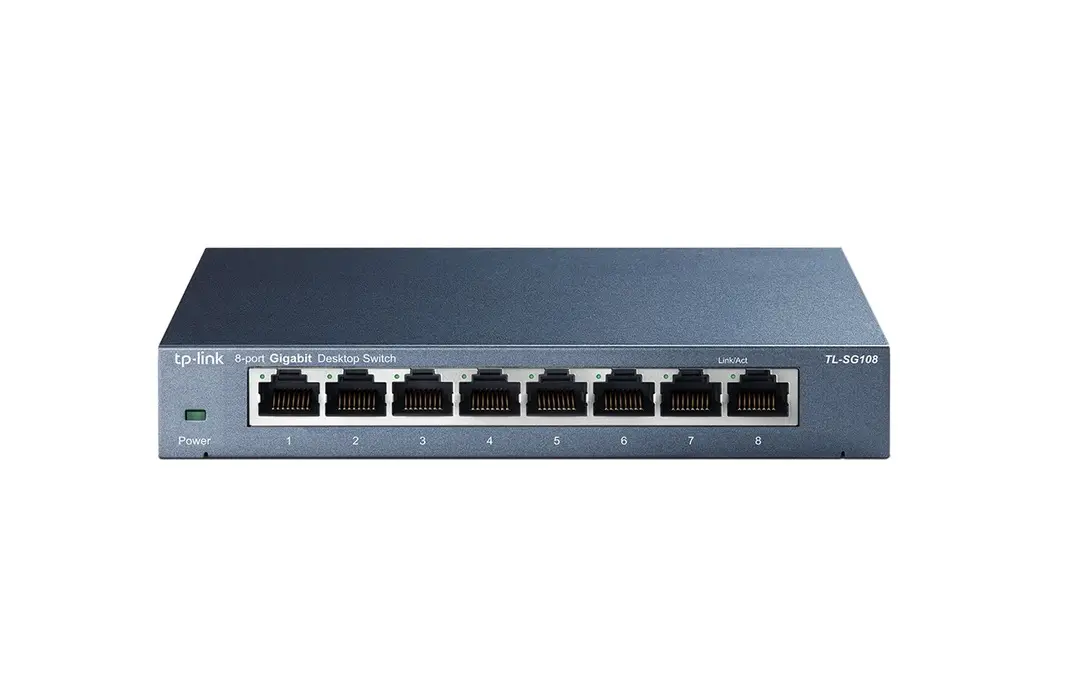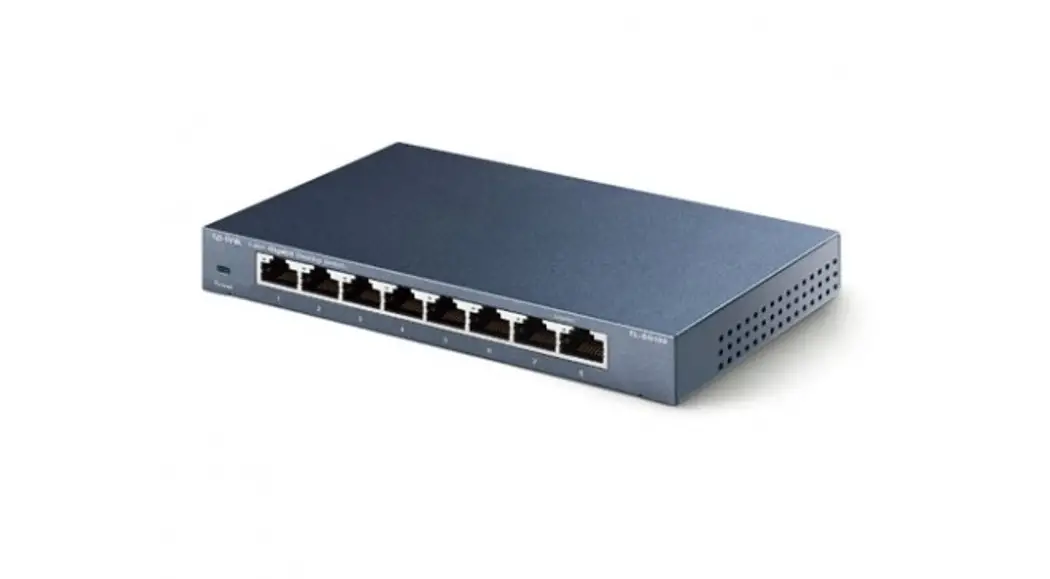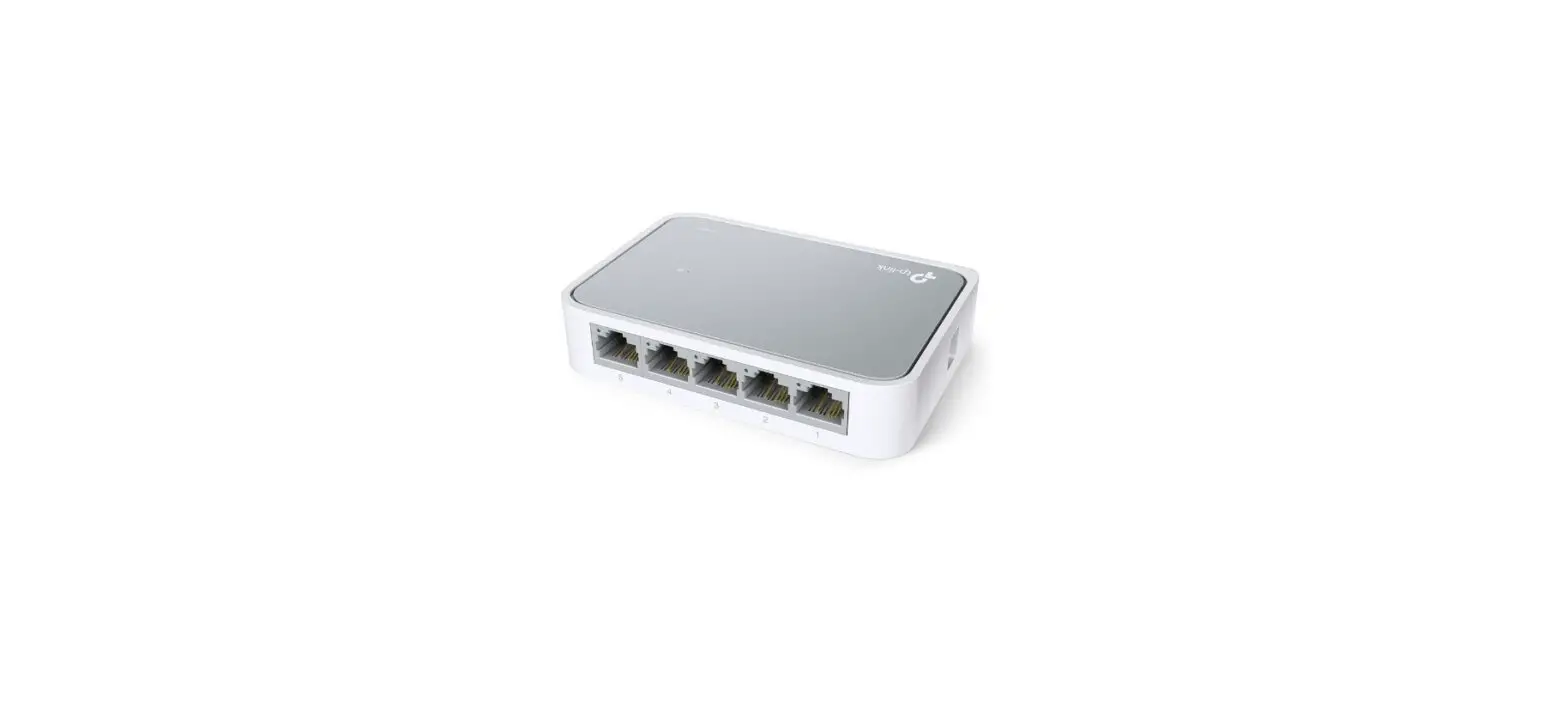

tp-link LS1005 Desktop Switch
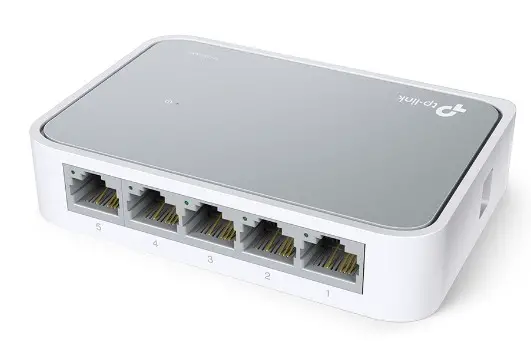
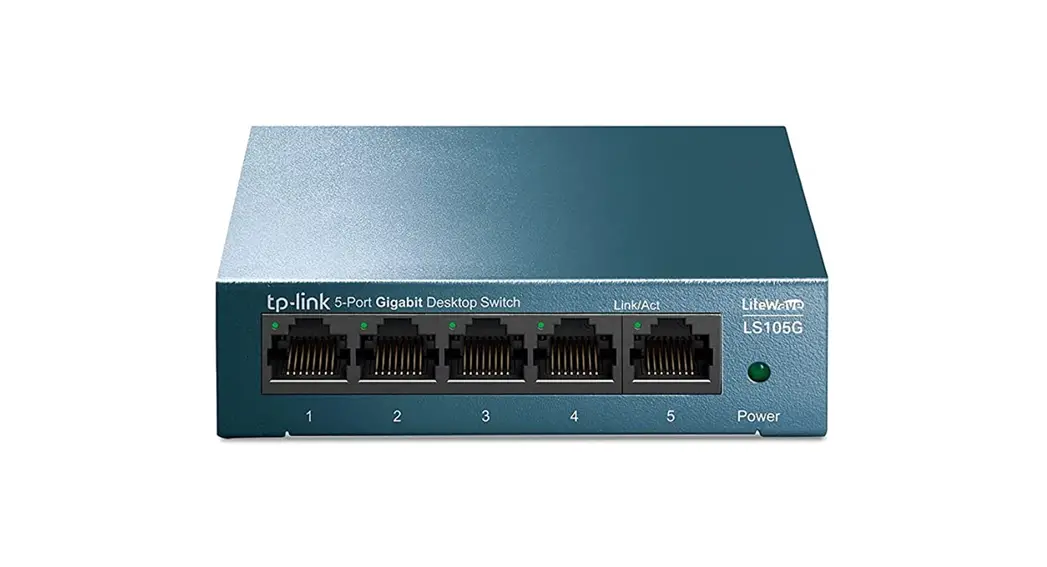
Desktop Non-PoE Switch
The image may differ from the actual product.
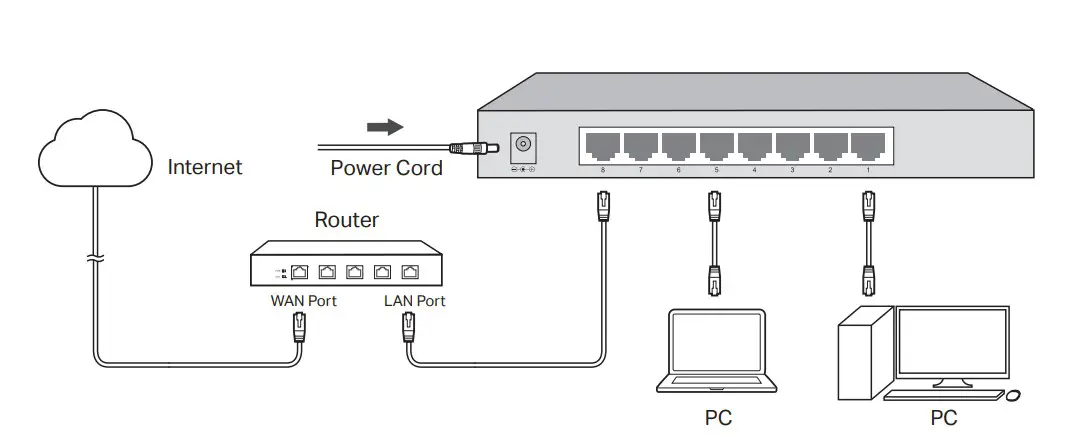
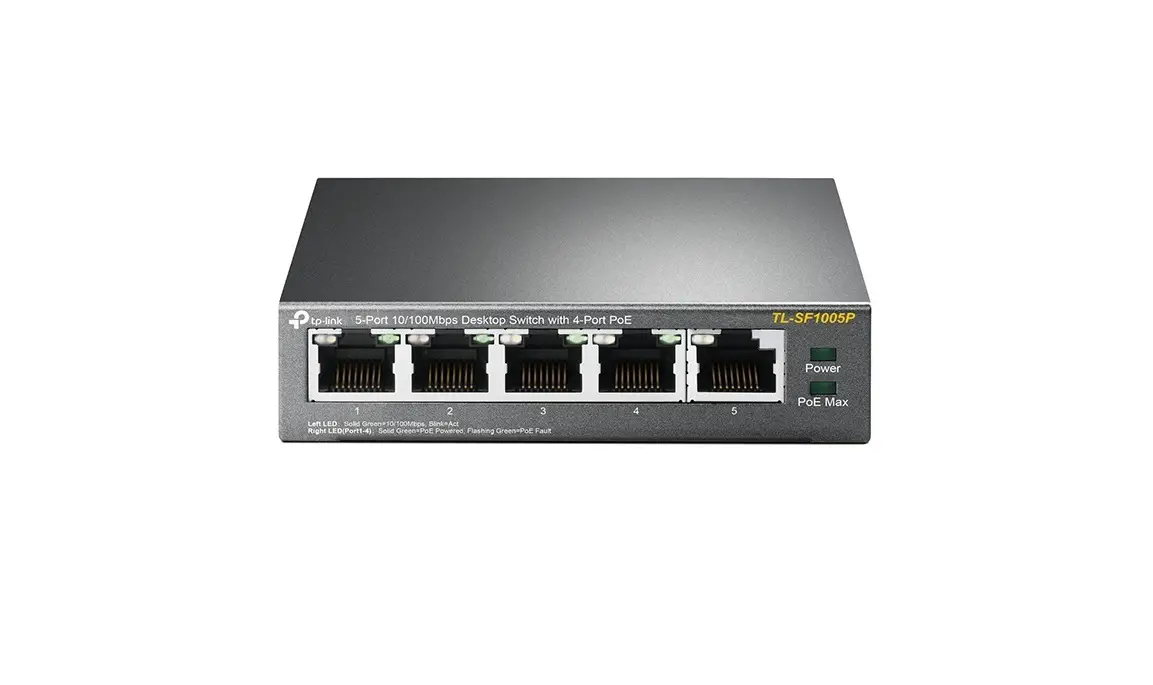
Desktop PoE Switch
The image may differ from the actual product.
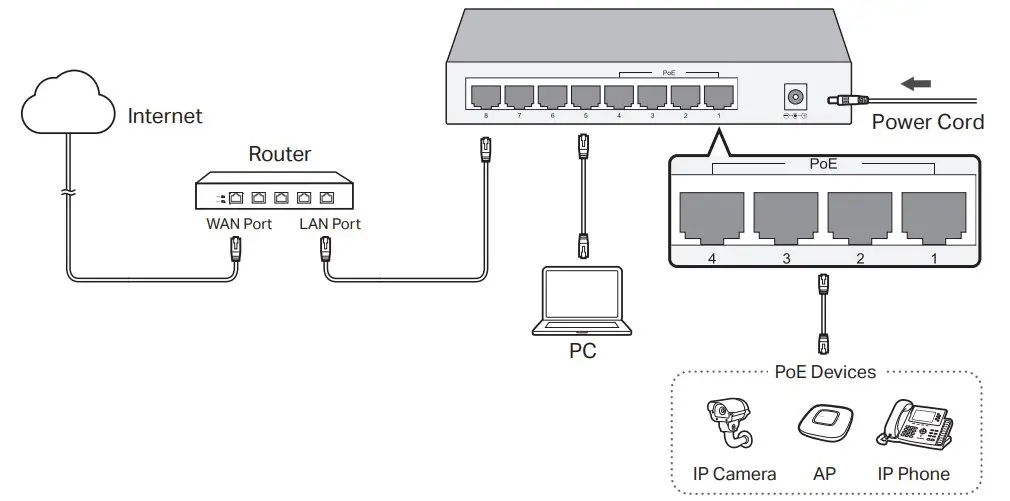
Note:
- PoE ports can also connect to non-PoE devices, but only transmit data.
- Reverse PoE switch is a passive PoE switch that gets power from PoE-in ports and supplies power to connected powered device(s) via PoE-out port(s) or DC port. DC port is a power output port, do not connect it to any power source.
 CE Regulatory Compliance | TP-Link