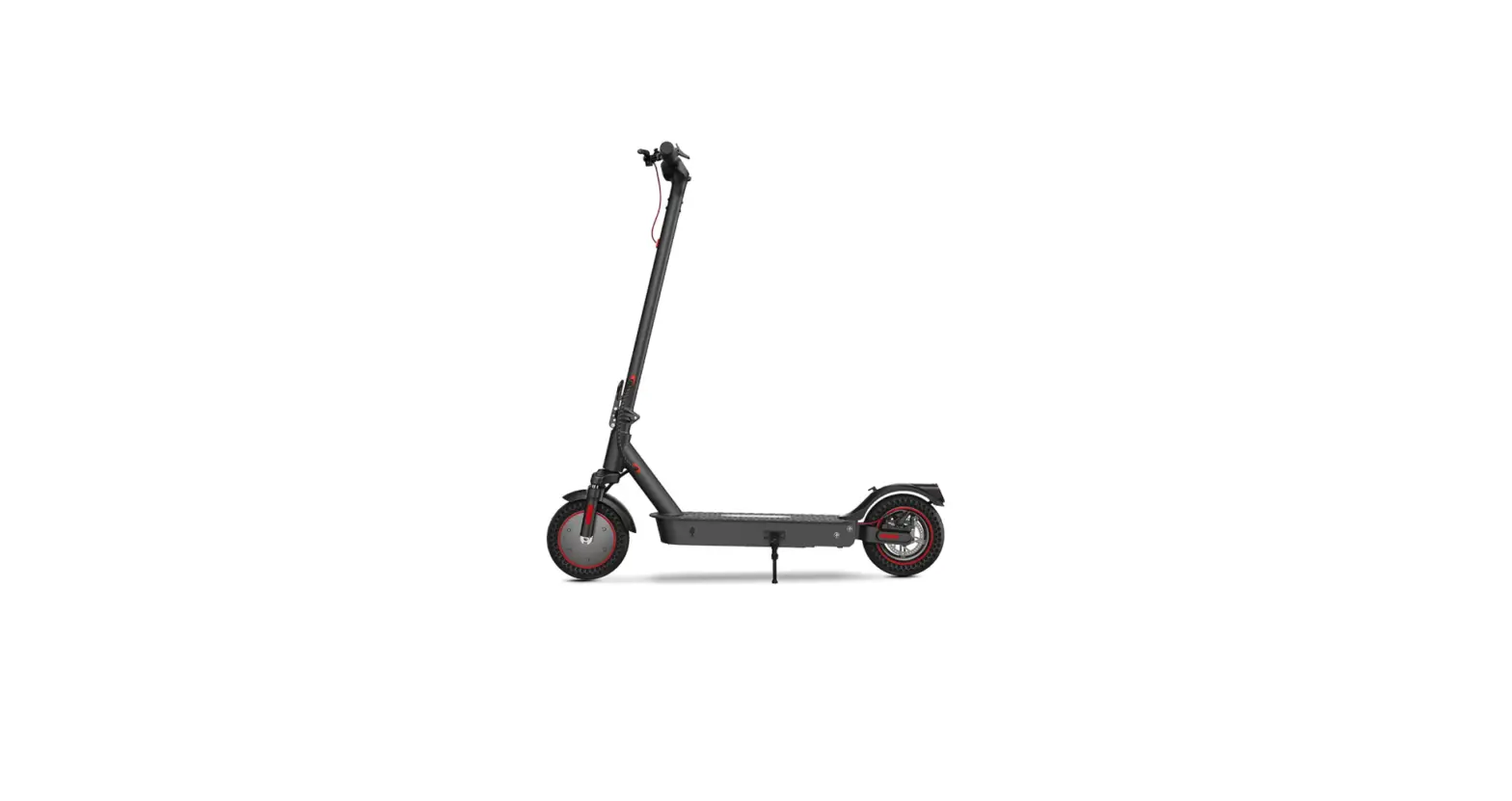
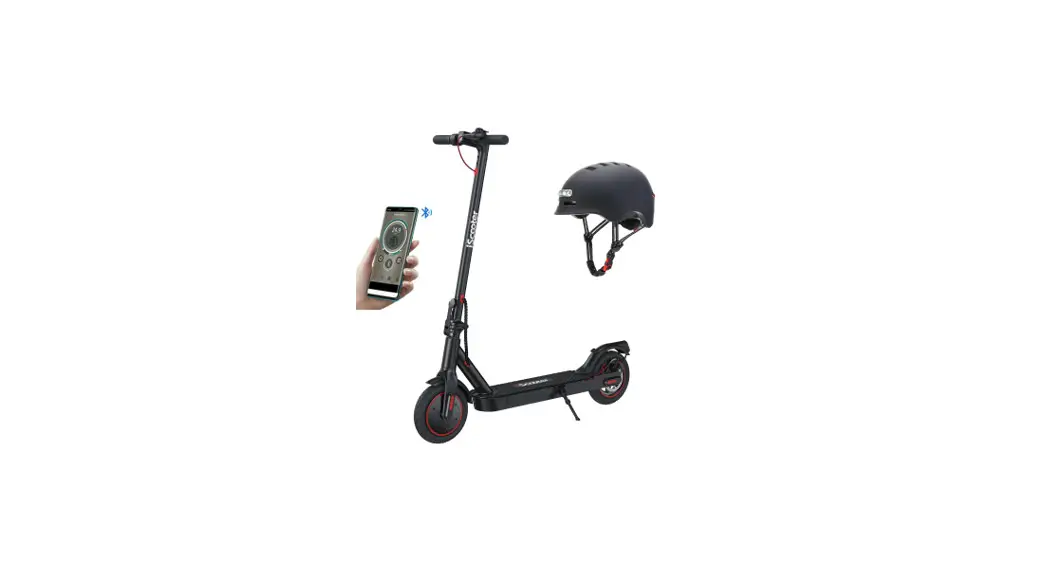
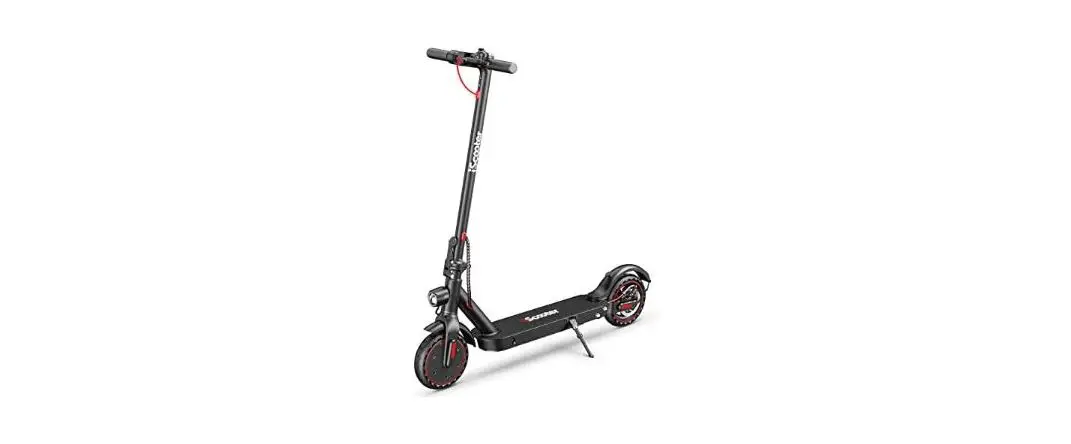
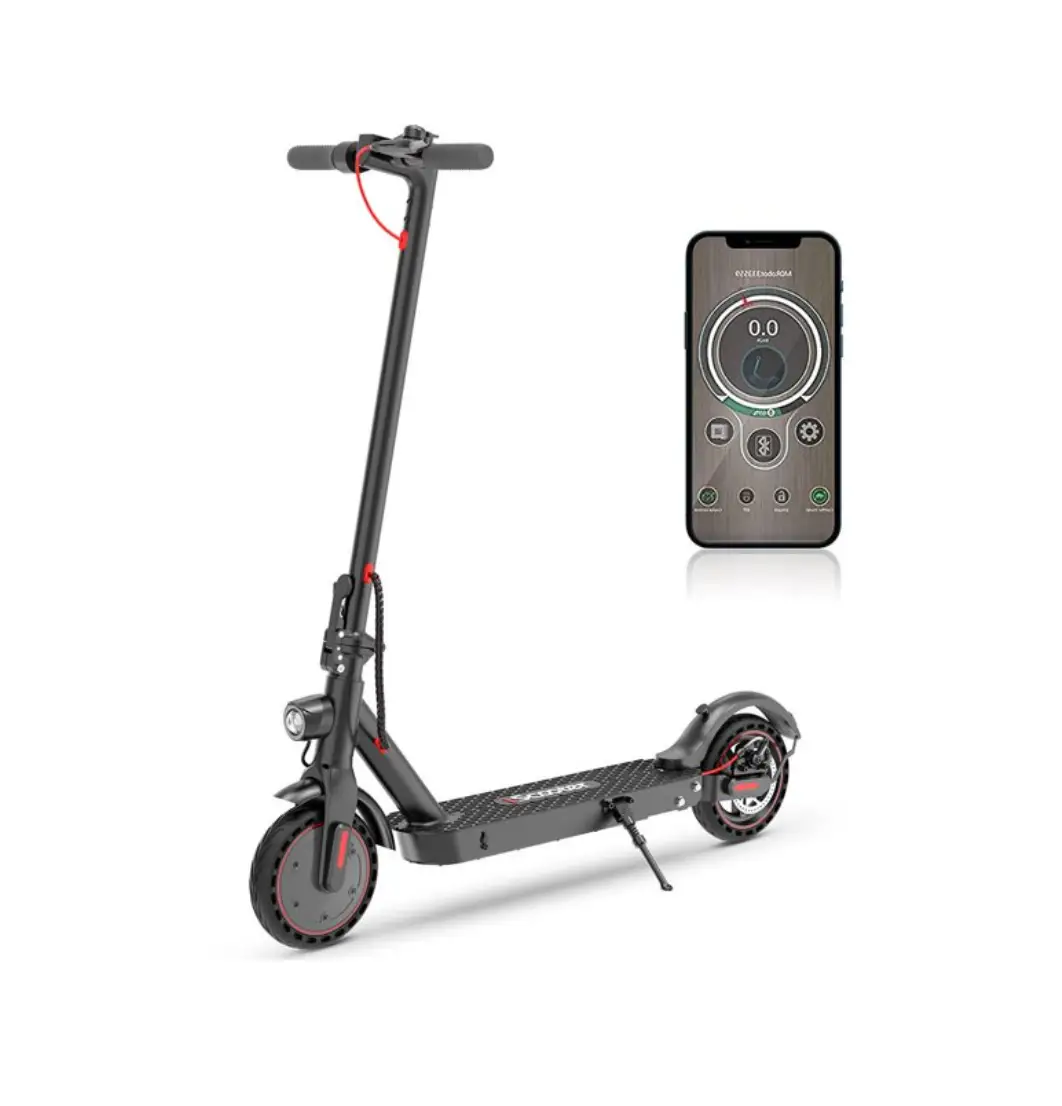
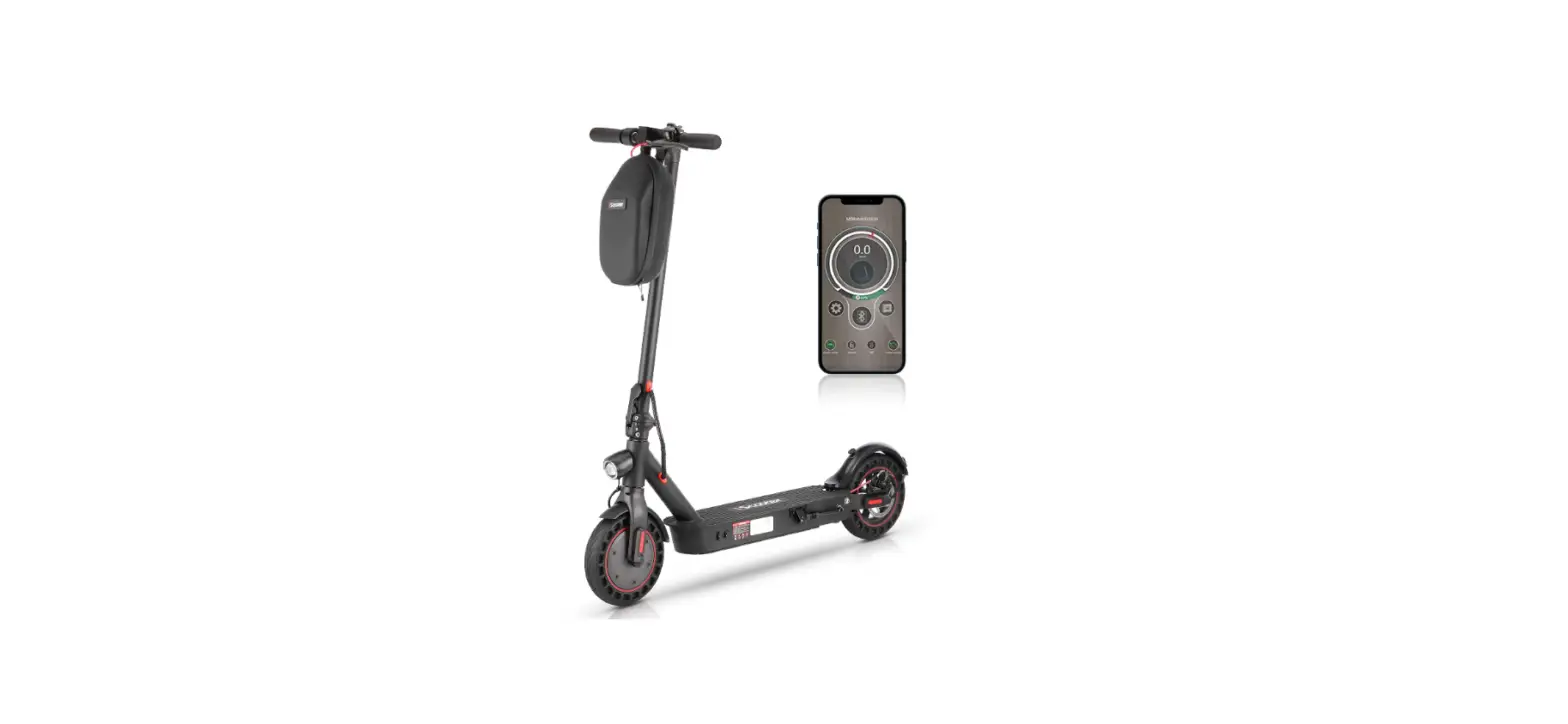
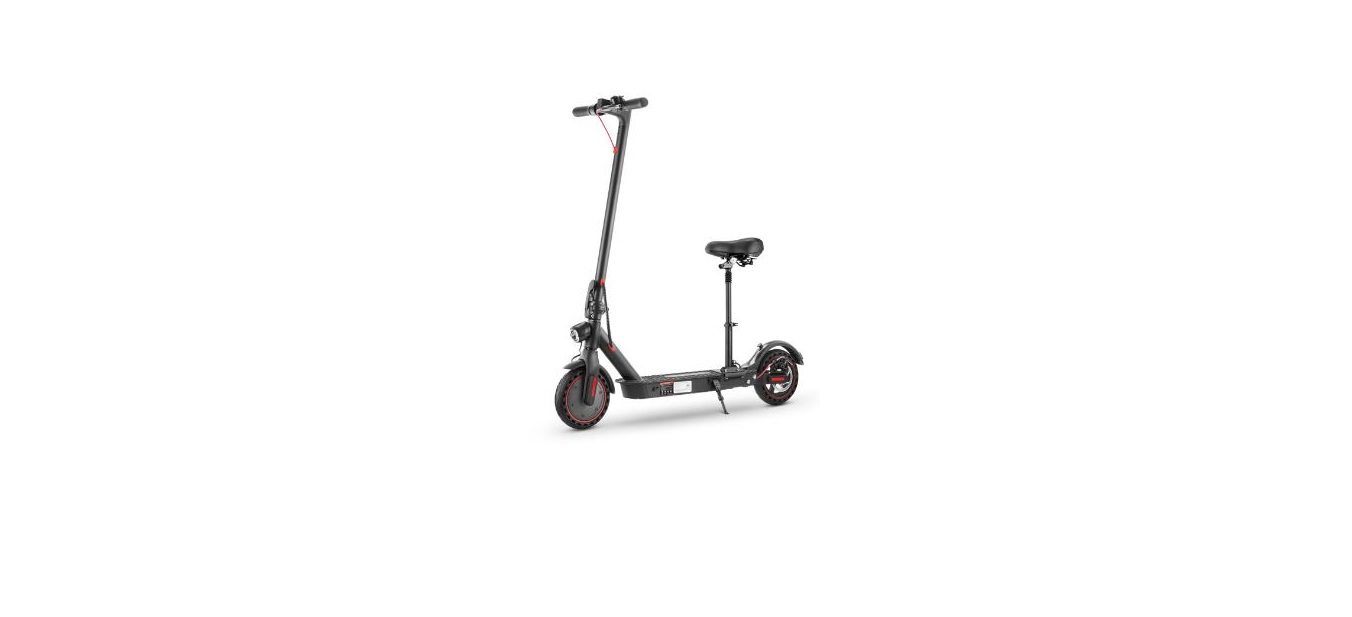
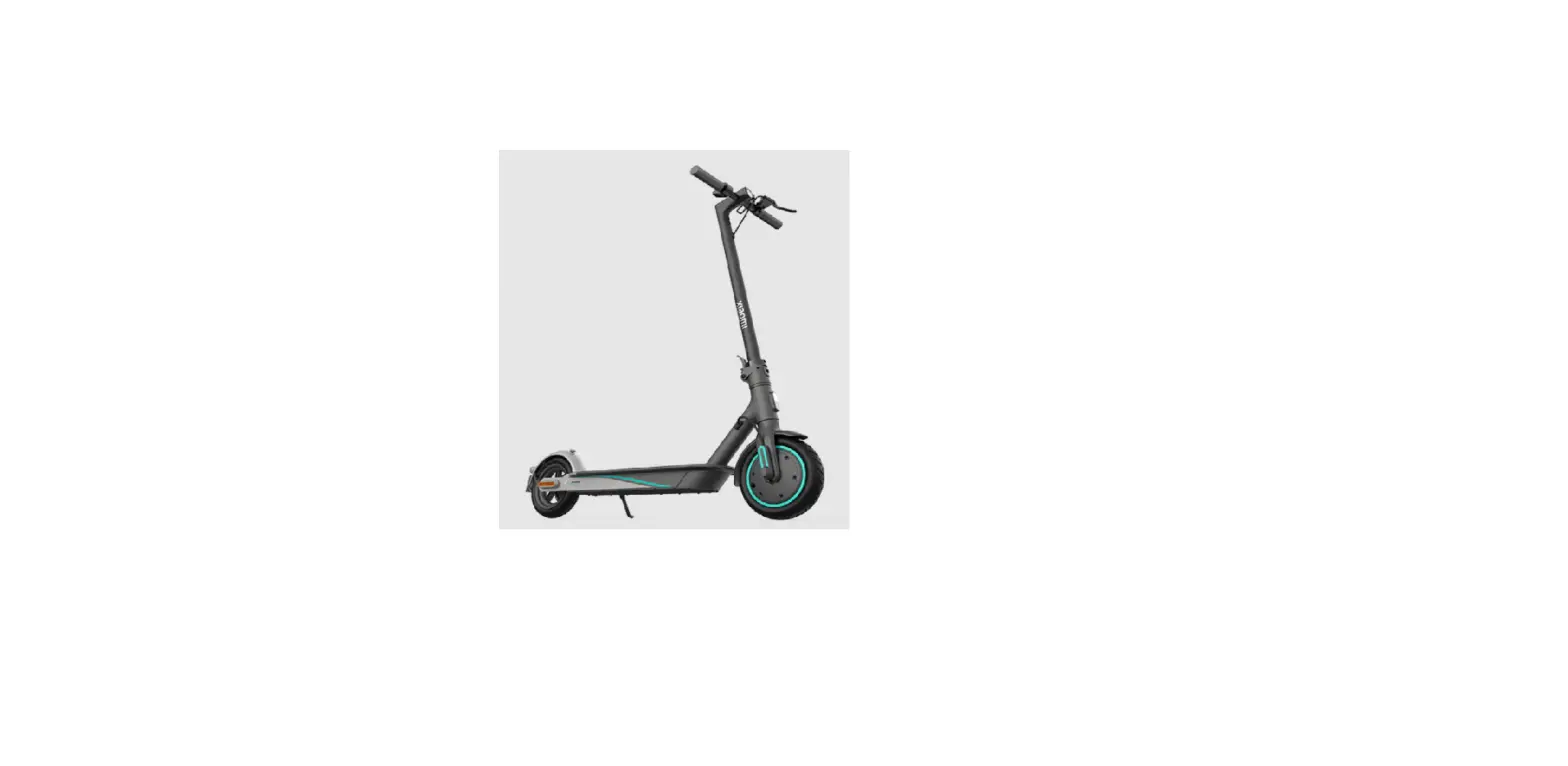
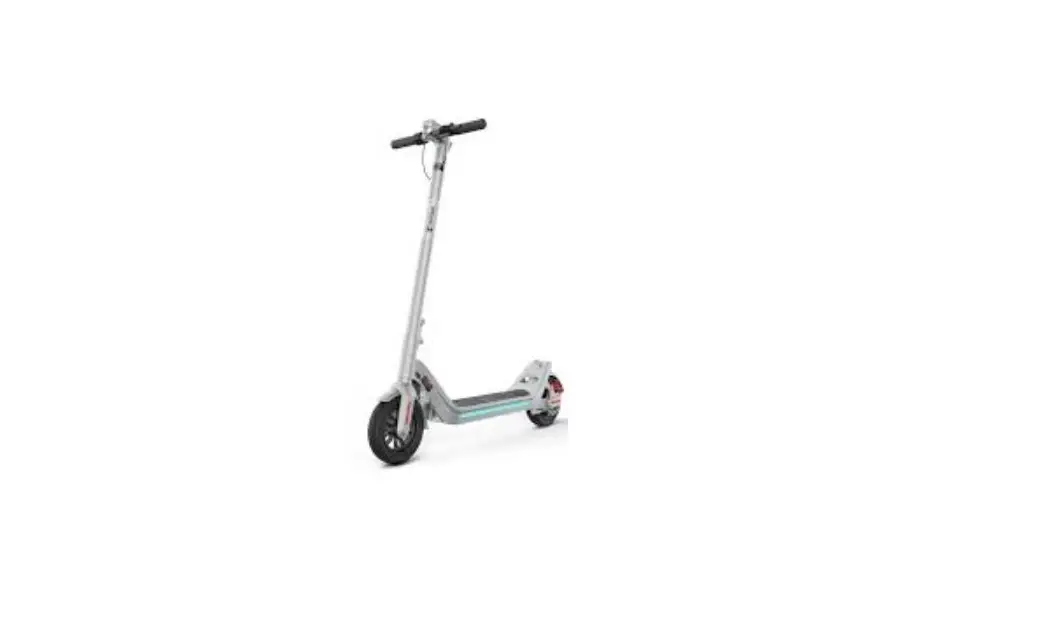
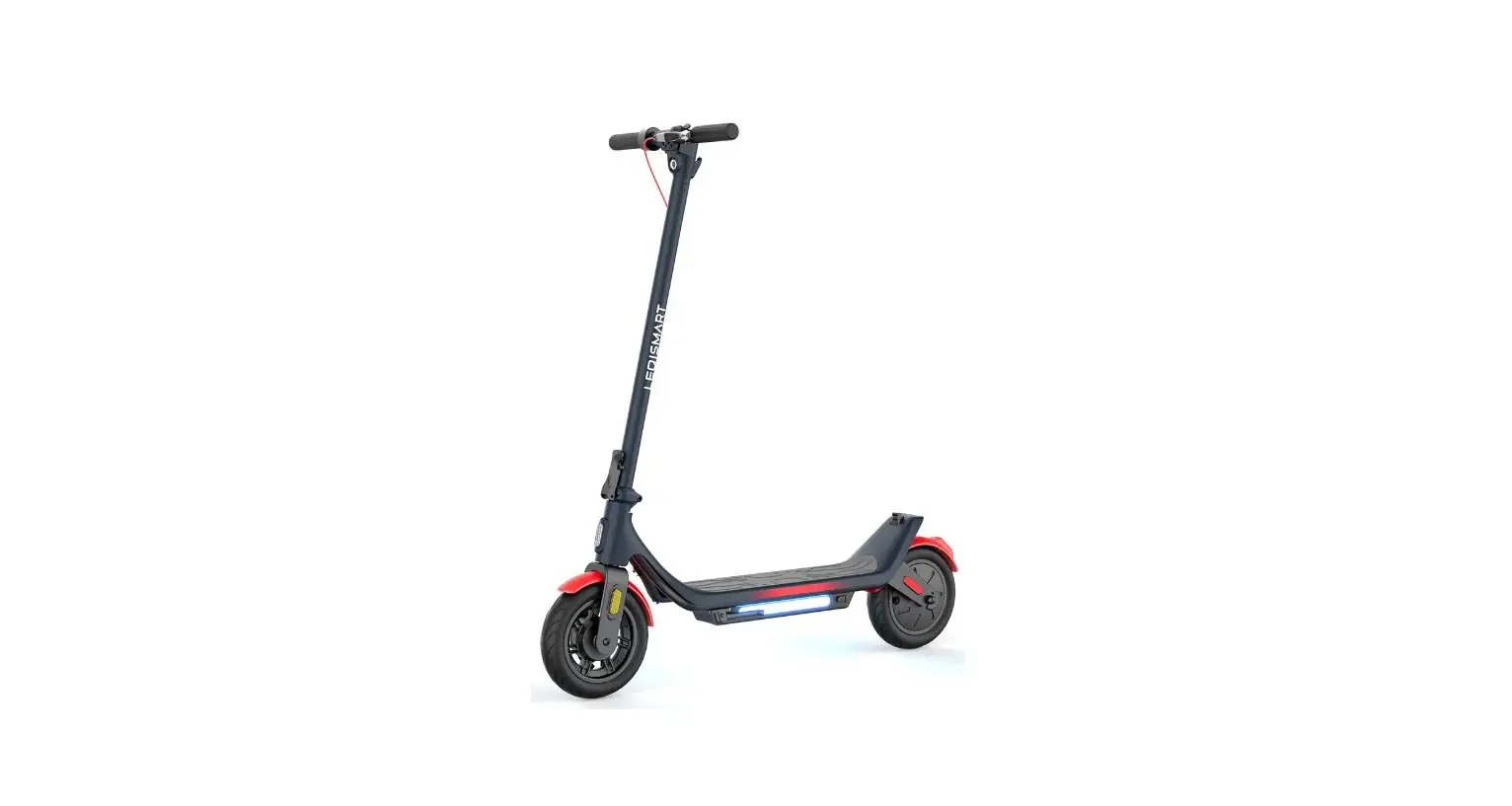
i9 Pro Adults Electric Scooter
Instruction Manual
i9 Pro Adults Electric Scooter

APP quick start
instruction manualhttp://www.lebitec.com/index.php/minirobot/
 Package Contents
 Package Contents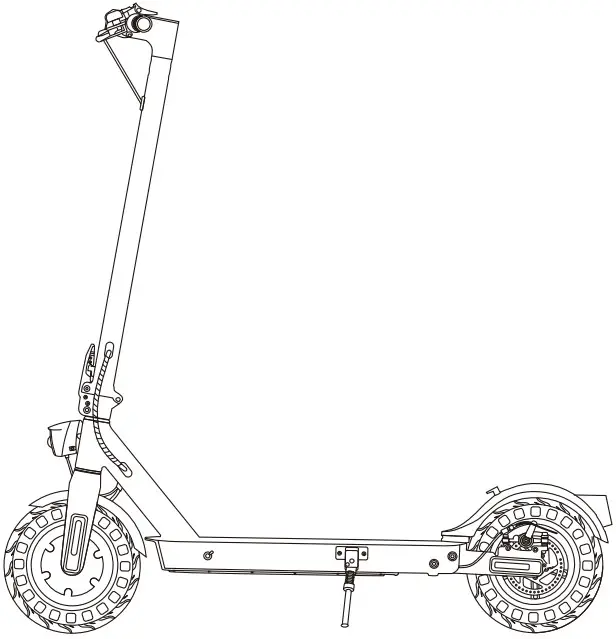

When unboxing your i9 Pro electric scooter, please verify that the below items are included in the package. If anything is missing or damaged, please contact iscooter customer service for support: [email protected]
 Product Overview
 Product Overview

Tips
When the scooter starts to coast, put both feet n the deck and press the accelerator (the accelerator initiates once the coasting speed exceeds 3 mph). Or you can connect the “MiniRobot” APP, then, turn on the zero start.
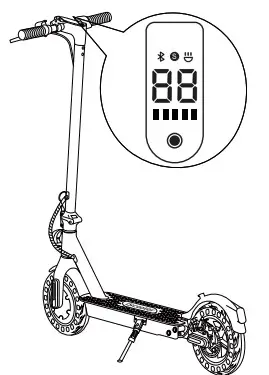
 Control Panel
 Control Panel
 Power Button Power Button | Click to turn on. Long press to turn off. |
 Battery Indicator Battery Indicator | The power level is indicated by five battery bar on the control panel. |
 Light Light | Turn on your scooter, one-click to turn on/off the front light. |
 Mode Mode | Double-click to switch power mode. |
 Cruise Control Cruise Control | Keep same speed for 3 seconds, and it will beep and active the cruise control. |
 Lock Indicator Lock Indicator | The scooter can be locked and unlocked by MiniRobot app. |
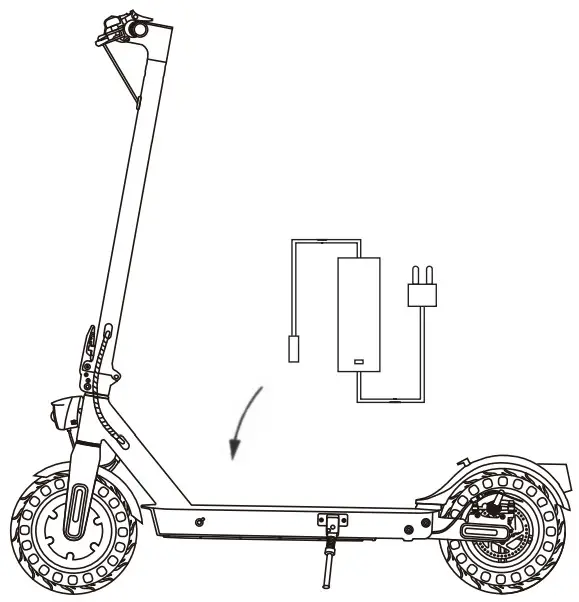
 Charging
- Your scooter will be fully charged when the LED light on the charger changes to green from red.
- The scooter has charging protection and charging will cut off automatically after fully charge.
- Even so, we still don’t recommend charging your scooter for a long time more than 24 hours at one time.
- Do not connect the charger if the charging port is wet.
- Keep the charging port closed when not charging.
 First Ride
http://www.lebitec.com/index.php/minirobot/
Download the “MiniRobot” app from the App Store(iPhone) or Google Play (Android phone) for more information and functions.
When the scooter starts to coast, put both feet on the deck and press the accelerator (the accelerator initiates once the coasting speed exceeds 3 mph). Or you can connect the “MiniRobot” APP, then, turn on the zero start.
 Riding Basics
 Riding Basics
 Wear helmets and knee pads in case of falls and injuries when you learn to ride the scooter, as shown in the figure.
- Turn the power on, and check the electricity indicator.

- Stand on the base with one foot and propel yourself with the other foot.

- When the scooter starts to coast, put both feet on the deck and press the accelerator (the accelerator initiates once the coasting speed exceeds 3mph)

- Release the accelerator and the kinetic energy recovery system (KERS) initiates automatically to brake slowly; And squeeze the brake lever for a sudden brake.

- Tilt your body to the steering direction as you turn, and slowly turn the handlebar.


 Riding Notice
The iscooter i9 Pro electric scooter is a leisure device. But once they’re in a public area, they’ll be seen as vehicles, subjecting to any risks faced by vehicles. For your safety, please follow instructions in the manual and traffic laws and regulations set forth by government and regulatory agencies.
- Respect pedestrians’ Right of Way. Try not to startle them while driving, especially children.
When you ride from behind pedestrians, ring your bell to give them a heads-up and slow your scooter to pass from their left (applicable to countries where vehicles drive on the right). When you ride across pedestrians, keep to the right at a low speed. When you drive across pedestrians, keep the lowest speed or getting off the vehicle. - Closely follow the safety instructions in the manual. iscooter shall not be liable for any financial losses, physical injuries, accidents, legal disputes and other interest conflicts resulted from actions that violate user instructions.
- Check the scooter before every use. When you note loosen parts, low battery alerts, excessive wear, strange sounds, malfunctions and other abnormal conditions, stop riding.
- WARNING – Risk of Fire – No User Serviceable Parts.
 Folding and Carrying
 Folding and Carrying
Make sure that the scooter’s turned off. To fold, unlock the folding mechanism, and bend the handlebar stem to hook the buckle on the rear fender. To open, press the bell trigger to remove from the buckle, erect the handlebar and lock the folding structure.
 Disc Brake Adjustment
 Disc Brake Adjustment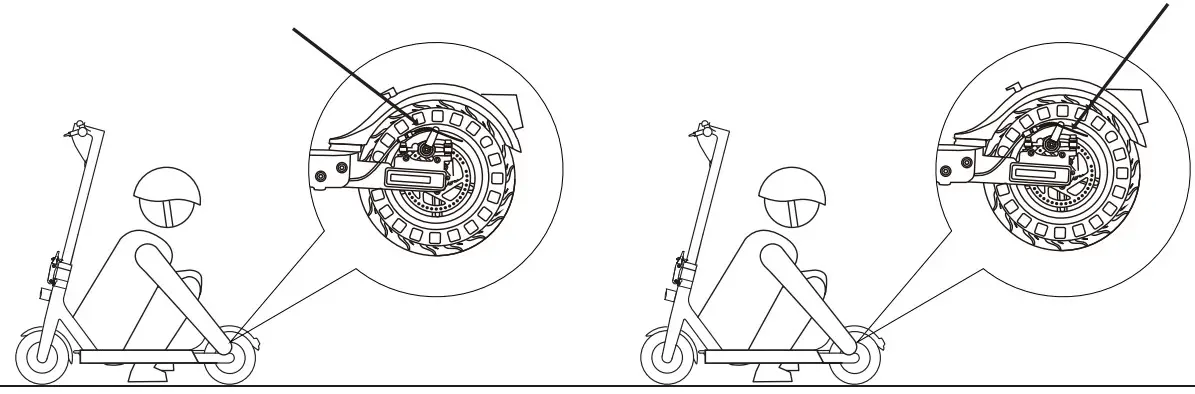
To adjust the disc brake sensitivity:
You need the Allen wrench to loosen the screw on the rocker.
- When the disc brake is too sensitive, rotate the disc brake rocker down a bit. Then, reinstall the screw back to the brake cable core to tighten.
- When the disc brake cannot stop, rotate the disc brake rocker up a bit. Then, reinstall the screw back to the brake cable core to tighten.
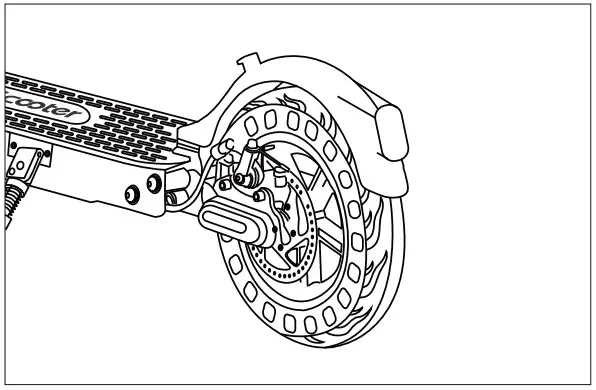
Notice: The disc brake may squeak when in use until it is broken in. This is normal and does not affect the brake’s function or performance.
To remove the disc brake noise,
First make sure the scooter is turned off. For easier operating, we suggest you put the scooter on the desk.
- Loosen two screws on the pump (not the screw on the rocker).
- Adjust the position of the disc brake pump to ensure that the brake disc is in the middle of the two brake pads.
- Keep the brake disc and brake pad not touching each other.
- Hold the disk brake pump in the desired position, then retighten the screws to the pump.
 Daily Care and Maintenance
 Daily Care and Maintenance
Cleaning and Storage
If you see stains on the scooter’s body, wipe them off with a damp cloth. If the stains won’t scrub off, put on some toothpaste, and brush them with a toothbrush, then wipe them off with a damp cloth.
Notes:
- Do not clean the scooter with alcohol, gasoline, kerosene or other corrosive and volatile chemical solvents to prevent dire damage.
- Do not wash the board with a high-pressure water spray. During cleaning, make sure that the scooter’s turned off, the charging cable is unplugged, and the rubber flap is closed as water leakage may result in electric shock or other major problems. When the scooter not in use, keep it indoors where it is dry and cool.
- Do not put it outdoors for a long time. Excessive sunlight, overheating and overcooling accelerate the battery pack’s lifespan.
Battery Maintenance
- Use original battery packs, use of other models or brands may bring about safety issues;
- Do not touch the contacts. Do not dismantle or puncture the casing. Keep the contacts away from metal objects to prevent short circuit which may result in battery damage or even injuries and deaths;
- Use original power adapter to avoid potential damage or fire;
- Mishandling of used batteries may do tremendous harm to the environment. To protect natural environment, please follow local regulations to properly dispose used batteries.
- After every use, fully charge the battery to prolong its lifespan.
Storage and Disposal
- Please try to store the scooter in a cool and dry place between 14 ℉ and 104 ℉. In extremely humid environments the interior of the scooter may suffer condensation or even water accumulation, which may damage the battery rapidly. Devices are not intended for use at elevations greater than 2000 m above sea level Prolonged Exposure to UV Rays, Rain and the Elements May Damage the Enclosure Materials, Store Indoors When Not in Use.
- In daily use, try to avoid recharging the scooter after completely exhausting the battery. If the battery is low, charge it as soon as possible.
- Please charge the scooter every other month to preserve the battery.
 Specifications
 Specifications
| i9 Pro | Item | Electric Scooter |
| Dimensions | Unfolded (Length. x Width x Height) | 45’17’45 inch/115*43*115 cm |
| Folded (Length. x Width x Height) | 45.’17’19 inch/115’43’49 cm | |
| Weight | Net Weight | 28.6 lbs/13 kg |
| User | Load | 264 lbs/120 kg |
| Recommended Age | 14+ | |
| Scooter | Max. Speed | 18mph/30km/h |
| Max. Range | 15-18miles/25-30km | |
| Max. Slope | 15% | |
| Operating Temperature | 32-104°F(0-40°C) | |
| IP Rating | IP54 | |
| Battery | Voltage | 36 V |
| Max. Charging Voltage | 42 V | |
| Capacity | 7.5 AH | |
| Motor | Power | 350 W |
| Charger | Input Voltage | 100-240 V |
| Output Voltage | 42 V | |
| Output Current | 1.5 A | |
| Charging Time |  3-6 h 3-6 h |
- The height of the body: Distance from the ground to the highest end of the body.
- Description of the battery life: It is measured under the condition of full charge, a load of 150 lb (68kg), at 77°F(24°C), on a flat road without wind, and at a speed of 9.3 mph. The real battery life will differ with different factors of the load, humidity, wind speed and operation habits.
- The maximum allowable weight shall be kept within 264 lb (120kg) (driver and objects included) in any case. Consider an extra weight of the clothes or other accessories with us during the trip and the gravity generated by speed, the scooter will not support it if this load limit is exceeded.
 Question & Answer
 Question & Answer
– A: Please take a photo and send to iscooter Support Team by sending email: [email protected]. – And iscooter Support Team will reply you soon and send correct accessory or part replacement.
– Yes, the tire is replaceable. Please contact iscooter support team for more information or search the video “How to replace the pneumatic tire” in YouTube instead.
– A: You may please contact us for instructions of brake adjusting, or search “How to adjust rear brake of scooter” in YouTube for tutorial video as well.
– A: It usually means your disc brake tilt and cause friction noise. Please see Disc Brake Adjustment page. – If you still have problem, please contact us for help.
– A: If you see any error code below, Please contact iscooter Support Team to remove the error code.
| E04 | Short Circuit Failure | E13 | Motor Phase C Current Sensor Failure |
| E10 | Controller/Instrument Communication Failure | E14 | Accelerator Failure |
| E11 | Motor Phase A Current Sensor Failure | E15 | Brake Failure |
| E12 | Motor Phase B Current Sensor Failure | E16 | Motor Hall Failure |
 Contact Us
Contact us if you experience issues relating to riding, maintenance and safety, or errors/faults with your iscooter i9 Pro electric scooter. E-mail Service: [email protected]
 www.iscooterglobal.com
Customer Service
Our Mendly customer service team will work hard to put a smile back on your face. Here’s how we can connect: Lifetime technical support
 www.iscooterglobal.com
 www.facebook.comfiScooterGlobal
 [email protected]
Thank you so much for your support.
 Electric Scooter | Kids Scooter | Online Shop | iscooter