
—Thank you for your reading!
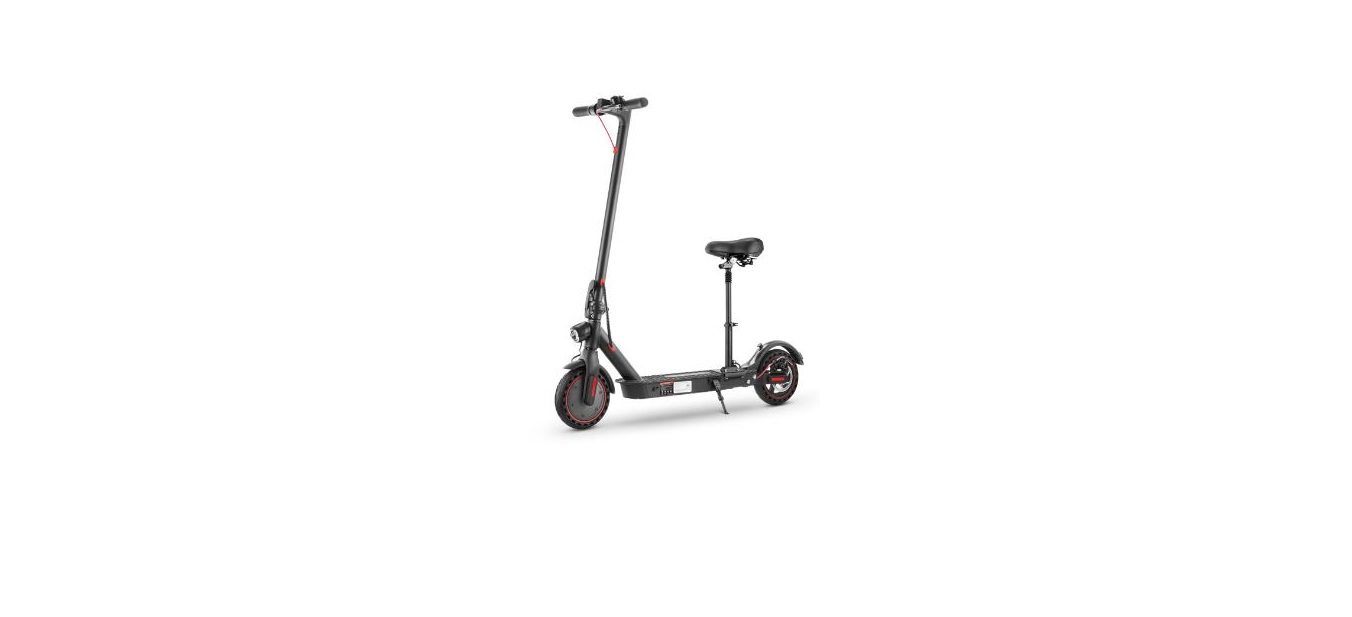
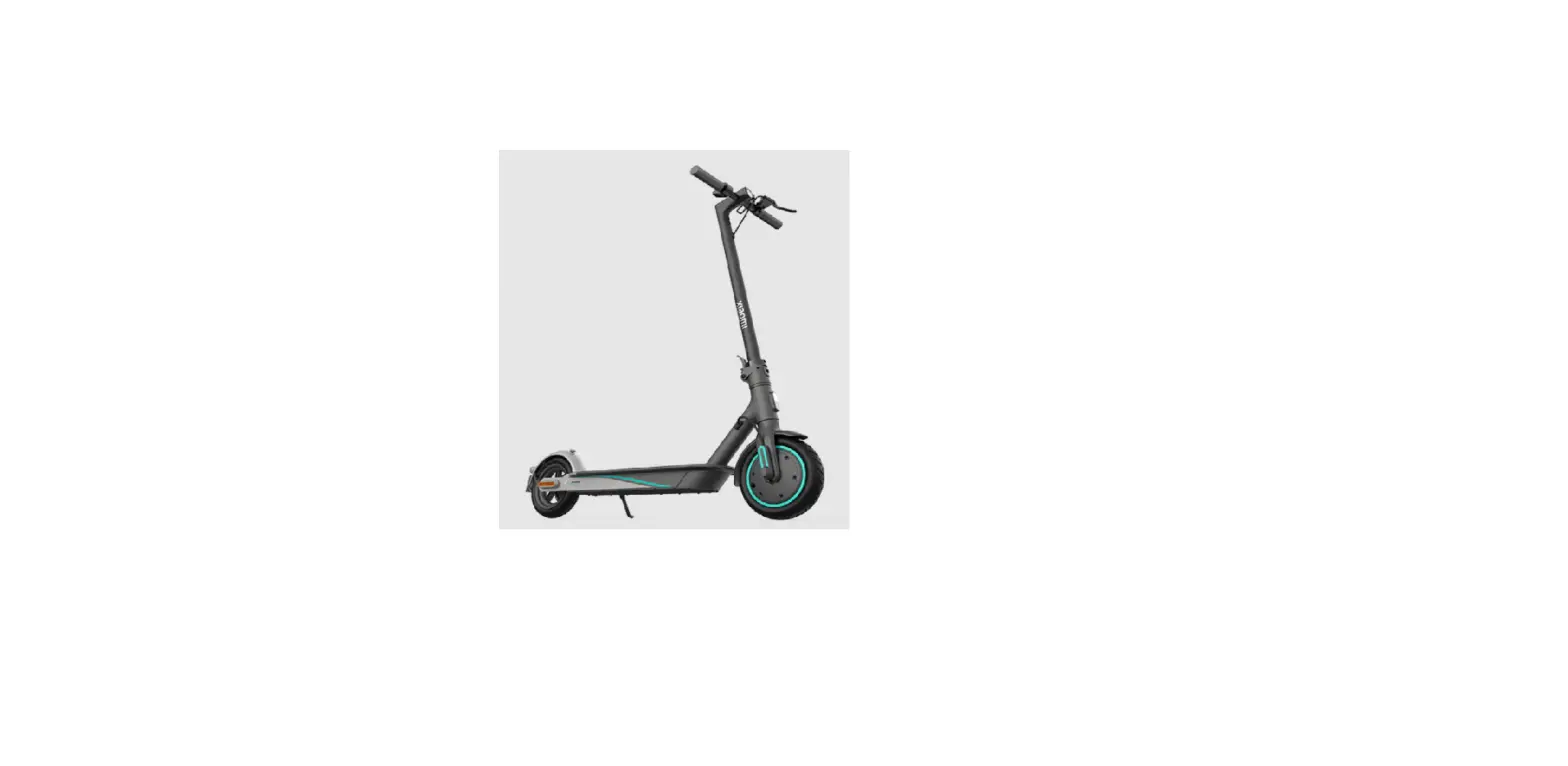
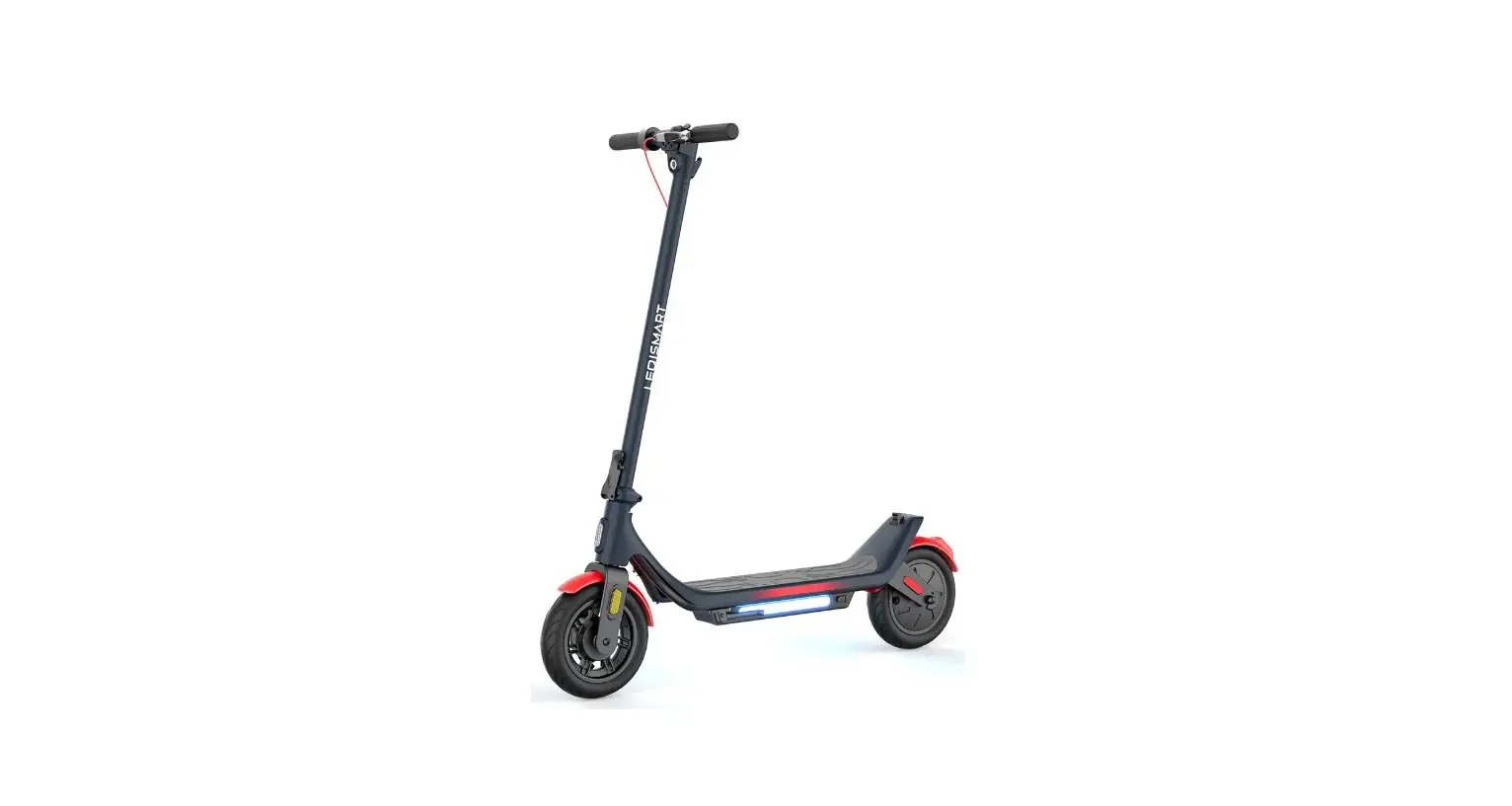
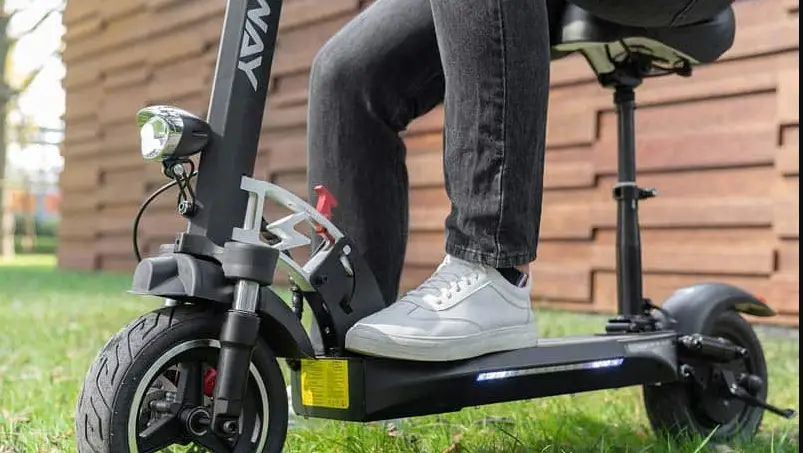
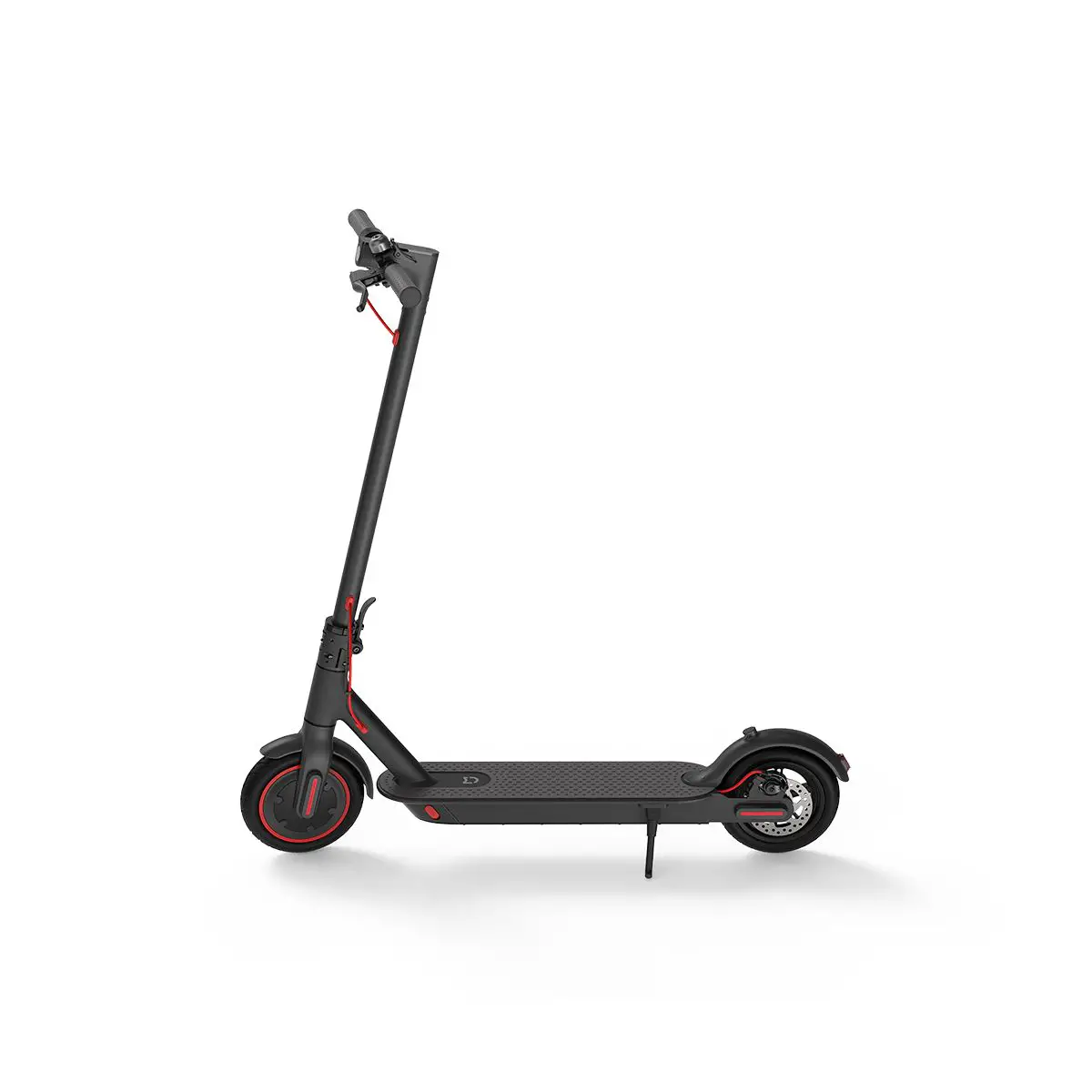
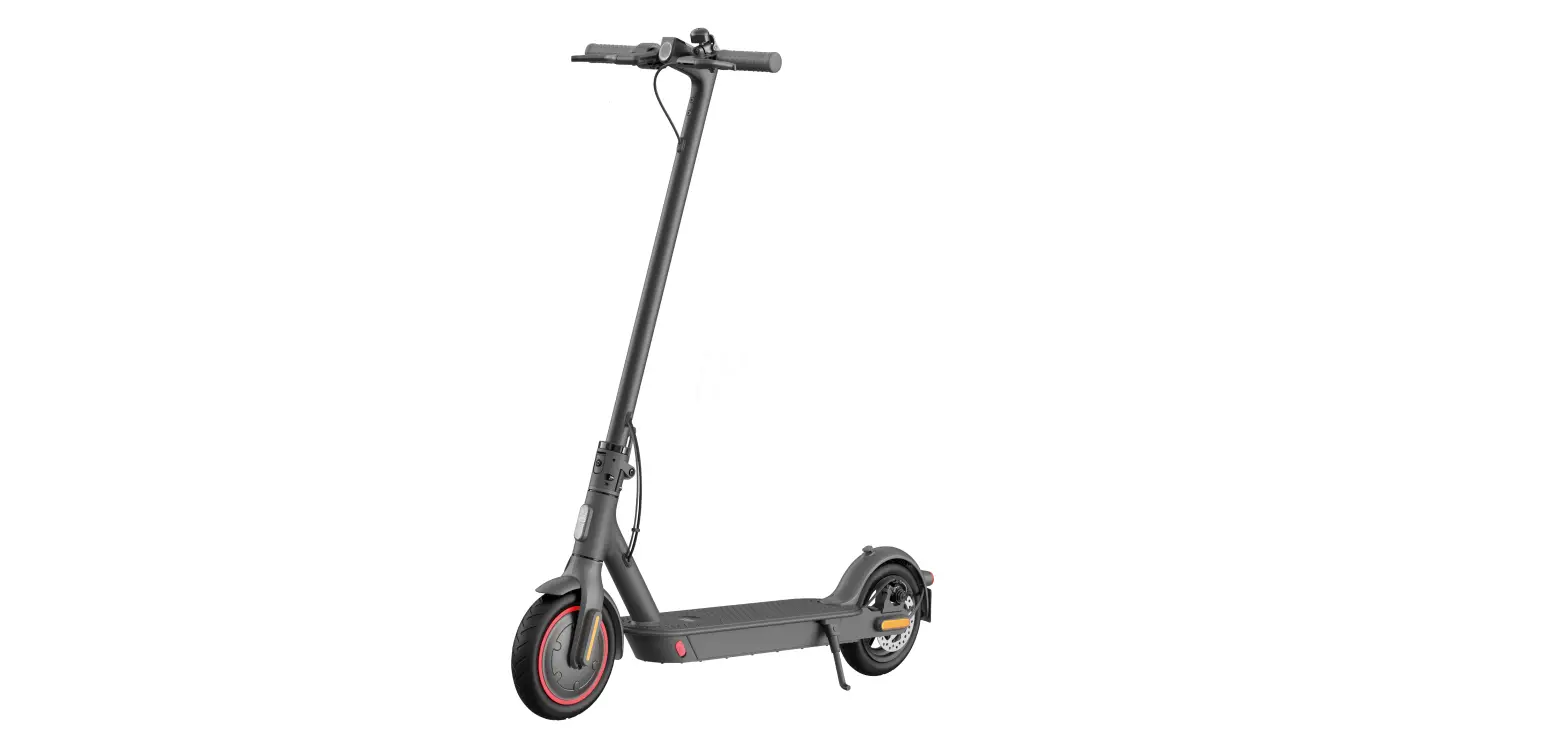
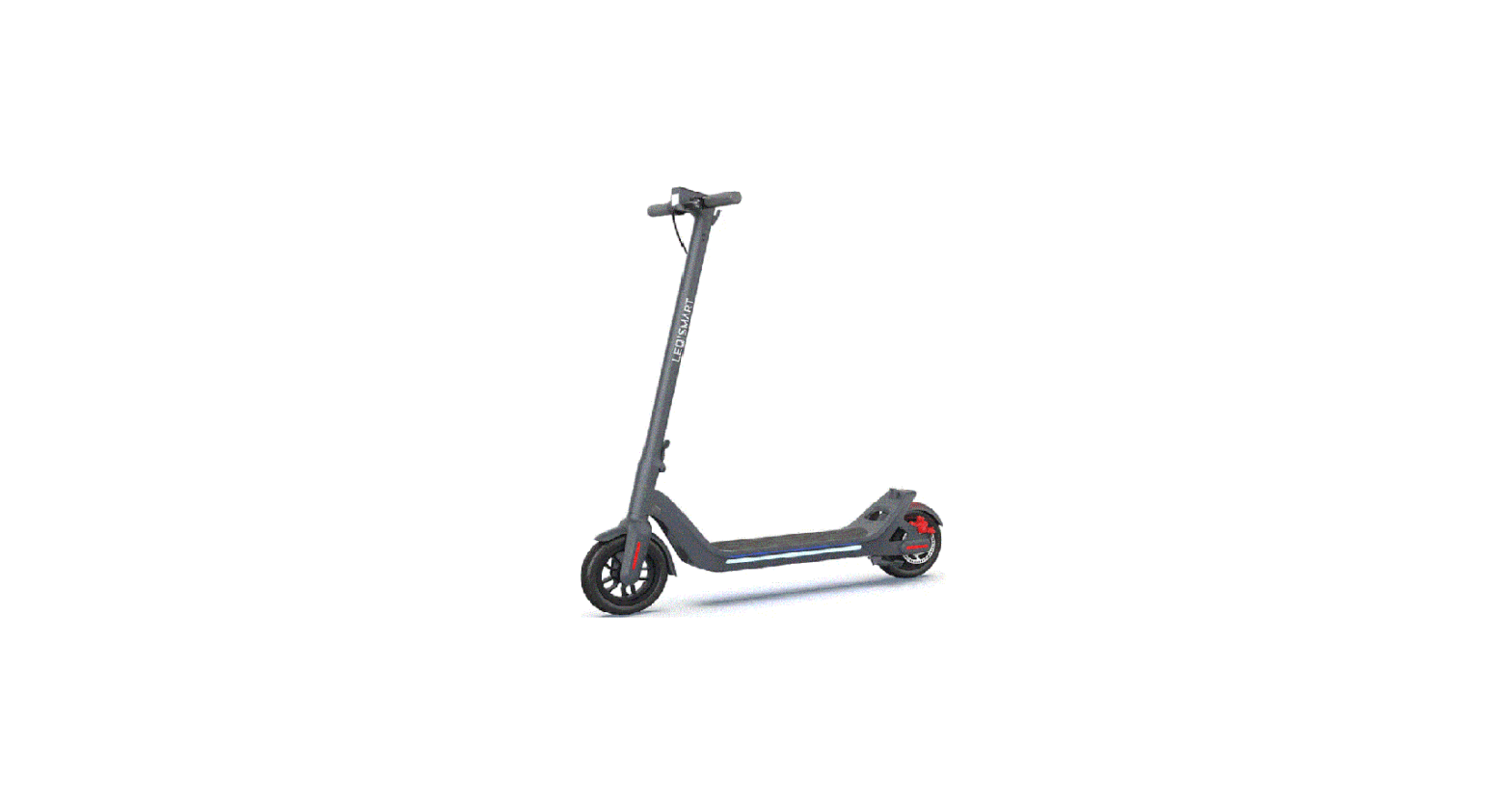
L9 PRO+ Electric scooter
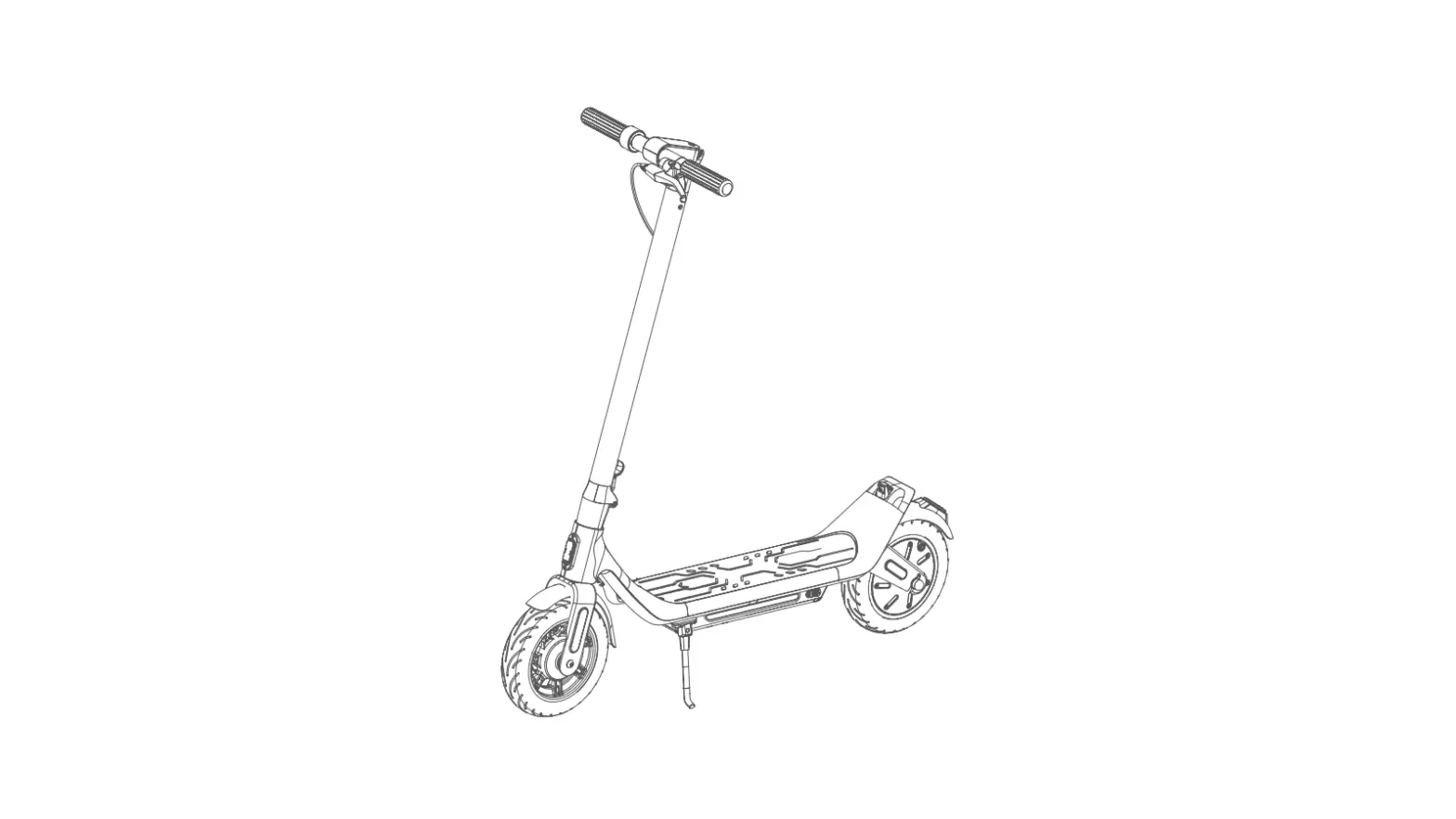
Product diagram
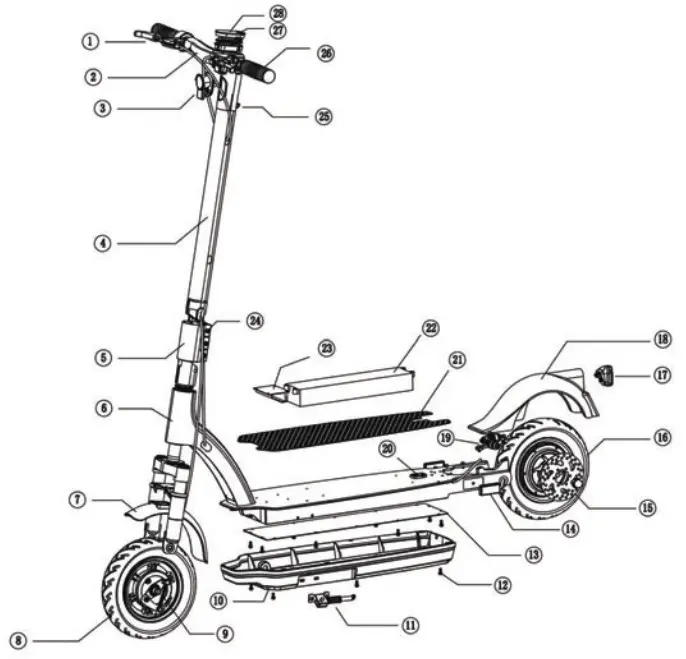
Specification
| Performance index | Item | Specs |
| Materials & Size | Color | Black/Red/others |
| Material | Aluminum alloy | |
| Folded Size(mm) | 1190*570*1200mm | |
| Unfolded Size(mm) | 1190’570+540mm | |
| Deck height(mm) | 80mm | |
| Weight | User height | 155-200cm |
| N.W | 17.7kg | |
| Max Load | 120kg | |
| Scooter | Max speed(km/h) | 25km/h |
| Max range(km) | 35-40km | |
| Max incline | -15° | |
| Using terrain | Flat road with incline <20° | |
| Using temperature | 0°C–45°C | |
| Waterproof level | IPX4 | |
| Motor | Rated power(W) | 350W |
| Rated volt(V) | 36V | |
| Rated currency(A) | 9A | |
| Rated torsion(N.m) | 16N.m | |
| No-load currency | ‘.0.9A | |
| No-load rotate speed | 1200 ± 5% | |
| Front Wheel Size | 10inch | |
| Rear Wheel Sizs | 10inch | |
| Battery | Brand | China battery 18650 30cell |
| Capacity(Ah) | 10Ah | |
| Rated volt(V) | 36V | |
| input volt(V) | 42V | |
| Rechargeable times | 500–800times | |
| Rated input volt(V) | 100-240V AC 50/60HZ | |
| Charger | Rated currency(A) | 2A |
| Charging time(H) | 5-6H | |
| Rated output volt(V) | 42V |
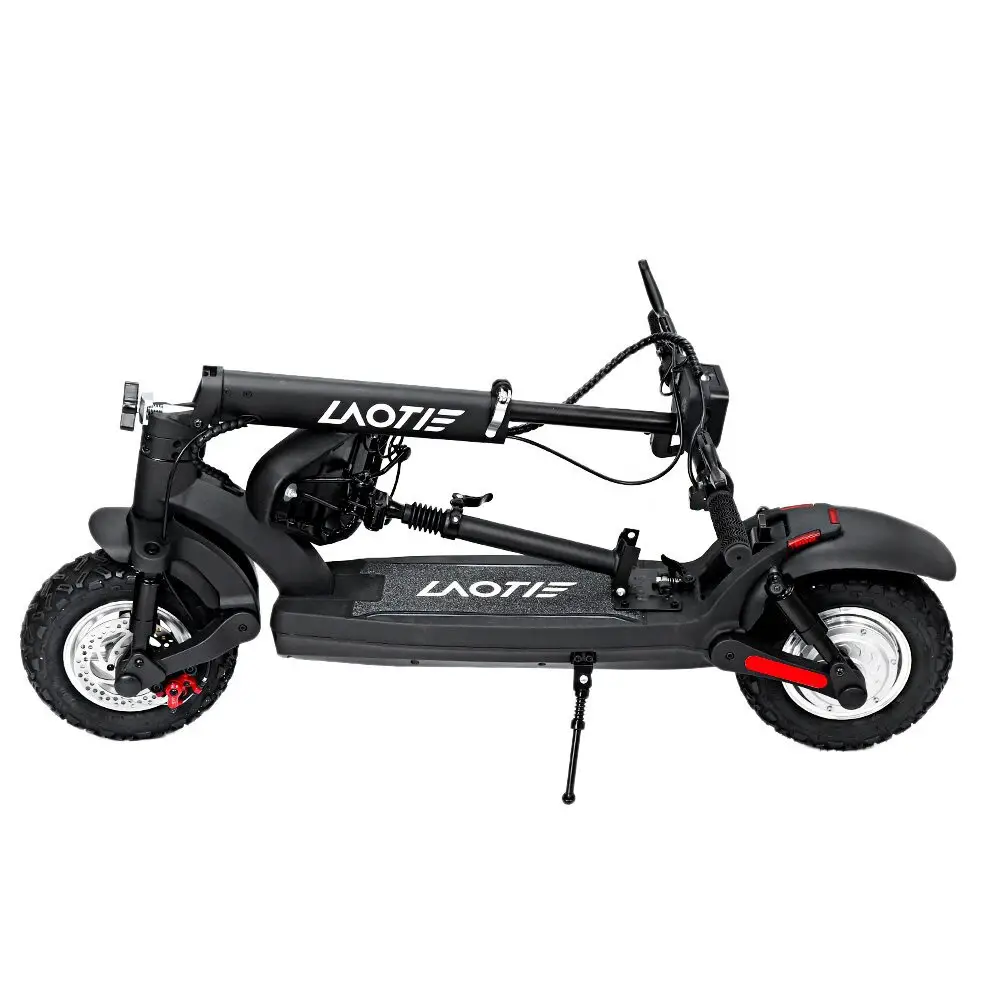
Folding
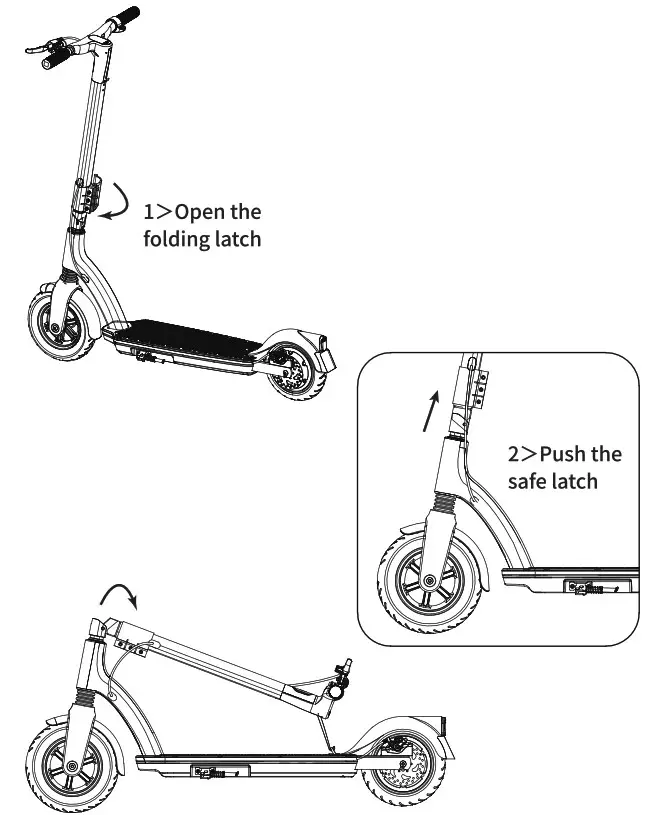
3>put the hook into the hook hole
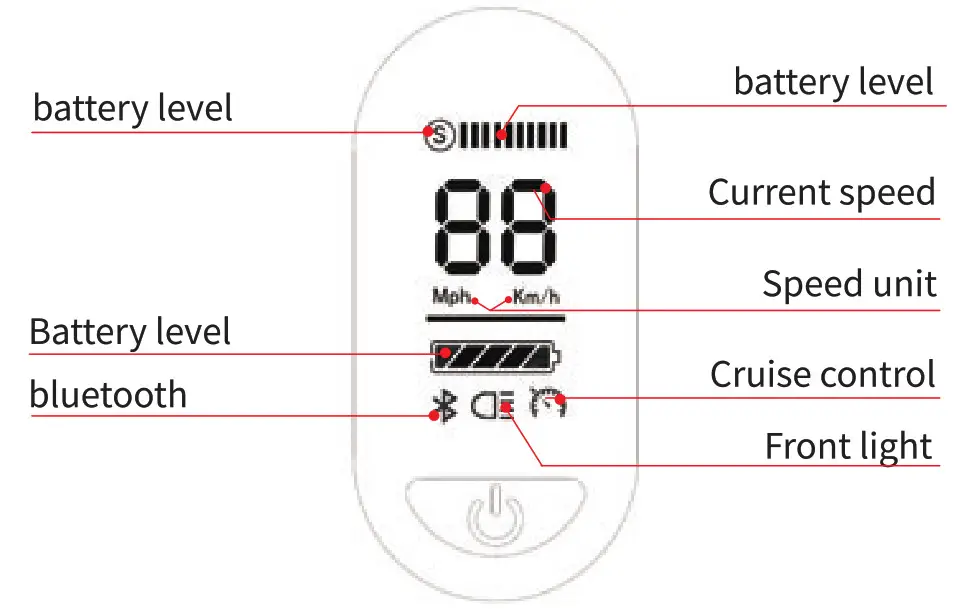
Display
Operation steps
 . Power button function description:
- Power on/off:
Press and hold the red power button on the right side to power the cooter on. Press and hold the button again to turn it off. - Gear switch:
Gear switch: Tap the left red button to change gears. There are four gears: PO, P1, P2, and P3 - Lighting:
To turn the lights on or off, tap the power button quickly. Once for on, then again for off.
Safe Driving
- Avoid accentuating the body while accelerating or decelerating and do not keep the bodyweight on the handle.
- Riding a standing position, please keep the two feet one after the other, so that riding is more stable and easy to step on the rear brake.
- Keep your body and handle parallel when turning. Please confirm the road condition before turning and keep safe.
- Brake – When braking, please shift your bodyweight back. You’d better learn to control your body’s center of gravity when you brake. Otherwise, it will cause two situations: A Scooter forward, causing personal injury. B Braking and steering system damage
 Strictly abide by local laws and regulations and traffic laws. Do not ride this scooter under the condition of low visibility. Do not use this car to do stunts, wheel, or take-off, it will increase the probability of injury and damage to the scooter. Do not carry passengers.
 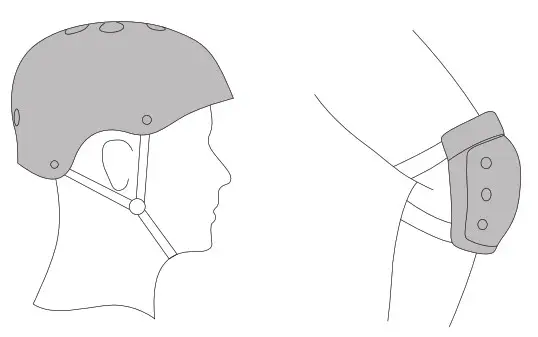 There is a risk of falling down and injury during the course of study. Please wear a helmet and protective gear throughout the study.
Charging precautions
When charging the electric scooter 19 Prot, please pay attention to the following points.
- Ensure that it is charged in a dry and clean environment, the input voltage is guaranteed between 100v-240v and the other end connects the charging port of LS PRO-‘electric scooter. The red light indicates the scooter is being charged.
- The indicator light of the charger shows the green light, indicating that the charging is completed.
- Don’t turn on the scooter during charging for your safety.
- Disconnect the scooter from the charger when the charging is complete.
There is a risk of falling down and injury during the course of study. Please wear a helmet and protective gear throughout the study.
Maintenance
- Battery maintenance: In order to guarantee battery life, when the battery level is low, please charge the scooter timely
(Note: When it is not in use for a long time, it is recommended that charge it once a month), If you want to check or replace the battery, please do it with the assistance of professionals. The most suitable temperature of the battery storage is 15 C -25 C; don’t use and place the scooter when the environmental temperature is higher than 40C, in order to avoid the lithium battery’s failure and even lead to combustion. Do not place the scooter in the car during the hot seasons, because it may lead to the lithium battery’s failure or even combustion. - Tire maintenance: In order to guarantee the tire life, please check the tires of the scooter regularly. Once the wheel is abnormal, please repair or replace timely, so as not to cause unnecessary damage during the riding.
- Appearance maintenance: Swab the scooter body with water or mild detergent, it will make your scooter clean. Please do not clean the scooter with irritating potions or any chemical reagents.
Common Failures and Solutions
| 1)The display boa d is working but the motor doesn’t work | |
| Reason analysis | Solutions |
| a.The brake handle is damaged | & Pull out the socket of the break handielnormalty open type brake handle). if the mota wood. then it is the theatre of break handle that should replace the brake handle. |
| b.The speed regulating steering handle is damaged | b.Firstly check the speed regulating steering handle and motors hall switch are short circuits or not. gmerany it is easier to cause the joint short circuit Otter rain-affected with clamp, so neat that circuit of stealing handle and the motor hall swrickOtherwise there will be continuous damage of the replacement controller! |
| c.The motor is damaged | cif the mace doesn’t turn, please inspect the motors’ hall switch and turning handles signaling the power-onAhe controller shell is very hotteneraUy it is a short circuit of the controller internal power tube. should immediately cut off the power. |
| 2)Charging doesn’t work | |
| Reason analysis | Solutions |
| a.The battery charging port is loose | a.Change a good charging port |
| b.The connection of the charger plug is bot well | a– Change a good changer connector. ‘ |
| 3)Ca n’ t turn on the scooter | |
| Reason analysis | Solutions |
| a.The battery is dead | a.charges the scooter for 1-2 hours according to the user manual |
| b.The power button is out of order | b.heck the power button which has got stuck or not. |
L9 PRO+ Electric scooter
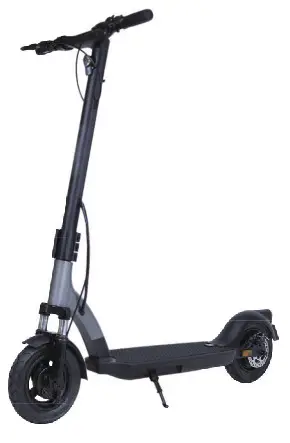
 Please read the user manual and get to know the performance of the L9 PRO+ intelligent electric scooter before using the product. Don’t lend the scooter to the people who can’t handle it.
FCC Caution
conditions exposition portables sans restriction.