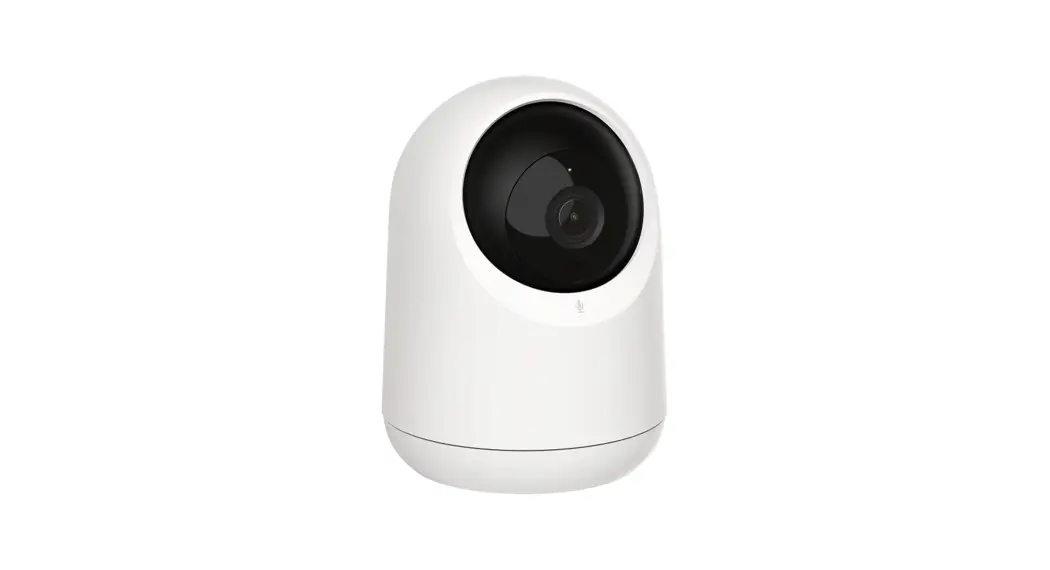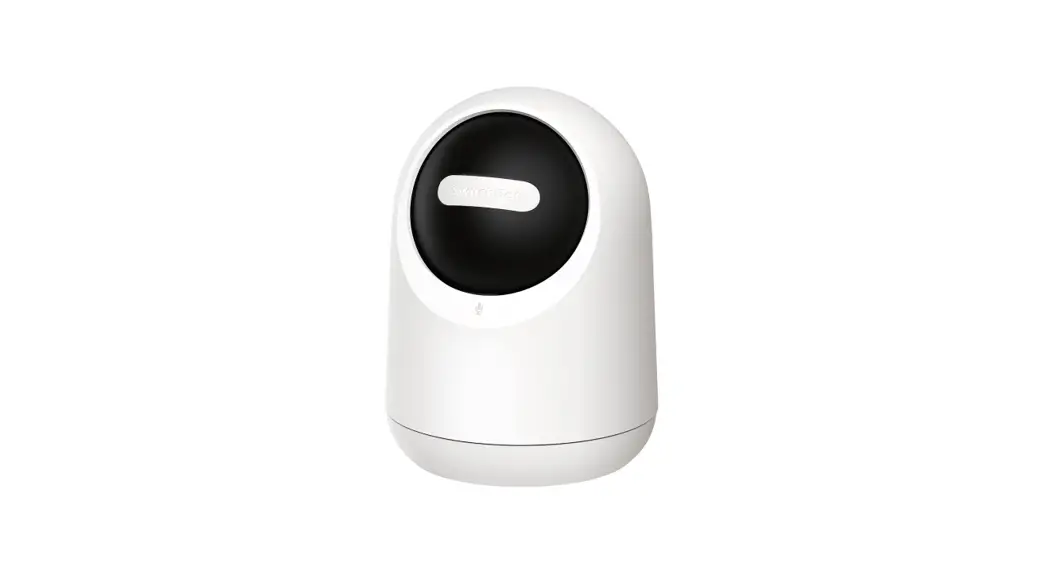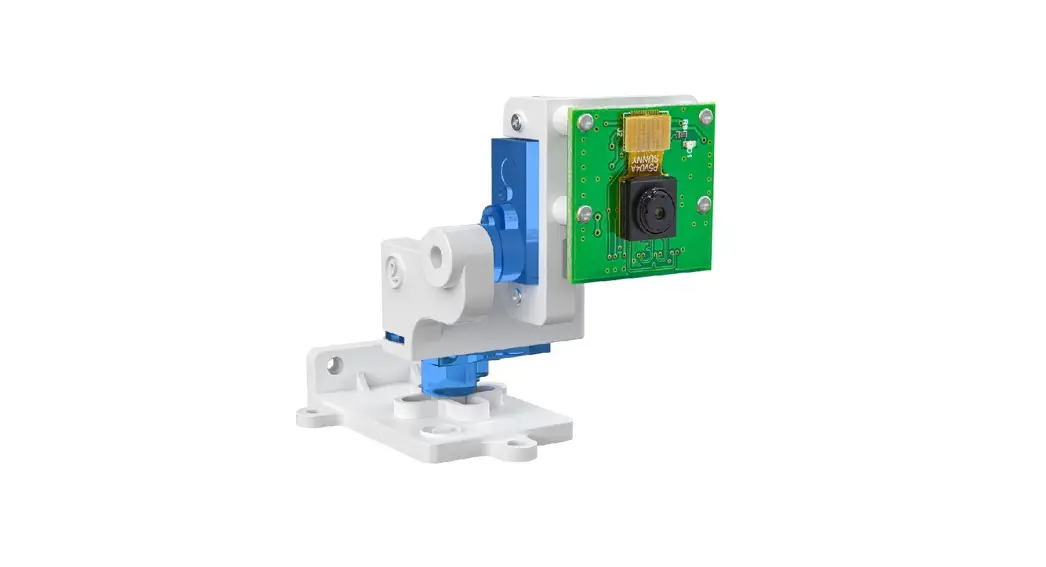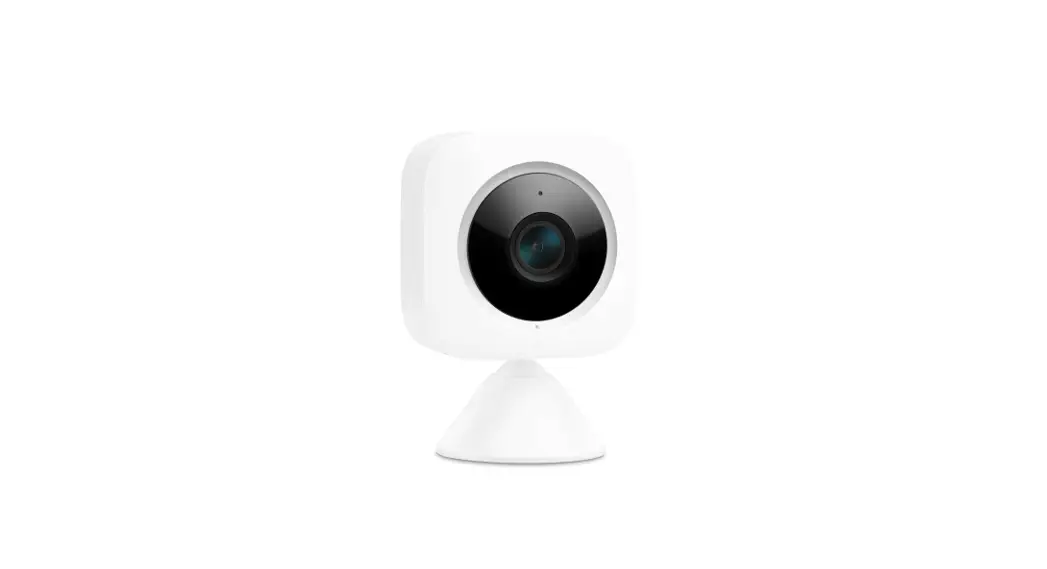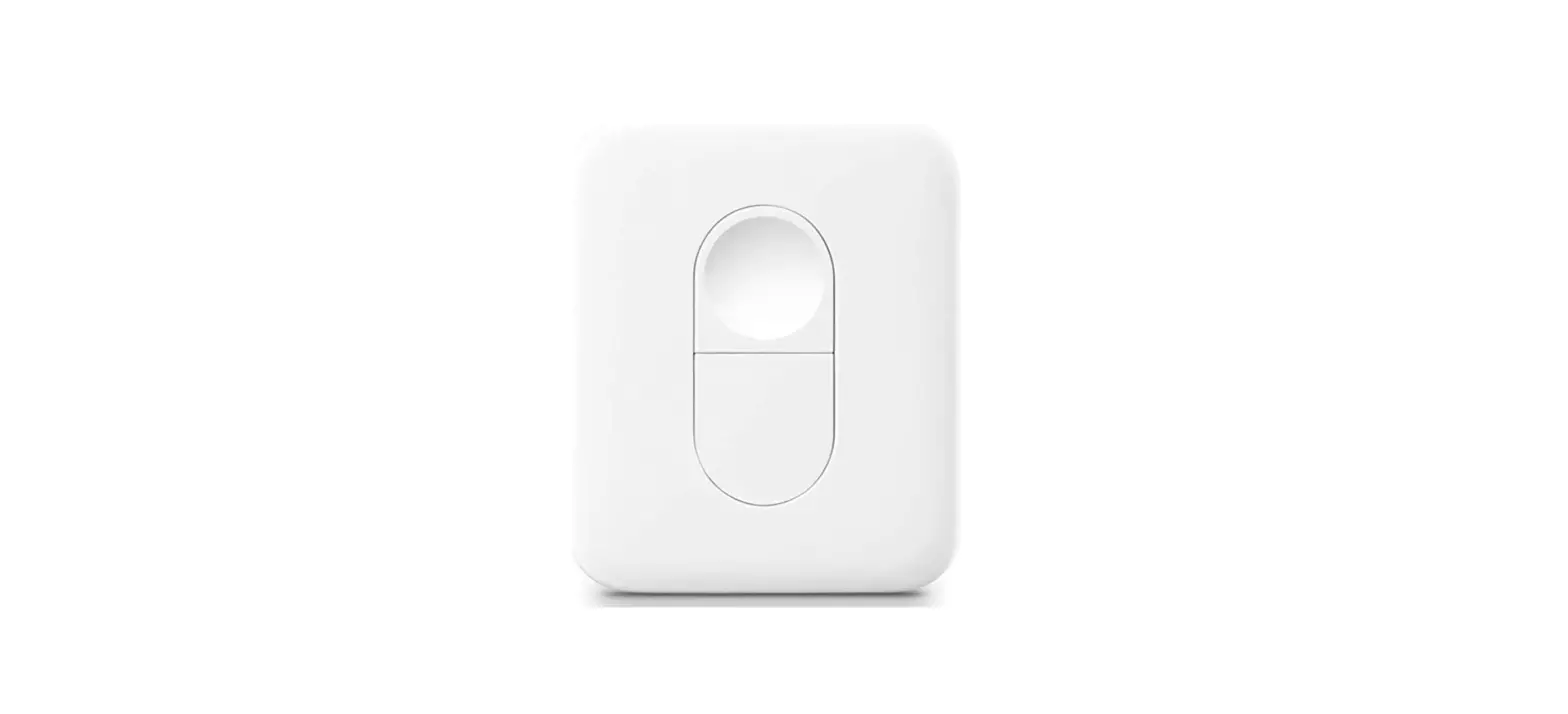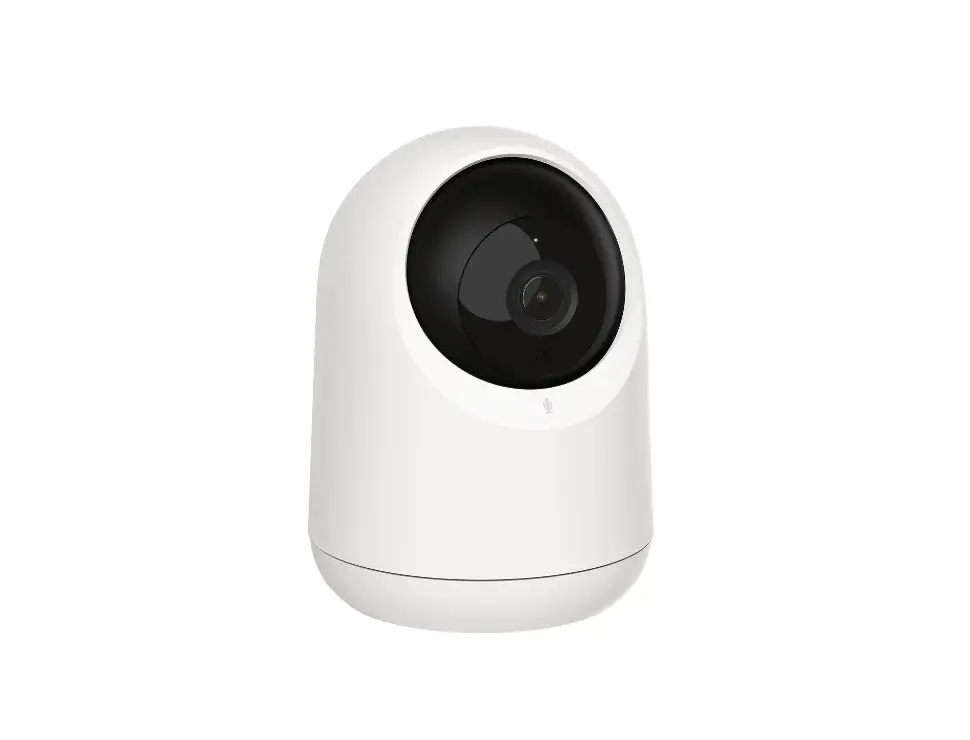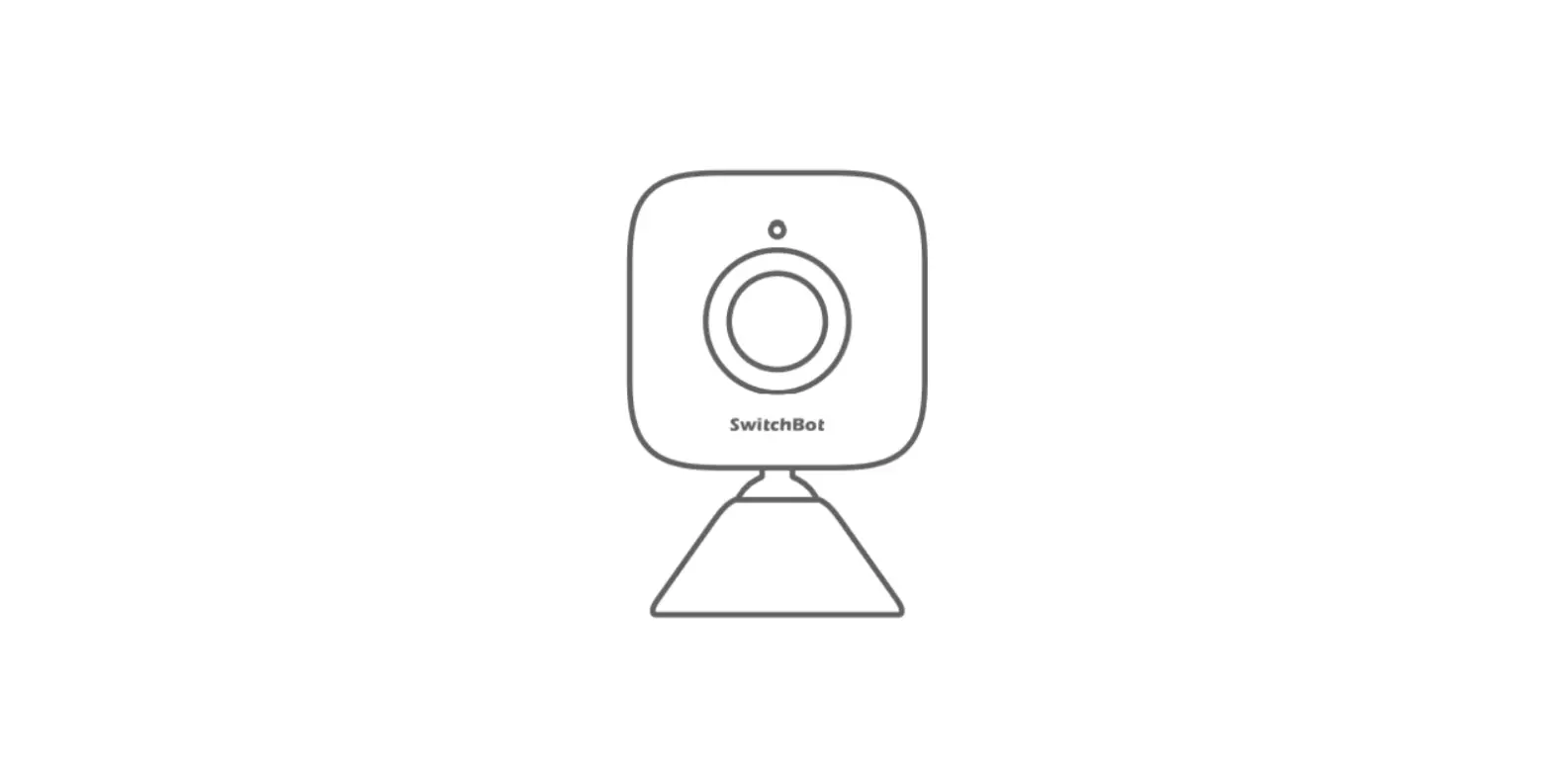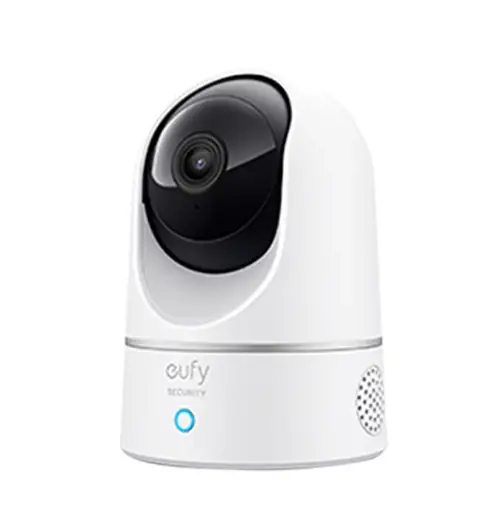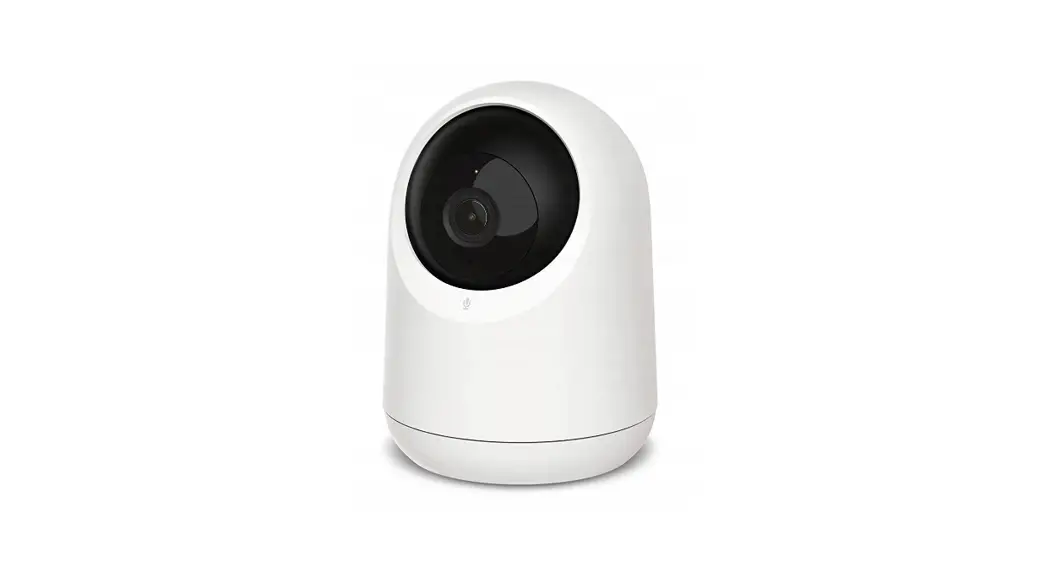
 W1801200 Pan-Tilt Cam
 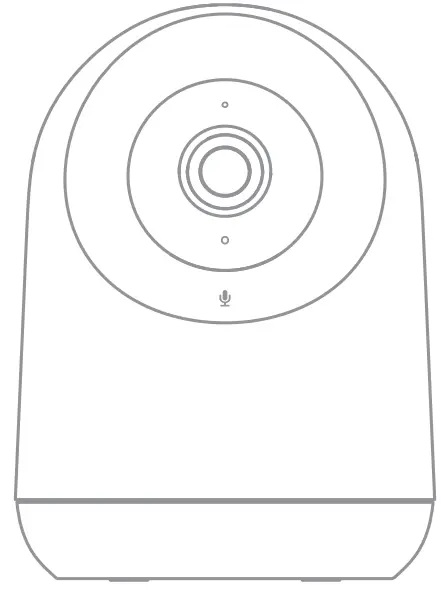 User Manual
Package Contents
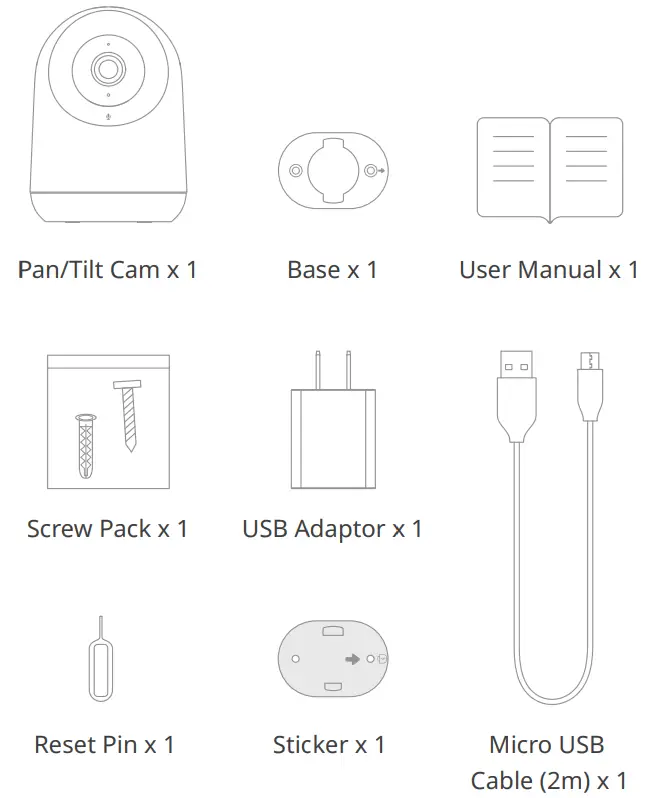
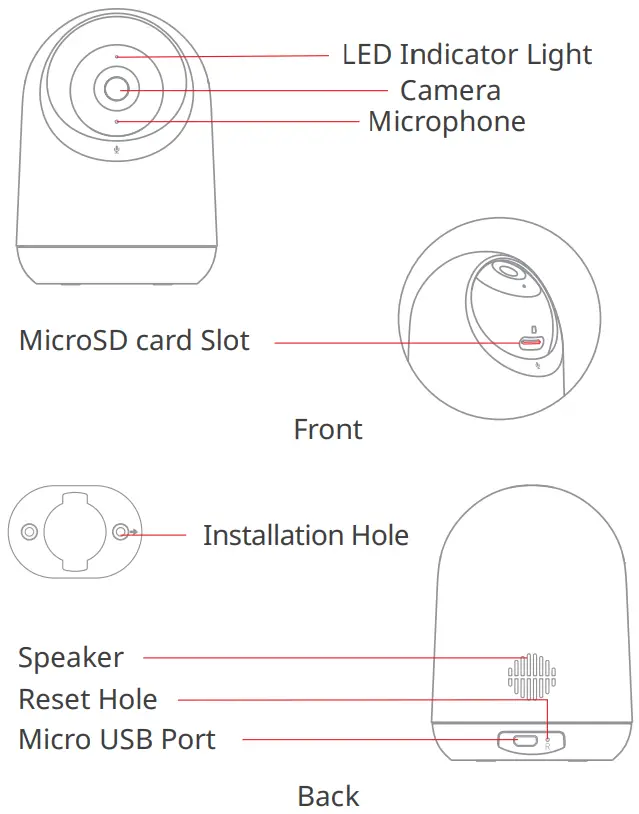
Name of Parts
Specifications
Product Name: SwitchBot Pan/Tilt Cam
Model: W1801200
Power Input: 5V 2A
Video Resolution: 1080P HD
Image Compression: H.264
Camera Angle: 88° (diagonally)
Storage: Supports up to 128 GB microSD card, FAT32 format
(5 ºF to 113 ºF )
Relative Humidity: 95 %
Wireless Standard: 802.11b/g/n (2.4 GHz)
Instructions
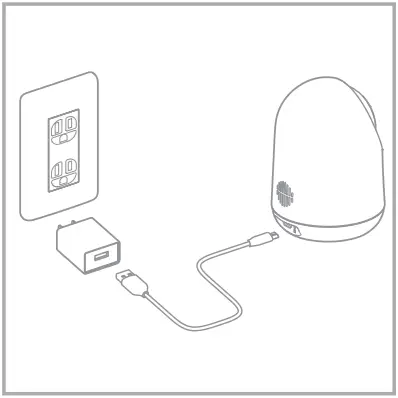
Connect the device with power
- Adding Device
Look for the power connection port on the camera and insert the cable, the camera will flash red when power is connected.
- Download and Install the App
Download the SwitchBot app on App Store or Google Play Store.
 |  |
| https://apps.apple.com/cn/app/switchbot/id1087374760 | https://play.google.com/store/apps/details?id=com.theswitchbot.switchbot&hl=en |
Add Camera
- Open the app, create a SwitchBot account and sign in directly if you already have an account.
- Put the camera closer to the router ensuring that the power is on.
- On the app, tap the “+” icon on the top right on the home page. Tap the “Pan/Tilt Cam” icon and follow the instructions to complete the setup.
Precautions
- Scan the QR code to access the internet. Make sure that the screen of your phone is brighter than the surrounding environment.
- Make sure the anti-rub function on Wi-Fi is turned off. If it is on, this may lead to a failure in connecting to the internet.
- Please make sure the camera is connected to a 802.11b/g/n (2.4GHz), IPV4 wireless network.
Ways of Installation
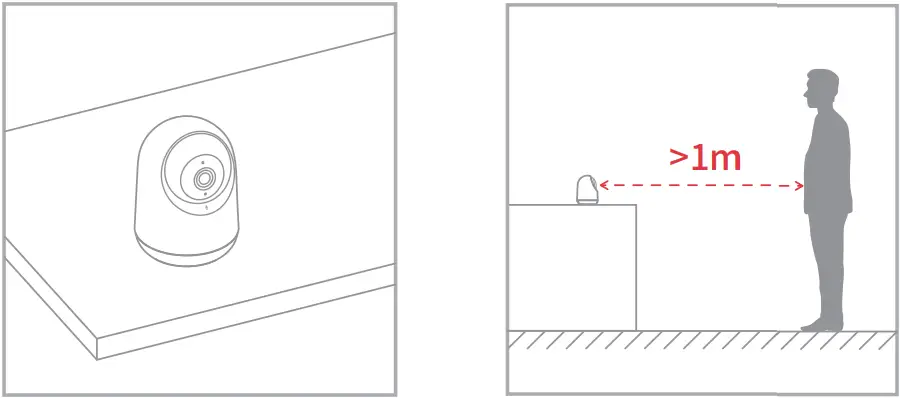
- Put on a Table

- Install on a Ceiling or Wall
Put the sticker on a wall surface you want to install on
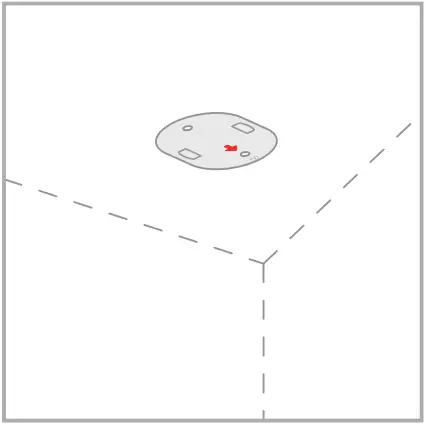
Then install the base on the sticker 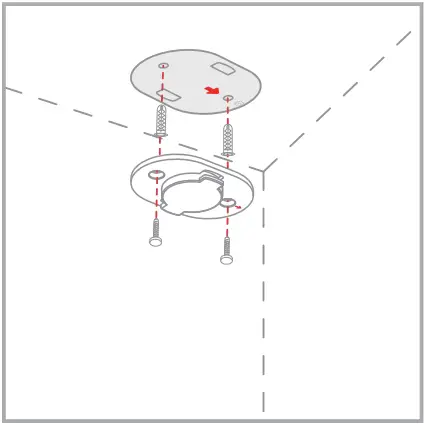
Attach the camera firmly on the base
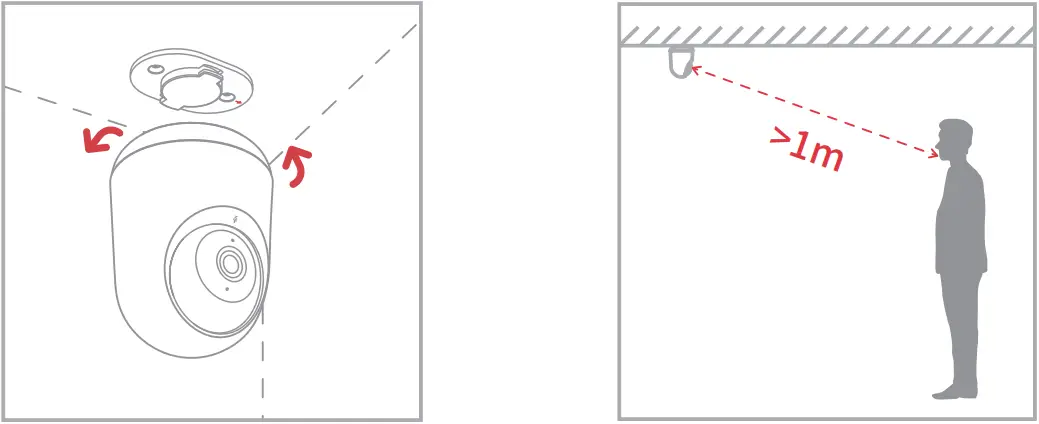
If you are installing the camera on a ceiling, go to Settings > Basic Settings page and turn on the flip screen function.
Pan-Tilt Control
Pan-Tilt Control consists of vertical and horizontal control. The vertical visual angle is 115° and horizontal visual angle is 360°, you may control its direction and view images from different angles remotely using the app.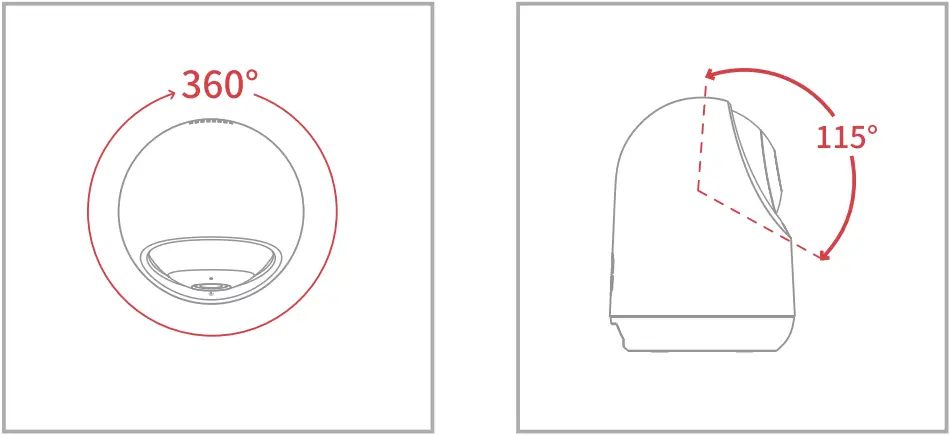
Motion Detection & Motion Tracking
Motion Detection
By turning on this function, Pan/Tilt Cam will capture a photo and take a video of objects that pass the camera.
Motion Tracking
When motion tracking is on, the camera will follow the objects when they move and keep them in the middle of the screen. It will also take a photo and a video of the event.
Third-Party Integration
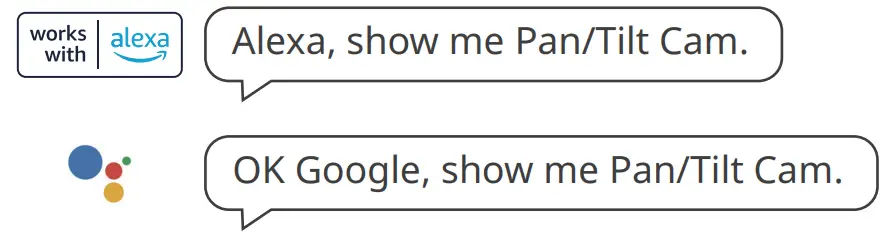
Pan/Tilt Cam can connect to Amazon Alexa and Google Assistant for voice control.
- After adding the device, ensure normal network connection.
- Open Settings > Third-party Integration in the app and link them to your SwitchBot account.
How to Reset
Find the reset hole, hold down the reset button with the reset pin for around 5 seconds until you hear a prompt tone.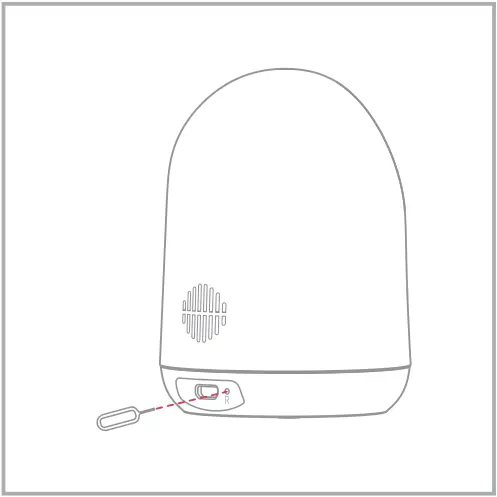
Status of LED Indicator Lamp
| Status of LED Indicator Lamp | Status of Pan/Tilt Cam | |
 Red Red | Stays lit up | Device starting |
| Red | Flashes rapidly (0.25 s/ flash) | with Pairing witn network |
 Green Green | Flashes slowly (1.5 s/ flash) | Connecting with Wi-Fi router |
| Green | Flashes rapidly (0.25 s/ flash) | Connected to Wi-Fi router and now connecting to the internet |
| Green | Stays lit up | Decive is online |
| Red + Green | Flashes rapidly alternately (0.25 s/ flash) | Connected to Wi-Fi router but failed to connect to the internet |
| Red + Green | Flashes slowly alternately (1.5 s/ flash) | Error in network connection |
Return and Refund Policy
This product includes a one-year warranty which begins from date of purchase. Should the following situations occur, your warranty and/or your eligibility for a return or refund may not be valid.
- Intended damage or abuse
- Inappropriate storage (damage caused by dropping or soaking in water)
- Non-authorized modifying or repair
- Natural wearing of product
- Natural disasters
Contact & Support
Setup and Troubleshooting: support.switch-bot.com
Support Email: [email protected]
Feedback: If you have any concerns or problems when using our products, please send feedback via our app through the Profile > Feedback page.
Safety Information
- This camera is for indoor use only.
- Keep the device away from water, fire, humid or hot environments.
- Unplug this device if there is lightening storms or when unused for a long period.
- Do not attempt to disassemble, repair, or modify the device.
- Do not use damaged charger or USB cable to charge the device.
- Do not use any other chargers apart from those recommended.
- Do not use in places where wireless devices are not allowed.
- Adapter shall be installed near the equipment and shall be easily accessible.
CE Warning
Manufacturer’s Name: Woan Technology (Shenzhen) Co., Ltd.
RF exposure requirements, a minimum separation distance of 20 cm must be maintained between the user’s body and the device, including the antenna. Use only the supplied or an approved antenna.
This device in compliance with the essential requirements and other relevant provisions of directive 2014/53/EU. All essential radio test suites have been carried out.
the device used at 20 cm from your body.
Importer Name: Amazon Services Europe Importer Address: 38 Avenue John F Kennedy, L-1855 Luxembourg, [email protected]
EU regulatory conformance
RF exposure information: The Maximum Permissible Exposure (MPE) level has been calculated based on a distance of 20 cm between the device and the human body. To maintain compliance with RF exposure requirement, use product that maintain a 20 cm distance between the device and human body.
CE DOC
Hereby, Woan Technology (Shenzhen) Co., Ltd.
declares that the radio equipment type W1801200 is in compliance with Directive 2014/53/EU. The full text of the EU declaration of conformity is available at the following internet address: support.switch-bot.com
UKCA DOC
in compliance with UK Radio Equipment
The full text of the UK declaration of conformity is available at the following internet address: support.switch-bot.com
Operation frequency (Max power)
Wi-Fi: 2412 MHz-2472 MHz (14.78 dBm)
FCC Warning
This device complies with part 15 of the FCC Rules.
Operation is subject to the following two conditions: (1) This device may not cause harmful interference, and (2) this device must accept anyinterference received, including interference that may cause undesired operation. Any Changes or modifications not expressly approved by the party responsible for compliance could void the user’s authority to operate the equipment.
This equipment has been tested and found to comply with the limits for a Class B digital device, pursuant to part 15 of the FCC Rules. These limits are designed to provide reasonable protection against harmful interference in a residential installation. This equipment generates uses and can radiate radio frequency energy and, if not installed and used in accordance with the instructions, may cause harmful interference to radio communications. However, there is no guarantee that interference will not occur in a particular installation.
If this equipment does cause harmful interference to radio or television reception, which can be determined by turning the equipment off and on, the user is encouraged to try to correct the interference by one or more of the following measures:
- Reorient or relocate the receiving antenna.
- Increase the separation between the equipment and receiver.
- Connect the equipment into an outlet on a circuit different from that to which the receiver is connected.
- Consult the dealer or an experienced radio/TV technician for help.
FCC RF exposure statement:
The equipment complies with FCC Radiation exposure limit set forth for uncontrolled environment. This equipment should be installed and operated with minimum distance 20 cm between the radiator and your body.
Manufacture: Woan Technology (Shenzhen) Co., Ltd.
Address: Room 1101, Qiancheng Commercial Center, No. 5 Haicheng Road, Mabu Community, Xixiang Sub-district, Bao’an District, Shenzhen, Guangdong, P.R.China, 518100
www.switch-bot.com
V1.2-2201