Contents hide

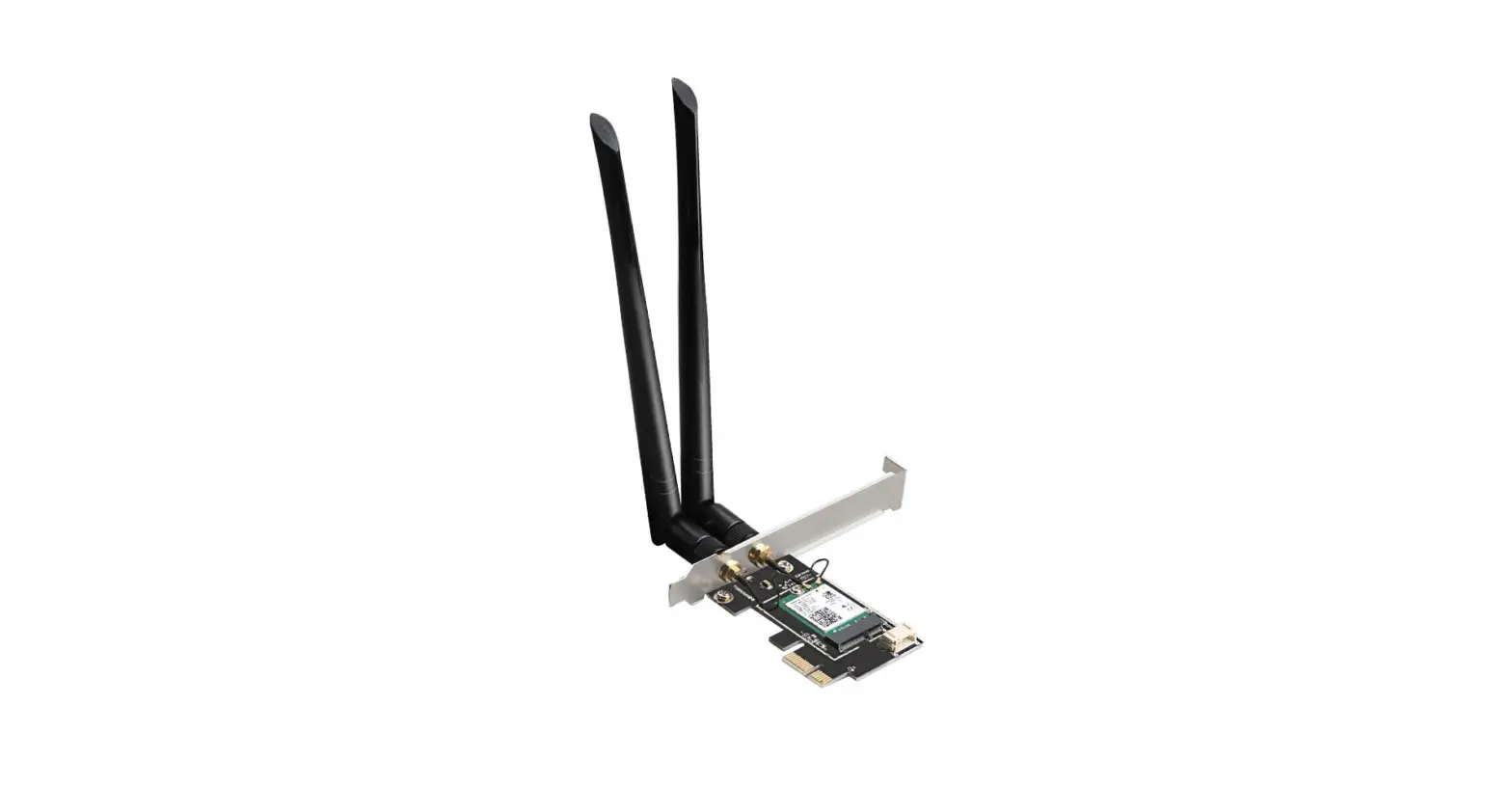
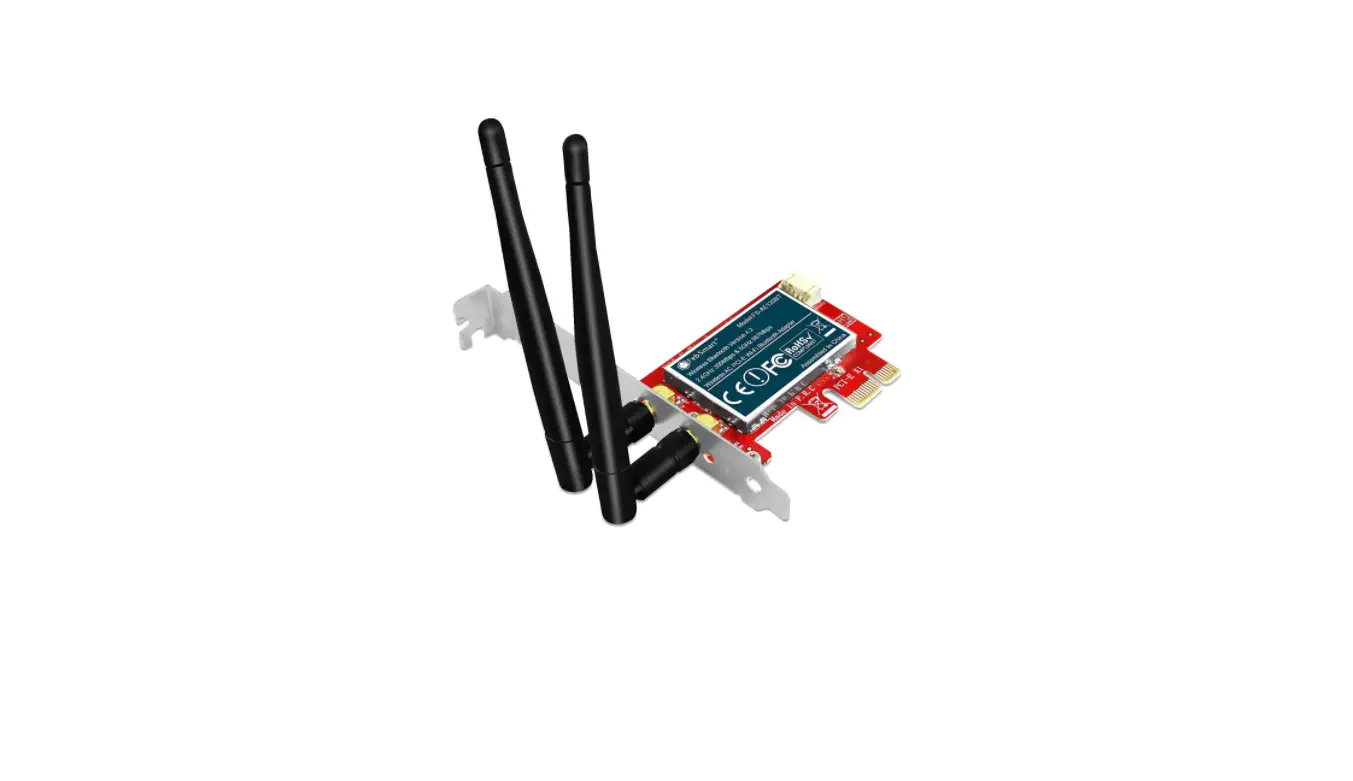
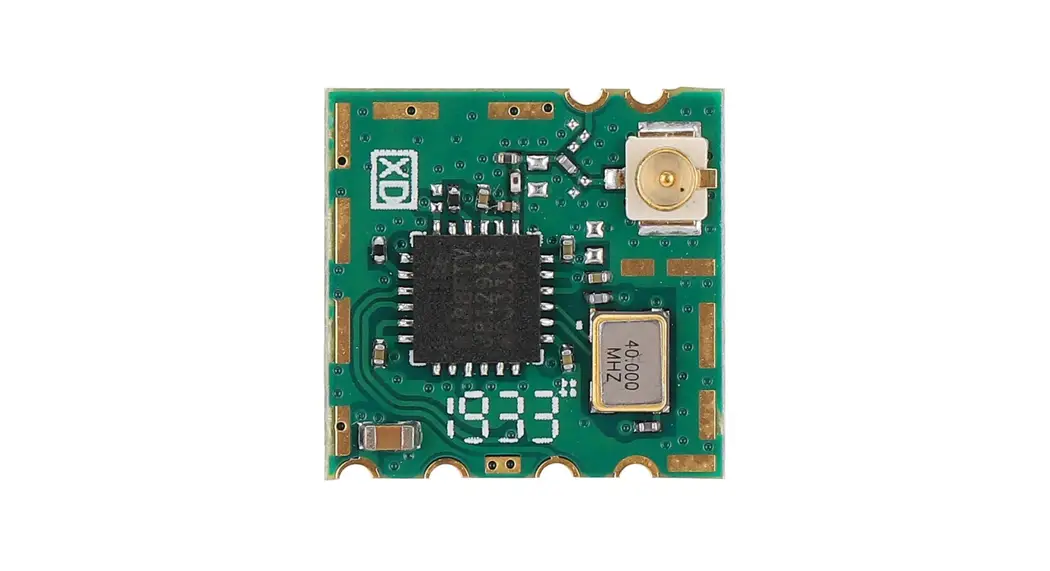
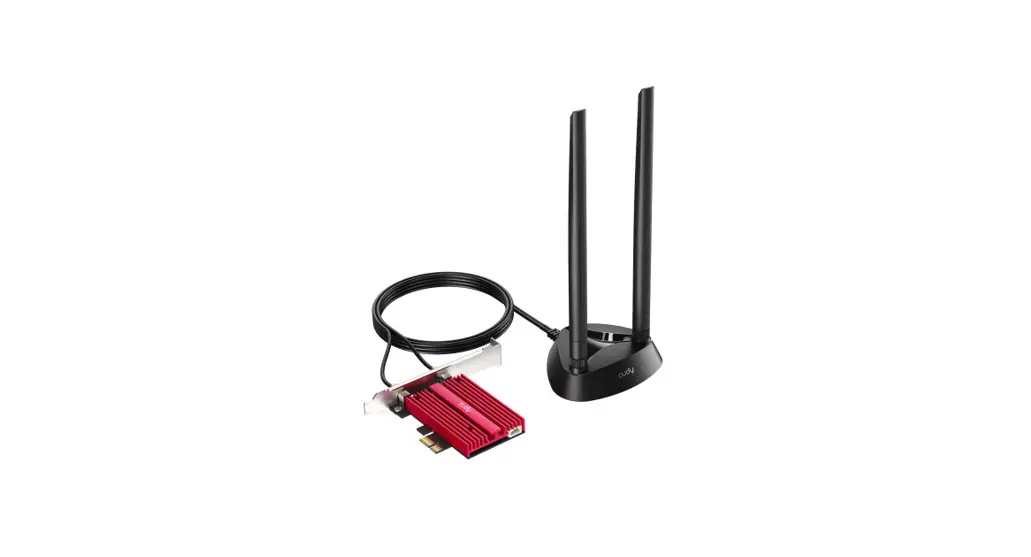
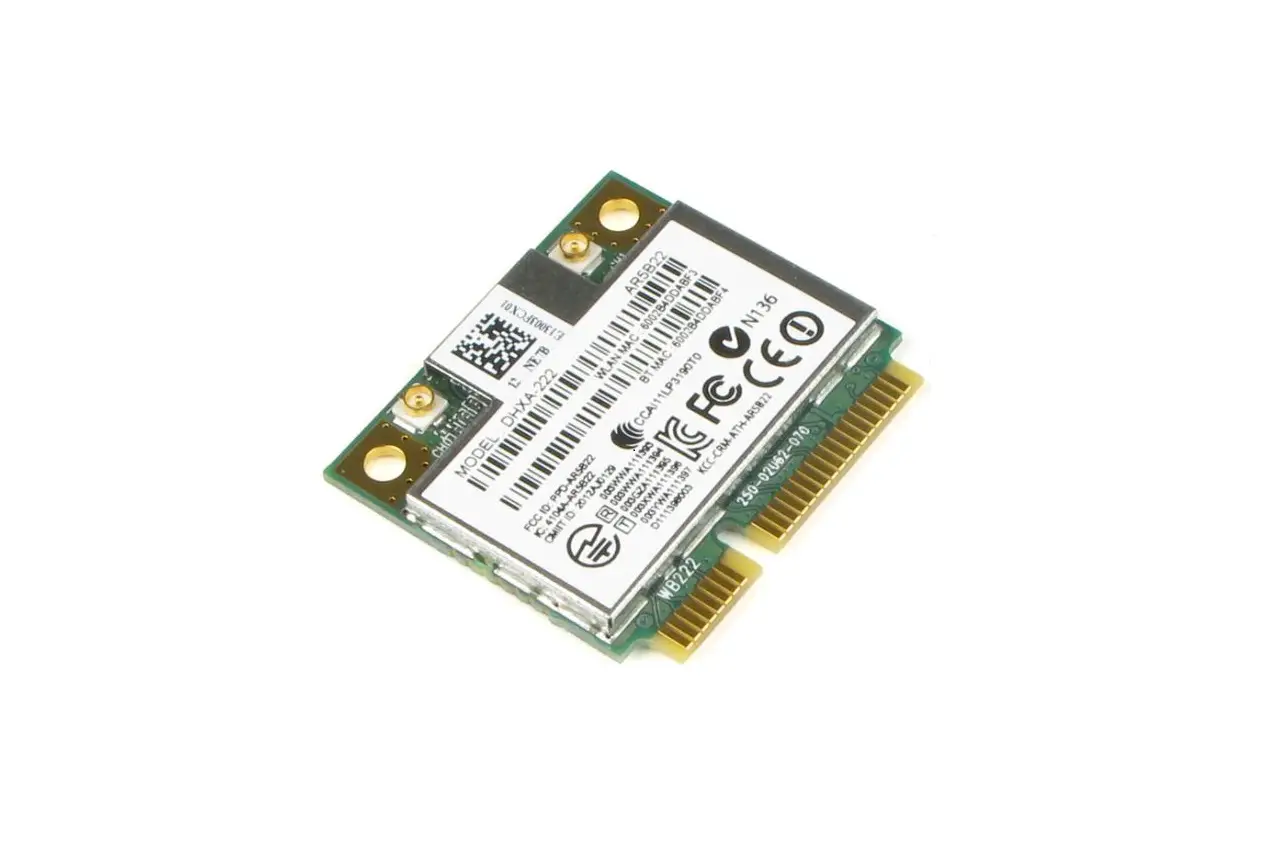
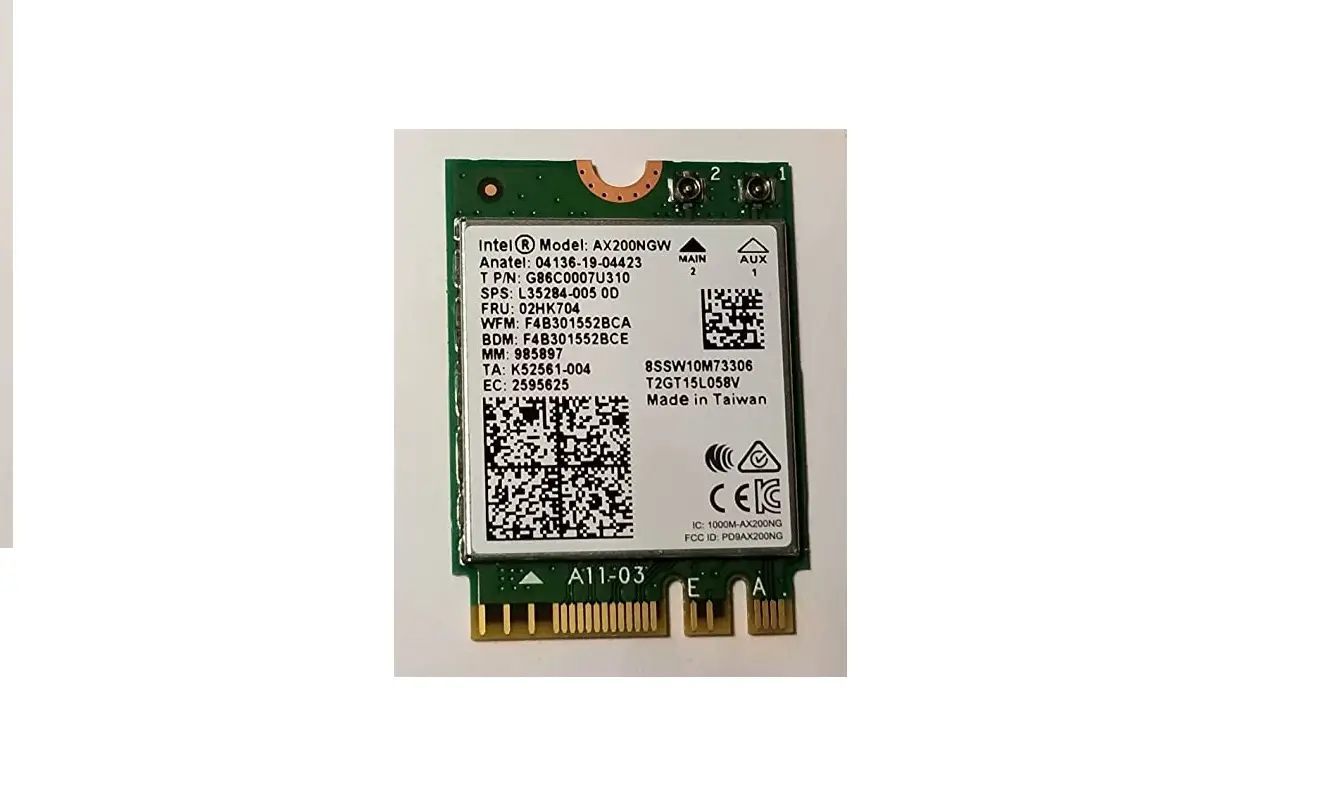
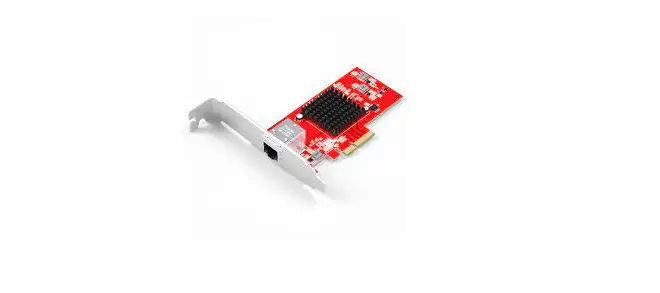
Shenzhen Edup Electronics Technology EPEP9651 Bluetooth PCI-E WiFi Card
Hardware Installation
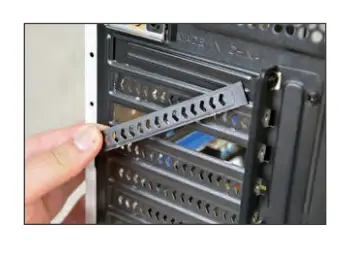
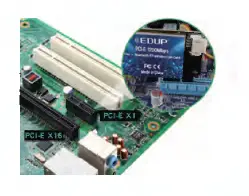
- Open the side cover of the chassis and remove the chassis tailgate screws of the PCI-E card slot.

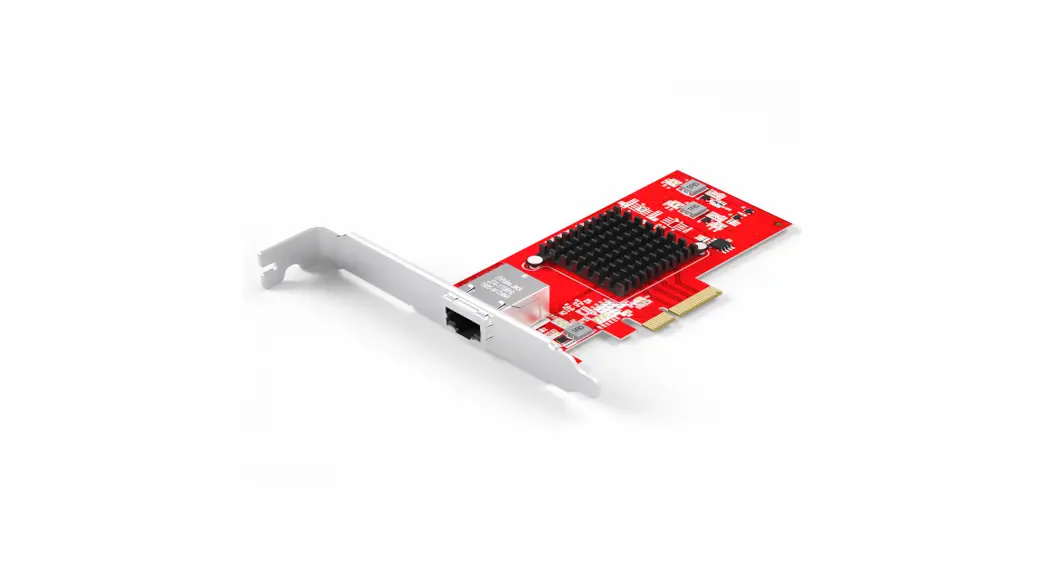
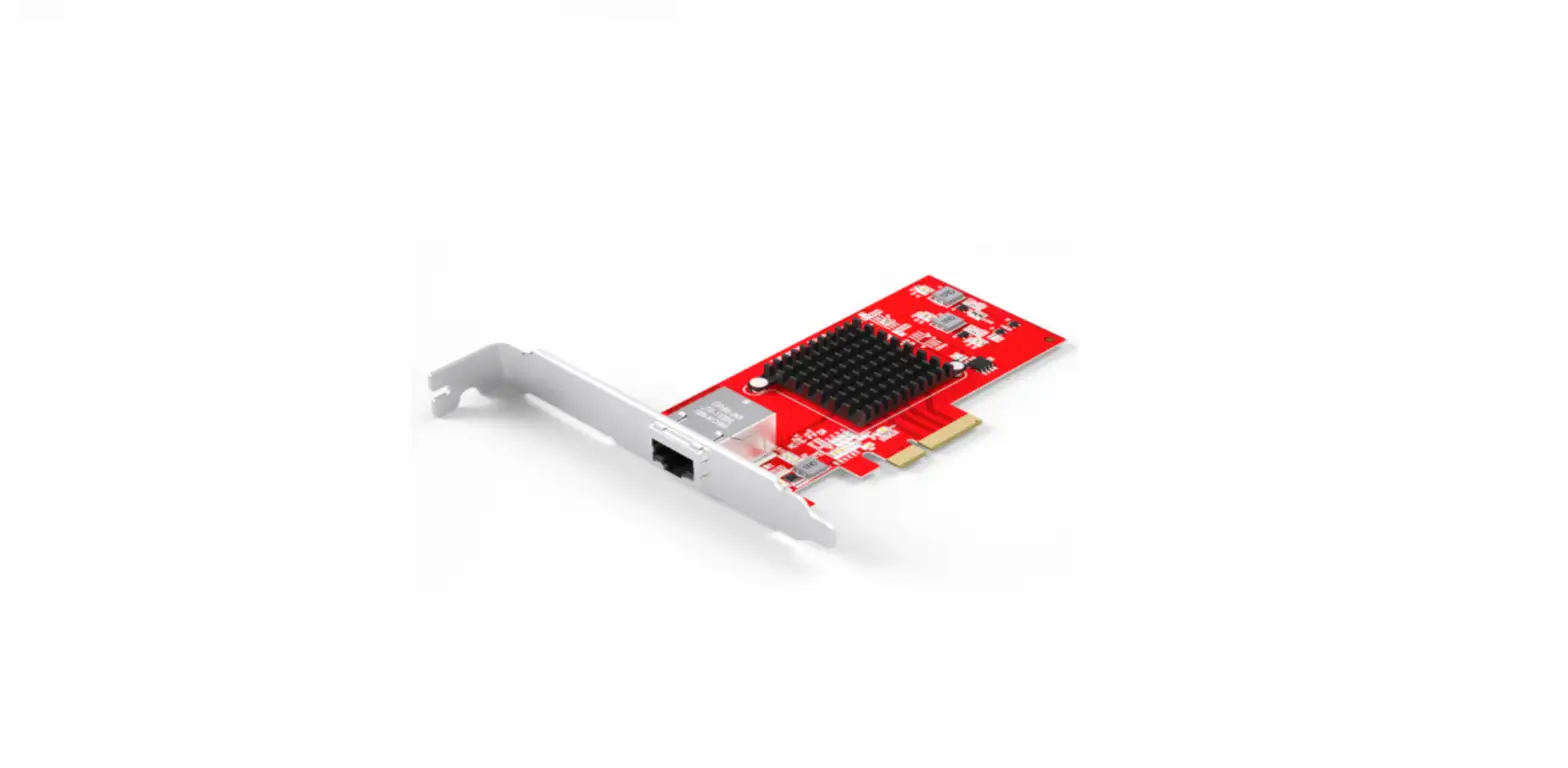
- Insert 1he product Into the corresponding card slot tightly, and either PCI-E/X1/XA/XS/X16 slots are available.

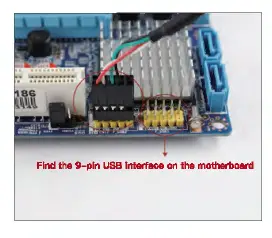
- Find the 9-pin USB interface on the motherboard, insert the EIXlemel wiring of 1he PCI-E card into the USB interface of the motherboard, and Install the screws to secure the bracket.

How to install the PCI-E card driver
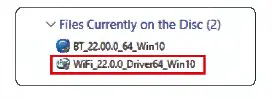
- Please Install the driver from the Included mini CD or download the driver from our official website.

- Select proper driver to Install.

- CIiek drfver for Wln10 64blt for next step.


How to connect the PCI-E card to Wi-Fi?
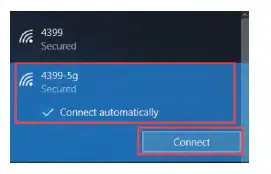
- Open 1he Internet icon ■ st 1he lower right comer of 1he computer.
- Searching and connecting the WI-Fl you preferred on the detected WI-Fl 11st.
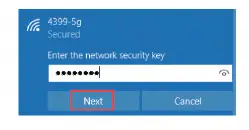
- Enter the WI-Fl password to connect.

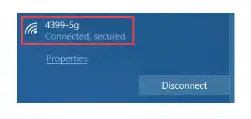
- Finally, you are connected to the Wi-Fi.


How to Install the Bluetooth driver
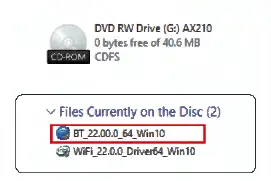
- Select the proper cover to install.

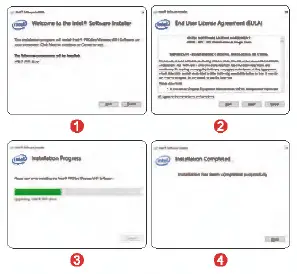
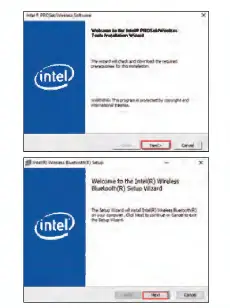
- Double click 1he file to ruminal”(I, end click the “Next” button 1″1~.

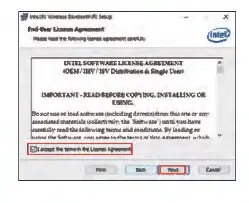
- Please accept the terms of the agreement, then click the “Next” button

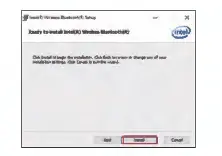
- Please cllck “Install”.

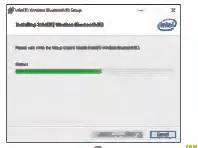
- The following process bar of Bluetooth culver Installation will show up.

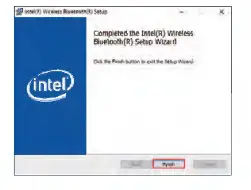
- Click the “Finish” button when the Bluetooth driver can Install successfully.

How to connect the Bluetooth Earphones with the adapter
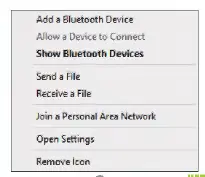
- Find the Bluatoo1h loon. In the lower right comer of the desktop.
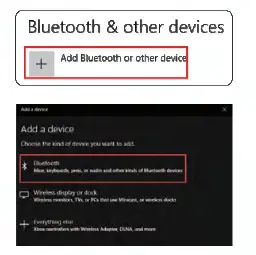
- Right-click the mouse, select the “Add Device”, searchl~ the Bluetooth.
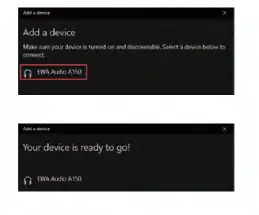
- Make sure your Bluetooth device was turned on and ready to pair.

- Bluetoo1h earphone will be detected below after a while. Double click the earphone ! con to pairing.


 PDFs ändern, bearbeiten, zusammenfügen und editieren mit dem Editor