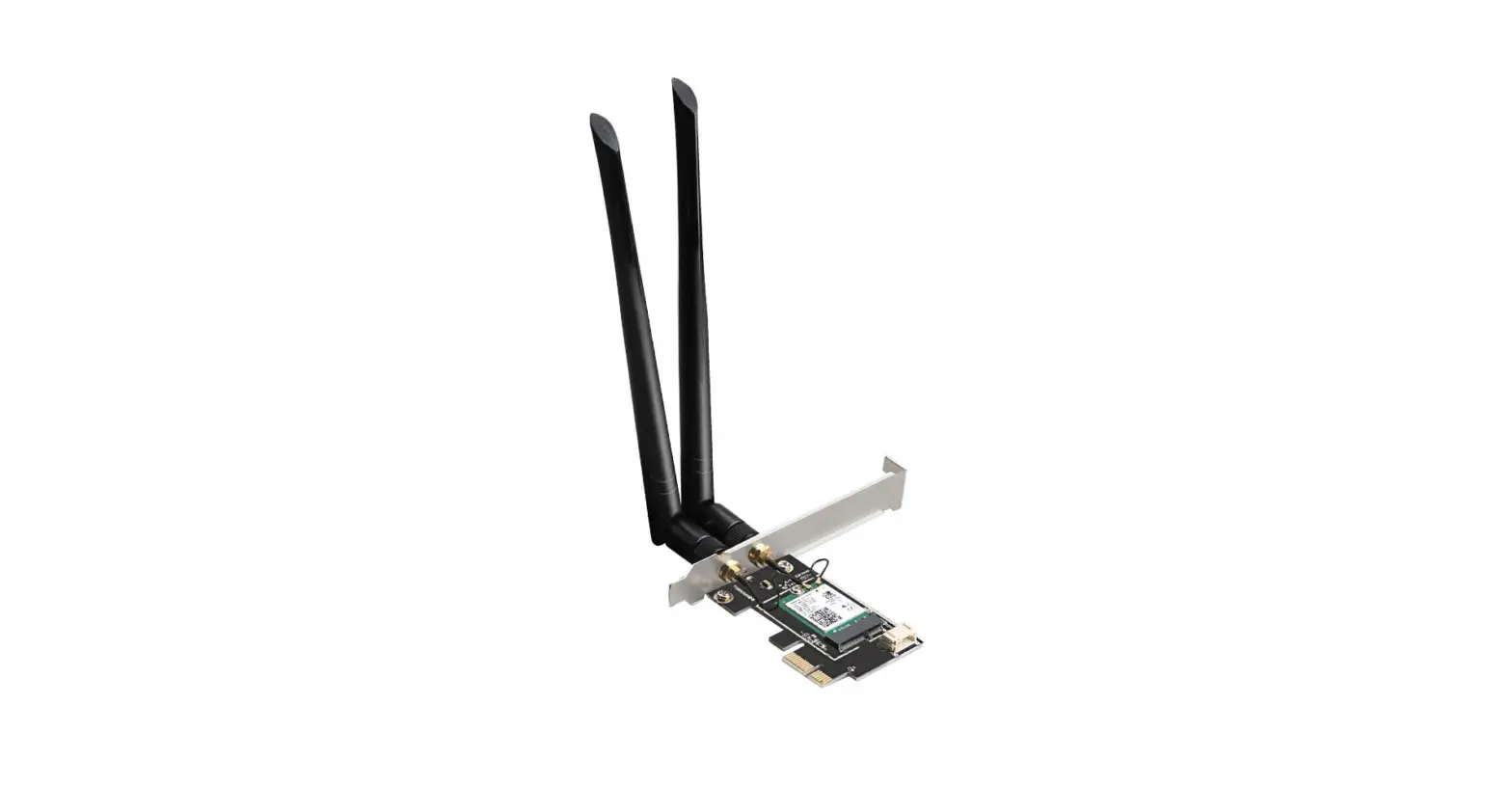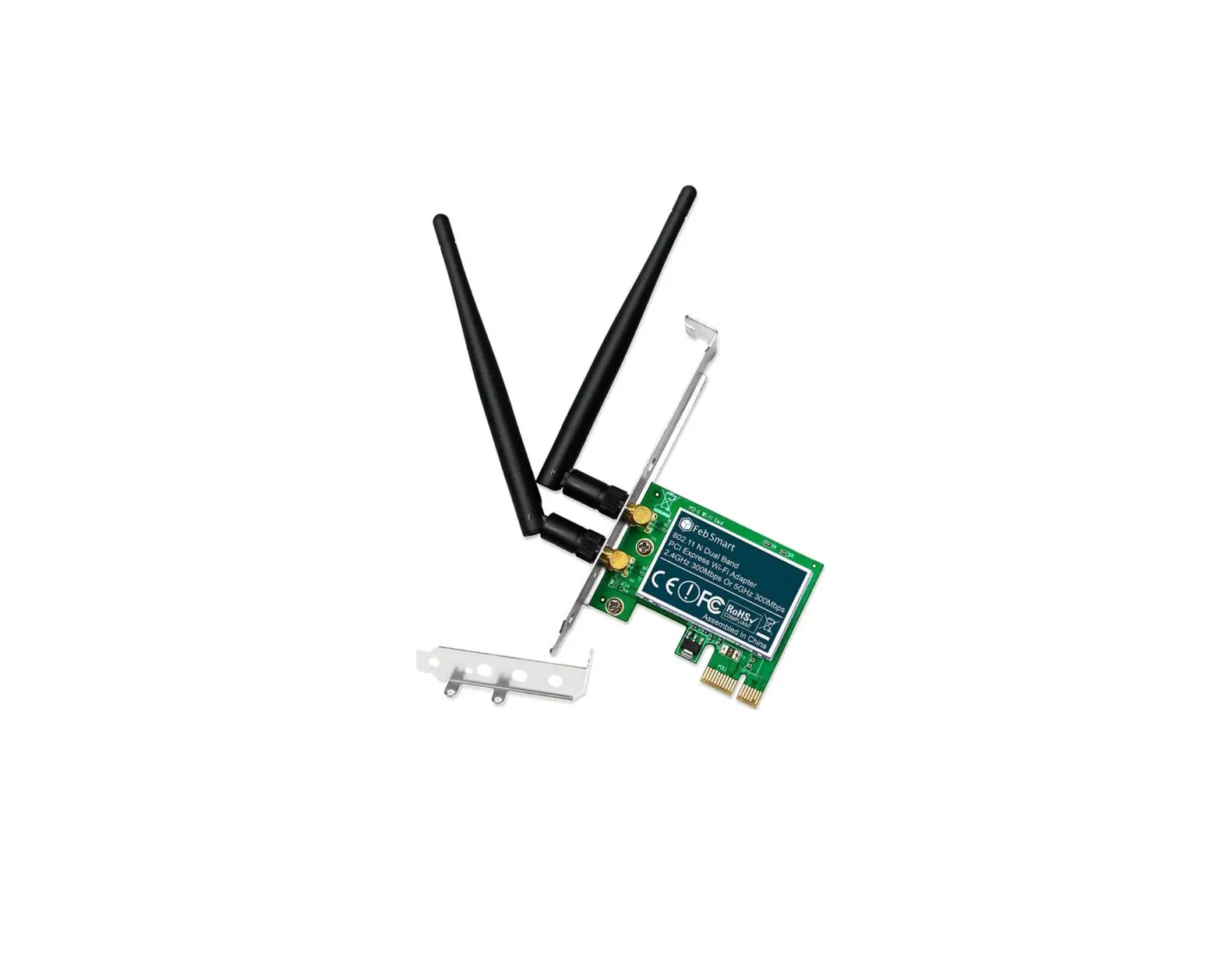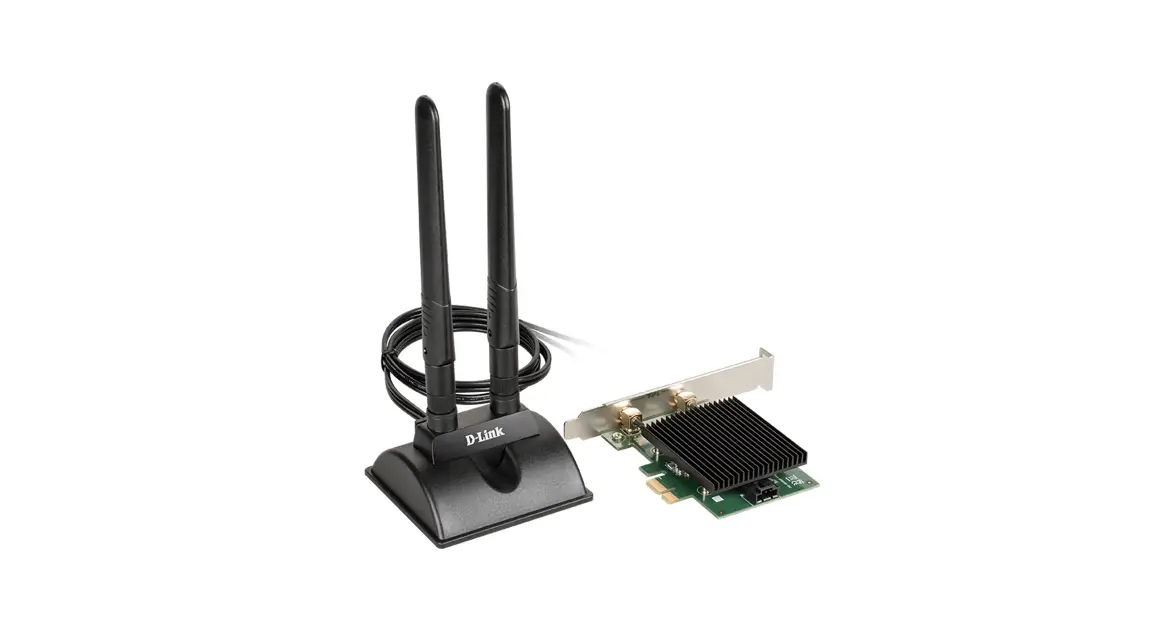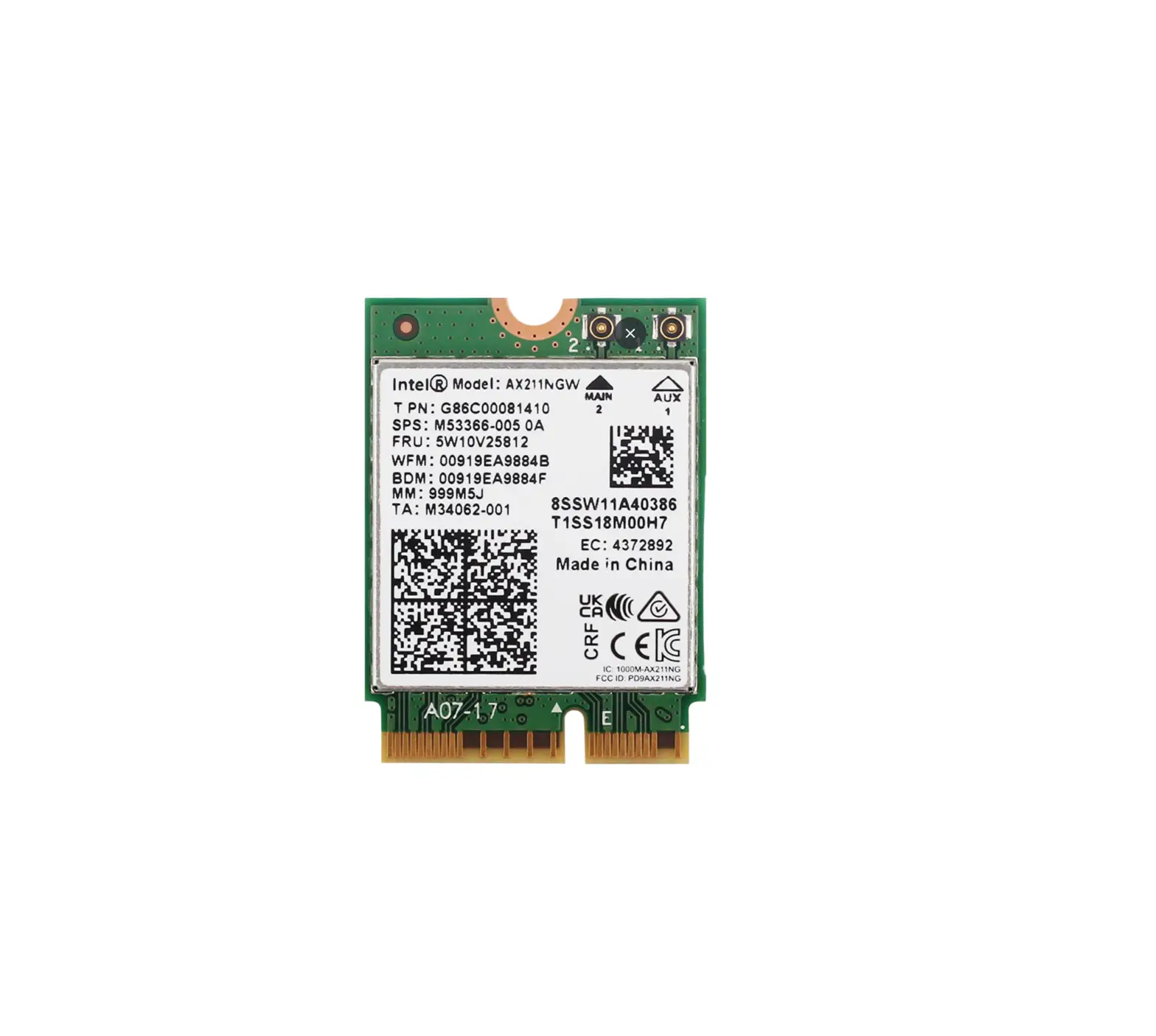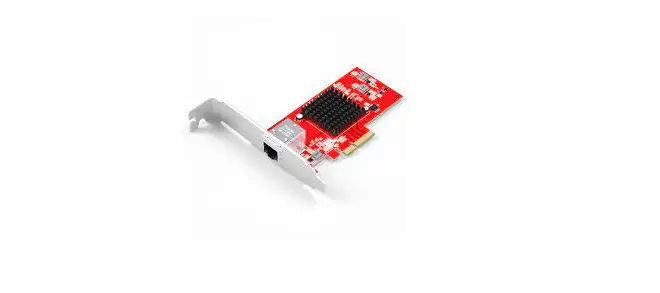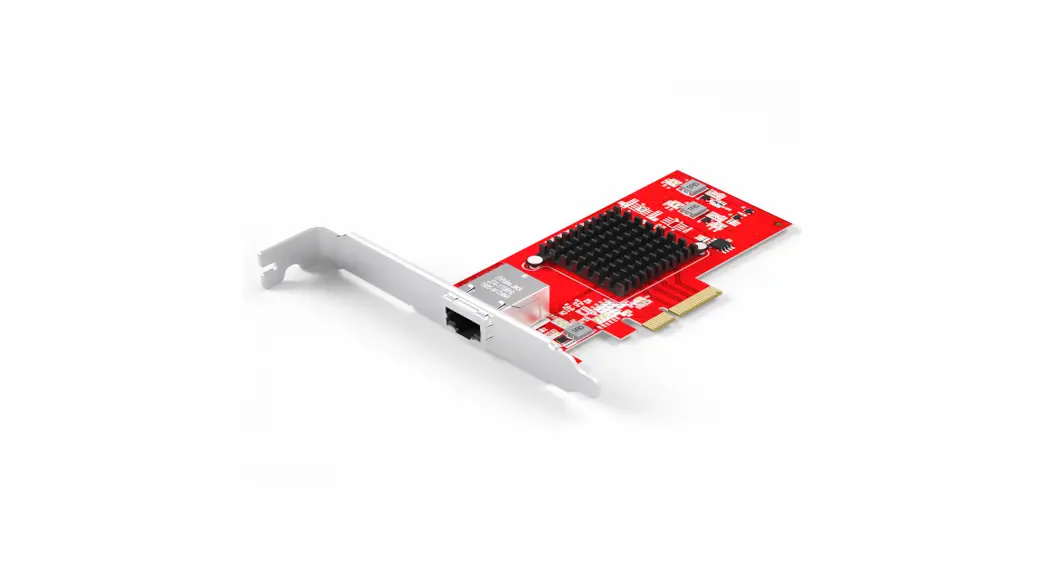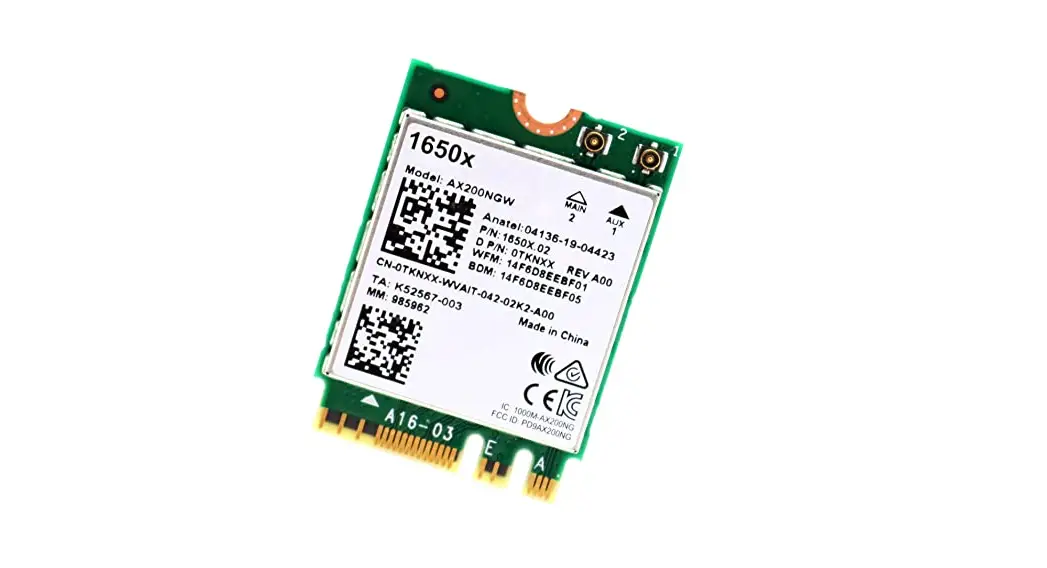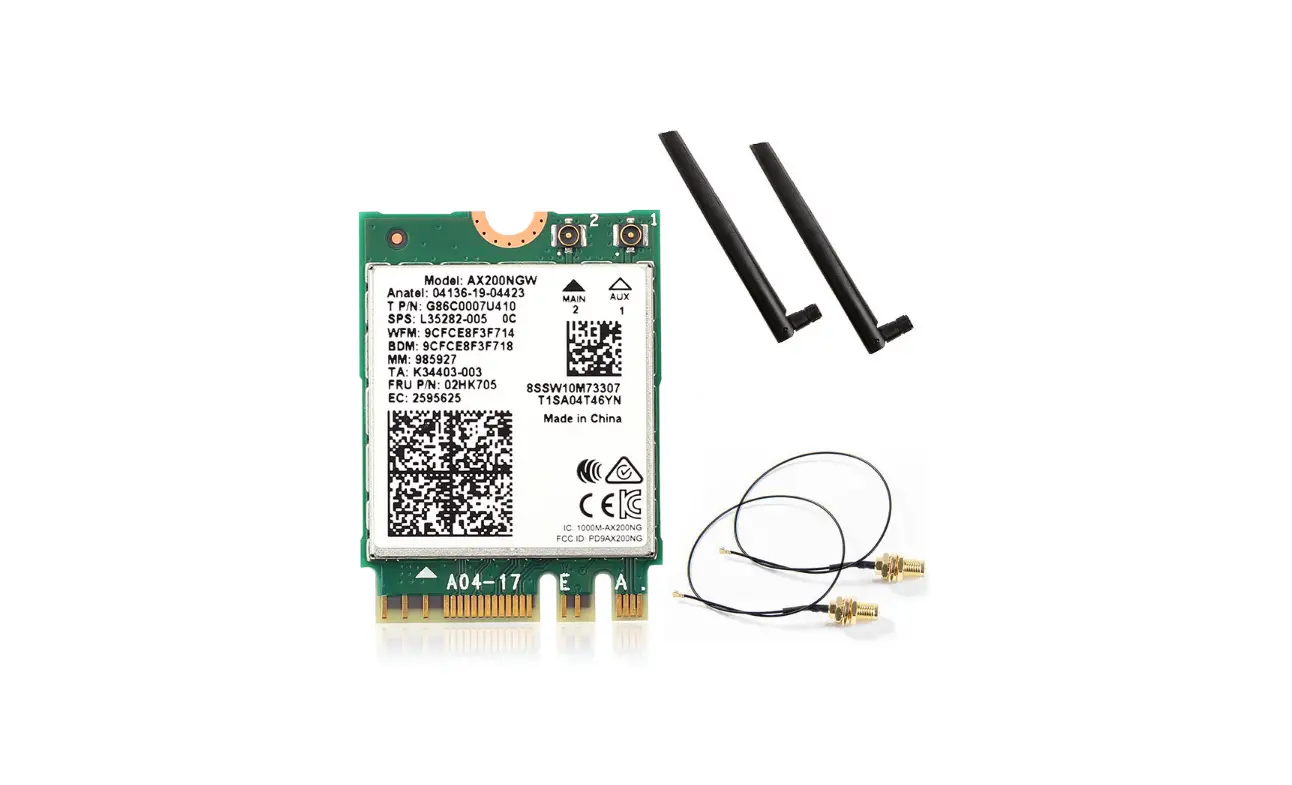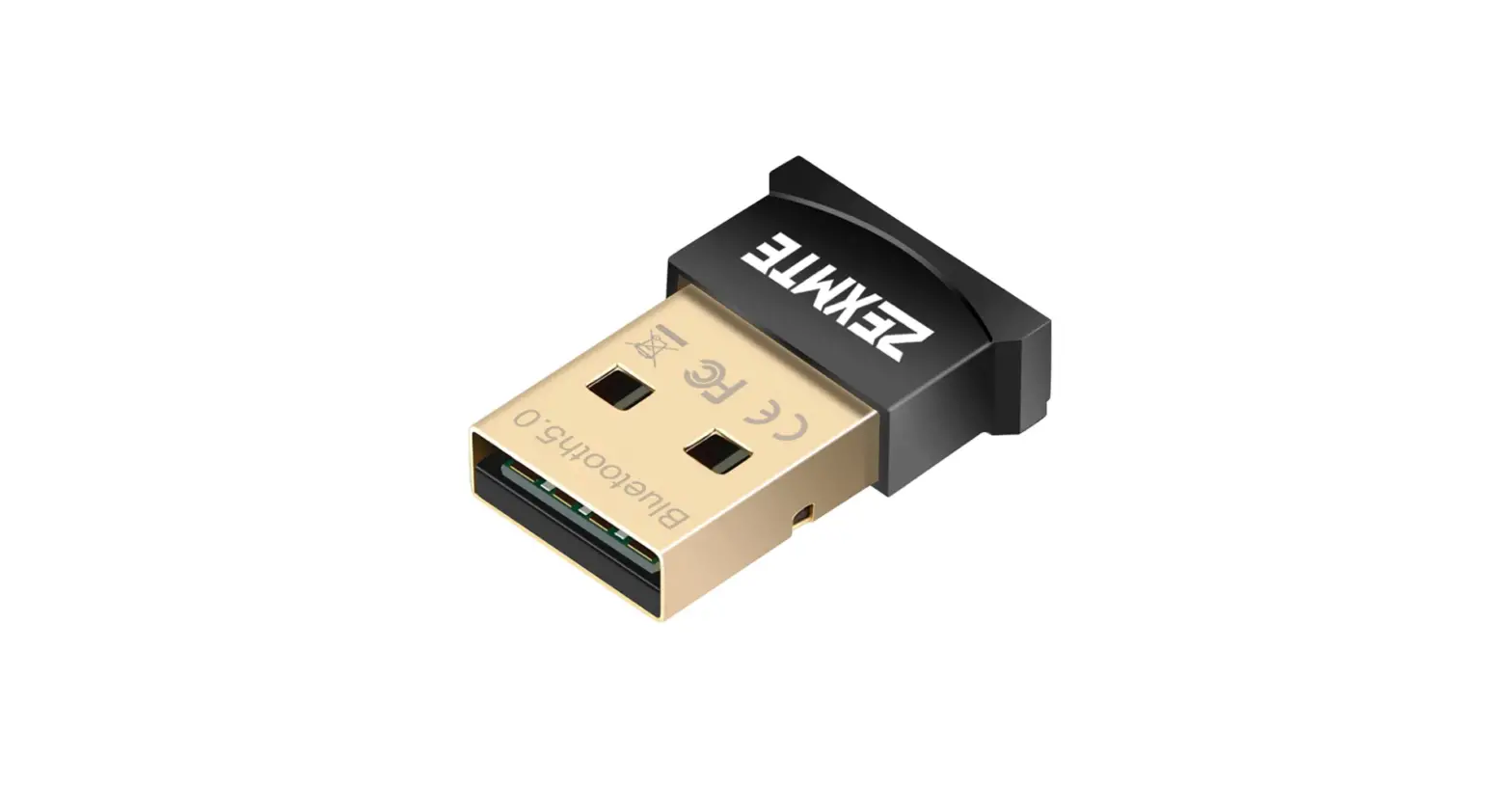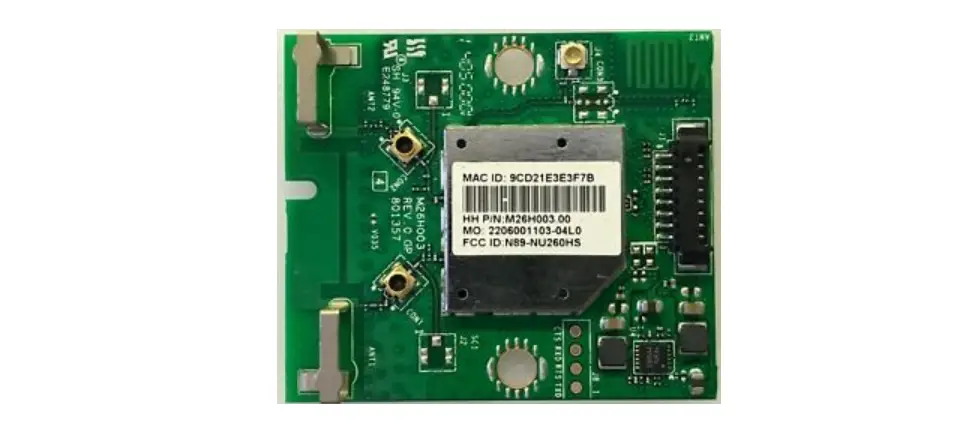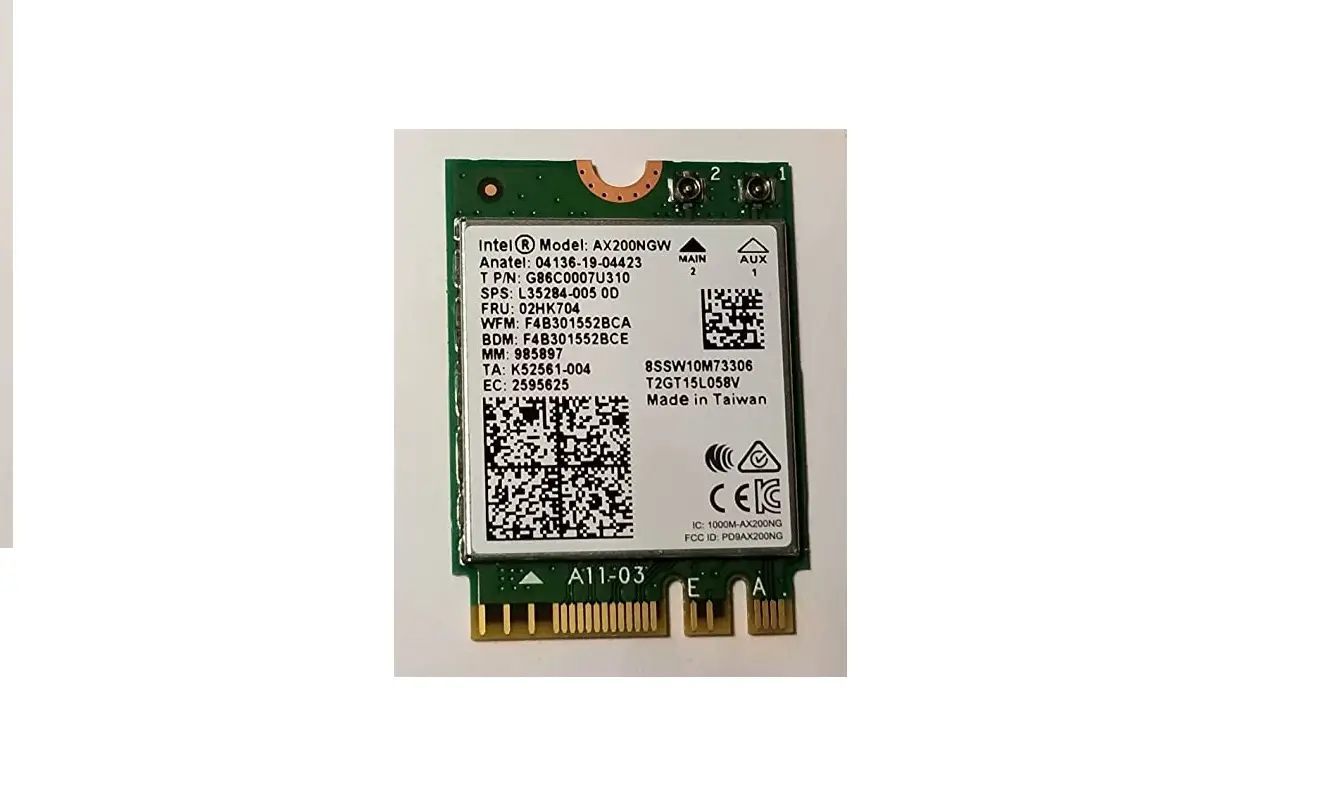

Vision AX200 Wi-Fi Card Bluetooth Adapter
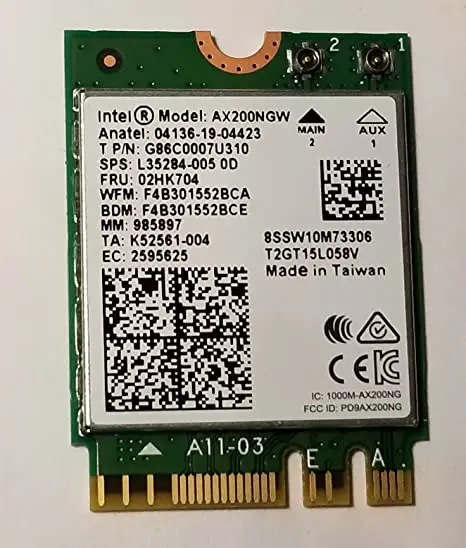
Hardware installation
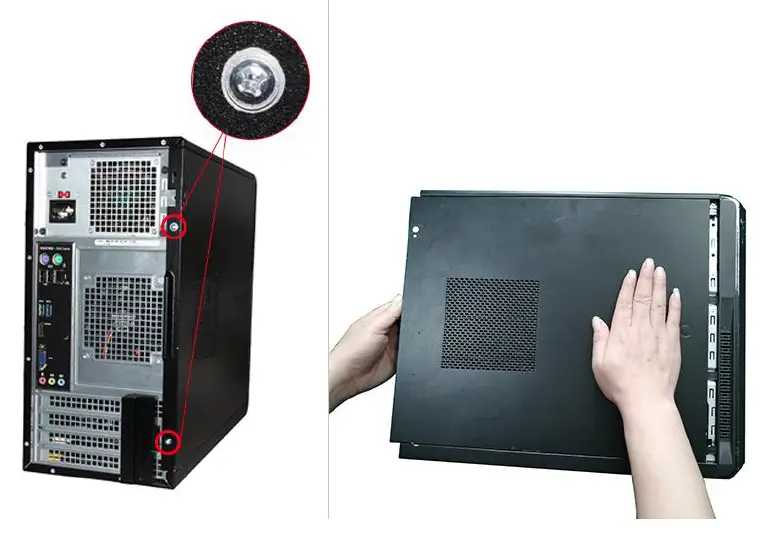
- Unscrew the screws of the chassis and push it out to remove the side cover

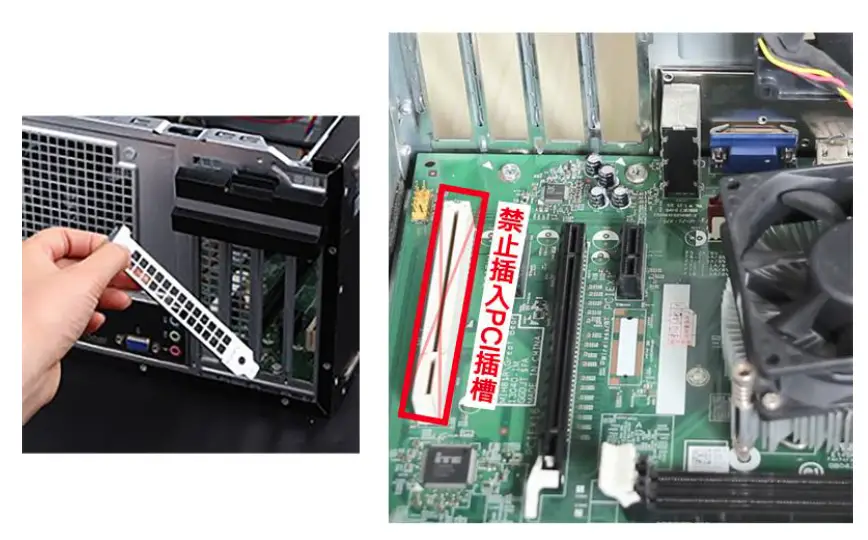
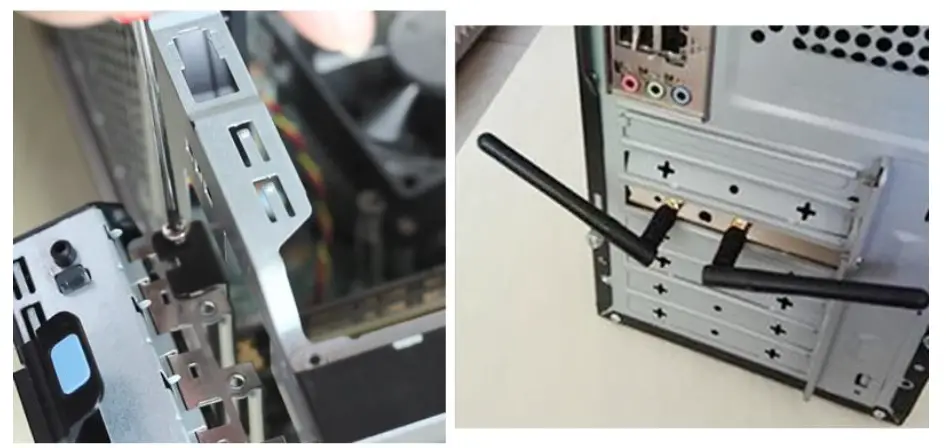
- Remove the file corresponding to the PCI-E interface ( supports graphics card installation )
More file removal tutorials
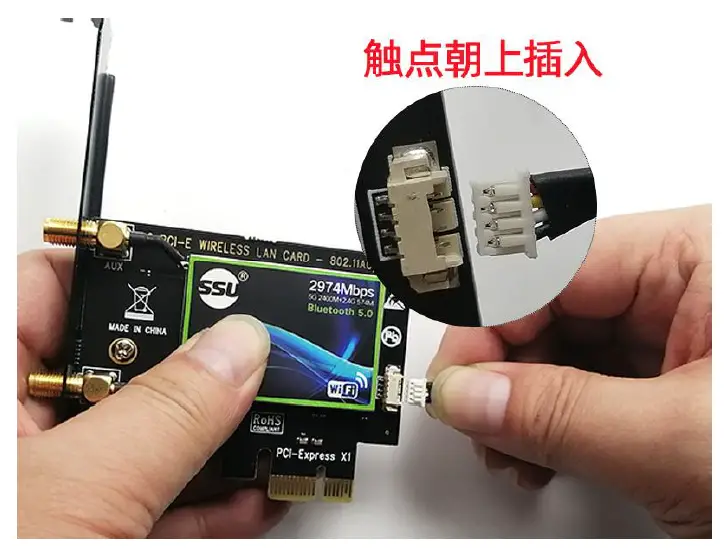
- Insert the four-wire connector of the Bluetooth cable into the wireless network 3 Insert the four-wire connector of the Bluetooth cable into the wireless network CARD.

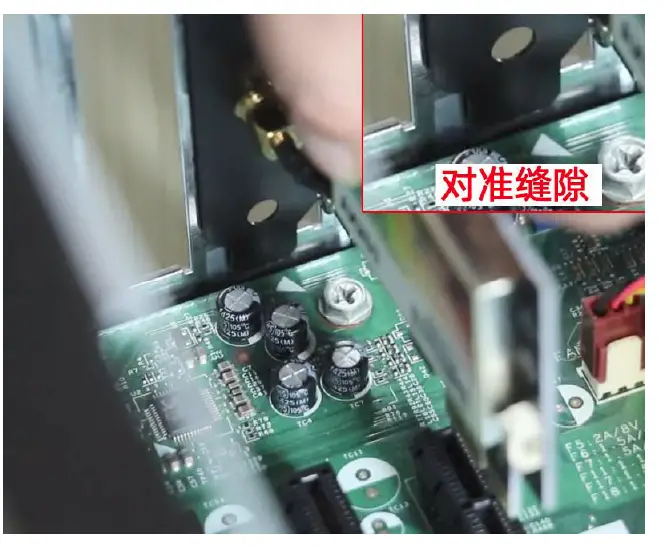
- Align the NIC card with the gap between the chassis and the motherboard and insert it to the end

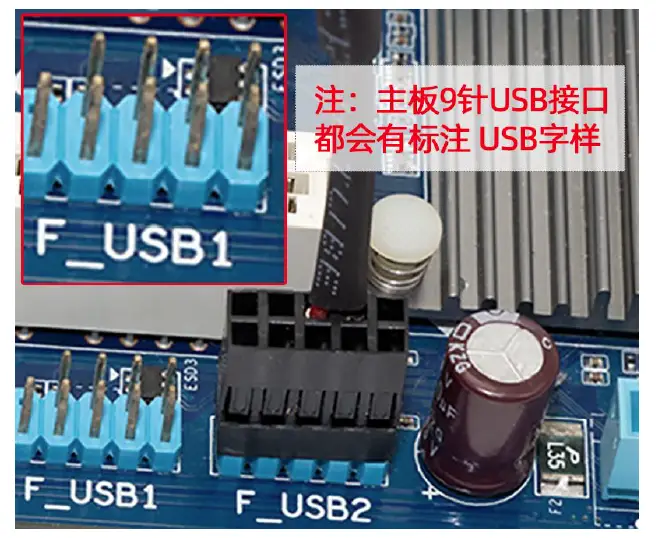
- Insert the other end of the Bluetooth cable into the 9-pin USB port on the mother board

- 6 Tighten the screws, fix the network card and install the antenna

Driver Installation
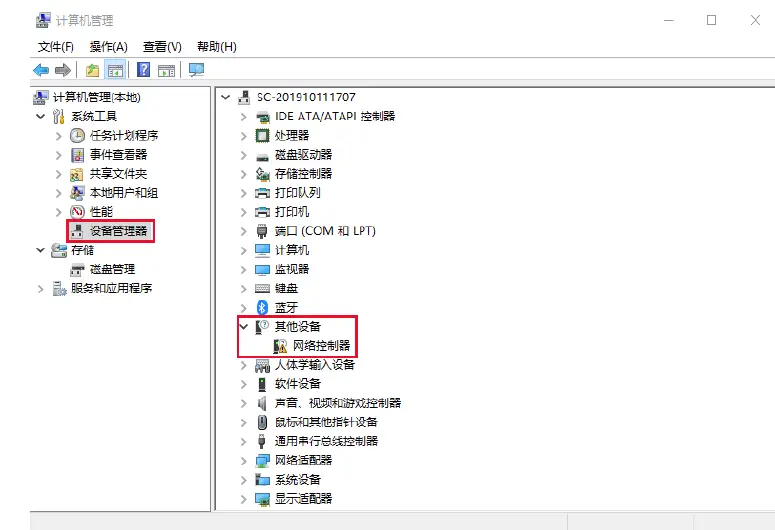
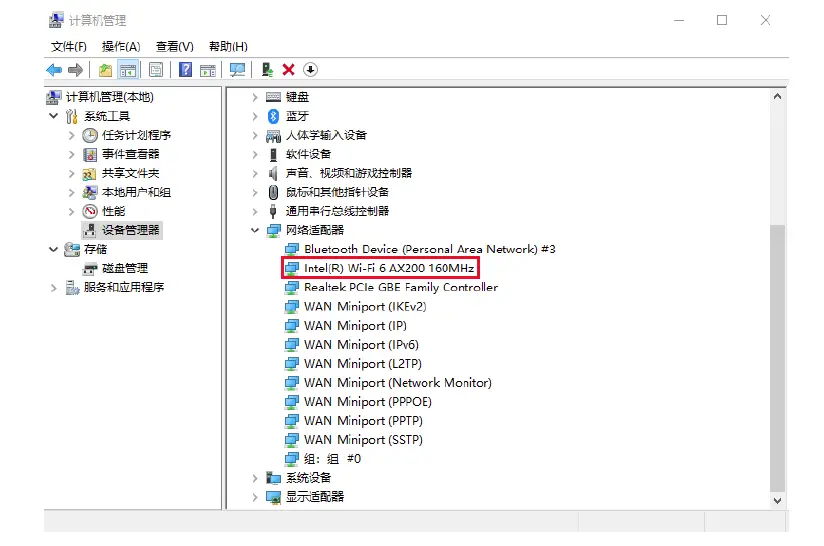
- Check if the device manager detects the card
( My Computer-Right Click-Management-Device Manager )
- Run the driver ” WIFI_21.0.0_Driver64 ” to install

- Check whether the driver is installed normally ( My Computer-Right Click -Management-Device Manager )

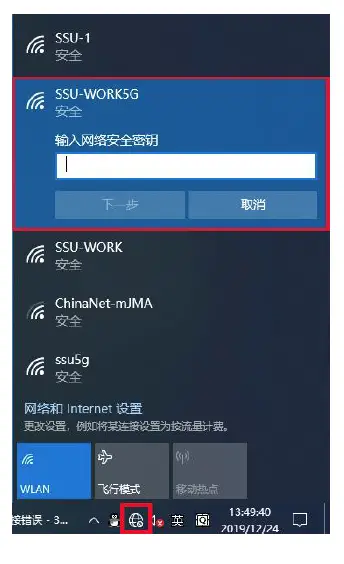
- selection signal WIFI password connected to

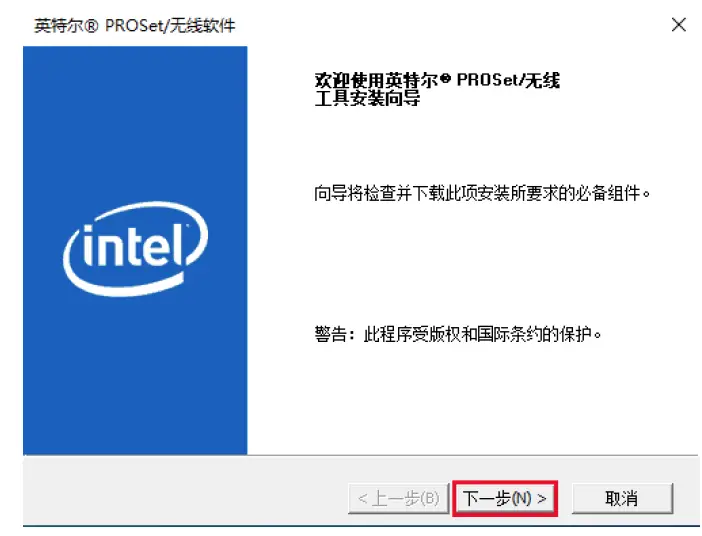
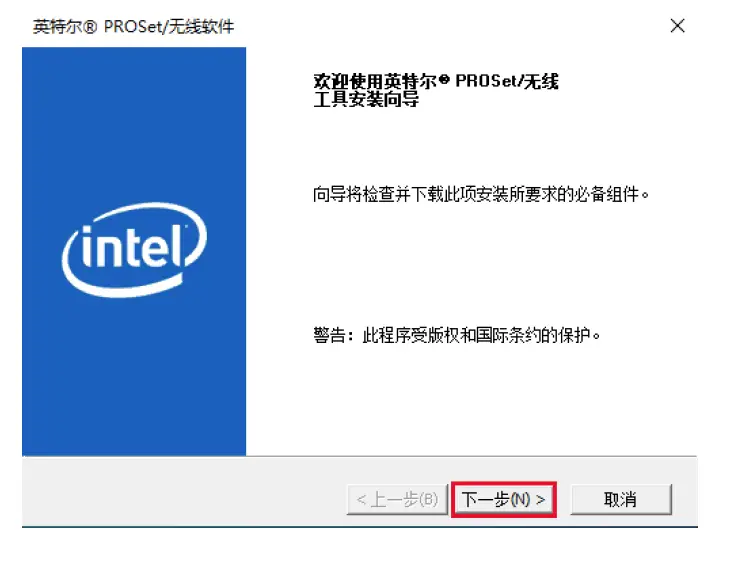
- Run ” Win10_64 ” Bluetooth driver and select ” Next “

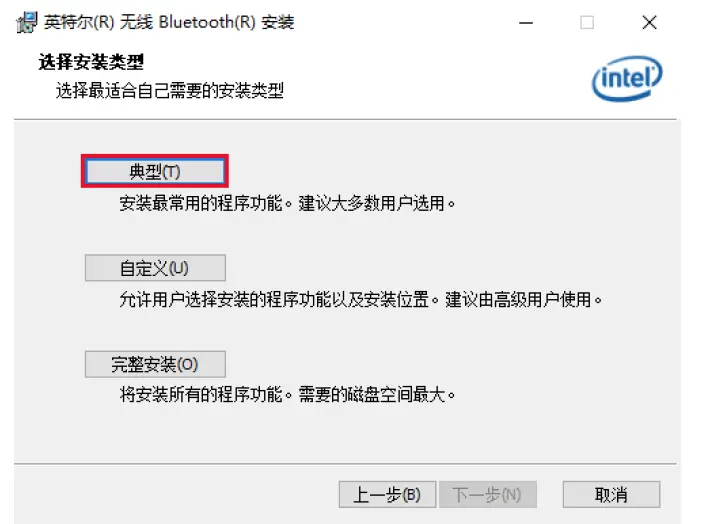
- Choose the type ” typical ” to install next


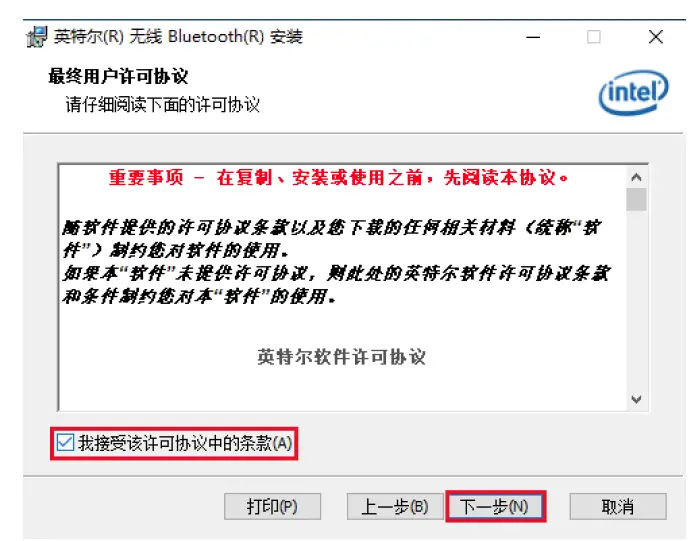
- Check “I accept the terms (A) in the license agreement” as shown in the figure and select the next step

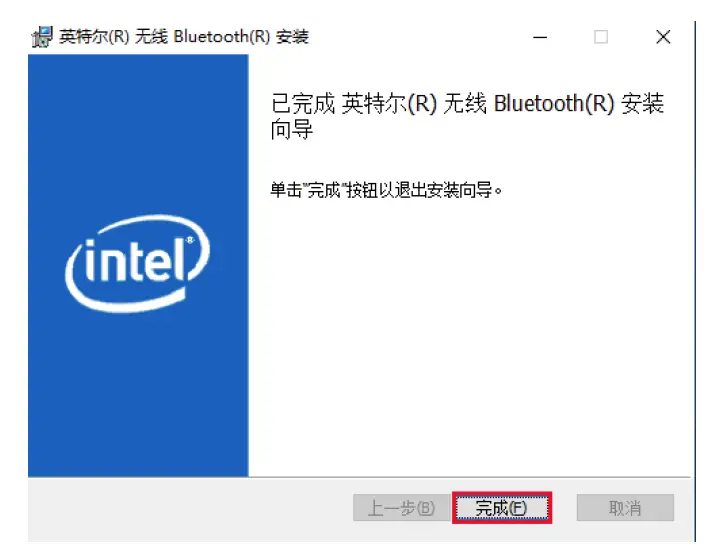
- complete as shown

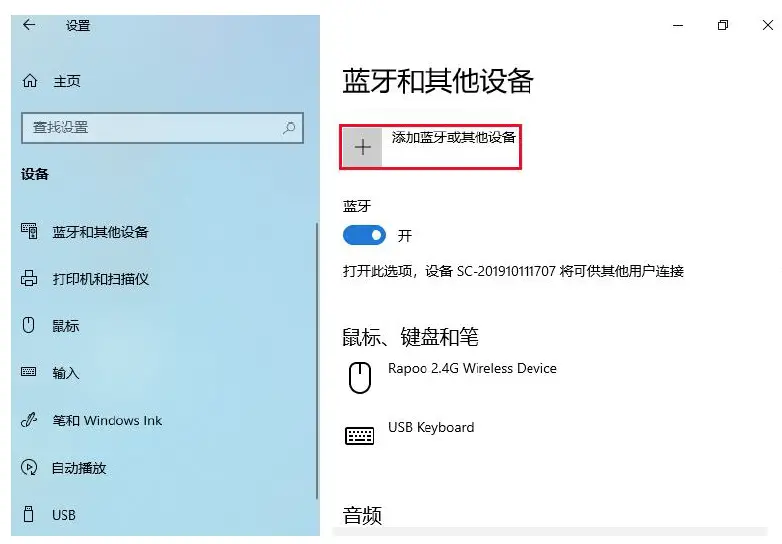
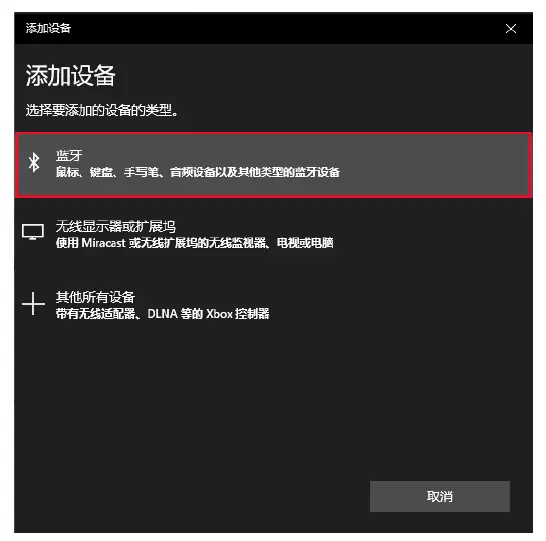
- Start Menu-Settings-Devices – Add Bluetooth or other devices

- add a device type, as

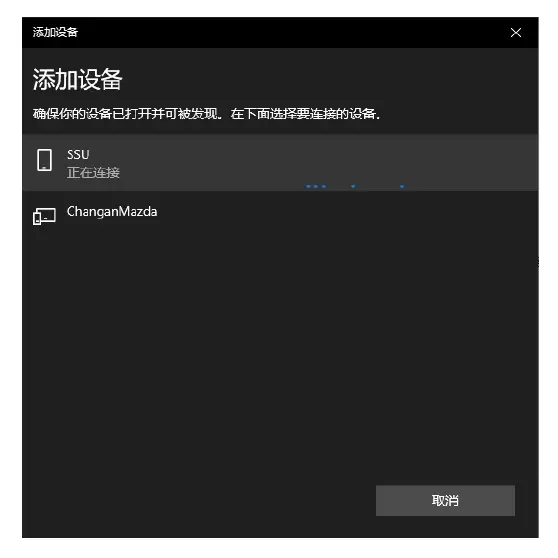
- selected Bluetooth device connection ( Bluetooth devices need to deploy pairing MODE.

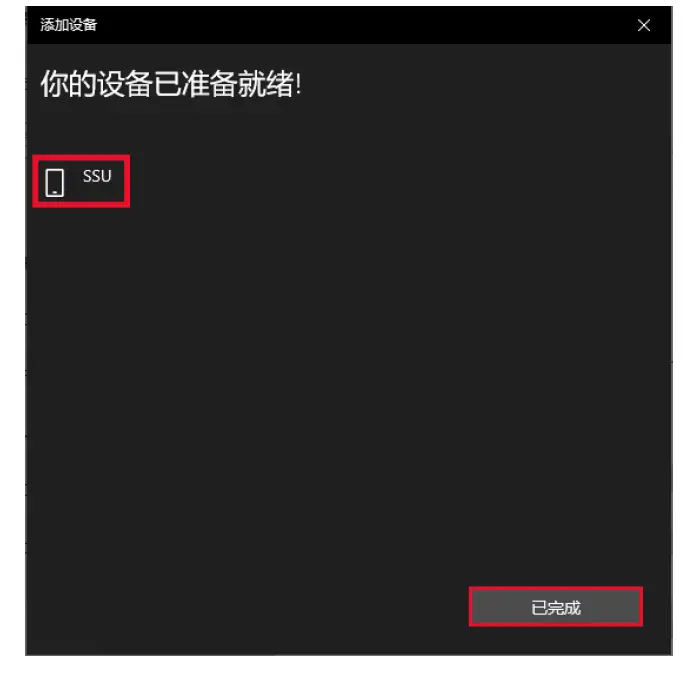
- The connection is completed as shown
FCC
This device complies with Part 15 of the FCC Rules. Operation is subject to the following two conditions: (1) this device may not cause harmful interference, and (2) this device must accept any interference received, including interference that may cause undesired operation.
Changes or modifications to this unit not expressly approved by the party responsible for compliance could void the user’s authority to operate the equipment.
NOTE: This equipment has been tested and found to comply with the limits for a Class B digital device, pursuant to Part 15 of the FCC Rules. These limits are designed to provide reasonable protection against harmful interference in a residential installation. This equipment generates, uses and can radiate radio frequency energy and, if not installed and used in accordance with the instructions, may cause harmful interference to radio communications. However, there is no guarantee that interference will not occur in a particular installation. If this equipment does cause harmful interference to radio or television reception, which can be determined by turning the equipment off and on, the user is encouraged to try to correct the interference by one or more of the following measures:
- Reorient or relocate the receiving antenna.
- Increase the separation between the equipment and receiver.
- Connect the equipment into an outlet on a circuit different from that to which the receiver is connected.
- Consult the dealer or an experienced radio/TV technician for help.
This device and its antenna(s) must not be co-located or operated in conjunction with any other antenna or transmitter.
Radiation Exposure Statement
To maintain compliance with FCC’s RF exposure guidelines, This equipment should be installed and operated with a minimum distance of 20cm from your body.