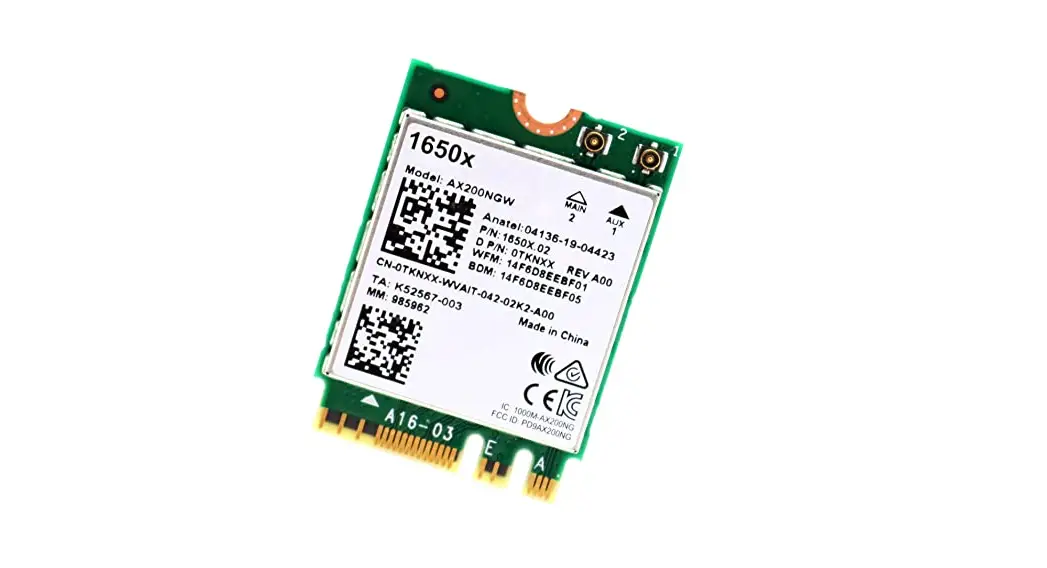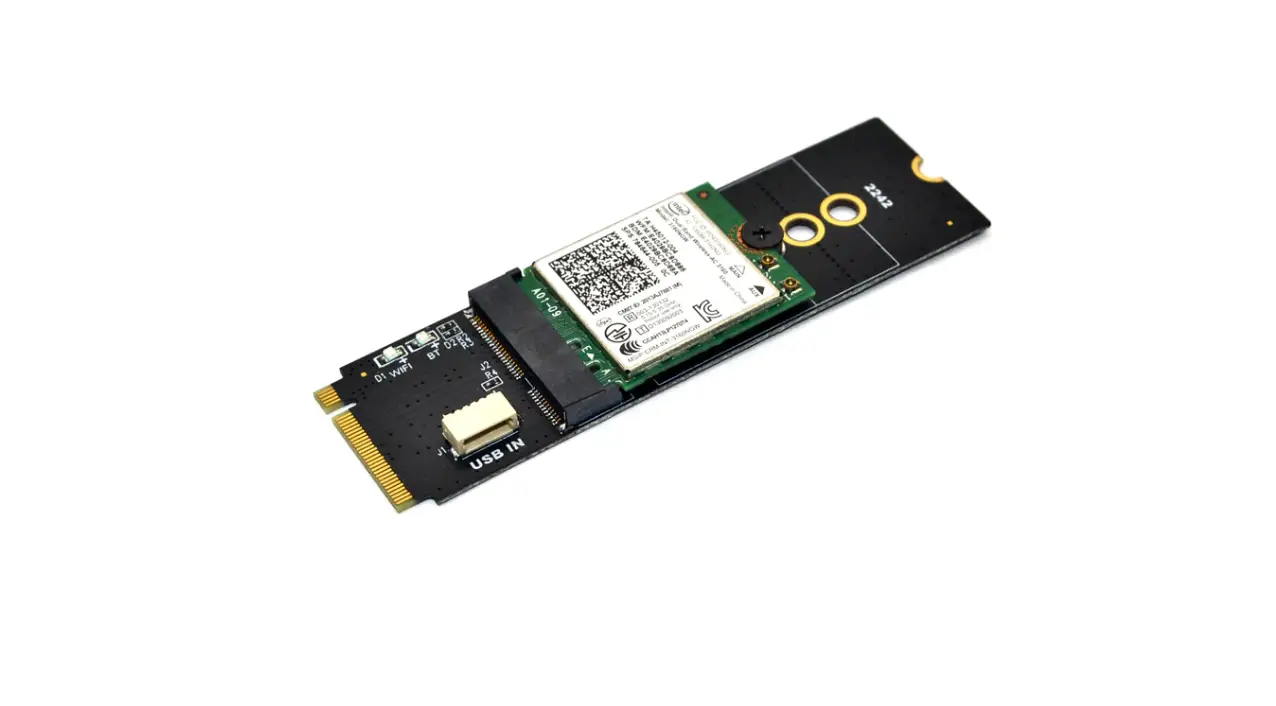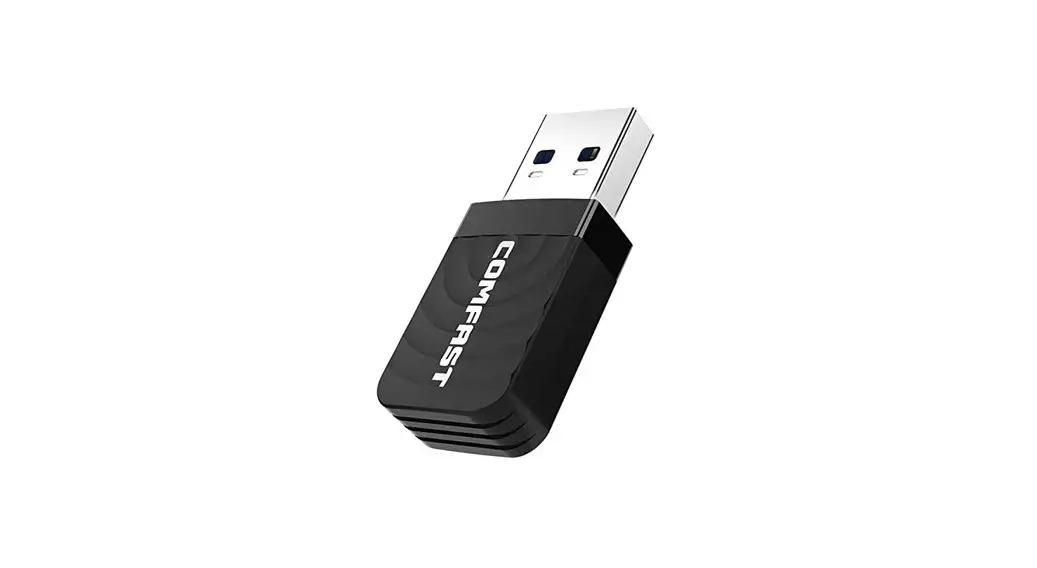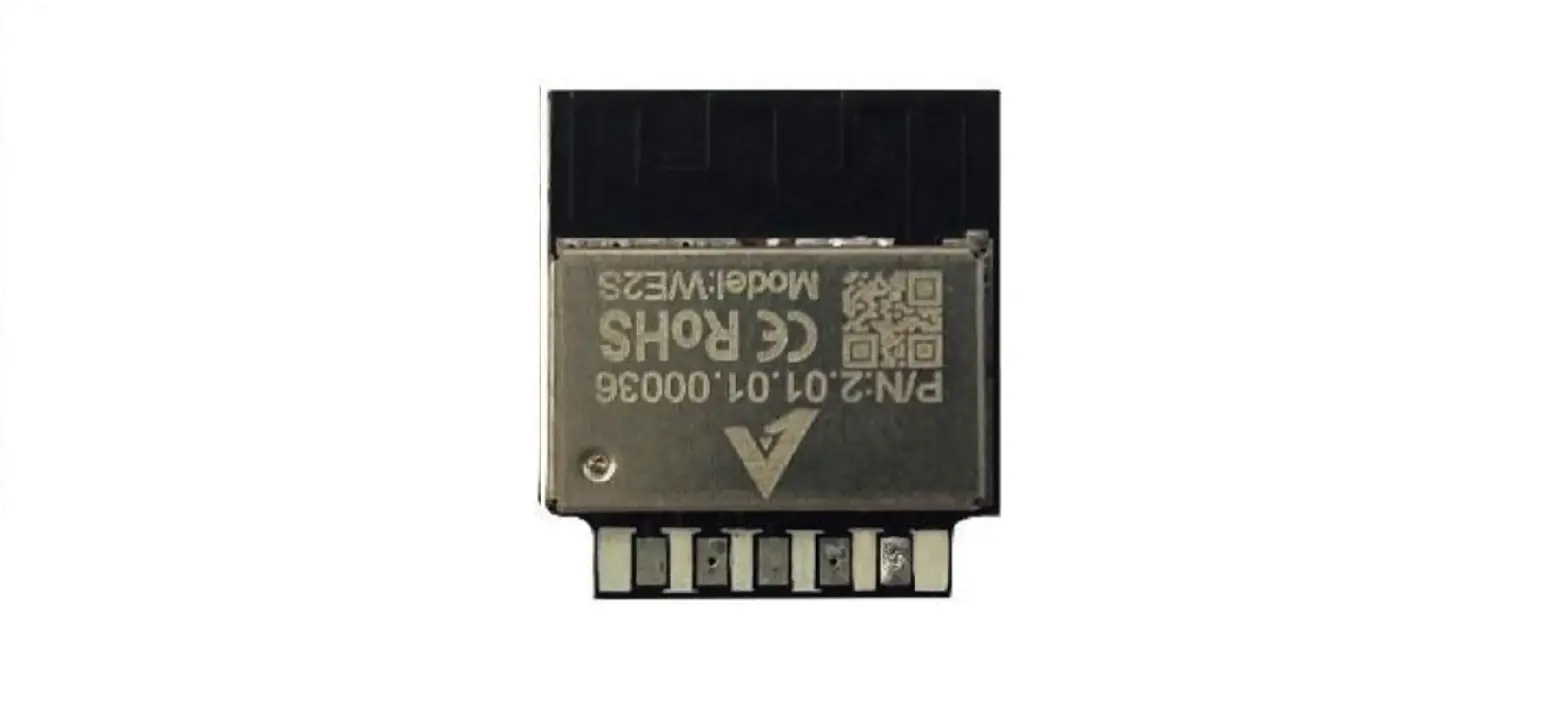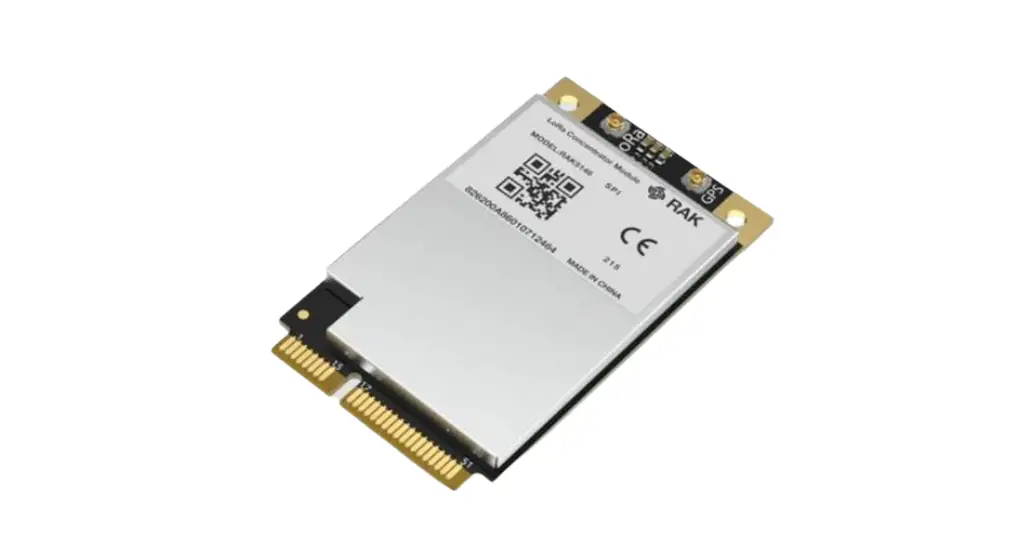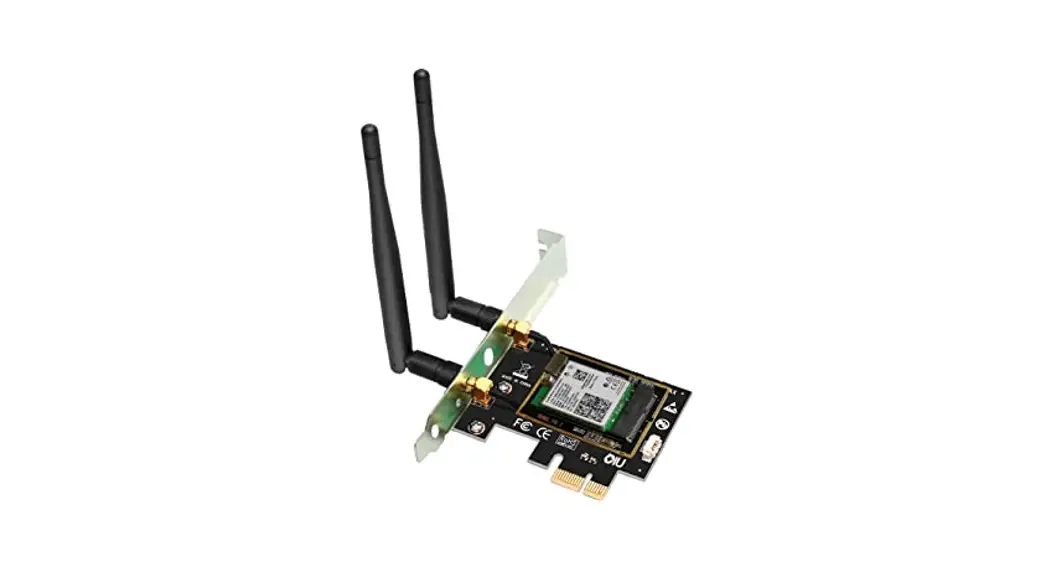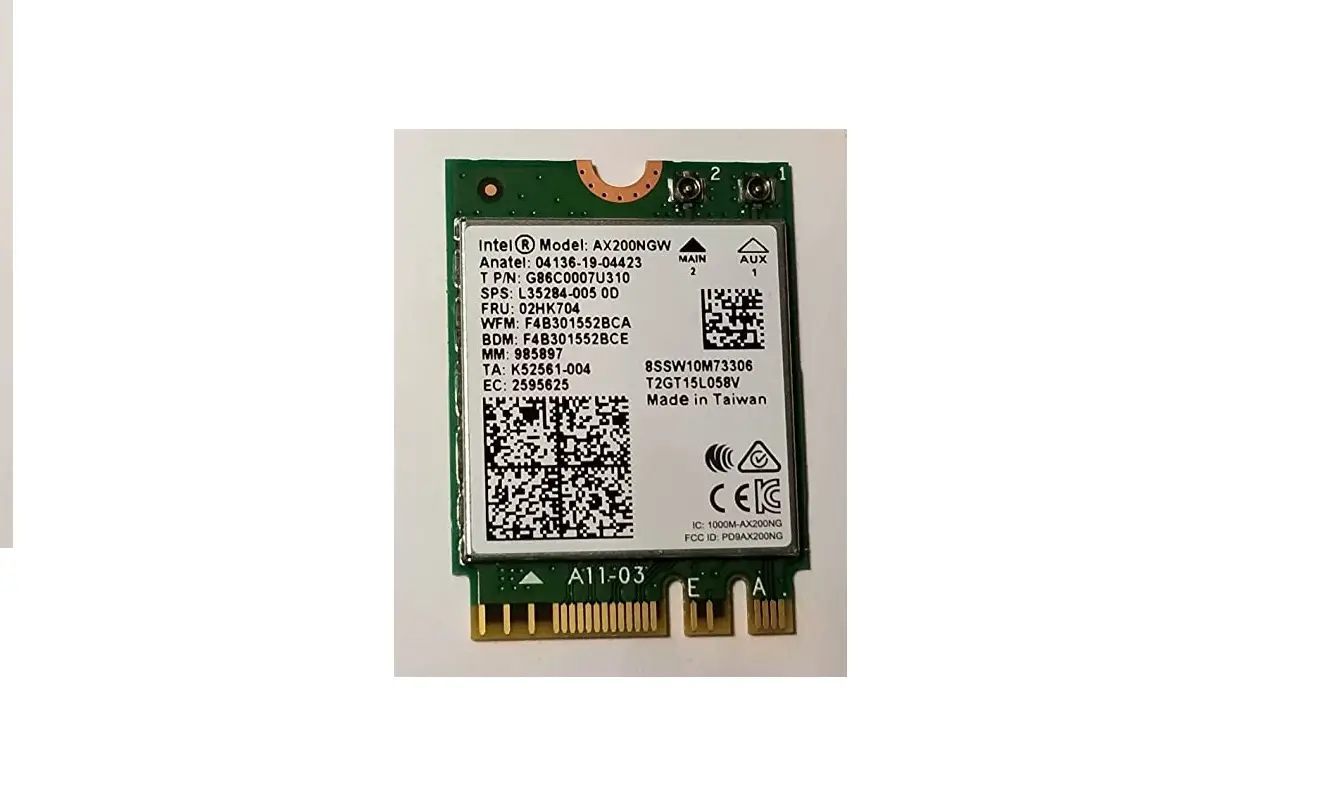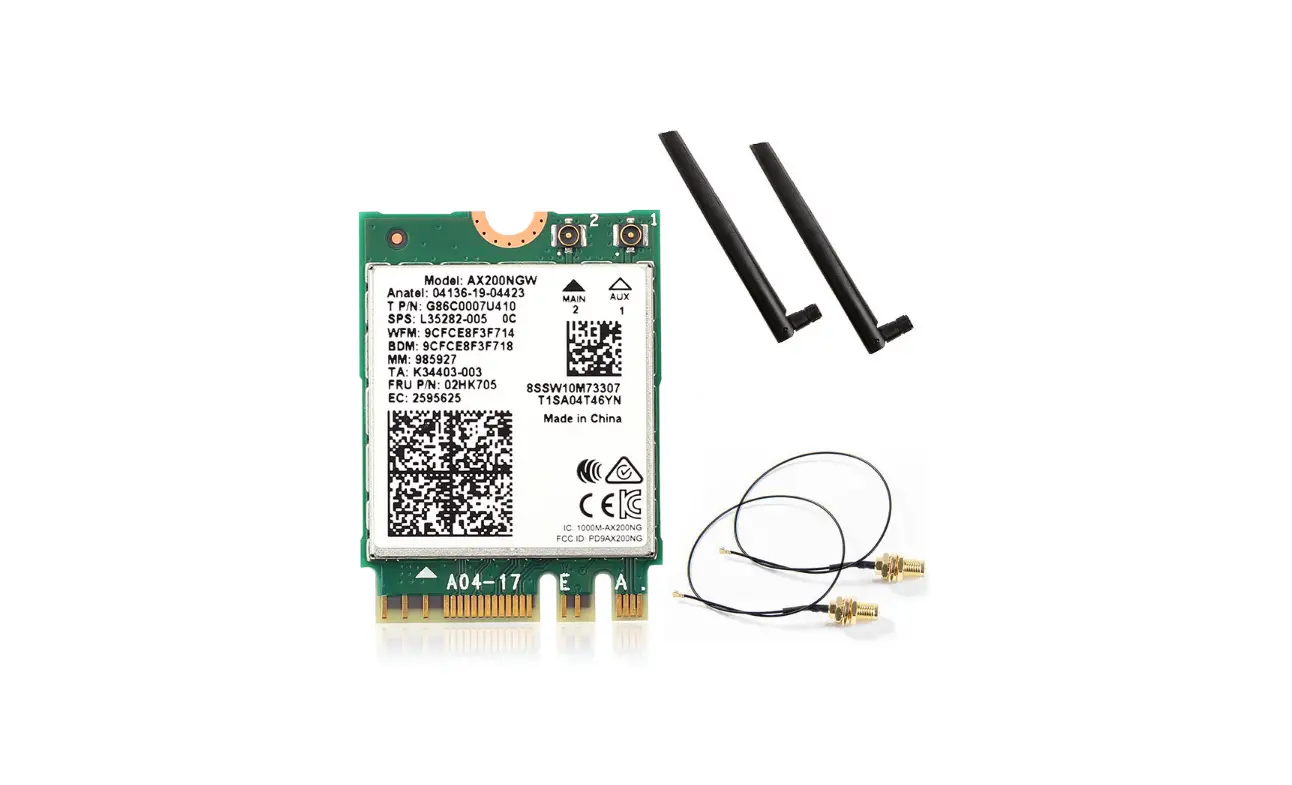

Shenzhen 2AXKH-AX200 WI-FI Card band wireless
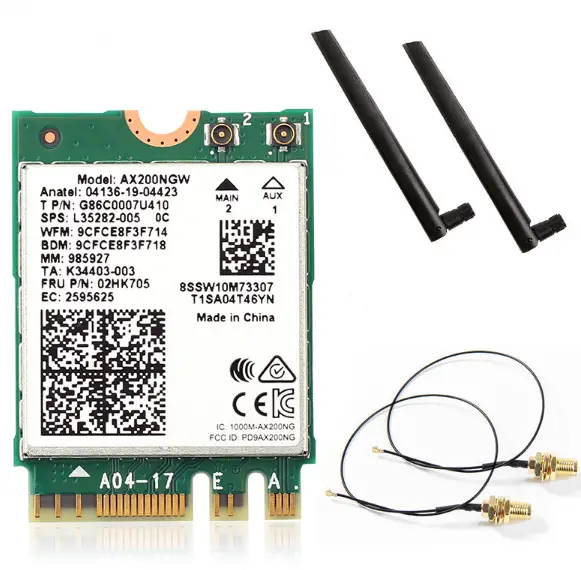
This driver is suitable for: AX200,AX200Pro, WIE9260, WIE8260, WIE7265, AX200NGW,AX200S
Release Date: May 20, 2020
Driver support: Win10 64 bit
Note: Since this product is a high-performance AC wireless network card, the minimum requirement is WIN10 64-bit system and does not support 32-bit! Please select the corresponding driver installation according to your product model and system
Hardware installation
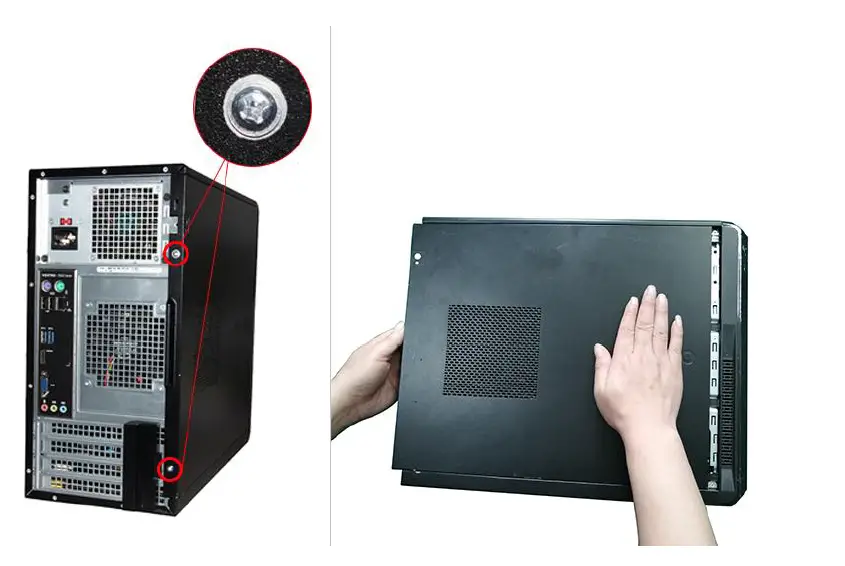
- Unscrew the screws of the chassis and push it out to remove the side cover

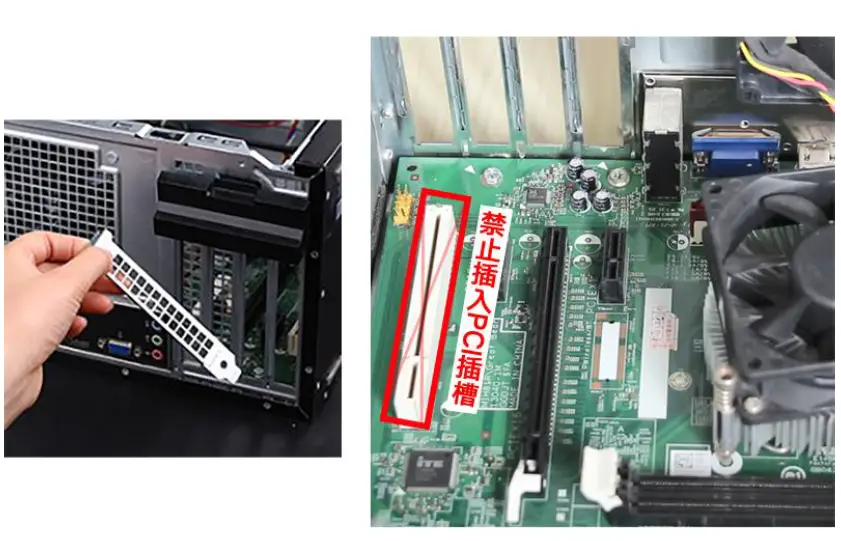
- Remove the file corresponding to the PCI-E interface ( supports graphics card installation )

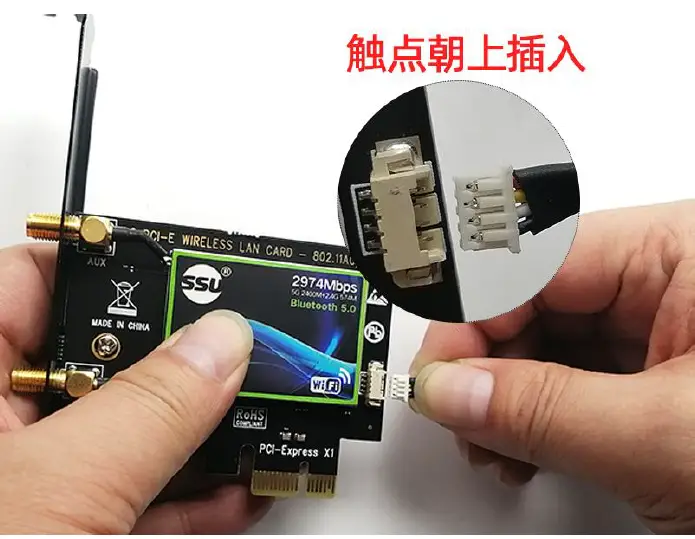
More file removal tutorials - Insert the four-wire connector of the Bluetooth cable into the wireless network card

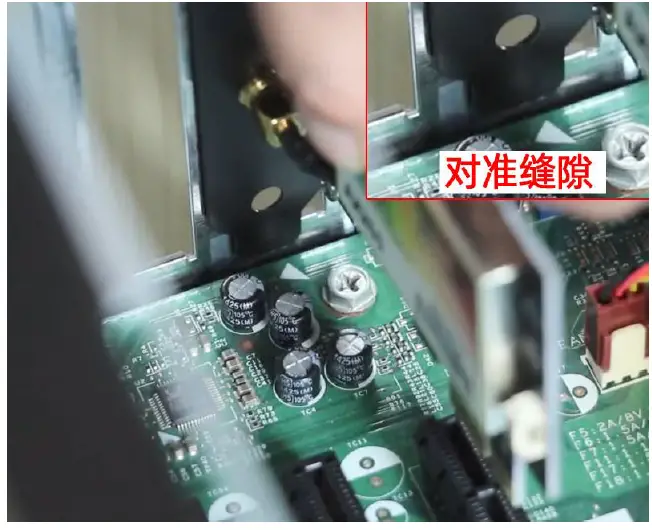
- Align the NIC card with the gap between the chassis and the motherboard and insert it to the end

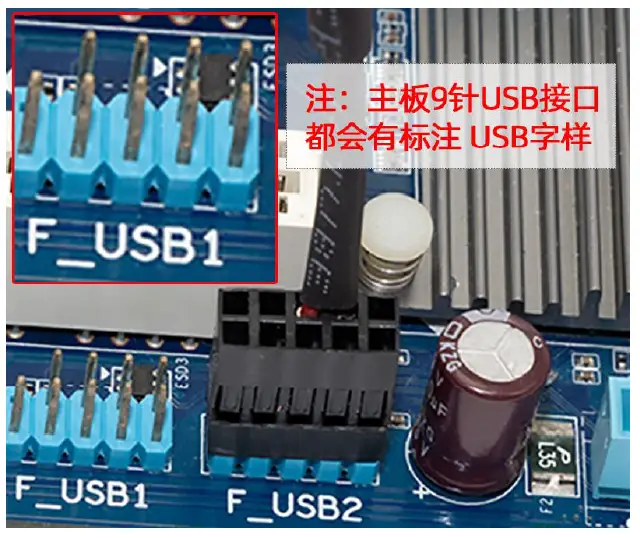
- Insert the other end of the Bluetooth cable into the 9-pin USB port on the motherboard

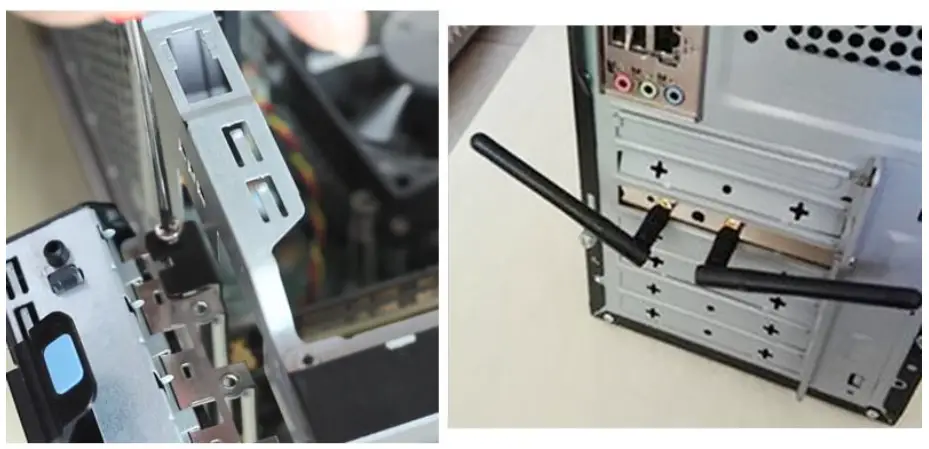
- Tighten the screws, fix the network card and install the antenna

Driver Installation
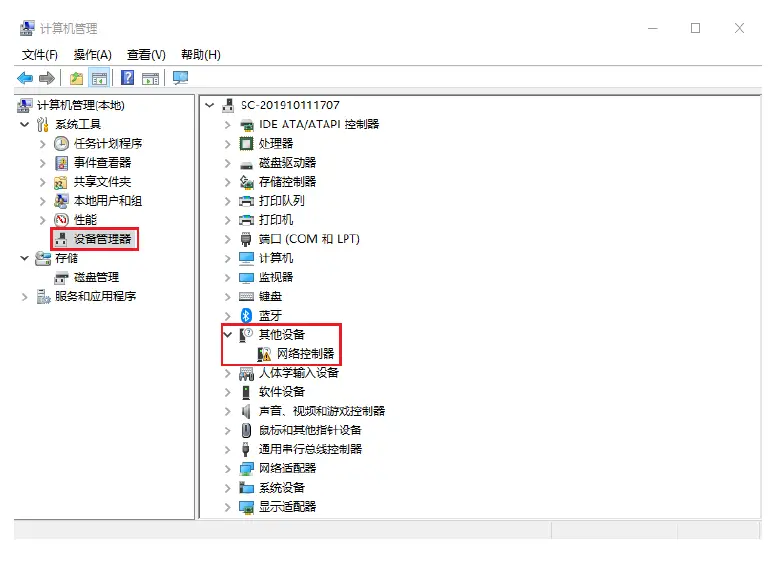
- Check if the device manager detects the card ( My Computer-Right Click-Management-Device Manager )

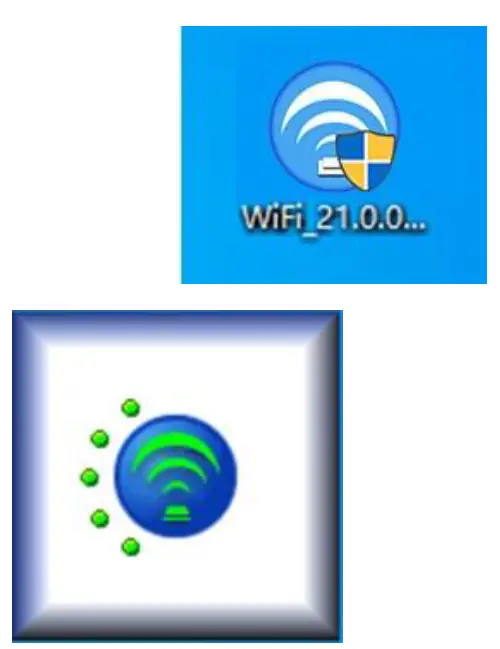
- Run the driver ” WIFI_21.0.0_Driver64 ” to install

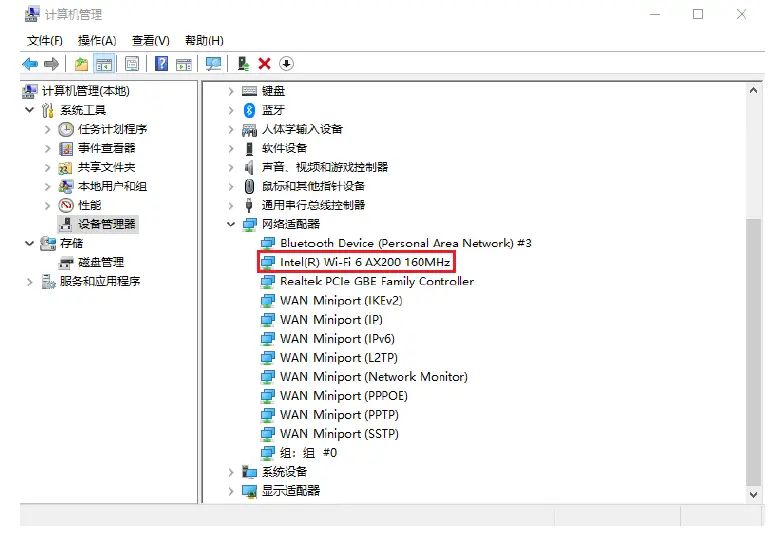
- Check whether the driver is installed normally ( My Computer-Right Click -Management-Device Manager )

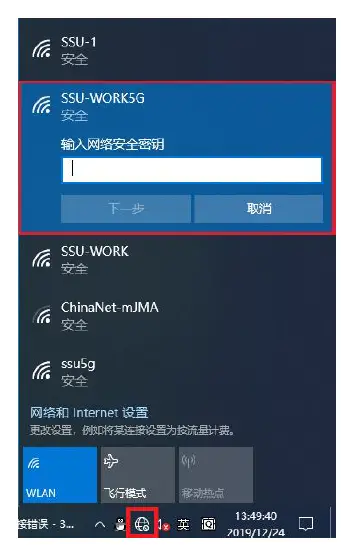
- selection signal WIFI password connected to

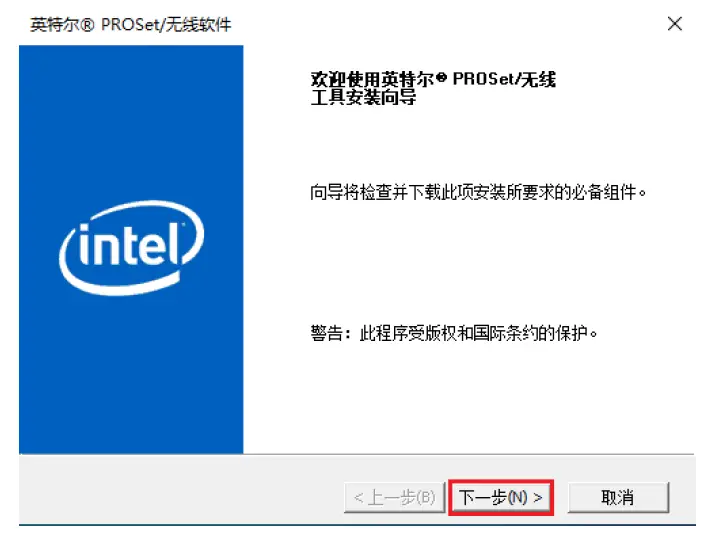
- 5 Run ” Win10_64 ” Bluetooth driver and select ” Next ”

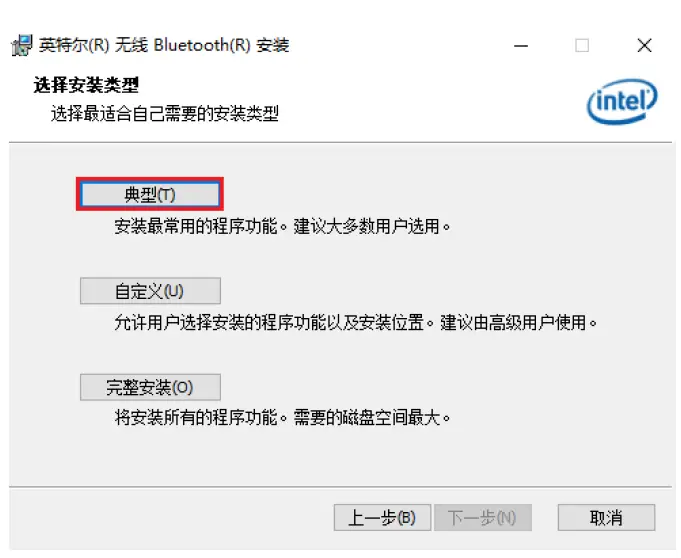
- Choose the type ” typical ” to install next

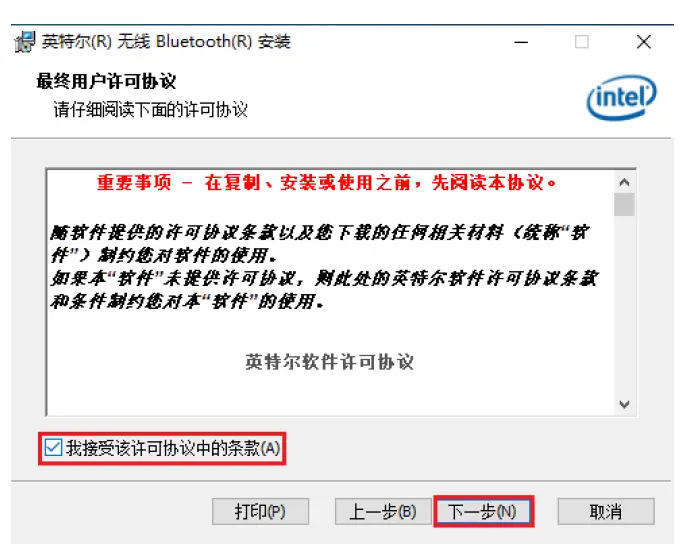
- Check “I accept the terms (A) in the license agreement” as shown in the figure and select the next step

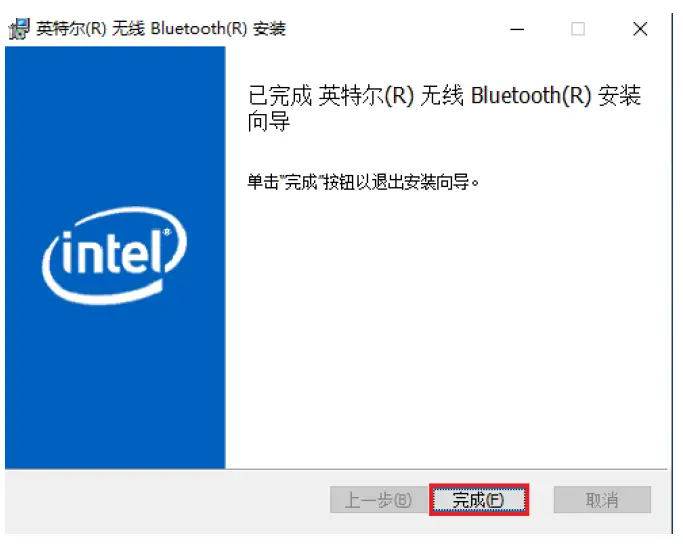
- complete as shown

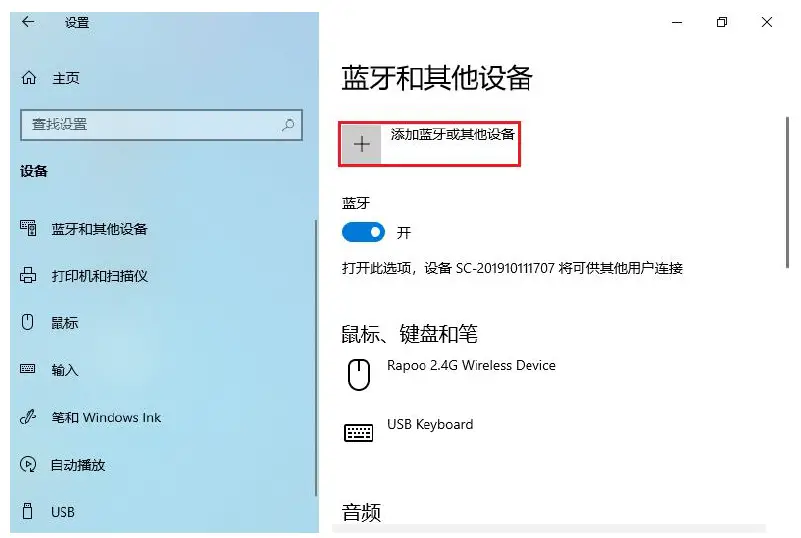
- Start Menu-Settings-Devices – Add Bluetooth or other devices

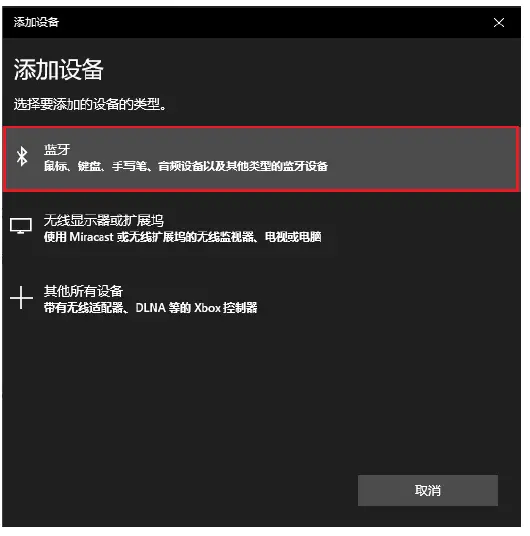
- add a device type, as

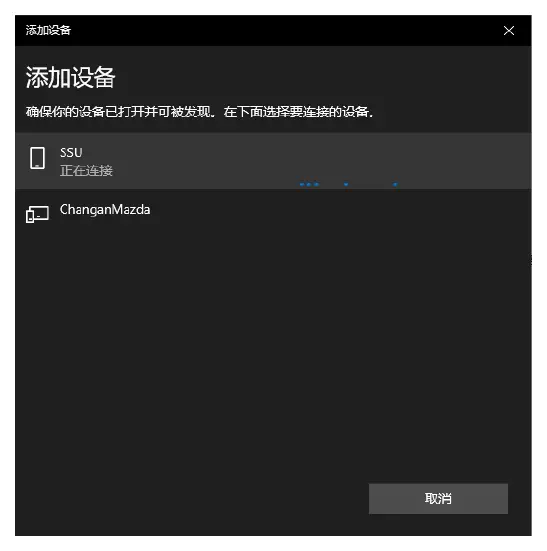
- selected Bluetooth device connection ( Bluetooth devices need to deploy pairing mode )

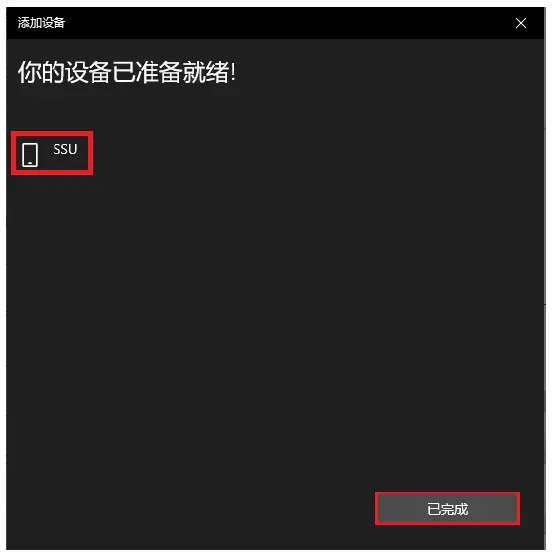
- The connection is completed as shown