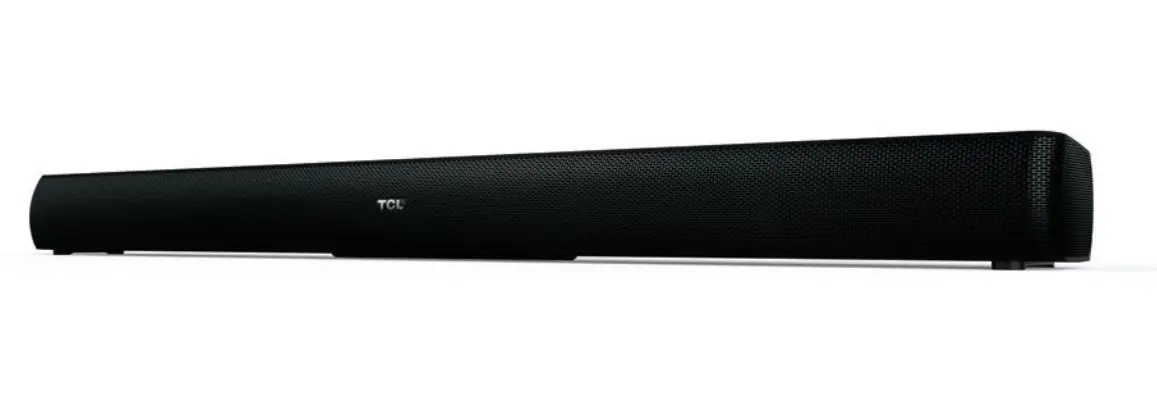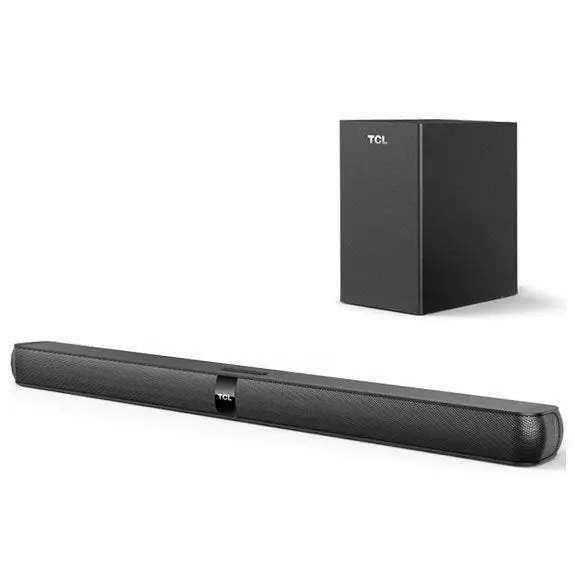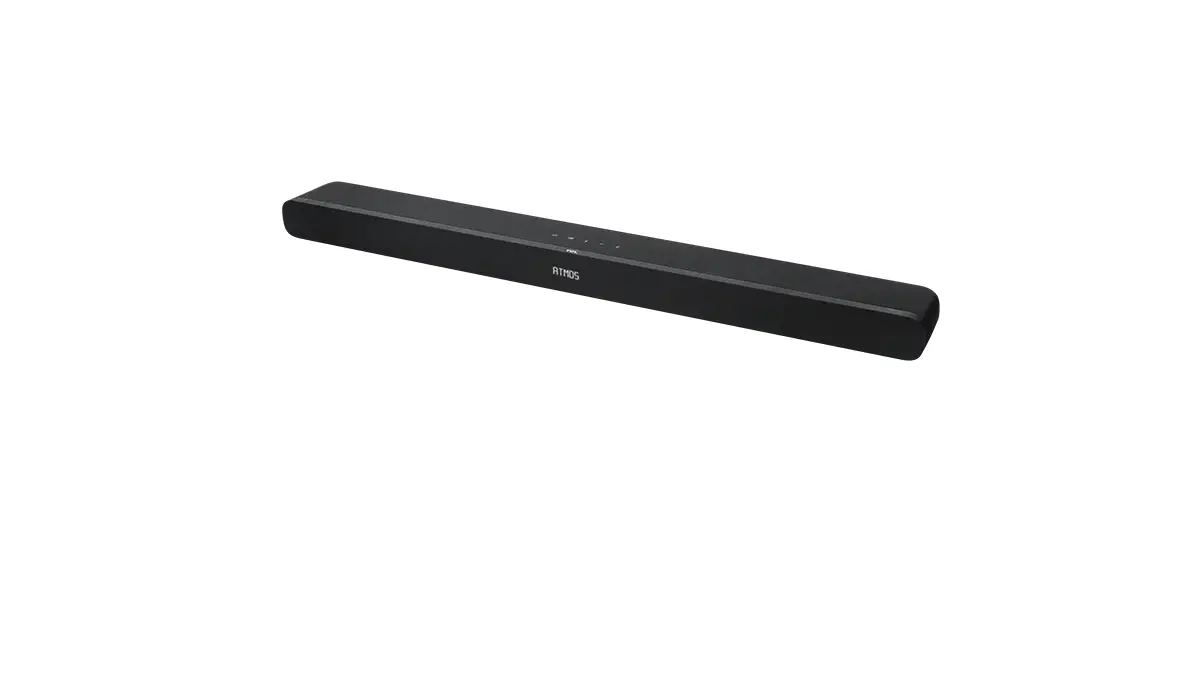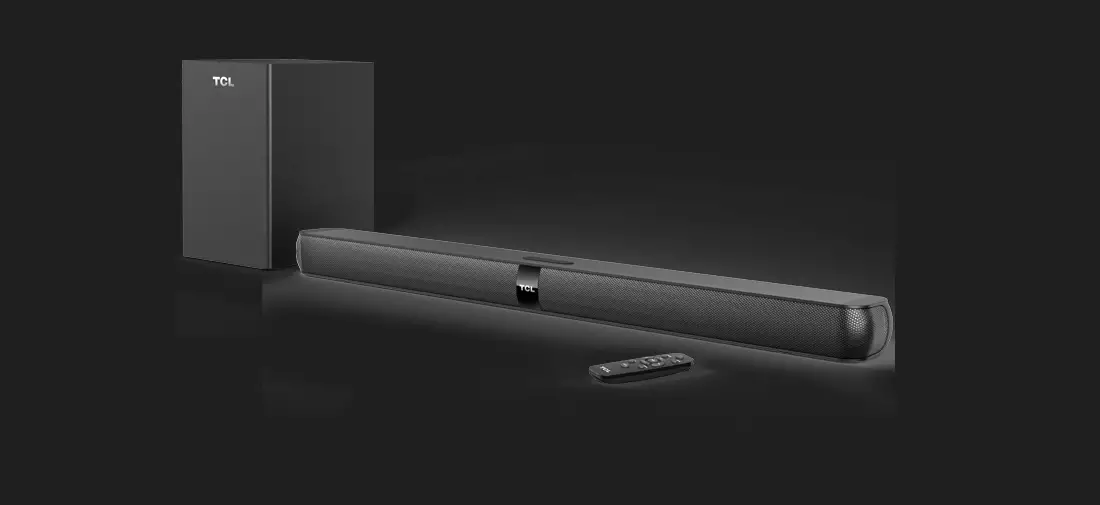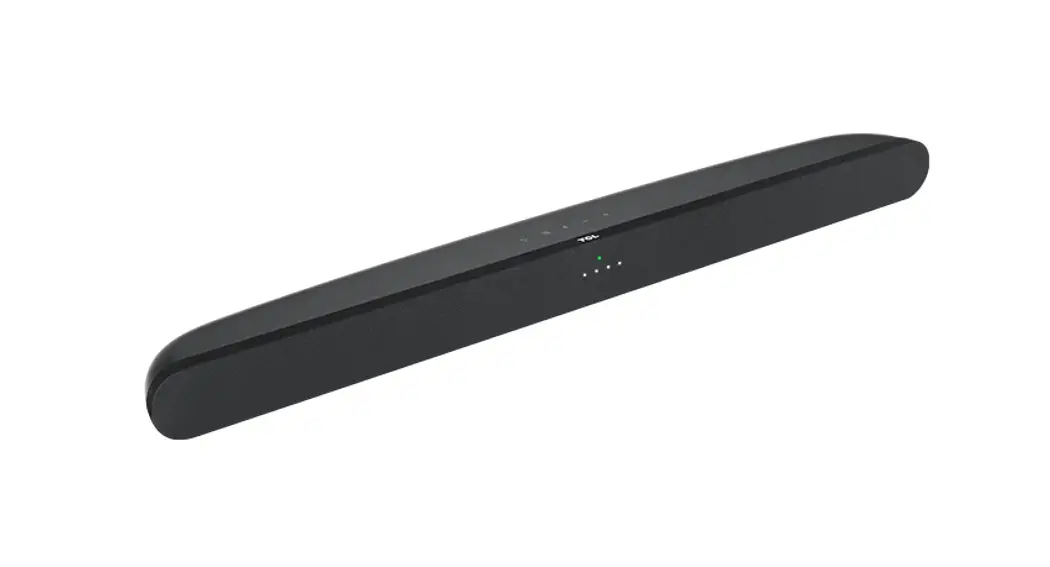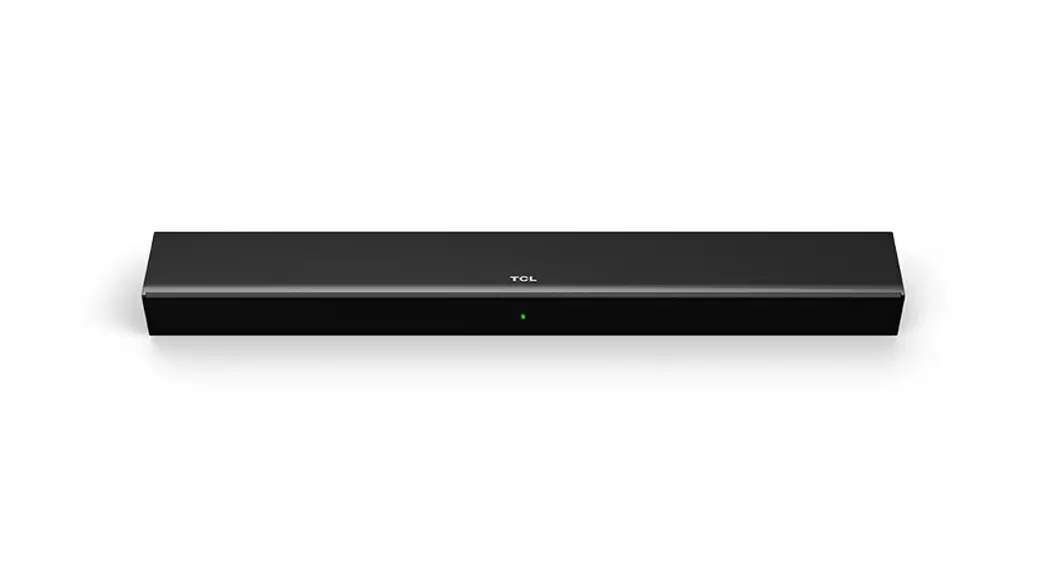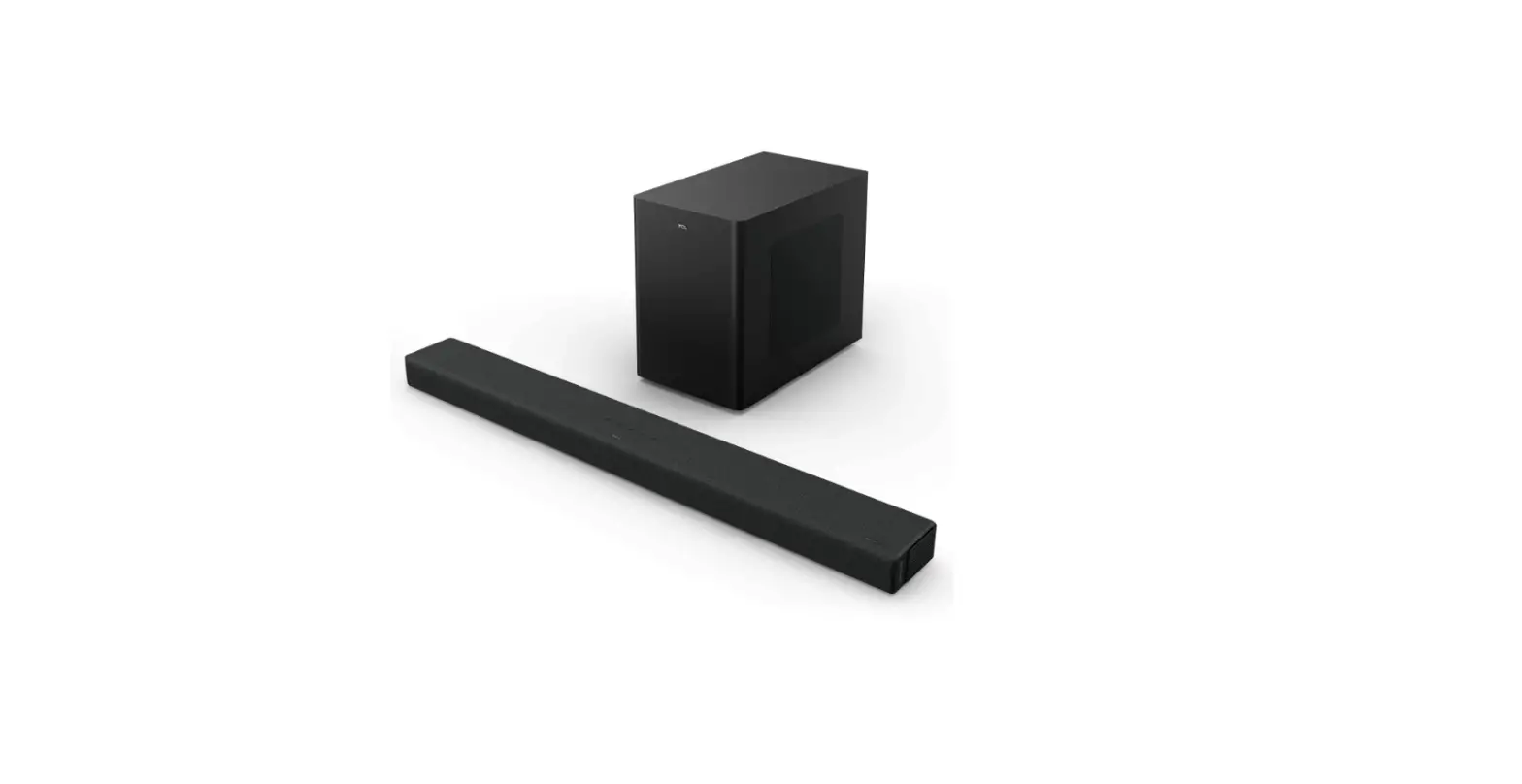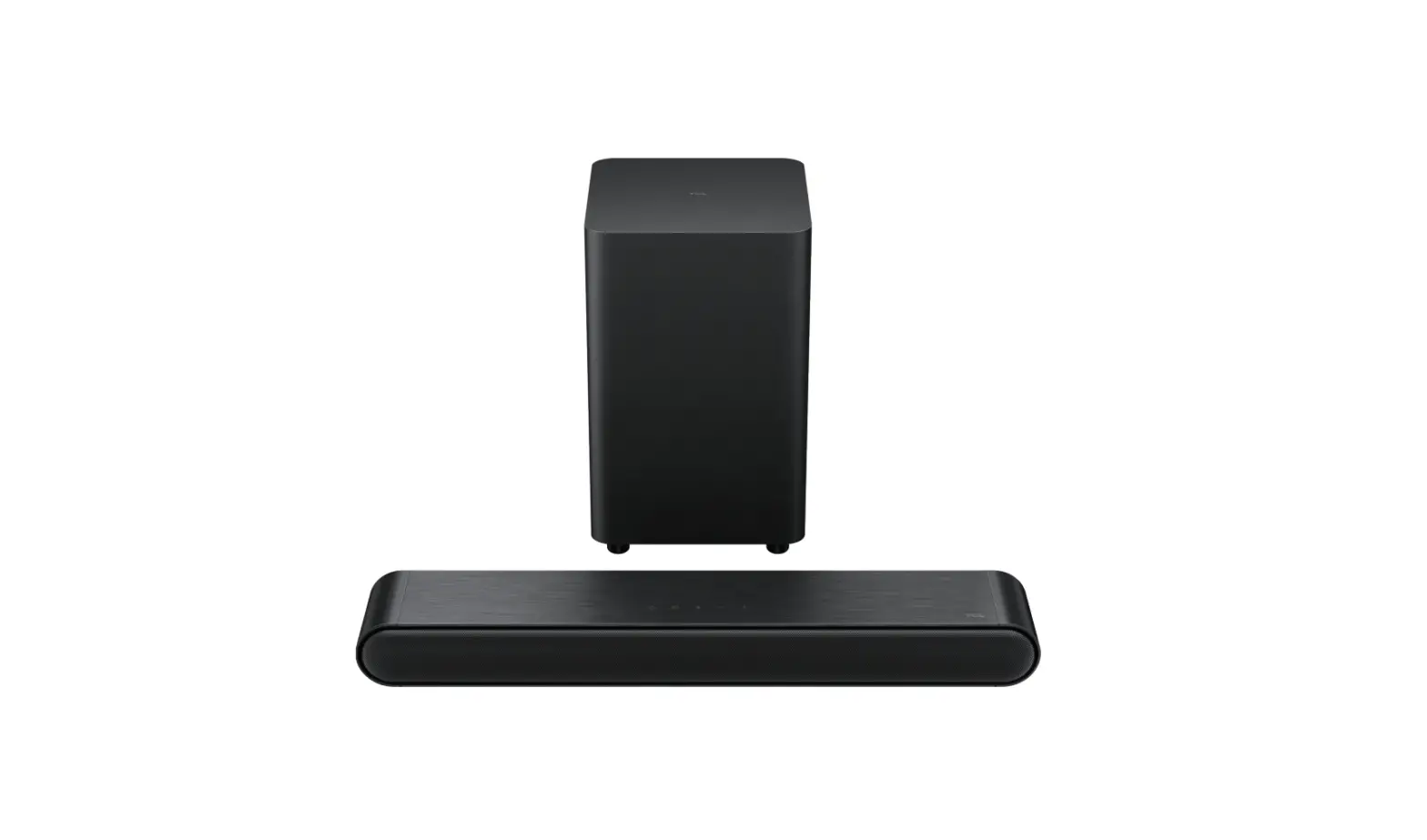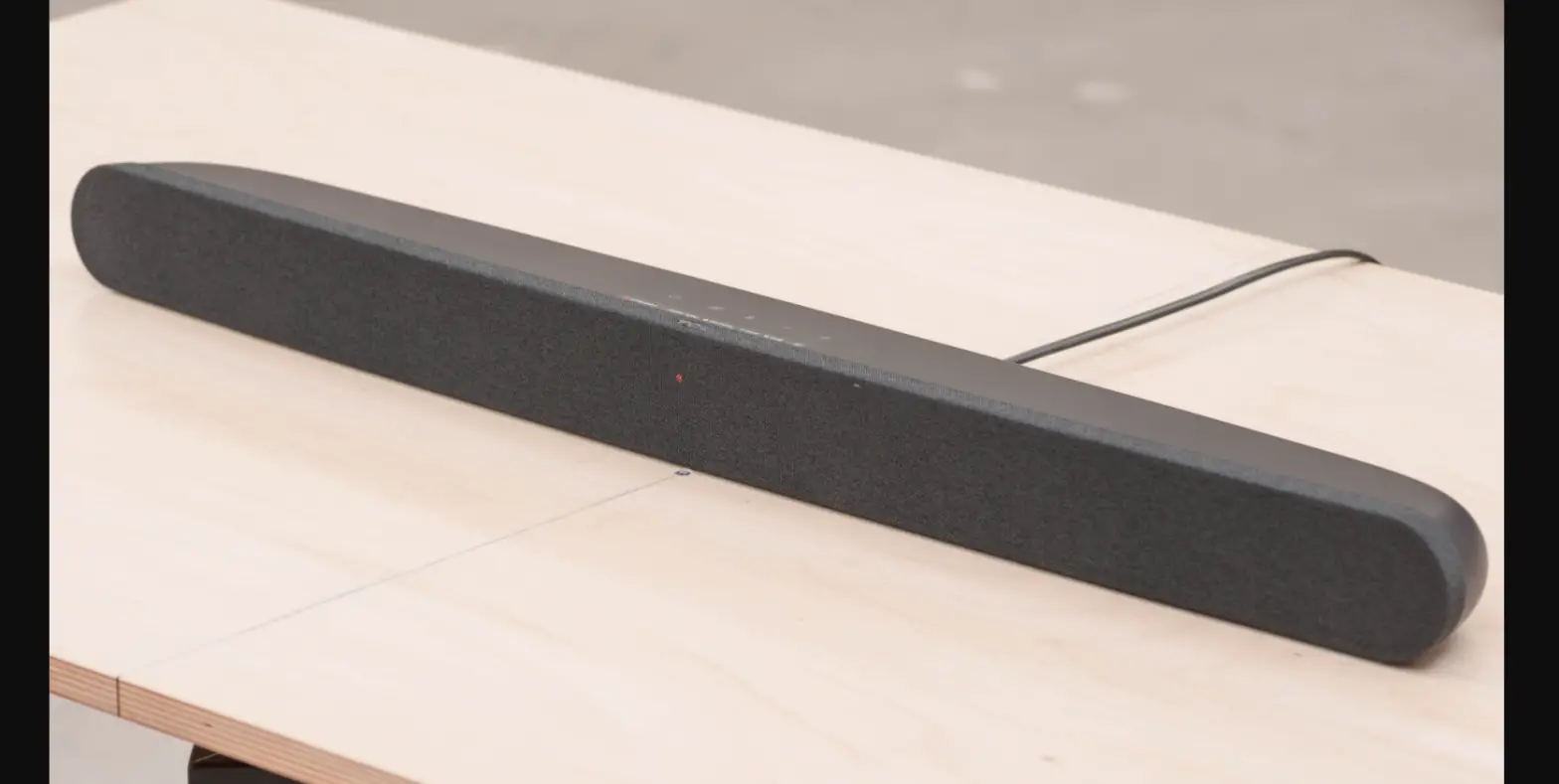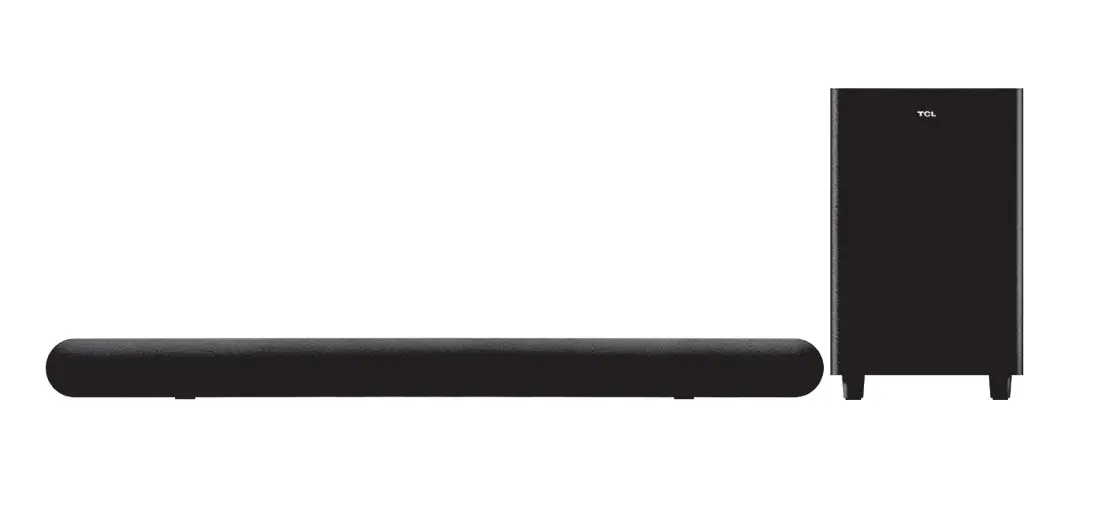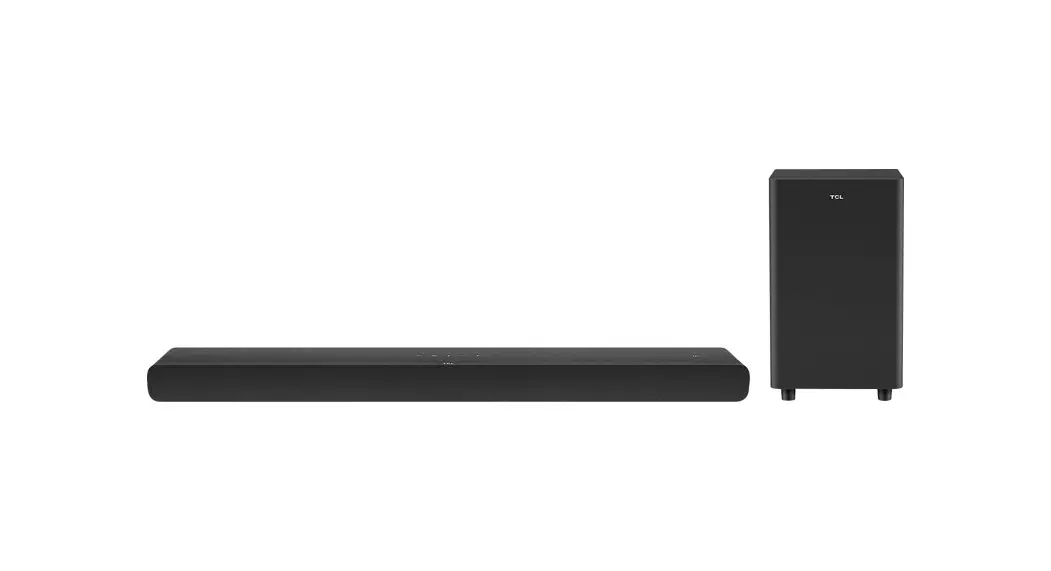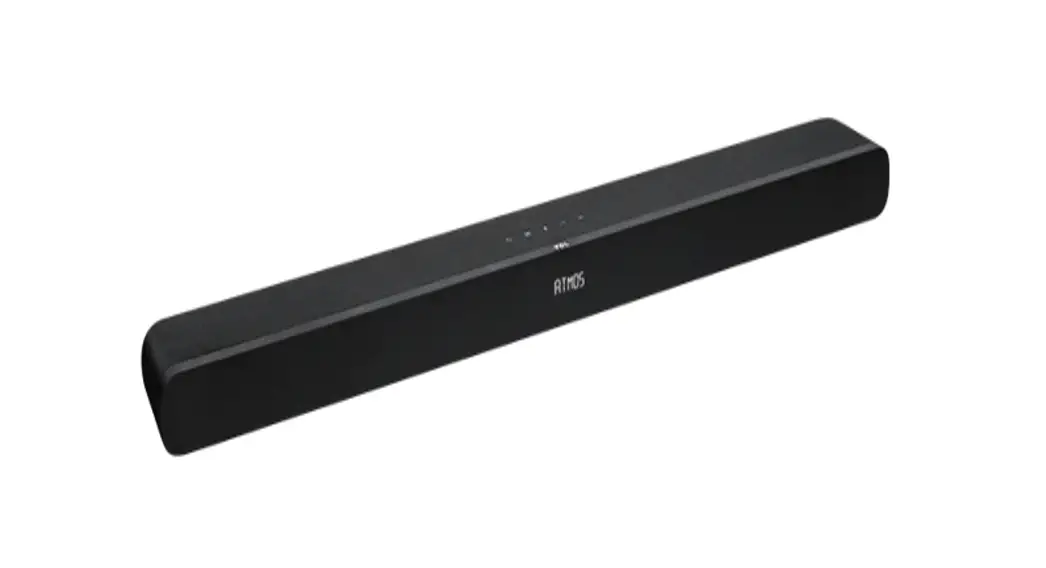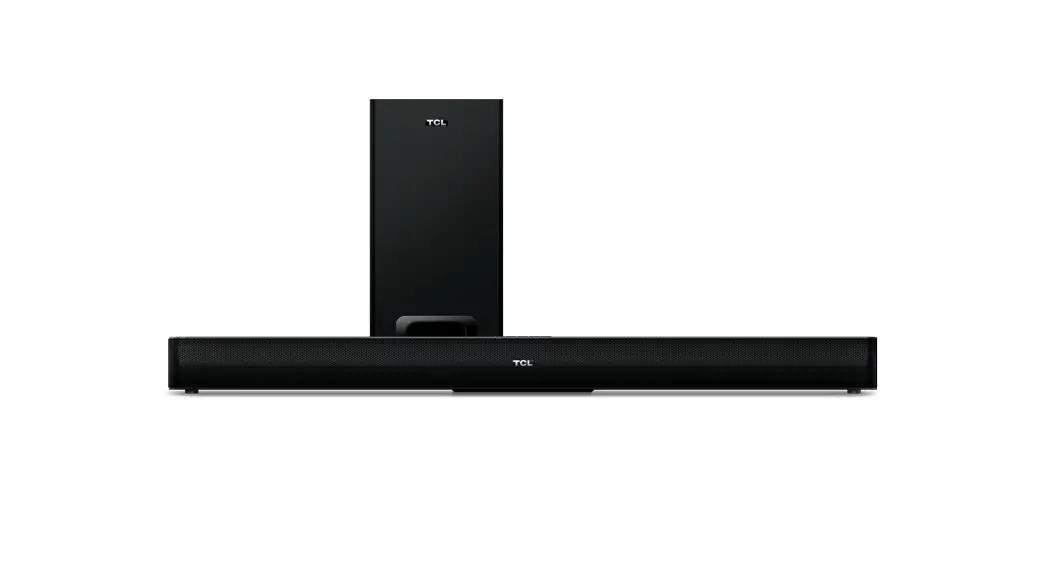

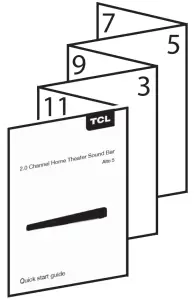
 2.0 Channel Home Theater Sound Bar
Alto 5 Quick start guide
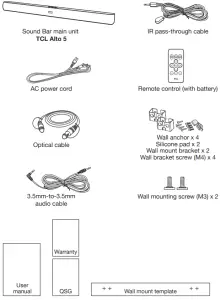
What’s in the box
Overview
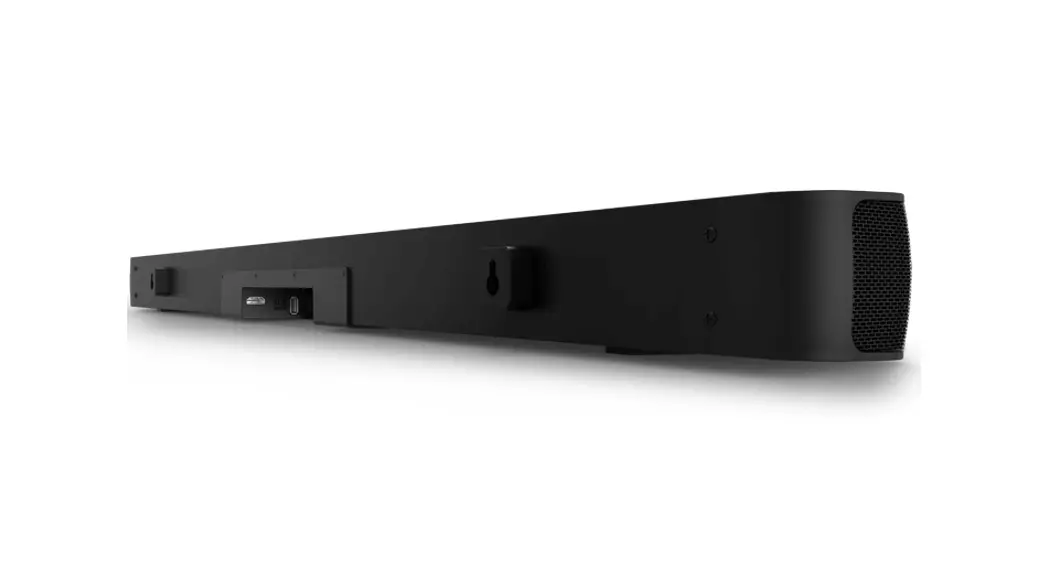
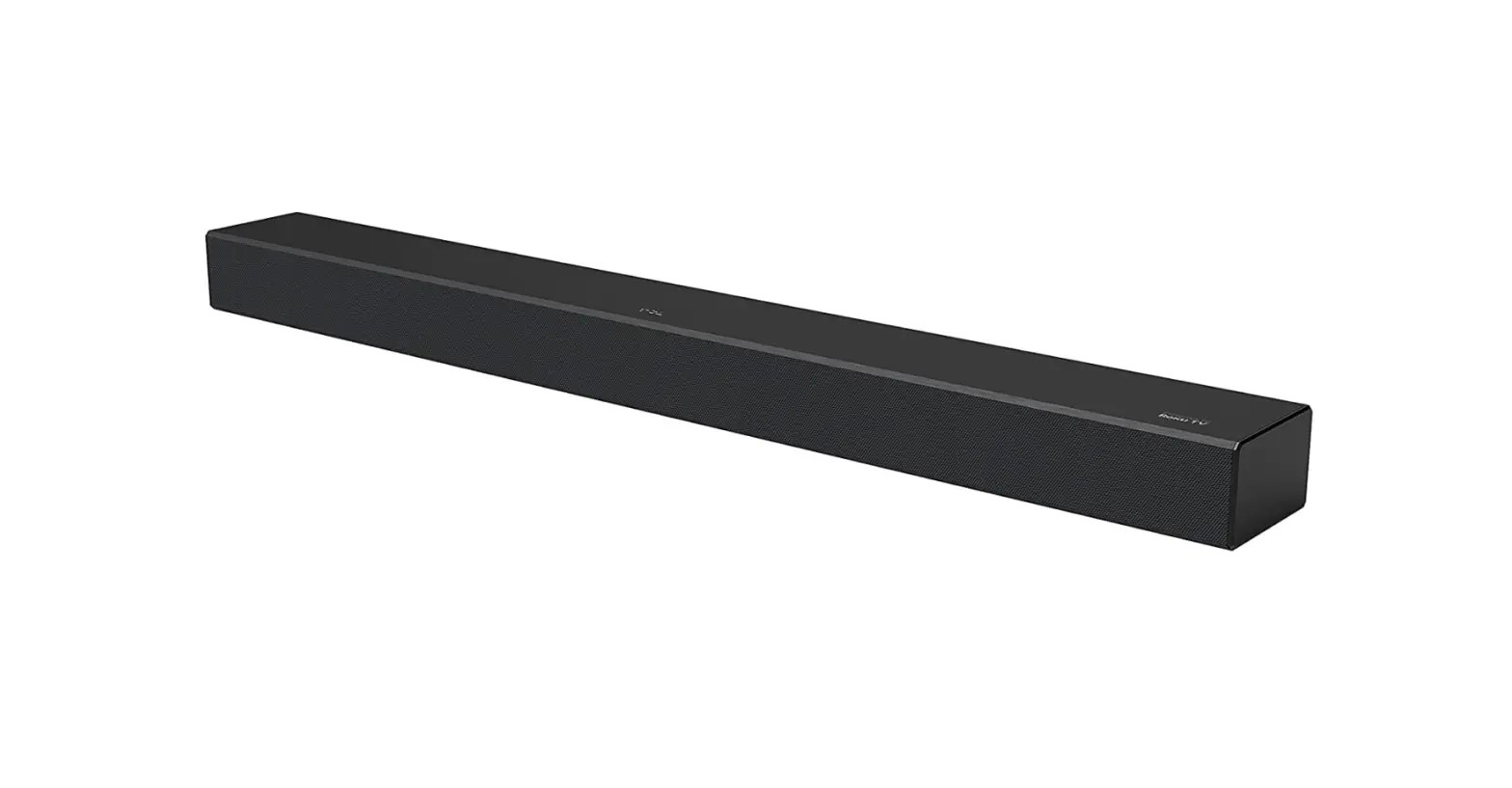
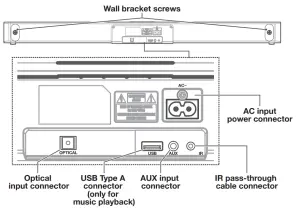
Sound Bar main unit
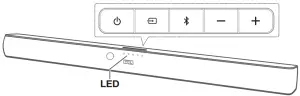
 Press to turn the Sound Bar main unit on or to standby mode.
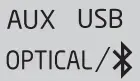
 Press to switch the audio source among AUX/Bluetooth/Optical/USB modes.
 Press to select the Bluetooth function.
 Press to increase or decrease the volume level.
Remote control
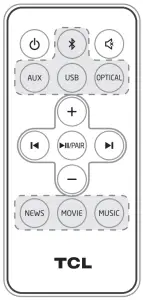
Press to turn the Sound Bar on or to standby mode. Press to mute or unmute the sound.
 Press to switch the audio source among different modes.Press to increase or decrease the volume level.
 Press to skip to previous/next track in Bluetooth/USB mode.
 Play/pause/resume playback in Bluetooth/USB mode. Press and hold to activate the pairing function in Bluetooth mode or disconnect the paired Bluetooth device.
MUSIC NEWS/MOVIE/MUSIC
Press to select the equalizer (EQ) effect when you are watching news or movies or listening to music.
Wall mount
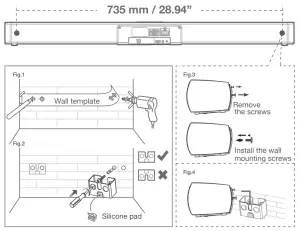
- Place the supplied wall-mount template on the wall. Make sure the wall mount template is at least 2 inches (5cm) below the center of the TV.
- Use a level to make sure the Sound Bar is positioned accurately.
- Use the tape to stick the wall mount template firmly on the wall.
- Mark on the wall using each marking on the template through the mounting holes (Fig.1).
- Take away the wall mount template.
- Drill a screw hole at each marking on the wall (Fig.1).
- Insert the supplied wall anchors into 4 screw holes on the wall (Fig. 2).
- Insert the supplied wall bracket screws into the wall anchors. Leave 4mm between the screw heads and the wall (Fig. 2).
- Fix and tighten the wall bracket screws on the wall. Stick the silicone pads on the wall mount brackets when necessary to adjust the direction of the Sound Bar main unit (Fig. 2).
- Replace the screws at the back of the Sound Bar main unit with the supplied wall mounting screws (Fig. 3 and 4).
- Hang the Sound Bar main unit on the screws.
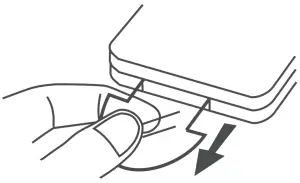
4a Activate the remote control
4b Replace the remote control battery
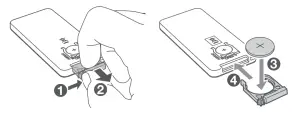
Battery type: Lithium CR2025 battery (160 mAh) x 1
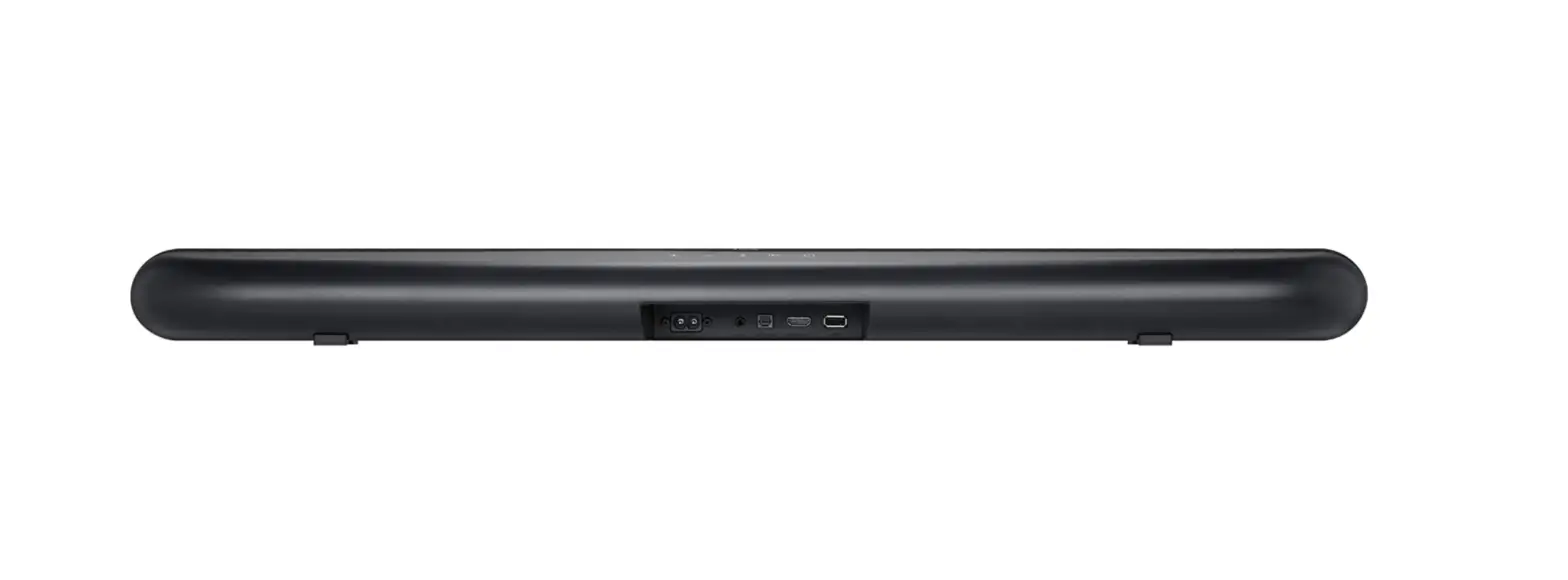
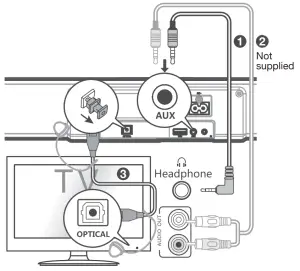
Connect
- 3.5mm-to-3.5mm audio cable
- RCA-to-3.5mm (not supplied)
- Optical cable
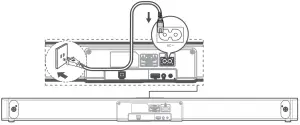
Power supply
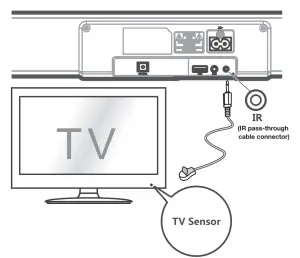
IR pass-through cable
Pairing
Bluetooth device
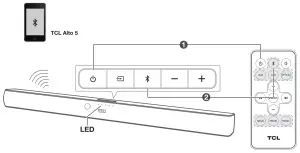
- Press
 .
. - Press
 .
.
→The blue LED flashes slowly. The Sound Bar is ready to pair. - Power on your Bluetooth device and activate its Bluetooth function.
- Select TCL Alto 5.
→You hear distinct double beep sounds.
→The blue LED remains on solidly when pairing is successful.
Use
LED behaviors under different source mode
| Sound Bar status | LED indicators |
| in standby mode | The red LED is on solidly. |
| in AUX mode | The green LED is on solidly. |
| in Bluetooth mode | The blue LED is on solidly. |
| ready to pair | The blue LED flashes slowly. |
| pairing in progress | The blue LED flashes quickly. |
| in optical mode | The orange LED is on solidly. |
| in USB mode | The white LED is on solidly. |
Remote sound functions
Operation | LED indicators |
| The white LED flashes quickly and goes back to the source LED. |
| The red LED keeps flashing. |
 | The red LED flashes and goes back to the source LED. |
MOVIE | The white LED flashes once. |
MUSIC | The green LED flashes once. |
| The orange LED flashes once. |
Use the USB device for music playback
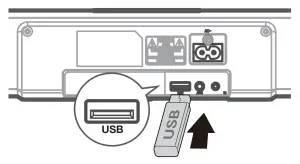
| Operation | LED indicators |
| Listen to music. | The white LED is on. |
| Press to pause the music. | The white LED is on solidly. |
| Press|◀or▶|to skip to the previous/next track | The white LED is on solidly. |
DO NOT RETURN TO THE STORE
WE ARE READY TO HELP
contact us first with any questions TCL SUPPORT:
www.tclusa.com/support
or
www.tclcanada.com/support
1-877-300-9223 TAKE CARE WHEN REMOVING THE SOUNDBARCopyright © 2019 TCL.
All rights reserved.
TS5000_US_EN_QSG_V2.0