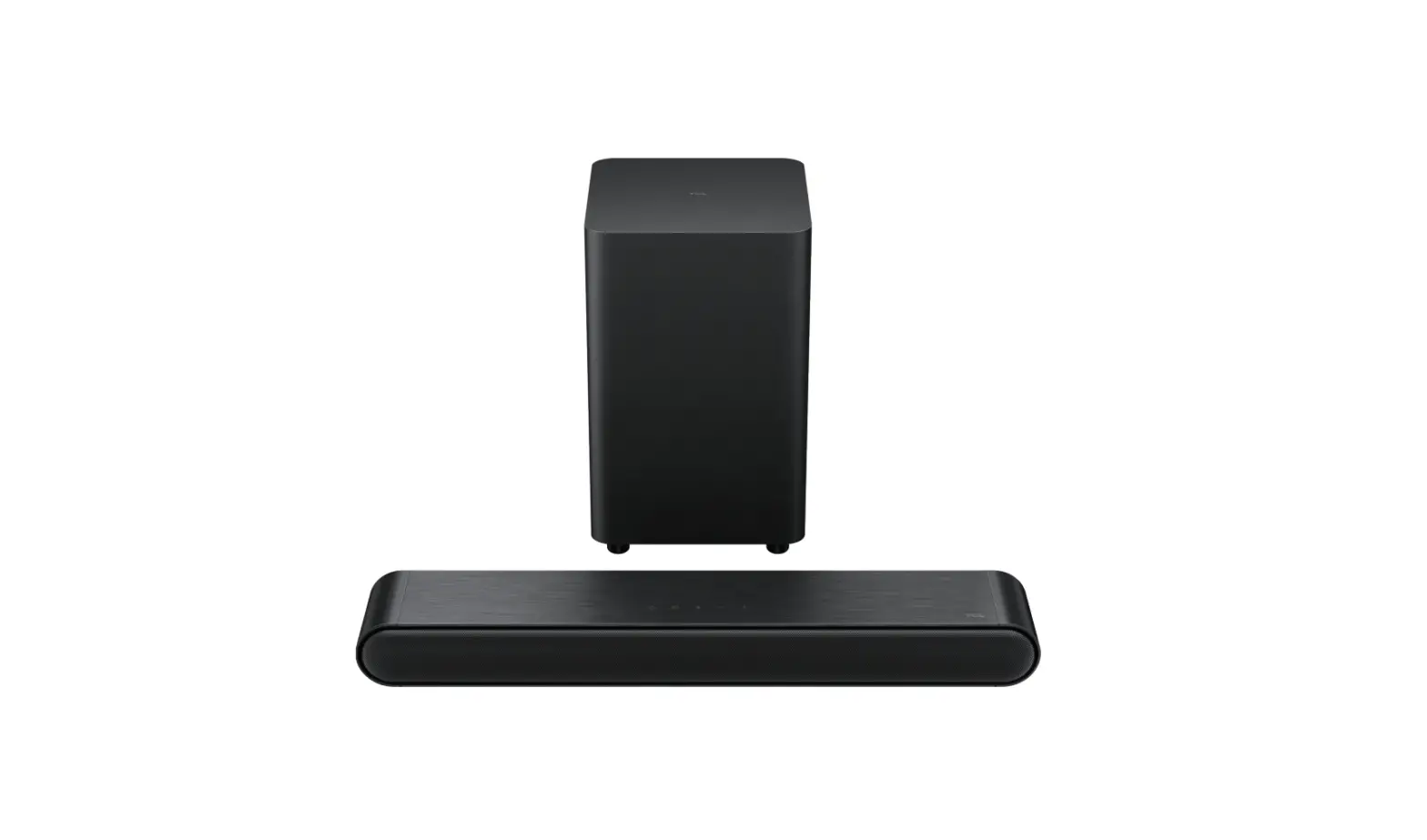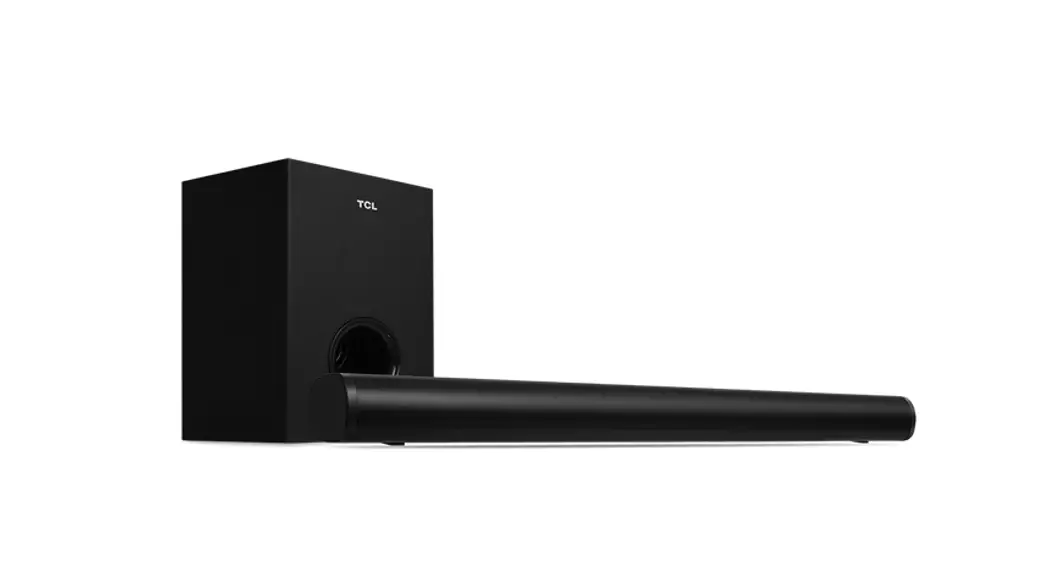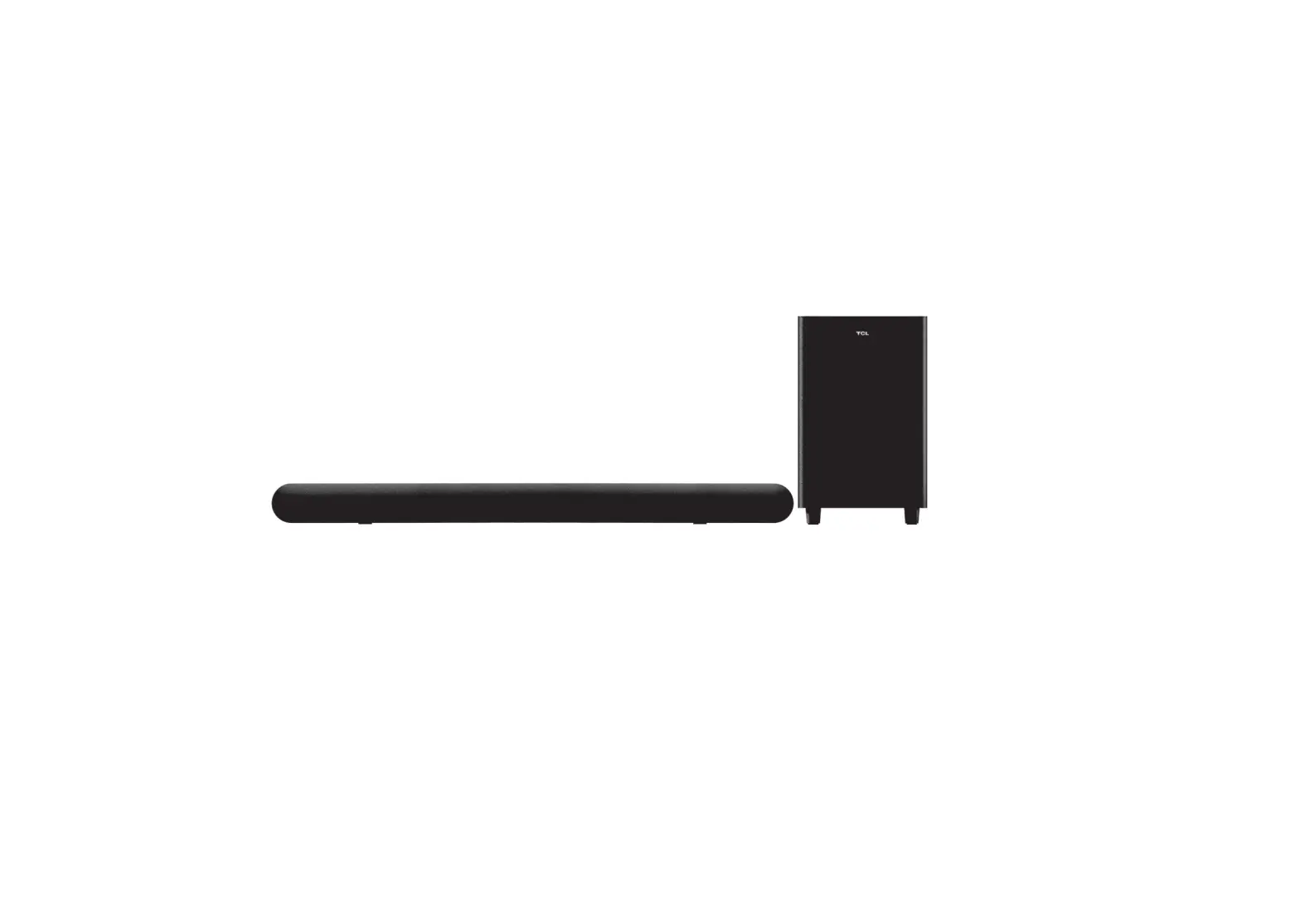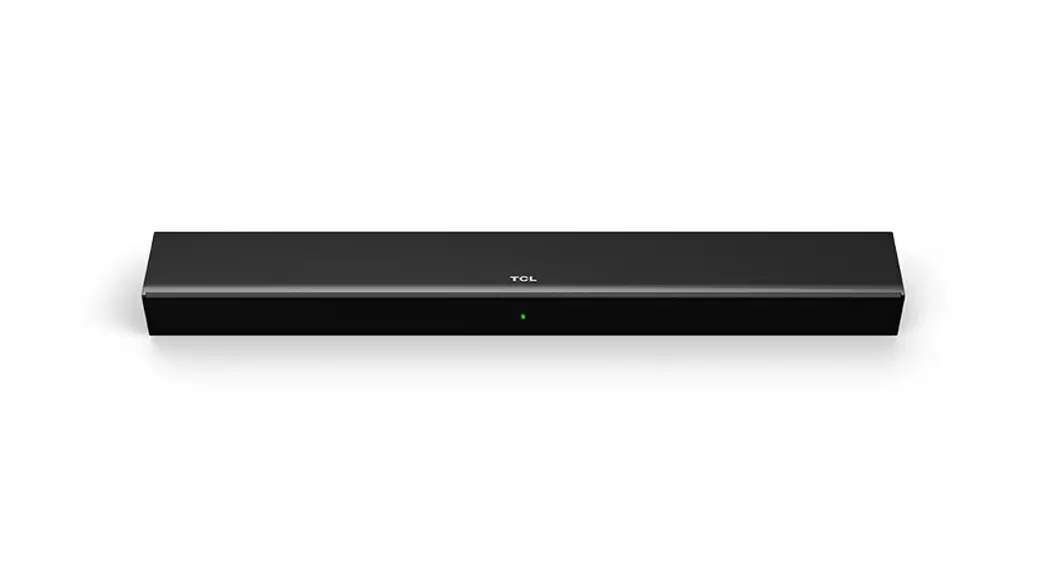

ALTO 3
2.0 Channel Sound Bar with Dolby Audio
Quick Start Guide

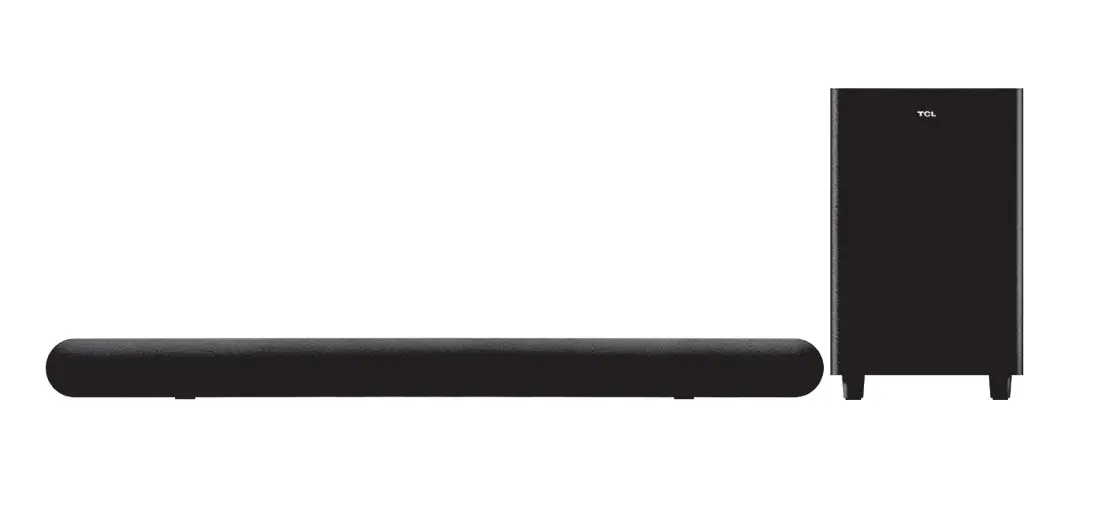
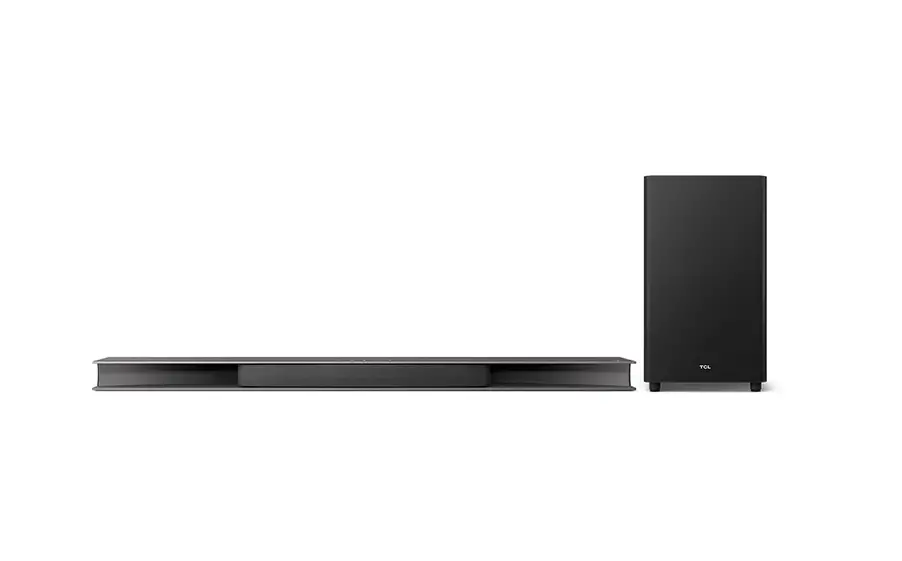
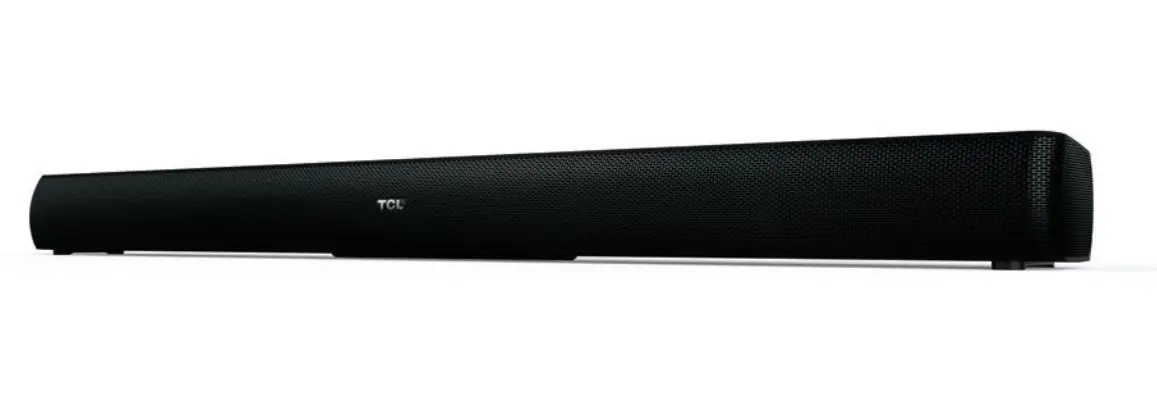
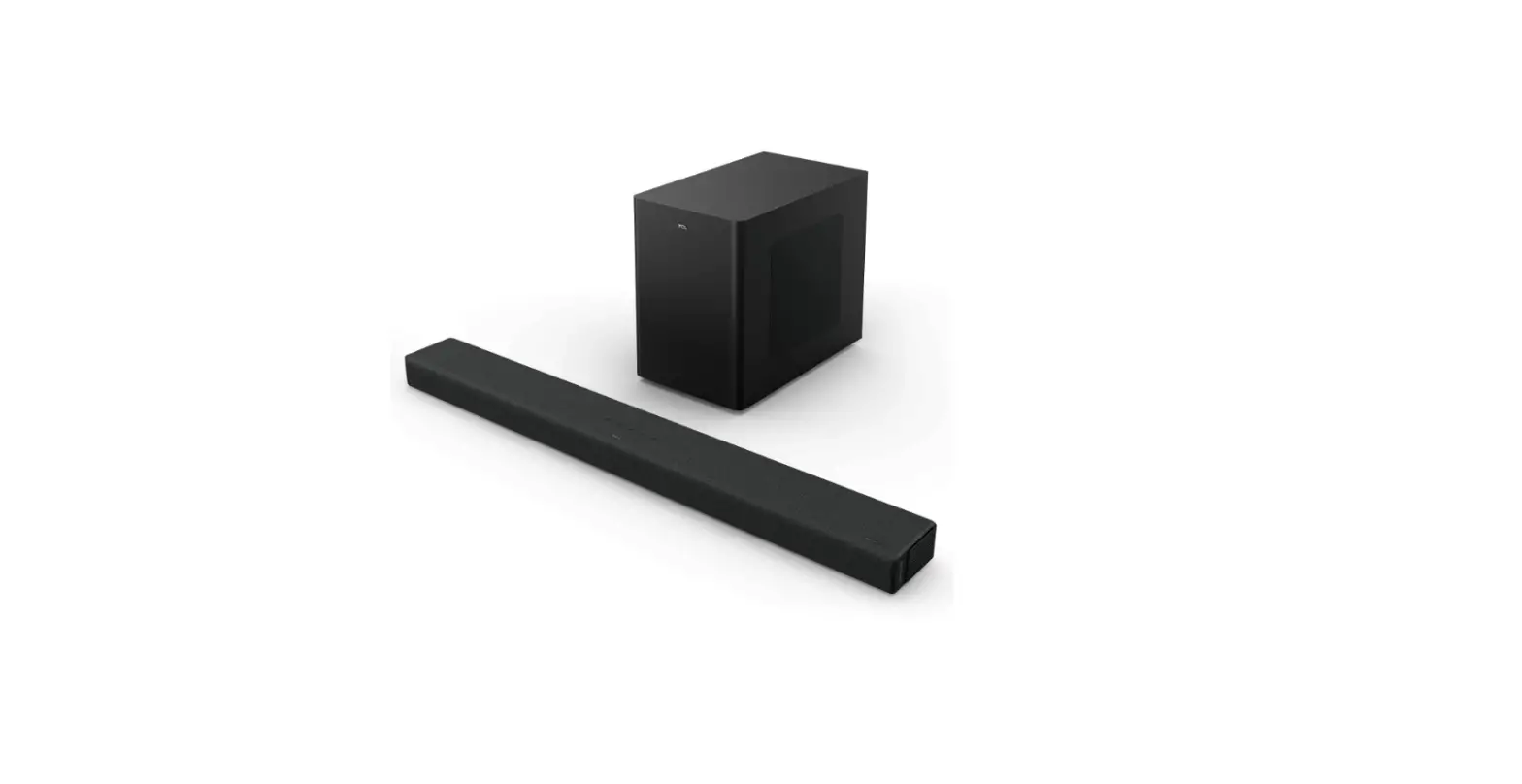
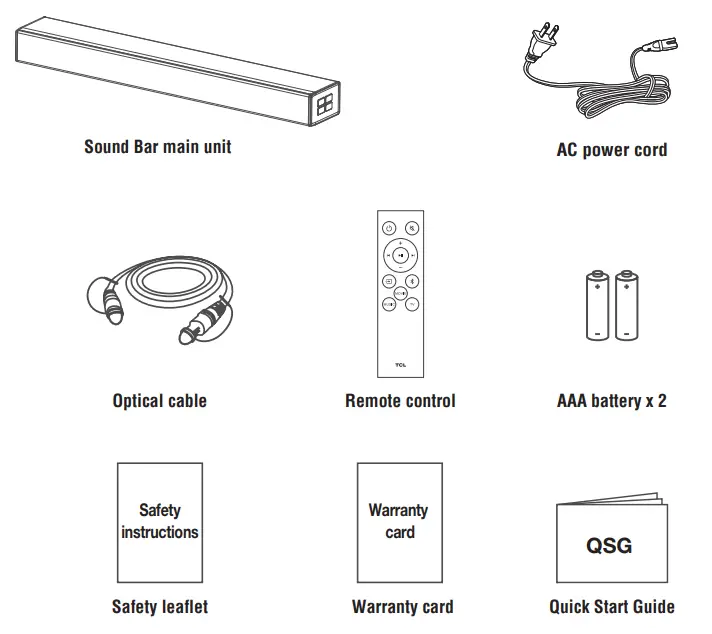
What’s in the box
Make sure you read all the safety information before you use this product.
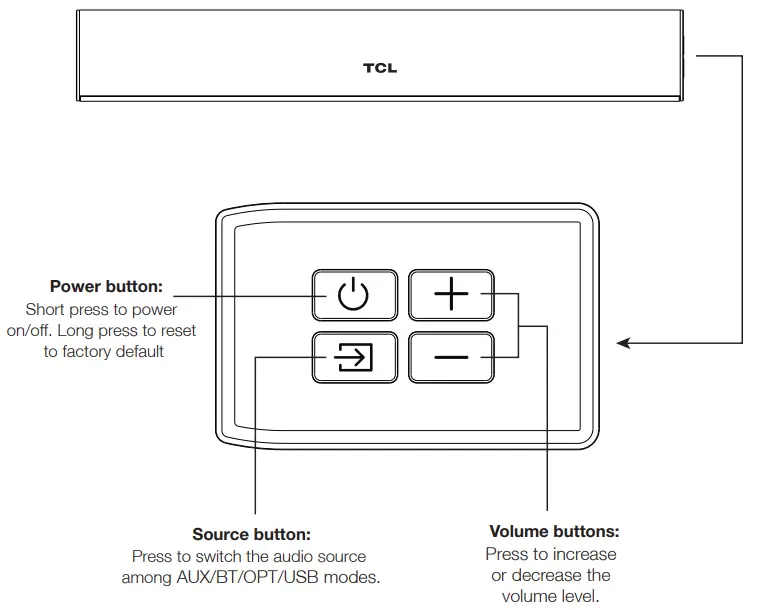
2a Overview
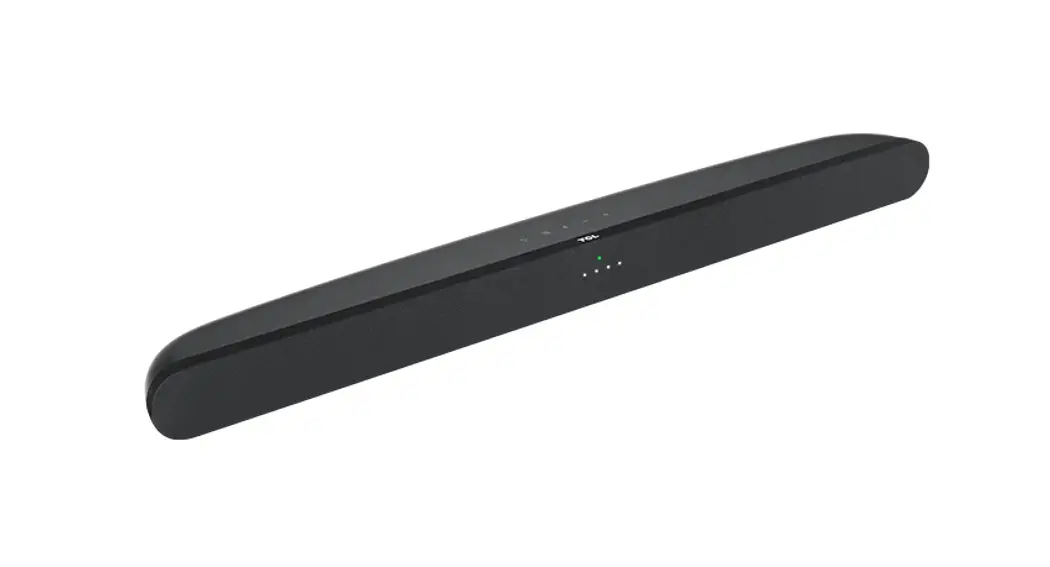
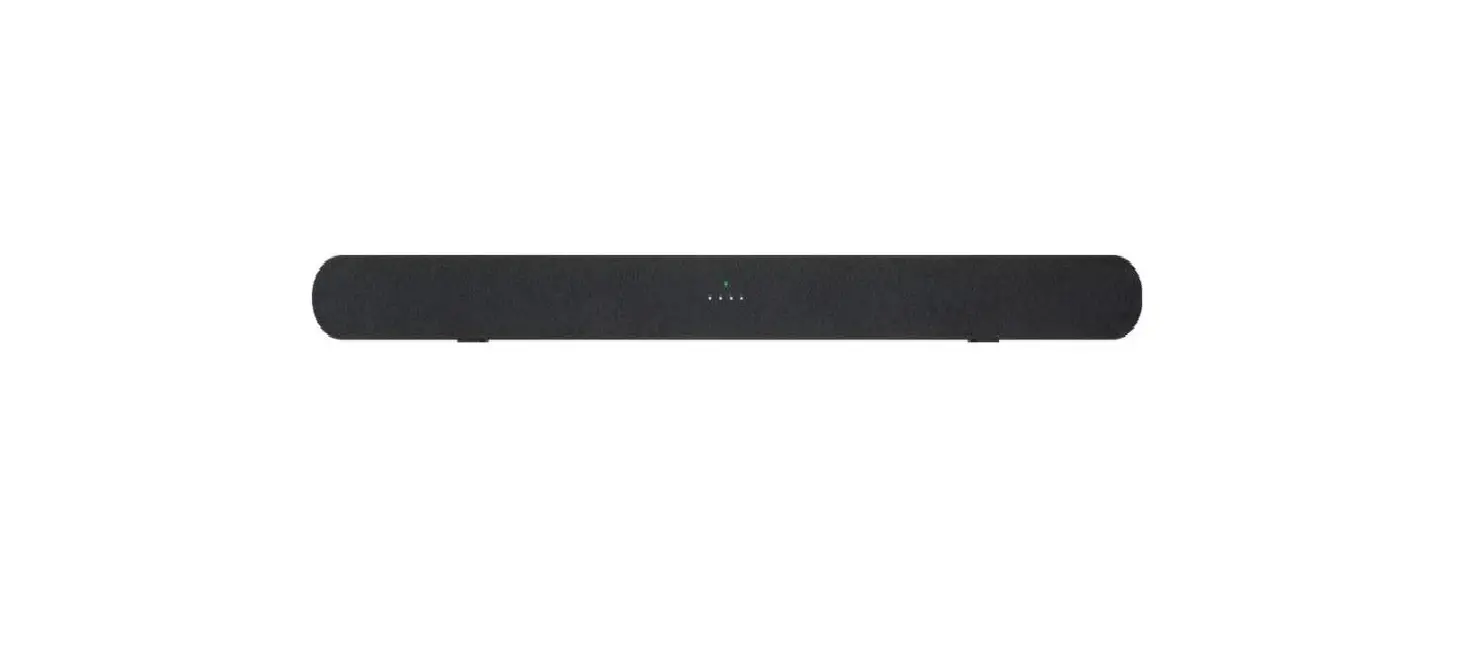
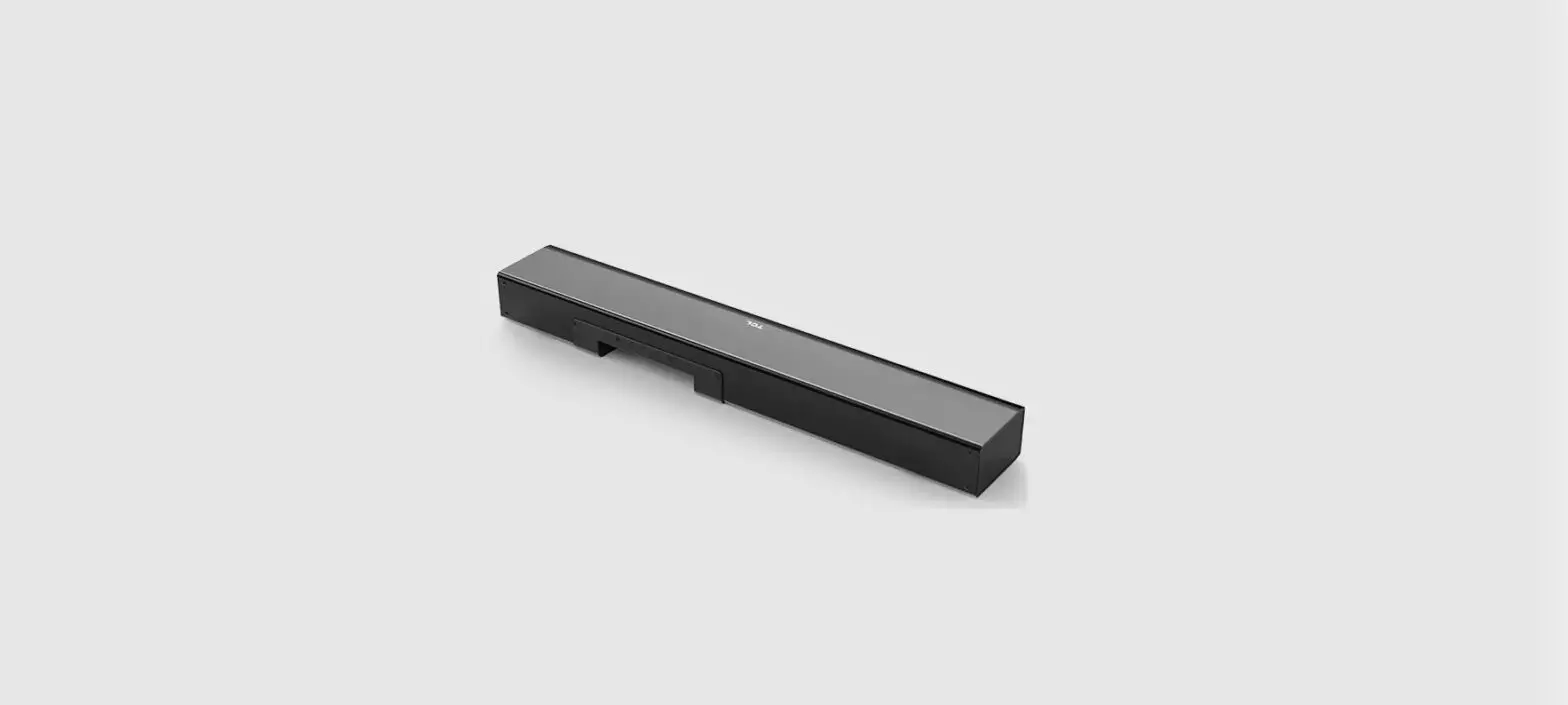
Sound Bar main unit
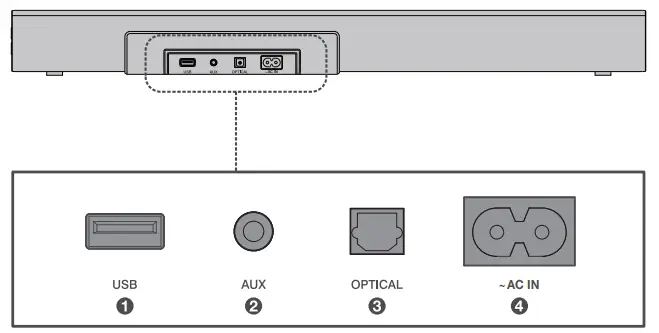
2b Overview
- USB Type A connector
- AUX input connector
- Optical input connector
- AC input power connector
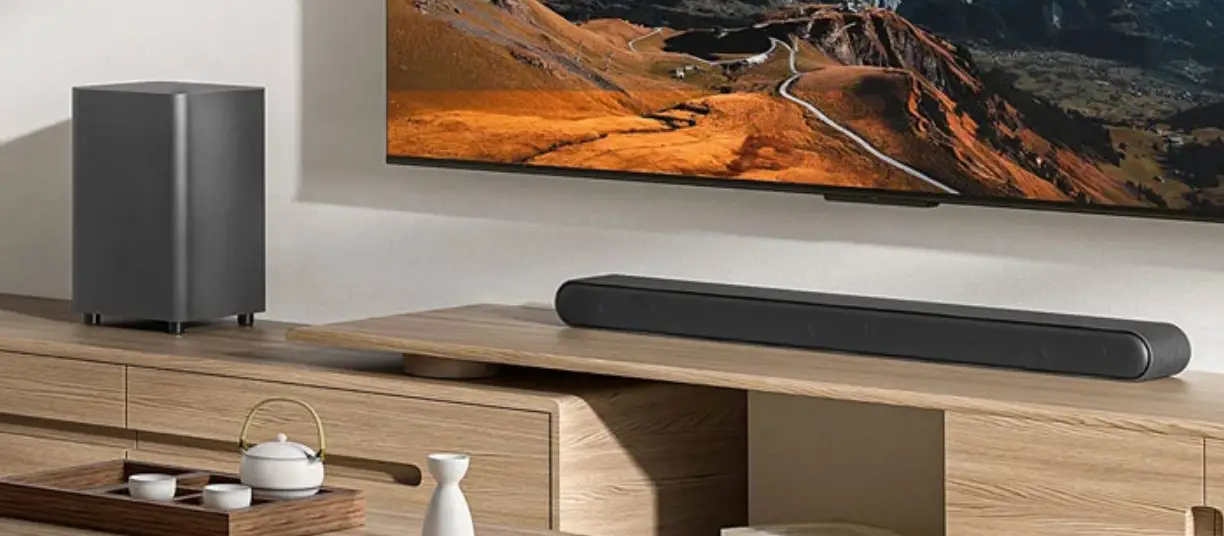
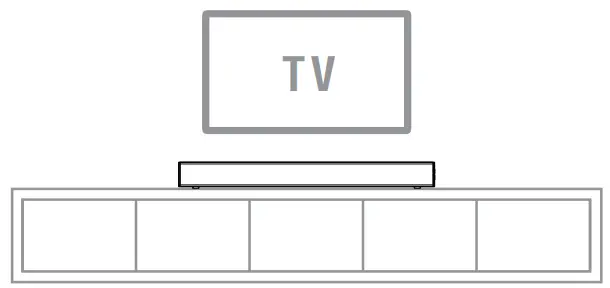
Place your Sound Bar
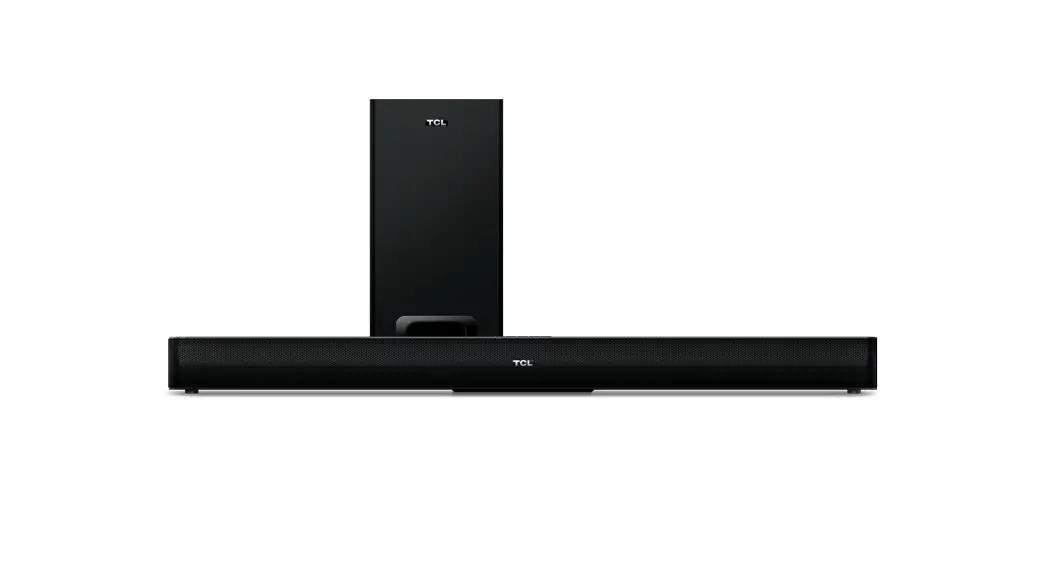
The ideal place to position the Sound Bar is centered underneath your TV.
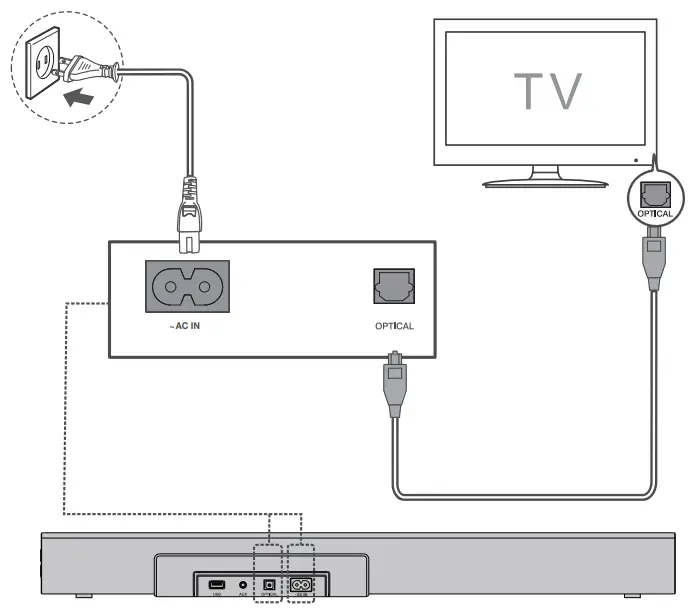
4a Optical
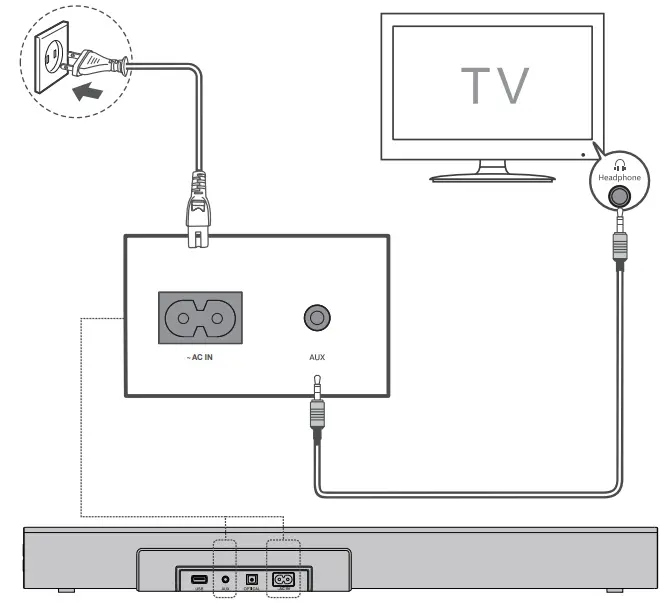
There are 2 ways to connect your soundbar to the TV (listed in order that we recommend): Optical and AUX (refer to 4b).
Connect the Sound Bar with your TV through the supplied Optical cable.
Connect the Sound Bar to the power supply with the supplied power cord.
4b AUX
Connect the Sound Bar with your TV through AUX cable (not supplied).
Connect the Sound Bar to the power supply with the supplied power cord.
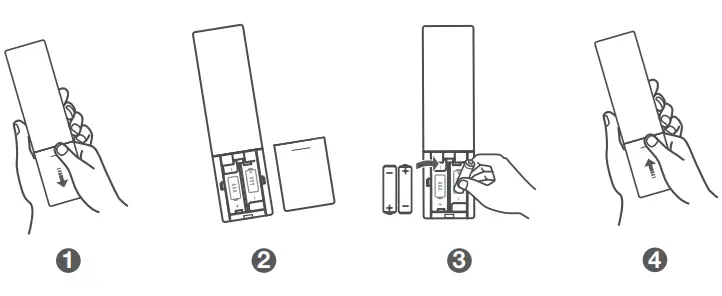
5a Install or replace the remote batteries
Battery type: 1.5V AAA Alkaline battery x 2
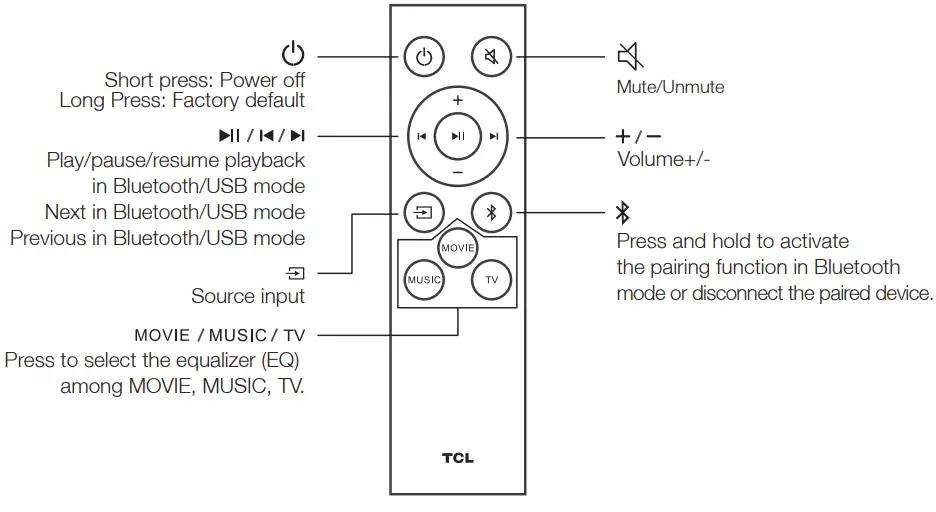
Pair with your Bluetooth device
You can stream music from your mobile device via Bluetooth.
- Press
 .
. - Press
 on
on  the remote control.
 - Press and hold or on the remote control.
> You hear a sound signal and blue light is flashing on the soundbar.
> You will hear a sound and see a blue light flashing on the soundbar, indicating that it is ready to pair. - Power on your Bluetooth device and activate its Bluetooth function.
- Select TCL Alto 3.
> You hear a sound signal.
> You will hear a sound indicating that the pairing is successful. - If you want to re-pair with another device, please repeat step 3.

Sound Bar LED Display
The LED display on the Sound Bar gives you information about the status of Sound Bar.
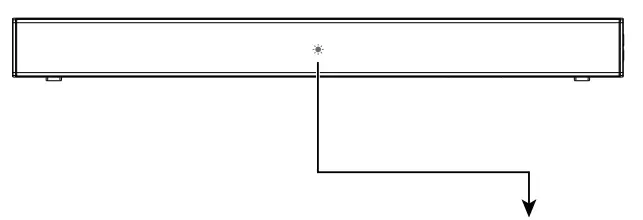
| Sound Bar status | LED Indications |
| In standby mode | Red |
| In AUX mode | Green |
| In Bluetooth mode | Blue |
| In USB mode | Yellow |
| In OPT mode | Cyan |
| MOVIE | White LED flashes once |
| MUSIC | Green LED flashes once |
| TV | Yellow LED flashes once |
 Mute Mute | Red LED keeps flashing |
FAQ
Does this Sound Bar work with any TV?
Yes, the Sound Bar is compatible with any TV that has one of the ports below:
- Optical audio output (TOSLink)
- Headphone output
When the Sound Bar and TV are both on, there is an echo effect.
If using optical or AUX connection, simply mute the TV speaker.
How many sound modes are available?
Three sound modes – Movie, Music, and TV.
How to clean the Sound Bar?
Please keep your Sound Bar in a dry and ventilated environment. If it needs to be cleaned, please wipe it gently with a soft, dry cloth without water or other cleaning agents.
DO NOT RETURN TO THE STORE
WE ARE READY TO
HELP
contact us first with any questions
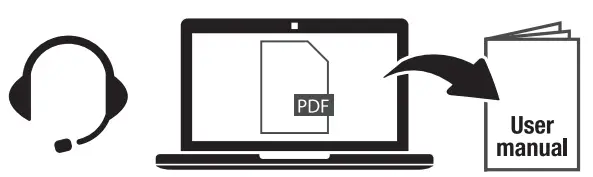
TCL SUPPORT:
support.tclusa.com or
support.tcicanada.com
1-877-300-9223
 TAKE CARE WHEN REMOVING THE SOUND BAR
Copyright © 2020 TCL. All rights reserved. TS3100_NA_OSG_V1.2
 The Bluetooth® word mark and logos are registered trademarks owned by Bluetooth SIG, Inc. and any use of such marks by TTE Corporation is under license. Other trademarks and trade names are those of their respective owners.

Manufactured under license from Dolby Laboratories. Dciby. Dolby Audio. and the double-D symbol are trademarks of Dolby Laboratories Licensing Corporation.
 TCL Canada Support
 TCLUSA Support