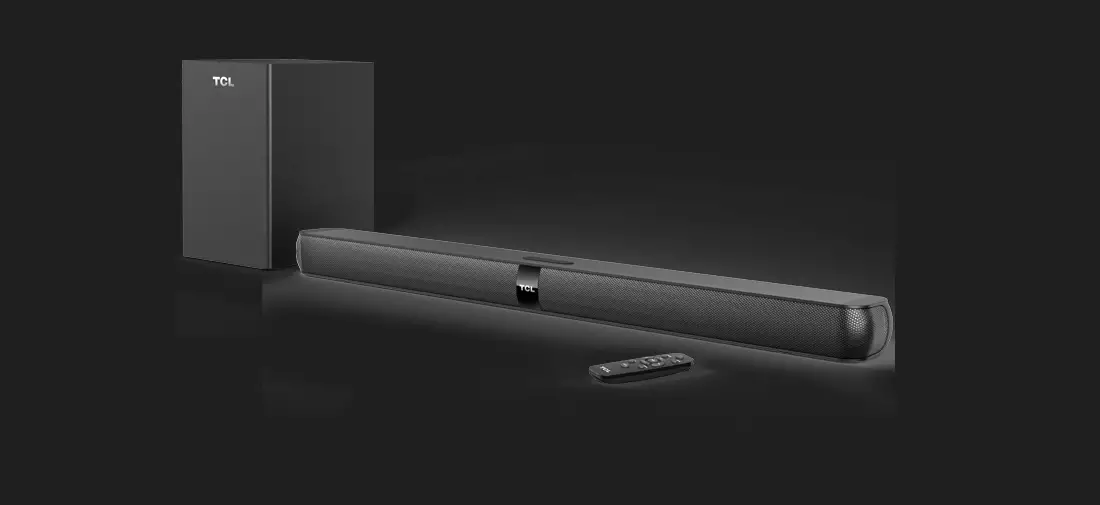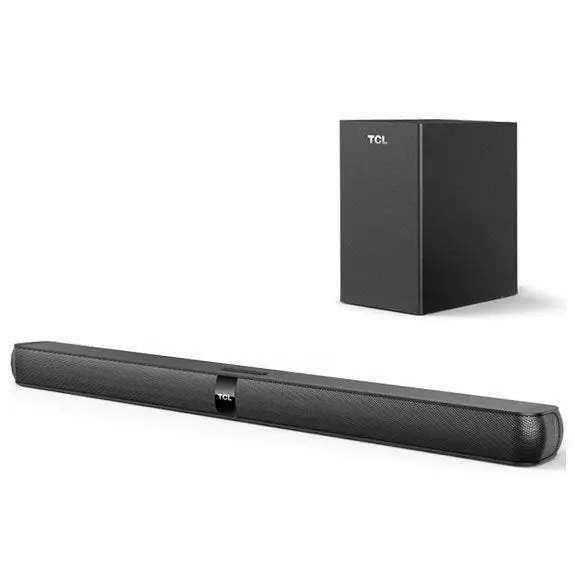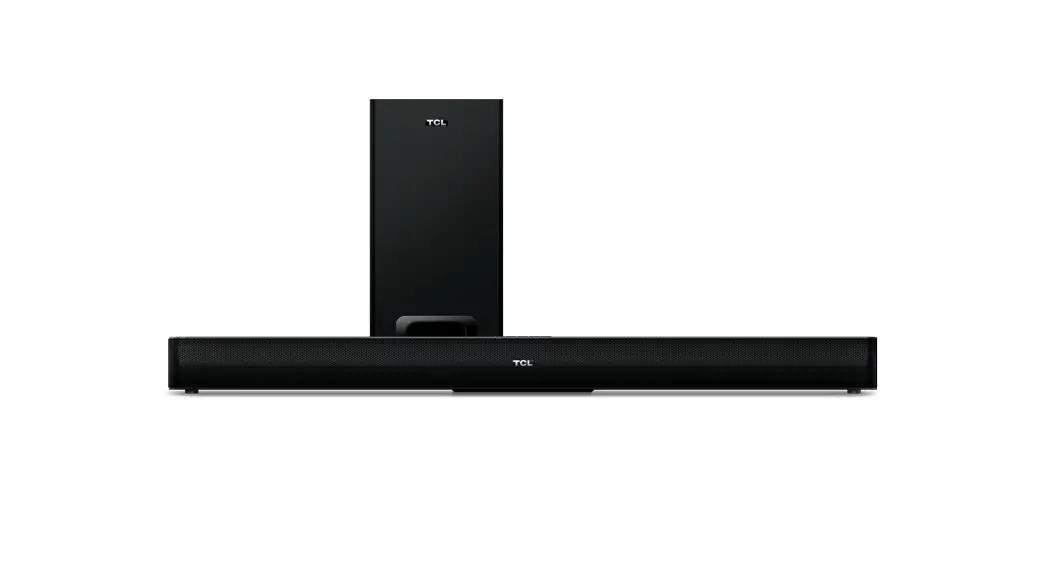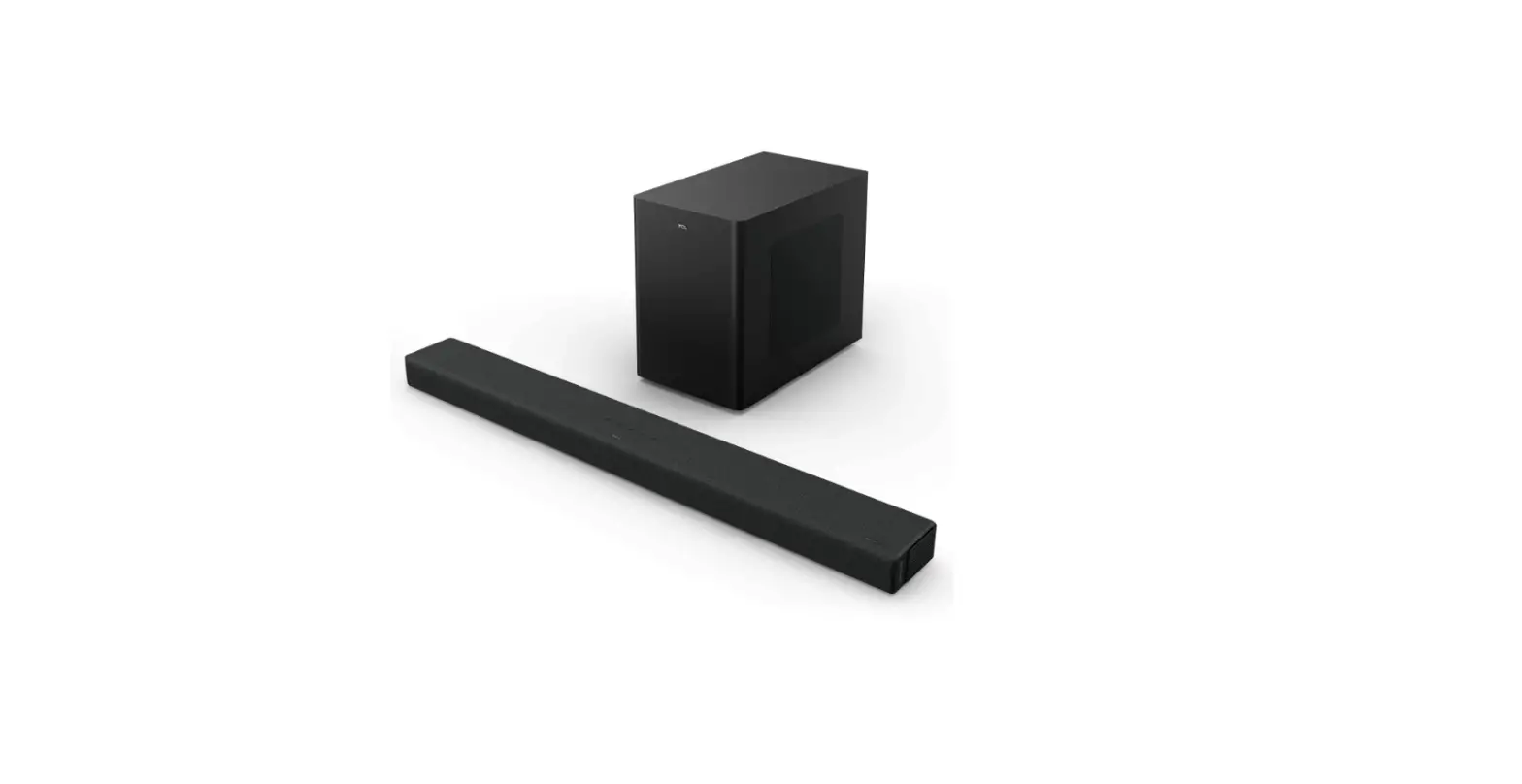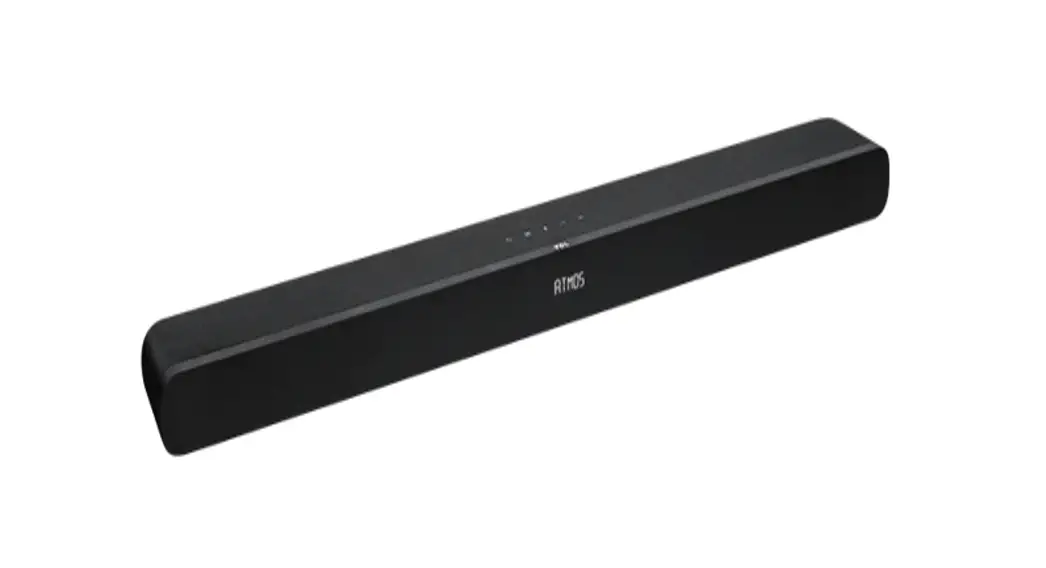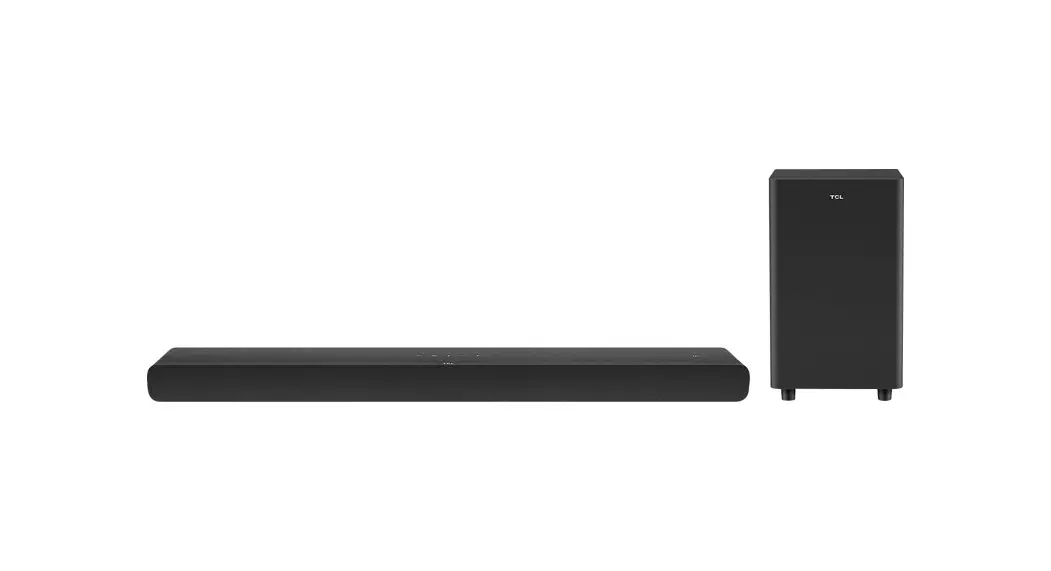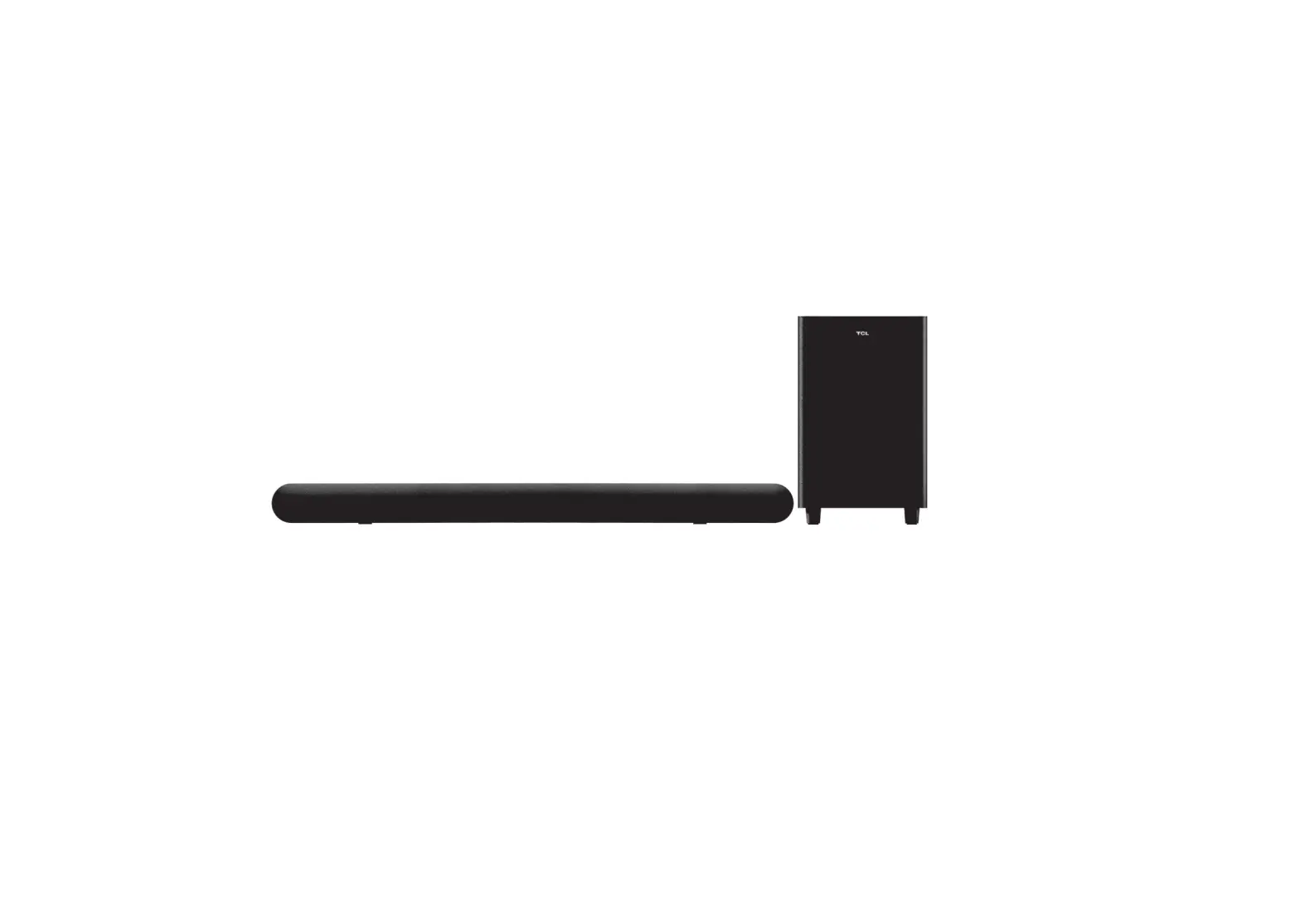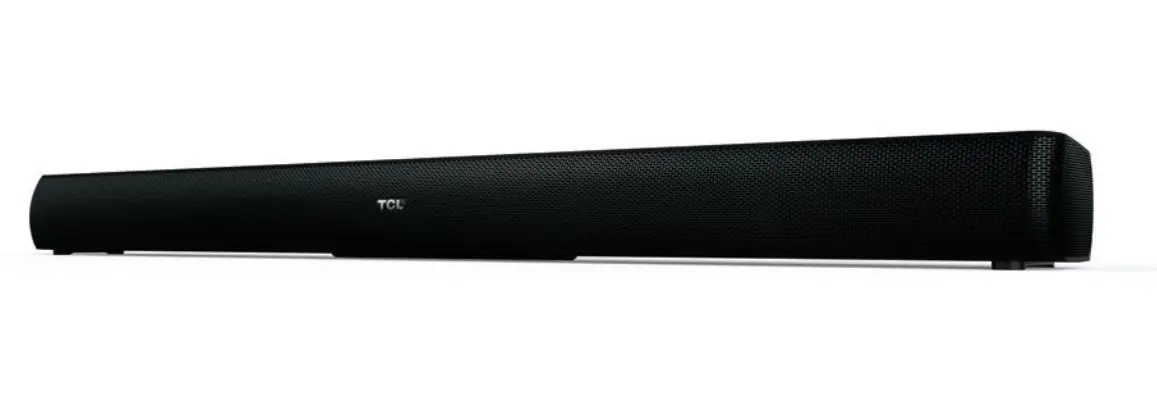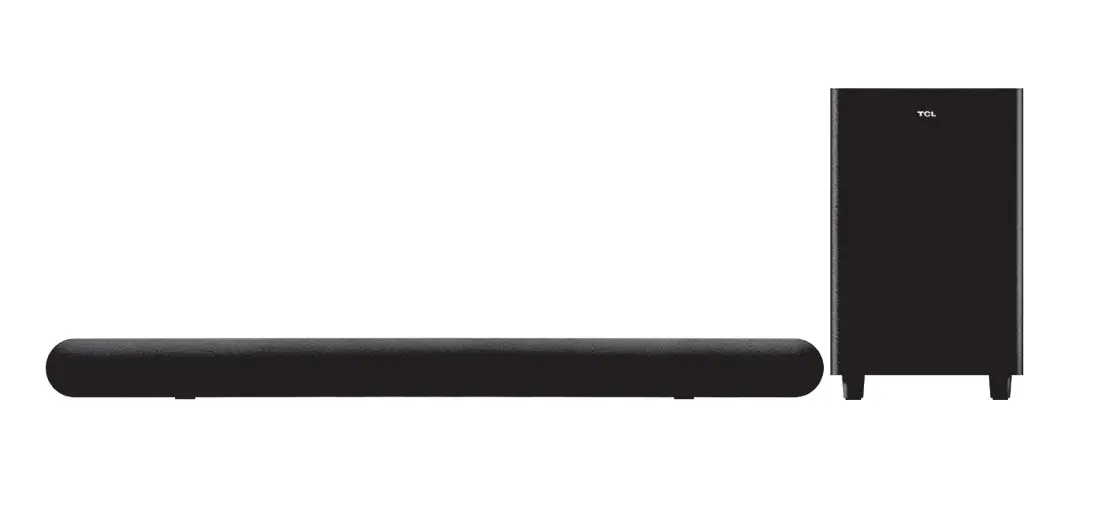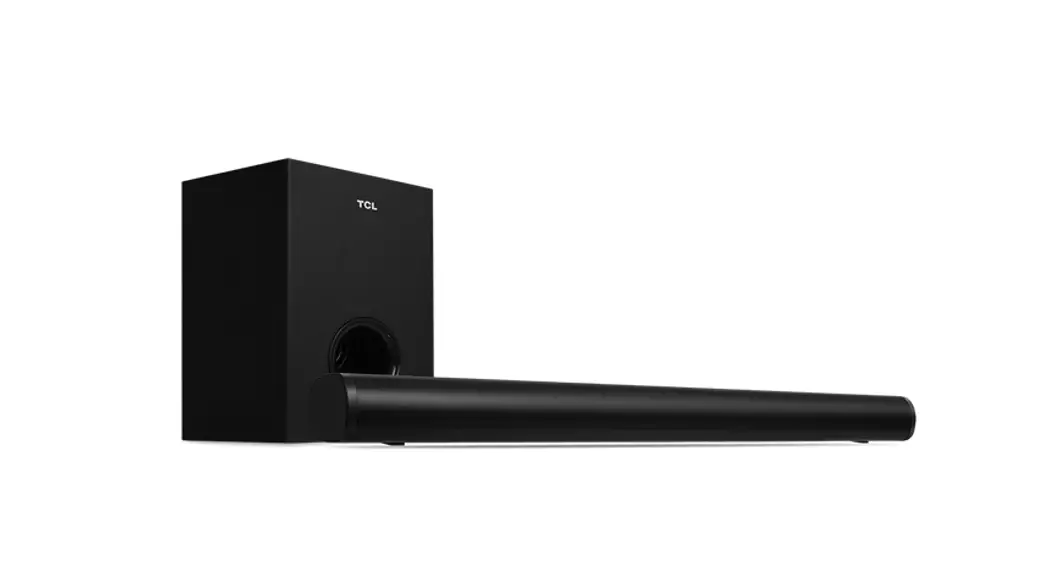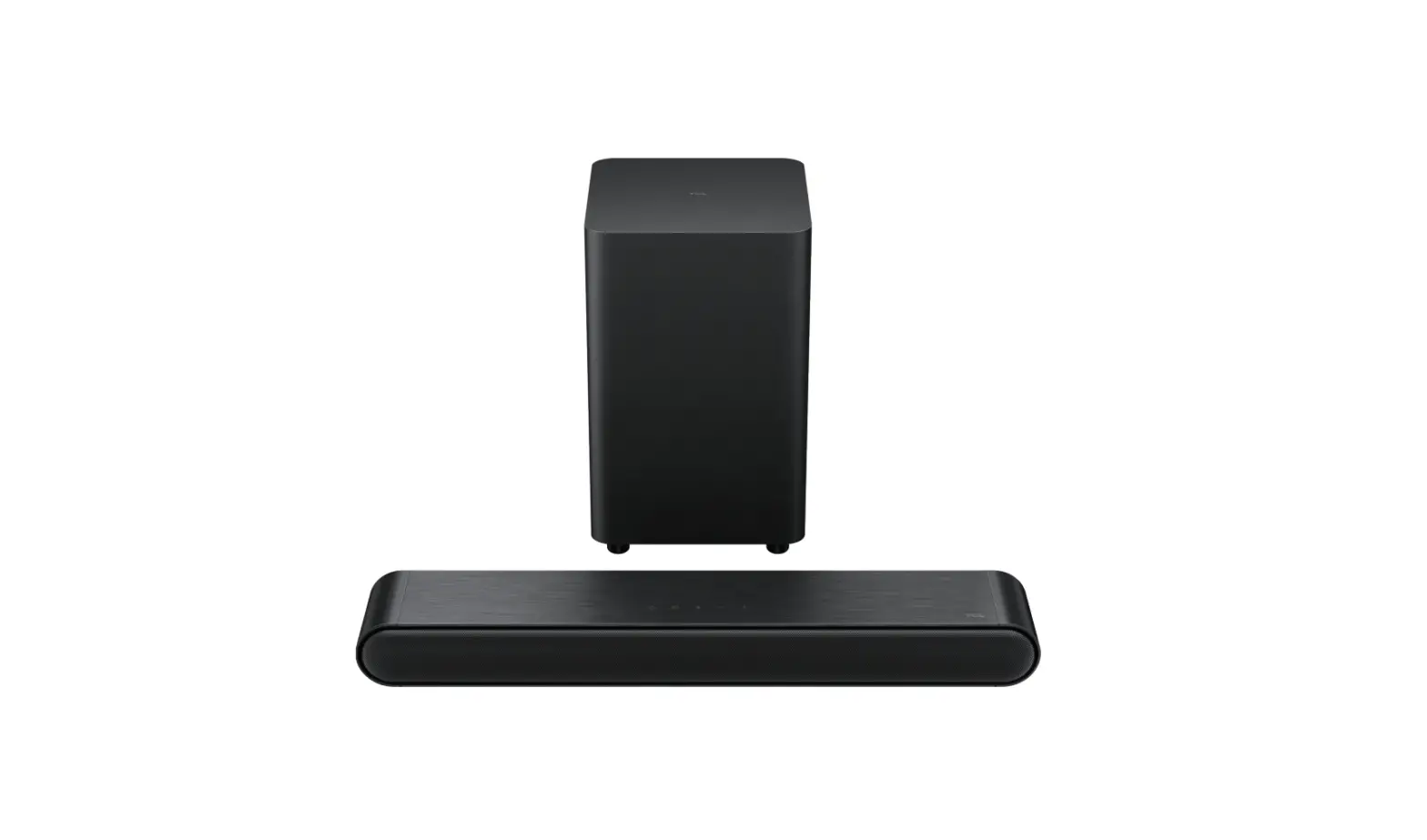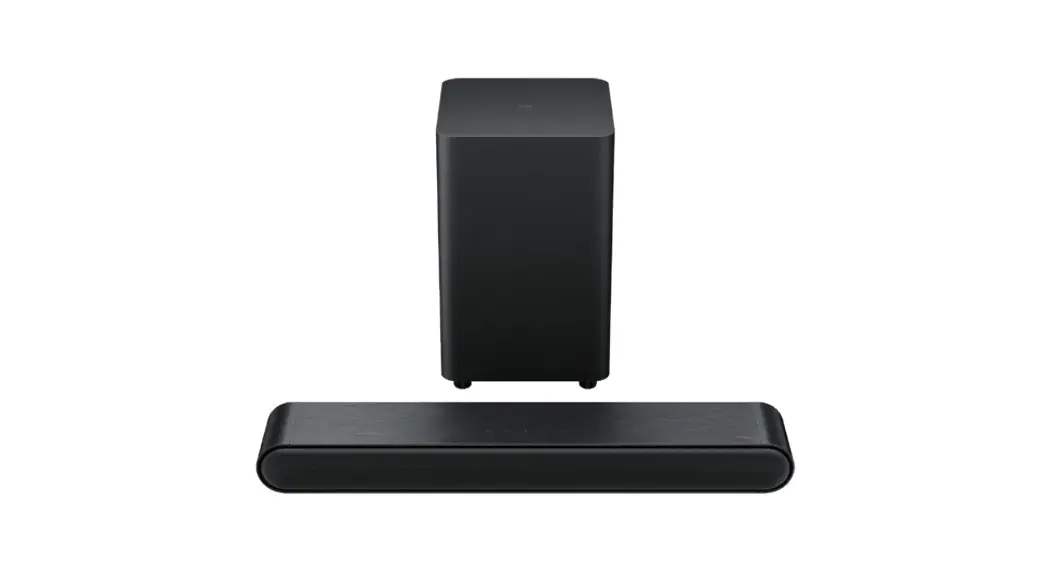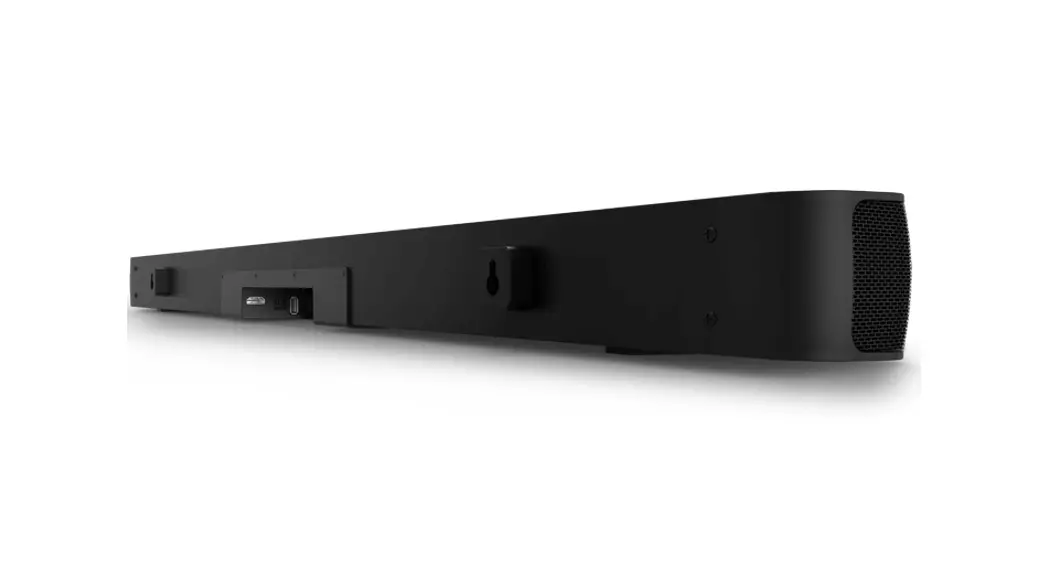
 2.0 Channel Home Theater Sound Bar
TS7000
Quick start guide

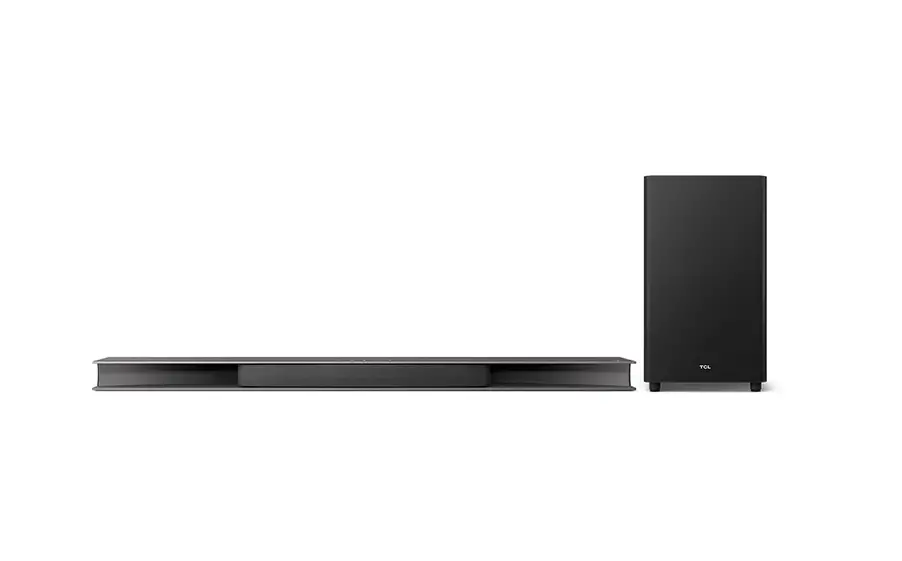
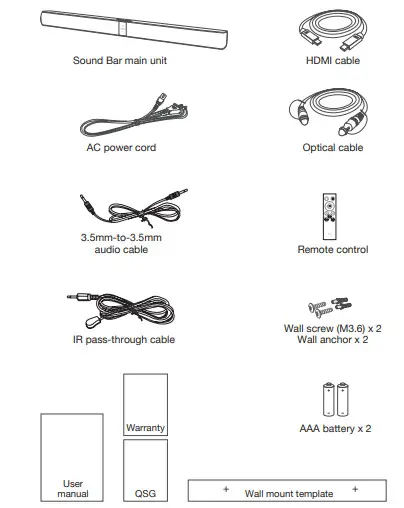
What’s in the box
Overview
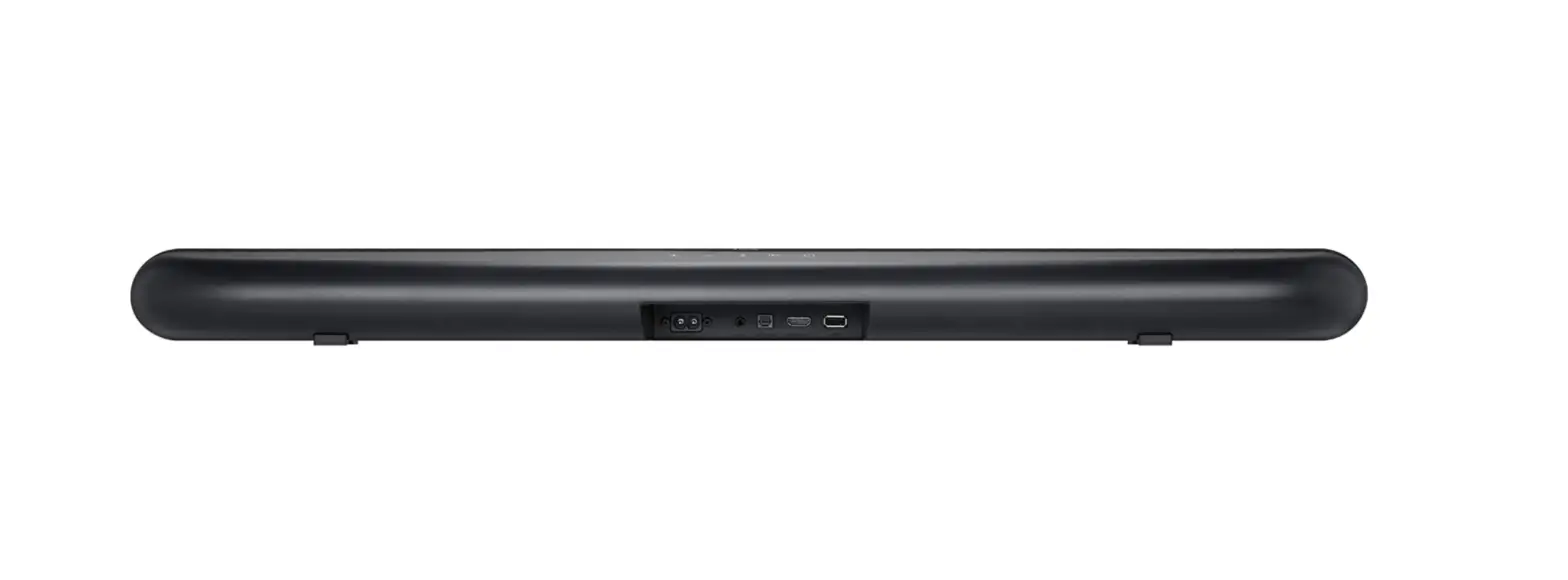
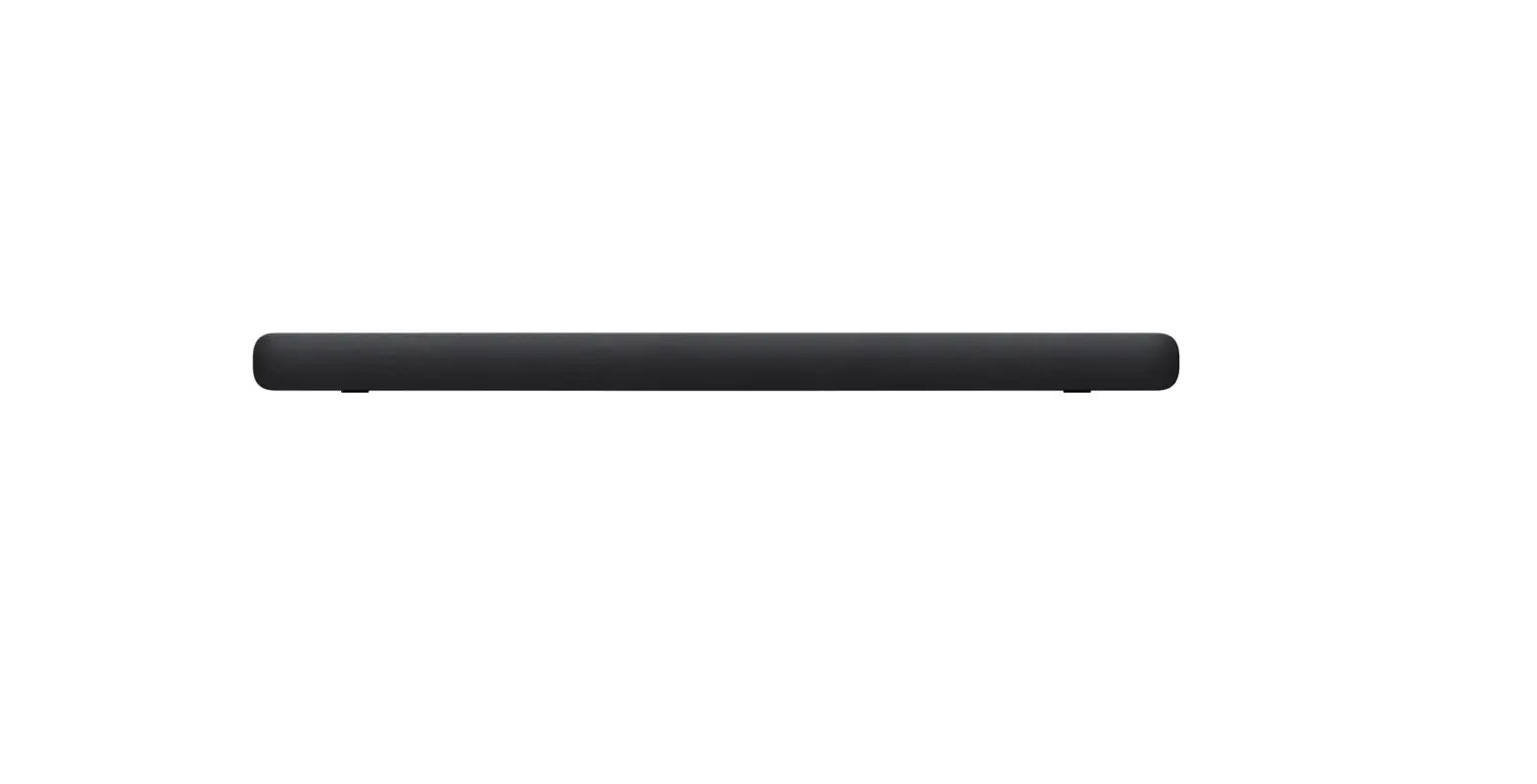
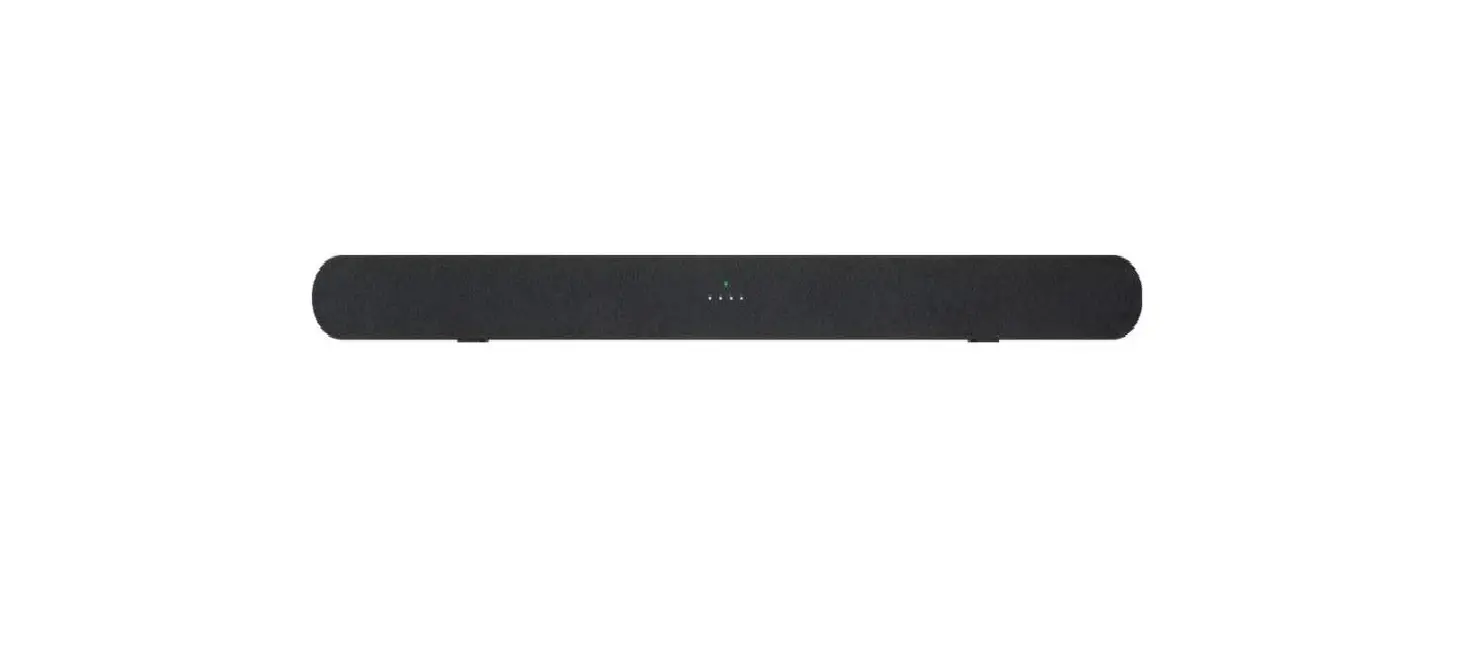
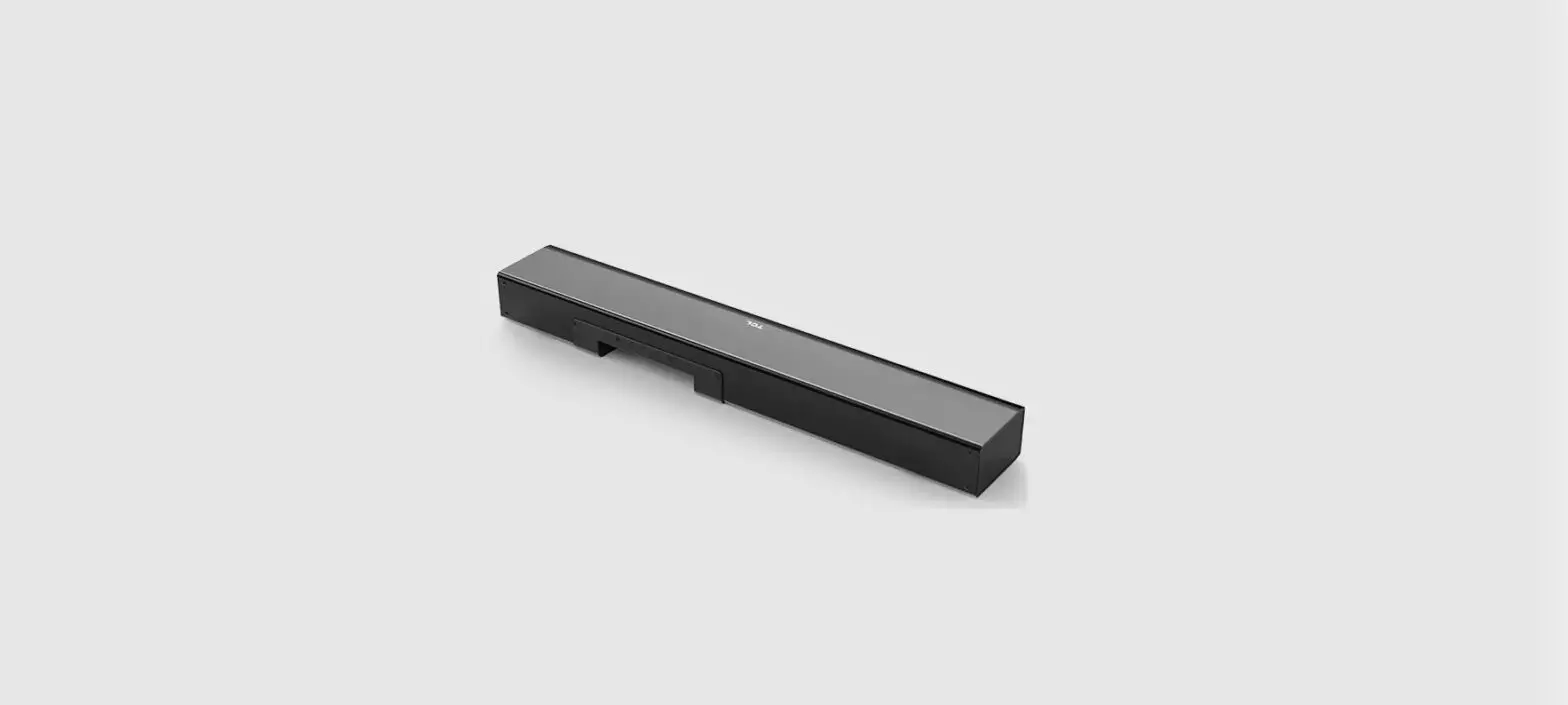
Sound Bar main unit
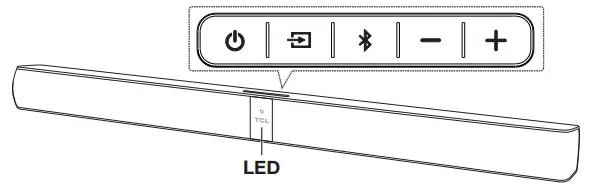
 | Press to turn the Sound Bar main unit on or to standby mode. |
 | Press to switch the audio source among HDMI/USB/AUX/Bluetooth/Optical modes. |
 | Press to select the Bluetooth function. |
+/- | Press to increase or decrease the volume level. |
Remote control
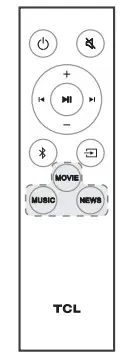
| Press to turn the Sound Bar on or to standby mode. |
 | Press to mute or unmute the sound |
+/- | Press to increase or decrease the volume level. |
 | Play/pause/resume playback in Bluetooth/USB mode. Press and hold for 3 seconds to disconnect the Bluetooth function. |
 | Press to skip to the previous or next track in Bluetooth/USB mode. |
| Press to switch the audio source to Bluetooth mode. |
| NEWS/MOVIE /MUSIC | Press to select the equalizer (EQ) effect when you are watching news or movies or listening to music. |
| Press to switch the audio source among HDMI/USB/AUX/Bluetooth/ Optical modes. |
Wall mount
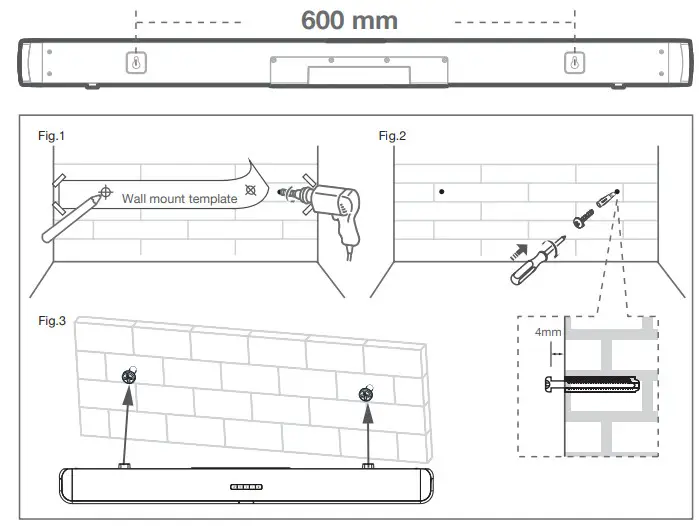
- Place the supplied wall-mount template on the wall. Make sure the wall mount template is at least 5cm below the center of the TV.
- Use a level to make sure the Sound Bar is positioned accurately.
- Use the tape to stick the wall mount template firmly on the wall.
- Mark on the wall using each marking on the template through the mounting holes (Fig.1).
- Take away the wall mount template.
- Drill a screw hole at each marking on the wall.
- Insert the supplied wall anchors into 2 screw holes on the wall (Fig. 1).
- Insert the supplied screws into the wall anchors. Leave 4mm between the screw heads and the wall (Fig. 2).
- Fix and tighten the screws on the wall (Fig. 3).
- Hang the Sound Bar main unit on the screws (Fig. 3).
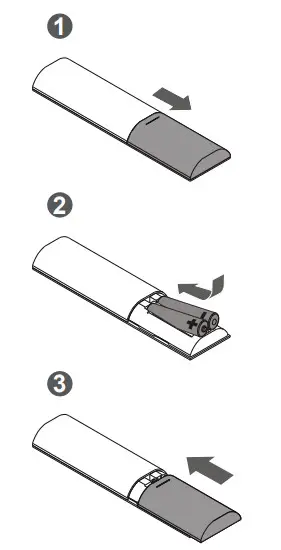
Install/replace the remote control batteries
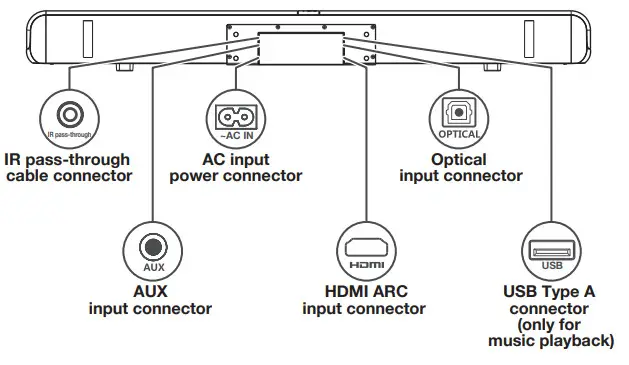
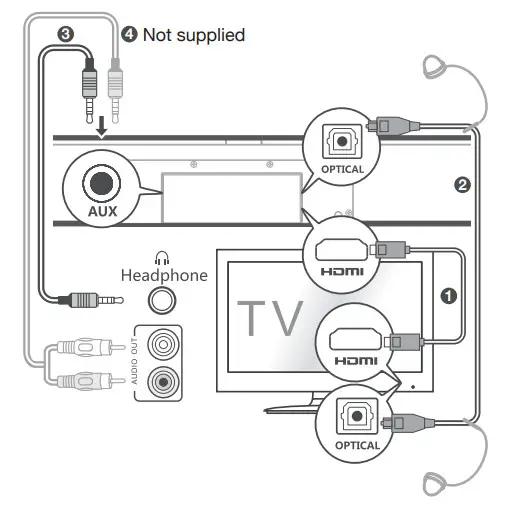
Connect
- HDMI cable
- Optical cable
- 3.5mm-to-3.5mm audio cable
- RCA-to-3.5mm (not supplied)
Power supply
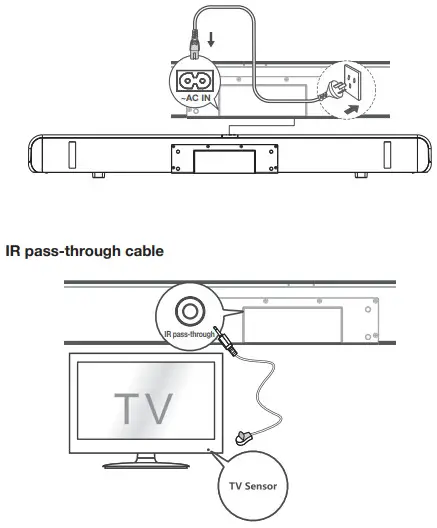
Pairing
Bluetooth device
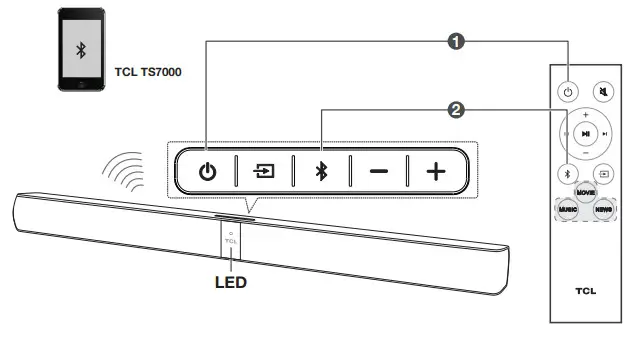
- Press
 .
. - Press
 .
.
→ The blue LED flashes slowly. The Sound Bar is ready to pair. - Power on your Bluetooth device and activate its Bluetooth function.
- Select TCL TS7000.
→ You hear distinct double beep sounds.
→ The blue LED remains on solidly when pairing is successful.
Use
LED behaviors under different source mode
| Sound Bar status | LED indicators |
| in standby mode | The red LED is on solidly. |
| in HDMI ARC mode | The purple LED is on solidly. |
| in AUX mode | The green LED is on solidly. |
| in Bluetooth mode | The blue LED is on solidly. |
| ready to pair | The blue LED flashes slowly. |
| pairing in progress | The blue LED flashes slowly. |
| in optical mode | The yellow LED is on solidly. |
| in USB mode | The white LED is on solidly. |
Remote sound functions
| Operation | LED indicators |
| +/- | The white LED flashes quickly and goes back to the source LED. |
| The red LED keeps flashing. |
 | The red LED flashes and goes back to the source LED. |
| MOVIE | The white LED flashes once. |
| MUSIC | The green LED flashes once. |
| NEWS | The yellow LED flashes once. |
Use the USB device for music playback
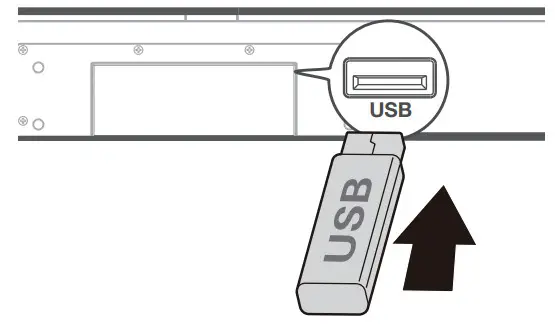
| Operation | LED indicators |
| Listen to music. | The white LED is on. |
| Press to pause the music. | The white LED keeps flashing. |
Press  or or to skip to the previous/next track to skip to the previous/next track | The white LED flashes quickly and goes back to the source LED. |
For further support:
Australia: visit www.tclelectronics.com.au or call TCL Customer Service on 1300 738 149
New Zealand: visit www.tclelectronics.co.nz or call TCL Customer Service on 0800 449 750
Copyright © 2019 TCL.
All rights reserved.
TS7000_AU_EN_QSG_V2.0