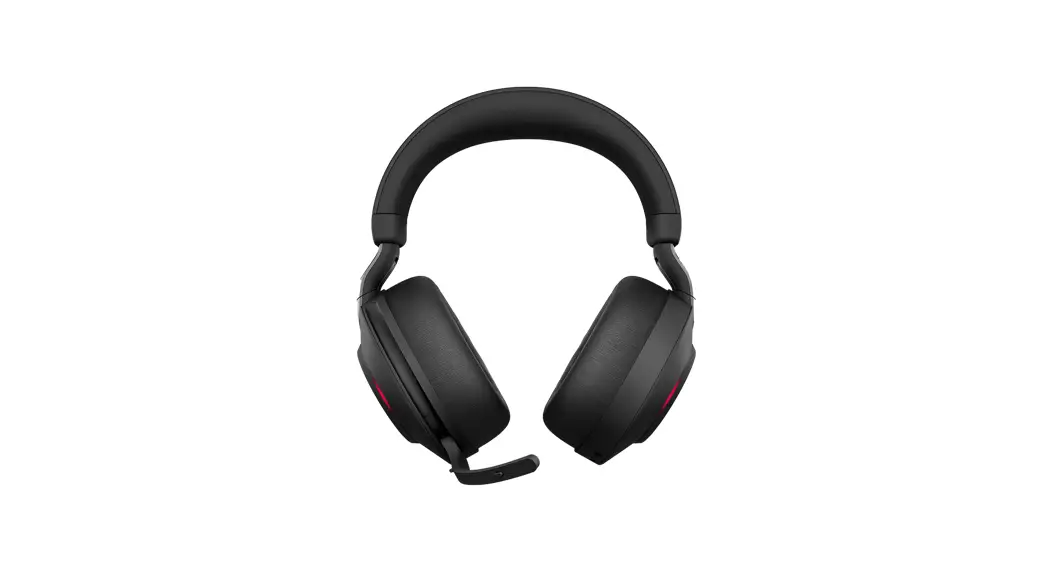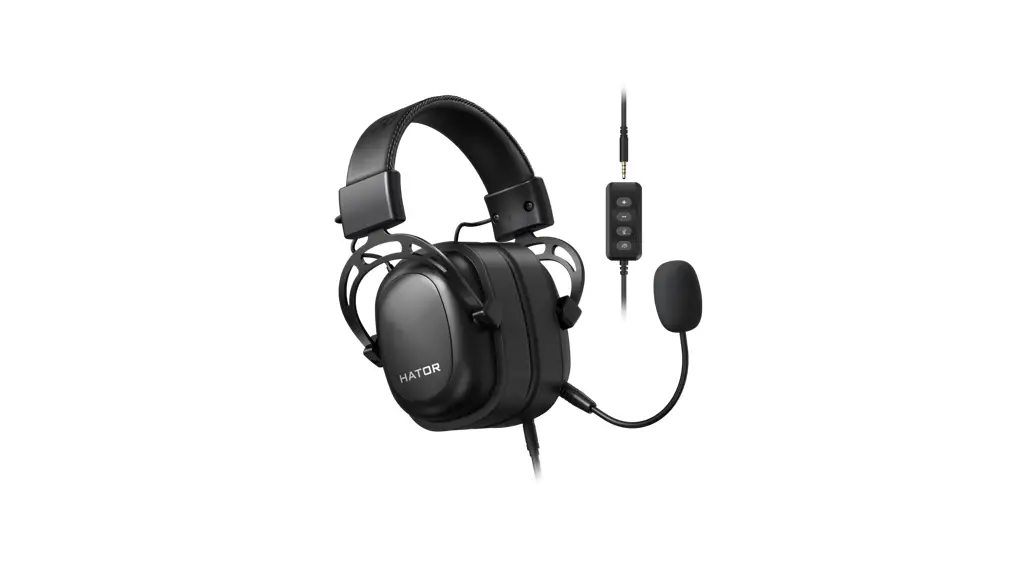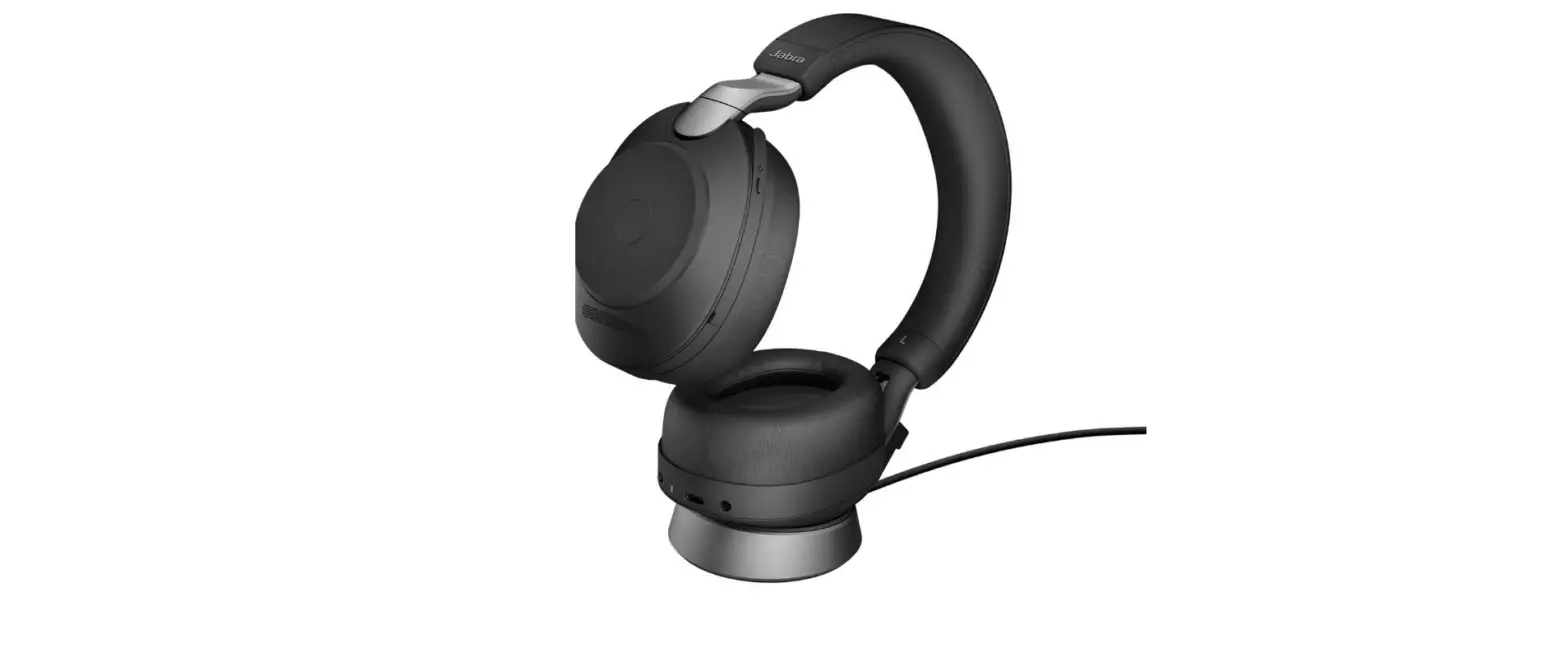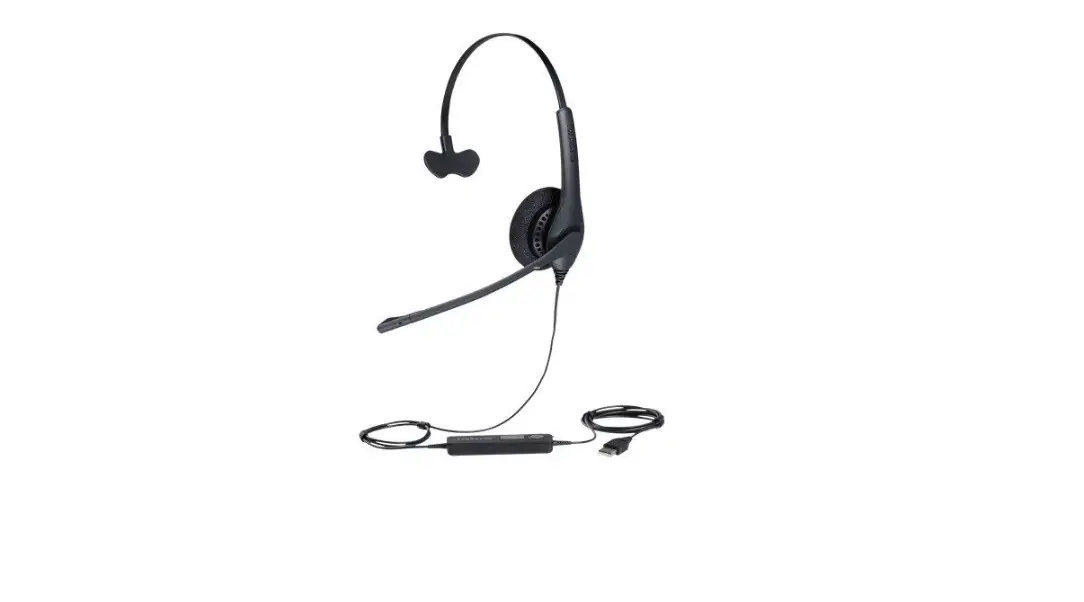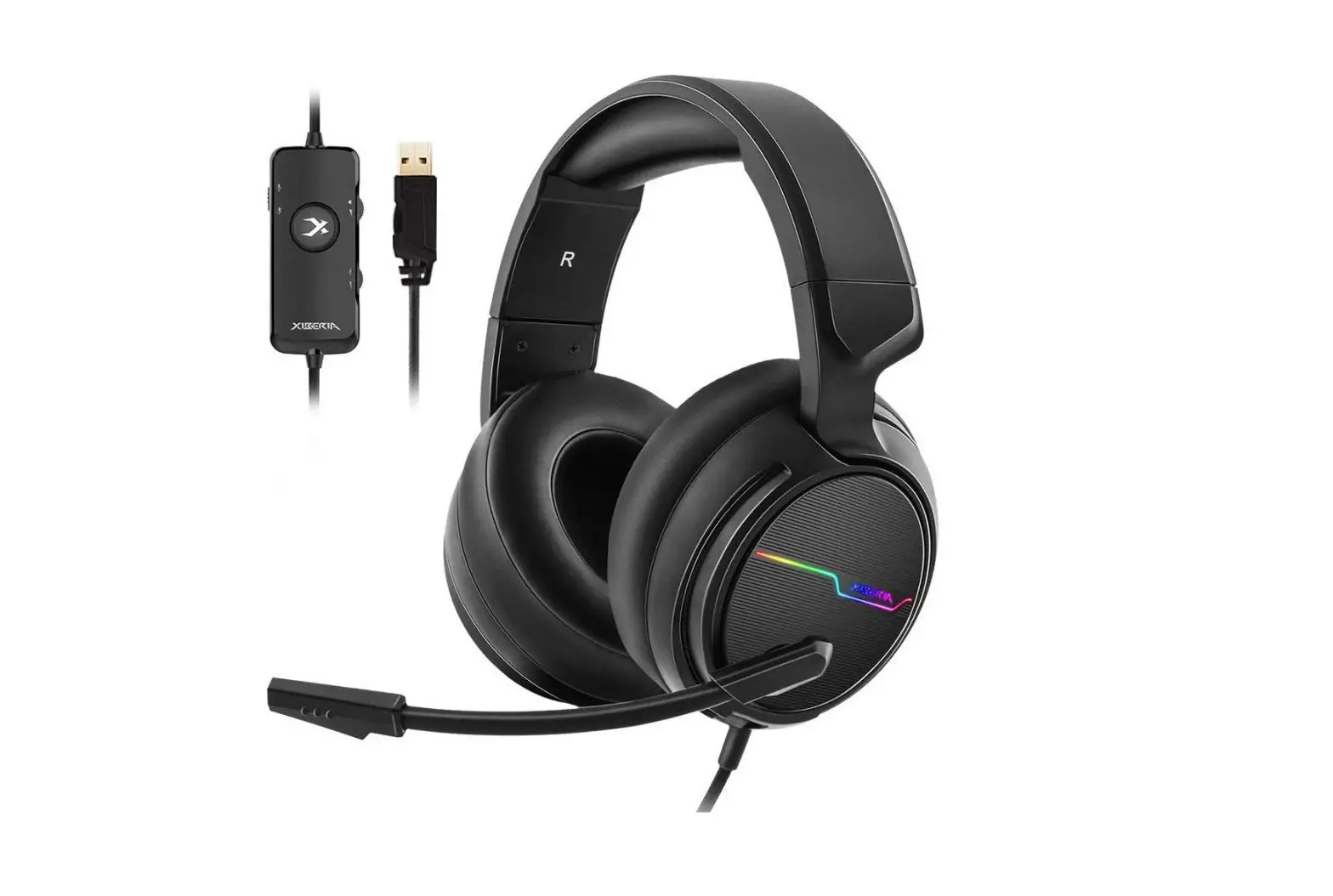
Jeecoo USB-Headphones User Manual
To work with Windows PC/laptop/devices:
Plug & play: connect the headset onto your devices, fix the sound settings, and it works. No need driver/software.
To work with Macbook devices:
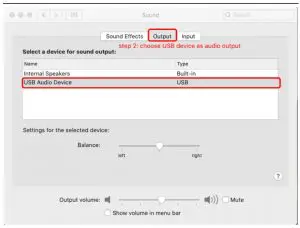
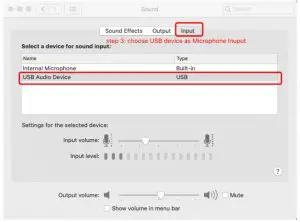
Connect the headset onto USB ports on Macbook;
Run the “System Preferences” to change sound settings;
Choose the USB device as audio output and Mic input.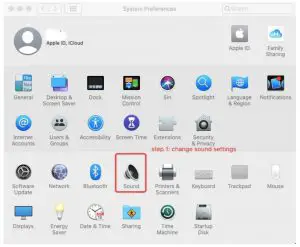
To contact after-sales service: [email protected]
To work with Windows 7/8/10 devices:
Connect the headset onto USB ports on Windows devices;
Run the “System Settings” to change sound settings;
Choose XIBERIA as audio output and Microphone input.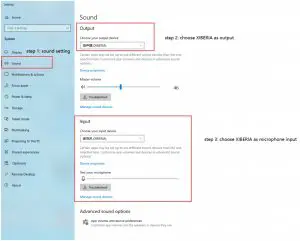
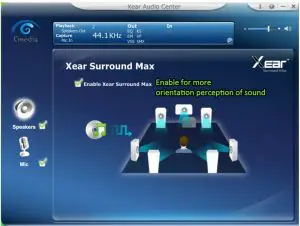
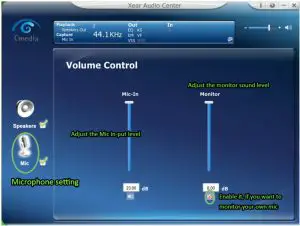
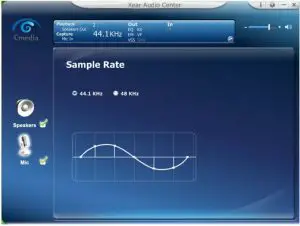
How to use the extra software to get more features?
Note: the 7.1 surround sound software only available on Windows 7/8/10 devices.
- Please visit Jeecoo website (below link) to download the software driver, and choose the correct one with your Windows version: www.jeecoo.com
- Download and install the driver into your computers:

- After the installation, you’ll find this icon on your desktop

- Double click the icon, to run the software:
(make sure the headset is connected with your computer when running the software)

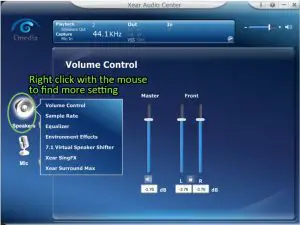
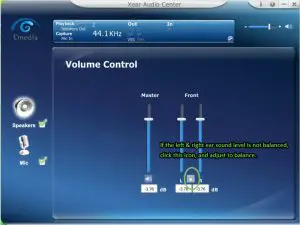
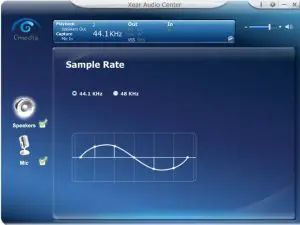
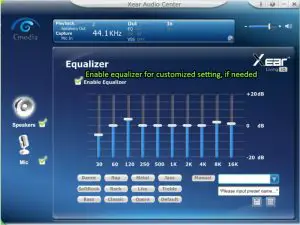
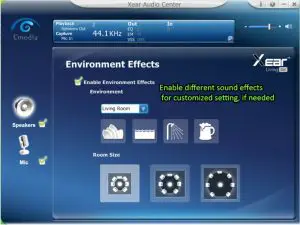
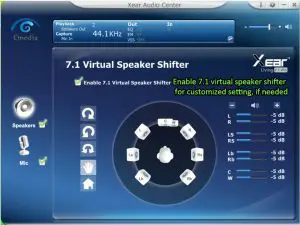

Clockwise surround sound
Anticlockwise surround sound
Manual rotation
Manual translation
Reset
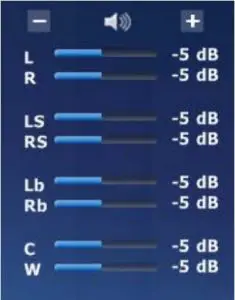
L: left ear; R: right ear
LS: left surround; RS: right surround
Lb: left back sound;
Rb: right back sound
C: central sound
W: deep bass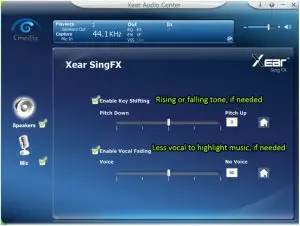

 : Hi-Fi mode
 : Movie mode
 : Music mode
 : Customized mode
Warranty Service Policies:
Every Jeecoo product is with 6 months warranty services. You can contact us to extend the warranty to 12 months.
Under warranty, if any quality issues (NOT included man-made damage), please contact the after-sales services for replacement (with details of product issues, and amazon order #).
After-sales services: [email protected]
 Jeecoo – Professional for Gaming