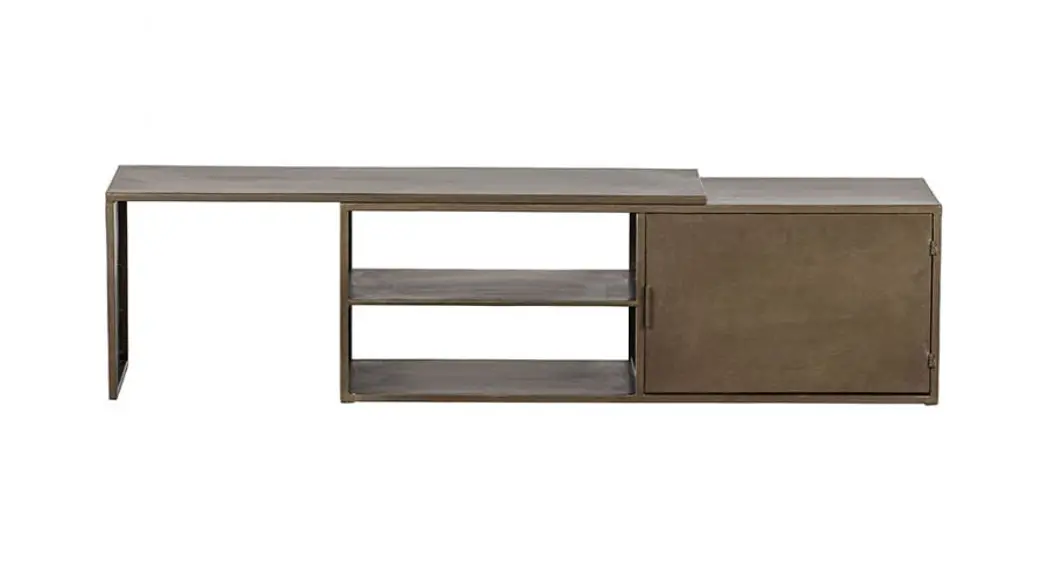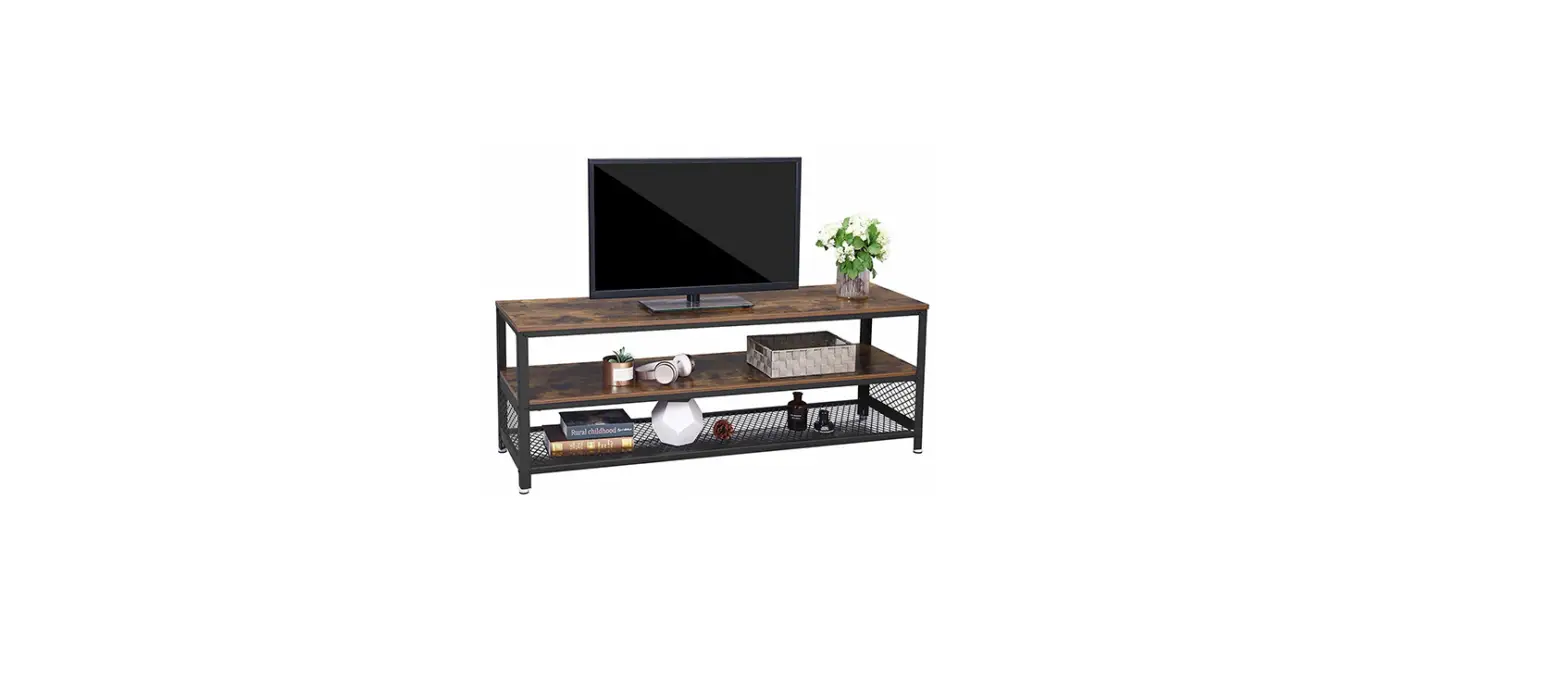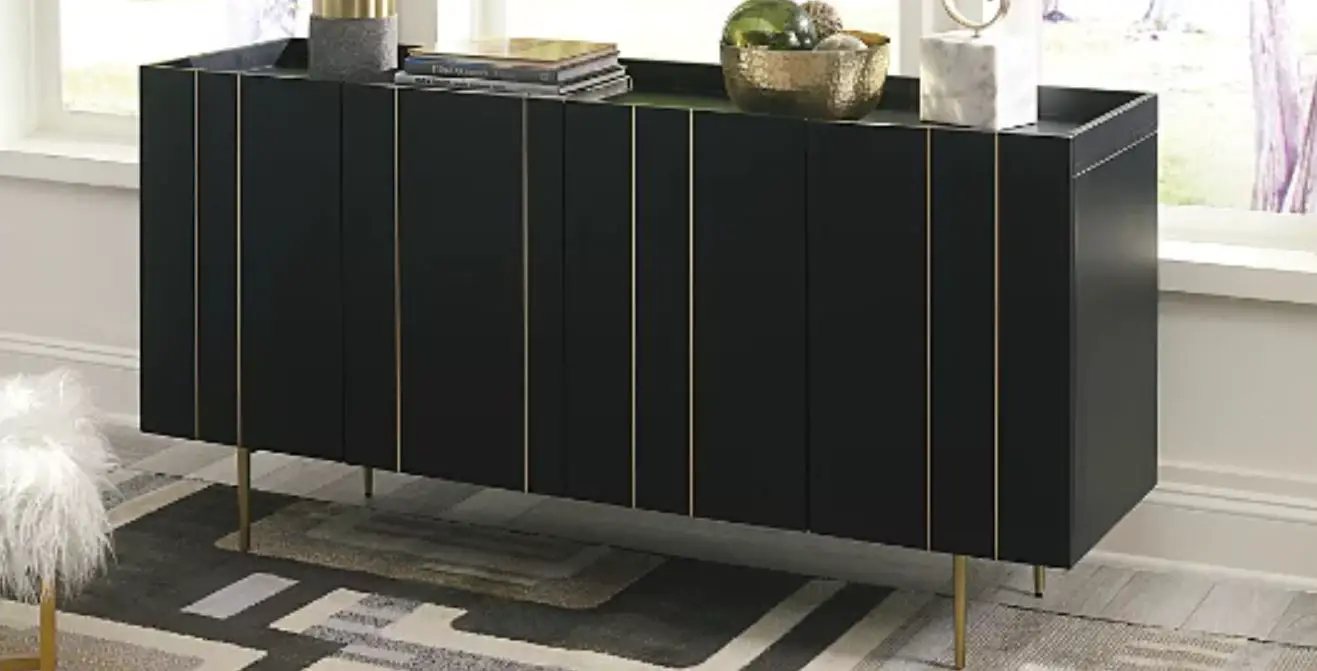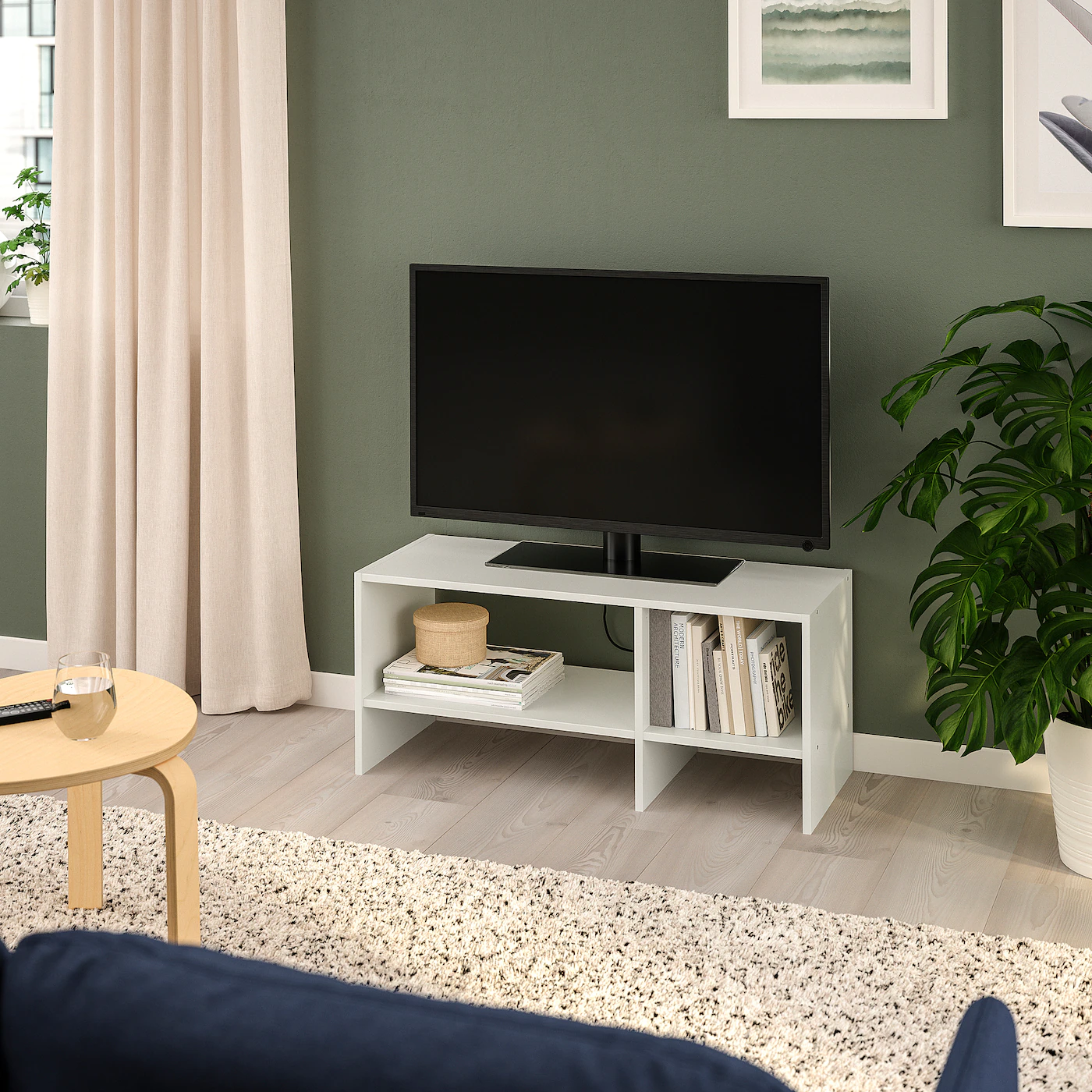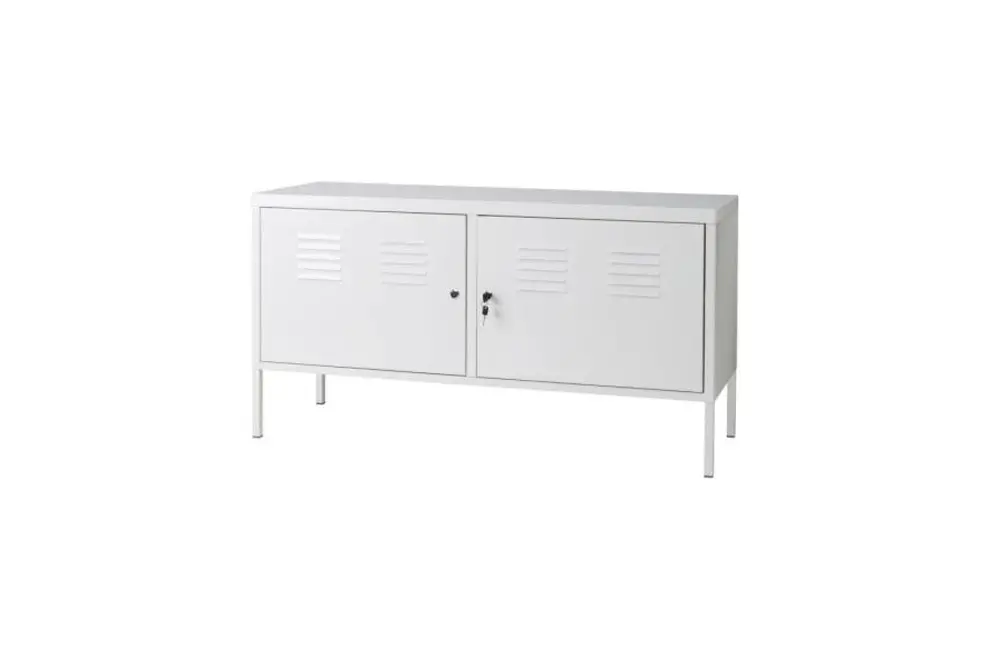

WOOOD Toby Tv Cabinet Instructions
Please save this manual
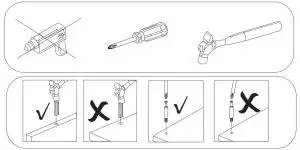
Tools are need
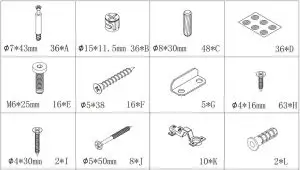
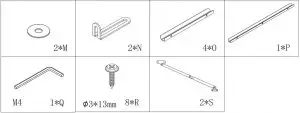
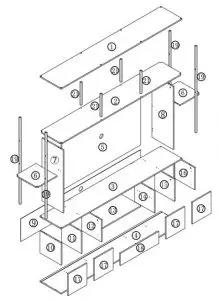
Assembly
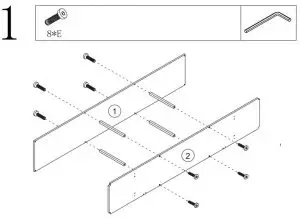
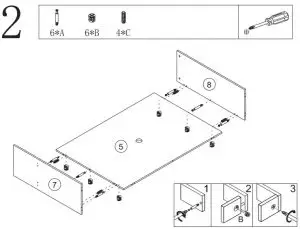

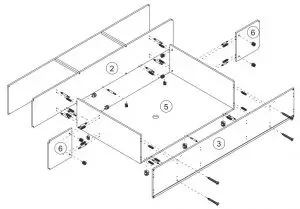
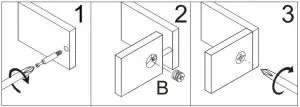

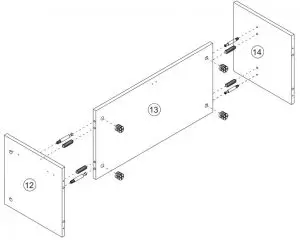
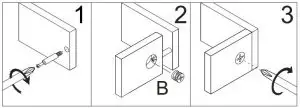

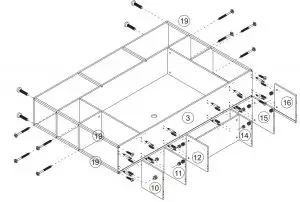
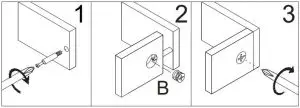



MOUNTING INSTRUCTIONS
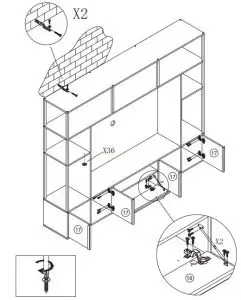
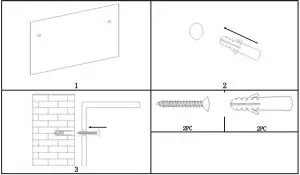
This cabinet includes two holes on the back for mounting to a wall. We strongly recommend that you install the provided anchors and screws to prevent the cabinet from accidentally falling and causing injury or damage.
- Perhaps with the help of another person, position the cabinet against a wall at a desired location.
- Use a pencil to lightly mark the wall through the holes that on back of the cabinet. Then carefully move the cabinet aside. The mounting hardware will be installed at these two insertion marks.
- Install the anchor into the wall at each insertion mark until the wide end becomes even with the surface of the wall.
- Position the cabinet against the wall at same location that we can see the two installed anchors through the two holes. Use the screwdriver to secure a screw into each installed anchor. Rotate each screw clockwise until tight.
- Done!
Read More About This Manual & Download PDF: