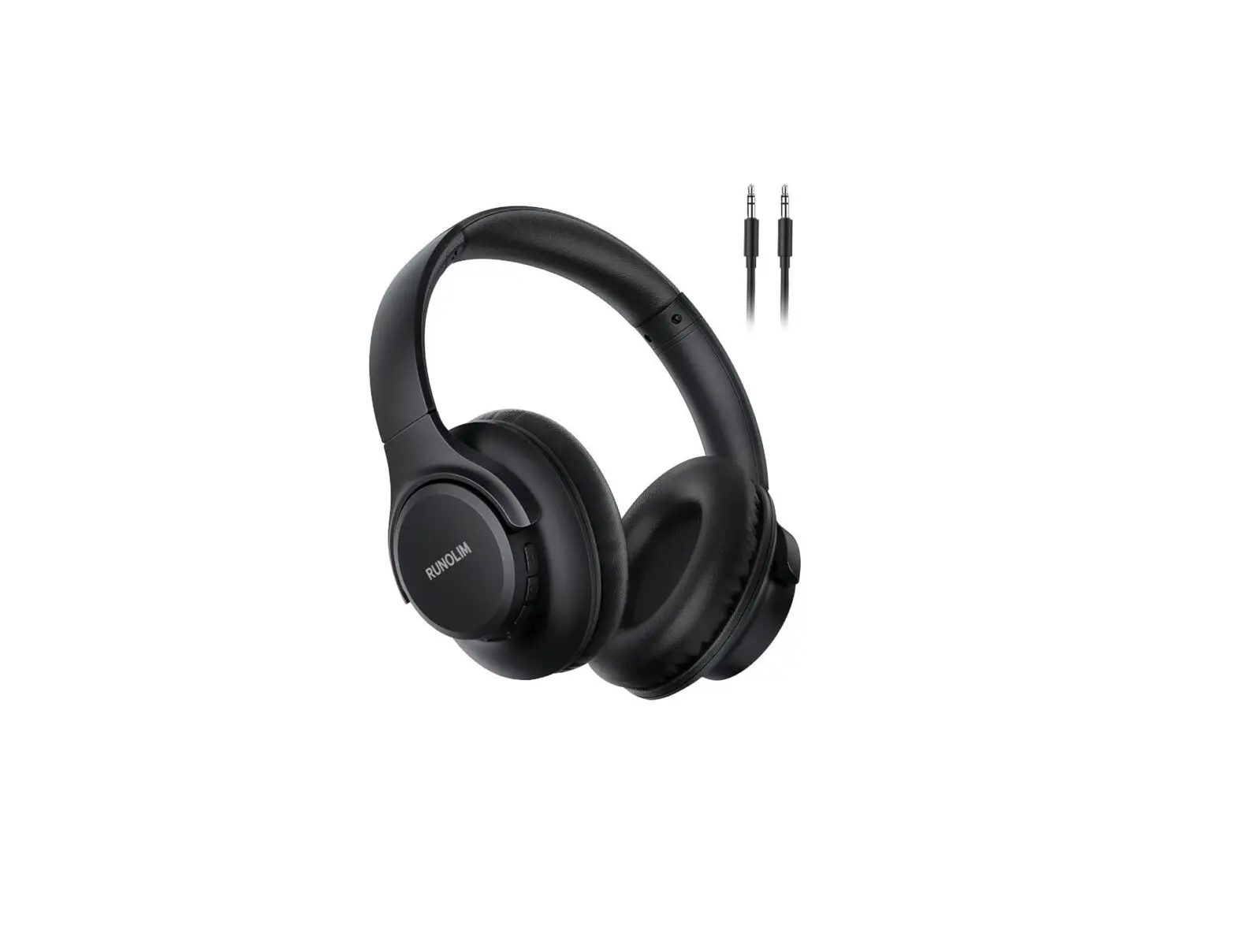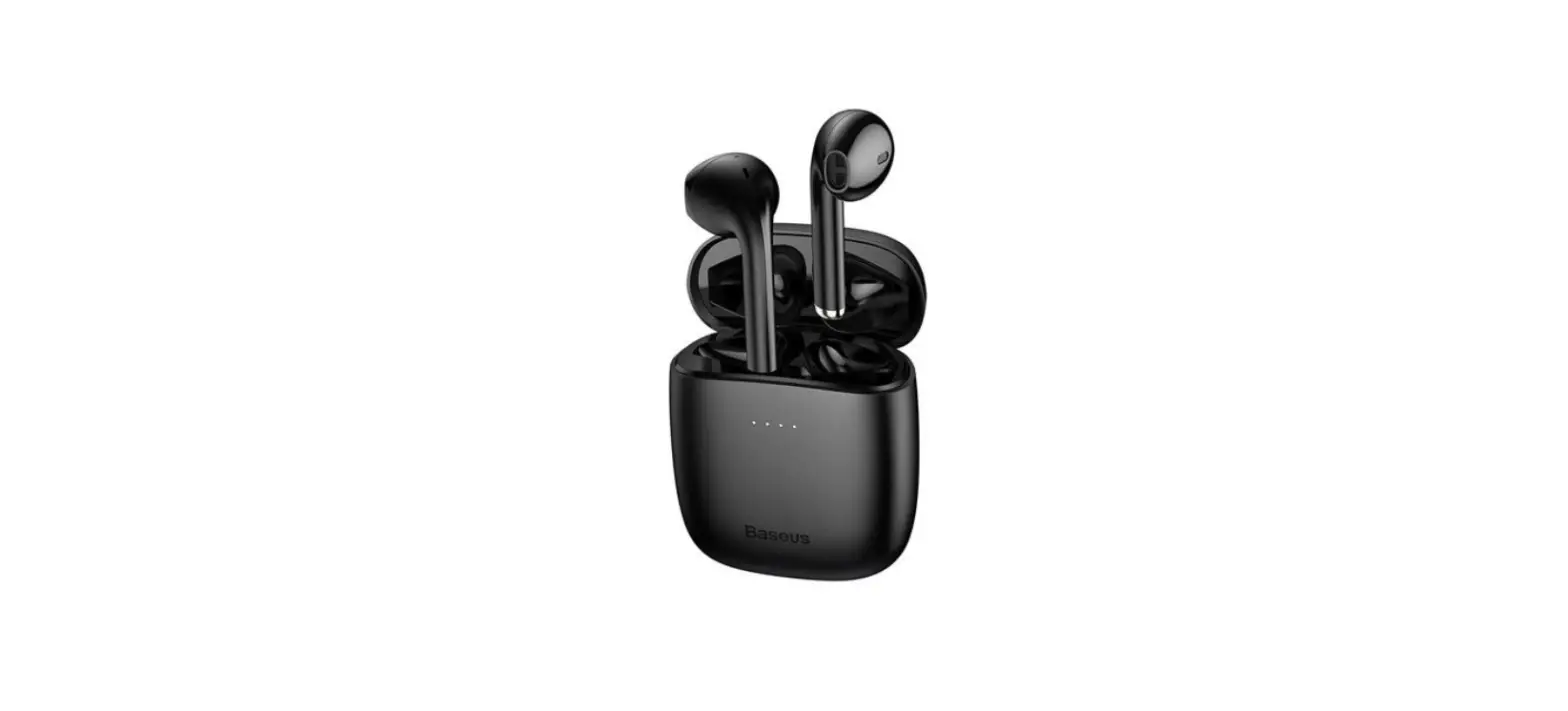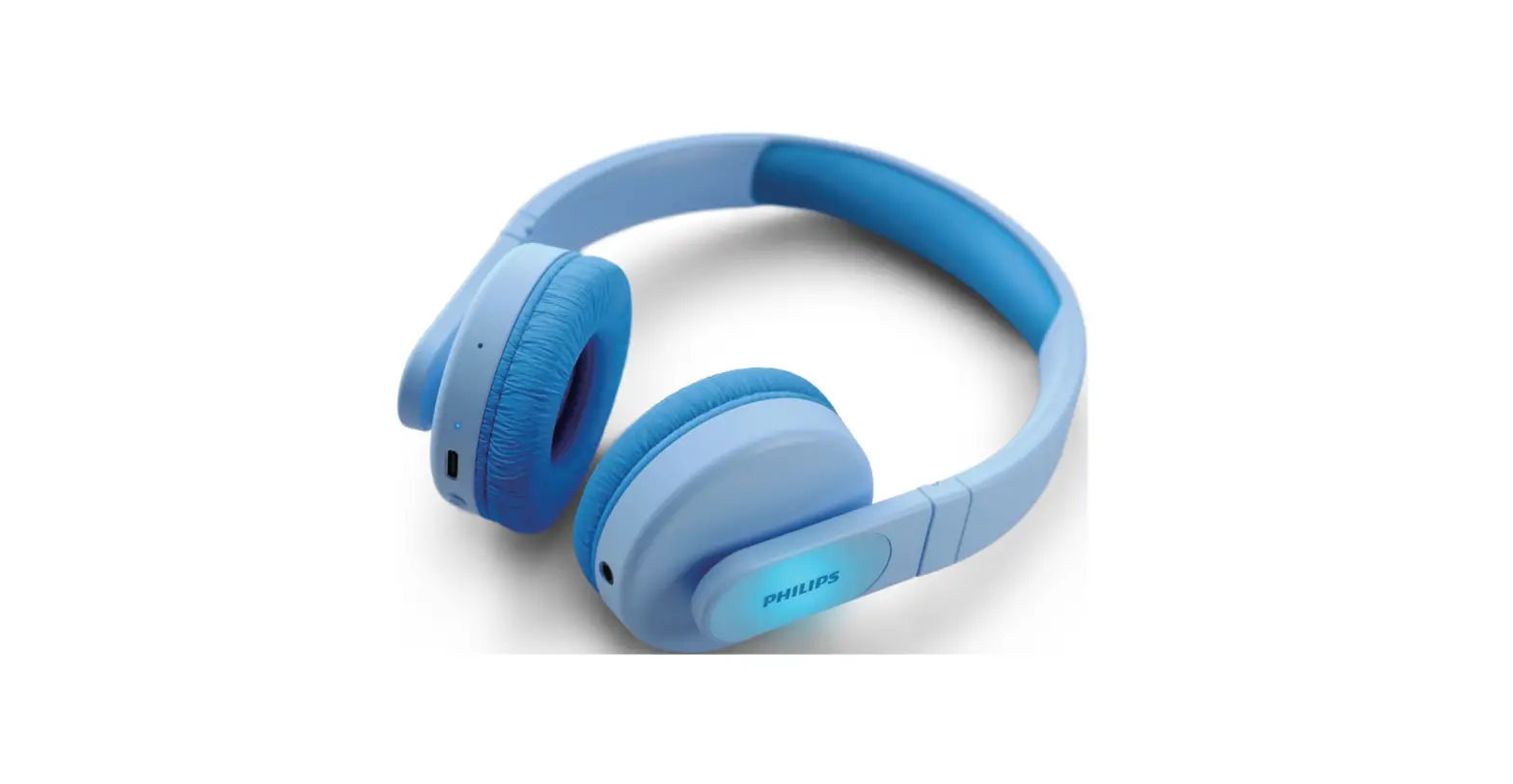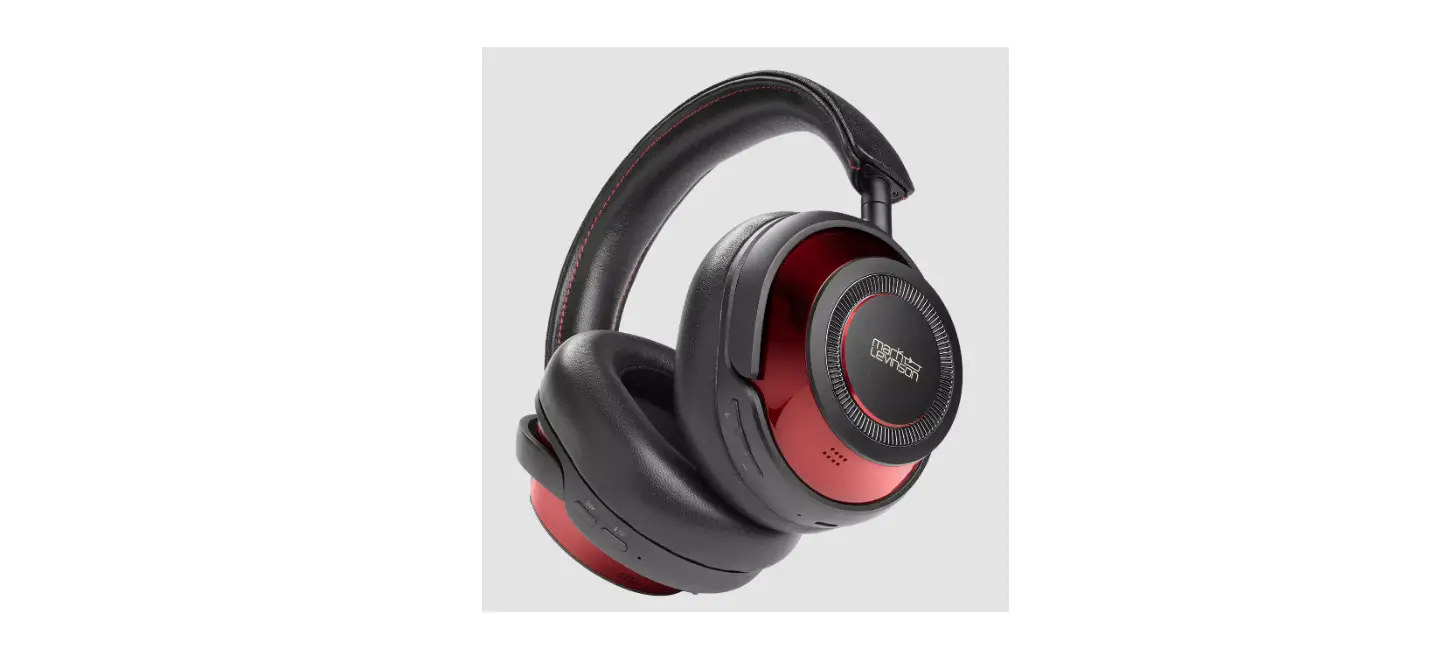
 WS4 Wireless Headphones
User Manual
WS4 Wireless Headphones
WIRELESS HEADPHONES WS4/WS5/WS AUDIO.
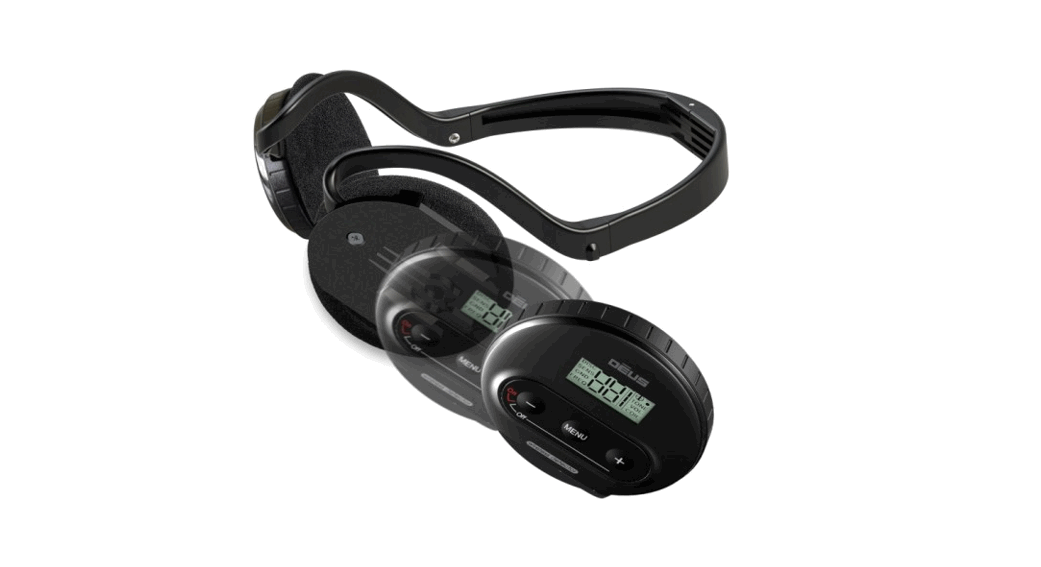
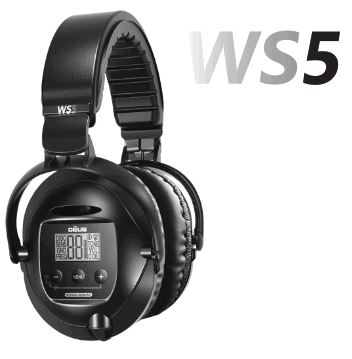 The WS4 /WS5 can be a stand alone unit and connect with the coil for an extremely ergonomic and lightweight conffguration.
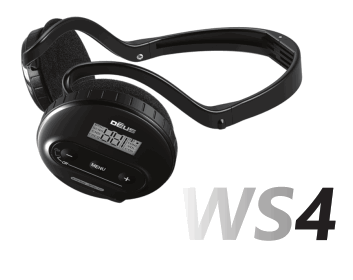
The WS4 Module can be unclipped and mounted on the stem to make the most of the control screen, the target display and all the settings. It is then ideally supplemented by the WSA wireless headphones.
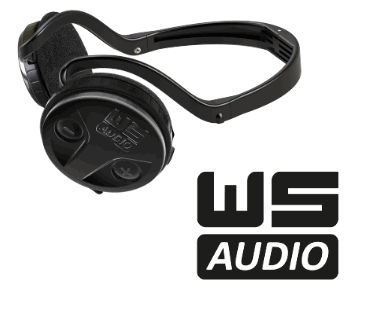
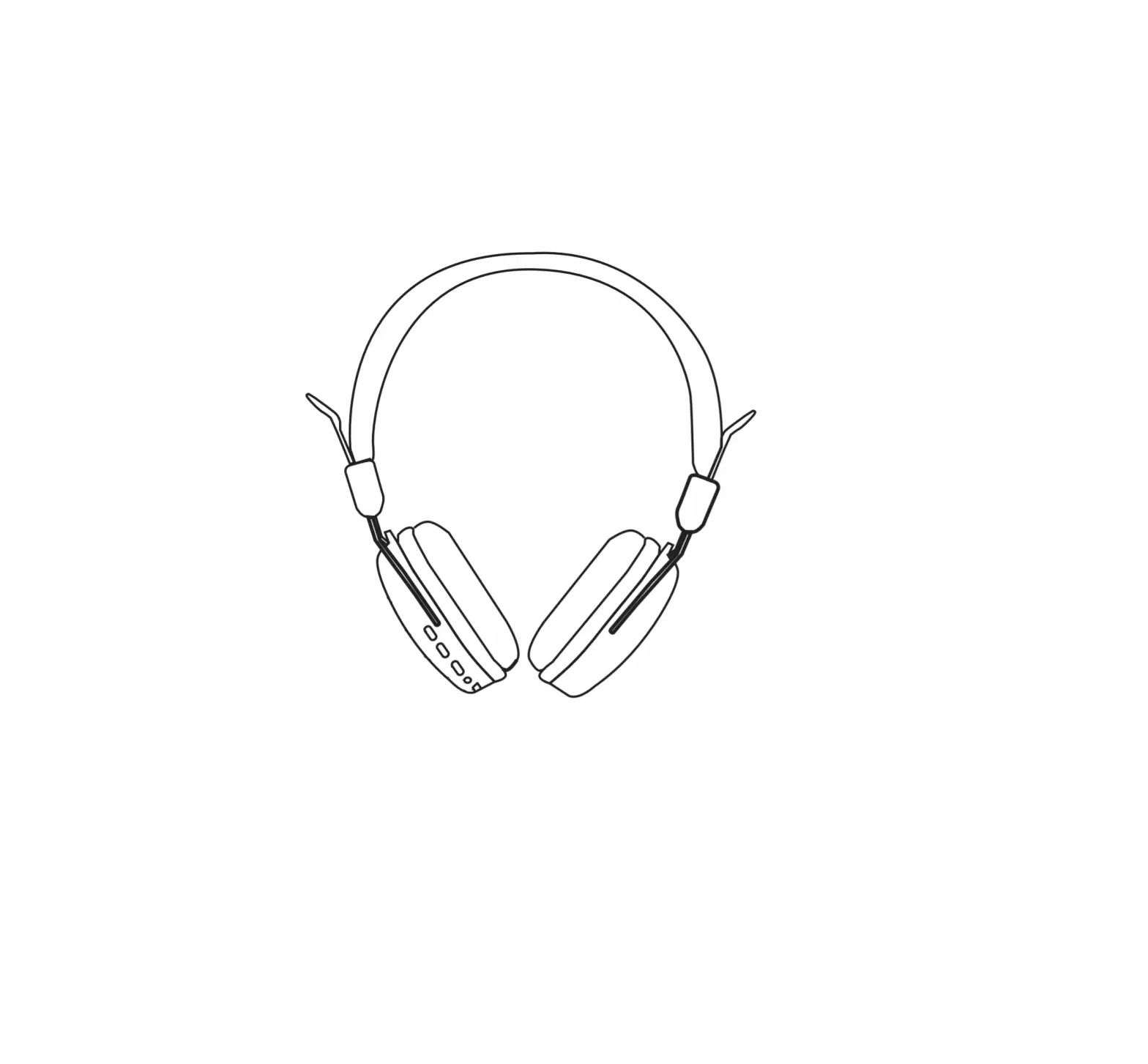
The WS AUDIO wireless headphones are the slave when the remote control or WS4 MASTER are swithed on. They are only compatible with:
1/ DEUS marketed since 2018 and updated to V6 (update available 12/2022).
2/ X35 or HF coils.
3/ ORX metal detectors.
DEUS 3 CONFIGURATIONS
 | ||
| (975g in hand with 22.5cm coil) The remote control is master and controls the coil, the functions and the settings. | (820g in hand with the 22.5 cm coil) The WS4 MASTER controls the coil, adjusts all the settings with a target display. | (750g in hand with the 22.5 cm coil) he WS4 / WS5 controls the coil, adjusts all the settings with a target display. |
WS4/WS5 FEATURES
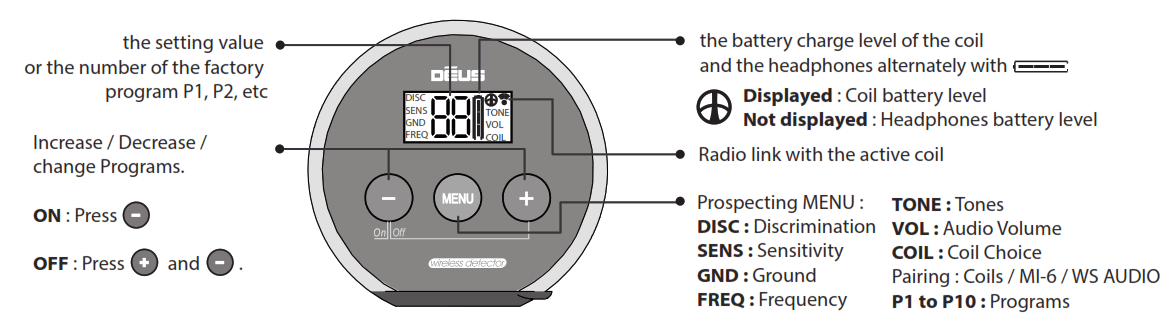
Pairing WS AUDIO to Remote control
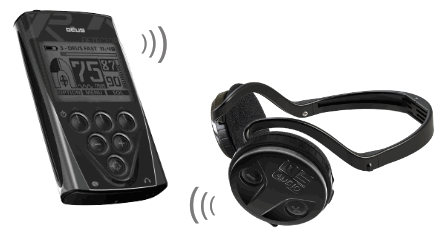
Press OPTION, then  until HEADPHONES
Press + until you reach WS AUDIO and press SELECT.
Switch ON the WS AUDIO by holding the – key down for 5 seconds.
Pairing WS AUDIO to WS4 MASTER
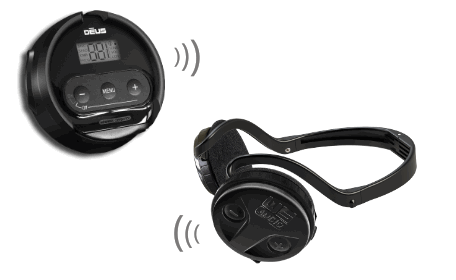
Press MENU until COIL and + until you reach IIP, then press + 5 seconds.
Switch ON the WS AUDIO by holding the key down for 5 seconds.
Shortcut : Press 5 seconds Switch ON the WS AUDIO by holding the key down for 5 seconds.