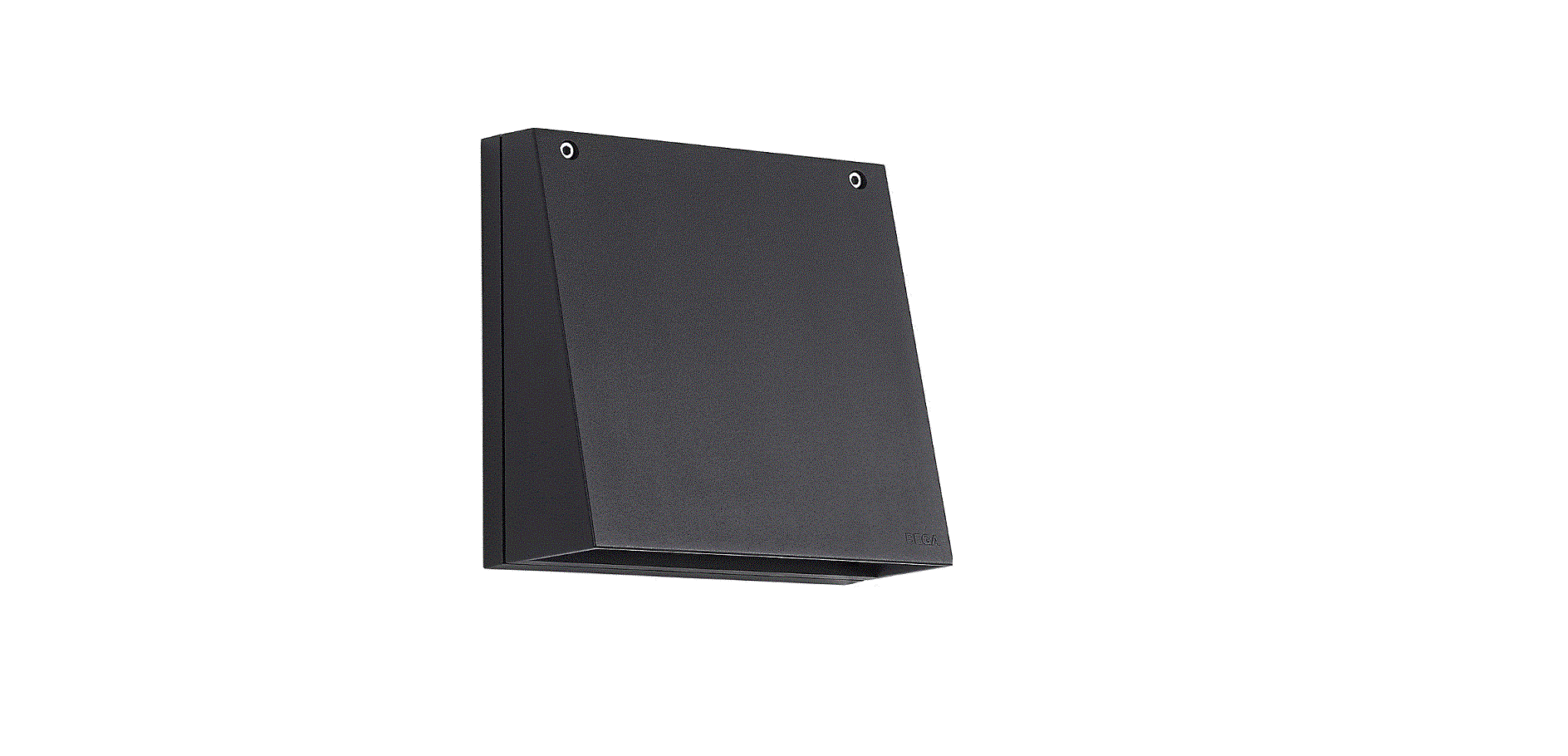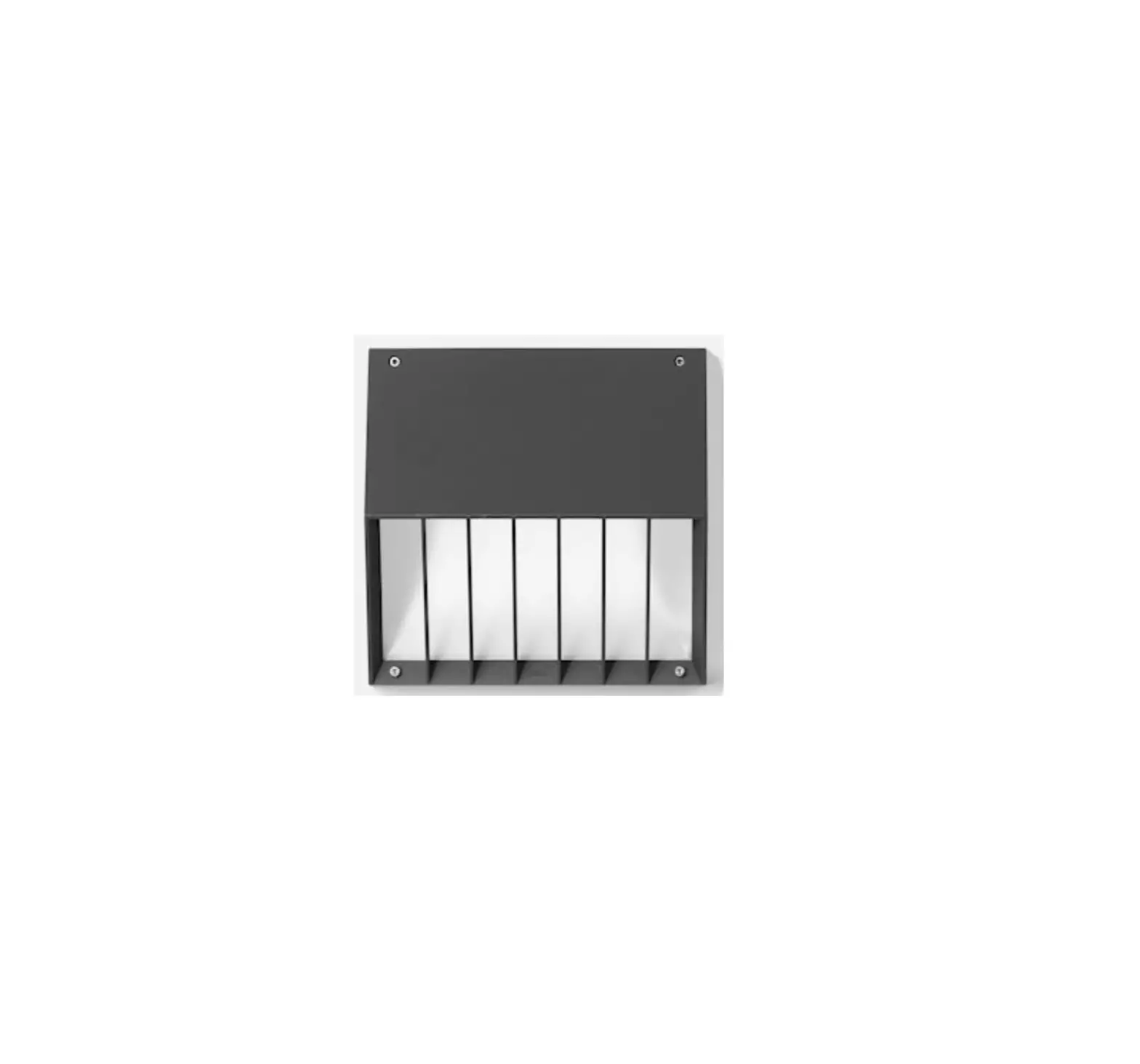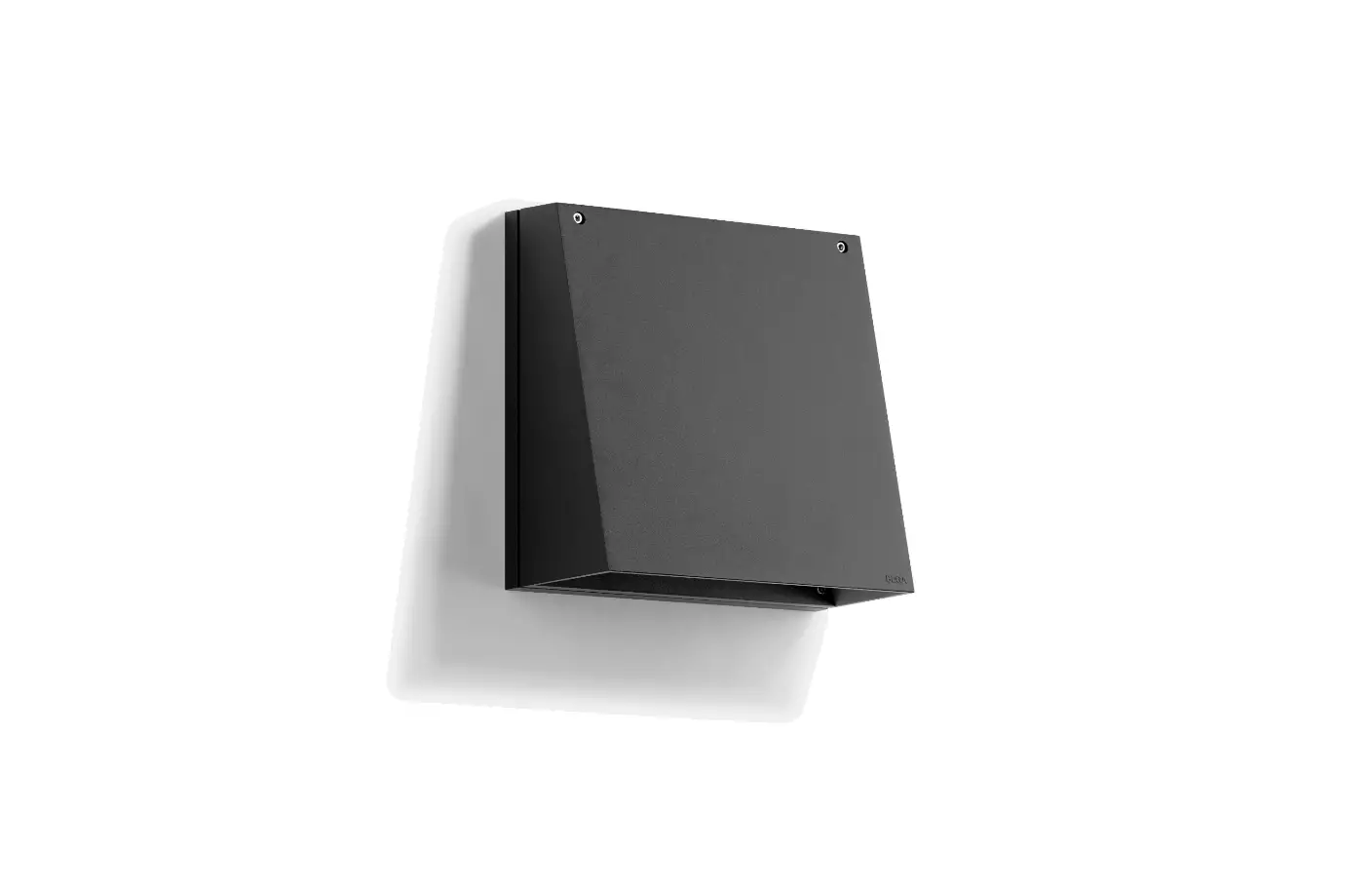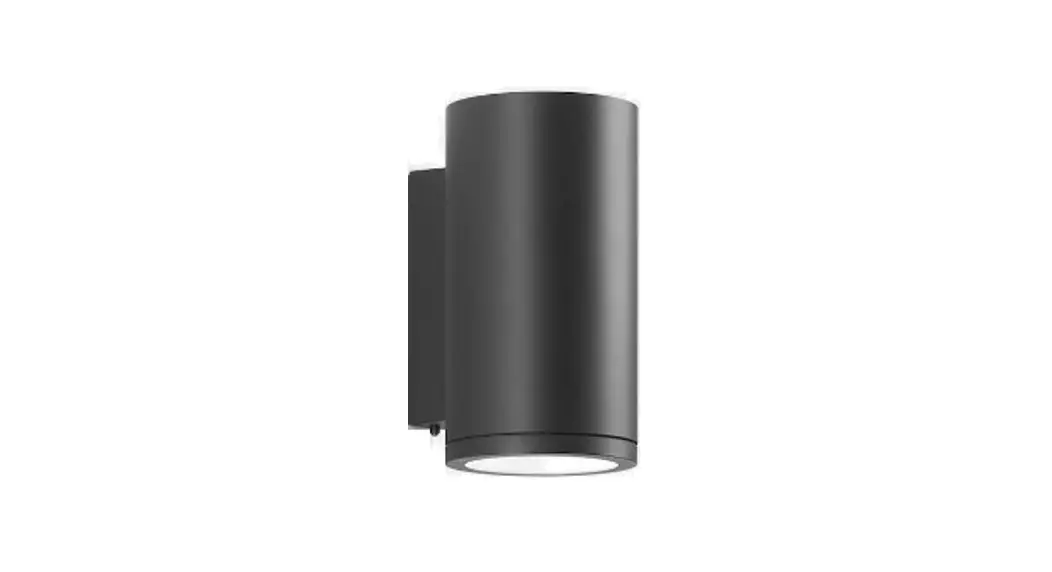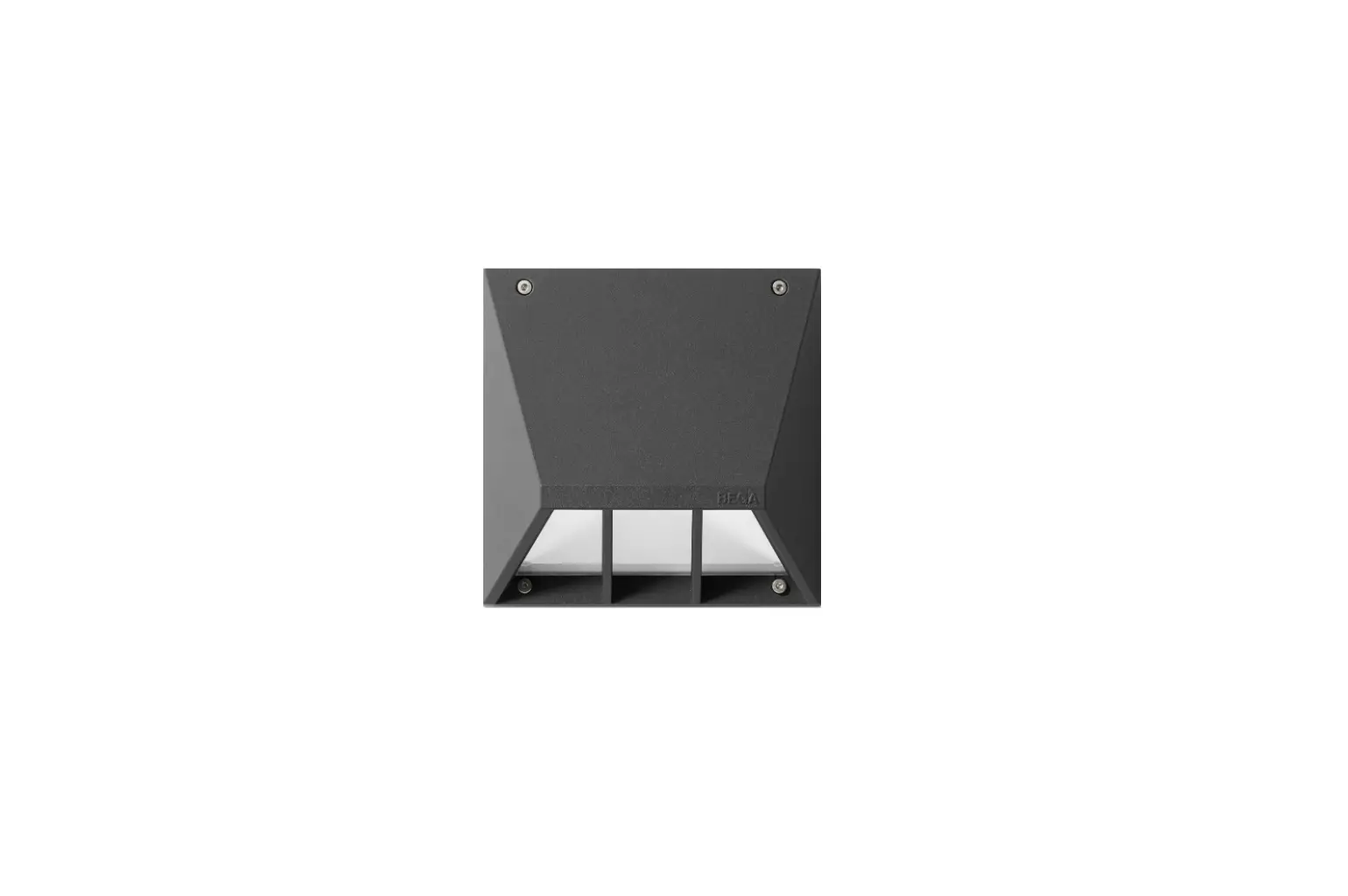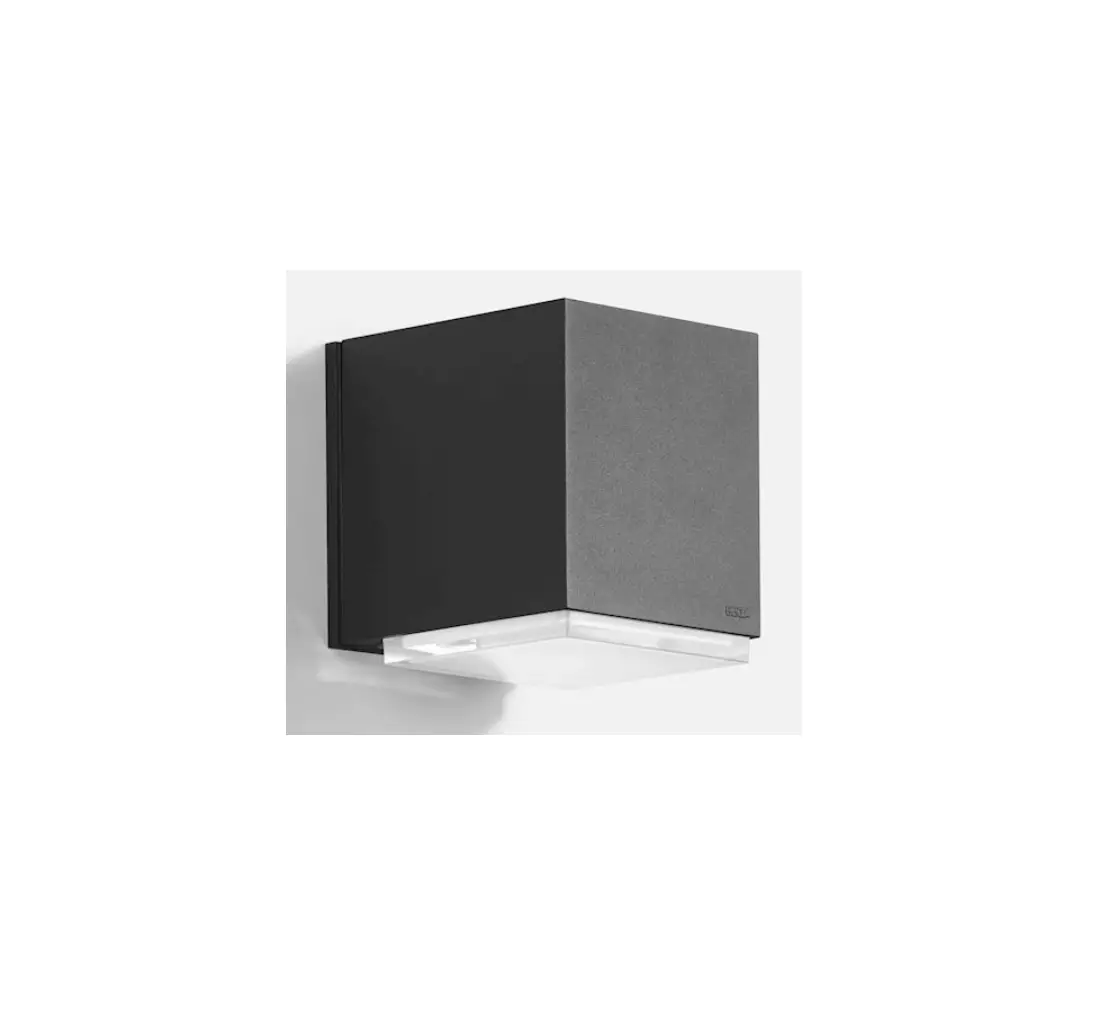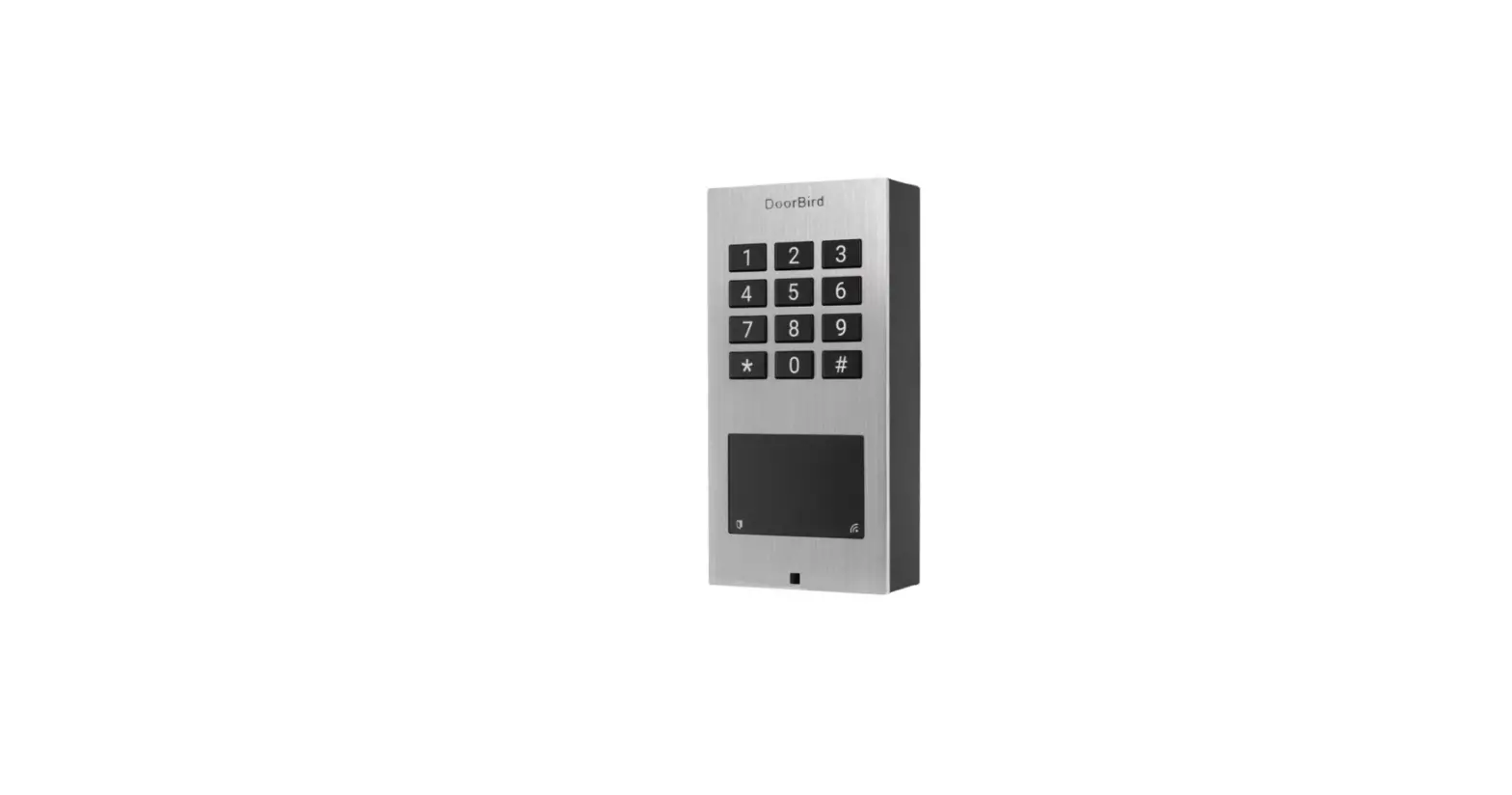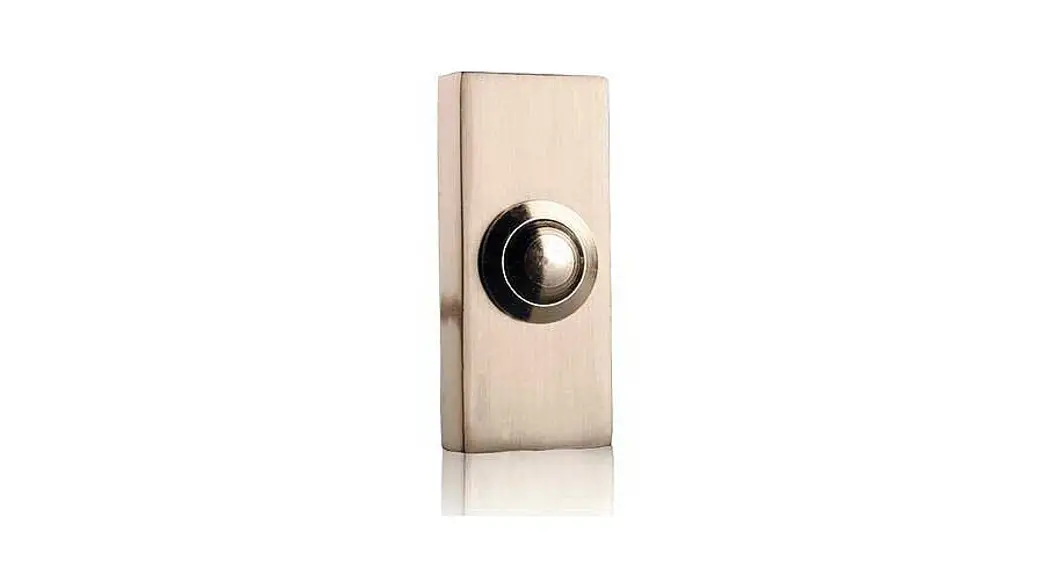
 ETA S 100/200
KLINGELTASTER
Installation Instructions
ETA S 100/200 Surface Mounted Doorbell
 PUSH BUTTON
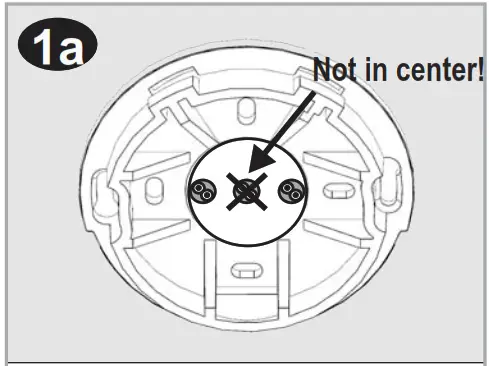 | 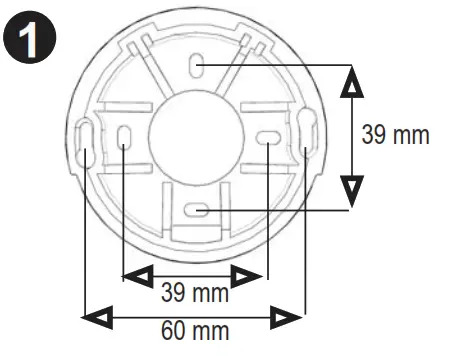 | 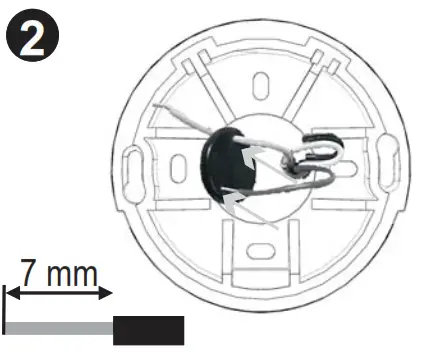 |
| Positions of wire (at the side!) | Wall fixation of the bracket | Insert wires into the gasket |
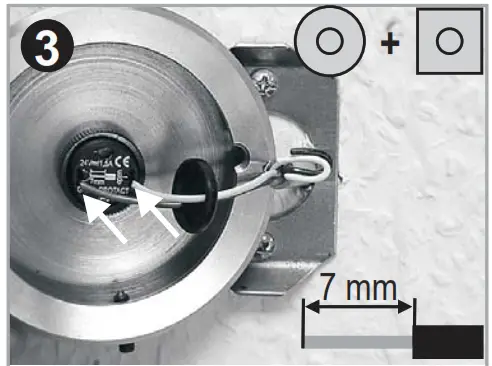 | 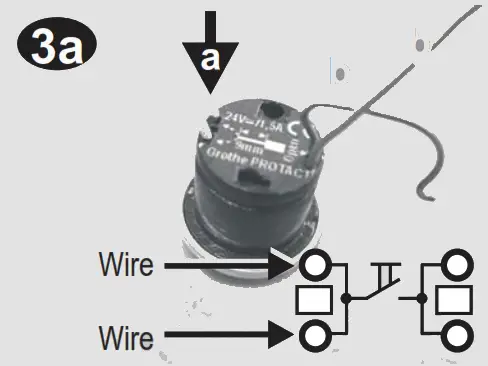 | 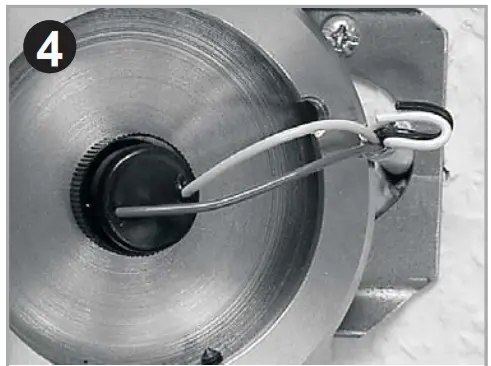 |
| Connection of push! See 3a) | a) Wiring b) Unlocking | Fixation of the gasket on push |
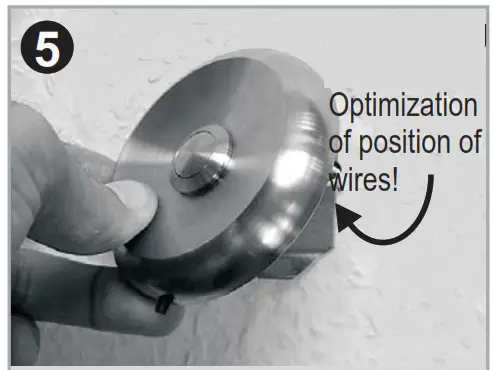 | 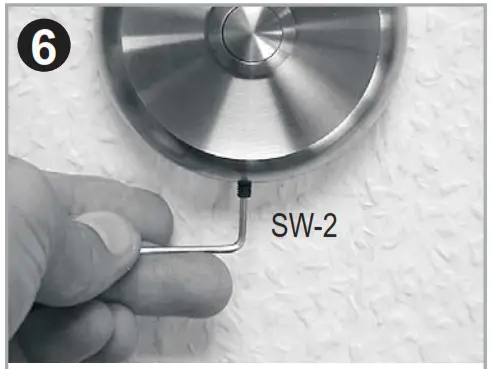 | 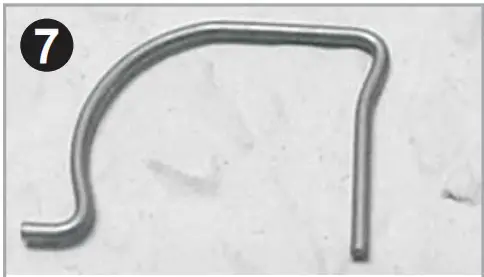 |
| Fixation of the push-on bracket | Fixation of the screw (at the bottom) | Stow opening tool separately because of corrosion possibility! |
General
 Please note that installation and assembly of electrical equipment should only be undertaken by a qualified electrician! Nationally specific regulations on electrical installation work must be observed Before starting installation ensure that the circuit is isolated from the supply by withdrawing the circuit fuse or circuit breaker!
Techn. Dat.
- max. 24V=/~ (AC/DC) / 1,5A
- Nur für Schutzkleinspannung!
- Protective low voltage only!
- Wire rigid 0,6-0,8mm
- Wire flex.: Erst entriegeln (1.b)/ unlocking first (1.b)
- -20°C…60°C / IP 44
Grothe GmbH
Löhestraße 22 * D-53773 Hennef
Telefon: (0 22 42) 88 90-0
Telefax: (0 22 42) 88 90-36
E-mail: [email protected]
Internet: www.grothe.de
MV01460107/12