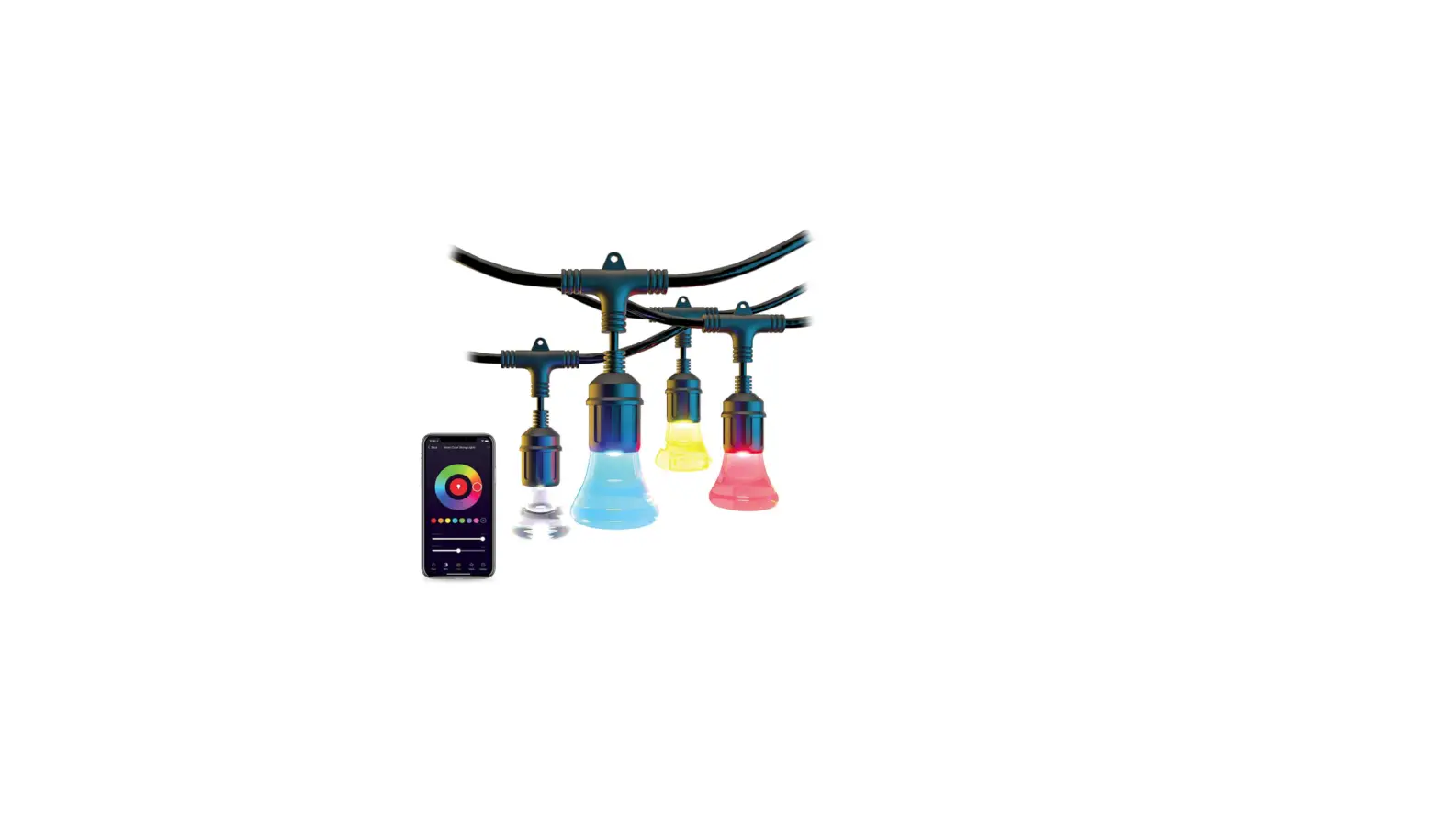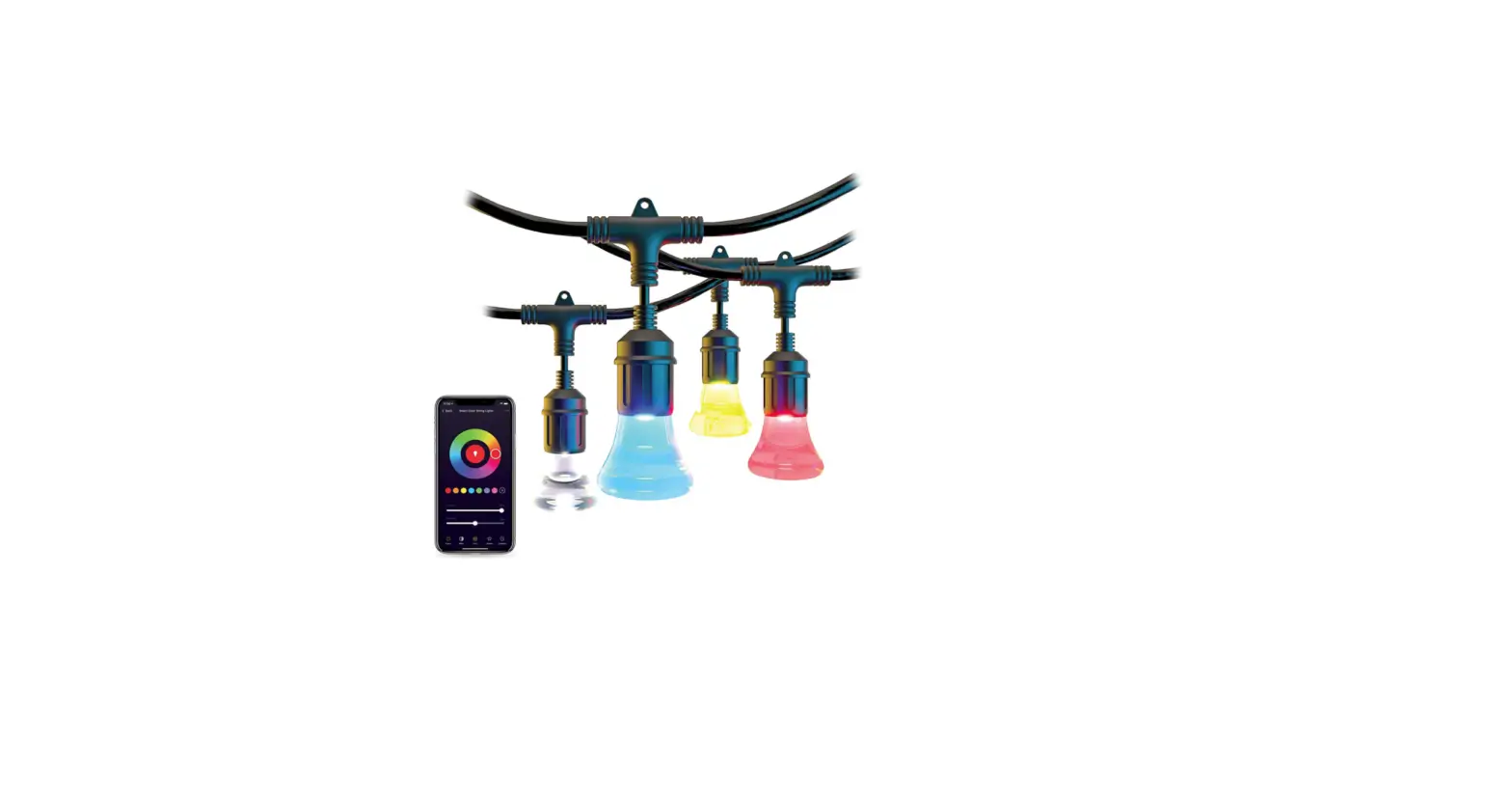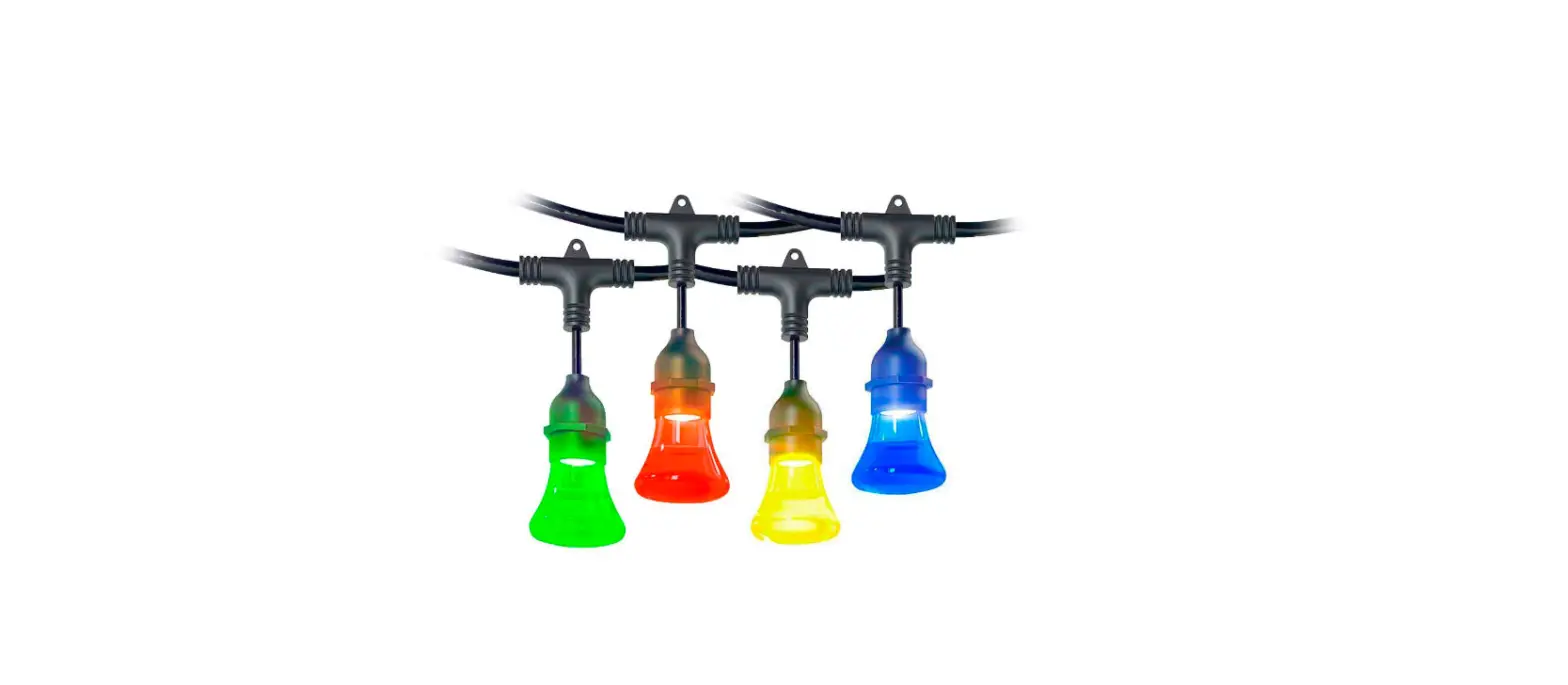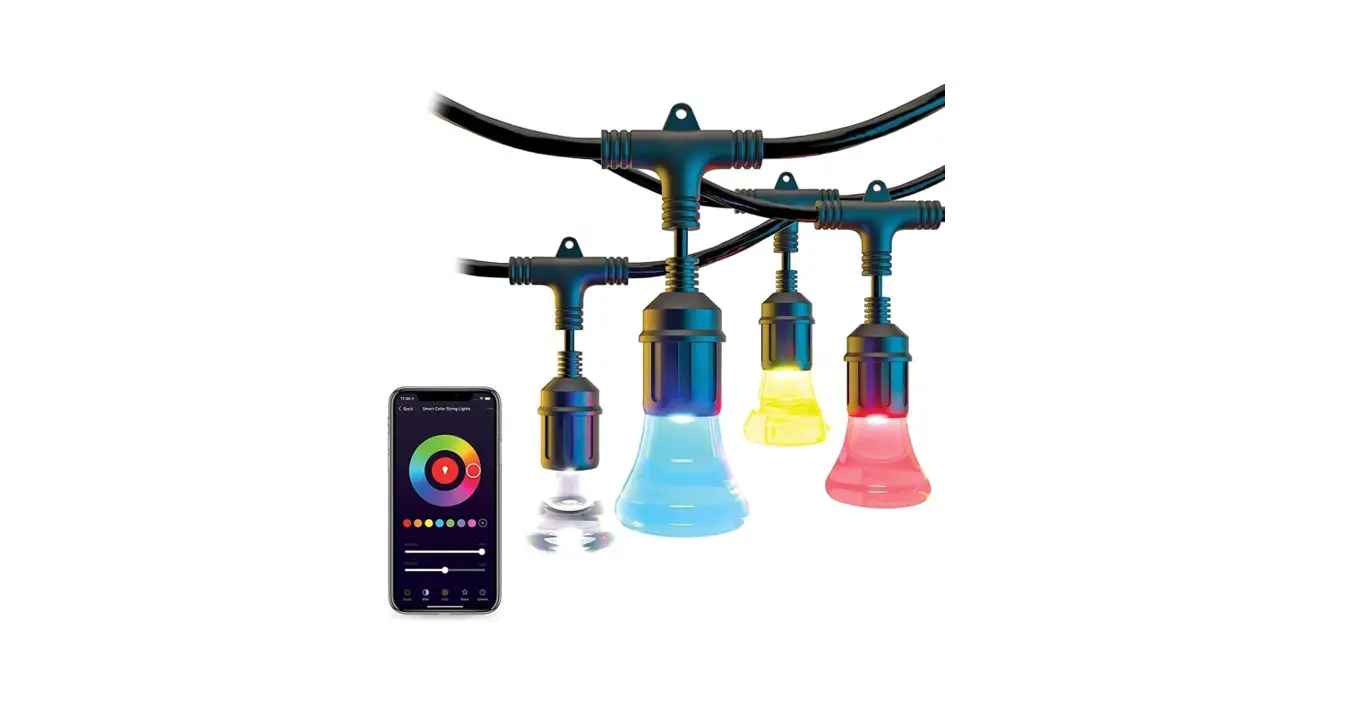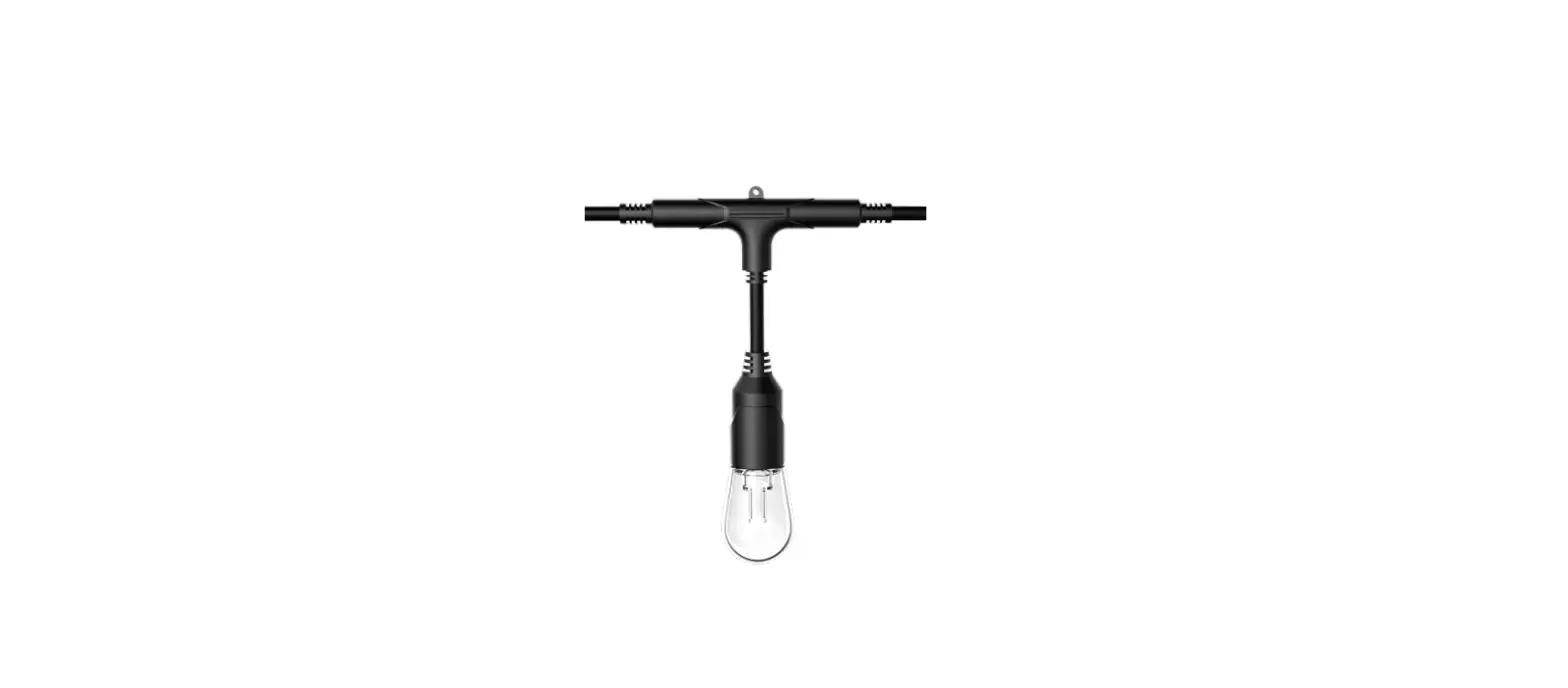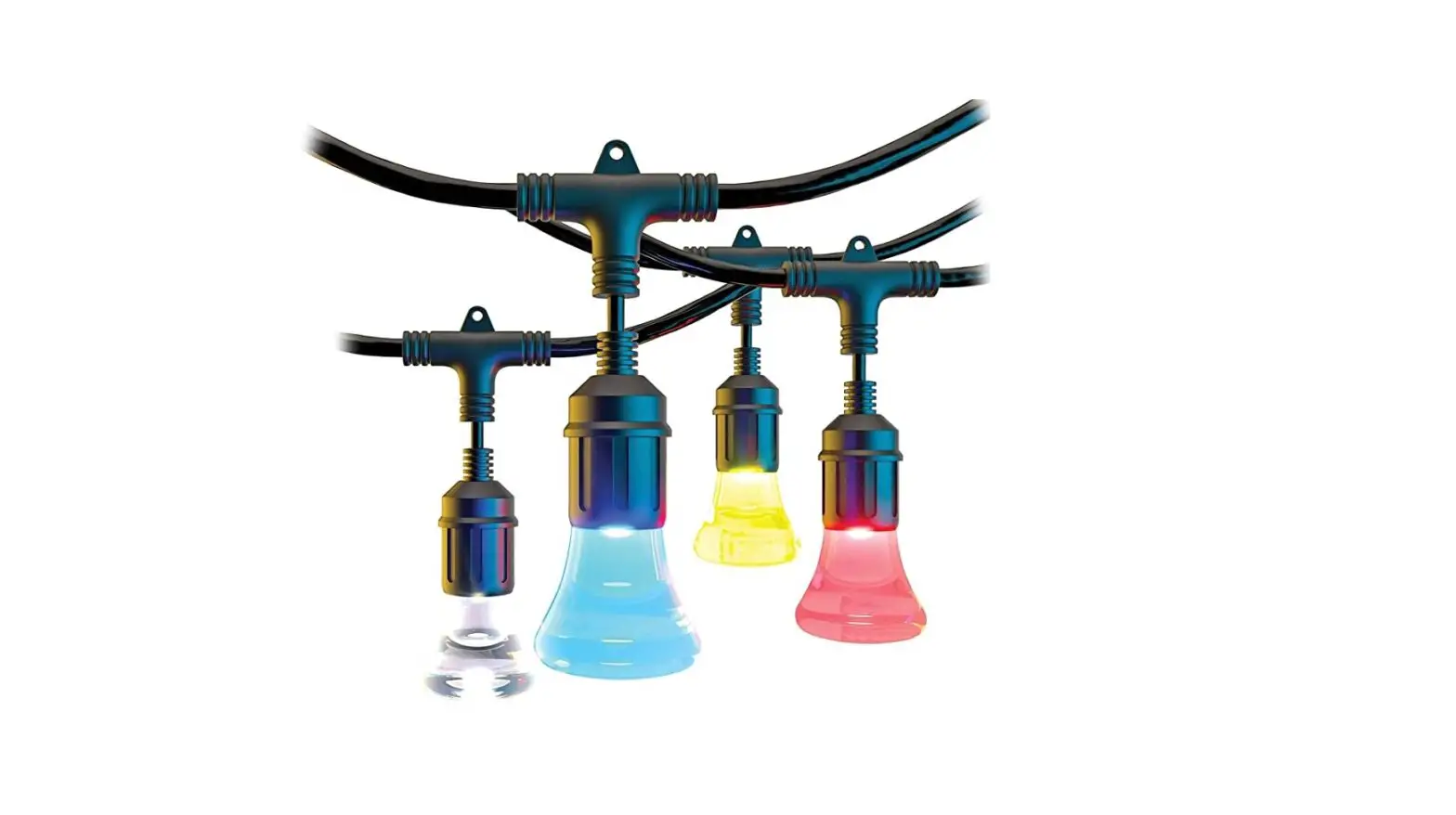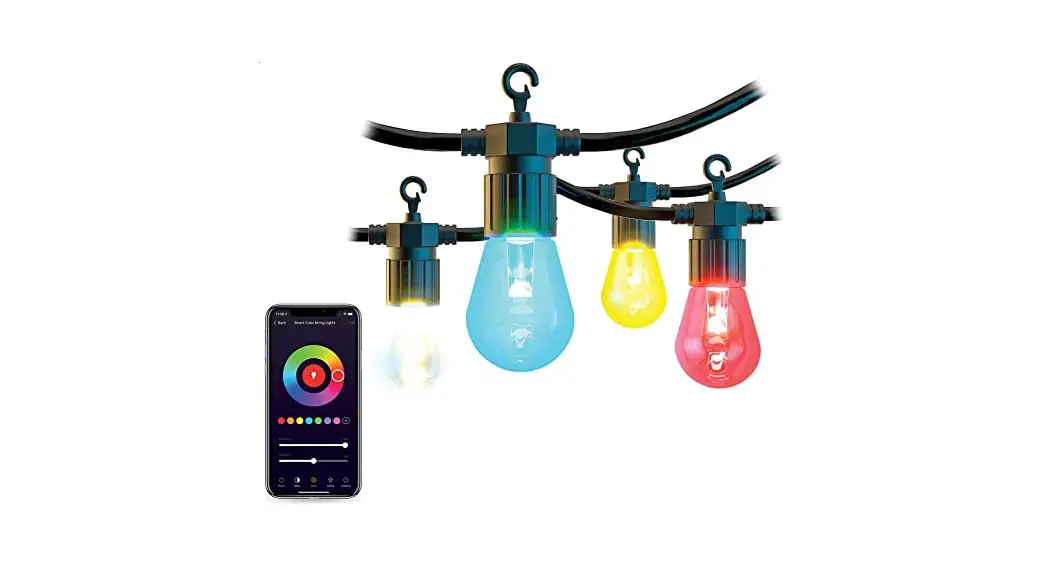

Atomi smart B08NFC4R68 2nd Gen String Lights
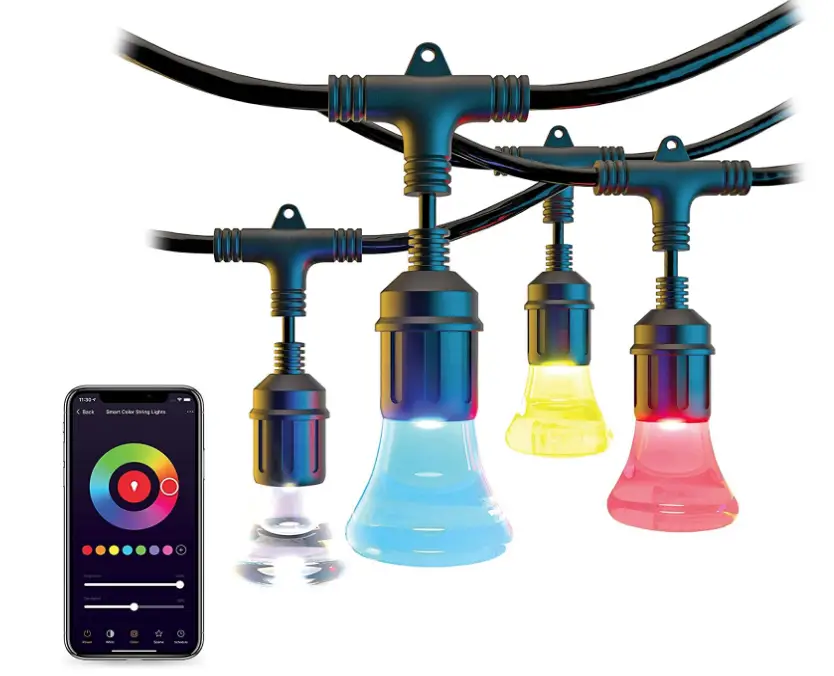
Specification
- COLOR: Multicolor
- BRAND: Atomi smart
- SPECIAL FEATURE: Color Changing
- LIGHT SOURCE TYPE: LED
- POWER SOURCE: Corded Electric
- OCCASION: Christmas
- MATERIAL: Acrylic
- CONTROLLER TYPE: Voice Control
- CONNECTIVITY PROTOCOL: Wi-Fi
- NUMBER OF LIGHT SOURCES: 12
Introduction
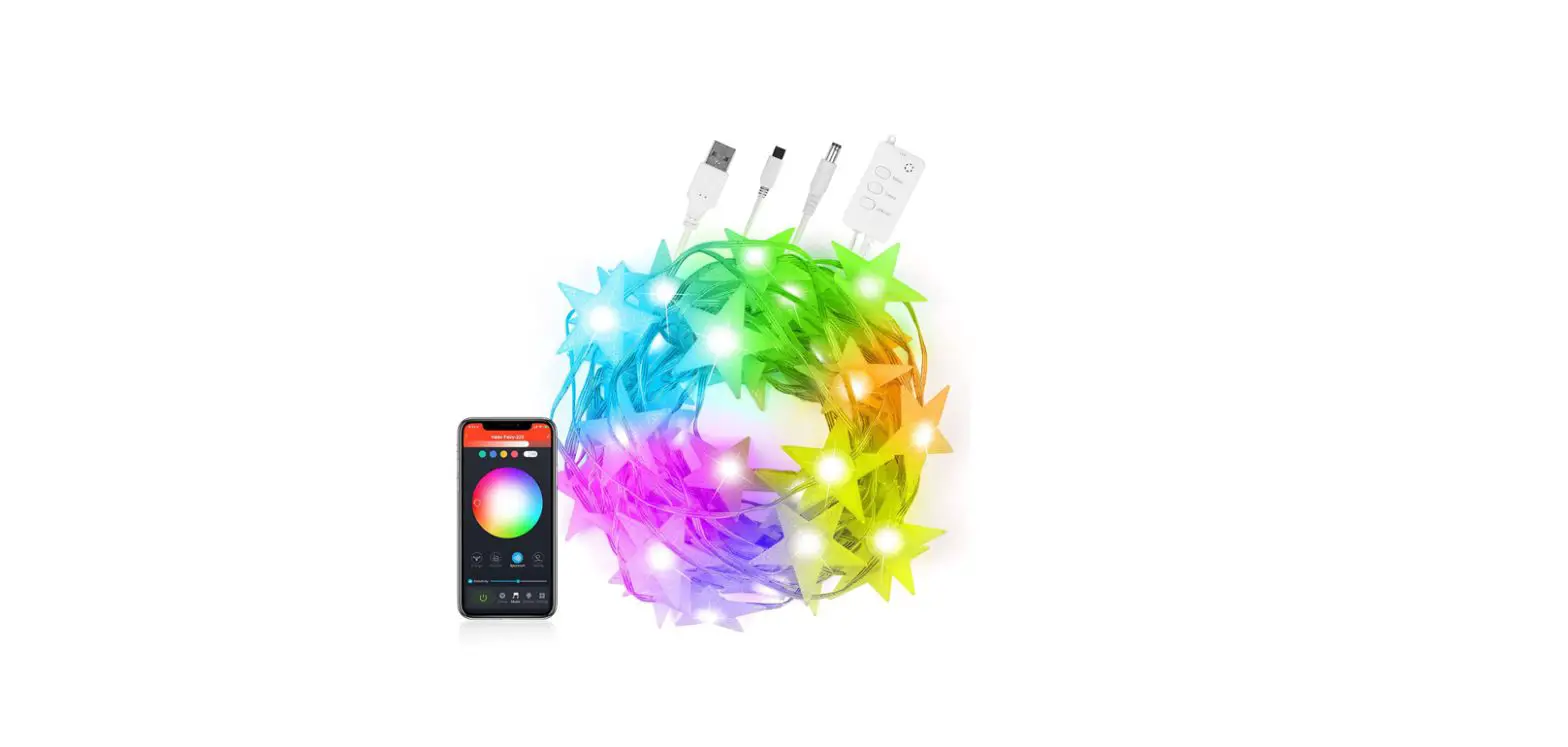
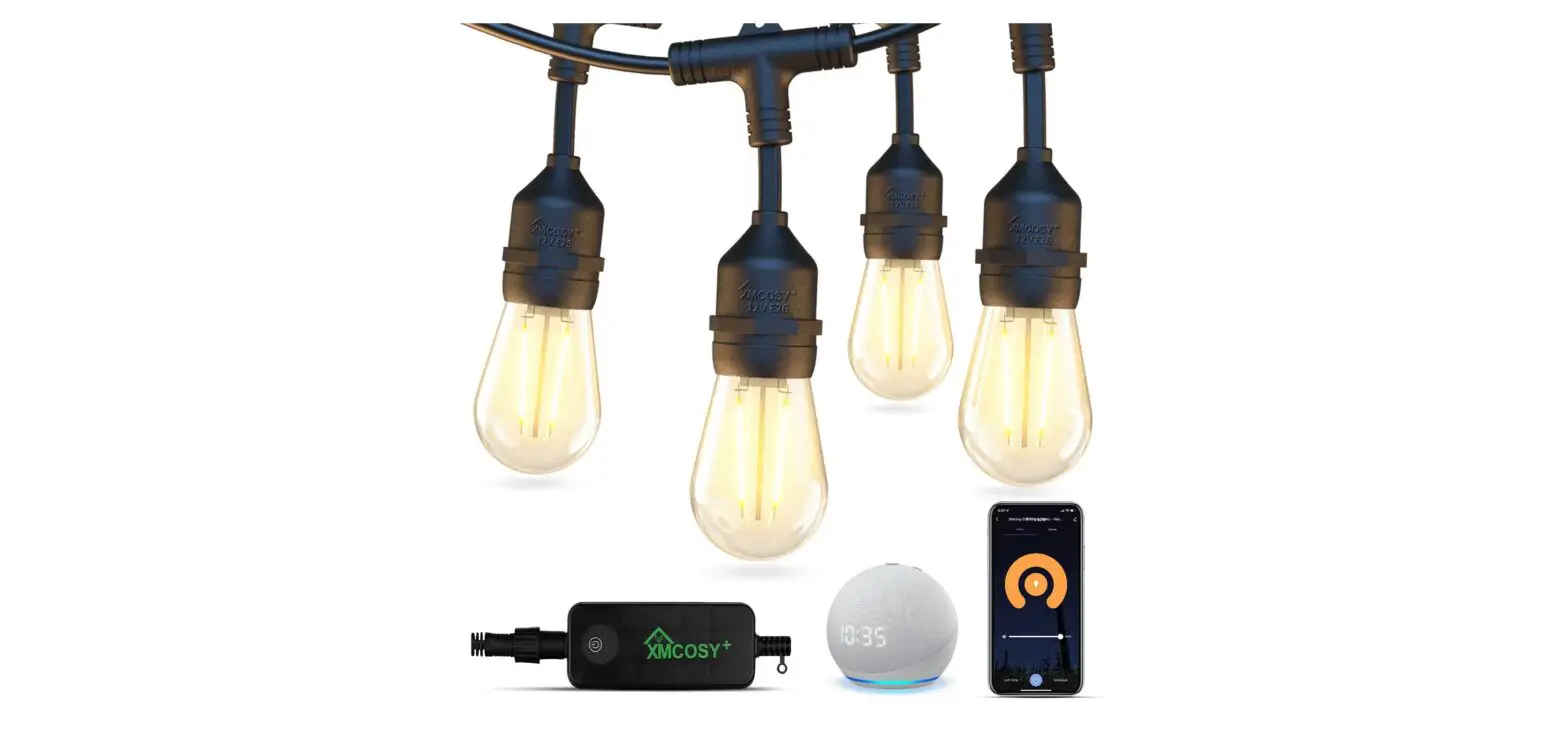
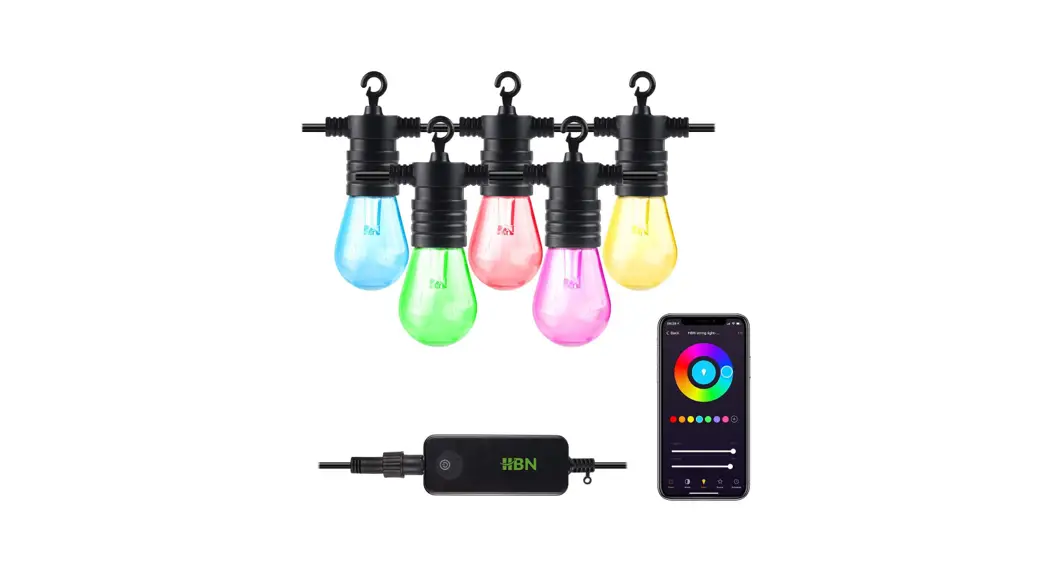
With a color temperature range of 2500K–9000K, the second-generation lights are brighter than before. 16 million color options and a range of special effects are available to illuminate your outdoor space. Improved setup connects to your home Wi-Fi network and the free Atomi Smart app fast and conveniently. Your string lights may be set up and working quickly. Waterproof and ideal for both indoor and outdoor use. The lifespan of these extremely expensive, unbreakable acrylic bulbs is about 22 years or 25,000 hours. Use the Atomi Smart app on your smartphone, which is free, or Google Assistant or Alexa using basic voice commands. Set wake and sleep timers, color patterns, and other effects. Up to 1,728 feet of lights can be joined together and still be controlled by your phone.
SETUP GUIDE
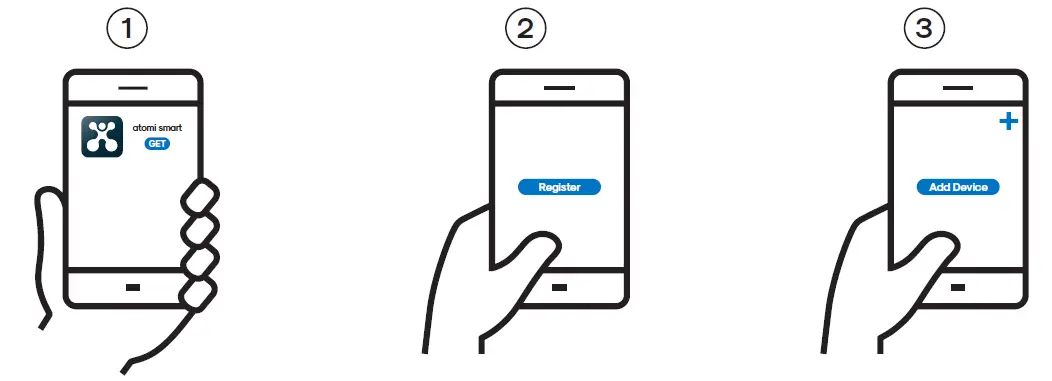
- GET THE APP: Download the atomi sma˜ app from the App Store or Google Play.
- REGISTER: Follow the on-screen instructions and register an account.
- ADD YOUR SMA˜ DEVICE: Press “Add Device” or the “+” sign and choose the sma˜ device to install from the device list.

- SELECT THE RIGHT NETWORK: Enter your Wi-Fi password and “Confirm”.
Make sure you’re connected to a 2.4GHz Wi-Fi network (atomi Sma˜ can’t connect to 5GHz networks). - PLUG IN YOUR SMA˜ DEVICE: And press “Continue” on the atomi sma˜ app.
- CONNECT TO THE NETWORK: Press “Go to Connect” and follow the instructions on the screen.
- CONNECT YOUR SMA˜ DEVICE: Select “atomic-sma˜-XXXX” on the network list to connect.
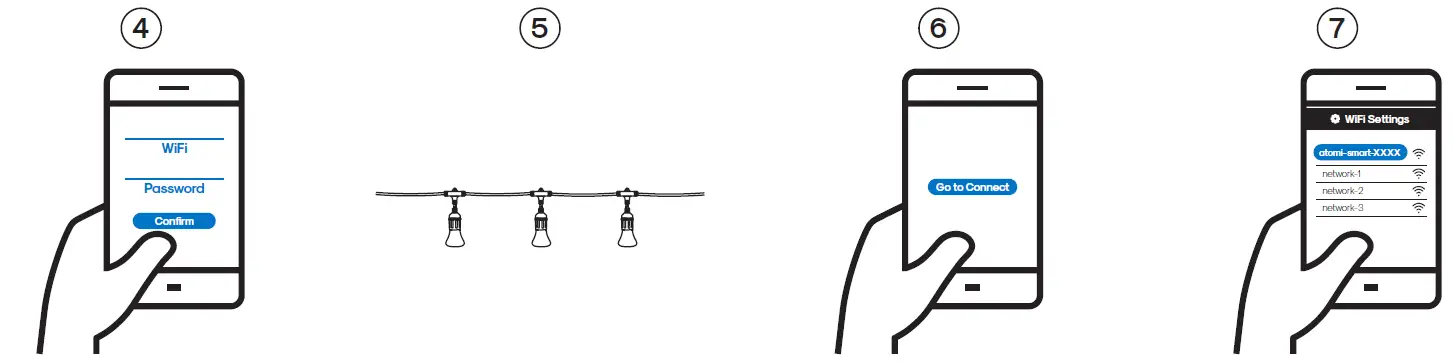
If you are not automatically directed to the Wi-Fi list, go to SETTINGS on your sma˜phone and press Wi-Fi.
TROUBLESHOOTING
I CAN’T FIND THE ATOMI.SMA˜.XXXX NETWORK IN MY WIFI LIST.
Make sure your atomi sma˜ device is plugged in and the lights are blinking. If not, unplug your atomi sma˜ device and plug it back in to reboot.
MY WIFI NETWORK DOESN’T APPEAR IN THE ATOMI SMA˜ APP.
Use your sma˜phone to confirm that you have at least two Wi-Fi bars in the vicinity of your atomi sma˜ device. If not, move your atomi sma˜ device closer to your router. (The list will refresh every 10 seconds).
CANNOT CONNECT TO MY WIFI NETWORK.
Make sure that you have entered the correct Wi-Fi password during setup. Check if there are problems with your internet connection. If the Wi-Fi signal is too weak, reset your Wi-Fi router and try again.
MY ATOMI SMA˜ DEVICE APPEARS AS “UNAVAILABLE” IN THE APP.
Refresh the device list.
MY ATOMI SMA˜ APP IS FROZEN.
Force quit and re-launch the atomi sma˜ app.
I JUST REPLACED MY ROUTER.
To reset the Wi-Fi without losing your atomi sma˜ devices settings, hold down the power button and wait for the LED to change from amber to blinking white, then release. When the LED begins to alternate white and amber, follow steps 3-5 to associate your atomi sma˜ device with your new network.
I’M STILL HAVING TROUBLE!
Wi-Fi networks come in a lot of shapes and sizes with many quirks of their own. It doesn’t mean your atomi sma˜ device is malfunctioning. If problems persist, please try these steps, in this order:
- Force quit and re-launch the atomi sma˜ app. Check to see if this fixes the issue.
- Unplug your atomi sma˜ device and plug it back in. Check to see if this fixes the issue.
- Unplug your router and plug it back in. Check to see if this fixes the issue.
- Delete and reinstall the atomi sma˜ app. Check to see if this fixes the issue.
SAFETY INFORMATION
IMPORTANT:
Read all safety information and installation instructions before installing or servicing this product. Save this manual for reference.
RISK OF ELECTRIC SHOCK
- Receptacle outlets used for powering Sma˜ String Lights shall comply with all national and local electrical codes. Consult local electrician if unsure of compliance requirements.
- For use only on GFCI protected circuits.
- Do not submerse.
- Do not use in water.
- Do not use with extension cord near water or where water may accumulate.
- Keep lamps at least 16 feet from water.
- Keep plugs and receptacles dry.
- Avoid damage to the cords and lamp assemblies during installation. Periodically inspect the Sma˜ String Lights for physical damage or other damage caused by outdoor exposure to the elements.
- Replace any damaged Sma˜ String Light strings.
- Do not install in locations where Sma˜ String Lights can be stepped on.
- Ensure Sma˜ String Lights are unplugged from power during installation.
- Sma˜ String Lights should be installed out of the reach of children.
- Do not allow children to play with them.
- Ul recommends testing GFCI circuits and receptacles every month to ensure proper operation.
- Do not operate without bulb securely screwed in.
RISK OF FIRE
- Sma˜ String Lights are designed to be mounted with their individual keyhole
- Do not mount Sma˜ String Lights by using the main electrical cord or the individual drop cords.
- Sma˜ String Lights are designed to have unlimited link ability by using their electrical plugs and receptacles.
- Do not mount Sma˜ String Lights in any position where the bulb is facing up.
- Do not allow the LED lamp assemblies to be in contact with combustible materials. LED lamp assemblies should hang freely and not be susceptible to repetitive damage caused by environmental conditions such as wind, rain, and ice.
FAQs
We can only hope because the color schemes (bulb colors) are presently already chosen, preset/predetermined, and come “as is” unless you use the “pick 2” scheme, which allows for only 2 color choices.
these are model AT1308.
Be sure to check the fuse in your plug. Reach out to us directly if you need assistance.
You won’t be able to control the lights with your phone until Wi-Fi is restored.
Yes, these will work in freezing weather.
Remotes only work when you are close enough to be in range. With the app installed on your smart phone, the lights can be turned on or off, or changed, from virtually anywhere in the world.
You can unscrew the poly globes to see what is inside. You will find there is a tiny LED bulb inside that I do not think is replaceable. There are settings on the app where you can set the colors and brightness of the bulbs and the whiter the color, the brighter they are. But I don’t think these lights are for anything more than ambiance lighting to set a mood.
this won’t work. The power supply needs to come from the control box end.
unfortunately, Alexa doesn’t have support for specific detailed command changes such as the scenes right now. You can, however, set automations to be triggered to automatically change to a scene when a device is turned on. Reach out to us directly with any questions about that.
You can choose “Pick 2” (press and hold) and you can choose two alternating colors.
unfortunately, there is no way to combine scenes. The ‘Pick 2’ option does not move and you cannot edit any of the other scenes.
Contact/ call Atomi customer service.
Yes, as long as it’s an outdoor rated extension cord.
The lights connect to a secure 2.4Ghz Wi-Fi network. If you’re having trouble, you can refer to our connection troubleshooting guide on our website. Please also consider reaching out to us directly for one-on-one assistance. Reasons for not connecting can be vast and impossible to diagnose via Amazon Questions here.
no, they don’t have a different part number.