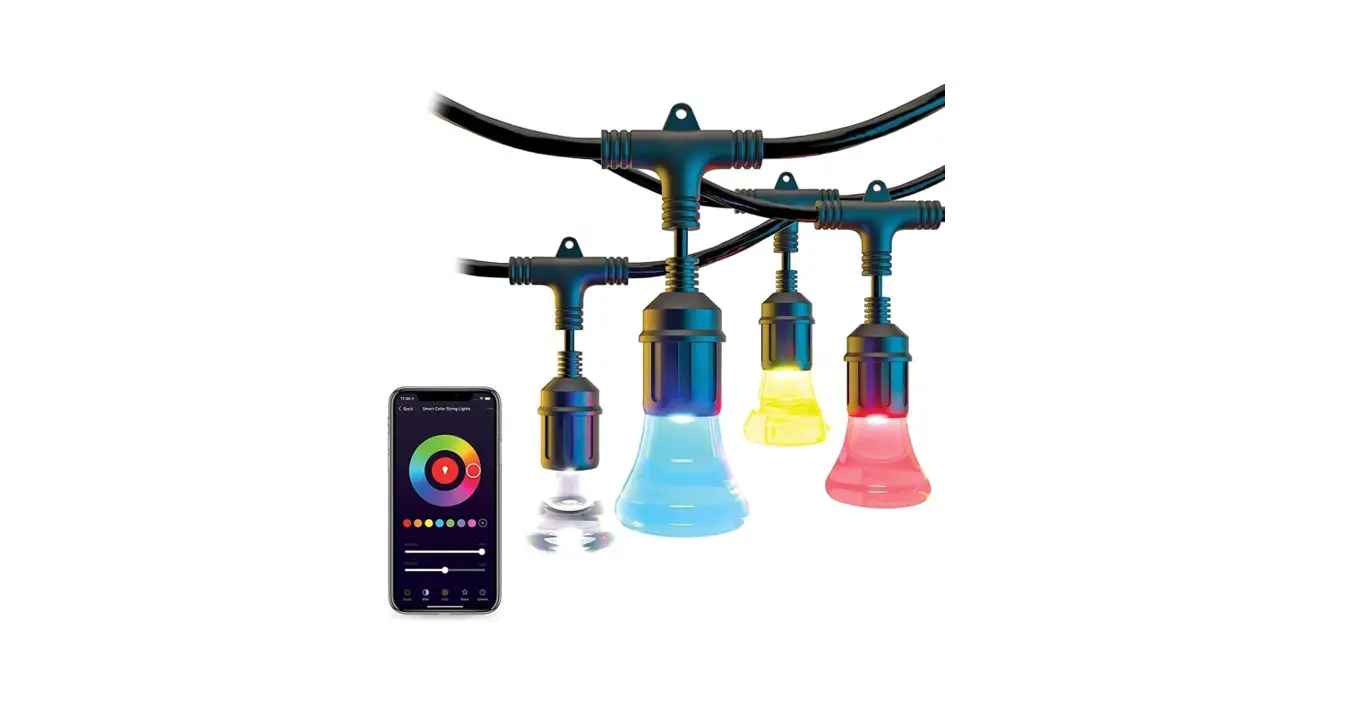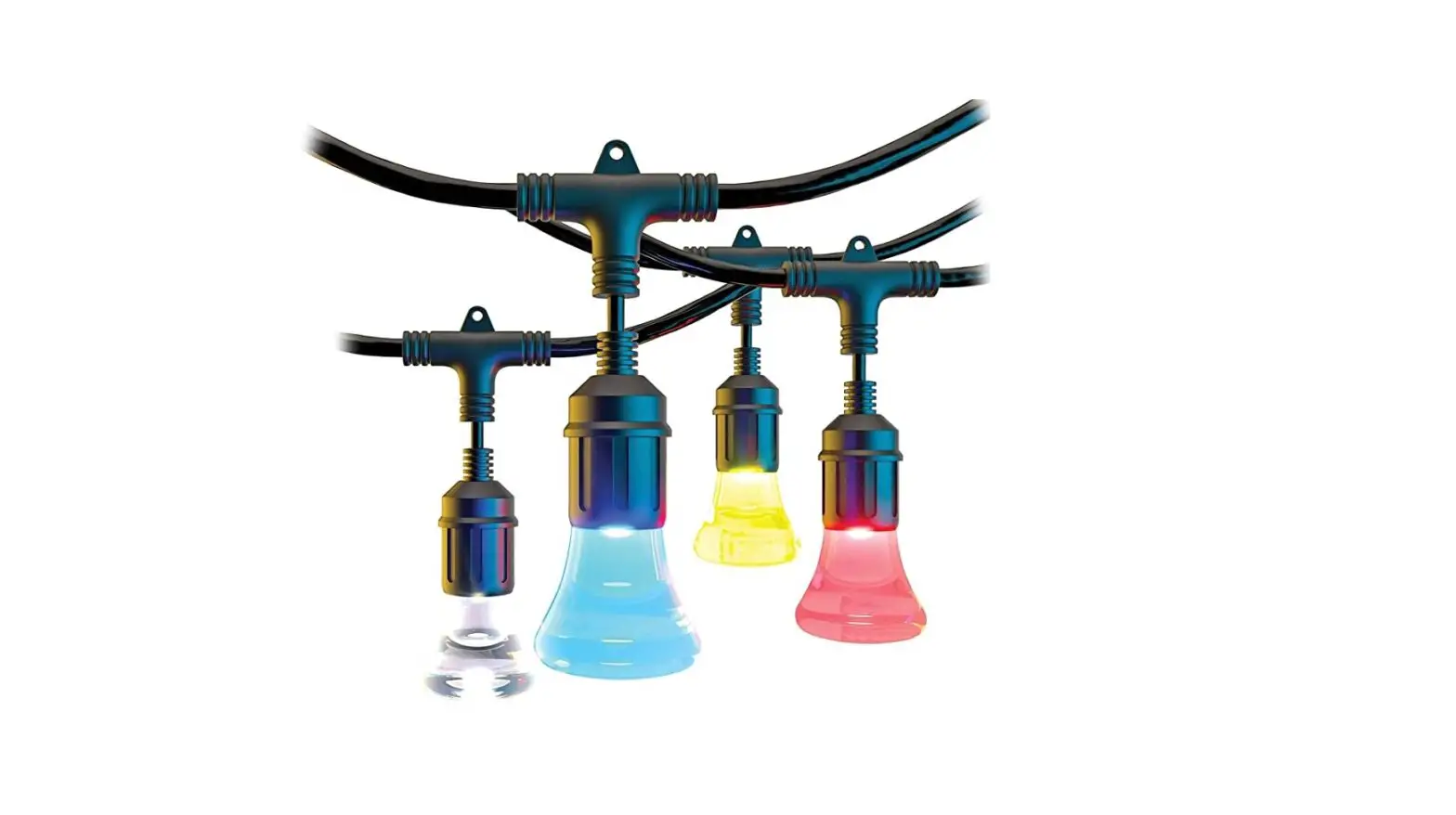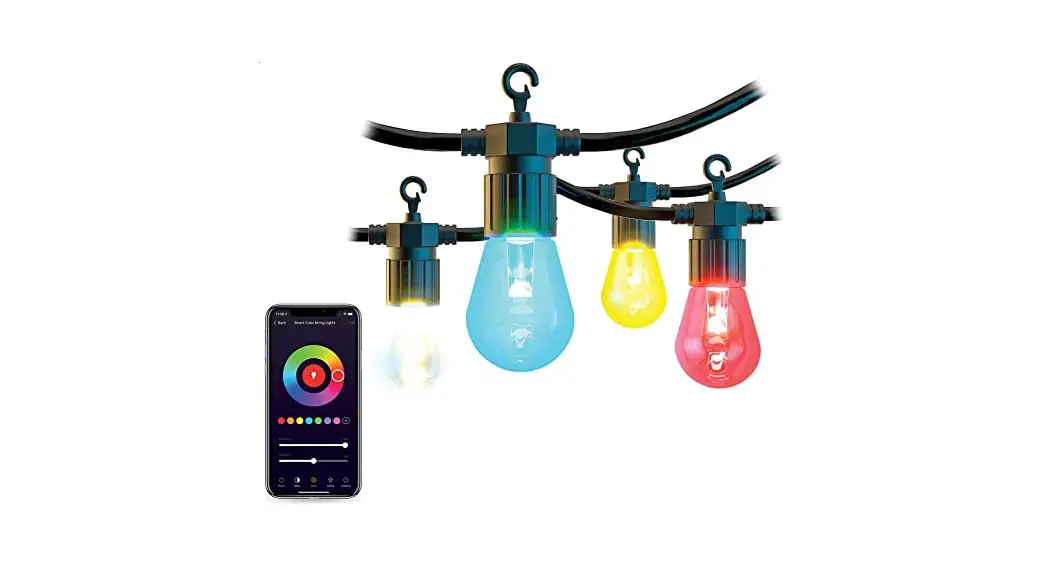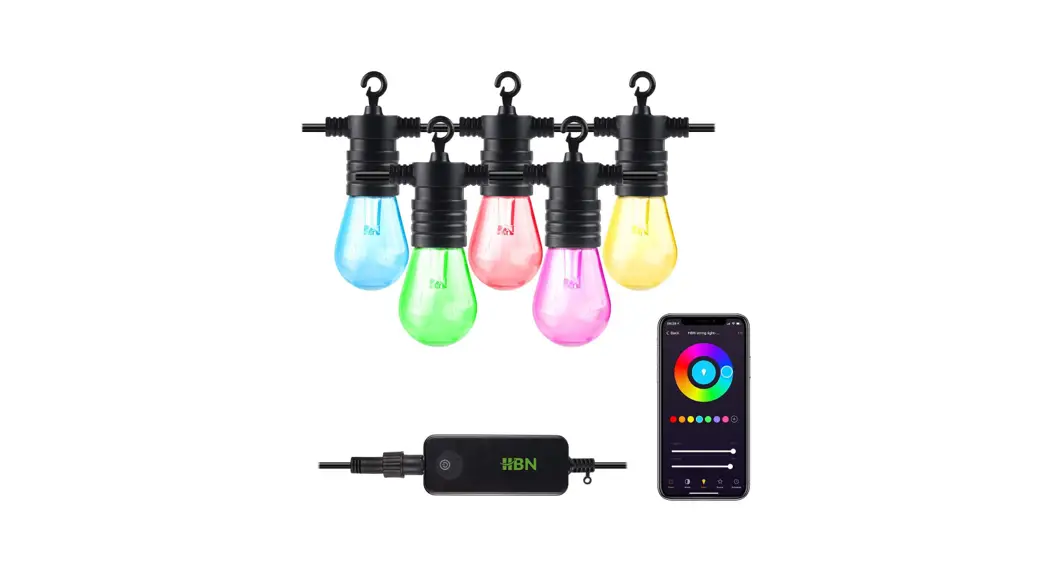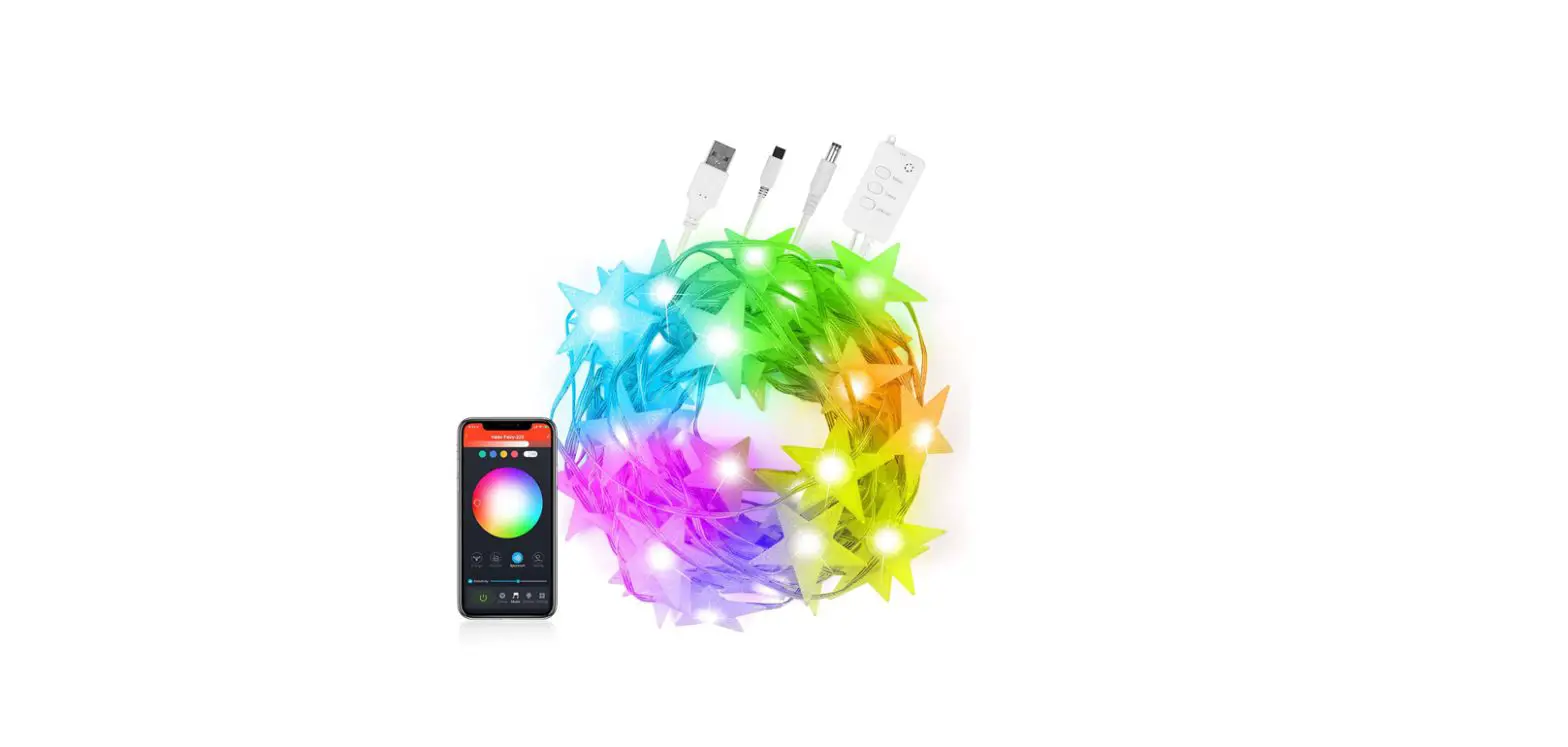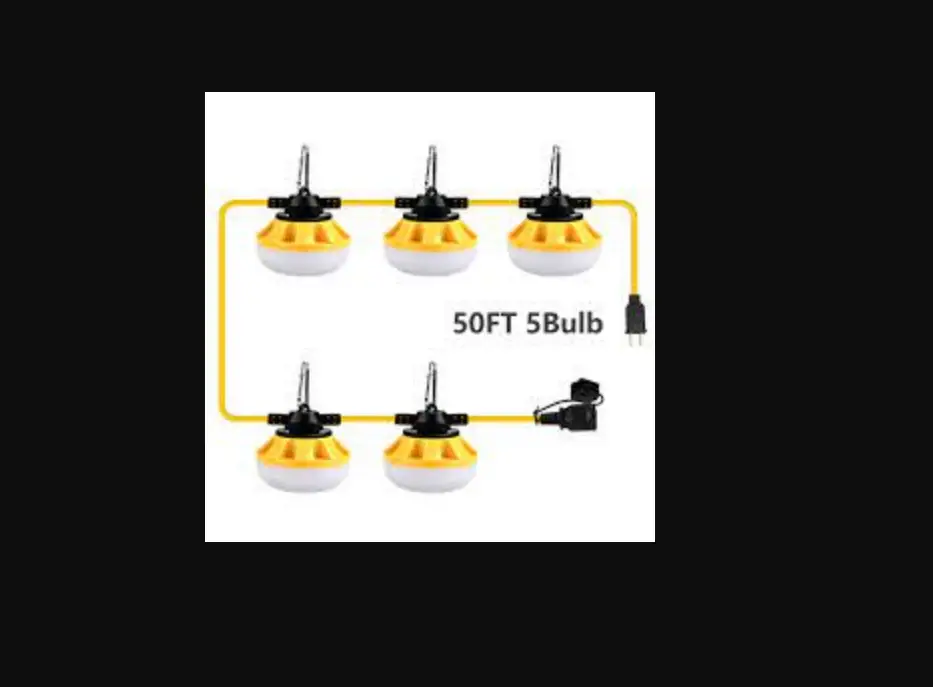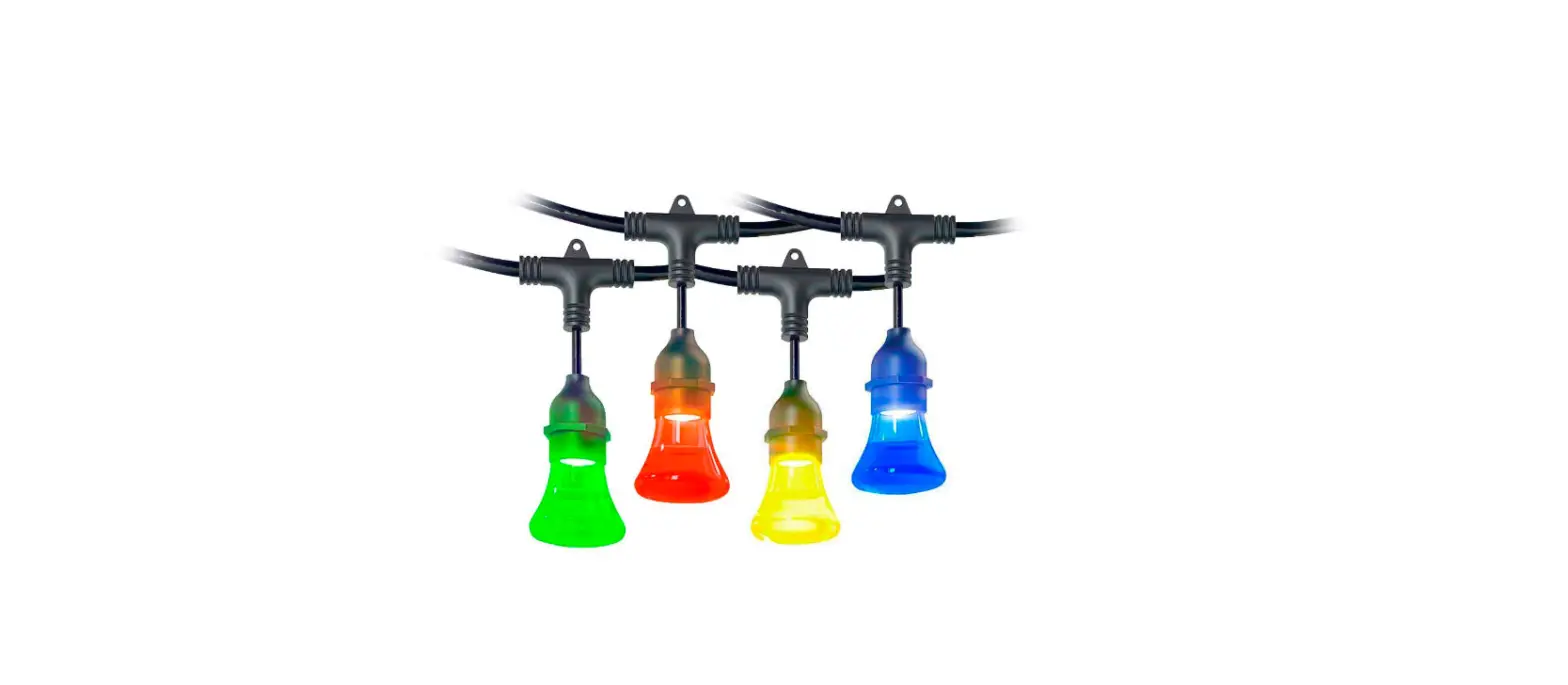

Atomi Smart String Lights
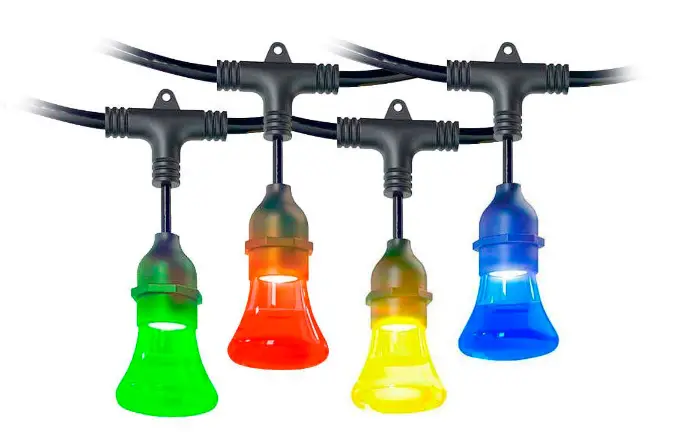
Atomi Smart String Lights
Introduction
Inside the box you’ll find

Initial Setup
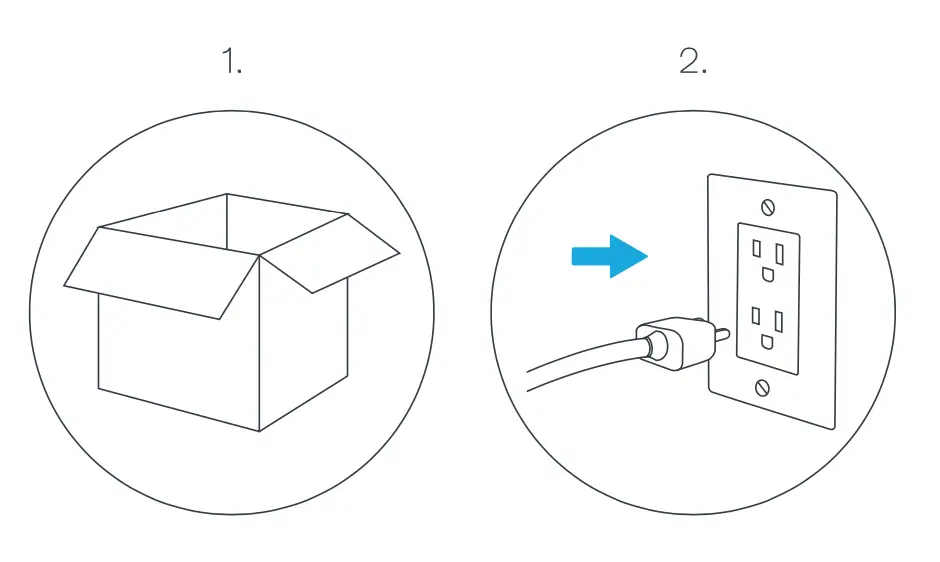
1. Carefully unpack Smart Color String Lights from the box.
2. Before installing, plug the Smart Color String Lights into an outlet to ensure all lights work properly. Then, unplug your device(s).
Installation
Installing by Structure
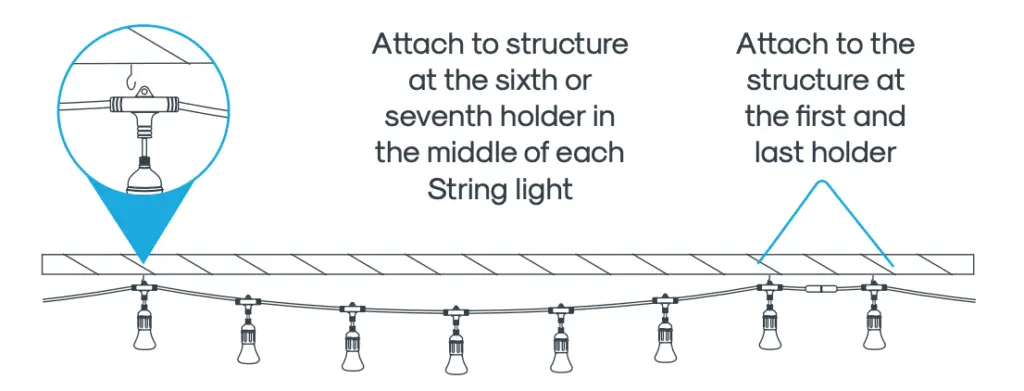
Connect securely to structure at the beginning, middle and end of each string light.
Installing by Guide Wire
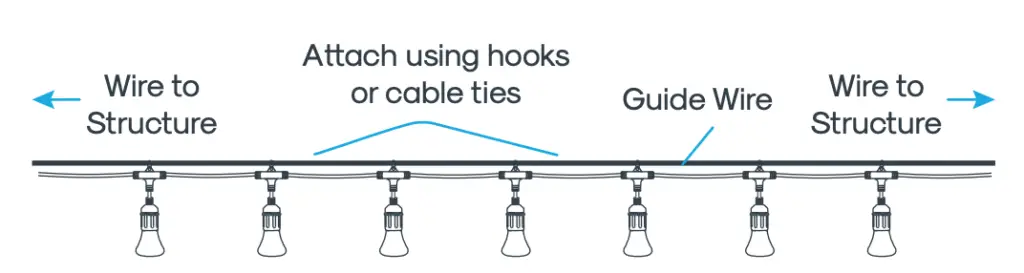
Attach ring at the back of every bulb holder using an S-hook or cable tie (not included).
Connecting Your Device
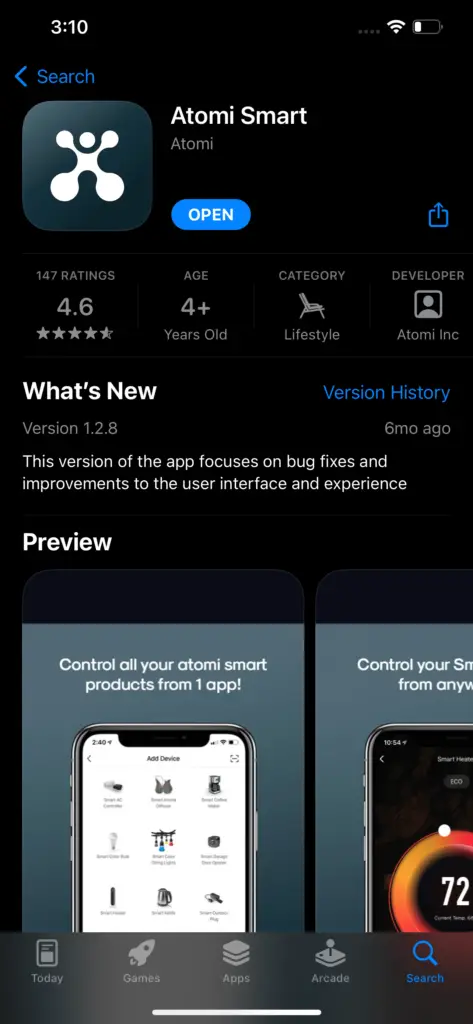
Step 1: Download App
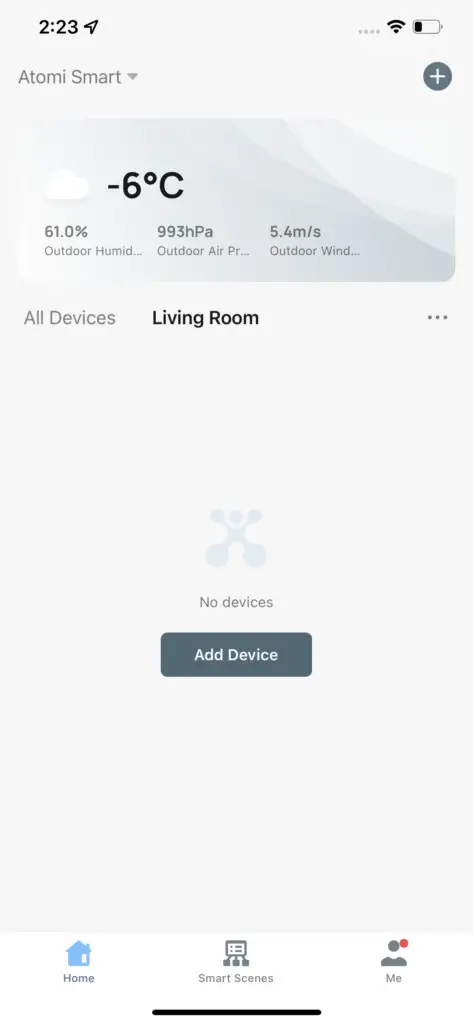
Step 2: Adding Your Device
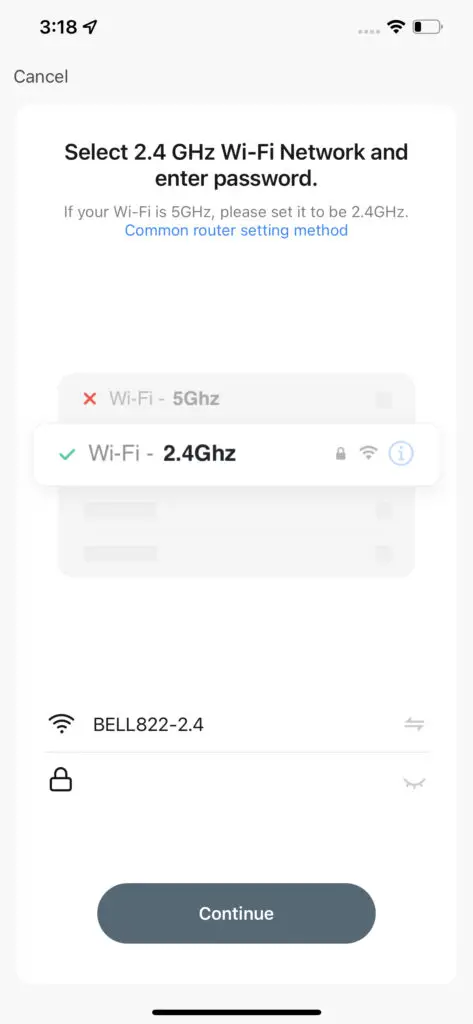
Step 3: Connecting to Wi-Fi
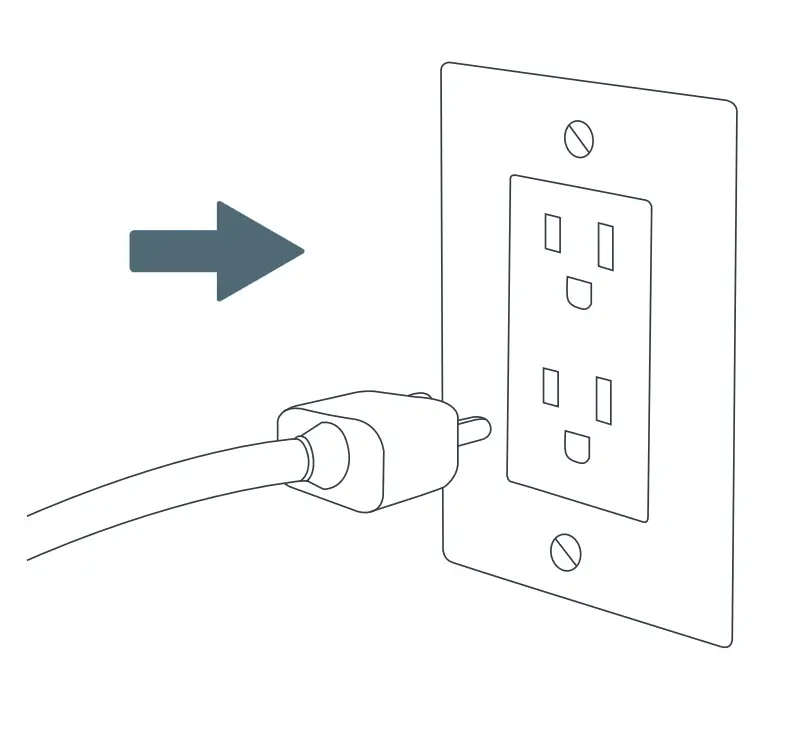
Step 4: Plug In
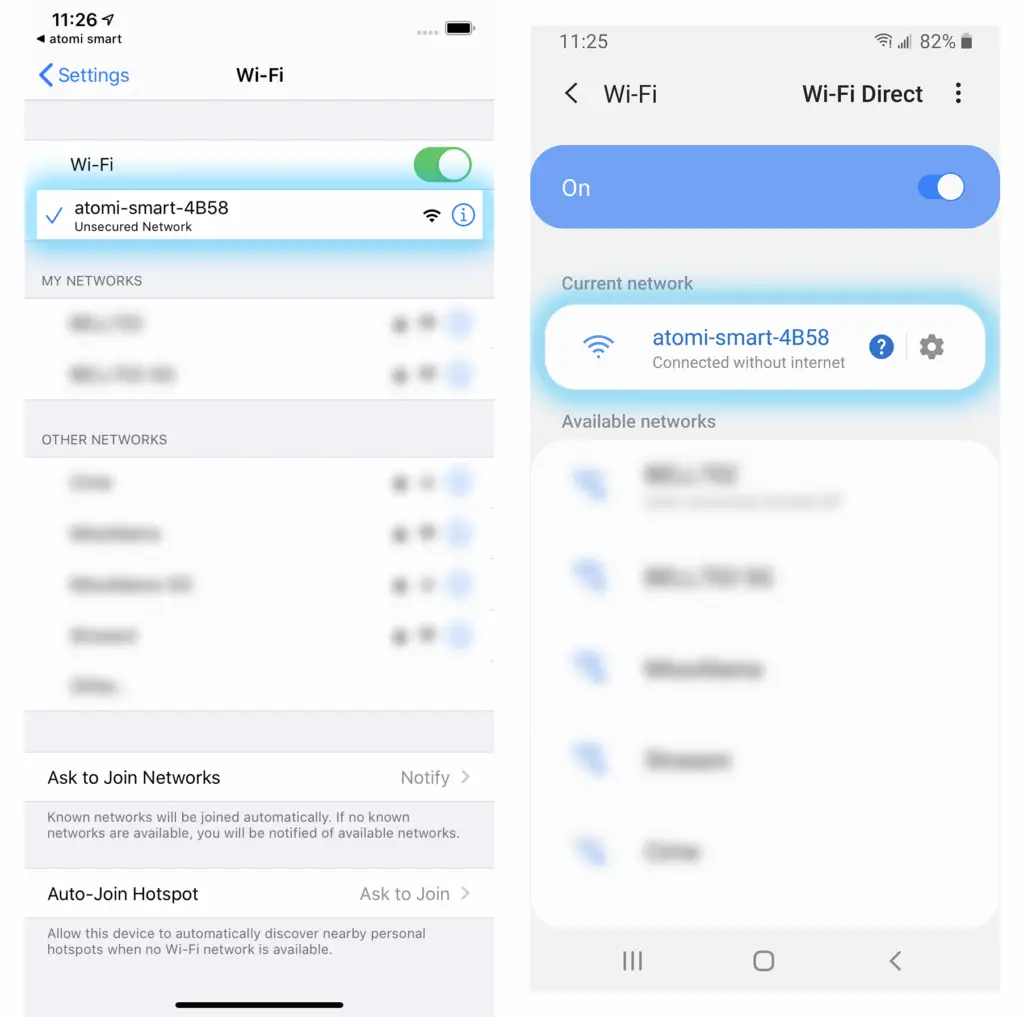
Controlling your Smart String Lights
Power
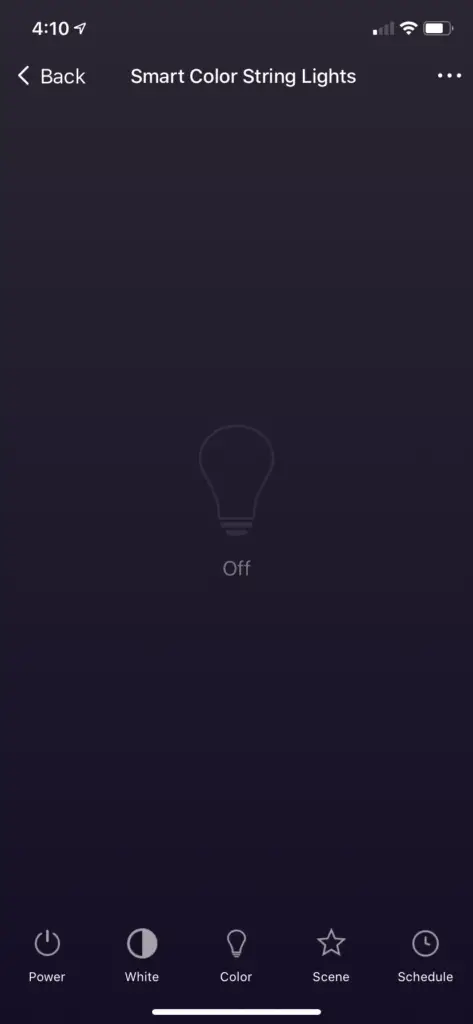
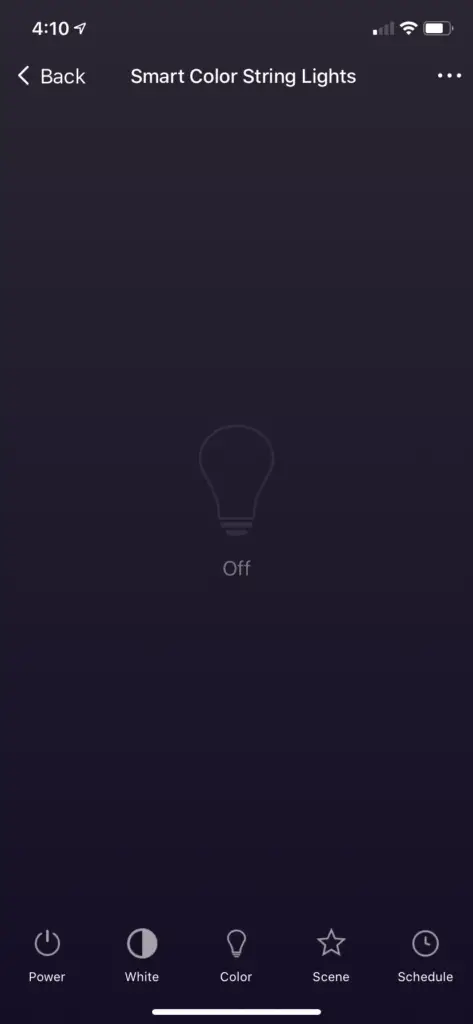
Power – Press ‘Power’ to turn ON/OFF your Smart String Lights
White Mode
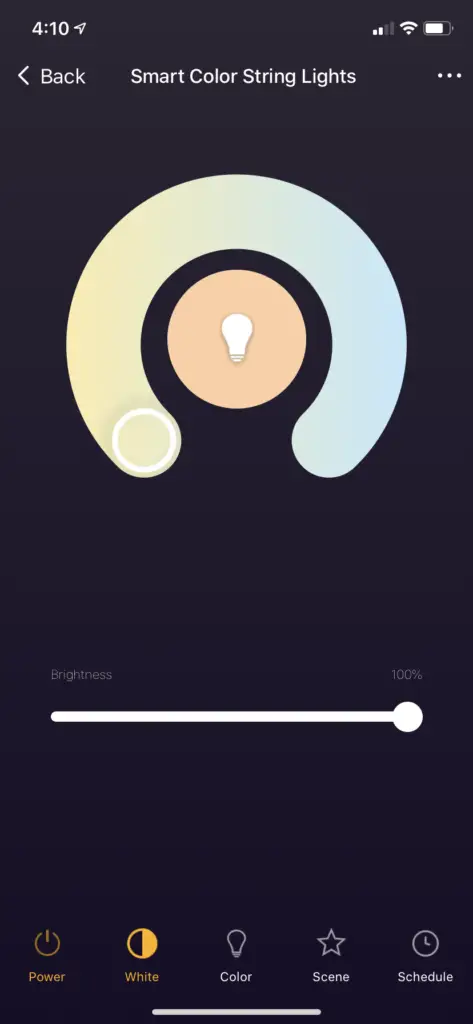
Tunable White – Adjust between warm and cool light
Slider – Increase or decrease bulb brightness
Color Mode
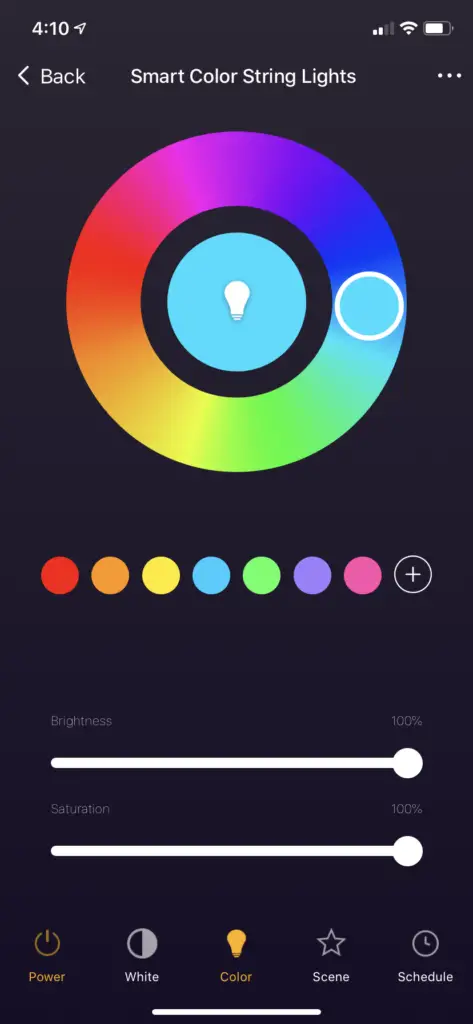
Color Wheel – Broad spectrum of colors to create the perfect ambiance.
Color Swatches – Add swatches to quickly access your favorite colors
Slider 1 – Increase or decrease bulb brightness
Slider 2 – Change color saturation
Scene
Select curated color scenes based on your mood. Press and hold on ‘Pick 2’ to edit the scene colors.
Pick 2
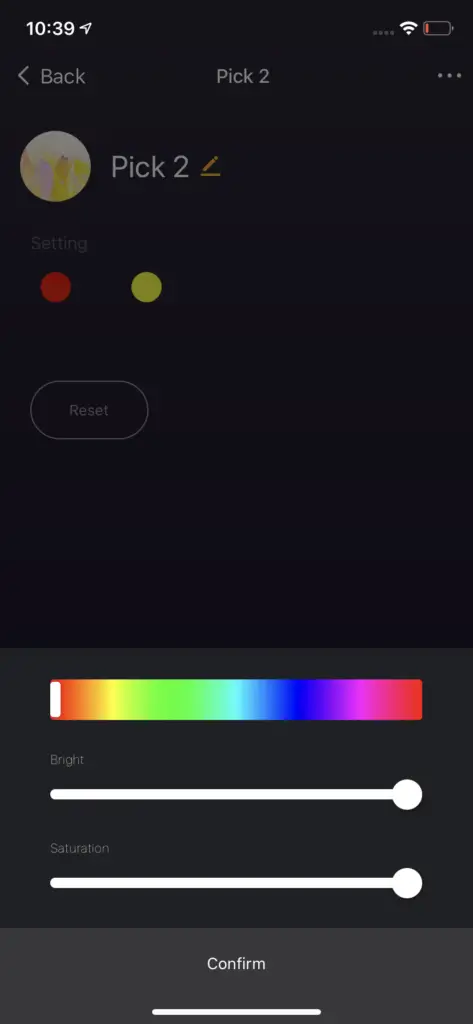
Create a custom light scene with 2 colors
Tip: Press and hold the ‘Pick 2’ button to edit the scene
– For “White”, set the Pick 2 color to “Orange” and adjust the saturation to adjust from between cool/neutral/warm white
Schedule
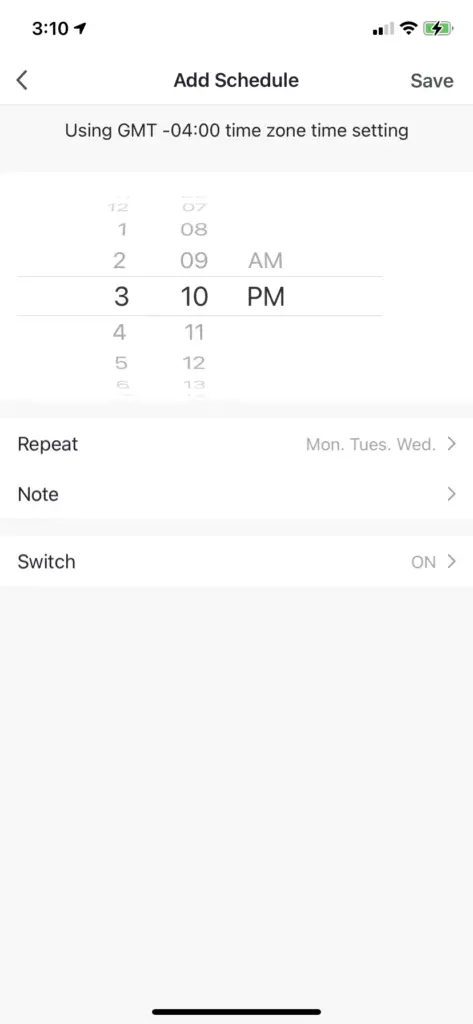
Time – Select the time to run the schedule
Repeat – Select what days of the week to repeat the schedule
Note – Adds a note/label to the schedule
Switch – Select to turn ON or OFF the light
More information about Creating Schedules is available here
You can also use automations to create additional schedules. Click here to learn more.
Creating Groups
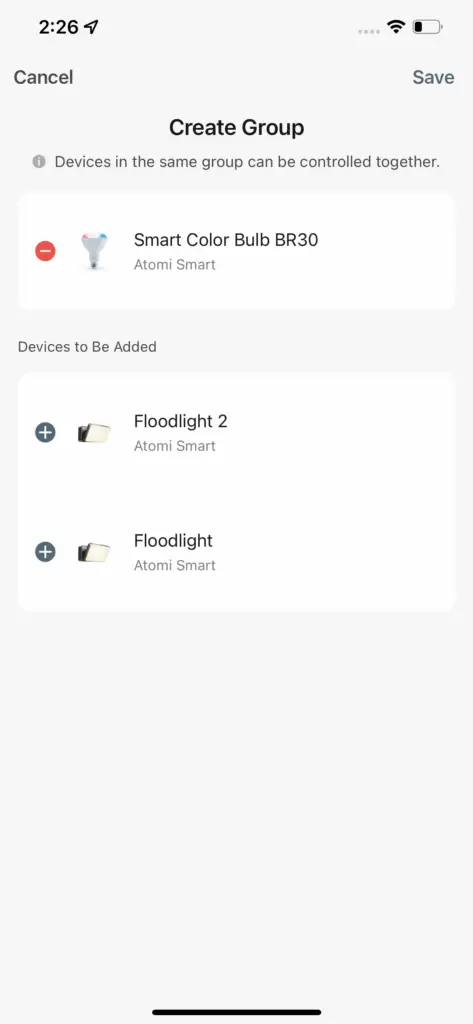
3. Press ‘Create Group’, select the devices you wish to be included and press ‘Save’. You can now control your lights simultaneously!
Download User Guide
- Atomi Smart Color String Lights User Guide: Download PDF
FAQ’S
To connect your Atomi Smart Color String Lights to your Wi-Fi network, follow these steps:
Open the Atomi Smart app and select “Wi-Fi” from the menu.
Select your Wi-Fi network from the list of available networks.
Enter your password, then tap “Connect”.
Once you’re connected, you’ll see a confirmation message at the top of the screen.
Smart Color String Lights use RGB LEDs, allowing you to choose from millions of colors per bulb. Using the Atomi Smart app on your smart device, you can choose the exact color(s) you want for your color sequence
No. Regardless of how long your smart string lights are illuminated they will remain safe to handle.
Press and hold the power button (on the power box) for 10 seconds.
Make sure you entered the correct WiFi password during the WiFi setup. Check if there are problems with your internet connection. If the WiFi signal is too weak, reset your WiFi router and try again.
If you cannot see the ‘atomi-smart-xxxx’ hotspot on your WiFi list after following the app instructions, please try to press and hold the Smart Plug’s power button again for another 10 seconds and refresh your Wi-Fi list.
Can the lights work without an internet connection? Hello! Internet connection is required to control the lights with the app. However, you can still control it manually (pressing the power button on the WiFi box) without internet.
Yes we do! Atomi is available as a Progressive Web App, which means that you can install it on your iOS or Android mobile device, laptop or desktop. Installing the app makes it faster and easier to use Atomi, so why not give it a go.
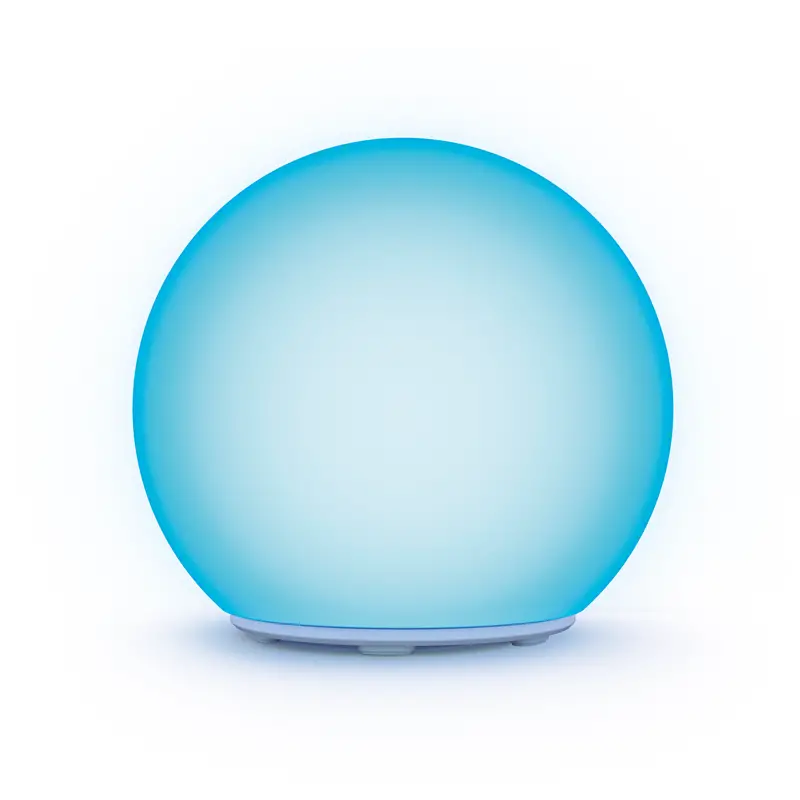
Atomi Smart Portable Orb LED Light – Large, Indoor / Outdoor Ambience Light, Waterproof, WiFi-Compatible with Alexa, Google Assistant, iOS, Android, and The Atomi Smart App.
Connecting Your Device
Download App. Download the Atomi Smart app from the App Store or Google Play and create an account. Adding Your Device. Select “Add Device” or click (+) at the top right corner of the screen. …
Connecting to Wi-Fi.
Plug In.
Connecting Your Device.
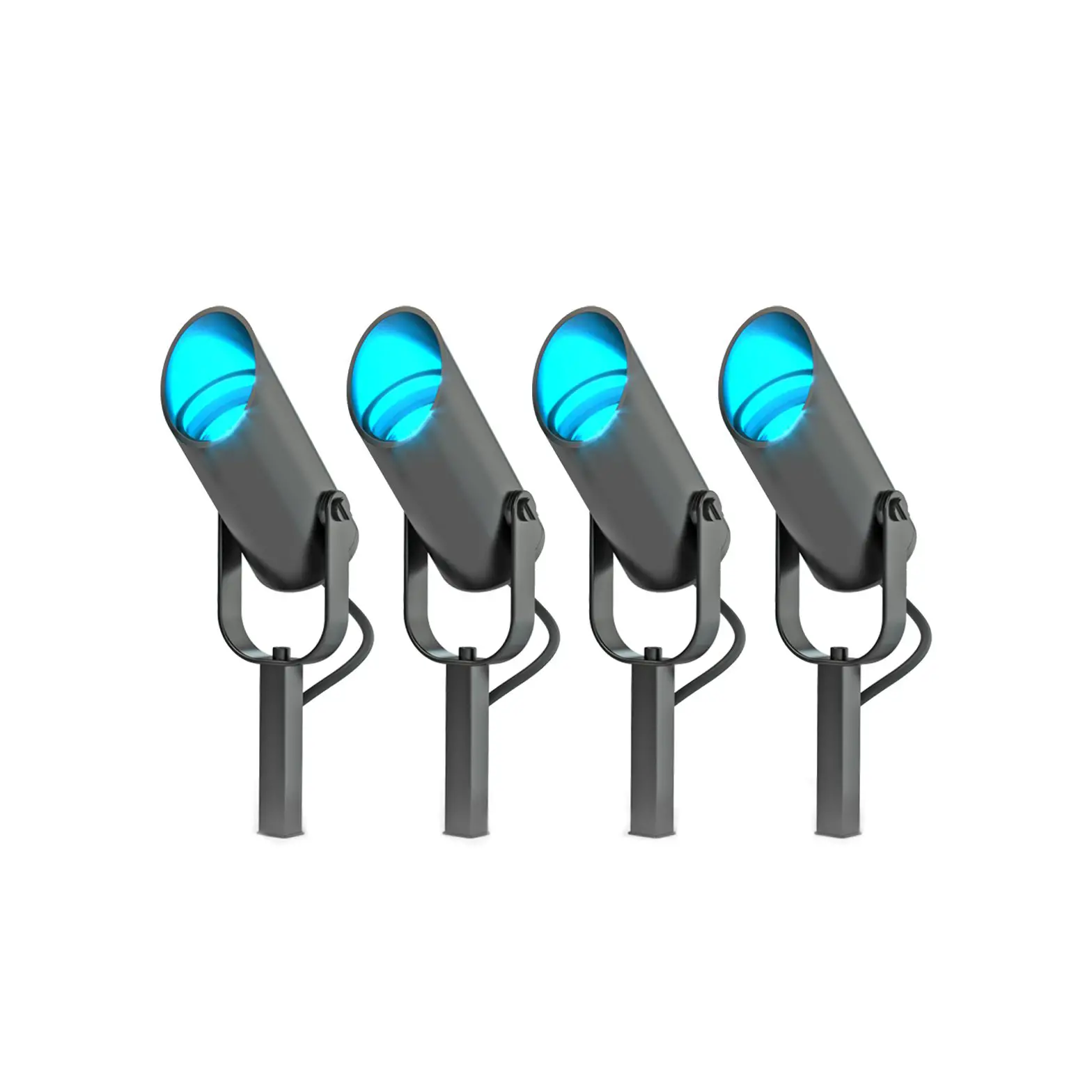
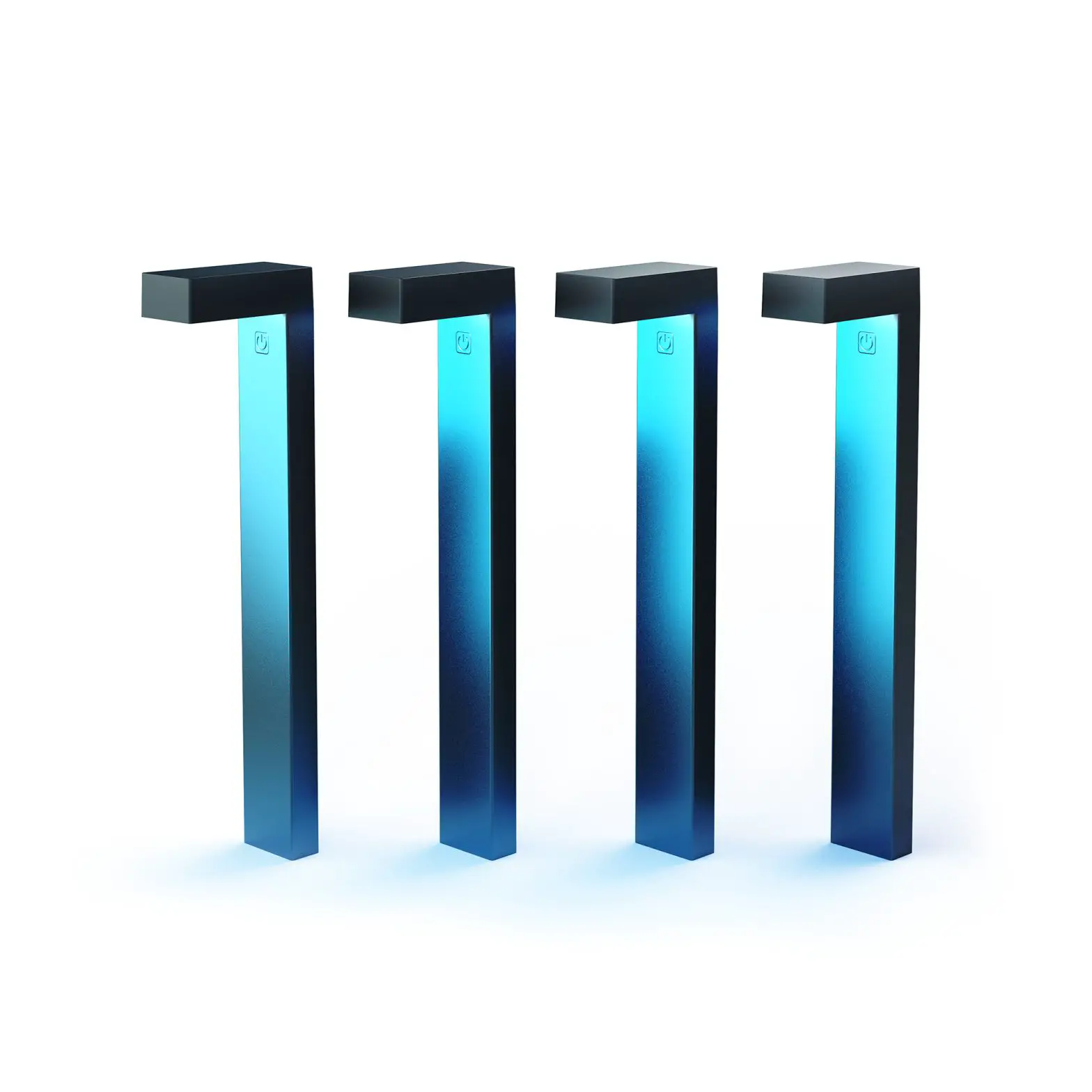
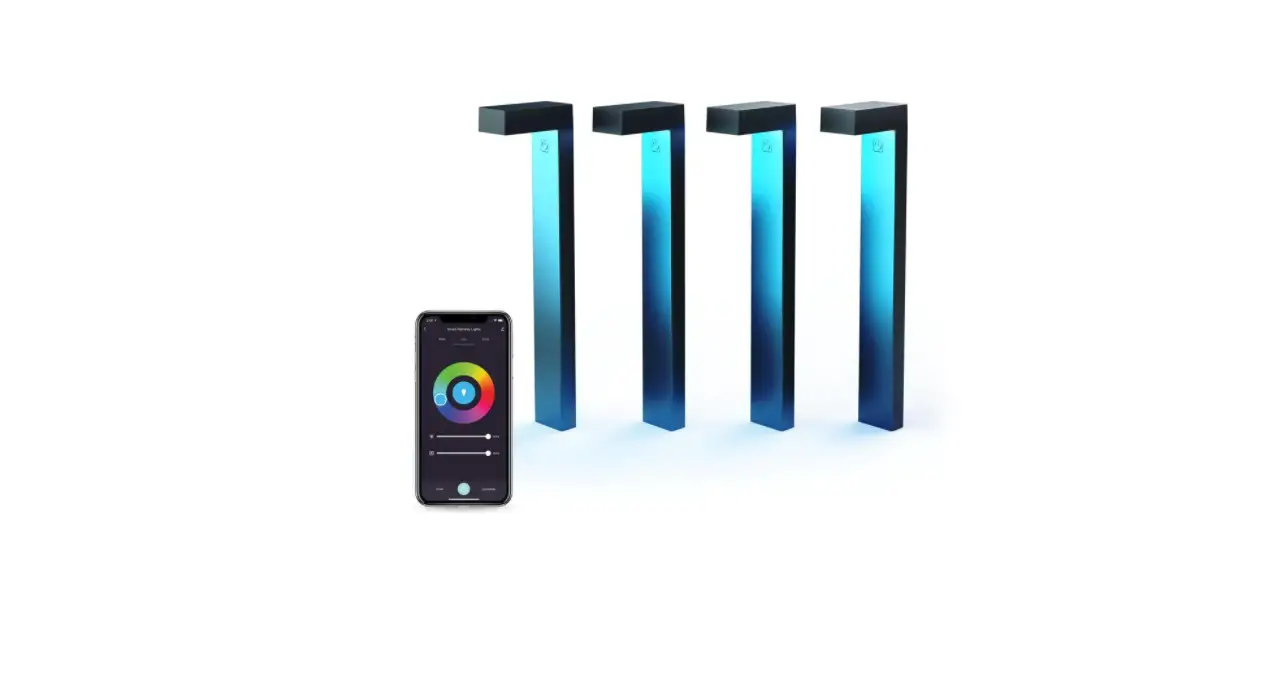
The Atomi Smart LED Pathway Lights are completely easy to install and control. A single outlet can support up to 40 of these low-voltage lights, so you can have enough for proper pathway lighting.
Yes, most solar lights can get wet. Long-lasting designs are typically able to handle ordinary outdoor rainfall. If your solar light has IP65 waterproofing, it will be resistant to rain as well as damaging dirt particles in the air.
VIDEO
www://atomismart.com/