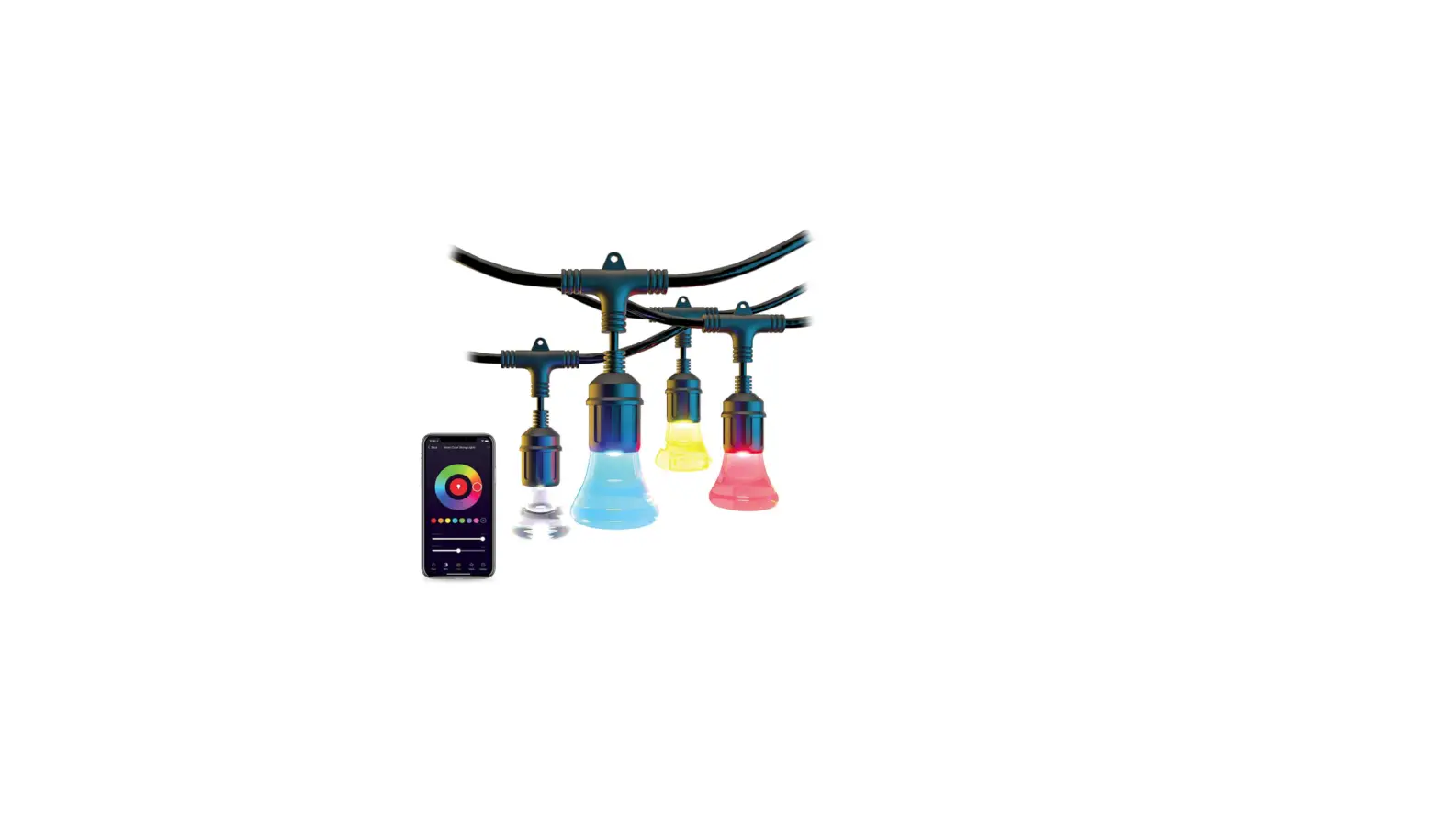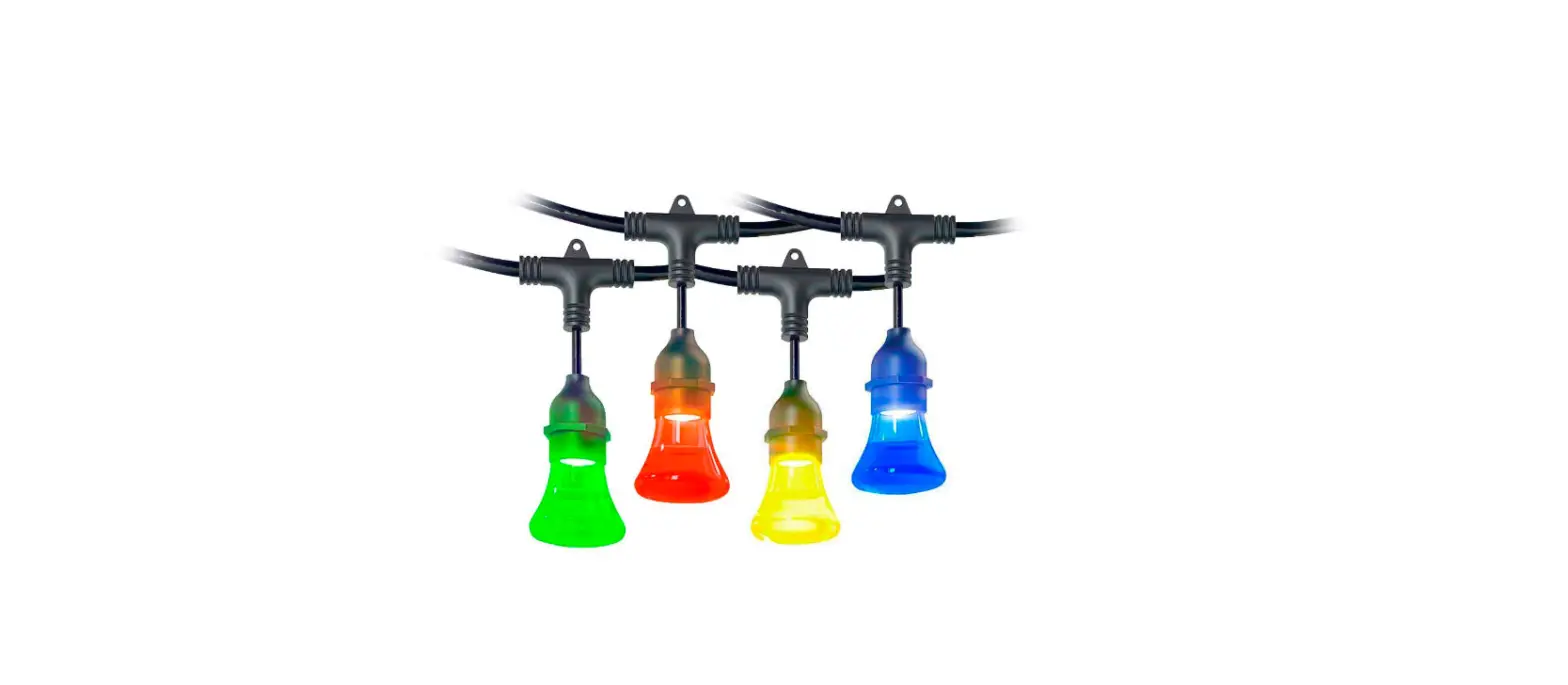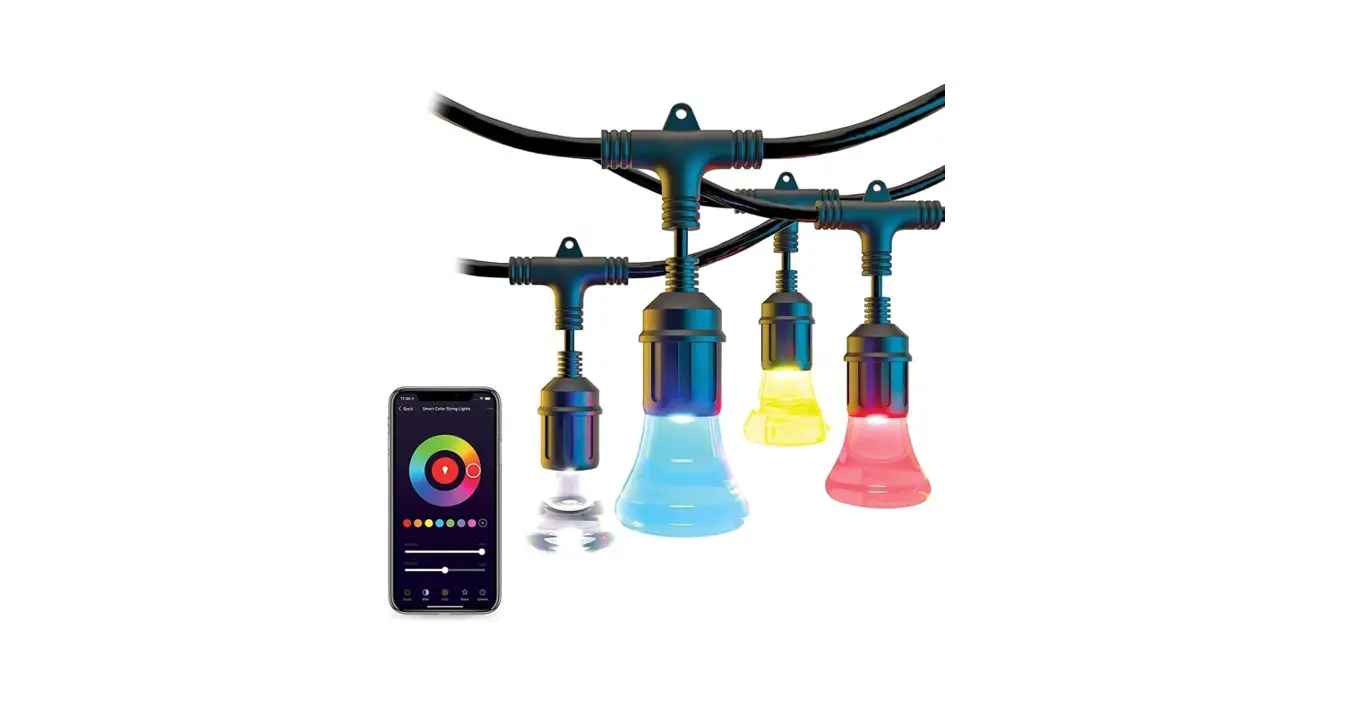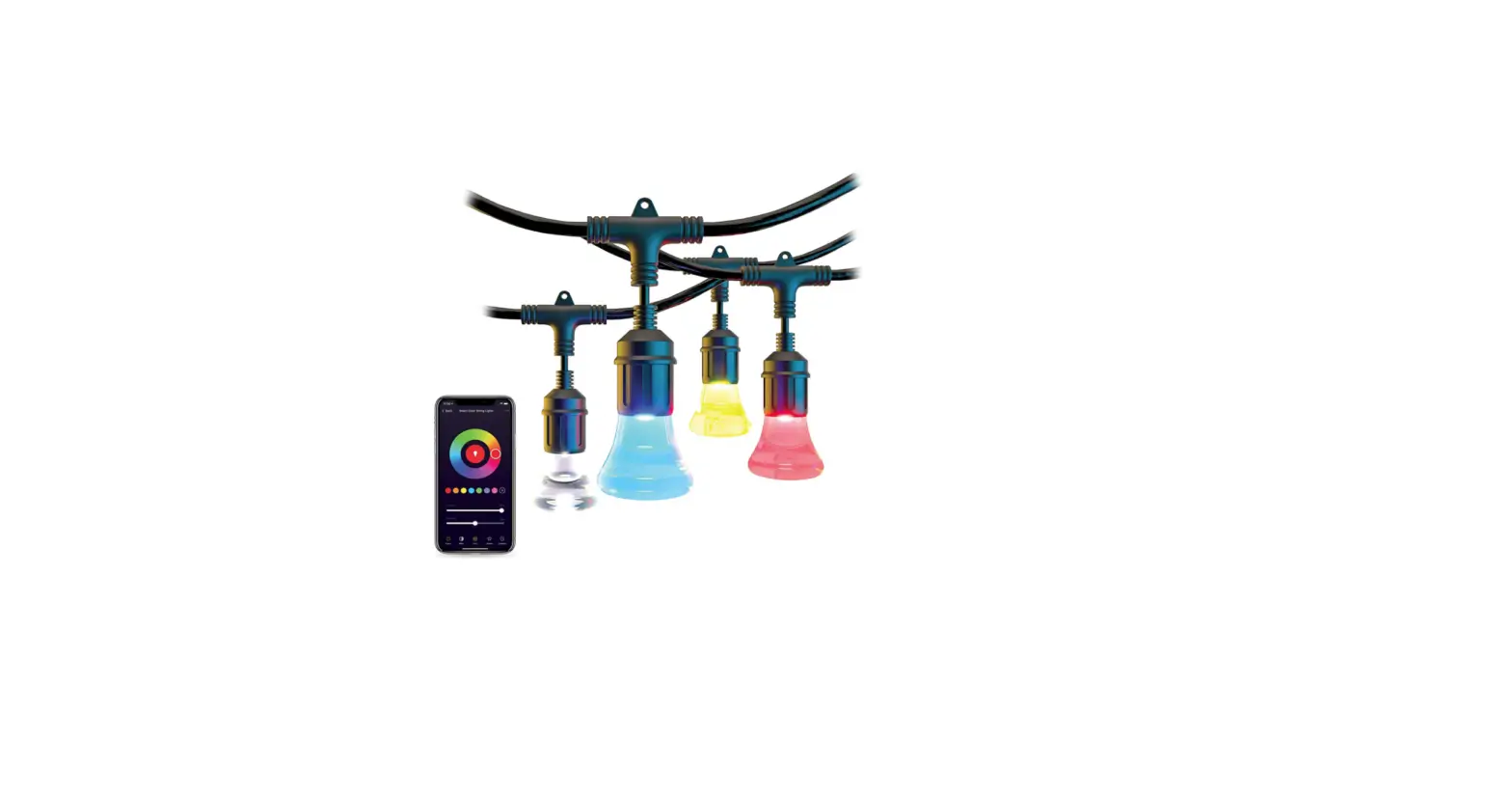

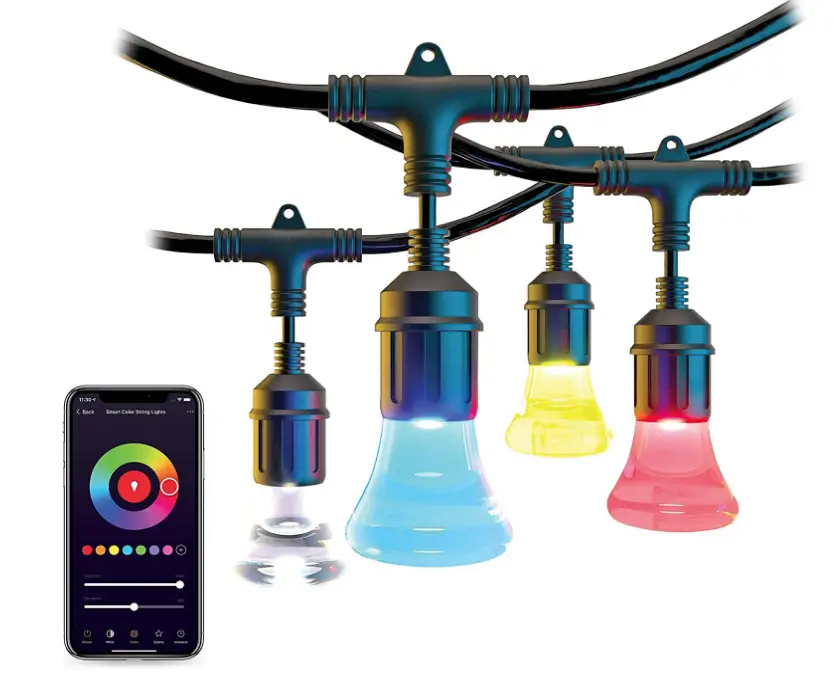
Atomi smart AT1541 2nd Gen String Lights
Specification
- COLOR: Multicolor
- BRAND: Atomi smart
- SPECIAL FEATURE: Color Changing
- LIGHT SOURCE TYPE: LED
- POWER SOURCE: Corded Electric
- OCCASION: Christmas
- MATERIAL: Acrylic
- CONTROLLER TYPE: Voice Control
- CONNECTIVITY PROTOCOL: Wi-Fi
- NUMBER OF LIGHT SOURCES: 24
- CONTROL METHOD: Voice
- PART NUMBER: AT1541
- ITEM WEIGHT: 11 pounds
- PACKAGE DIMENSIONS: 51 x 10.31 x 6.5 inches
Introduction
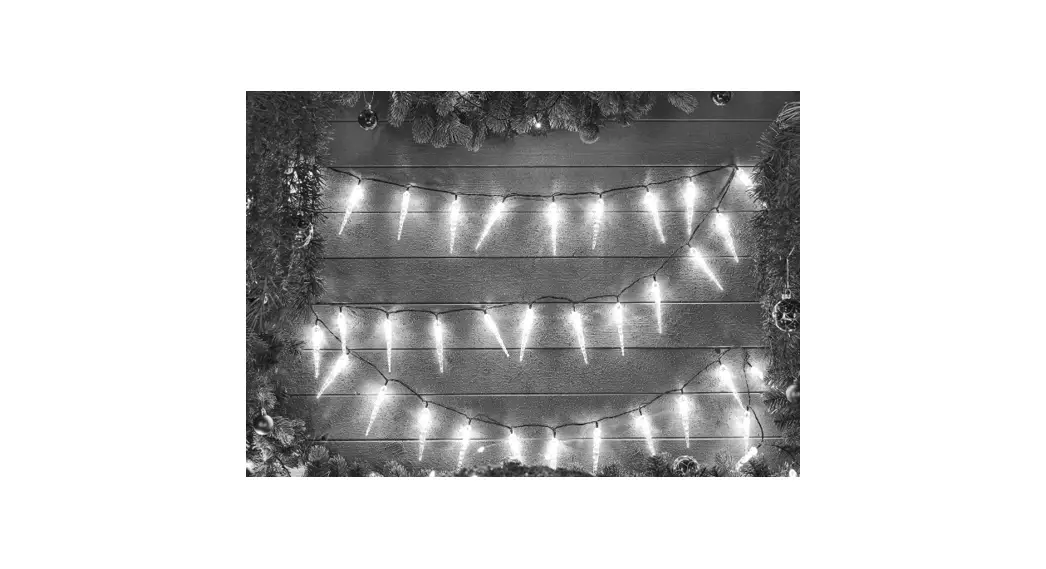
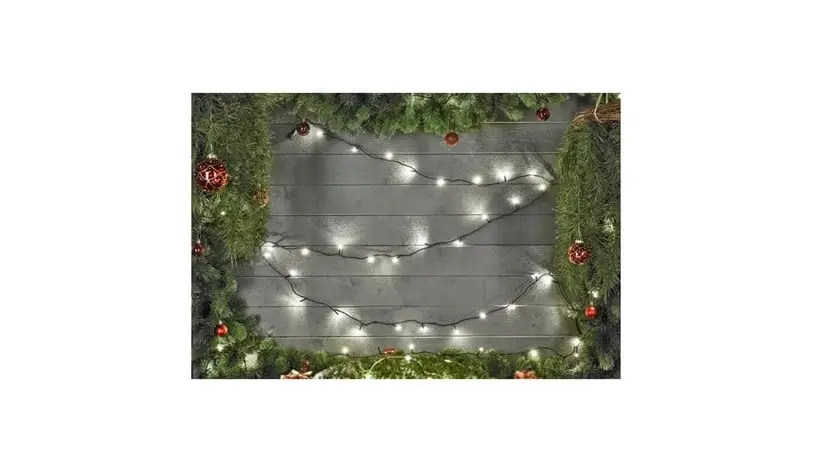
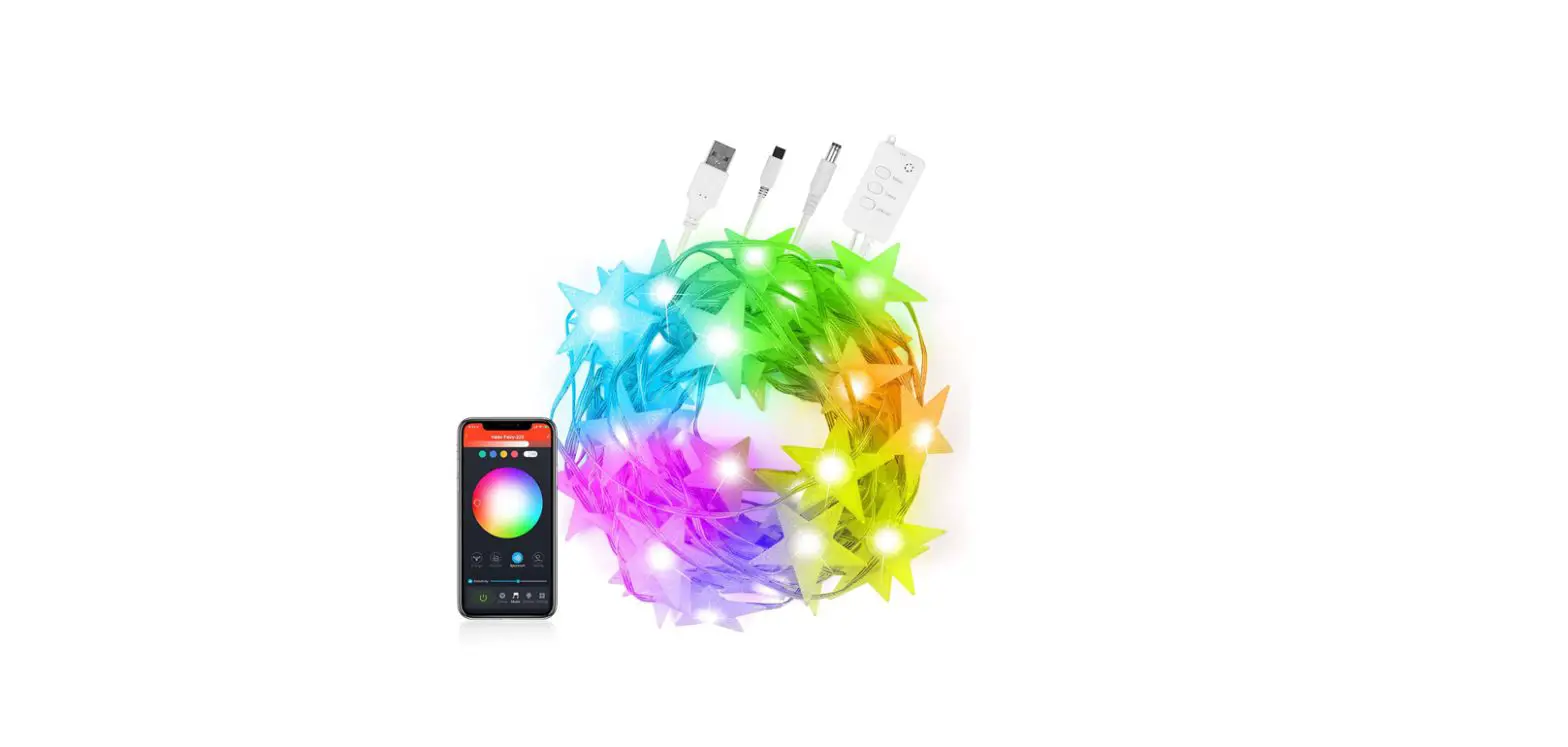
With a color temperature range of 2500K–9000K, the second-generation lights are brighter than before. 16 million color options and a range of special effects are available to illuminate your outdoor space. Improved setup connects to your home Wi-Fi network and the free Atomi Smart app fast and conveniently. Your string lights may be set up and working quickly. Waterproof and ideal for both indoor and outdoor use. The lifespan of these extremely expensive, unbreakable acrylic bulbs is about 22 years or 25,000 hours. Use the Atomi Smart app on your smartphone, which is free, or Google Assistant or Alexa using basic voice commands. Set wake and sleep timers, color patterns, and other effects. Up to 1,728 feet of lights can be joined together and still be controlled by your phone.
BENEFITS
CONTROL FROM YOUR PHONE
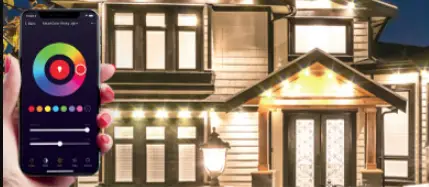
Download the easy-to-use, highly rated, Atomi Smart app to control your string lights.
AUTOMATION
Set timers or weekly schedules that fit your lifestyle. Experience the comfort of your lights turning on automatically.
LINKABLE
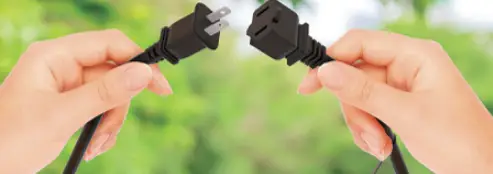
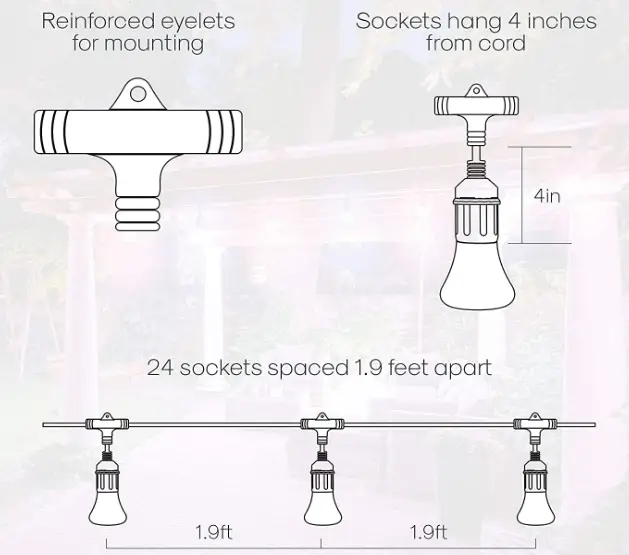
Linkable up to 1728 feet and easy to install with flexible mounting options. Mount on a flat surface or hang from above.
IP65 WEATHERPROOF
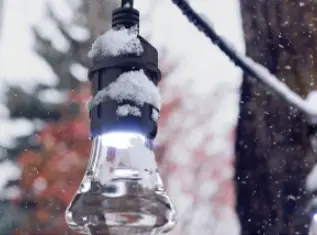
Shatterproof bulbs are designed to withstand the toughest weather conditions using a heavy-duty 18/5 SJTW cord.
INCLUDED ACCESSORIES
HOW TO CONNECT WITH THE APP
Get the Atomi smart app from Google Play or the App Store. Create an account by following the directions displayed on the screen. Select the smart device to install from the device list by pressing “Add Device” or the “+” symbol. Press “Go to Connect” and adhere to the on-screen directions.
HOW TO CONNECT TO WIFI
To connect, choose “atomic-smart-XXXX” in the network list. If the Wi-Fi list is not displayed immediately, go to SETTINGS on your smart phone and select Wi-Fi. To confirm, type your Wi-Fi password. As the atomi Smart cannot connect to 5GHz networks, make sure you are linked to a 2.4GHz Wi-Fi network.
HOW TO RESET
- Force the Atomi Smart app to close and then reopen it.
- Reconnect Smart Plug after unplugging it.
- Reconnect your router by unplugging it first.
- Reinstall the Atomi Smart app after deletion.
- If everything else fails, reset your Smart Plug to factory defaults by unplugging and replugging it.
FAQs
We can only hope because the color schemes (bulb colors) are presently already chosen, preset/predetermined, and come “as is” unless you use the “pick 2” scheme, which allows for only 2 color choices.
these are model AT1308.
Be sure to check the fuse in your plug. Reach out to us directly if you need assistance.
You won’t be able to control the lights with your phone until Wi-Fi is restored.
Yes, these will work in freezing weather.
Remotes only work when you are close enough to be in range. With the app installed on your smart phone, the lights can be turned on or off, or changed, from virtually anywhere in the world.
You can unscrew the poly globes to see what is inside. You will find there is a tiny LED bulb inside that I do not think is replaceable. There are settings on the app where you can set the colors and brightness of the bulbs and the whiter the color, the brighter they are. But I don’t think these lights are for anything more than ambiance lighting to set a mood.
this won’t work. The power supply needs to come from the control box end.
unfortunately, Alexa doesn’t have support for specific detailed command changes such as the scenes right now. You can, however, set automations to be triggered to automatically change to a scene when a device is turned on. Reach out to us directly with any questions about that.
You can choose “Pick 2” (press and hold) and you can choose two alternating colors.
unfortunately, there is no way to combine scenes. The ‘Pick 2’ option does not move and you cannot edit any of the other scenes.
Contact/ call Atomi customer service.
Yes, as long as it’s an outdoor rated extension cord.
The lights connect to a secure 2.4Ghz Wi-Fi network. If you’re having trouble, you can refer to our connection troubleshooting guide on our website. Please also consider reaching out to us directly for one-on-one assistance. Reasons for not connecting can be vast and impossible to diagnose via Amazon Questions here.
no, they don’t have a different part number.