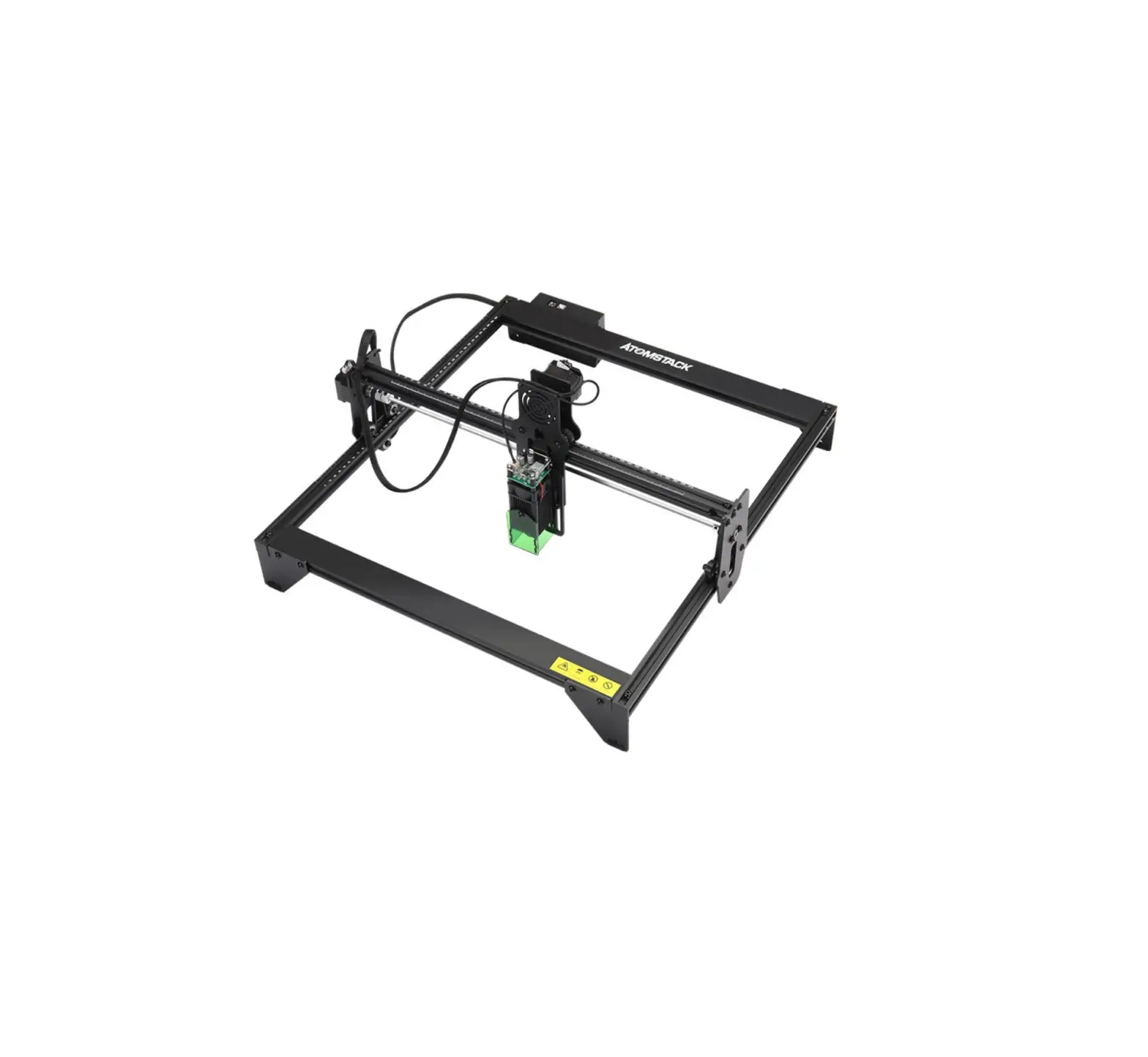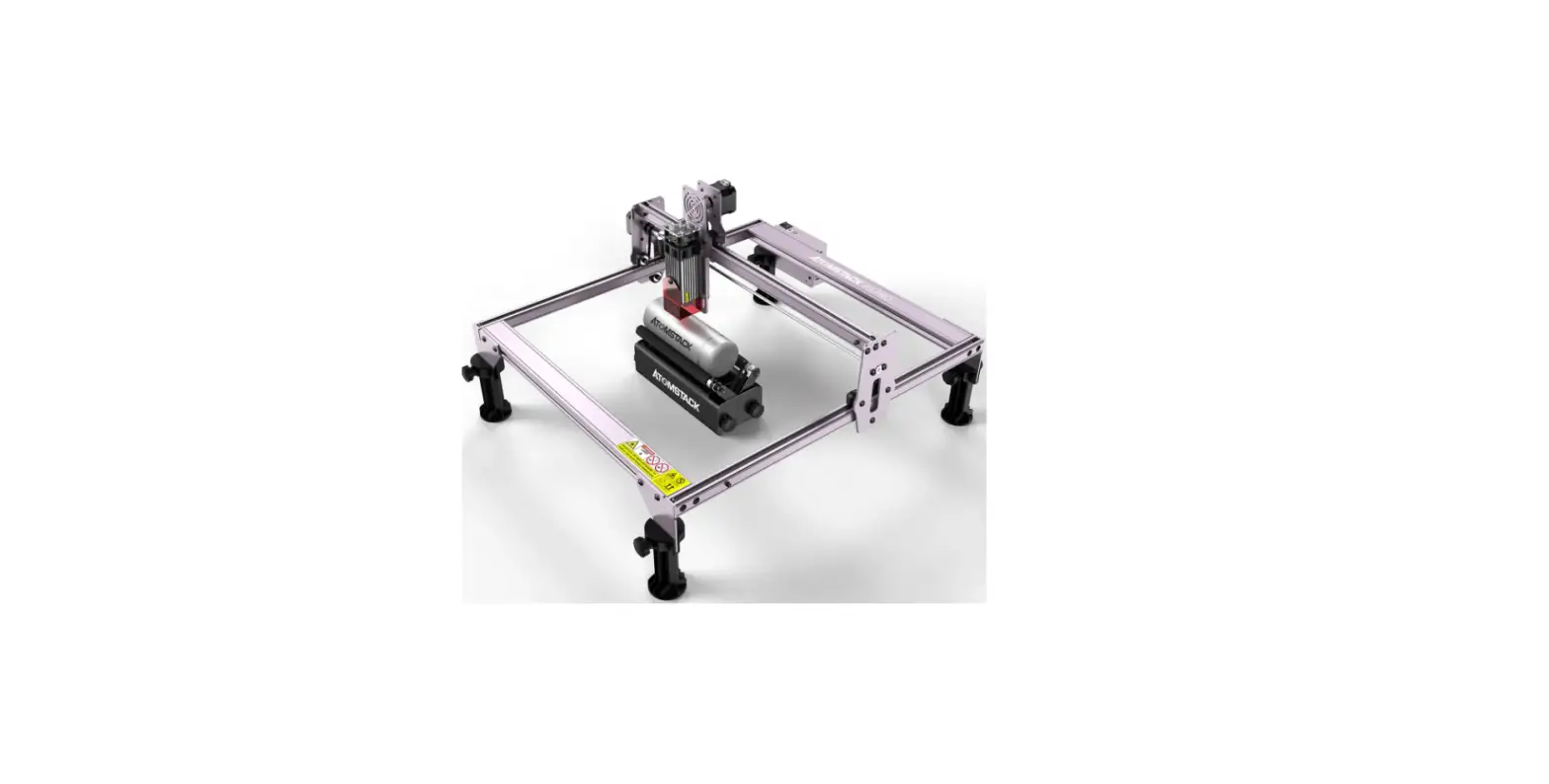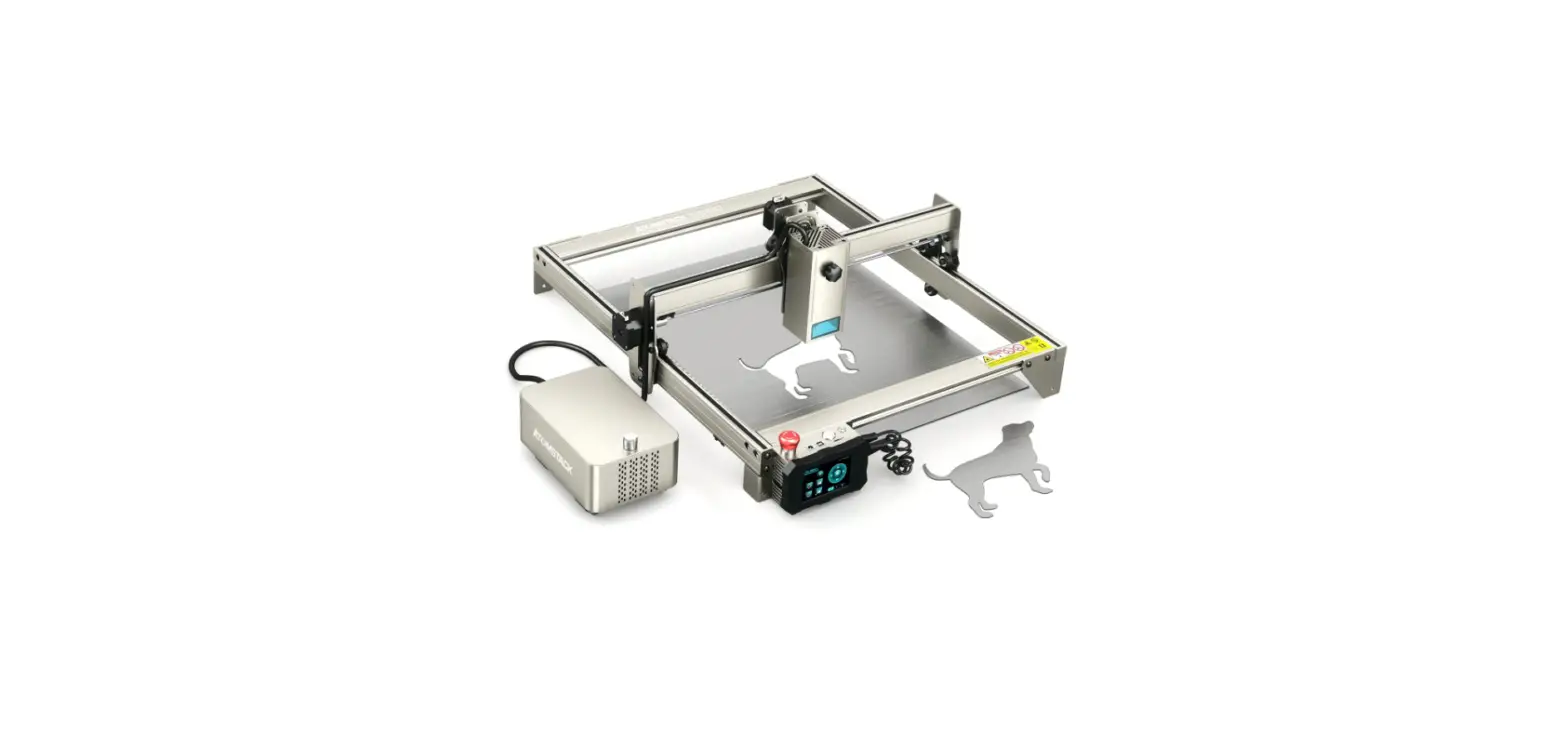

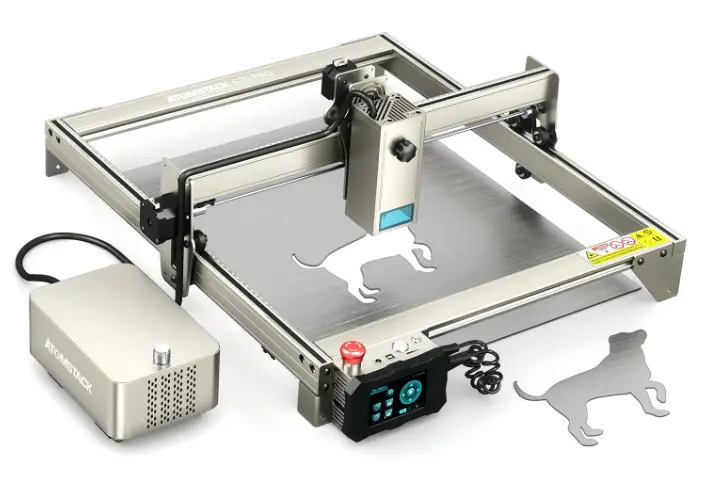
ATOM STACK S20 PRO Laser Engraver APP
Down load Method
- At present, Atomstack APP only supports Android system and Apple iOS. The application name is: AtomStack, and the application icon is as shown in the right figure.
- The Android system can be downloaded from the Google Play store by searching for AtomStack.
- Apple iOS can be downloaded from the App Store of iPhone by searching for AtomStack.
For more information, please scan the QR code. 
APP Language Settings
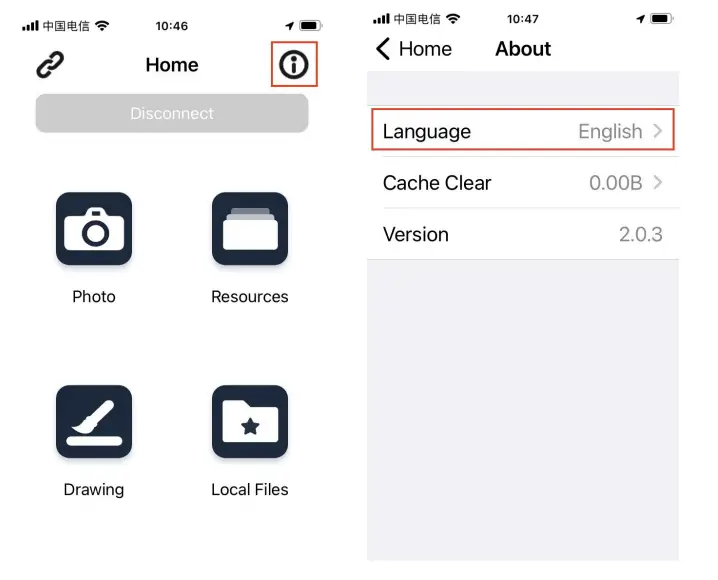
- AtomStack engraver APP supports multiple languages. Click the information icon in the upper right corner of the APP to enter the language setting bar to set the language.

Connection Method
- The APP connects to the engraver via WiFi.The engraver transmits WiFi signals as a hotspot,just connect the APP to the hotspot of the engraver directly;
- The engraver hotspot name is: Engraver_nnnnn. “nnnnn”represents a five-digit number, which is the identification code of the machine;
- The engraver hotspot password is 12345678, and all engraver hotspot passwords are the same;
- Click the
 icon in the upper left corner of the APP to enter the connection settings page.
 icon in the upper left corner of the APP to enter the connection settings page.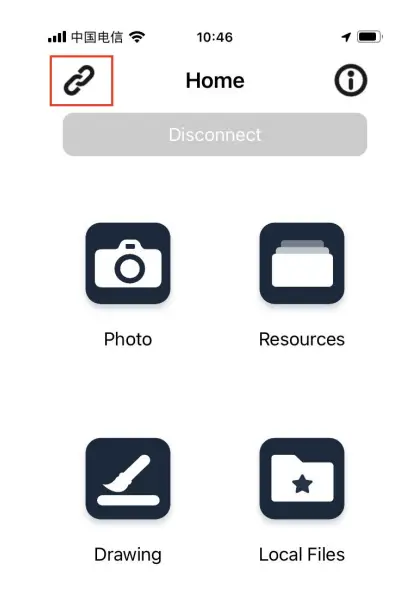
FAQ
| Issues | Probable Causes | Solutions |
| It prompts that the uploading was failed when the coversion is completed. | The TF card is not inserted into the engraver control box. | Insert TF card into the slot of control box. |
| Unable to connect to engraver. | App WiFi permission is not turned on; APP location permission is not turned on; The WiFi was switched in the mobile phone system during the last connection,caused an abnormal connection. | Check whether the WiFi permission is enabled for the APP in the mobile phone permission settings; Check whether the location permission is enabled for the APP in the mobile phone permission settings; Reboot the engraver. |
| There is an intermittent connection to the engraver. | Multiple mobile phones are connected to the same engraver at the same time. | Check whether there are other mobile phones connected to the current engraver,just disconnect the connection to other mobile phones. |
Customer Service
- For detailed warranty policy,please visit our official website at: www.atomstack.com
- For technical support and service,please email: [email protected]
Manufacturer: Shenzhen AtomStack Technologies Co., Ltd. Address: 17th Floor, Building 3A, Phase II, Intelligent Park, No. 76, Baohe Avenue, Baolong Street, Longgang Dist., Shenzhen, 518172, China
Scan the code to enter the discussion group.
Scanner APPLICATION:
QR code reader/ Barcode scanner or any APP with scanner.
 Laser Engraving Machine & Accessories - AtomStack