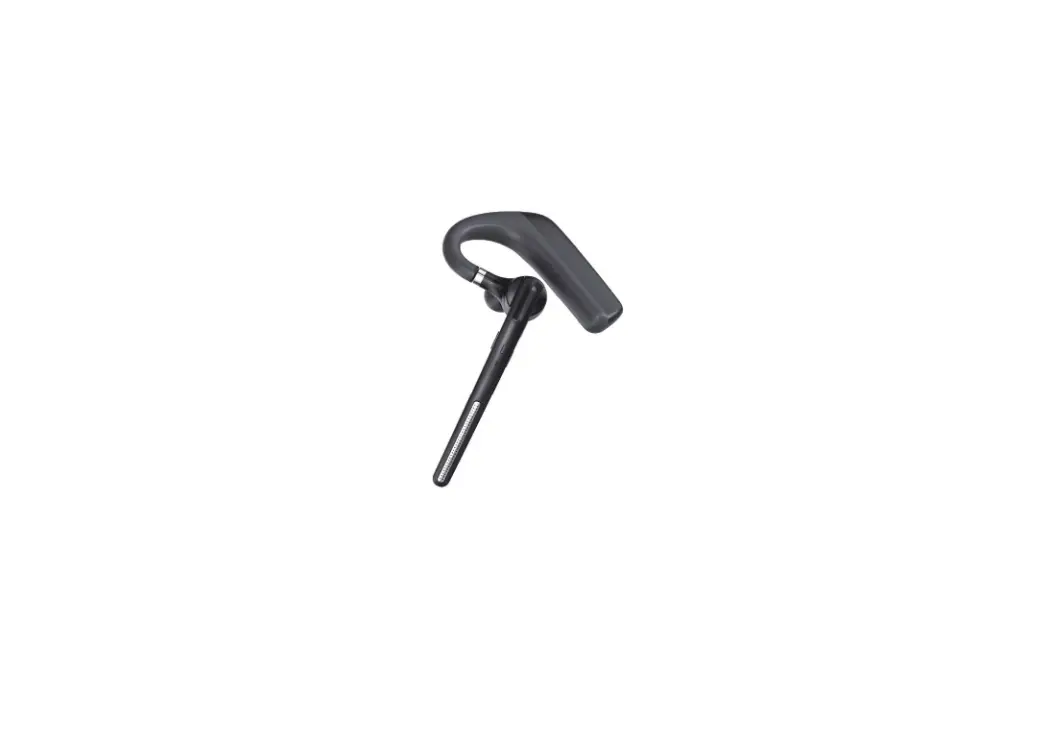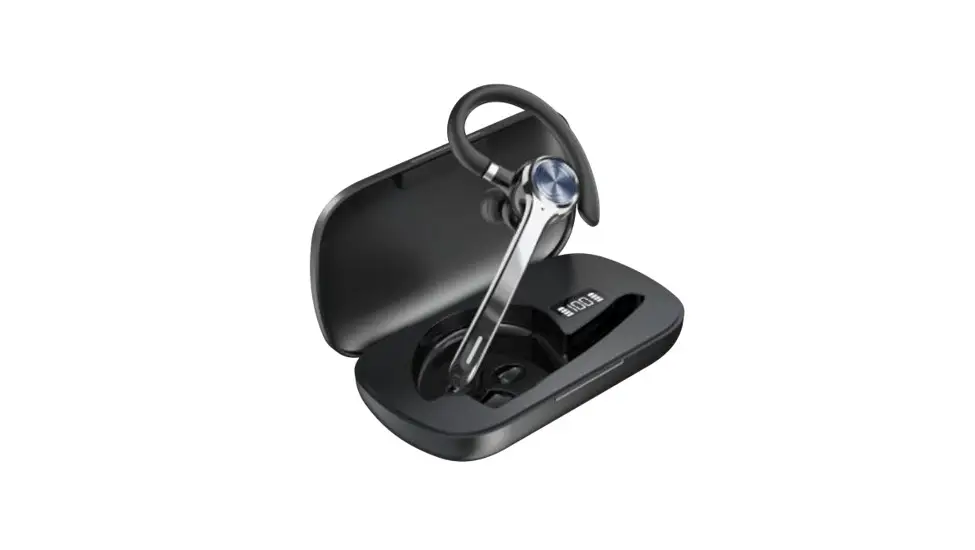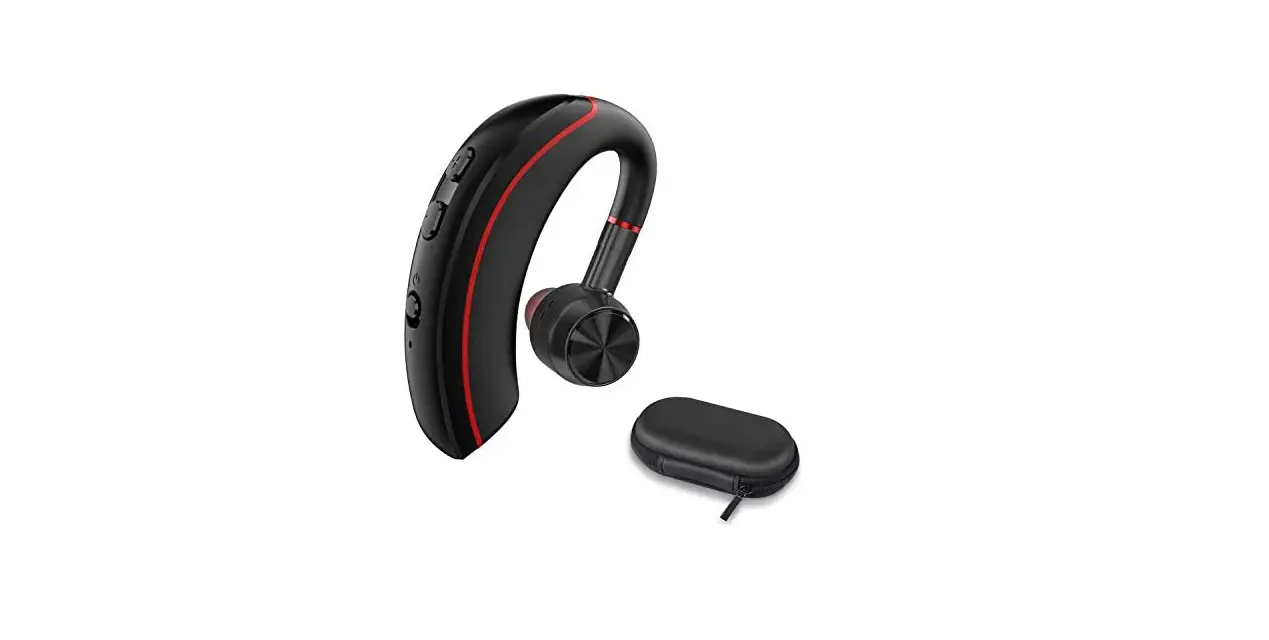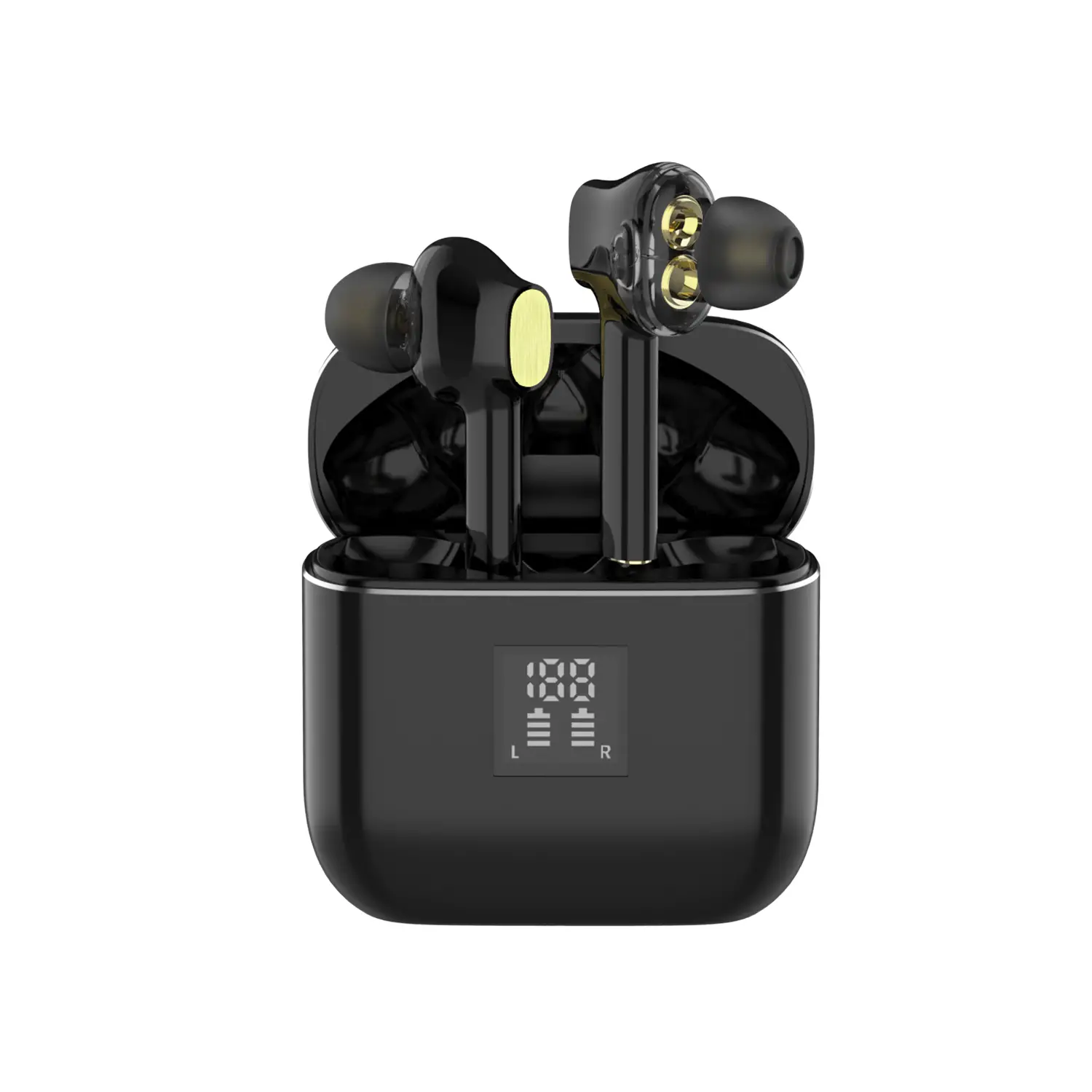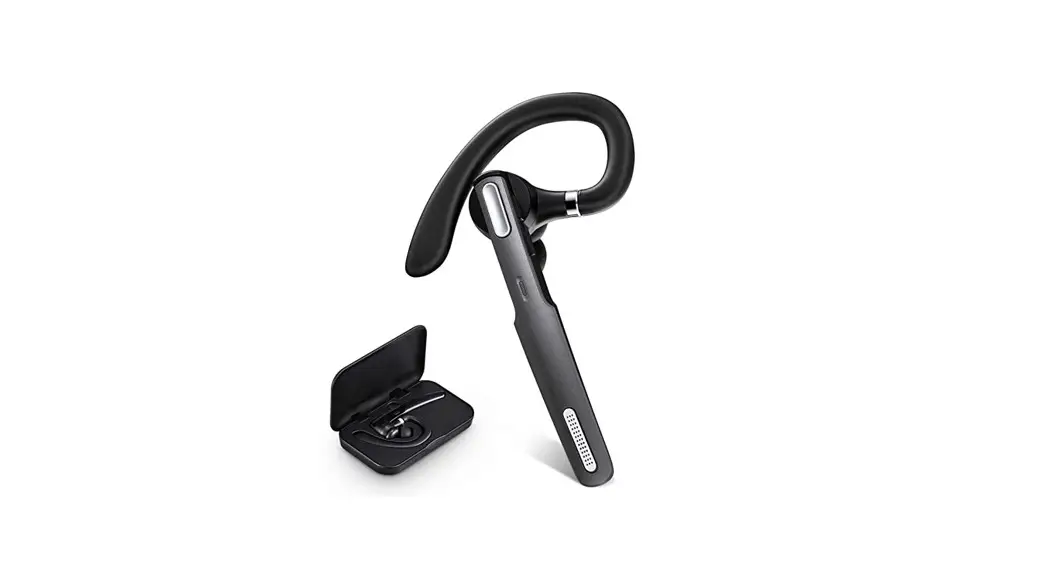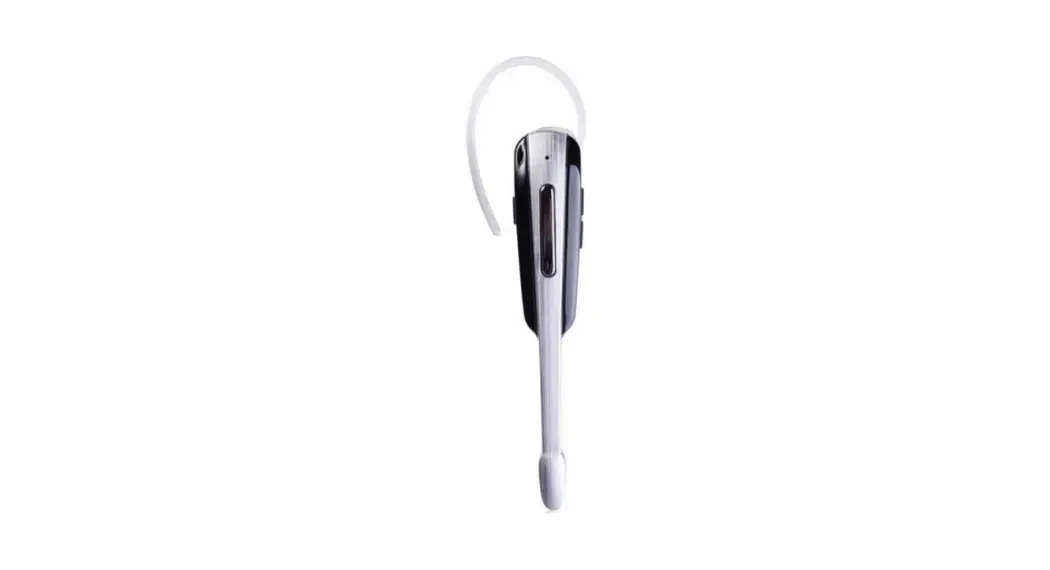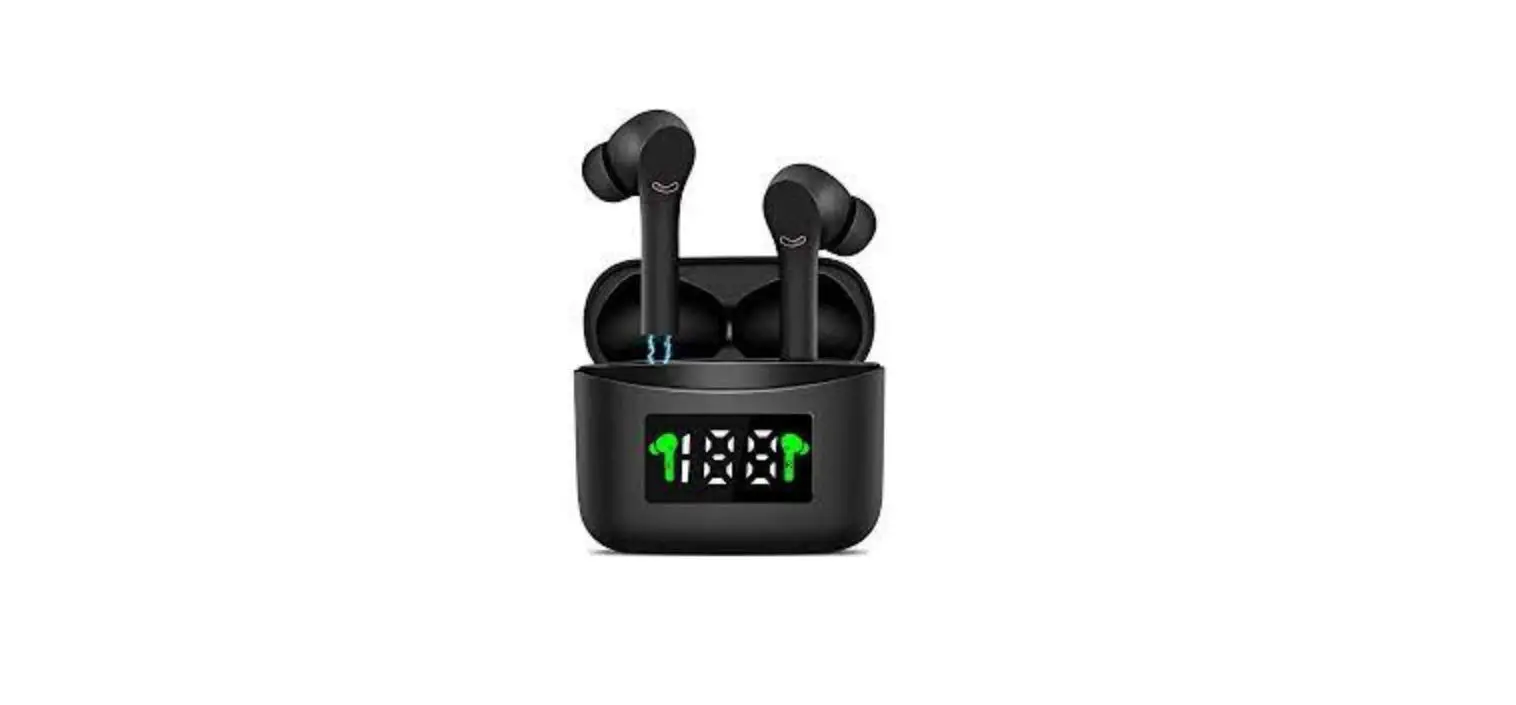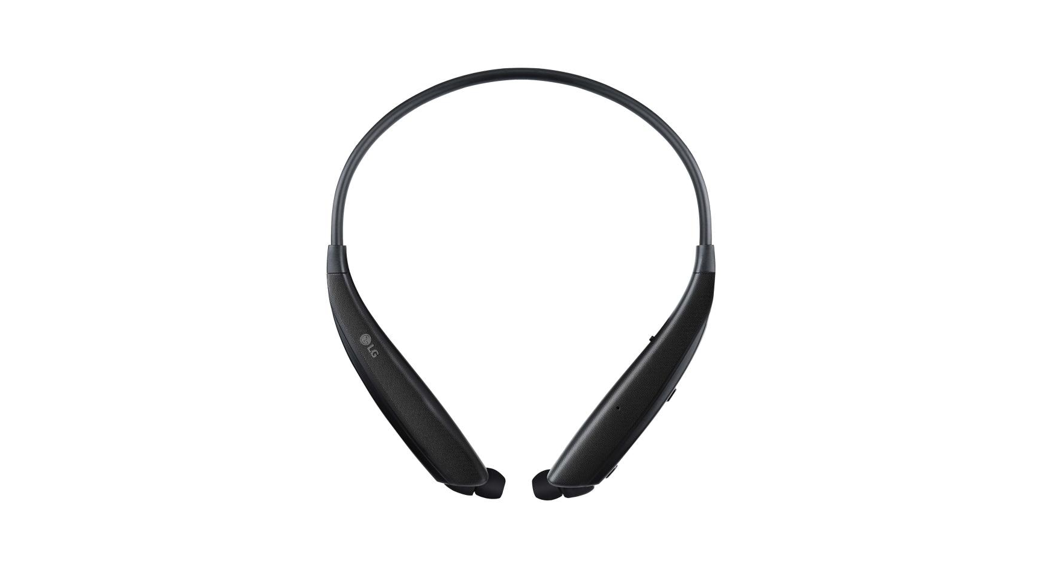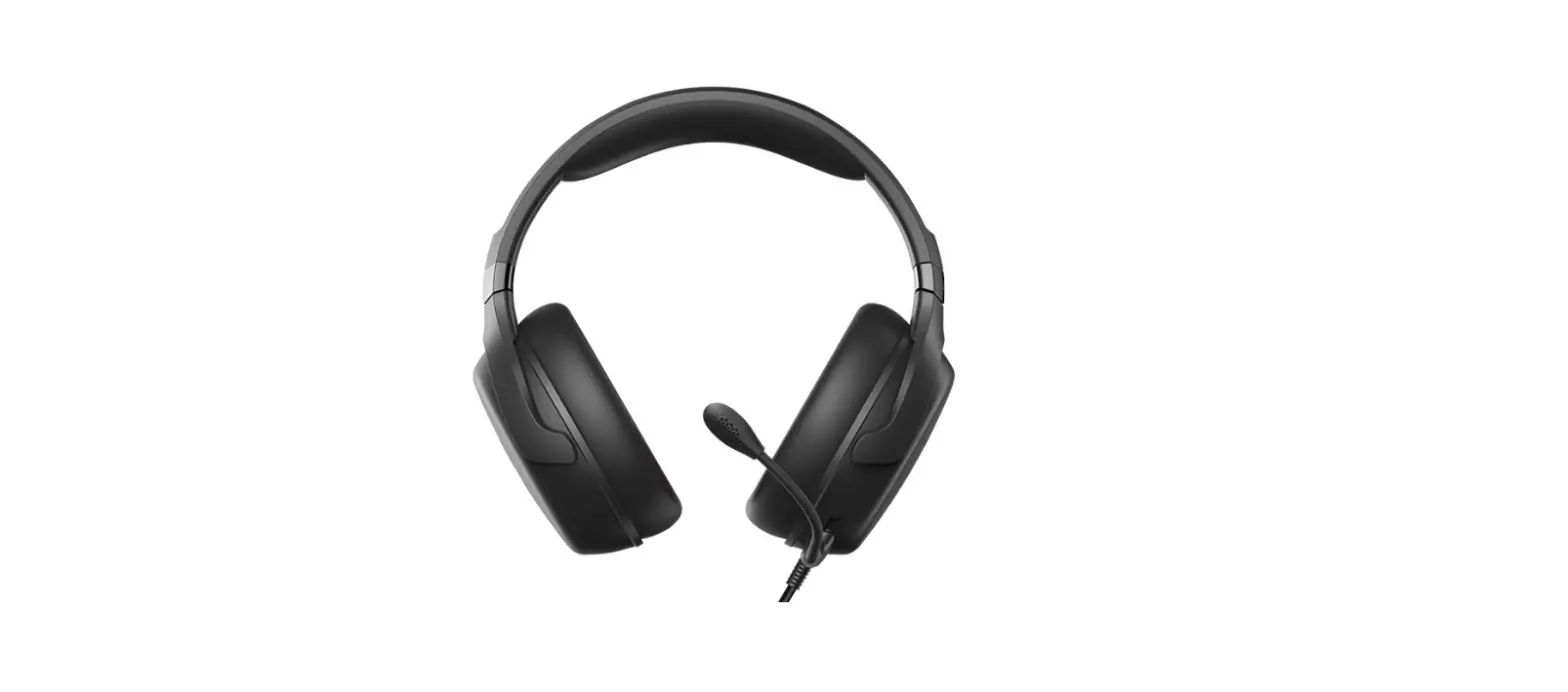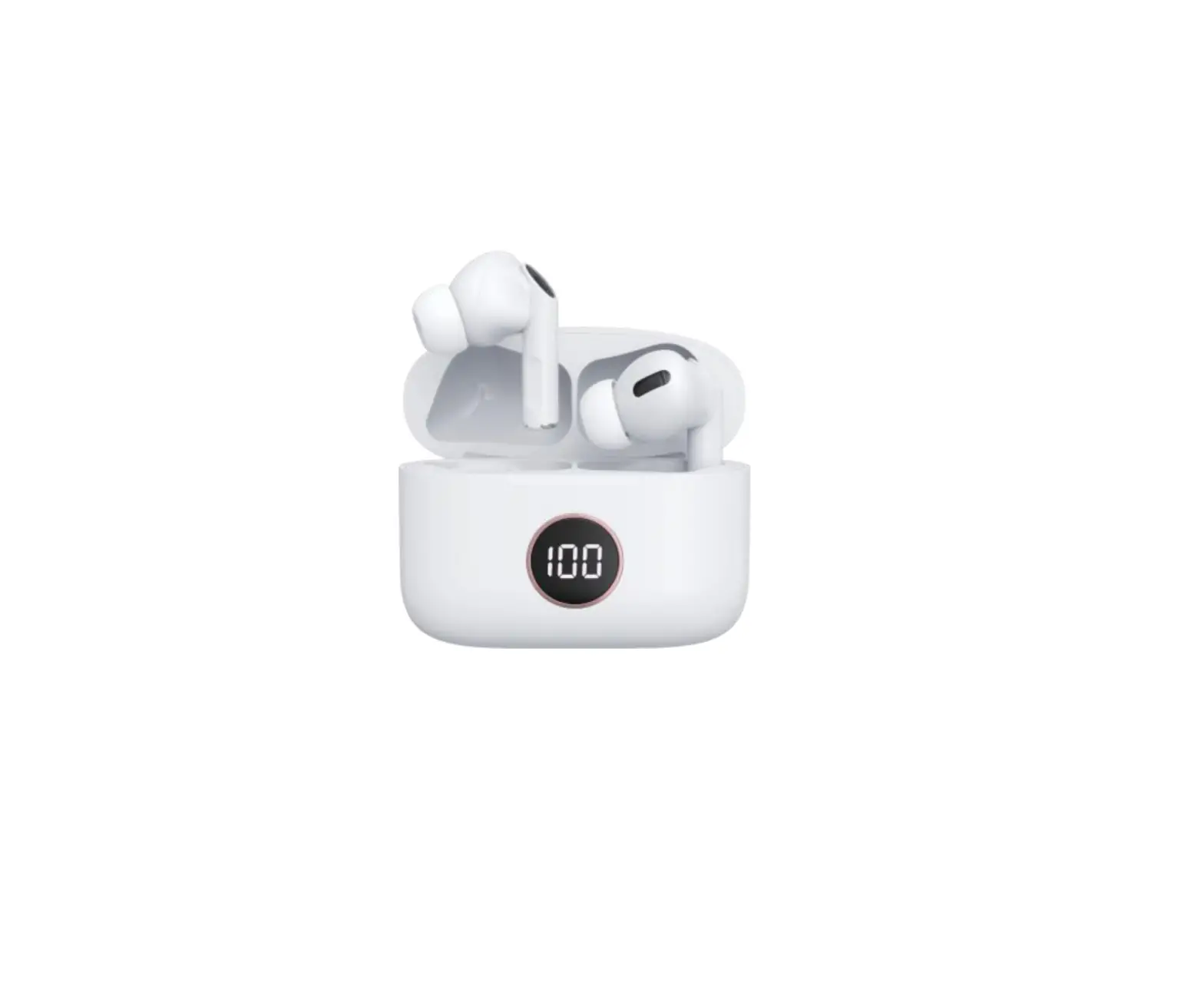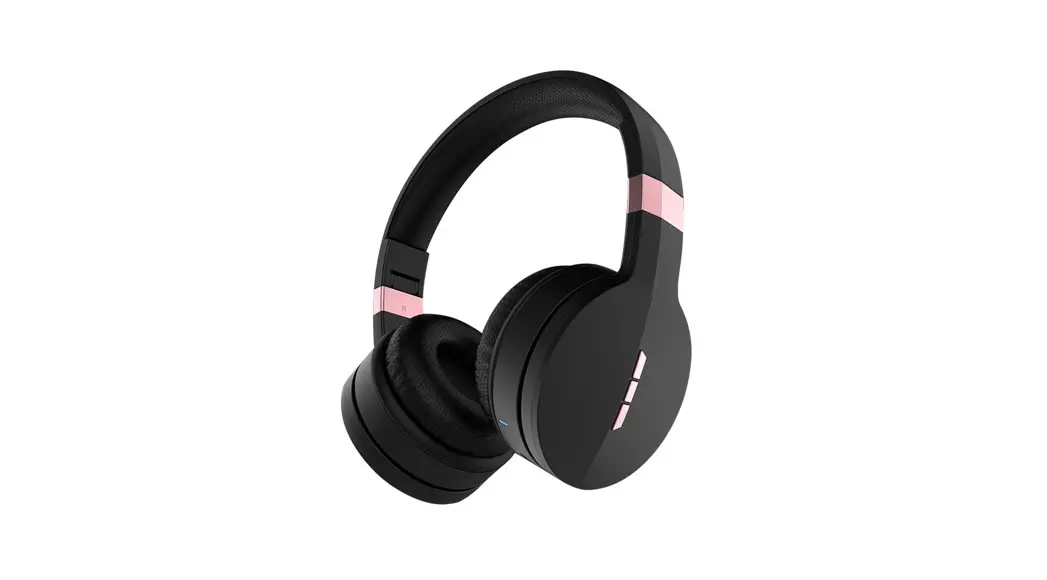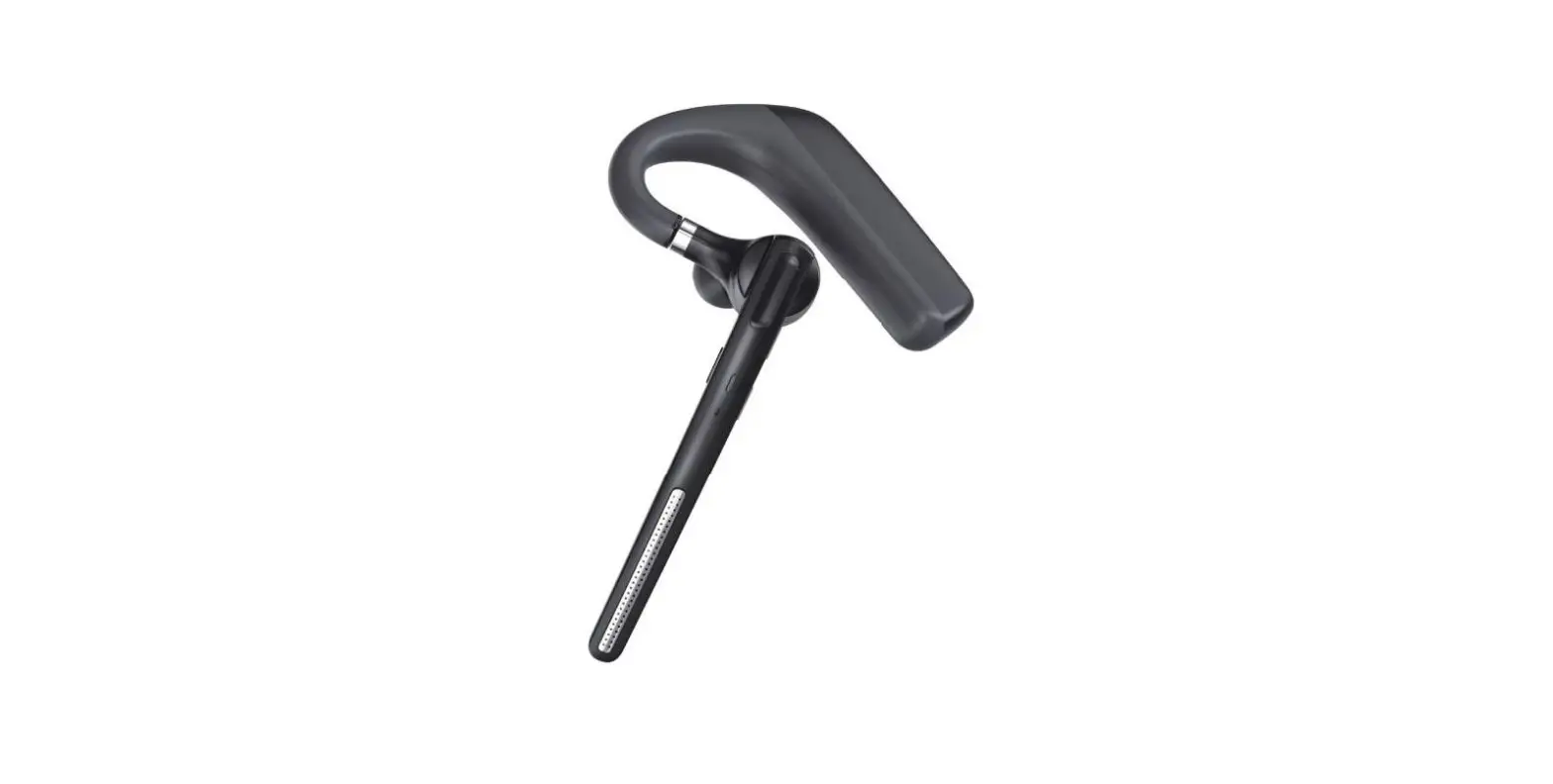

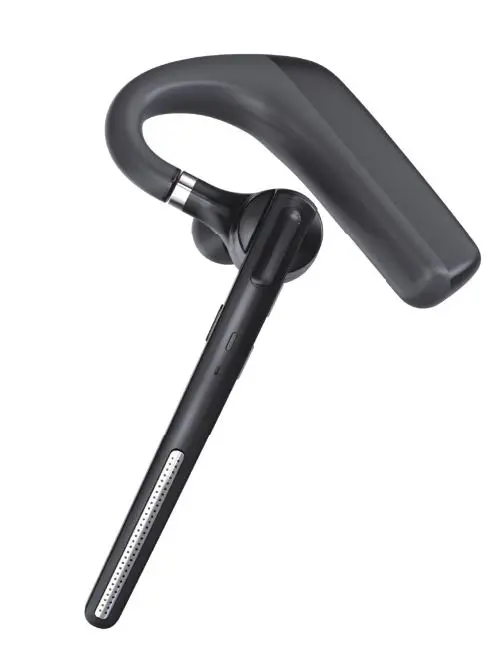
Earphones G6 Business Headset
What’s in the Box
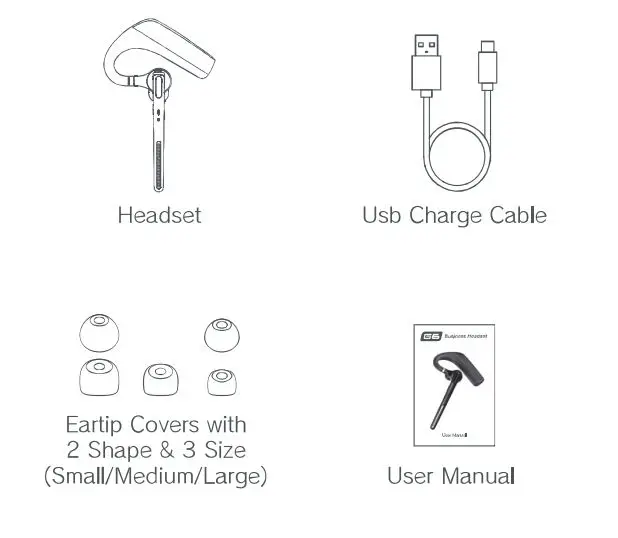
Package Contents
- Business Headset x 1
- Eartips x 6(Includes one on headset)
- Type-C Charging Cable x 1
- User Manual x 1
Product Overview
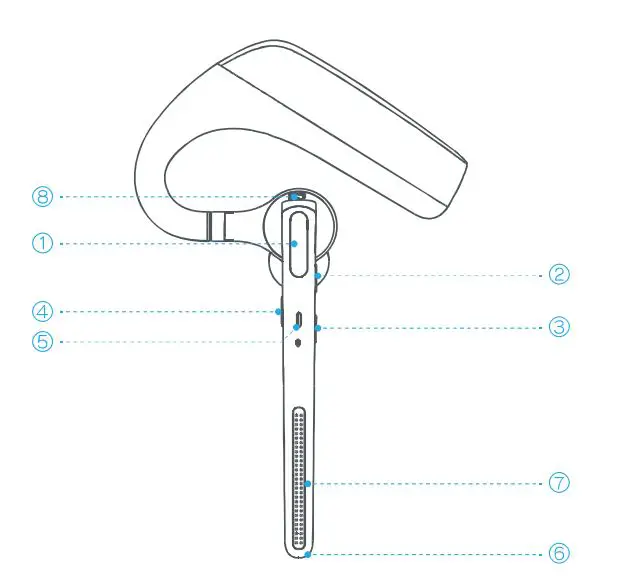
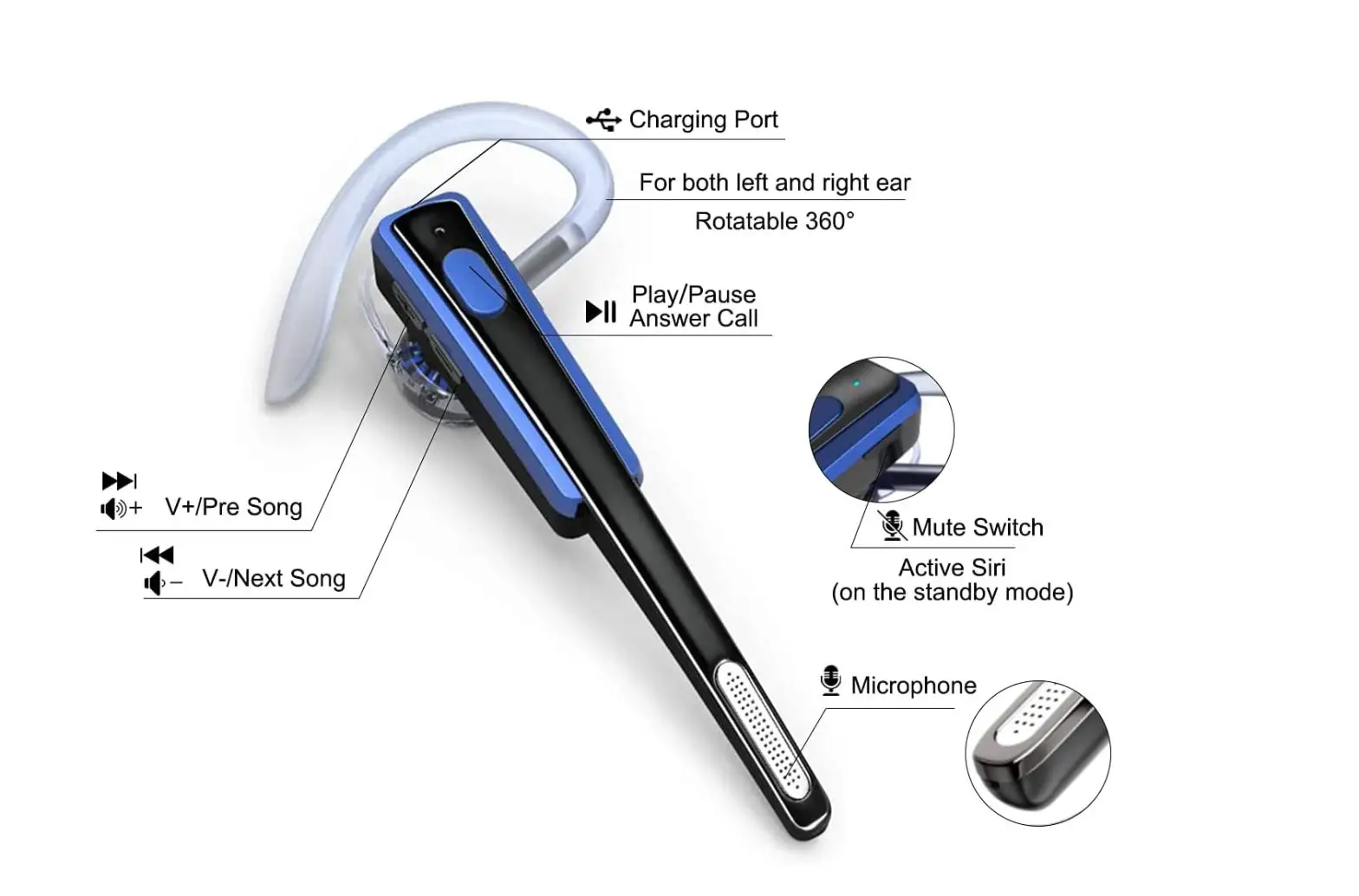
- MFB (Multi-Function Button)
- Volume+
- Volume-
- Mute Button
- LED Indicator
- Main Microphone
- Second Microphone
- Charger Port
Basic Operation
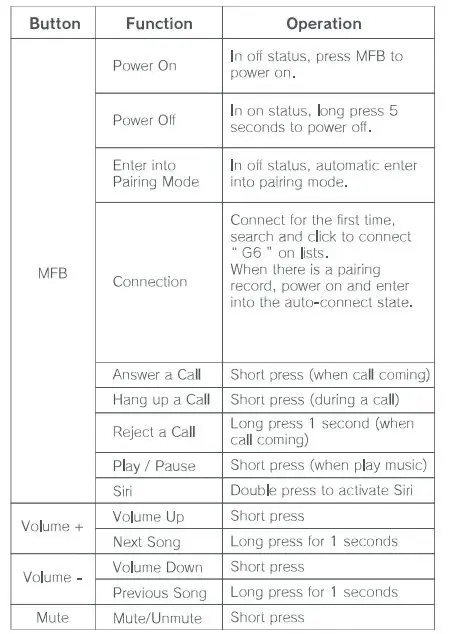
LED Indicator
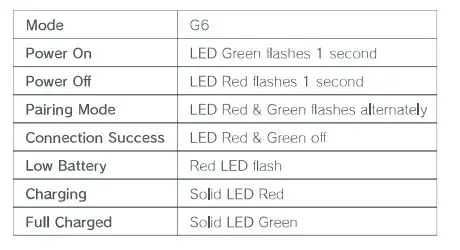
Charging
Connect the headset to a computer or the USB power adaptor (not included) via the USB cable. Plug the USB power adaptor into an electric socket,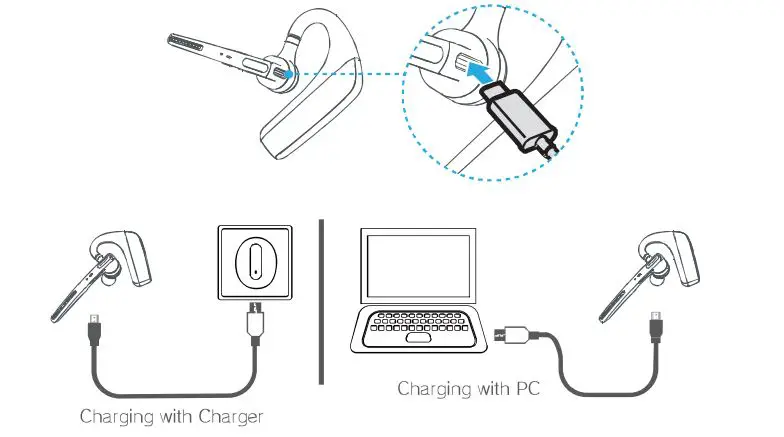
Your new headset has enough power to pair and make a few calls before charging. though you may charge at any time,
Wear on the left or right
To wear the headset on your other ear, rotate the boom upwards then twist it around so the ear tip is on the other side before lowering the boom, Rotate the ear tip and adjust the retractable ear hook to fit the shape of your ear.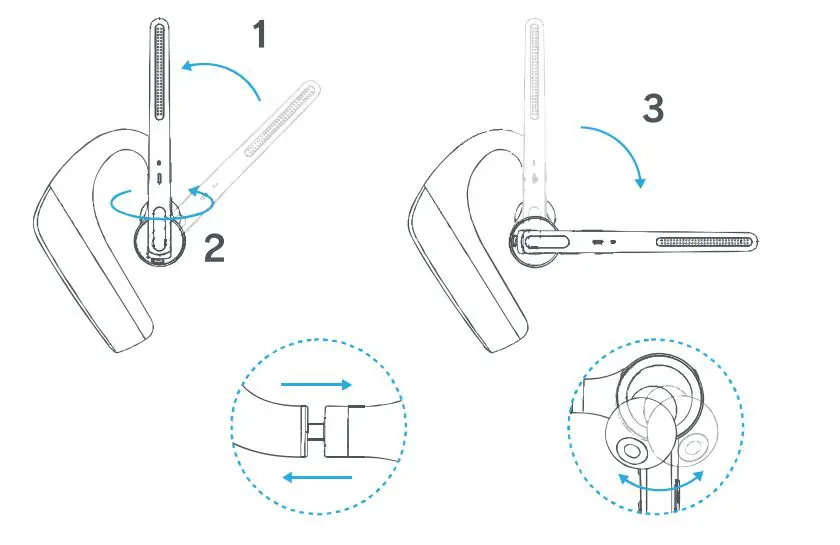
Pairing and Connection
In off status, press MFB to power on and automatically enter into pairing mode with LED Green &Red flash alternately.
- Connect for the first time, search and click to connect G6″ on lists, LED off after the connected success
- When there is a pairing record, press MFB to power on and enter into the auto-connect state,
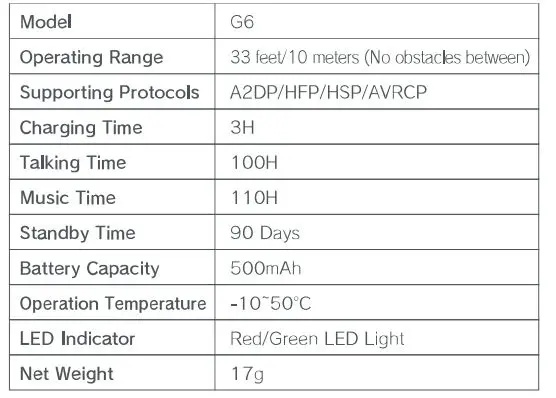
Basic Specification
Safety Instruction
- Do not place the headset near naked flames sources, Such as candles or ovens.
- Do not expose the product to direct sunlight.
- Press the function bottom gently; pressing too hard might shorten the lifetime of the function.
- Do not drop the product on a hard surface. This may result in damage of the product,
- Do not place the headset near the TV, speaker, or other objects that generate strong magnetic fields.
- When the headset is affected by a strong magnetic field or by other interference simply turn it off to reset the headset to resume normal operation
This device complies with part 15 of the FCC Rules. Operation is subject to the following two conditions: (1) This device may not cause harmful interference, and (2) his device must accept any interference received, including interference that may cause undesired operation. Any changes or modifications not expressly approved by the party responsible for compliance could void the user’s authority to operate the equipment.
Note: This equipment has been tested and found to comply with the limits for a Class Bdigital device, pursuant to part 15 of the FCC Rules. These limits are designed to provide reasonable protection against harmful interference in a residential installation. This equipment generates uses and can radiate radio frequency energy and, if not installed and used in accordance with the instructions, may cause harmful interference o radio communications. However, there is no guarantee that interference will not occur in a particular installation. If this equipment does cause harmful interference to radio or television reception, which can be determined by turning the equipment off and on, the user is encouraged to try to correct the interference by one or more of the following measures:
- Reorient or relocate the receiving antenna.
- Inerease the separation between the equipment and receiver.
- Connect the equipment into an outlet on a circuit different from that to which the receiver is connected.
- Consult the dealer or an experienced radio/TV technician for help.