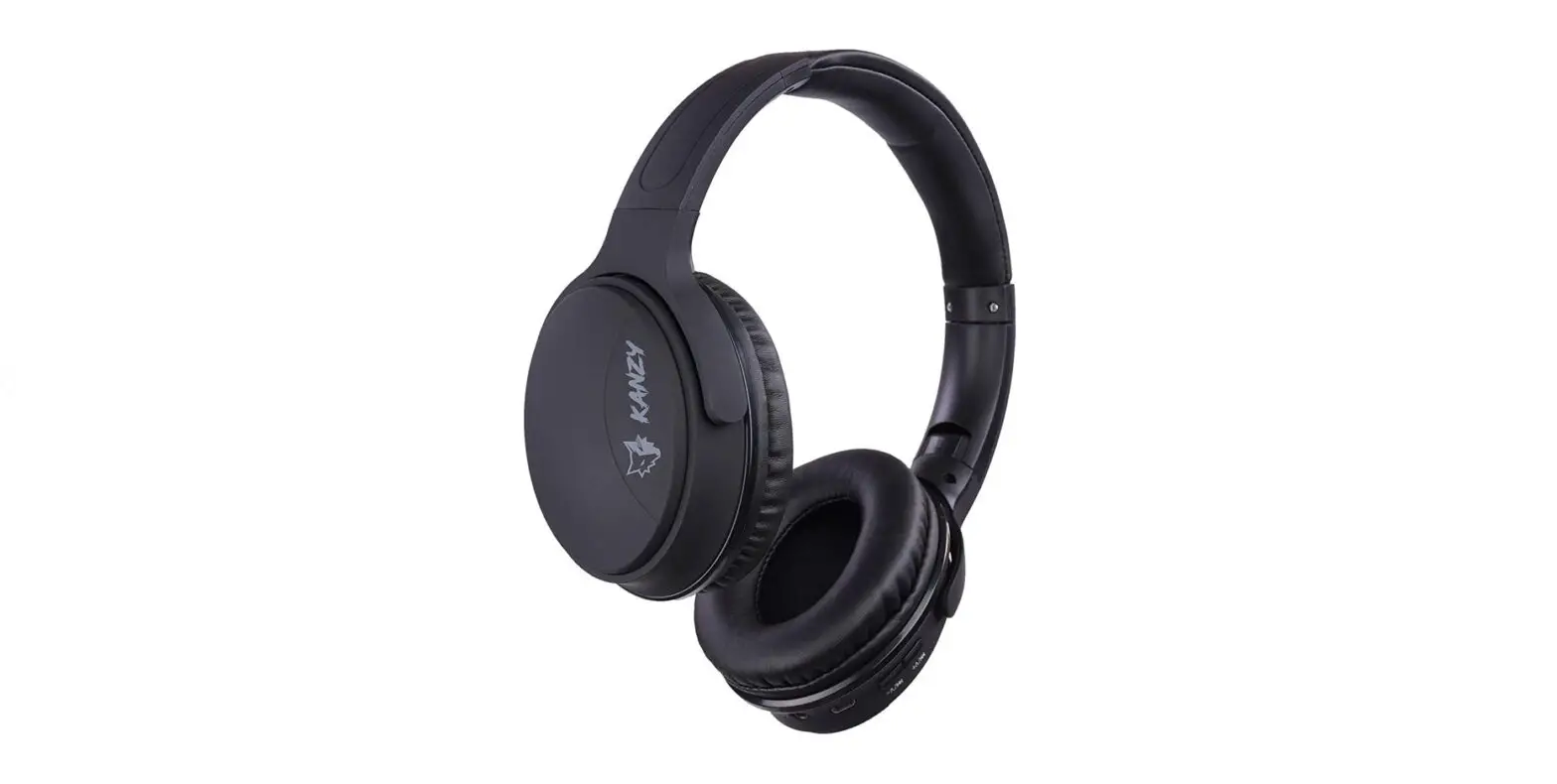
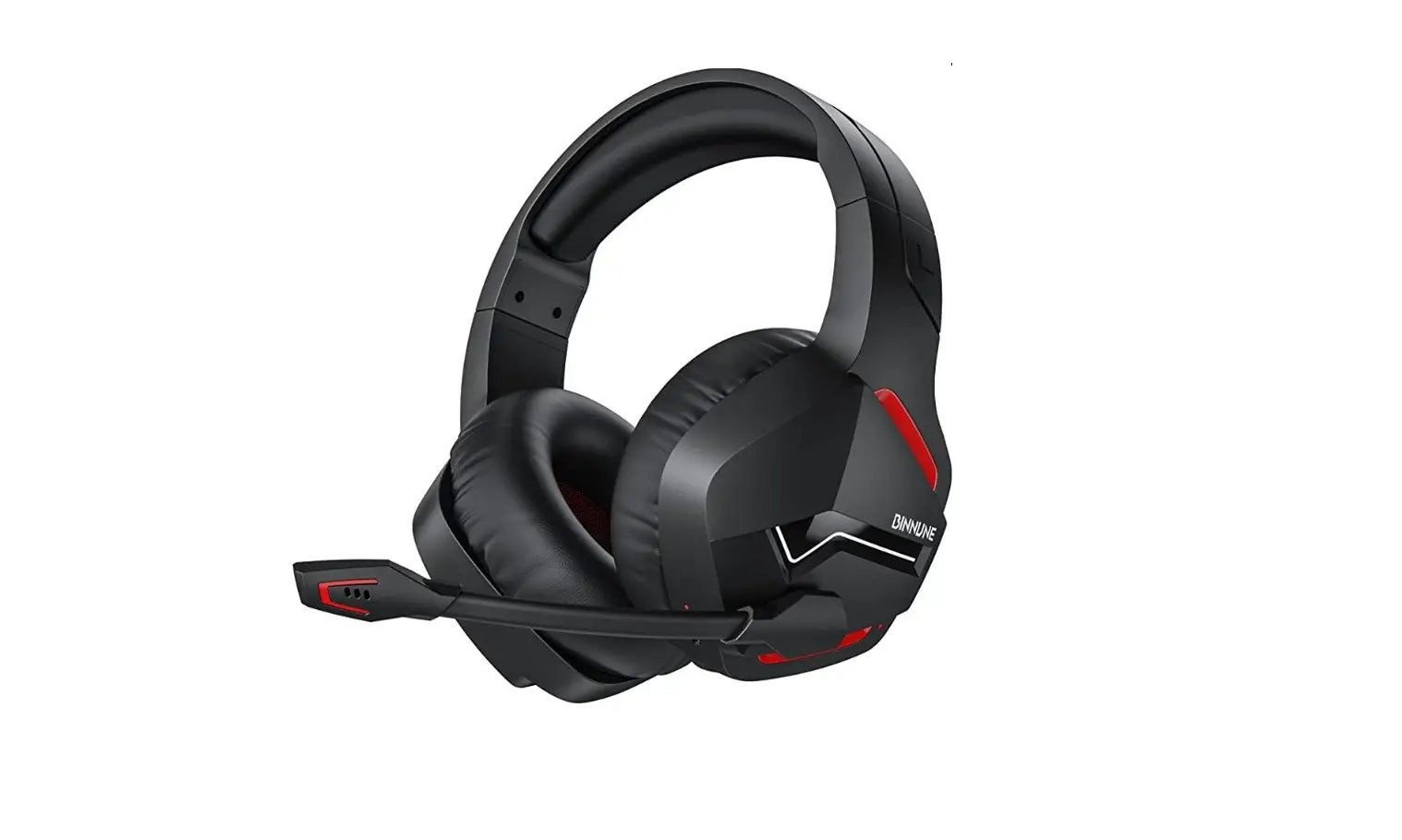
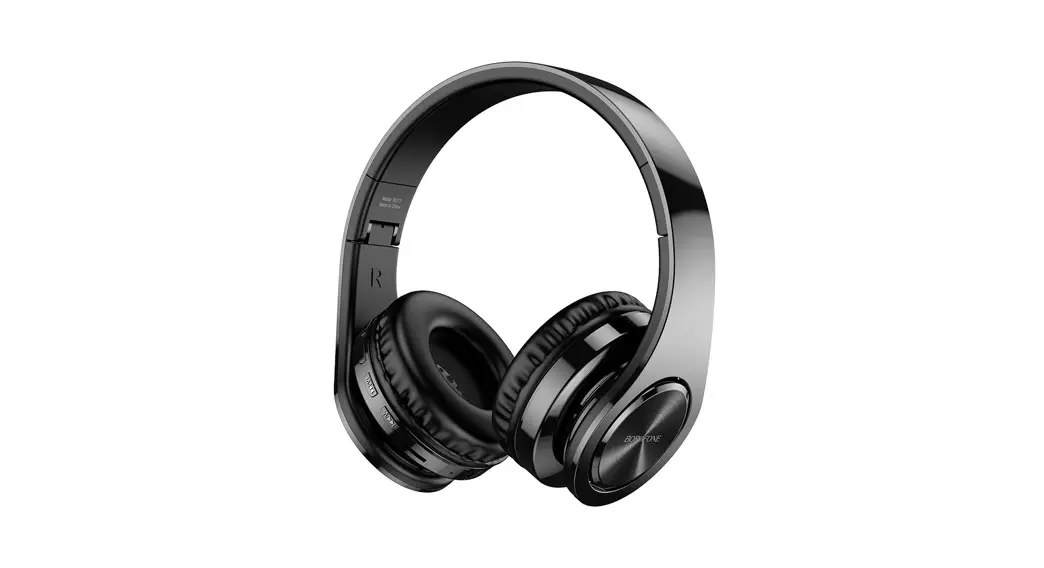
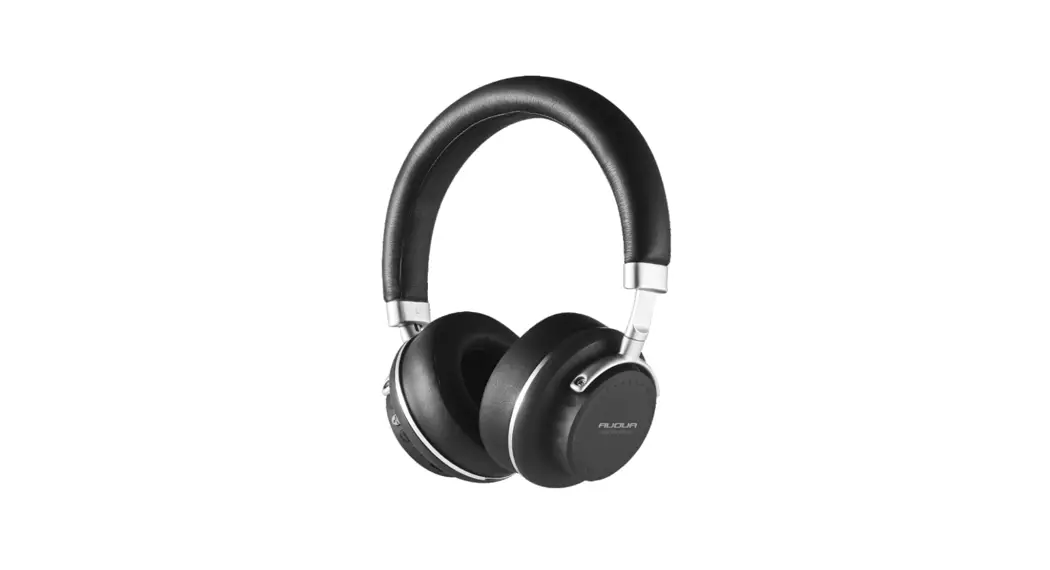
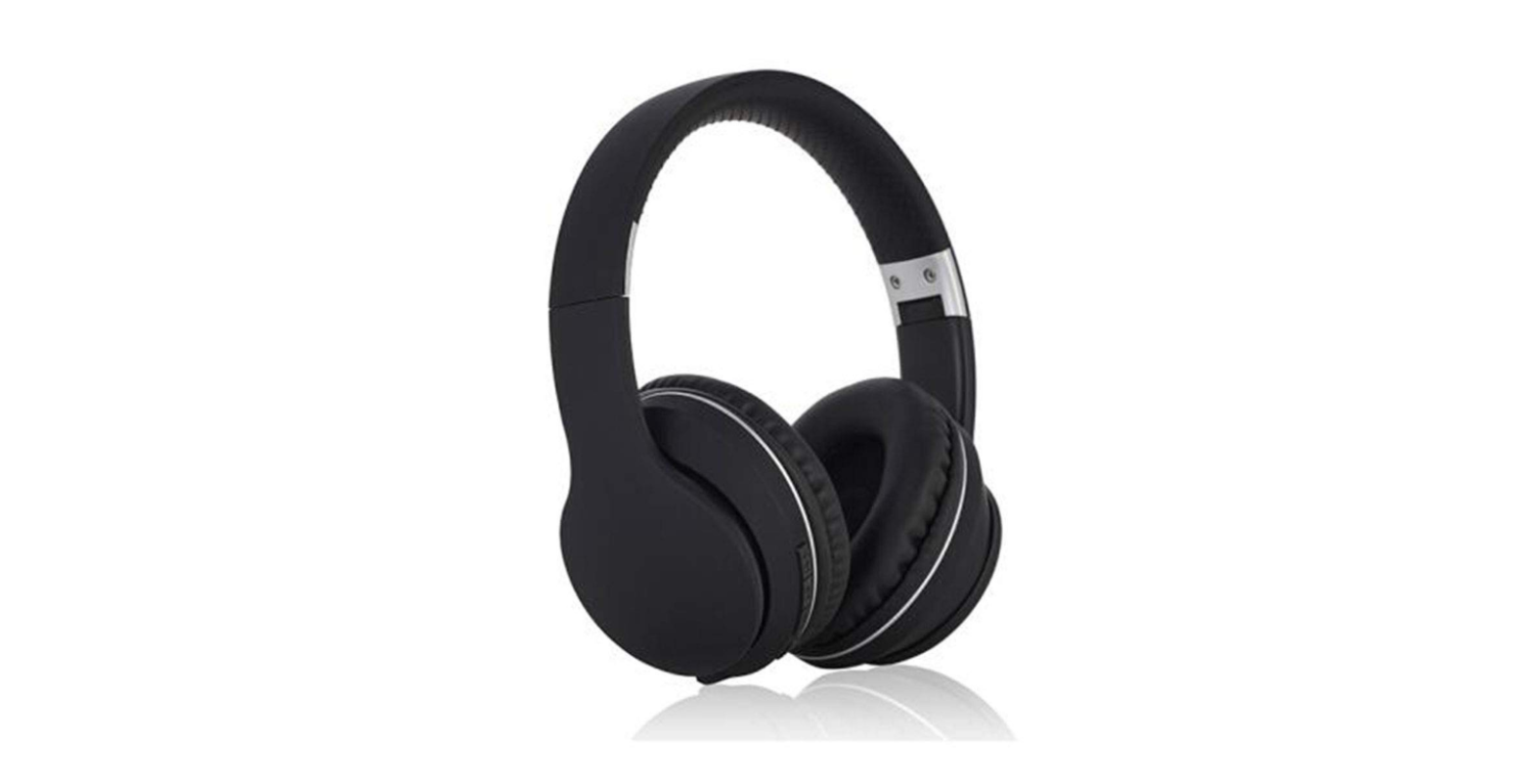
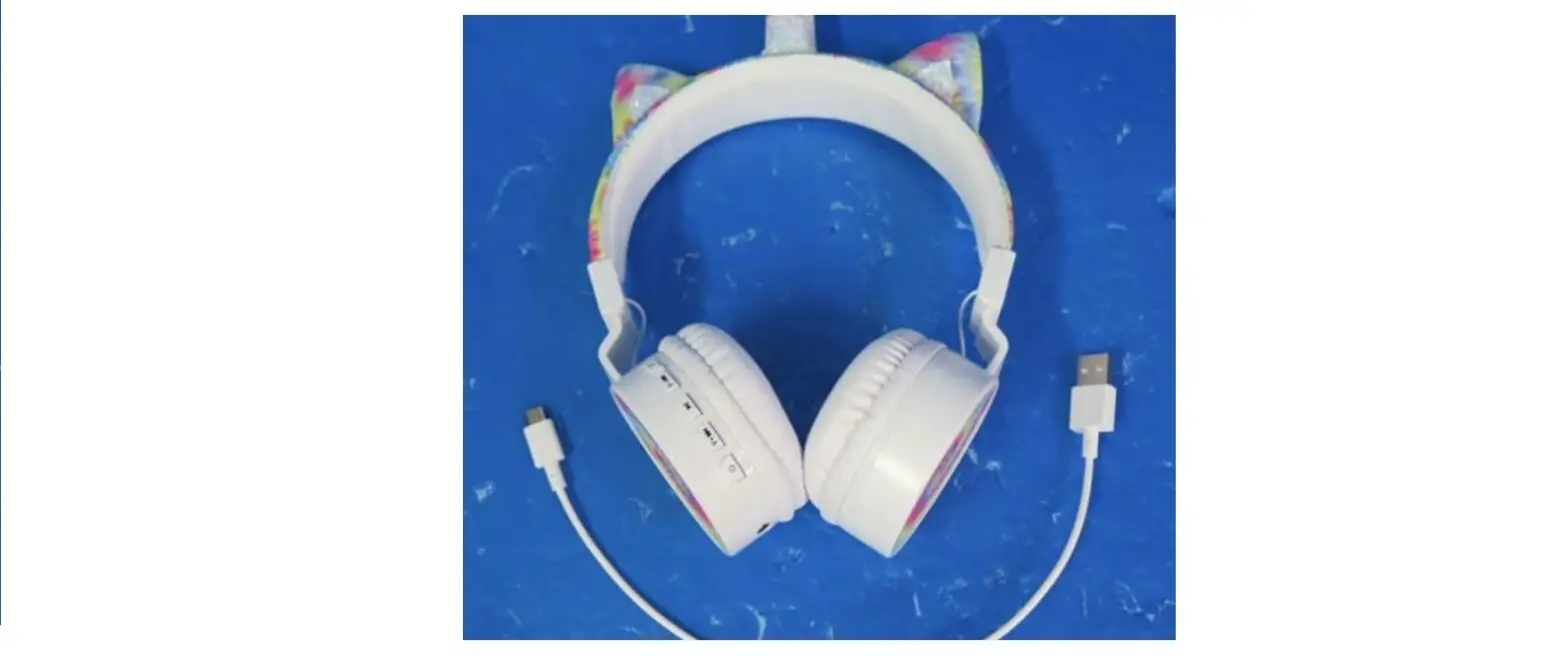
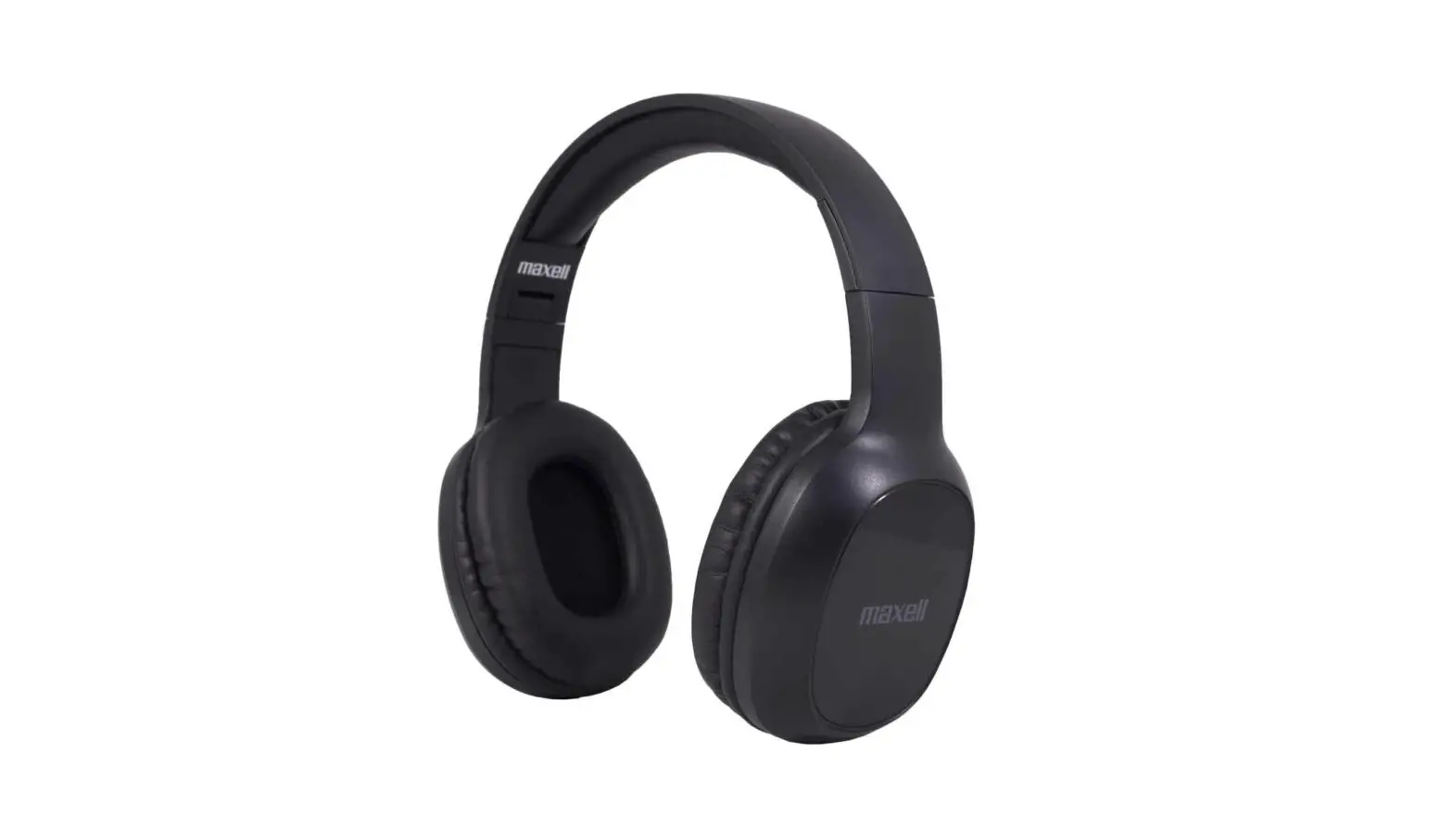
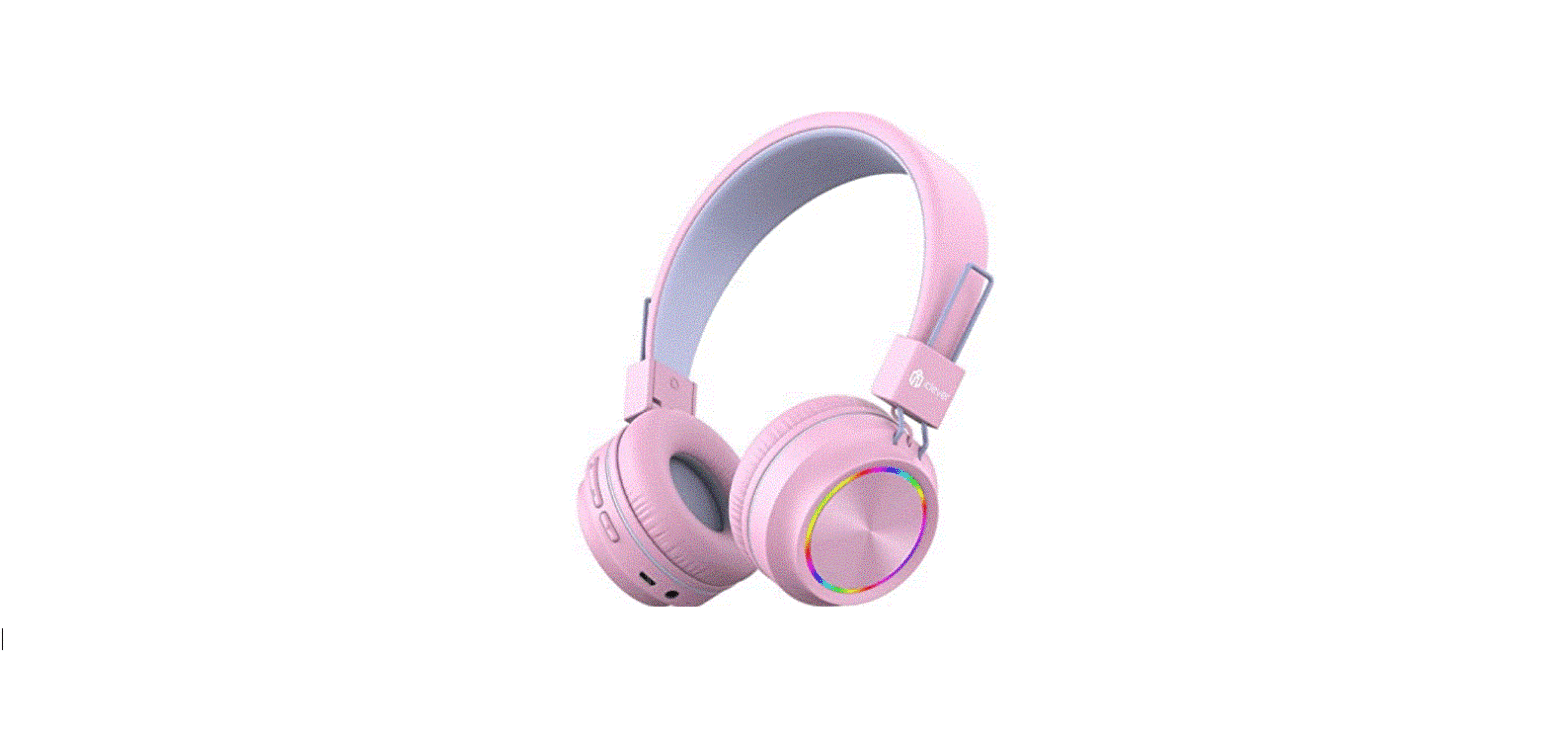
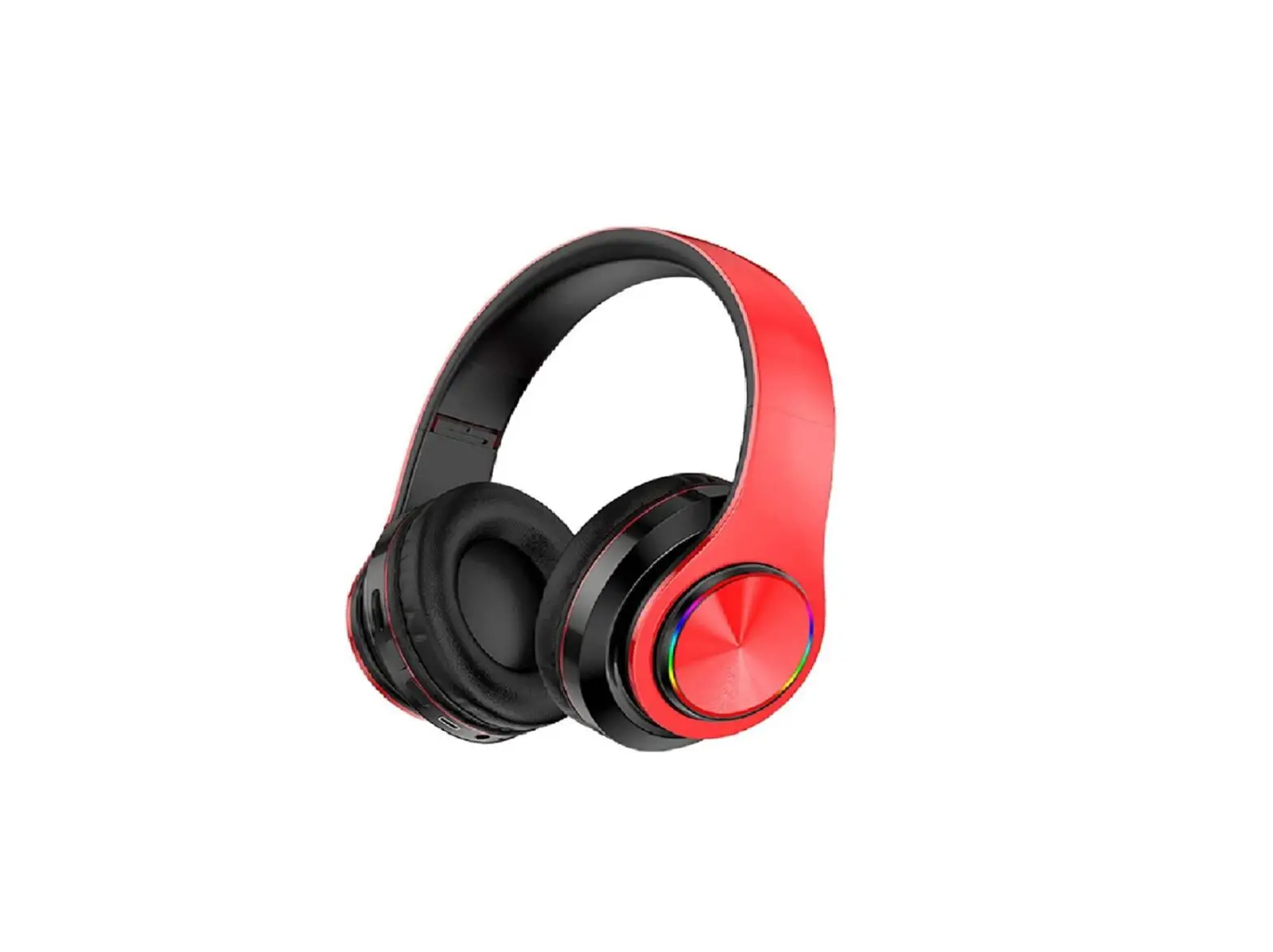
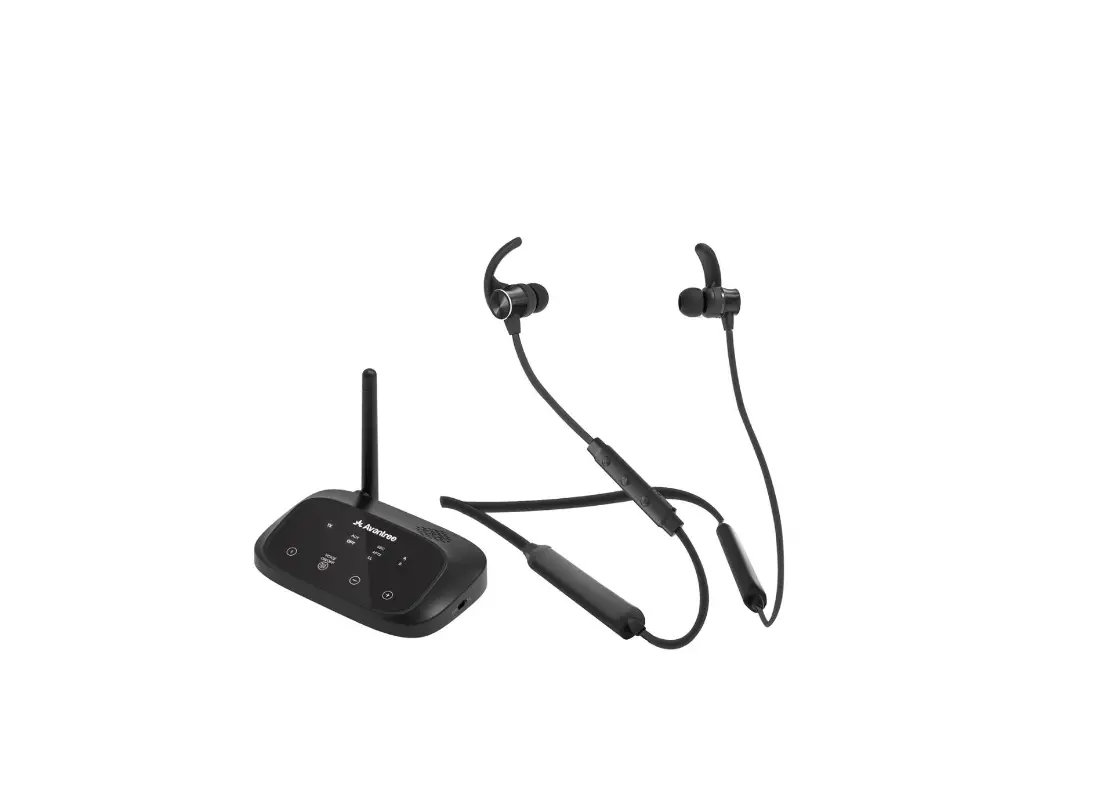
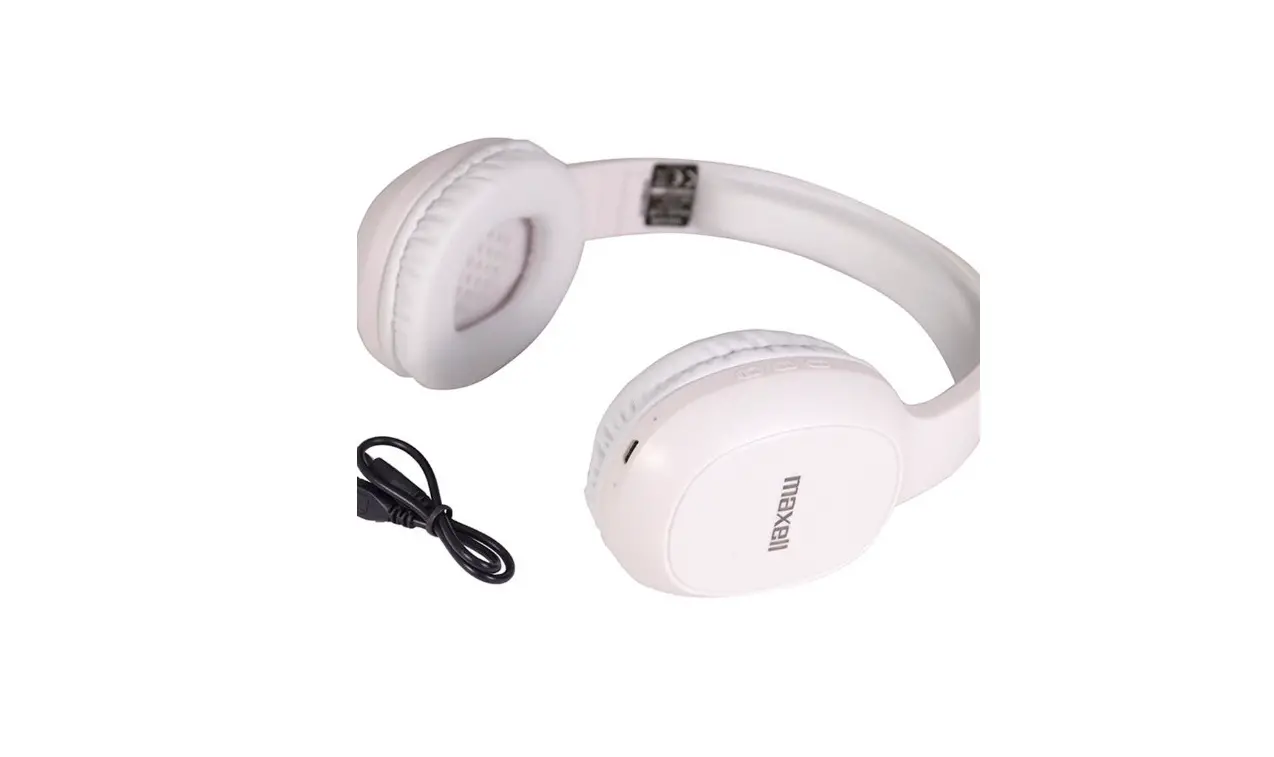
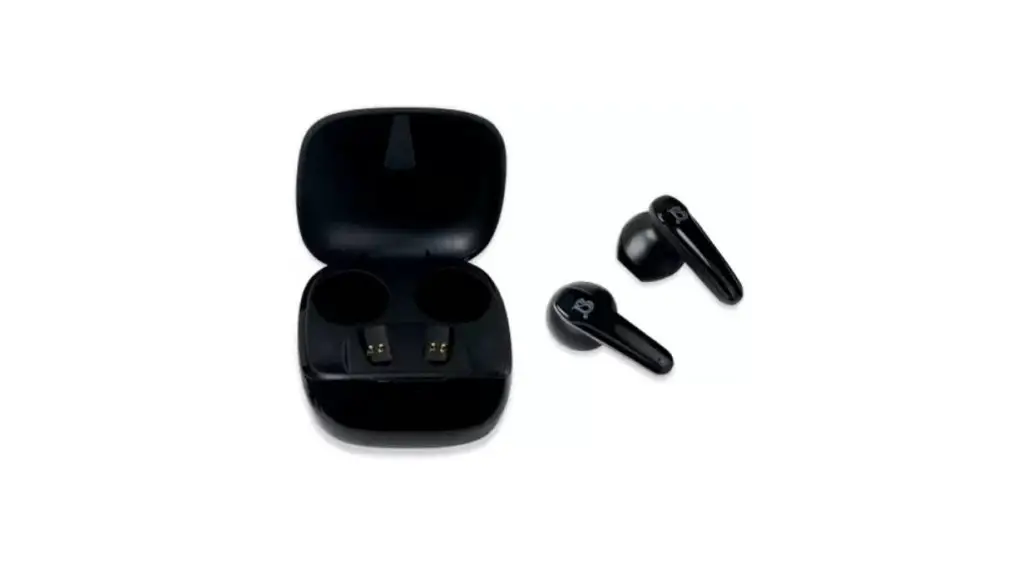
B3S Wireless Headset
Product Information
The product is a Bluetooth-enabled wireless headphone with a
frequency response range of 20-20KHz. It has a maximum output power
of 20mW and a working range of 8-10m. The headphone runs on a 3.7V
150mAh battery with a charging voltage of DC4.2-5.5V. It takes
about 2 hours to charge and has a working time of about 12 hours.
The headphone has an impedance of 32 ohm and a sensitivity of
110+/-3 dB. It comes with a 40mm speaker diameter.
Product Usage Instructions
- To power on the headphone, press the POWER button once. The LED
light will turn on and the headphone will enter Bluetooth mode with
the blue and red lights flashing alternately. - To power off the headphone, press and hold the POWER button for
more than 3 seconds. The LED indicator light will turn off and the
headphone will turn off. - To increase the volume, short press the + button. To decrease
the volume, short press the – button. - To move to the next track, long press the + button. To move to
the previous track, long press the – button. - To hang up a call, short press the I button when calling. To
dial back, double click the R button. To play music, short press
the button to turn on the smart device automatically and play
music. To continue playing music after a call, short press the I
button. - To repair Bluetooth connection, turn off the Bluetooth function
of the connected smart device. The LED light of the headphone will
flash between red and blue, indicating it has entered pairing mode.
Turn on the Bluetooth function of the smart device and search for
the device named E96 to get connected without a password. After
pairing successfully, the headphone will prompt “connected” with
the blue LED on and flashing slowly. - The headphone has a power-saving mode. It will automatically
power off after pairing continuously for 5 minutes and will cut off
power supply automatically after using Aux-in cable to save
power. - The LED indicator shows different status depending on the mode.
In wireless mode, the blue light flashes during pairing and slow
flashes after pairing. In MP3 mode, the blue light slow flashes
when playing. In FM mode, the blue light flashes when searching for
radio stations. In charging mode, the red light will be on for a
long time when charging, and the blue light will be displayed after
charging.
1 1 1
35
20-20KHz 20mW 8-10m 3.7V 150mAh DC4.2-5.5V 2H 12H 32 ohm 110+/-3 d B 40mm
1. “POWER ” 2,” 3.”
1 ” POWER” 3 2 “B35”, LED 3 “disconnected” 4 33. 25V
1 ” pER” 2 ” POWER” 3 ” POWER”
4 “POWER”
5 ” PCMER”
·I.– LED 3.5mm
T
USB
LED I
1
2
3
4
5
6 5V5V ‘
3S
1.Specifications Frequency Response: 20-20KHz Max Output Power: 20mW Working Range: 8-1 Om Battery voltage: 3.7V Battery capacity: 150mAh Battery Charging Voltage: DC4.2-5.5V Charging lime: about 2H Working lime: about 12H Impedance: 32 ohm Sensivity: 110+/-3dB Speaker diameter: 40mm
2. Button Function
1. “PR” Power on/Power off
2. ”
+
·
Volume up: short press Move next: long press
3. ”
–
·
Volume down: short press Move previous: long press
3. Function Description
1. Power on: Long press· PClllER” for more than 3 seconds.the
headphone tum on and enter Btuetooth Mode. The blue and red
light; flash altemately.
Q
2. Power off: Long press ” for more than 3 seconds.the LED indicator light is off and the headphone turn off
4, Button Guide 1.Hang on: Short press “POWER”button when being called 2.Hang up: Short press “I”button when calling 3.Dial back: Double click “R” button 4.Play music: Normally short press ” “button to turn on the smart devices automatically to play music 5.Continue to play music aftethe call: When thee is an incoming call, the music will be automatically suspended. After the call, you need to short press the “I”button to continue playing
5. Btuetooth mode
Repairing: turn off the Bluetooth function of the connected smart devices, at this time.the Bluetooth headset and the last matching device got disconnected.LED light flashed between red and blue.and enter the Bluetooth pairing mode.then tum on the Bluetooth function of the smart devices. search the device named “E96” to get connected without a password, after pairing
successfully. voice prompts “connected”, the blue LED is on and flash slowly after working Subsequent pairing: 3 seconds after powering on, it will automatically search and connect the smart device which paired last time Warning voice of maximum volume: “D” Power saving mode:headset will automatically poweoff after pa,nng continuously for 5 minutes; it will cut off power supply automatically after using Aux-in cable lopower saving
Microphone
6. LED indicator
d
” ”
MVoolvuemneeuxpt., bshonSS “PCMER” Ppooww eroofofl
MVoolvume peredVoK>wUoS, slohonrgt pprre ss
NOTE:
This equipment has been tested and found to comply with the limits for a Class B digital, pursuant to Part 15 or the FCC Rules. These limits are designed to provide reasonable protection against harmful interference in a residential installation. This equipment generates, uses and can radiate radio frequency energy and, if not installed and used in accordance with the instructions, may cause harmful interferenoe to radio communications, However, there is no guarantee that interference will not occur in a particular installation If the equipment does cause harmful interferenoe to radio or television reception, which can be determined by turning the equipment off and on, the user is encouraged to try to correct the interferenoe by one or more of the following measures: — Reorient or relocate the receiving antenna. — Increase the separation between the equipment and receiver — Connect the equipment into an outlet on a circuit different from that to which the receiver is connected
— Consult the dealer or an experienced radio/ lV technician for
help
(1)
3 II –
«– G)MP3
@FM
/MP3 @FM
M -/MP3/FM
(2)
© ®MP3 ®FM
(3) LINE © AUX LINE IN iPOd/MP4/MP3/CD
(4)
USB DC5VIN
® 88Db
®FM 87.5-lOSMHz
10
50HZ-20KHz
35mW
2.401-2.480GHz 2
6
18
INSTRUCTIONS
(1) KeyOperating Instructions
– CD Long press three seconds is power on.off 11 – CD In Wireless mode when get the
calling.Short Press is answer the calls;Long Press is Refuse to listen, continuous push 2 times is redial – ® Playing: Short Press:Play/Pause;
« — CD In Wireless/MP3 mode,Short
Press:Previous;Long Press:volume ® In FM mode,Short Press:Previous;
Long Press:volume-
+ »- CD In Wireless/MP3 mode,Short Press:next;Long Press:volume+ ® In FM mode,Short Press:next frequency;Long Press:volume+
M – CD Short Press to change the model,Wireless/MP3/FM Radio
(2) LED Indicator
CD Wireless mode:pairing status blue light flashing, after pairing the blue light slow flashing.
@ In MP3 mode:the blue light will slow flashing when playing; @ In FM mode:When listening to the radio station blue light.
search radio flashing. @ In charging mode:the red light will be on for a long time when
charging, and the blue light will be displayed after charging
(3) LINE Connecting TO Audio Jack
CD Insert audio line, Go directly to the AUX LINE IN pattern, at this time for ordinary headset headphones, buttons
@ Support mobile phone/iPod/MP4/MP3/CD/PC,etc
(4) Funcitional Parameter
CD USB charge: DC5VIN
@ SNR: 8 8 Db
@ FM frequency: 87.5-108MHz
@Wireless distance: 10meters
@ (J)
Frequency: 50HZ-20KHz Wireless frequency: 2.401-2.480GHz
®_®_C_ O_huartpgiuntgptoi mweer: :.23h5omurWs
® Call duration:6hours
@Standby time: 18hours
FCC STATEMENT : This device complies with Part 15 of the FCC Rules. Operation is subject to the following two conditions: This device may not cause harmful interference, and This device must accept any interference received, including interference that may cause undesired operation. Warning: Changes or modifications not expressly approved by the party responsible for compliance could void the user’s authority to operate the equipment. NOTE: This equipment has been tested and found to comply with the limits for a Class B digital device, pursuant to Part 15 of the FCC Rules. These limits are designed to provide reasonable protection against harmful interference in a residential installation. This equipment generates uses and can radiate radio frequency energy and, if not installed and used in accordance with the instructions, may cause harmful interference to radio communications. However, there is no guarantee that interference will not occur in a particular installation. If this equipment does cause harmful interference to radio or television reception, which can be determined by turning the equipment off and on, the user is encouraged to try to correct the interference by one or more of the following measures: Reorient or relocate the receiving antenna. Increase the separation between the equipment and receiver. Connect the equipment into an outlet on a circuit different from that to which the receiver is connected. Consult the dealer or an experienced radio/TV technician for help. RF warning statement: The device has been evaluated to meet general RF exposure requirement. The device can be used in portable exposure condition without restriction.