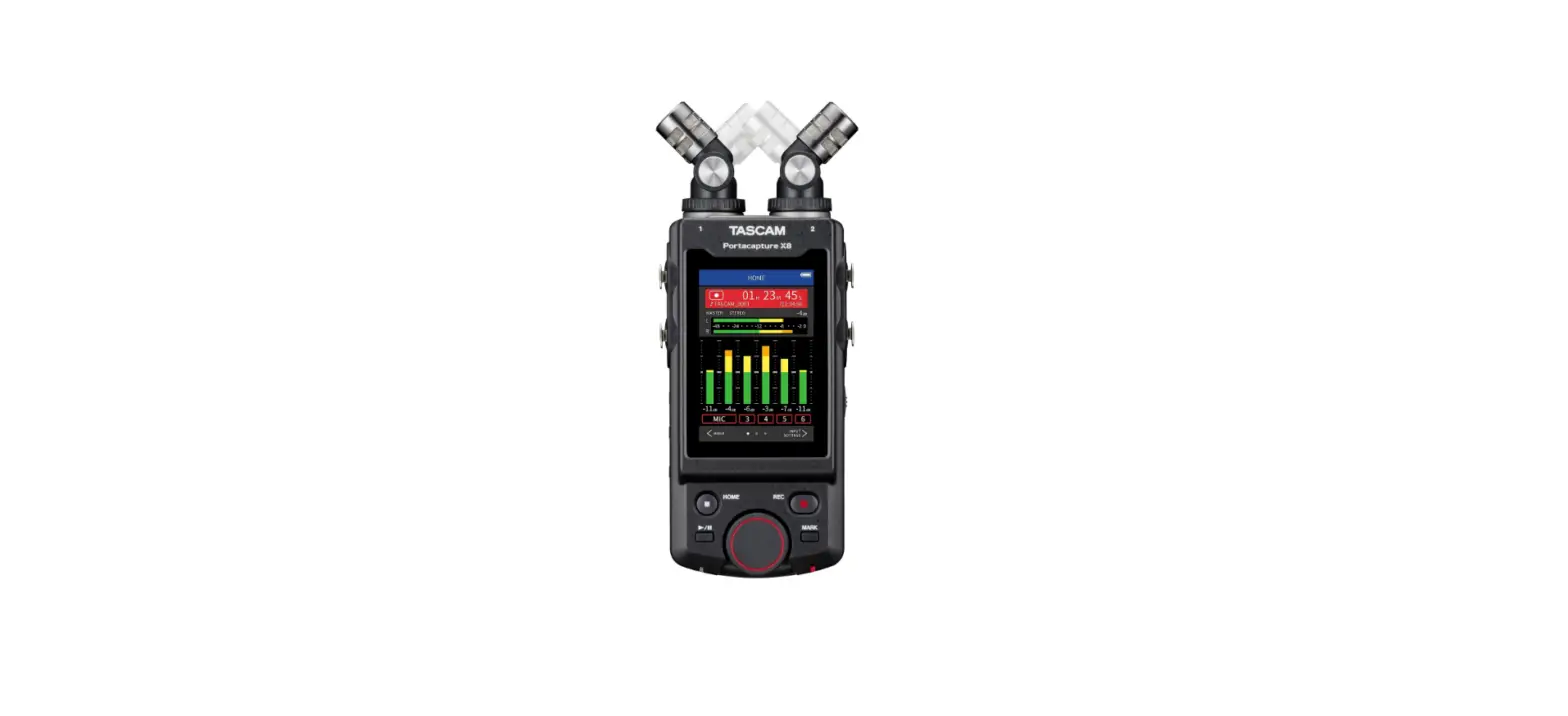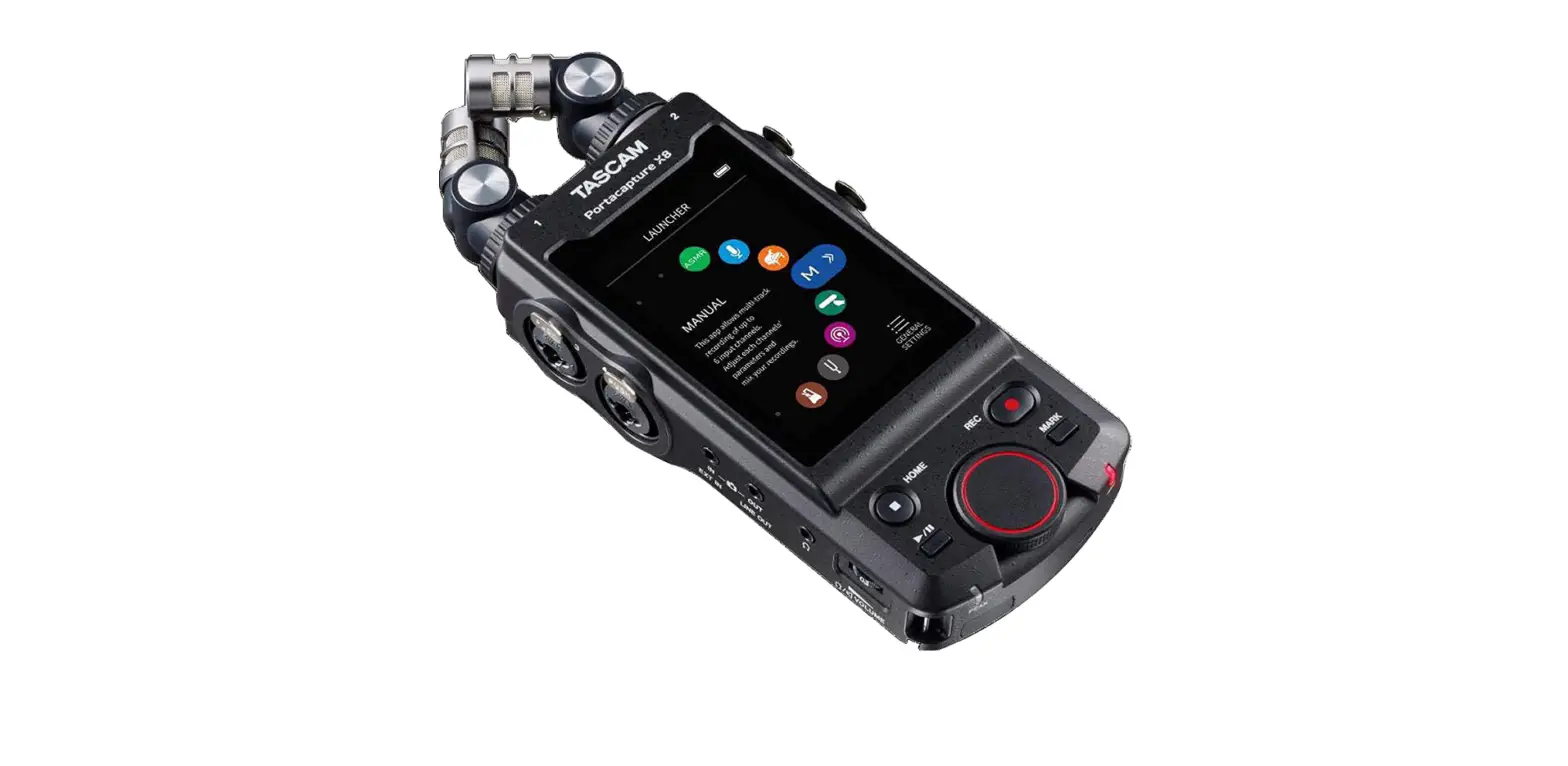

TASCAM Portacapture X8
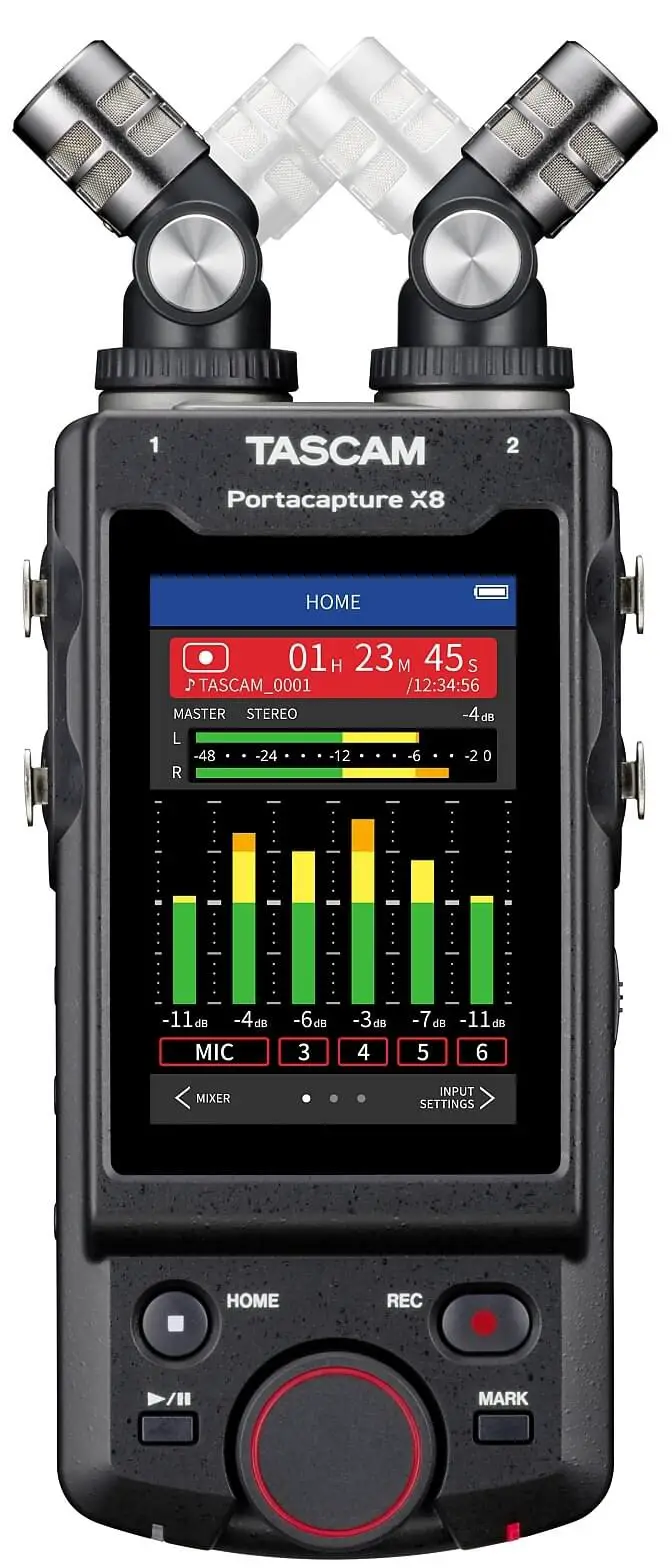
The following function have been added or changed since firmware version 1.20.
Wireless timecode synchronization with devices that use AtomX SYNC by Atomos Pty Ltd and UltraSync BLUE is now supported.
By connecting a Bluetooth adapter (AK-BT1 sold separately) to the Bluetooth device port on this unit, connection with AtomX SYNC by Atomos Pty Ltd and UltraSync BLUE devices to receive timecode is possible.Received timecode is written to the files recorded by this unit. Using this timecode data simplifies the aligning of video and audio files created by multiple units.
NOTE
- The remote control app for this unit (Portacapture Control) and AtomX SYNC/UltraSync BLUE cannot be used simultaneously.
- If the recording format is set to MP3, timecode cannot be added to recording files.\
Connecting AtomX SYNC/UltraSync BLUE devices
- Remove the cover from the Bluetooth connection device port on this unit, and install an AK-BT1 in it.
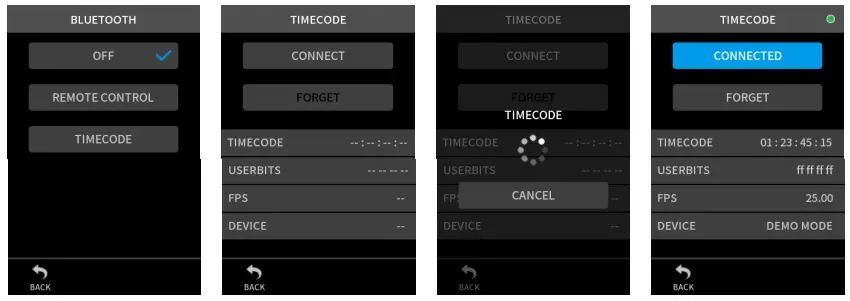
- From this unit’s GENERAL SETTINGS screen, open the OTHER SETTINGS screen, and select TIMECODE for BLUETOOTH.
- Tap CONNECT on the TIMECODE Screen to search for a nearby AtomX SYNC/UltraSync BLUE device and pair with it.
When pairing completes, “CONNECTED” will appear and AtomX SYNC/UltraSync BLUE information will be shown.
TIMECODE This shows the timecode as hours: minutes: seconds: frames.
USERBITS This shows the user bits (date, time, scene number or other chosen data) set with AtomX SYNC/UltraSync BLUE.
FPS This shows the frame rate. DEVICE This shows the name of the AtomX SYNC/UltraSync BLUE device.
Disconnecting from AtomX SYNC/UltraSync BLUE devices
From this unit’s GENERAL SETTINGS screen, open the OTHER SETTINGS screen, and select OFF for BLUETOOTH.
Connecting another AtomX SYNC/UltraSync BLUE device
Unpairing first is necessary to switch connection from an already paired AtomX SYNC/UltraSync BLUE device to a different AtomX SYNC/UltraSync BLUE device.
- From this unit’s GENERAL SETTINGS screen, open the OTHER SETTINGS screen, and select TIMECODE for BLUETOOTH.
- Tap FORGET on the TIMECODE Screen to unpair with the device.
- Tap CONNECT on the TIMECODE Screen to search for the new AtomX SYNC/UltraSync BLUE device and pair with it.
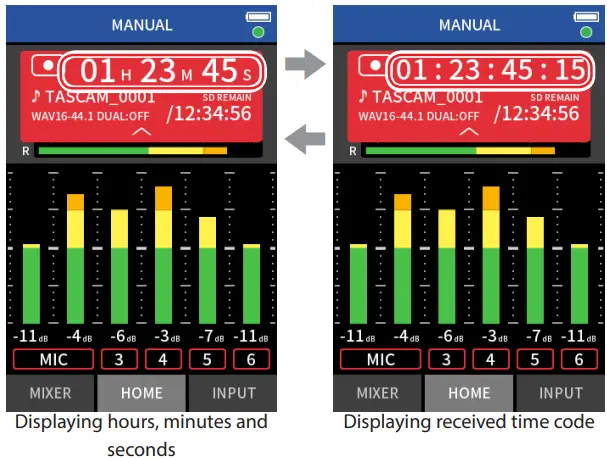
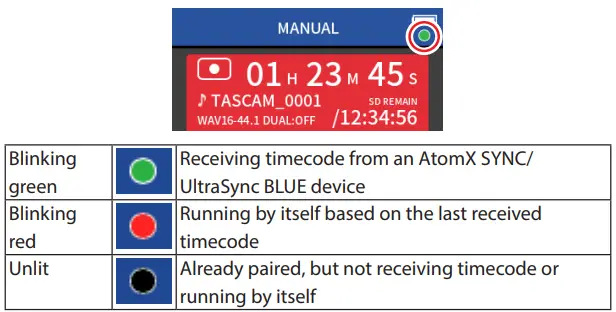
Display when connected to an AtomX SYNC/UltraSync BLUE device
Tap the project status bar to switch between displaying hours, minutes and seconds and received time code.
Connection status
NOTE
- Timecode data can be shown in the same manner in all recording apps.
- Using punch in/out in the MANUAL app, timecode will be shown or added to recording files.
- When timecode is being received, the AK-BT1 LED will blink every second.