 User Guide
MOTION DETECTION SETUP GUIDE:
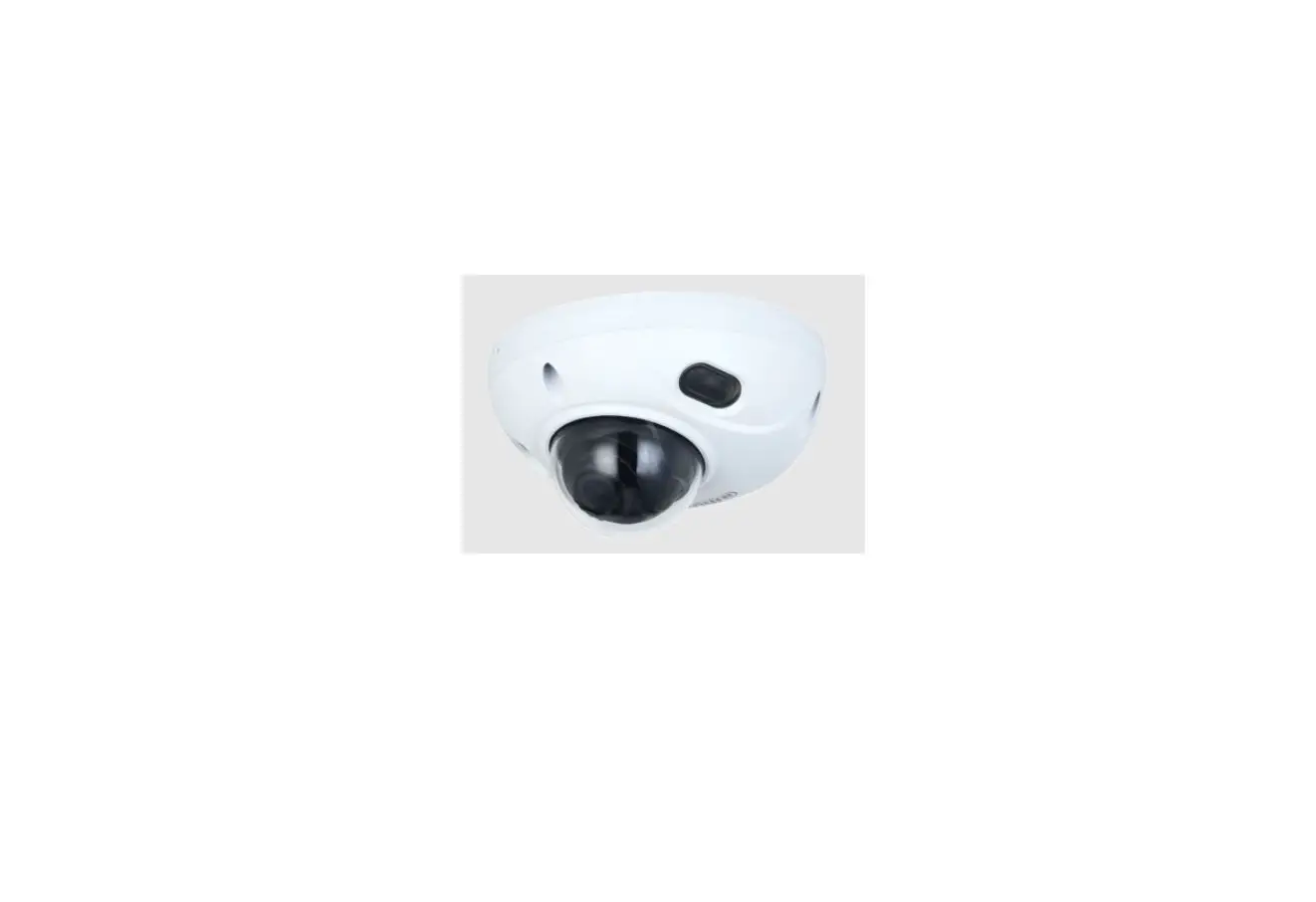
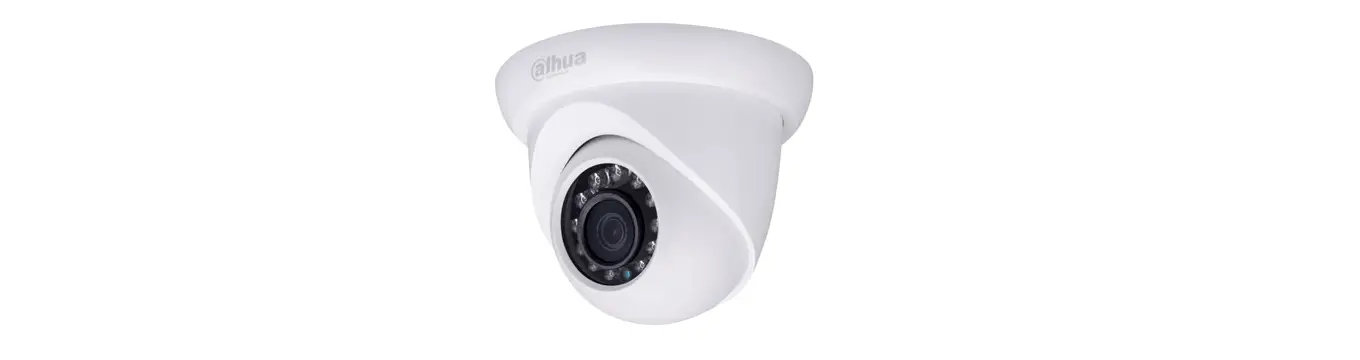
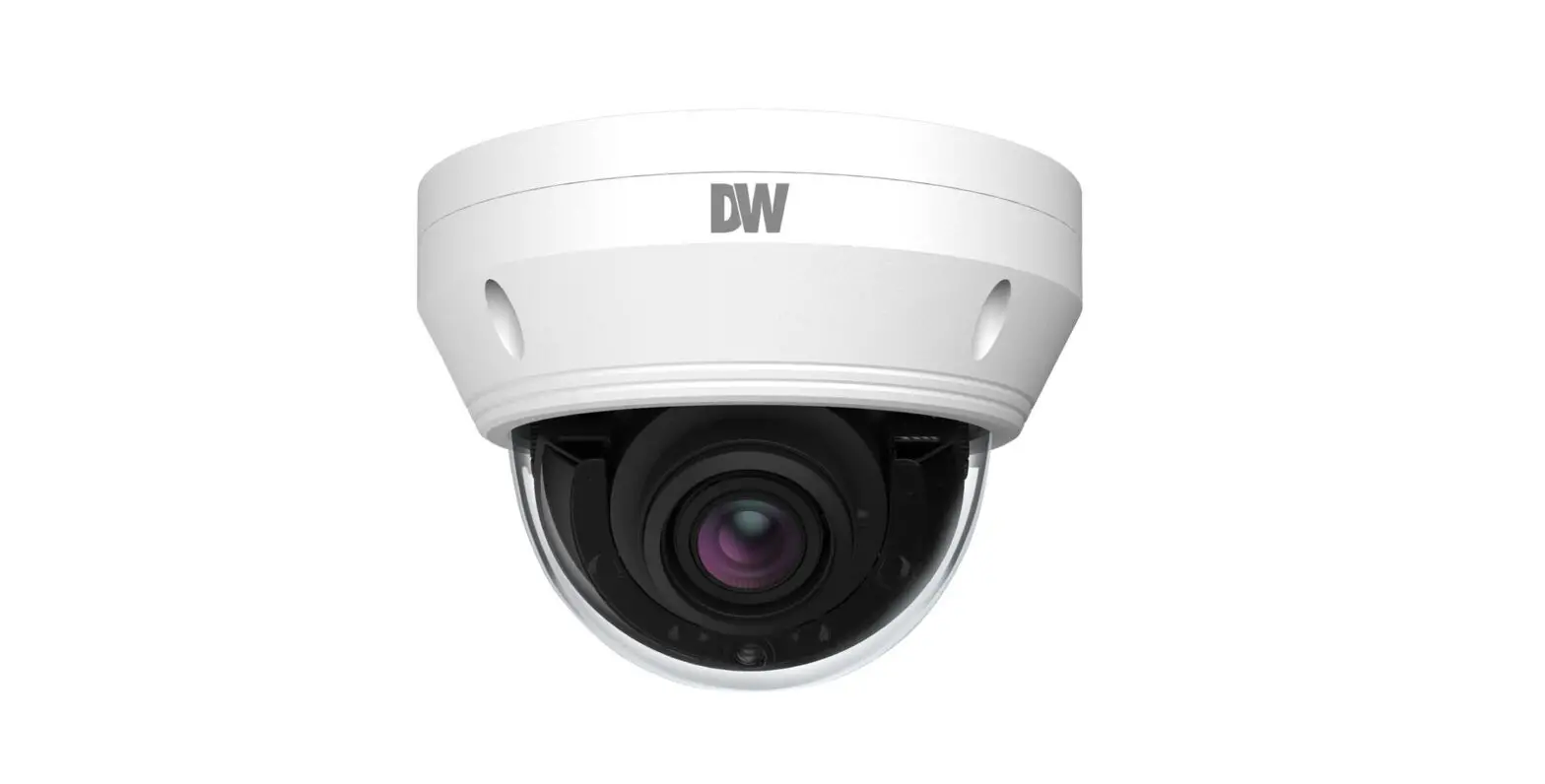
DGM5107T, DGM5407T, DGM5547T, and DGM5447T.
The Motion Detection function is a feature present in all models of our starlight 5MP IP models, in order to activate and configure this feature please refer to the below steps:
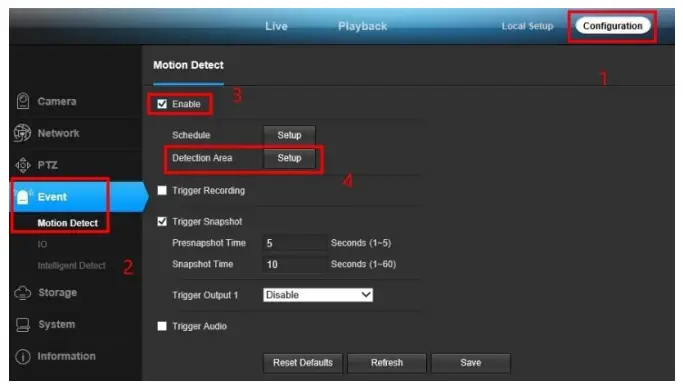
- Go to the CONFIGURATION page of the camera.
- Go to EVENT and then to MOTION DETECT.
- Make sure to check the ENABLE box in order to activate this feature.
- In order to adjust the area of motion detection click on the SETUP button next to DETECTION

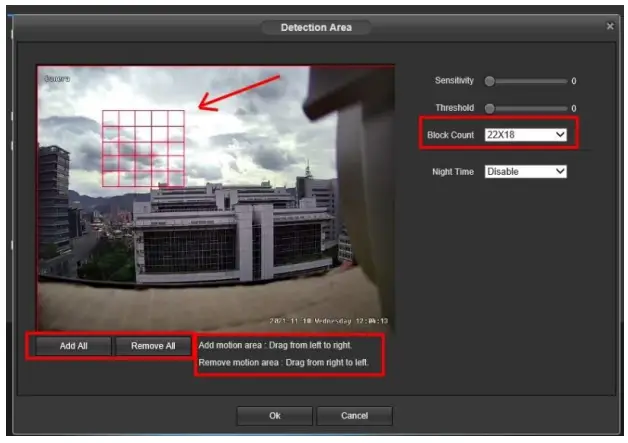
- After clicking on the SETUP button, the DETECTION AREA page will come up.
– You may add a motion area by dragging from left to right, or you may remove a motion area by dragging from right to left.
– You may adjust relevant settings to the detection area with the options on the right. - After all, changes have been made make sure to press the button OK to save them.