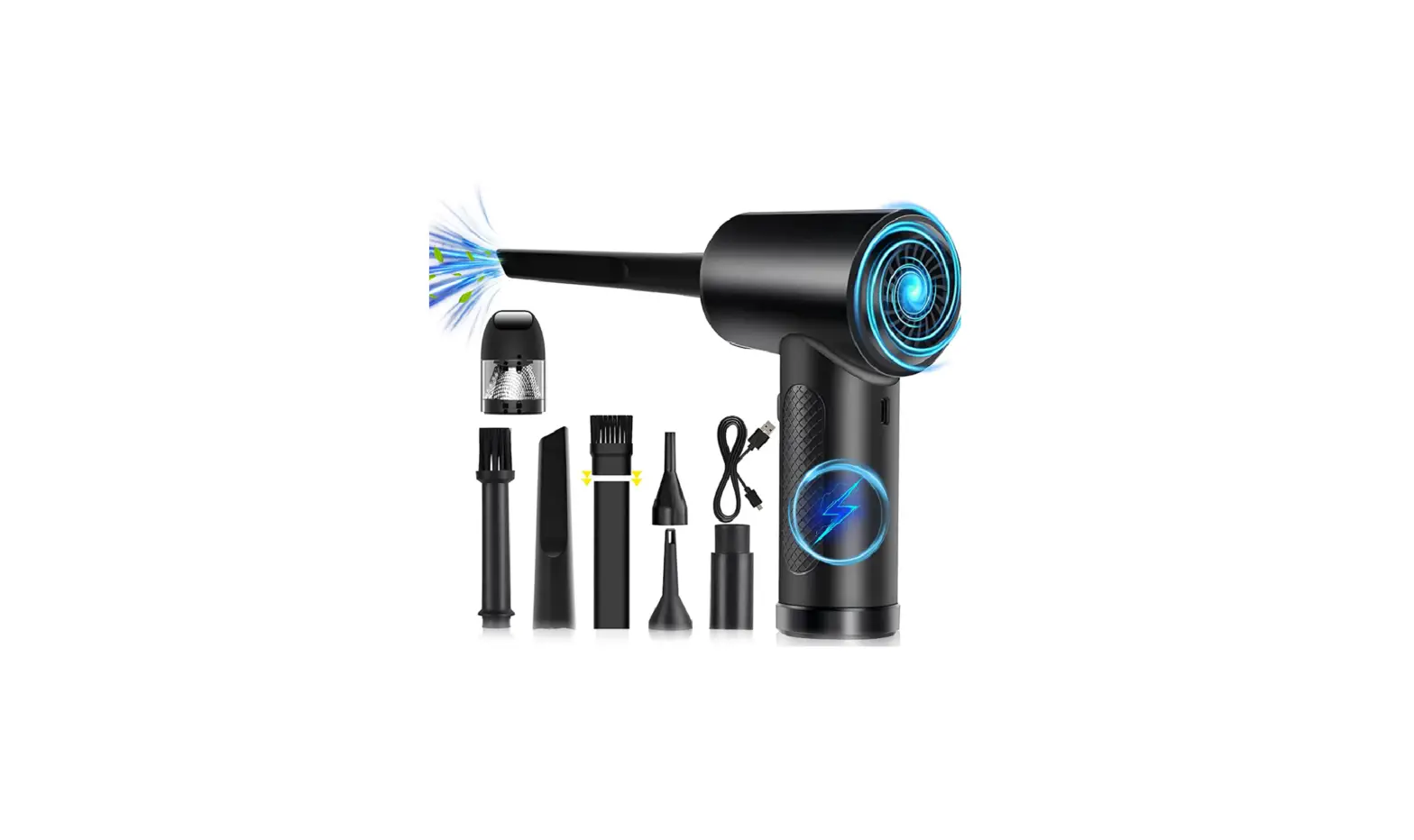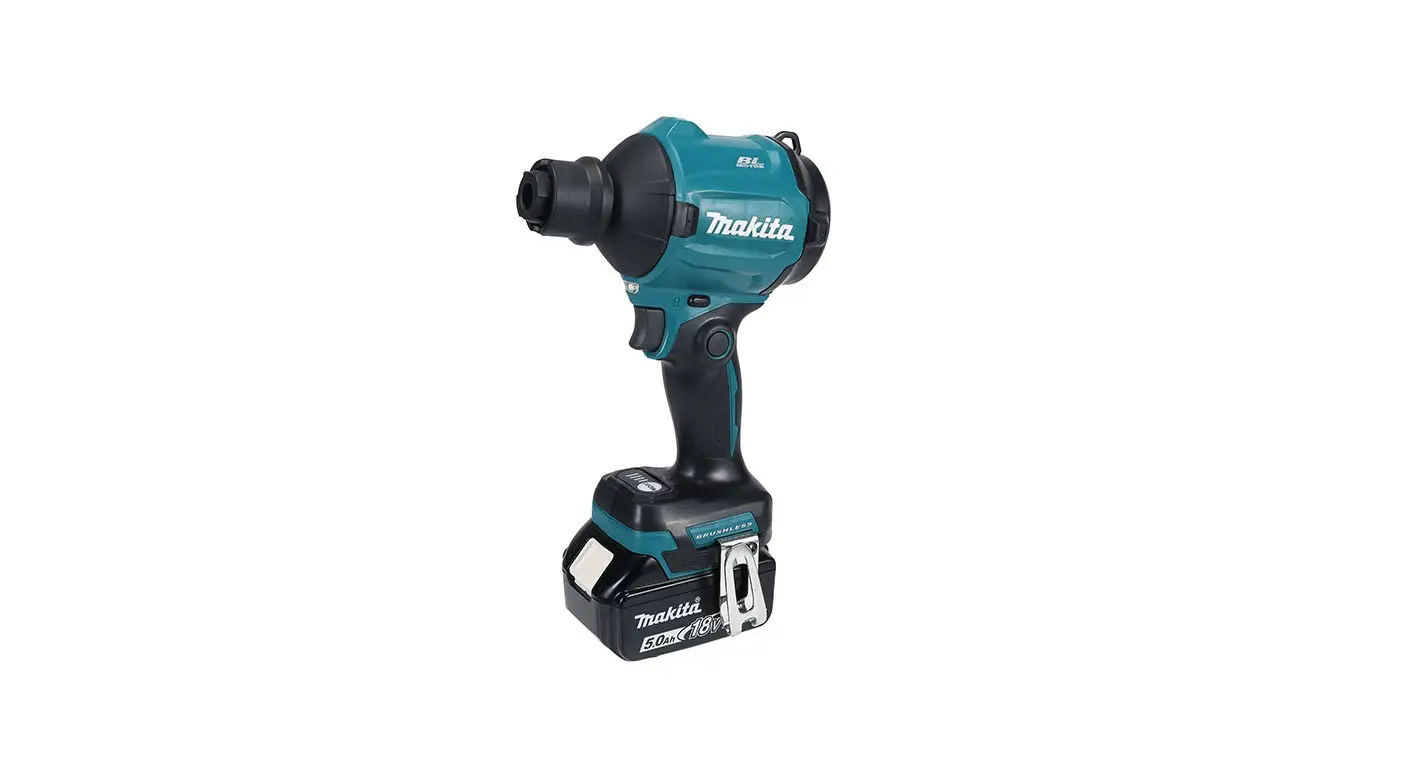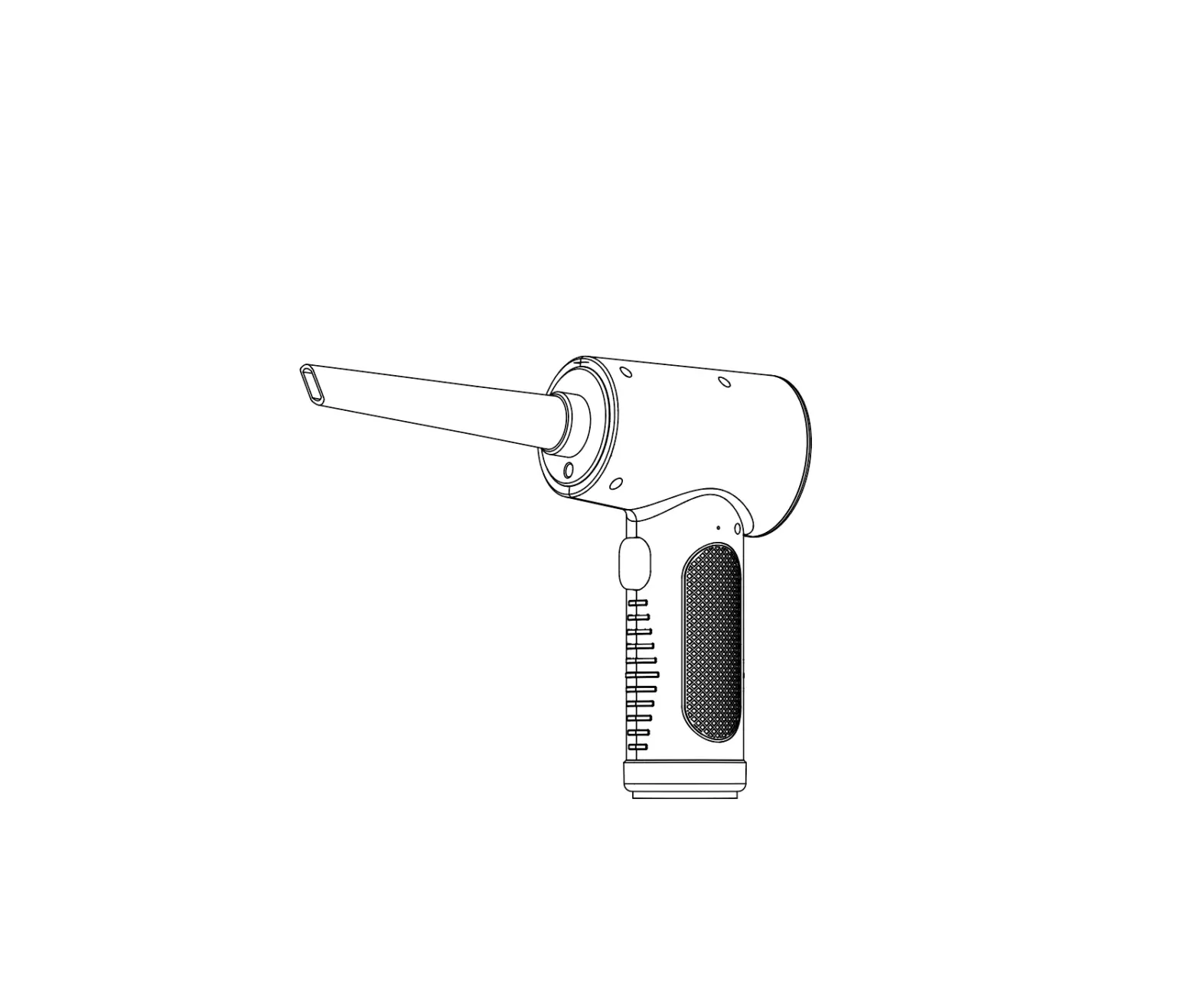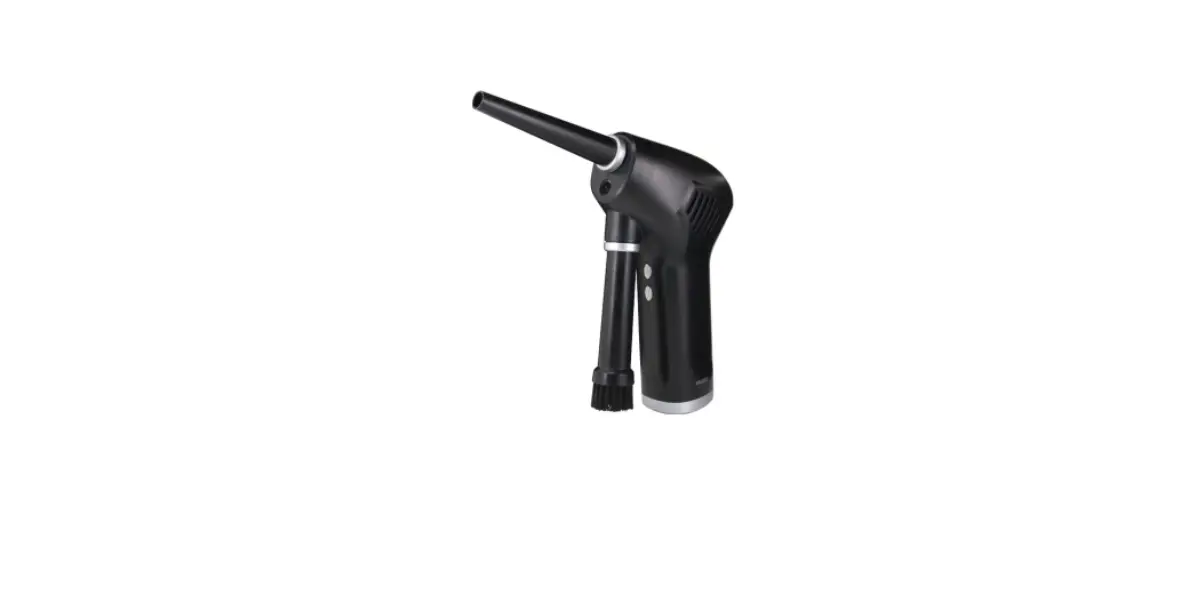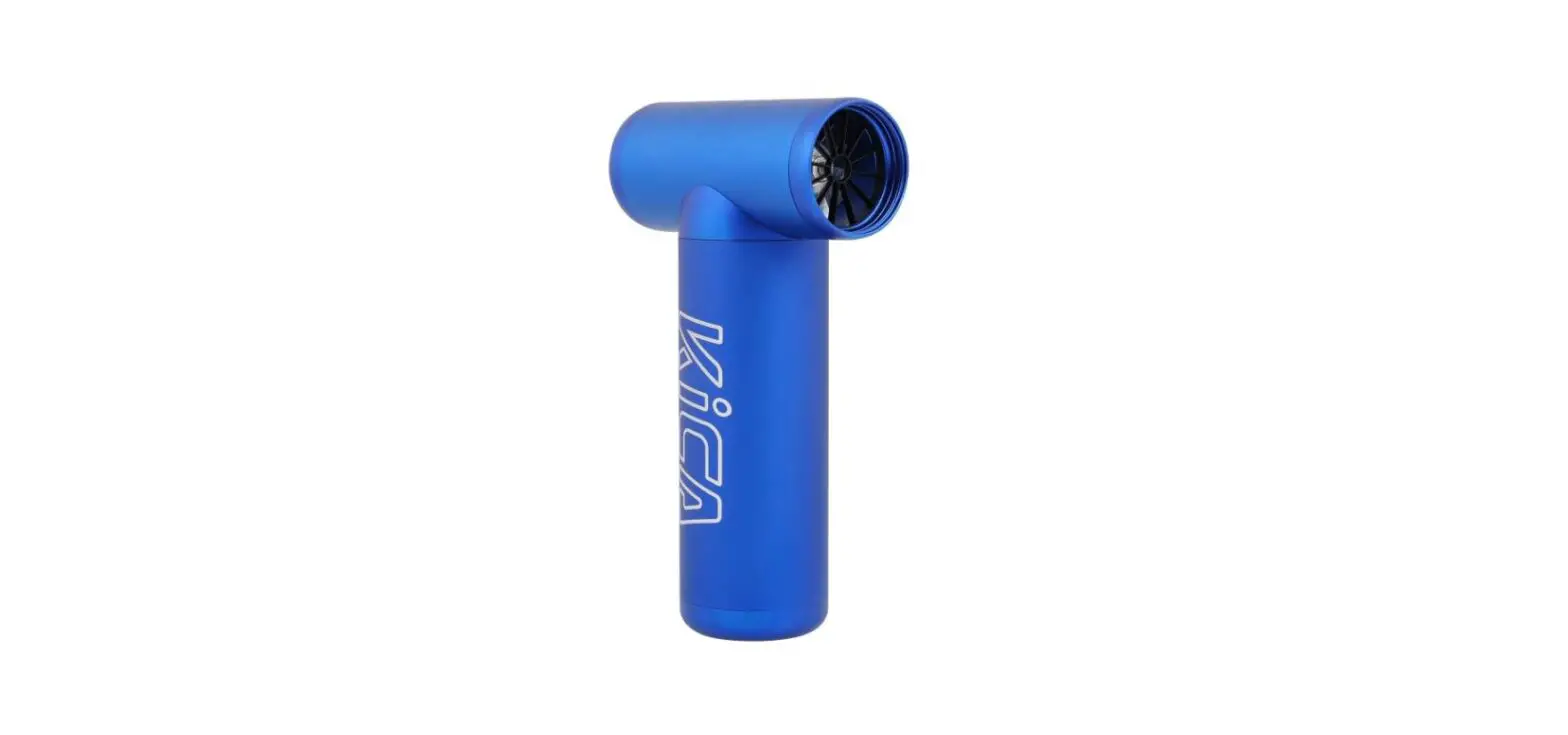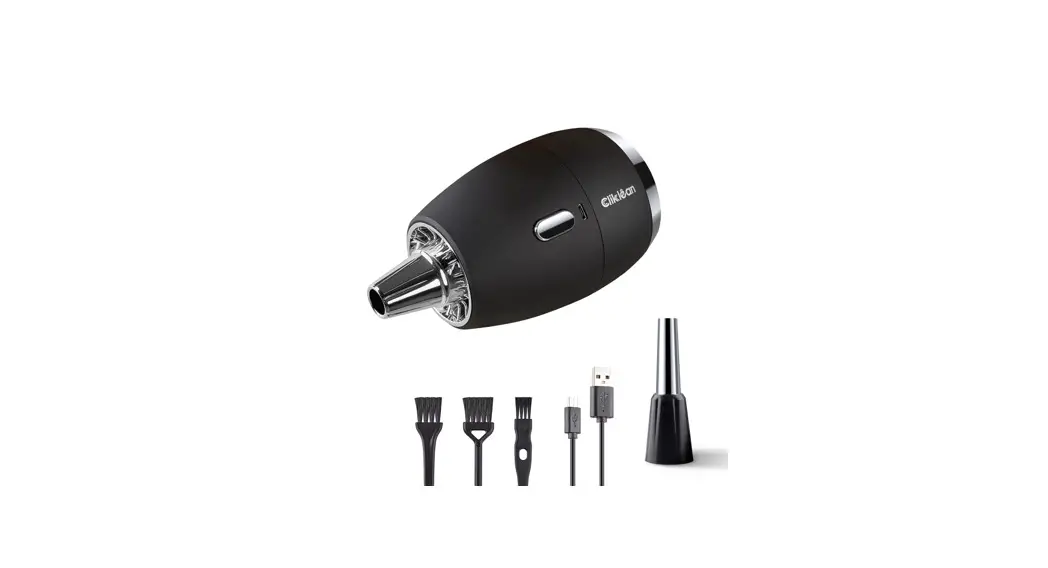

Diowner J2762 Cordless Air Duster User Guide

Diowner J2762 Cordless Air Duster User Guide

Diowner LogoJ2762 Cordless Air Duster
User Guide

J2762 Cordless Air Duster
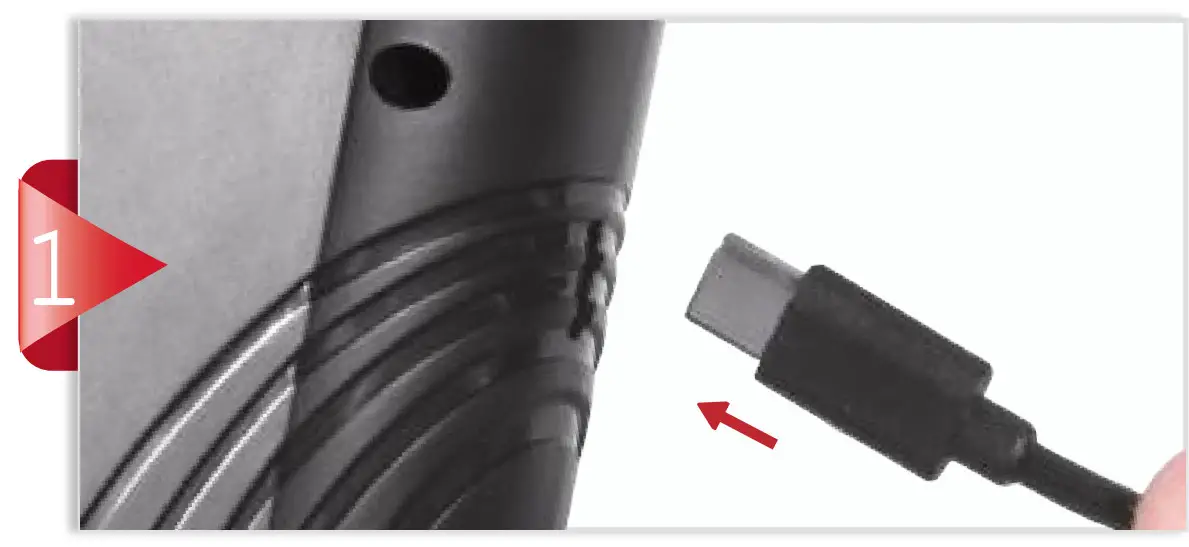
Diowner J2762 Cordless Air Duster -

Connect the Type-C cable.

Diowner J2762 Cordless Air Duster - Figer

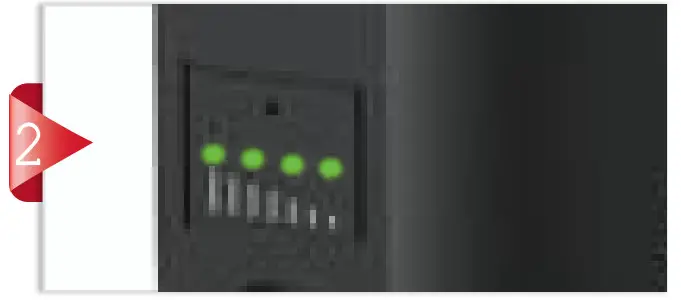
Charge the battery until it’s fully charged before use.
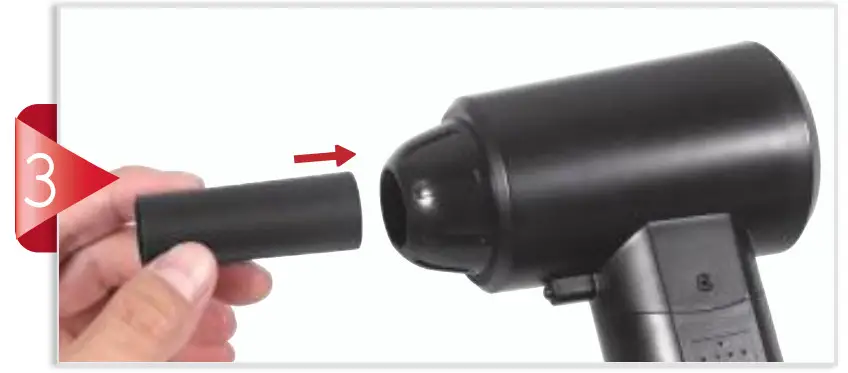
Diowner J2762 Cordless Air Duster - Figer1

Insert the nozzle connector into the air duster outlet.
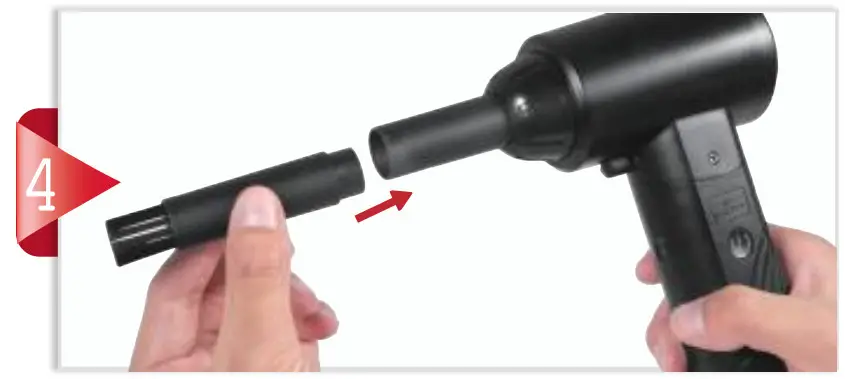
Diowner J2762 Cordless Air Duster - Figer2

Select the nozzle or brush and attach it to the nozzle connector.
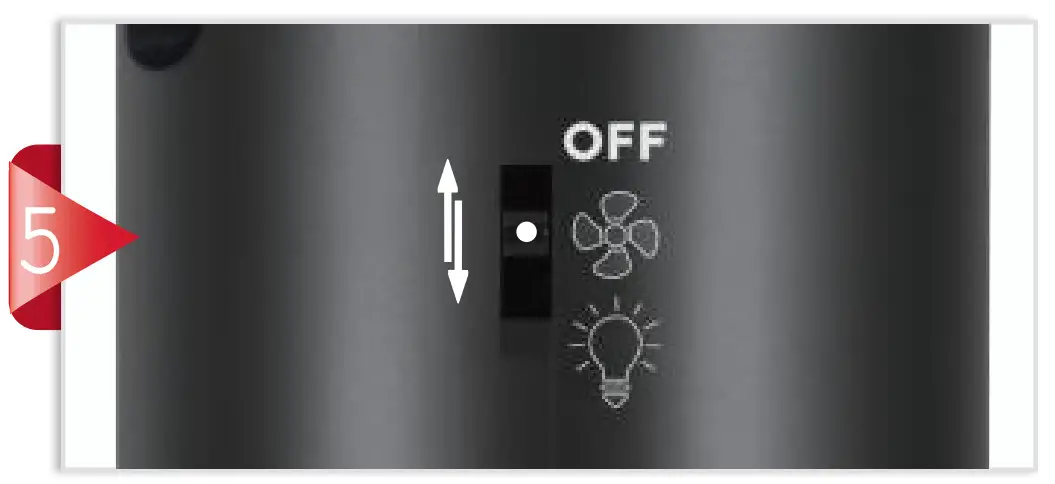
Diowner J2762 Cordless Air Duster - Figer3

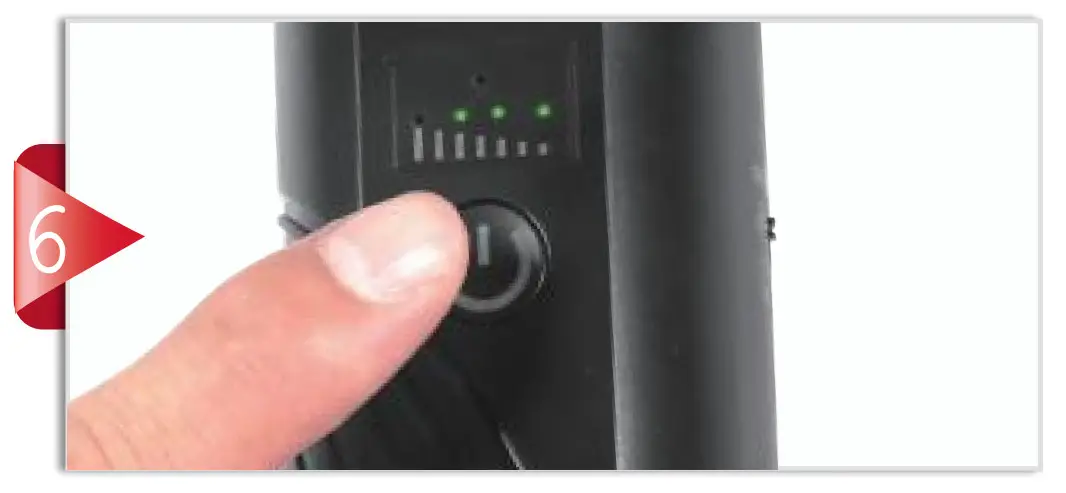
Switch the power button to to start the device.
Diowner J2762 Cordless Air Duster - Figer4

Short press ONCE to low gear.Diowner J2762 Cordless Air Duster -Icon
Short press TWICE to medium gear.Diowner J2762 Cordless Air Duster -IconDiowner J2762 Cordless Air Duster -Icon 1
Short press THRICE to high gear.Diowner J2762 Cordless Air Duster -Icon 1Diowner J2762 Cordless Air Duster -IconDiowner J2762 Cordless Air Duster -Icon 1

Diowner J2762 Cordless Air Duster - Figer5

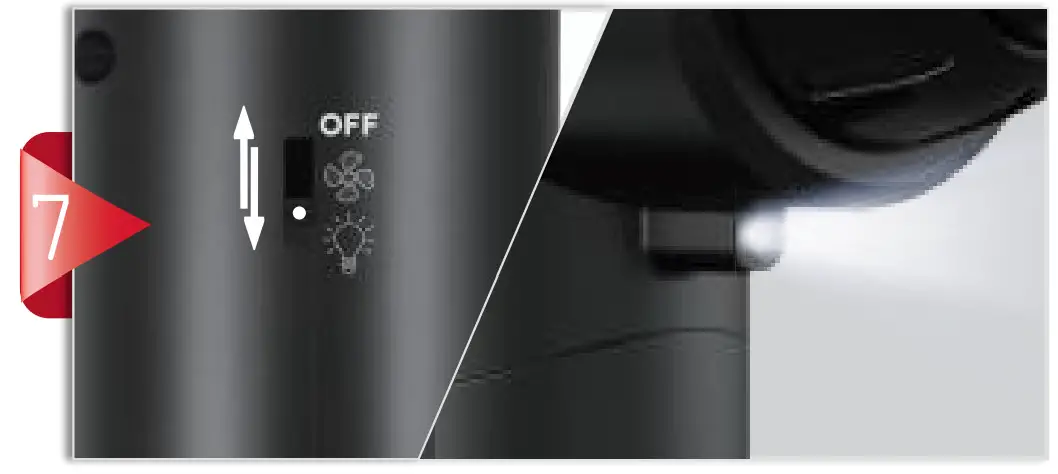
Switch the power button toTELEFUNKEN TF-1709 Radio with Alarm - 2 to turn on the LED light.

Diowner J2762 Cordless Air Duster - Figer6

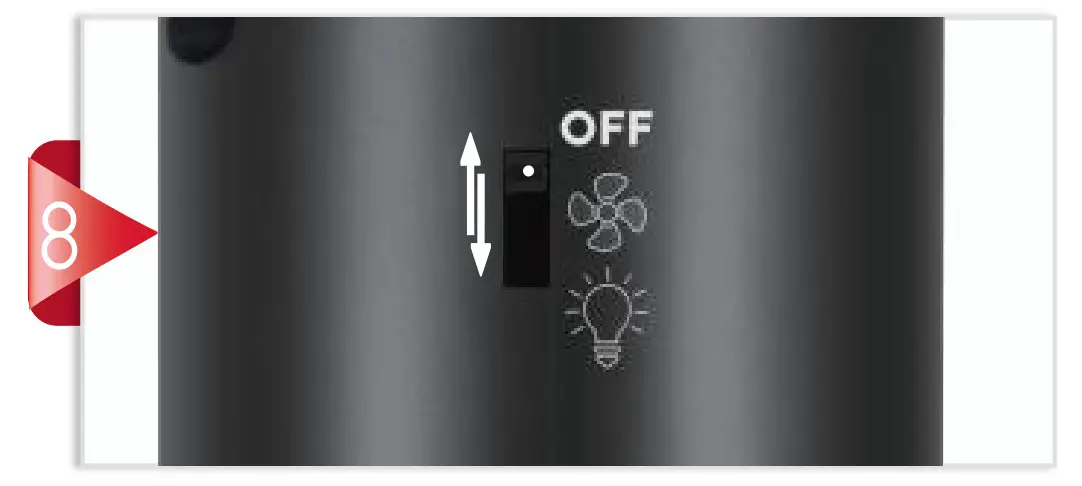
Switch the power button to OFF to turn off the device.

Diowner Logo

Documents / Resouces

Download manual
Here you can download full pdf version of manual, it may contain additional safety instructions, warranty information, FCC rules, etc.


Related Manuals