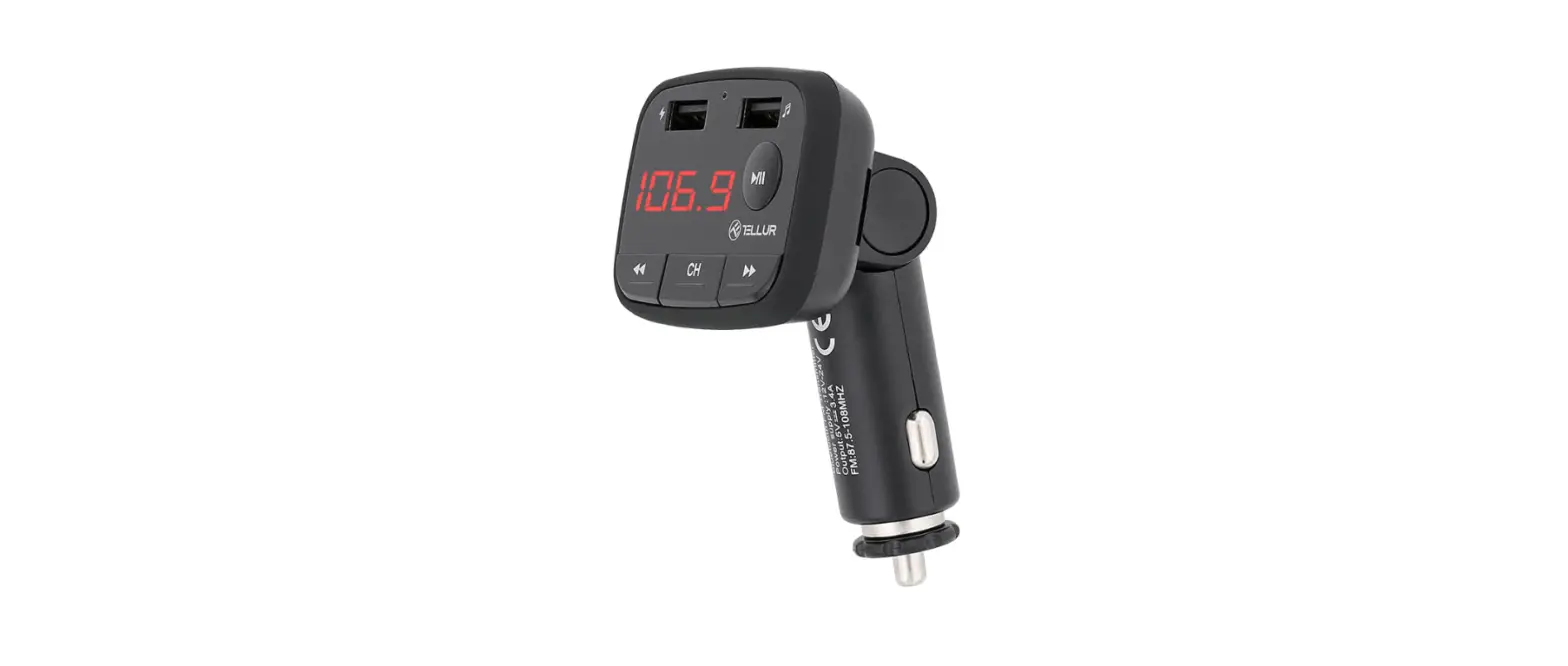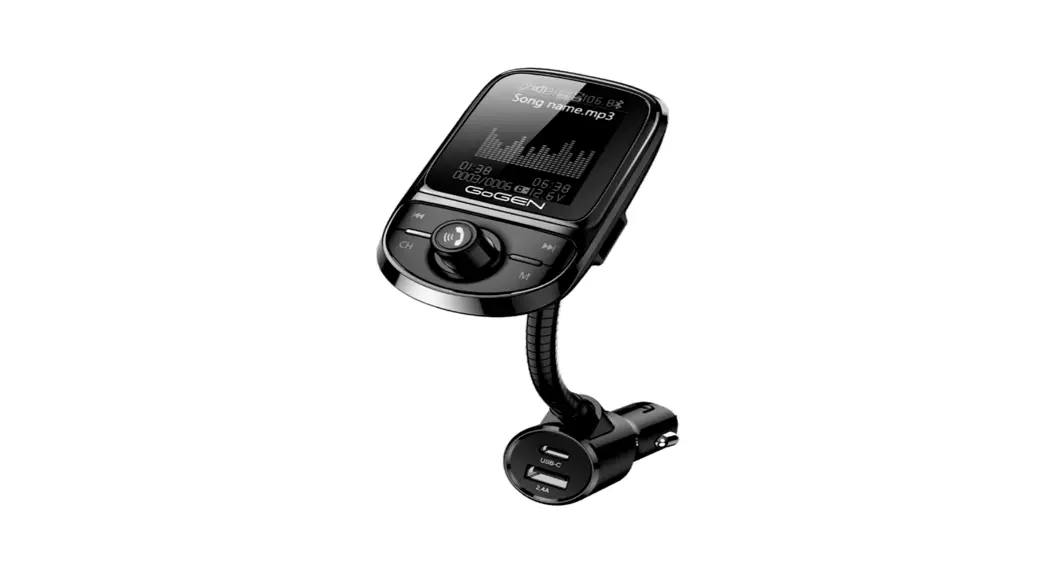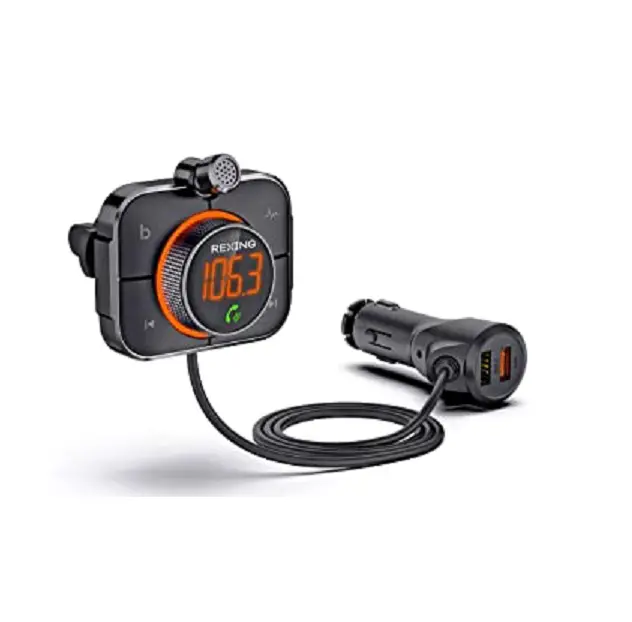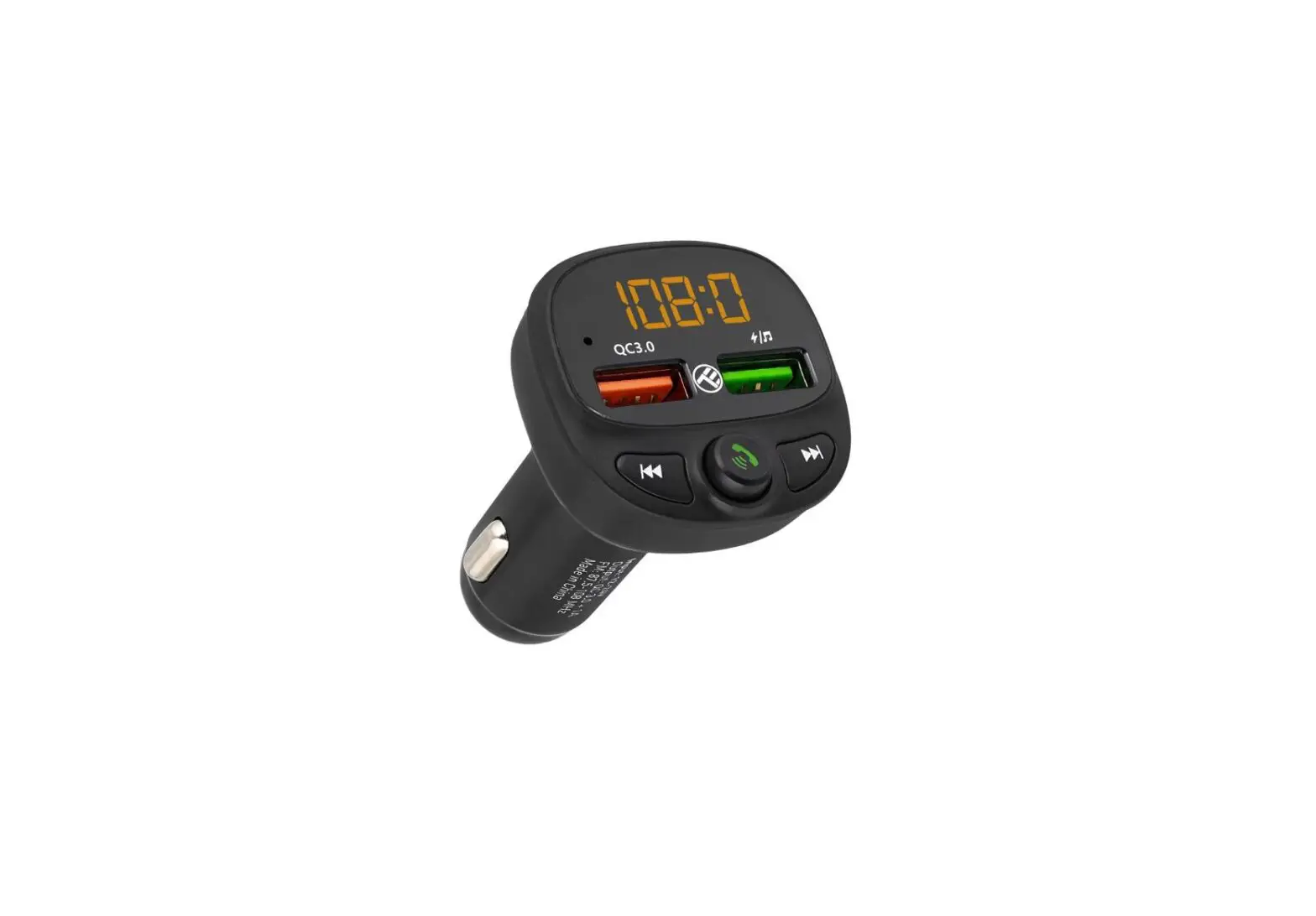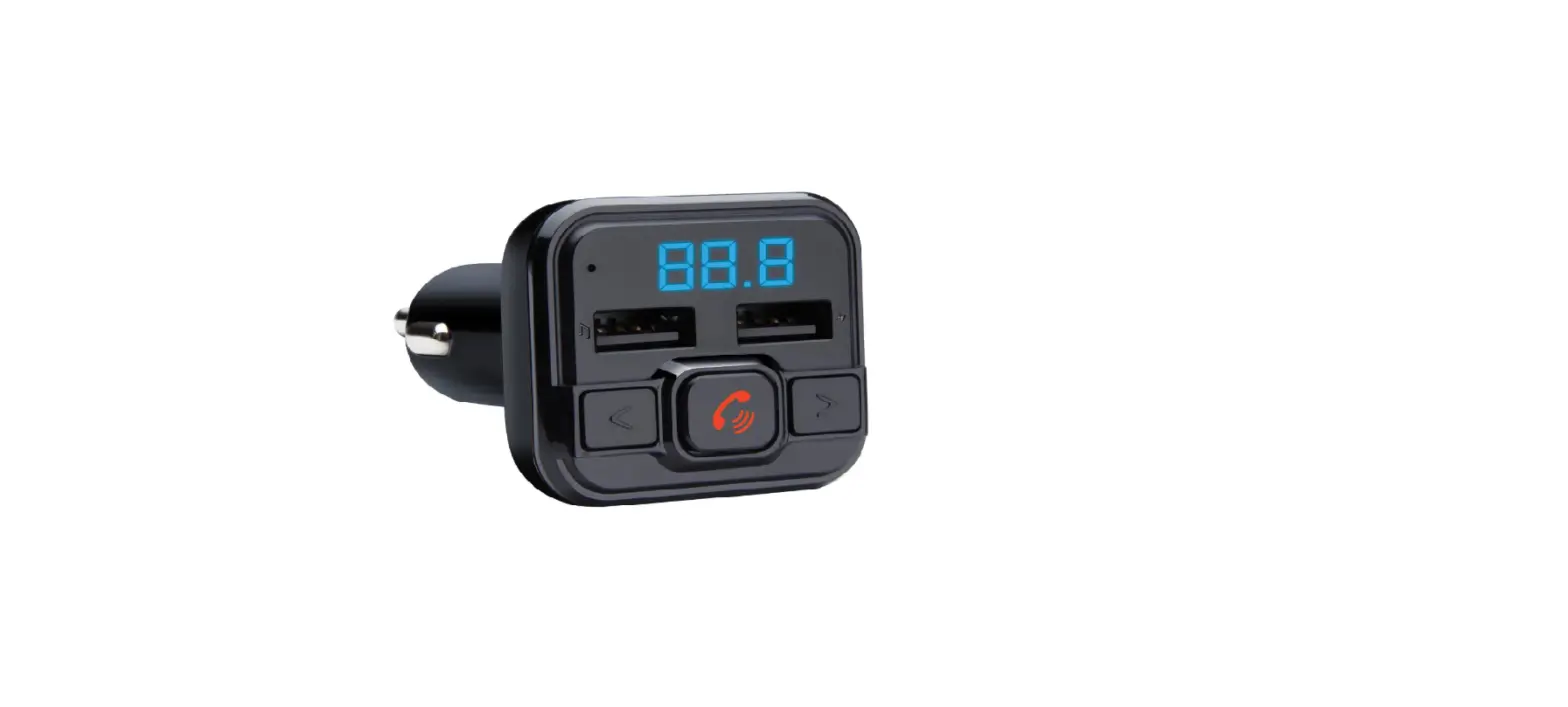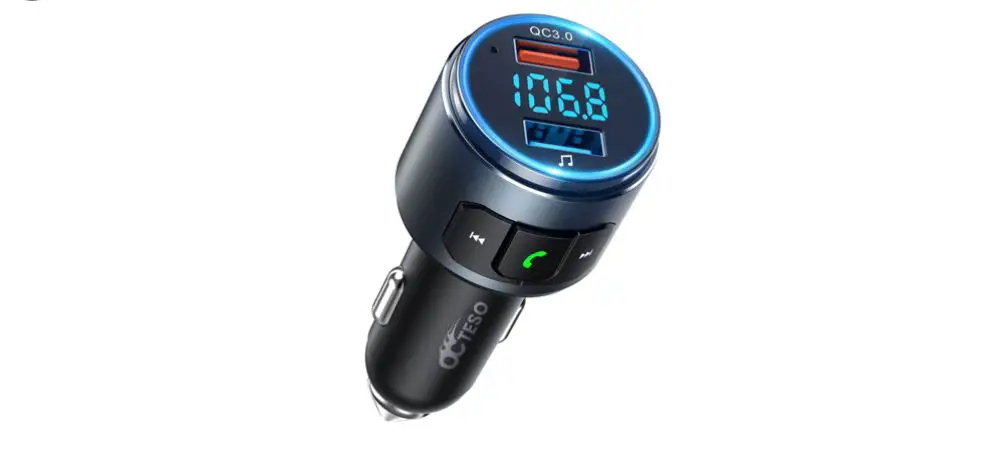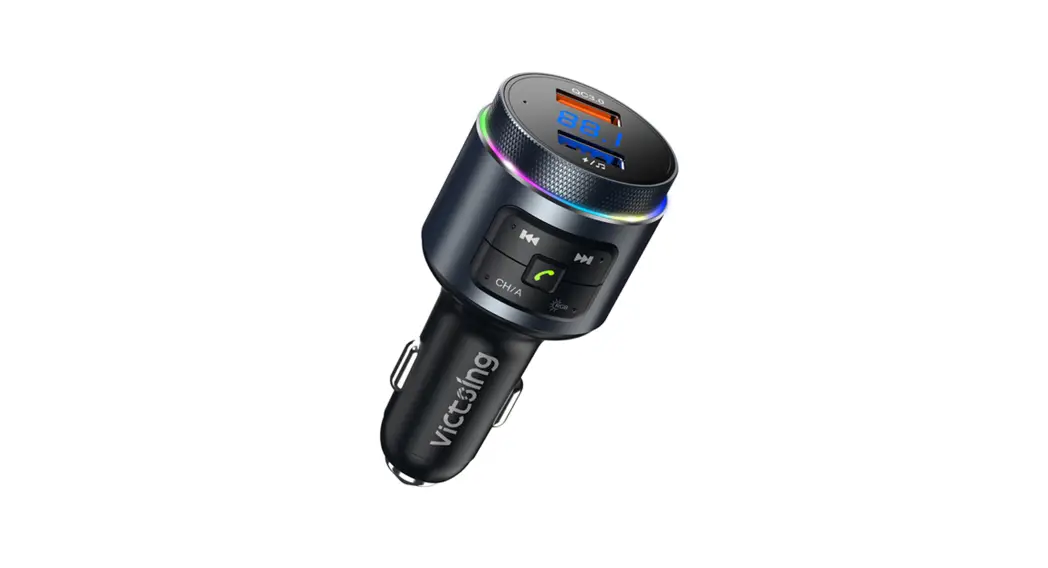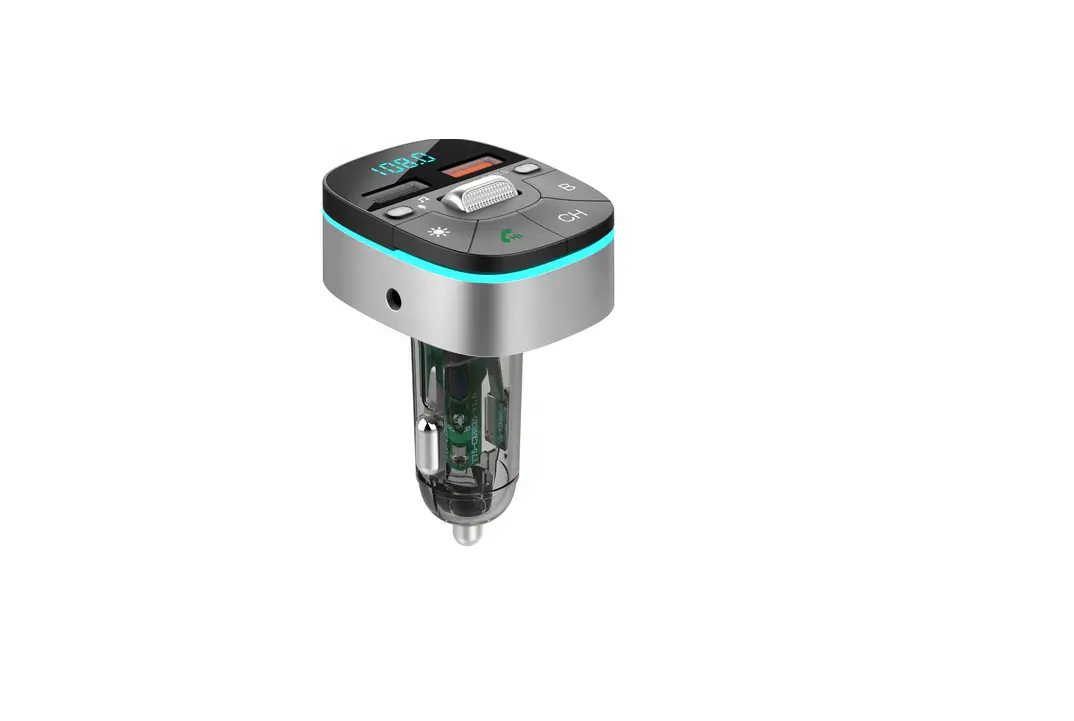

TECHNAXX FMT1600BT RGB FM Transmitter
Features
- Wireless audio transmission to car stereo system by FM channel
- FM range from 87.5 – 108.0 MHz
- Bluetooth V5.0
- USB charging with QC3.0
- USB-C PD 20W charging
- USB drive music playback up to 64 GB
- RGB colour light mode
- Hands free Bluetooth calling
- Echo cancellation and noise suppression technology
- Voice assistant support
- Car voltage display
Service phone No. for technical support: 01805 012643* (14 cent/minute from German fixed-line and 42 cent/minute from mobile networks).
Free Email: [email protected]
The support hotline is available Mon-Fri from 9 am to 1 pm & 2 pm to 5 pm.
Keep this user manual for future reference or product sharing carefully. Do the same with the original accessories for this product. In case of warranty, please contact the dealer or the store where you bought this product.
Enjoy your product Share your experience and opinion on one of the well-known internet portals.
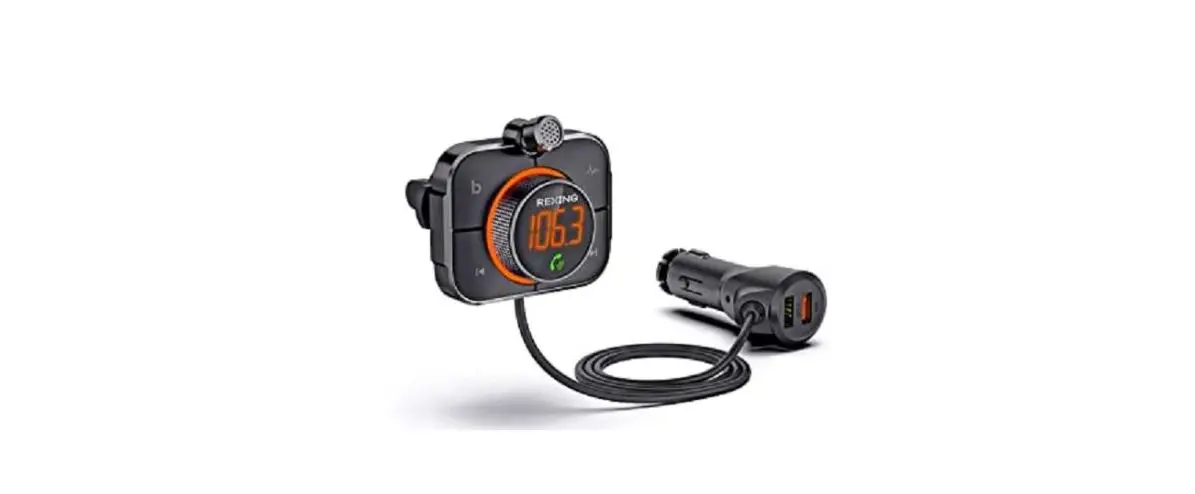
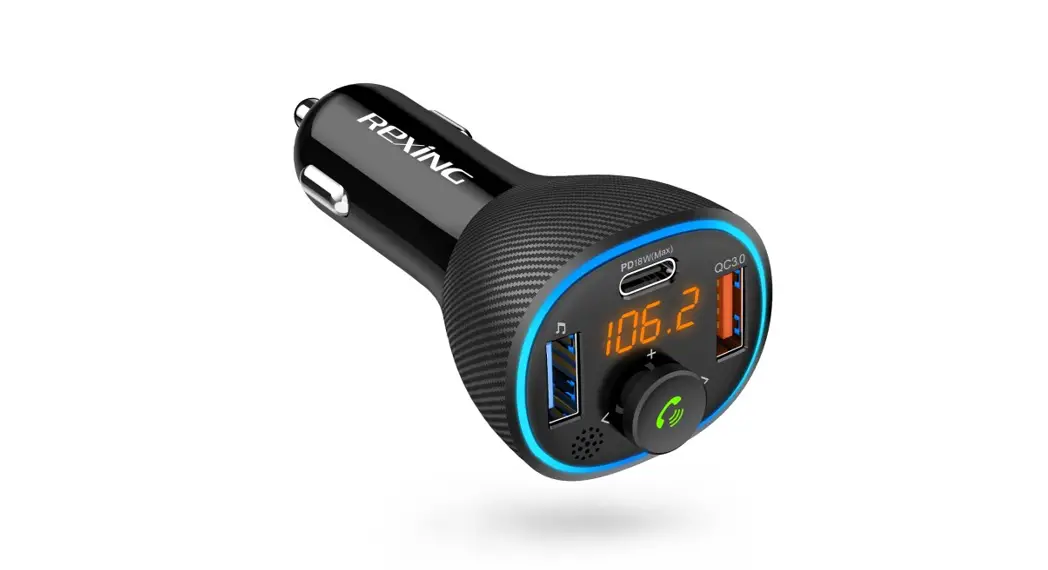
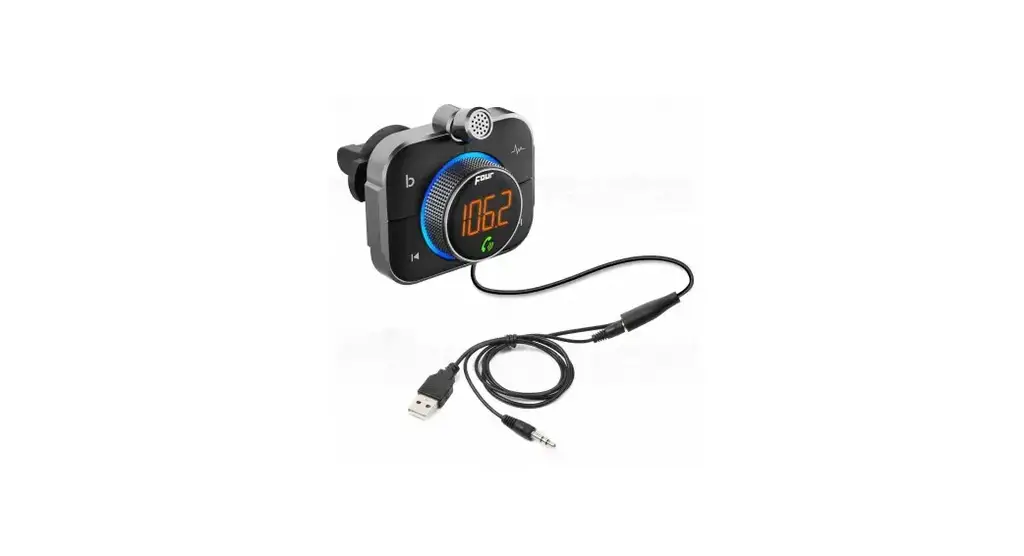
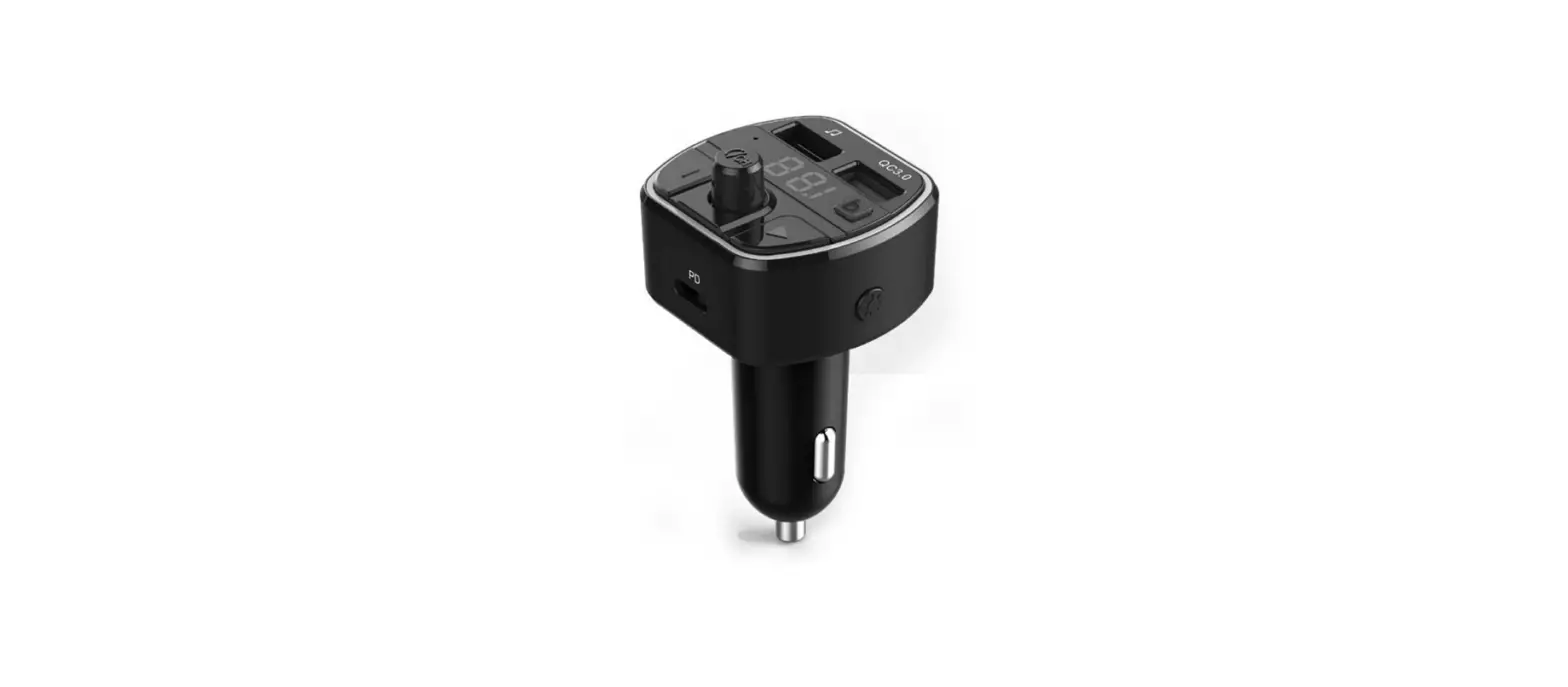
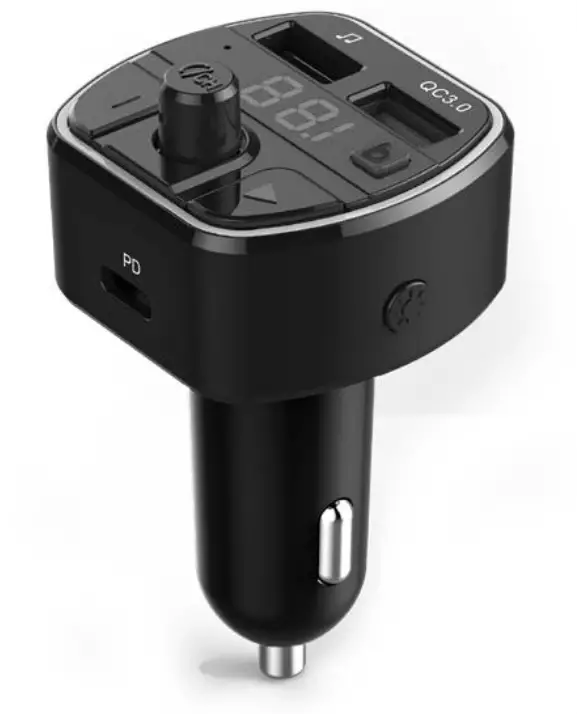
Product overview & functions

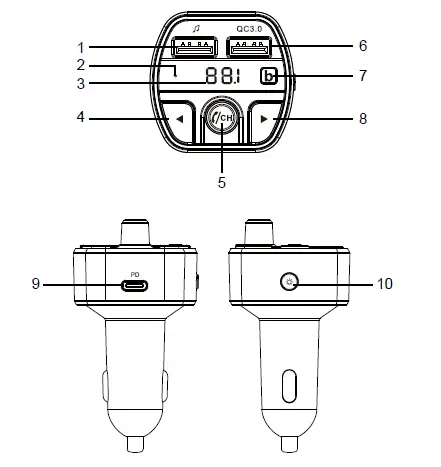
| 1 | USB Drive port | 2 | Microphone |
| 3 | LED (FM / Voltage) | 4 | Previous song / Voltage switch |
| 5 | Play / Pause / Answer phone call / Volume / FM channel | 6 | USB charging port – QC3.0 |
| 7 | Bass button | 8 | Next song / Mode switch |
| 9 | USB-C PD 20 W charging port | 10 | RGB light / Voice assistant |
Technical specifications
| Input voltage | DC 12V ~ 24V |
| Bluetooth version | V 5.0 |
| Bluetooth distance | < 10m |
| Bluetooth frequency / power | Frequency band 2.4GHz / Radiated transmission power max. 2.5mW |
| USB drive port (♫) power | ≤ 5V / 1A |
| USB QC3.0 port output power | 5V / 3.0A, 9V / 2.0A, 12V / 1.5A |
| USB-C PD port output power | 5V / 3.0A, 9V / 2.2A, 12V / 1.66A |
| USB drive capacity | Max. 64GB |
| Supported audio format | MP3 / WMA / WAV / FLAC |
| RGB light | red, yellow, green, sky-blue, blue, purple, rainbow |
| Voice assistant compatibility | Google Assistant, iOS 8, Android 9.0, EMUI 11 |
| FM frequency range | 87.5 – 108.0MHz |
| FM transmission distance | < 5 m |
| Distortion | < 0.1% |
| SNR | > 85 dB |
| Operating temperature | -10 °C up to 50 °C |
| Package content | Technaxx FMT1600BT, user manual |
First use
- Insert the FMT1600BT into the cigarette lighter of your car. The transmitter LED display will light up, indicating that the power supply has been turned on.
- Press and hold the
 button to adjust the transmitting frequency to match car FM frequency. You can also adjust car FM frequency to match with this FM transmitter’s frequency.
Note: 87.5 MHz is default at start up and a free channel in most countries.
Playback from USB drive
Insert the USB Drive which contains compatible audio files into the USB port. It will play and transmit the audio to the car stereo system automatically with the set frequency. (Max 64GB)
Bluetooth function
- Turn on the Bluetooth function of mobile devices, search new device name “FMT1600BT”, click it to pair.
Note: Some device needs to enter a password, please use the default password “0000”. - After your phone is paired successfully, it will transmit your phone music to the car stereo system.
- In music playing mode, it will auto switch to phone call mode if there’s an incoming call.
- To cancel Bluetooth transmission, delete the device from your connection list at your smartphone.
Pick up phone calls
Click  once to pick up the phone call, click again to hang off the phone call. Double click button to reject the incoming call. Under the no call status, double click to redial last phone call number
Switch RGB light mode
- Click
 once to switch light mode.
 - Modes are: red – yellow – green- sky blue – blue – purple -rainbow – turn off.
Voice assistant function
- To activate the voice assistant function of your mobile device press and hold button until you hear the voice assistant tone of your device.
- Note: Your phone has to be connected and support the voice assistant function e.g., Google assistant, Siri, or Bixbi.
Bass function
- To enable the advance bass mode, press the
 button.
 - The music will now play in an enhanced preset bass mode.
Display battery voltage of your car
- This device has the ability to show the current battery voltage of your car.
- Press and hold the
 button. The current battery voltage will be visible on the LED display for 5 seconds
Quick operation chart
| Operation | Car FM Transmitter |
| Power on / off | Plug / unplug the product into the car cigarette socket |
| Play / Pause | Press button once |
| Answer / Hang off call | Press button once to answer the incoming call. Press again to hang off the phone call |
| Reject / Redial | Double click button to reject the incoming call. Under no call status, double click |
| Volume adjustment | Rotate to adjust the volume |
| Change songs | Press button to play previous / next song |
| FM Frequency | Long press button to enter the FM mode, then rotate |
| RGB light / Voice assistant function | Short press  to enter RGB lighting mode; long press to enter RGB lighting mode; long press to enter the voice assistant function mode |
| Mode Switch | Long press to switch the USB Drive/ Bluetooth music playing mode |
| Bass sound effect | Short press to switch bass sound effect to switch bass sound effect |
| Voltage detection | Long press  to display the car’s current voltage to display the car’s current voltage |
Troubleshooting
- Please make sure the car cigarette lighter voltage is 12-24V, otherwise the product will not work properly or even destroyed.
- When selecting channels, please avoid channels with strong signal so as not to affect the sound quality.
- If the voice assistant function does not respond, please check if your phone is compatible or accept all conditions on your smartphone to use the voice assistant function.
- If the car radio does not receive music, please check if the frequency of the station and the vehicle are the same, or increase the volume to improve the performance.
- Use the car radio to adjust the volume. Do not increase the volume too much or distortion will occur. If distortion occurs, decrease the volume.
- If the USB drive does not play music, check if the drive is plugged into the correct USB port (marked with music indication) or check the file format of the drive.
- If the Bluetooth device does not connect to the FM transmitter or does not play music after connecting, the user should check if the correct PIN code (“0000”) has been entered or if the Bluetooth device supports A2DP.
- For safety reasons, please unplug the car charger when not in use.
Warnings
- Do not remove any cover to avoid the risk of an electric shock or other damages.
- Do not attempt to disassemble the device, it may result in short-circuit or even damage.
- Do not drop or shake the device, it may break internal circuit boards or mechanics.
- Keep the device in dry and ventilated environment.
- Avoid high humidity and high temperature.
- Do not expose this device to rain or moisture to reduce the risk of fire or electrical shock. The device should not be exposed to dripping or splashing.
- Keep the device away from little children.
Declaration of Conformity
The EU Declaration of Conformity can be requested at the following address: www.technaxx.de/ (in the lower bar “Declaration of Conformity”).
Disposal
- Disposal of the packaging. Sort packaging materials by type upon disposal.
- Dispose of cardboard and paperboard in the waste paper. Foils should be submitted for recyclables collection.
- Disposing of old equipment (Applies in the European Union and other European countries with separate collection (collection of recyclable materials) Old equipment must not be disposed of with household waste! Every consumer is required by law to dispose of old devices that can no longer be used separately from household waste, e.g. at a collection point in his or her municipality or district. This ensures that the old devices are properly recycled and that negative effects on the environment are avoided. For this reason, electrical devices are marked with the symbol shown here.
- Batteries and rechargeable batteries must not be disposed of in household waste! As a consumer, you are required by law to dispose of all batteries and rechargeable batteries, whether they contain harmful substances* or not, at a collection point in your community/city or with a retailer, to ensure that the batteries can be disposed of in an environmentally friendly manner. * marked with: Cd = cadmium, Hg = mercury, Pb = lead. Return your product to your collection point with the fully discharged battery installed inside!
Model: FMT1600BT Article no.:4969; 01/2022