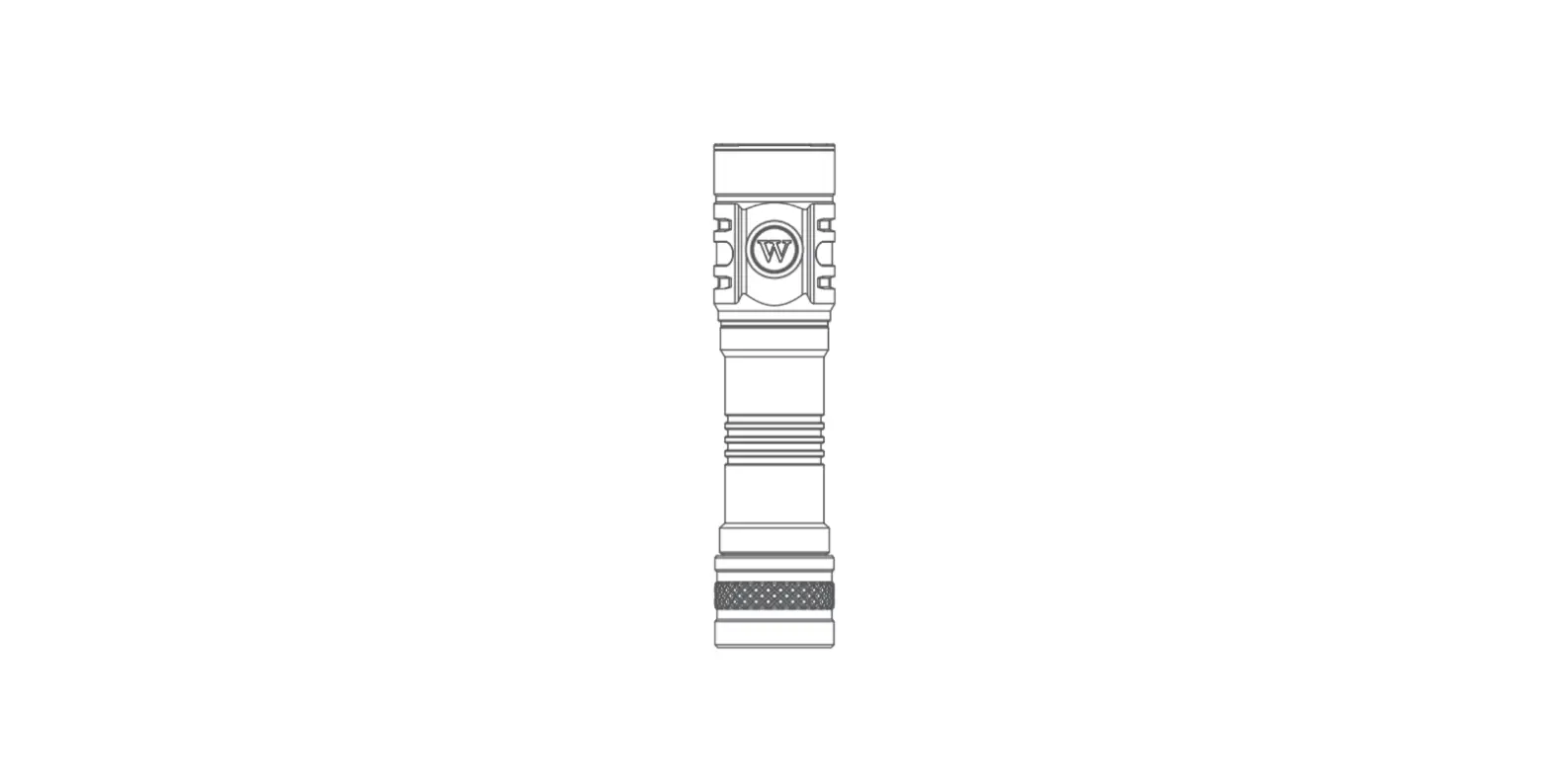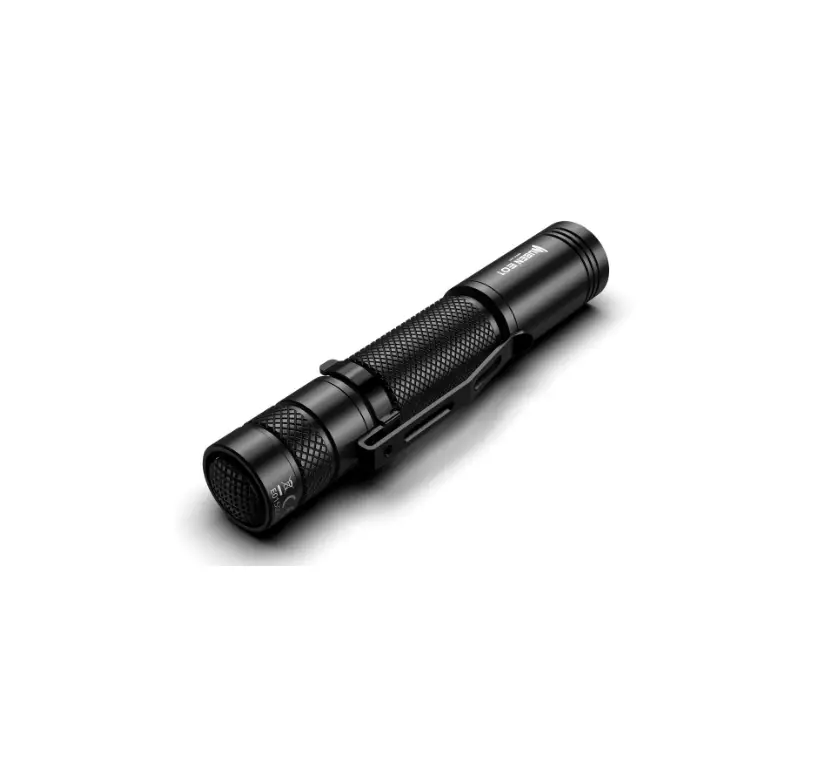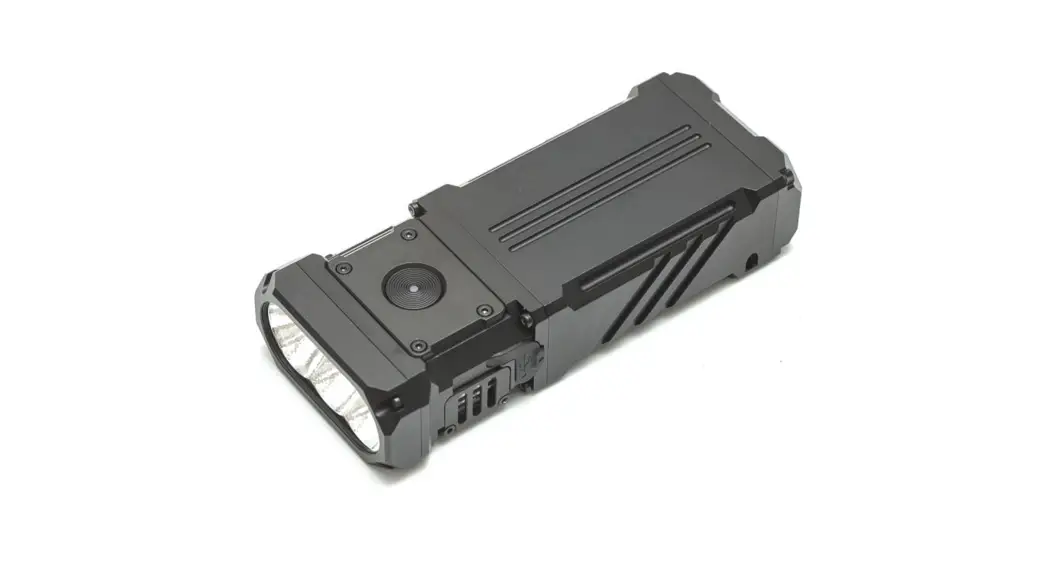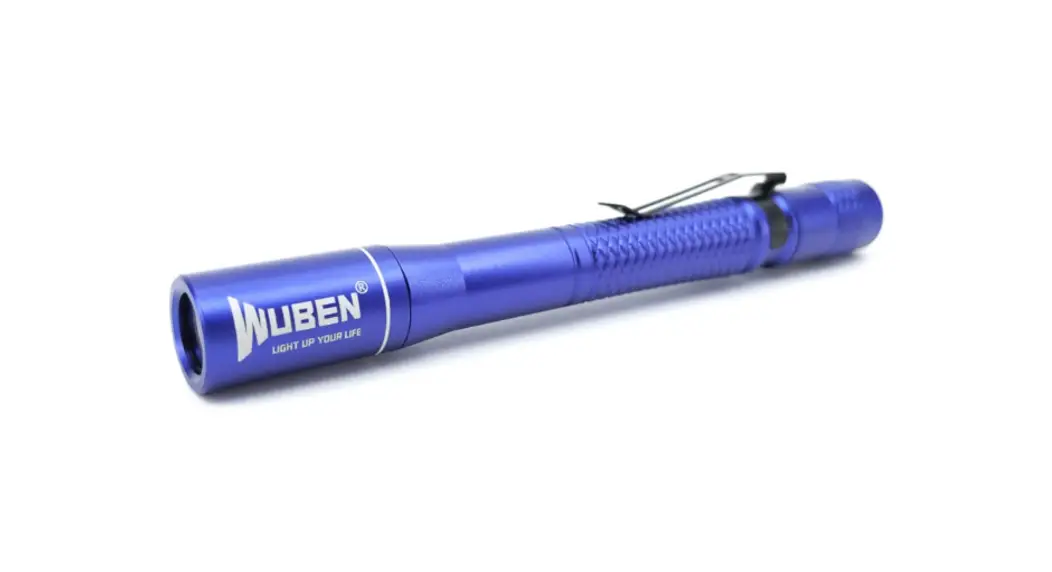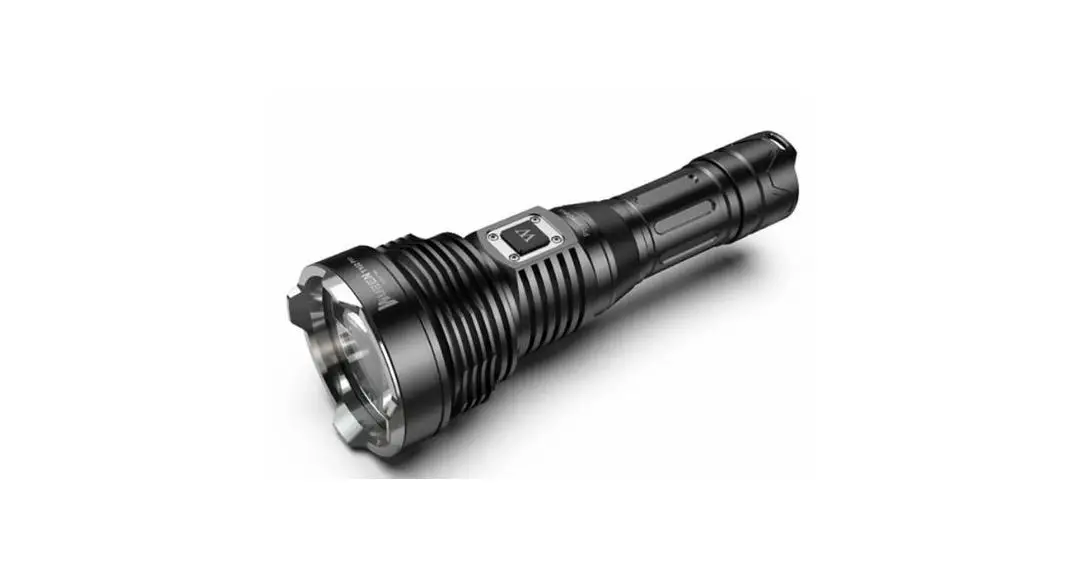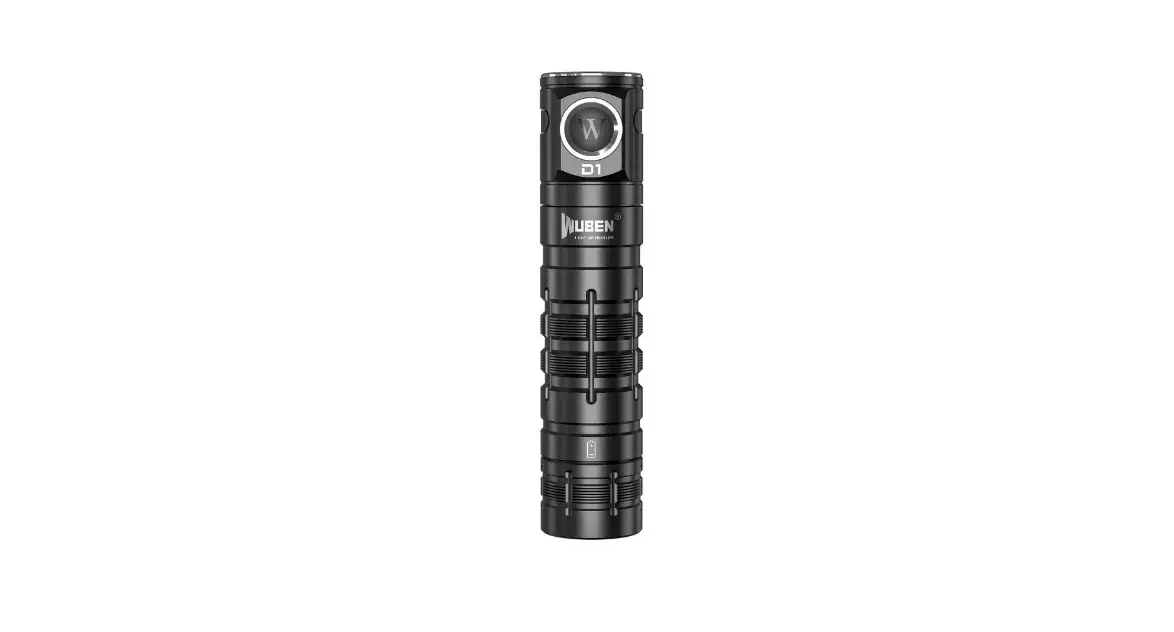
WUBEN D1 Flood EDC Flashlight User Manual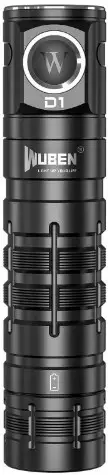
Product List
Before using this product, please check whether the contents of the package are complete.
- D1 × 1

- ABE3400T × 1

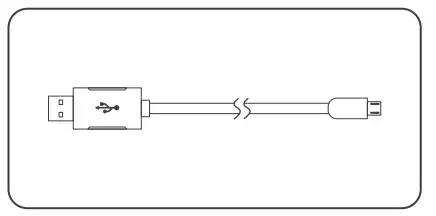
- USB charger × 1

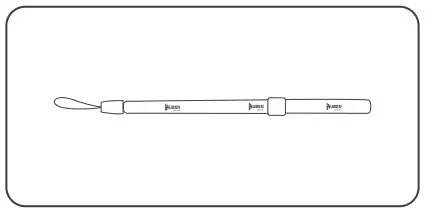
- Lanyard × 1

- Spare O-ring × 2

- User manual, Warranty card × 1
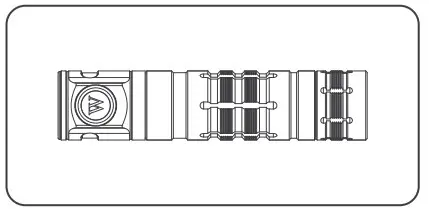
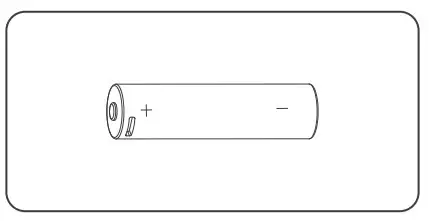
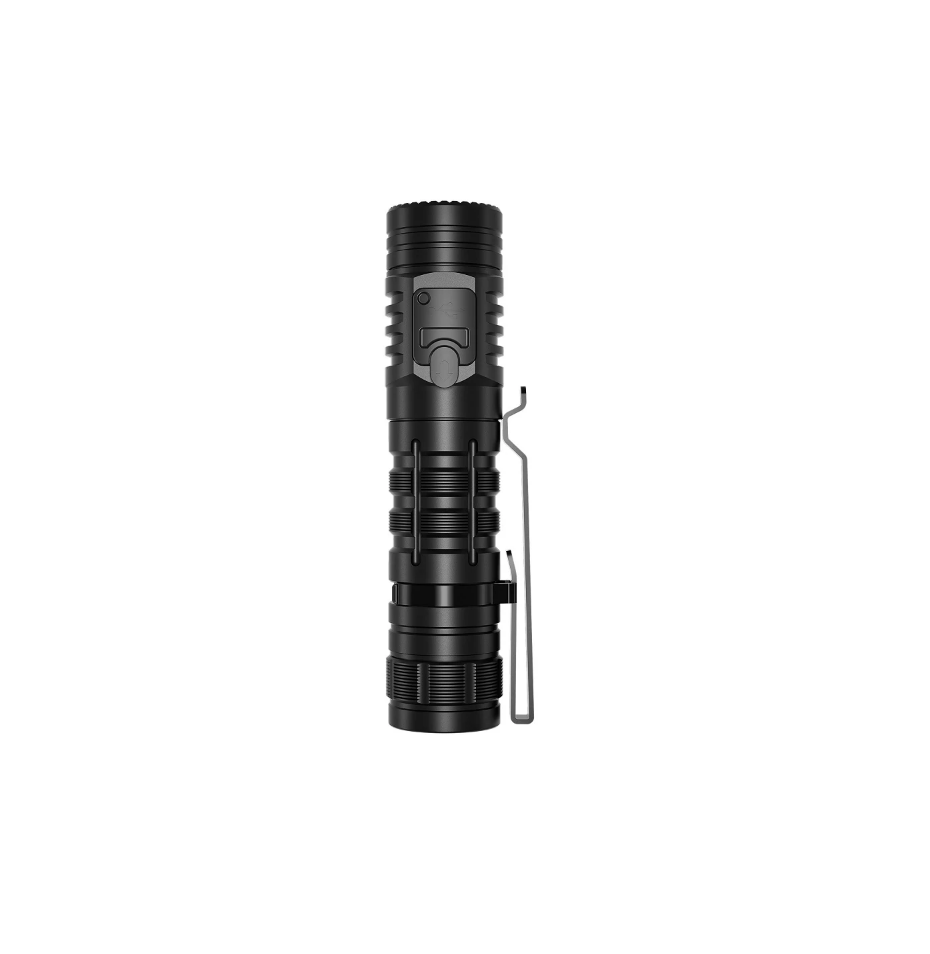
About Product
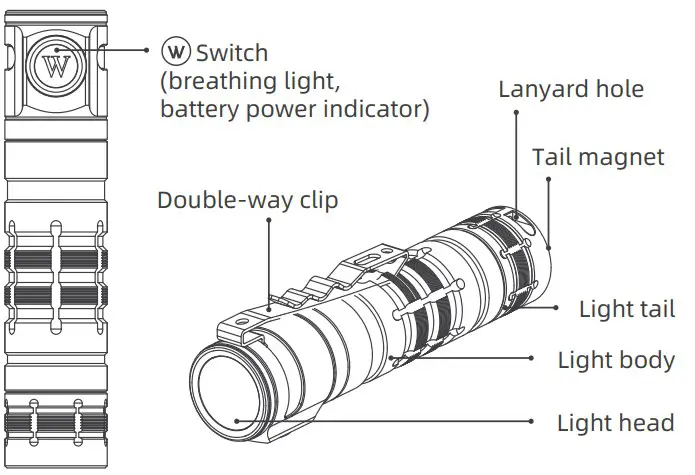
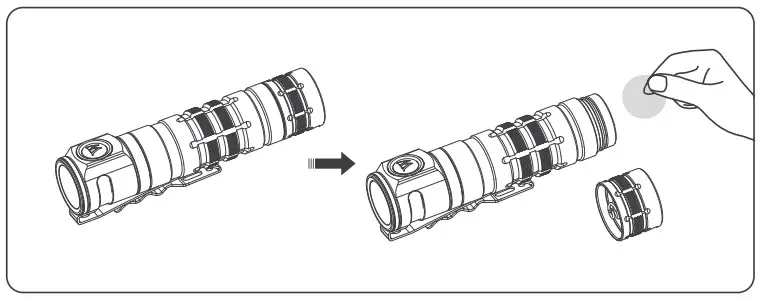
Installation
Please remove the insulation plate before using it.
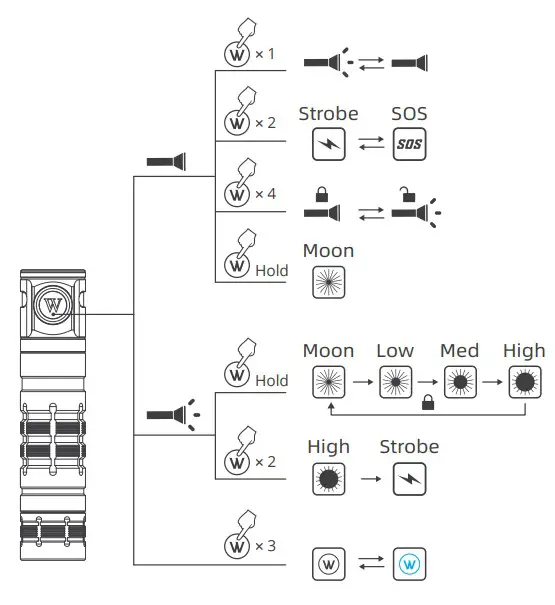
Operation
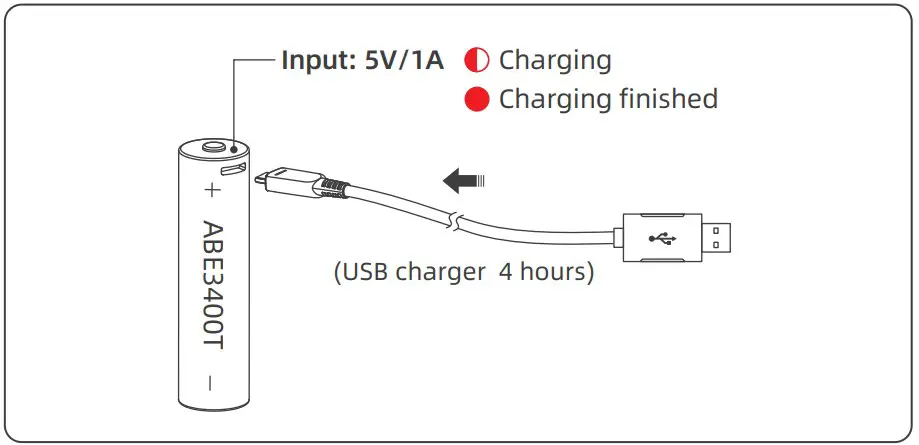
Battery Charge And Discharge
Charging
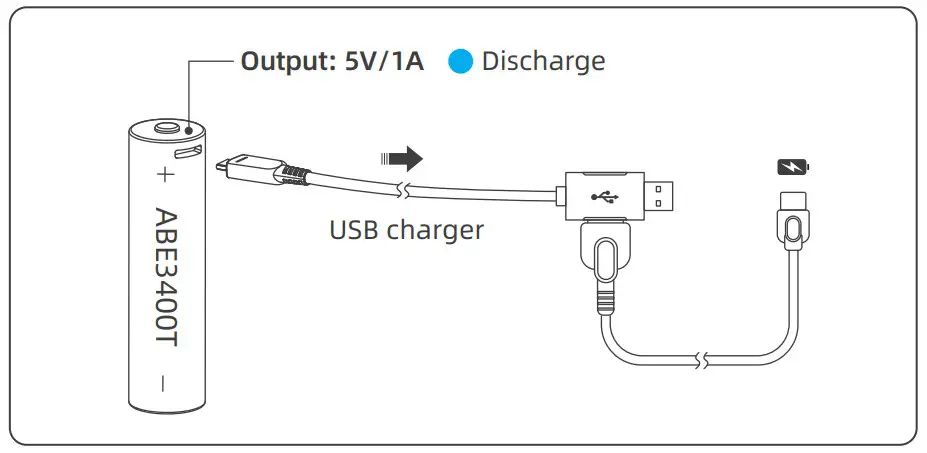
Discharging
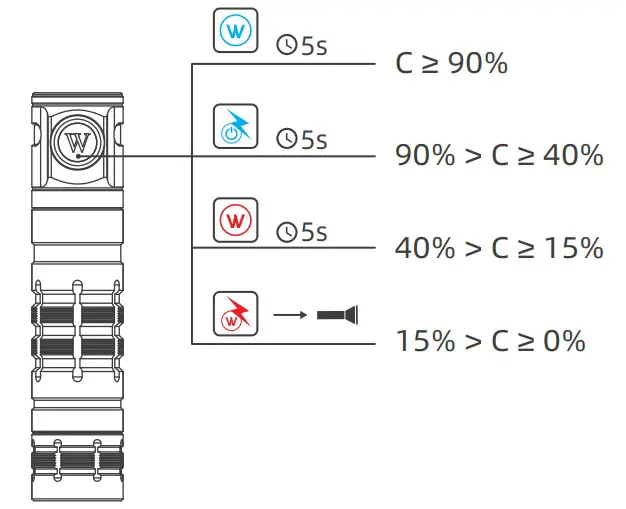
Battery Capacity (C) Status Indication
Battery Recommended
| Battery Type | Description | Recommended Use | Cautious Use | Prohibited Use |
| 18650 | 3.7V battery with protection board | √ | ||
| 18650 | 3.7V battery without protection board | √ | ||
| CR123A | 3V non-rechargeable battery | √ | ||
| RCR123A | 3.7V rechargeable battery | √ | ||
| 16340 | 3.7V rechargeable battery | √ | ||
| 18350 | 3.7V rechargeable battery | √ |
Parameters
| Standard | High | Med | Low | Moon | Strobe | SOS |
 | 1100 400 Lume | 300 Lumens | 100 Lumens | 5 Lumens | 1100 Lumens | 300 Lumens |
 | 30 + 2.5 Hours | 5 Hours | 30 Hours | 150 Hours | / | / |
 | 130 Meters |  | 1.5 Meters | |||
 | 4200 Candelas |  | IP68 (2m underwater for 1h) | |||
 | 62g/2.19oz (without battery) 109g/3.85oz (with battery ) | |||||
 | 105mm × 23.5mm | 4.13in × 0.93in (L × D) | |||||
 All data from experiments of WUBEN lab according to quality standard may vary because of different experiment equipment, experiment environment, or other factors. Experiments are based on WUBEN ABT3400T Li-ion battery.
Maintenance
- The O-Ring may be damaged for a long time use, please replace the O-Ring in time to ensure the waterproof level of the product.
- Please use WUBEN battery or WUBEN recommended batteries.
- When the product indicates low power, please charge or replace the battery in time to avoid affecting the durability of the battery.
- Please use alcohol and rag to clean the conductive parts of the product in time.
- When not in use for a long time, please remove the battery to prevent the battery from leaking or exploding, store the product in a dry and ventilated place.
FAQs
| Problems | Causes | Solutions |
| Abnormal flash or failure to turn on | Check if the switch is locked | Unlock the switch |
| Check if the switch is turned on correctly | Turn on the switch | |
| Check if it is assembled in place | Tighten the assembly parts | |
| Check if the battery is no power | Try the battery on other products | |
| Check if the battery is reversed | Remove the battery and reassemble it correctly | |
| Check if the conductive position is dirty | Clean the surface with alcohol | |
| Abnormal noise | Check if foreign matter falls in the tube | Pour out possible foreign matter |
| Part damage | Contact your seller |
Warranty Policy
Warranty Coverage
- 15 days replacement: Within 15 days from the date of purchase, if the product has quality problems, customers can request free replacement.
- 1 year warranty: Within 1 year from the date of purchase, if the product has quality problems, WUBEN will offer free repair.
- 5 years warranty: Within 5 years from the date of purchase, if the product (accessories excluded) has quality problems, WUBEN will offer free repair for WUBEN registered customers.
- Battery warranty: WUBEN offers a 1-year warranty for the rechargeable batteries but other included accessories are not covered by the warranty.
- Lifetime maintenance: From the date of purchase, if the product has problem after 5 years, WUBEN will offer paid repair for WUBEN registered customers.
- If proof of purchase cannot be provided, it will be counted on the date of manufacture.
- If there is any dispute, the two parties will coordinate to solve.
Beyond Warranty
- Man-made damage.
- Damage caused by not following the instructions.
- Damage caused by improper use of the battery.
- Abnormal wear and tear.
- Damage caused by irresistible factors.
- Gifts
The final interpretation right is reserved by WUBEN.
Warnings
- Please read user manual carefully before using the product.
- Product will generate heat while working, please be cautious with that to avoid any possible harm.
- Please don’t shine into eyes directly to avoid harm to eyes.
- Please keep the product away from children.
- Please use WUBEN or WUBEN recommended batteries.
- Please don’t disassemble the product or it will not be covered by WUBEN warranty policy.
- Please don’t throw the product into fire.
- This is not a diving product, please don’t use it underwater for a long time.
- LED will generate greater heat while working, please keep the main product away from other objects to avoid product damage or other danger caused
SHENZHEN SHENGQI LIGHTING TECHNOLOGY CO., LTD.
E-mail: [email protected]
Web: www.wubenlight.com
Add: 202#, Building A, Jihe E-Business Park,
No. 33 Yangmei Road, Bantian Street,
Longgang District, Shenzhen, China
Operation
- ON/OFF: Single click the switch to turn on the flashlight, click again to turn it off. The flashlight has memory function, will memorize default output selections, but not flash modes.
- Default Output Selections: When the flashlight is on, press and hold switch to cycle through Moon-LowMed-High-Moon, release to select your desired output.
- Quick Turbo: When the flashlight is on and not High mode, double click the switch to activate the highest mode, single click to turn off the flashlight.
- Quick Moon: When the flashlight is off, press and hold switch to activate Moon then cycle through the default output levels, single click to turn off the flashlight.
- Flash Modes: When the flashlight is off or at High mode, double click the switch to activate Strobe, double click again to activate SOS. Single click to exit flash modes.
- Lock/Unlock: When the flashlight is off, 4 times click the switch, the main light will blink 3 times to indicate the locking of the flashlight. Any operation on switch will activate 3 times flashing of the indicator, unless another 4 times click the switch which will activate Low mode, to indicate the unlocking of the flashlight
Breathing Light
Triple click switch to turn on/off the blue breathing light, it has power-off memory function.
 Wuben Official Store | Led Flashlight