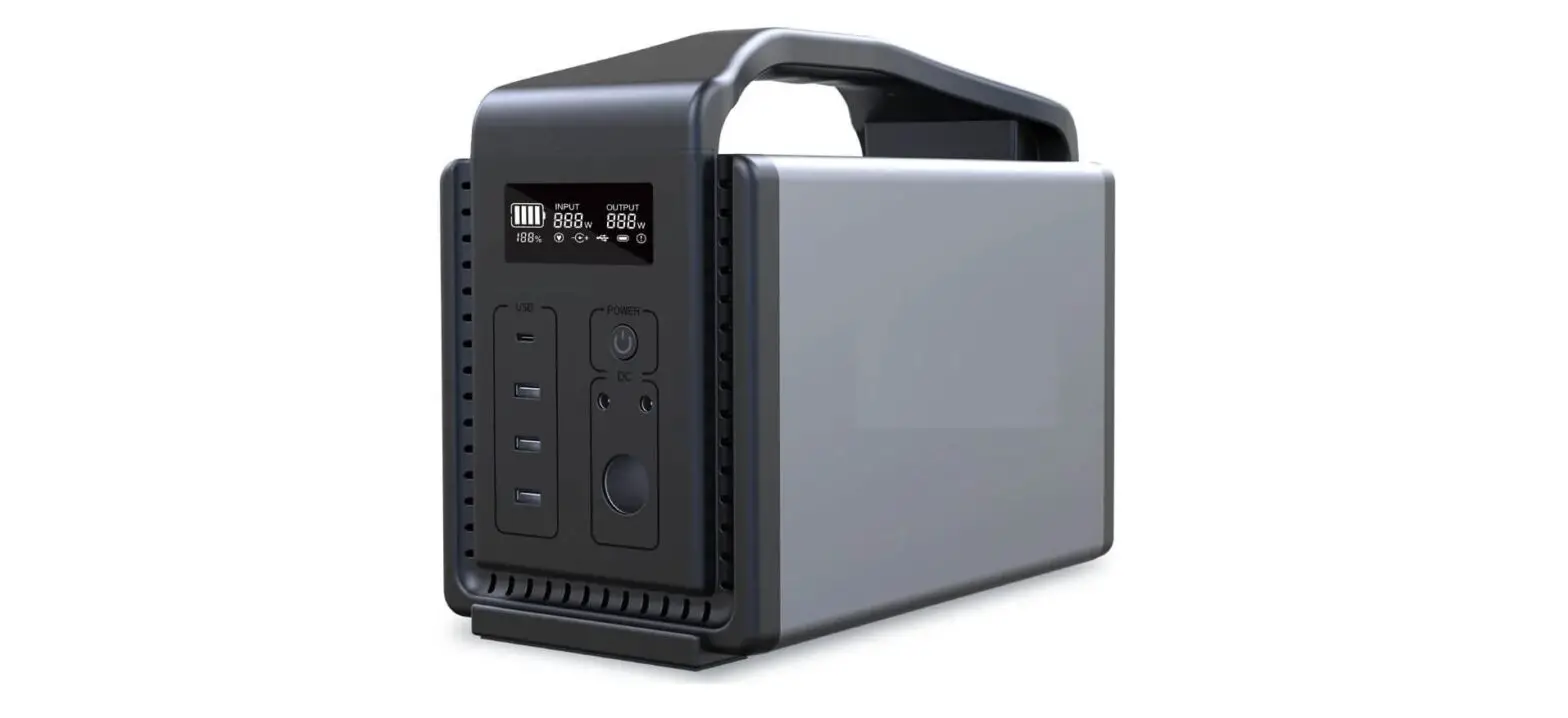
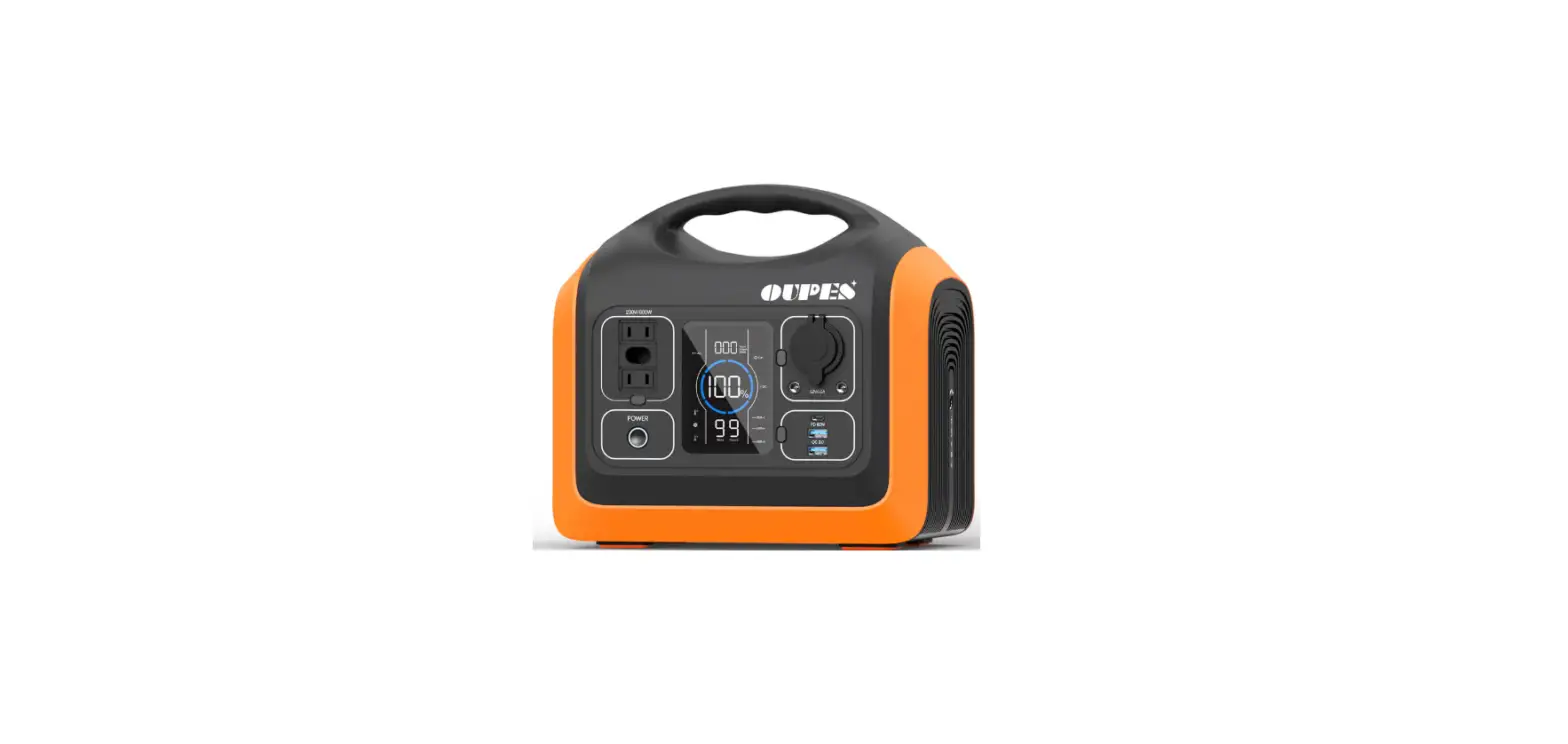
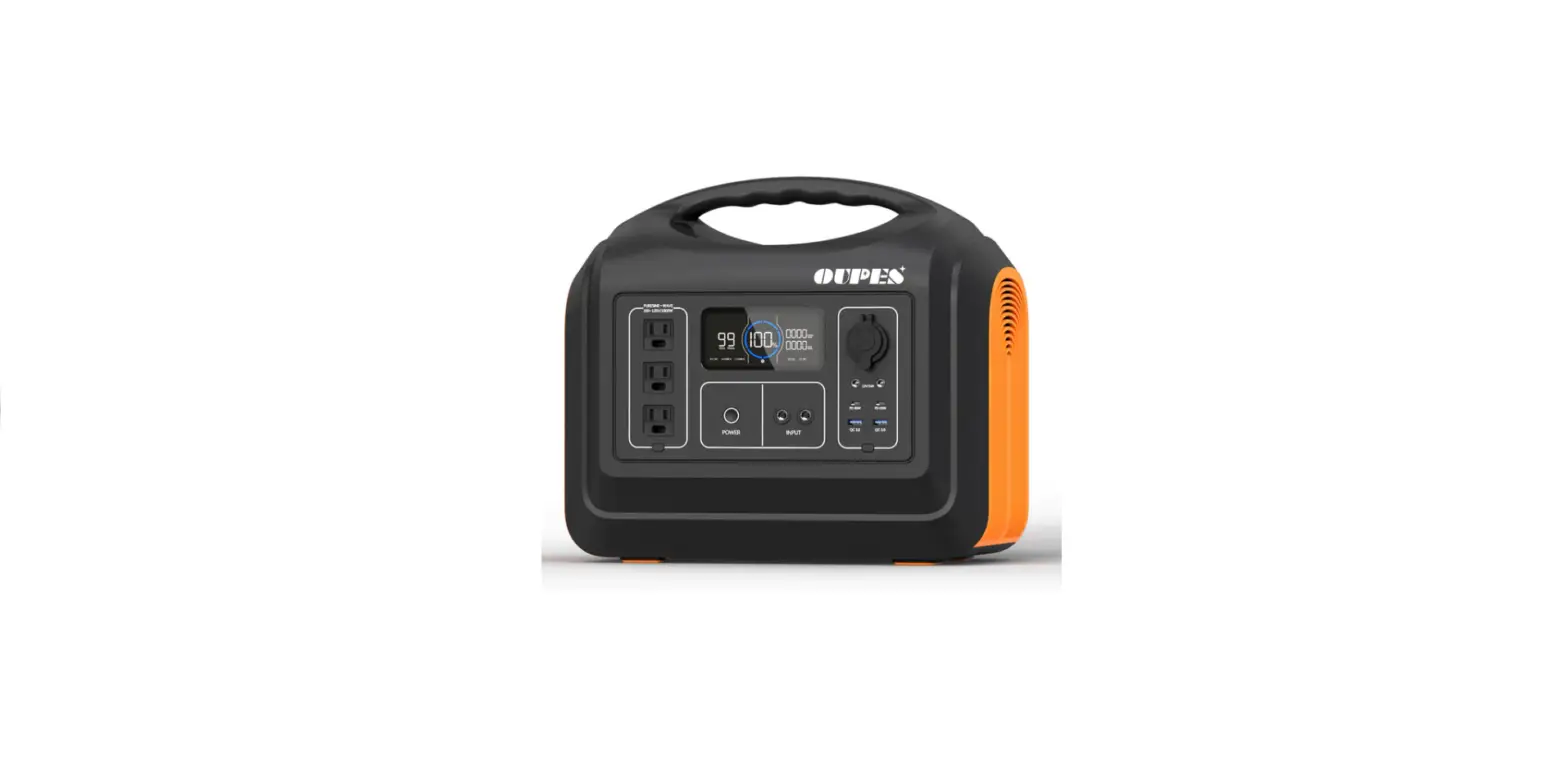
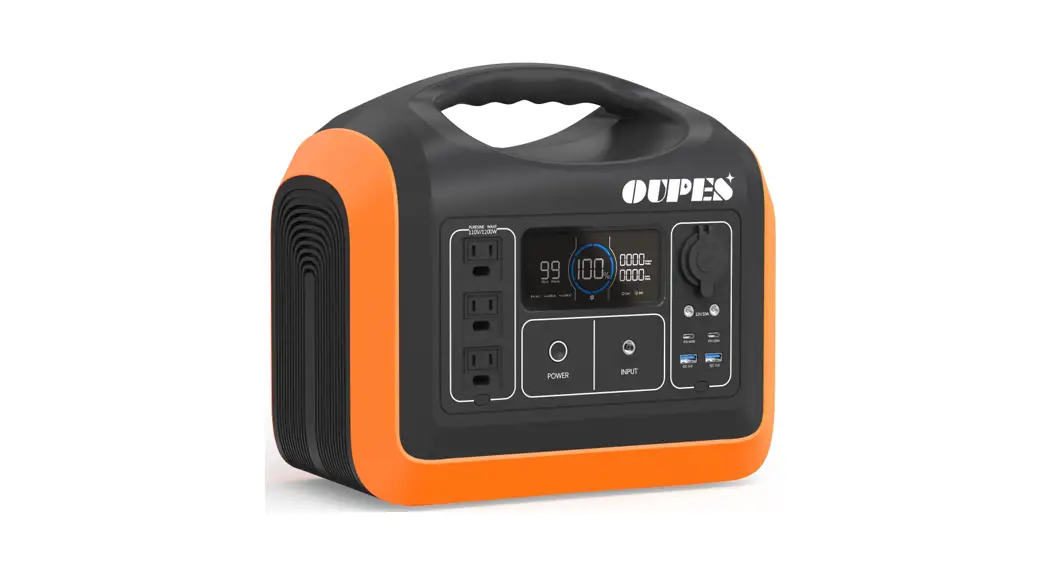
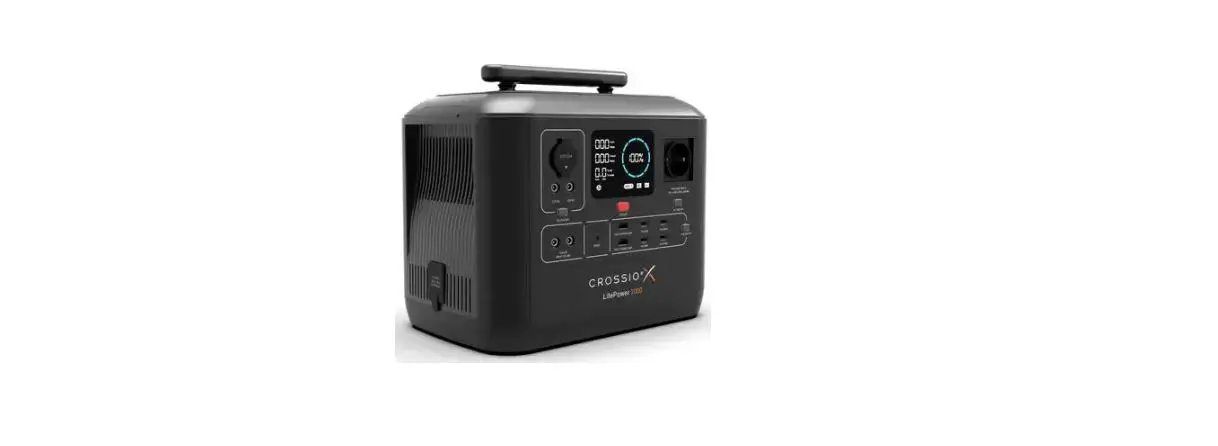
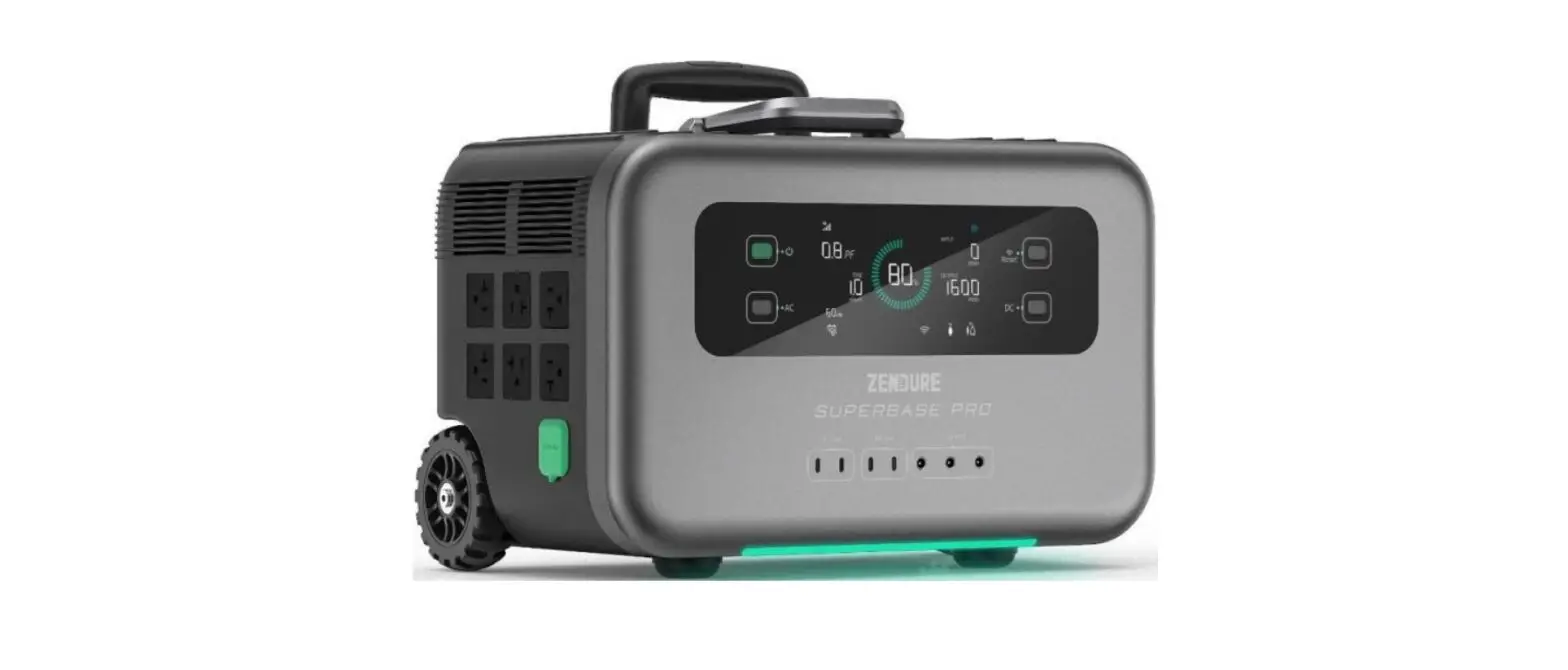
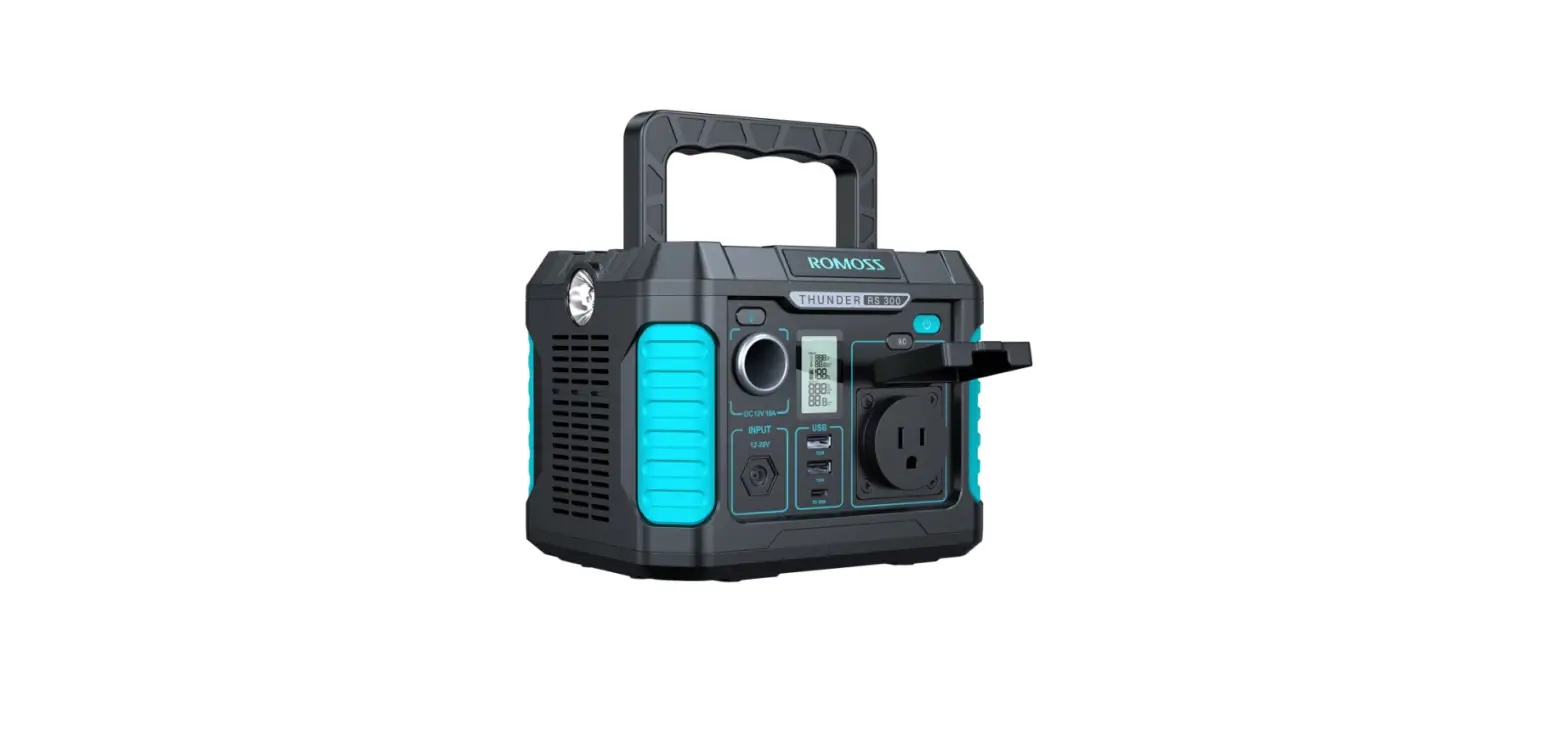
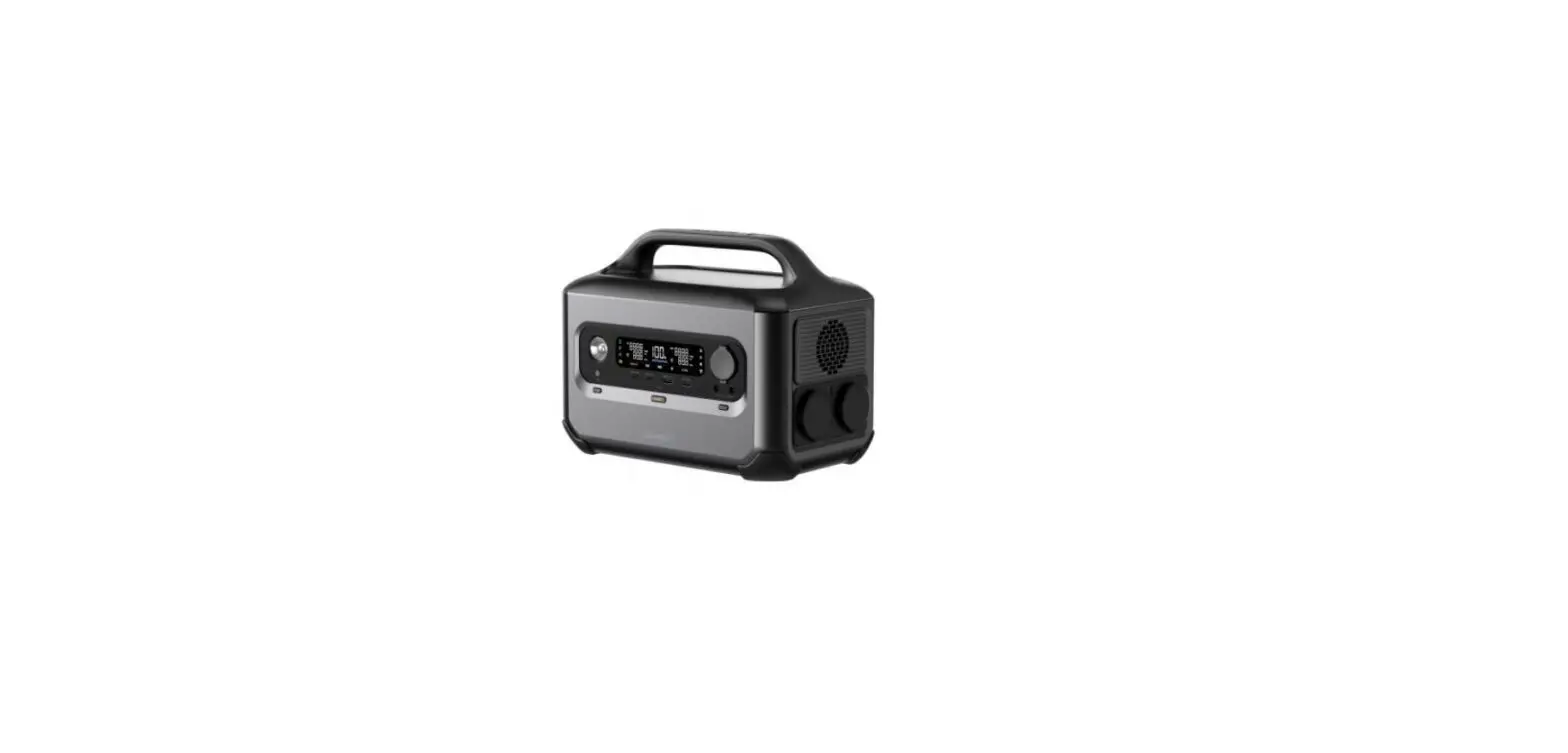
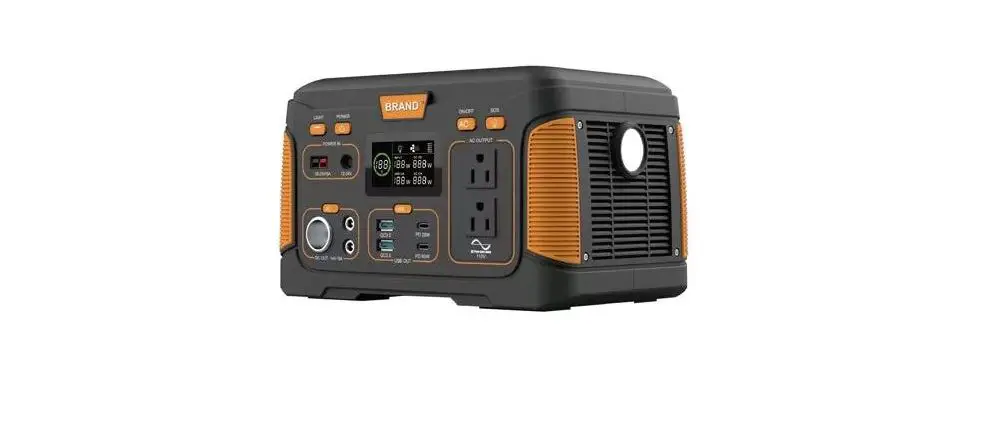
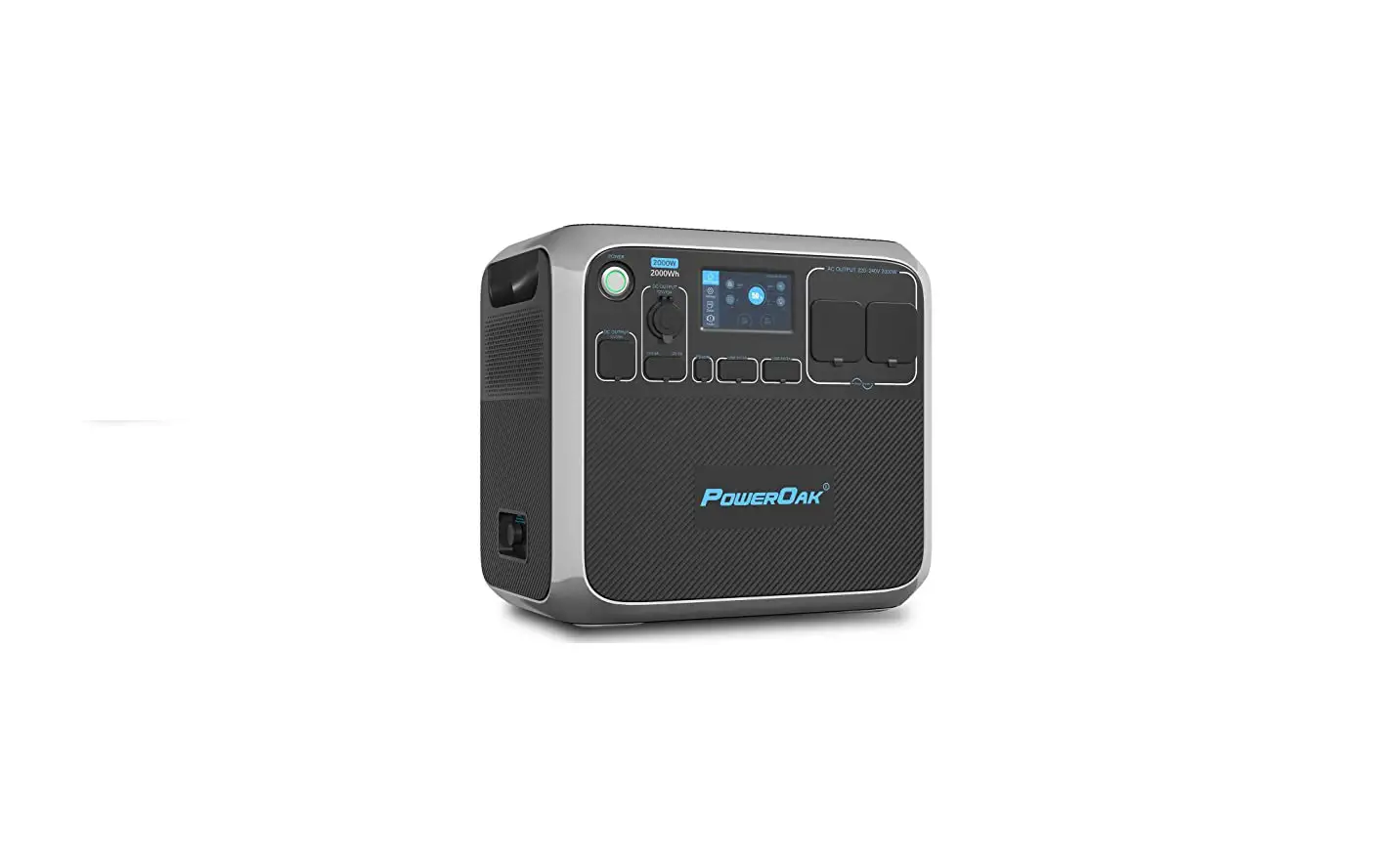
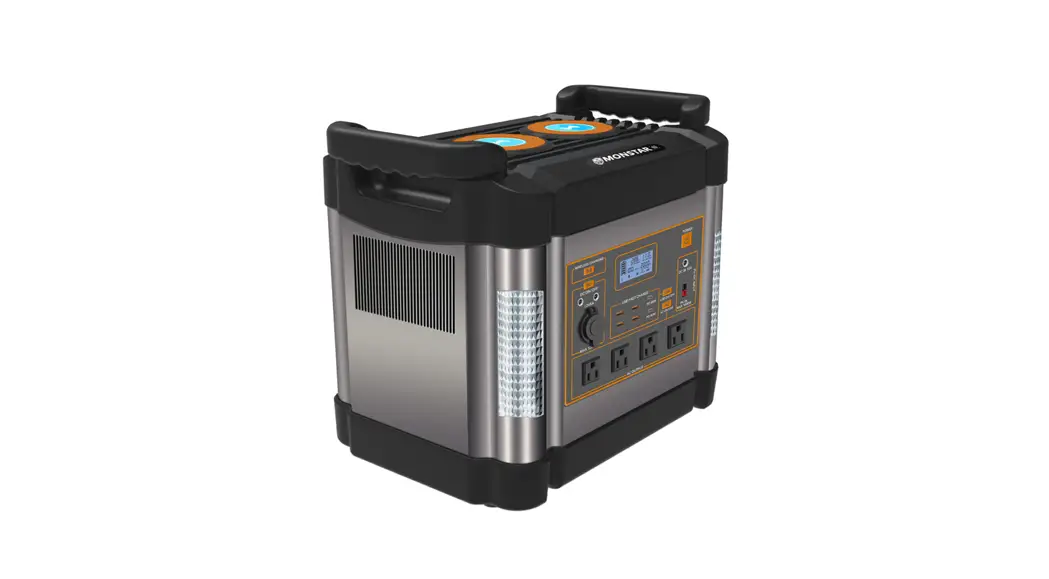
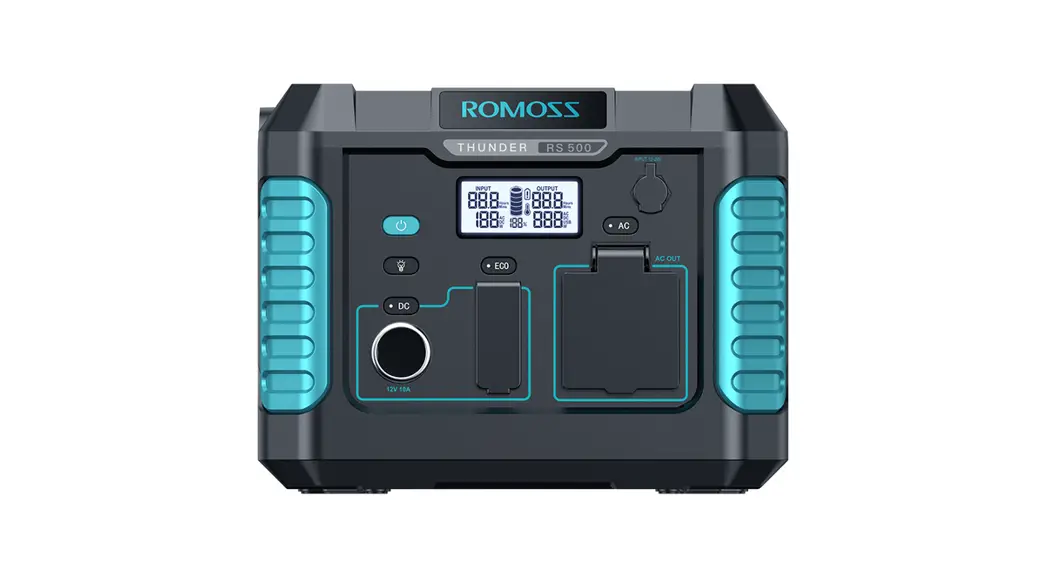
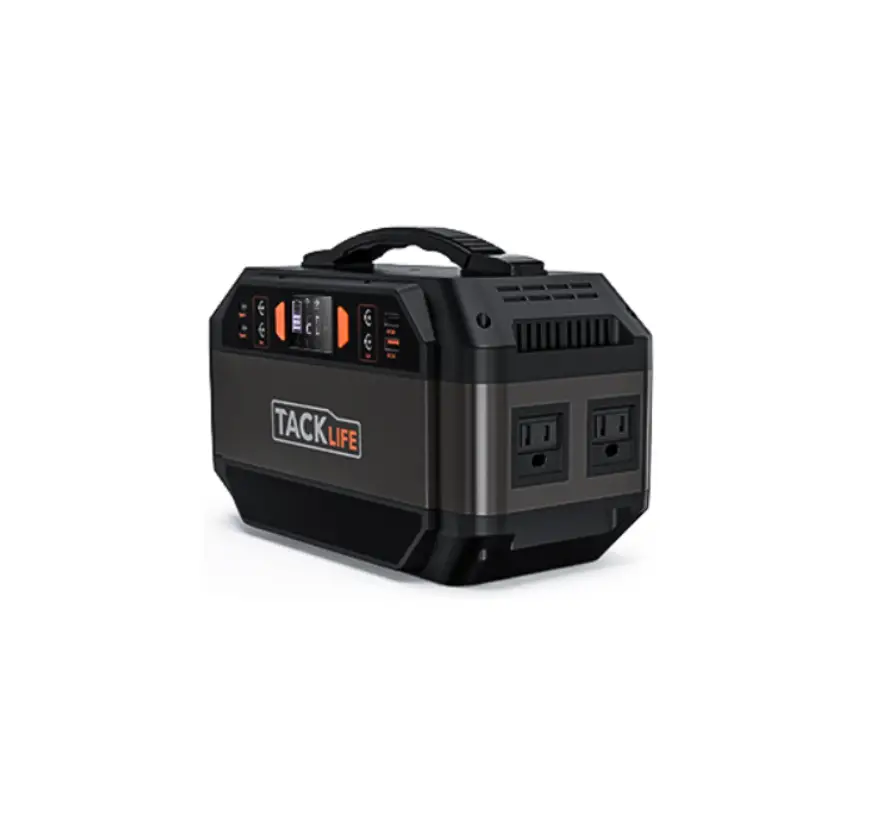
Portable Power Station 600, 1000
Product Information
The Power Station 600 and Power Station 1000 are Li-ion NCM
battery packs with advanced features such as fast charging USB
ports, extended battery life, and solar panel input. They are
portable and can be used for outdoor activities, camping, remote
events, and more. The power station can be recharged in four ways-
through an AC outlet, solar panel, 12V car adapter, and USB Type-C
port. Both models have multiple charging ports available for any
type of electronic device and come with an AC power adapter, a 60W
AC power adapter, and a DC 12V car port adapter. The Power Station
600 has a stable output of 600W and a maximum total output of 800W
while the Power Station 1000 has a stable output of 1000W and a
maximum total output of 1200W. The LED display button can be used
to control the LCD display on/off, and a long press for two seconds
clears the Bluetooth bind list.
The Power Station 600 and Power Station 1000 have different
input and output ports. The input ports include USB Type-C Power
Delivery System (100W max), DC 7909 30V with an AC power adapter
(100W max), a solar panel with MPPT 17V-24V (120W max) (panel not
included), and a DC 12V car port adapter 12-30V (100W max)
(included). The output ports include USB-A x2 (18W max), USB Type C
port with Power Delivery (100W max), DC 5525 12V (120W max), Car
Port 12V (120W max), and AC x2 Schuko 230V. The Power Station 600
has a cooling fan, while the Power Station 1000 does not. The Power
Station 600 can be charged using a 200W solar panel in 3-8 hours
(600W) or 6-12 hours (1000W) with MPPT (Maximum Power Point
Tracking) technology.
Product Usage Instructions
To ensure optimal performance, charge the product before use or
storage. Connect the charger to the power outlet, and the indicator
light will turn on, and the LCD screen will display the current
charging level. Once the LCD screen shows that the battery is 100%,
it is fully charged. You can check the current battery level at any
time by looking at the LCD screen. The Power Station 600 and Power
Station 1000 can be used to charge smartphones, smartwatches,
digital cameras, e-readers, tablets, lights, car adapters, routers,
CPAP breathing machines, and more.
For first-time use of the Tuya Smart App, search for Tuya Smart
and download it through the App Store or Android application. Press
the screen button until the Bluetooth icon appears on the screen.
If you have already installed the app, go directly to step 7.
Important safety information: Ensure that the input power is
correct and that the battery level display is checked at all times.
The Bluetooth logo and output power should also be considered when
using the product.
Power Station 600 Power Station 1000
ESPS-60TBEHJ-CT012 ESPS-10HBAKU-CT012
User Manual
Manual de utilizare
314.21.23.0 Before using this product, carefully read all product documentation and retain it for future reference.
Attention! This manual is generally used in energy storage system products with an AC output of 230V/50Hz.
The portable power station is a sturdy Li-ion NCM battery pack with advanced features like fast charging USB ports, extended battery life and solar panel input. Multiple charging ports are available for any type of electronic device when there isn’t access to the power grid, as in campings, trips, outdoor activities, remote events etc. The power station can be recharged very quickly in 4 ways, through an AC outlet, solar panel, 12V car adapter and USB Type-C port.
Note! In the preparation of this document, every effort has been made to ensure the accuracy of this content, but keep in mind that all statements, information, and recommendations presented in this document do not constitute an agreement of any kind, either expressed or implied. Unless specified otherwise in your contract terms, all statements, information, and recommendations are provided “AS IS.” LED Display Button:
Short press to control LCD display on/off. Long press for 2 seconds to clear the Bluetooth bind list.
Input:
1.USB Type C: Power Delivery System (100W max) 2.DC 7909 30V: – AC Power Adapter (100W max) – 60W AC Power Adapter included – Solar Panel with MPPT 17V-24V (120W max) – panel not included – DC 12V Car Port Adapter 12-30V (100W max) – included
2
Output:
1. USB-A x2 (18W max) 2. USB Type C port with Power Delivery (100W max) 3. DC 5525 12V (120W max) 4. Car Port 12V (120W max) 5. AC x2 Schuko 230V
Power station 600: Stable at 600W, Max total output: 800W Power station 1000: Stable at 1000W, Max total output: 1200W
Car Port 12V
LED display switch LCD display
English
Român
DC 7909 Input
Output USB-A
Output/Input USB Type C
Shucko
3
Cooling fan
Chargeable device: USB output: smartphone, smartwatch, digital camera, e-reader, tablet, etc. 12V car charger outlet: light, car adapter, etc. DC 5525 output: router, CPAP breathing machine, etc.
4
English
Român
Charging Method: To ensure optimal performance, please charge the product before use or storage. When the charger is connected to the power outlet, the indicator light will turn on, and the LCD screen will display the current charging level. Once the LCD screen shows that the battery is 100%, it is fully charged. You can check the current battery level at any time by looking at the LCD screen.
4. 200W Solar Panel, 3-8h (600W) 6-12h (1000W)
Support MPPT (Maximum Power Point Tracking) technology, which is often used in wind or solar power system to obtain the maximum output and best charging performance. * Actual performance is related to weather,temperature, battery status and other factors.
5
Important safety information:
WARNINGS! Please read the following safety precautions carefully: A. Do not short-circuit the device. Avoid storing the product with metal objects such as coins, jewelry, keys, etc. B. Do not expose the product to water or heat, such as placing it in a fire or liquid, including direct sunlight. C. Do not place the product in a highly humid or dusty environment. D. Do not disassemble the device in any way. E. Do not drop, put heavy objects on, or strongly impact the product. F. Keep the product out of reach of people with low physical, sensory, and mental abilities, as well as those who lack experience and knowledge, unless they are supervised or guided by personnel responsible for their safety. G. Children should not operate this product. H. Do not cover the product with towels or clothing when using it. I. Heating during charging is normal, so please be careful. J. Do not exceed the recommended charging time for this product. K. Disconnect the product from the power source when the devices are fully charged. L. Please use the product normally and avoid electric shock. M. Dispose of the scraps according to regulations. Do not treat the built-in batteries as household waste to avoid explosion and pollution. N. This product is only used for emergency power supply and cannot replace standard DC power supply or AC power supply for household appliances or digital equipment.
6
English
Român
Use Instructions: 1. Press the button next to each port you wish to use. 2. When the indicator light next to the port is on, the output is enabled, and a device can be charged. 3. The AC output is stable at 600W (Maximum 800W) for Power Base 600 model and stable at 1000W (Maximum 1200W) for Power Base 1000. If the product is used beyond the maximum power, the power supply will be automatically turned off to protect the product from overload use. 4. Press the ON/OFF button to turn off the output. 5. If the product is not used for an extended period, it should be recharged every three months. It is recommended to keep the power between 60% to 80% and store it in a cool and dry place. Note! If the ports are not in use, please turn them off to save power. LCD Screen Instructions: The LCD screen displays the usage status of the product. When the product is fully charged, the LCD screen turns off and stops charging. When any function is activated, the screen will light up. You can press the button to turn off the LCD screen when the display is not needed
1.The input power 2.Battery level display 3.The Bluetooth logo 4.The output power
7
APP Instructions: 1) Search “Tuya Smart” and download it through the App Store or Android application.
2) For the first use, please press the screen button until the Bluetooth icon appears on the screen. If you have already installed, please go directly to step 7.
3) After installing and running the app, after logging in, select “Add Device”.
4) After finding the equipment, It will display the following page (If it can’t be find, please check the Bluetooth permissions or repeat the first step).
5) Click “Next”, enter the add page.
6) Click “+” , add the equipment, connect it.
7) Once the connection is completed, the user can control the USB port output, the in-vehicle output, the AC output.
no device Add Device
Find available device
Portable Power Station
Cancel Add a device Bluetooth device
Portable Power Station
Next
)0.&
Operating Temperature range: The product’s battery capacity may be affected by low temperatures. The product can be charged in a temperature range of 0°C to 40°C. If charging the product when the temperature is below 0°C, it is recommended to place the product in a temperature-controlled environment and connect it to a power source (AC output socket, solar photovoltaic panel). The product can charge devices in the temperature range of -10°C to 40°C.
8
English
Român
Fault diagnosis: If your device is not being charged successfully with this product, please follow the steps below: 1. Ensure that the output port is open, and the LED indicator light is on the power button. 2. Check the LCD power display, and if it shows 20% or less, please charge the product. 3. Ensure that the power of the device you are using does not exceed the maximum power capacity of the product port. 4. Check the device link cable to make sure it is properly plugged in and has good contact. Solar photovoltaic panels: To charge your product with solar energy, choose a solar photovoltaic product, and simply insert it in the DC port. This product uses MPPT (Maximum Power Tracking) technology, which compares the output voltage point of the solar panel with the battery voltage of the product in real time. This helps to find the maximum power output point that the solar panel can provide and charge the machine’s battery to obtain the best charging efficiency. AC adapter: It is essential to charge the product with the AC adapter specified by us. We will not be responsible for any consequences caused by charging with other adapters.
9
Atentie! Acest manual este destinat sistemelor de stocare a energiei electrice cu iesire AC de 230V/50Hz.
Statia de incarcare portabila pentru exterior are o constructie ABS solida si contine baterii de tip Liion NCM care asigura o durata de viata extinsa. Este caracterizata de specificatii avansate cum sunt incarcarea rapida prin USB si intrare pentru atasarea unui panou solar. Pune la dispozitie multiple porturi de incarcare pentru dispozitivele electronice atunci cand nu exista o alta sursa de electricitate, cum ar fi in camping, excursii, activitati in natura, evenimente in locatii izolate etc. Statia portabila poate fi reincarcata eficient prin 4 metode, de la priza, prin panou solar, adaptor auto 12V si port USB Type-C.
Nota! Am facut toate eforturile pentru a asigura acuratetea continutului acestui document, dar toate declaratiile, informatiile si recomandarile din acesta nu constituie o garantie de nicio natura, fie explicita sau implicita. Daca nu exista o specificare diferita in contractul incheiat cu dumneavoastra, toate declaratiile, informatiile si recomandarile din acest document sunt furnizate “asa cum sunt”, fara nicio garantie, fie explicita, fie implicita.
Butonul panoului LED
Apasare scurta: actiune care initiaza controlul panoului LED ON/OFF Apasare sustinuta 2 sec: sterge lista de conexiuni Bluetooth
Intrare
1. DC: 240W(30V) 2. USB-C:PD 100W 3. Solar: 240W(17-24V) 4. Incarcator auto: 240W(12-30V)
10
Iesire
1. USB-C: PD 100W 2. USB-A 1/2: 18W 3. Incarcator auto/DC Output shared 120W 4. AC: Constant la 600W varf la 800W pentru Power station 600
1000W varf la 1200W pentru Power station 1000
Iesire DC
Butonul panoului LED Panoul LED
English
Român
Intrare DC
USB-A Iesire
USB-C Intrare/Iesire
AC Iesire
11
Ventilator
Dispozitive compatibile pentru incarcare Iesire AC: Drona, Ventilator, Rotopercutor, Uscator de par, Blender, Masina de gatit electrica, Cuptor electric, Proiector. Iesire DC:(12V): Incarcator auto, Mini-frigider de masina. Iesire USB: Smartphone, Consola de jocuri, Tableta.
12
Metoda de incarcare
Inainte de a utiliza sau depozita produsul va rugam sa il incarcati la retea prin intermediul incarcatorului. Conectat la retea, indicatorul de retea este aprins iar pe ecranul LED va aparea nivelul de incarcare in timp real. Cand pe ecranul LED este afisat 100% inseamna incarcare completa. Nivelul de incarcare poate fi verificat pe ecranul LED.
Incarcator auto
4. Panoul solar 200W, 3-8h (600W) 6-12h (1000W)
Suporta tehnologia MPPT (Maximum Power Point Tracking) utilizata frecvent in panourile solare pentru obtine cea mai eficienta incarcare.
Eficienta reala este relativa, depinzand de vreme, temperatura, starea bateriei si alti factori.
English
Român
13
INFORMATII DE SIGURANTA ESENTIALE
Avertismente
Va rugam cititi cu atentie urmatoarele informatii pentru siguranta in utilizare:
A. Evitati provocarea unui scurtcircuit. Evitati atingerea obiectelor metalice de dispozitiv cum ar fi monede, bijuterii, chei etc.
B. Nu expuneti la caldura sau umezeala produsul. Evitati sa il tineti aproape de foc, lichide sau in bataia directa a soarelui.
C. Nu utilizati sau depozitati produsul in conditii de umiditate ridicata sau cu praf.
D. Nu desfaceti statia sub nici o circumstanta.
E. Nu il scapati pe suprafete dure, nu il loviti si nu puneti obiecte grele pe el.
F. Nu lasati dispozitivul nesupravegheat in jurul persoanelor cu handicap fizic sau mental si celor complet nefamiliarizati cu utilizarea acestui produs.
G. Nu lasati produsul la indemana copiilor pentru utilizare.
H. Nu acoperiti produsul cu imbracaminte sau prosoape in timpul utilizarii lui.
I. Atentie. Produsul se va incalzi in timpul functionarii, este un fenomen complet normal.
J. Nu depasiti timpul de incarcare recomandat.
K. Inchideti statia in momentul in care toate dispozitivele conectate sunt incarcate.
L. Utilizati produsul in limite rationale.
M. Reciclati dispozitivul dupa reglementarile locale. Nu tratati nici o componenta interna ca gunoi menajer., pentru a nu provoca accidente si poluare.
N. Acest produs nu inlocuieste alimentarea standard in utilizarea zilnica a dispozitivelor. Acest produs este destinat pentru cazuri de urgenta sau cand nu exista acces imediat la o sursa conventionala de electricitate.
14
English
Român
Instructiuni de utilizare Cum se utilizeaza: 1. Apasati butonul de langa fiecare port pe care doriti sa il utilizati. 2. Cand indicatorul luminos de langa port este aprins, iesirea este activata, iar dispozitivul atasat se incarca. 3. Iesirea AC este constanta la 600W (cu un varf maxim de 800W) pentru modelul Power Station 600 si 1000W (cu un varf maxim de 1200W) pentru modelul Power Station 1000. Daca produsul este utilizat peste capacitatea maxima admisa, sursa de tensiune il va opri automat pentru a-l proteja de deteriorare. 4. Apasati butonul ON/OFF pentru a opri iesirea. 5. Daca produsul nu este utilizat o perioada indelungata este recomandata incarcarea lui la fiecare 3 luni. Nivelul de incarcare optim este 60-80% si este necesara depozitarea intr-un loc uscat si racoros. Explicatii ecran LED Ecranul LED afiseza parametrii de utilizare a produsului. Cand produsul e incarcat complet, ecranul se opreste si incarcarea se sisteaza. In momentul in care orice functie este activata ecranul se va aprinde. Cand nu este folosit ecranul se poate stinge prin butonul aferent lui.
1. Puterea de intrare 2. Afisaj nivel baterie 3. Bluetooth logo 4. Puterea de iesire
15
Instructiuni aplicatie
1. Cutai aplicatia Tuya Smart si descarcati-o din App Store sau Google Play.
2. La prima utilizare, apasati butonul ecranului pana cand iconita Bluetooth apare. (Daca ati mai utilizat aceasta applicatie, mergeti direct la pct 7).
3. Dupa deschiderea aplicatiei si crearii unui cont, selectati Add Device.
4. Cand produsul devine vizibil prin conexiunea bluetooth, va aparea pe ecran in maniera urmatoare. (Daca nu este vizibil, reincercati sa il gasiti repetand pasul 2).
5. Apasati Next si selectati Add Page.
6. Apasati + si adaugati produsul dorit si conectati-l.
7. O data realizata aceasta conexiune, utilizatorul poate avea control total asupra iesirilor de incarcare.
no device Add Device
Find available device
Portable Power Station
Cancel Add a device Bluetooth device
Portable Power Station
Next
)0.&
Temperatura de functionare Temperatura foarte scazuta poate afecta capacitatea bateriei din interiorul produsului. Temperatura de incarcare recomandata este in intervalul 0-40 grade Celsius. Daca temperatura este sub 0 grade C recomandam plasarea produsului intr-un mediu izolat de frig extrem si conectarea sa la reteaua electrica sau la panoul fotovoltaic. Produsul poate incarca dispozitive in intervalul de temperatura-10 – 40 grade Celsius.
16
English
Român
Diagnoza erori: Daca dispozitivele conectate nu se incarca eficient verificati urmatoarele: 1. Asigurati-va ca portul de iesire este deschis, lumina indicatorului de pe buton sa fi aprinsa. 2. Verificati nivelul de incarcare al statiei, daca ecranul afiseaza 20% incarcati statia. 3. Verificati ca puterea de incarcare necesara dispozitivului conectat sa nu fie mai mare de capabilitatea statiei. 4. Cablul de incarcare poate fi defect sau nu e conectat direct. Panouri fotovoltaice (solare) Daca alegeti sa incarcati statia cu ajutorul unui panou solar doar conectati panoul la portul DC al statiei. Produsul sustine tehnologia MPPT (maximum power tracking), tehnologie care monitorizeaza in paralel tensiunea generata de panou si tensinea din bateria produsului pentru a obtine cea mai eficienta incarcare a produsului. Adaptor AC: Produsul trebuie incarcat cu adaptorul AC specificat de producator. Nu suntem responsabili de deteriorarea produsa de incarcarea cu alt tip de adaptor.
17
Memo
Memo