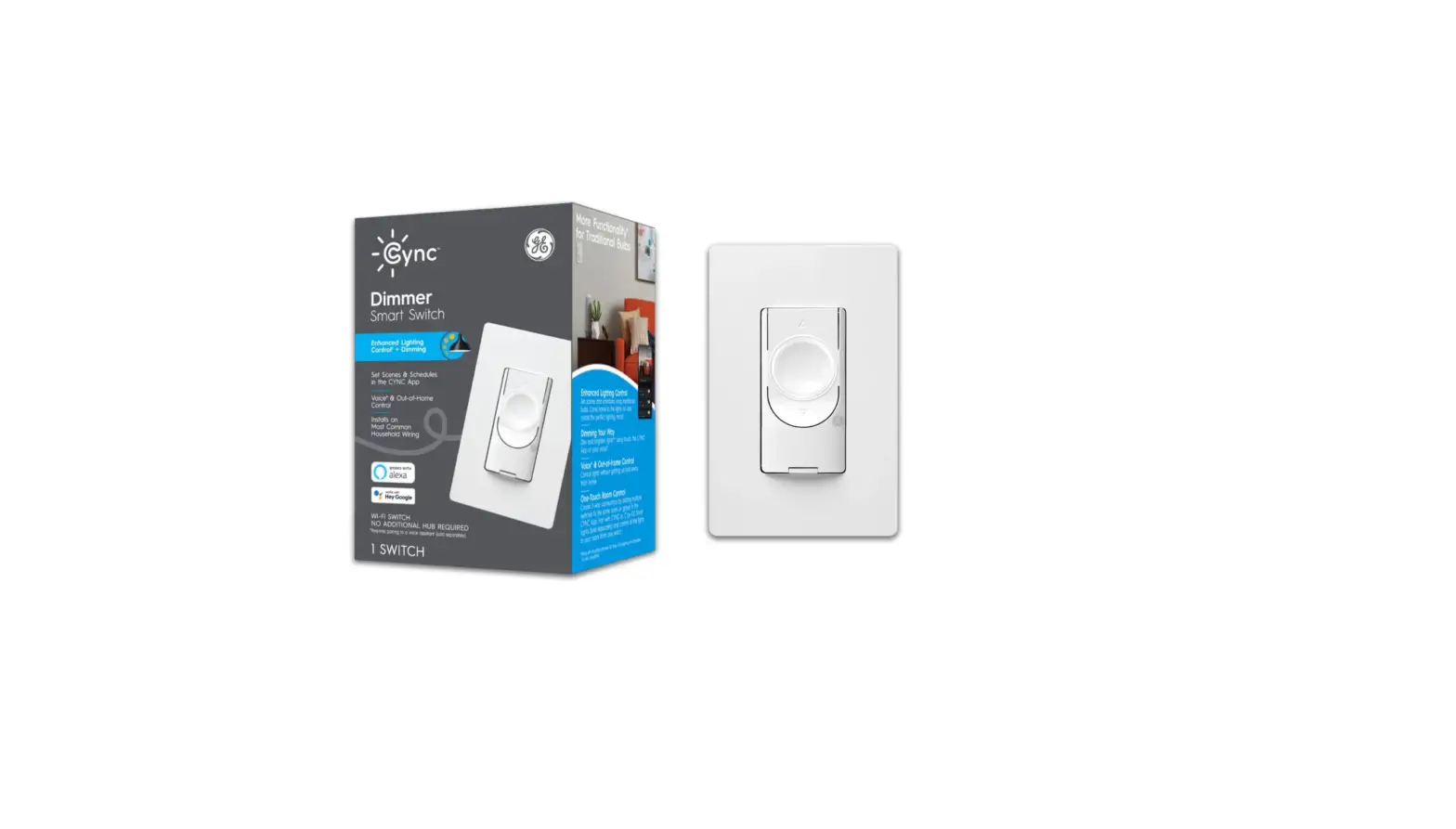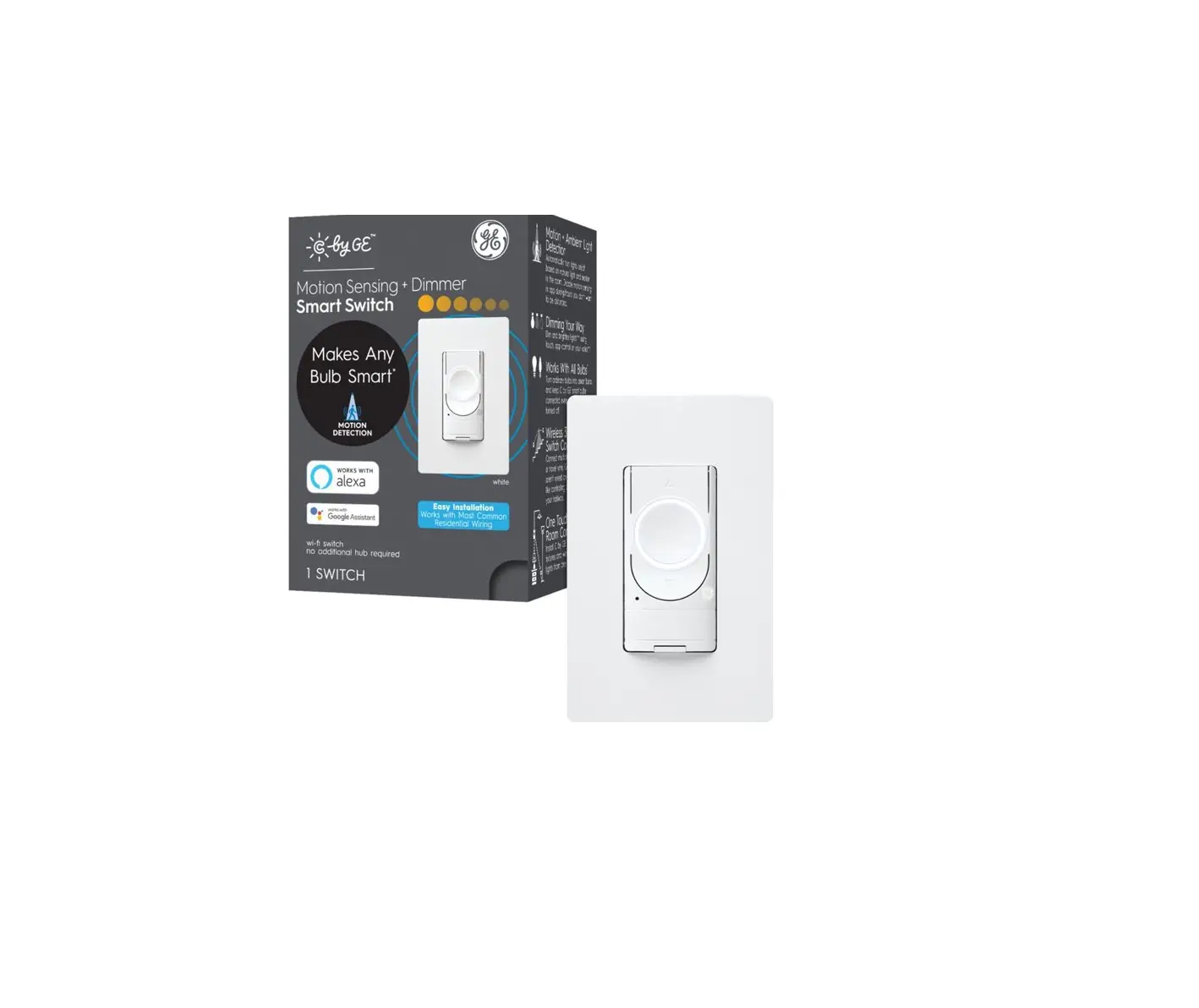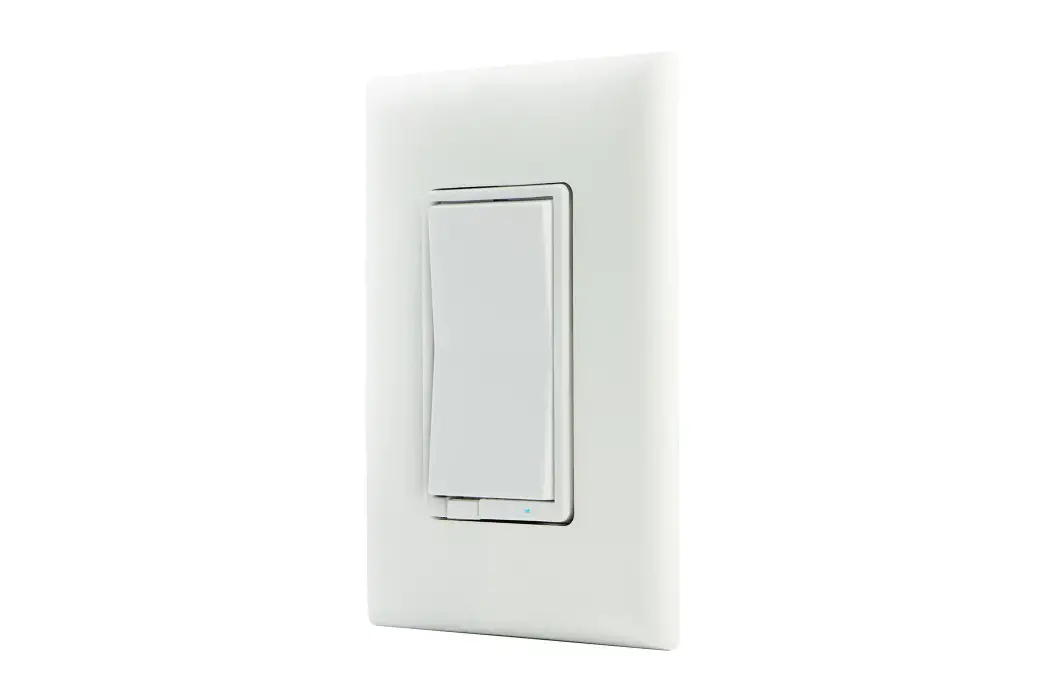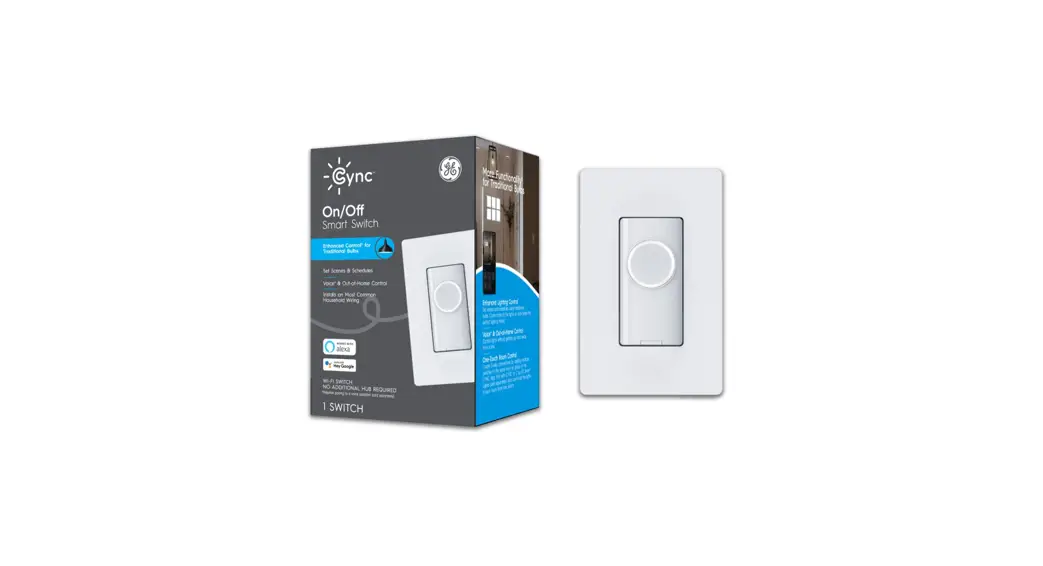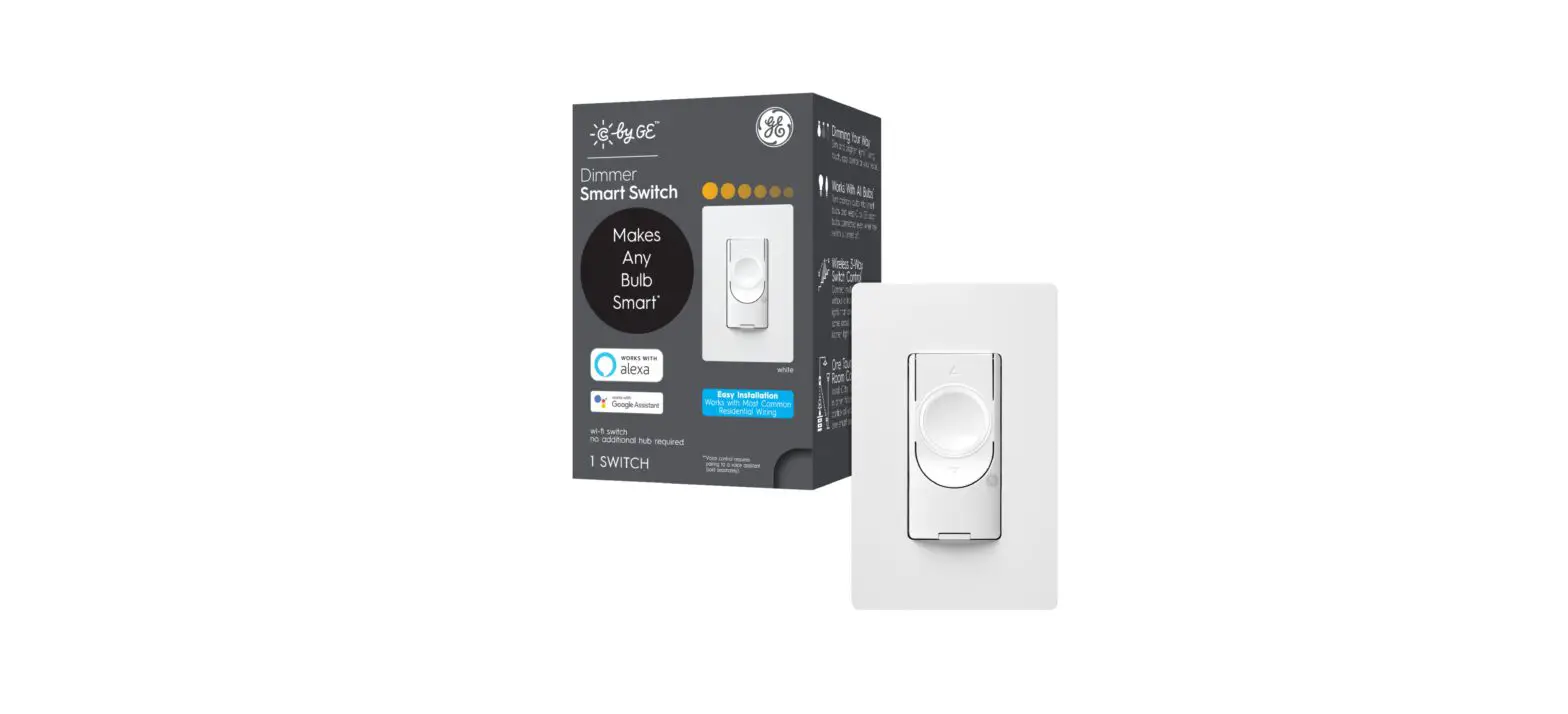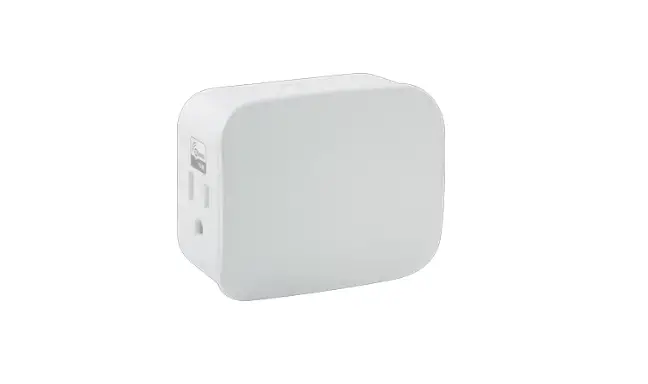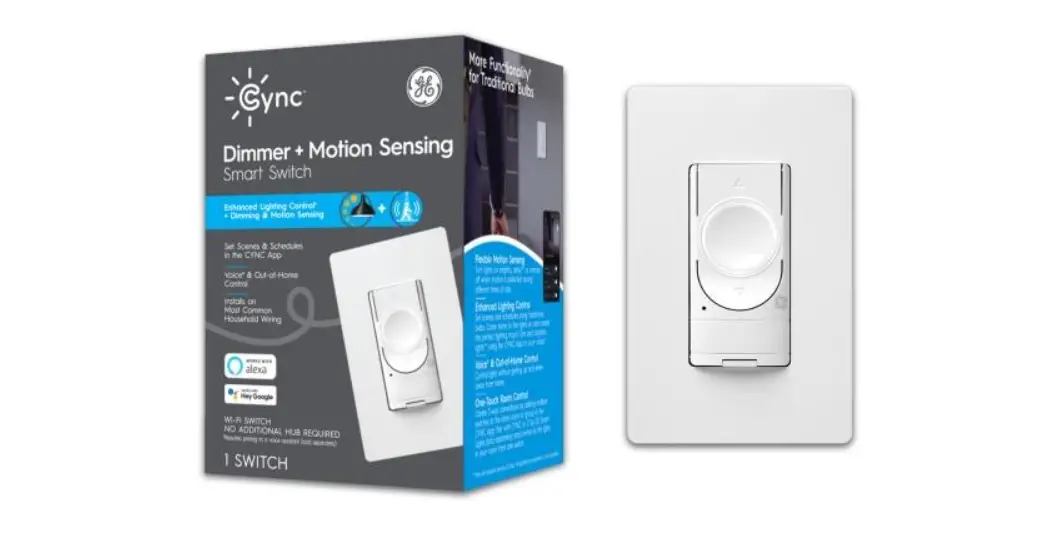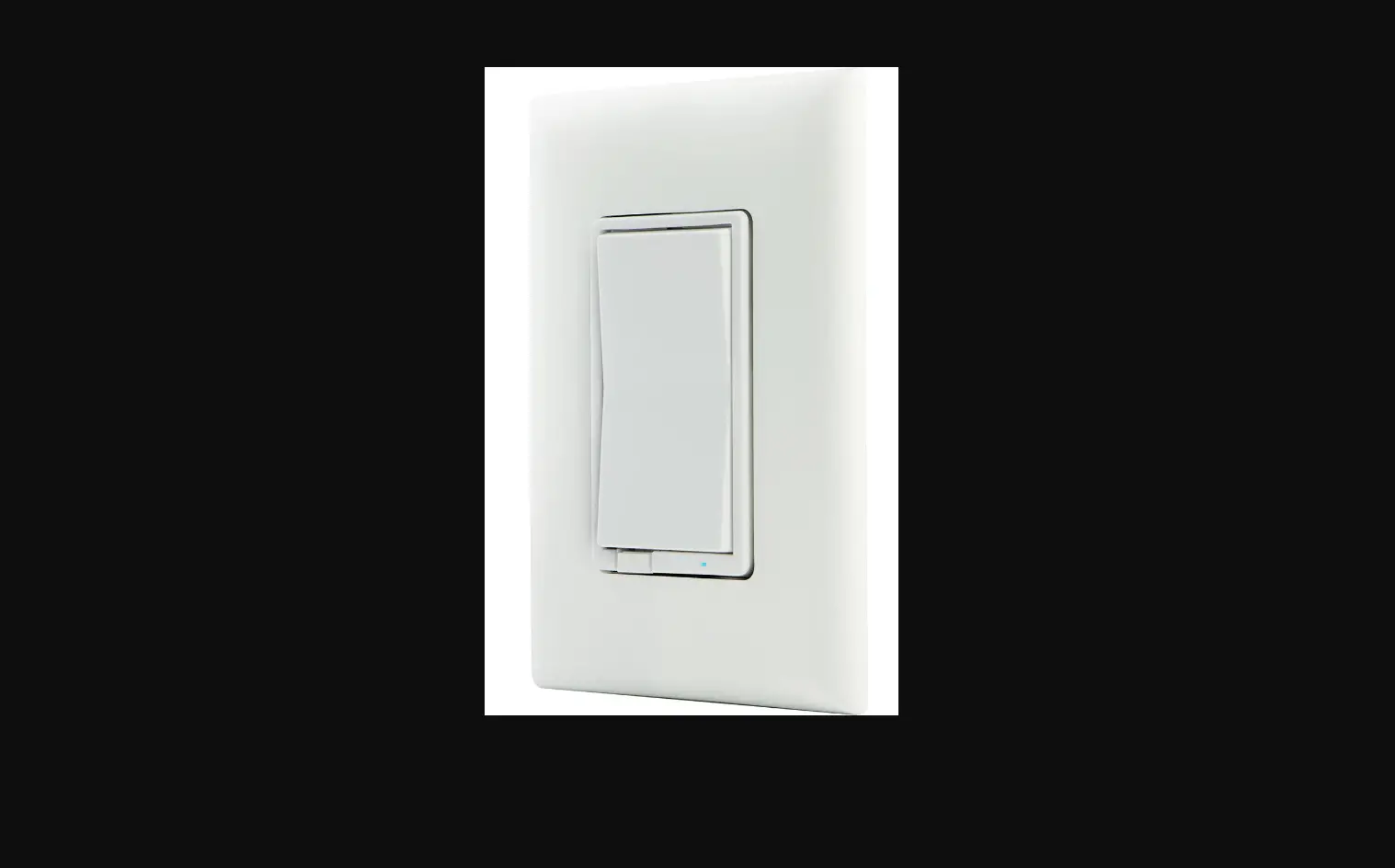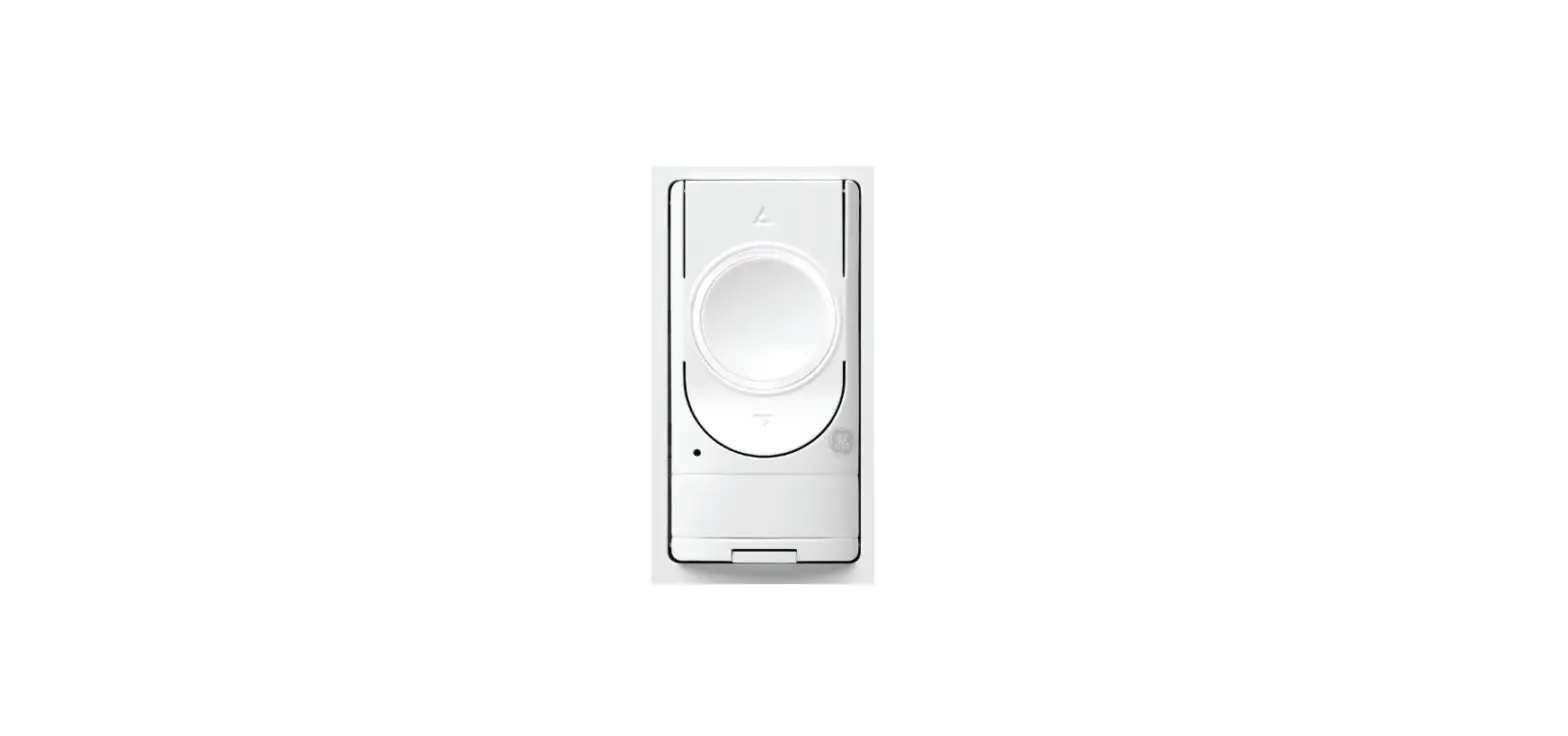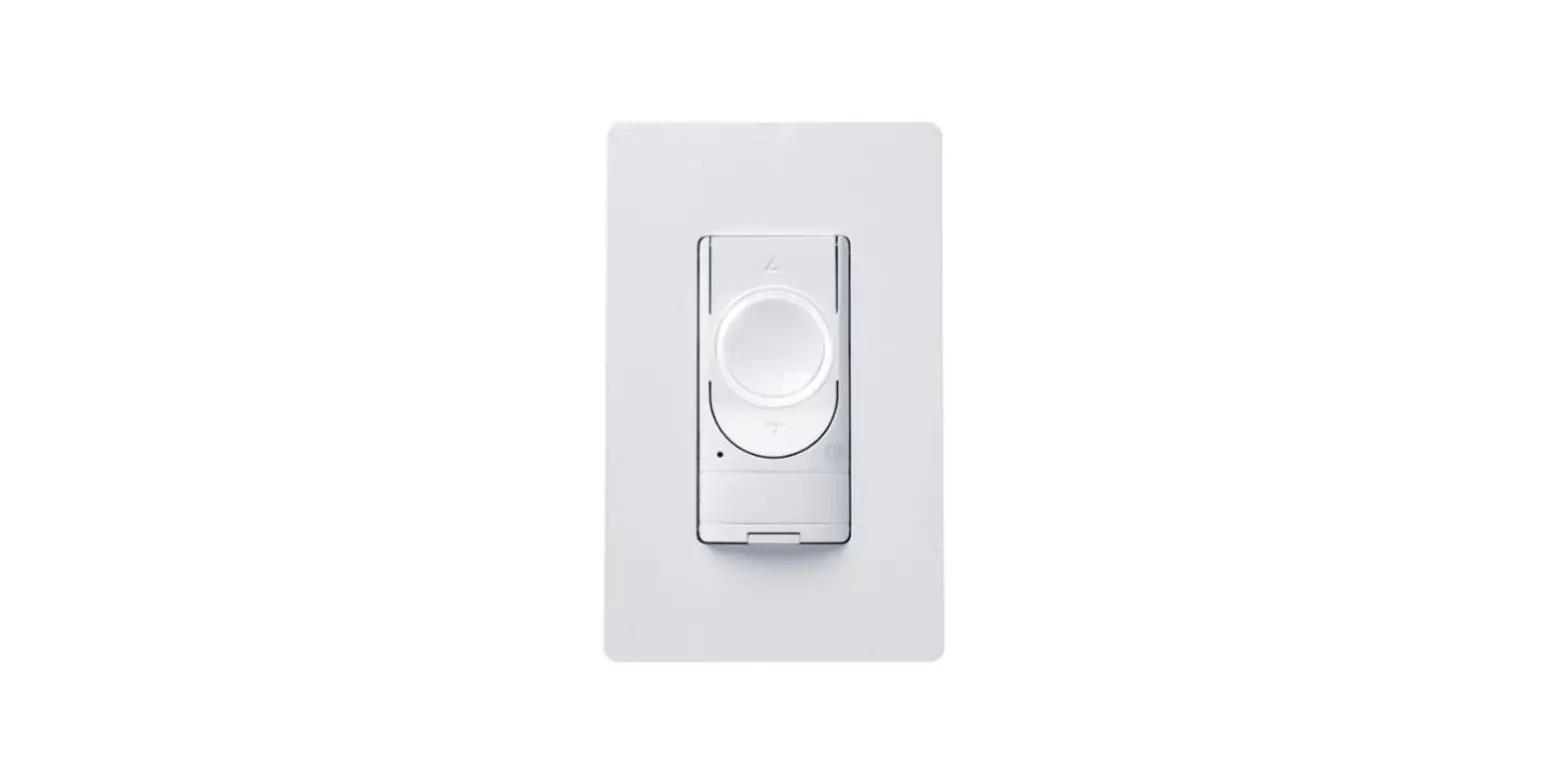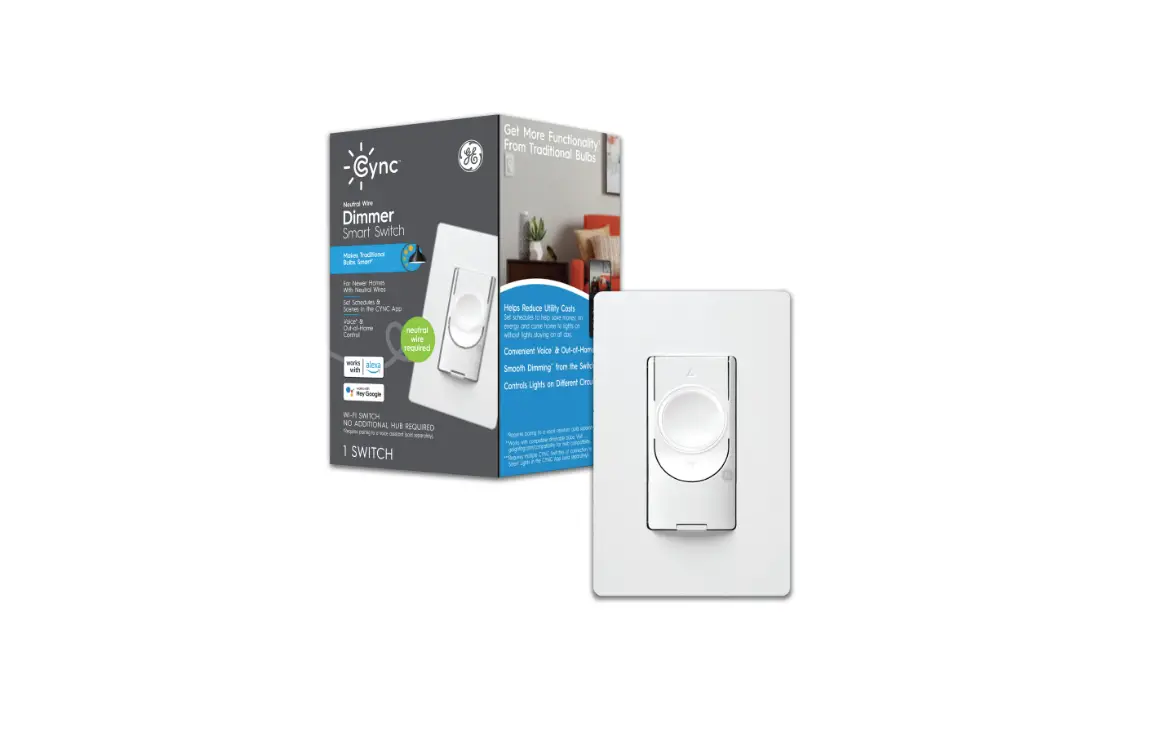

GE Lighting 48717 C by GE Neutral Wire Dimmer
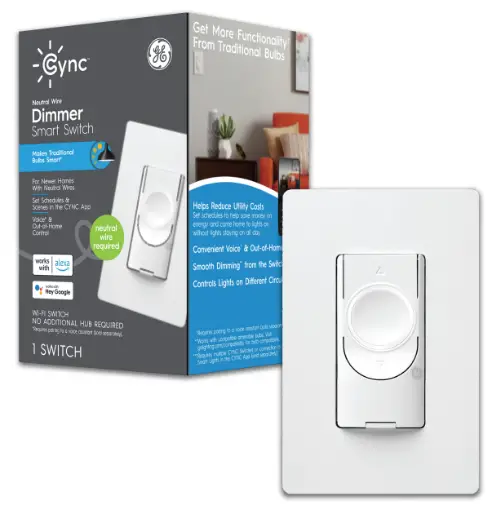
Let’s illuminate what your smart switch can do
- Create the perfect lighting scene for every scenario.
Go to CYNC App and preset the optimal light levels under create a scene. - Automate your lights to turn on when you come home.
Go to CYNC App and schedule times to turn lights on and off under create a scene. - Preset brightness levels.
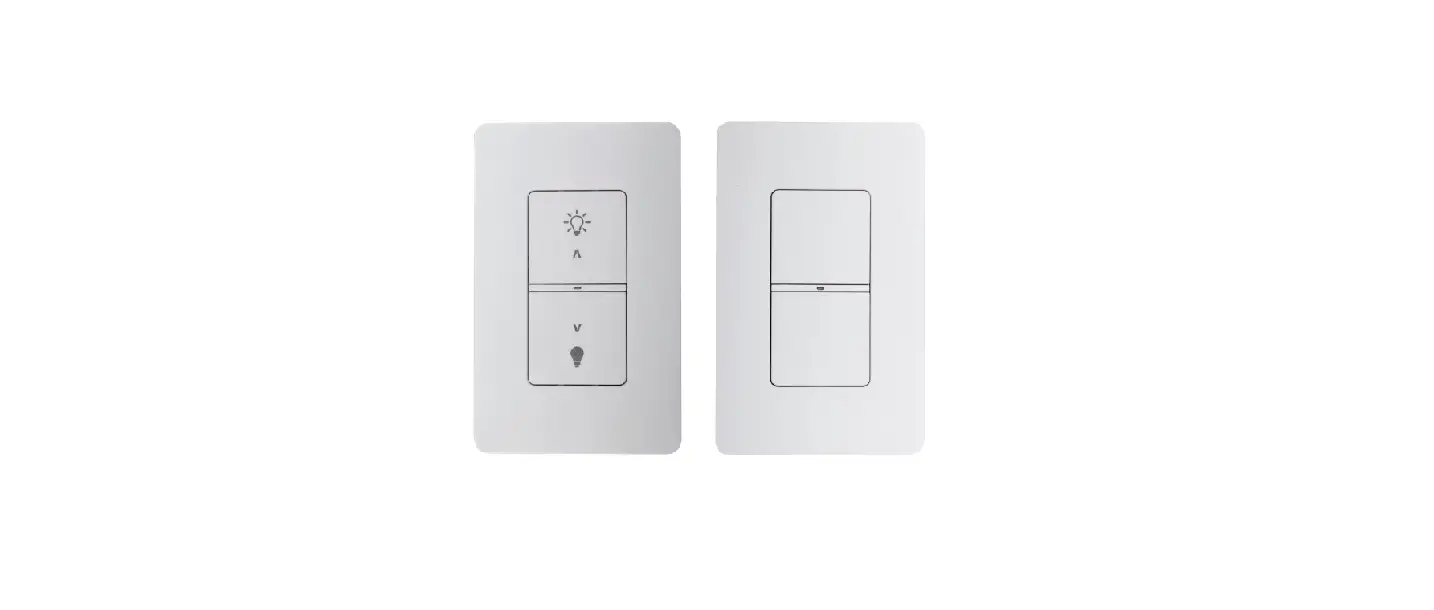
Dim switch to desired level, then turn off. Use Dim button instead of center on/off button to turn on lights at the preset level. - Control other CYNC or C by GE bulbs in the room with your switch.
CYNC or C by GE bulbs in the room with your switch.
Connect
Connect to your Alexa or Hey Google device to control your lights with your voice.
Try these voice commands:
- Amazon Alexa
- 1v1ng room.
- Alexa, good morning. Alexa, set kitchen to 50%.
- Google Assistant
- Hey Google, turn on the lights.
- Hey Google, set bedroom to 20%.
- Hey Google, I’m leaving.
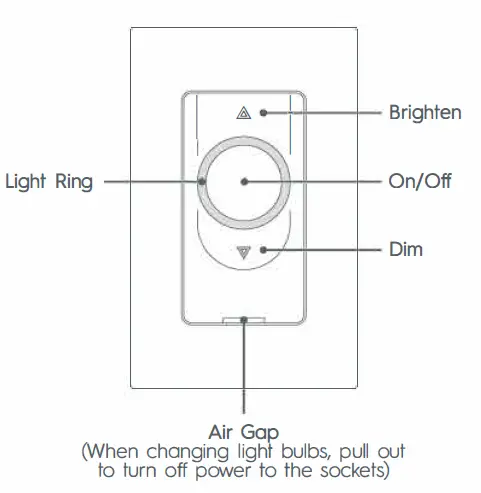
Touch Controls
GE and C by GE are trademarks of General Electric Company. Used under trademark license.