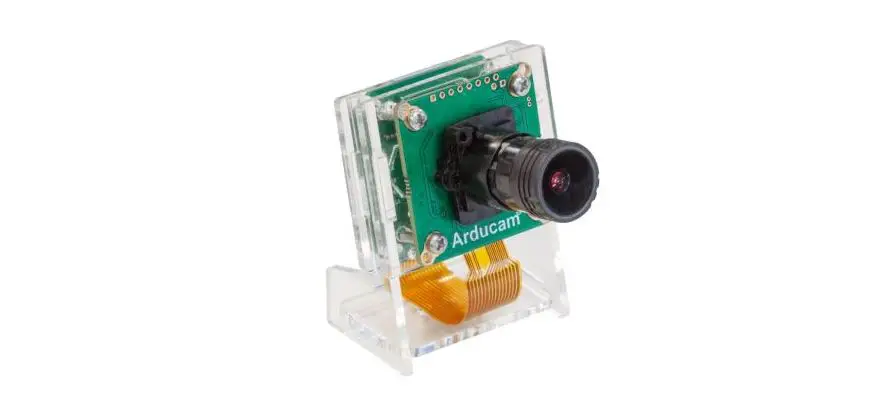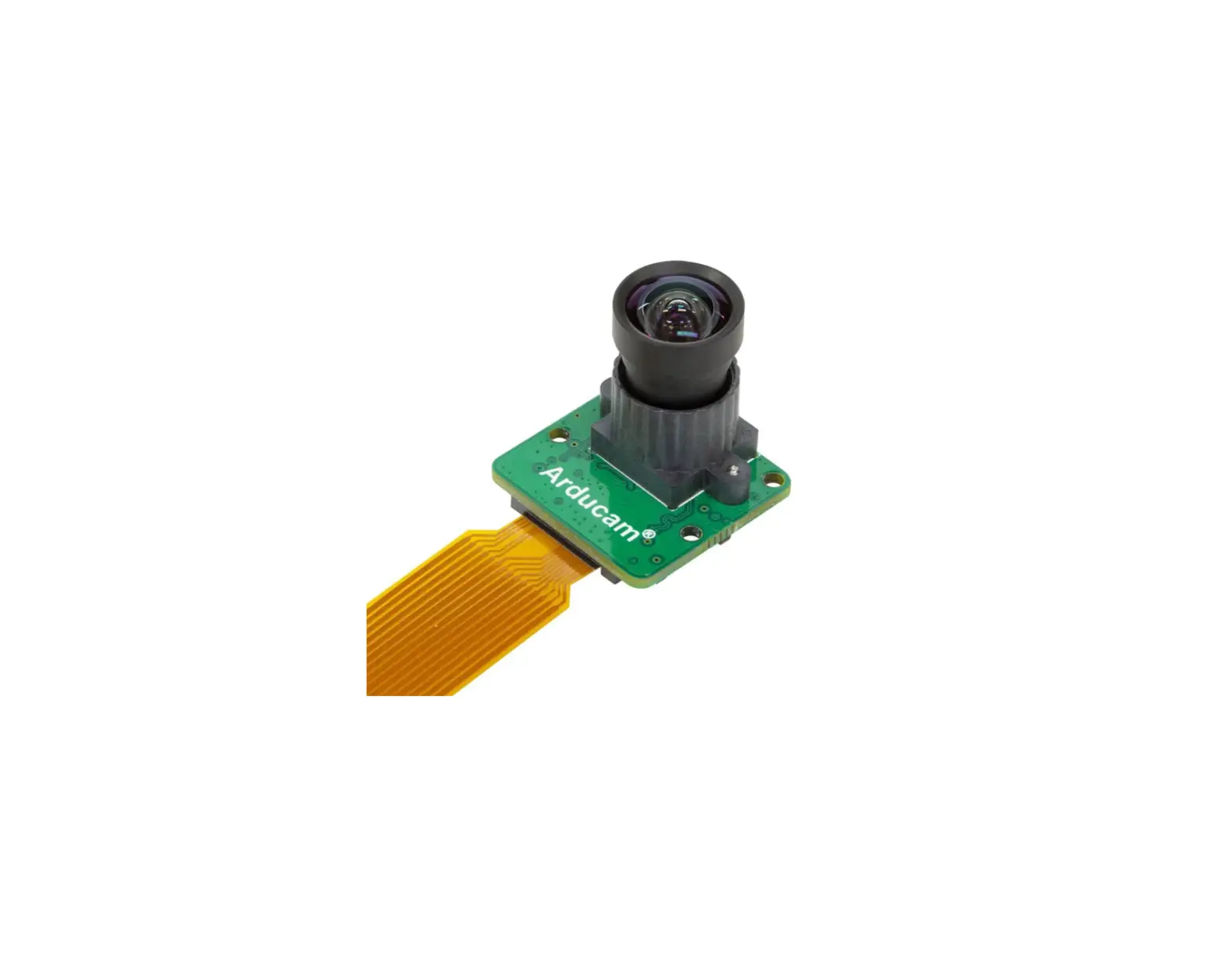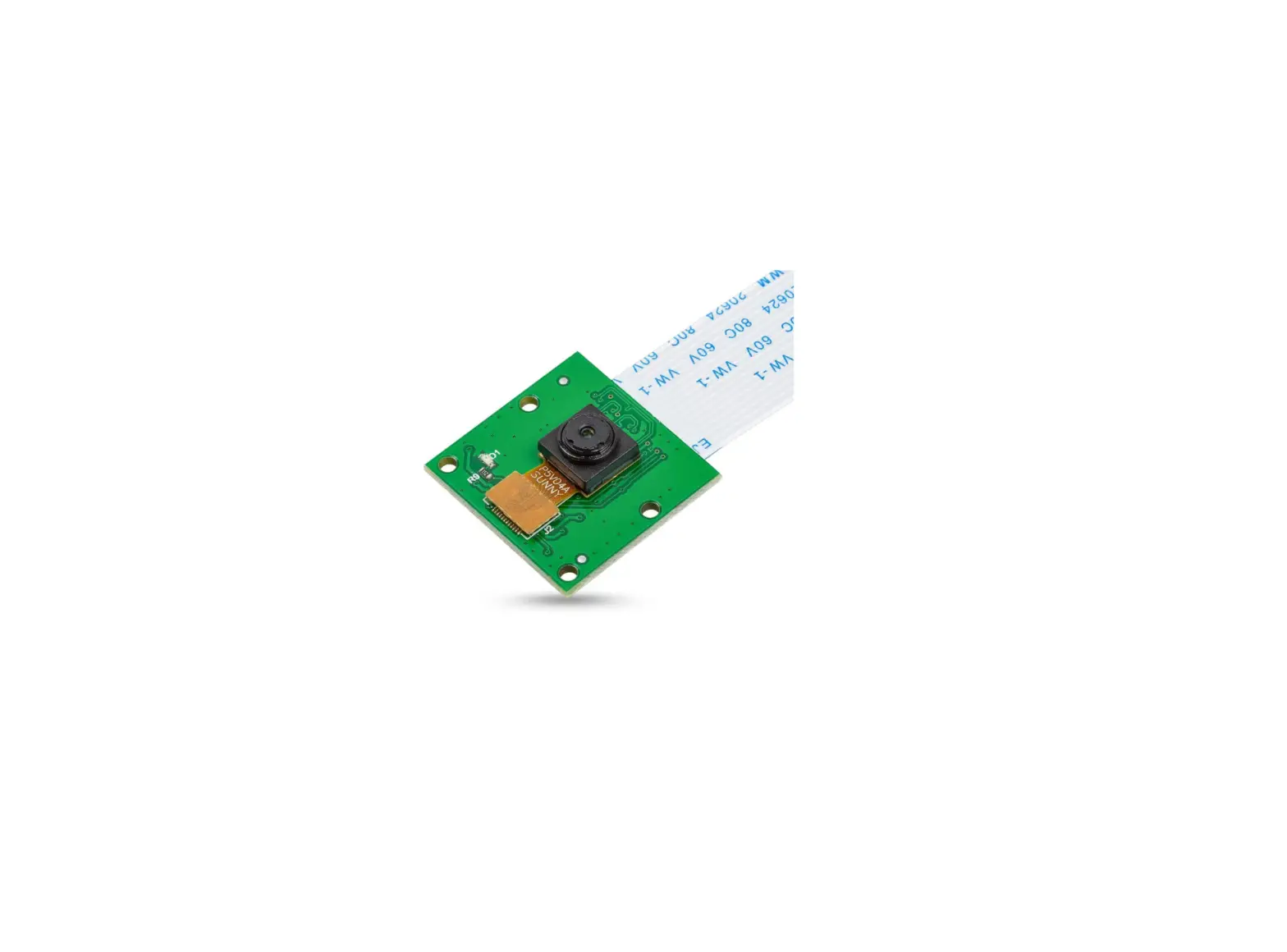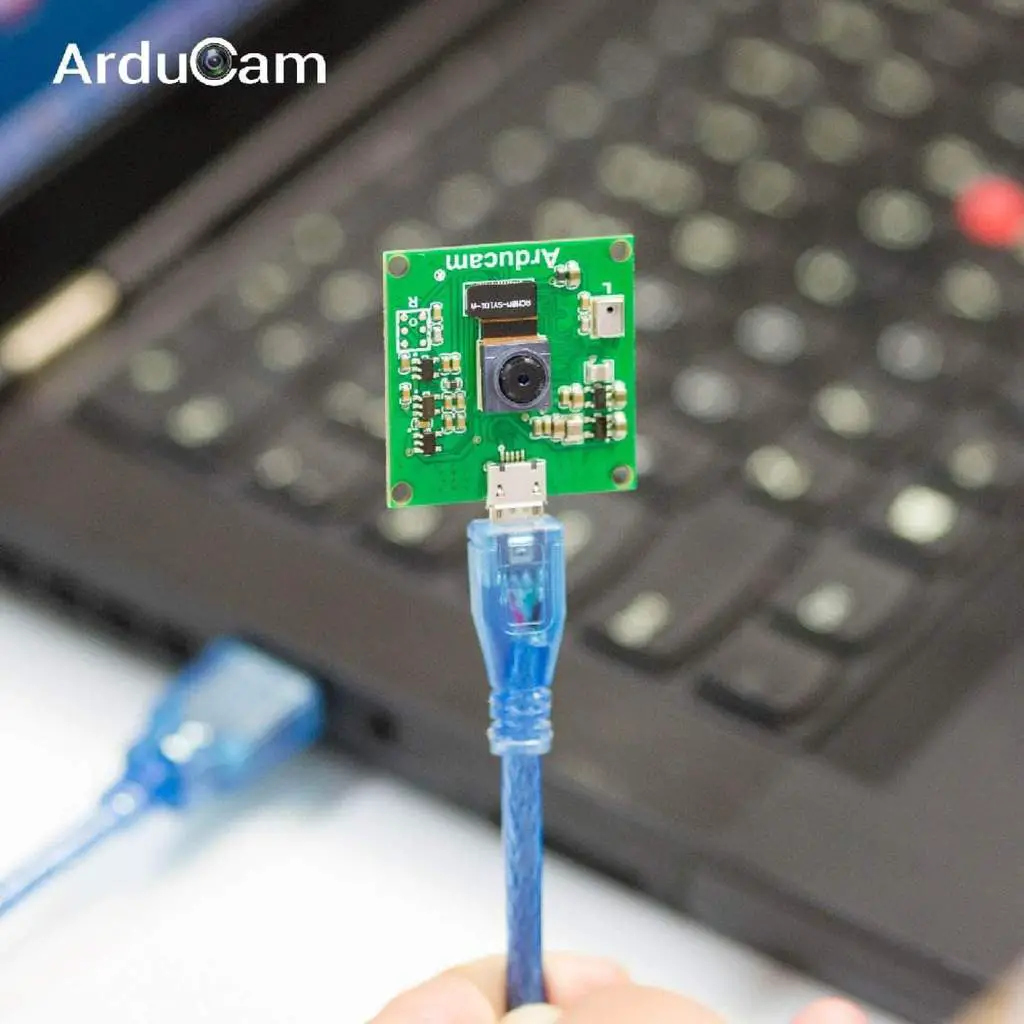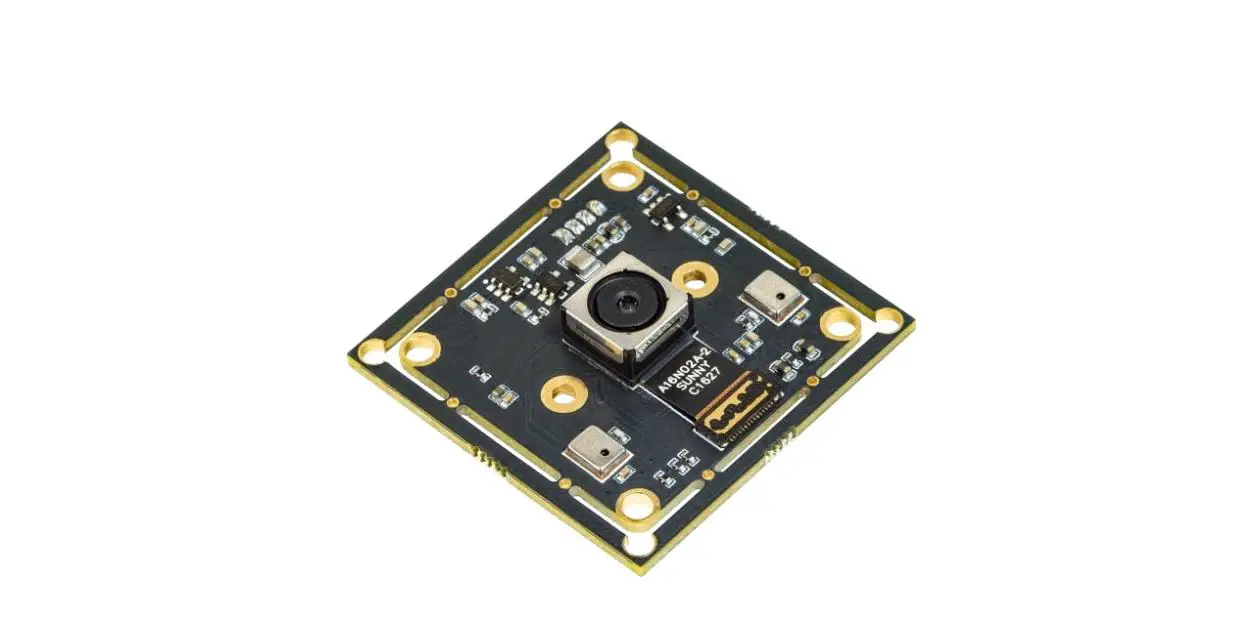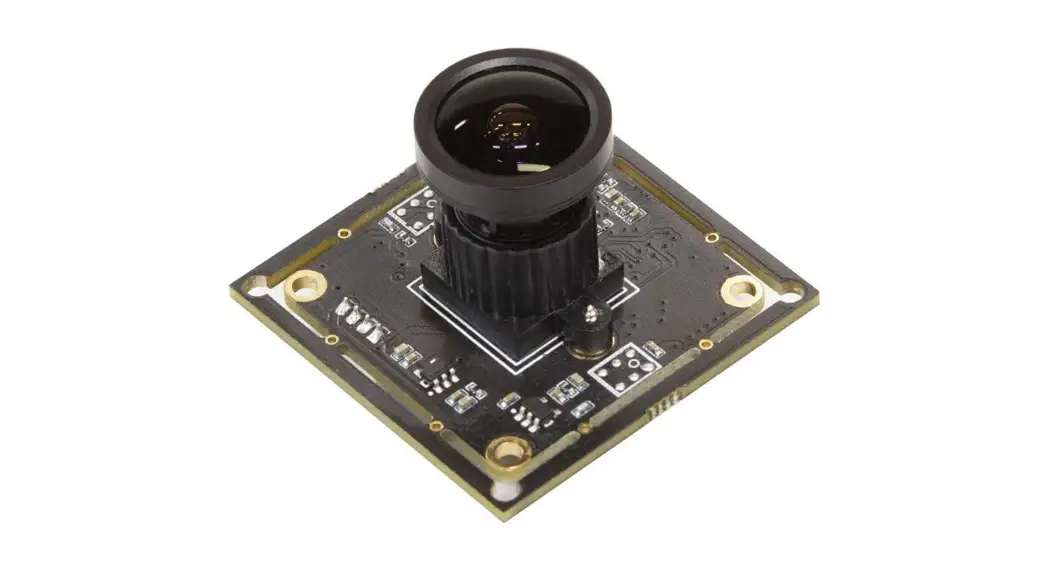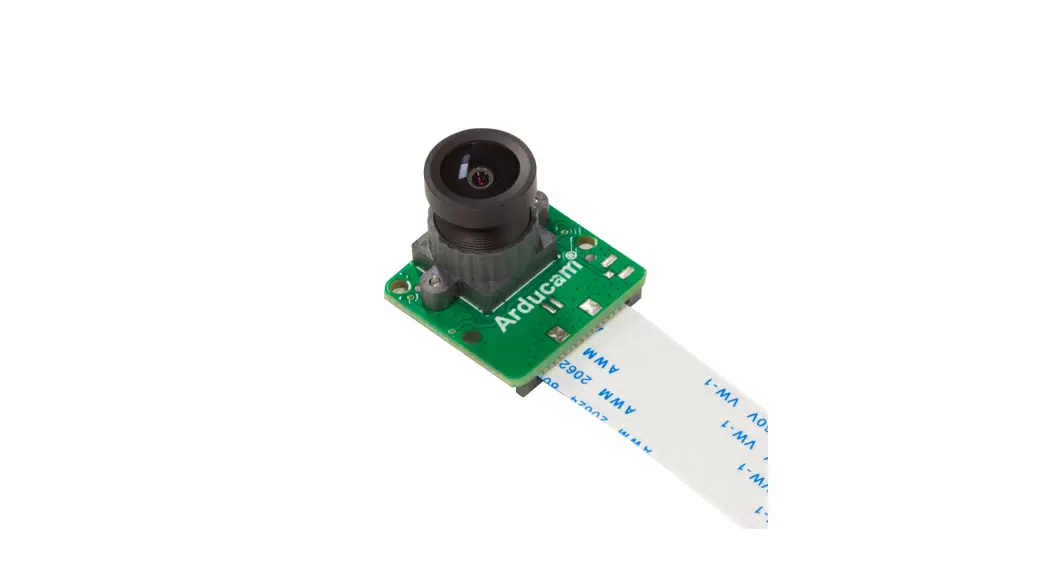
 Mini Camera Module for
NVIDIA Jetson Nano /Xavier NX 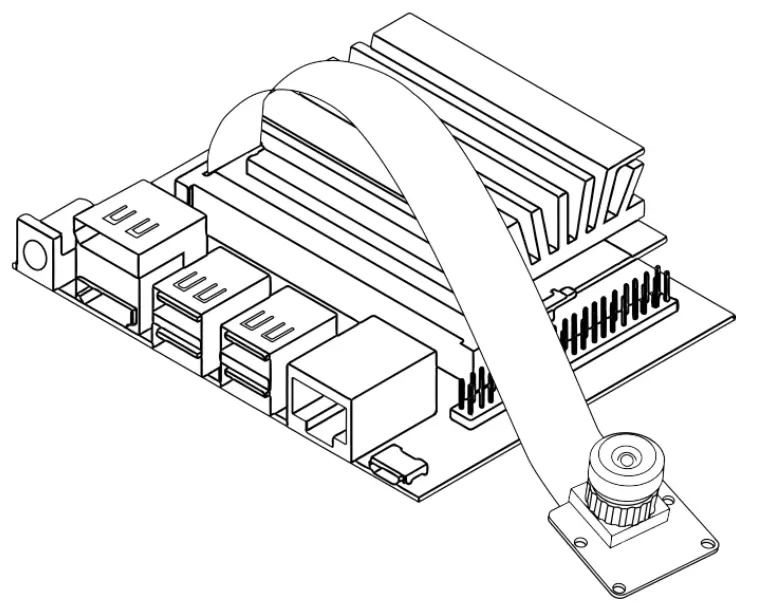
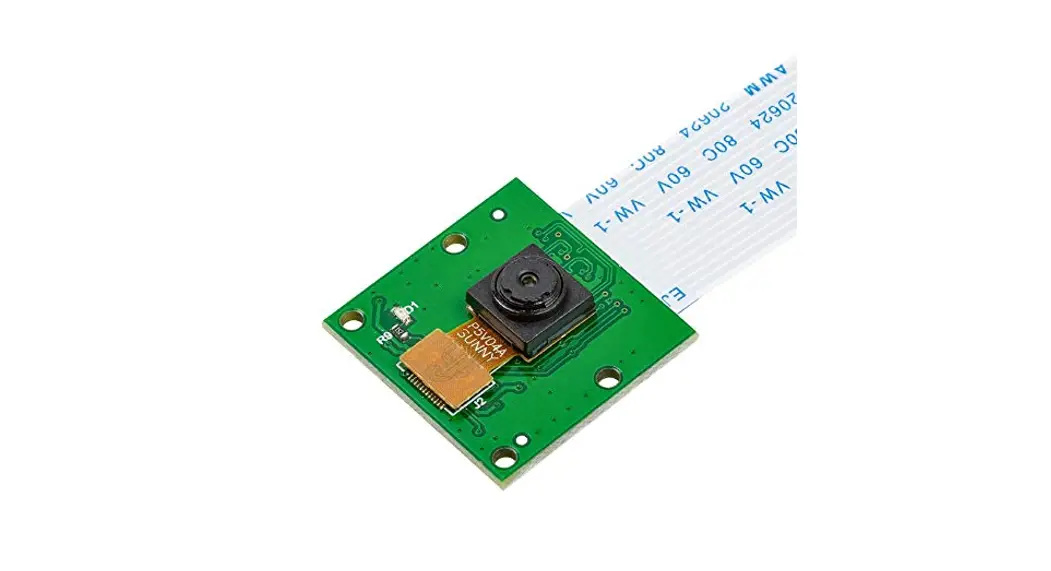
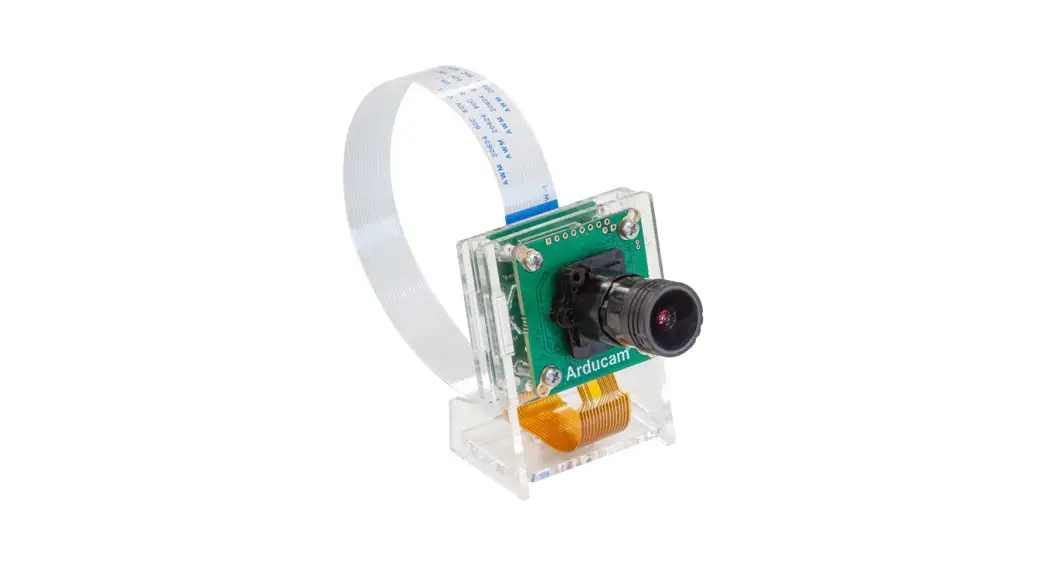
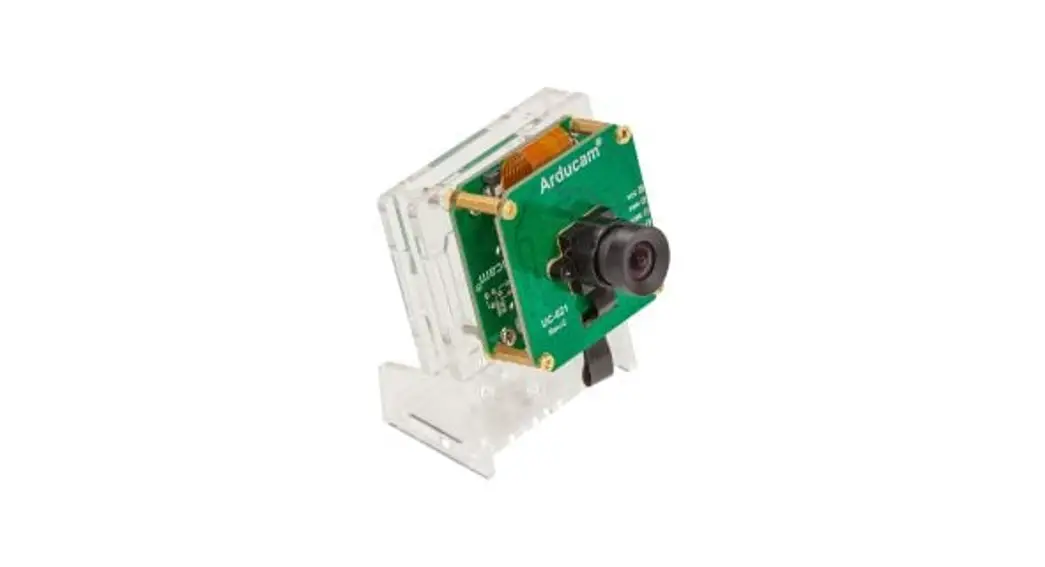
8MP IMX219 Wide Angle M12 lens
(SKU: B0342)
QUICK START GUIDE
COPYRIGHT
Specifications are subject to change without notice. No part of the specifications may be reproduced in any form or by any means or used to make any derivative such as translation, transformation, or adaptation without permission from Arducam. All rights reserved.
PACKAGE CONTENTS
The following items are included in your package:
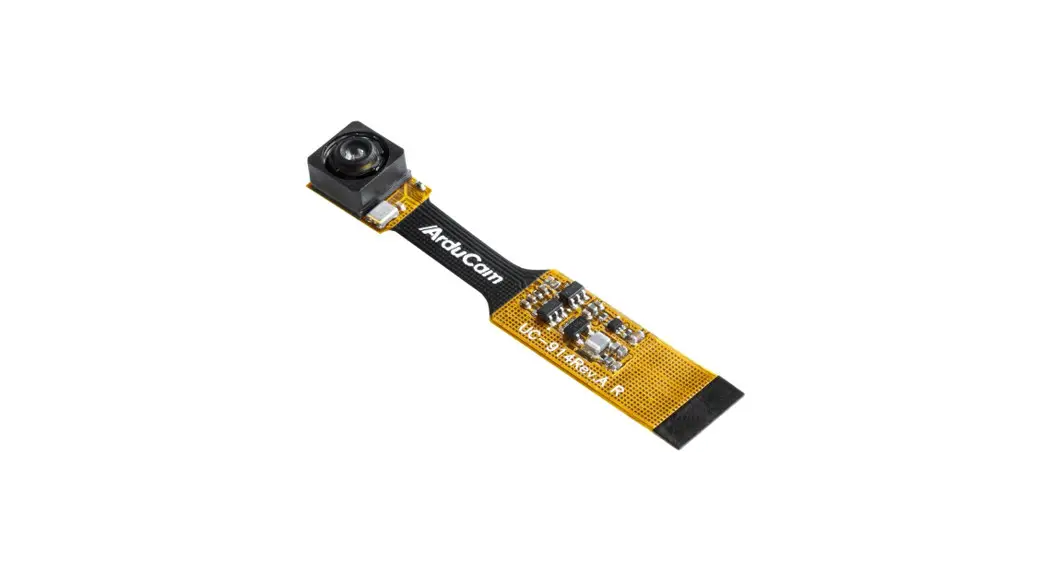
- 1pcs Arducam IMX219 camera for NVIDIA Jetson Nano
- 1pcs 1.0mm pitch 15cm 15pin FPC cable
- This Quickstart Guide
SPECS
| Image sensor | Sony IMX219 |
| Sensor resolution | 3280 H× 2464 V |
| Still resolution | 8 Megapixels |
| Frame rate | 8MP/21fps,1080p/60f ps, 720p/120fps |
| Focus type | Manual focus |
| Sensor output format | RAW10 |
| Unit cell size | 1.12 µm x 1.12 µm |
| Optical size | 1/4″ |
| Focal length | 2.05 mm |
| Interface type | 2-Lane MIPI |
| Horizontal field of view | 110 degrees |
| IR sensitivity | Integral IR filter, visible light only |
| F.NO | 2.0 |
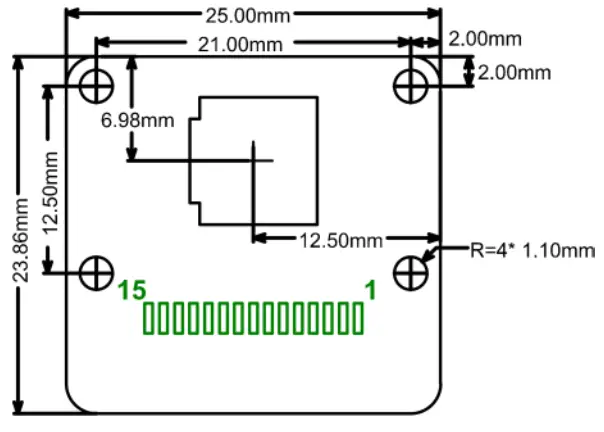
| Board size | 25*24mm |
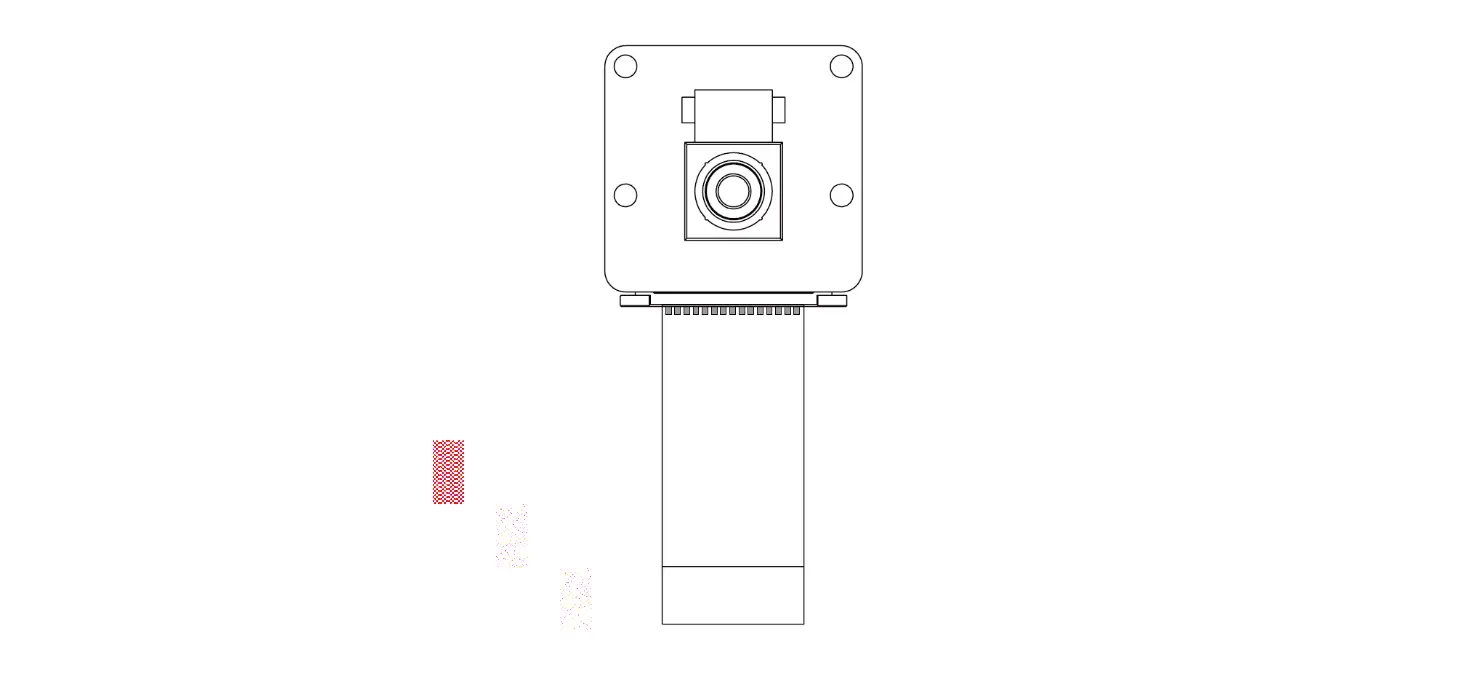
MECHANICAL DRAWING 
| Pin No. | PIN NAME | TYPE | DESCRIPTION |
| 1 | DGND | Ground | Power ground |
| 2 | MDN0 | Output | Pixel Data Lane0 Negative |
| 3 | MDP0 | Output | Pixel Data Lane0 Positive |
| 4 | DGND | Ground | Power ground |
| 5 | MDN1 | Output | Pixel Data Lane1 Negative |
| 6 | MDP1 | Output | Pixel Data Lane1Positive |
| 7 | DGND | Ground | Power ground |
| 8 | MCN | Output | Pix-el Clock Output Form Sensor Negaitive |
| 9 | MCP | Output | Pixel Clock Output Form Sensor Positive |
| 10 | DGND | Ground | Power ground |
| 11 | POWER-EN | Input | Power Enable |
| 12 | NC | NC | NC |
| 13 | SCL | Input | SCCB serial interface clock input |
| 14 | SDA | I/O | SCCB serial interface data I/O |
| 15 | VCC | Power | 3.3V Power supply |
NOTE
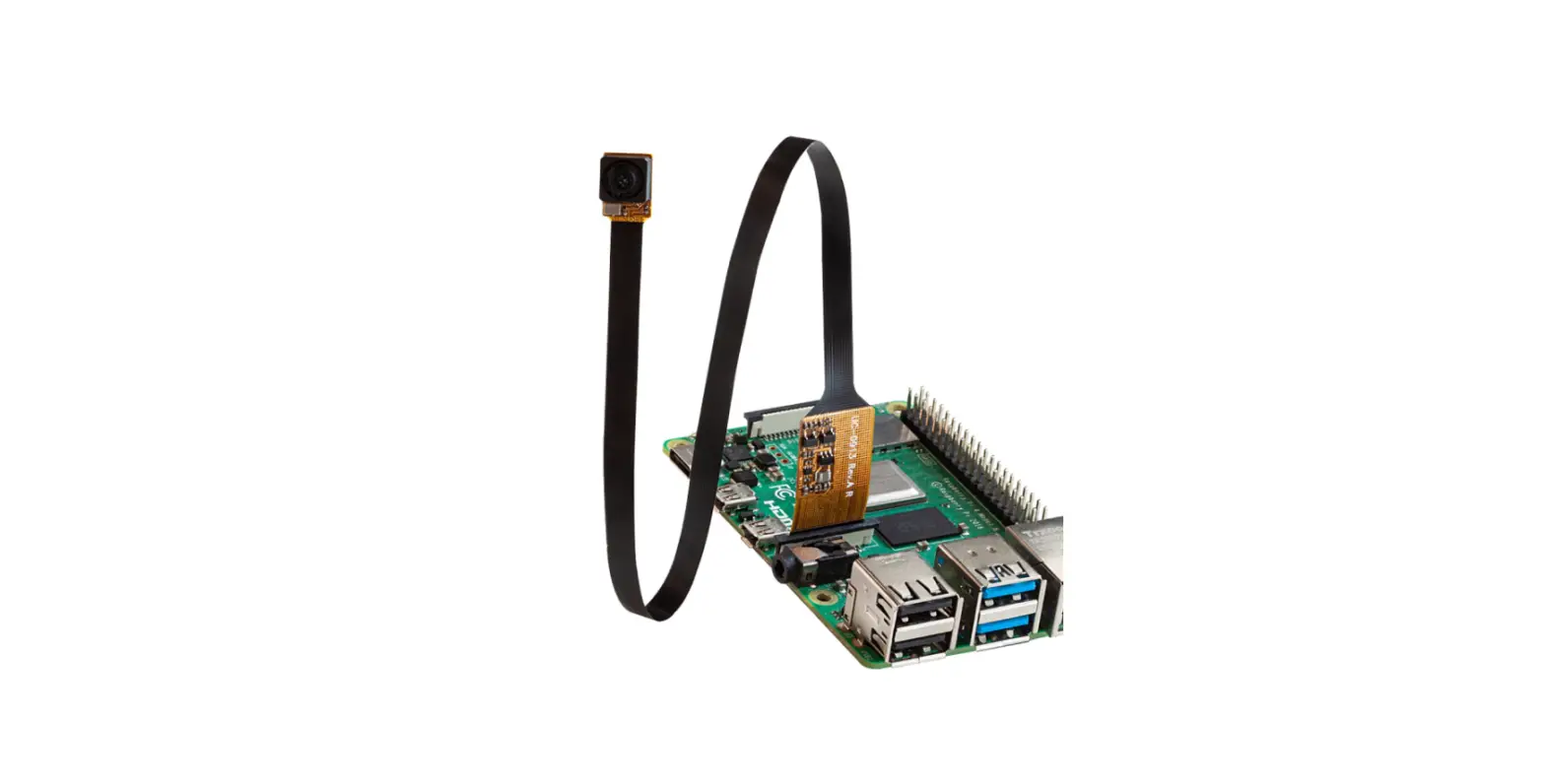
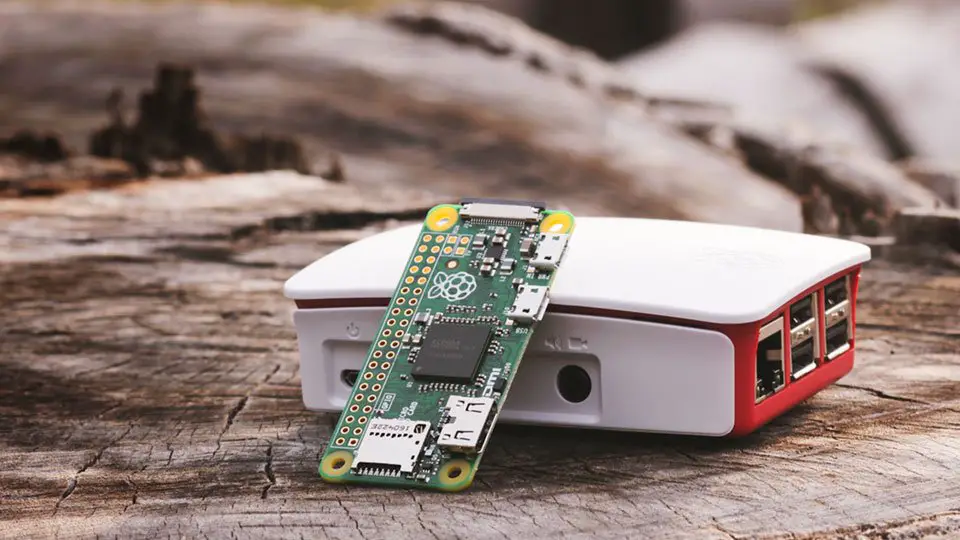
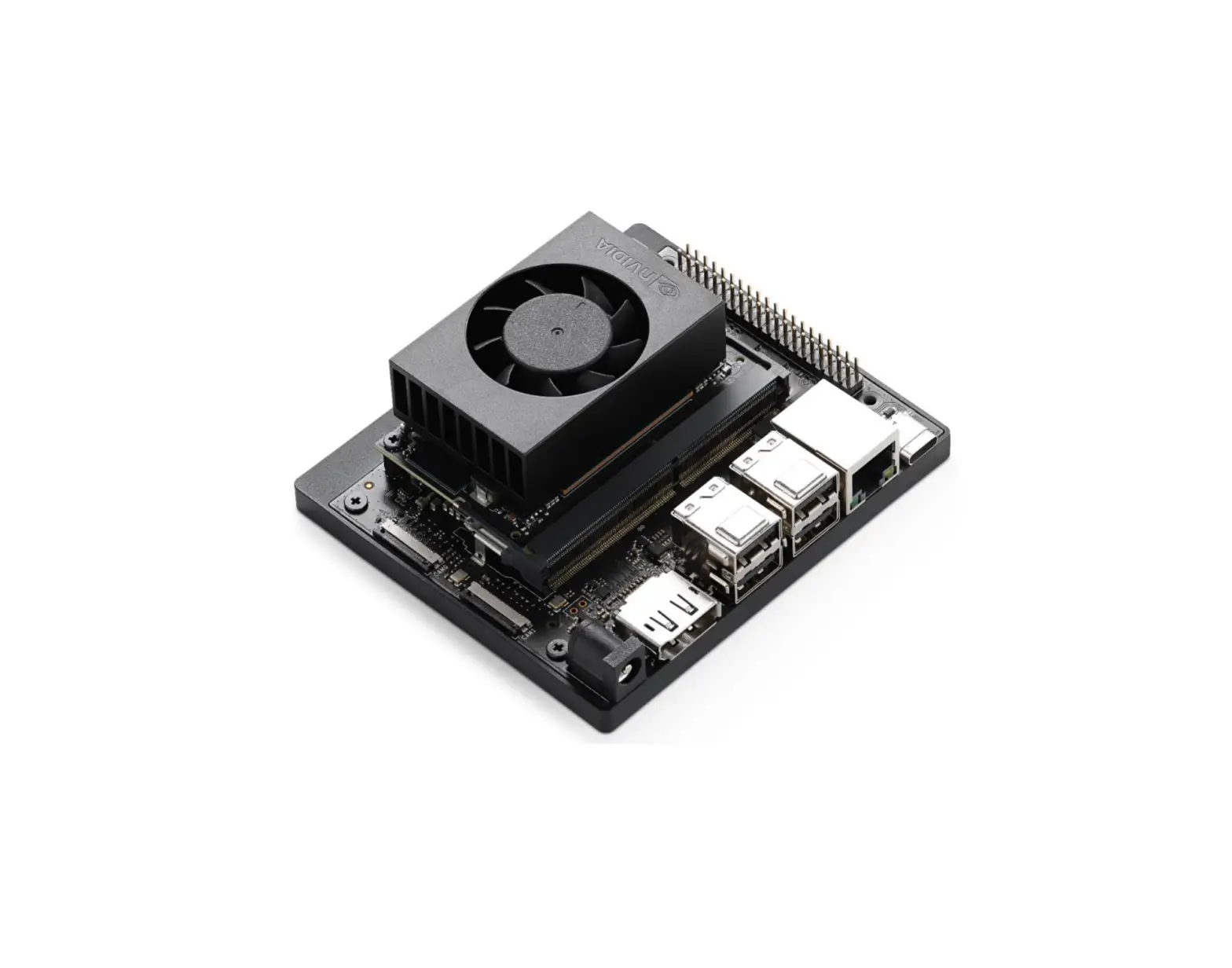
This camera is mainly designed for the Jetson Nano/Xavier NX. It can also be used on the Raspberry Pi Compute Module (like CM4, CM3+), but is not compatible with standard Raspberry Pi models (like Raspberry Pi 4B/3B/B+ ).
HARDWARE CONNECTION
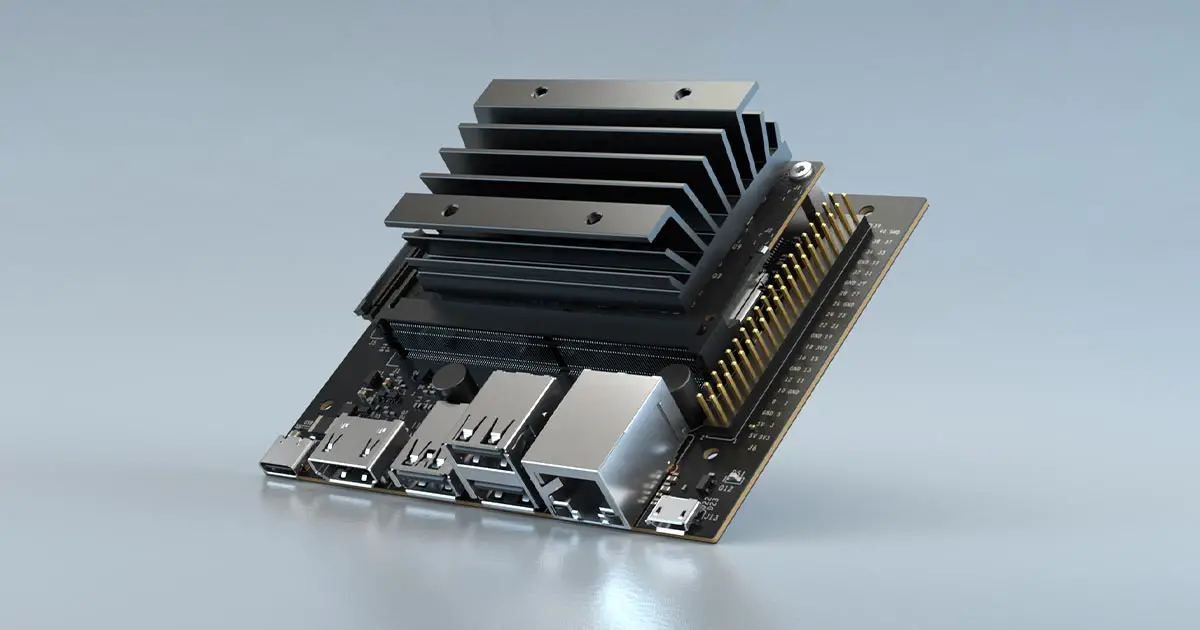
You need to connect the camera module to the Jetson Nano’s camera port.
- Locate the camera port near the barrel power connector, and gently pull up on the plas- 1 tic edge.
- Push in the camera ribbon, and make sure the silver connectors are facing the heatsinks.Do not bend the flex cable, and make sure it’s firmly inserted.
- Push the plastic connector down while holding the flex cable until the connector is back in place.
SOFTWARE SETTING
Power on Jetson Nano and open the Terminal
(Ctrl+ALT+T)
Test camera with the command:
DISPLAY=:0.0 gst-launch-1.0 nvarguscamerasrc !
‘video/x-raw(memory:NVMM), width=3280,
height=2464, format=(string)NV12, framerate= (fraction)20/1’ ! nvoverlaysink -e
If the image captured feels reddish, you can down- load a new .isp file to override the old one:
wget https://www.arducam.com/downloads/Jetson/Camera_overrides.tar.gz
tar zxvf Camera_overrides.tar.gzsudo cp camera_overrides.isp /var/nvidia/nvcam/settings/
sudo chmod 664 /var/nvidia/nvcam/settings/camera_overrides.isp
sudo chown root:root /var/nvidia/nvcam/settings/camera_overrides.isp
TROUBLESHOOTING
No cameras Available
? Error code
The error generated … execute:521 No cameras available
+Test
Run the command
ls /dev/video*
to check if there is a video device. If not, you will get
? Error code
ls: cannot access ’/dev/vi … No such file or directory
No image captured, the system no response
If your test command stops at the following lines, with no response and no image captured:
? Error code
GST_ARGUS: Power…requested_clock_Hz=35358400
GST_ARGUS: Setup Complete…captures for 0 seconds
GST_ARGUS: Starting repeat capture requests.
CONSUMER: Producer has connected; continuing.
TROUBLESHOOTING
# Possible Reasons
- The camera is not correctly connected.
- The camera module is faulty.
 Solutions
Unplug and reconnect the camera cable on both ends, check the connector that connects the sensor module to the camera board, and then restart the Jetson Nano. If the problem still exists, please contact Arducam.
FURTHER INFORMATION
For further information, check the following link:
https://www.arducam.com/docs/camera-forjetson-nano/
CONTACT US
Email: [email protected]
Website: https://www.arducam.com/
Skype: arducam
 Simplifying embedded vision for all. - Arducam