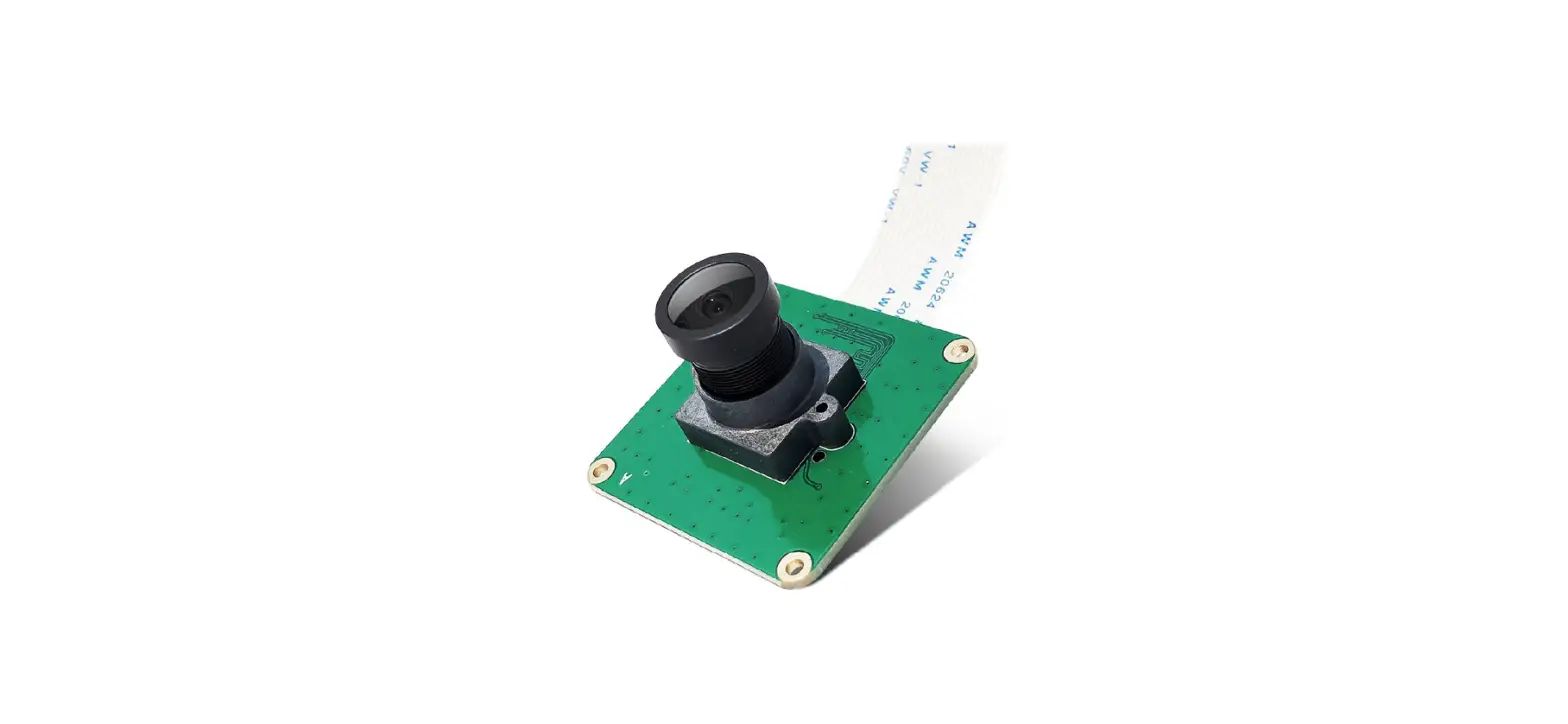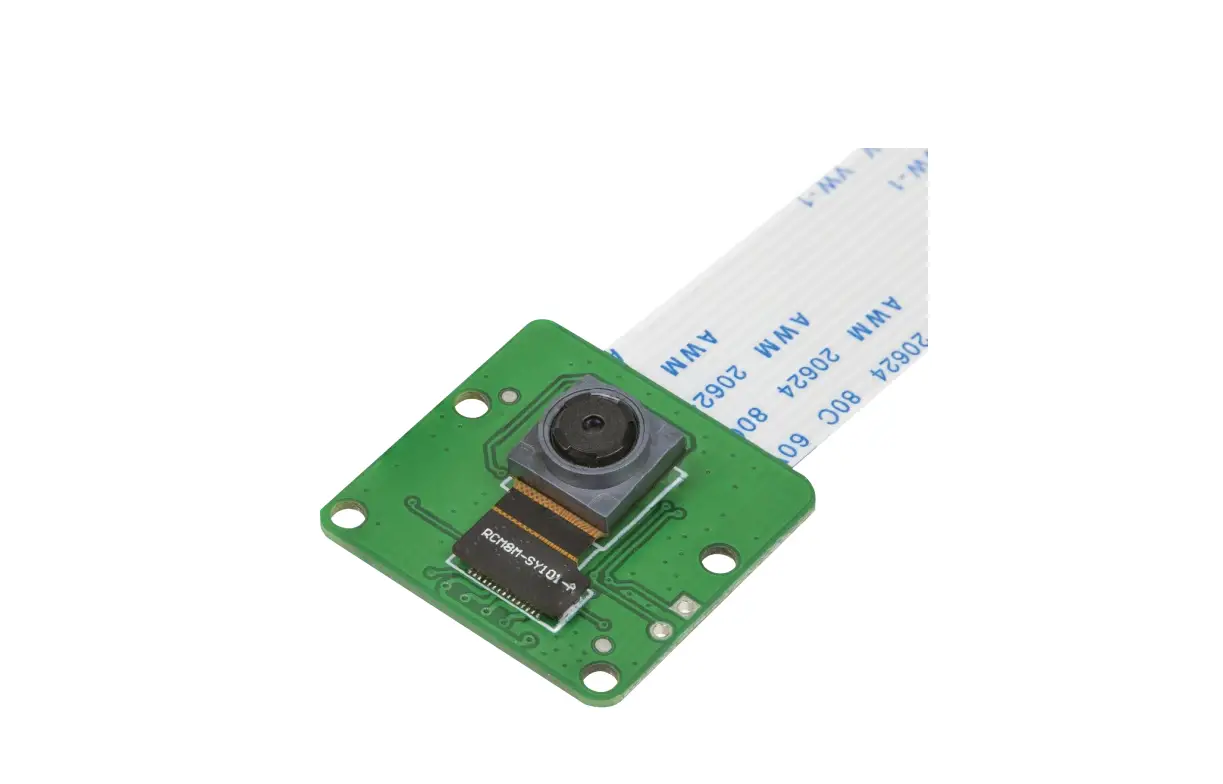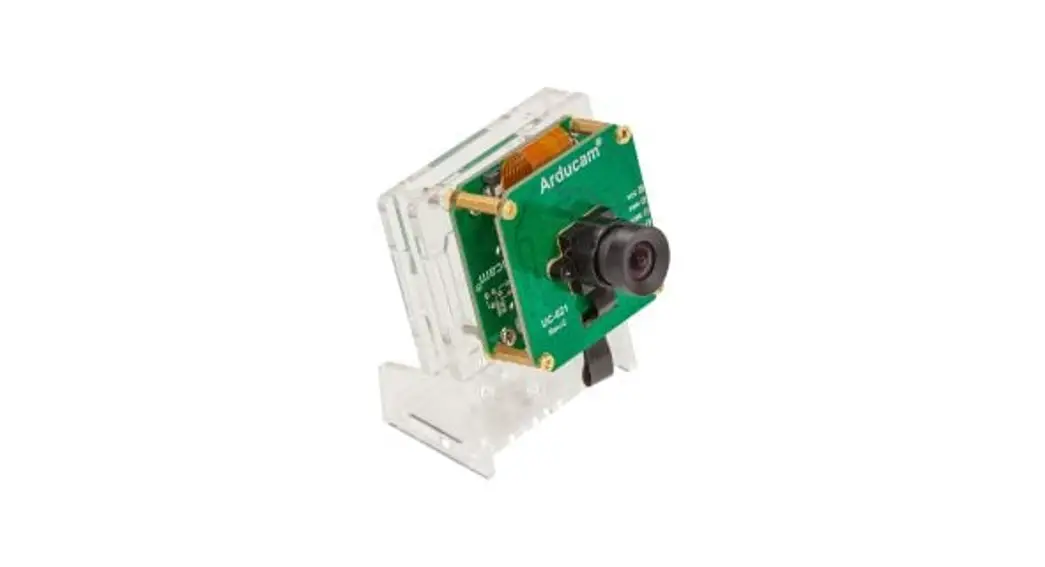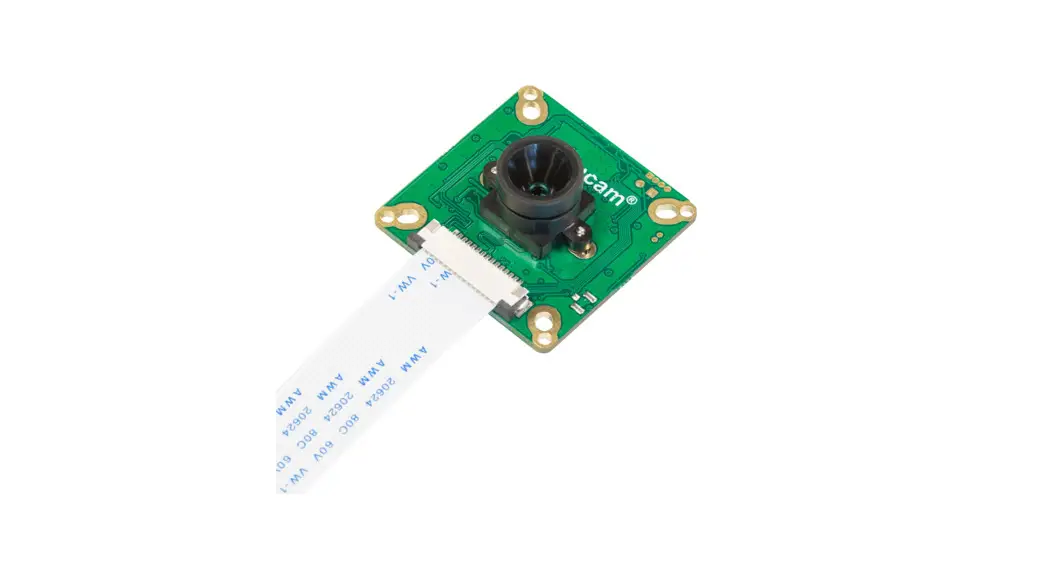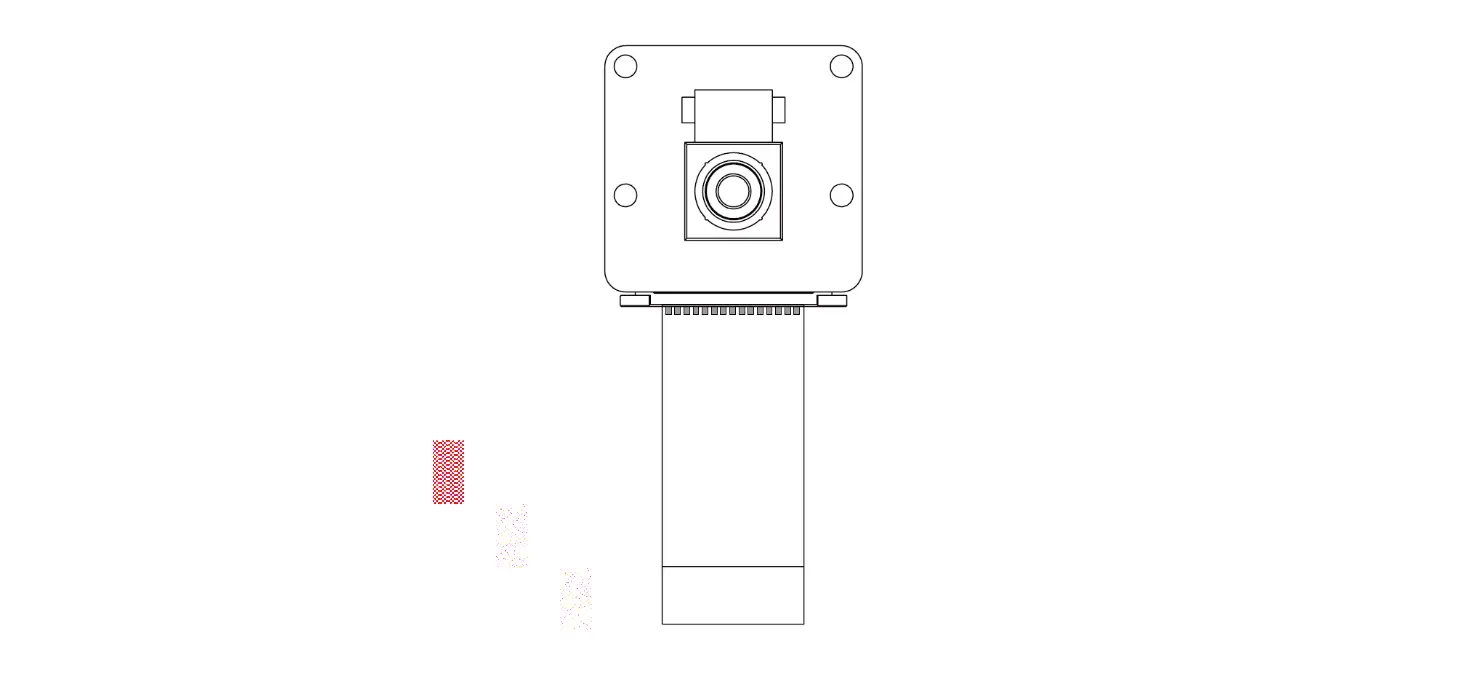

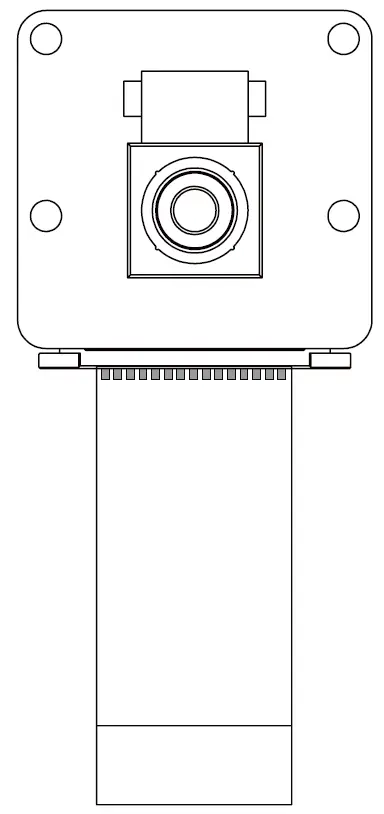
ArduCam B0386 16MP IMX519(NOIR) Camera Module
INTRODUCTION
About Arducam
Arducam has been a professional designer and manufacturer of SPI, MIPI, DVP and USB cameras since 2012. We also offer customized turnkey design and manufacturing solution services for customers who want their products to be unique.
About This Camera
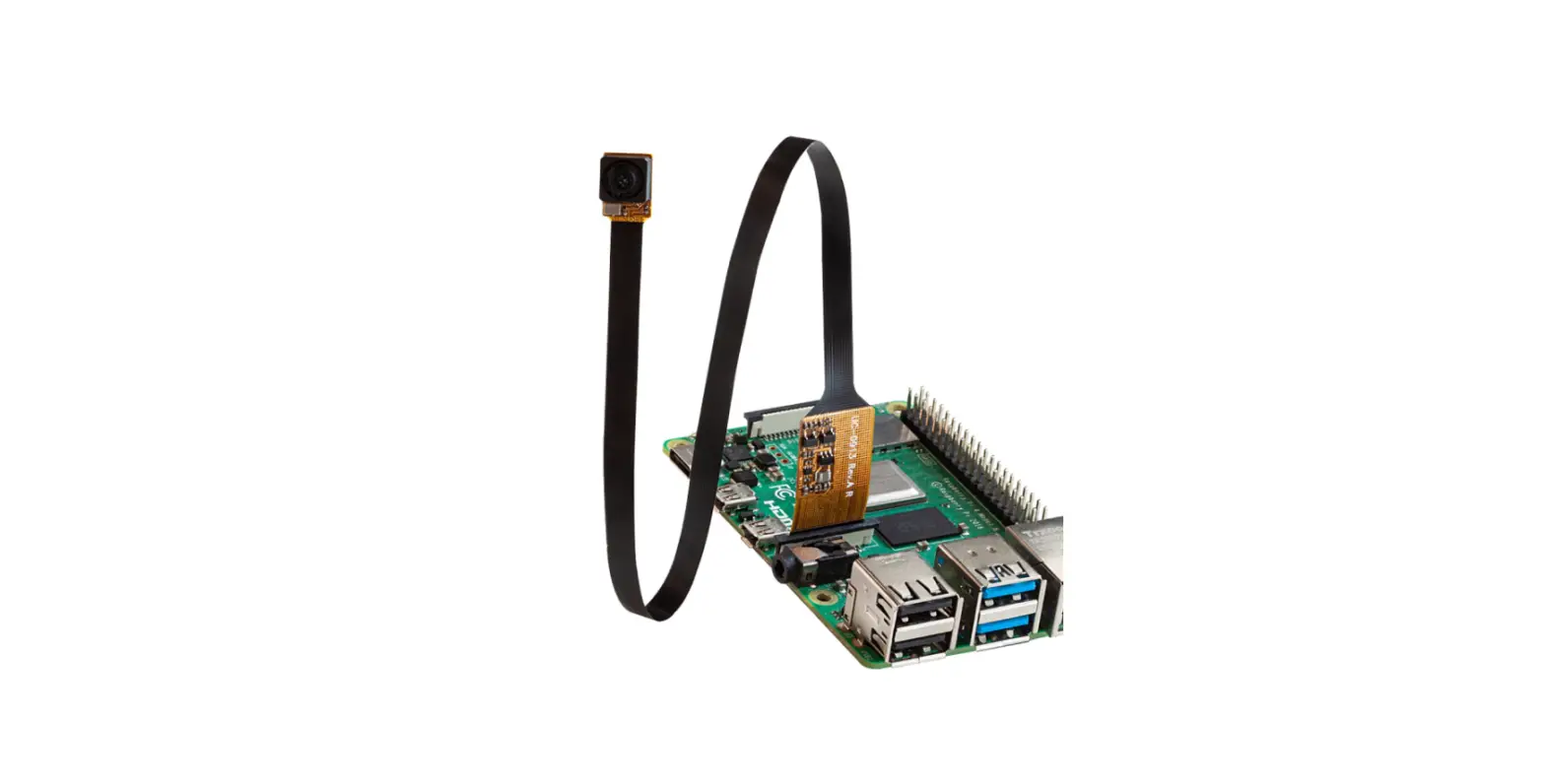
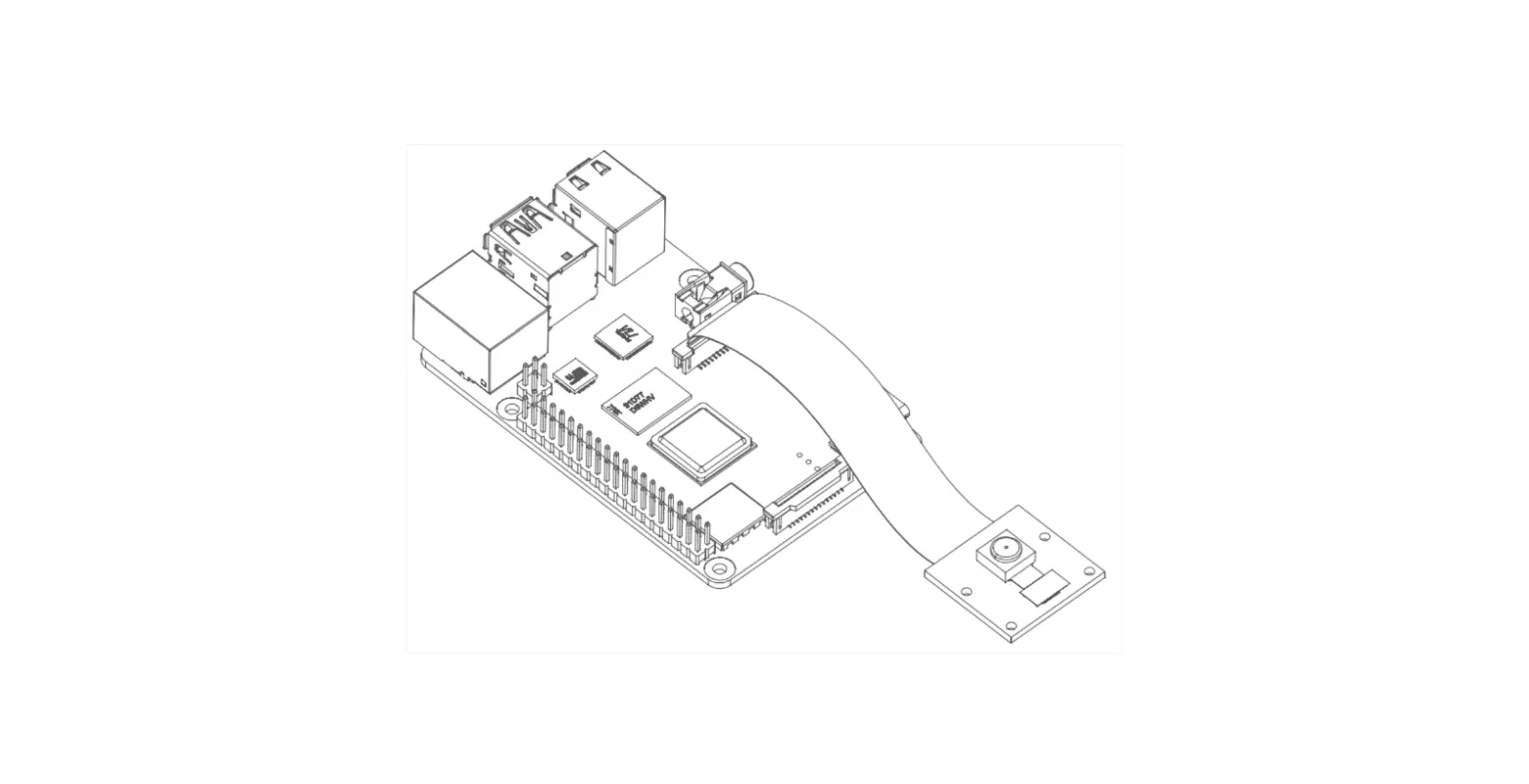
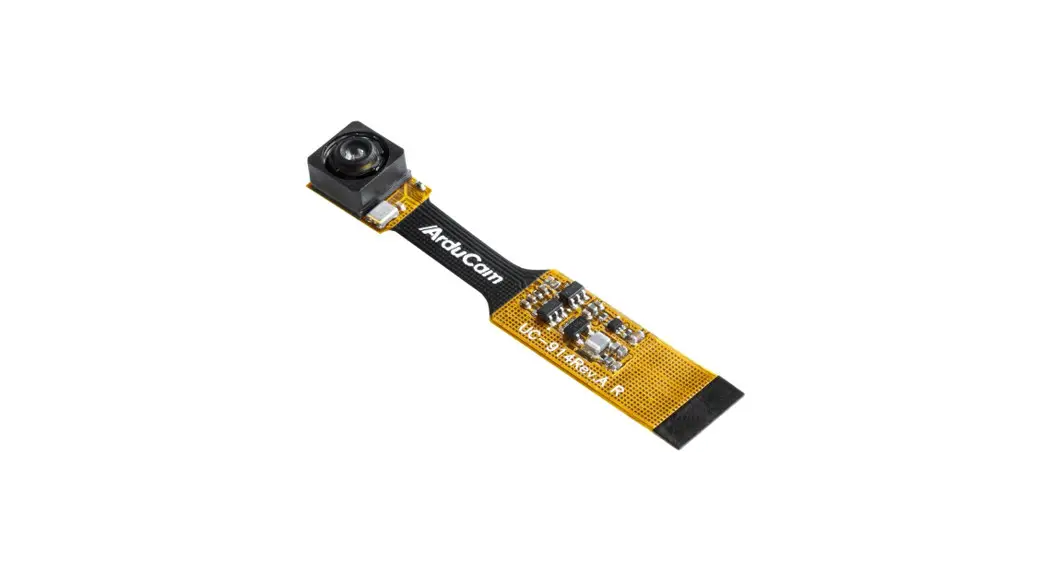
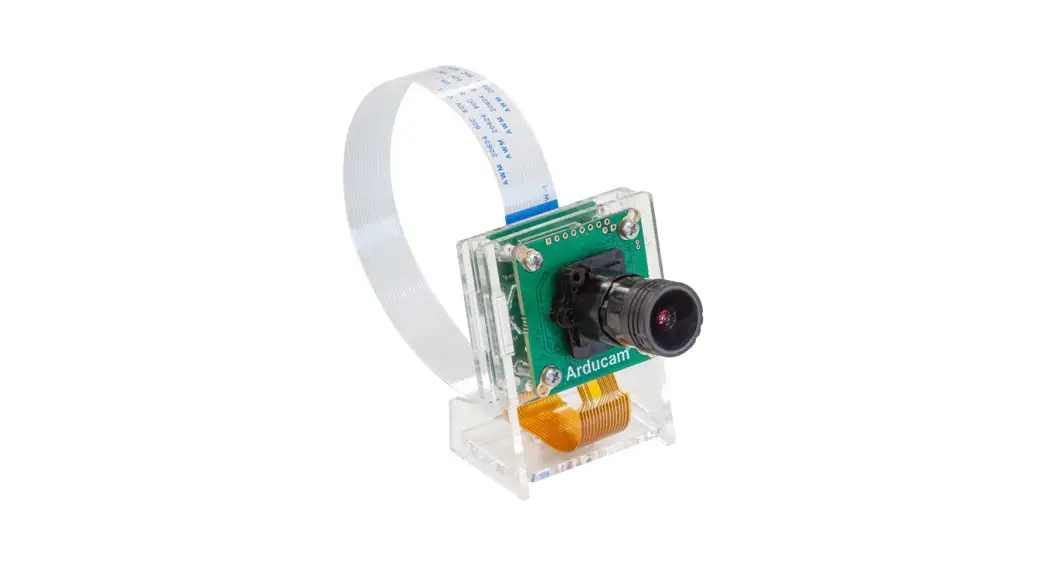
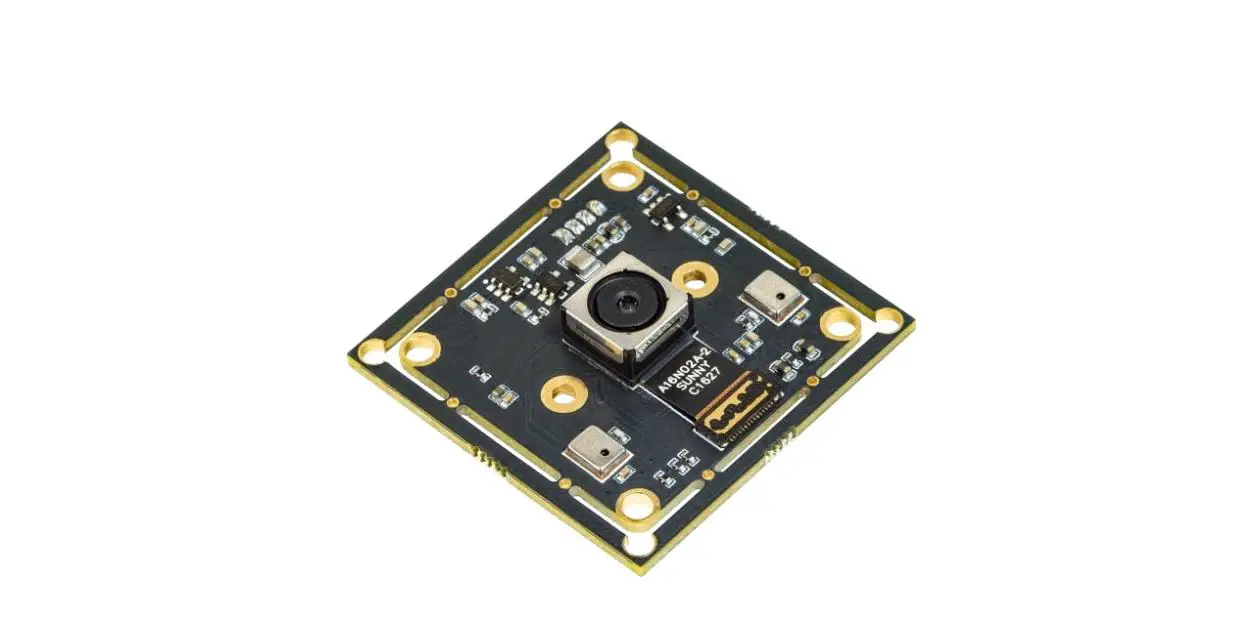
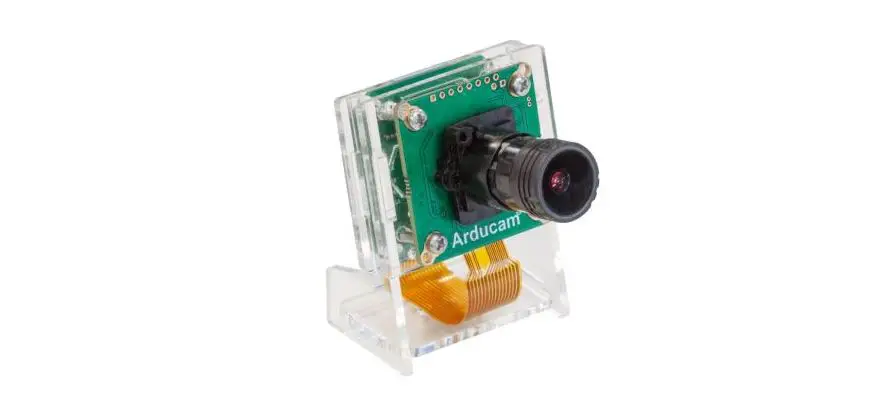
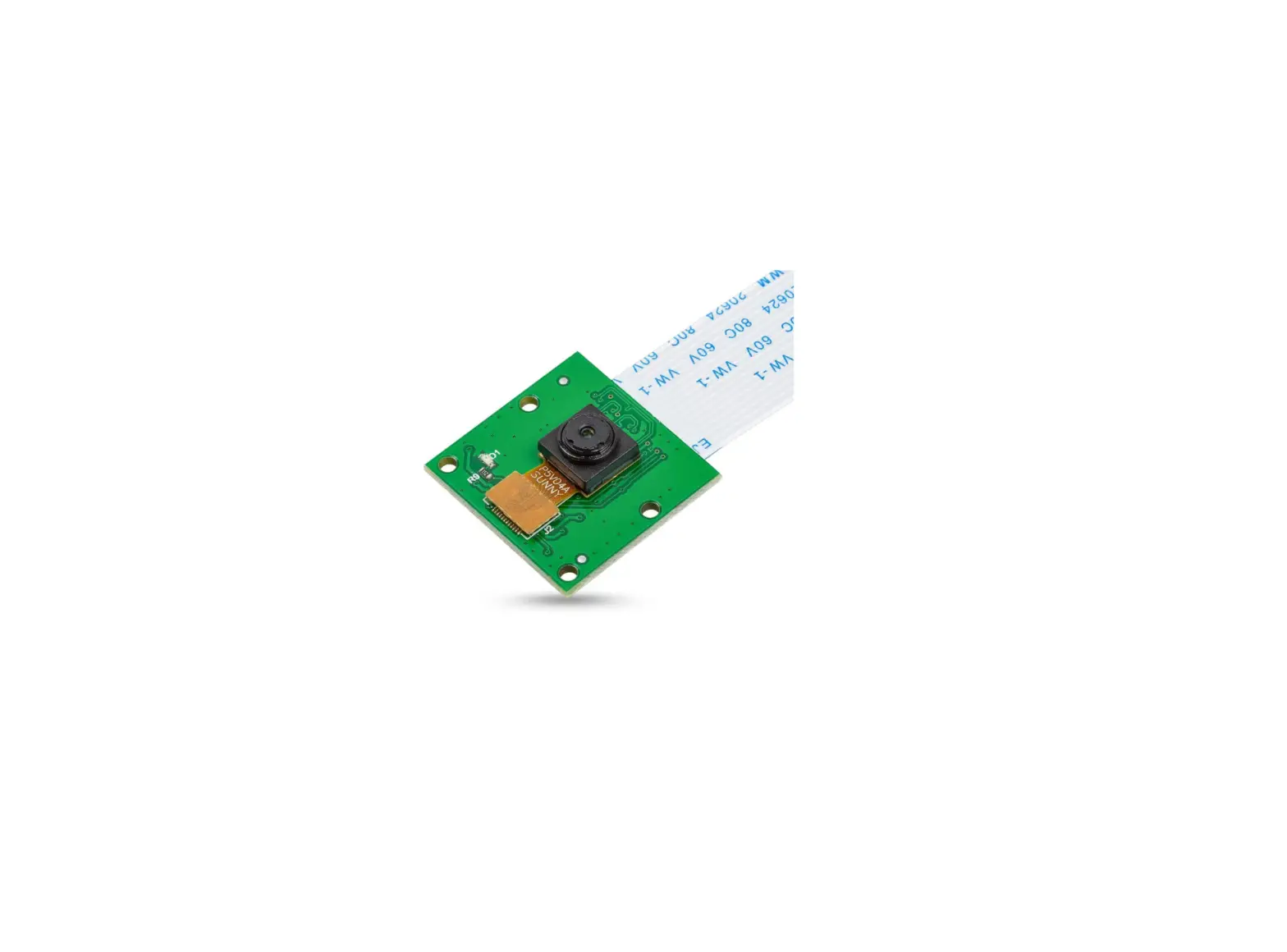
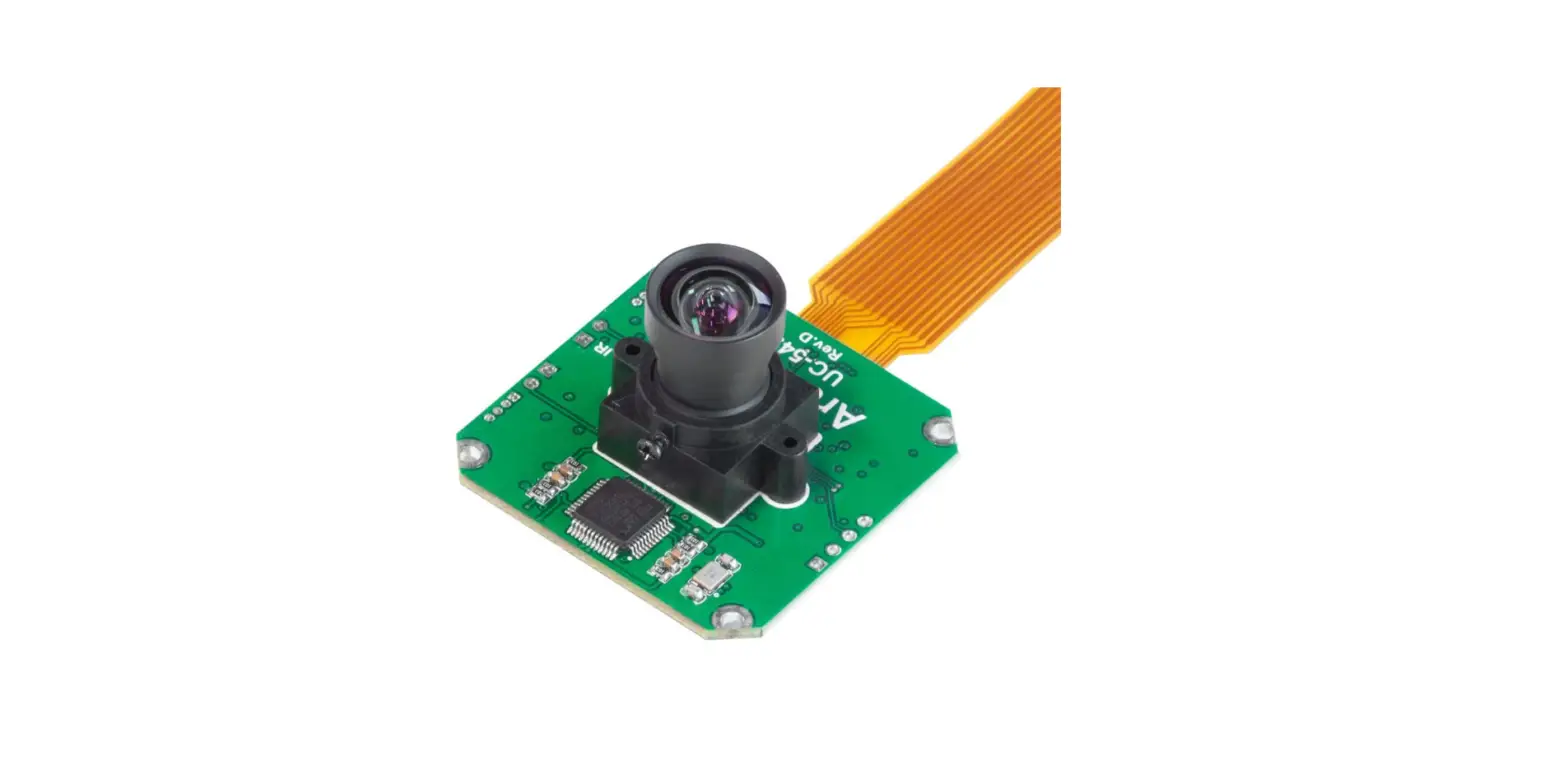
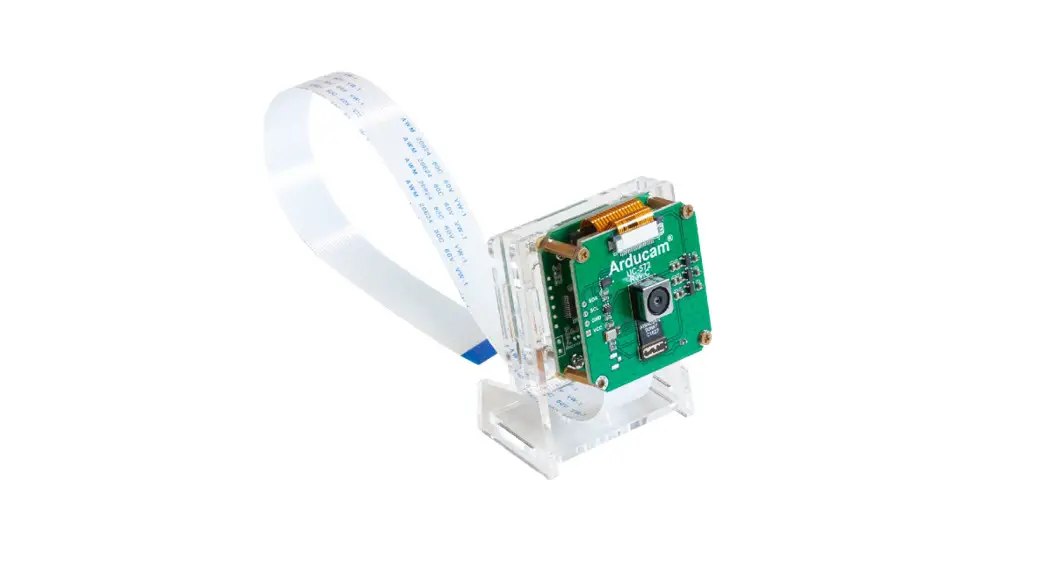
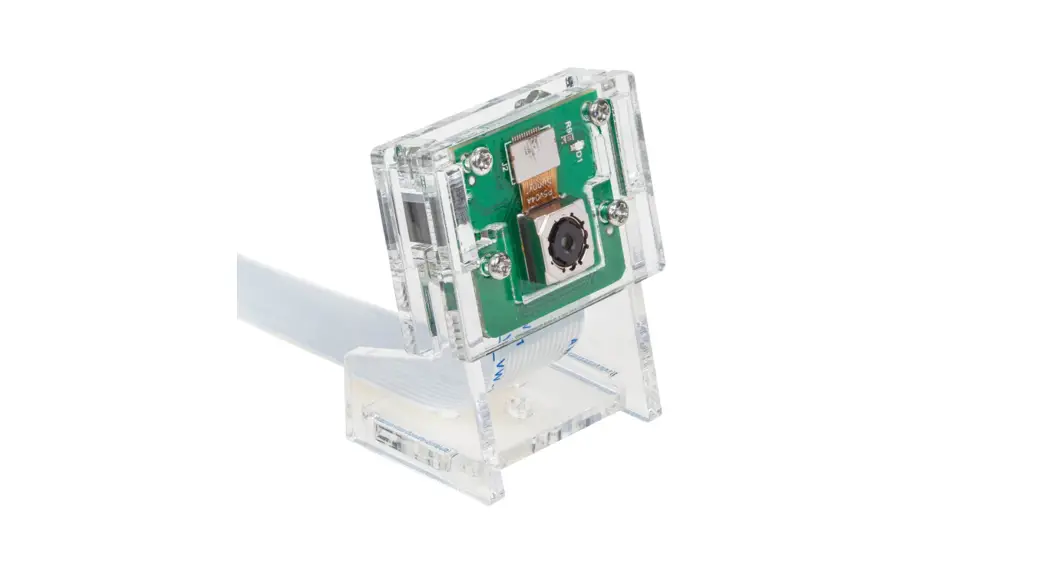
It takes zero compromises in specs. With a resolution at 16 megapixels (compared to 8MP and 12MP), a stock lens, a V2-like form factor, and boatloads of improvements, the camera provides a better choice for a whole world of industrial/consumer/etc. applications, it’s compatible with any existing Pi models, work with the latest software from the foundation, and leverages the same tuning algorithms used in the official camera modules. The package contains a camera board with a Sony IMX519 sensor and a stock lens, an FPC cable.
About Customer Service
We have many solutions for kinds of requests. If you need our help or want to customize other models of IMX519 cameras, feel free to contact us at [email protected]
SPECS
| Camera | |
| Sensor | Sony IMX519 stacked, back-illuminated sensor 16 megapixels 1.22 µm × 1.22 µm pixel size7.103 mm diagonal |
| Optical Size | 1/2.534 inch |
| Resolution | 16MP 4656 x 3496 |
| Output | RAW10/8, COMP8 |
| Pixel Size | 1.22µm*1.22µm |
| Video Modes | 1080p@30fps,720p@60fps. |
| Lens | |
| Field of View (FOV) | 80°(H) |
| Lens | f/1.75; EFL: 4.28 |
| IR cut Filter | without IR Filter, IR sensitive |
| Application | |
| Application | All Raspberry Pi Board |
| Linux integration | |
| Linux integration | V4L2 driver available |
| Ribbon Cable Length | |
| Ribbon Cable Length | 150mm |
BEFORE YOU START
Please make sure you are running the latest version of Raspberry Pi OS. (January 28th 2022 or later releases, Debian version:11(Bullseye))
- For Bullseye users running on Pi 0 ~ 3, please also:
- Open a terminal
- Run sudo raspi-config
- Navigate to Advanced Options
- Enable Glamor graphic acceleration
- Reboot your Pi
- For Raspberry Pi Compute Module 3/4
The latest software only supports one camera at this time, CM4 uses CAM1 by default.
DRIVER INSTALLATION
- Connect the camera directly to your Raspberry Pi.
- Download the shell scripts
wget -O install_pivariety_pkgs.sh https://github.com/ArduCAM/Arducam-Pivariety-V4L 2river/releases/download/install_script/install_pivariety_pkgs.sh - Update your Pi
sudo apt update - Install libcamra-dev
install_pivariety_pkgs.sh -p libcamera_dev - Install libcamera-apps
install_pivariety_pkgs.sh -p libcamera_apps - Install the kernel driver
install_pivariety_pkgs.sh -p imx519_kernel_driver - Reboot
OPERATING THE CAMERA
- Test
libcamera-still -t 3000 -o test.jpg - Command Line
libcamera-vid -t 10000 –width 1920 –height 1080 -o test.h264- See the camera in live preview:
libcamera-still -t 0
For more troubleshooting, please refer to:https://www.arducam.com/docs/cameras-for-raspberrypi/raspberry-pi-libcamera-guide/16mp-autofocus-camera-common-issues-fixes/ - Record Video
For example, record an H.264 10s video with the frame size 1920W × 1080H.
- See the camera in live preview:
 Redirecting...