Details
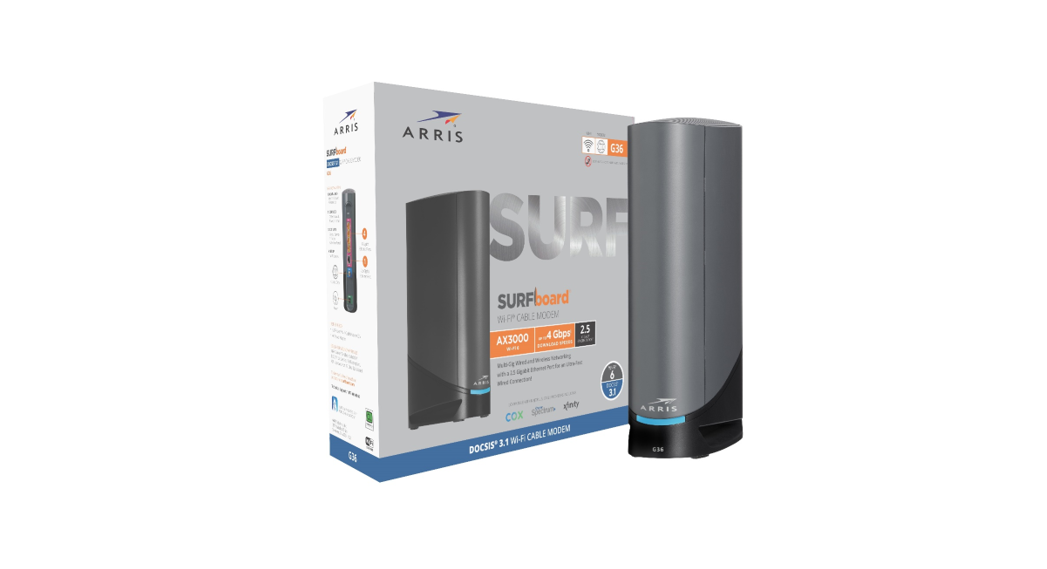
Modem InformationDOCSIS 3.1 Dual Band 802.11-AX WiFi Modem 32×8 channel bonding | Highest Service LevelGigablast |
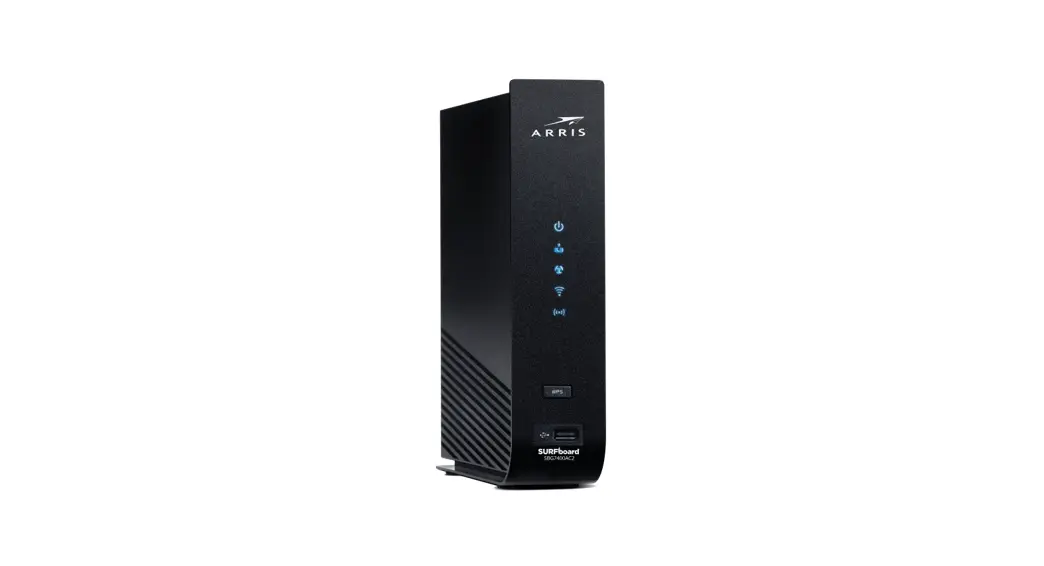
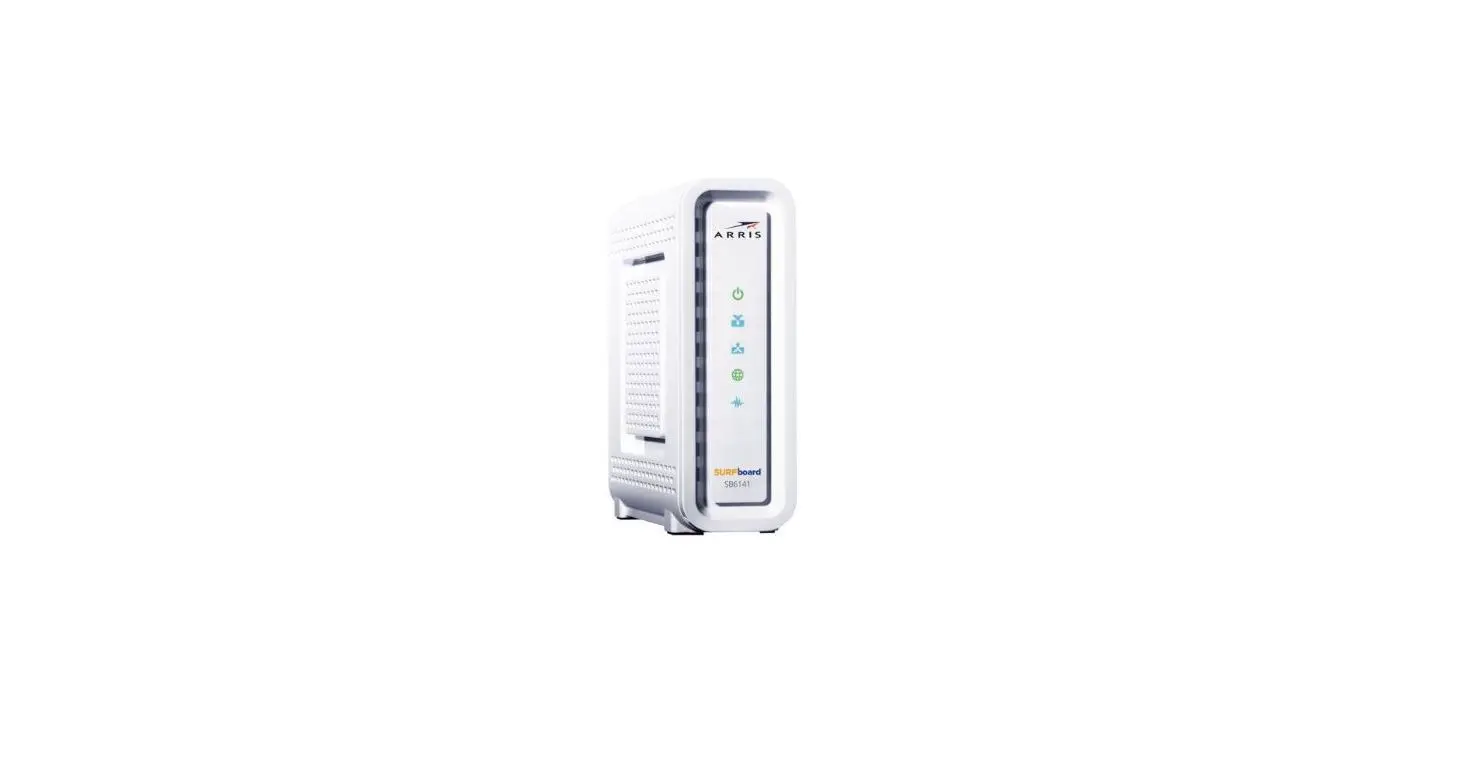
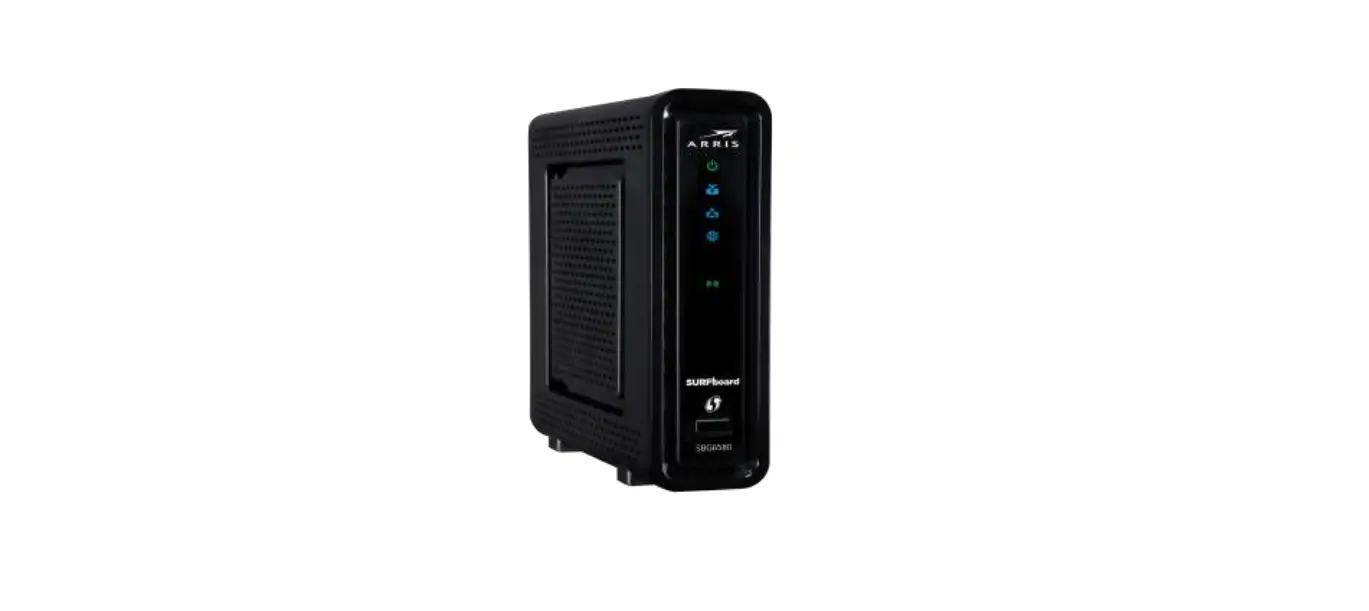
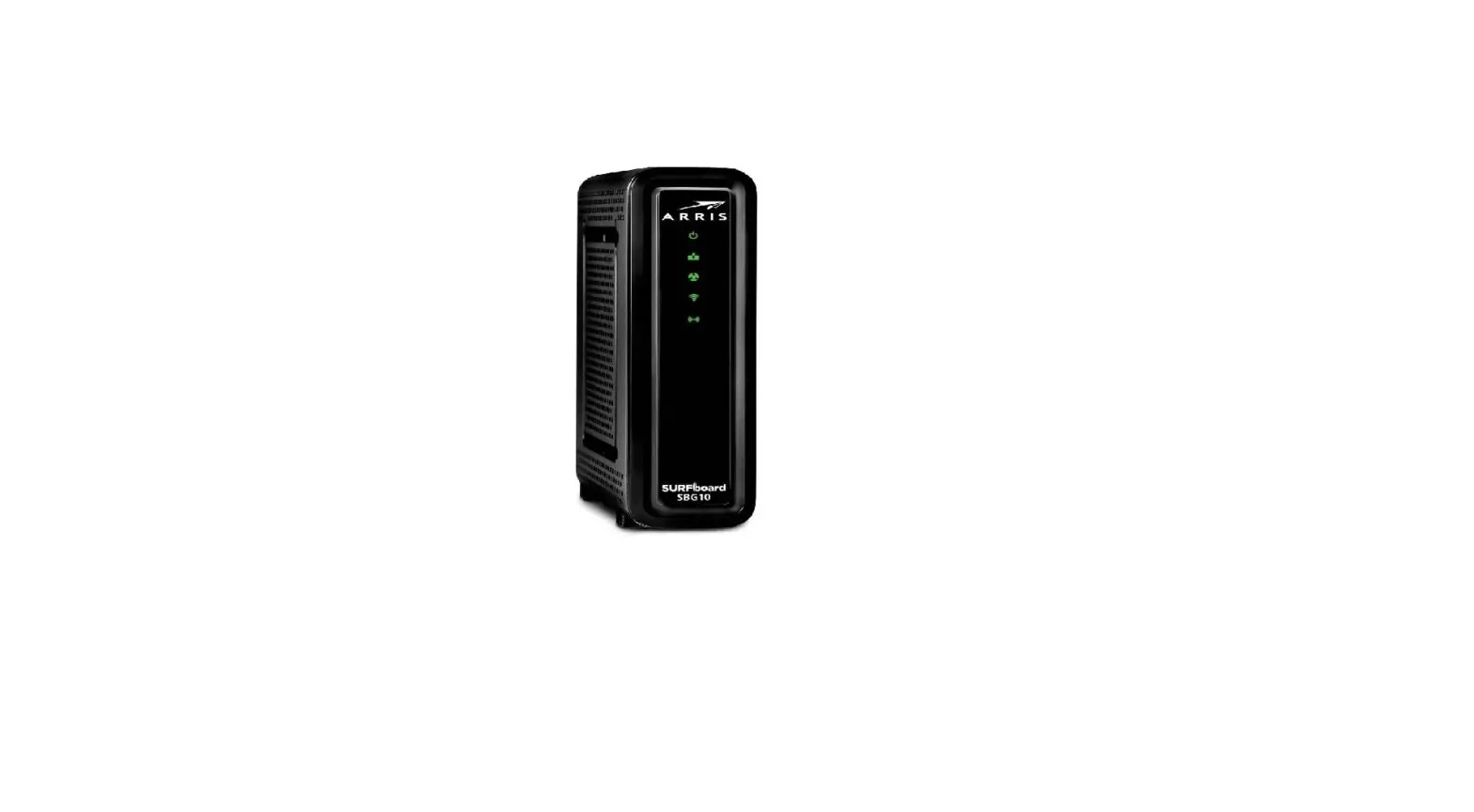
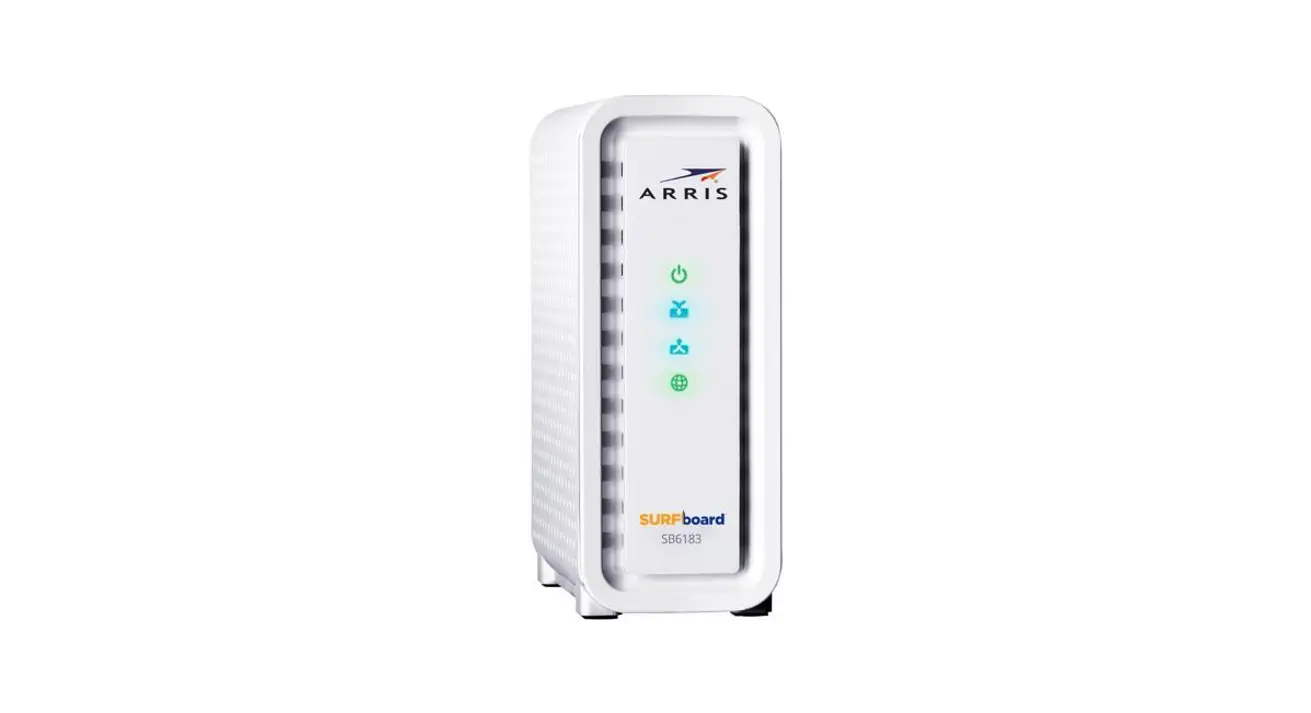
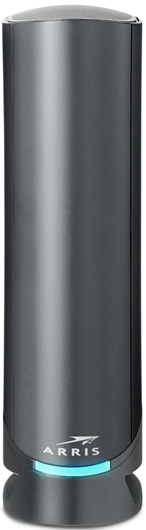
Front View
| The modem will automatically power on when the power adapter is connected. After the modem is successfully connected to the network, the LED indicator illuminates a solid green or blue to indicate that the modem is online and fully operational. | |
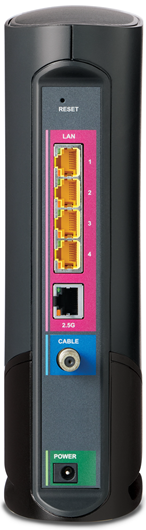
Back View
| The following buttons and ports are available on the back of the modem.
| |
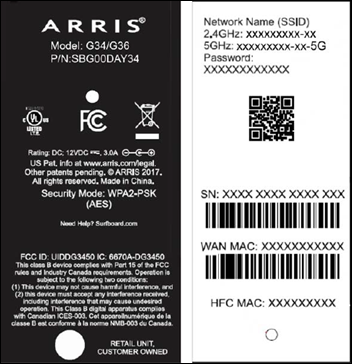
MAC Address / WiFi Network Label
|
|
Troubleshooting
The light on the front indicates the gateway status. To troubleshoot any connection problems, use the table below.
| LED Status | Problem |
|---|---|
| Off | No connection. Verify all cable connections and try resetting the modem. |
| Solid Amber | Power is connected. |
| Blinking Green | Acquiring downstream and upstream channel connections. |
| Solid Green | Online status in DOCSIS 3.0 mode. |
| Solid Blue | Online status in DOCSIS 3.1 mode. |
| Solid Light Blue | WAN over Ethernet mode enabled. |
| Blinking Amber | Firmware download in progress. |
Manufacturer Resources
For more detailed technical information on the G36, refer to the ArrisG34G36_UserGuide [PDF]