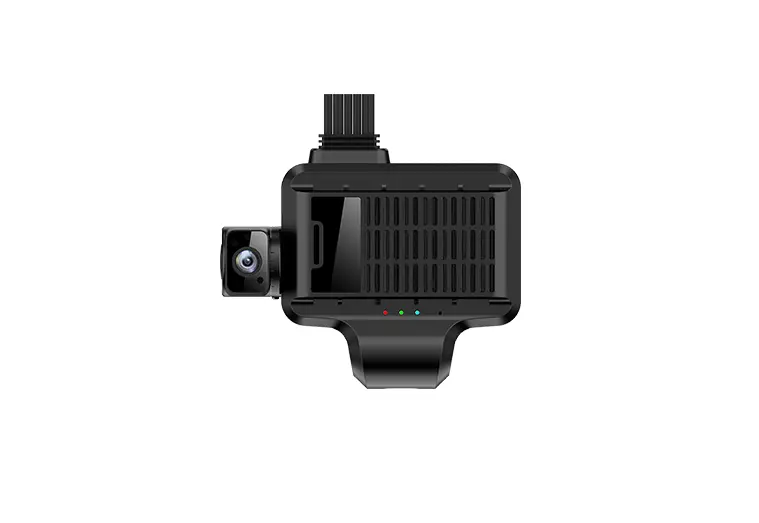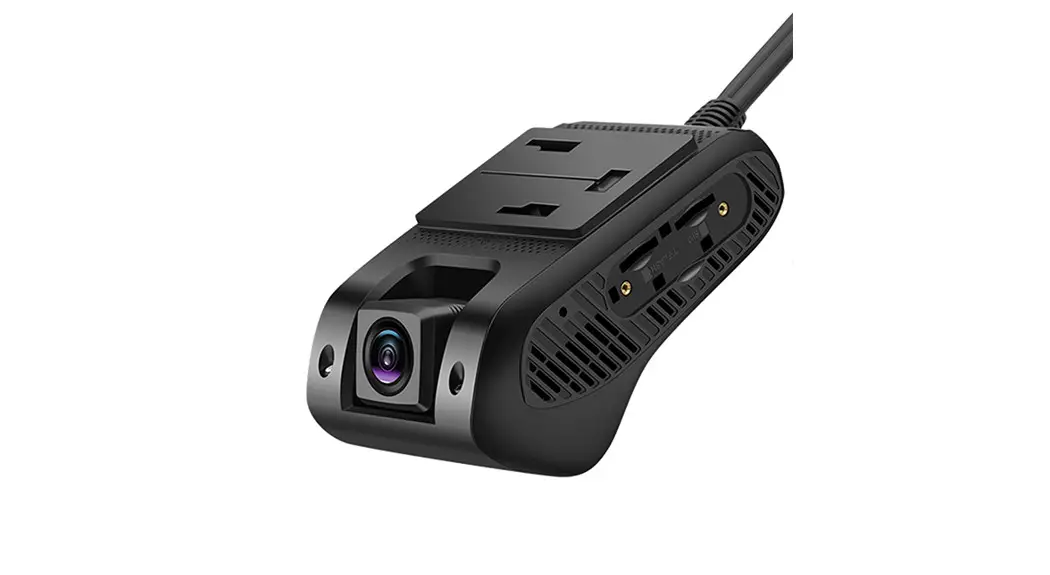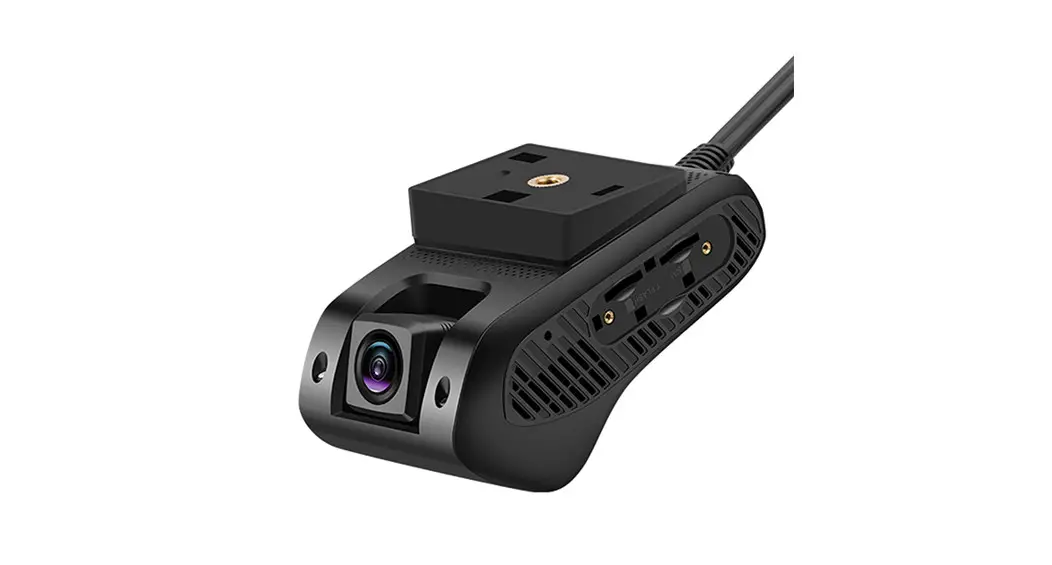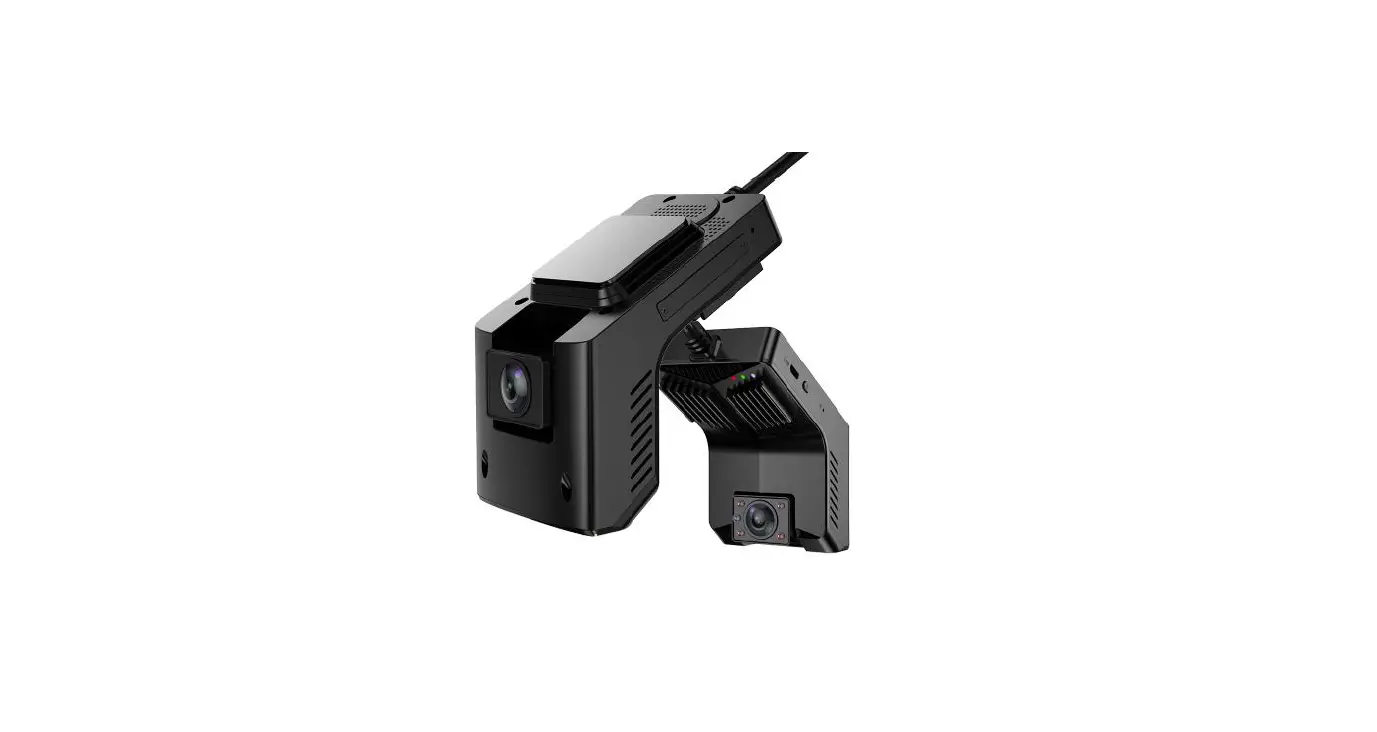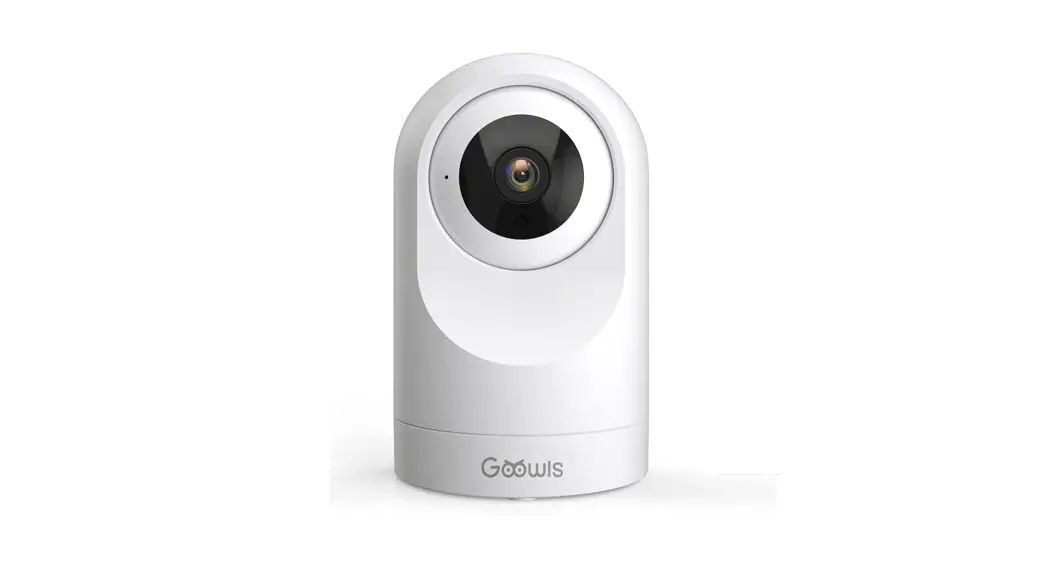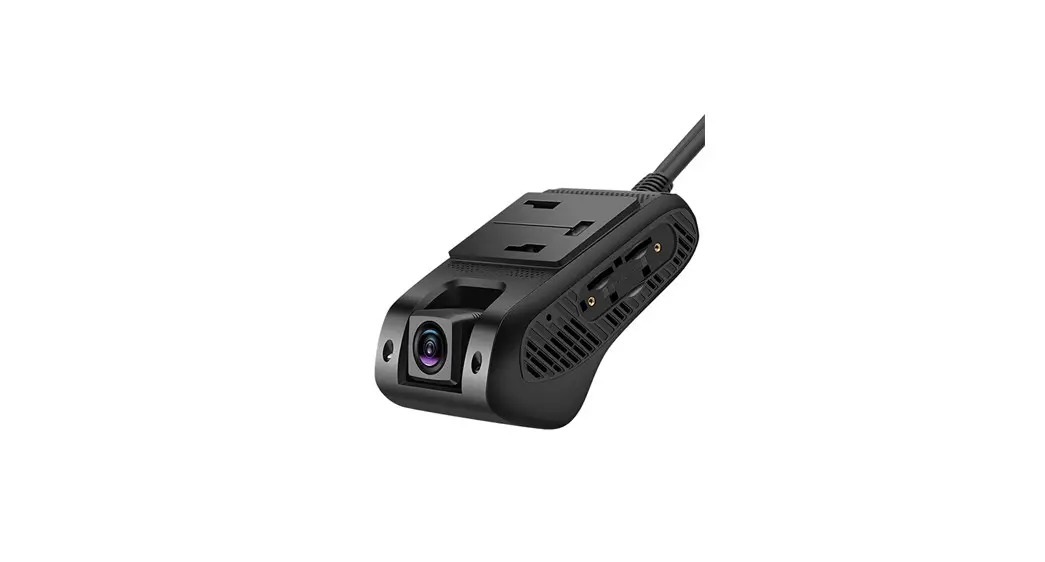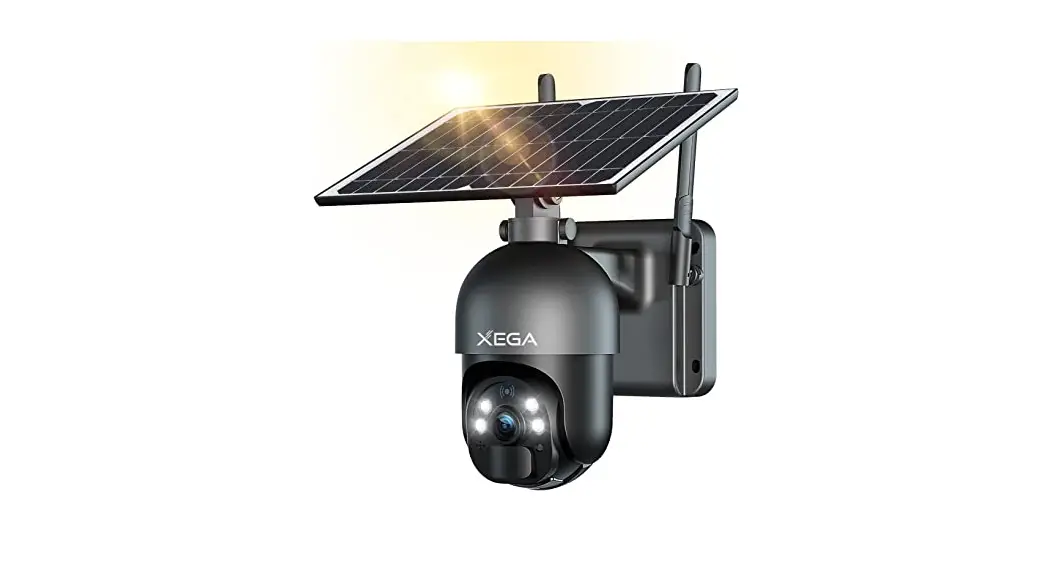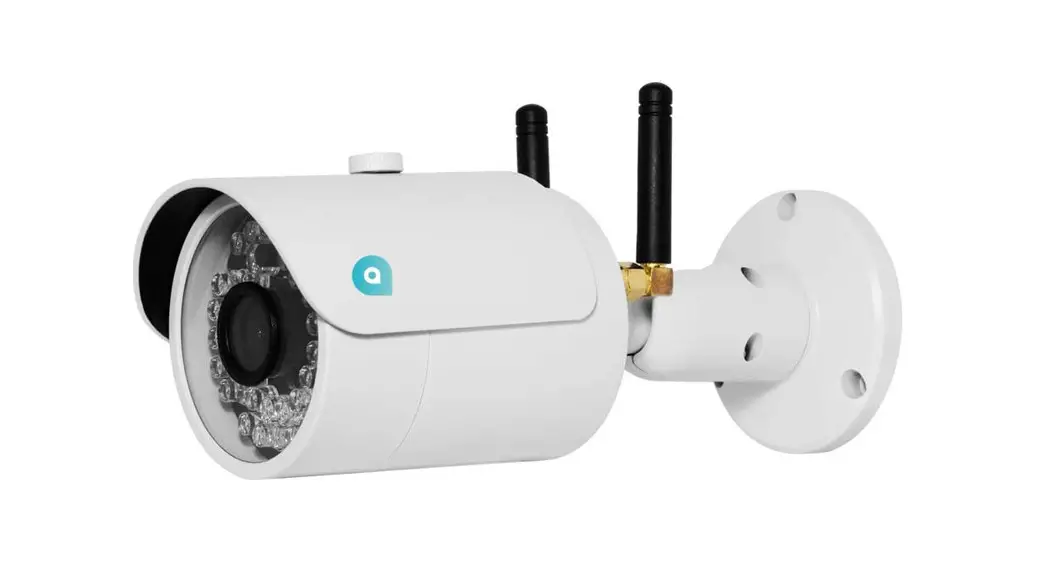
4G Smart Security Camera
User Manual
(Version V1.0)
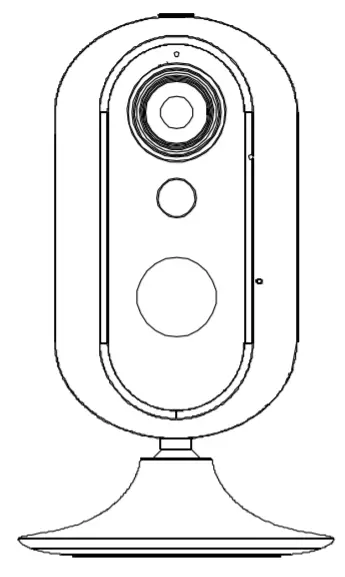
Welcome home This guide will assist you to get a quick start and to learn the operation of the device effectively.
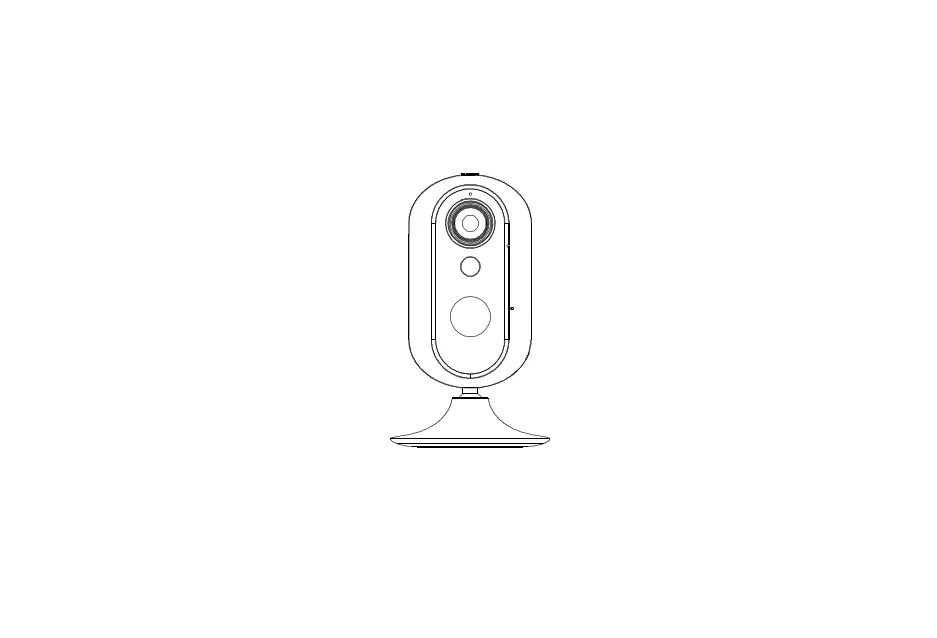
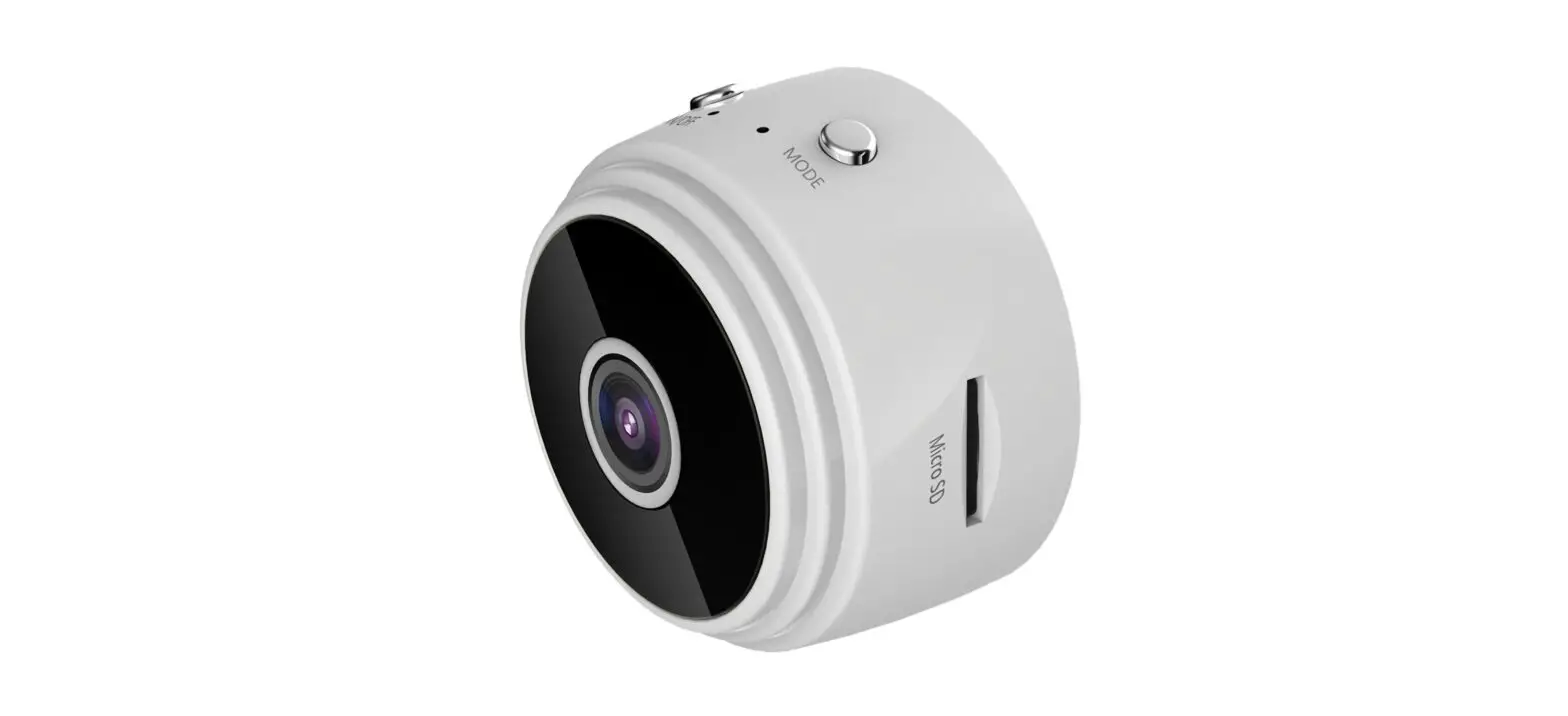
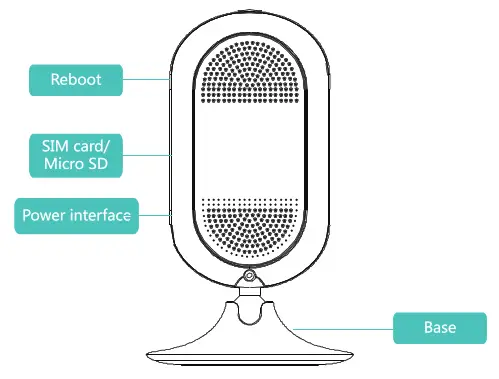
Your Device
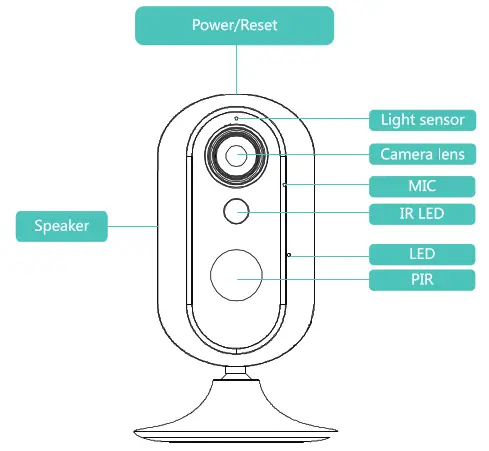
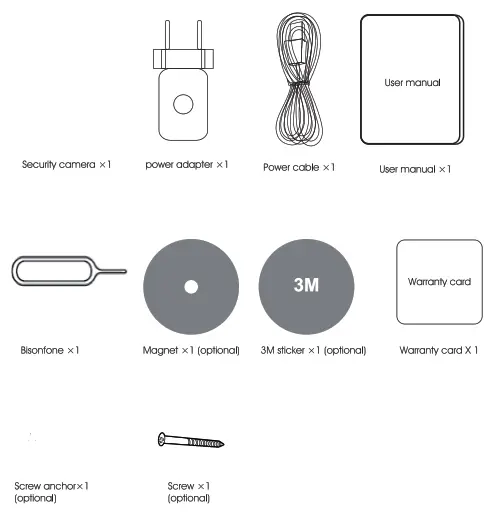
Box Content
LED indicator status
| Indicator | Status |
 Red LED on Red LED on | Power on |
 Purple LED on Purple LED on | Power off |
 Yellow LED on Yellow LED on | No SIM card |
 Blue and yellow LED flash in a loop Blue and yellow LED flash in a loop | No network |
 Yellow LED flashes slowly Yellow LED flashes slowly | 4G network connected |
 Blue LED flashes slowly Blue LED flashes slowly | WWI connected |
 Red LED flashes Mice quickly Red LED flashes Mice quickly | Stream live video |
| Red LED flashes (is) | Recording |
 Red LED Red LED | Upgrading software |
 Red LED flashes slowly Red LED flashes slowly | Low battery |
 All LED OFF All LED OFF | Power off/Sleep |
Installation
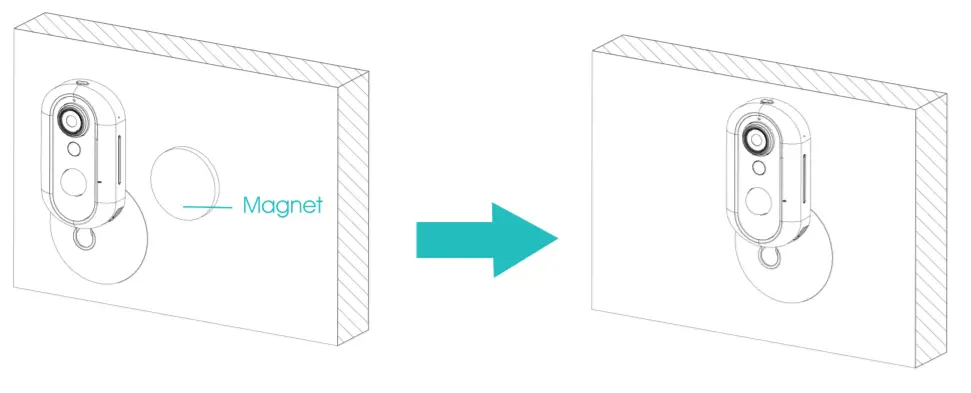
1.Iron wall
Put the magnet on the wall and then put the base on the magnet. Adjust the device position according to your needs.
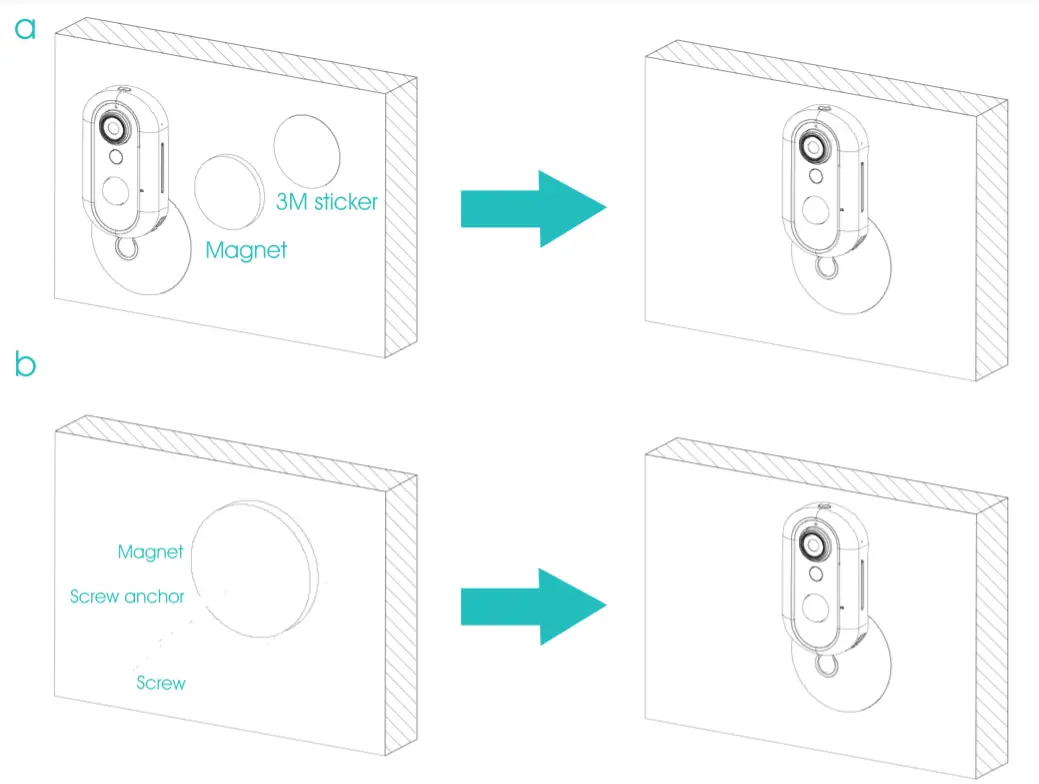
2.General wall
1.Get power supply in 2 ways.
a)plug the device into a power outlet, then the device boots up.
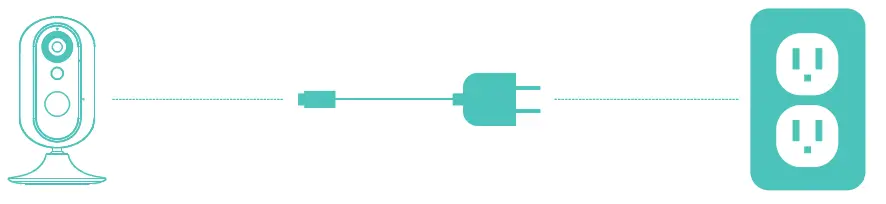
b) press the on/off for 3 seconds, then the device boots up
Note: External power use is preferred
if a 4G SIM card is inserted and detected, the network connection will start, and yellow LED flashes slowly
If 4G SIM Cora is not inserted or not detected, yellow LED will instant ON.
2.Install APP
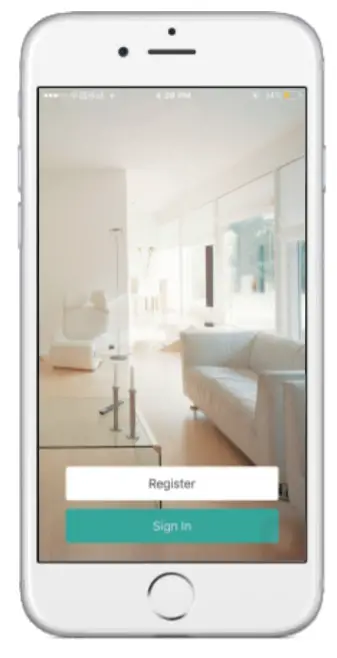
Search “Tycom” from the APP Store or Google Play and install it On your iOS or Android device. Then open the APP

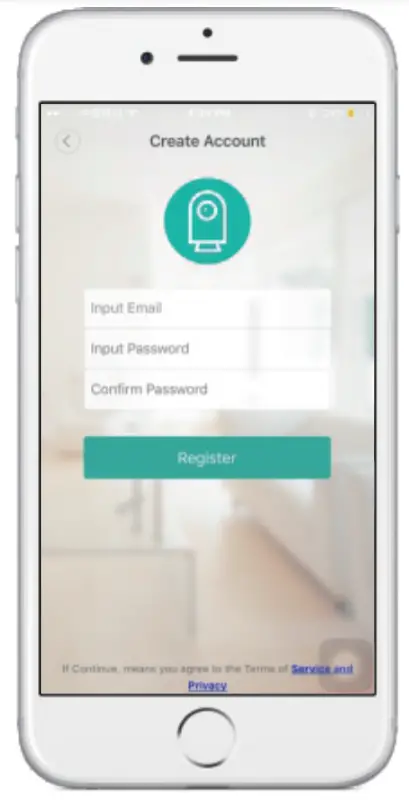
3.Create account
- Register by a valid email and set a proper password.
- A validation email will be sent to this email address. Go to your mailbox and validate.
- After validation, please return to the sign-In page of APP and log in.
4.Add device
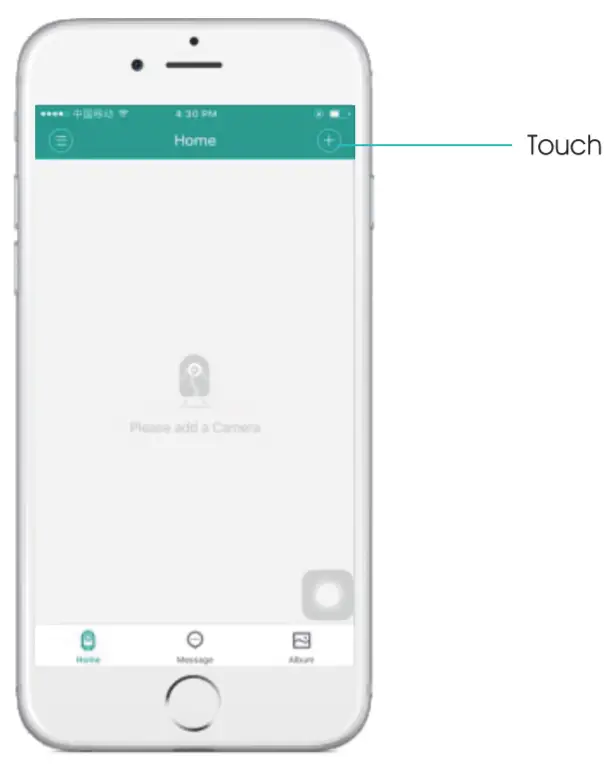
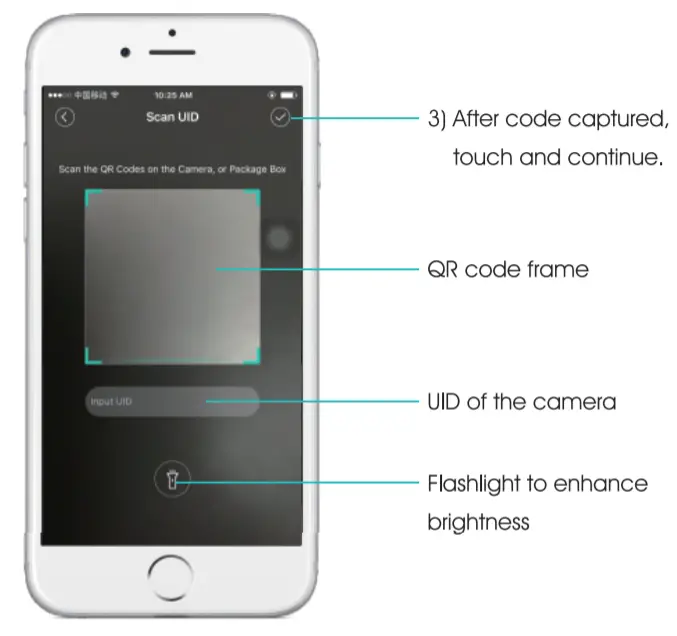
2)Scan the QR code on the box or camera or input UD
5.Select setup mode
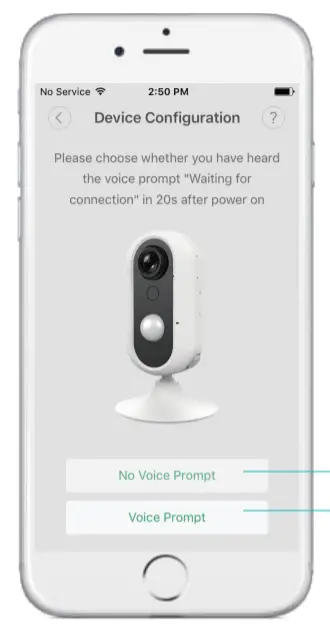
- Mode 1
If no sim cord is inserted or detected the user will hear a voice prompt when the device boots up. Touch ” Voice prompt’ to continue.
- Mode 2
If no sim cord is inserted or detected the user will hear a voice prompt when the device boots up. Touch ” Voice prompt’ to continue.
6.Mode 1: Heard the voice prompt
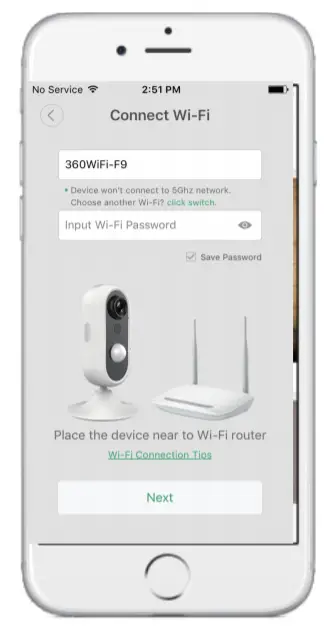
- Add local WIFI
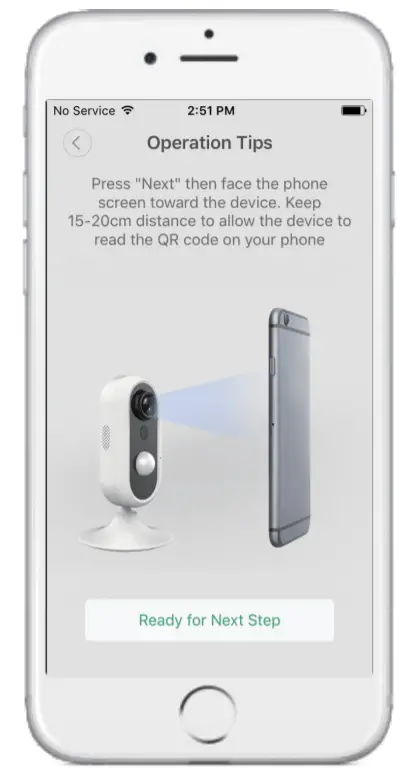
- Force the phone screen to the camera
- Bind camera
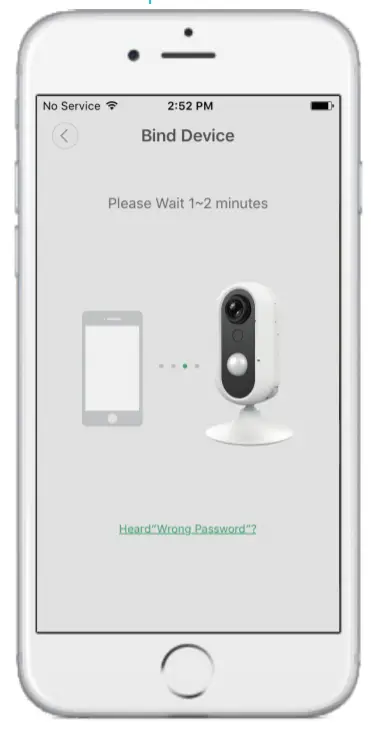
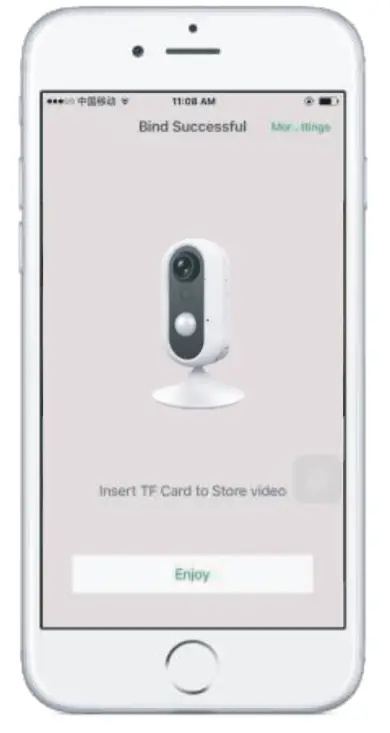
- Binding successful Click Enjoy getting video
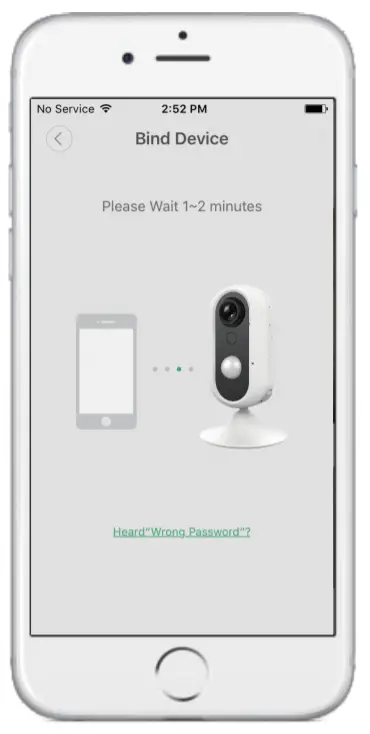
Mode 2: Didn’t hear the Voice Prompt
- Wait for 1-2 minutes to finish binding
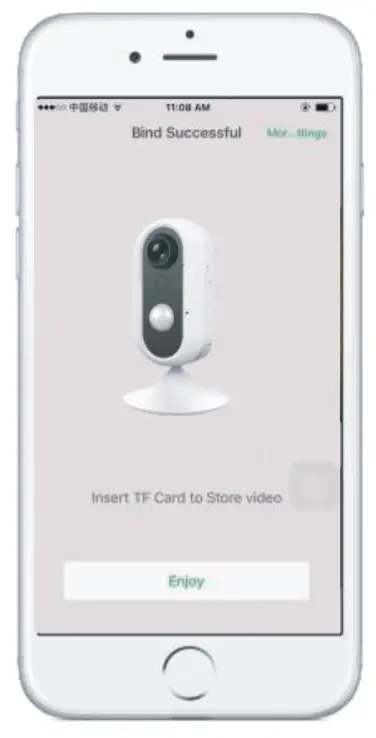
- Click Enjoy getting the video
Specifications
| CPU | Quad-core 1.3GHz CPU |
| Image sensor | Megapixels CMOS sensor |
| Image resolution | 720P (1280720), 640’352 |
| Camera lens | F2.0, 109° wide angle |
| Video compression format | H.264 |
| Video bitrate | Stream self-adaptation (SR: 0 -1Mbps) |
| Frame Rate | Max 30fps |
| Audio working mode | Two-way talk |
| Audio compression format | G/11A (16bit/ 8KHz) |
| Network | win (iEEE802.11b / 9! n), 4G (FDD-LTE: 131,132, 83, 134,1351 TDD-LTE: 838, 039. B40, 1341)& 3G (WCDMA 01, 62, 135, 68) |
| Access way | P2P, WLAN |
| Storage | TF card (max 32G) |
| LED | Three-color LED |
| Snapshot | 4 |
| IR night vision | 4 |
| PIR | 4 |
| Alert | APP notification / SMS / Phone call/ Video |
| APP | iOS/Android |
| Working environment | -20°0^-50t, Humidity<95% |
| OTA | √ |
| Security | 28bit AES |
| Battery | 3.7V / 450mAh |
| Consumption | <5W |
| Power supply | 5W/2A |
| Dimensions | 120 (with base) *70 (diameter)mm |