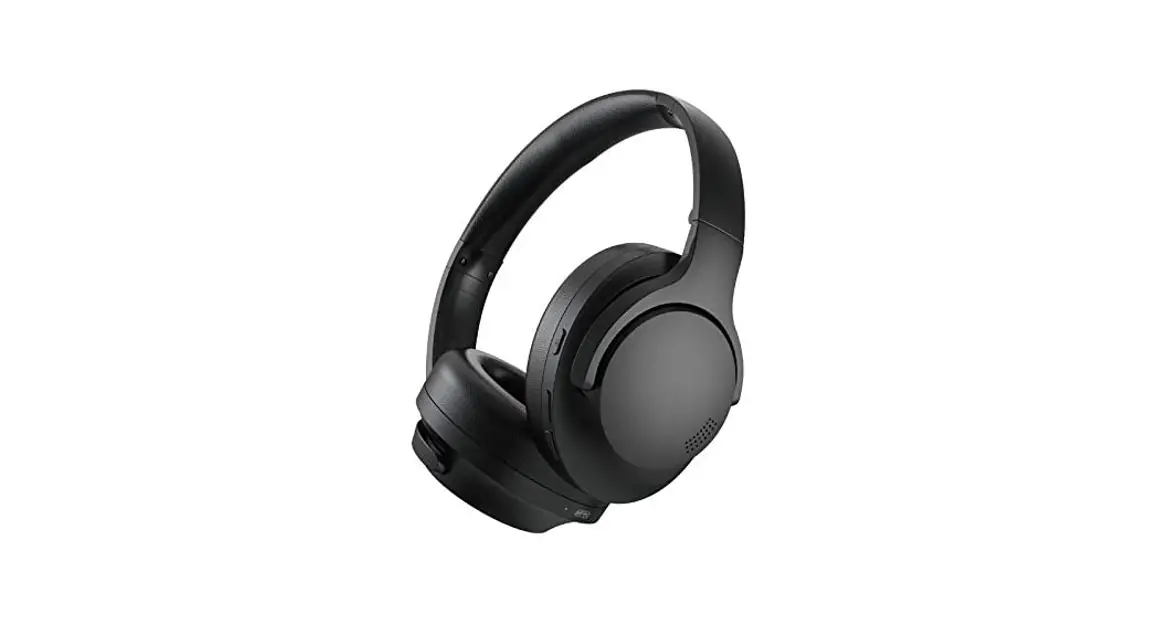
 H10
H10
Hybrid Active
Noise Cancelling Headphone
User Manual
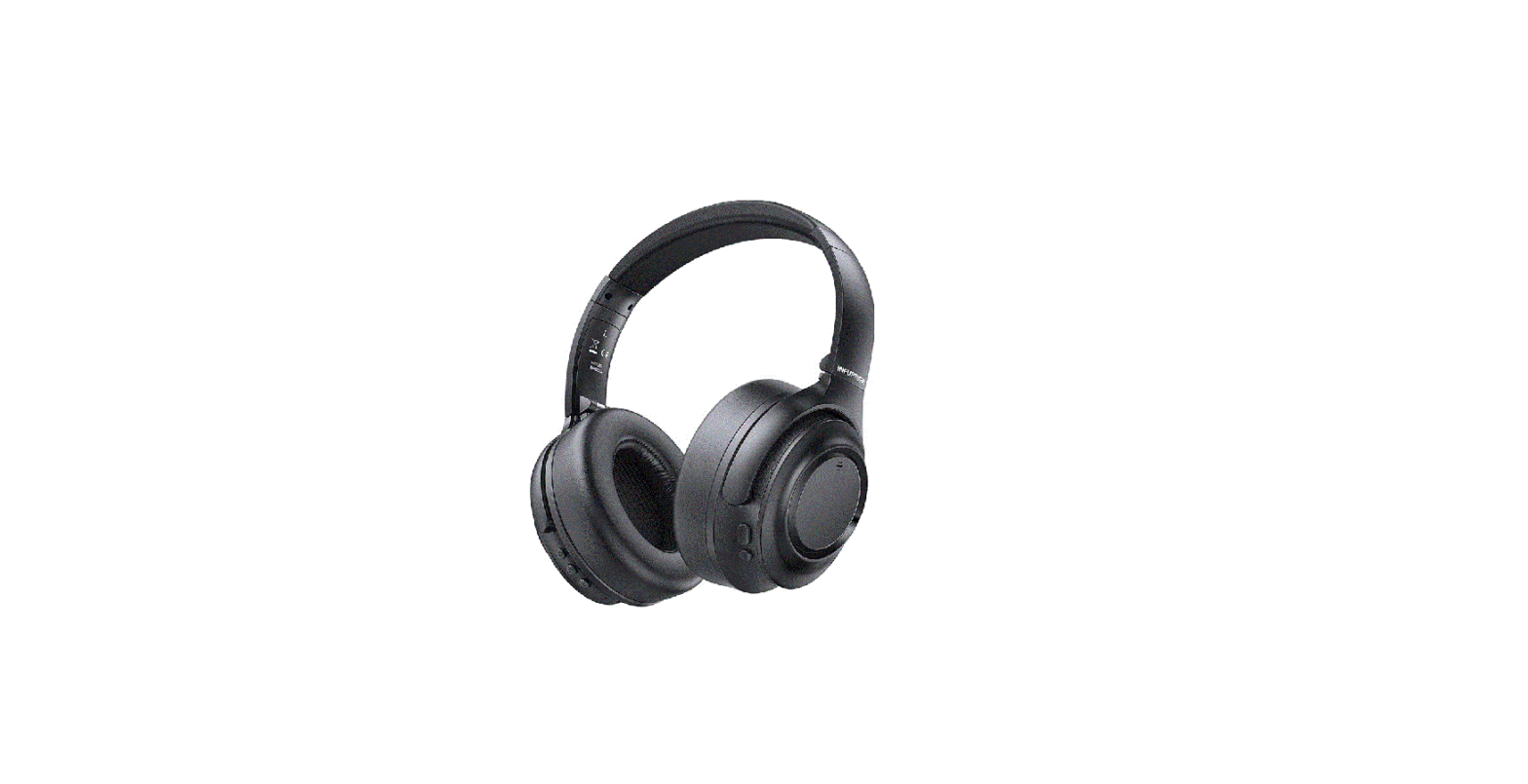
 PACKAGE LIST
 PACKAGE LIST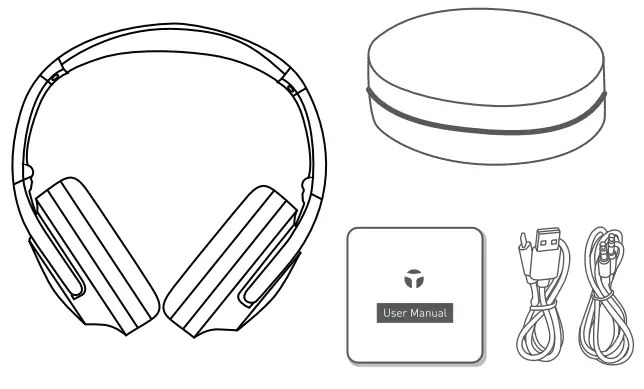
 IMPORTANT NOTES
- Register your headphone at www.tranya.com to get an EXTRA three-month warranty for free.
- Please charge the headphones before use.
- Please contact us at [email protected] for any assistance.
 POWER ON/OFF
 POWER ON/OFF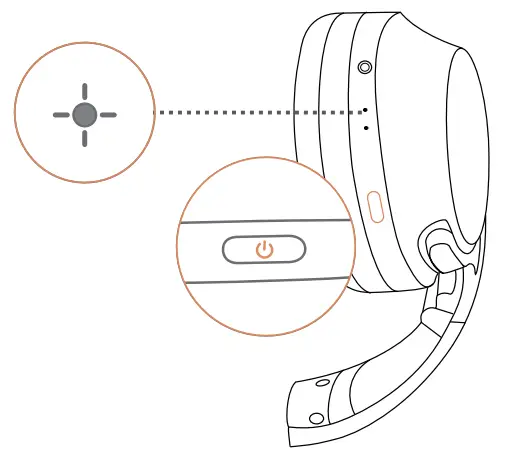
| Power On |  | Press and hold for 3 seconds Flashing blue 3 times [Status indicator] |
| Power Off | 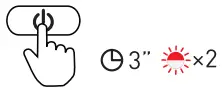 | Press and hold for 3 seconds Flashing red 2 times [Status indicator] |
 PAIRING
 PAIRING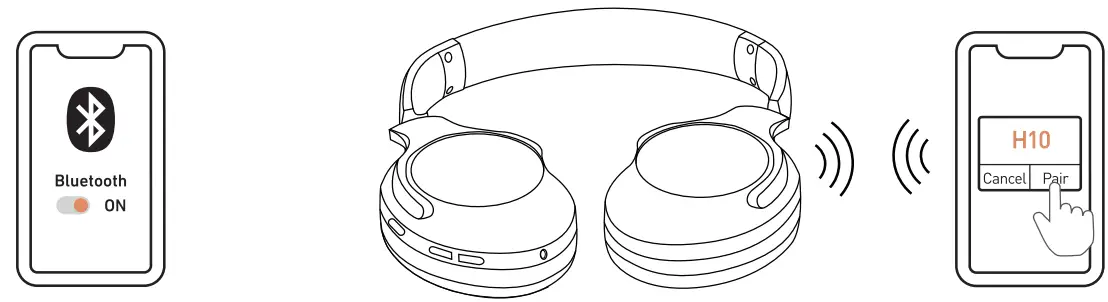
| Enter Bluetooth pairing mode when H 10 is off | 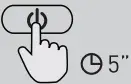 | Press and hold for 5 seconds |
| Pairing mode |  | Blue & red light flashes intermittently |
 ACTIVE NOISE CANCELLATION
 ACTIVE NOISE CANCELLATION
Active Noise Cancellation [ANC] mode blocks the surrounding noises while wearing Tanya H10.
Ambient mode naturally filters in environmental and ambient noise to help you stay aware of your surroundings.
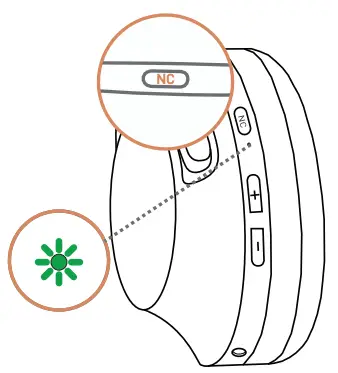
 | Press | ANC [active noise cancellation] on |
| ANC [active noise cancellation] off | ||
| Ambient mode |
 LISTENING TO MUSIC
 LISTENING TO MUSIC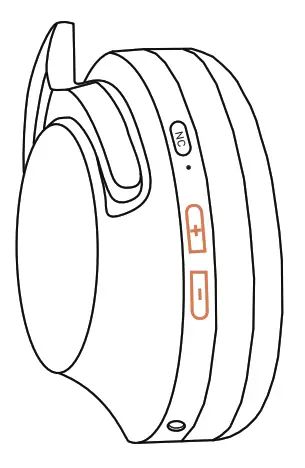
 | Press | Play/Pause |
 | Press | Volume up |
| Press and hold for 1 second | Next track | |
 | Press | Volume down |
| Press and hold for 1 second | Previous track | |
 | Press V+ and V- and hold for 1 second | Activate Siri/Google Assistant |
 CALL OPERATION
 CALL OPERATION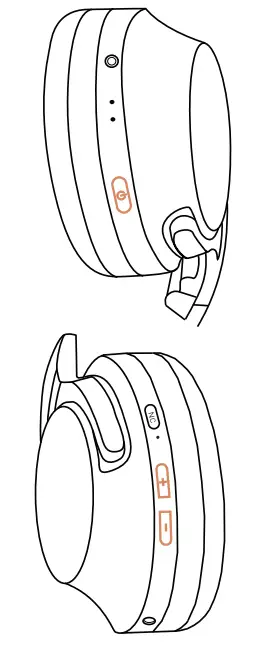
 | Press | Answer/ End call |
 | Press and hold for 2 seconds | Reject call |
 | Double press | Redial last number |
 | Press V+ and V- at the same time | Mute/ Unmute |
 | Press and hold for 3 seconds | Switch between headphones and your phone |
 CHARGING YOUR HEADPHONES
 CHARGING YOUR HEADPHONES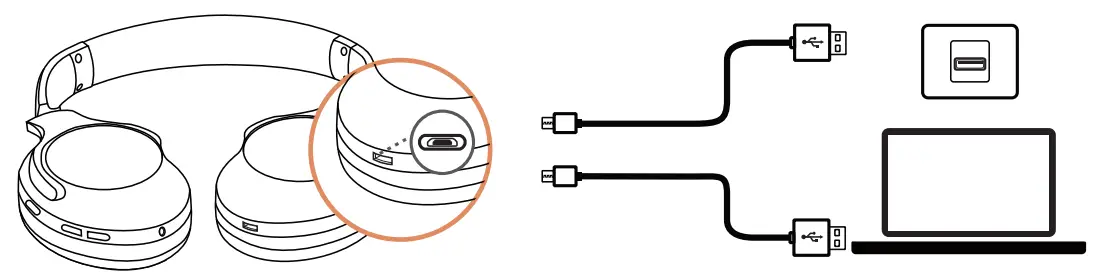
 | You will hear a voice prompt of “DuDu” every 3min when there are only 1 Omin of playtime left. | Low batter |
 | Steady red | Charging |
 | Steady blue | Fully charged |
LINE-IN
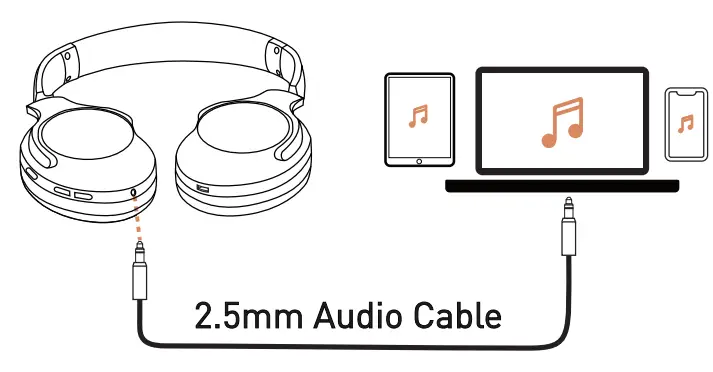
Plugging in a 2.5mm audio cable will automatically switch to Line-in mode, and you can still operate the ANC functions. If the H10 is off, please power it on to activate the ANC functions.
 MULTIPOINT CONNECTION
 MULTIPOINT CONNECTION
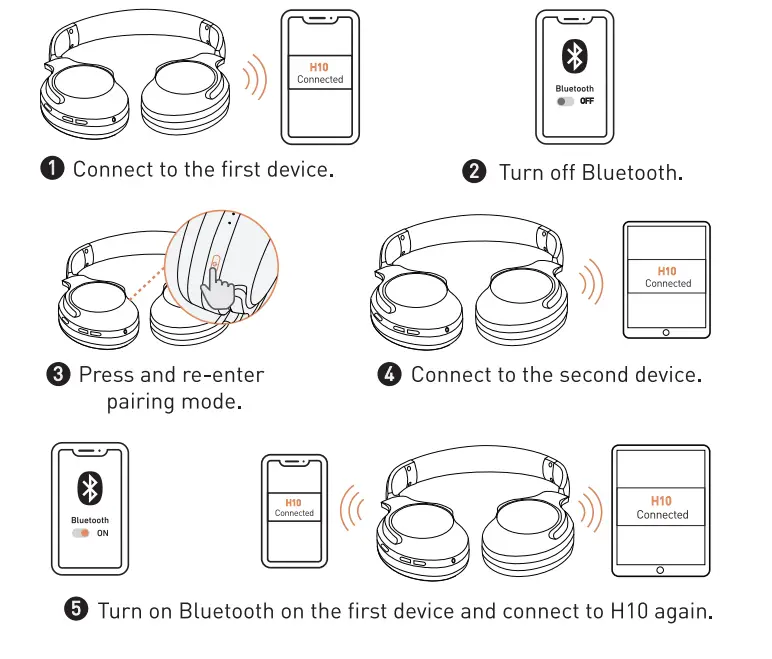
Multipoint allows you to connect H10 to two separate devices at the same time.
 RESET H10
 RESET H10
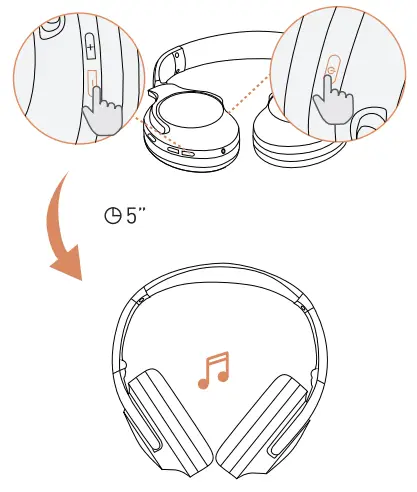
- Power on H10.
- Press the power button and the volume down button at the same time, and hold for 5 seconds until you hear a voice prompt of “DuDu”.
 FOLDING AND STORE
 FOLDING AND STORE
FAQ
Q: Can I still use H10 when the battery runs out?
A: Yes, you can plug in a 2.5mm audio cable to use them in wired mode.
Q: What should I do if H10 disconnects while in use?
A: Make sure that the distance between H10 and the device they’re connected to is no greater than 33 feet [(10 meters).
- Try to avoid interference from other Bluetooth connections and Wi-Fi. Some environments with cell phone towers or areas with dense Wi-Fi networks and other transmitting devices can interfere with your Bluetooth connection.
- Turn off your device’s Bluetooth for at least 10s, then turn it back on.
- Try to reset the headphone [see “Reset H10”).
- Try to connect to another device to see if any difference.
Q: What should I do if there is sound only playing from one side?
A: Please try to reset the headphone (see “Reset H10”).
Q: Will H10 turn off automatically?
A: Yes, H10 will automatically turn off after 10 minutes if not connected to any device.
Q: How do I control the noise-canceling functions?
A: Press the NC button to switch between different modes and you will hear a corresponding voice prompt of “ANC mode on”, “ANC mode off”, and “Ambient mode”.

 For more information, please visit:
www.tranya.com/support
For any assistance,
email us: [email protected]
Made in China