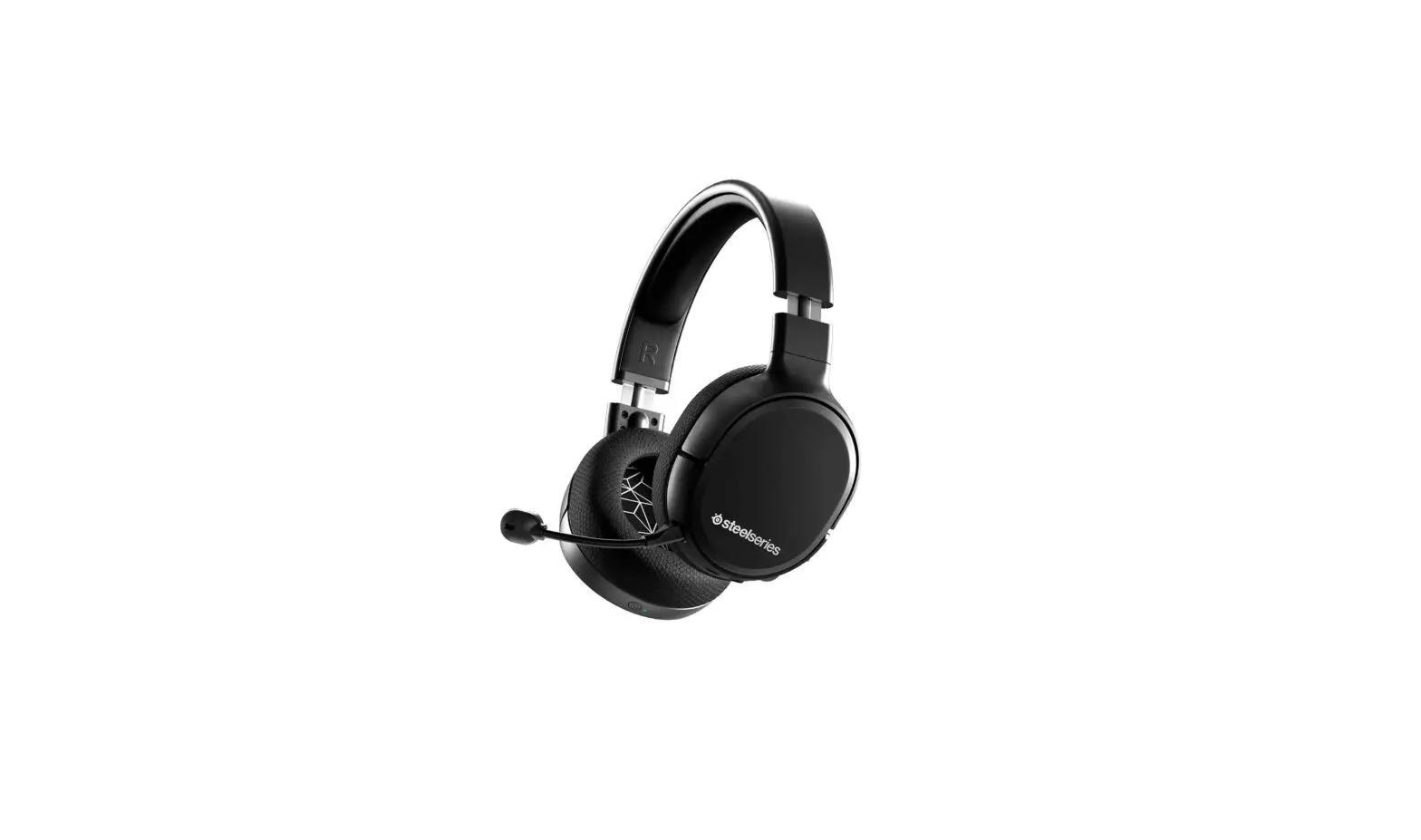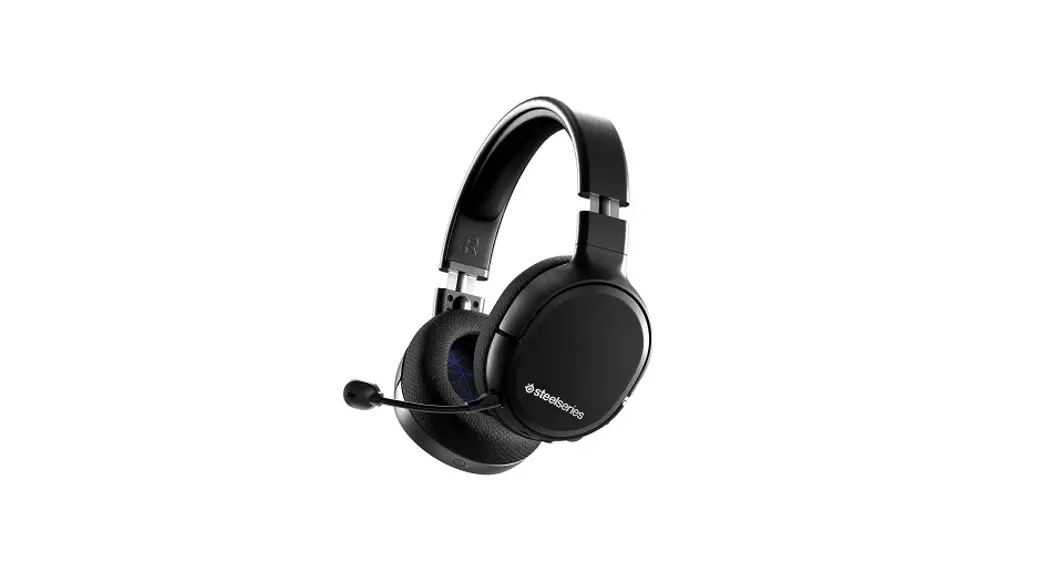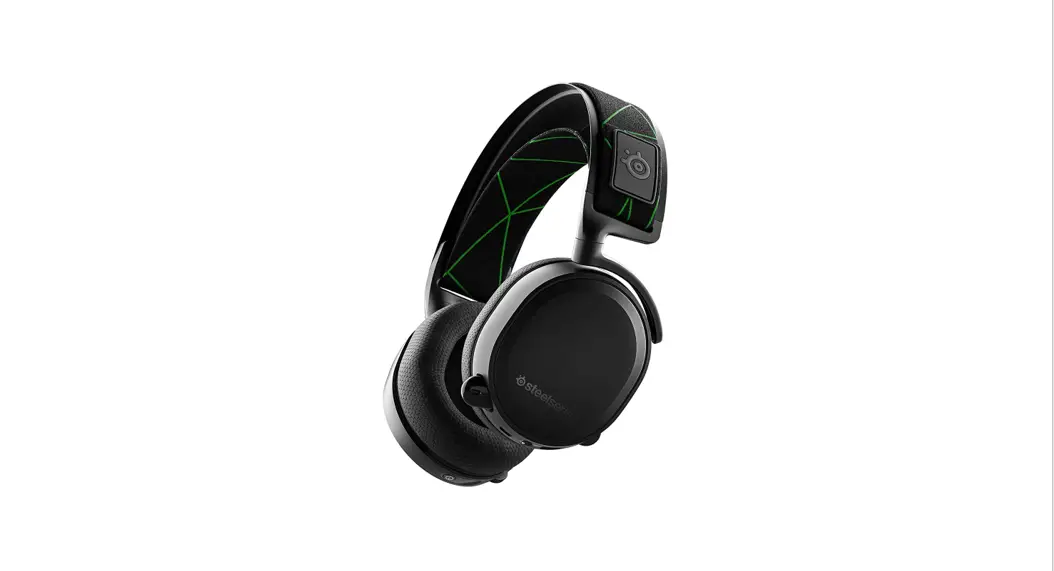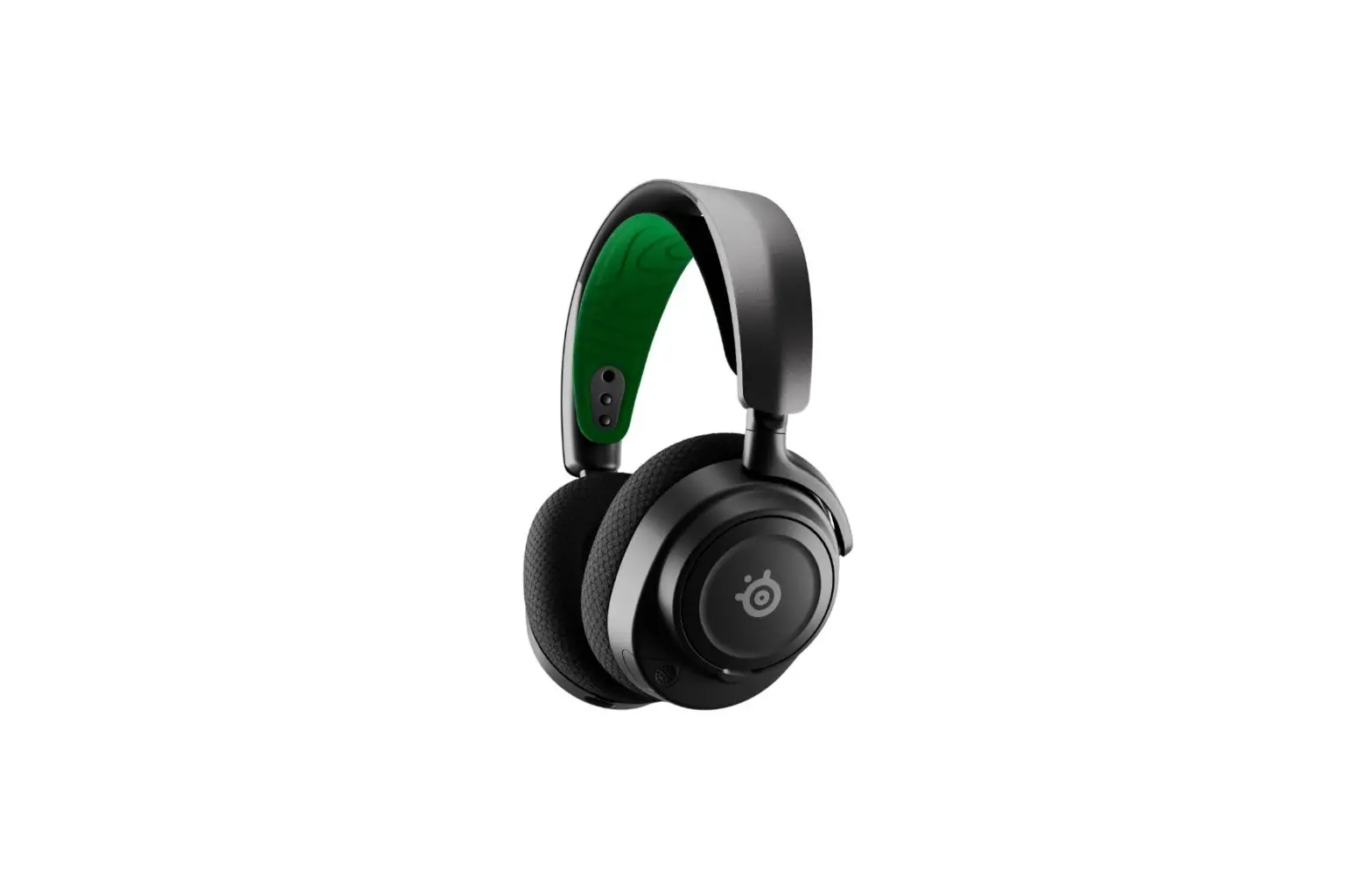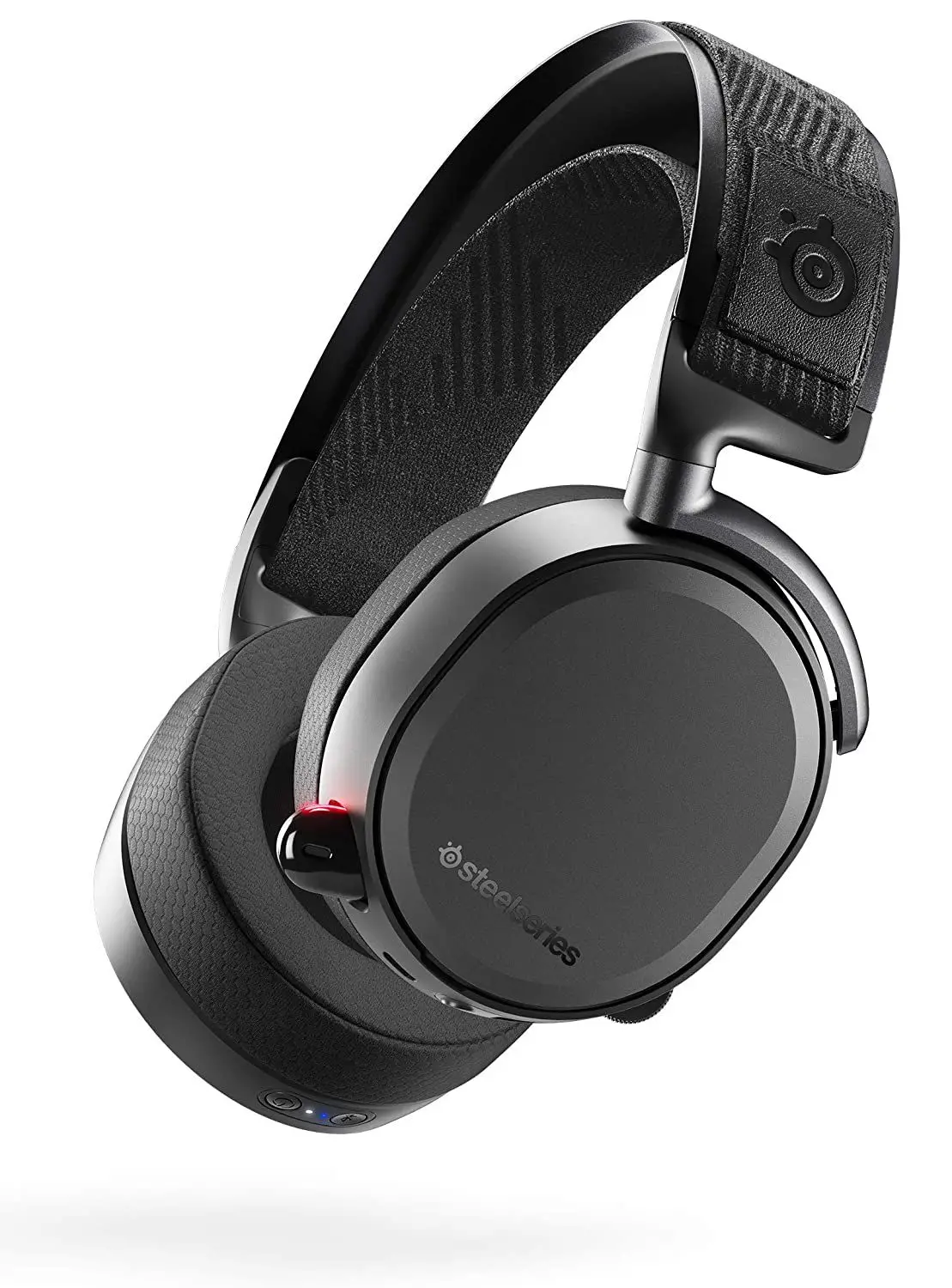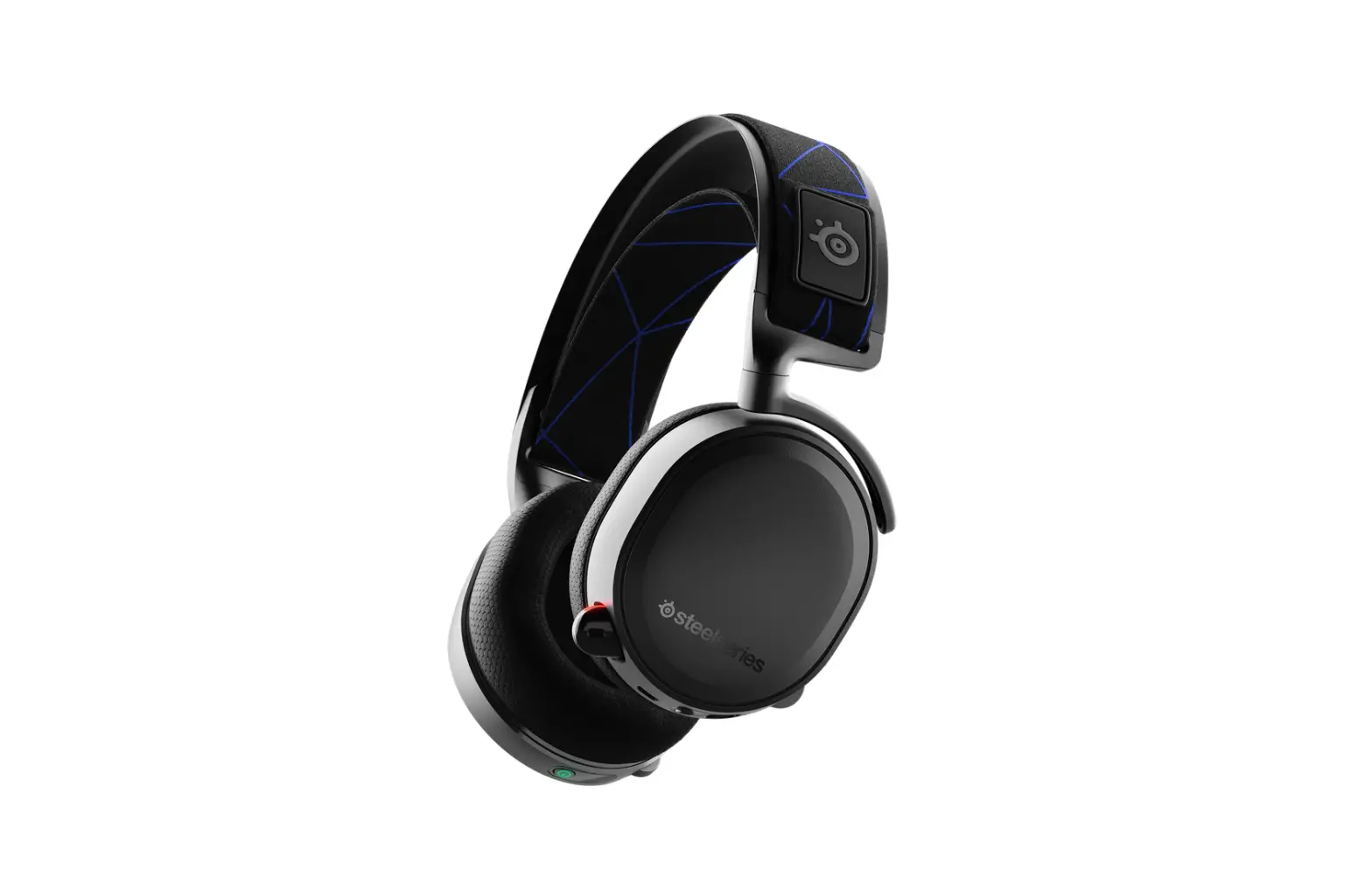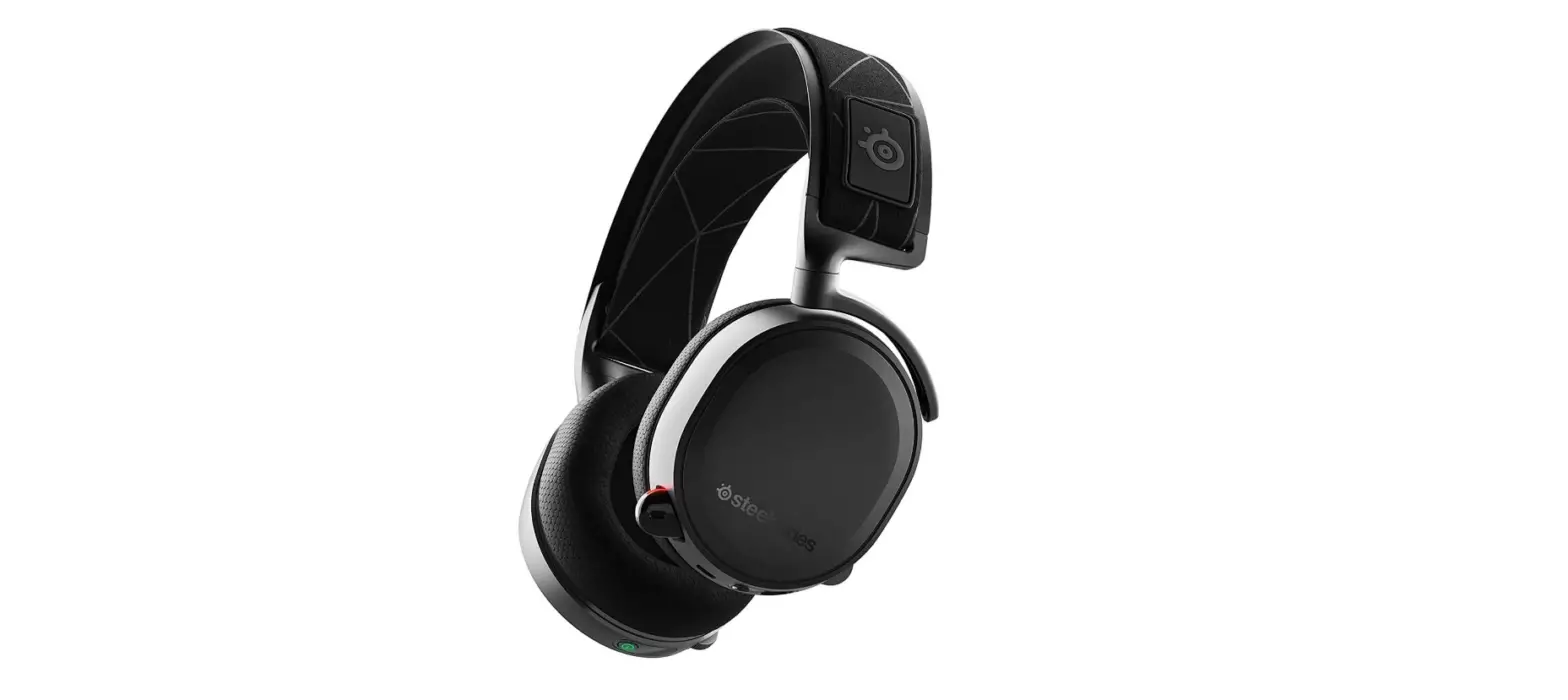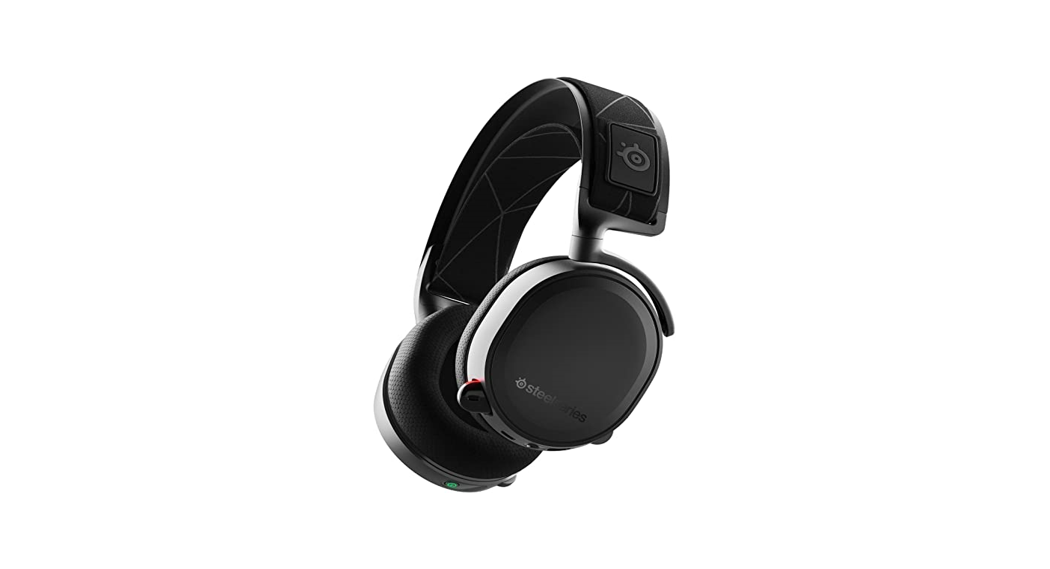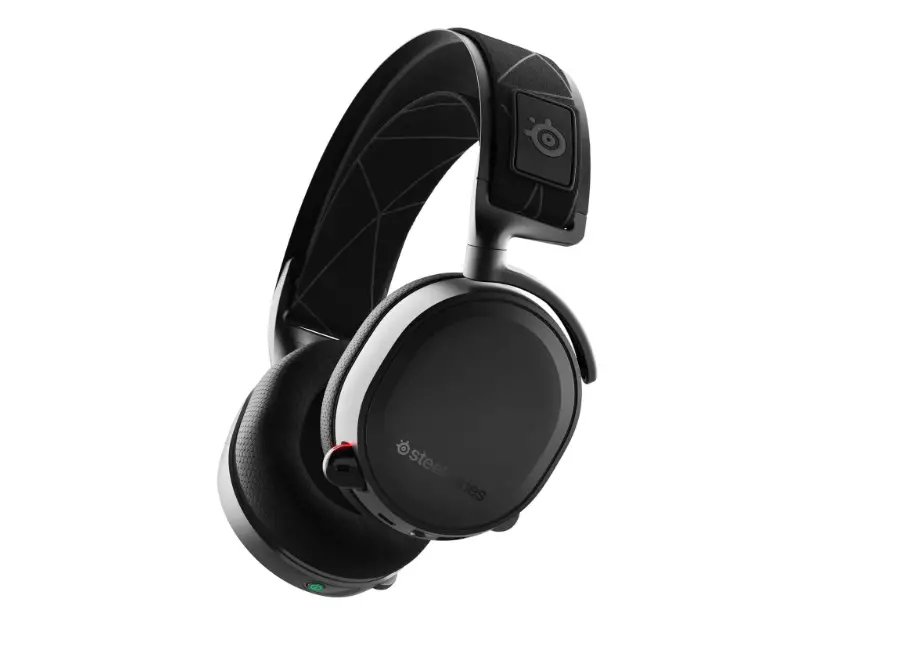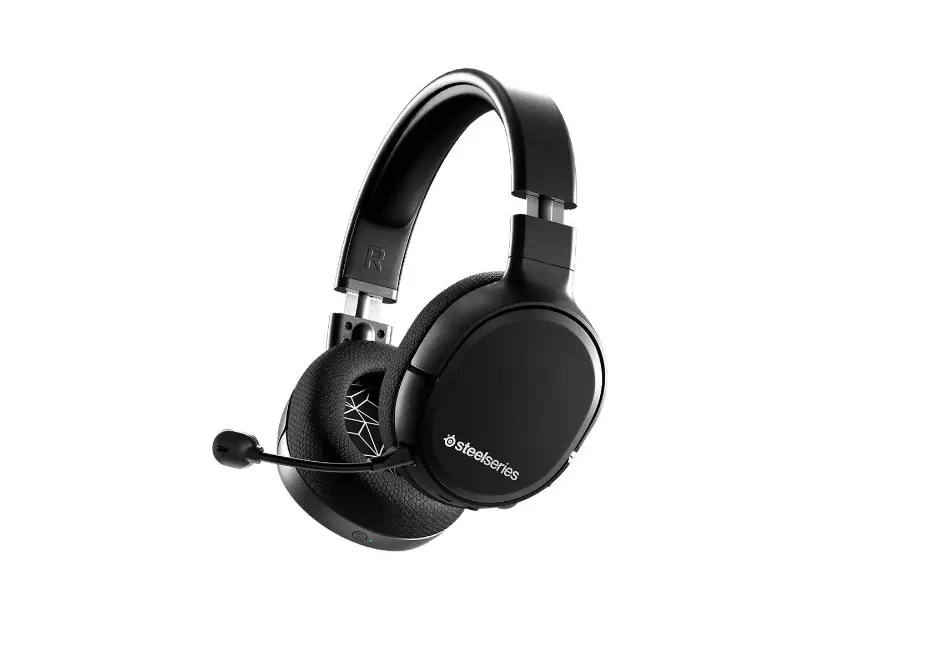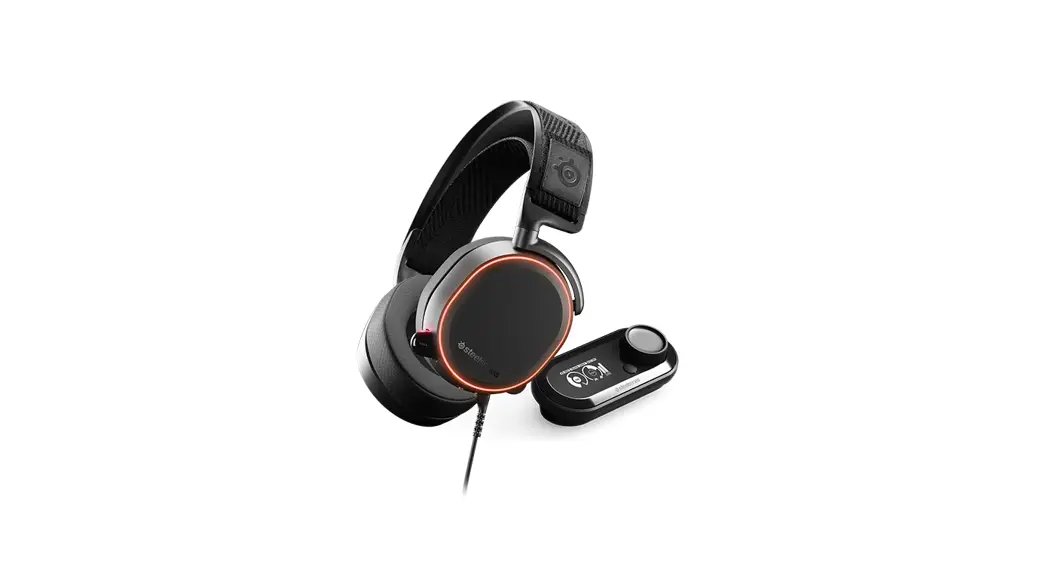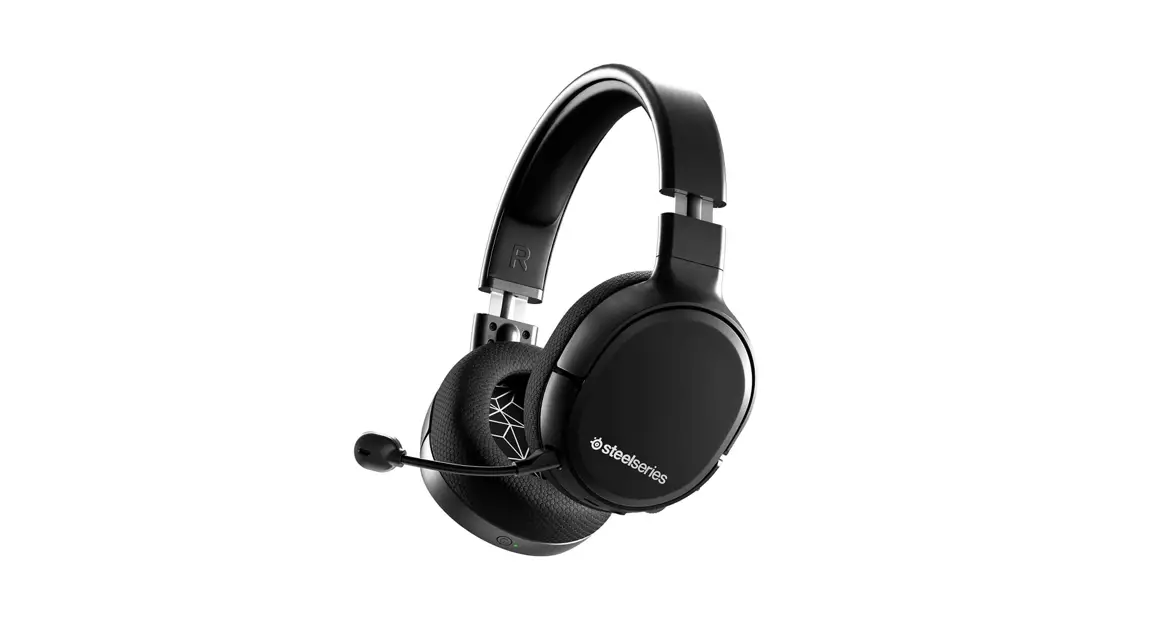
 ARCTIC 1
WIRELESS
PRODUCT INFORMATION GUIDE
WELCOME TO ARCTIC
Your new headset is the result of our unyielding pursuit of perfection for over 15 years. We poured our hearts into creating the best possible gaming headset by pushing the boundaries of sound quality, mic clarity, comfort, and style. The Arctic is our glory;
now go chase yours.
STEELSERIES ENGINE
STEELSERIES ENGINE |
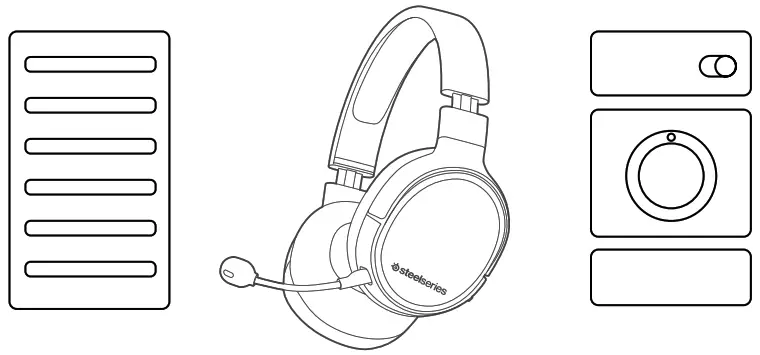 |
Download SteelSeries Engine to customize your audio settings and to integrate with Engine Apps (like Discord): steelseries.com/engine
find help at support.steelseries.com
| PACKAGE CONTENTS | SYSTEM REQUIREMENTS // COMPATIBILITY |
| Arctis 1 Wireless Headset USB-C Wireless Dongle USB Charging Cable USB-C to USB-A Adapter Cable ClearCast Microphone | PC Playstation 4 Nintendo Switch Android (with USB-C) |
PRODUCT OVERVIEW
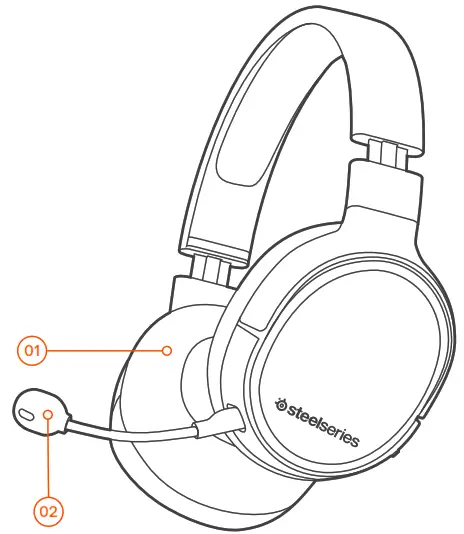
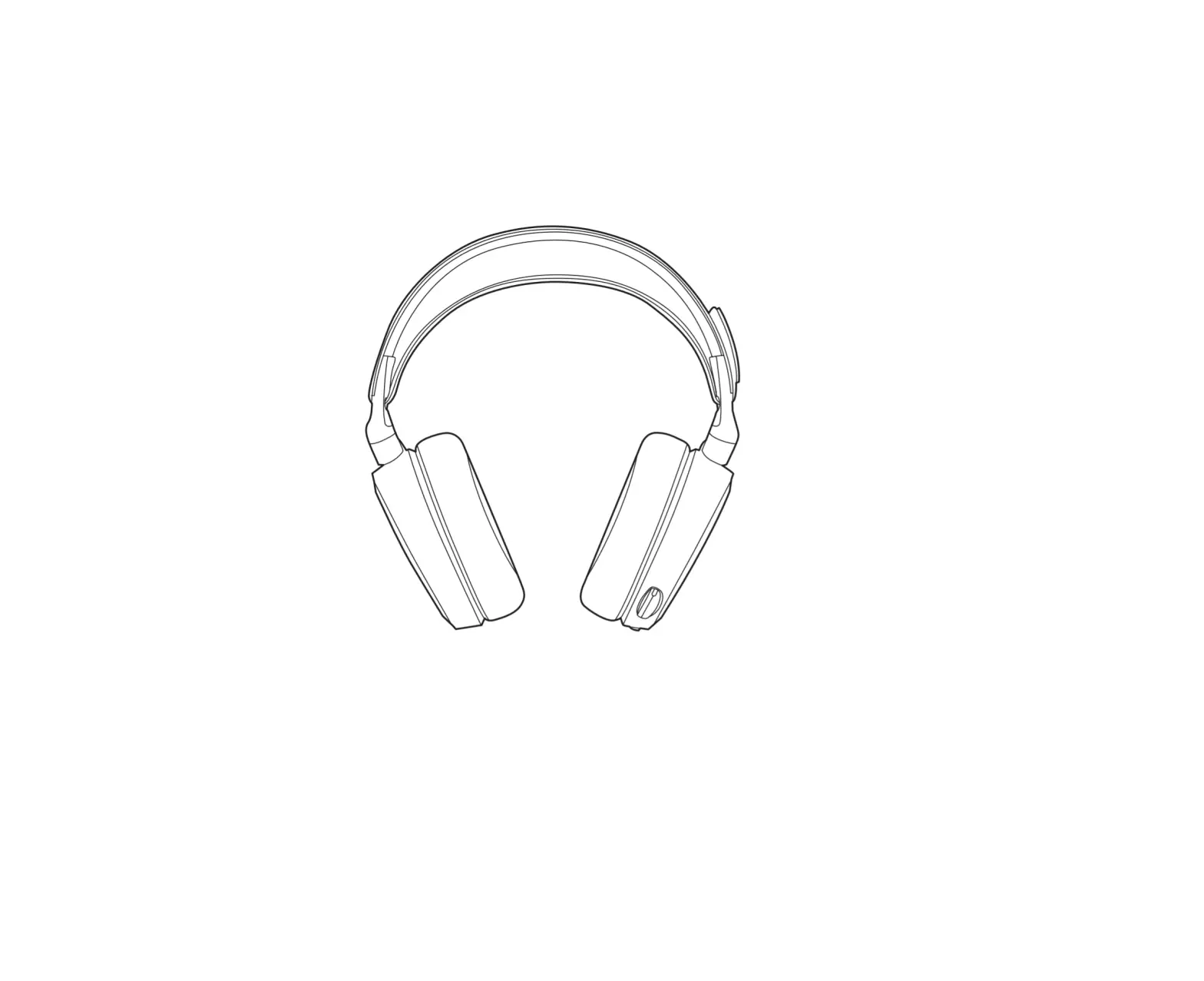
| 01 Airweave Ear Cushions* 02 ClearCast Microphone 03 Volume Wheel 04 Microphone Mute Switch 05 3.5 mm Audio Jack 06 Power Button 07 Power LED 08 Micro-USB Jack for charging and firmware updates | 09 Microphone Jack 10 USB-C Wireless Dongle 11 Micro-USB charging Cable 12 USB-C to USB-A Adapter Cable 13 3.5 mm Audio Cable |
* Find accessories and replacement parts at steelseries.com/gaming-accessories
SETUP
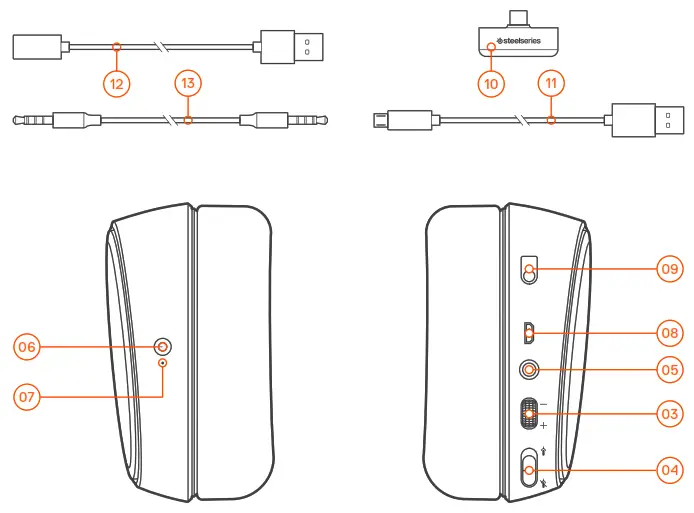
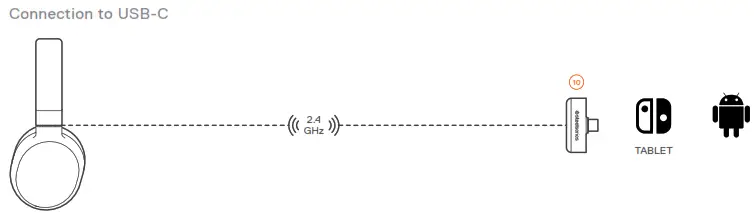
WIRELESS SETUP
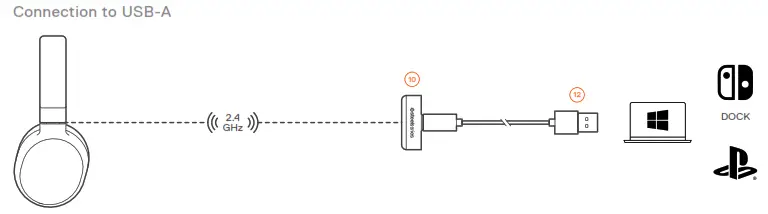
PS4 SETTING > DEVICES > AUDIO DEVICES
Output to Headphones All Audio
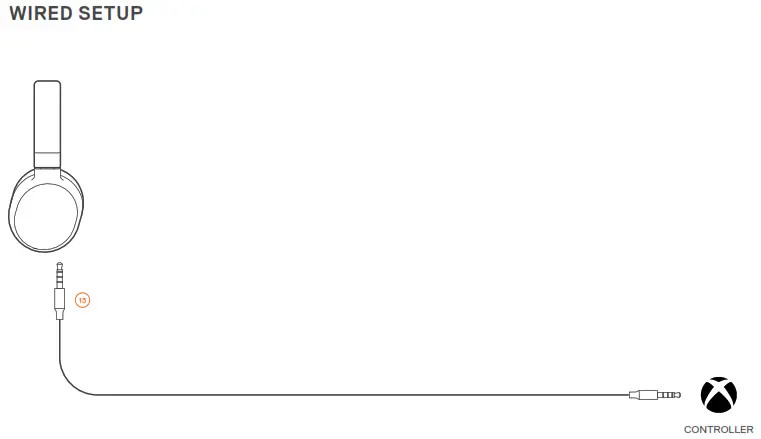
WIRED SETUP
 CHARGING
 CHARGING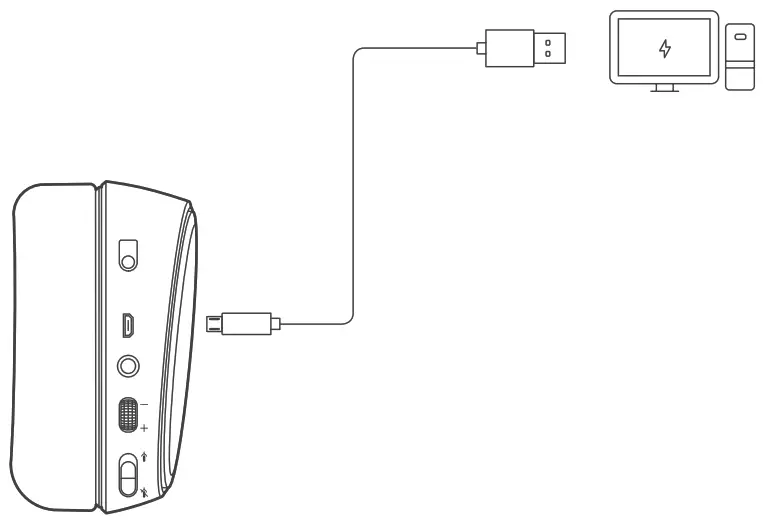
To charge the headset, connect the micro-USB charging cable 11 to the micro-USB jack 08 on the headset, and plug the other end into any USB power source.
The color of the power LED 07 indicates the battery level.
| Green | 100–50 % |
| Yellow | 49–20 % |
| Red | 19–10 % |
| Red (fast blink) | 9–1 % |
POWER ON/OFF
 ON
ON
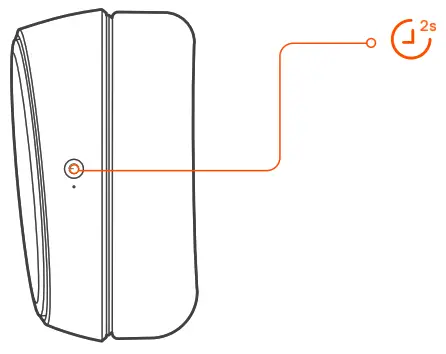
To power on the headset press and hold the power button 06 for at least 2 seconds. You will hear a tone, and the power LED 07
will illuminate.
 OFF
OFF
To power off the headset press and hold the power 06 buttons for at least 3 seconds
PAIRING
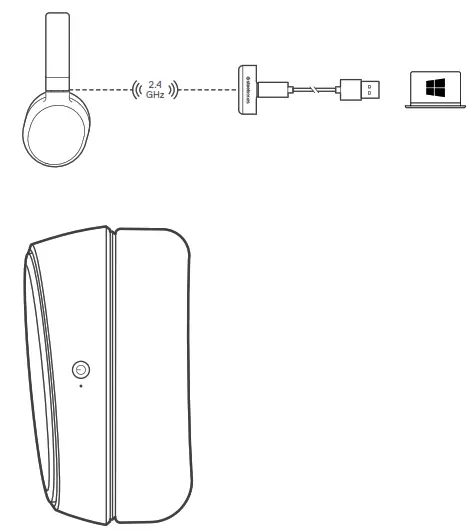
Note: The headset is already paired with the transmitter out of the box
- Connect the USB-C wireless dongle 10 to a Windows PC with SteelSeries Engine installed
- Initiate wireless dongle pairing from Engine
- With the headset off, press and hold the power button 06 for 6 seconds
- You will hear a tone when the pairing is completed
MICROPHONE
Microphone attachment
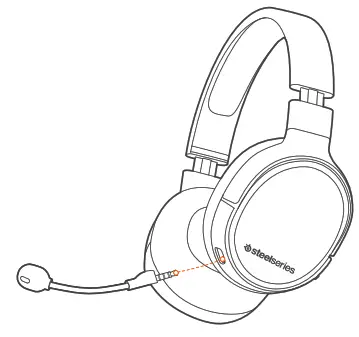
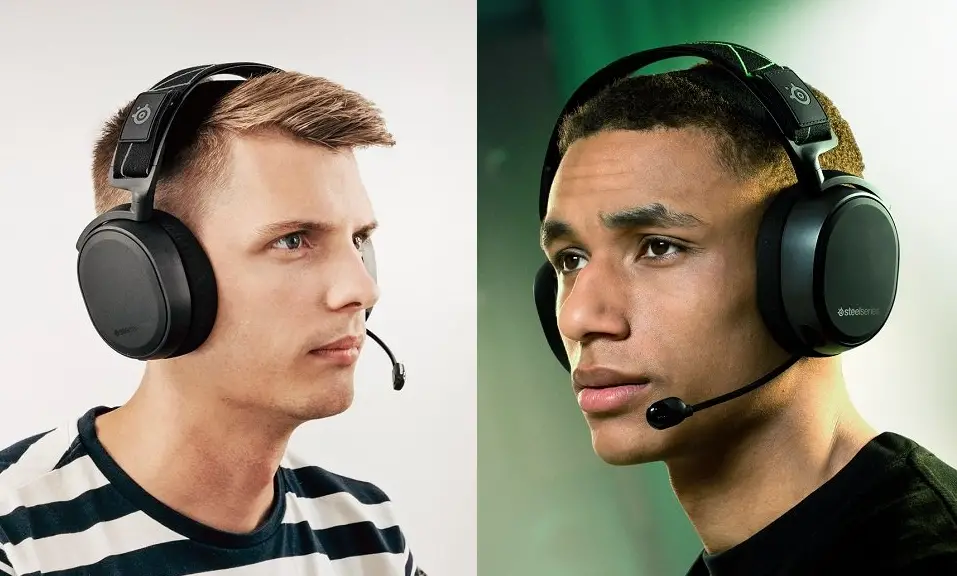
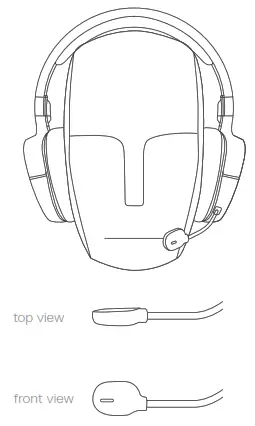
Position the microphone close to the corner of your mouth with the flat surface facing you
 MULTIMEDIA CONTROL
 MULTIMEDIA CONTROL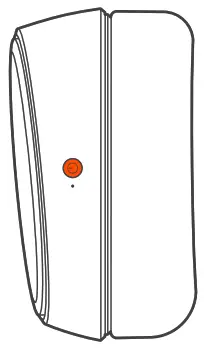
 | Answer/end voice call single · press Power Button 06 |
 | Play/pause music single · press Power Button 06 |
 | Next track double · · press Power Button 06 |
 | Previous track triple · · · press Power Button 06 |
REGULATORY

Europe – EU Declaration of Conformity
Hereby, SteelSeries ApS. declares that the equipment is in compliance with directive RoHS 2.0 (2015/863/EU),
R.E.D (2014/53/EU), EMC Directive (2014/30/EU), and LVD (2014/35/EU) which are issued by the Commission of the European Community.
The full text of the EU declaration of conformity is available at the following internet address: https://steelseries.com/
Operating Temperature: 0 to + 40 °C
SteelSeries ApS. hereby confirms, to date, based on the feedback from our suppliers indicates that the shipping of our products to the EU territory comply with REACH (Registration, Evaluation, Authorization, and Restriction of Chemicals
– (EC) 1907/2006) compliance program. We are fully committed to offering REACH compliance on the products and posting accurate REACH compliance status for the all of products.
Frequency bands and Powers (Headset and Transceiver)
a. Frequency band(s) in which the radio equipment operates: 2.400 – 2.4835 GHz
b. Maximum radio-frequency power transmitted in the frequency band(s) in which the radio equipment operates:
•EIRP:л/4-DQPSK: 4 dBm (Headset ANT 1)
•EIRP:л/4-DQPSK: 2.91dBm (Headset ANT2)
•EIRP:л/4-DQPSK: 7.72 dBm (Transceiver)
c. Software Version: V1.05
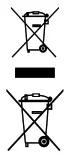
WEEE
This product must not be disposed of with your other household waste or treated in compliance with the local regulations or contact your local city office, your household waste disposal service, or the shop where you purchased the product.
Safety Guideline for Lithium Battery
This battery must not be disposed of with your other household waste or treated in compliance with the local regulations or contact your local city office, your household waste disposal service, or the shop where you purchased the product.
“CAUTION!” Risk of explosion if the battery pack is not replaced by the same type as specified by the manufacturer.
Please keep following all listed important warnings and cautions below while using this battery pack to avoid any damage or hazard.
- The battery polarity (+) and (-) shall not be connected and charged reversely. Risk of explosion if the battery polarity
(+) and (-) is reversed. - Please keep this battery pack away from fire and high heat sources due to an explosion that might happen. Do not placeyour
battery pack close to any heater or hot location. - This battery pack shall not be hit or impacted. This battery pack shall not be dealt with with any sharp or keen objects either.
- This battery pack shall not be exposed to moisture, dripping or splashing.
- If any electrolytes flow out of this battery pack when touching the user’s eyes and skin, please seek medical advice immediately.

Federal Communication Commission Interference Statement
This device complies with Part 15 of the FCC Rules. Operation is subject to the following two conditions: (1) This device may not cause harmful interference, and (2) this device must accept any interference received, including interference that may cause undesired operation.
This equipment has been tested and found to comply with the limits for a Class B digital device, pursuant to Part 15 of the FCC Rules. These limits are designed to provide reasonable protection against harmful interference in a residential installation. This equipment generates, uses, and can radiate radio frequency energy and, if not installed and used in accordance with the instructions, may cause harmful interference to radio communications. However, there is no guarantee that interference will not occur in a particular installation. If this equipment does cause harmful interference to radio or television reception, which can be determined by turning the equipment off and on, the user is encouraged to try to correct the interference by one of the following measures:
– Reorient or relocate the receiving antenna.
– Increase the separation between the equipment and receiver.
– Connect the equipment into an outlet on a circuit different from that to which the receiver is connected.
– Consult the dealer or an experienced radio/TV technician for help.
Radiation Exposure Statement:
The device has been evaluated to meet general RF exposure requirements, the device can be used in portable exposure conditions without restriction.
FCC Caution:
Any changes or modifications not expressly approved by the party responsible for compliance could void the user’s
authority to operate this equipment.
This transmitter must not be co-located or operating in conjunction with any other antenna or transmitter.
Headset FCC ID: ZHK-HS00021
Transceiver FCC ID: ZHK-HS00021TX
| Regions | Contact Information | |
| USA | SteelSeries ApS. 656 W Randolph St., Suite 3E Chicago, IL 60661, USA | +1-312-258-9467 |
More information and support at steelseries.com
Radiation Exposure Statement:
The device has been evaluated to meet general RF exposure requirements, The device can be used in portable exposure conditions without restriction.
Headset IC: 9638A-HS00021
Transceiver IC: 9638A-HS00021TX
SteelSeries ApS.
Wireless Headset/ Transceiver
HS-00021/HS-00021TX
R-C-SS4-HS-00021/ R-C-SS4-HS-00021TX

learn more at steelseries.com
 Official Site - For Glory | SteelSeries